ToolMage
Sign in

Best 3 Personal Assistant for Ai Agent

Popular Personal Assistant in Ai Agent include Simular, Bhindi, and Plethora, helping you work more efficiently.

Plethora
Freemium

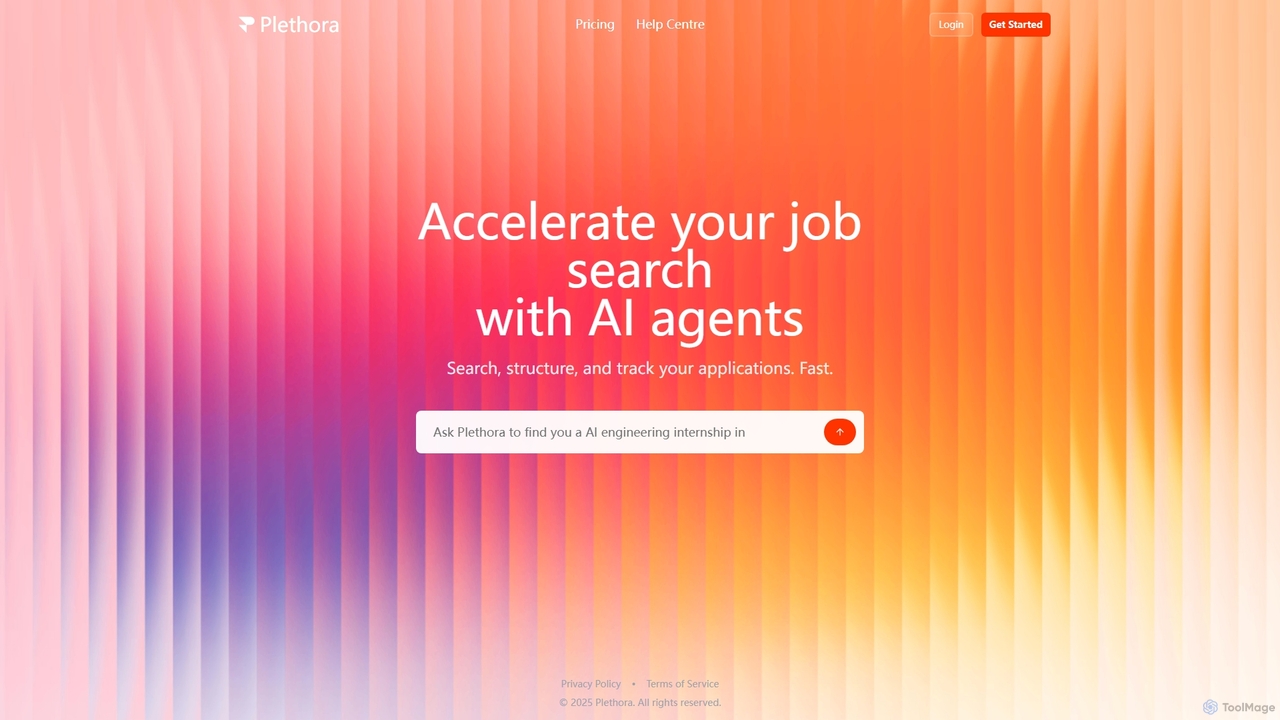
Plethora

Plethora is an AI-powered platform designed to accelerate the job search process. It utilizes AI agents to help users efficiently search for opportunities, structure their job hunt, and track all their applications in one place, streamlining the path to finding a new role.

Personal Assistant
Visits 5.5KFavorites 130Likes 115
Bhindi
Freemium

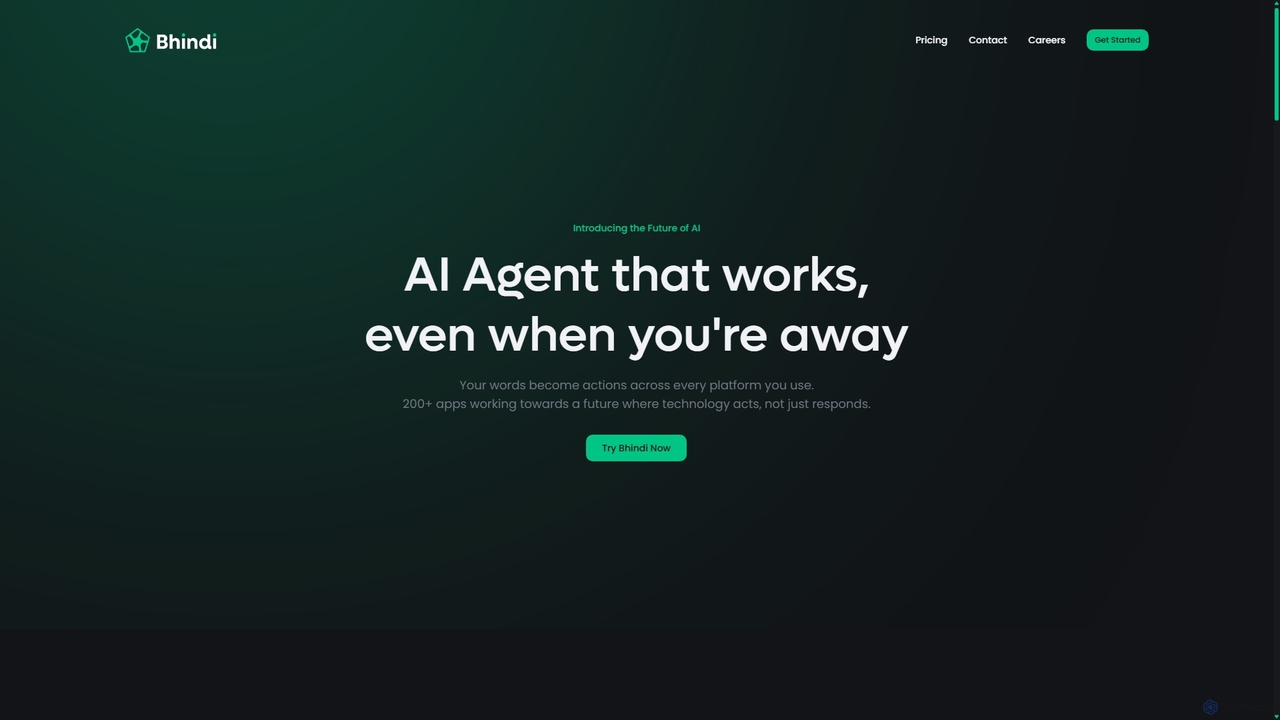
Bhindi

Bhindi is an AI agent platform that automates complex tasks and workflows across over 200 applications using simple natural language commands. It acts as an intelligent assistant that works in the background, connecting your favorite tools like Gmail, Slack, and Notion to execute multi-step actions, turning your words into a seamless, automated reality.

Personal Assistant
Visits 46.1KFavorites 119Likes 117
Simular
Freemium

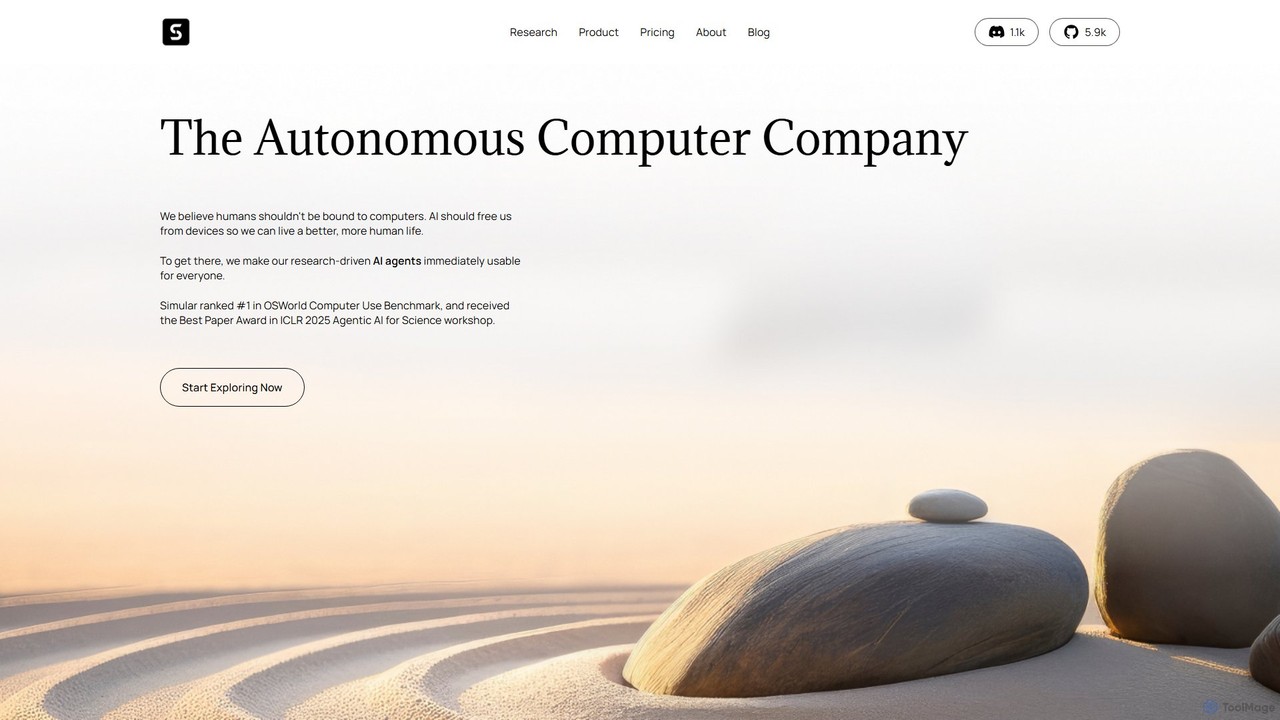
Simular

Simular is an AI-powered platform that creates autonomous agents to operate computers just like humans. It automates complex digital tasks across any application on your desktop, browser, or smartphone. By combining the flexibility of LLMs with the precision of symbolic code, Simular aims to free users from repetitive work, handling everything from data research and content creation to personal task management.

Personal Assistant
Visits 163.3KFavorites 147Likes 125

About Personal Assistant

AI Personal Assistants are tools designed to proactively manage and automate an individual's daily tasks and workflows. They leverage artificial intelligence to understand user preferences, context, and priorities, going beyond simple command execution. These assistants can schedule meetings, manage email inboxes, organize travel, and execute multi-step tasks with increasing autonomy. As a specialized category of AI Agents, they focus specifically on augmenting personal productivity and streamlining the complexities of modern work and life.

Core Features

  • Intelligent Scheduling: Automatically finds meeting times, books appointments, and resolves calendar conflicts based on your priorities and availability.
  • Email & Communication Triage: Sorts, prioritizes, summarizes, and even drafts replies to emails and messages to keep your inbox organized.
  • Proactive Task Management: Anticipates needs, creates to-do lists, sets reminders, and follows up on action items without constant prompting.
  • Information Synthesis: Gathers, summarizes, and presents relevant information from various sources for meetings, projects, or personal interests.
  • Workflow Automation: Executes complex, multi-step routines such as planning and booking an entire business trip, including flights, hotels, and transport.

Use Cases

AI Personal Assistants are ideal for busy professionals, executives, entrepreneurs, and freelancers who need to offload administrative burdens. For instance, a sales manager can use it to automatically schedule follow-up meetings after a conference, while a founder can delegate travel arrangements and daily calendar management to focus on business growth. They are also valuable for anyone looking to bring more organization and efficiency to their personal life.

How to Choose

When selecting an AI Personal Assistant, evaluate its integration capabilities with your existing tools (calendar, email, CRM). Assess the level of autonomy and customization it offers to match your workflow. Prioritize platforms with strong data privacy and security policies, as they will handle sensitive information. Finally, consider the user interface and learning curve to ensure it genuinely saves time rather than adding complexity.

Personal Assistant use cases

1

Automated Meeting Scheduling

A consultant needs to schedule meetings with multiple clients, a process that often involves numerous back-and-forth emails. By granting an AI Personal Assistant access to their calendar and email, they can simply issue a command like, 'Find a 45-minute slot with the team from Acme Corp next week.' The assistant then analyzes both parties' availability, proposes times, and handles all confirmation correspondence automatically. This reduces administrative time by hours each week, prevents double-bookings, and ensures a professional and efficient scheduling experience for clients.

2

Daily Briefing and Inbox Triage

An executive starts their day overwhelmed by hundreds of unread emails. Their AI Personal Assistant works overnight to prepare a daily briefing. This summary includes:

  • Top 5 priority emails requiring immediate attention.
  • A summary of today's schedule with links to relevant documents for each meeting.
  • Key news updates related to their industry.
The assistant also sorts the entire inbox, archiving newsletters and drafting replies for routine inquiries. This allows the executive to start their day focused on strategic priorities instead of spending the first hour on email administration.

3

Complex Travel Itinerary Planning

A frequent business traveler needs to arrange a multi-city trip to Europe. Instead of spending hours on booking websites, they instruct their AI assistant: 'Plan a 5-day trip to London and Paris next month, staying in 4-star hotels near the city center, and book flights with morning departures.' The AI assistant researches flight and hotel options based on past preferences, presents a few curated itineraries for approval, and once confirmed, books everything. It then automatically adds all confirmations, flight details, and hotel addresses to the user's calendar, creating a seamless travel plan.

4

Personal Task and Reminder Management

A freelance designer juggles multiple project deadlines, client communications, and personal appointments. They use their AI Personal Assistant as a central hub for all tasks. They can verbally add tasks like, 'Remind me to follow up with Client B on Friday morning' or 'Add 'buy groceries' to my list for this evening.' The assistant intelligently prioritizes these tasks, integrates them with their professional calendar, and sends proactive reminders at the optimal time. This prevents missed deadlines and helps maintain a healthy work-life balance by ensuring personal errands are not forgotten amidst professional responsibilities.

5

Meeting Preparation and Information Synthesis

A project manager has a critical client meeting in the afternoon. Instead of manually searching through emails, documents, and past meeting notes, they ask their AI assistant to prepare a briefing. The assistant scans all relevant sources and synthesizes a concise summary that includes:

  • The key discussion points and action items from the last meeting.
  • A summary of recent email correspondence with the client.
  • Links to the latest project status report and relevant files.
This allows the manager to walk into the meeting fully prepared and informed, saving valuable preparation time and leading to more productive discussions.

6

Automating Routine Expense Reporting

An employee who travels frequently for work finds expense reporting tedious. They connect their AI Personal Assistant to their email and company's expense software. When a receipt for a flight, hotel, or meal arrives in their inbox, the assistant automatically extracts the relevant data (vendor, date, amount) and creates a draft expense entry. At the end of the month, the employee simply reviews the pre-filled report, makes any necessary adjustments, and submits it. This workflow transforms a multi-hour monthly task into a quick 10-minute review, reducing errors and ensuring timely reimbursement.

Personal Assistant FAQ

What is an AI Personal Assistant?

An AI Personal Assistant is a specialized software agent that uses artificial intelligence to help individuals manage their daily personal and professional tasks. Unlike simple voice assistants, they are proactive and context-aware. They learn your preferences and habits to automate complex workflows, such as scheduling meetings, managing your email inbox, booking travel, and reminding you of important deadlines. Their primary goal is to act as a true digital extension of the user, freeing up time and mental energy from administrative burdens.

How is an AI Personal Assistant different from Siri or Google Assistant?

The key difference lies in proactivity and complexity of tasks. Standard virtual assistants like Siri or Google Assistant are primarily reactive; they respond to direct, single-step commands like 'What's the weather?' or 'Set a timer for 10 minutes.' An AI Personal Assistant is proactive and designed for multi-step, complex workflows. It can independently manage your calendar, negotiate meeting times via email, and plan an entire trip without step-by-step instructions. It acts more like a human assistant by understanding context and anticipating needs, rather than just being a voice-activated command interface.

What are the key features to look for in an AI Personal Assistant?

When choosing an AI Personal Assistant, focus on features that align with your primary needs. Key features include:

  • Calendar Integration & Management: Deep integration with Google Calendar, Outlook, etc., with the ability to schedule, reschedule, and resolve conflicts autonomously.
  • Email Triage: The ability to read, understand, prioritize, and summarize emails, and ideally, draft replies.
  • Task Automation: Capability to handle multi-step tasks like booking travel or ordering supplies based on simple instructions.
  • Learning & Personalization: The assistant should learn your preferences over time, such as preferred meeting times or travel vendors.
  • Security & Privacy: Strong encryption and clear data policies are crucial, as the tool will access sensitive personal and professional information.

Who can benefit most from using an AI Personal Assistant?

While anyone can benefit from better organization, certain roles see a particularly high return on investment from using an AI Personal Assistant. These include:

  • Executives and Managers: Who spend a significant portion of their day in meetings and managing communications.
  • Entrepreneurs and Small Business Owners: Who juggle multiple roles (sales, operations, admin) and need to maximize their focus on core business activities.
  • Sales Professionals: Who need to efficiently manage a large number of client meetings, follow-ups, and travel schedules.
  • Busy Professionals and Consultants: Anyone whose work involves heavy administrative overhead and who wants to reclaim time for more strategic or creative tasks.

How do I choose the right AI Personal Assistant?

Choosing the right assistant depends on your specific needs and workflow. Consider the following factors:

  • Primary Use Case: Are you trying to solve calendar management, email overload, or complex travel planning? Choose a tool that excels in your area of greatest need.
  • Integrations: Ensure the assistant integrates seamlessly with the tools you already use daily, such as your specific calendar, email client, CRM, and project management software.
  • Level of Autonomy: Decide how much control you want. Some assistants are fully autonomous, while others act more like a co-pilot, suggesting actions for you to approve.
  • Pricing Model: Evaluate whether a subscription-based model or a pay-per-task model fits your budget and usage patterns better.
  • Security: Since you'll be granting access to sensitive data, thoroughly review the provider's security protocols and privacy policy.