Bytebot
Bytebot is a developer platform for building, deploying, and managing AI-powered desktop agents. These agents automate complex tasks …
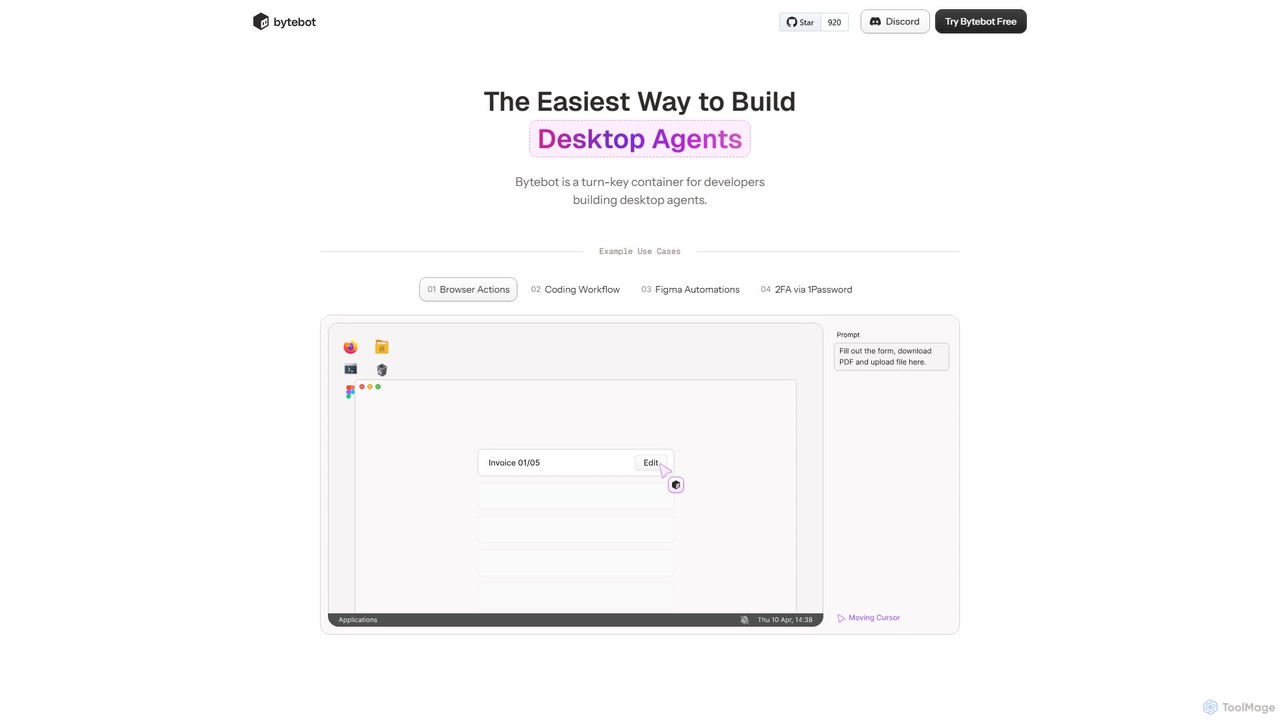
Bytebot is a developer platform for building, deploying, and managing AI-powered desktop agents. These agents automate complex tasks across any application by mimicking human interactions with the keyboard, mouse, and screen, moving beyond browser-only limitations.
About Desktop Agent
A Desktop Agent is a type of AI agent that runs directly on your local computer to interact with your operating system, files, and applications. Unlike cloud-based agents, it operates within your desktop environment to automate tasks, manage information, and control software, often without constant internet connectivity. This local execution provides enhanced privacy, faster response times for on-device tasks, and deep integration with your personal workflow. Desktop Agents are particularly effective for automating repetitive local actions and creating a personalized, intelligent computing experience.
Core Features
- Local Application Control: Directly launch, operate, and automate actions within installed software like spreadsheets, browsers, and design tools.
- File System Management: Intelligently organize, search, and process files and folders on your local drives based on natural language commands.
- Offline Operation: Perform many core functions without an active internet connection, ensuring productivity and data privacy.
- System-level Automation: Create complex workflows that involve multiple applications, system settings, and user inputs on your device.
Applicable Scenarios
Desktop Agents are ideal for professionals who handle large volumes of local data, such as developers automating build processes, designers batch-processing files, or researchers organizing local documents. They are also valuable for any user seeking to streamline repetitive desktop tasks, like daily report generation or multi-app data entry, directly on their machine.
How to Choose
When selecting a Desktop Agent, consider its compatibility with your operating system (Windows, macOS, Linux). Evaluate its integration capabilities with the specific applications you use daily. Assess the complexity of its workflow builder—some are no-code, while others may require scripting. Finally, review its data privacy policy, especially how it handles local file access and processing.

Desktop AgentUse Cases
Automate Daily Reporting from Local Files
A financial analyst can use a Desktop Agent to automate the daily compilation of reports. The agent can be programmed to open specific local Excel files, extract data from designated cells, paste it into a PowerPoint template, and save the new presentation with the current date. This eliminates tedious manual copy-pasting across applications, reduces the risk of human error, and frees up the analyst's time for more critical analysis, all while keeping sensitive financial data securely on the local machine.
Intelligent Local File and Photo Organization
For photographers or content creators, a Desktop Agent can manage vast local media libraries. It can scan specified folders, use local AI models to tag images based on content (e.g., 'landscape', 'portrait'), rename files according to a predefined pattern (e.g., YYYY-MM-DD_Event_001.jpg), and move them into corresponding subfolders. This entire process runs in the background on the user's computer, ensuring privacy and organizing thousands of files without requiring cloud uploads.
Streamline Software Development Workflows
A software developer can use a Desktop Agent to automate their local build and test cycle. With a single command, the agent can pull the latest code from a repository, run local build scripts, execute unit tests, and open the project in their preferred IDE. It can also monitor local log files for errors and send a system notification if a build fails. This creates a highly efficient and personalized development environment directly on the developer's machine.
Offline Research and Data Consolidation
A researcher or student can use a Desktop Agent to manage offline research materials. The agent can monitor a 'downloads' folder for new PDF papers, automatically extract key information like title and authors using local OCR, rename the file systematically, and add a summary to a central research database or note-taking app like Obsidian. This automates the tedious process of organizing research without relying on an internet connection or cloud services for processing.
Automated Data Entry Across Desktop Applications
An administrative assistant can automate data entry from a local PDF invoice into a desktop accounting application. The agent uses local OCR to read the invoice data, then mimics user actions to navigate the accounting software's interface, inputting the vendor name, invoice number, and amount into the correct fields. This workflow operates entirely on the desktop, ensuring sensitive financial information is never transmitted online, while drastically reducing manual entry time and potential errors.
Create a Personalized Desktop Command Center
A power user can configure a Desktop Agent as a central command hub for their computer. They can create custom voice or text commands to perform complex local actions. For example, a command like 'Prepare for meeting' could trigger a sequence that opens a specific project folder, launches a video conferencing app, opens a note-taking app to the correct page, and silences system notifications. This transforms routine multi-step processes into a single, efficient command executed locally.