Mastra
Mastra is an open-source TypeScript framework designed for developers to build, deploy, and manage sophisticated AI agents and …
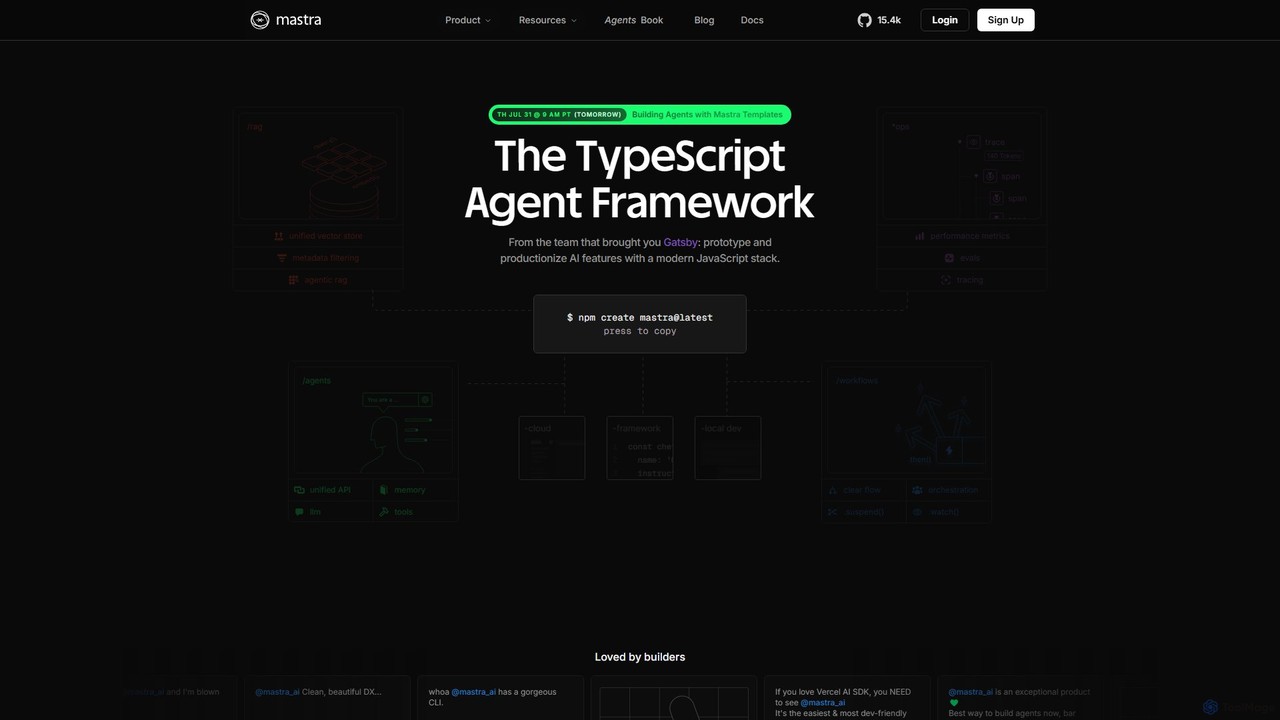
Mastra is an open-source TypeScript framework designed for developers to build, deploy, and manage sophisticated AI agents and complex workflows. It provides a developer-friendly SDK with features like persistent memory, tool calling, Retrieval-Augmented Generation (RAG), and deterministic workflow graphs. Built by the team behind Gatsby, Mastra simplifies creating production-ready AI applications within the JavaScript ecosystem.
About Agent Builder
Agent Builders are platforms designed for creating, customizing, and deploying autonomous AI agents. These tools provide visual interfaces, pre-built components, and workflow orchestration capabilities, allowing users to define an agent's goals, actions, and access to external tools. They empower both developers and non-developers to construct sophisticated agents that can perform complex, multi-step tasks without direct human intervention. This approach significantly accelerates the development cycle from a conceptual idea to a functional, deployed AI agent.
Core Features
- Visual Workflow Designer: A drag-and-drop or node-based interface to map out agent logic, decision-making processes, and task sequences.
- Tool & API Integration: Connectors to easily integrate external tools, databases, and APIs, giving agents the ability to interact with other systems.
- LLM Model Flexibility: The ability to select, configure, or switch between different large language models (LLMs) to power the agent's reasoning.
- Memory Management: Systems for providing agents with short-term and long-term memory, enabling them to learn from past interactions and maintain context.
- Deployment & Monitoring: Features for deploying agents as applications or APIs and for monitoring their performance, costs, and execution logs.
Use Cases
Agent Builders are used across various industries to create custom automation solutions. For example, marketing teams build agents to conduct autonomous market research and generate reports. In operations, they are used to create agents that manage inventory by interacting with supplier APIs and internal databases. Developers also use these platforms to rapidly prototype and test complex multi-agent systems for tasks like financial analysis or supply chain optimization.
How to Choose
When selecting an Agent Builder, first consider the required technical skill level; choose between no-code platforms for business users and low-code/pro-code frameworks for developers. Evaluate the platform's integration ecosystem to ensure it supports your essential tools and APIs. Assess its customization capabilities, including the flexibility to use different LLMs and add custom code. Finally, review the deployment options (cloud, on-premise) and monitoring features to ensure they align with your operational requirements.

Agent BuilderUse Cases
Build an Automated Customer Support Agent
A customer support manager, without coding skills, uses a no-code Agent Builder to create a support agent. They use a visual interface to design a workflow where the agent first greets the user, then uses a knowledge base integration to answer frequently asked questions. If a query is about order status, the agent is given a tool to access the company's Shopify API. It retrieves the order details and provides an update to the customer. For complex issues the agent cannot resolve, the workflow automatically creates a ticket in Zendesk and notifies a human support representative. This automates over 60% of routine inquiries, freeing up the human team for high-priority cases.
Design a Market Research & Analysis Agent
A marketing analyst uses a low-code Agent Builder to construct an agent for competitive analysis. The agent is configured with a set of tools: one for browsing the web to monitor competitor websites and blogs, another for accessing the Twitter API to track mentions, and a third for connecting to Google Alerts. The analyst defines a daily schedule. Every morning, the agent executes its tasks, gathers all relevant data, and then uses its LLM's reasoning ability to synthesize the information into a concise summary. The final report, highlighting key competitor activities and market trends, is automatically posted to a dedicated Slack channel for the marketing team to review.
Automate Internal HR Onboarding Tasks
An HR specialist uses an Agent Builder to create an onboarding agent for new hires. The agent's workflow is triggered when a new employee is added to the HR system. It then performs a sequence of actions: it sends a welcome email with key information, creates accounts for the new hire in necessary systems like Slack and Jira using their respective APIs, and schedules introductory meetings by accessing the team's Google Calendar. The agent also assigns initial training modules in the company's learning management system. This ensures a consistent onboarding experience and saves the HR team several hours of manual administrative work per new hire.
Prototype a Multi-Agent Financial Analysis System
A developer at a fintech company uses a pro-code Agent Builder to rapidly prototype a financial analysis system. They create two distinct agents. The first, a 'Data-Gathering Agent,' is equipped with tools to access financial data APIs (like Alpha Vantage) and news APIs. Its sole job is to collect real-time stock prices and relevant news for a given company. The second, an 'Analysis Agent,' receives this data. It uses its LLM to perform sentiment analysis on the news, correlates it with stock price movements, and generates a brief investment thesis. The builder's framework allows these agents to communicate and pass data seamlessly, enabling the developer to test the complex logic in days instead of weeks.
Create a Personalized Travel Itinerary Agent
A travel blogger uses a visual Agent Builder to create a personalized itinerary planning agent for their website visitors. The user inputs their destination, travel dates, budget, and interests (e.g., 'history', 'food', 'hiking'). The agent then executes a plan: it uses a tool to search for flights and hotels within the budget, another tool to access a travel guide API for points of interest matching the user's preferences, and a third to check weather forecasts. It synthesizes all this information into a day-by-day itinerary, complete with activity suggestions, booking links (retrieved via API), and practical tips, offering a highly customized travel plan in minutes.
Build a Code Review and Refactoring Assistant
A software development team lead uses an Agent Builder to create a coding assistant agent. They integrate the agent with their GitHub repository via API. The agent's workflow is triggered on every new pull request. It is given a set of tools: a 'linter' tool to check for style inconsistencies, a 'static analysis' tool to identify potential bugs, and access to the team's coding standards documentation. The agent reviews the code against these standards, posts comments directly on the pull request with suggestions for improvement, and can even suggest specific code refactoring options using its LLM's code generation capabilities. This automates the first pass of code review, allowing human developers to focus on architectural and logical feedback.