Free trial
Construct
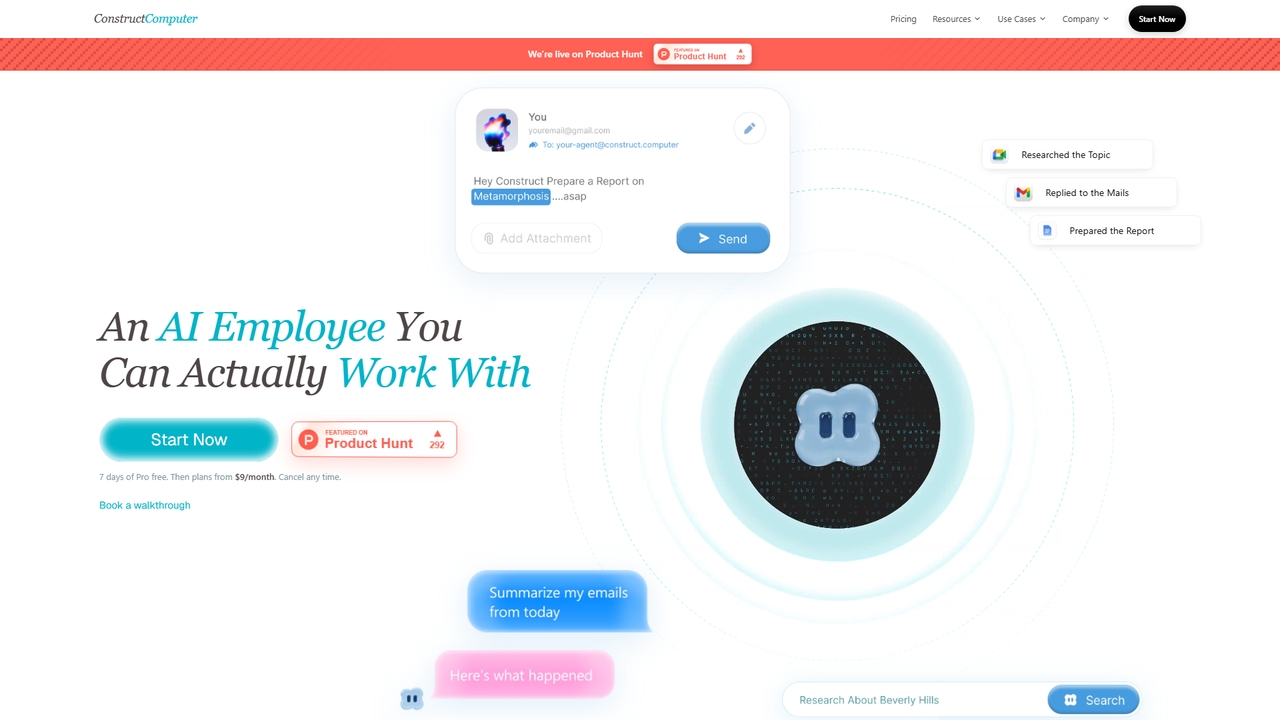
An AI employee with its own cloud computer for solo founders and small teams: workflows, memory, research, scheduling, and internal tools.
Team OperationsVisits 3.9KFavorites 39Likes 30
Popular Workflow Automation AI tools in Productivity include Airtable, Base44, Lever, Formstack, Zapier, Workday, OPAX.ai, Zigi.ai, Scribe, and Pipefy, helping you work more efficiently.
An AI employee with its own cloud computer for solo founders and small teams: workflows, memory, research, scheduling, and internal tools.
Team Operations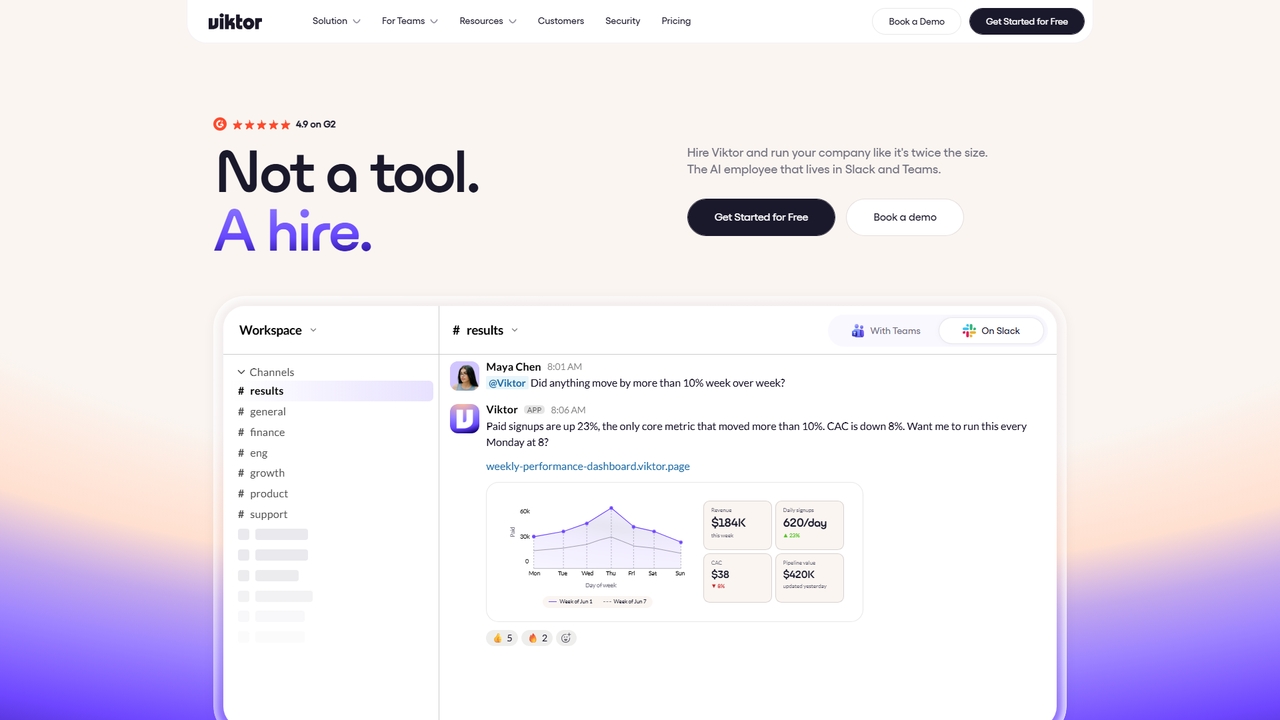
Viktor is an AI employee that lives in Slack and Microsoft Teams, connects to 3,200+ tools, and delivers finished work, not just text.
Team Collaboration
Jyek is an AI agent platform that understands objectives, creates execution plans, uses tools, and delivers verifiable results for complex, multi-step tasks.
Automation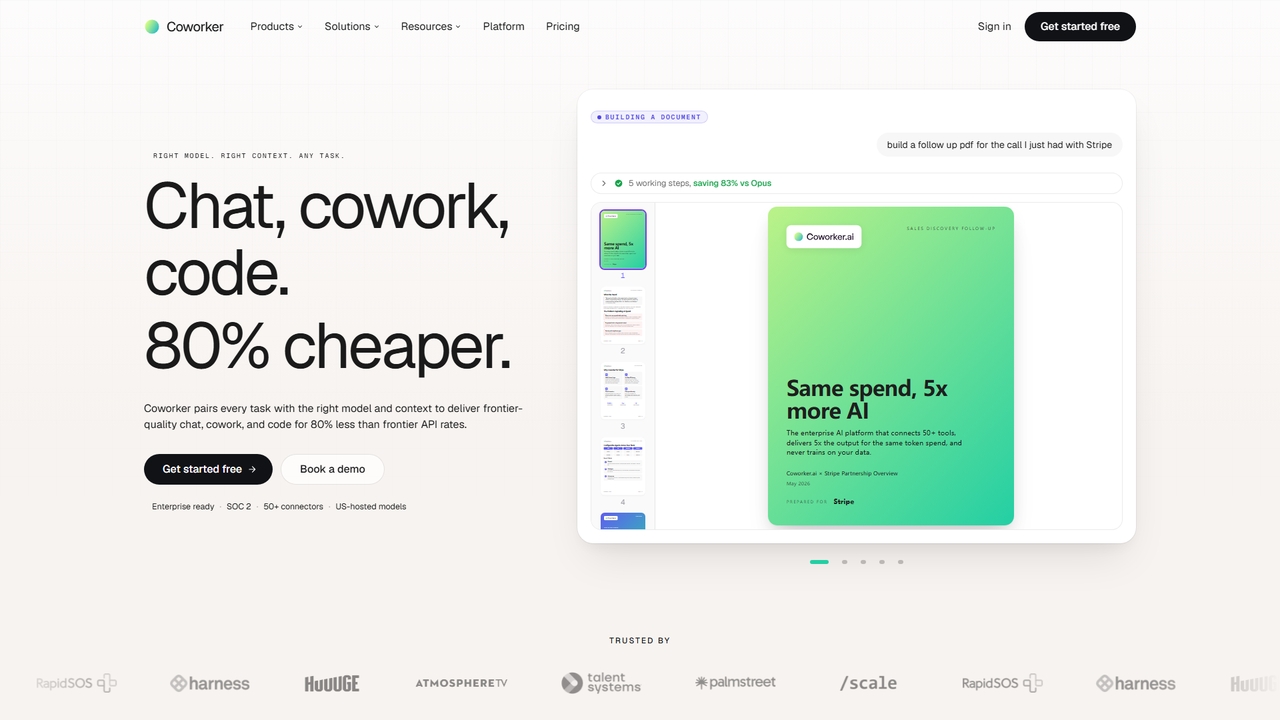
An enterprise AI platform that connects 50+ tools, delivers 5x output for the same token spend, and never trains on your data for secure, cost-effective automation.
Conversational Ai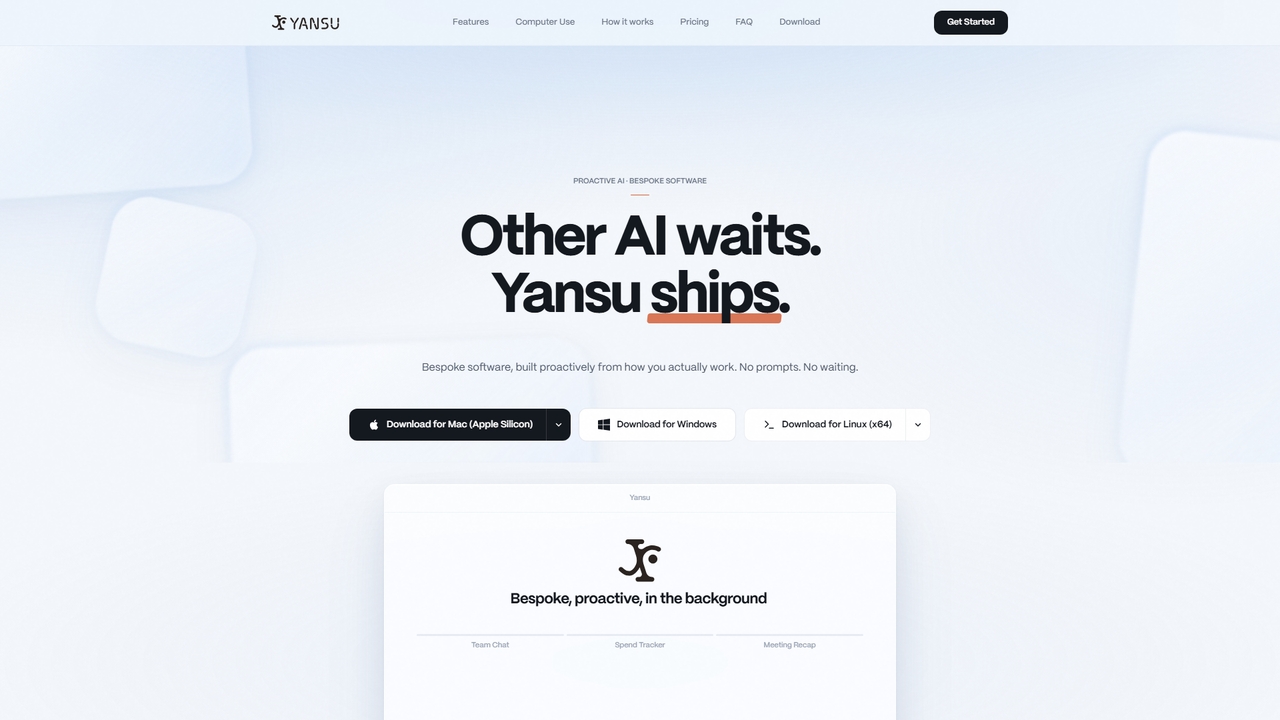
Yansu is a proactive AI application builder that observes your work habits and automatically constructs custom tools and workflows, requiring no prompts or coding. It operates quietly in the background to enhance productivity.
Ai Assistant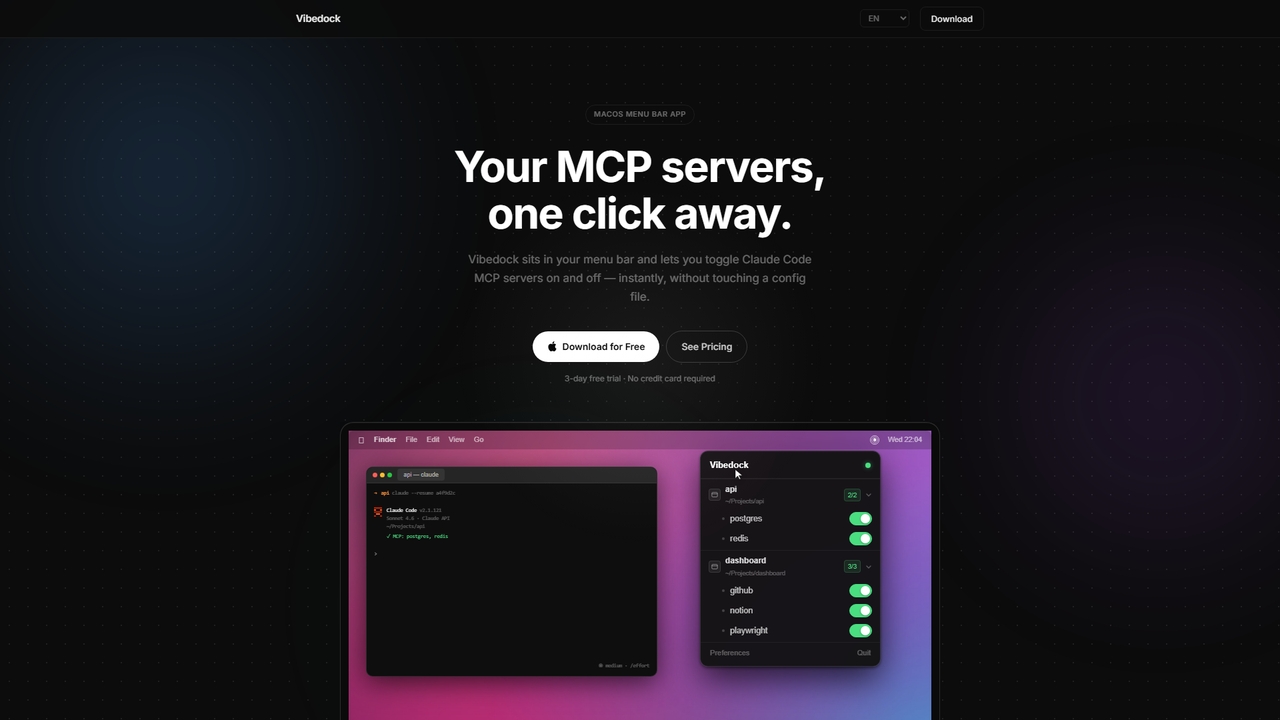
A macOS menu bar application for developers to instantly toggle Claude MCP servers on or off per project, saving context window tokens and eliminating manual config file editing.
Mac Menu Bar Apps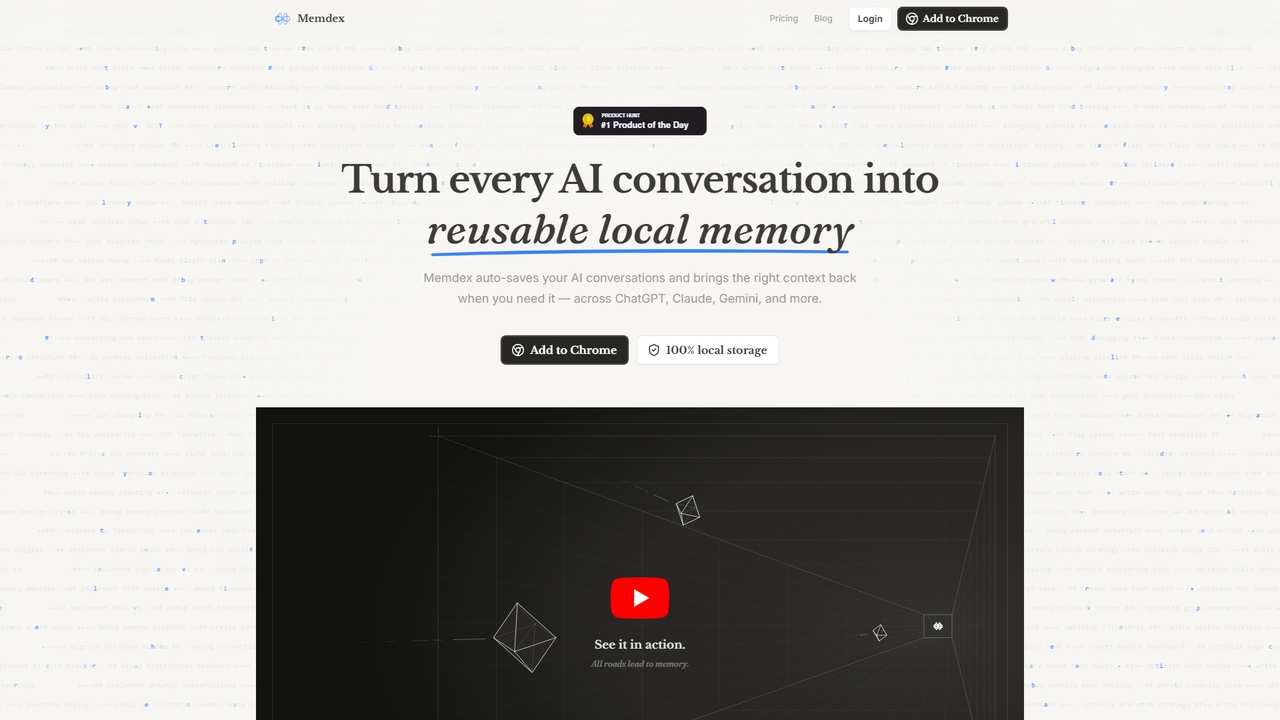
A Chrome extension that saves your AI conversations from ChatGPT, Claude, and Gemini, automatically suggesting relevant context in new chats to enhance productivity.
Workflow Automation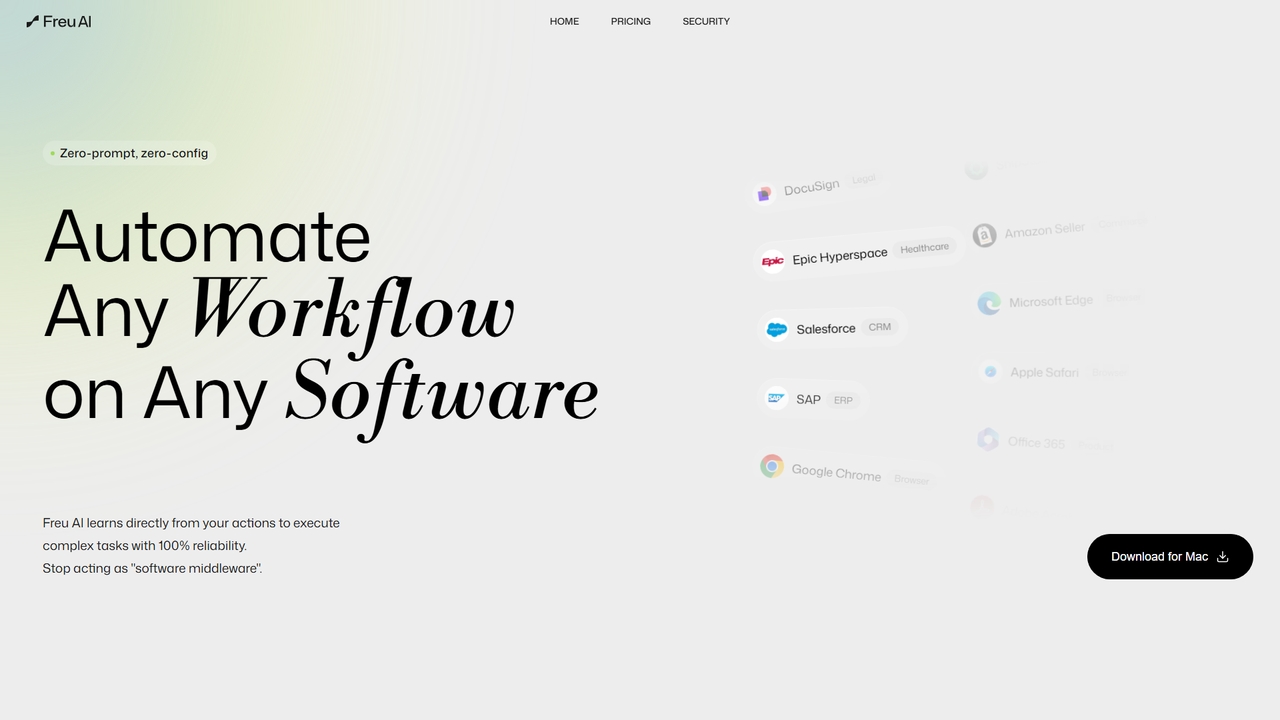
Freu is an AI-powered automation tool that learns from your computer actions to automate complex software workflows across any application, requiring zero prompts or configuration.
Productivity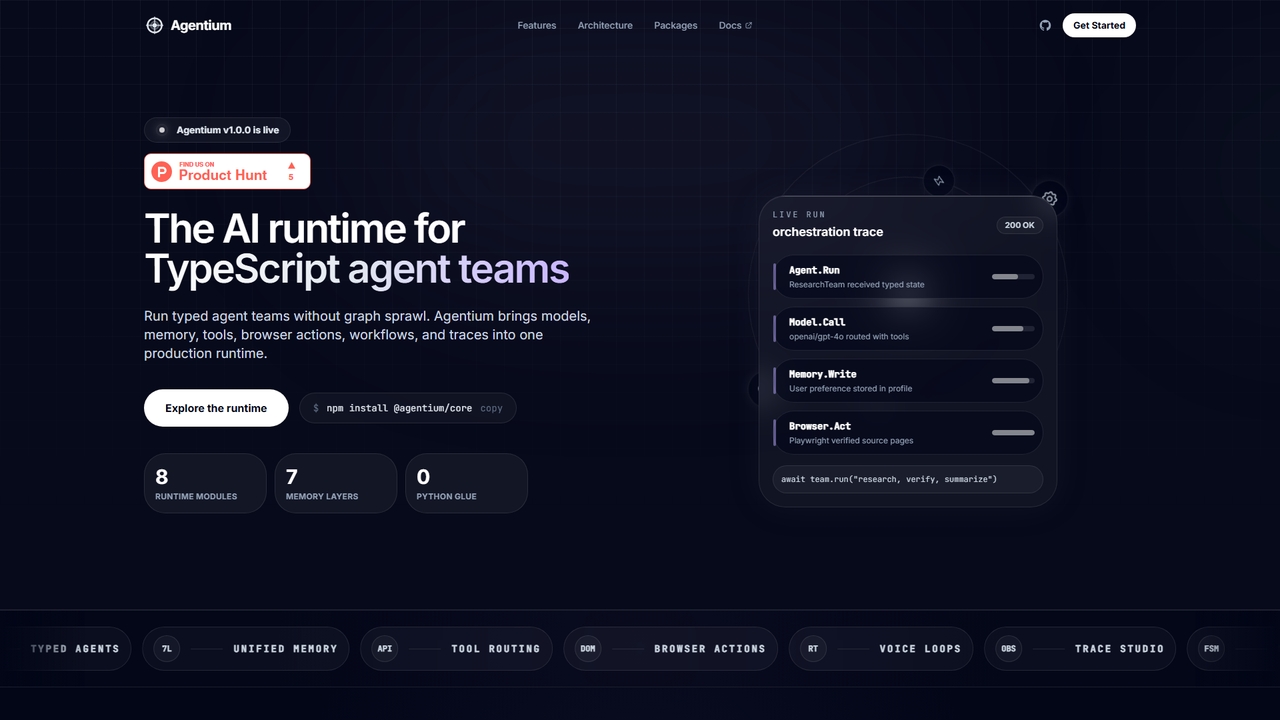
Agentium is an AI runtime for TypeScript agent teams, providing a unified platform for orchestration, memory, tools, and observability to build sophisticated agent systems.
Machine Learning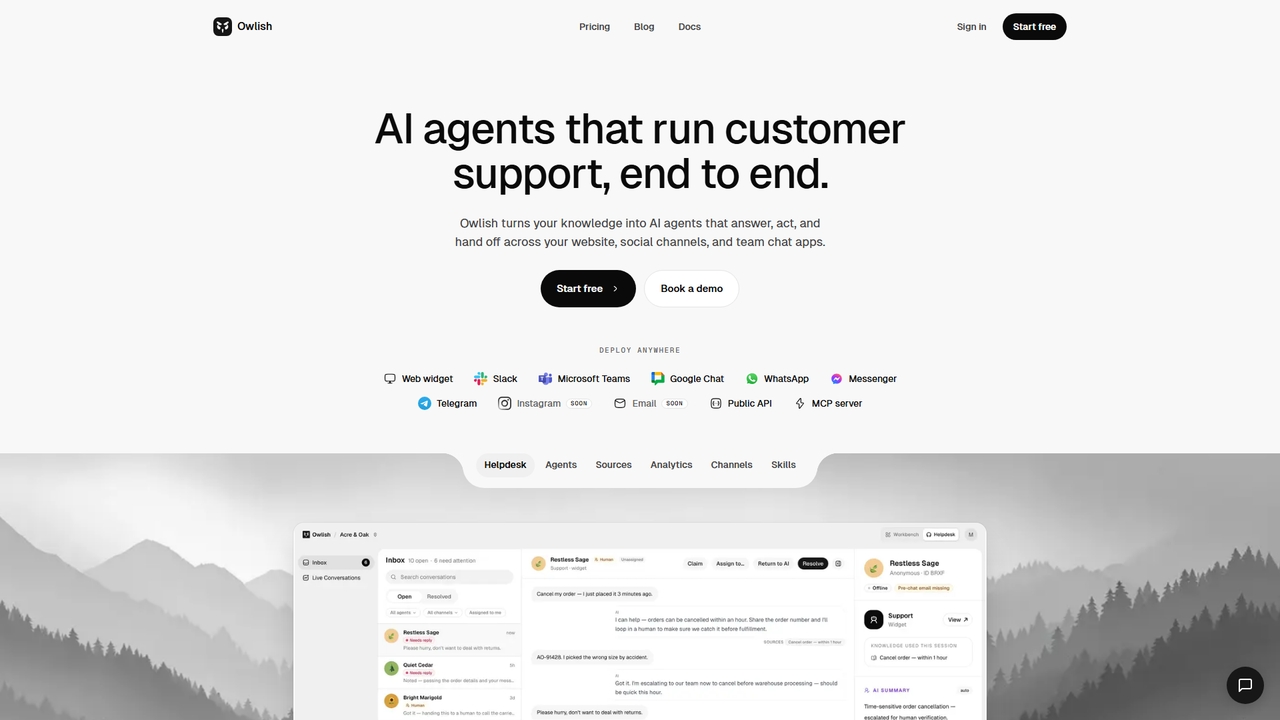
Owlish is a no-code AI agent platform that creates source-grounded customer support bots. It answers from your knowledge base, performs actions, and hands off seamlessly to human agents across multiple channels like web, Slack, and Teams.
Ai Support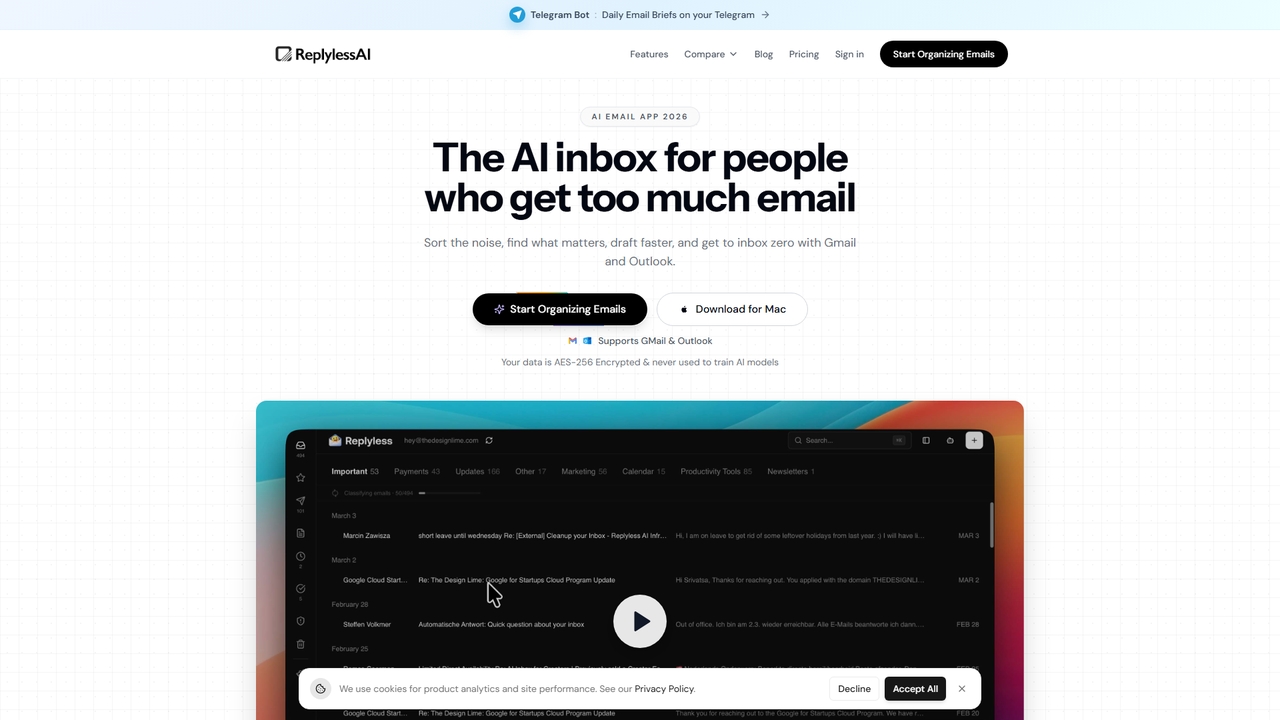
AI-powered email inbox for founders, creators, and teams. Sort, summarize, draft, and clean up Gmail and Outlook with one intelligent workflow.
Writing Assistant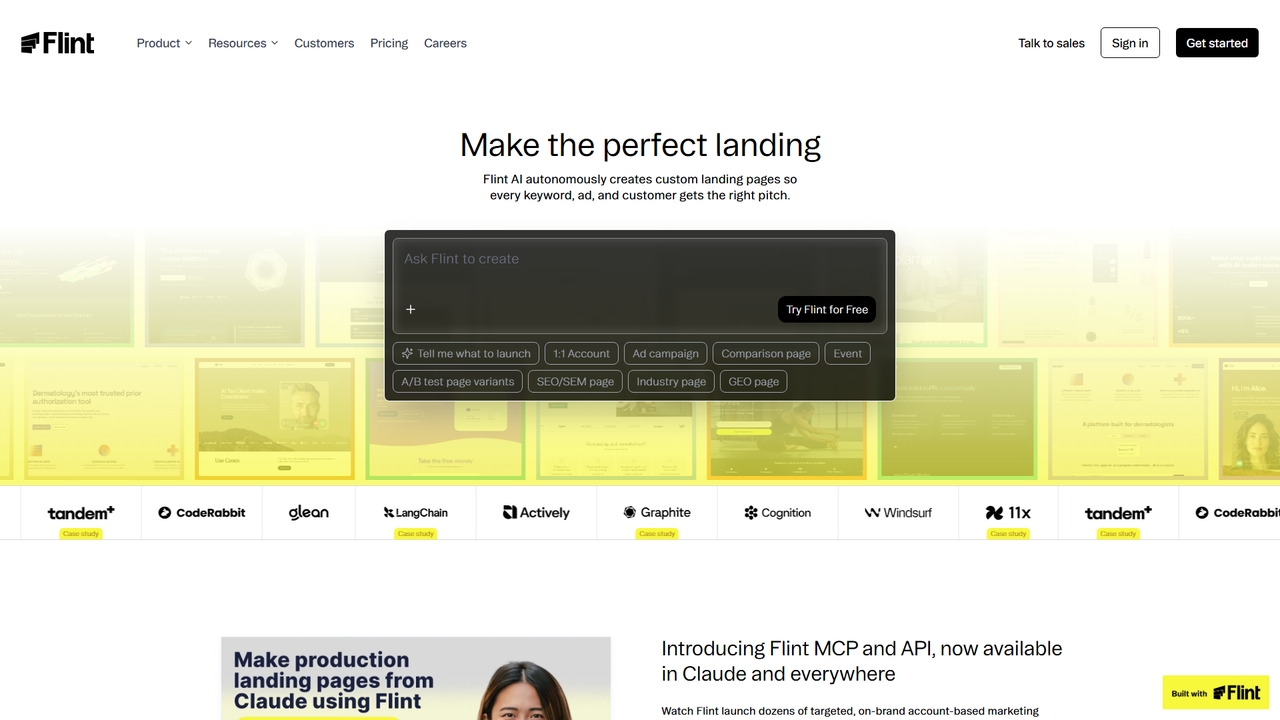
Flint is an AI-powered platform for marketing and growth teams that autonomously generates and manages brand-consistent, SEO-optimized landing pages. It integrates directly with existing tools and workflows, enabling rapid creation of personalized pages for campaigns, account-based marketing, and keyword targeting without requiring engineering resources.
Automation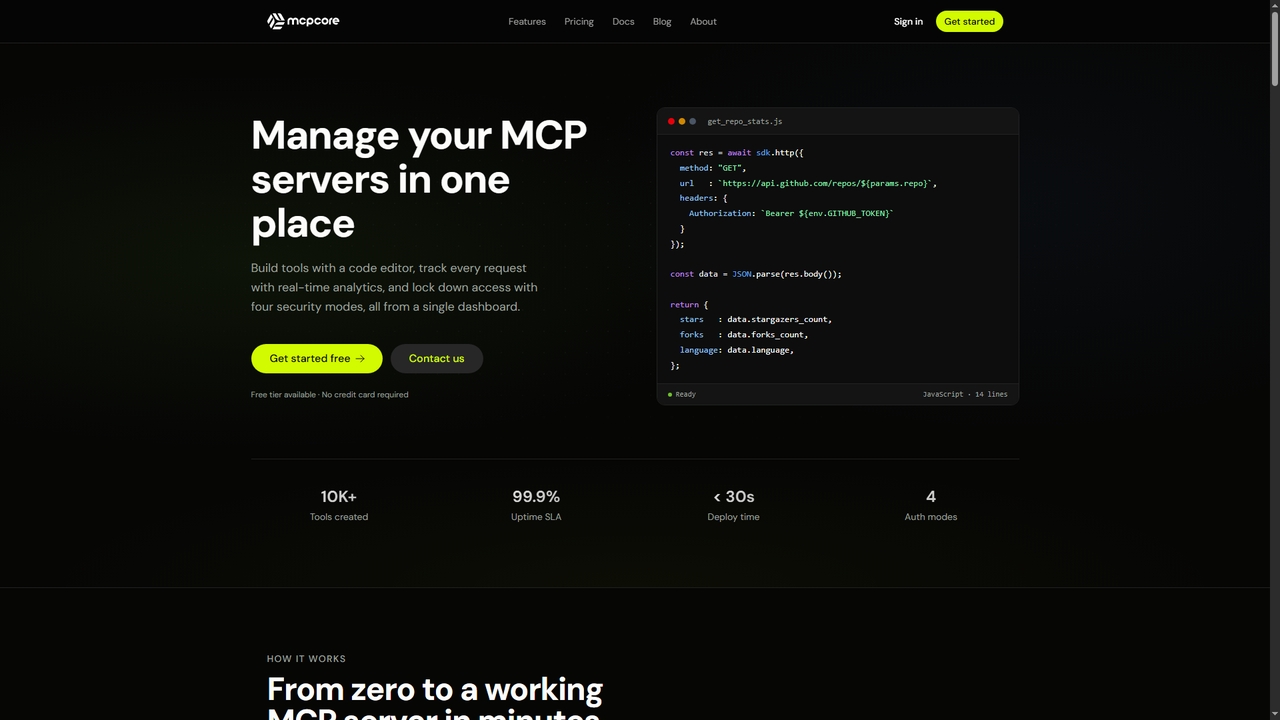
MCPCore is a comprehensive platform for building, deploying, and managing production-ready Model Context Protocol (MCP) servers. It provides a browser-based IDE with AI-assisted code generation, built-in security controls, real-time analytics, and one-click deployment, enabling developers to connect AI assistants to custom tools and data sources in minutes without managing complex infrastructure.
Agent Frameworks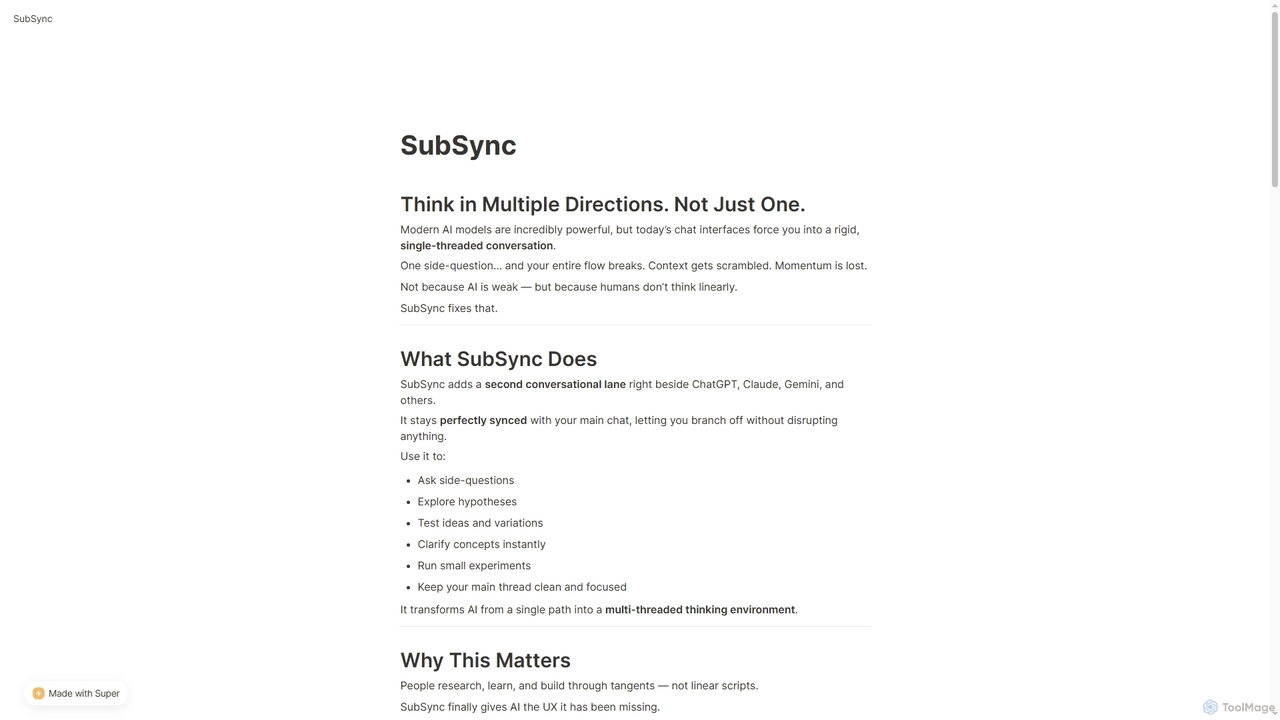
SubSync is a Chrome sidebar extension that revolutionizes AI conversations by introducing a multi-threaded thinking environment. It allows users to branch off into parallel discussions with AI models like ChatGPT or Claude, while keeping the main chat context intact. This innovative approach supports non-linear thinking, enabling deeper exploration, rapid experimentation, and more effective AI utilization for professionals.
Ai Assistant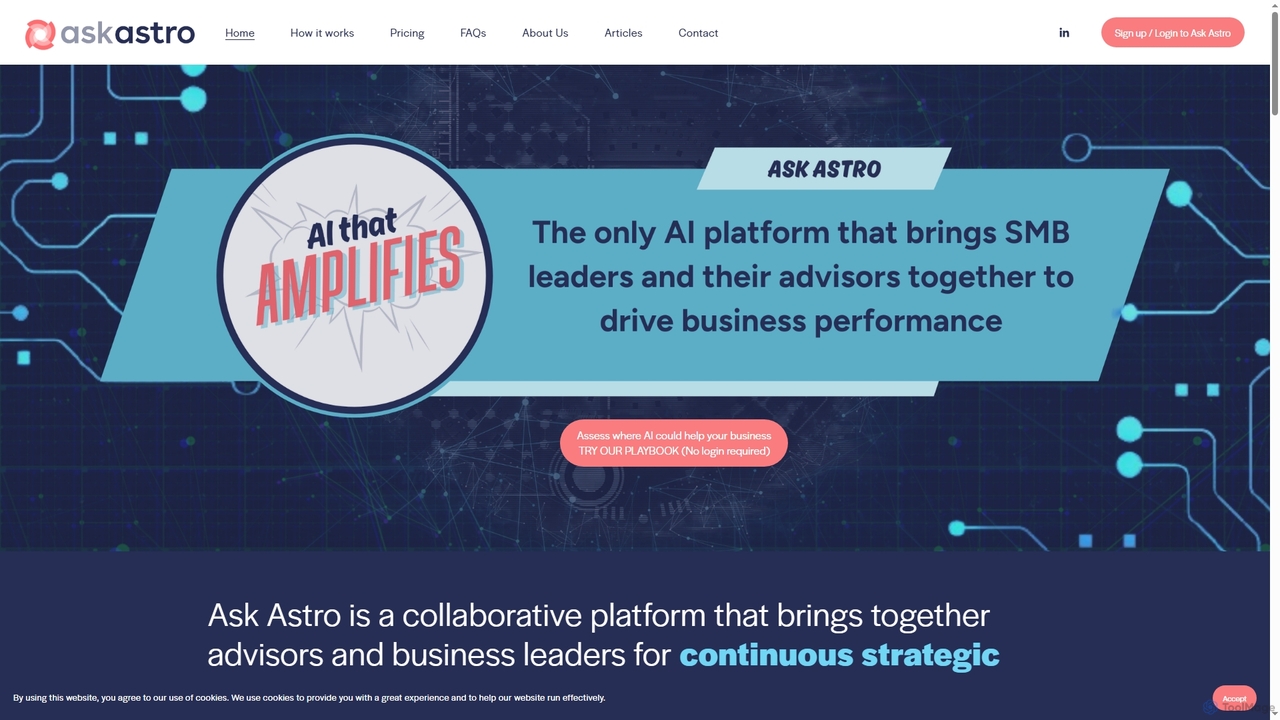
Ask Astro is an AI-powered collaborative intelligence platform designed for business leaders, advisors, and franchisors. It integrates real-time data, automates reporting, and generates strategic insights to foster proactive decision-making and enhance continuous partnerships, eliminating data fragmentation and manual busywork.
3D
BRXCE is an AI-powered task management and workflow automation application that allows users to organize and execute tasks using natural language commands. It integrates with major LLM clients to provide an intuitive, conversational interface for managing personal and team projects, reducing complex clicks and streamlining productivity.
Virtual Assistant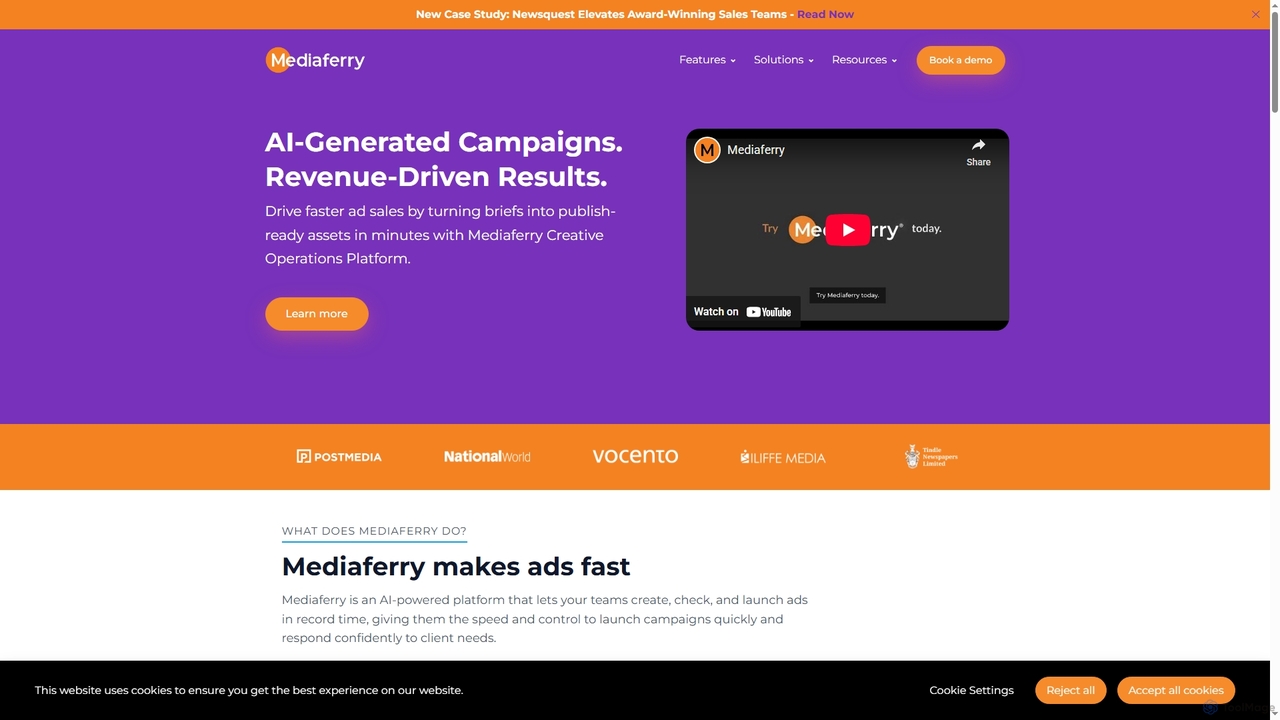
Mediaferry is an AI-powered creative operations platform specifically designed for news publishers. It streamlines the entire ad campaign workflow from brief to launch, enabling teams to create, check, and publish print and digital ads in minutes. By accelerating ad sales and improving operational efficiency, Mediaferry helps publishers drive revenue growth and enhance advertiser satisfaction.
Ad Creative Generation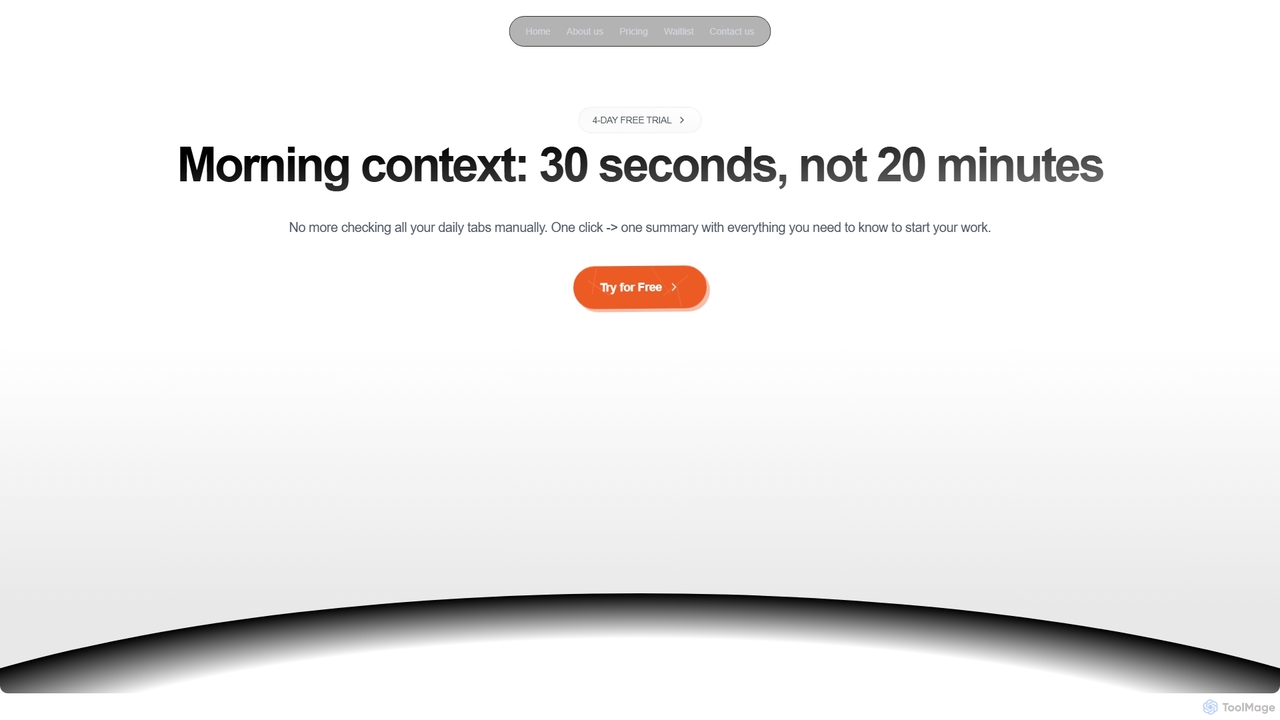
Dirac is a Mac application that automates your morning routine, consolidating updates from GitHub, Gmail, Stripe, and other key apps into a single, privacy-focused summary view with just one click.
Daily Briefing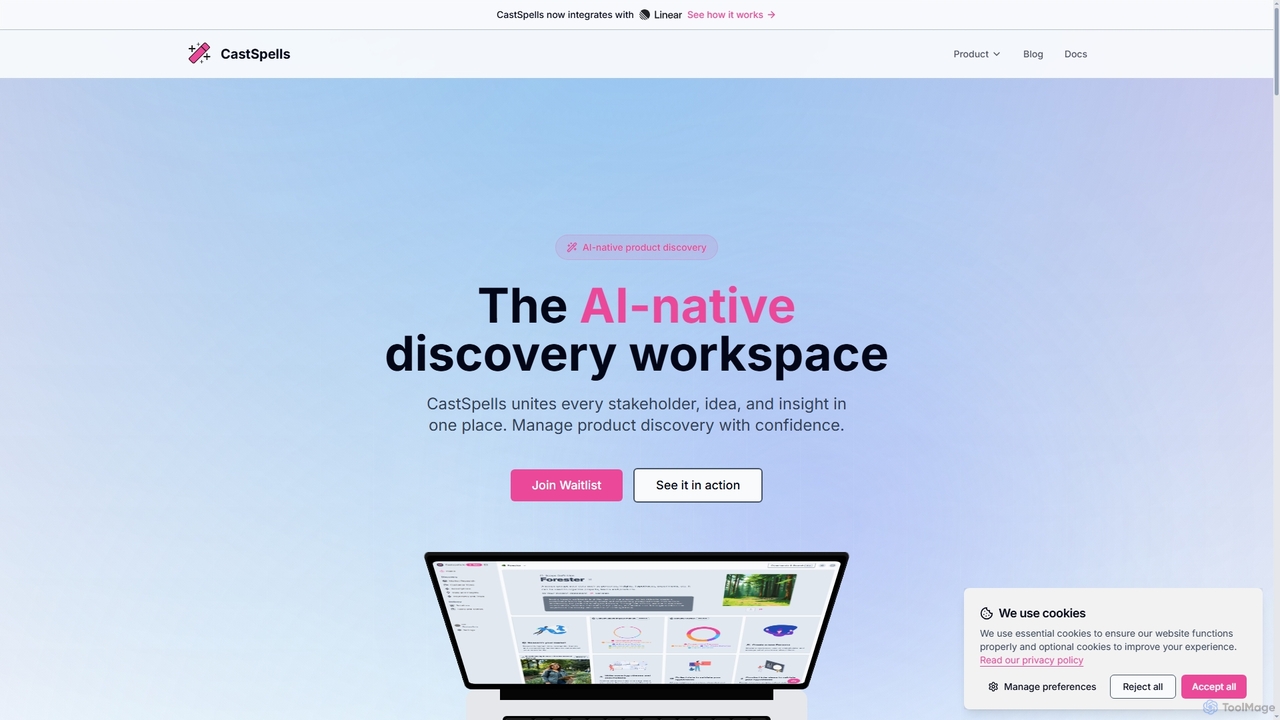
CastSpells is an AI-native product discovery workspace designed to unify stakeholders, ideas, and insights into a single, evidence-linked platform. It empowers product teams to make data-driven decisions by connecting market research, customer voice, hypotheses, and validation directly to planning and delivery. With AI-powered "Spells" for content generation, data analysis, and recommendations, CastSpells transforms chaotic product development into a clear, repeatable, and confident process, ensuring every feature is backed by real customer evidence.
Team Alignment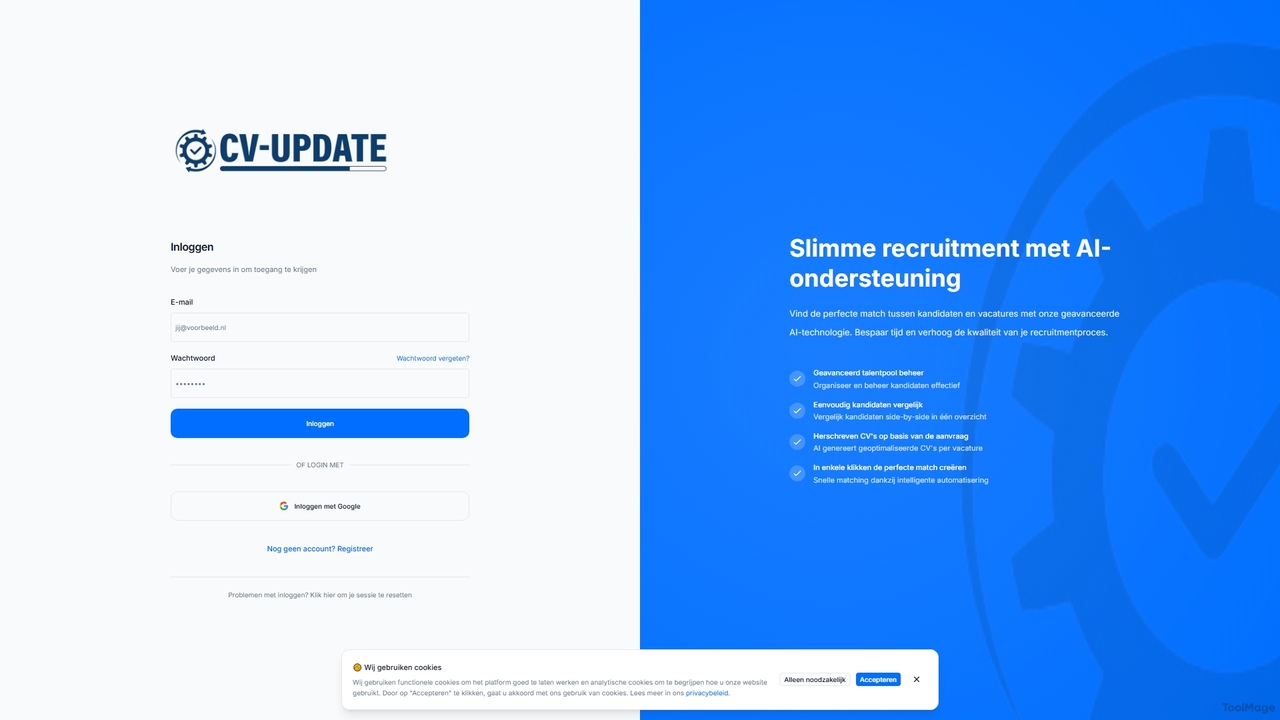
CV-UPDATE is an AI-powered recruitment platform designed to streamline and enhance the hiring process. It leverages advanced AI technology to find the perfect match between candidates and vacancies, optimize CVs, and manage talent pools efficiently. Recruiters can save time, improve candidate quality, and make faster, data-driven hiring decisions.
Recruitment Software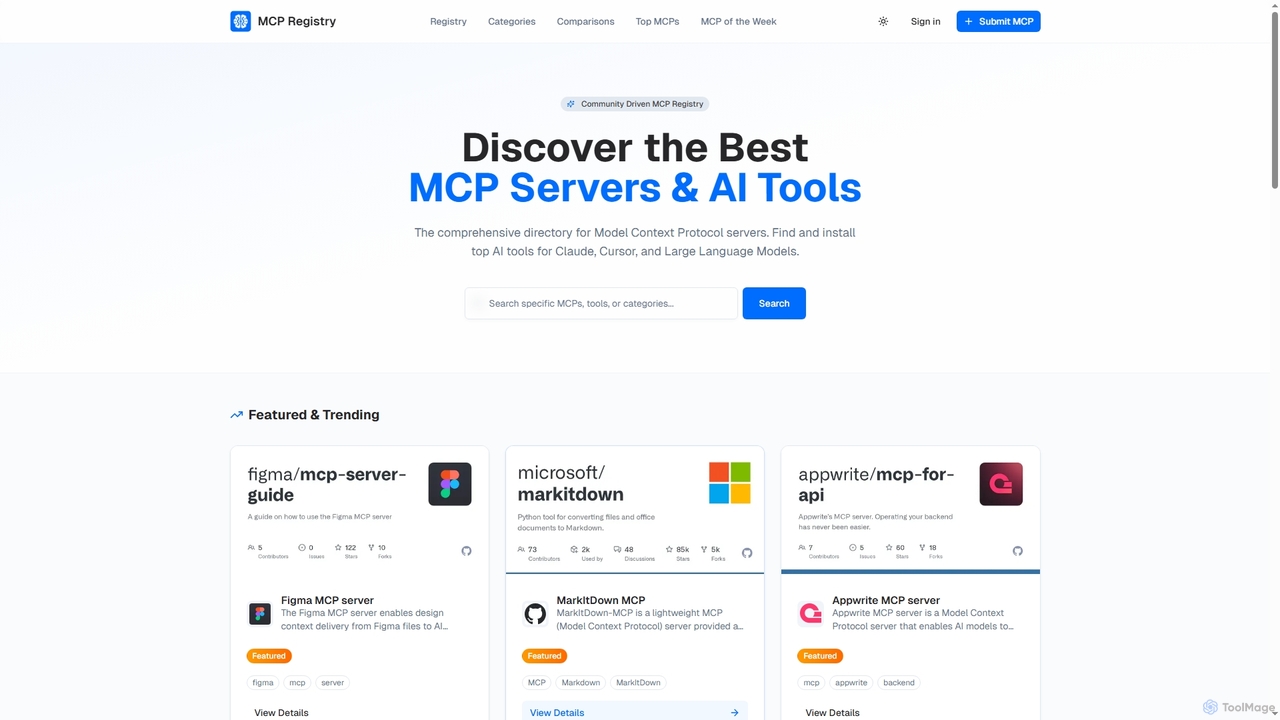
Public MCP Registry is a comprehensive, community-driven directory for Model Context Protocol (MCP) servers. It helps developers discover, find, and install top AI tools for Large Language Models, Claude, and Cursor, streamlining AI-assisted development and workflow automation.
Ai Integration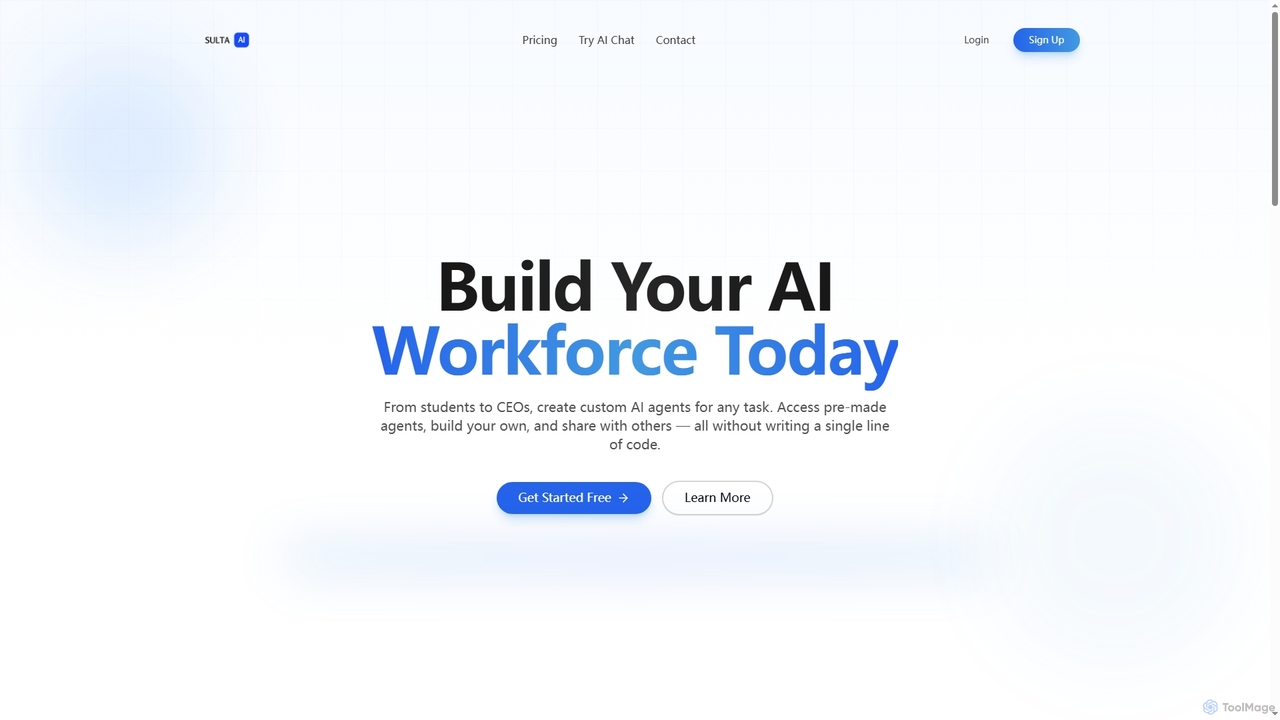
Sulta AI is a no-code platform empowering users to build and deploy custom AI agents for any task, from student research to business operations. It offers a rich library of pre-built agents, community sharing, and data training capabilities to revolutionize individual and team workflows without writing a single line of code.
Content Generation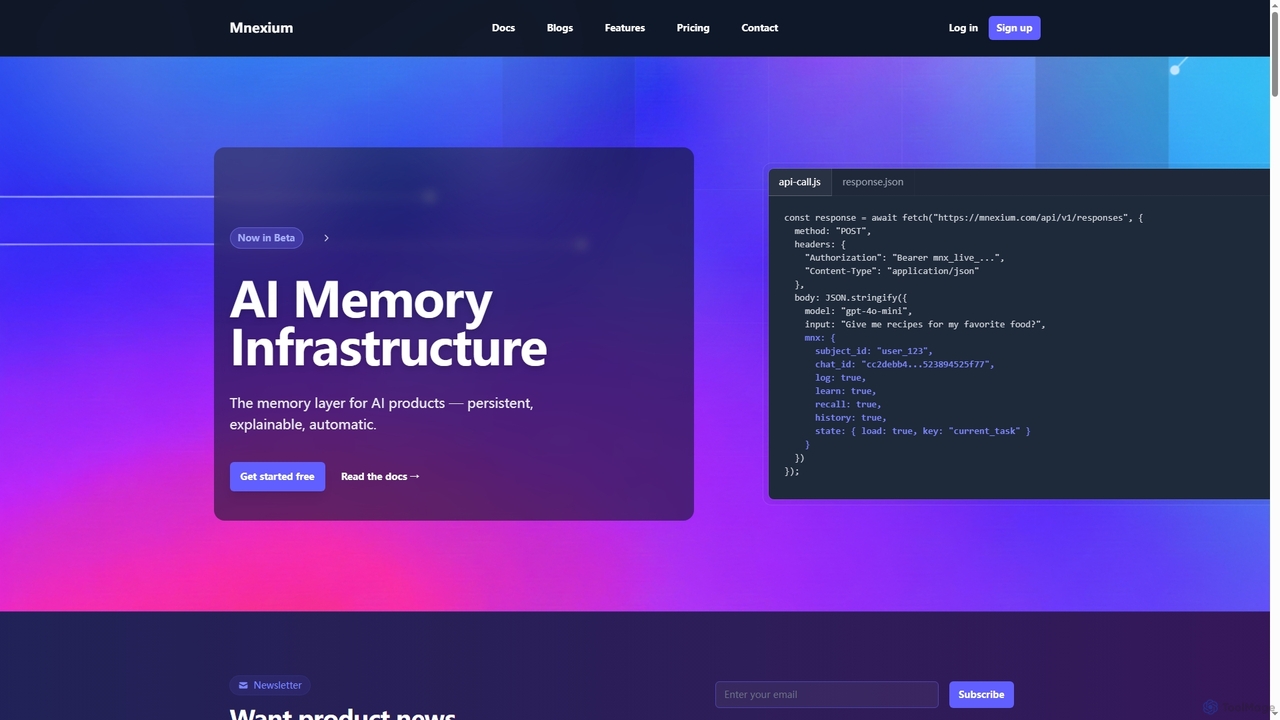
Mnexium is an AI memory infrastructure designed to provide persistent, explainable, and automatic long-term memory for AI agents and products. It enables AI applications to remember user preferences, maintain conversation context, track multi-step tasks, and learn over time, preventing context loss and repetitive interactions across sessions.
Llm Development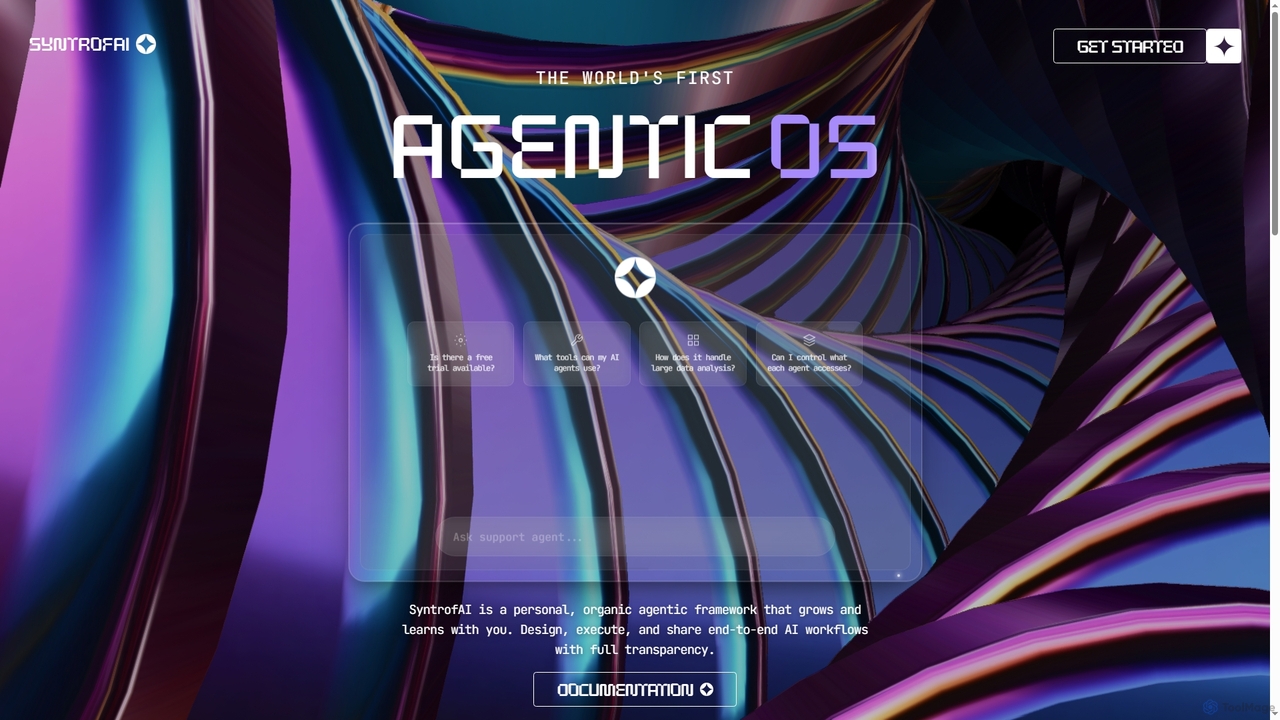
SyntrofAI is heralded as the world's first agentic OS AI system online, offering a personal, organic framework where autonomous AI agents design, execute, and share end-to-end workflows. It learns, evolves, and accumulates persistent memory with full transparency and control, empowering users to unleash intelligence.
Ai Operating SystemWorkflow Automation tools are platforms designed to connect different applications and services to automate multi-step tasks and processes. They operate on a system of triggers and actions, where an event in one app automatically initiates a sequence of actions in other connected apps. This allows users to build complex, automated sequences without writing code, significantly reducing manual data entry and repetitive work. As a key part of the Productivity ecosystem, these tools enable seamless data flow between cloud services like CRMs, email marketing platforms, and project management software.
Workflow Automation is widely used in marketing, sales, and operations. For instance, marketing teams automate lead nurturing by syncing form submissions to a CRM and an email list. Sales teams use it to trigger invoicing and project creation when a deal is closed. It's also essential for IT and support teams to automate ticket creation and assignment processes.
When selecting a Workflow Automation tool, first evaluate its integration library to ensure it supports the apps you use. Consider the complexity of workflows you need to build—whether it supports multi-step, conditional logic. Analyze the pricing model, which is often based on the number of tasks or operations per month. Finally, assess the user interface to determine if it's suitable for non-technical users.
A marketing manager needs to efficiently process new leads from Facebook Lead Ads. Using a workflow automation tool, they set up a process where every new lead submission automatically triggers a sequence. The lead's information is instantly added as a new row in a Google Sheet for tracking, simultaneously subscribed to a specific audience in Mailchimp for email nurturing, and a real-time notification with the lead's details is sent to the sales team's Slack channel. This eliminates manual data entry and ensures immediate follow-up, reducing lead response time from hours to seconds.
A sales operations specialist aims to automate the post-sale process. They create a workflow that triggers when a deal's stage is updated to 'Closed Won' in a CRM like Salesforce. This action automatically generates a new invoice in QuickBooks with the client's details, creates a new client onboarding project in Asana from a template, and sends a personalized welcome email via Gmail to the new client. This ensures a smooth, error-free transition from sales to project delivery and finance, improving client satisfaction and internal efficiency.
A content creator or social media manager publishes articles on a WordPress blog. To maximize reach, they use a workflow automation tool. When a new post is published, it triggers a workflow that automatically generates a summary using an AI tool, then shares the post link and summary to Twitter, LinkedIn, and a Facebook Page. Simultaneously, it adds a new task to a Trello board to 'Monitor engagement for new post' and archives the post details in an Airtable base for performance tracking. This automates the entire distribution and tracking setup, saving hours each week.
An e-commerce store owner using Shopify needs to streamline their order processing. They set up an automation where a new paid order in Shopify triggers several actions. First, the customer and order details are added to a shipping platform like ShipStation to prepare for fulfillment. Next, the inventory count for the purchased items is updated in a central Google Sheet. Finally, a confirmation SMS is sent to the customer via Twilio, informing them that their order has been received and is being processed. This workflow reduces manual errors and keeps customers informed, improving operational efficiency.
A customer support manager wants to automate ticket routing. They create a workflow where any new email sent to their support address is automatically processed. The tool creates a new ticket in Zendesk from the email content. It then uses conditional logic to scan the email's subject line for keywords like 'billing' or 'technical'. Based on the keyword found, the ticket is automatically assigned to the correct department (e.g., Finance or Tech Support) and tagged appropriately. This ensures tickets reach the right people faster without manual sorting, speeding up resolution times.
An executive assistant or any busy professional can automate their meeting preparation. They can set up a workflow that triggers one hour before any event in their Google Calendar. The workflow checks if the event title contains 'meeting'. If it does, it automatically searches for the attendees' LinkedIn profiles, creates a new note in Evernote or Notion with the meeting agenda and attendee profiles, and sends a reminder with this information to a personal Slack channel. This automation ensures they are always prepared for meetings without last-minute scrambling.
Workflow Automation refers to software platforms that connect different applications and services to automate multi-step processes without manual intervention. They work on a 'trigger-action' basis: an event in one app (a trigger) initiates a predefined sequence of tasks (actions) in other apps. The primary goal is to eliminate repetitive, manual tasks, reduce errors, and ensure seamless data flow between the tools you use every day, such as CRMs, email platforms, and project management software.
To choose the right tool, consider these factors:
Workflow Automation and Robotic Process Automation (RPA) both automate tasks, but they work differently. Workflow Automation connects modern applications via their APIs (Application Programming Interfaces). It's ideal for automating processes across cloud-based services like Google Workspace, Slack, and Salesforce. In contrast, RPA mimics human actions on a user interface (UI), like clicking buttons and typing into fields. RPA is typically used to automate tasks in legacy systems, desktop applications, or websites that do not have APIs available for integration.
No, most workflow automation tools are designed as 'no-code' or 'low-code' platforms. This means they are built for non-technical users, featuring visual, drag-and-drop interfaces to build automations. You can connect apps and set up complex logic without writing a single line of code. While some advanced platforms may offer features for developers, such as custom API calls or scripting, the core functionality is accessible to everyone, regardless of their technical background.
Common examples span across various business functions: