

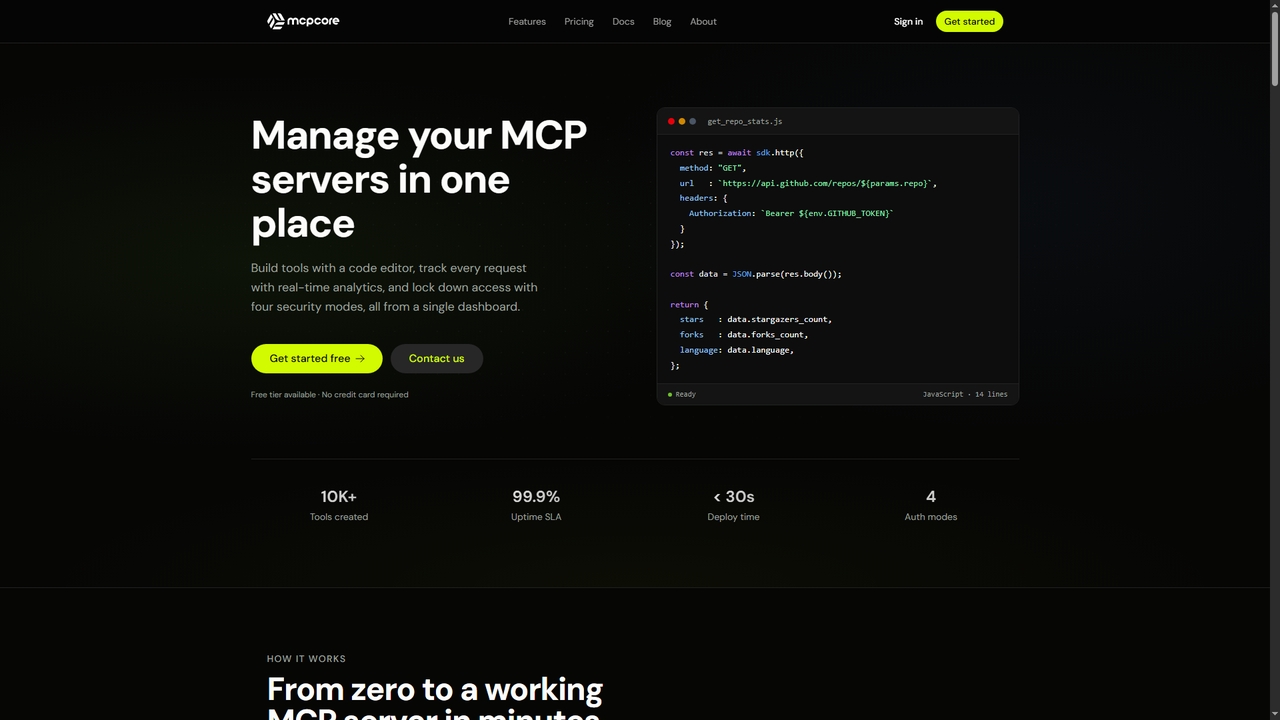
MCPCore Overview
MCPCore is a commercial platform built on the open Model Context Protocol (MCP) standard, designed to dramatically simplify the process of creating and managing MCP servers. It removes the friction of server setup, infrastructure management, authentication, and runtime monitoring, allowing developers and teams to focus on building tools that connect AI assistants like Claude and GPT-4 to external APIs, databases, and services. The platform is fully functional and currently in beta, with a free tier available for exploration.
How to use MCPCore
Using MCPCore involves a streamlined three-step process entirely within your browser. First, you create an MCP server from the dashboard, giving it a name and selecting one of four security access modes: Public, API Key, OAuth 2.0, or Bearer Token. An endpoint is generated instantly. Second, you write your tool's logic in JavaScript using the platform's built-in IDE. You can connect to any API using `sdk.http()` or a database with `sdk.db()`, while securely referencing encrypted secrets (like API keys) as `env.KEY`. The platform offers AI-assisted generation where you describe the tool in plain language, and an AI agent drafts the code. You can test the tool with real parameters in an isolated environment before deployment. Third, you deploy the server with one click and then copy the generated server URL into your compatible AI client (like Claude Desktop or Cursor) using the ready-made configuration snippets provided by MCPCore.
Core Features of MCPCore
- Browser-Based Full IDE: A professional-grade code editor with autocomplete, syntax highlighting, and live cursor tracking for writing, testing, and deploying MCP tools without local setup.
- AI-Assisted Tool Generation: Describe a tool's function in plain language, and an AI agent generates the corresponding JavaScript code, parameters, and name.
- Visual Parameter & Security Builder: Define typed input parameters (string, number, boolean, object, array) via a drag-and-drop interface and configure security per server with four modes (Public, API Key, OAuth 2.0, Bearer Token).
- Encrypted Secrets Management: Store API keys and connection strings encrypted with AES-256 at rest, accessible securely in code as `env.VARIABLE_NAME` without exposure in logs or responses.
- Real-Time Analytics & Error Reporting: Track requests, latency, and cost per server with daily/hourly breakdowns. Every failed execution captures full stack traces, input parameters, and runtime logs.
- One-Click Deployment & Instant Subdomain: Deploy servers directly from the browser to a `[name].mcpcore.io` endpoint in under 30 seconds, with built-in rate limiting.
- Pre-Built AI Client Integrations: Generate copy-paste configuration snippets for seamless connection with Claude Desktop, Cursor, Windsurf, Cline, and VS Code.
Use Cases for MCPCore
MCPCore is ideal for developers and teams building AI-augmented applications. Use cases include creating custom tools for AI assistants to query internal databases, call proprietary REST APIs, send notifications, fetch CRM data, or process information. It's suitable for building both public demo tools and secure, production-grade integrations locked behind enterprise authentication. The platform enables rapid prototyping and deployment of context-aware tools that extend the capabilities of AI models within development environments and end-user applications.
Advantages of MCPCore
MCPCore's primary advantage is consolidating the entire MCP server lifecycle—development, security, deployment, and monitoring—into a single, browser-accessible platform, eliminating the need for CLI tools, GitHub repos, DevOps pipelines, and self-hosted infrastructure. Compared to framework-based or self-hosted SDK approaches, it offers significantly faster setup (minutes vs. hours/days), built-in professional features like AI code generation and visual security config, and comprehensive, MCP-aware analytics out of the box. The platform prioritizes developer experience with instant testing, encrypted secret handling, and streamlined client integrations.
Pricing and Plans
MCPCore offers simple, transparent tiered pricing billed monthly or annually (with savings on annual plans). All plans include the AI Tool Builder and a 99.9% Uptime SLA. The Free plan is for exploration, offering 3 MCP Servers, 100K tool calls/month, basic analytics, and community support. The Basic plan at $9.99/month provides 10 servers, 1M tool calls/month, and email support. The Pro plan at $29.99/month scales to 30 servers, 10M tool calls/month, advanced analytics, and priority support. Enterprise offers custom pricing with unlimited servers and tool calls, advanced analytics, dedicated support, and options for Docker/self-hosting with full data sovereignty. Plan changes take effect immediately.
MCPCore FAQ
MCPCore Alternatives
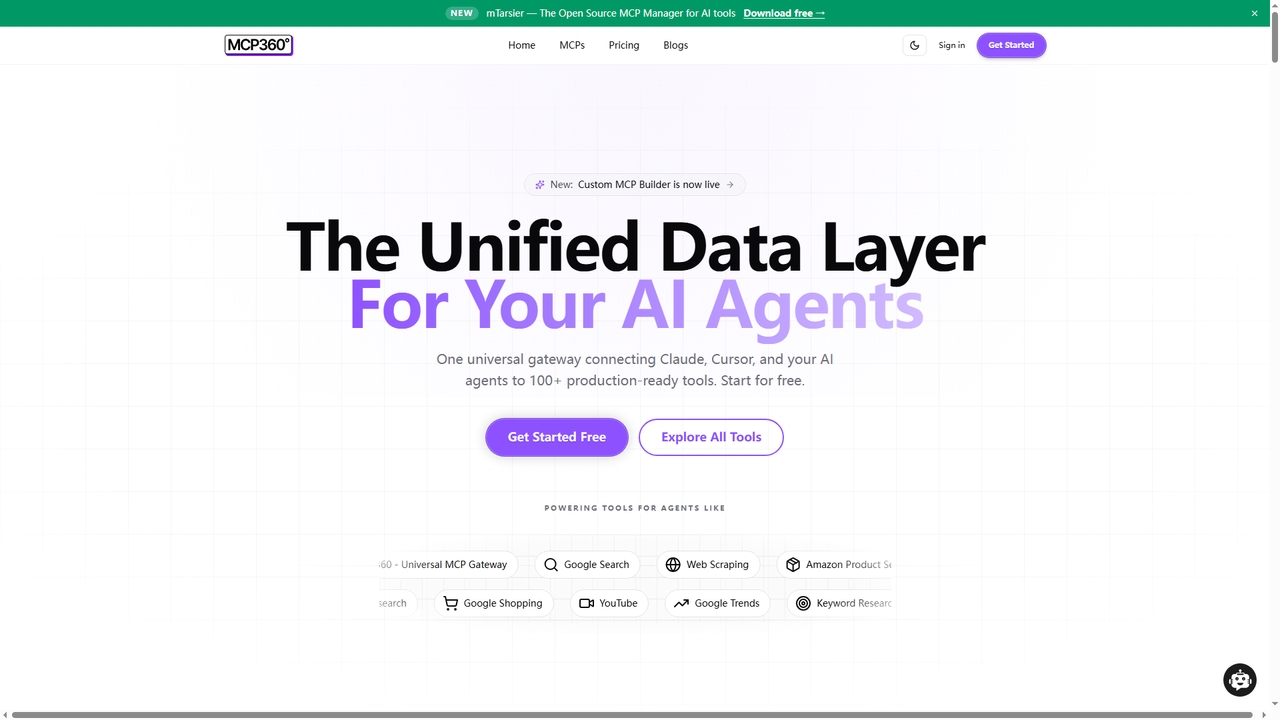
MCP360
MCP360 is a unified gateway for connecting AI agents like Claude and Cursor to over 100+ production-ready tools via the Model Context Protocol (MCP). It simplifies integration with a single subscription, offers a no-code custom MCP builder, and provides an interactive chat playground for real-time testing, accelerating AI workflow development.
Data & Research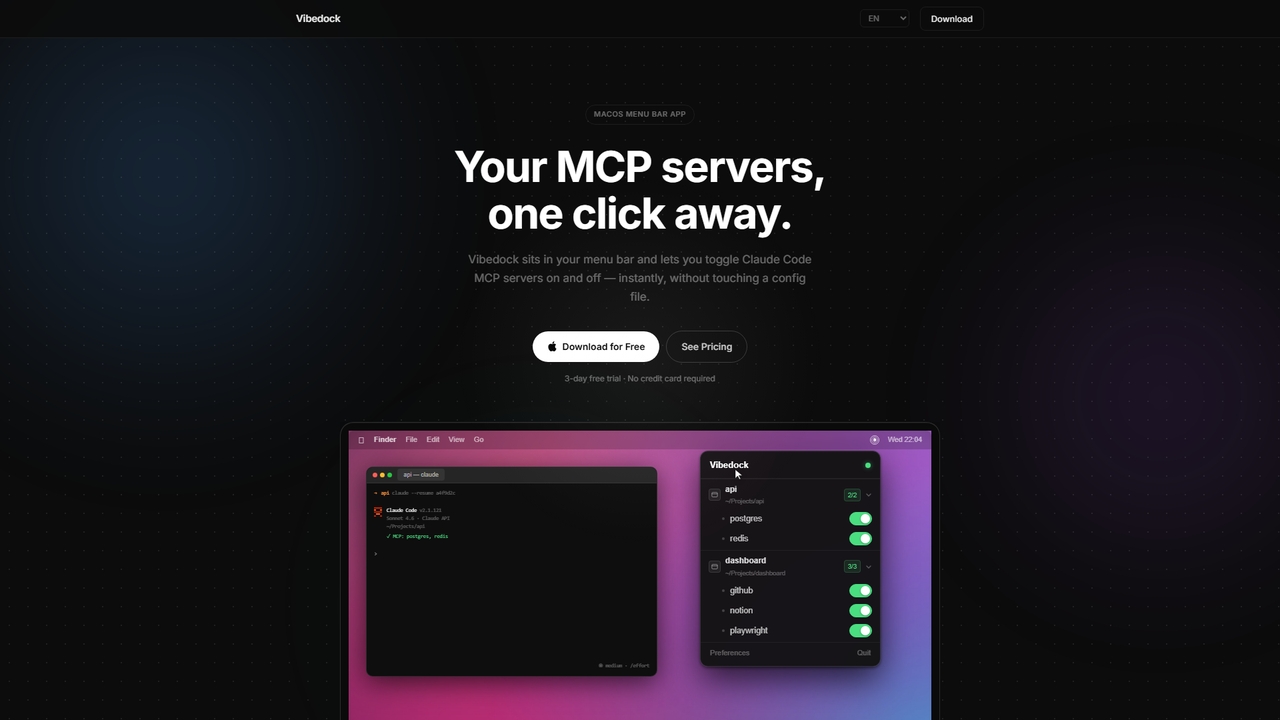
Vibedock
A macOS menu bar application for developers to instantly toggle Claude MCP servers on or off per project, saving context window tokens and eliminating manual config file editing.
Mac Menu Bar Apps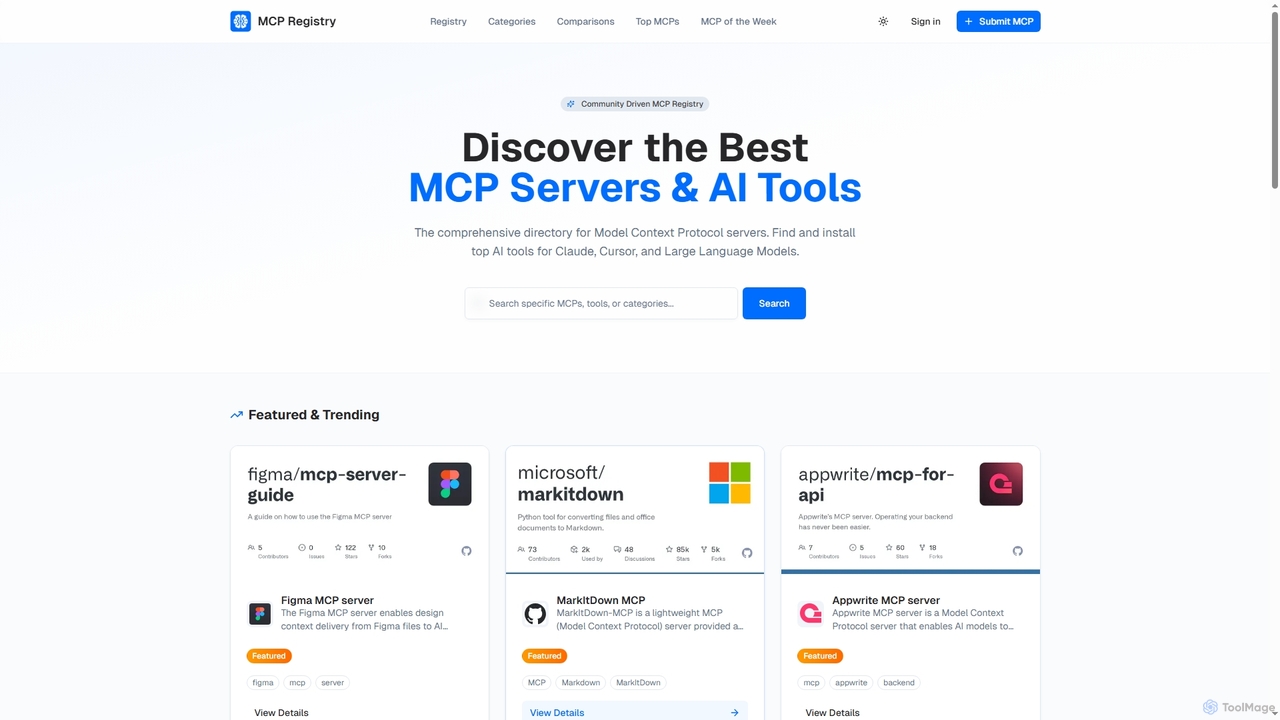
Public MCP Registry
Public MCP Registry is a comprehensive, community-driven directory for Model Context Protocol (MCP) servers. It helps developers discover, find, and install top AI tools for Large Language Models, Claude, and Cursor, streamlining AI-assisted development and workflow automation.
Ai Integration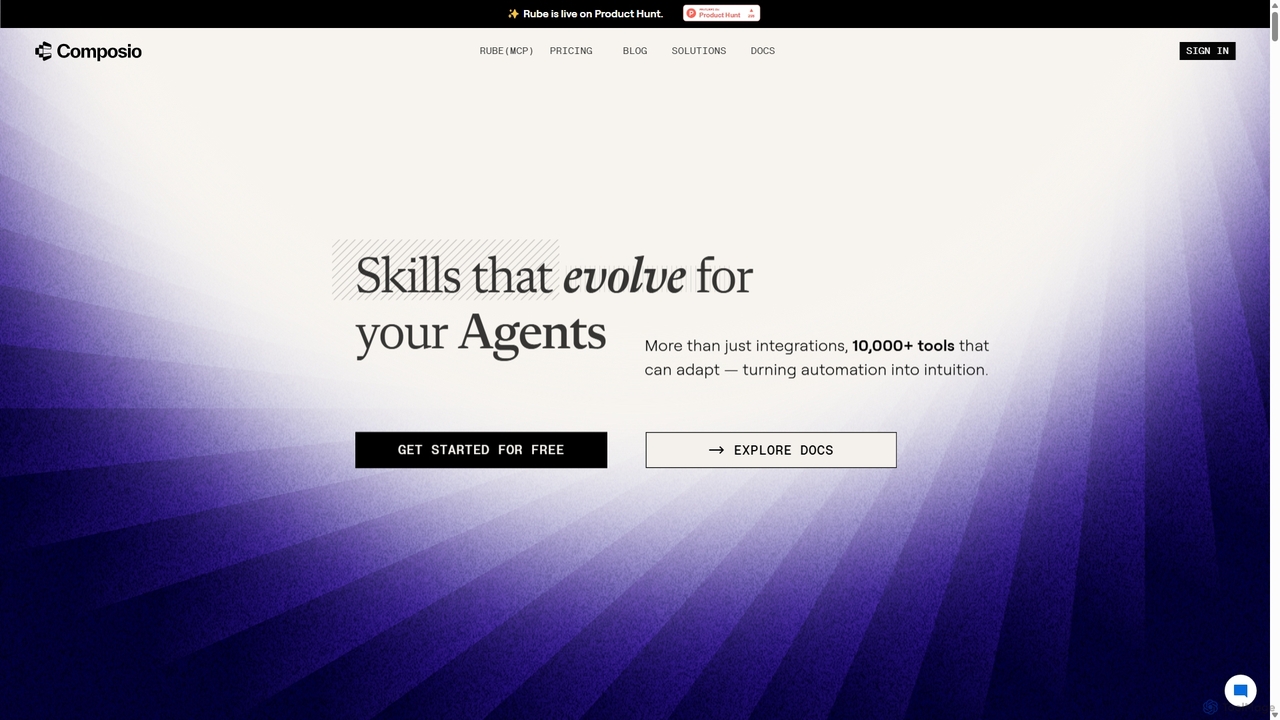
Composio
Composio is a developer platform that acts as a "skill layer" for AI agents. It enables developers to seamlessly connect their AI agents to over 10,000 tools and APIs, handling complex tasks like authentication, execution, and scaling. This allows developers to build powerful, action-oriented AI applications much faster by focusing on agent logic rather than integration plumbing.
Agent Tooling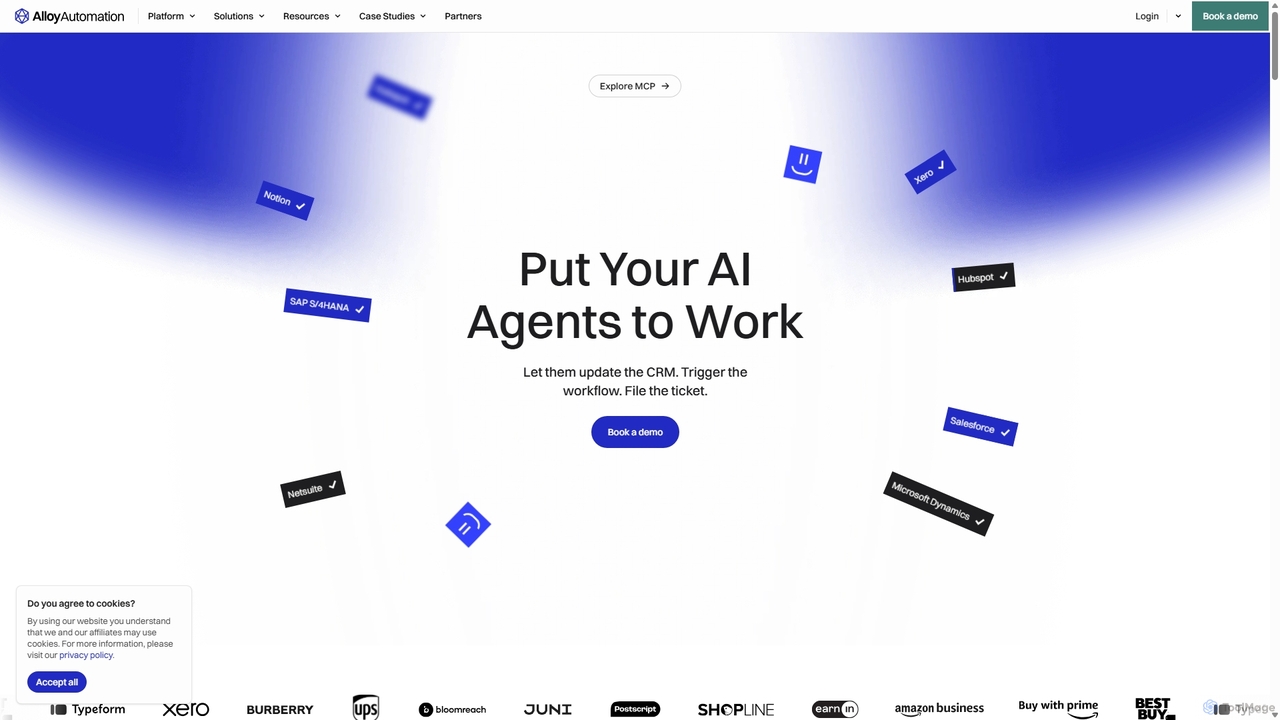
Alloy Automation
A powerful integration infrastructure for the AI era. Alloy Automation provides an agentic toolkit, embedded iPaaS, and a Connectivity API, enabling AI agents to take real-world actions and SaaS companies to rapidly build and scale product integrations.
Agent ToolingMCPCore Categories
MCPCore Jobs
MCPCore Embed Widget
Copy this embed code to place the badge on your blog, article, or product site and send readers directly to this ToolMage detail page.

Related AI tools
MCP360
MCP360 is a unified gateway for connecting AI agents like Claude and Cursor to over 100+ production-ready tools via the Model Context Protocol (MCP). It simplifies integration with a single subscription, offers a no-code custom MCP builder, and provides an interactive chat playground for real-time testing, accelerating AI workflow development.
Data & ResearchVibedock
A macOS menu bar application for developers to instantly toggle Claude MCP servers on or off per project, saving context window tokens and eliminating manual config file editing.
Mac Menu Bar Apps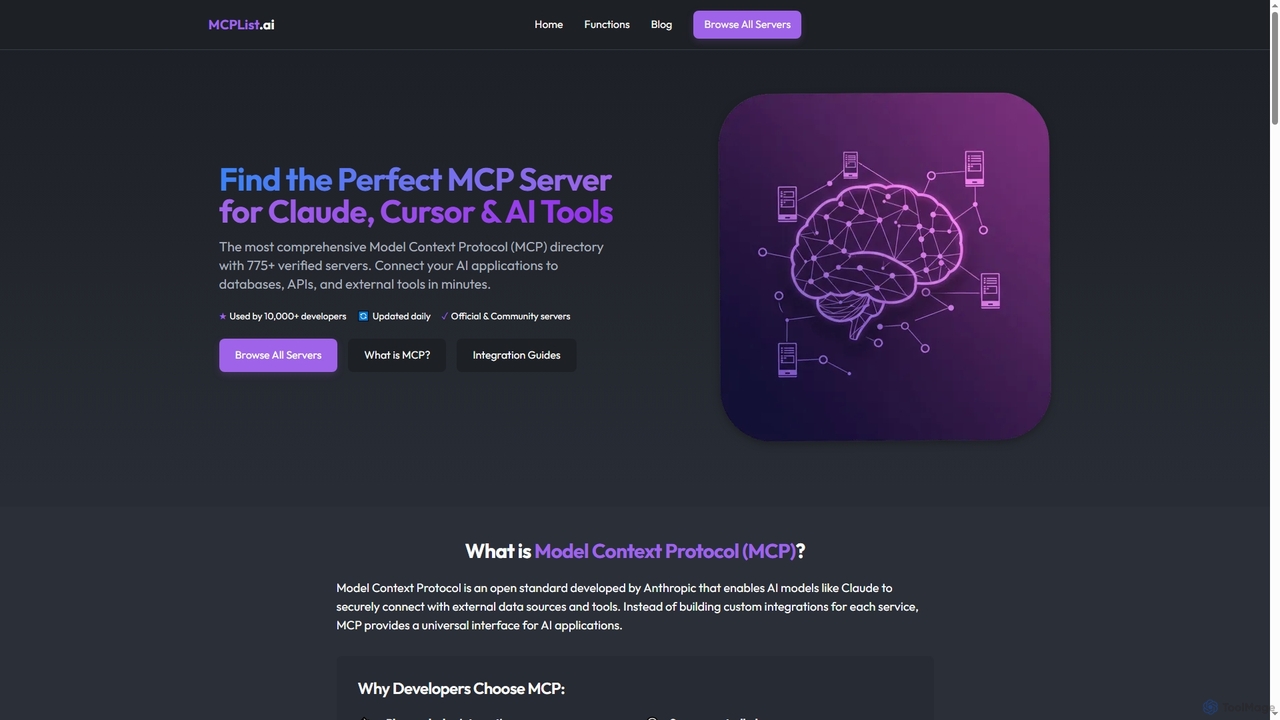
Mcplist
Mcplist is the most comprehensive directory of Model Context Protocol (MCP) servers, designed for developers. It features over 775 verified official and community servers, enabling AI applications like Claude and Cursor to seamlessly connect with external databases, APIs, and tools. The platform offers powerful search, filtering, and step-by-step integration guides to accelerate AI development.
3DPublic MCP Registry
Public MCP Registry is a comprehensive, community-driven directory for Model Context Protocol (MCP) servers. It helps developers discover, find, and install top AI tools for Large Language Models, Claude, and Cursor, streamlining AI-assisted development and workflow automation.
Ai Integration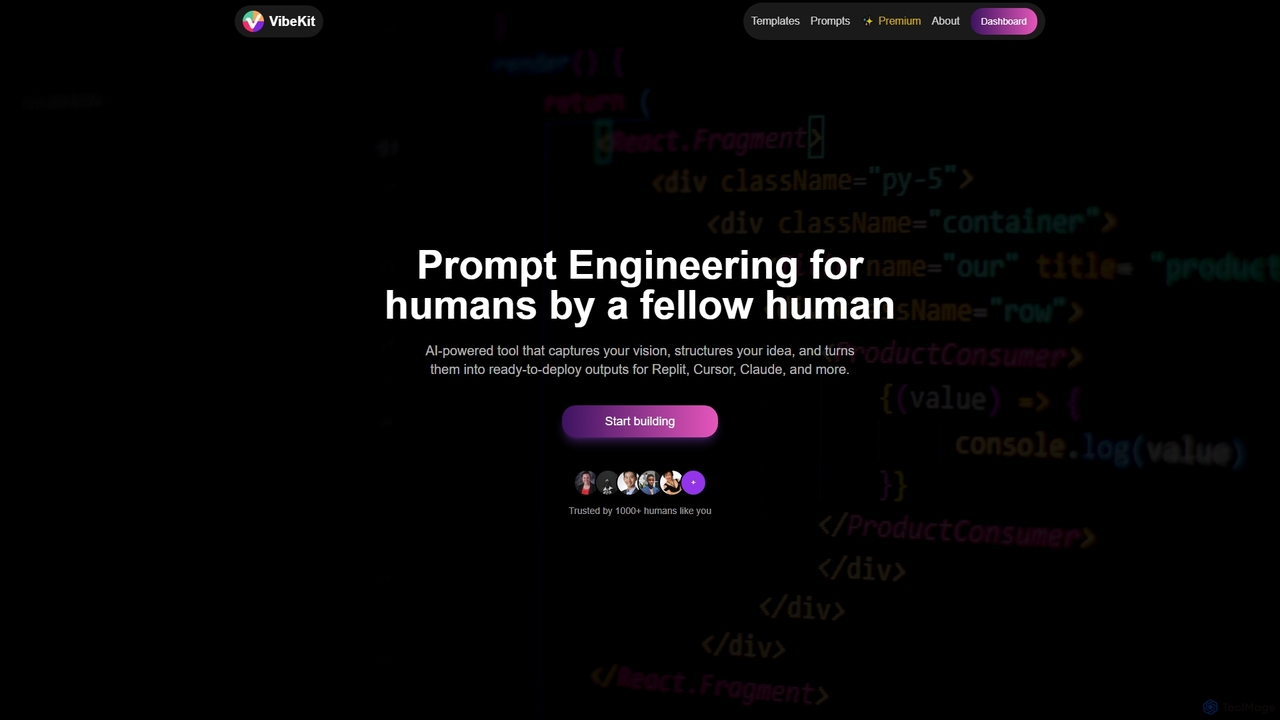
VibeKit
VibeKit is an AI-powered context engineering tool designed for humans to transform ideas into ready-to-deploy outputs. It helps users capture their vision, structure thinking, and generate optimized prompts and scaffolds for platforms like Replit, Cursor, and Claude, accelerating project development from concept to production.
Startup Tools
Infragate
Infragate is an AI infrastructure platform designed to help developers build and run Model-Context-Protocol (MCP) servers rapidly. It simplifies connecting diverse data sources, deploying AI tools, and managing scalable, secure AI workflows without complex operations.
Infrastructure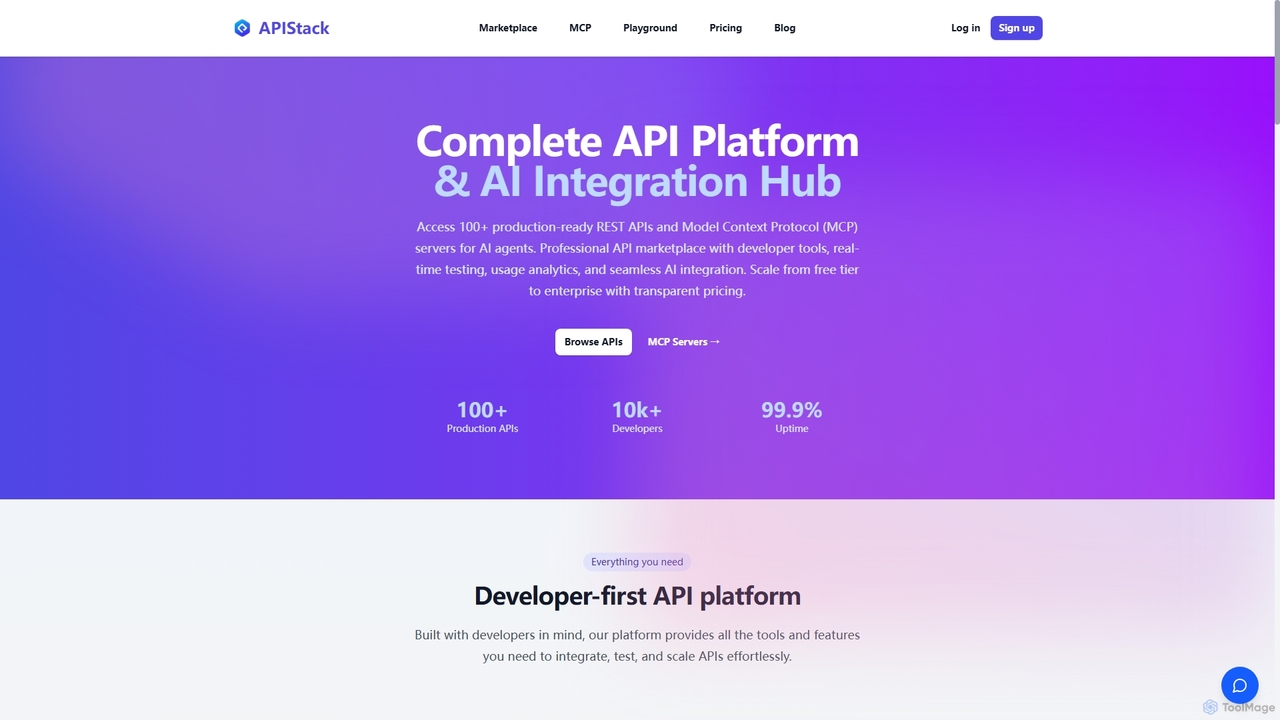
Apistack
Apistack is an enterprise API marketplace and AI integration hub, offering over 100 production-ready REST APIs. It features a developer-first platform with tools for real-time testing, usage analytics, and seamless integration with AI agents like ChatGPT and Claude via Model Context Protocol (MCP) servers.
IntegrationAlloy Automation
A powerful integration infrastructure for the AI era. Alloy Automation provides an agentic toolkit, embedded iPaaS, and a Connectivity API, enabling AI agents to take real-world actions and SaaS companies to rapidly build and scale product integrations.
Agent Tooling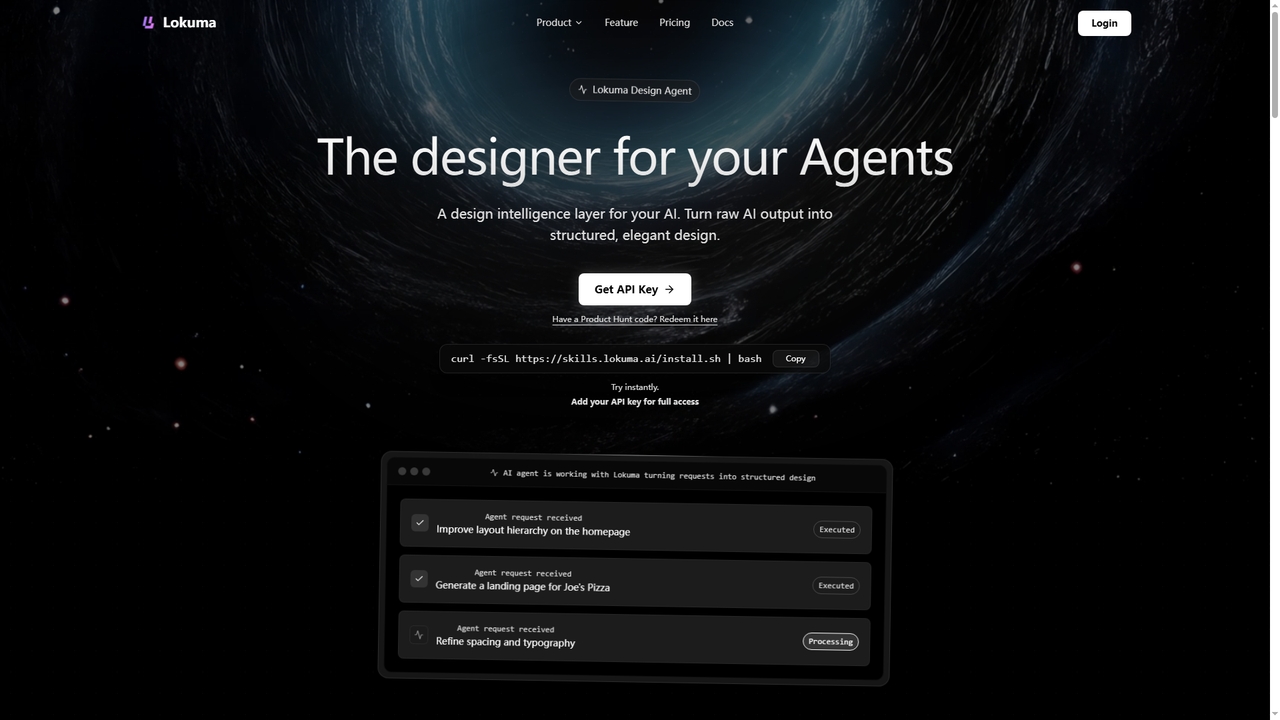
Lokuma Designer Agent
Lokuma Designer Agent is an AI-powered design intelligence layer that transforms raw, unstructured output from coding AI agents (like Cursor, Claude Code) into professionally structured and visually balanced designs. It acts as a built-in designer for your AI, automating layout composition, typography refinement, and visual consistency for web pages and digital interfaces.
Code EnhancementComposio
Composio is a developer platform that acts as a "skill layer" for AI agents. It enables developers to seamlessly connect their AI agents to over 10,000 tools and APIs, handling complex tasks like authentication, execution, and scaling. This allows developers to build powerful, action-oriented AI applications much faster by focusing on agent logic rather than integration plumbing.
Agent Tooling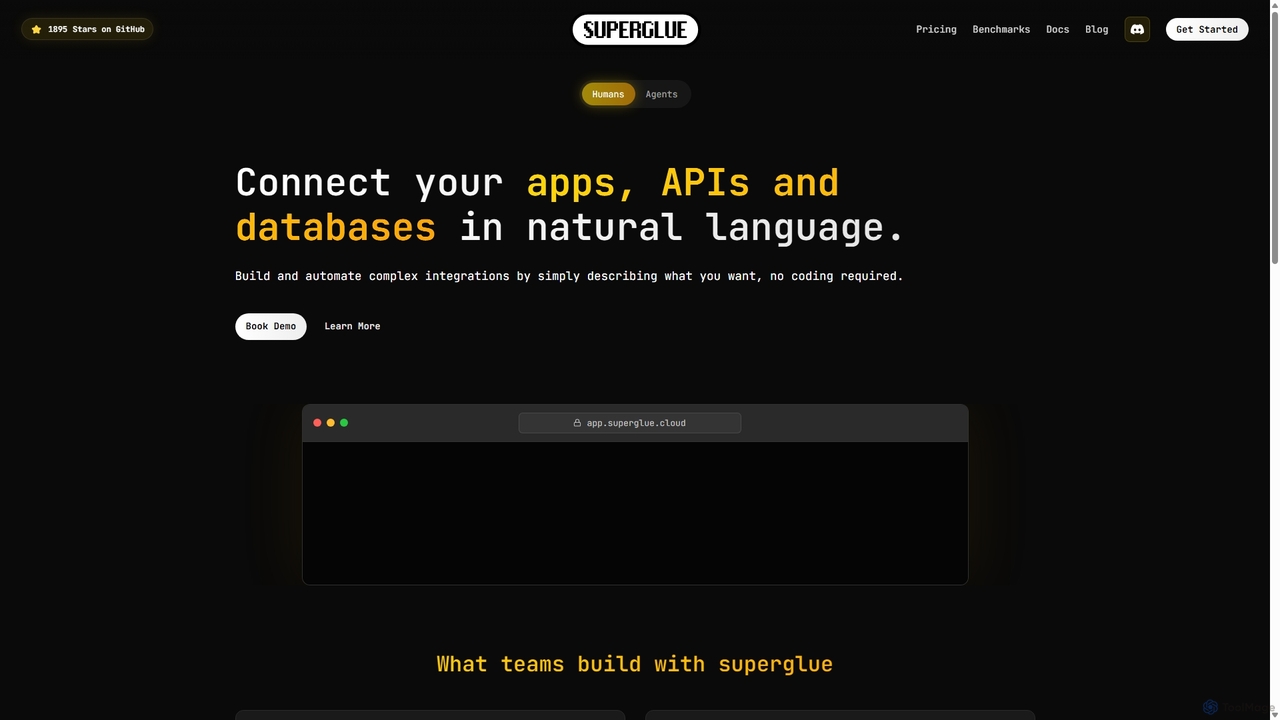
Superglue
Superglue is an AI-powered platform that translates natural language intent into reliable API execution. It enables developers and teams to automate ETL pipelines, build API connectors instantly, migrate data, and create complex workflows using a chat interface or code. It's designed to empower AI agents with dynamic, production-ready tools for any API.
Tooling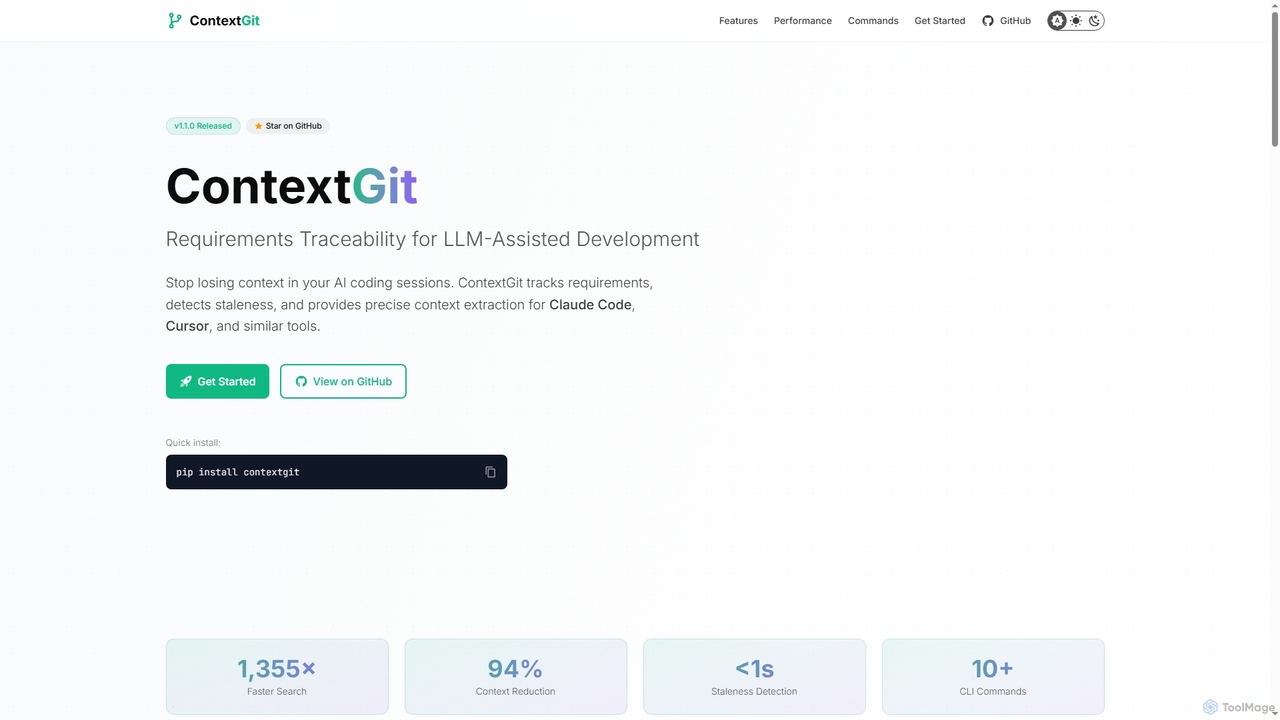
Contextgit
A command-line tool for developers using LLMs, providing requirements traceability, staleness detection, and precise context extraction to enhance AI-assisted coding workflows. It significantly reduces token usage and syncs AI tools with project requirements.
Code Assistant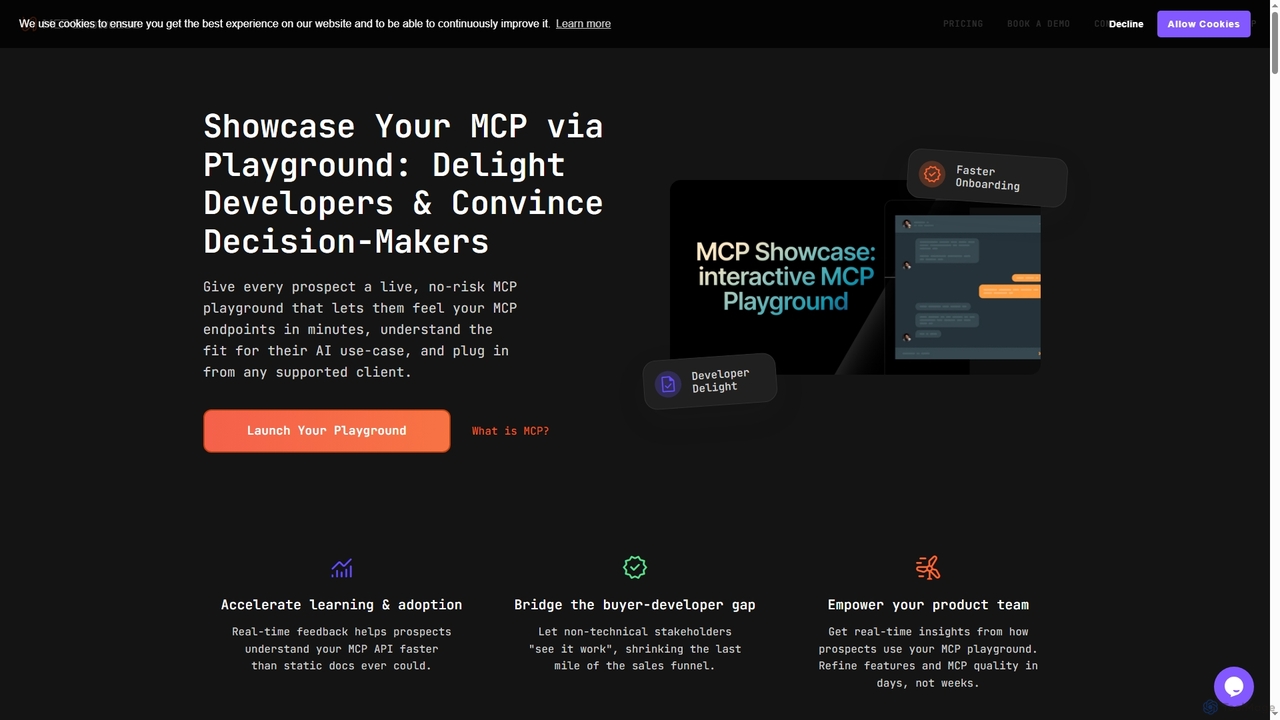
MCP Showcase
MCP Showcase is a pioneering platform demonstrating the Model Context Protocol (MCP), an open standard enabling AI assistants to seamlessly integrate with diverse external services like GitHub, Hugging Face, and Teamwork. It transforms complex API interactions into natural language conversations, empowering AI with real-time context and action capabilities across various domains.
Api Management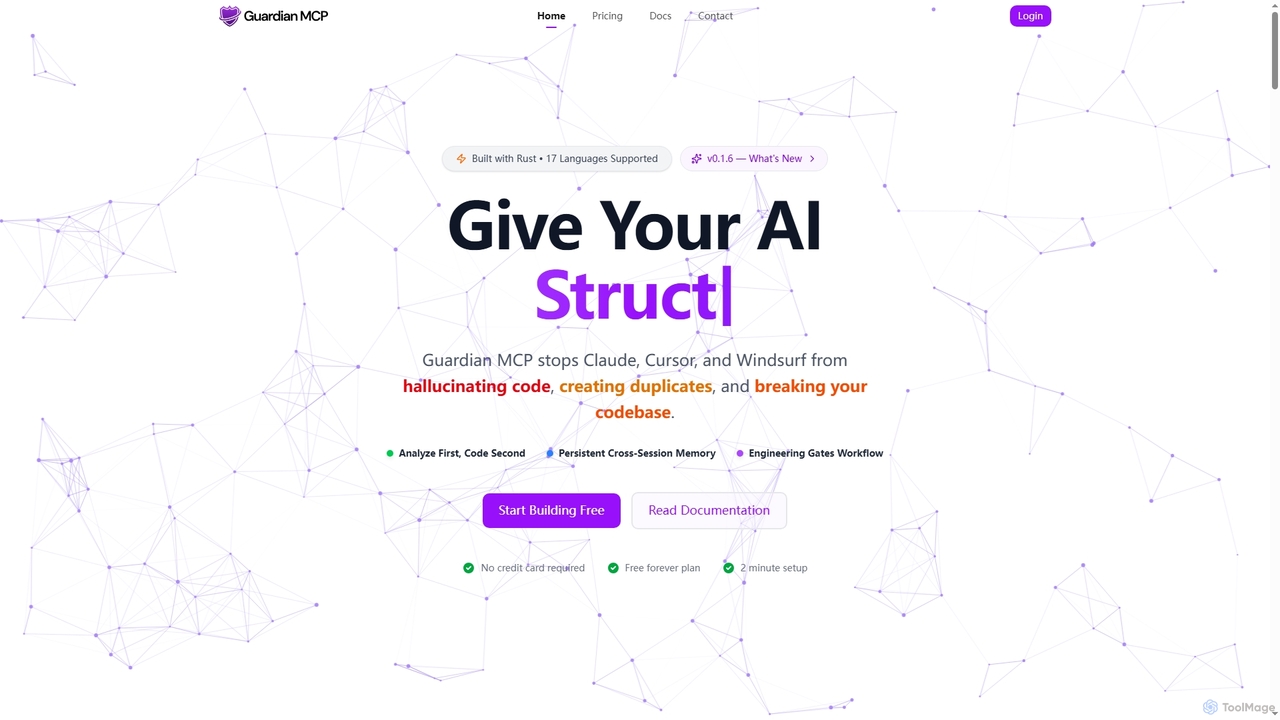
Guardian MCP
Guardian MCP is an AI engineering gate that prevents AI coding assistants like Claude, Cursor, and Windsurf from generating duplicate code, hallucinating functions, and breaking your codebase. It enforces a disciplined workflow, provides persistent memory, and ensures code quality by analyzing existing code before implementation.
Static Analysis
Freeflo
Freeflo is a visual, node-based platform for building, testing, and deploying complex AI workflows. It allows users to connect various AI models (like GPT, Claude, Stable Diffusion) and tools without writing code, automating intricate tasks through a drag-and-drop interface.
Workflow Builder
MCPCore Comments (0)
Sign in to comment.
Sign inNo comments yet.