
Vibedock Overview
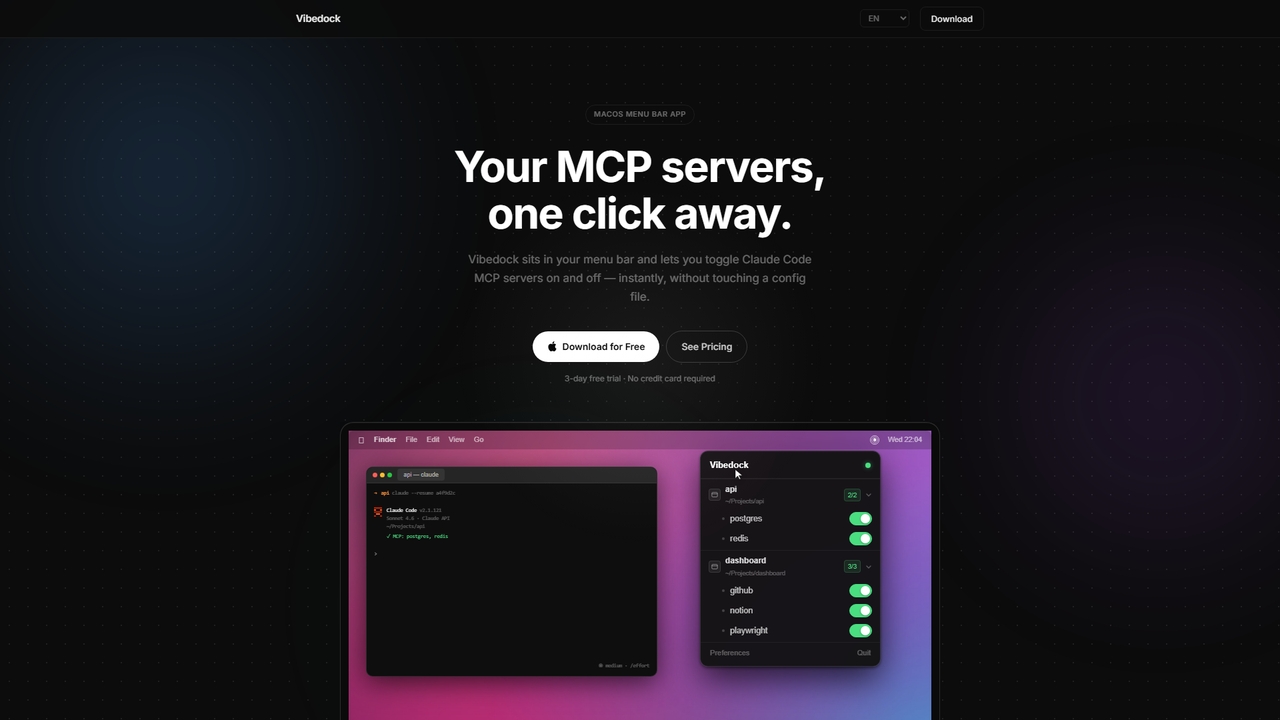
Vibedock is a native macOS menu bar utility designed to streamline the management of Claude MCP (Model Context Protocol) servers for developers. It provides a simple, click-based interface to enable or disable specific MCP servers for different projects, directly impacting token usage and operational efficiency. The tool reads existing global and project-specific MCP configuration files, automatically updates its state upon detection of changes, and handles the necessary session restarts in popular terminals.
How to use Vibedock
After downloading and installing the app on macOS 13 Ventura or later, Vibedock resides in the menu bar. Users can access their projects and associated MCP servers from the menu. To use it, simply locate the desired project and click on an MCP server to toggle its active status. Vibedock will automatically kill and relaunch the corresponding Claude Code or Claude Desktop session in your terminal (supporting Terminal, iTerm2, VS Code, and Warp) for the change to take effect immediately, without needing to edit any JSON configuration files manually.
Core Features of Vibedock
- Instant MCP Toggle: Enable or disable any MCP server with a single click from the macOS menu bar.
- Auto-Relaunch: Automatically kills and restarts active Claude sessions after a toggle, ensuring changes apply without user intervention.
- Project-Aware Organization: Reads and displays both global and per-project MCP server configurations, keeping everything organized.
- Live File Watching: Monitors config files and updates the UI instantly if external changes are detected.
- Terminal Compatibility: Works seamlessly with Terminal, iTerm2, VS Code terminal, and Warp, relaunching sessions in the correct window.
- Token Savings Tracker: Tracks estimated tokens saved and cost avoided by disabling unused MCPs, based on real toggle history.
Use Cases for Vibedock
Vibedock is ideal for software developers and engineers who work with Claude Code or Claude Desktop and utilize MCP servers for tasks like database access, web search, or file management. It is particularly useful for users who manage multiple projects with different MCP requirements, allowing them to quickly reconfigure their environment without interrupting workflow. It's also valuable for optimizing API costs by preventing unnecessary MCP servers from consuming context window tokens in every message.
Advantages of Vibedock
The primary advantage of Vibedock is its frictionless workflow integration. It removes the tedious process of manually editing config files and restarting sessions, making MCP server management effortless. The one-click toggle and auto-relaunch features significantly save time. Furthermore, by allowing developers to disable inactive MCP servers, it directly reduces the context window size per message, leading to tangible savings on token-based costs. The live scan feature ensures the tool's state is always accurate, and its compatibility with major terminals covers most developer setups.
Pricing and Plans
Vibedock is available for a one-time purchase, with no subscription fees. The pricing model offers a single license for one Mac at $14.99 (currently at an early bird price, down from $19.99). There is also a package for 2 Macs and 3 Macs for personal use. A 3-day free trial is provided without requiring a credit card. The license can be deactivated on one Mac and activated on a new one if needed.
Vibedock FAQ
Vibedock Alternatives
MCPCore
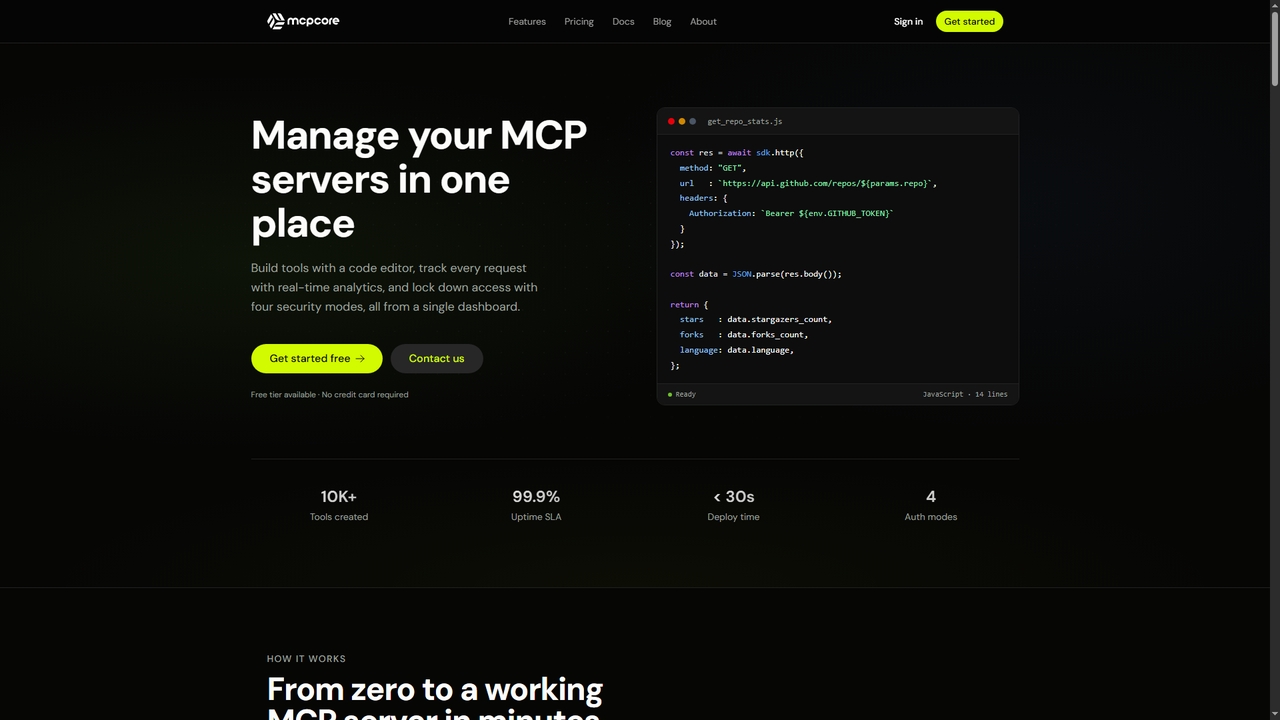
MCPCore is a comprehensive platform for building, deploying, and managing production-ready Model Context Protocol (MCP) servers. It provides a browser-based IDE with AI-assisted code generation, built-in security controls, real-time analytics, and one-click deployment, enabling developers to connect AI assistants to custom tools and data sources in minutes without managing complex infrastructure.
Agent Frameworks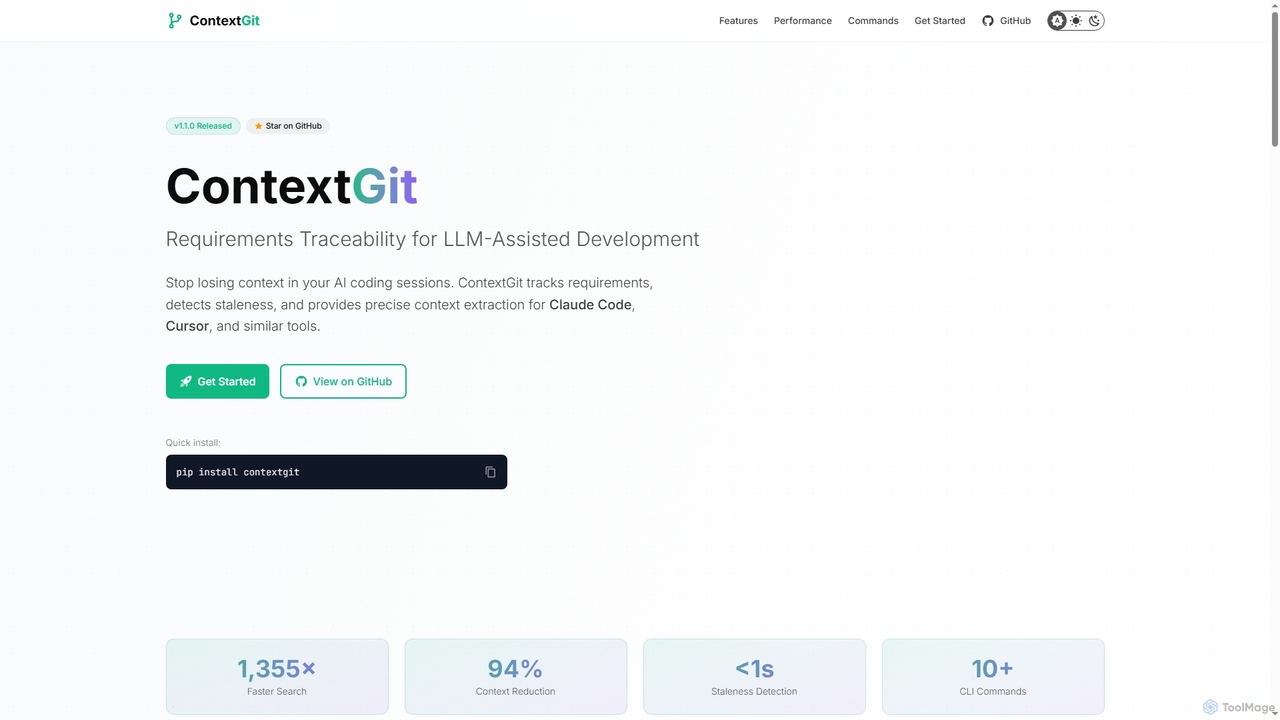
Contextgit
A command-line tool for developers using LLMs, providing requirements traceability, staleness detection, and precise context extraction to enhance AI-assisted coding workflows. It significantly reduces token usage and syncs AI tools with project requirements.
Code Assistant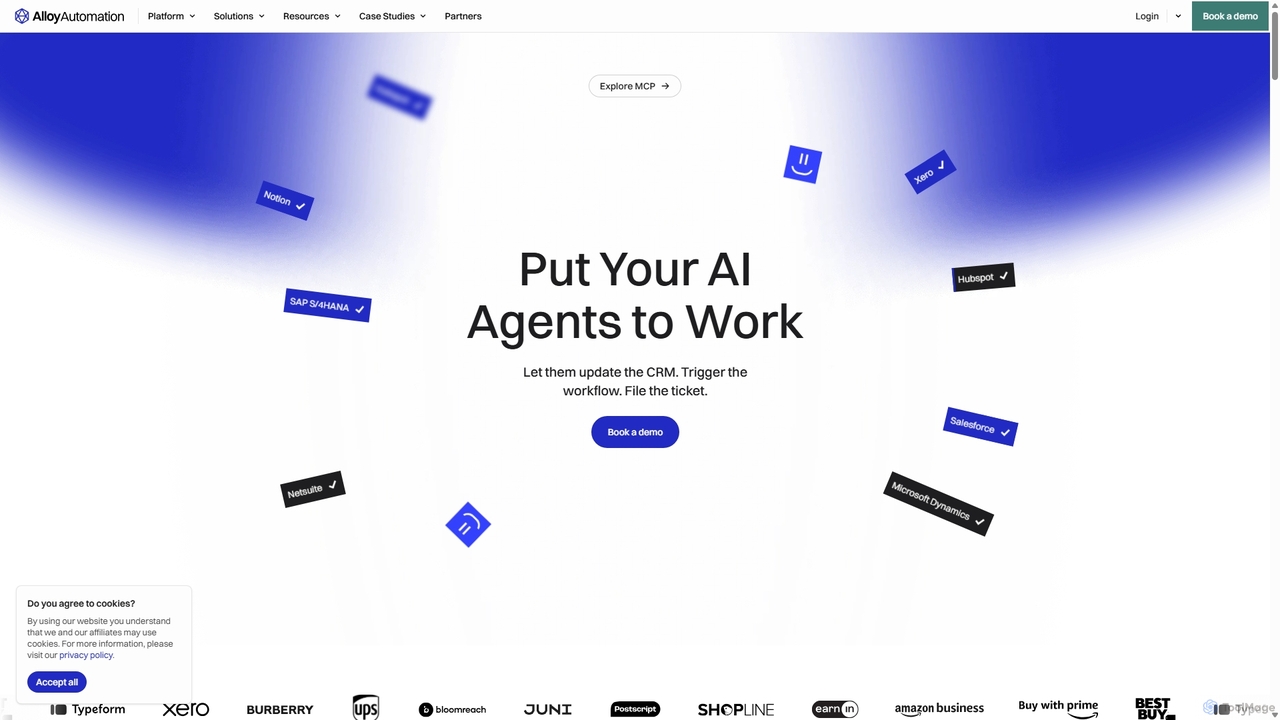
Alloy Automation
A powerful integration infrastructure for the AI era. Alloy Automation provides an agentic toolkit, embedded iPaaS, and a Connectivity API, enabling AI agents to take real-world actions and SaaS companies to rapidly build and scale product integrations.
Agent Tooling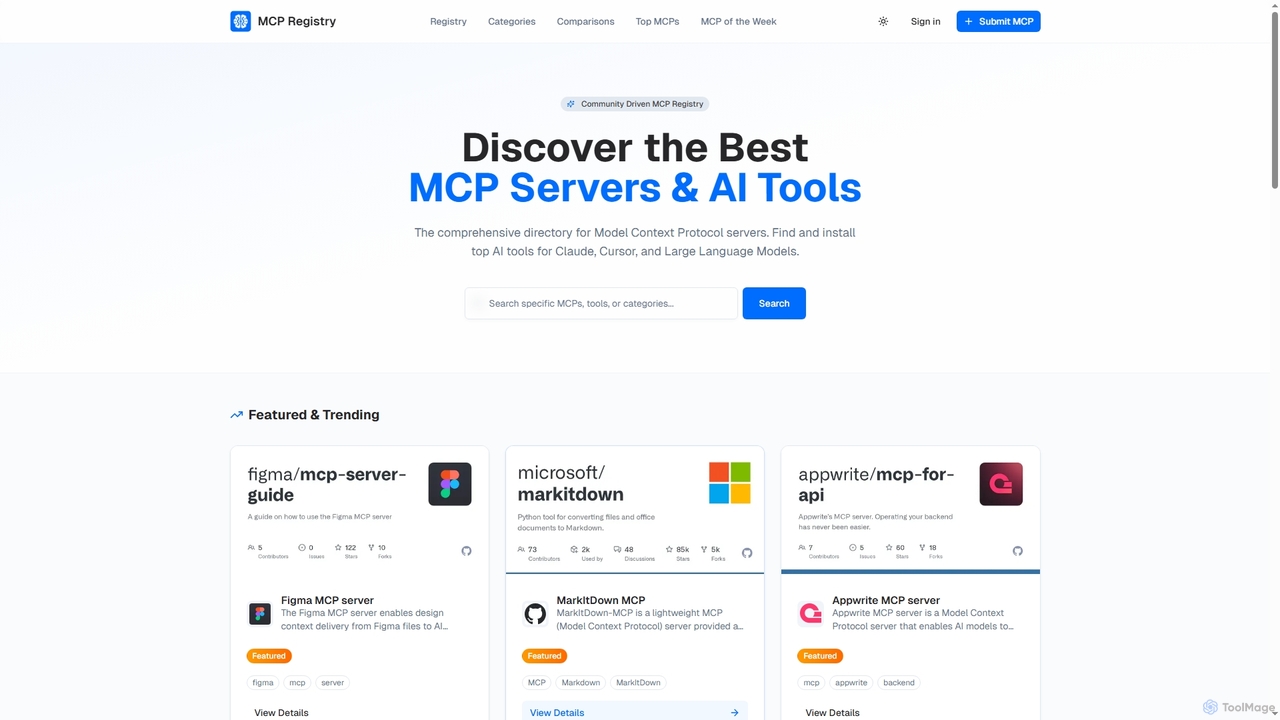
Public MCP Registry
Public MCP Registry is a comprehensive, community-driven directory for Model Context Protocol (MCP) servers. It helps developers discover, find, and install top AI tools for Large Language Models, Claude, and Cursor, streamlining AI-assisted development and workflow automation.
Ai Integration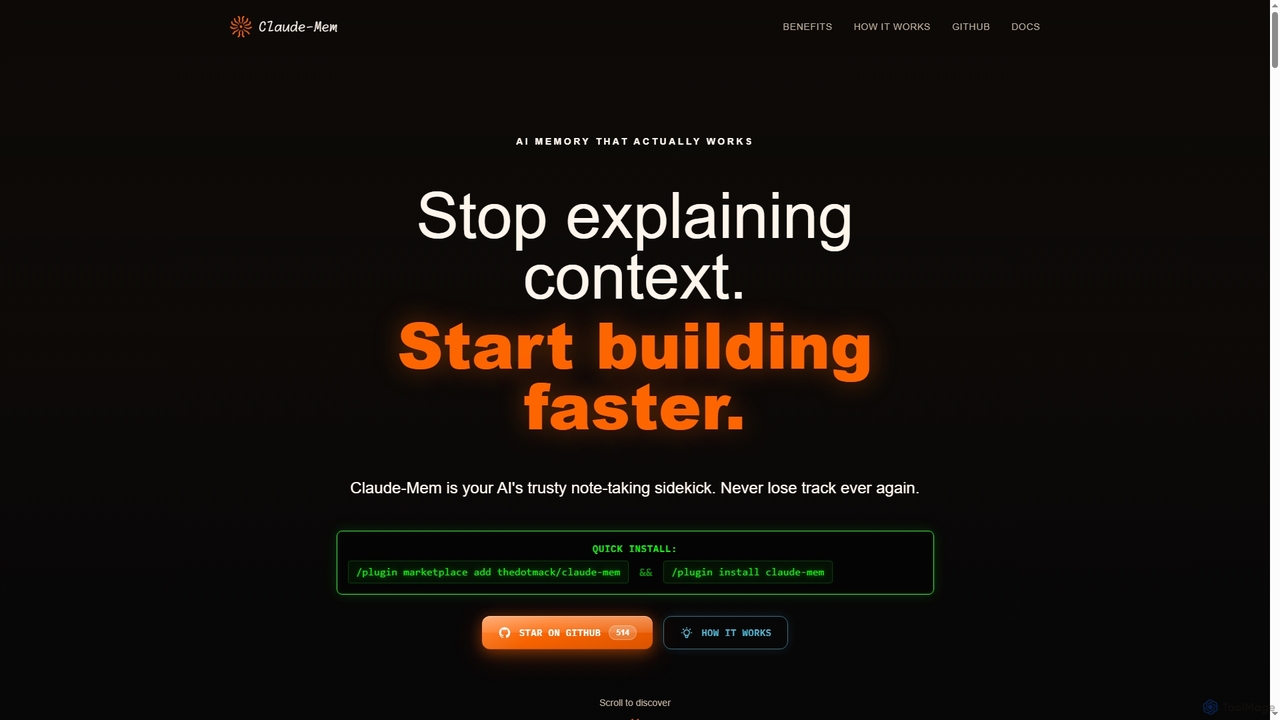
Claude-Mem
Claude-Mem is an AI memory archive designed for coding assistants. It acts as a note-taking sidekick, automatically observing and recording development context like decisions, bug fixes, and architectural choices in real-time. This provides your AI with a persistent memory across sessions, enhancing productivity and eliminating repetitive explanations.
Ai AssistantVibedock Categories
Vibedock Jobs
Vibedock Embed Widget
Copy this embed code to place the badge on your blog, article, or product site and send readers directly to this ToolMage detail page.

Related AI tools
MCPCore
MCPCore is a comprehensive platform for building, deploying, and managing production-ready Model Context Protocol (MCP) servers. It provides a browser-based IDE with AI-assisted code generation, built-in security controls, real-time analytics, and one-click deployment, enabling developers to connect AI assistants to custom tools and data sources in minutes without managing complex infrastructure.
Agent Frameworks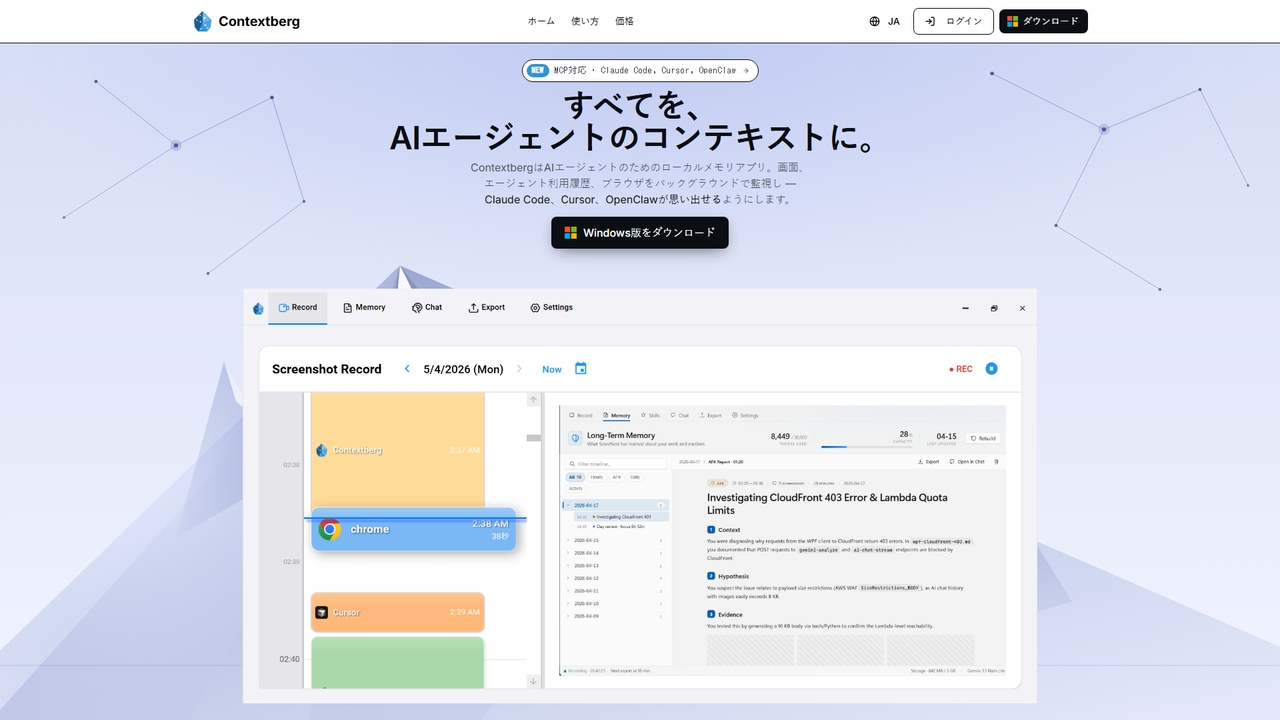
Contextberg
A local-first memory application for AI agents. It monitors screen activity, inputs, and browser usage in the background to provide context via MCP to coding agents like Claude Code, Cursor, and OpenClaw, enhancing productivity by eliminating repetitive re-entry.
Memory ManagementClaude-Mem
Claude-Mem is an AI memory archive designed for coding assistants. It acts as a note-taking sidekick, automatically observing and recording development context like decisions, bug fixes, and architectural choices in real-time. This provides your AI with a persistent memory across sessions, enhancing productivity and eliminating repetitive explanations.
Ai Assistant
Greb
Greb is an intelligent code search service that allows developers to find precise code chunks in massive codebases using natural language queries. It integrates seamlessly with AI coding assistants via MCP and offers a faster, more accurate alternative to traditional RAG systems.
Code Assistant
Enso
Enso is an AI-powered development environment designed for developers to parallelize intelligence across multiple AI agents within a single project. It integrates advanced Git control, a robust code editor, and AI-driven code review, offering a seamless workflow with persistent AI sessions for each branch.
Development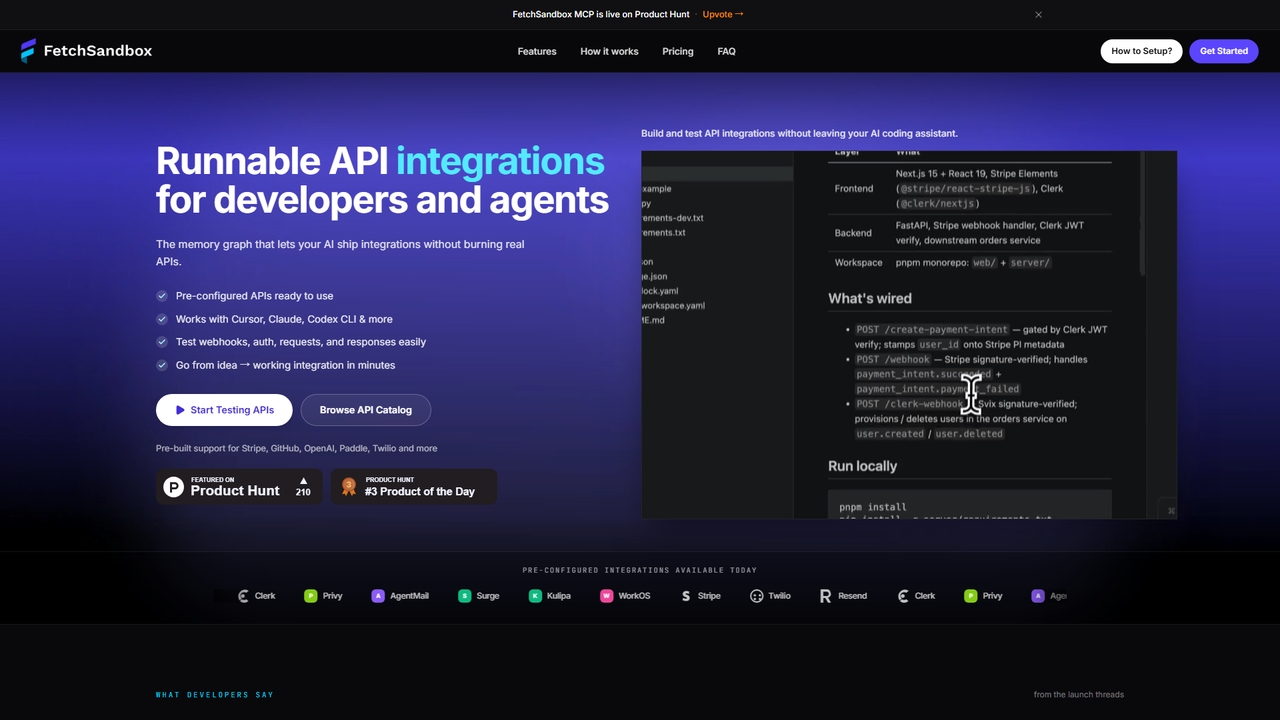
FetchSandbox
Test API integrations, webhooks, and workflows via MCP in your IDE without real API keys or quota.
API DevelopmentContextgit
A command-line tool for developers using LLMs, providing requirements traceability, staleness detection, and precise context extraction to enhance AI-assisted coding workflows. It significantly reduces token usage and syncs AI tools with project requirements.
Code Assistant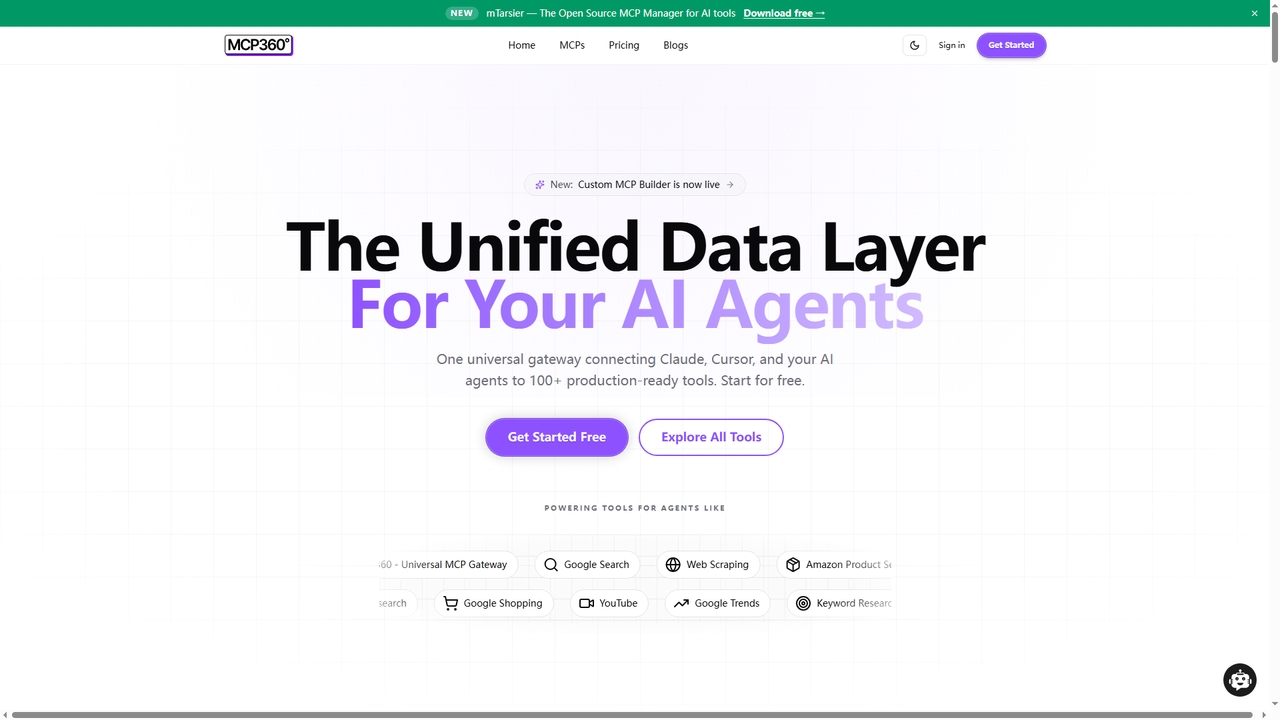
MCP360
MCP360 is a unified gateway for connecting AI agents like Claude and Cursor to over 100+ production-ready tools via the Model Context Protocol (MCP). It simplifies integration with a single subscription, offers a no-code custom MCP builder, and provides an interactive chat playground for real-time testing, accelerating AI workflow development.
Data & Research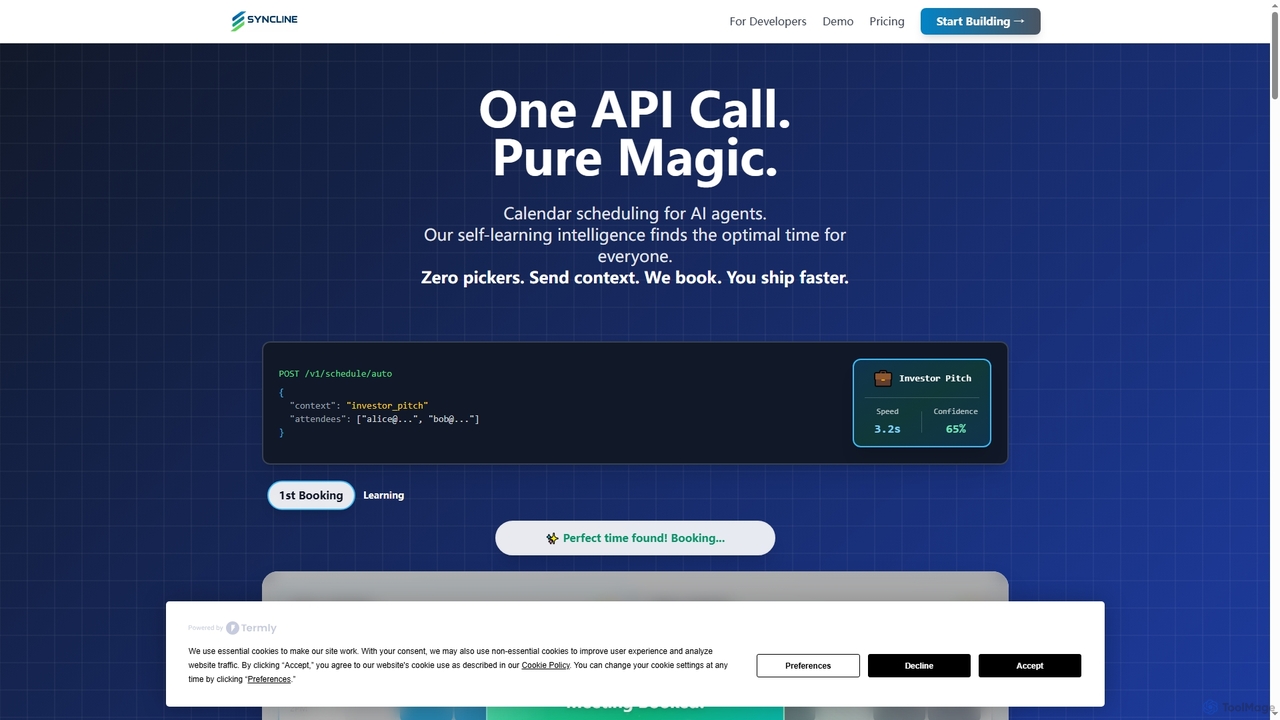
Syncline
Syncline is an AI-first scheduling infrastructure designed for developers and AI agents. It automates meeting scheduling by intelligently analyzing preferences and context, integrating seamlessly with Google Calendar via a powerful API and Model Context Protocol. It eliminates manual coordination, allowing AI agents to book optimal meeting times autonomously.
Api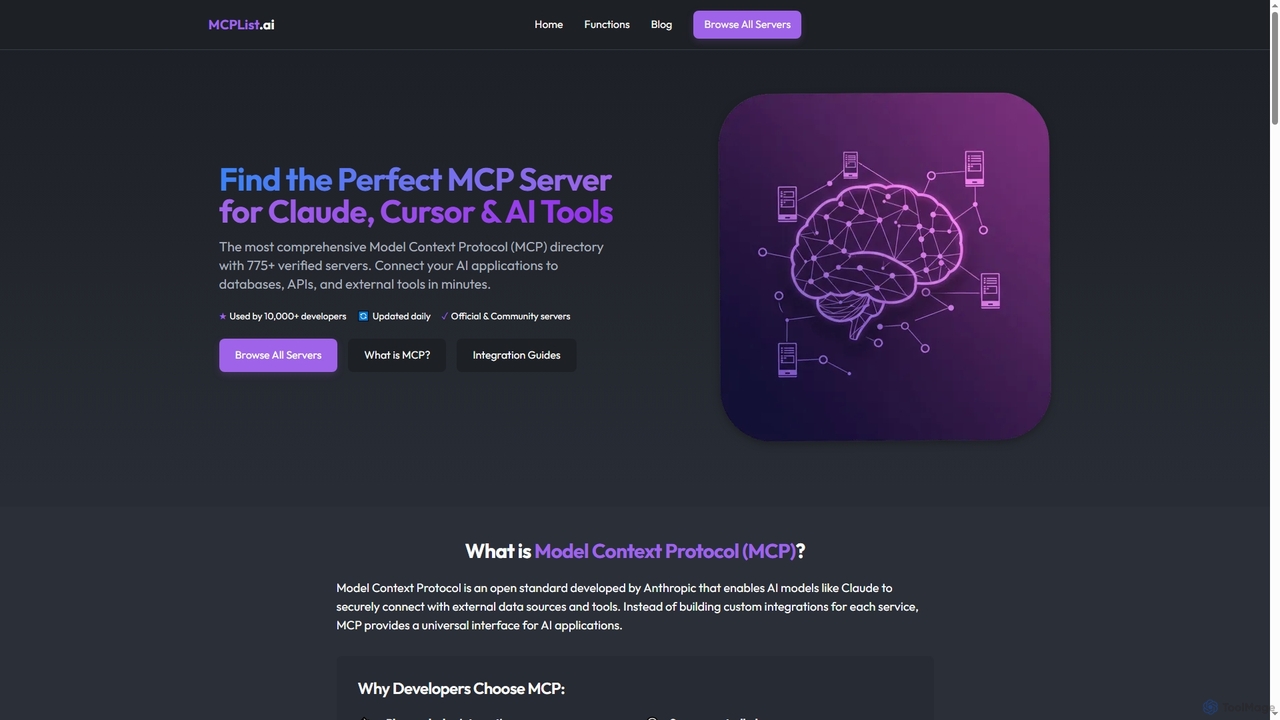
Mcplist
Mcplist is the most comprehensive directory of Model Context Protocol (MCP) servers, designed for developers. It features over 775 verified official and community servers, enabling AI applications like Claude and Cursor to seamlessly connect with external databases, APIs, and tools. The platform offers powerful search, filtering, and step-by-step integration guides to accelerate AI development.
3D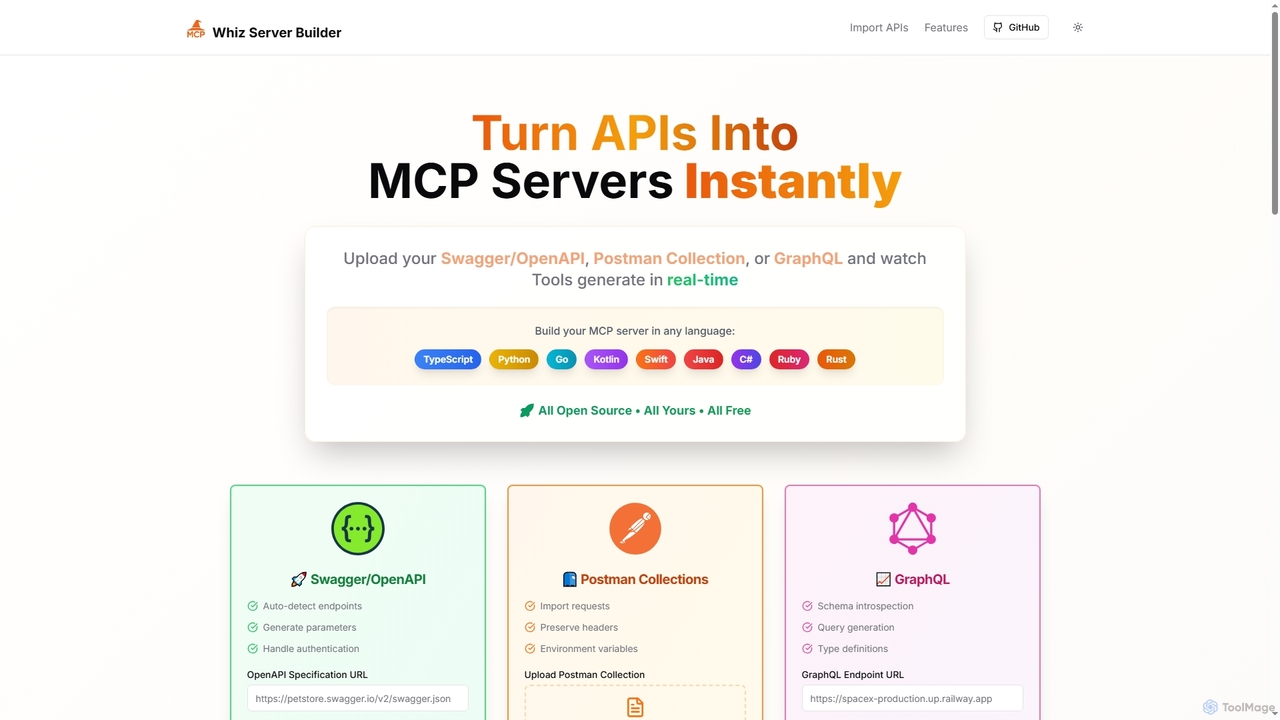
Mcpwhiz
Mcpwhiz is a free, open-source developer tool that instantly converts API specifications like Swagger/OpenAPI, Postman Collections, and GraphQL into production-ready Model Context Protocol (MCP) servers. It automates code generation in multiple languages, including TypeScript and Python, allowing developers to build context-aware applications with ease.
Server Management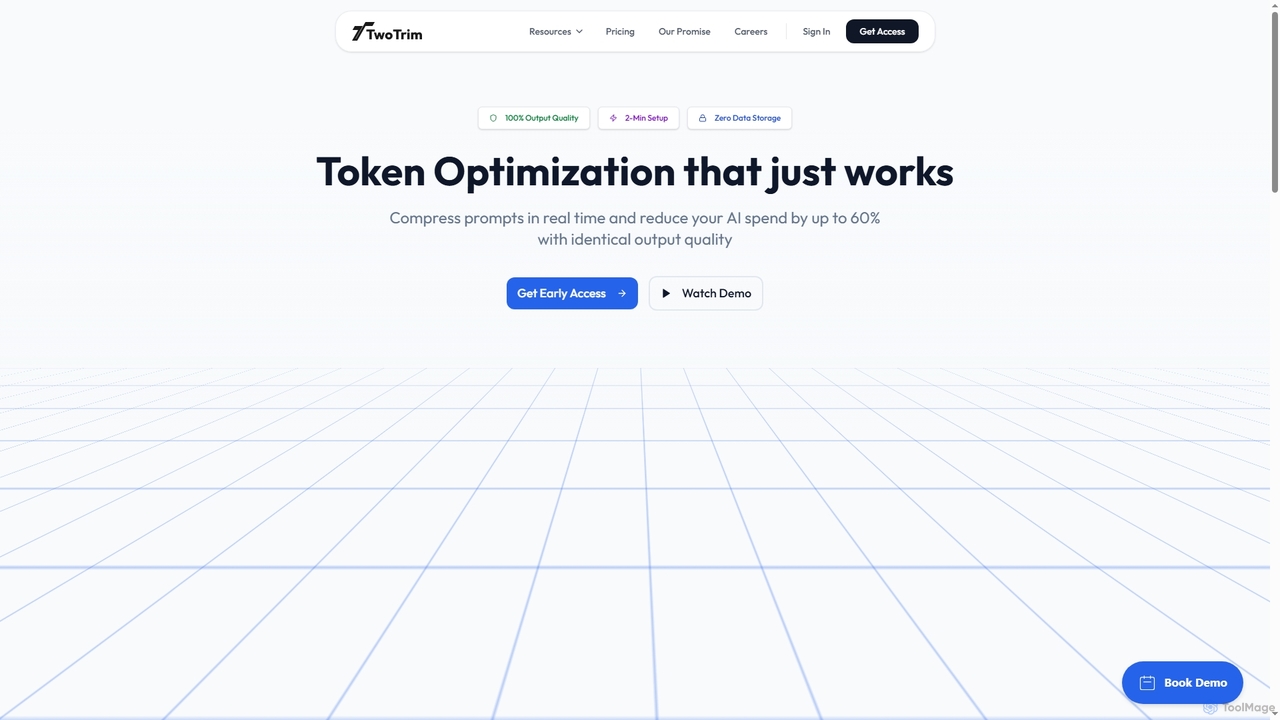
TwoTrim
TwoTrim is an AI token optimization platform that intelligently compresses large language model prompts in real-time, reducing AI API costs by up to 60% while guaranteeing 100% output quality. It offers a secure, stateless, and transparent solution for enterprises.
Large Language Models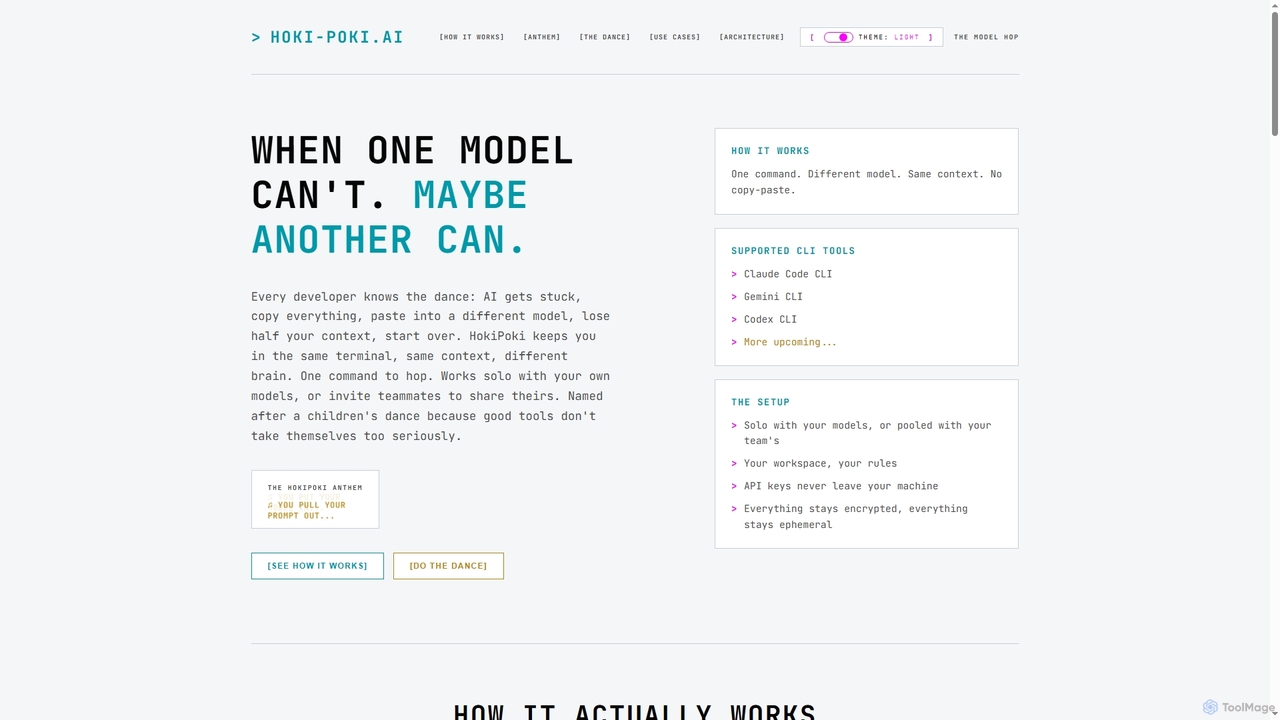
HokiPoki
HokiPoki is an innovative CLI tool for developers that enables seamless switching between different AI models within the same terminal and context. It eliminates the need for copy-pasting, preserving workflow and enhancing productivity for solo users and collaborative teams.
Team Development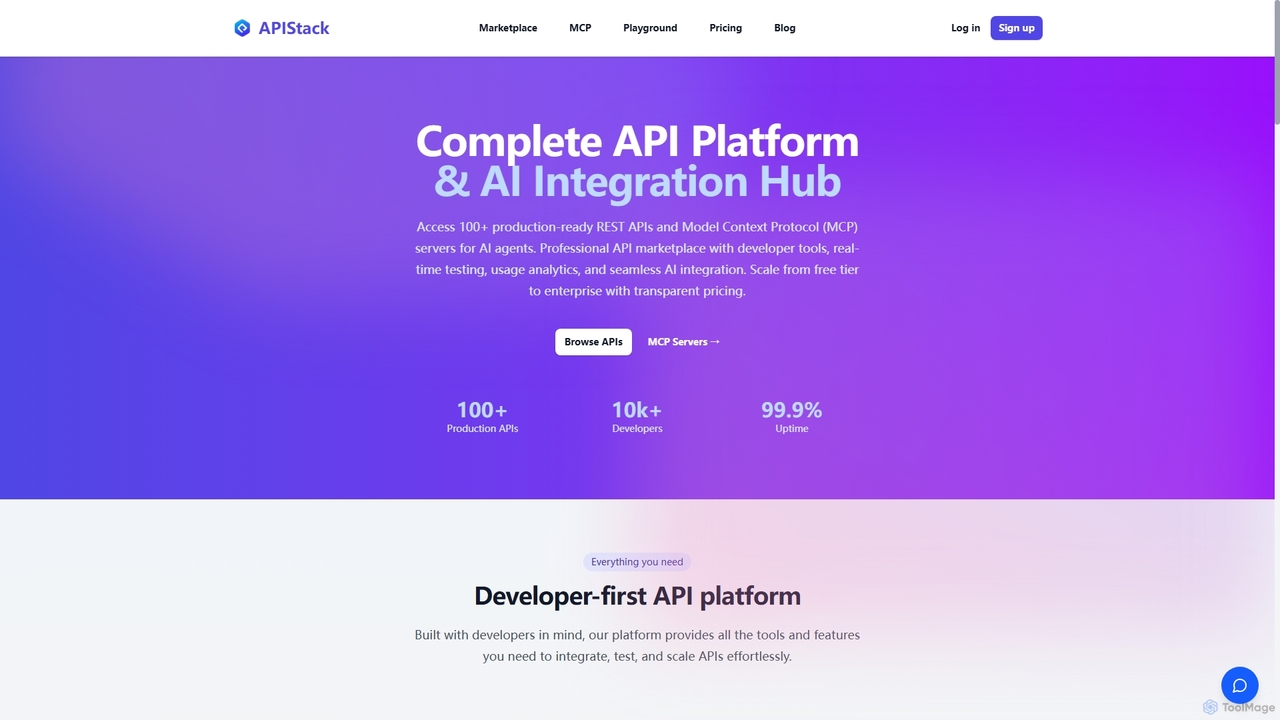
Apistack
Apistack is an enterprise API marketplace and AI integration hub, offering over 100 production-ready REST APIs. It features a developer-first platform with tools for real-time testing, usage analytics, and seamless integration with AI agents like ChatGPT and Claude via Model Context Protocol (MCP) servers.
Integration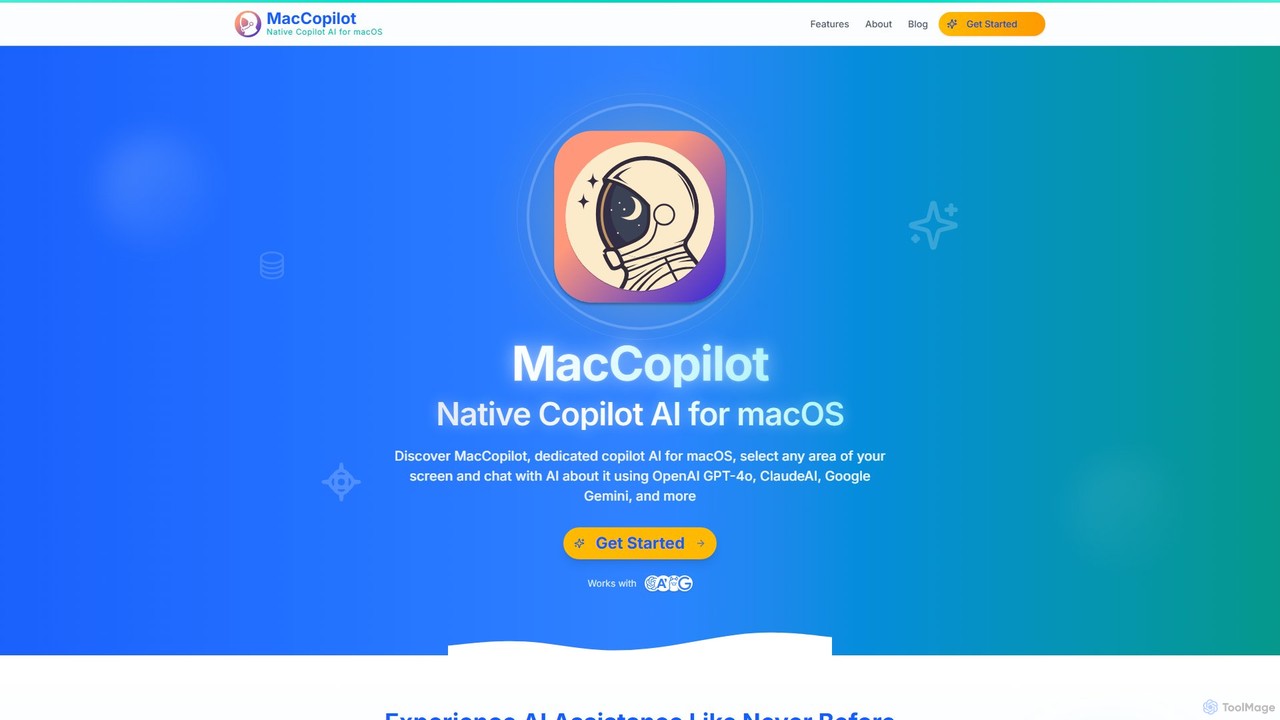
MacCopilot
MacCopilot is a native AI assistant for macOS that revolutionizes productivity. It allows you to select any area of your screen and instantly start a conversation with advanced AI models like GPT-4o, Claude 3.5, and Gemini. Get immediate insights, code explanations, email drafts, and more, without ever leaving your current window. It's a seamless bridge between your screen's content and powerful AI.
Code Assistant
Vibedock Comments (0)
Sign in to comment.
Sign inNo comments yet.