Collaboration Best in category 2 results Team Development AI Tool

Popular AI tools in the Team Development field of Collaboration include ChetakAI、HokiPoki, etc., helping you quickly improve efficiency.

HokiPoki

HokiPoki

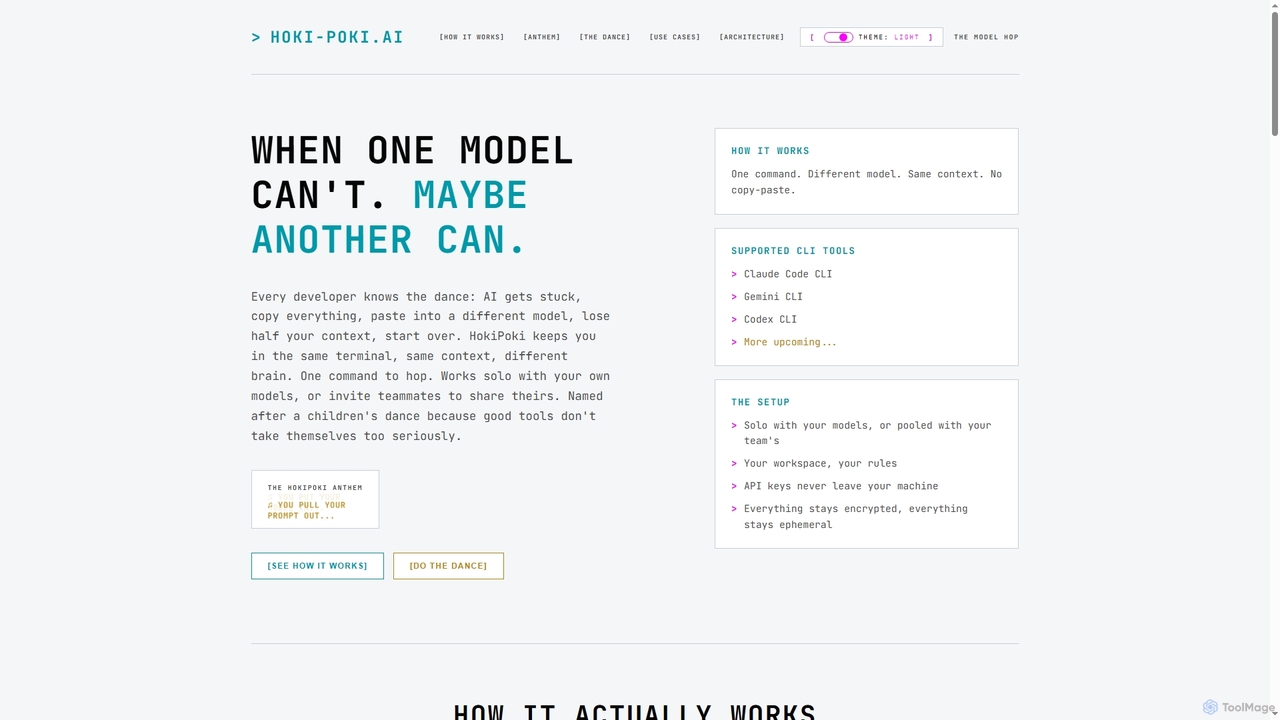
HokiPoki is an innovative CLI tool for developers that enables seamless switching between different AI models within the …

2.2K
ChetakAI

ChetakAI

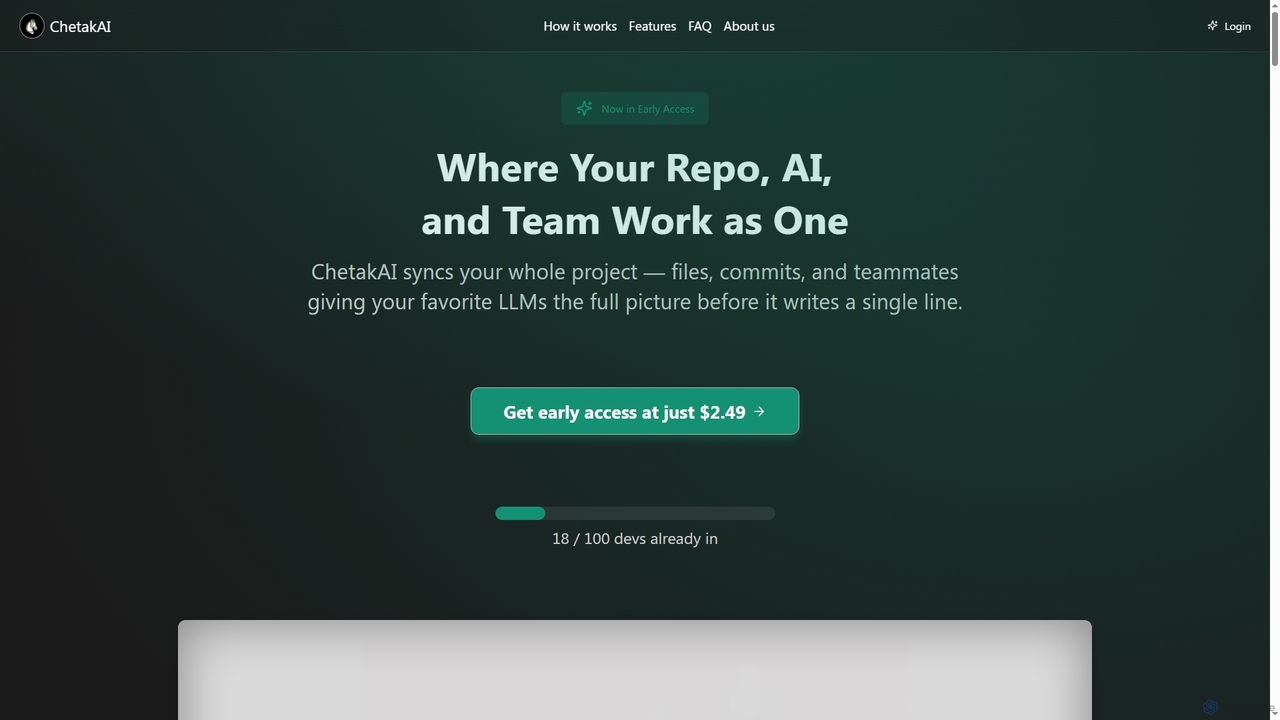
ChetakAI is an AI-powered development platform that unifies your code, AI, and team into a single, context-aware workspace. …

2.2K

About Team Development

Team Development tools are AI-powered platforms designed to optimize the software development lifecycle for engineering teams. They leverage machine learning to analyze code, automate reviews, and provide insights into development workflows, directly within platforms like GitHub or GitLab. This helps teams improve code quality, accelerate release cycles, and enhance collaboration on technical tasks. Unlike general collaboration tools, these platforms focus specifically on the technical aspects of coding, testing, and deployment processes.

Core Features

  • AI-Powered Code Review: Automatically detects bugs, vulnerabilities, and style inconsistencies in pull requests.
  • Automated Documentation & Summaries: Generates summaries for pull requests and documentation for functions to speed up understanding.
  • Developer Productivity Analytics: Provides data-driven insights into metrics like cycle time, review latency, and deployment frequency.
  • Intelligent Bug Triage: Predicts bug severity and suggests the most appropriate developer for a fix based on code history.
  • AI Pair Programming Assistant: Offers real-time code completions, suggestions, and debugging help directly in the IDE.

Use Cases

These tools are primarily used by software engineering teams in tech companies, startups, and large enterprises to maintain high code standards. DevOps and SRE teams also utilize them to streamline CI/CD pipelines and improve system reliability. Additionally, open-source projects adopt these tools to manage contributions and ensure code quality across a distributed team of developers.

How to Choose

When selecting a Team Development tool, first verify its support for your team's programming languages and frameworks. Assess the depth of its integration with your version control system (e.g., GitHub, GitLab). Evaluate the actionability of the AI-generated insights and suggestions. Finally, carefully review the tool's security policies and data handling practices, especially if you work with proprietary source code.

Team DevelopmentUse Cases

1

Accelerating Code Reviews with AI

A senior software engineer is tasked with reviewing a large pull request from a junior developer. Instead of manually checking every line for syntax and common errors, they use an AI Team Development tool. The tool automatically flags potential bugs, stylistic inconsistencies, and overly complex code sections. It also provides a natural language summary of the changes. This process reduces the review time by up to 40%, allowing the senior engineer to focus their valuable time on high-level architectural feedback and mentoring, rather than on minor, automatable corrections.

2

Improving Code Quality Before Committing

A developer is working on a new feature within their IDE. An AI pair programming assistant, integrated as a plugin, provides real-time suggestions. It suggests more efficient algorithms, identifies potential null pointer exceptions before the code is even run, and helps generate boilerplate code for unit tests. This proactive assistance helps the developer write cleaner, more robust code from the start. As a result, the initial pull request has fewer bugs and requires fewer revision cycles, improving the overall velocity of the team.

3

Gaining Insights into Engineering Performance

An engineering manager needs to identify bottlenecks in their team's development process for a quarterly review. They use a Team Development tool's analytics dashboard. The dashboard visualizes key metrics like cycle time (from first commit to deployment), PR review latency, and deployment frequency. The manager quickly identifies that PRs are waiting too long for review. Armed with this data, they can implement process changes, such as assigning primary reviewers or setting team-wide goals for review turnaround time, leading to a more efficient development pipeline.

4

Automating Technical Documentation for Onboarding

A tech lead is responsible for onboarding a new developer. To accelerate the process, they use an AI tool that analyzes the codebase and automatically generates documentation. For a complex module, the AI creates markdown files explaining public functions, their parameters, return values, and even provides usage examples based on how they are called elsewhere in the code. This auto-generated documentation serves as a reliable starting point, significantly reducing the time it takes for the new hire to understand the existing code and become a productive member of the team.

5

Intelligent Bug Routing and Triage

A project manager reviews a list of newly reported bugs in their issue tracker. Manually assigning each bug can be time-consuming and inaccurate. By integrating an AI Team Development tool, each new bug report is automatically analyzed. The AI considers the affected code files and the developers who have most recently worked on them to suggest the most suitable assignee. It can also predict the bug's severity based on historical data. This automates the triage process, ensuring bugs are routed to the right person faster, which shortens resolution times.

6

Enhancing Security in the Development Workflow

A DevOps engineer wants to shift security checks earlier in the development process ('shift left'). They integrate an AI-powered security scanning tool into their CI/CD pipeline. Now, every time a developer creates a pull request, the tool automatically scans the code changes for common vulnerabilities like SQL injection, cross-site scripting (XSS), or insecure dependencies. If a potential vulnerability is found, it blocks the merge and provides the developer with specific feedback on how to fix it. This proactive approach catches security issues before they reach production, reducing risk and costly post-release fixes.

Team DevelopmentFrequently Asked Questions