Collaboration Best in category 1 results Documentation AI Tool

Popular AI tools in the Documentation field of Collaboration include Slite, etc., helping you quickly improve efficiency.

Slite

Slite

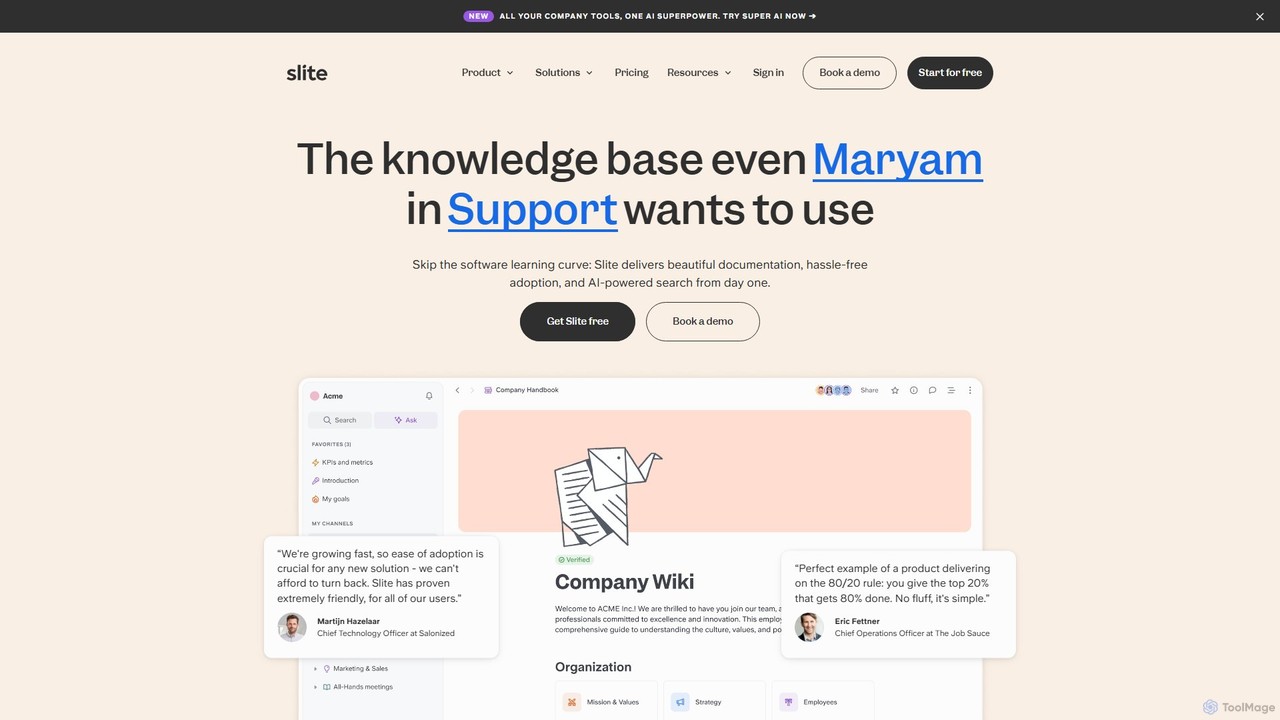
Slite is an AI-powered knowledge base designed for modern teams. It simplifies documentation, centralizes company knowledge, and provides …

289.2K

About Documentation

AI Documentation tools are specialized platforms that use artificial intelligence to streamline the creation, management, and discovery of knowledge. These tools leverage Natural Language Processing (NLP) to automate tasks like generating summaries, improving writing clarity, and providing intelligent search capabilities within knowledge bases. They are essential for teams to build and maintain a reliable single source of truth, significantly reducing the time spent searching for information and updating content. Unlike general-purpose text editors, AI documentation platforms are designed for structured, collaborative knowledge sharing.

Core Features

  • AI-Powered Writing Assistance: Automatically generates drafts, rephrases complex sentences, and suggests content improvements for clarity and consistency.
  • Semantic Search: Understands the user's intent behind a query to deliver highly relevant search results, not just keyword matches.
  • Automated Content Generation: Creates documentation from source code, generates FAQs from support conversations, or summarizes long articles.
  • Content Health Monitoring: Identifies outdated, duplicate, or conflicting information to help maintain the accuracy of the knowledge base.

Use Cases

These tools are widely used by software engineering teams for API and code documentation, customer support teams for building internal and external knowledge bases, and product managers for organizing specifications. Any organization that relies on shared knowledge can benefit, from startups creating their first internal wiki to large enterprises managing complex technical manuals.

How to Choose

When selecting an AI Documentation tool, consider its integration capabilities with your existing stack (e.g., Slack, Jira, GitHub). Evaluate the power and accuracy of its semantic search engine. Assess the scope of its AI writing and generation features, and consider the user interface's ease of use for both technical and non-technical contributors.

DocumentationUse Cases

1

Automating API Documentation for Developers

A software development team needs to maintain accurate and up-to-date API documentation for both internal and external developers. Using an AI Documentation tool, they can connect it directly to their code repository. The tool automatically parses code comments, function signatures, and endpoints to generate a structured, interactive API reference. When code is updated, the AI detects the changes and prompts for or automatically updates the corresponding documentation, ensuring consistency and saving developers dozens of hours per release cycle.

2

Building an Intelligent Customer Support Knowledge Base

A customer support team is overwhelmed with repetitive questions. They use an AI Documentation tool to create a public knowledge base. The AI helps by analyzing past support tickets to suggest topics for new articles and even drafts the content. The platform's semantic search allows customers to find answers using natural language, deflecting a significant portion of incoming tickets. Support agents can also use the internal version to quickly find verified solutions, improving first-contact resolution rates and overall customer satisfaction.

3

Creating a Centralized Internal Wiki for Company Knowledge

A fast-growing company struggles with knowledge silos, where crucial information is scattered across different departments and platforms. They implement an AI Documentation tool to build a central wiki. Employees can easily create and edit pages, while the AI assists by suggesting links to related content, identifying duplicate information, and ensuring a consistent structure. The powerful search function allows anyone to quickly find information on company policies, project histories, or best practices, fostering a culture of transparency and efficient knowledge sharing.

4

Streamlining New Employee Onboarding Processes

An HR department wants to improve the onboarding experience for new hires. They use an AI Documentation platform to create a comprehensive onboarding portal. The AI helps structure the content into a logical flow, from company culture to role-specific tasks. It can generate checklists and summaries to ensure new employees cover all necessary material. New hires can use the semantic search to ask questions like "how do I set up my benefits?" and get instant, accurate answers, reducing their reliance on mentors and HR staff for basic information.

5

Managing Product Requirements and Specifications

A product management team uses an AI Documentation tool to draft, refine, and manage Product Requirement Documents (PRDs). The AI assists in writing clear user stories and acceptance criteria. As the PRD is developed, the tool automatically suggests links to related design mockups, technical specifications, and market research documents stored within the same system. This creates a deeply interconnected web of product knowledge, ensuring that engineers, designers, and stakeholders all have a shared, context-rich understanding of the product goals and specifications.

6

Ensuring Compliance with Up-to-Date Policy Documents

A legal or compliance team needs to ensure that all employees have access to the latest company policies and procedures. They use an AI Documentation platform as a central repository. The tool's version control makes it easy to track changes and maintain an audit trail. The AI can also help by identifying potentially conflicting statements across different policy documents. When a policy is updated, the system can notify relevant employees and require them to acknowledge they have read the new version, simplifying compliance management.

DocumentationFrequently Asked Questions