
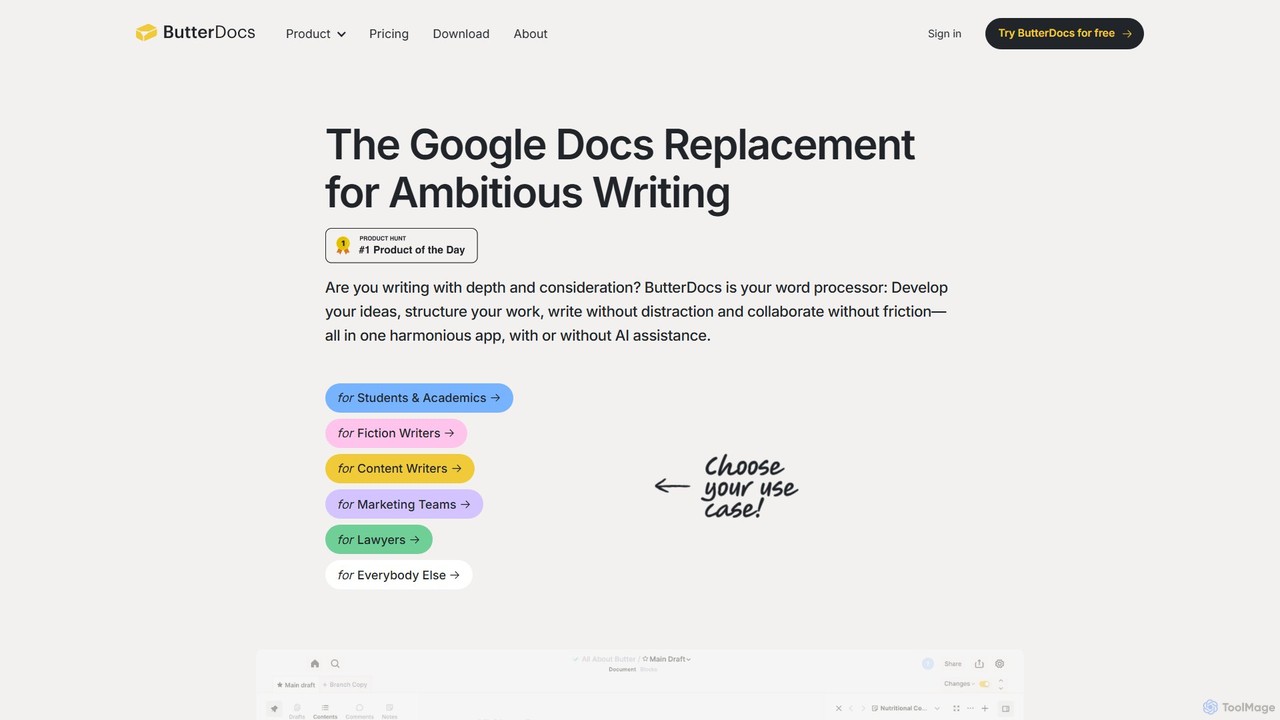
Collaboration Best in category 1 results Documentediting AI Tool

Popular AI tools in the Documentediting field of Collaboration include ButterDocs, etc., helping you quickly improve efficiency.

ButterDocs

ButterDocs

ButterDocs is a professional writing and collaboration platform designed as a superior alternative to Google Docs for ambitious …

3.9K

About Documentediting

AI Document Editing tools are applications that integrate artificial intelligence into the process of creating, refining, and collaborating on text-based documents. These tools leverage Natural Language Processing (NLP) to offer intelligent suggestions, automate tedious tasks, and provide deep content insights, enhancing both individual productivity and team collaboration. They transform static documents into dynamic workspaces for efficient content creation, review, and management. This goes beyond traditional word processors by adding a layer of intelligent assistance for writing quality and workflow automation.

Core Features

  • Intelligent Writing Assistance: Provides real-time suggestions for grammar, style, tone, and clarity to improve writing quality.
  • AI-Powered Content Generation: Helps draft sections, summarize long texts, rephrase sentences, or brainstorm ideas directly within the document.
  • Real-time Co-editing & Smart Comments: Allows multiple users to edit simultaneously with AI-powered change tracking and contextual comment suggestions.
  • Semantic Document Analysis: Scans documents to extract key topics, identify sentiment, or find information based on meaning rather than just keywords.
  • Automated Formatting & Structuring: Automatically applies consistent formatting, generates tables of contents, and helps structure documents logically.

Use Cases

These tools are widely used by marketing teams for creating collaborative content like white papers and blog posts, legal professionals for drafting and reviewing contracts with greater accuracy, and academic researchers for co-authoring papers. Product teams also rely on them to develop and maintain technical documentation, ensuring consistency and clarity across all materials.

How to Choose

When selecting an AI Document Editing tool, consider the sophistication of its AI writing assistance features and its real-time collaboration capabilities. Evaluate its integration with other platforms like cloud storage or project management software. Also, assess the security protocols for handling sensitive information and the intuitiveness of the user interface for team adoption.

DocumenteditingUse Cases

1

Collaborative Marketing Content Creation

A marketing team uses an AI document editor to co-author a new white paper. Team members in different locations can write and edit sections simultaneously. The AI assistant ensures brand voice consistency by suggesting alternative phrasing, checks for complex jargon, and generates a concise executive summary from the final draft. This process reduces review cycles by 40% and ensures a high-quality, cohesive final document.

2

Efficient Legal Contract Review

A legal team drafts and reviews a complex commercial agreement. The AI tool helps identify potentially ambiguous clauses, suggests standardized legal phrasing, and cross-references definitions throughout the document to ensure consistency. It can also compare the draft against a template or previous versions, highlighting substantive changes and reducing the risk of human error. This accelerates the review process and enhances contractual precision.

3

Academic Research Paper Co-authoring

A group of university researchers collaborates on a scientific paper. The AI document editor helps manage citations and automatically formats the bibliography in the required style (e.g., APA, MLA). The AI can also suggest ways to improve the clarity of complex scientific explanations and check for grammatical consistency across sections written by different authors, ensuring a polished and professional final manuscript.

4

Developing and Maintaining Technical Documentation

A technical writing team for a software company uses an AI editor to create and update user guides. The tool's AI can generate step-by-step instructions from a brief prompt, ensure consistent terminology across hundreds of pages, and help structure complex information with automated outlines and tables of contents. When the software is updated, the AI can help identify all related documentation sections that need revision, streamlining the update process.

5

Automating Meeting Minutes and Action Items

After a project meeting, an assistant uploads a meeting transcript to an AI document editor. The AI summarizes the key discussion points, identifies decisions made, and automatically extracts a list of action items, assigning them to the correct team members based on the conversation. The assistant then only needs to review and refine the AI-generated minutes, saving over 70% of the time previously spent on manual summarization and formatting.

6

Personalized Educational Content Creation

An educator creates study guides for students with different learning levels. Using an AI document editor, they can input a core text and ask the AI to generate three versions: a detailed version with advanced vocabulary, a standard version, and a simplified version with key concepts explained in simpler terms. This allows for rapid creation of differentiated learning materials, catering to the diverse needs of the classroom without creating three documents from scratch.

DocumenteditingFrequently Asked Questions