Collaboration Best in category 2 results Content Sharing AI Tool

Popular AI tools in the Content Sharing field of Collaboration include Readit、Yapgan, etc., helping you quickly improve efficiency.

Free
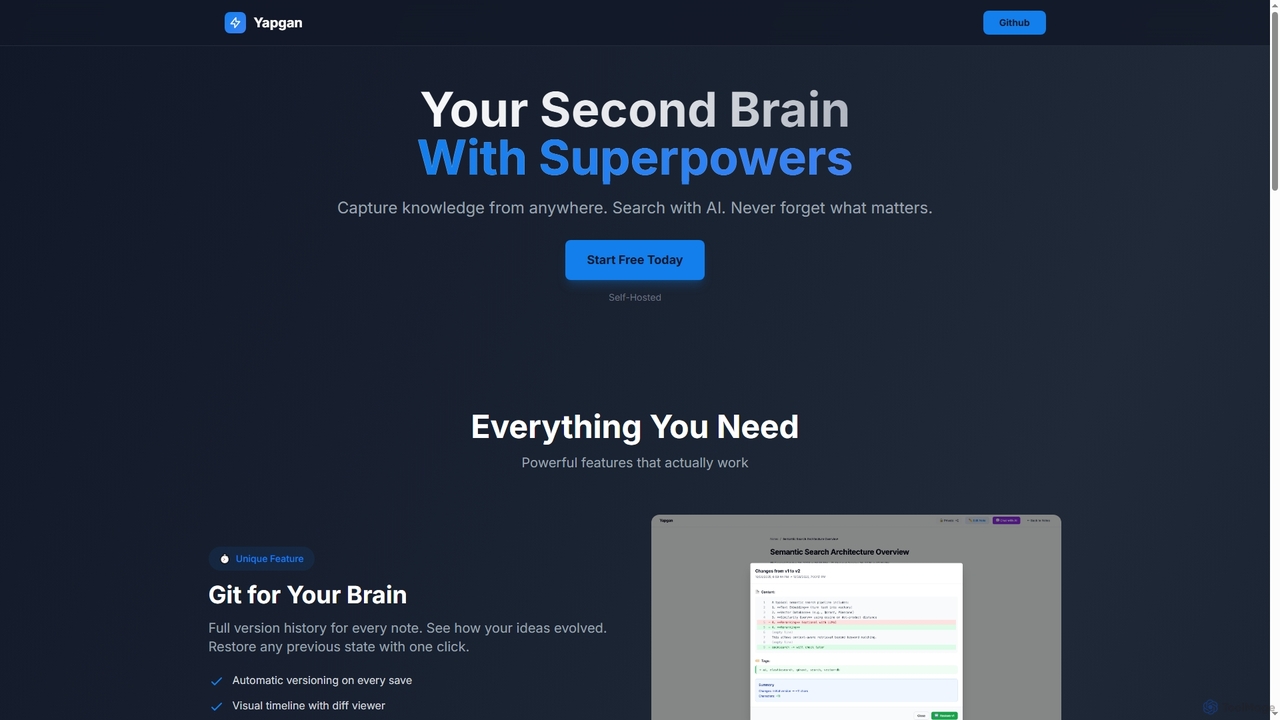
Yapgan

Yapgan

Yapgan is a powerful, self-hosted "second brain" tool designed for knowledge workers, developers, and researchers. It enables users …

2.2K
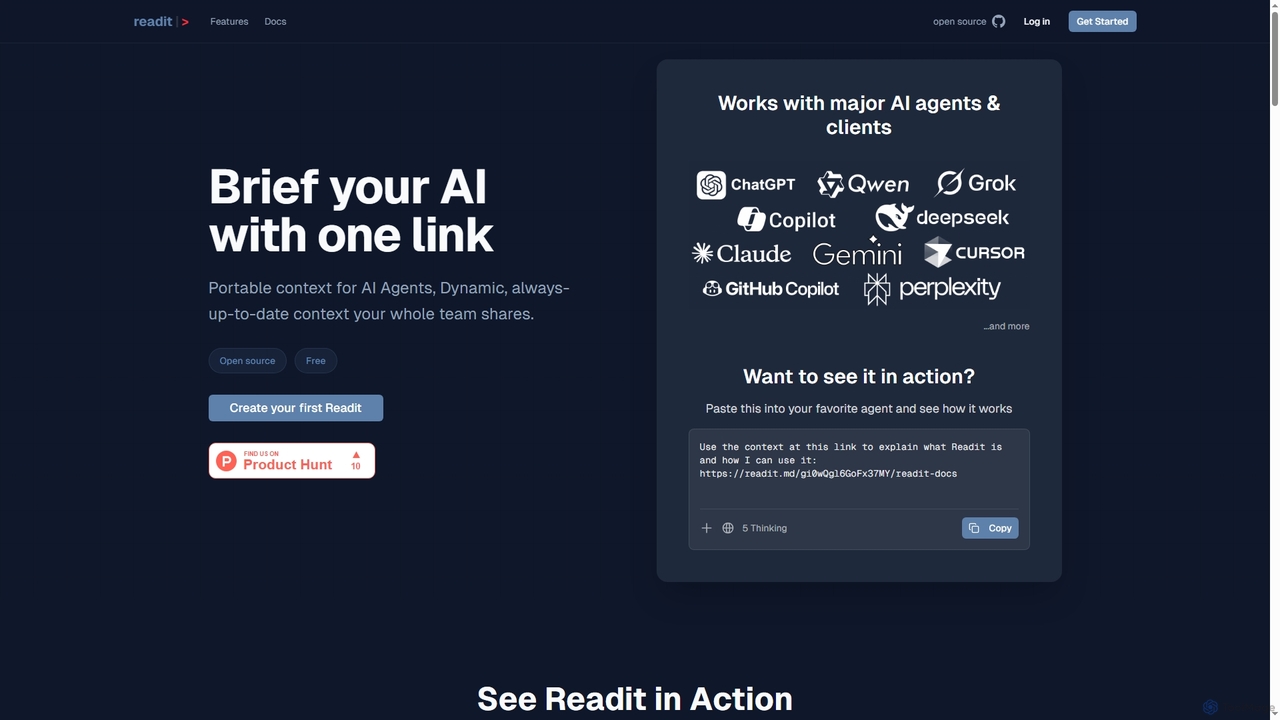
Readit

Readit

Readit is an open-core platform providing portable, dynamic, and always-up-to-date context for AI agents and teams. It centralizes …

5.8K

About Content Sharing

Content Sharing tools are AI-enhanced platforms designed for the secure and intelligent distribution of digital assets. They leverage artificial intelligence to automate permissions, generate smart summaries, and provide detailed analytics on content engagement. This enables teams to streamline workflows, ensure information security, and gain valuable insights into how their shared content is consumed. Unlike general cloud storage, these tools focus specifically on the intelligence and security layer of the sharing process, making them a vital component of modern collaborative environments.

Core Features

  • AI-Powered Access Control: Automatically suggests user permissions based on content sensitivity and user roles to prevent data leaks.
  • Engagement Analytics: Tracks views, download counts, and time spent on documents, providing insights into recipient interest.
  • Smart Previews & Summaries: Generates concise summaries or visual previews for shared files and links, allowing recipients to grasp key information quickly.
  • Secure Sharing Links: Creates links with advanced security options like password protection, expiration dates, and download restrictions.
  • Automated Version Control: Manages different versions of a file, highlighting changes and preventing conflicts when multiple users are involved.

Use Cases

These tools are frequently used by marketing and sales teams for distributing proposals and campaign assets, legal firms for securely exchanging confidential case files, and creative agencies for managing client feedback on design mockups. They are also valuable for research institutions sharing sensitive data and HR departments managing onboarding materials.

How to Choose

When selecting a Content Sharing tool, evaluate its security features, such as end-to-end encryption and detailed audit trails. Consider the depth of its analytics and reporting capabilities. Assess its integration potential with your existing software stack (e.g., CRM, project management tools) and ensure its scalability aligns with your team's size and future growth.

Content SharingUse Cases

1

Secure Sales Proposal Tracking

A sales representative needs to send a confidential proposal to a high-value prospect. Instead of using standard email, they use an AI content sharing platform. The tool allows them to upload the PDF, protect it with a password, and set the access link to expire in 7 days. When the prospect opens the document, the AI system instantly notifies the sales rep and provides analytics on which pages were viewed the longest. This insight allows the rep to tailor their follow-up call, focusing on the sections that generated the most interest, significantly improving their chances of closing the deal.

2

Managing Client Feedback for a Design Agency

A creative agency is working on a new website design for a client. They share the initial mockups through an AI content sharing portal. The client can leave comments directly on specific elements of the design. The platform automatically organizes this feedback and manages different design versions. When a new version is uploaded, the AI highlights the changes between the old and new designs for the client. This process eliminates confusing email chains, provides a clear record of all feedback, and streamlines the revision cycle, reducing project delivery time by up to 30%.

3

Distributing Confidential Research Data

A university research team needs to share a large dataset containing sensitive information with collaborators at another institution. They use a secure content sharing platform with AI features. The AI scans the data upon upload and flags potentially personally identifiable information (PII), suggesting it be anonymized before sharing. The platform provides an end-to-end encrypted channel for transfer and creates a detailed audit log of every access and download event. This ensures compliance with data protection regulations like GDPR and maintains the integrity and confidentiality of the research.

4

Streamlining HR Onboarding Processes

An HR manager is onboarding five new employees remotely. They create a centralized 'Onboarding Kit' on a content sharing platform, containing contracts, policy documents, and training videos. The platform allows the manager to track each new hire's progress, seeing which documents have been opened and which videos have been watched. The AI can also generate a quick summary for each policy document, helping new employees digest large amounts of information efficiently. This automated tracking and summarization saves the HR manager hours of manual follow-up and ensures a consistent onboarding experience for everyone.

5

Centralizing Marketing Campaign Assets

A marketing team is launching a multi-channel campaign. They use a content sharing tool as a central hub for all assets: ad creatives, social media copy, press releases, and videos. The platform's AI-powered search allows any team member to find a specific asset instantly using natural language queries like 'find the latest Instagram video for the summer sale'. It also automatically generates different-sized previews for social media sharing. This eliminates the need to search through nested folders or request files from colleagues, ensuring brand consistency and speeding up content deployment across all channels.

6

Secure Exchange of Legal Documents

A law firm needs to share highly sensitive documents, such as discovery materials and contracts, with opposing counsel and clients. Using a specialized AI content sharing platform, they can create a secure data room. The platform automatically watermarks every document with the recipient's name and the date. Access is strictly controlled, and the firm's administrator can see a complete, unalterable audit trail of who viewed, printed, or downloaded each file. This level of security and tracking is critical for legal compliance and protecting client confidentiality, something not offered by standard email or file storage services.

Content SharingFrequently Asked Questions