Collaboration Best in category 3 results Document Editing AI Tool

Popular AI tools in the Document Editing field of Collaboration include Bit.ai、AIEditor、Grimo, etc., helping you quickly improve efficiency.

Bit.ai

Bit.ai

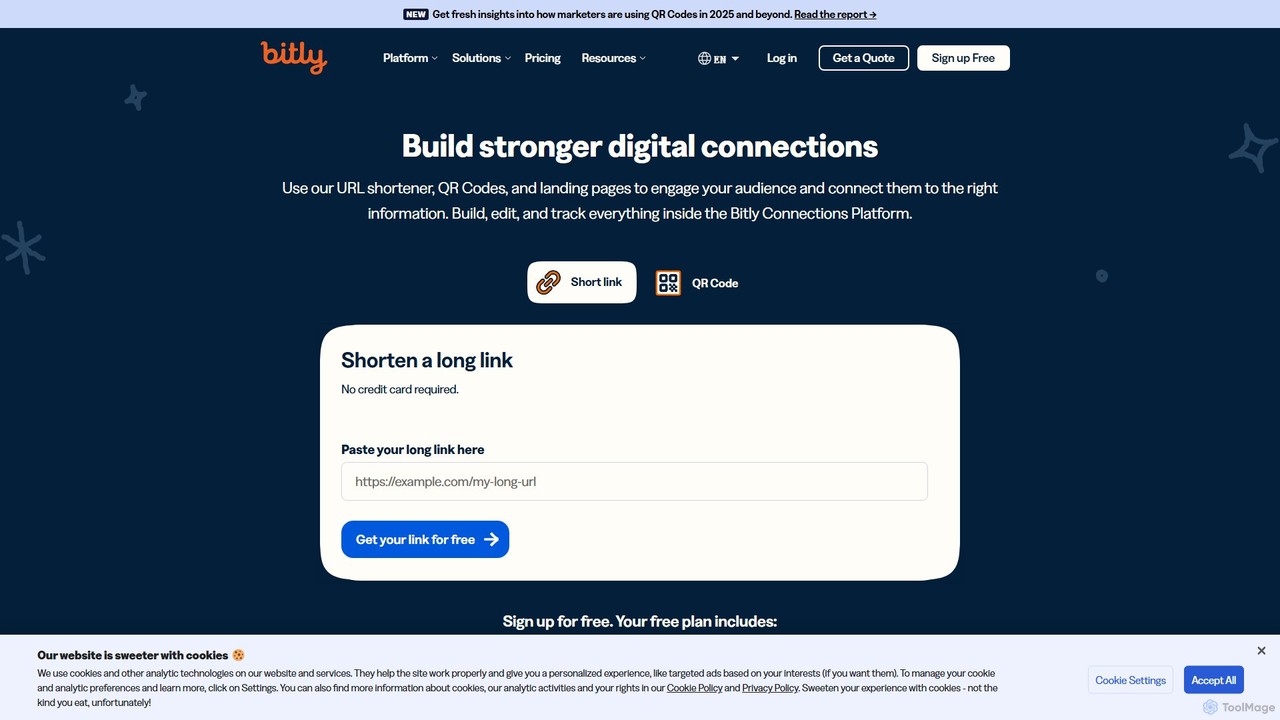
Bit.ai is an AI-powered document collaboration and knowledge management platform. It enables teams to create modern, interactive documents …

124.2K
AIEditor

AIEditor

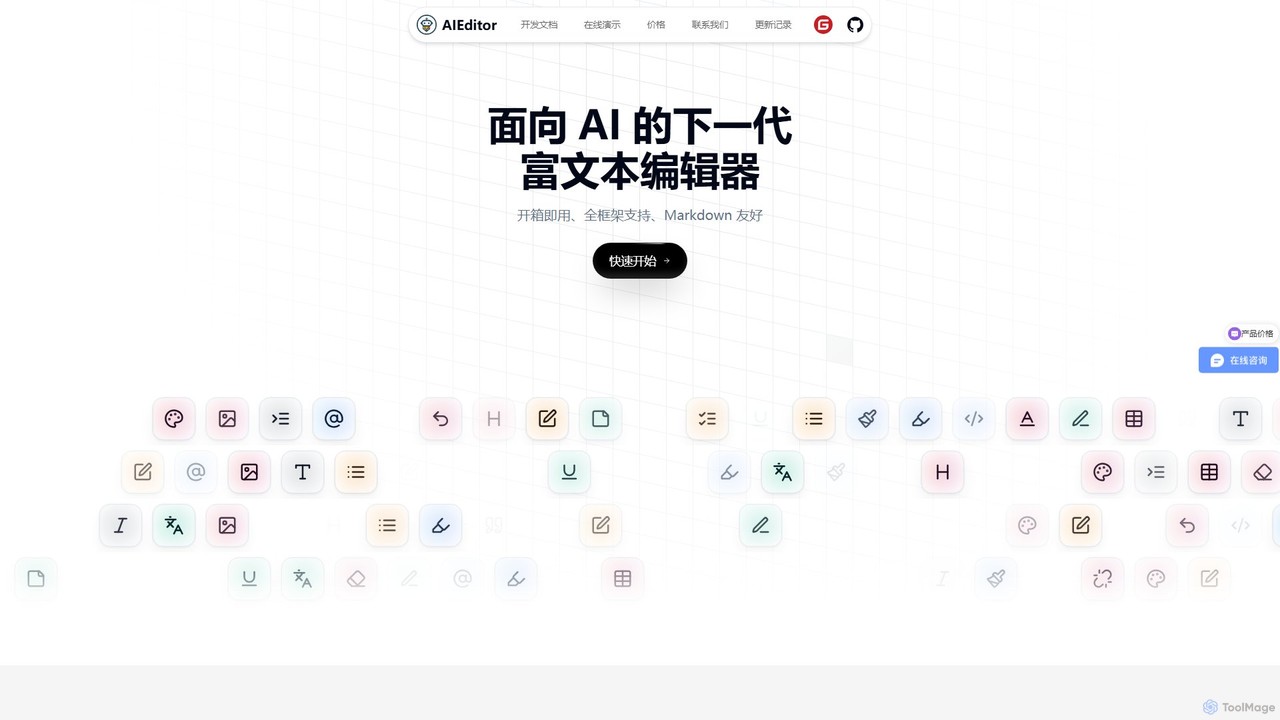
AIEditor is a next-generation, framework-agnostic rich text editor designed for seamless AI integration. Built on Web Components, it …

4.5K
Grimo

Grimo

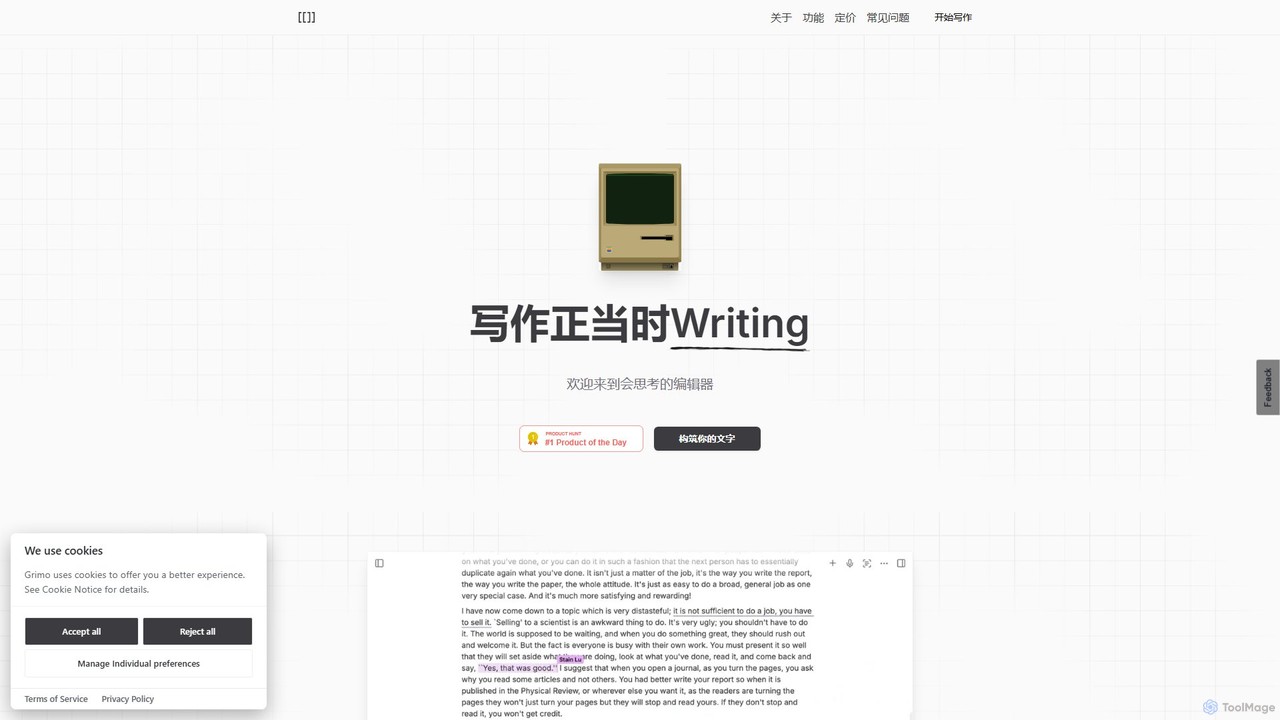
Grimo is an AI-powered writing partner and intelligent editor designed for co-creation. It integrates top language models like …

3.7K

About Document Editing

Document Editing tools are AI-powered applications designed to automate and enhance the creation, revision, and management of text-based documents. Leveraging natural language processing (NLP), these platforms go beyond basic spell-checking to provide intelligent writing assistance, content generation, and semantic analysis. They streamline the entire document lifecycle, from drafting initial ideas to polishing final versions, making them a crucial component of modern collaborative workflows. By acting as an intelligent partner, AI document editing software helps teams maintain consistency, improve clarity, and accelerate content production.

Core Features

  • Intelligent Writing Assistance: Provides real-time suggestions for grammar, style, tone, and clarity to improve the quality of writing.
  • Content Generation and Summarization: Automatically creates text drafts, outlines, or summaries based on user prompts or existing content.
  • Semantic Search: Enables users to find information within large documents based on conceptual meaning, not just keyword matching.
  • Automated Formatting: Applies consistent branding, styles, and templates across documents to ensure a professional appearance.
  • Collaborative Intelligence: Analyzes document history and team contributions to suggest edits, resolve conflicts, and provide insights into the writing process.

Applicable Scenarios

These tools are widely used by legal teams for drafting and reviewing contracts, marketing departments for creating consistent brand messaging, and technical writers for producing clear and accurate documentation. They are also valuable for academic researchers, business analysts generating reports, and any team that relies on high-quality written communication for collaboration.

Selection Criteria

When choosing a Document Editing tool, consider its integration capabilities with your existing ecosystem (e.g., Google Workspace, Microsoft 365). Evaluate the depth of its AI features—whether you need simple correction or advanced content generation. Also, assess its collaborative functions, security protocols for sensitive information, and the supported file types and languages.

Document EditingUse Cases

1

Automated Legal Contract Drafting

A corporate legal team uses an AI document editing tool to streamline the creation of non-disclosure agreements (NDAs). Instead of starting from scratch, a paralegal inputs key variables like party names, jurisdiction, and confidential information type. The AI generates a complete, compliant draft in seconds. During review, the tool highlights potentially ambiguous clauses, suggests stronger alternatives based on past contract performance, and ensures all terminology is consistent with the company's legal playbook, reducing drafting time by over 70%.

2

Collaborative Marketing Campaign Briefs

A remote marketing team collaborates on a new campaign brief within an AI-powered document. As the product marketer writes the initial draft, the AI suggests relevant customer personas and value propositions from a connected knowledge base. The content strategist adds their section, and the tool automatically adjusts the tone to match the brand's voice. The project manager can then use the AI to generate a concise summary and a list of action items from the final brief for sharing in project management software.

3

Streamlining Technical Documentation Updates

A technical writer for a software company needs to update documentation for a new feature release. They use an AI document editor that is integrated with their codebase. The tool automatically identifies all related articles that require updates based on the code changes. It helps the writer maintain consistent terminology across dozens of documents, generates summaries for the release notes, and even suggests answers for a potential FAQ section based on the new feature's description, ensuring accuracy and saving hours of manual cross-referencing.

4

Academic Research Paper Co-authoring

Two researchers from different universities co-author a paper using an AI document editor. The tool assists them by formatting citations in the required academic style (e.g., APA, MLA) automatically. It provides advanced paraphrasing suggestions to avoid unintentional plagiarism while preserving the original meaning. The AI also helps structure the paper by analyzing the flow of arguments and suggesting transitions, enabling the authors to focus on the research content rather than the tedious formatting and editing tasks.

5

Generating Quarterly Business Reports

A business analyst needs to create a quarterly performance report. They upload a spreadsheet with sales data and key performance indicators into the AI document editor. The tool analyzes the data and generates a structured report draft, complete with written summaries of key trends, data visualizations, and narrative explanations. The analyst then refines the AI-generated text, adding their expert insights, which allows them to produce a comprehensive, data-driven report in a fraction of the time it would take manually.

6

Multilingual Project Proposal Creation

A global consulting firm is preparing a proposal for an international client. The team, spread across different countries, drafts the document collaboratively. The AI document editor provides real-time translation for comments and suggestions, allowing seamless communication. Before finalizing, the tool reviews the entire document for cultural and stylistic appropriateness for the target region. It also ensures that key business terms are translated accurately and consistently, resulting in a polished, professional proposal that resonates with the client.

Document EditingFrequently Asked Questions