

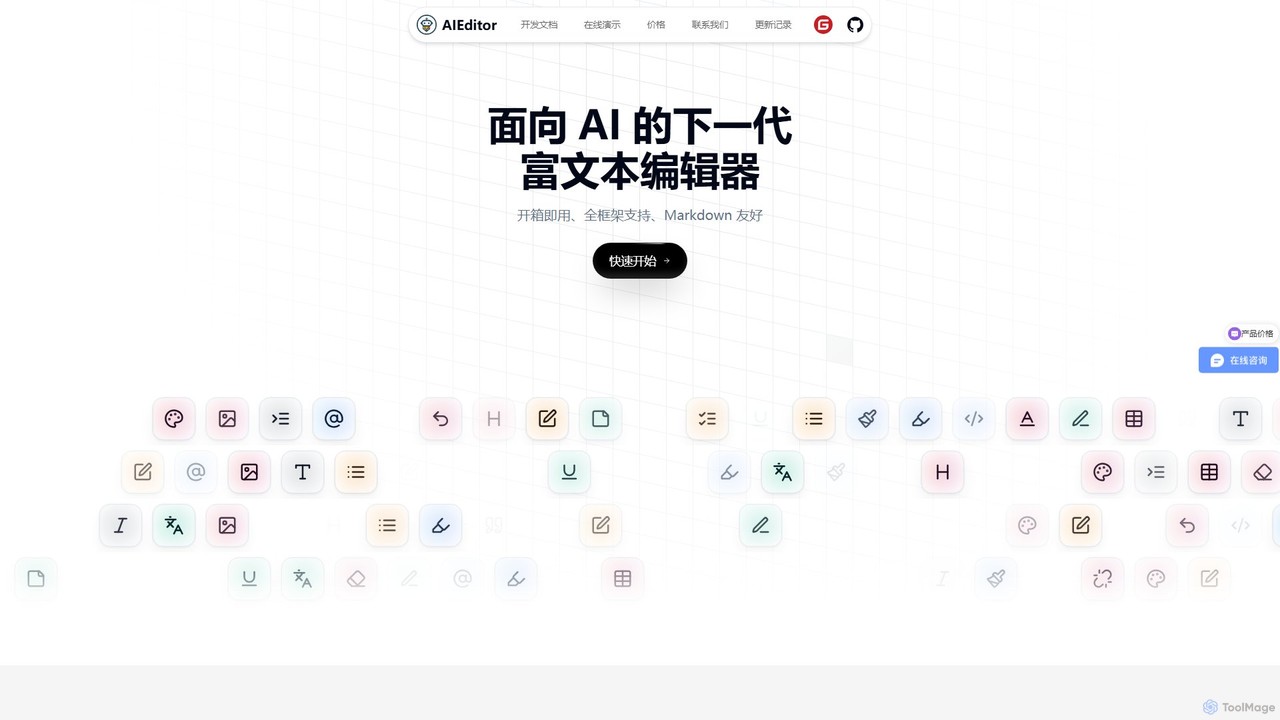
AIEditor Overview
AIEditor is a next-generation rich text editor specifically engineered for the AI era. It stands out by providing developers with a powerful, flexible, and easy-to-integrate solution for embedding advanced AI writing and collaboration capabilities into any web application. Developed to overcome the limitations of traditional editors, which often have restrictive licenses or lock users into proprietary AI services, AIEditor offers an open, customizable, and self-hostable alternative.
At its core, AIEditor is built using Web Components, a future-proof technology that ensures it is framework-agnostic. This means it can be seamlessly integrated into projects using React, Vue, Angular, Svelte, or even plain JavaScript, without compatibility issues. The editor is designed to be ready to use 'out-of-the-box', significantly reducing development time and complexity. It features a modern, intuitive interface with both light and dark themes, and is fully responsive for both desktop and mobile use.
How to use AIEditor
Integrating AIEditor into your project is straightforward. Developers can get started by simply running the command npm install aieditor. Once installed, it can be added to any webpage or application. The key to its power lies in its customizability.
To leverage the AI features, you can connect AIEditor to any large language model (LLM), including OpenAI's GPT series, Google's Gemini, Anthropic's Claude, as well as open-source or privately hosted models. This is achieved by configuring the editor with your own API keys, giving you full control over data privacy and costs. Developers can also create custom AI menus and define specific prompts tailored to their application's context, such as generating marketing copy, drafting legal clauses, or writing academic summaries.
Core Features of AIEditor
- Powerful AI Capabilities: Includes built-in functions for AI-powered content continuation, text optimization, proofreading, and multi-language translation.
- Customizable AI Integration: Connect to any LLM with your own API key. Create custom AI menus and prompts to fit specific workflows and use cases.
- AI for Developers: A dedicated AI code block feature can automatically add comments to code, explain complex code snippets, and help with refactoring, significantly boosting developer productivity.
- Contextual AI Chat: Select any text within the editor to use it as context for an ongoing conversation with an AI, allowing for iterative content creation and refinement.
- Framework-Agnostic Architecture: Built on Web Components, ensuring compatibility with all modern front-end frameworks (React, Vue, Angular, Svelte, etc.).
- Real-time Multi-user Collaboration: Allows multiple users to edit the same document simultaneously, with changes visible to everyone in real-time.
- Advanced Annotation and Comments: Users can add comments to specific text segments or images, reply to feedback, and resolve suggestions, making it perfect for review and approval workflows.
- Comprehensive Document Management: Supports importing from Microsoft Word and Markdown files, and exporting to Markdown, HTML, Word, and PDF formats, with robust handling of large files.
- Modern User Experience: Features a Notion-like block-based drag-and-drop interface for easy content organization, full Markdown syntax support, and a clean, responsive design.
Use Cases for AIEditor
AIEditor is a versatile tool suitable for a wide range of applications and industries:
- Software Development: Creating and maintaining technical documentation, writing tutorials, and using the AI code block to explain or comment on code.
- Marketing and Content Creation: Generating blog posts, ad copy, social media updates, and marketing emails with AI assistance.
- Legal Tech: Drafting and reviewing legal documents, with multiple parties collaborating and leaving annotations in real-time.
- Project Management: Creating project plans, reports, and meeting notes collaboratively.
- Education and Academia: Developing course materials, writing research papers, and providing feedback on student assignments.
- Publishing and Journalism: Drafting articles and reports with a seamless workflow from writing to review and final export.
Advantages of AIEditor
AIEditor's primary advantage is its combination of openness and power. It uses a developer-friendly LGPL open-source license, avoiding the restrictive nature of GPL. Unlike competitors, it doesn't force you into a vendor-locked AI cloud service; you have complete freedom to choose your AI provider and manage your own data. This makes it ideal for applications requiring data privacy and private deployments. Its easy integration, extensive feature set, and focus on both standard editing and advanced AI make it a comprehensive solution that can significantly enhance any application requiring text creation and editing.
Pricing and Plans
AIEditor operates on a freemium model, providing options for both open-source and commercial use.
- Open-Source Version: The core editor is available for free under the LGPL license. It includes a rich set of standard editing features, Markdown support, and basic AI integration capabilities.
- Commercial Pro Version: For businesses and advanced use cases, a commercial license is available for purchase. The Pro version unlocks premium features such as real-time team collaboration, advanced annotation tools, the Notion-like drag-and-drop interface, high-fidelity Word and PDF export for large documents, and the integrated AI Chat function. The license is a perpetual authorization, offering long-term value for commercial projects. For detailed pricing, please visit the official website or contact the sales team.
Traffic
Latest traffic
Status
Monthly traffic trend
- 2026-1: 6.5K
- 2026-2: 4.7K
- 2026-3: 2.3K
- 2026-4: 865
- 2026-5: 1.0K
Geography
Top 5 countries / regions
- 🇺🇸United States53.1%
- 🇮🇳India46.9%
Top keywords
| Keyword | Cost per click |
|---|---|
| ai editor | $0.50 |
| aieditor | $0.00 |
| ai text editor | $2.14 |
| rich text editor | $1.80 |
| 官方权威 vue3 ai富文本编辑器 | $0.00 |
AIEditor Alternatives
FunBlocks
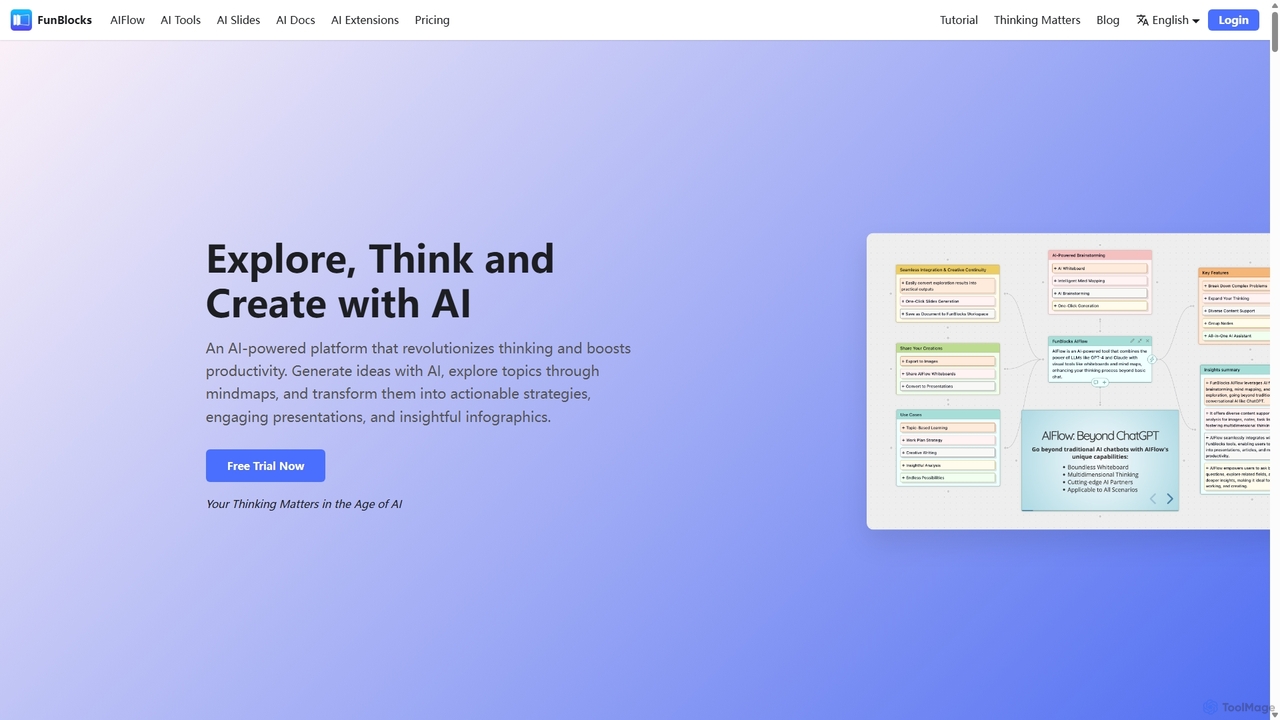
FunBlocks is an all-in-one AI workspace designed to revolutionize thinking and boost productivity. It seamlessly integrates AI-powered tools for mind mapping (AIFlow), document creation (AI Docs), slide generation (AI Slides), and web research (Browser Extension). From brainstorming complex ideas visually to producing polished documents and presentations with a single click, FunBlocks supports the entire knowledge workflow, enhancing creativity and critical thinking for students, professionals, and teams.
Presentations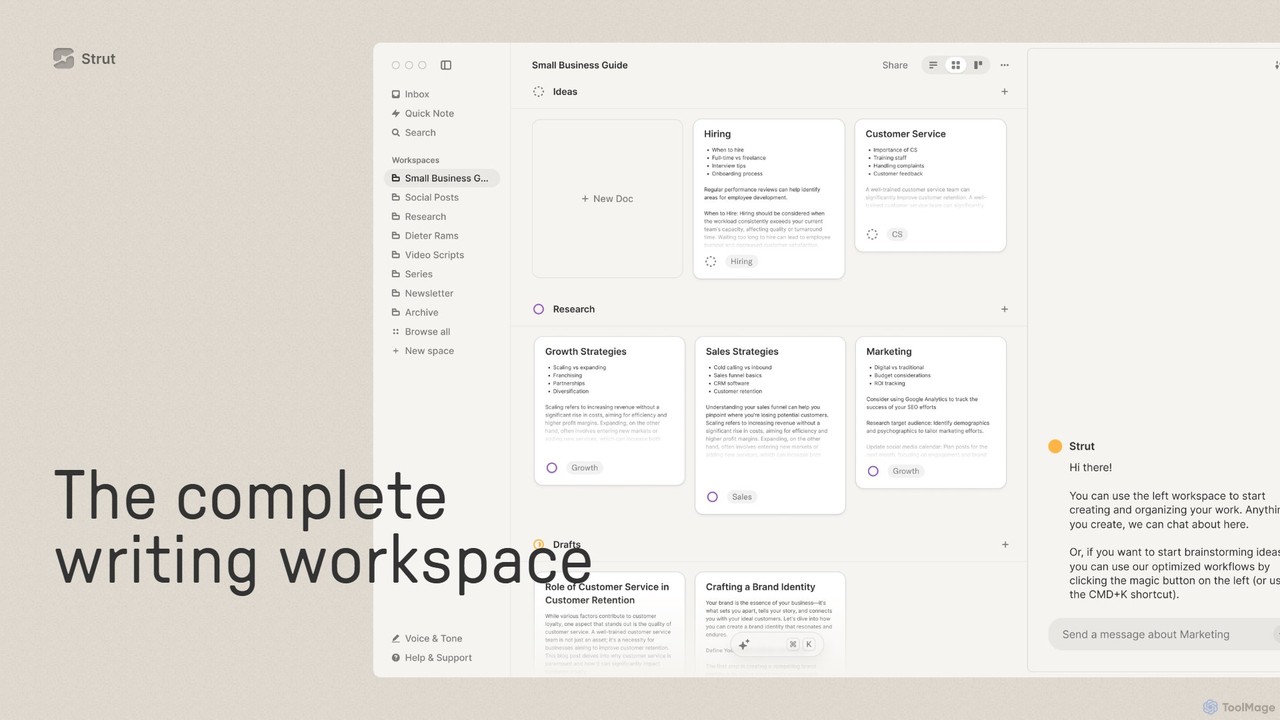
Strut
Strut is a comprehensive AI-powered writing workspace that unifies notes, documents, and project management into a single, collaborative platform. It's designed to streamline the entire writing process, from initial idea capture to final publication, with an AI partner to assist with research, editing, and inspiration.
Project Management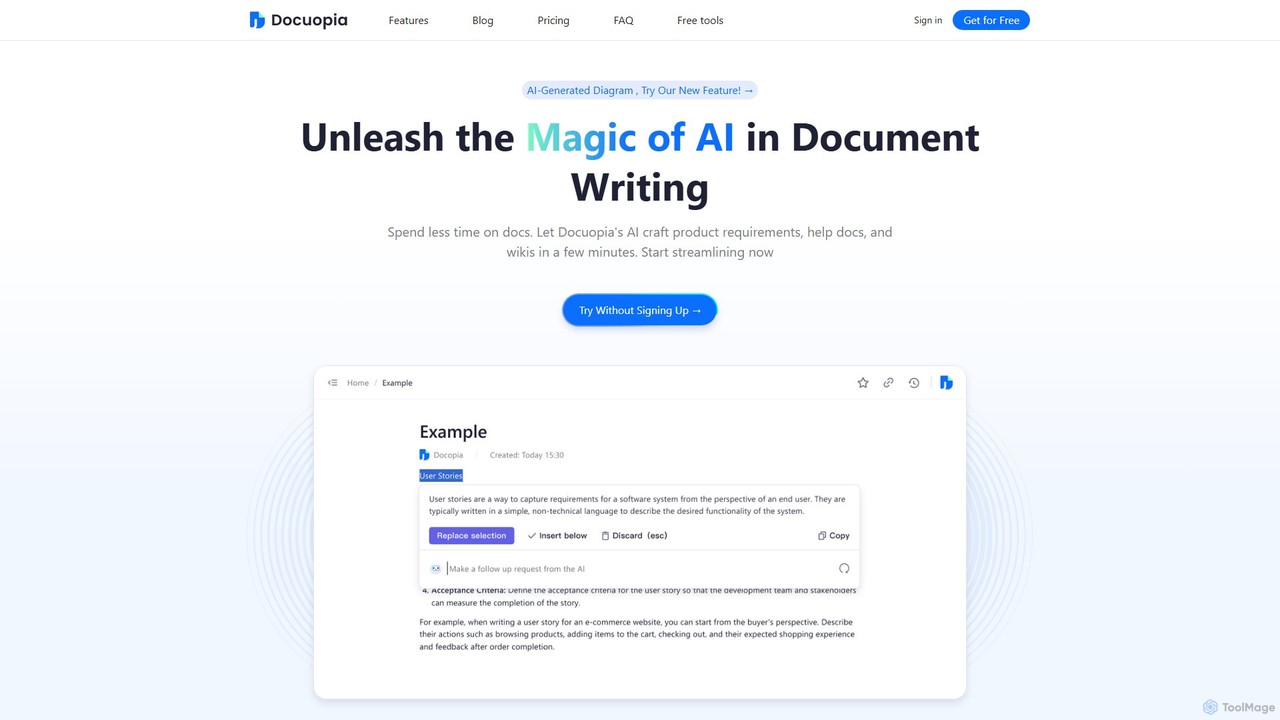
Docuopia
Docuopia is an AI-powered document collaboration platform designed to streamline the creation of technical and business documents. It helps teams generate product requirements documents (PRDs), help articles, wikis, and professional diagrams in minutes. By leveraging AI for drafting, refining, and visualizing content, Docuopia significantly reduces documentation time, enhances content quality, and fosters real-time collaboration.
Diagramming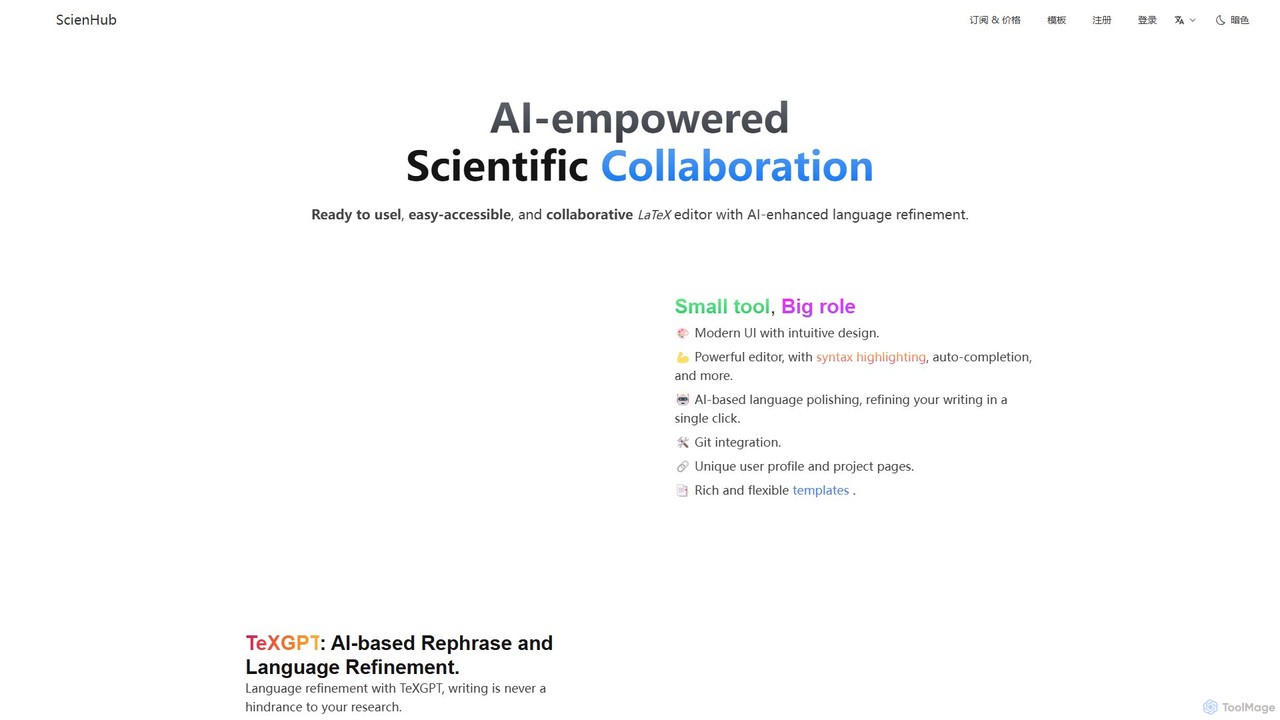
ScienHub
ScienHub is an AI-powered, collaborative online LaTeX editor designed for researchers, academics, and students. It streamlines scientific writing with features like AI-driven language refinement (TeXGPT), real-time collaboration, Git integration, and Zotero support. Its modern interface and rich template library make creating professional academic documents easier than ever.
Research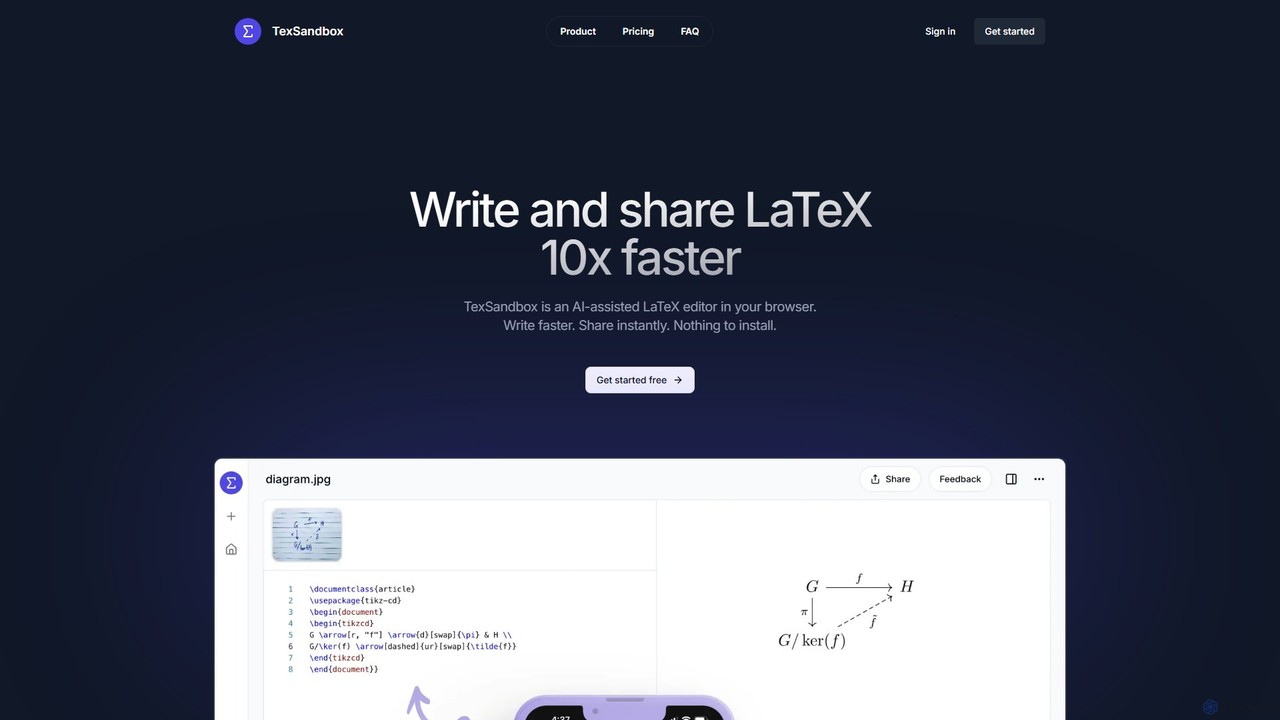
TexSandbox
TexSandbox is an AI-assisted, browser-based LaTeX editor designed to accelerate scientific and academic writing. It allows users to generate complex LaTeX code from natural language prompts and images, eliminating the need for installation and manual package management. Instantly write, compile, and share documents.
Code AssistantAIEditor Categories
AIEditor Embed Widget
Copy this embed code to place the badge on your blog, article, or product site and send readers directly to this ToolMage detail page.

Related AI tools

Craft
Craft is a beautifully designed, native document editor for notes, tasks, and ideas. It combines powerful features like a local AI assistant, task management, and flexible organization with a joyful, fast, and offline-first user experience, making it the perfect tool for writers, thinkers, and teams to capture and structure their thoughts.
Knowledge Management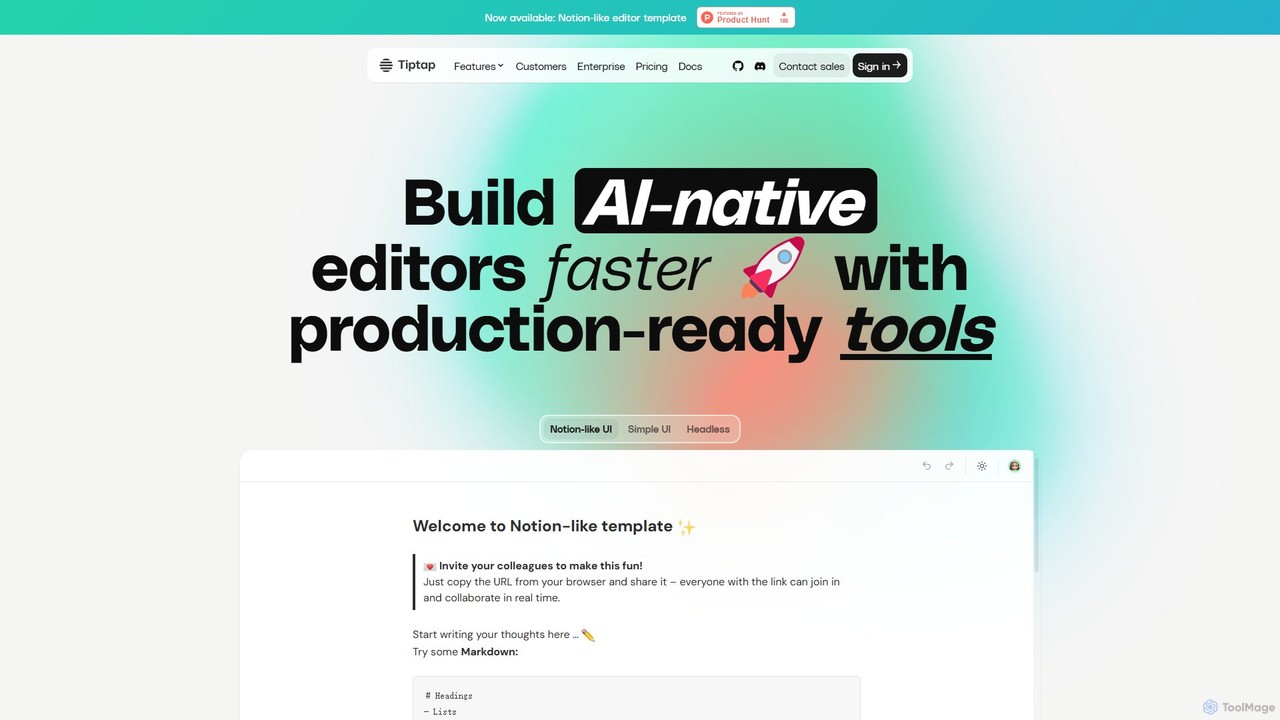
Tiptap
Tiptap is a headless, open-source, and framework-agnostic editor toolkit for developers. It allows for the creation of highly customizable rich text editors with over 100 extensions. Tiptap also offers premium cloud services, including real-time collaboration, AI-powered content generation and editing, document conversion, and commenting features, enabling developers to build sophisticated, modern editing experiences into their applications with ease.
Text GenerationFunBlocks
FunBlocks is an all-in-one AI workspace designed to revolutionize thinking and boost productivity. It seamlessly integrates AI-powered tools for mind mapping (AIFlow), document creation (AI Docs), slide generation (AI Slides), and web research (Browser Extension). From brainstorming complex ideas visually to producing polished documents and presentations with a single click, FunBlocks supports the entire knowledge workflow, enhancing creativity and critical thinking for students, professionals, and teams.
PresentationsStrut
Strut is a comprehensive AI-powered writing workspace that unifies notes, documents, and project management into a single, collaborative platform. It's designed to streamline the entire writing process, from initial idea capture to final publication, with an AI partner to assist with research, editing, and inspiration.
Project ManagementDocuopia
Docuopia is an AI-powered document collaboration platform designed to streamline the creation of technical and business documents. It helps teams generate product requirements documents (PRDs), help articles, wikis, and professional diagrams in minutes. By leveraging AI for drafting, refining, and visualizing content, Docuopia significantly reduces documentation time, enhances content quality, and fosters real-time collaboration.
DiagrammingScienHub
ScienHub is an AI-powered, collaborative online LaTeX editor designed for researchers, academics, and students. It streamlines scientific writing with features like AI-driven language refinement (TeXGPT), real-time collaboration, Git integration, and Zotero support. Its modern interface and rich template library make creating professional academic documents easier than ever.
ResearchTexSandbox
TexSandbox is an AI-assisted, browser-based LaTeX editor designed to accelerate scientific and academic writing. It allows users to generate complex LaTeX code from natural language prompts and images, eliminating the need for installation and manual package management. Instantly write, compile, and share documents.
Code Assistant
Google Workspace
Google Workspace is an integrated suite of secure, cloud-native collaboration and productivity apps powered by Google AI. It includes Gmail, Docs, Drive, Calendar, Meet, and more, designed to help teams of all sizes connect, create, and collaborate efficiently and securely from any device.
Office Suite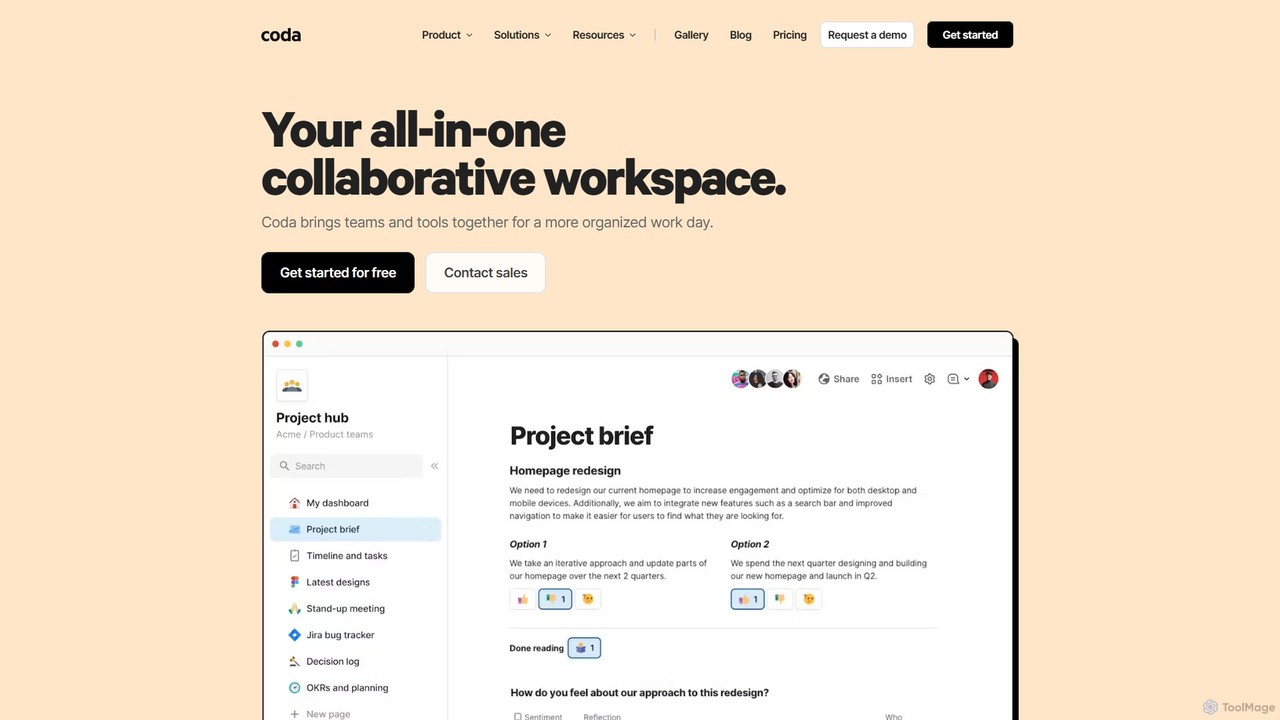
Coda
Coda is an all-in-one collaborative workspace that blends documents, spreadsheets, and applications into a single, flexible surface. Powered by Coda AI, it helps teams centralize information, automate workflows, and make faster decisions. Replace your scattered tool stack with a unified platform for writing, tracking, and building custom solutions.
Knowledge Base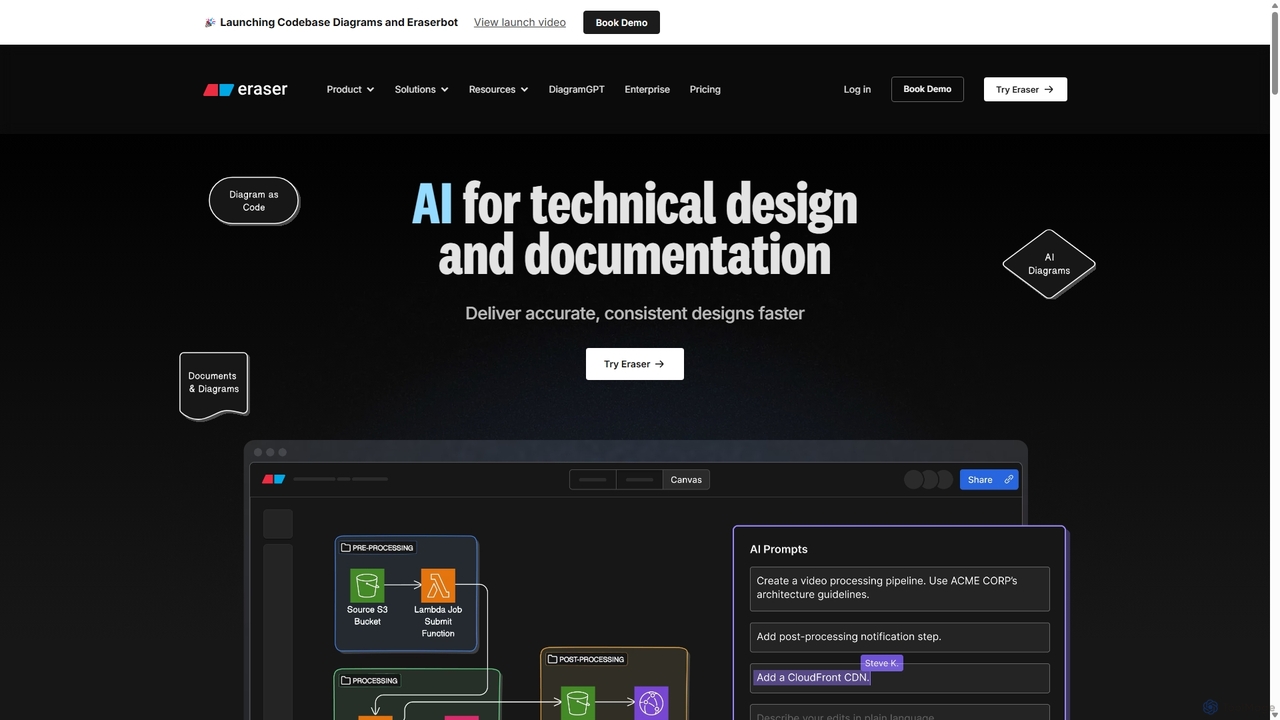
Eraser
Eraser is an AI-powered co-pilot for technical design and documentation, built for engineering teams. It enables users to generate and edit diagrams like architecture, flowcharts, and ERDs using natural language prompts. It combines a collaborative canvas with a markdown editor and diagram-as-code functionality to streamline the entire design process, from brainstorming to documentation.
Whiteboard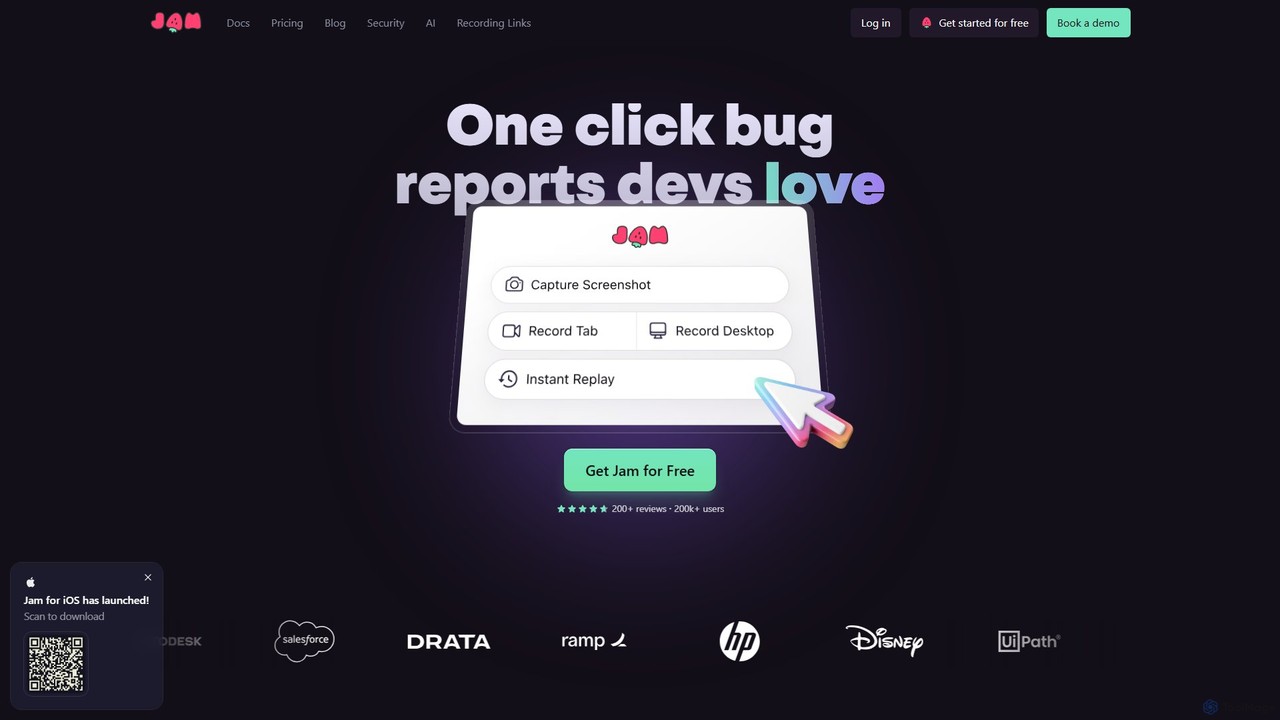
Jam
Jam is an AI-powered bug reporting tool that helps development teams fix bugs faster. It automatically captures all the technical data engineers need—console logs, network requests, browser info, and repro steps—in a single link. With features like instant replay, AI-powered debugging, and seamless integrations, Jam streamlines the entire bug reporting and resolution process for developers, QA, and product teams.
Debugging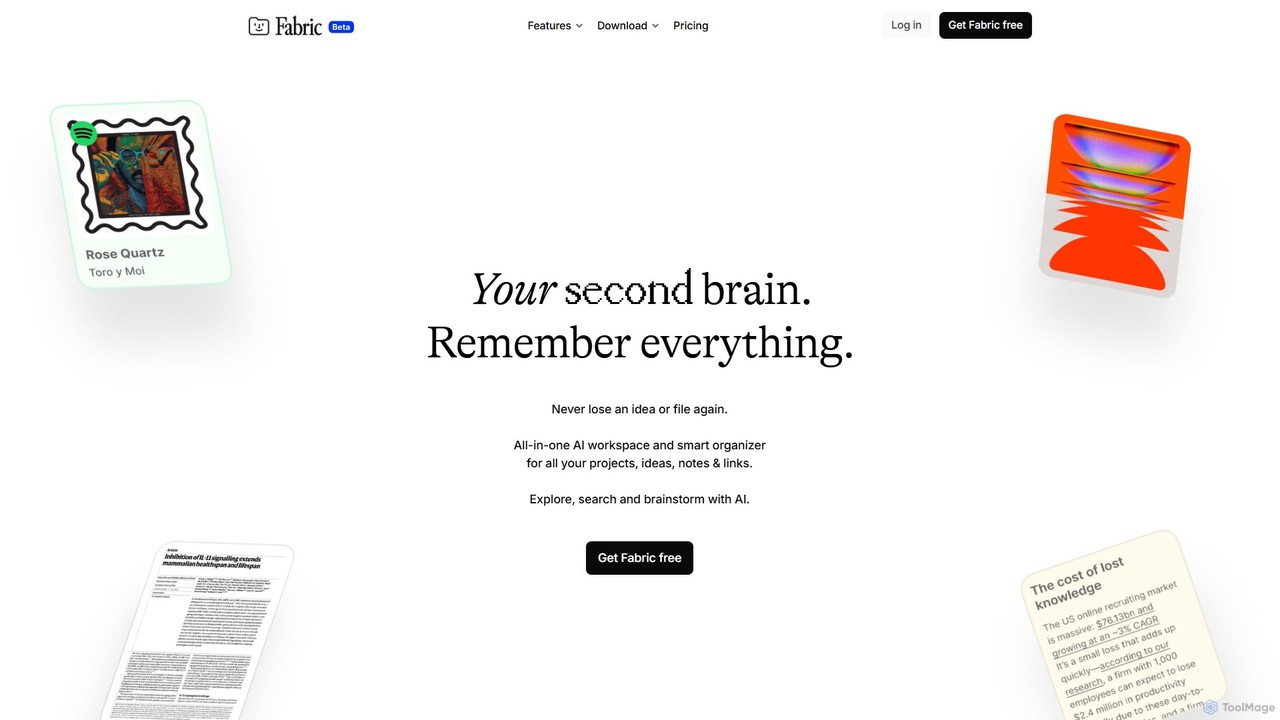
Fabric
Fabric is an AI-powered workspace and smart organizer that acts as your second brain. It automatically centralizes and connects all your notes, files, links, and ideas, eliminating the need for manual organization. Search your entire digital library with natural language and collaborate with an intelligent AI partner.
Personal Assistant
Kroolo
Kroolo is an AI-powered productivity management platform designed to streamline workflows for various teams. It integrates project management, document creation, and team collaboration, using AI agents to automate tasks, generate insights, and accelerate processes for departments like marketing, engineering, and HR.
Collaboration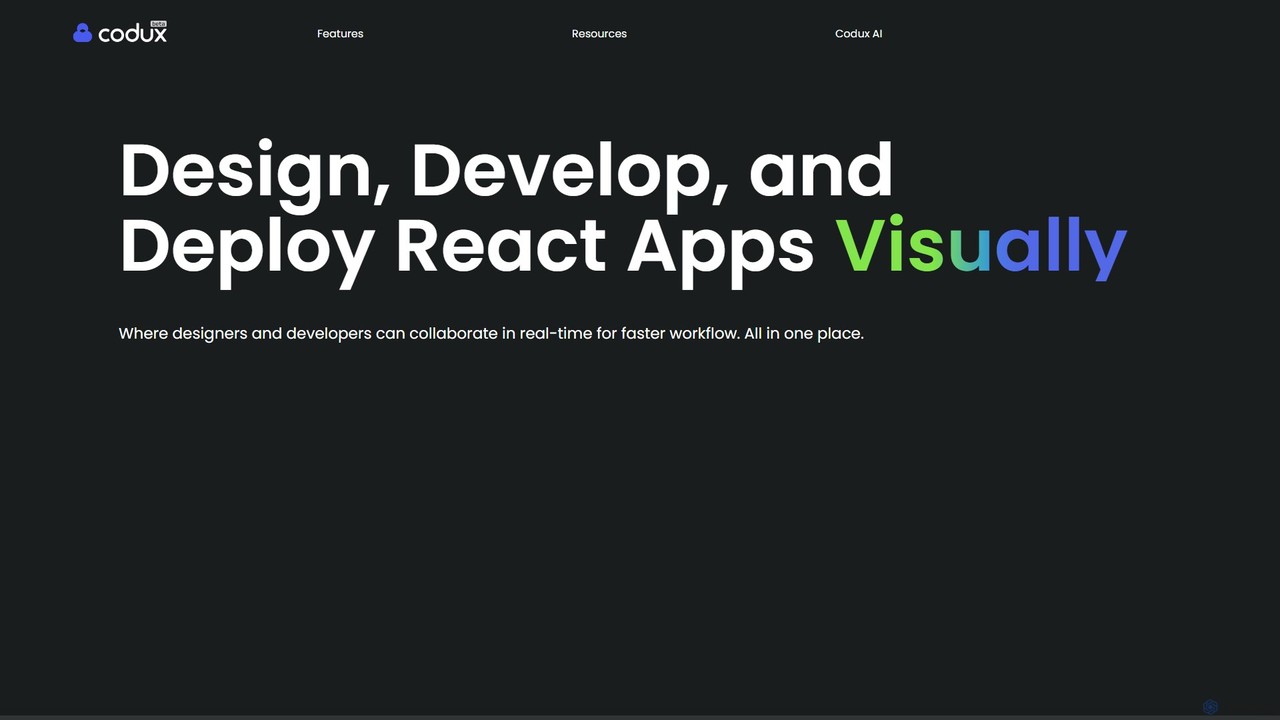
Codux
Codux is a visual development environment for React that bridges the gap between design and code. It allows developers and designers to build, test, and collaborate on React applications and design systems in a real-time, visual workspace, streamlining the entire workflow.
Ui Ux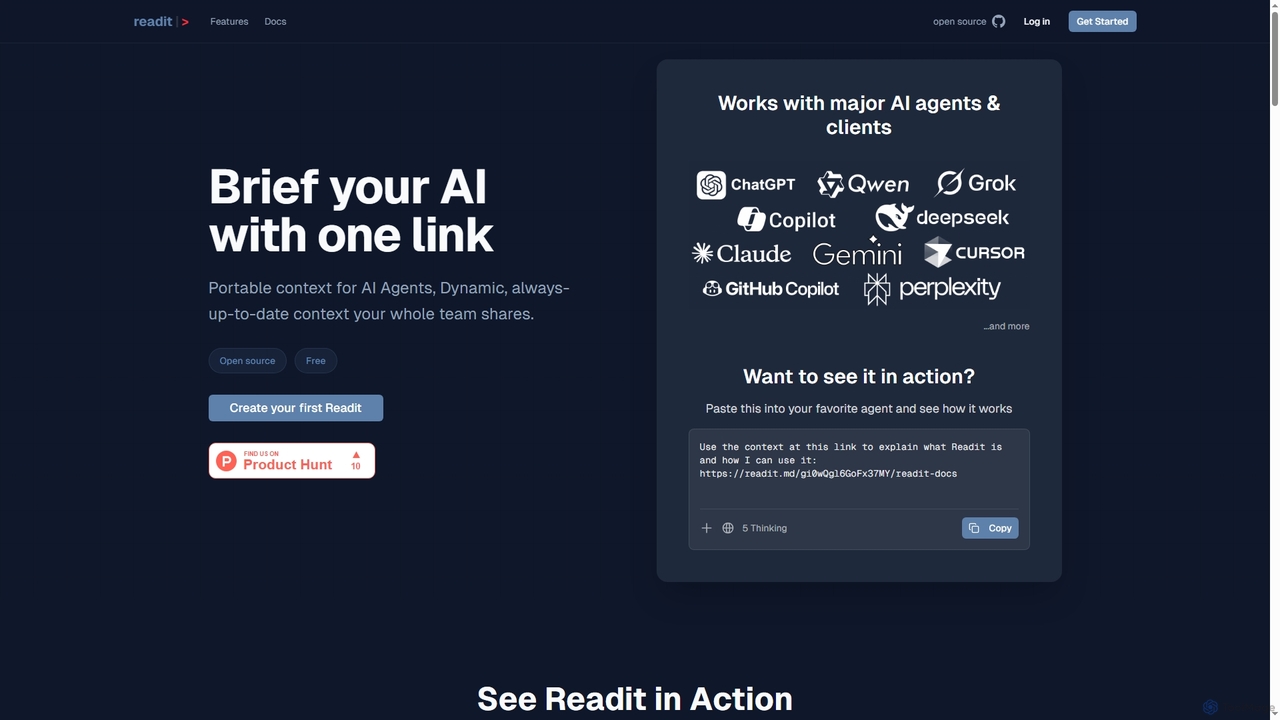
Readit
Readit is an open-core platform providing portable, dynamic, and always-up-to-date context for AI agents and teams. It centralizes instructions, files, and references into a single shareable link, eliminating the need for repetitive copy-pasting and ensuring consistent knowledge across different AI tools and collaborators.
Prompt Engineering
AIEditor Comments (0)
Sign in to comment.
Sign inNo comments yet.