

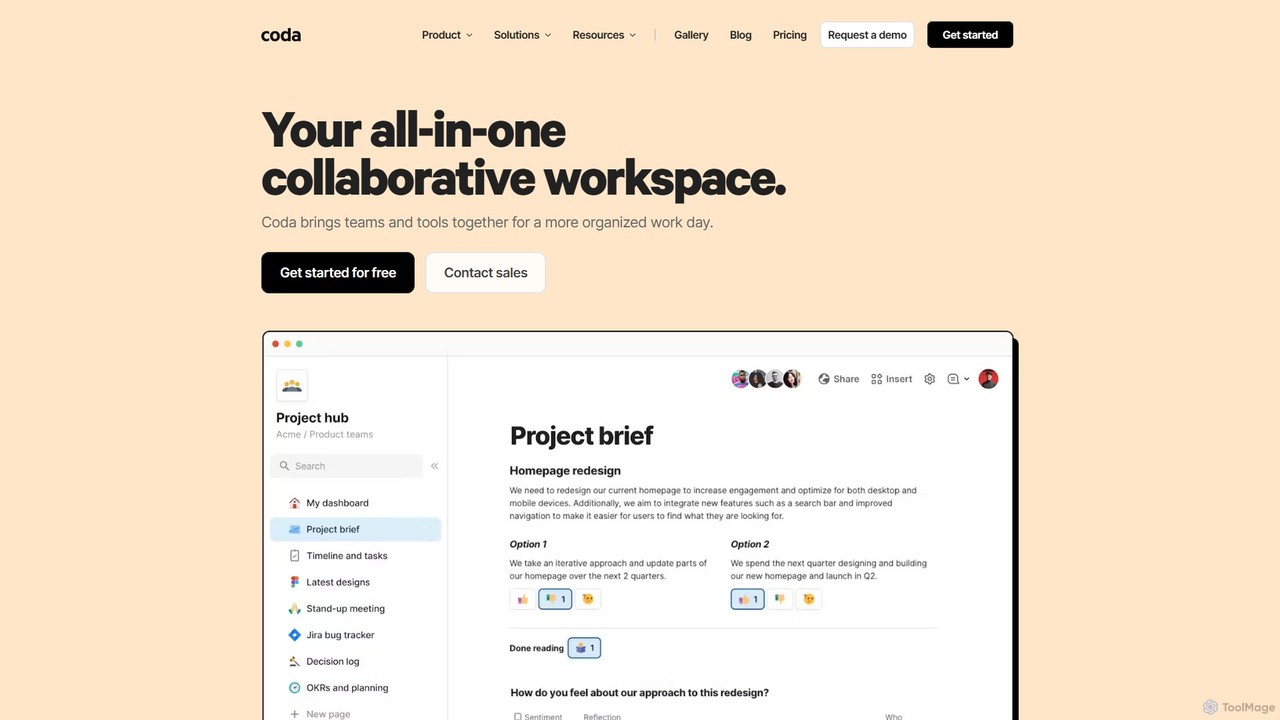
Coda Overview
Coda is a transformative, all-in-one collaborative workspace designed to bring teams, tools, and data together in a single, unified environment. It reimagines the concept of a document by combining the flexibility of a text editor, the power of a spreadsheet, and the functionality of applications into one cohesive surface. This approach allows teams to move beyond scattered documents and spreadsheets, creating a single source of truth for everything from project roadmaps and meeting notes to team wikis and custom-built applications. With over 50,000 teams, including 80% of the Fortune 100, using Coda, it has established itself as a powerful alternative to tools like Google Docs, Notion, and Airtable.
At the heart of Coda is Coda AI, a connected work assistant that understands your team's context. It's integrated directly into the workflow to help you brainstorm ideas, generate content, summarize long discussions, and derive insights from your data. Whether you're asking questions in a natural language chat, using the AI assistant to draft a project brief, or applying an AI column to analyze feedback at scale, Coda AI automates tedious tasks and accelerates productivity.
How to use Coda
Getting started with Coda is intuitive, allowing teams to build powerful, customized workflows with simple building blocks. Here’s a typical process for setting up a workspace:
- Create a Doc: Start with a blank Coda doc, which serves as the container for your project or team hub.
- Add Pages: Organize your doc by creating pages for different sections, such as 'Team Roster', 'Project Tracker', 'Meeting Notes', or 'Resources'. Each page can be customized with its own icon and layout.
- Incorporate Content: Type directly into pages as you would in a standard document. Use slash commands (e.g., `/h1`, `/table`) to quickly format text, add headers, or insert elements. You can also embed rich content from over 600 other tools like Figma, Google Slides, Miro, and Jira, creating a centralized dashboard.
- Build with Tables: Tables are a core building block in Coda. They are more than just grids; they are interconnected databases. You can create tables to track projects, manage tasks, or build a team roster. Customize columns with different types, such as text, images, select lists, or even buttons.
- Automate and Interact: Use buttons to trigger actions, such as adding a new row to a table or sending a Slack notification. Set up automations to handle repetitive tasks, like sending daily project summaries. Connect tables across different docs to sync data and maintain a single source of truth.
- Collaborate with your Team: Invite team members to collaborate in real-time. Use comments on text, images, or table rows to have contextual discussions and gather actionable feedback.
Core Features of Coda
- Coda AI: An integrated AI assistant that can chat, write, summarize, and analyze data within your docs. It includes an AI chat, an assistant for content creation, and AI columns for scalable data processing.
- Connected Tables: Dynamic, database-like tables that can be linked, filtered, and viewed in multiple formats (e.g., Kanban boards, calendars, charts). Edits in one view automatically sync everywhere.
- Building Blocks: A flexible set of components like pages, tables, buttons, formulas, and controls that allow anyone to build custom solutions without writing code.
- Extensive Integrations (Packs): Over 600+ 'Packs' that connect Coda to your favorite apps (Slack, Jira, Google Calendar, Figma, etc.), allowing you to pull in data and push out updates automatically.
- Customizable Templates: A rich gallery of pre-built templates for various teams (Product, Sales, HR, Engineering) and use cases, which can be used as-is or customized.
- Team Hubs: Create a central, single source of truth for your team to house everything from strategy and schedules to resources and project plans.
Use Cases for Coda
Coda's flexibility makes it suitable for a wide range of applications across different departments:
- Product Teams: Build product roadmaps, manage backlogs, write specifications, and track launch calendars in one place.
- Engineering Teams: Organize sprints, track bugs, document technical architecture, and manage on-call schedules.
- Sales & Marketing: Create team hubs, manage campaign trackers, build content calendars, and centralize sales resources.
- HR Teams: Develop employee handbooks, manage onboarding processes, track recruitment pipelines, and create company-wide directories.
- General Productivity: Use it for meeting notes, decision logs, personal task management, and creating lightweight internal tools to replace niche apps.
Advantages of Coda
Coda offers several key advantages over traditional productivity tools:
- Unified Workspace: It eliminates the need to switch between multiple applications, reducing context switching and improving focus.
- Democratized App Building: Empowers non-technical users to build the tools they need using simple, no-code building blocks.
- Enhanced Collaboration: By centralizing information, Coda ensures everyone is on the same page, reducing unnecessary meetings and improving decision-making speed.
- Cost-Effective Pricing: The unique 'Maker Billing' model, where you only pay for 'Doc Makers' while 'Editors' and 'Viewers' are free, makes it highly scalable and affordable for growing teams.
- AI-Powered Efficiency: Coda AI is deeply integrated to automate routine work, provide instant insights, and accelerate content creation, freeing up teams to focus on high-impact tasks.
Pricing and Plans
Coda operates on a freemium model with a unique 'Maker Billing' system, where you only pay for users who create docs (Doc Makers). Editors and Viewers are always free.
- Free: For individuals and small teams getting started. Includes core features, connected tables, and a free trial of Coda AI. Doc size is limited for unshared docs.
- Pro ($10/Doc Maker/month): For organizing your business. Includes everything in Free, plus unlimited doc size, 30-day version history, and more AI credits.
- Team ($30/Doc Maker/month): For cross-team collaboration. Includes everything in Pro, plus unlimited automations, unlimited version history, doc locking, and sync across docs.
- Enterprise (Custom Pricing): For organizations needing advanced security and support. Includes everything in Team, plus SAML SSO, user provisioning (SCIM), advanced access controls, and a SOC 2 Type 2 report.
Coda AI credits are included in all paid plans for Doc Makers, with the amount increasing with each tier. Additional credits can be purchased as an add-on.
Traffic
Latest traffic
Status
Monthly traffic trend
- 2025-9: 3.3M
- 2026-1: 3.1M
- 2026-2: 2.8M
- 2026-3: 3.0M
- 2026-4: 2.8M
- 2026-5: 2.6M
Geography
Top 5 countries / regions
- 🇺🇸United States65.5%
- 🇮🇳India11.2%
- 🇸🇳Senegal8.8%
- 🇮🇩Indonesia7.9%
- 🇻🇳Vietnam6.6%
Traffic sources
| Source type | Percentage |
|---|---|
Direct | 89.2% |
Referral | 7.6% |
Email | 3.2% |
Top keywords
| Keyword | Cost per click |
|---|---|
| 50ml to cups | $1.77 |
| coda | $0.46 |
| coda ai | $5.89 |
| coda mcp | $0.00 |
| random quote generator | $0.00 |
Coda Videos on YouTube

Coda (Superhuman Docs)

AI Showdown
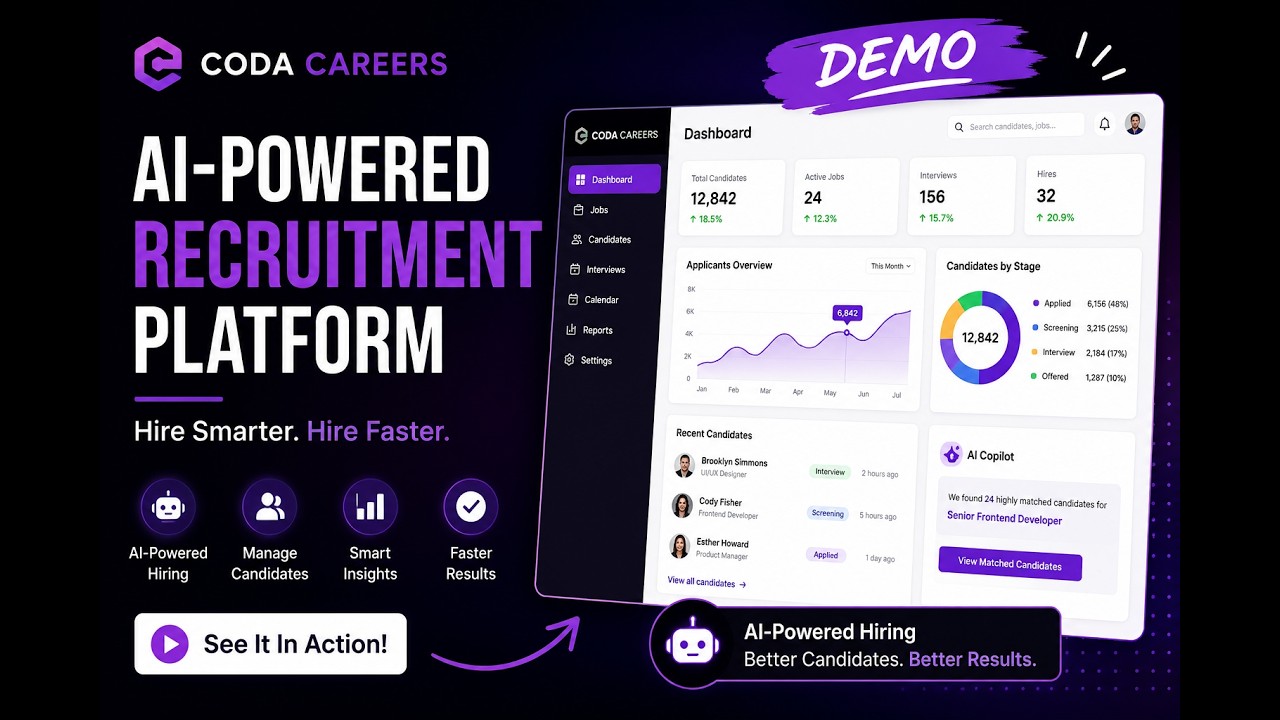
Dev Innovators

AI-Proof Your Career

Coda Alternatives
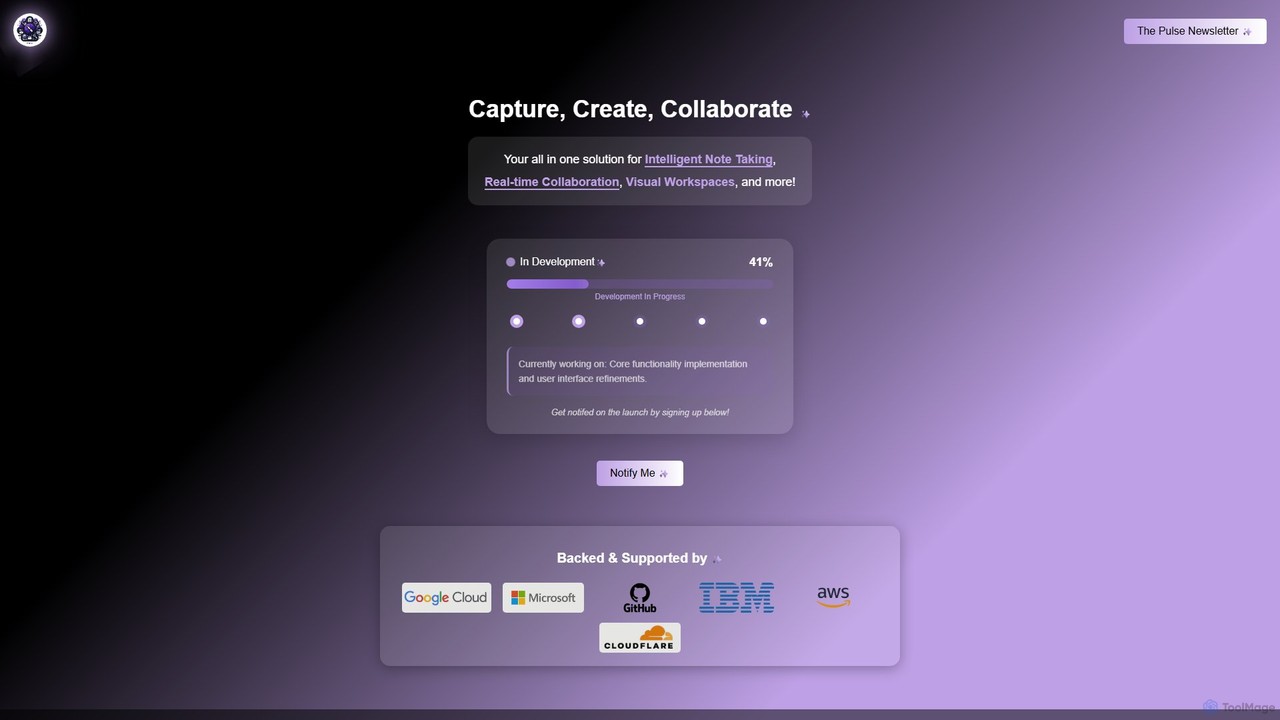
Prodhiiv
Prodhiiv is an upcoming all-in-one intelligent workspace designed for modern productivity. It integrates intelligent note-taking, real-time collaboration, and visual workspaces to help teams and individuals capture, create, and collaborate more effectively. It aims to be a central hub for all your ideas and projects.
Collaboration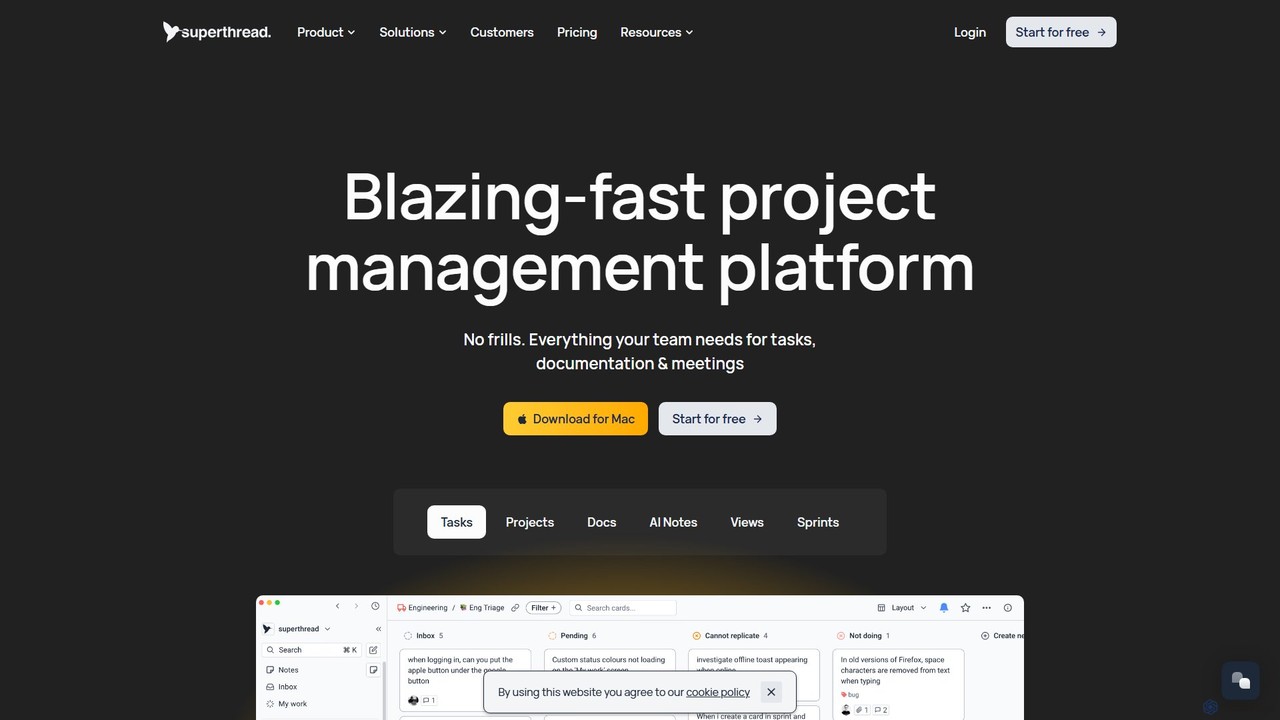
Superthread
Superthread is a blazing-fast, AI-powered project management platform that unifies tasks, docs, and meetings. It features AI-driven meeting transcription and task suggestions to streamline workflows, eliminate the need for multiple tools, and significantly boost team productivity.
Meeting Assistant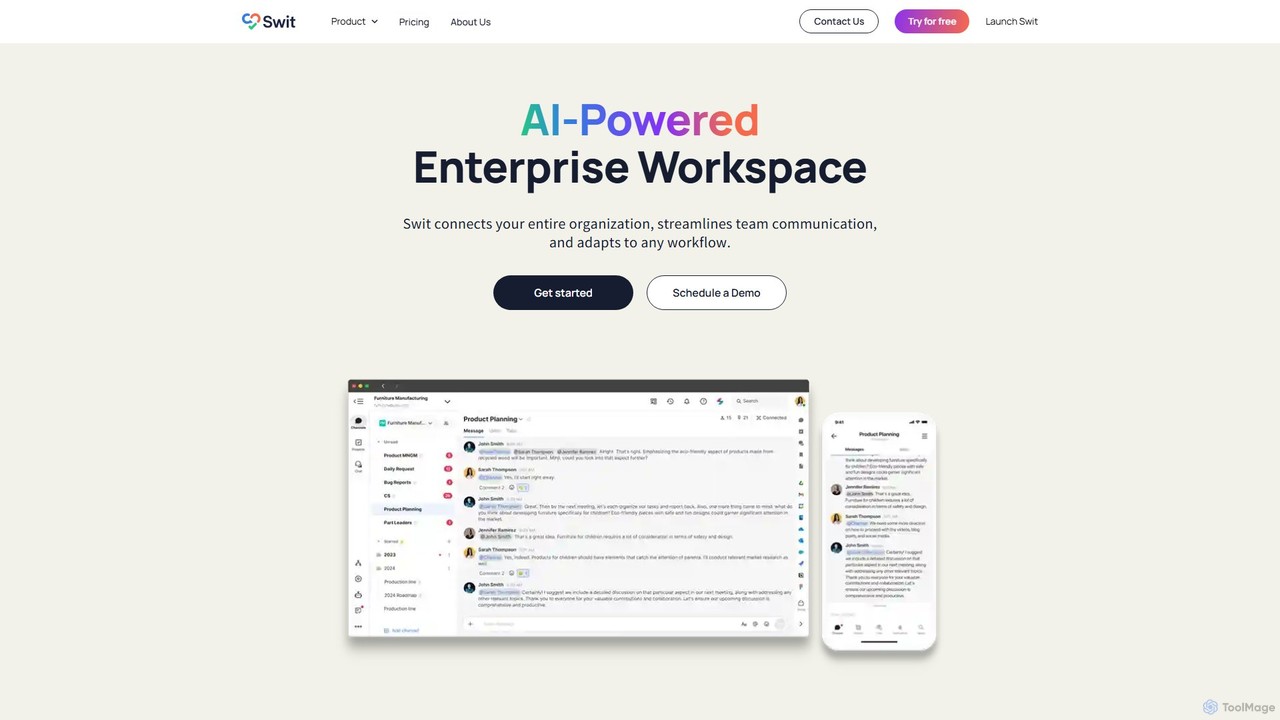
Swit
Swit is an AI-powered enterprise workspace that unifies team communication and task management into a single, integrated platform. It eliminates the need to switch between apps like Slack and Asana by combining chat, projects, automation, and powerful integrations. Designed for organizations of all sizes, Swit streamlines workflows, enhances cross-functional collaboration, and provides a central hub for all work-related activities, boosting productivity and transparency.
Team Management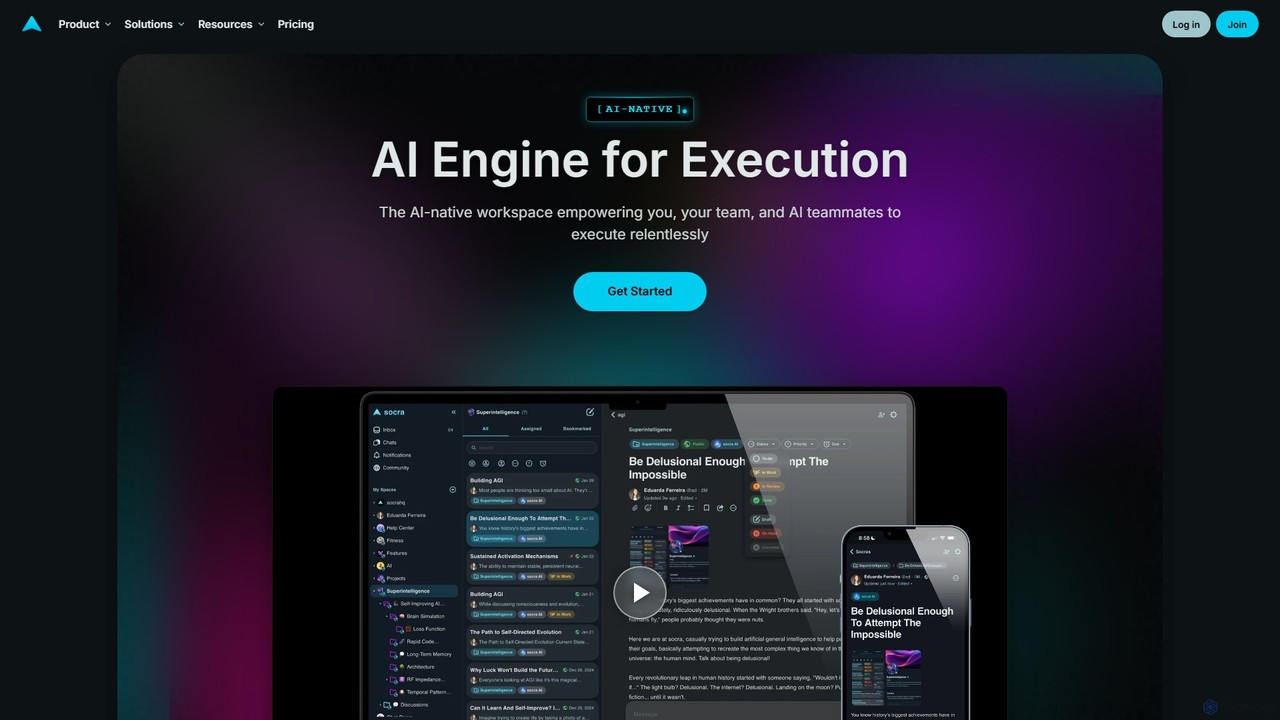
socra
socra is an AI-native execution engine and workspace designed to empower individuals and teams. It replaces fragmented tools by unifying tasks, collaboration, and powerful AI teammates with persistent memory into a single, streamlined platform. Turn ambitious goals into reality through relentless, AI-assisted execution.
Collaboration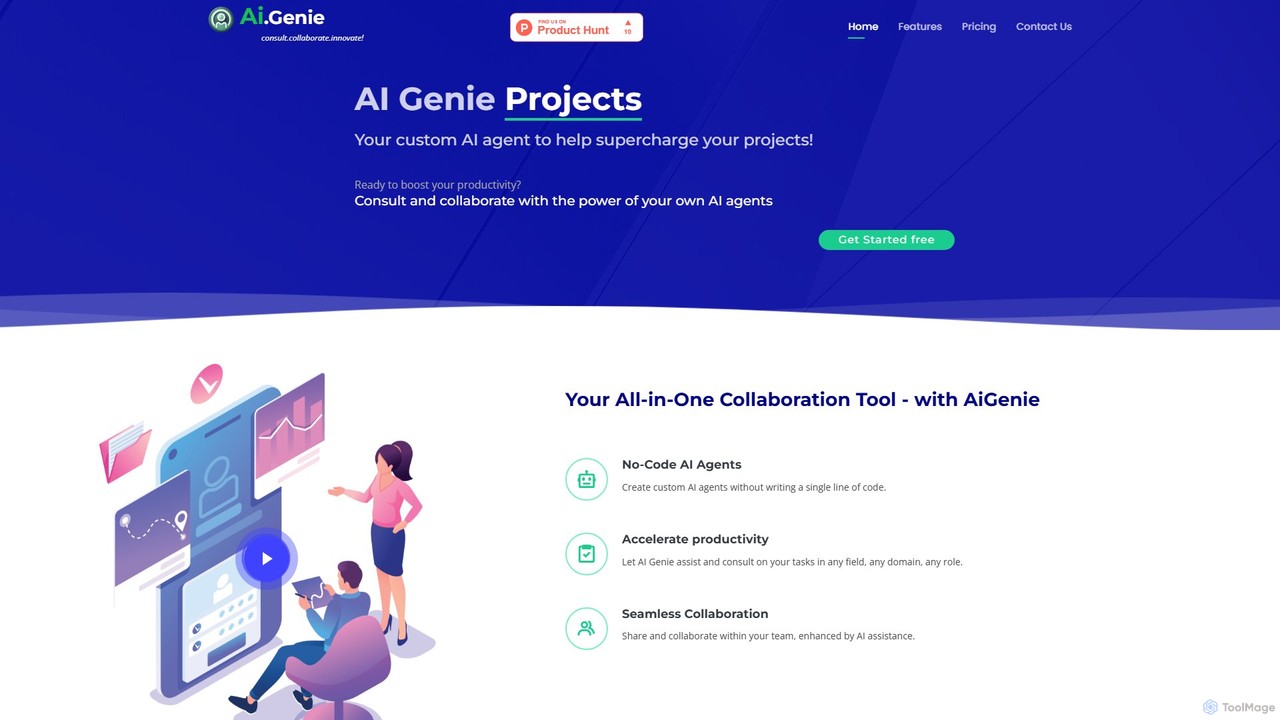
goaigenie
goaigenie is an all-in-one, no-code AI collaboration platform designed to boost productivity. It allows users to create custom AI agents for any task, manage projects, and collaborate seamlessly with teams. Build knowledge bases from files and websites to power your AI, all within a secure, privacy-focused environment.
Agent BuilderCoda Categories
Coda Embed Widget
Copy this embed code to place the badge on your blog, article, or product site and send readers directly to this ToolMage detail page.

Related AI tools
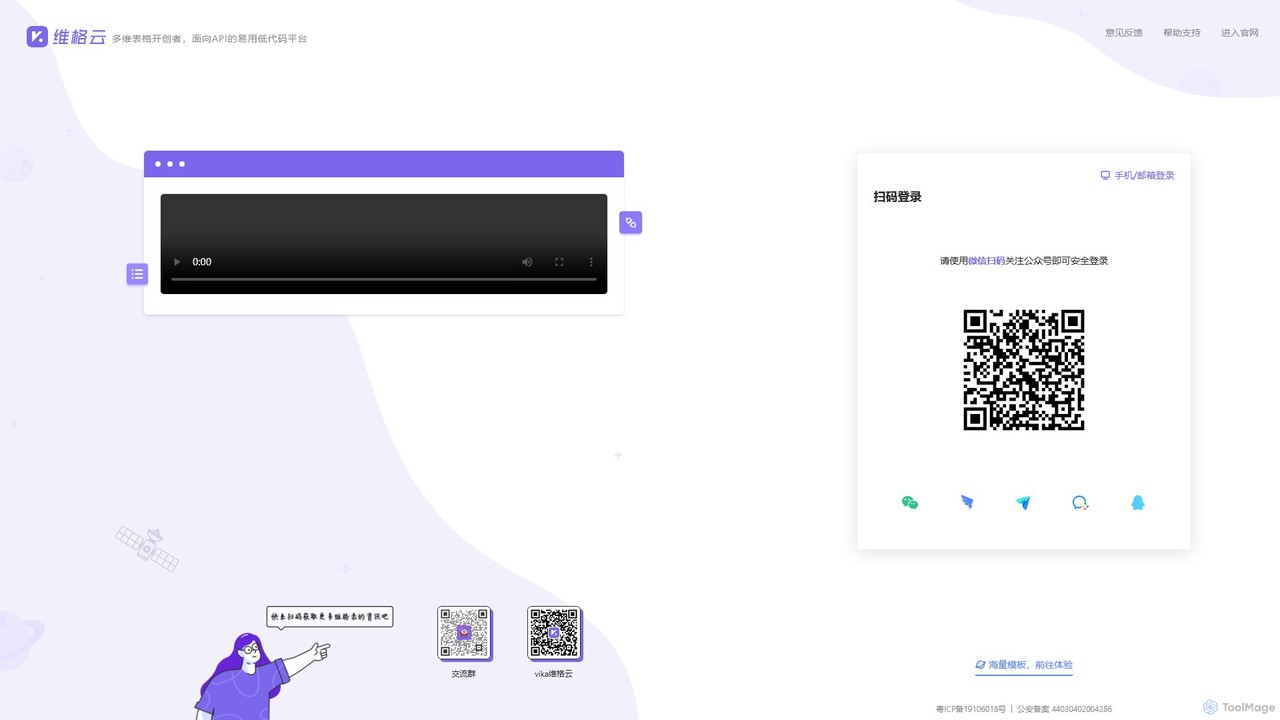
vika
vika is a pioneering multi-dimensional table and an API-oriented, easy-to-use low-code platform. It empowers teams to build flexible, scalable digital systems and automate workflows without extensive coding, integrating the functionality of a database with the simplicity of a spreadsheet.
Project Management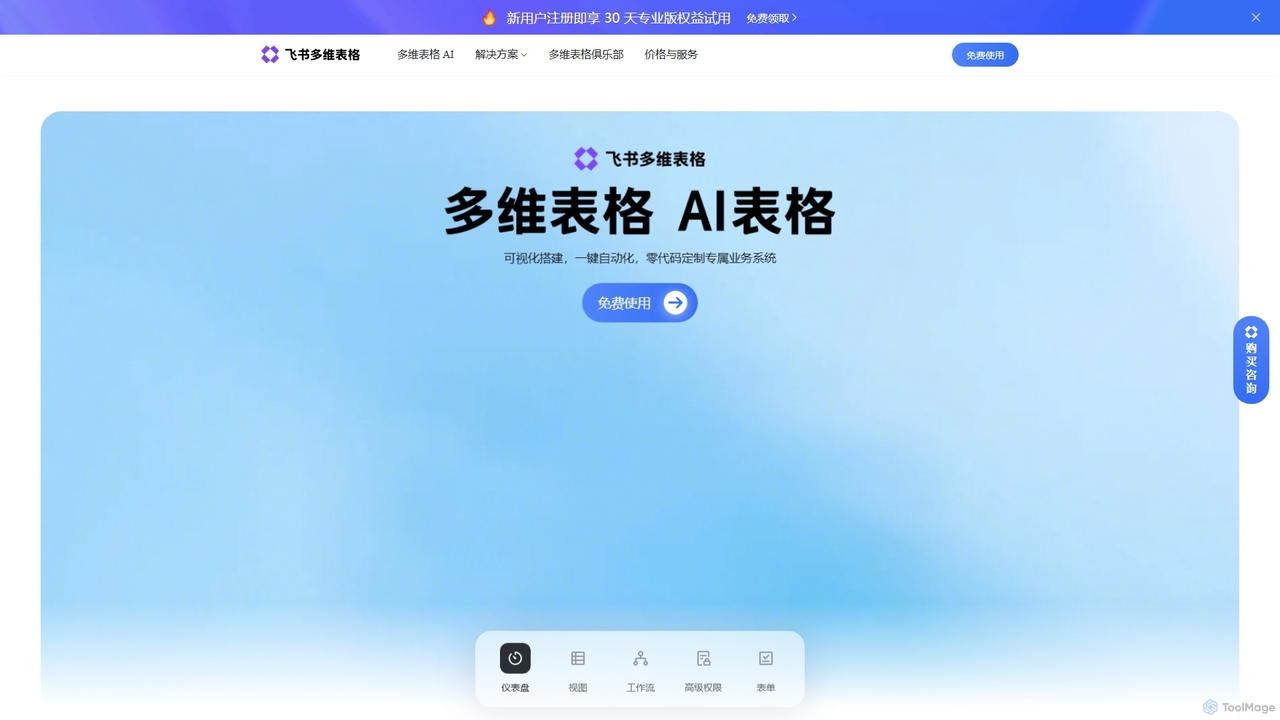
Feishu Base
Feishu Base is an AI-powered no-code platform that combines the flexibility of a spreadsheet with the power of a database. It enables teams to build custom business systems, automate workflows, and analyze data through intuitive dashboards without writing any code. It's designed for seamless collaboration and data management.
Data Analysis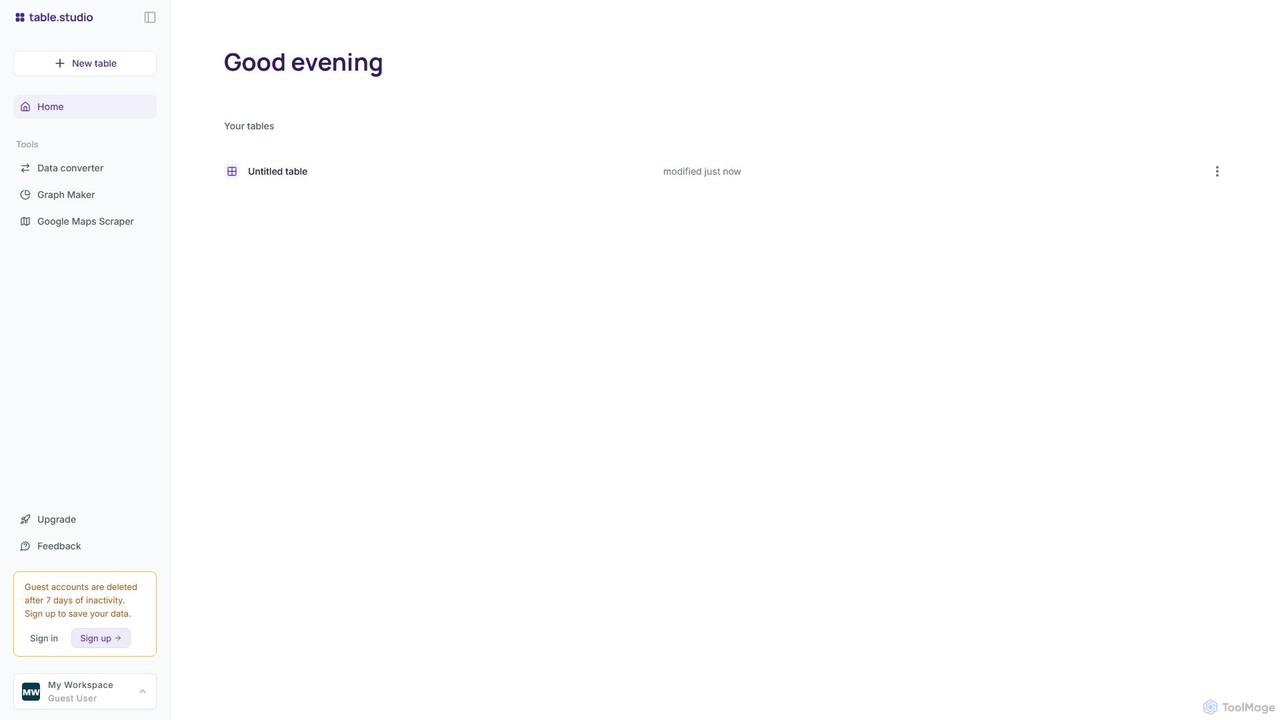
table.studio
table.studio is an AI-powered data workspace that combines the simplicity of a spreadsheet with the power of a database and AI. Use natural language to query, analyze, and visualize your data, automating tedious tasks and uncovering insights instantly. It's designed for teams to collaborate on data projects in real-time.
Database Management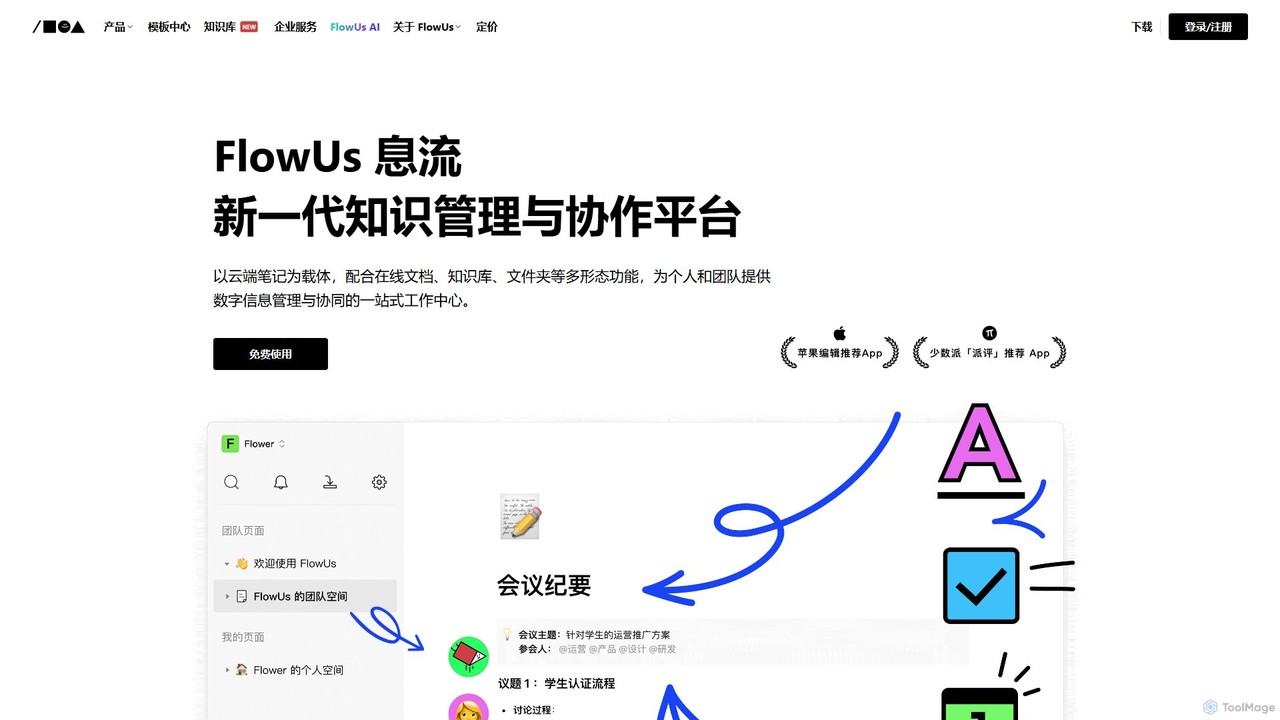
FlowUs
FlowUs is a next-generation knowledge management and collaboration platform that integrates documents, notes, databases, and project management into a unified workspace. It features a powerful, natively embedded AI assistant to streamline workflows for individuals and teams.
Writing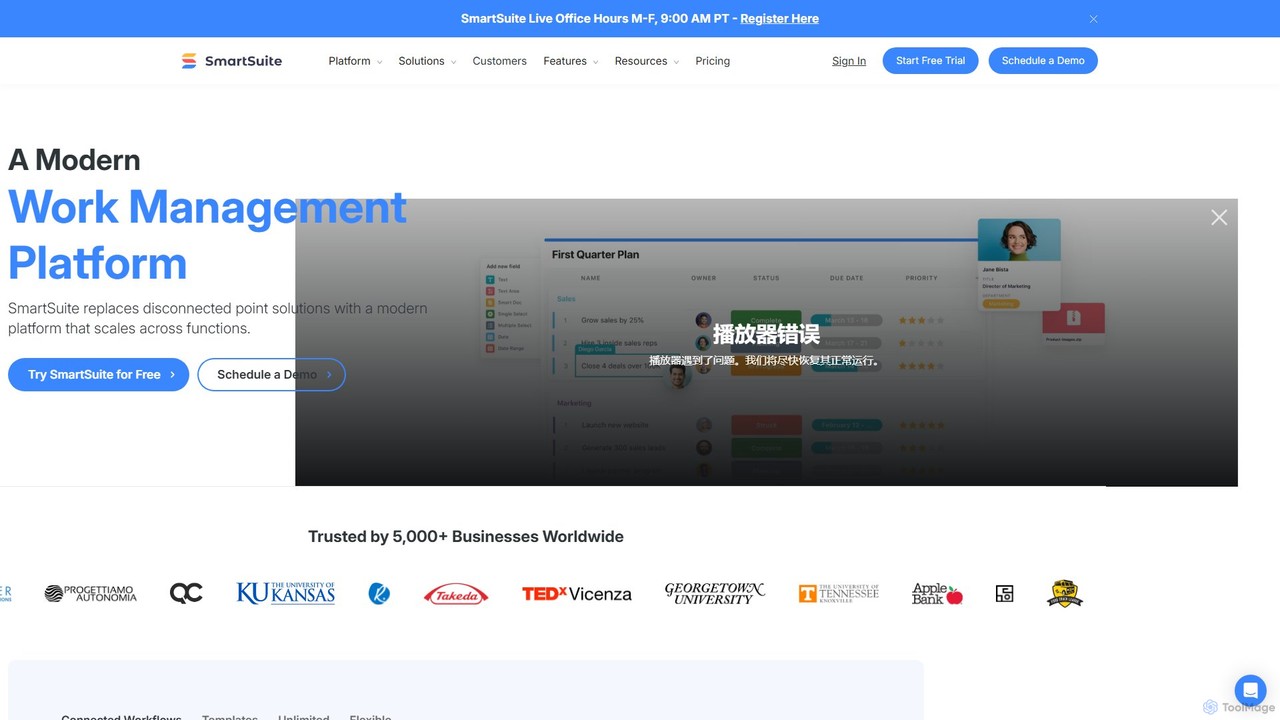
SmartSuite
SmartSuite is a powerful, all-in-one work management platform that unifies all your business processes, from project management and CRM to ITSM and HR. SmartSuite replaces scattered spreadsheets and apps with a single, customizable no-code solution. It features integrated AI, robust reporting, workflow automation, and numerous data views to help teams collaborate and work smarter.
Crm
Fibery
Fibery is a highly flexible, all-in-one work management platform designed to replace scattered tools. It integrates project management, knowledge bases, and process automation into a single, customizable workspace, enhanced with AI to help teams build, connect, and streamline their entire operational workflow.
All In One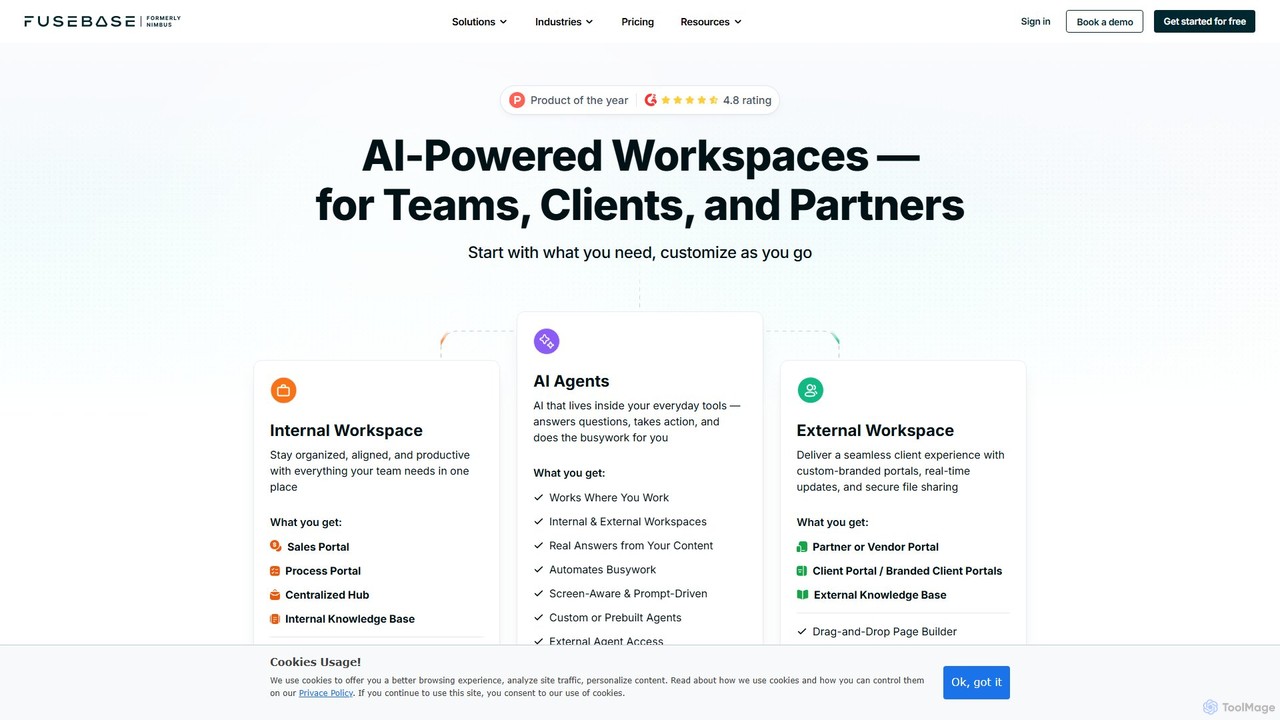
FuseBase
FuseBase is an all-in-one, AI-powered workspace designed for seamless internal and external collaboration. It helps businesses streamline workflows, manage projects, and enhance client communication through customizable client portals, intelligent AI agents, and a centralized knowledge base. Consolidate your tools, automate busywork, and accelerate your business growth with a single, unified platform.
Client Management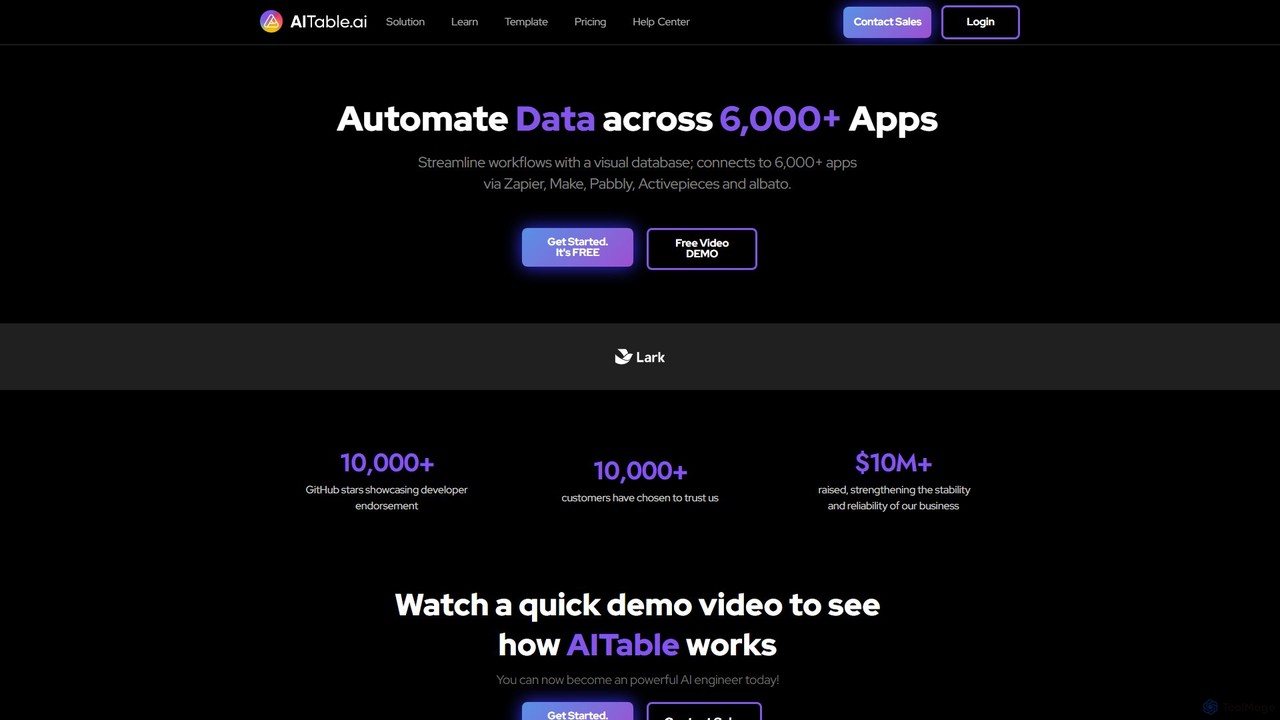
AITable.ai
AITable.ai is a visual, AI-powered database and workflow automation platform. It combines a spreadsheet-like interface with robust database capabilities, allowing users to organize any data, automate repetitive tasks, and build custom AI agents. It integrates with over 6,000 apps via platforms like Zapier and Make, making it a powerful no-code solution for CRM, project management, and business operations.
Crm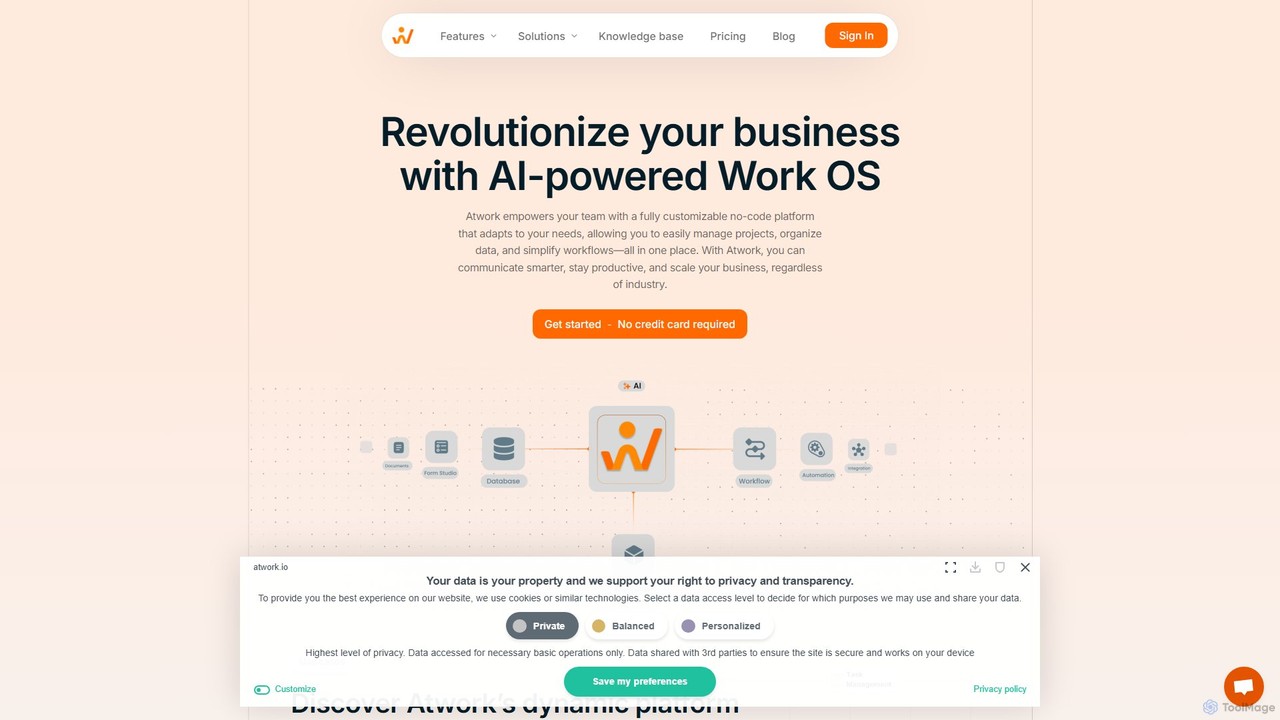
Atwork
Atwork is an AI-powered, no-code Work OS designed for efficient workflow management. It provides a fully customizable platform for teams to manage projects, organize data, and automate processes in one central place, boosting productivity and enabling business scalability.
Crm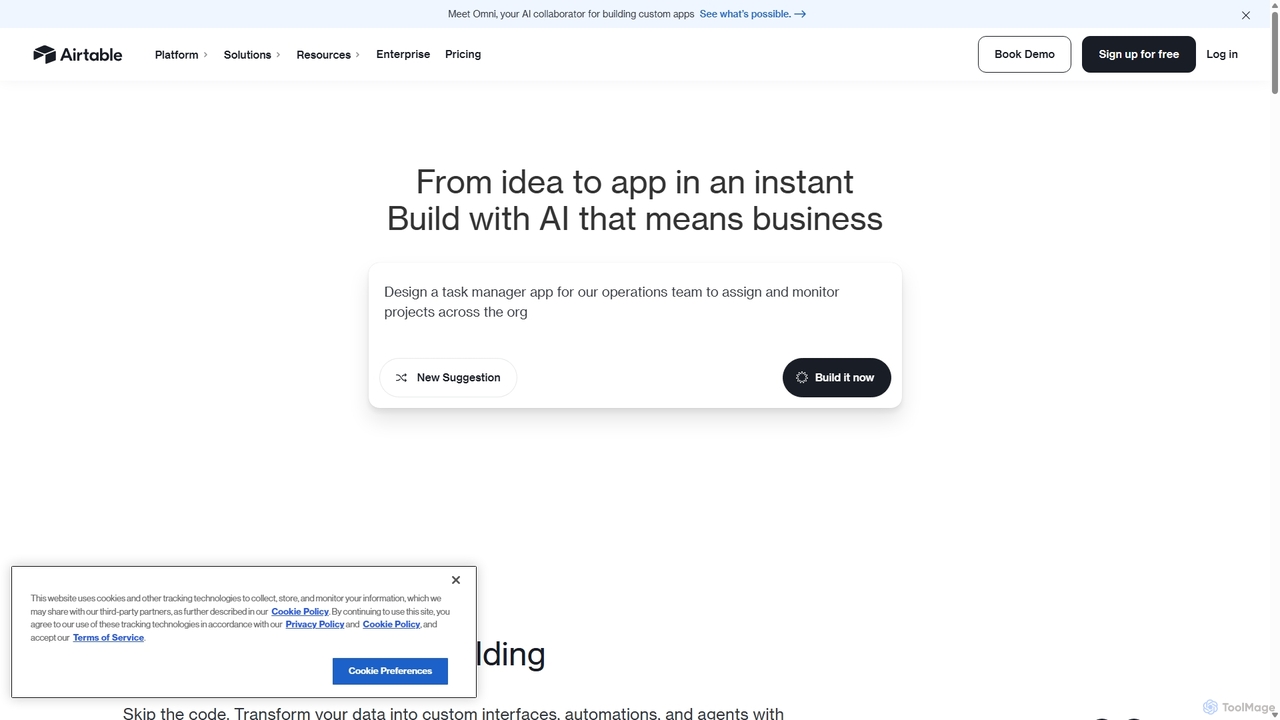
Airtable
Airtable is an AI-native app building platform for enterprises, combining the flexibility of a spreadsheet with the power of a database. It enables teams to create custom applications, automate complex workflows, and deploy intelligent AI agents without writing code, transforming critical data into actionable insights and streamlined operations.
Project Management
Prompting Sheets
Prompting Sheets is an AI-powered add-on for Google Sheets that transforms your spreadsheets into dynamic tools. It allows users to generate custom project plans, to-do lists, and automate data analysis and content creation using powerful AI formulas and an integrated chatbot, eliminating the need for generic templates.
Project ManagementProdhiiv
Prodhiiv is an upcoming all-in-one intelligent workspace designed for modern productivity. It integrates intelligent note-taking, real-time collaboration, and visual workspaces to help teams and individuals capture, create, and collaborate more effectively. It aims to be a central hub for all your ideas and projects.
Collaboration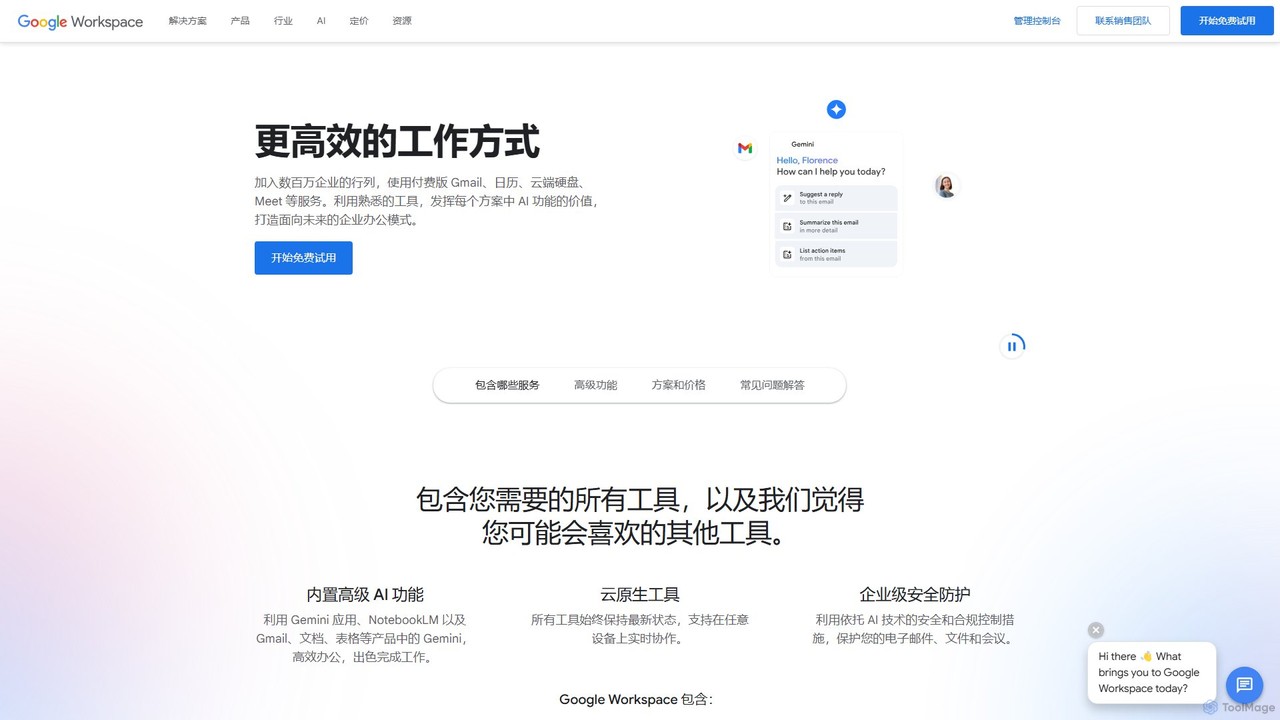
Google Workspace
Google Workspace is an integrated suite of secure, cloud-native collaboration and productivity apps powered by Google AI. It includes Gmail, Docs, Drive, Calendar, Meet, and more, designed to help teams of all sizes connect, create, and collaborate efficiently and securely from any device.
Office Suite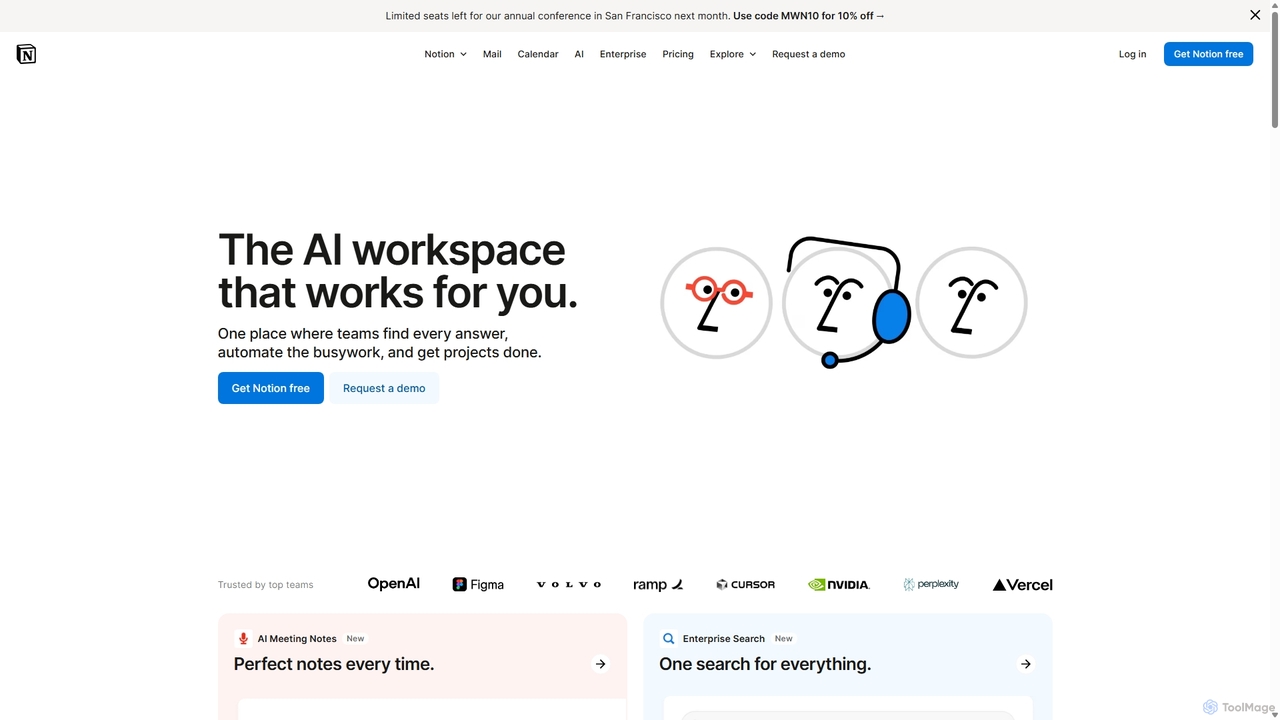
Notion
Notion is an all-in-one AI workspace that combines notes, docs, project management, and wikis into a single, highly customizable platform. It empowers teams and individuals to organize information, manage projects, and collaborate more effectively, all within a flexible, block-based editor enhanced with powerful AI capabilities.
Knowledge Management
Jyek
Jyek is an AI agent platform that understands objectives, creates execution plans, uses tools, and delivers verifiable results for complex, multi-step tasks.
Automation
Coda Comments (0)
Sign in to comment.
Sign inNo comments yet.