ToolMage
Sign in

Best 32 Diagramming AI tools for Productivity

Popular Diagramming AI tools in Productivity include Lucidchart, Creately, GitMind, EdrawMax, Edraw.AI, Cloudairy, ChartDB, ConceptMap AI, Diagramming AI, and ChatUML, helping you work more efficiently.

Fluxstack
Freemium

Fluxstack

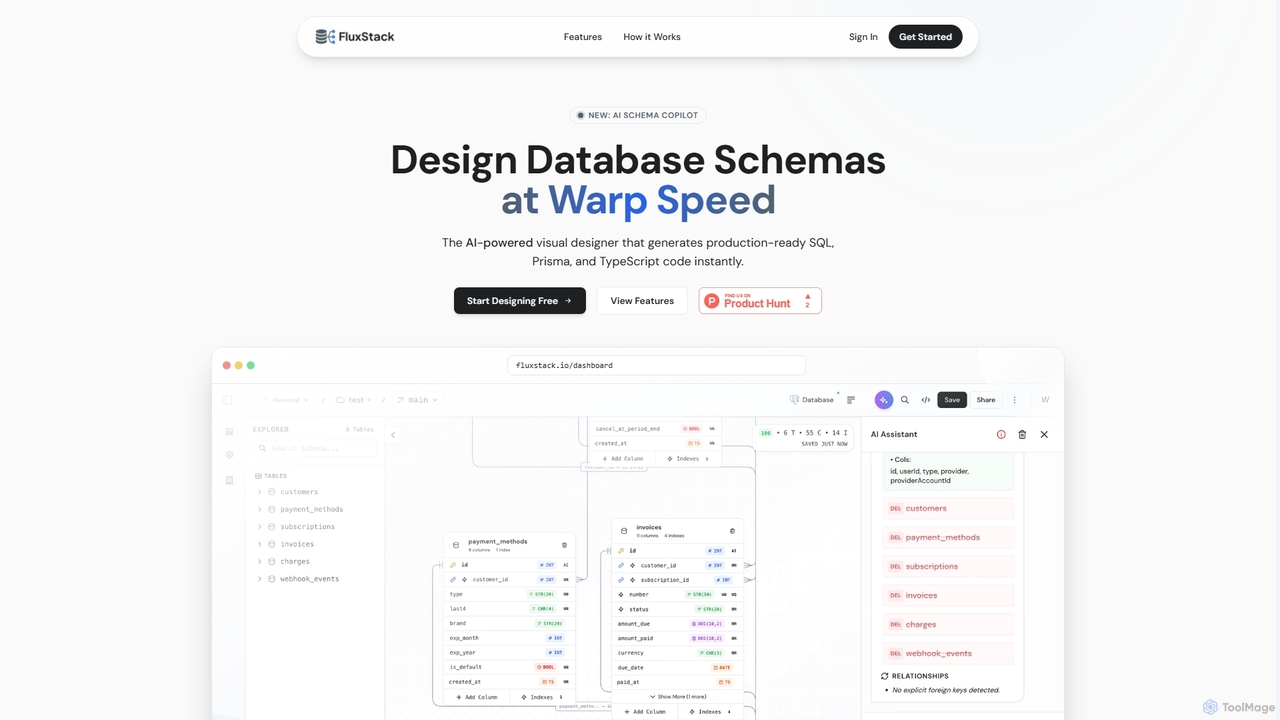
Fluxstack is an AI-powered visual database schema builder that helps developers design, manage, and deploy production-ready database schemas at warp speed. It generates SQL, Prisma, and TypeScript code instantly, supporting popular stacks like PostgreSQL, MySQL, and Supabase.

Developer Tools
Visits 5.5KFavorites 82Likes 78
GemiBoard

GemiBoard

GemiBoard is an AI-powered teaching blackboard that transforms user questions into interactive diagram lessons. It simplifies complex concepts by generating visual explanations, making learning more engaging and accessible for students and educators alike.

Content Generation
Visits 5.6KFavorites 94Likes 95
Boronflow
Freemium

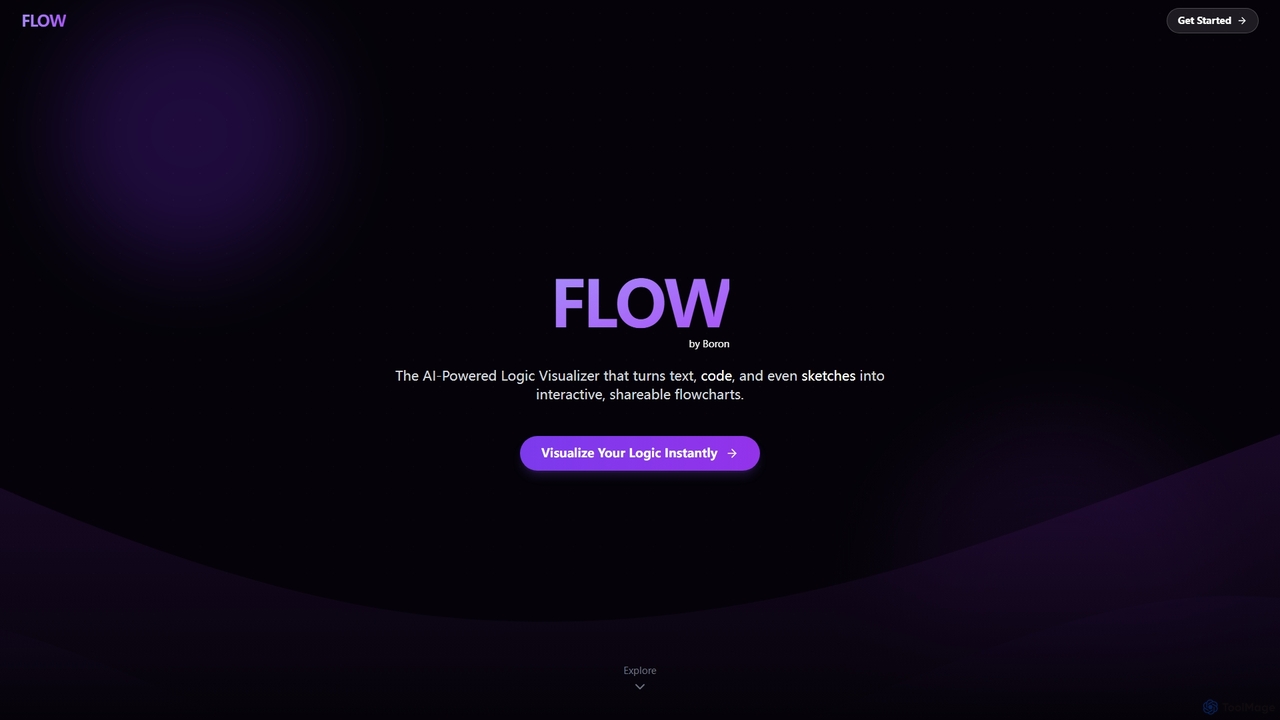
Boronflow

An AI-powered logic visualizer that instantly transforms text, code, and sketches into interactive, editable flowcharts. It supports real-time collaboration, code execution animation, and GitHub repository analysis.

Whiteboarding
Visits 5.5KFavorites 127Likes 126
AI Assistant
Freemium

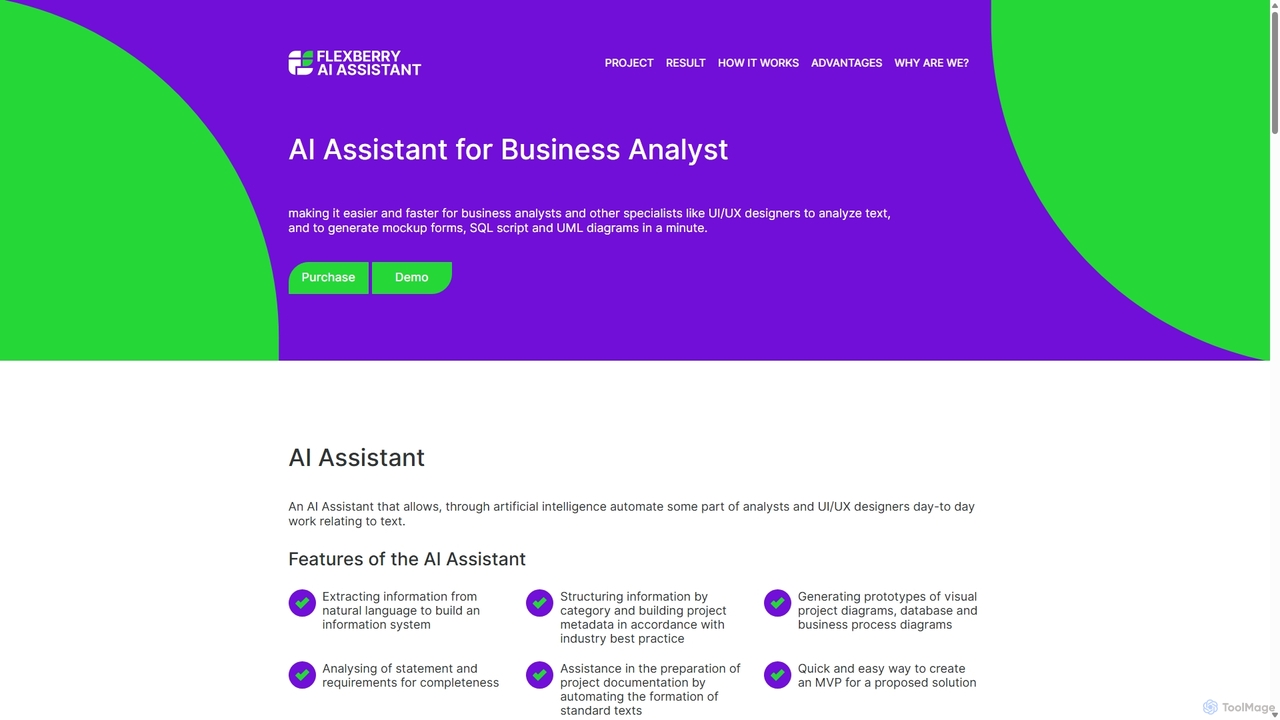
AI Assistant

An AI-powered tool for business analysts and UI/UX designers that automates the creation of technical artifacts. It transforms natural language requirements into UML diagrams, SQL scripts, and UI mockups, accelerating the system design and development process.

Requirements Management
Visits 6.1KFavorites 119Likes 111
Imagetodrawio
Freemium

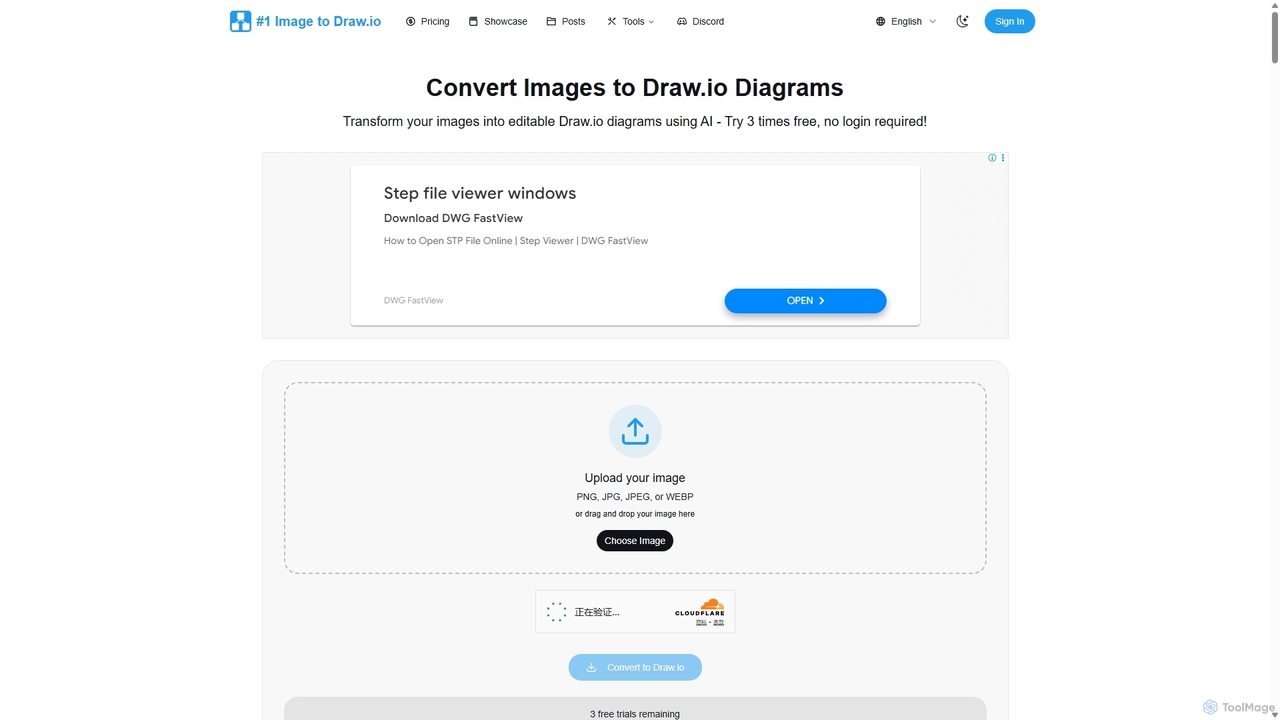
Imagetodrawio

An AI-powered tool that converts images of diagrams, such as screenshots, photos, and hand-drawn sketches, into fully editable Draw.io files. It helps users recover lost source files, digitize whiteboard sessions, and modernize legacy documentation in minutes, preserving shapes, text, and connections with high accuracy.

Automation
Visits 17KFavorites 122Likes 124
Figr AI
Freemium

Figr AI

Figr AI is an AI-powered design platform that transforms text prompts into high-fidelity UI/UX designs, diagrams, and prototypes. It streamlines the creative process, enabling designers, developers, and product managers to rapidly visualize ideas, generate components, and build complete user flows. By automating repetitive tasks, Figr AI accelerates product development, enhances collaboration, and makes professional design accessible to everyone on the team.

Ui Ux
Visits 12.8KFavorites 119Likes 119
DiagramGPT
Free

DiagramGPT

DiagramGPT is an AI-powered tool that transforms natural language text prompts into various diagrams. By leveraging GPT technology and Mermaid syntax, it allows users to effortlessly generate flowcharts, sequence diagrams, and more, simply by describing what they want to visualize. It's an ideal solution for developers, project managers, and students who need to create professional diagrams quickly without manual drawing.

Process Management
Visits 5.5KFavorites 154Likes 158
Cloudairy
Freemium

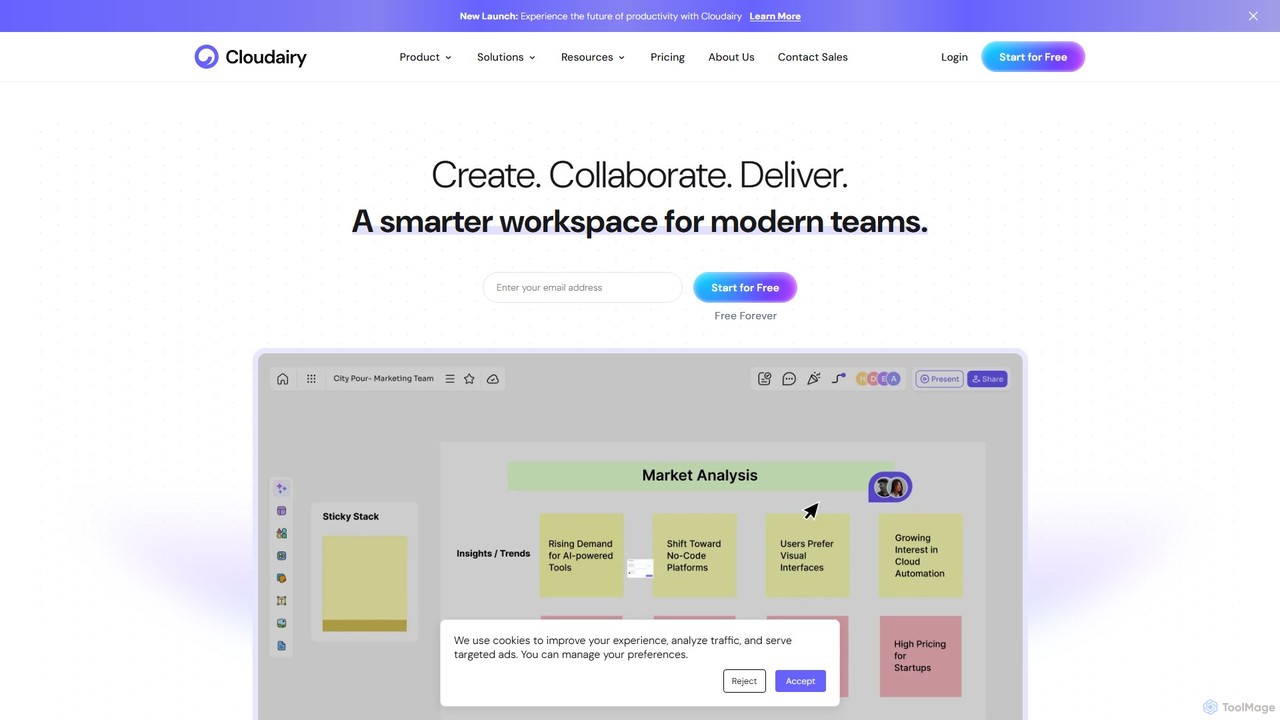
Cloudairy

Cloudairy is an AI-powered collaborative visual workspace designed for modern teams. It integrates AI-driven diagramming, mind mapping, image generation, and documentation tools into a single platform. It enables teams in engineering, sales, and project management to brainstorm, design, and deliver projects with enhanced efficiency and creativity.

Generative Art
Visits 167.3KFavorites 108Likes 94
Edrawsoft
Freemium

Edrawsoft

Edrawsoft is a comprehensive suite of AI-powered visual tools for diagramming, mind mapping, and project management. It includes EdrawMax for all-in-one diagram creation, EdrawMind for brainstorming, and EdrawProj for Gantt charts. With AI assistance, users can automatically generate flowcharts, org charts, and more from text, beautify designs with a single click, and collaborate seamlessly across platforms. It's a powerful Visio alternative for individuals, teams, and enterprises.

Project Management
Visits 5.6KFavorites 138Likes 147
Edraw.AI
Freemium

Edraw.AI

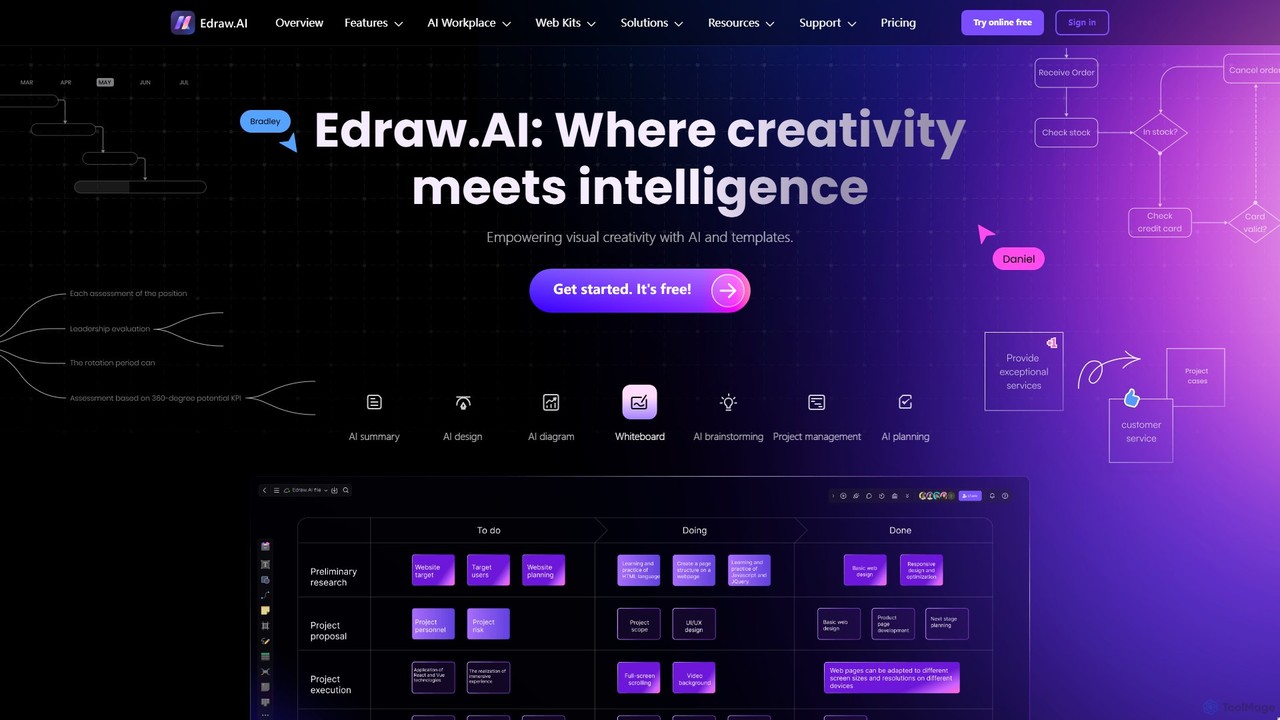
Edraw.AI is an AI-powered visual collaboration platform that enables users to create diagrams, mind maps, flowcharts, and other visuals with ease. It combines a user-friendly interface with powerful AI tools for generation, analysis, and design. Featuring real-time collaboration, an extensive library of templates and symbols, it's designed to boost productivity for teams in project management, IT, marketing, education, and more. Get started for free and transform your ideas into professional visuals.

Visualization
Visits 381.1KFavorites 121Likes 113
ai_flowchart
Freemium

ai_flowchart

ai_flowchart is an AI-powered tool that transforms natural language descriptions into professional flowcharts and diagrams instantly. Leveraging advanced NLP, it allows users to simply describe a process, and the AI generates a visually appealing and structured diagram. It's designed for developers, project managers, and business analysts, featuring customization, collaboration, and multiple export options. Ideal for software architecture, business process mapping, and project planning.

Process Management
Visits 5.5KFavorites 127Likes 112
GitMind
Freemium

GitMind

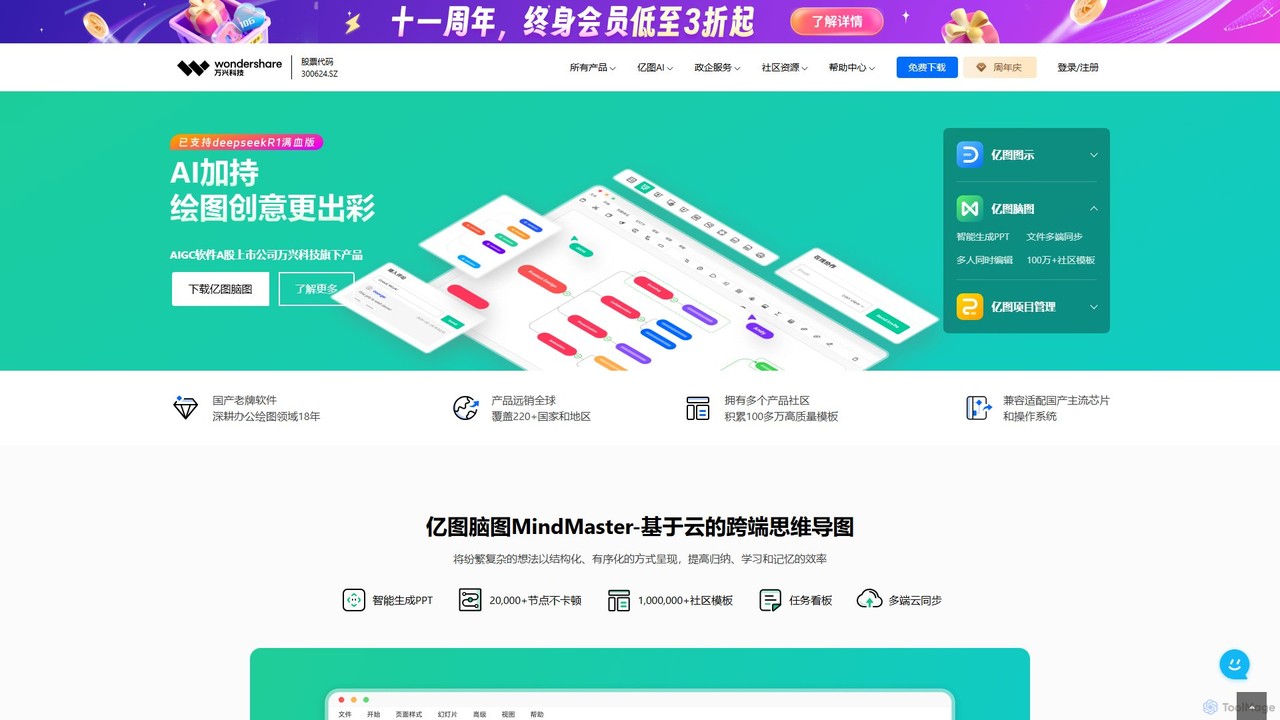
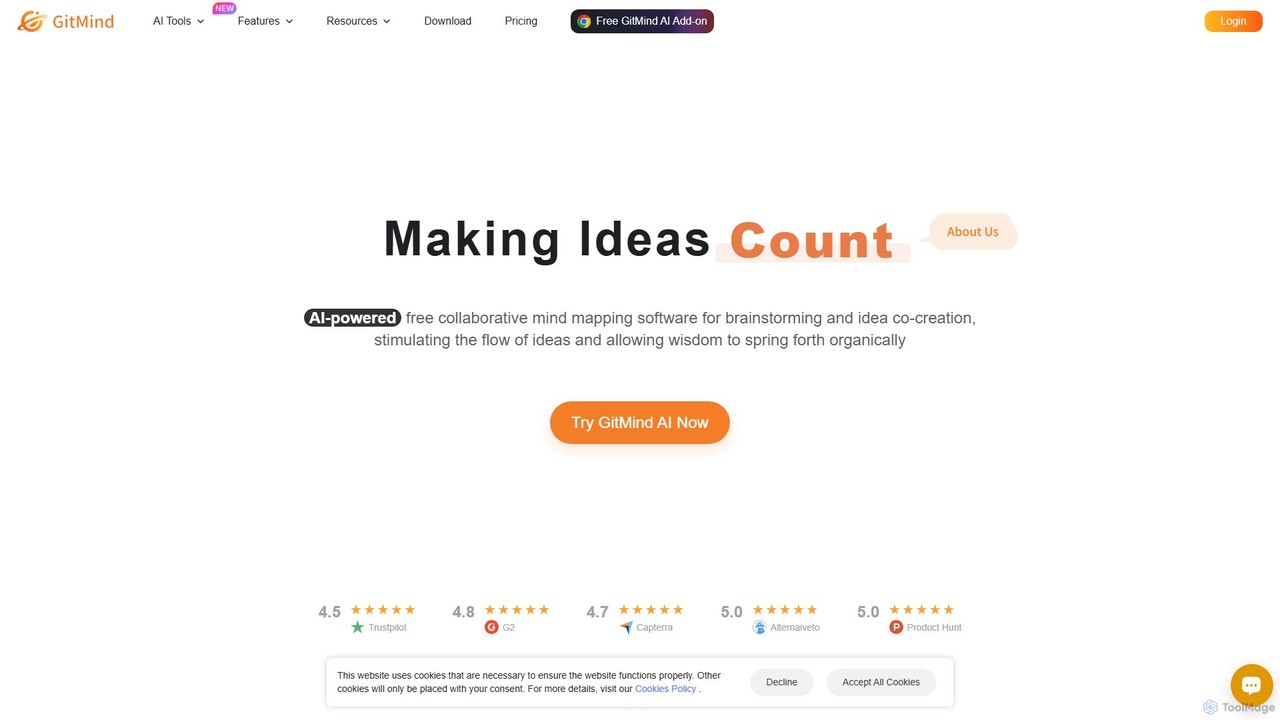
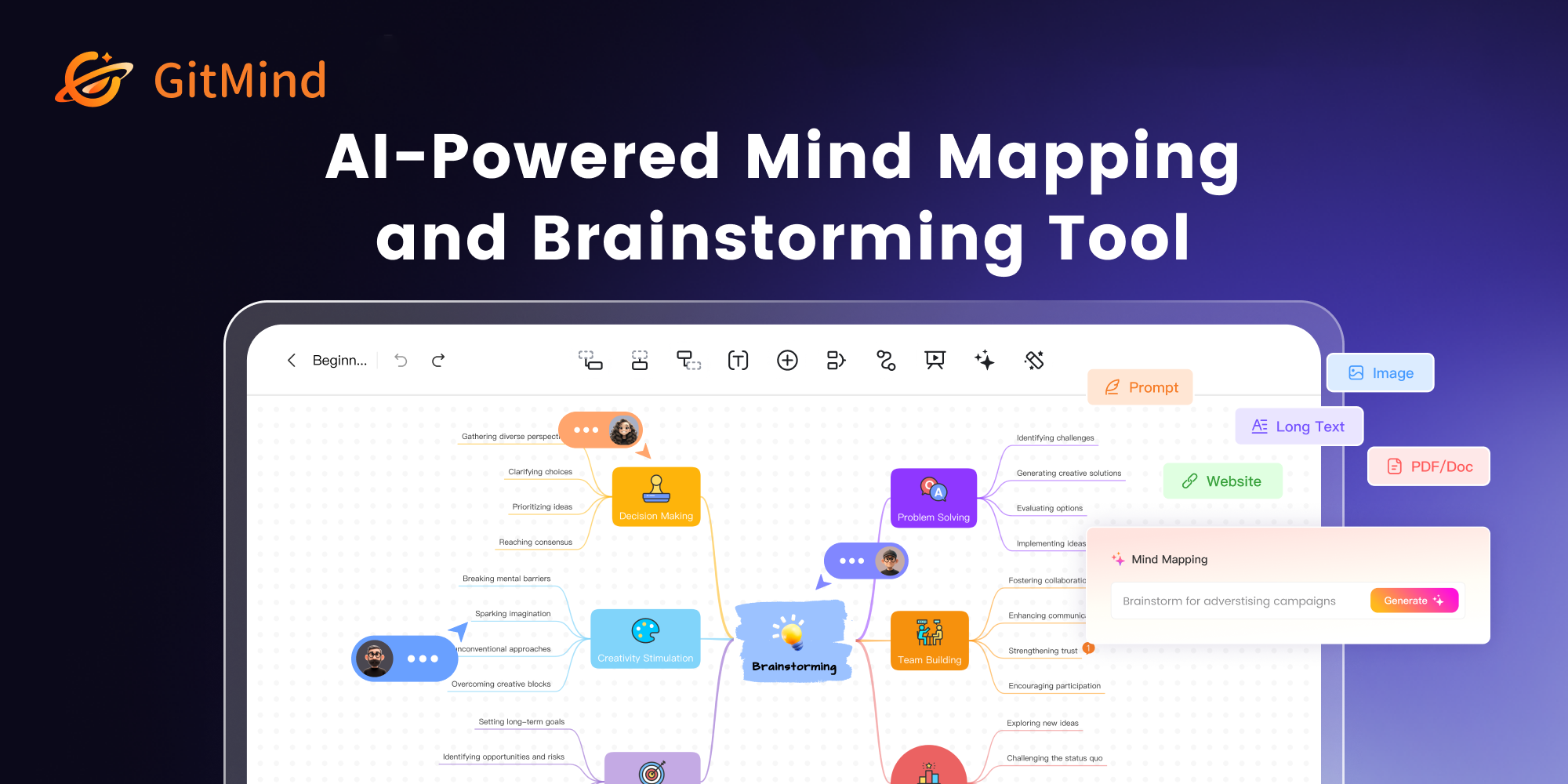
GitMind is an AI-powered collaborative mind mapping and brainstorming tool. It enables users to create mind maps, flowcharts, org charts, and other diagrams with ease. Featuring AI-driven content generation, summarization of documents and videos, and real-time co-editing, GitMind helps individuals and teams visualize ideas, streamline workflows, and enhance productivity. With cross-platform availability and a rich template library, it transforms complex information into clear, organized visuals.

Project Management
Visits 748.4KFavorites 115Likes 103
Lucidchart
Freemium

Lucidchart

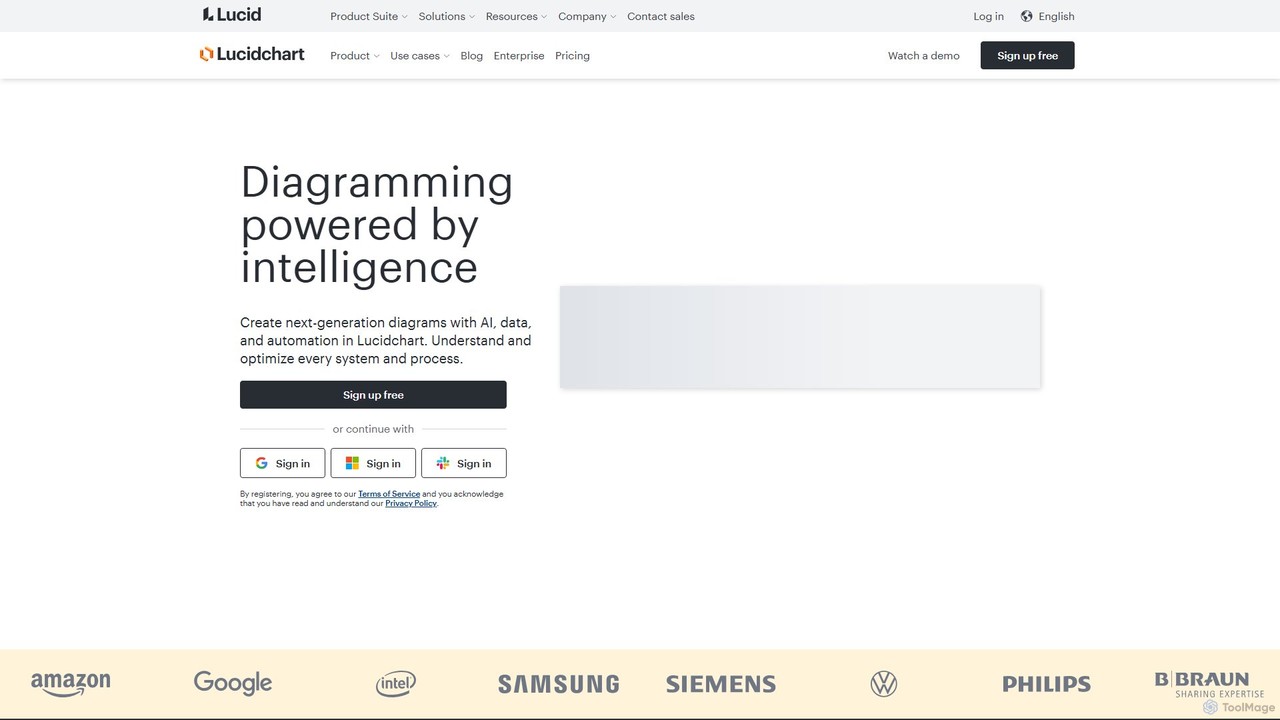
Lucidchart is an intelligent diagramming and visual collaboration platform that uses AI, data automation, and real-time teamwork to help users visualize complex systems, processes, and ideas. It enables teams to create professional flowcharts, org charts, network diagrams, and more, fostering clarity and driving innovation.

Project Management
Visits 2.4MFavorites 144Likes 130
DGM
Freemium

DGM

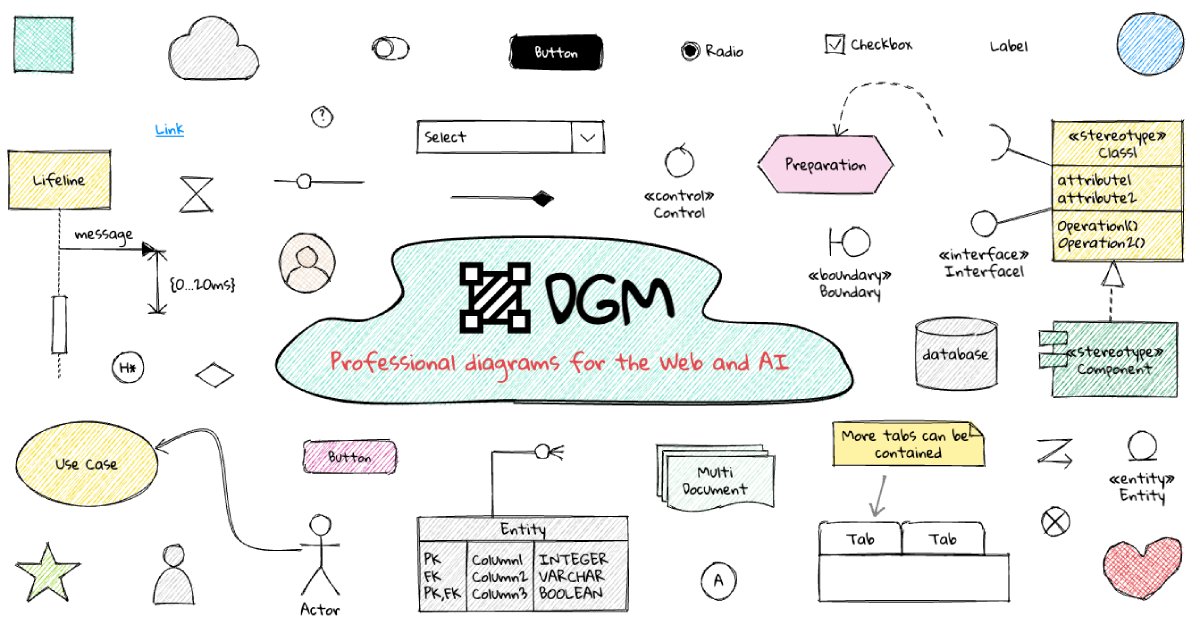
DGM is an AI-powered online platform for creating professional sketchnotes and visual diagrams. It combines a flexible digital canvas with intelligent tools to help users capture, organize, and share ideas visually. Ideal for meetings, brainstorming, and learning, DGM facilitates real-time collaboration and transforms complex information into clear, engaging visual notes.

Collaboration
Visits 9.4KFavorites 185Likes 192
ChartDB
Freemium

ChartDB

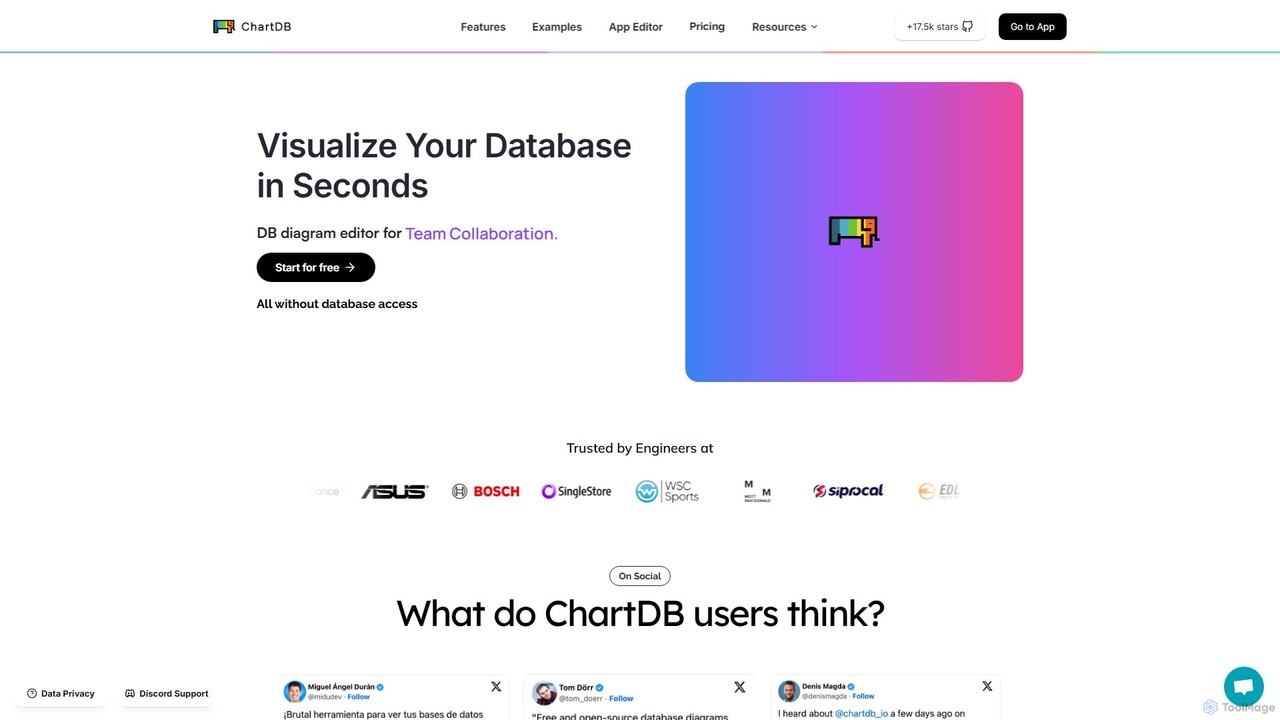
ChartDB is an AI-powered database schema visualizer that instantly generates interactive ER diagrams from a single query. It's designed for developers and teams to design, document, and collaborate on database structures. It features real-time collaboration, database synchronization, and an AI assistant to optimize schema design. Both cloud and self-hosted open-source versions are available.

Visualization
Visits 135.5KFavorites 128Likes 137
ConceptMap AI
Free

ConceptMap AI

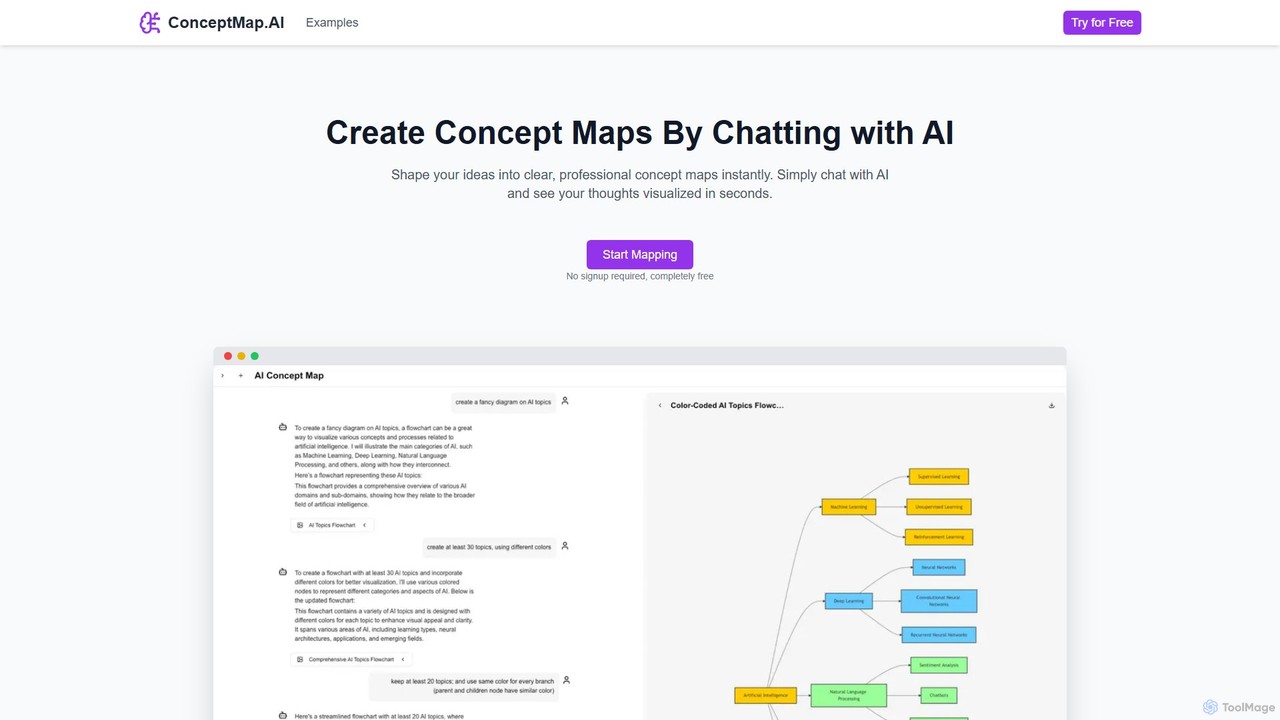
A free, chat-based AI tool that instantly transforms your conversations and ideas into professional concept maps, mind maps, and flowcharts. Ideal for knowledge workers, students, and researchers to organize complex information, brainstorm, and plan projects without any manual diagramming.

Learning
Visits 75.4KFavorites 137Likes 120
snapdiagram
Freemium

snapdiagram

SnapDiagram is an AI-powered tool that instantly transforms text descriptions into professional diagrams. Generate flowcharts, sequence diagrams, UML models, mind maps, and more with simple natural language prompts. It's designed to accelerate workflows for developers, business analysts, and project managers by automating the diagramming process.

Workflow Management
Visits 5.5KFavorites 134Likes 123
Diagramming AI
Freemium

Diagramming AI

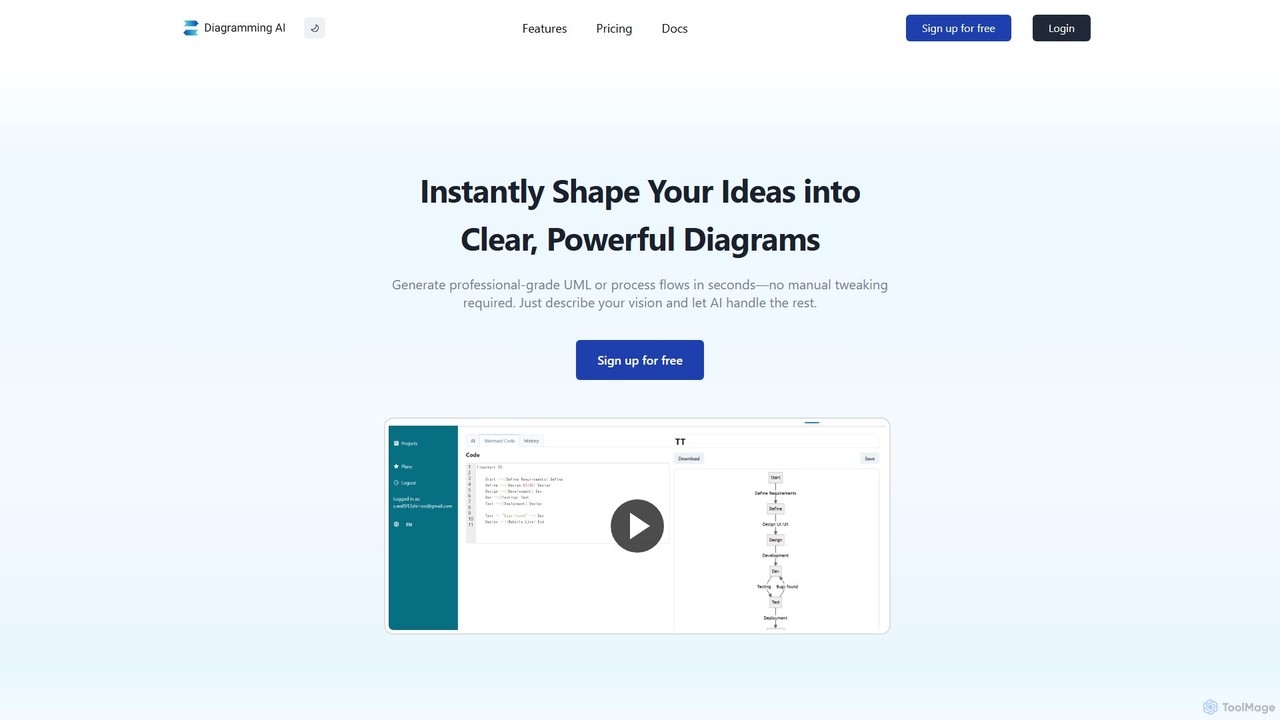
Diagramming AI is an advanced AI-powered platform that instantly generates and edits a wide range of diagrams from text, URLs, or images. It supports popular formats like Mermaid, PlantUML, and Graphviz, and features an intuitive AI chat for real-time modifications and a visual editor integration with Excalidraw for precise adjustments.

Visualization
Visits 28KFavorites 123Likes 112
Creately
Freemium

Creately

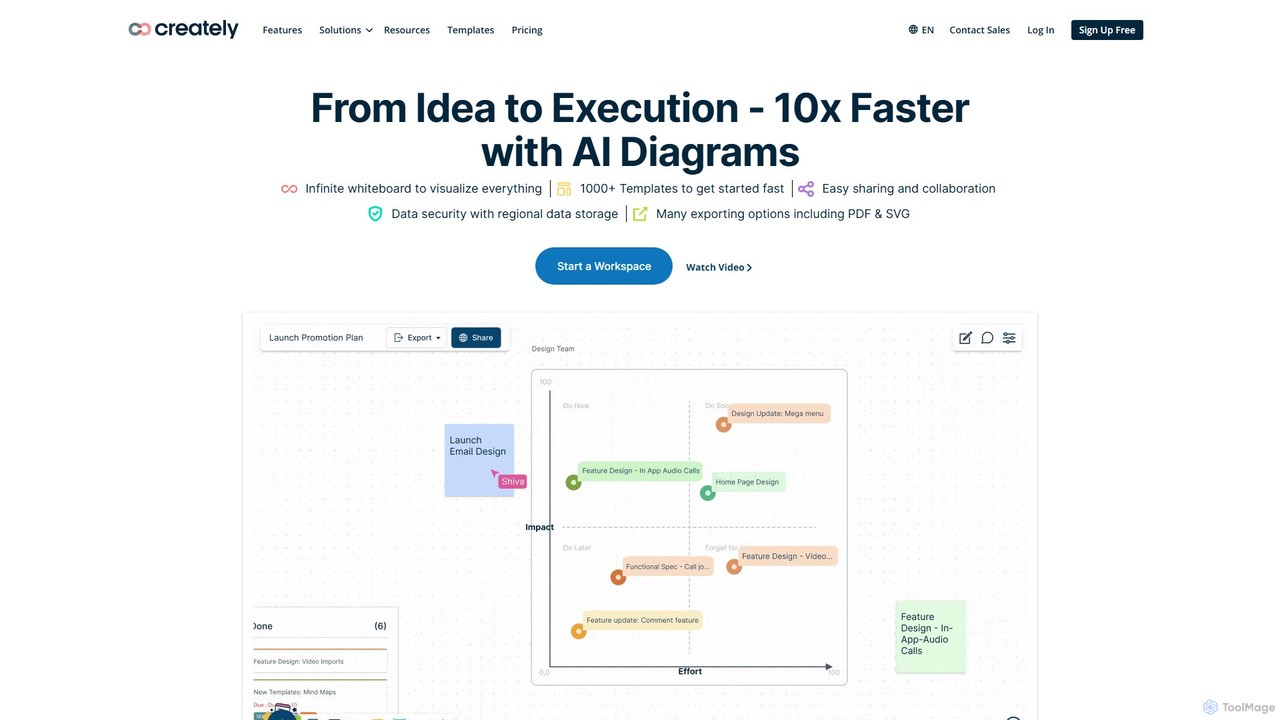
Creately is an AI-powered visual collaboration and work management platform. It combines intelligent diagramming, online whiteboarding, and data-driven project management on a single smart canvas, helping teams brainstorm, plan, and execute projects more effectively.

Planning
Visits 1MFavorites 127Likes 123
Flux AI
Freemium

Flux AI

Flux AI is an intelligent collaborative whiteboard that transforms text prompts into complex diagrams. It empowers teams to visualize ideas, design workflows, and create flowcharts or mind maps in seconds, streamlining the entire planning and brainstorming process.

Whiteboard
Visits 5.5KFavorites 131Likes 144
iMiaoban
Freemium

iMiaoban

iMiaoban is an AI-powered collaborative online whiteboard designed to enhance team productivity. It allows users to instantly create various diagrams, including flowcharts and mind maps, using text prompts. With a vast library of templates and real-time collaboration features, it simplifies the process of visualizing ideas and workflows.

Whiteboard
Visits 10.2KFavorites 131Likes 139
Sketch2scheme
Paid

Sketch2scheme

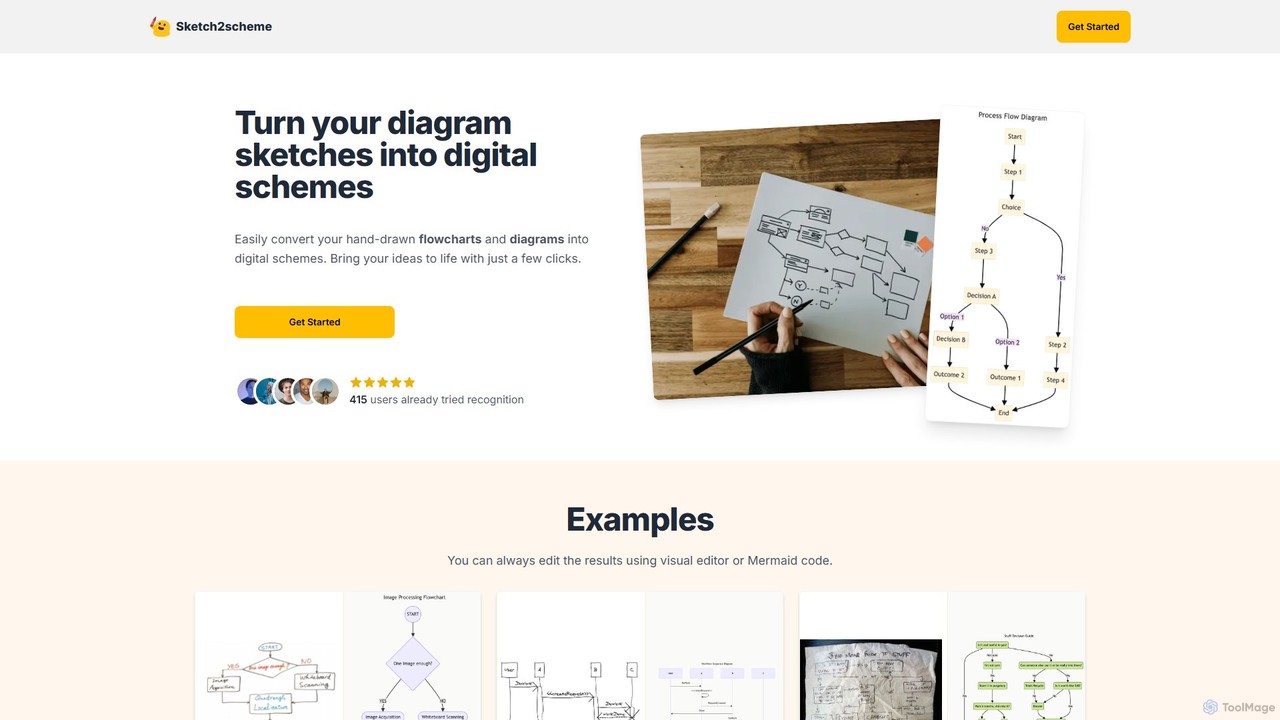
Sketch2scheme is an AI-powered tool that effortlessly converts your hand-drawn diagram sketches into polished, editable digital schemes. Simply upload a picture of your flowchart or diagram, and the AI will recognize nodes, connections, and text, transforming your analog ideas into digital assets in seconds. It's perfect for developers, project managers, and students who want to bridge the gap between paper brainstorming and digital implementation.

Prototyping
Visits 7.6KFavorites 160Likes 181
ChatUML
Freemium

ChatUML

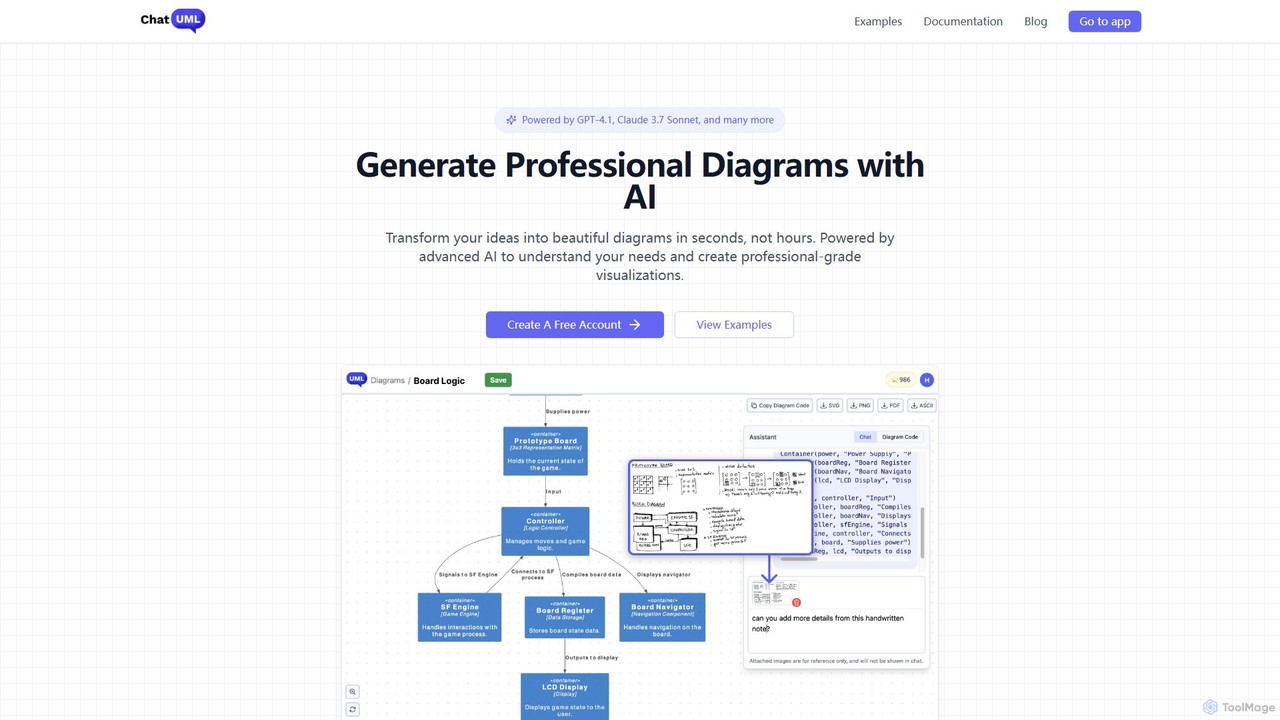
ChatUML is an AI-powered diagram generator that transforms text descriptions, hand-drawn sketches, and even website content into professional diagrams in seconds. Leveraging models like GPT-4.1 and Claude 3, it supports various formats including UML, C4 architecture, mind maps, and more, streamlining the visualization process for developers, project managers, and creative teams.

Planning
Visits 27.1KFavorites 119Likes 123
splotch
Freemium

splotch

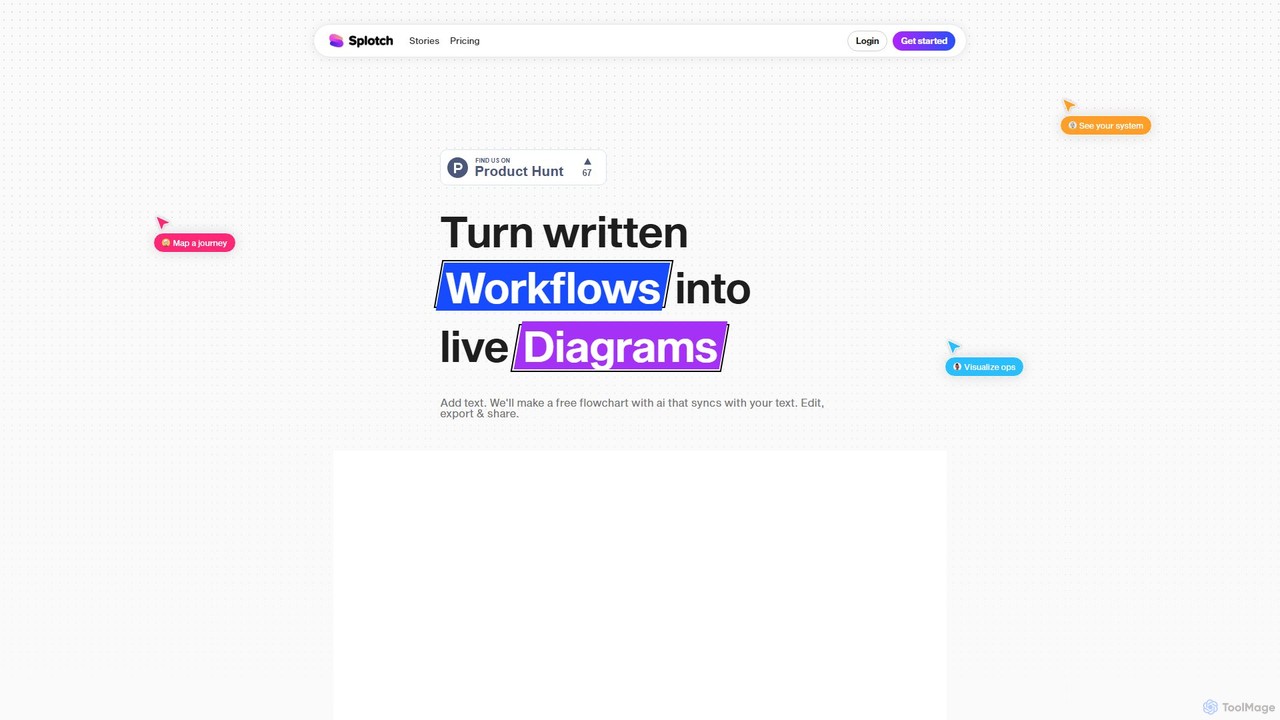
splotch is an AI-powered diagramming tool that automatically converts written text, processes, and workflows into clear, editable flowcharts and diagrams. It features a unique two-way sync, ensuring your text and visuals are always aligned, streamlining communication and process documentation.

Process Management
Visits 6.2KFavorites 116Likes 114

About Diagramming

AI Diagramming tools automate and enhance the creation of visual representations like flowcharts, mind maps, and network diagrams. Leveraging AI, these tools streamline the process of transforming complex data or ideas into clear, structured visuals. They significantly improve visual communication, project planning, and system design by reducing manual effort and ensuring consistency. This integration of AI allows for quicker iteration and more intelligent layout suggestions.

Core Features

  • Intelligent Layout & Auto-arrangement: Automatically organizes elements and connections for optimal readability and aesthetic appeal.
  • Text-to-Diagram Generation: Converts natural language descriptions or structured text into visual diagrams instantly.
  • Smart Template & Suggestion: Offers context-aware templates and suggests relevant shapes, connections, or diagramming best practices.
  • Data-driven Diagramming: Generates diagrams directly from data sources, such as spreadsheets or databases, for dynamic visualization.
  • Collaboration & Version Control: Facilitates real-time teamwork on diagrams and tracks changes for easy review and rollback.

Use Cases

Project managers utilize these tools for creating detailed Gantt charts and workflow diagrams to track progress. Software developers employ them for generating UML diagrams and system architectures from specifications. Business analysts visualize complex processes, organizational structures, and data flows to improve operational clarity.

How to Choose

When selecting an AI Diagramming tool, consider the specific types of diagrams you need to create, the level of AI automation desired (e.g., text-to-diagram capabilities), integration with your existing productivity suite, and collaboration features for team projects. Evaluate ease of use, customization options, and the availability of industry-specific templates.

Featured tool rankings

Diagramming use cases

1

Automate Flowchart Creation from Text

A business analyst needs to document a complex new process. Instead of manually dragging and dropping shapes, they input a step-by-step textual description of the process into an AI diagramming tool. The tool automatically generates a complete, logically structured flowchart, saving hours of manual drawing and ensuring consistency across documentation.

2

Generate Mind Maps for Brainstorming Sessions

A marketing team is brainstorming ideas for a new campaign. During the meeting, a designated note-taker inputs key concepts and connections into the AI diagramming tool using natural language. The tool instantly organizes these inputs into a visually appealing and hierarchical mind map, allowing the team to visualize relationships and expand on ideas in real-time without interruption.

3

Visualize Software Architecture from Code/Specs

A software architect needs to create a detailed UML diagram or system architecture overview for a new module. By feeding existing code snippets, design specifications, or even high-level descriptions into an AI diagramming tool, it can automatically infer relationships and components, generating a preliminary diagram. This significantly accelerates the initial design phase and reduces errors.

4

Create Organizational Charts from Employee Data

An HR manager needs to update the company's organizational chart after a restructuring. Instead of manually rearranging boxes, they upload a spreadsheet containing employee names, roles, and reporting lines to an AI diagramming tool. The tool automatically processes the data and generates an accurate, hierarchical organizational chart, ensuring all reporting structures are correctly represented.

5

Design Network Topologies for IT Infrastructure

An IT administrator is planning a new network deployment and needs to visualize the proposed infrastructure. By inputting device lists, connection types, and IP ranges, the AI diagramming tool can intelligently suggest and arrange network components, creating a clear and comprehensive network topology diagram. This helps in identifying potential bottlenecks and optimizing resource allocation.

6

Develop Data Flow Diagrams for System Analysis

A system analyst is tasked with understanding how data moves through an existing enterprise system. By describing the data sources, processes, and destinations, the AI diagramming tool can assist in constructing a data flow diagram (DFD). This visual representation clarifies data transformations and storage, aiding in system optimization and identifying security vulnerabilities.

Diagramming FAQ

What are AI Diagramming tools?

AI Diagramming tools are software applications that leverage artificial intelligence to assist in the creation, organization, and visualization of various diagrams. They go beyond traditional diagramming by automating tasks like layout, suggesting elements, and even generating diagrams from text or data. Their core purpose is to simplify complex visual communication, making it faster and more accessible for users across different industries.

How do AI Diagramming tools differ from traditional diagramming software?

The primary difference lies in automation and intelligence. Traditional software requires manual placement and connection of every element. AI Diagramming tools, however, use algorithms to:

  • Automate Layout: Intelligently arrange shapes and lines for optimal clarity.
  • Generate from Input: Convert text descriptions or data into visual diagrams.
  • Suggest Elements: Proactively recommend shapes, connectors, or templates based on context.
  • Enhance Consistency: Ensure uniform styling and adherence to diagramming standards.
This significantly reduces manual effort and speeds up the diagram creation process.

What types of diagrams can AI Diagramming tools create?

AI Diagramming tools are versatile and can create a wide range of diagrams, including:

  • Flowcharts: For processes and workflows.
  • Mind Maps: For brainstorming and idea organization.
  • UML Diagrams: For software design (e.g., class, sequence, activity diagrams).
  • Network Diagrams: For IT infrastructure visualization.
  • Organizational Charts: For reporting structures.
  • Gantt Charts: For project scheduling.
Many tools also support custom diagram types and data visualization charts.

Who benefits most from using AI Diagramming tools?

Professionals across various fields benefit significantly. This includes:

  • Project Managers: For planning, tracking, and communicating project workflows.
  • Software Developers & Architects: For designing systems, documenting code, and visualizing complex architectures.
  • Business Analysts: For mapping processes, understanding data flows, and illustrating organizational structures.
  • Educators & Students: For explaining concepts and organizing research.
  • Content Creators: For visual storytelling and explaining complex topics.
Anyone needing to quickly and clearly convey information visually will find these tools invaluable.

How do AI Diagramming tools contribute to overall productivity?

AI Diagramming tools enhance productivity by drastically reducing the time and effort spent on creating and refining visual diagrams. They automate repetitive tasks like element placement and connection, minimize errors through intelligent suggestions, and enable faster iteration of designs. This allows users to focus more on the content and strategic aspects of their work, rather than the mechanics of drawing, thereby streamlining communication and decision-making processes within the broader "Productivity" category.