

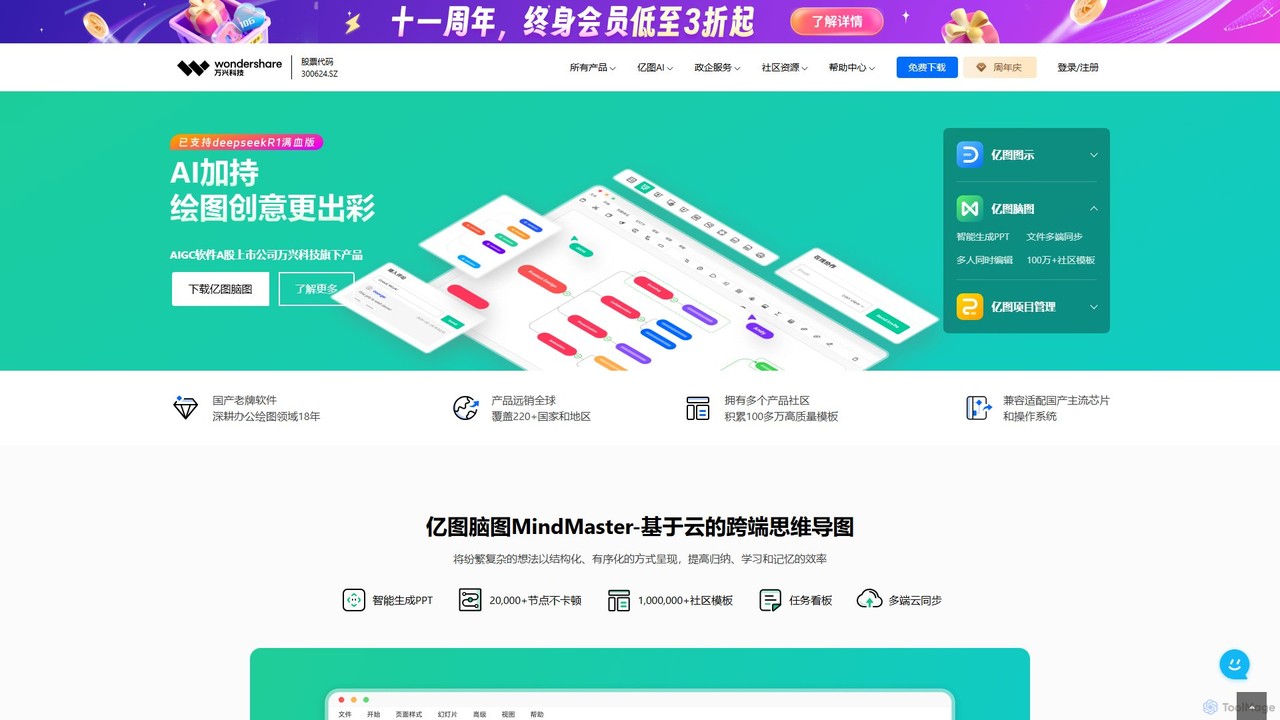
Edrawsoft Overview
Edrawsoft is an all-encompassing suite of visual solutions from Wondershare, designed to simplify complexity and transform ideas into clear, professional visuals. The suite primarily consists of EdrawMax, an all-in-one diagramming tool; EdrawMind, a creative mind mapping and brainstorming tool; and EdrawProj, a professional project management tool for creating Gantt charts. By integrating powerful AI capabilities, Edrawsoft empowers users of all skill levels—from students and educators to engineers and project managers—to create impactful diagrams with unprecedented ease and efficiency.
How to use Edrawsoft
Using the Edrawsoft suite is an intuitive process designed for maximum productivity:
- Select the Right Tool: Choose the appropriate application for your needs—EdrawMax for diverse diagrams, EdrawMind for organizing ideas, or EdrawProj for project planning.
- Start Your Project: Begin with a blank canvas, select one of over 10,000 pre-made templates, or import existing data or Visio files to get a head start.
- Leverage AI Features: Use the AI assistant to generate diagrams automatically. Simply input text descriptions, data, or even code, and let the AI create a flowchart, mind map, or organizational chart for you. Use the one-click beautify feature to instantly improve the aesthetics of your design.
- Customize and Refine: Utilize the user-friendly drag-and-drop interface, extensive symbol libraries, and smart formatting tools to customize your diagram to perfection.
- Collaborate in Real-Time: Invite team members to co-edit your diagrams. Leave comments, track changes, and share your work via a secure link or through cloud integration.
- Export and Share: Export your finished work in a wide variety of formats, including PDF, PNG, SVG, and native Microsoft Office (Word, PPT, Excel) and Visio files. You can also present your diagrams directly from the application.
Core Features of Edrawsoft
- AI-Powered Diagramming: Automatically generate flowcharts, mind maps, org charts, timelines, and more from simple text prompts. Includes AI analysis and one-click beautification.
- All-in-One Diagram Solution (EdrawMax): Supports over 210 types of diagrams, including business charts, technical drawings (UML, Network Diagrams, Floor Plans), and infographics.
- Intuitive Mind Mapping (EdrawMind): A dedicated tool for brainstorming, note-taking, and organizing thoughts with various layouts like fishbone and timeline.
- Professional Project Management (EdrawProj): Create, manage, and track projects with professional Gantt charts, resource allocation, and budget management features.
- Vast Resource Library: Access a rich library of over 10,000 professional templates and 26,000+ drag-and-drop symbols.
- Cross-Platform Compatibility: Works seamlessly on Windows, macOS, Linux, and Web. Mobile applications for iOS and Android ensure you can work from anywhere.
- High File Compatibility: Easily import Visio files and export your diagrams to a wide range of formats, including Office, PDF, and various image files.
- Seamless Team Collaboration: Features real-time co-editing, version history, commenting, and easy sharing to enhance teamwork.
Use Cases for Edrawsoft
Edrawsoft is versatile and can be applied across various fields:
- Business & Management: Creating organizational charts, modeling business processes (BPMN), designing marketing funnels, and developing strategic plans.
- Project Management: Planning project timelines with Gantt charts, tracking milestones, managing resources, and reporting on progress.
- Software Development & IT: Designing UML diagrams, database models, and network architecture. The AI can also convert code snippets into visual flowcharts.
- Education & Research: Building mind maps for studying, creating infographics for reports, and illustrating complex scientific concepts for easier understanding.
- Engineering & Design: Drafting floor plans, P&IDs, electrical circuit diagrams, and other technical drawings.
Advantages of Edrawsoft
Edrawsoft stands out for several reasons:
- Versatility: A single software suite meets a vast array of visual communication needs, eliminating the need for multiple specialized tools.
- User-Friendly: The intuitive drag-and-drop interface makes it accessible for beginners, while its advanced features satisfy professional users.
- AI-Driven Efficiency: AI features dramatically reduce the time and effort required to create and polish professional diagrams.
- Cost-Effective: Offers a feature-rich experience at a more competitive price point than alternatives like Microsoft Visio.
- Excellent Integration: Seamlessly works with other platforms and file formats, including a dedicated PowerPoint add-in for easy embedding of diagrams.
Pricing and Plans
Edrawsoft operates on a freemium model, offering flexible options for different users:
- Free Plan: Provides access to basic features, a limited selection of templates, and the ability to create and save diagrams. Exports may include a watermark. This plan is ideal for trial and casual use.
- Subscription Plans (Annual & Perpetual): Paid plans unlock the full potential of the software, including all advanced features, unlimited access to templates and symbols, watermark-free exports, increased cloud storage, and priority customer support. These are available for individual products or as a comprehensive bundle.
- Team & Business Plans: Custom-priced plans for organizations that include centralized license management, enhanced security features, team collaboration controls, and dedicated support.
For the most up-to-date pricing information, please visit the official Edrawsoft website.
Edrawsoft Alternatives
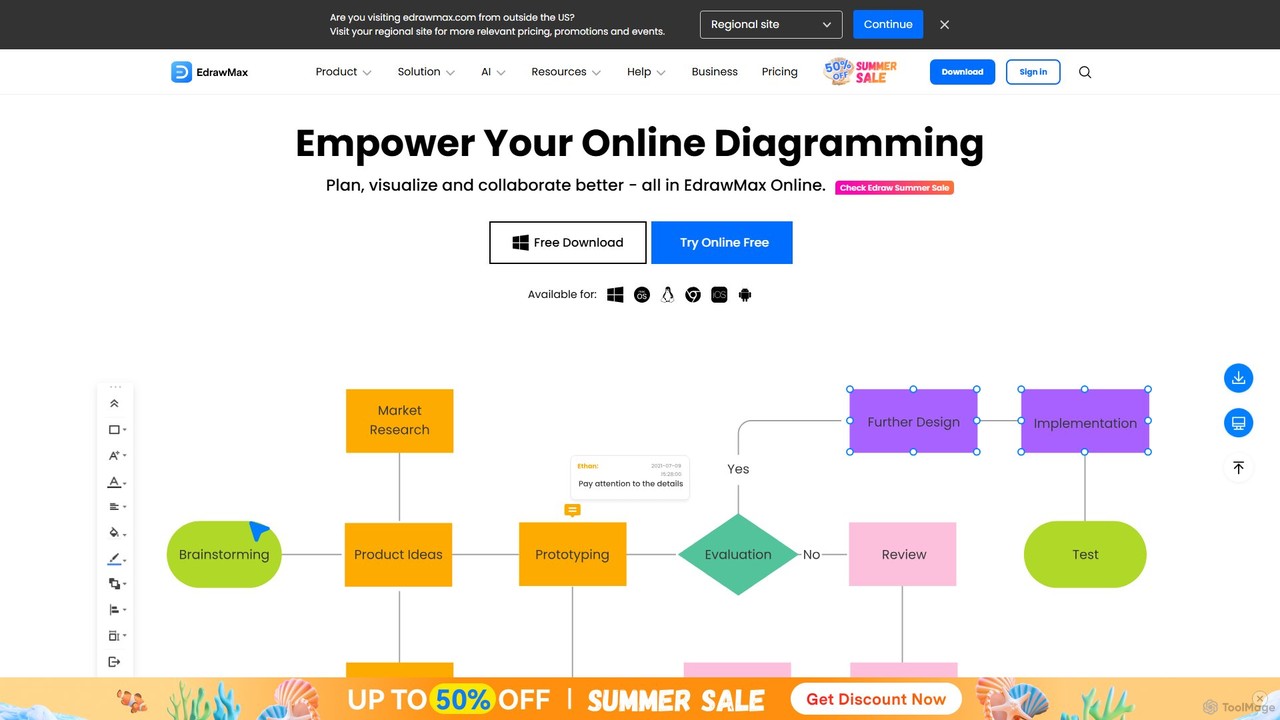
EdrawMax
EdrawMax is an all-in-one, AI-powered diagramming tool for creating over 210 types of diagrams, from flowcharts to floor plans. It combines intuitive drag-and-drop functionality with advanced AI features like one-click diagram generation, content analysis, and OCR. Ideal for teams and individuals, it facilitates real-time collaboration, offers extensive templates, and serves as a powerful Visio alternative for visualizing ideas and workflows.
Project Management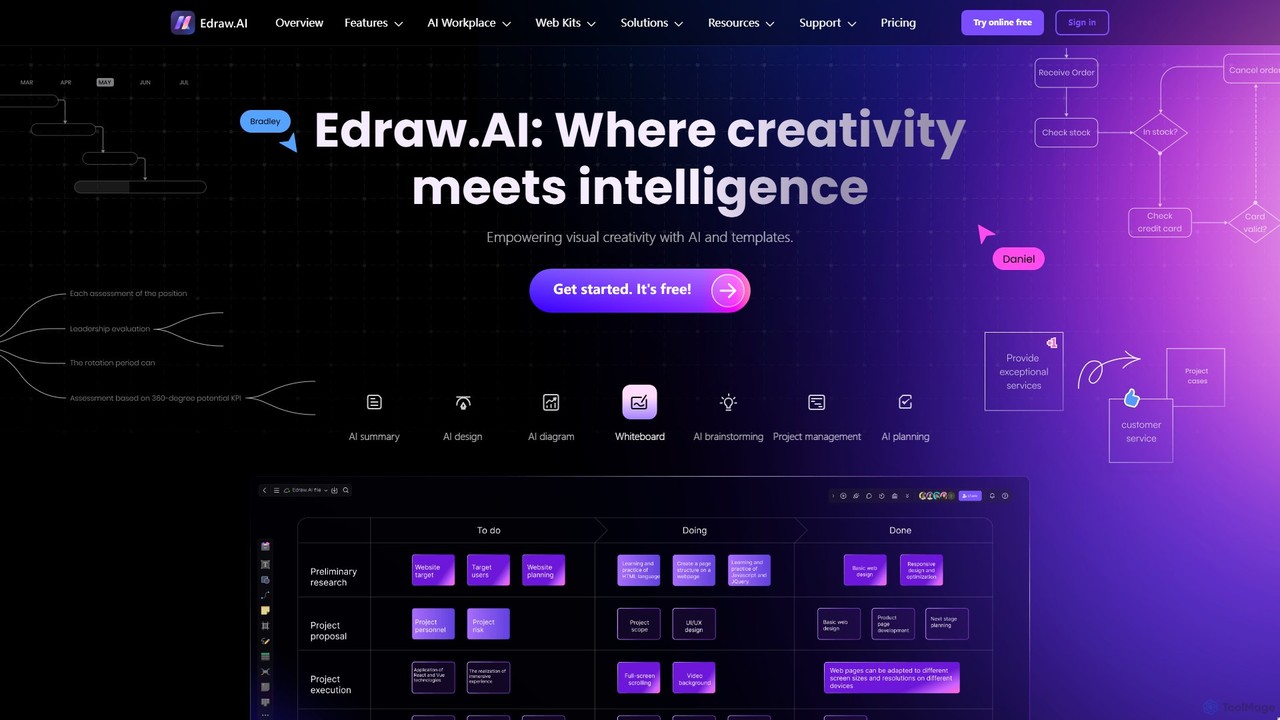
Edraw.AI
Edraw.AI is an AI-powered visual collaboration platform that enables users to create diagrams, mind maps, flowcharts, and other visuals with ease. It combines a user-friendly interface with powerful AI tools for generation, analysis, and design. Featuring real-time collaboration, an extensive library of templates and symbols, it's designed to boost productivity for teams in project management, IT, marketing, education, and more. Get started for free and transform your ideas into professional visuals.
Visualization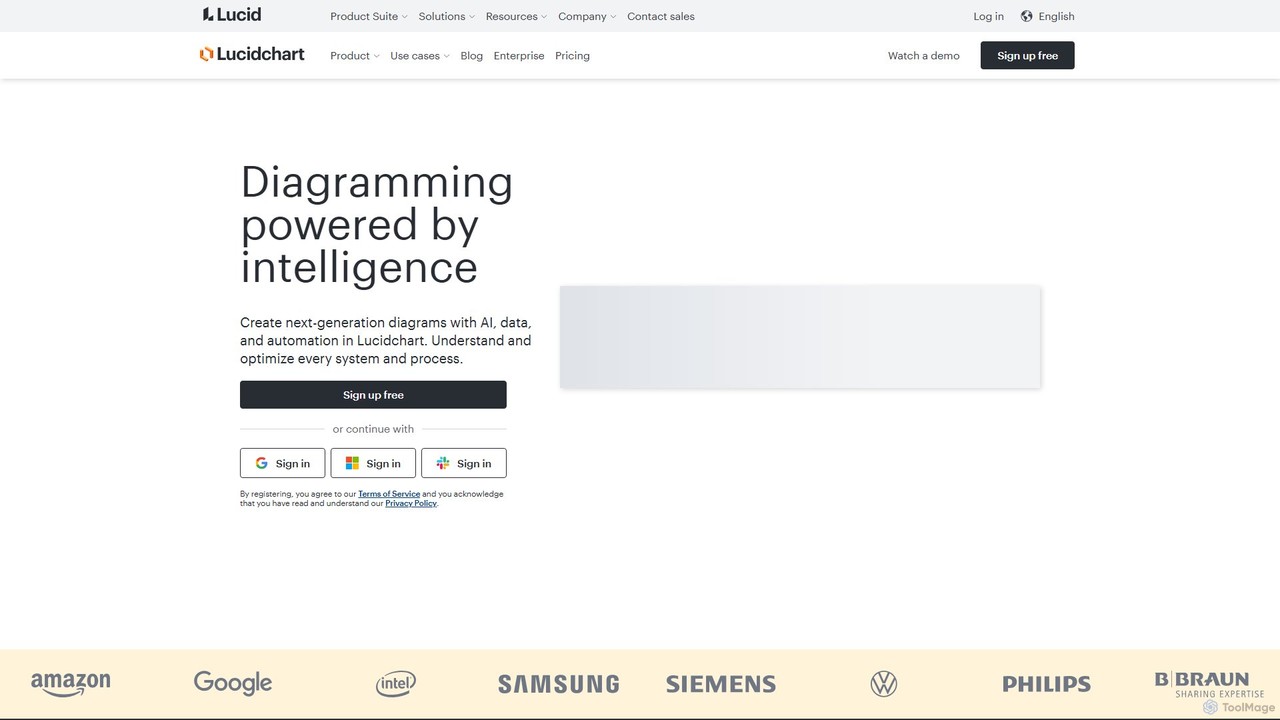
Lucidchart
Lucidchart is an intelligent diagramming and visual collaboration platform that uses AI, data automation, and real-time teamwork to help users visualize complex systems, processes, and ideas. It enables teams to create professional flowcharts, org charts, network diagrams, and more, fostering clarity and driving innovation.
Project Management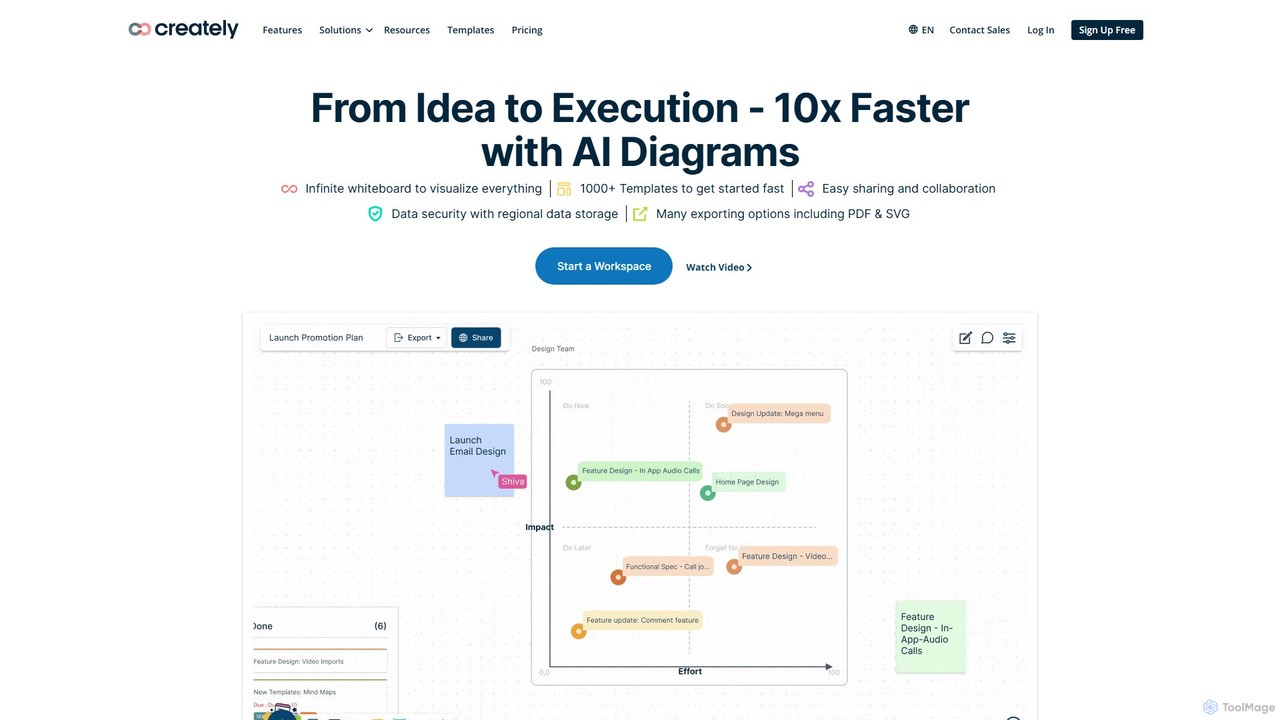
Creately
Creately is an AI-powered visual collaboration and work management platform. It combines intelligent diagramming, online whiteboarding, and data-driven project management on a single smart canvas, helping teams brainstorm, plan, and execute projects more effectively.
Planning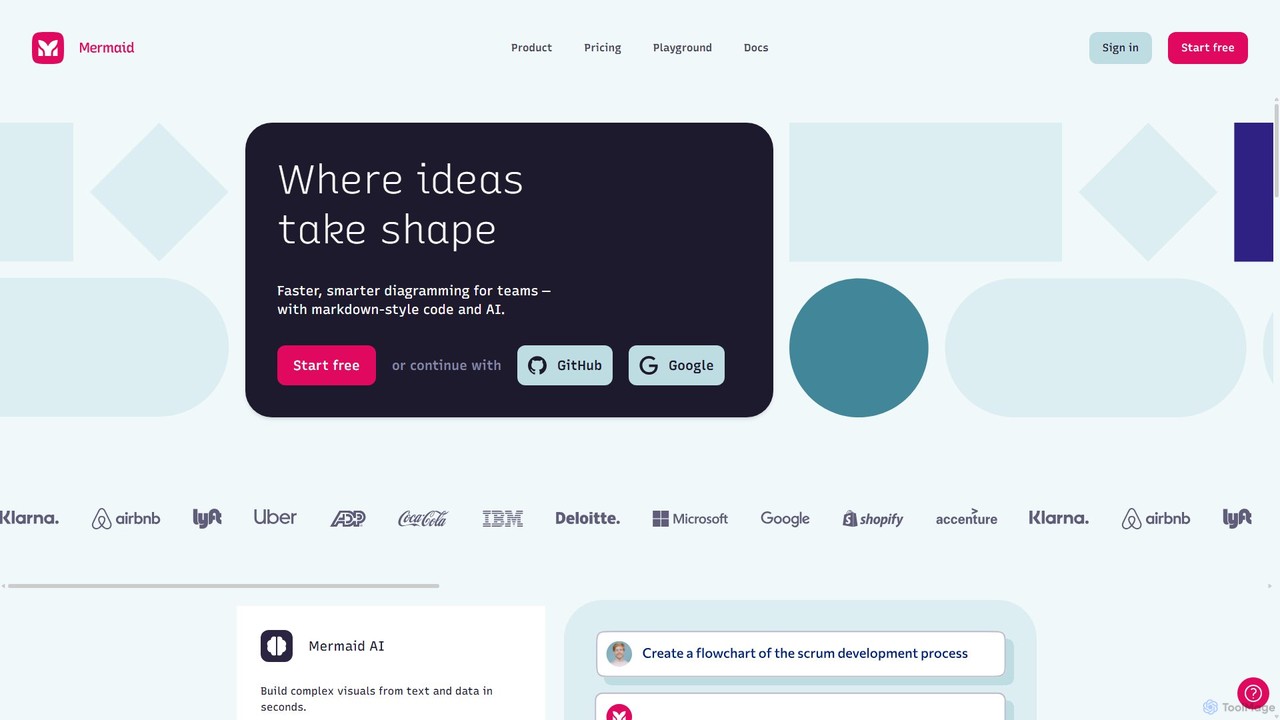
Mermaid Chart
Mermaid Chart is an AI-powered diagramming tool that enables teams to create complex visuals like flowcharts, sequence diagrams, and mind maps using markdown-style code, natural language prompts, or a visual editor. It's designed for faster, smarter diagramming and seamless collaboration.
Code GenerationEdrawsoft Categories
Edrawsoft Embed Widget
Copy this embed code to place the badge on your blog, article, or product site and send readers directly to this ToolMage detail page.

Related AI tools
Edraw.AI
Edraw.AI is an AI-powered visual collaboration platform that enables users to create diagrams, mind maps, flowcharts, and other visuals with ease. It combines a user-friendly interface with powerful AI tools for generation, analysis, and design. Featuring real-time collaboration, an extensive library of templates and symbols, it's designed to boost productivity for teams in project management, IT, marketing, education, and more. Get started for free and transform your ideas into professional visuals.
VisualizationCreately
Creately is an AI-powered visual collaboration and work management platform. It combines intelligent diagramming, online whiteboarding, and data-driven project management on a single smart canvas, helping teams brainstorm, plan, and execute projects more effectively.
PlanningEdrawMax
EdrawMax is an all-in-one, AI-powered diagramming tool for creating over 210 types of diagrams, from flowcharts to floor plans. It combines intuitive drag-and-drop functionality with advanced AI features like one-click diagram generation, content analysis, and OCR. Ideal for teams and individuals, it facilitates real-time collaboration, offers extensive templates, and serves as a powerful Visio alternative for visualizing ideas and workflows.
Project ManagementMermaid Chart
Mermaid Chart is an AI-powered diagramming tool that enables teams to create complex visuals like flowcharts, sequence diagrams, and mind maps using markdown-style code, natural language prompts, or a visual editor. It's designed for faster, smarter diagramming and seamless collaboration.
Code GenerationLucidchart
Lucidchart is an intelligent diagramming and visual collaboration platform that uses AI, data automation, and real-time teamwork to help users visualize complex systems, processes, and ideas. It enables teams to create professional flowcharts, org charts, network diagrams, and more, fostering clarity and driving innovation.
Project Management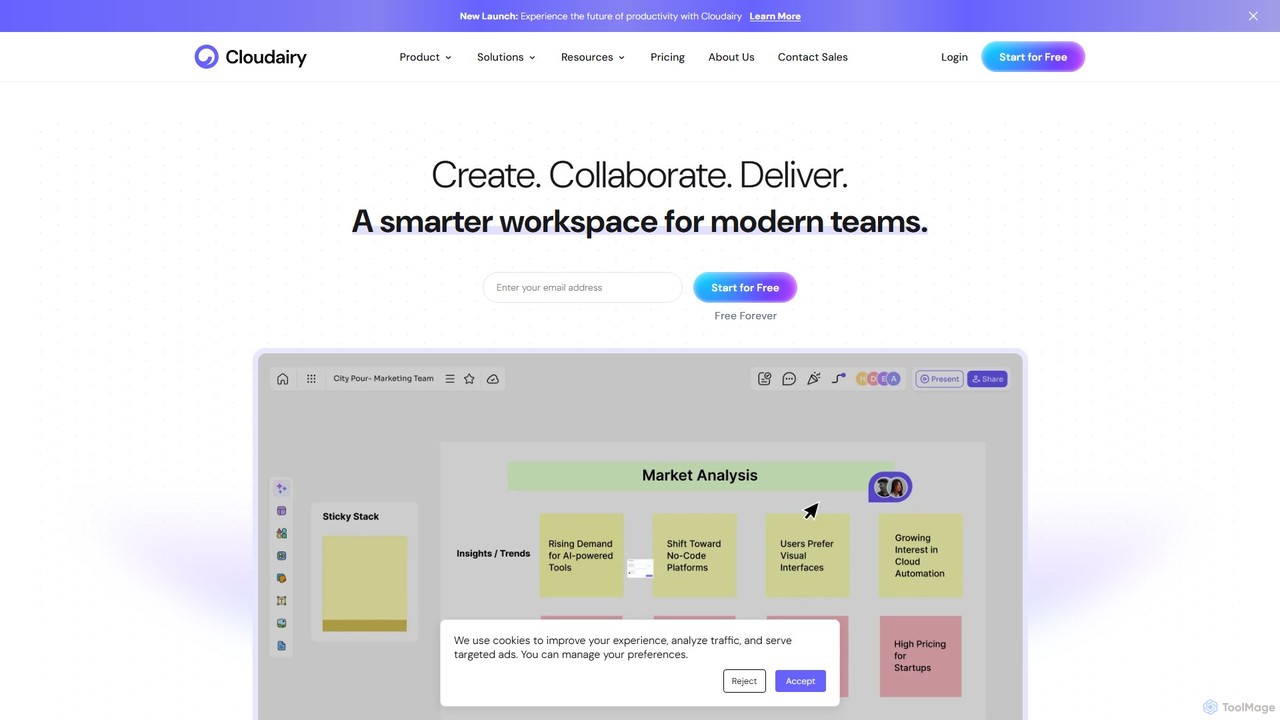
Cloudairy
Cloudairy is an AI-powered collaborative visual workspace designed for modern teams. It integrates AI-driven diagramming, mind mapping, image generation, and documentation tools into a single platform. It enables teams in engineering, sales, and project management to brainstorm, design, and deliver projects with enhanced efficiency and creativity.
Generative Art
Jyek
Jyek is an AI agent platform that understands objectives, creates execution plans, uses tools, and delivers verifiable results for complex, multi-step tasks.
Automation
snapdiagram
SnapDiagram is an AI-powered tool that instantly transforms text descriptions into professional diagrams. Generate flowcharts, sequence diagrams, UML models, mind maps, and more with simple natural language prompts. It's designed to accelerate workflows for developers, business analysts, and project managers by automating the diagramming process.
Workflow Management
boardmix
boardmix is an AI-powered collaborative online whiteboard designed to enhance team creativity and productivity. It integrates AIGC, mind mapping, flowcharts, and real-time collaboration tools into a single, infinite canvas, making it an all-in-one solution for brainstorming, project management, and visual communication.
Project Management
iMiaoban
iMiaoban is an AI-powered collaborative online whiteboard designed to enhance team productivity. It allows users to instantly create various diagrams, including flowcharts and mind maps, using text prompts. With a vast library of templates and real-time collaboration features, it simplifies the process of visualizing ideas and workflows.
Whiteboard
MindmapAI
MindmapAI is an advanced AI-powered platform that transforms ideas, PDFs, YouTube videos, and web URLs into structured, visual mind maps. It automates information analysis and organization, enabling users to quickly grasp complex topics, brainstorm effectively, and collaborate with teams in real-time. Ideal for students, professionals, and creators looking to enhance productivity and clarity.
Project Management
Flux AI
Flux AI is an intelligent collaborative whiteboard that transforms text prompts into complex diagrams. It empowers teams to visualize ideas, design workflows, and create flowcharts or mind maps in seconds, streamlining the entire planning and brainstorming process.
Whiteboard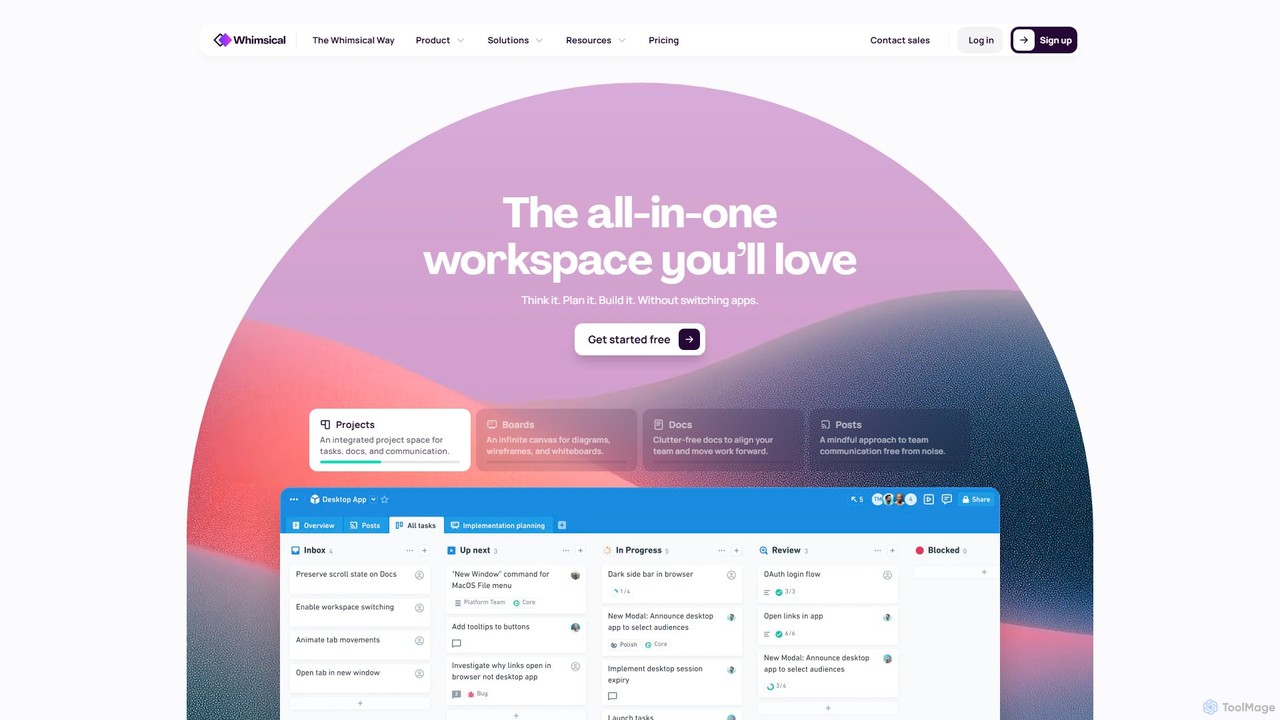
Whimsical
Whimsical is an all-in-one, AI-powered workspace that unifies visual collaboration, documentation, and project management. It combines whiteboards, mind maps, flowcharts, documents, and tasks to help teams streamline their entire workflow from initial idea to final execution in a single, interconnected platform.
Wireframing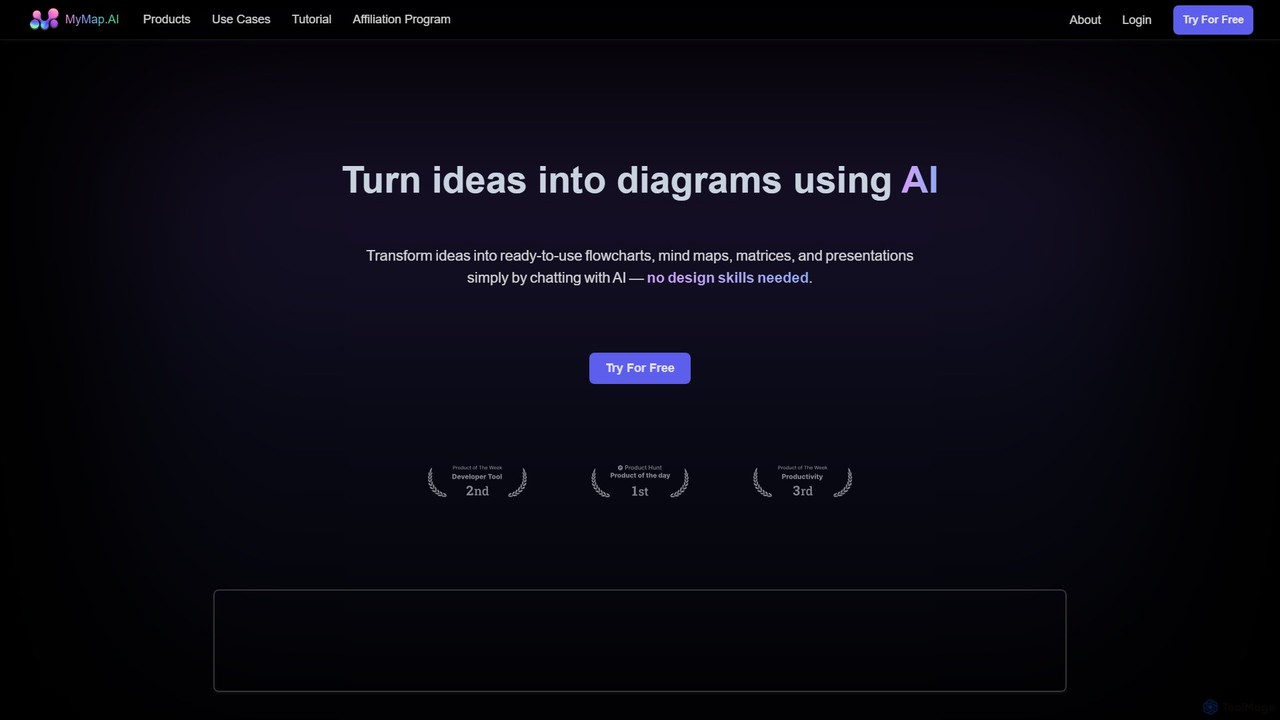
MyMap
MyMap is an AI-native diagramming tool that transforms text, files, and web content into visual formats like mind maps, flowcharts, and presentations. Simply chat with the AI to generate, edit, and collaborate on diagrams in real-time. It's designed for visual thinkers to quickly structure ideas, plan projects, and create engaging content without manual design work.
Planning
AmyMind
AmyMind is an AI-powered mind mapping tool that instantly transforms text, documents (PDF, Word, Markdown), and ideas into clear, organized mind maps, flowcharts, and UML diagrams. It features AI-assisted exploration for deeper insights, one-click export to multiple formats like PowerPoint and PDF, and a versatile online whiteboard. Ideal for students, professionals, and creatives looking to visualize information and streamline their workflow.
Diagramming
Edrawsoft Comments (0)
Sign in to comment.
Sign inNo comments yet.