

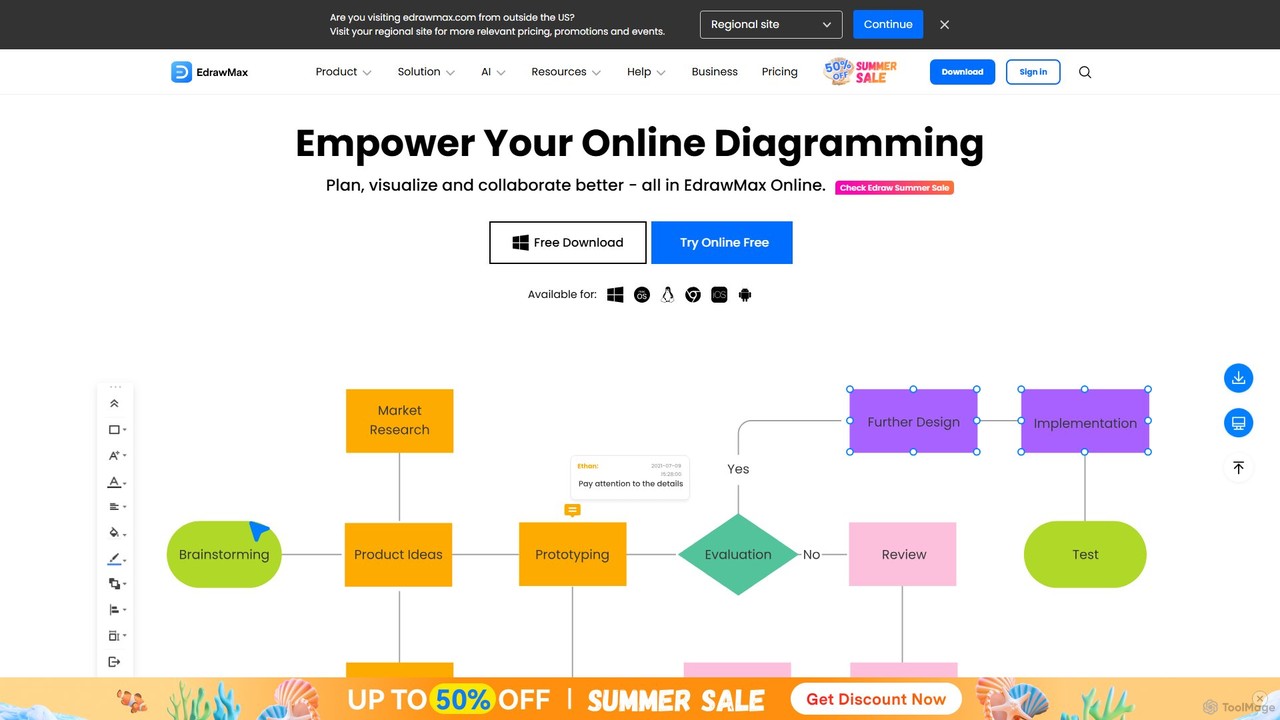
EdrawMax Overview
EdrawMax is a versatile and powerful all-in-one diagramming software designed for individuals and teams to create professional-looking diagrams with ease. It stands out as a comprehensive solution that integrates the functionalities of various drawing tools into a single, intuitive platform. Powered by Artificial Intelligence, EdrawMax revolutionizes the way users create, visualize, and collaborate on diagrams, making it an indispensable tool for business, technical, and creative professionals.
The platform supports an extensive range of over 210 diagram types, ensuring that whatever your visualization need, EdrawMax has you covered. From complex flowcharts and organizational charts to detailed floor plans and intricate network diagrams, the possibilities are virtually limitless. The software is built to enhance productivity and foster innovation, whether you're working alone or as part of a large, cross-functional team.
How to use EdrawMax
Getting started with EdrawMax is a straightforward process designed for maximum efficiency:
- Choose Your Starting Point: You can begin with a blank canvas for complete creative freedom, select one of over 1,500 professionally designed templates to save time, or import an existing file (including Visio files).
- Leverage AI for Instant Creation: For unparalleled speed, use the AI Diagramming feature. Simply type a text prompt describing the diagram you need (e.g., "create a flowchart for a customer onboarding process"), and the AI will generate a complete, editable diagram in seconds.
- Drag, Drop, and Customize: Utilize the user-friendly drag-and-drop interface to add shapes, symbols, and elements from the vast library of over 26,000 items. Customize colors, fonts, and layouts to match your brand or personal style.
- Enhance with AI Tools: Go beyond basic diagramming. Use AI Analysis to get insights from your Gantt charts, AI OCR to extract text from images and embed it in your diagrams, or AI Copywriting to help you articulate your ideas.
- Collaborate in Real-Time: Invite team members to your cloud-based workspace. Work together on the same infinite canvas, leave comments, and track changes seamlessly to ensure everyone is on the same page.
- Export and Share: Once your diagram is complete, export it in a wide variety of formats, including PDF, PNG, JPG, SVG, and even Microsoft Visio (VSDX) for easy sharing and compatibility. You can also share your work directly to social media or via a secure link.
Core Features of EdrawMax
- AI-Powered Diagramming Suite: Includes one-click generation of flowcharts, mind maps, timelines, and more from simple text prompts.
- AI Analysis & Insights: Automatically analyzes diagrams like flowcharts and Gantt charts to identify potential risks, dependencies, and optimization opportunities.
- AI Content Generation: Features an AI Copywriter for generating descriptive text, an AI PPT generator for creating presentations from outlines, and an AI Chat for brainstorming.
- Advanced Visual AI Tools: Offers AI Drawing to create images from text, AI OCR to digitize text from images, and AI-powered symbol and sticker generation.
- Vast Diagram Library: Supports over 210 diagram types, including flowcharts, org charts, network diagrams, floor plans, UML diagrams, electrical circuits, and P&IDs.
- Extensive Resources: Provides access to over 1,500 professional templates and 26,000+ drag-and-drop symbols to kickstart any project.
- Real-Time Collaboration: A cloud-based workspace allows teams to co-create, edit, and comment on diagrams simultaneously on an infinite canvas.
- Cross-Platform Availability: Use EdrawMax online via a web browser or download the dedicated desktop application for Windows, macOS, and Linux. Mobile apps for iOS and Android are also available.
- High File Compatibility: Seamlessly import files from other programs like Microsoft Visio (VSDX) and export your work to multiple formats like PDF, Office, and various image files.
Use Cases for EdrawMax
EdrawMax is trusted by professionals across various industries:
- Business & Management: Creating organizational charts, business process models (BPMN), SWOT analyses, and project management timelines (Gantt charts).
- Software Development & IT: Designing UML diagrams, database models, network topology maps, and software architecture diagrams.
- Engineering & Design: Drawing electrical schematics, process and instrumentation diagrams (P&ID), and architectural floor plans.
- Education & Research: Making mind maps for brainstorming, creating scientific illustrations, and developing visual aids for teaching and presentations.
- Marketing & Sales: Designing infographics, marketing funnels, customer journey maps, and presentation slides.
Advantages of EdrawMax
EdrawMax offers significant advantages over traditional diagramming tools:
- All-in-One Solution: It consolidates the functionality of multiple drawing and productivity applications into a single, cost-effective platform.
- AI-Driven Efficiency: The AI features dramatically reduce the time and effort required to create complex, professional-quality diagrams and presentations.
- User-Friendly Interface: Its intuitive drag-and-drop system makes it accessible for beginners, while its advanced features satisfy the needs of expert users.
- Powerful Visio Alternative: It provides a more affordable and often more powerful alternative to Microsoft Visio, with better cross-platform support and collaboration features.
- Fosters Innovation: The seamless collaboration tools and endless canvas empower teams to brainstorm, co-create, and innovate without constraints.
Pricing and Plans
EdrawMax operates on a freemium model, offering a plan for every need:
- Free Plan: A great way to get started. It includes basic diagramming features, a limited number of files, and a set amount of free AI tokens to test the AI capabilities. Exports may contain a watermark.
- Subscription Plans (Individual & Team): Offered on a semi-annual or annual basis, these plans unlock the full power of EdrawMax. They include unlimited file creation, a generous allocation of AI tokens, expanded cloud storage, priority support, and watermark-free exports.
- Perpetual Plan (Lifetime License): For users who prefer a one-time purchase, this plan offers a lifetime license to the current version of EdrawMax, typically including a period of free upgrades and support.
For the most current pricing and plan details, please visit the official EdrawMax website.
Traffic
Latest traffic
Status
Monthly traffic trend
- 2025-9: 655.0K
- 2026-1: 537.8K
- 2026-2: 538.1K
- 2026-3: 608.4K
- 2026-4: 569.3K
- 2026-5: 527.1K
Geography
Top 5 countries / regions
- 🇺🇸United States31.6%
- 🇮🇳India23.6%
- 🇵🇭Philippines17.6%
- 🇫🇷France16.3%
- 🇯🇵Japan10.9%
Traffic sources
| Source type | Percentage |
|---|---|
Referral | 50.5% |
Direct | 47.9% |
Email | 1.6% |
Top keywords
| Keyword | Cost per click |
|---|---|
| ai diagram generator | $2.24 |
| edraw max | $3.20 |
| edrawmax | $1.67 |
| edrawmax ai | $0.42 |
| edrawmax online | $6.27 |
EdrawMax Videos on YouTube

Tech by Douglas

Sachin Pathania
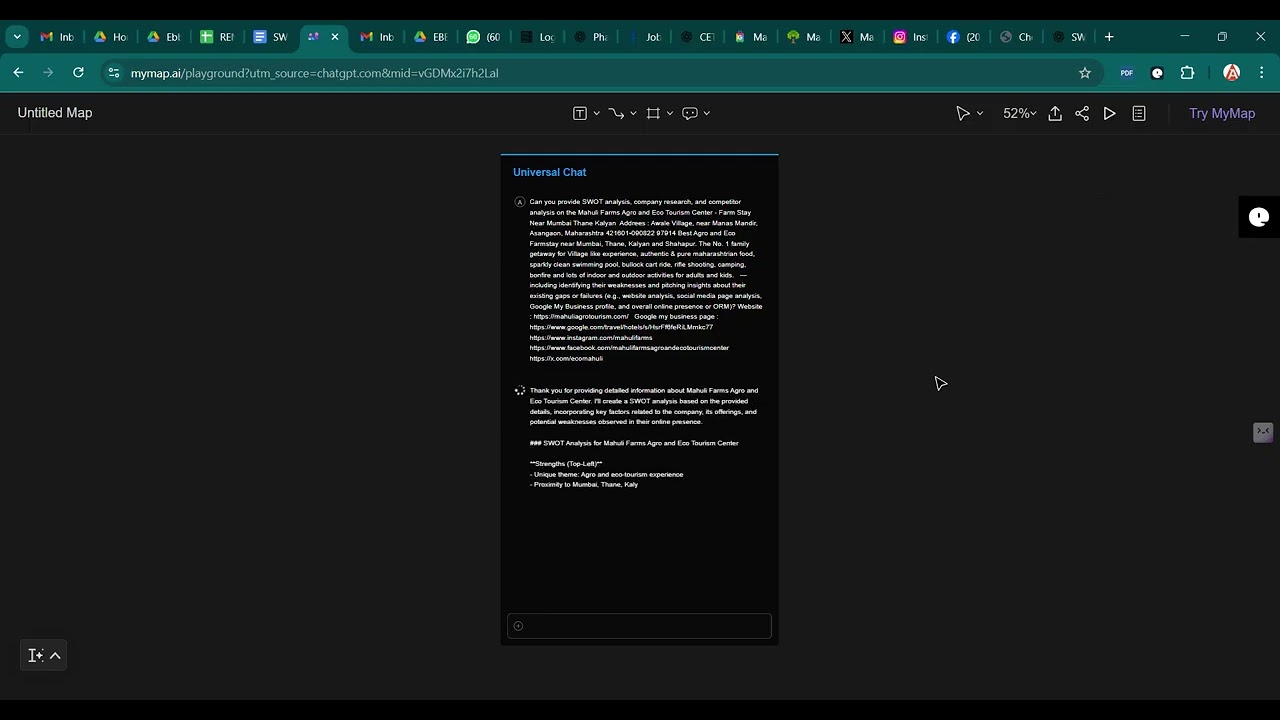
E-BUSINESS BAZAAR
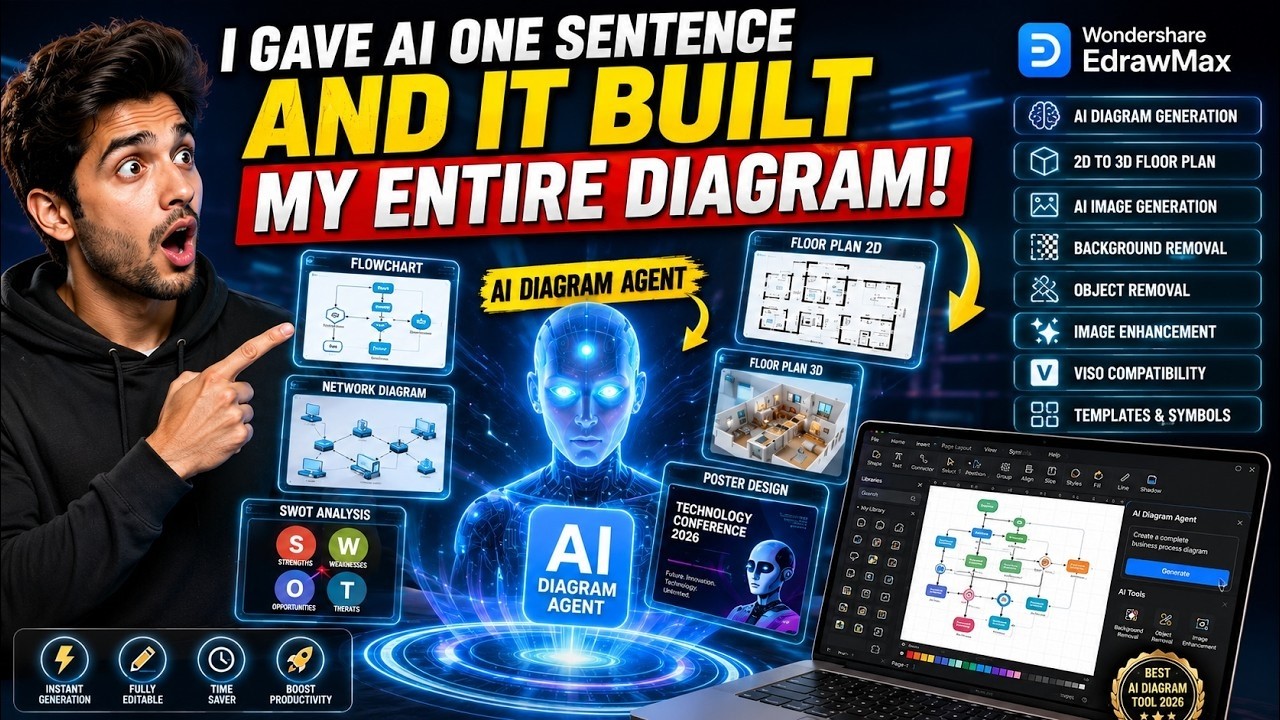


Dr. Muhammad Naeem
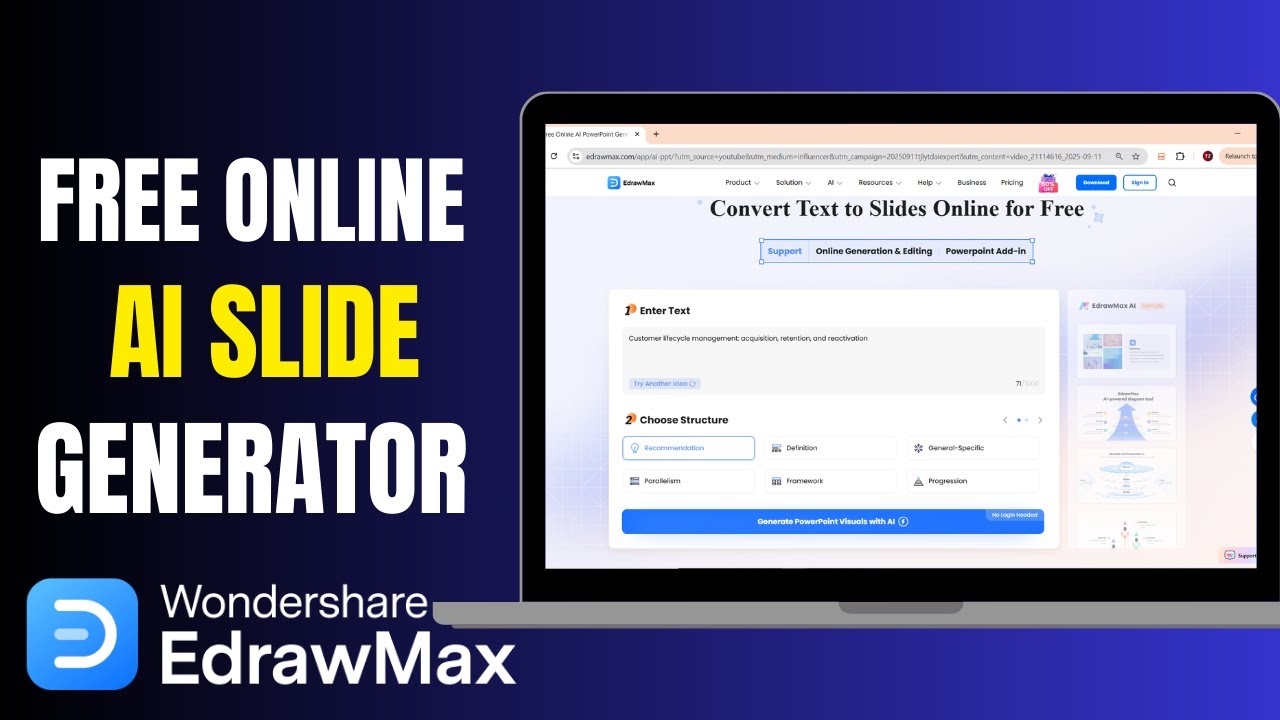

EdrawMax Alternatives
Edrawsoft
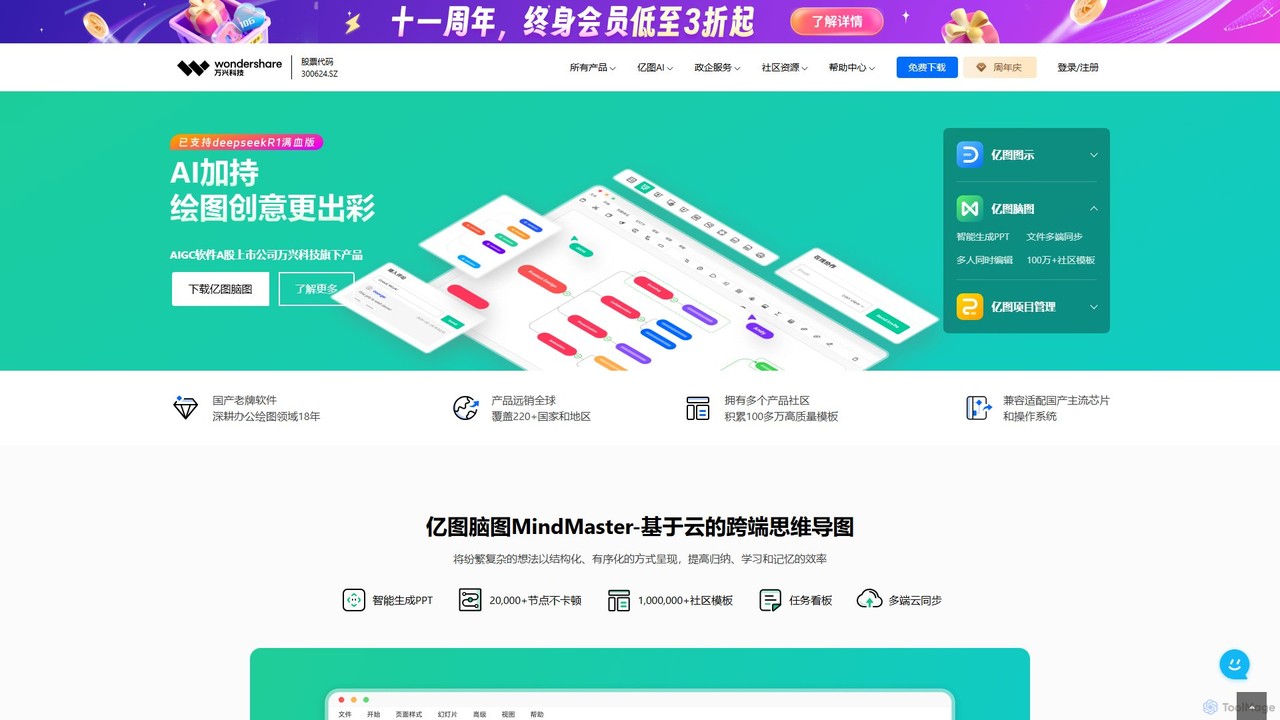
Edrawsoft is a comprehensive suite of AI-powered visual tools for diagramming, mind mapping, and project management. It includes EdrawMax for all-in-one diagram creation, EdrawMind for brainstorming, and EdrawProj for Gantt charts. With AI assistance, users can automatically generate flowcharts, org charts, and more from text, beautify designs with a single click, and collaborate seamlessly across platforms. It's a powerful Visio alternative for individuals, teams, and enterprises.
Project Management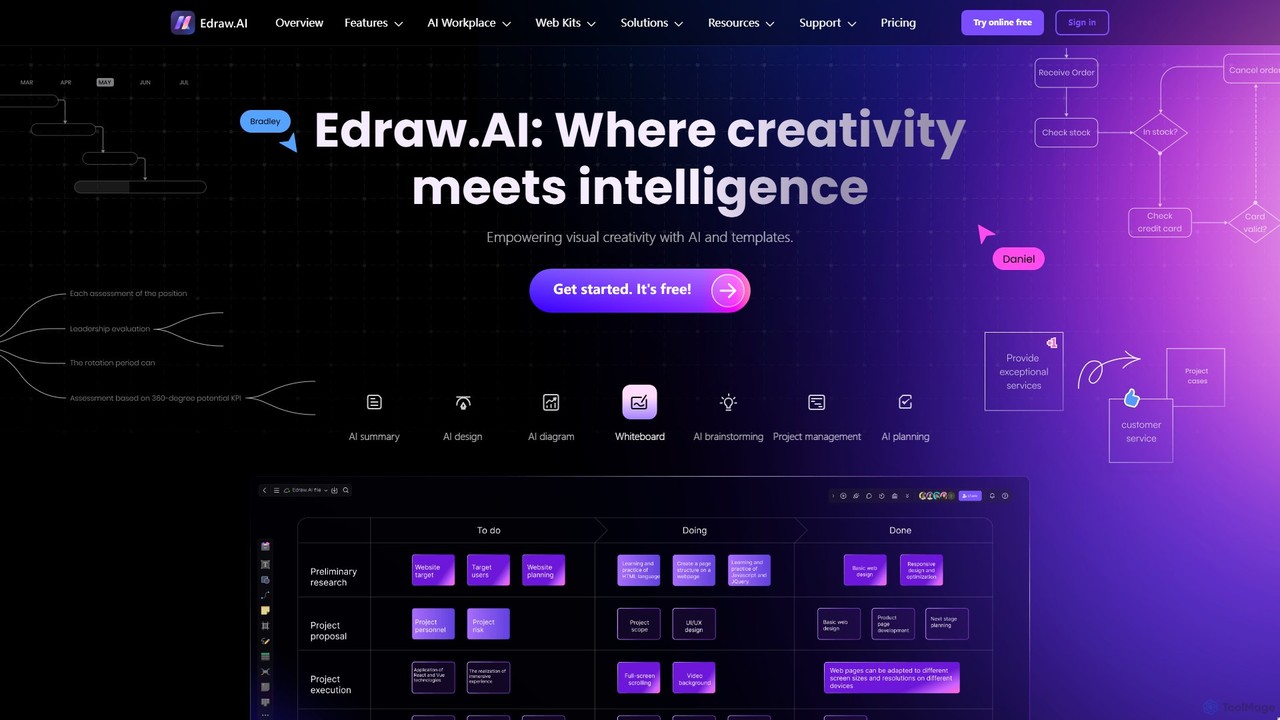
Edraw.AI
Edraw.AI is an AI-powered visual collaboration platform that enables users to create diagrams, mind maps, flowcharts, and other visuals with ease. It combines a user-friendly interface with powerful AI tools for generation, analysis, and design. Featuring real-time collaboration, an extensive library of templates and symbols, it's designed to boost productivity for teams in project management, IT, marketing, education, and more. Get started for free and transform your ideas into professional visuals.
Visualization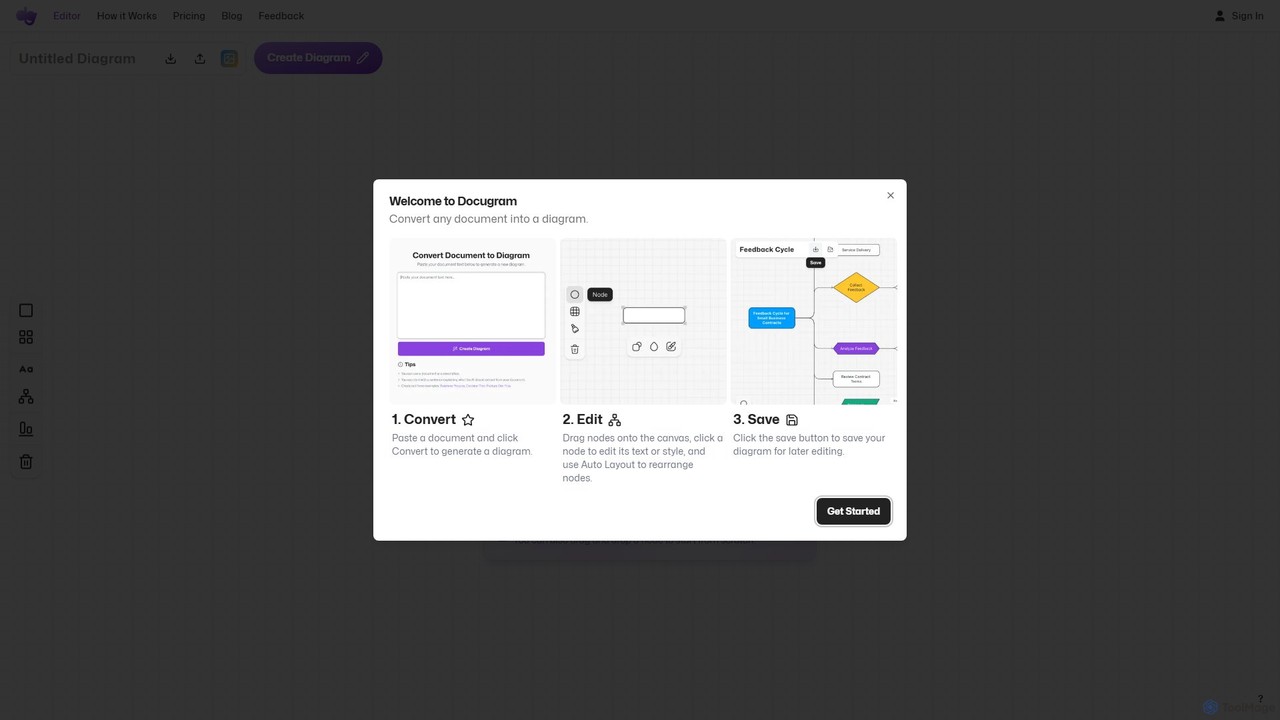
Docugram
Docugram is an AI-powered tool that instantly transforms text documents, notes, and prompts into clear, editable diagrams and flowcharts. It streamlines workflows by converting complex information from formats like Word, Excel, and PDF into visual maps, enhancing productivity for professionals in project management, development, and business analysis.
Project Management
Lucidchart
Lucidchart is an intelligent diagramming and visual collaboration platform that uses AI, data automation, and real-time teamwork to help users visualize complex systems, processes, and ideas. It enables teams to create professional flowcharts, org charts, network diagrams, and more, fostering clarity and driving innovation.
Project Management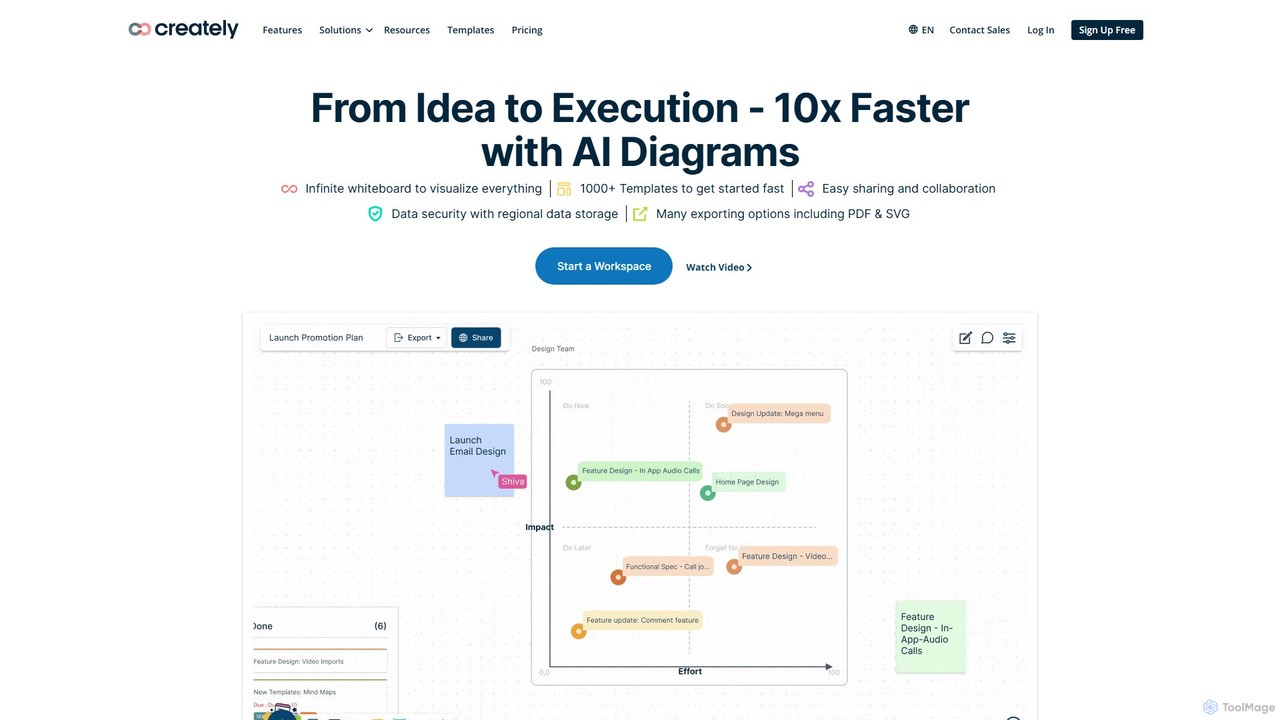
Creately
Creately is an AI-powered visual collaboration and work management platform. It combines intelligent diagramming, online whiteboarding, and data-driven project management on a single smart canvas, helping teams brainstorm, plan, and execute projects more effectively.
PlanningEdrawMax Categories
EdrawMax Embed Widget
Copy this embed code to place the badge on your blog, article, or product site and send readers directly to this ToolMage detail page.

Related AI tools
Edrawsoft
Edrawsoft is a comprehensive suite of AI-powered visual tools for diagramming, mind mapping, and project management. It includes EdrawMax for all-in-one diagram creation, EdrawMind for brainstorming, and EdrawProj for Gantt charts. With AI assistance, users can automatically generate flowcharts, org charts, and more from text, beautify designs with a single click, and collaborate seamlessly across platforms. It's a powerful Visio alternative for individuals, teams, and enterprises.
Project Management
Jyek
Jyek is an AI agent platform that understands objectives, creates execution plans, uses tools, and delivers verifiable results for complex, multi-step tasks.
AutomationEdraw.AI
Edraw.AI is an AI-powered visual collaboration platform that enables users to create diagrams, mind maps, flowcharts, and other visuals with ease. It combines a user-friendly interface with powerful AI tools for generation, analysis, and design. Featuring real-time collaboration, an extensive library of templates and symbols, it's designed to boost productivity for teams in project management, IT, marketing, education, and more. Get started for free and transform your ideas into professional visuals.
VisualizationDocugram
Docugram is an AI-powered tool that instantly transforms text documents, notes, and prompts into clear, editable diagrams and flowcharts. It streamlines workflows by converting complex information from formats like Word, Excel, and PDF into visual maps, enhancing productivity for professionals in project management, development, and business analysis.
Project ManagementCreately
Creately is an AI-powered visual collaboration and work management platform. It combines intelligent diagramming, online whiteboarding, and data-driven project management on a single smart canvas, helping teams brainstorm, plan, and execute projects more effectively.
Planning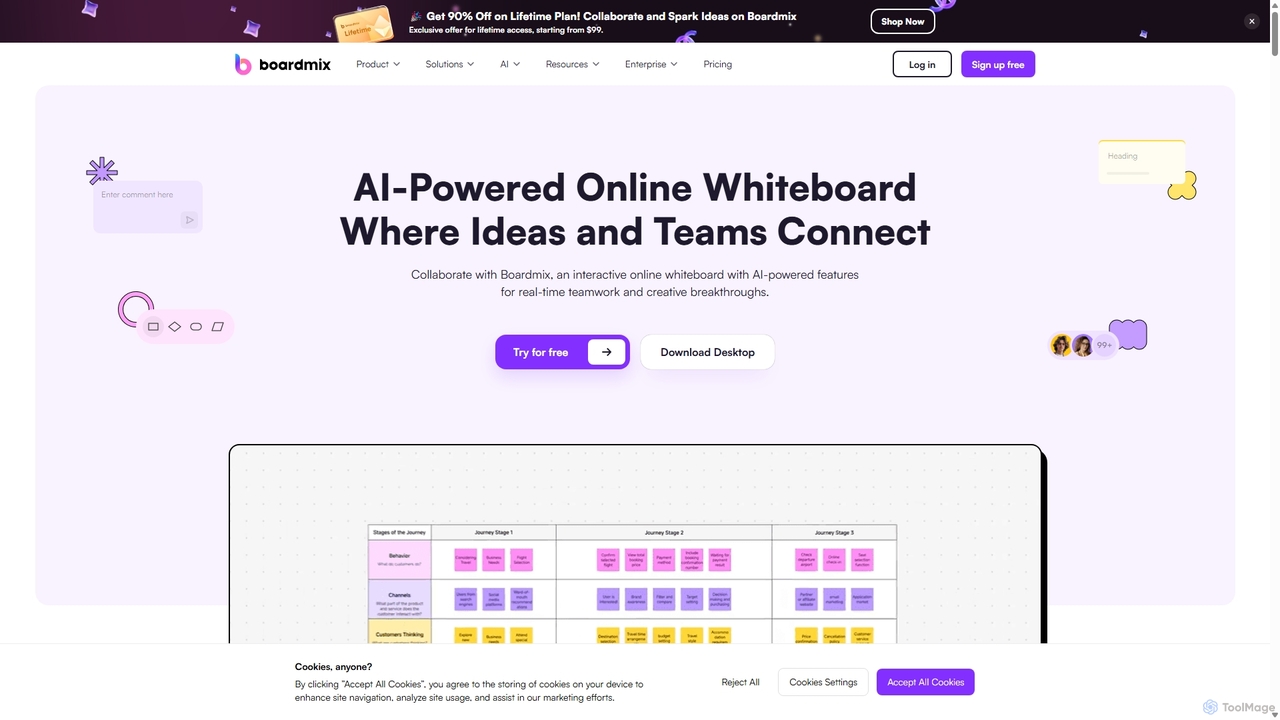
Boardmix
Boardmix is an AI-powered online collaborative whiteboard designed to connect ideas and teams. It integrates tools for mind mapping, diagramming, brainstorming, and project management into a single infinite canvas, facilitating real-time teamwork and creative breakthroughs for various professional teams.
Project ManagementLucidchart
Lucidchart is an intelligent diagramming and visual collaboration platform that uses AI, data automation, and real-time teamwork to help users visualize complex systems, processes, and ideas. It enables teams to create professional flowcharts, org charts, network diagrams, and more, fostering clarity and driving innovation.
Project Management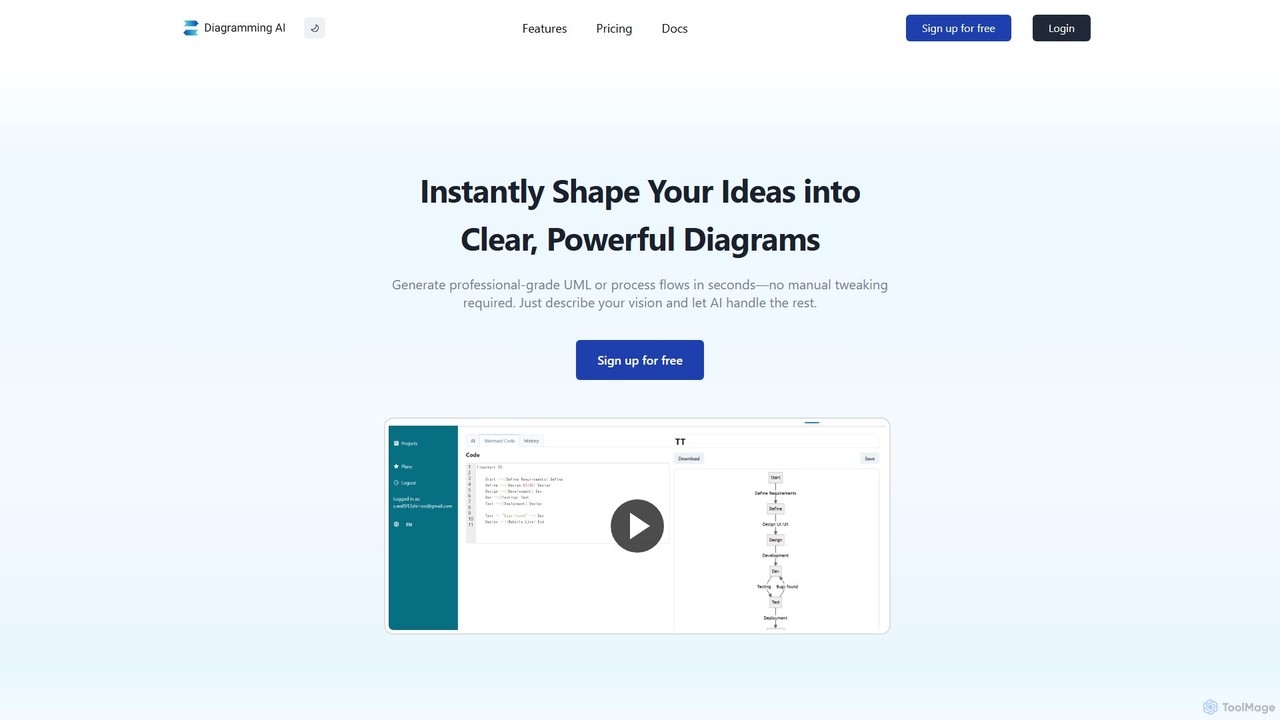
Diagramming AI
Diagramming AI is an advanced AI-powered platform that instantly generates and edits a wide range of diagrams from text, URLs, or images. It supports popular formats like Mermaid, PlantUML, and Graphviz, and features an intuitive AI chat for real-time modifications and a visual editor integration with Excalidraw for precise adjustments.
Visualization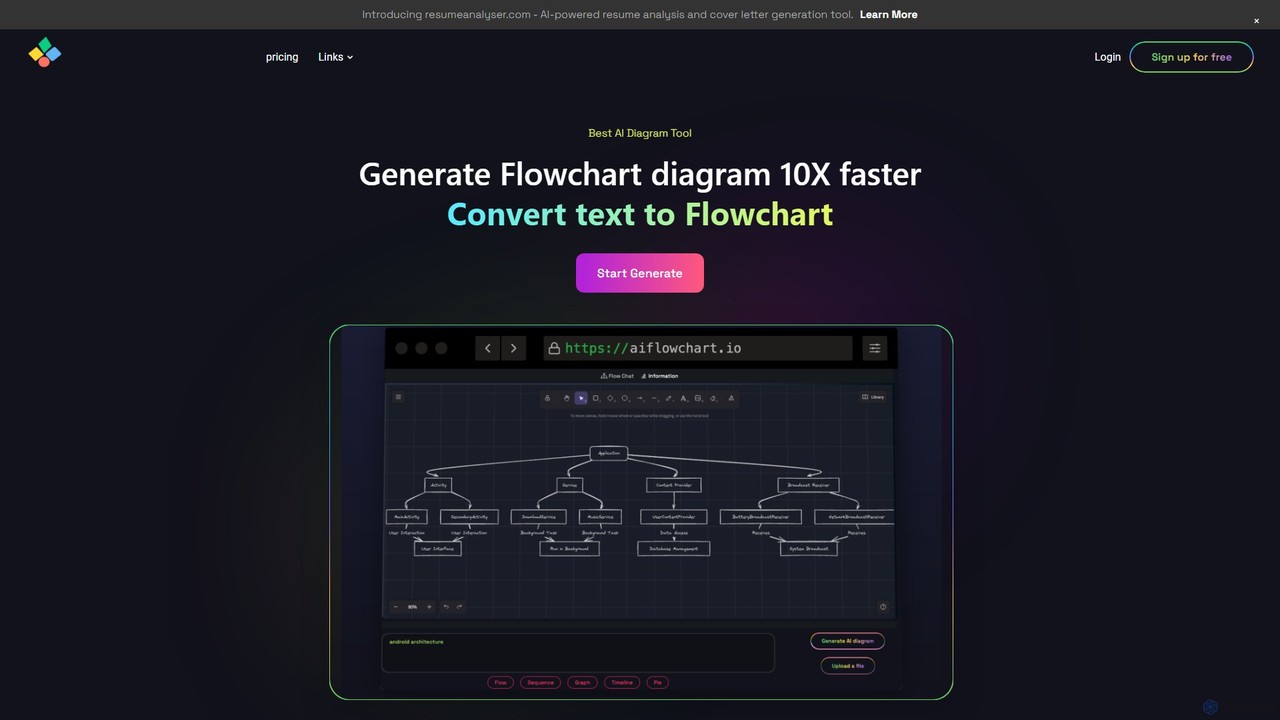
aiflowchart
An AI-powered diagramming tool that automatically generates flowcharts, sequence diagrams, pie charts, and more from text, PDFs, or blog content. It leverages models like GPT-4o to create unique, customizable diagrams with explanations, saving users significant time and effort.
Visualization
MindmapAI
MindmapAI is an advanced AI-powered platform that transforms ideas, PDFs, YouTube videos, and web URLs into structured, visual mind maps. It automates information analysis and organization, enabling users to quickly grasp complex topics, brainstorm effectively, and collaborate with teams in real-time. Ideal for students, professionals, and creators looking to enhance productivity and clarity.
Project Management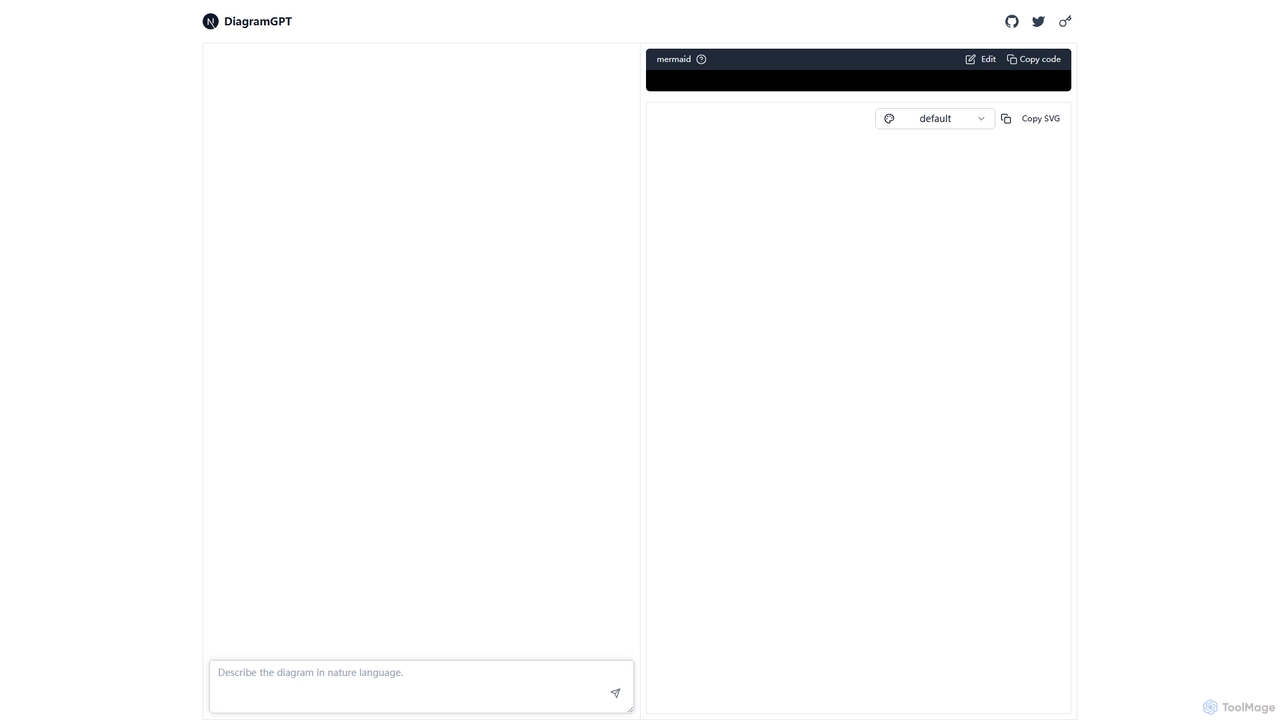
DiagramGPT
DiagramGPT is an AI-powered tool that transforms natural language text prompts into various diagrams. By leveraging GPT technology and Mermaid syntax, it allows users to effortlessly generate flowcharts, sequence diagrams, and more, simply by describing what they want to visualize. It's an ideal solution for developers, project managers, and students who need to create professional diagrams quickly without manual drawing.
Process Management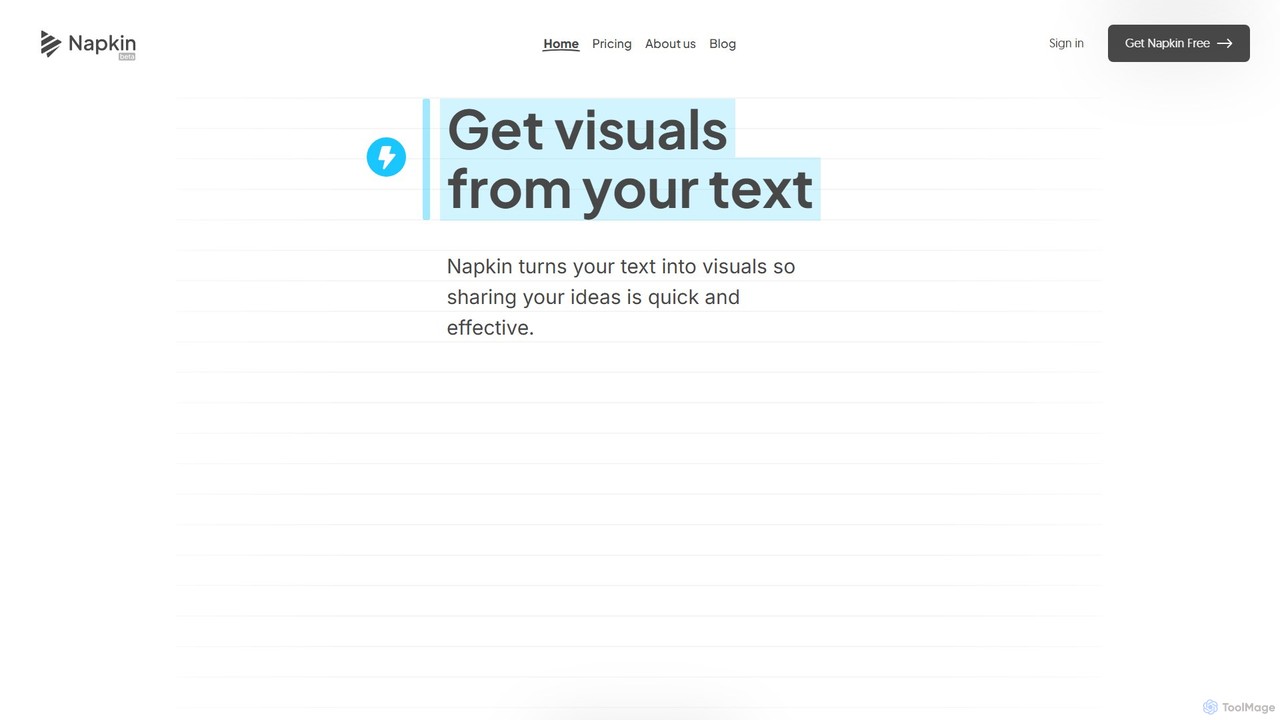
Napkin AI
Napkin AI is a visual AI tool that transforms your text into professional business visuals like diagrams, infographics, flowcharts, and mind maps. It's designed for effortless business storytelling, allowing users to create compelling, editable visuals directly from their content without needing any design skills. Ideal for presentations, reports, and social media.
Infographics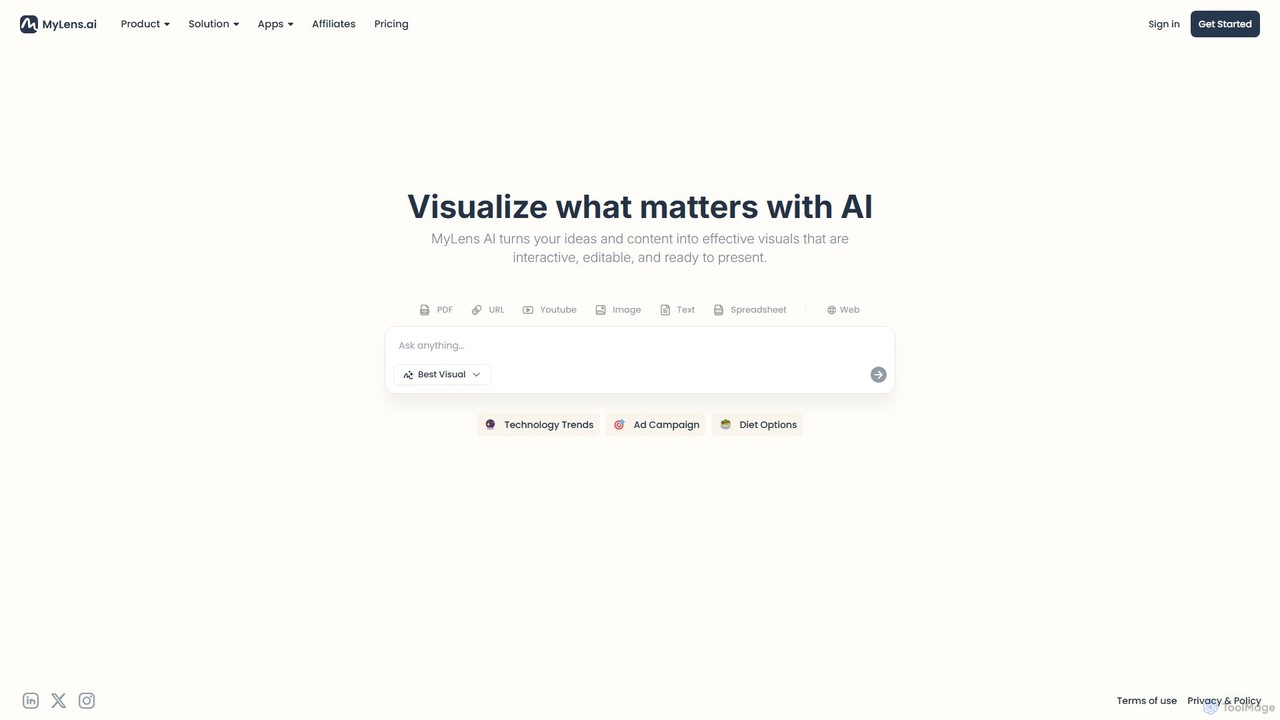
MyLens
MyLens is an AI-powered visualization platform that transforms your text, data, and ideas into interactive, editable, and presentation-ready visuals. Effortlessly create stunning infographics, charts, diagrams, and presentations to communicate complex information with clarity and impact.
Infographics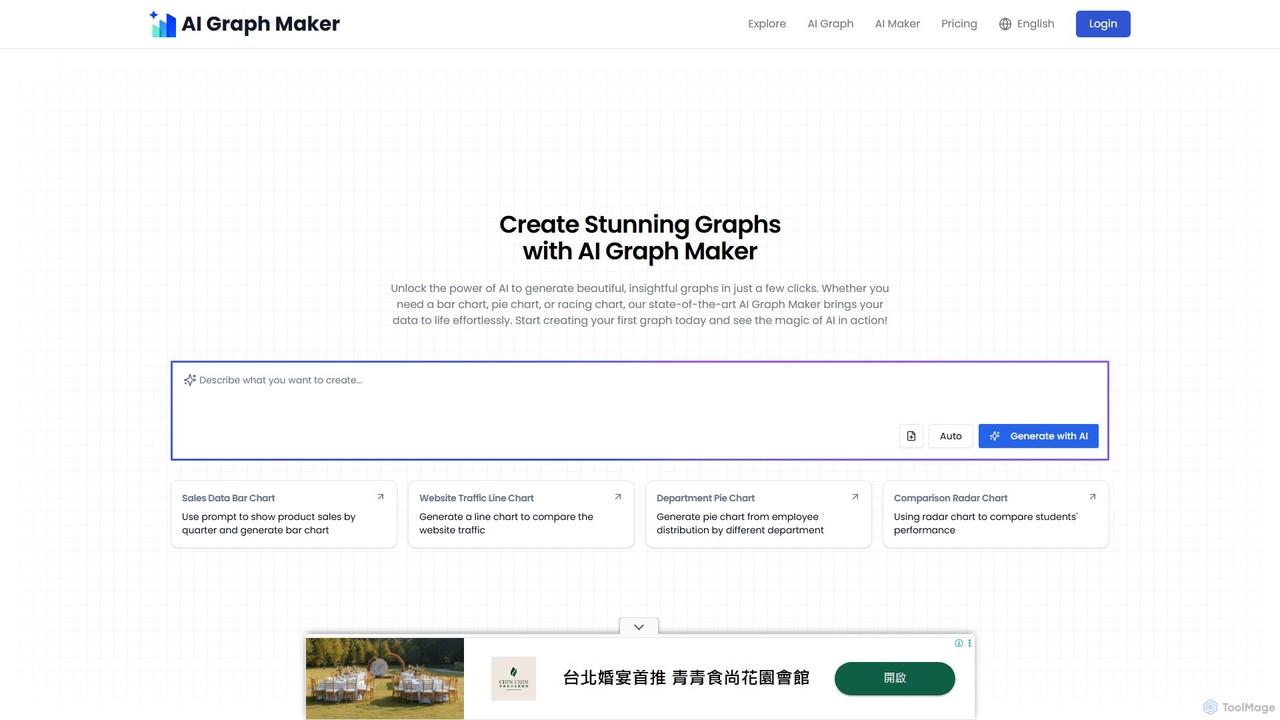
aigraphmaker
aigraphmaker is an AI-powered platform that transforms raw data and text prompts into a wide variety of professional and interactive charts and diagrams. It enables users, from beginners to experts, to effortlessly create stunning visualizations like bar charts, mind maps, flowcharts, and knowledge graphs in seconds, without any coding or design skills required.
Analytics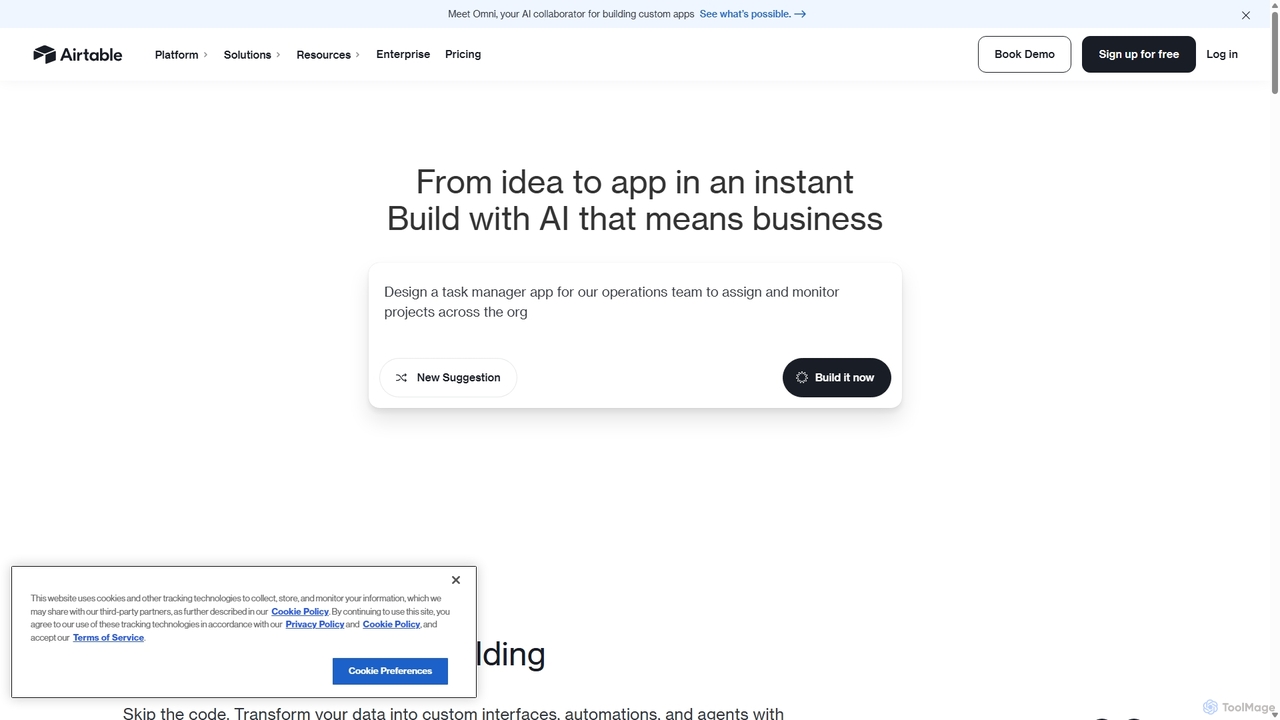
Airtable
Airtable is an AI-native app building platform for enterprises, combining the flexibility of a spreadsheet with the power of a database. It enables teams to create custom applications, automate complex workflows, and deploy intelligent AI agents without writing code, transforming critical data into actionable insights and streamlined operations.
Project Management
EdrawMax Comments (0)
Sign in to comment.
Sign inNo comments yet.