
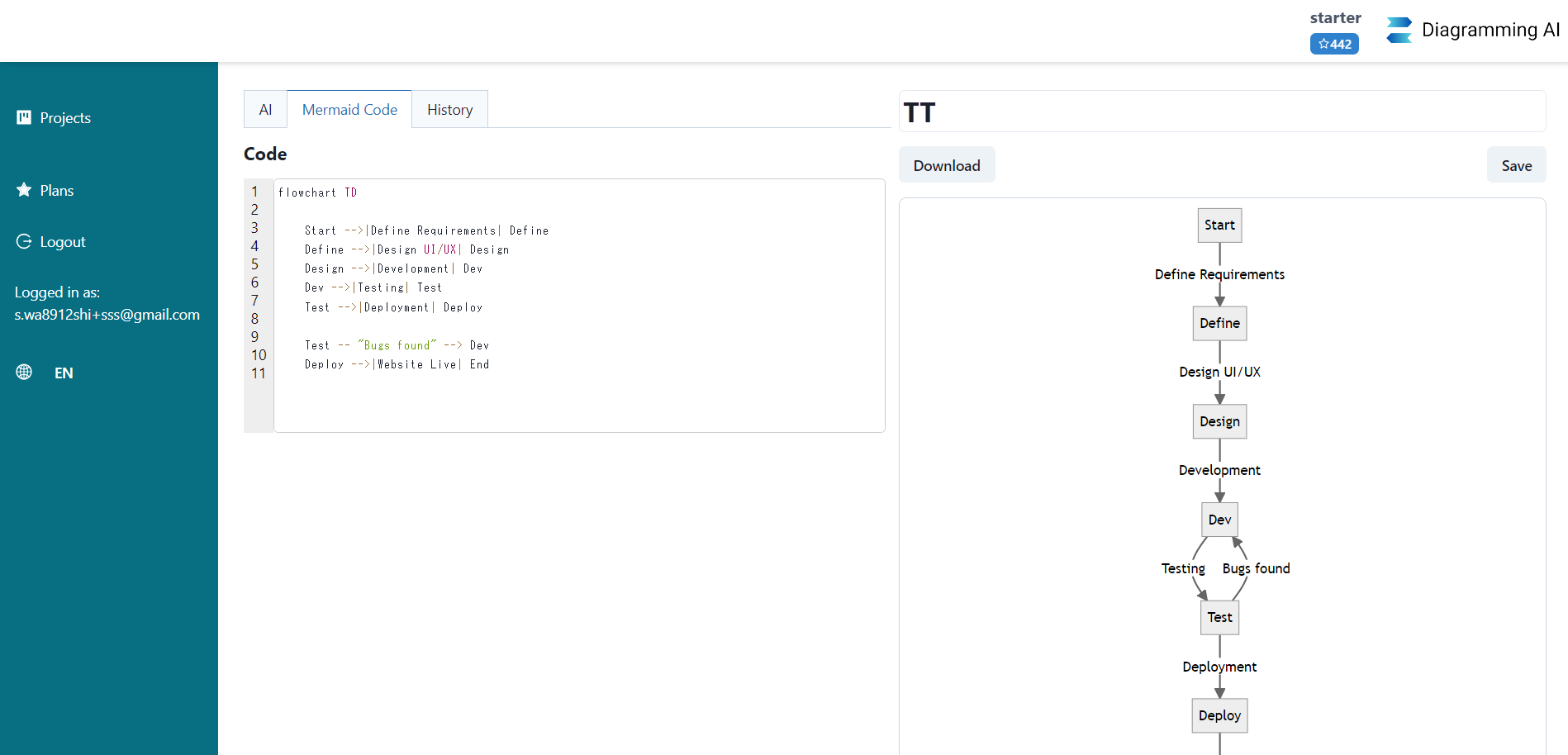
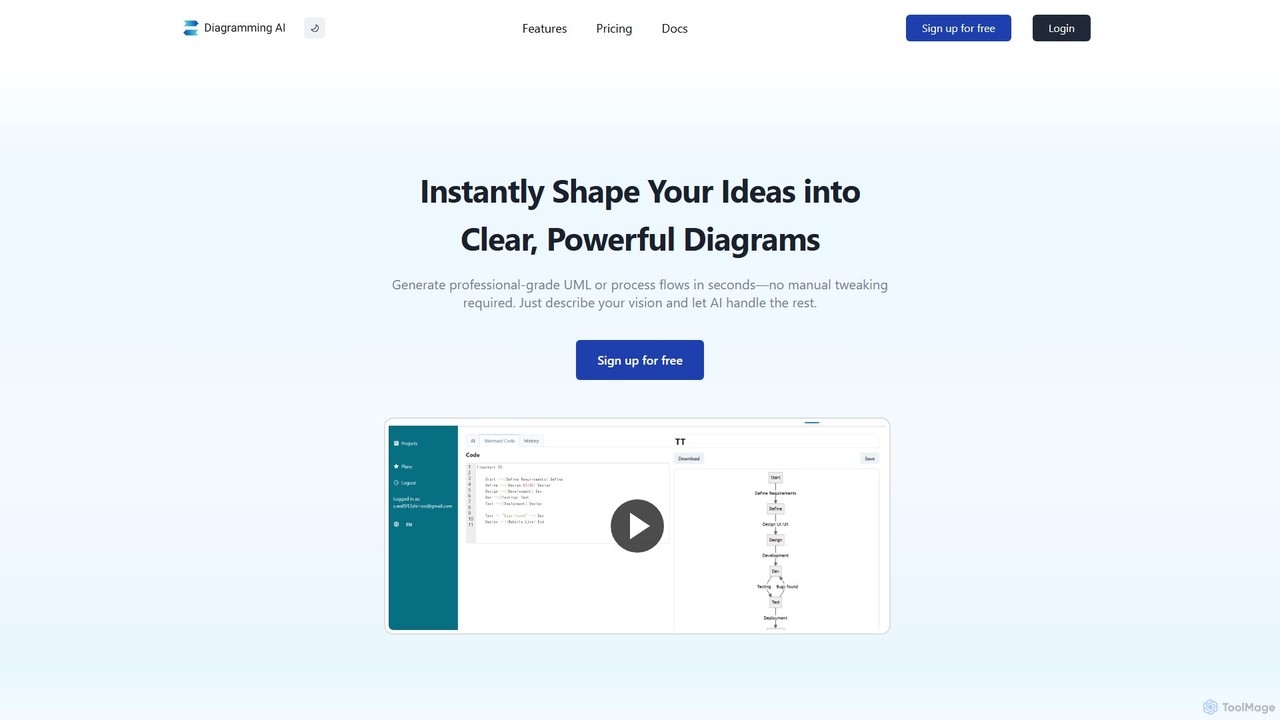
Diagramming AI Overview
Diagramming AI is a cutting-edge, AI-driven platform designed to revolutionize the way you create, edit, and manage complex diagrams. By leveraging the power of advanced Large Language Models (LLMs), this tool allows users to generate a vast array of diagrams—including flowcharts, sequence diagrams, Gantt charts, UML diagrams, and more—simply by providing text-based instructions, a website URL, or even an image. It offers native support for industry-standard diagramming languages like Mermaid, PlantUML, and Graphviz, all within a single, unified interface. Whether you are a software developer, a project manager, a business analyst, or a student, Diagramming AI streamlines your workflow, enhances productivity, and transforms complex ideas into clear, professional visualizations with unprecedented ease and speed.
How to use Diagramming AI
Getting started with Diagramming AI is a straightforward process designed for maximum efficiency:
- Create a Project: Begin by creating a new project to organize your diagrams. This allows you to manage multiple visualizations and their related assets in one place.
- Choose Your Input Method: You can generate a diagram in several ways. Input natural language descriptions of what you want to visualize, paste a URL to have the AI analyze and diagram a website's structure, or upload an image containing text or a diagram to be recreated.
- Select a Diagram Language: Choose your preferred diagramming syntax from Mermaid, PlantUML, or Graphviz. The AI will generate the code in the selected format. You can easily switch between them.
- Generate and Refine with AI Chat: Submit your input and let the AI generate the initial diagram. Use the integrated AI Chat in "Update Mode" to give direct commands for real-time edits (e.g., "Change the color of node A to blue") or use "Discussion Mode" to get suggestions for improvements.
- Edit Manually or Visually: For fine-grained control, you can directly edit the generated Mermaid, PlantUML, or Graphviz code. For a more intuitive experience, click the "V-Edit" button to open the diagram in the integrated Excalidraw visual editor, where you can use drag-and-drop controls to perfect your design.
- Save and Export: Save your work within your project, adding notes for context. When you're ready to share, export your diagram as an SVG or PNG file, or generate a shareable URL via the Kroki integration.
Core Features of Diagramming AI
- AI-Powered Diagram Creation: Instantly generate diagrams from various inputs, including natural language text, website URLs, and images.
- Multi-Syntax Support: Seamlessly create, edit, and convert diagrams between Mermaid, PlantUML, and Graphviz.
- Interactive AI Chat: Engage with an AI assistant to make real-time edits, ask for suggestions, and explore improvements for your diagrams.
- Visual Editor with Excalidraw Integration: Transform text-based diagrams into an interactive canvas with one click. Use drag-and-drop controls in Excalidraw to visually fine-tune your designs.
- AI-Powered Error Resolution: The AI automatically detects and suggests fixes for syntax errors in your diagram code, ensuring your visualizations render perfectly.
- Extensive Template Library: Jumpstart your work with a rich library of templates for flowcharts, sequence diagrams, class diagrams, Gantt charts, mind maps, AWS architecture, and many more.
- AI Infographics: Describe your concept in natural language and let the AI generate professional, hand-drawn style infographics using the Excalidraw integration.
- Project-Based Management: Organize your diagrams and notes into distinct projects for easy access and management of complex information.
- Flexible Export & Sharing: Easily export diagrams to SVG and PNG formats or share them via a unique URL.
- Customizable Themes: Personalize your diagrams with over 10 color themes for Mermaid and 40+ for PlantUML to match your project's aesthetic.
Use Cases for Diagramming AI
Diagramming AI is a versatile tool suitable for a wide range of professional and educational applications:
- Software Engineering & System Architecture: Developers and architects can quickly create UML diagrams (Class, Sequence, Use Case, Component), C4 models, AWS architecture diagrams, and visualize complex code flows.
- Project Management: Project managers can generate Gantt charts to track timelines, create Work Breakdown Structure (WBS) diagrams, visualize workflows with activity diagrams, and build mind maps for brainstorming sessions.
- Business Analysis & Process Modeling: Business analysts can map out processes using flowcharts, create Entity-Relationship (ER) diagrams for database design, and visualize value streams with VSM templates.
- Academic & Educational Purposes: Students and educators can easily create diagrams for reports, presentations, and study materials, simplifying complex topics into visual formats.
- Documentation & Reporting: Generate clear and concise diagrams from website structures or existing code to enhance technical documentation and business reports.
Advantages of Diagramming AI
Using Diagramming AI offers several key benefits:
- Unmatched Speed and Efficiency: Drastically reduce the time it takes to create complex diagrams, moving from idea to visualization in seconds.
- Intuitive and Accessible: No need to be an expert in diagramming syntax. The natural language input and AI chat make diagram creation accessible to everyone.
- High Flexibility: The combination of code-based generation, AI chat commands, and a visual drag-and-drop editor provides a flexible workflow that caters to different user preferences.
- Centralized and Organized: Keep all your diagrams, code, and notes organized in one platform with project-based storage.
- Enhanced Accuracy: The AI-powered error detection and correction feature helps maintain the integrity and functionality of your diagrams.
- Seamless Collaboration: Easy export and sharing options facilitate teamwork and communication.
Pricing and Plans
Diagramming AI offers a range of plans to suit different needs and usage levels:
- Free Plan: $0/month. Ideal for getting started and handling basic diagramming tasks.
- Lite Plan: $3/month. Offers more features and higher usage limits for regular users.
- Starter Plan: $6/month. Provides access to more advanced AI models and features for professionals.
- Pro Plan: $14/month. The most comprehensive plan with the highest limits and access to all premium features and AI models.
Users can cancel their subscription at any time through the plan management screen.
Traffic
Latest traffic
Status
Monthly traffic trend
- 2025-9: 63.2K
- 2026-1: 47.8K
- 2026-2: 44.3K
- 2026-3: 39.5K
- 2026-4: 35.5K
- 2026-5: 22.4K
Geography
Top 5 countries / regions
- 🇮🇩Indonesia28.1%
- 🇻🇳Vietnam26.4%
- 🇮🇳India17.2%
- 🇸🇦Saudi Arabia14.8%
- 🇺🇸United States13.5%
Traffic sources
| Source type | Percentage |
|---|---|
Direct | 79.1% |
Referral | 20.9% |
Top keywords
| Keyword | Cost per click |
|---|---|
| diagram generator | $1.84 |
| diagramming ai | $10.04 |
| draw class diagramm ai | $0.00 |
| ia que te lo agan uml online | $0.00 |
| ии составление схем или диаграмм нейросеть без регистрации | $0.00 |
Diagramming AI Alternatives
DiagramGPT
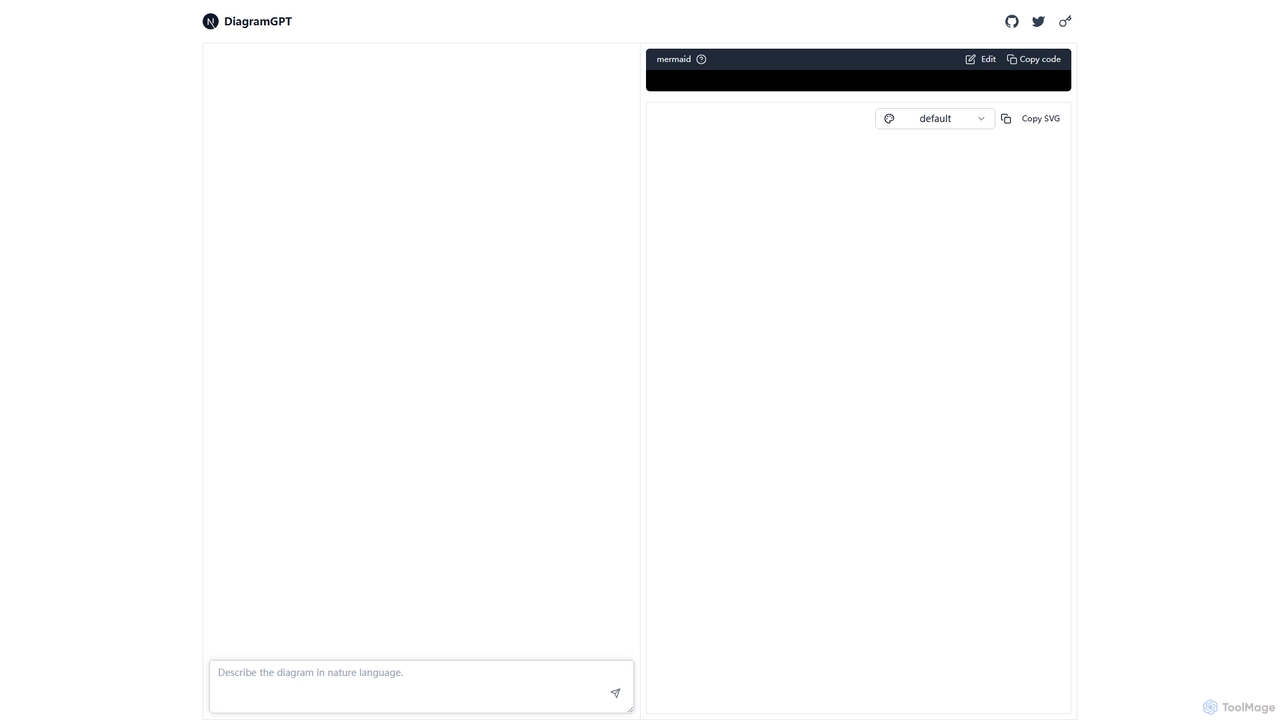
DiagramGPT is an AI-powered tool that transforms natural language text prompts into various diagrams. By leveraging GPT technology and Mermaid syntax, it allows users to effortlessly generate flowcharts, sequence diagrams, and more, simply by describing what they want to visualize. It's an ideal solution for developers, project managers, and students who need to create professional diagrams quickly without manual drawing.
Process Management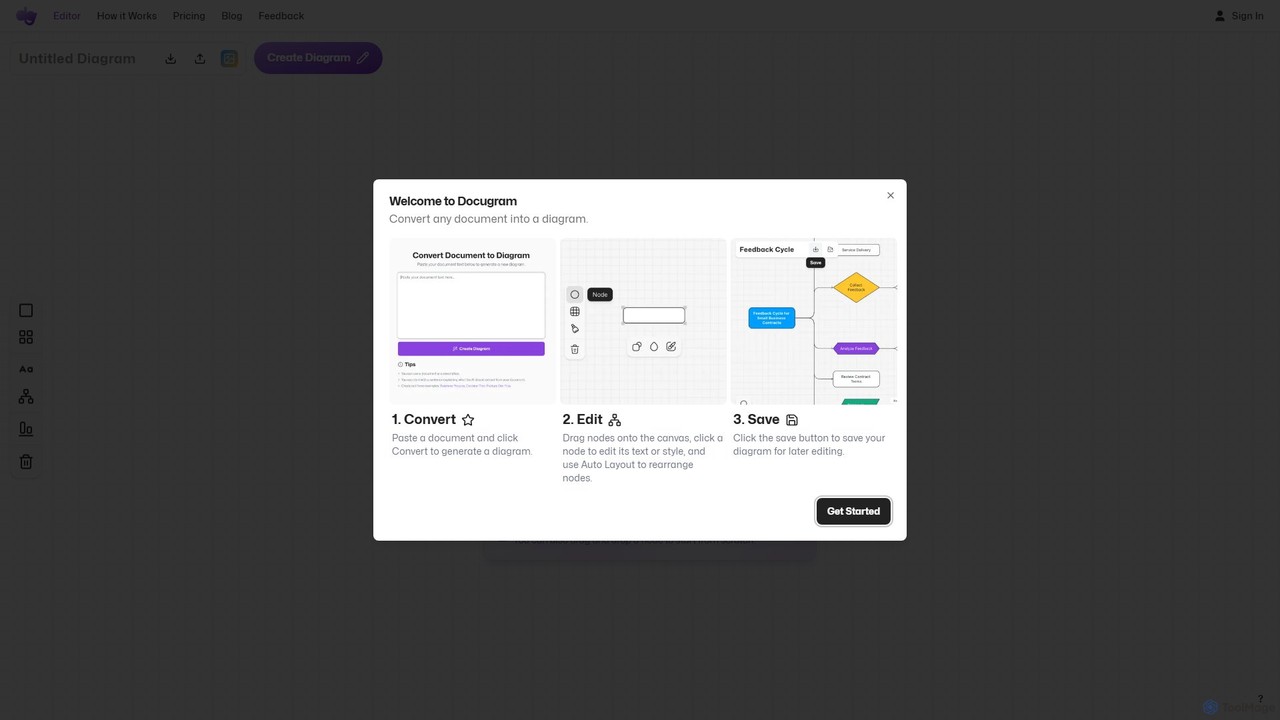
Docugram
Docugram is an AI-powered tool that instantly transforms text documents, notes, and prompts into clear, editable diagrams and flowcharts. It streamlines workflows by converting complex information from formats like Word, Excel, and PDF into visual maps, enhancing productivity for professionals in project management, development, and business analysis.
Project Management
snapdiagram
SnapDiagram is an AI-powered tool that instantly transforms text descriptions into professional diagrams. Generate flowcharts, sequence diagrams, UML models, mind maps, and more with simple natural language prompts. It's designed to accelerate workflows for developers, business analysts, and project managers by automating the diagramming process.
Workflow Management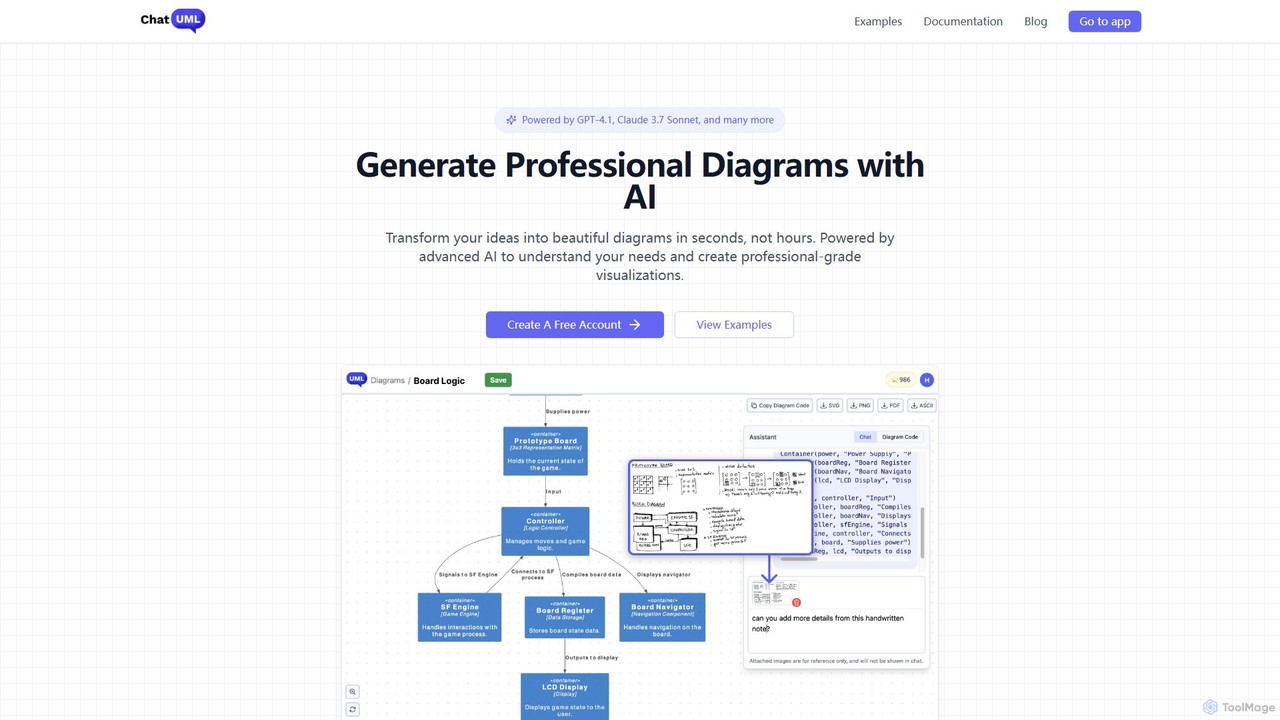
ChatUML
ChatUML is an AI-powered diagram generator that transforms text descriptions, hand-drawn sketches, and even website content into professional diagrams in seconds. Leveraging models like GPT-4.1 and Claude 3, it supports various formats including UML, C4 architecture, mind maps, and more, streamlining the visualization process for developers, project managers, and creative teams.
Planning
Lucidchart
Lucidchart is an intelligent diagramming and visual collaboration platform that uses AI, data automation, and real-time teamwork to help users visualize complex systems, processes, and ideas. It enables teams to create professional flowcharts, org charts, network diagrams, and more, fostering clarity and driving innovation.
Project ManagementDiagramming AI Categories
Diagramming AI Embed Widget
Copy this embed code to place the badge on your blog, article, or product site and send readers directly to this ToolMage detail page.

Related AI tools
Docugram
Docugram is an AI-powered tool that instantly transforms text documents, notes, and prompts into clear, editable diagrams and flowcharts. It streamlines workflows by converting complex information from formats like Word, Excel, and PDF into visual maps, enhancing productivity for professionals in project management, development, and business analysis.
Project ManagementDiagramGPT
DiagramGPT is an AI-powered tool that transforms natural language text prompts into various diagrams. By leveraging GPT technology and Mermaid syntax, it allows users to effortlessly generate flowcharts, sequence diagrams, and more, simply by describing what they want to visualize. It's an ideal solution for developers, project managers, and students who need to create professional diagrams quickly without manual drawing.
Process ManagementChatUML
ChatUML is an AI-powered diagram generator that transforms text descriptions, hand-drawn sketches, and even website content into professional diagrams in seconds. Leveraging models like GPT-4.1 and Claude 3, it supports various formats including UML, C4 architecture, mind maps, and more, streamlining the visualization process for developers, project managers, and creative teams.
PlanningLucidchart
Lucidchart is an intelligent diagramming and visual collaboration platform that uses AI, data automation, and real-time teamwork to help users visualize complex systems, processes, and ideas. It enables teams to create professional flowcharts, org charts, network diagrams, and more, fostering clarity and driving innovation.
Project Management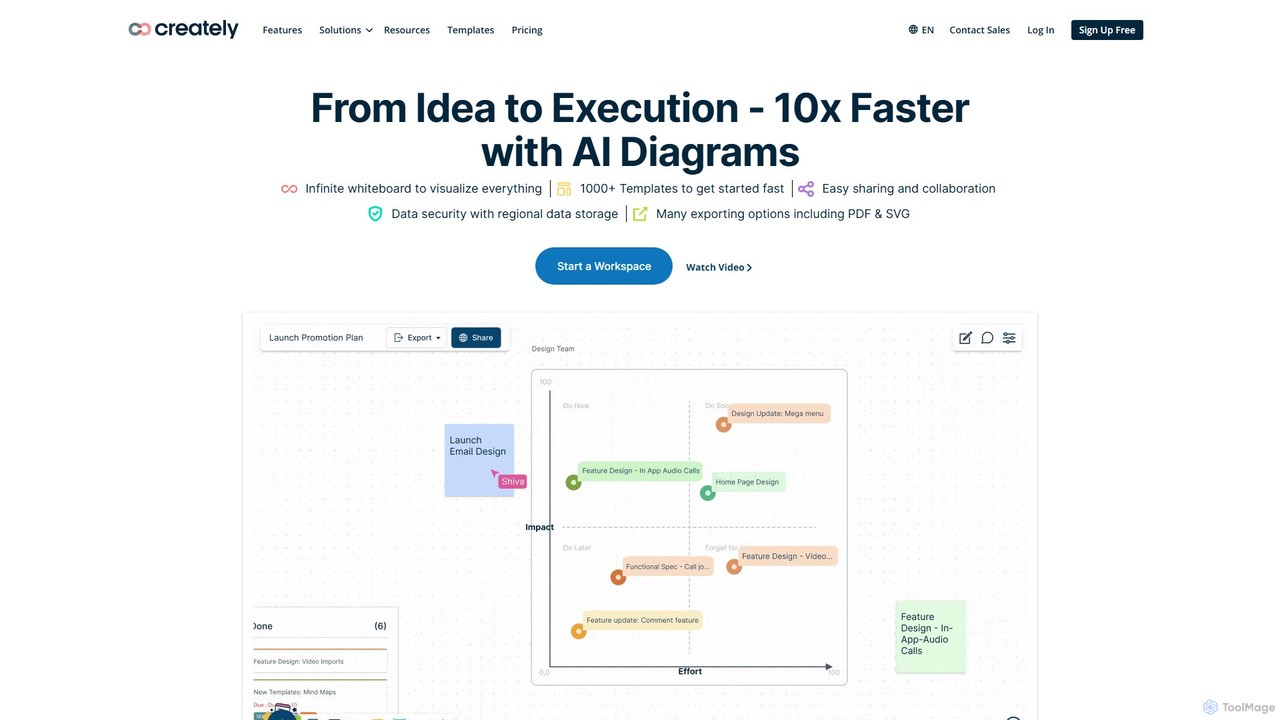
Creately
Creately is an AI-powered visual collaboration and work management platform. It combines intelligent diagramming, online whiteboarding, and data-driven project management on a single smart canvas, helping teams brainstorm, plan, and execute projects more effectively.
Planning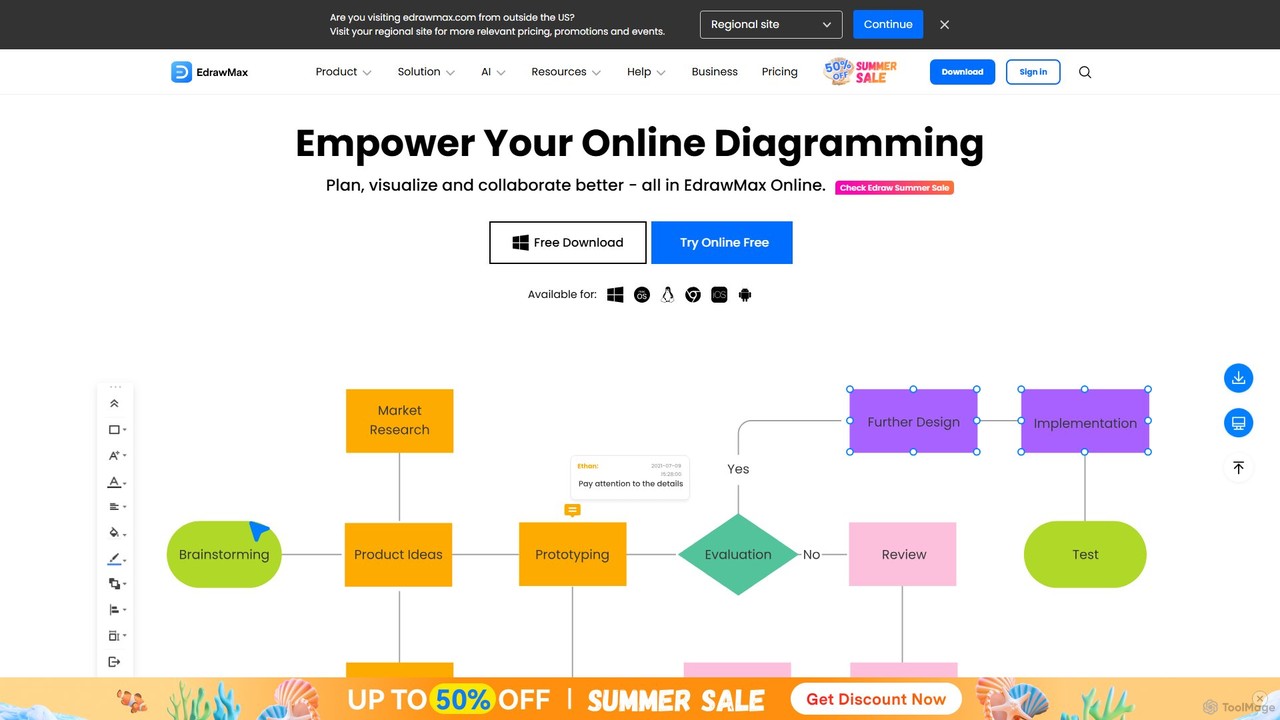
EdrawMax
EdrawMax is an all-in-one, AI-powered diagramming tool for creating over 210 types of diagrams, from flowcharts to floor plans. It combines intuitive drag-and-drop functionality with advanced AI features like one-click diagram generation, content analysis, and OCR. Ideal for teams and individuals, it facilitates real-time collaboration, offers extensive templates, and serves as a powerful Visio alternative for visualizing ideas and workflows.
Project Management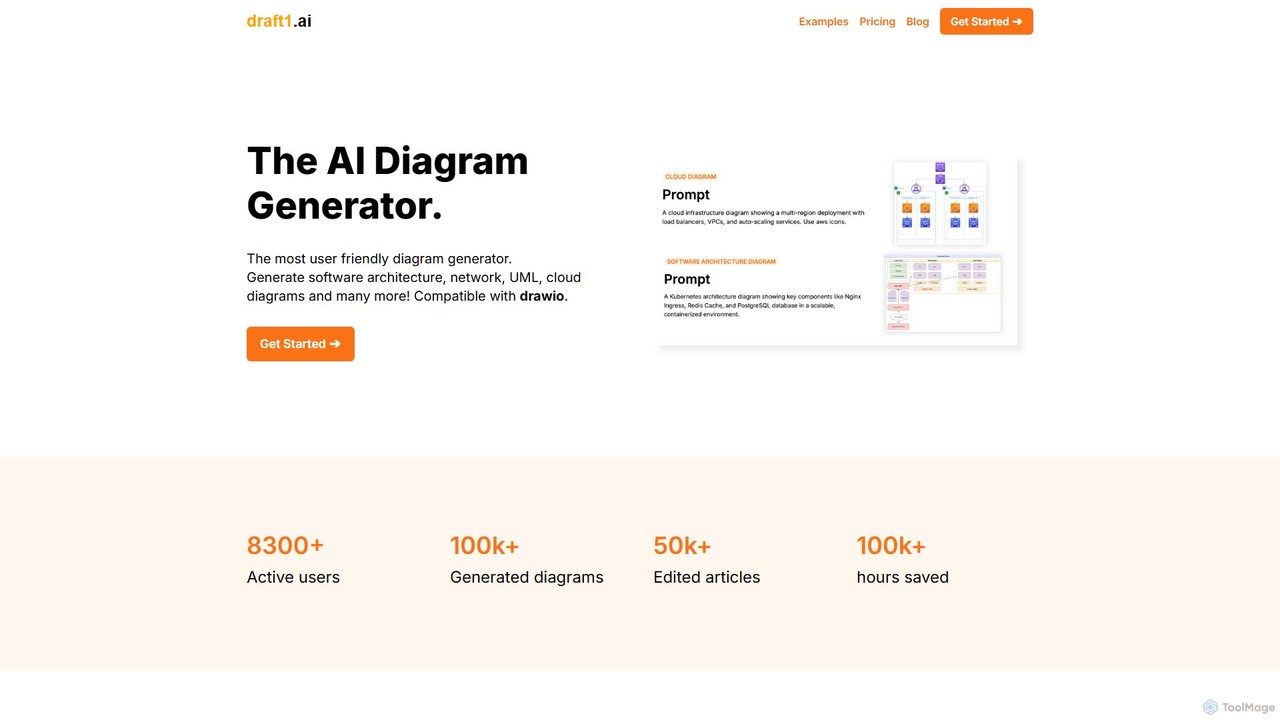
draft1.ai
draft1.ai is an AI-powered diagram generator that transforms your text, notes, and ideas into professional diagrams like ER, UML, Kubernetes, and network layouts. Simply paste your text to instantly create visual illustrations and a first-draft report. Edit diagrams as needed and export your work in multiple formats, streamlining your documentation and design process.
Software Development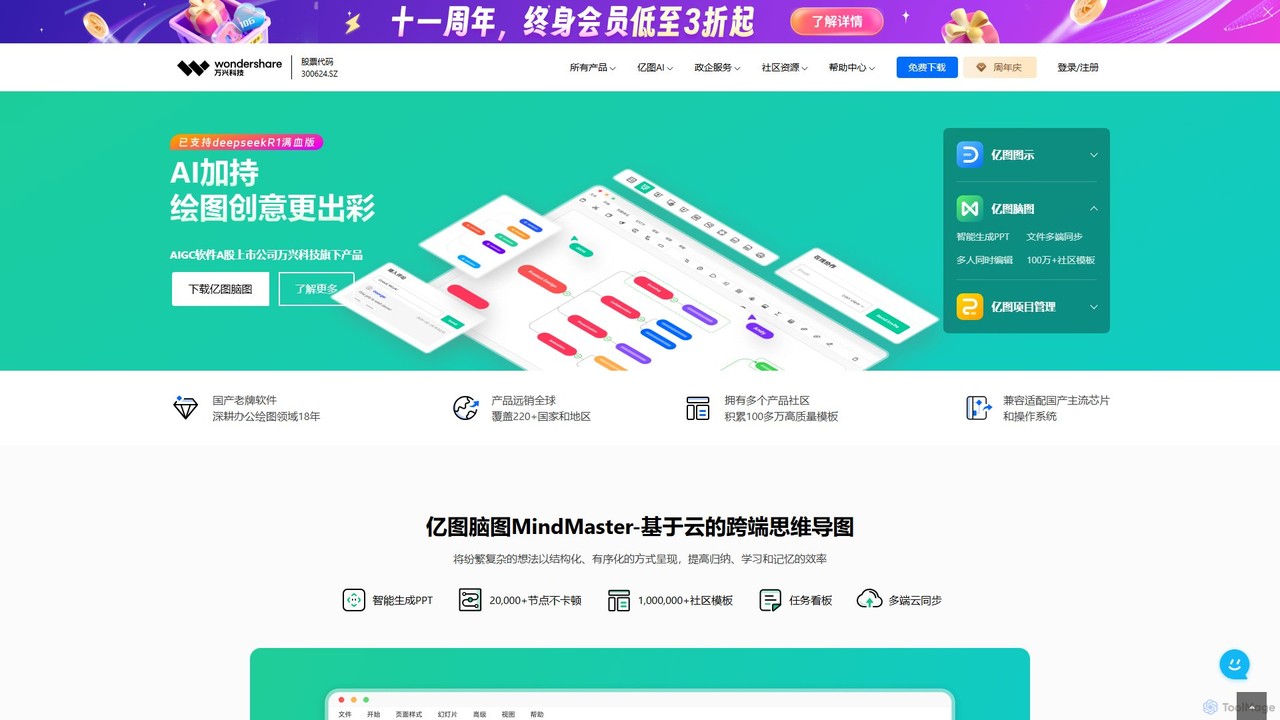
Edrawsoft
Edrawsoft is a comprehensive suite of AI-powered visual tools for diagramming, mind mapping, and project management. It includes EdrawMax for all-in-one diagram creation, EdrawMind for brainstorming, and EdrawProj for Gantt charts. With AI assistance, users can automatically generate flowcharts, org charts, and more from text, beautify designs with a single click, and collaborate seamlessly across platforms. It's a powerful Visio alternative for individuals, teams, and enterprises.
Project Management
ai_flowchart
ai_flowchart is an AI-powered tool that transforms natural language descriptions into professional flowcharts and diagrams instantly. Leveraging advanced NLP, it allows users to simply describe a process, and the AI generates a visually appealing and structured diagram. It's designed for developers, project managers, and business analysts, featuring customization, collaboration, and multiple export options. Ideal for software architecture, business process mapping, and project planning.
Process Management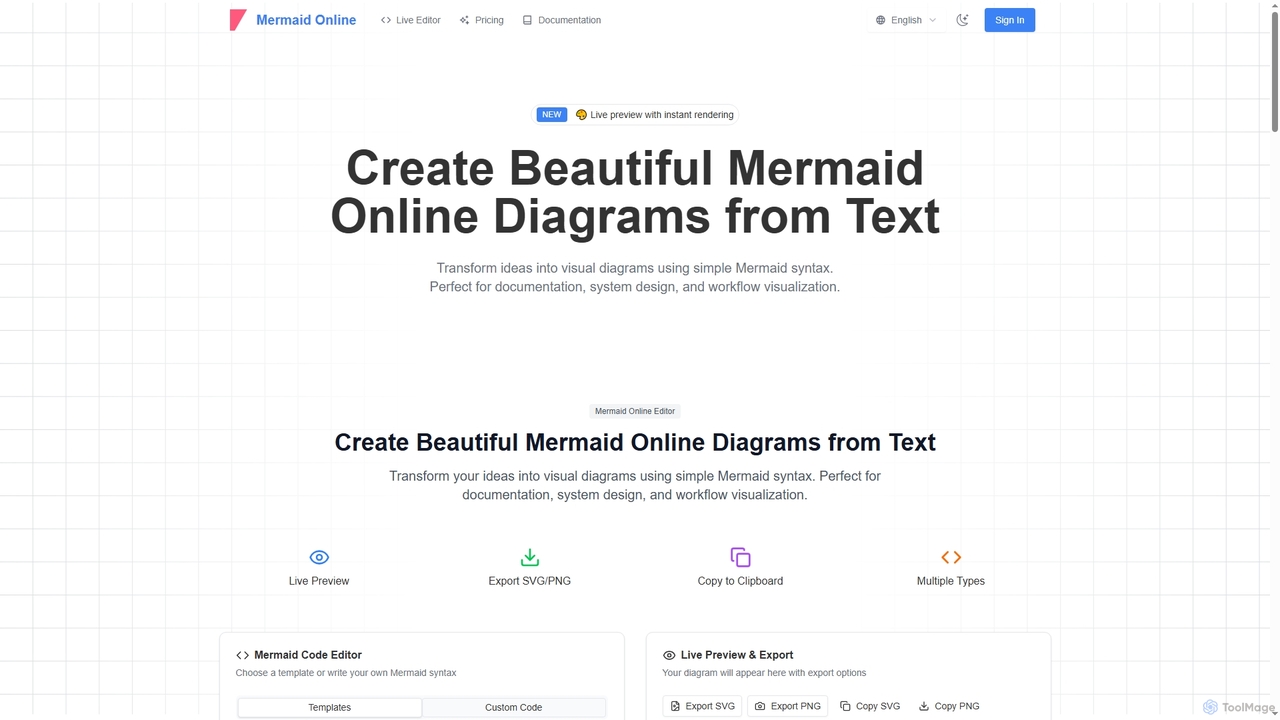
Mermaid Online
Mermaid Online is an advanced web-based editor and AI-powered diagram generator that transforms text descriptions and Mermaid syntax into professional visual diagrams. It supports various diagram types, offers real-time preview, and flexible export options, streamlining documentation and system design workflows for individuals and teams.
Text To Diagram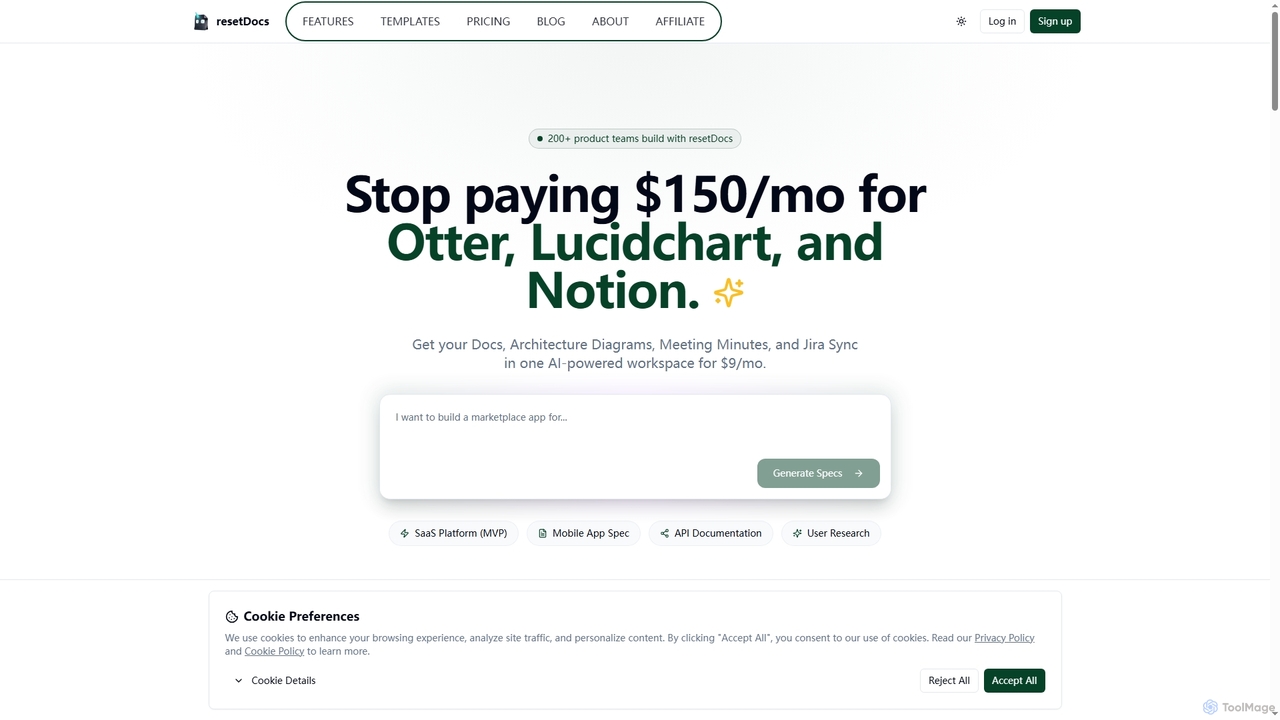
Resetdocs
Resetdocs is an AI-powered project management and documentation workspace for small teams. It combines document creation, architecture diagrams, meeting minutes, and Jira/Slack integration into one platform. Instantly generate PRDs and tech specs from notes or voice, and automate task creation to streamline your workflow from idea to execution.
Documentation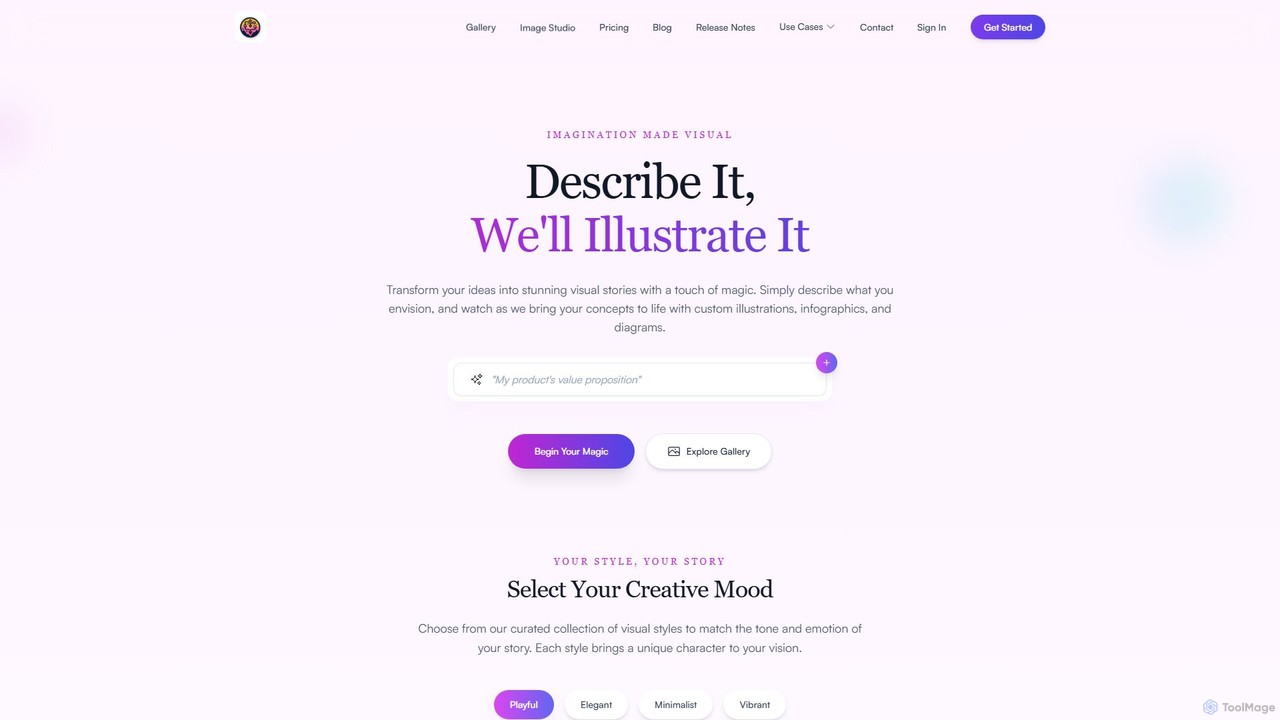
FlowCraft
FlowCraft is an AI-powered platform that transforms text descriptions into stunning visual content like diagrams, infographics, and illustrations. Simply describe your idea, and FlowCraft generates professional-quality visuals in various styles. It's ideal for professionals and creators who need to visualize complex information quickly, without any design skills.
Diagrammingsnapdiagram
SnapDiagram is an AI-powered tool that instantly transforms text descriptions into professional diagrams. Generate flowcharts, sequence diagrams, UML models, mind maps, and more with simple natural language prompts. It's designed to accelerate workflows for developers, business analysts, and project managers by automating the diagramming process.
Workflow Management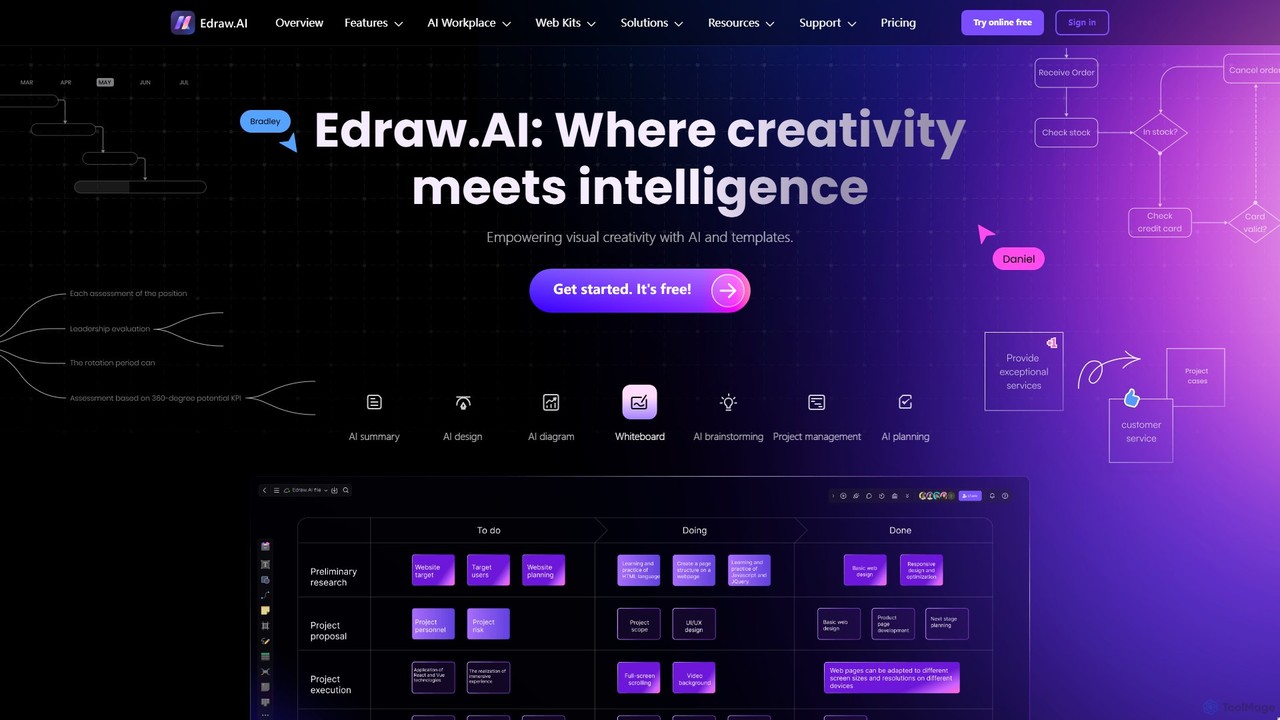
Edraw.AI
Edraw.AI is an AI-powered visual collaboration platform that enables users to create diagrams, mind maps, flowcharts, and other visuals with ease. It combines a user-friendly interface with powerful AI tools for generation, analysis, and design. Featuring real-time collaboration, an extensive library of templates and symbols, it's designed to boost productivity for teams in project management, IT, marketing, education, and more. Get started for free and transform your ideas into professional visuals.
Visualization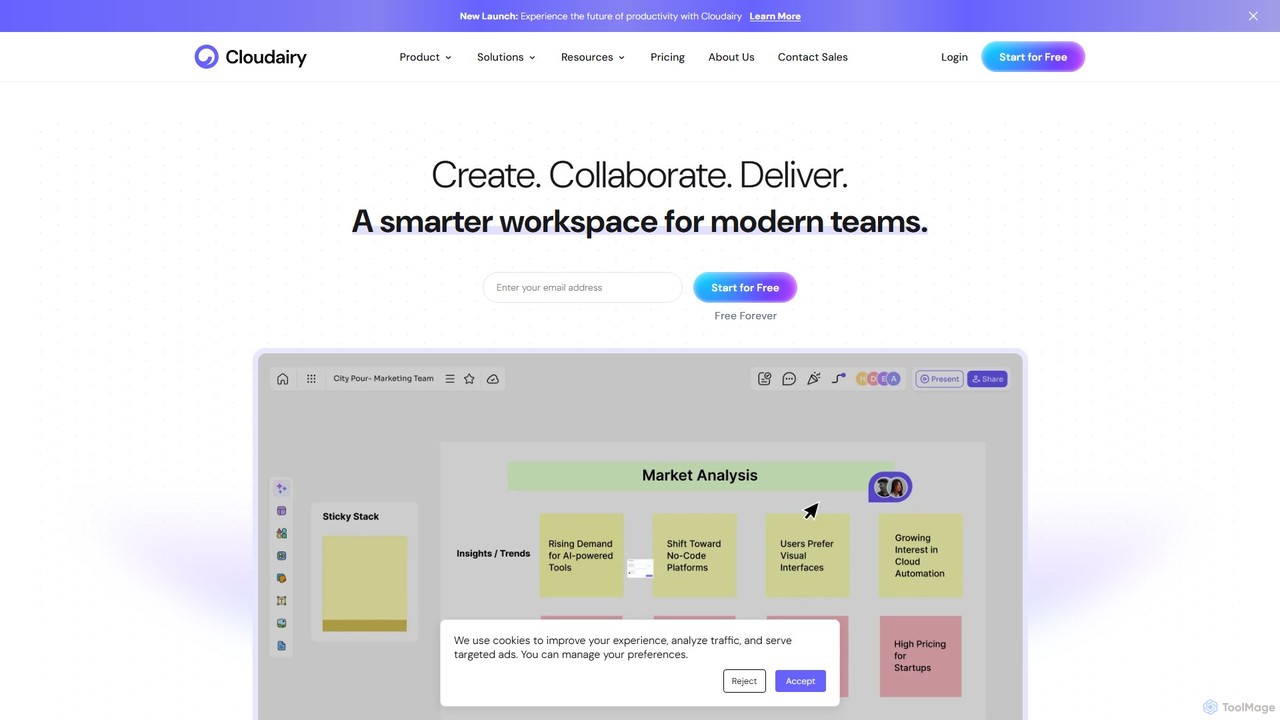
Cloudairy
Cloudairy is an AI-powered collaborative visual workspace designed for modern teams. It integrates AI-driven diagramming, mind mapping, image generation, and documentation tools into a single platform. It enables teams in engineering, sales, and project management to brainstorm, design, and deliver projects with enhanced efficiency and creativity.
Generative Art
Diagramming AI Comments (0)
Sign in to comment.
Sign inNo comments yet.