

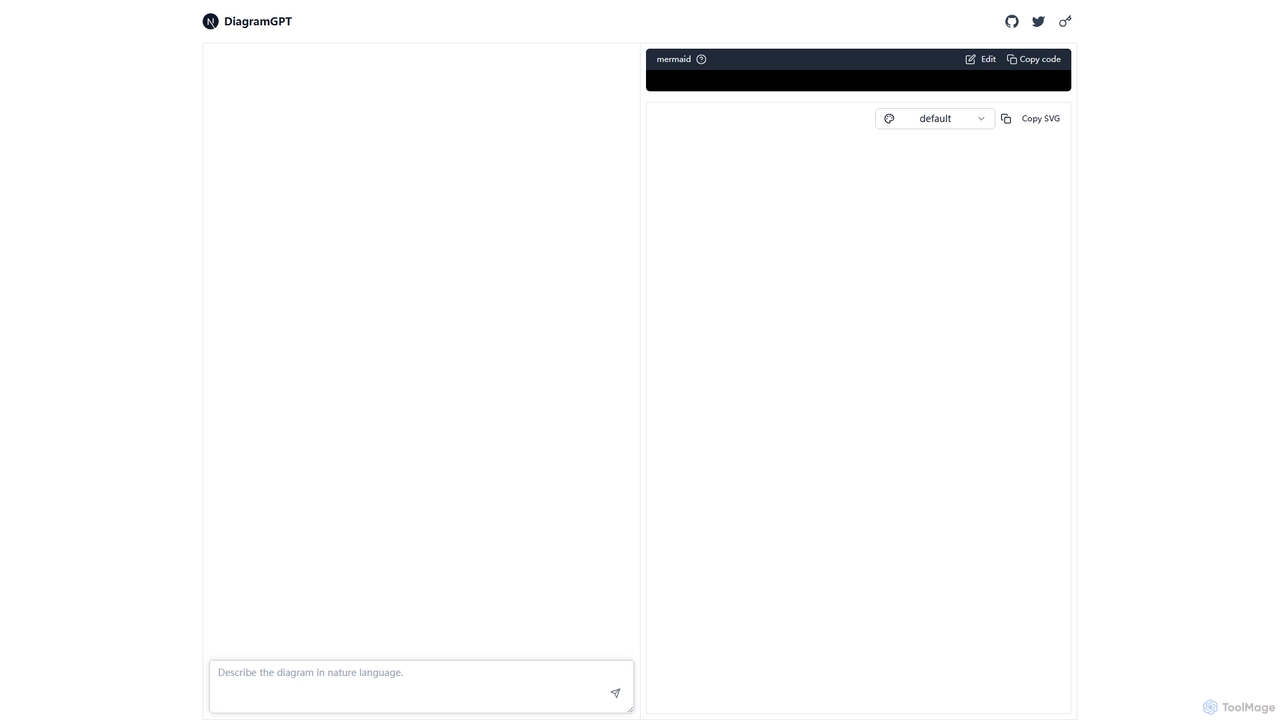
DiagramGPT Overview
DiagramGPT is a revolutionary tool that bridges the gap between natural language and complex visual diagrams. It utilizes advanced AI to interpret user descriptions and automatically generate the corresponding diagram code in Mermaid syntax. This eliminates the steep learning curve associated with traditional diagramming software and the tedious process of drag-and-drop creation. Users can simply type a command like "Create a flowchart showing a user login process with success and failure paths" and receive a ready-to-use, editable diagram in seconds.
How to use DiagramGPT
Using DiagramGPT is a straightforward process designed for maximum efficiency:
- Enter Your Prompt: Navigate to the DiagramGPT website. In the main input text box, describe the diagram you wish to create in plain English. Be as specific as possible for the best results (e.g., "Create a sequence diagram for an online shopping checkout process involving a user, a web server, and a payment gateway").
- Generate the Diagram: Click the generate button. The AI will process your request and translate your text into Mermaid code.
- Review and Edit: The tool will display the generated visual diagram on one side of the screen and the corresponding Mermaid code on the other. You can review the diagram for accuracy. If any adjustments are needed, you can directly edit the Mermaid code in the editor, and the visual diagram will update in real-time.
- Export Your Work: Once you are satisfied with the result, you have several options. Use the "Copy code" button to save the Mermaid syntax for embedding in your documentation (e.g., in GitHub Markdown, Notion, or GitLab). Alternatively, use the "Copy SVG" button to export the diagram as a high-quality, scalable vector graphic for use in presentations, reports, or other documents.
Core Features of DiagramGPT
- Natural Language Processing: The core of the tool is its ability to understand and convert plain text prompts into structured diagrams.
- Mermaid Syntax Generation: It automatically produces clean, standardized, and editable Mermaid.js code, a widely-used standard for diagrams-as-code.
- Support for Multiple Diagram Types: Capable of generating a wide variety of diagrams supported by Mermaid, including flowcharts, sequence diagrams, class diagrams, state diagrams, Gantt charts, pie charts, and more.
- Real-time Interactive Editor: Features a dual-pane interface with a code editor and a live preview that updates instantly as you modify the code.
- One-Click Export: Simple options to copy the underlying code or export the final diagram as an SVG file, ensuring easy integration with other platforms and workflows.
- Open Source and Free: As an open-source project, it offers full transparency, is community-driven, and is completely free to use.
Use Cases for DiagramGPT
DiagramGPT is a versatile tool suitable for a wide range of professionals and use cases:
- Software Development: Developers and system architects can rapidly create UML diagrams (sequence, class, state) to design, document, and communicate software architecture and logic.
- Project Management: Project managers can generate Gantt charts to visualize project timelines and dependencies or create flowcharts to map out business processes and workflows.
- Business Analysis: Business analysts can model complex systems and processes, making them easier to understand and analyze for stakeholders.
- Education and Learning: Students and educators can use it to visualize complex concepts, create study aids, or explain intricate topics in a more engaging way.
- Technical Writing: Technical writers can auto-generate and embed clear, consistent diagrams into documentation, improving clarity and user understanding.
Advantages of DiagramGPT
The primary advantages of using DiagramGPT include:
- Speed and Efficiency: Drastically reduces the time and effort required to create professional-looking diagrams compared to manual tools.
- Ease of Use: Its intuitive, text-based interface makes diagramming accessible to everyone, regardless of their design skills.
- Consistency and Standardization: By using Mermaid syntax, it ensures all diagrams have a clean, consistent, and professional appearance.
- Flexibility and Integration: The generated code can be easily version-controlled, shared, and embedded in numerous platforms that support Mermaid, such as GitHub, GitLab, and Notion.
- Cost-Effectiveness: Being a free and open-source tool, it provides powerful diagramming capabilities without any financial investment.
Pricing and Plans
DiagramGPT is a completely free and open-source tool. There are no subscription plans, usage tiers, or hidden costs. Users can access all its features without any charge, making it an excellent choice for individuals, students, and teams of all sizes.
DiagramGPT Alternatives
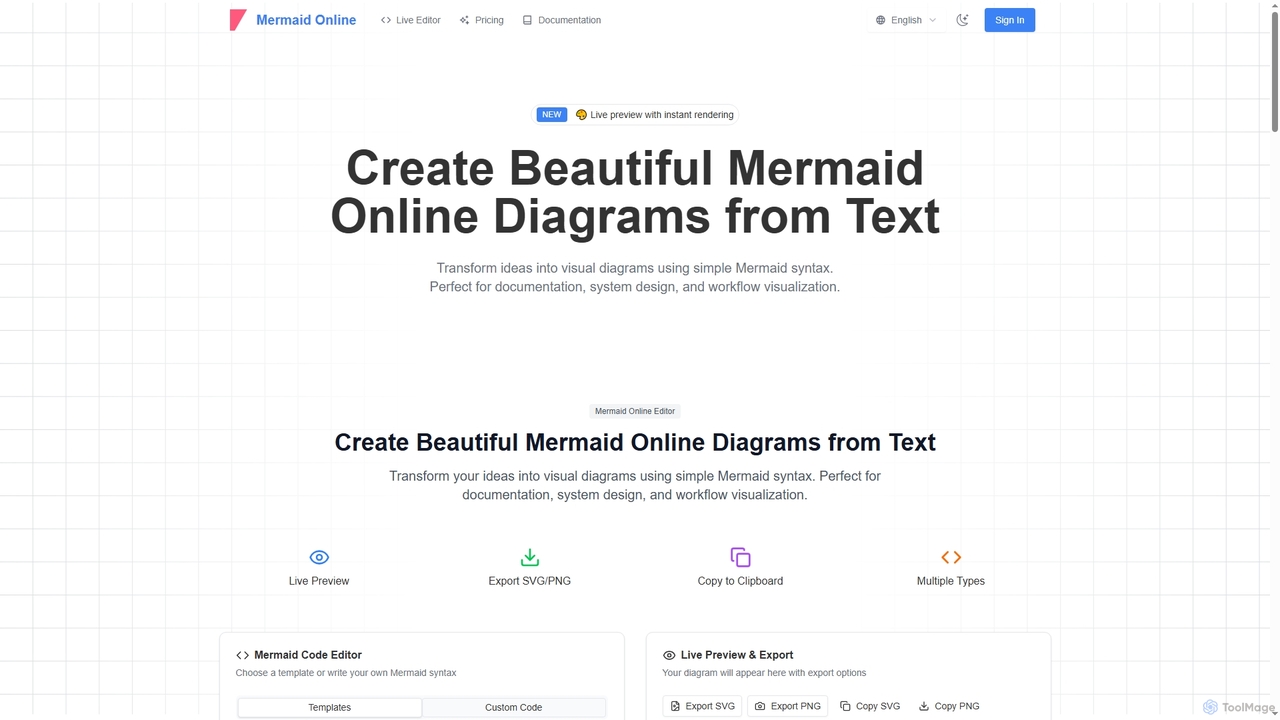
Mermaid Online
Mermaid Online is an advanced web-based editor and AI-powered diagram generator that transforms text descriptions and Mermaid syntax into professional visual diagrams. It supports various diagram types, offers real-time preview, and flexible export options, streamlining documentation and system design workflows for individuals and teams.
Text To Diagram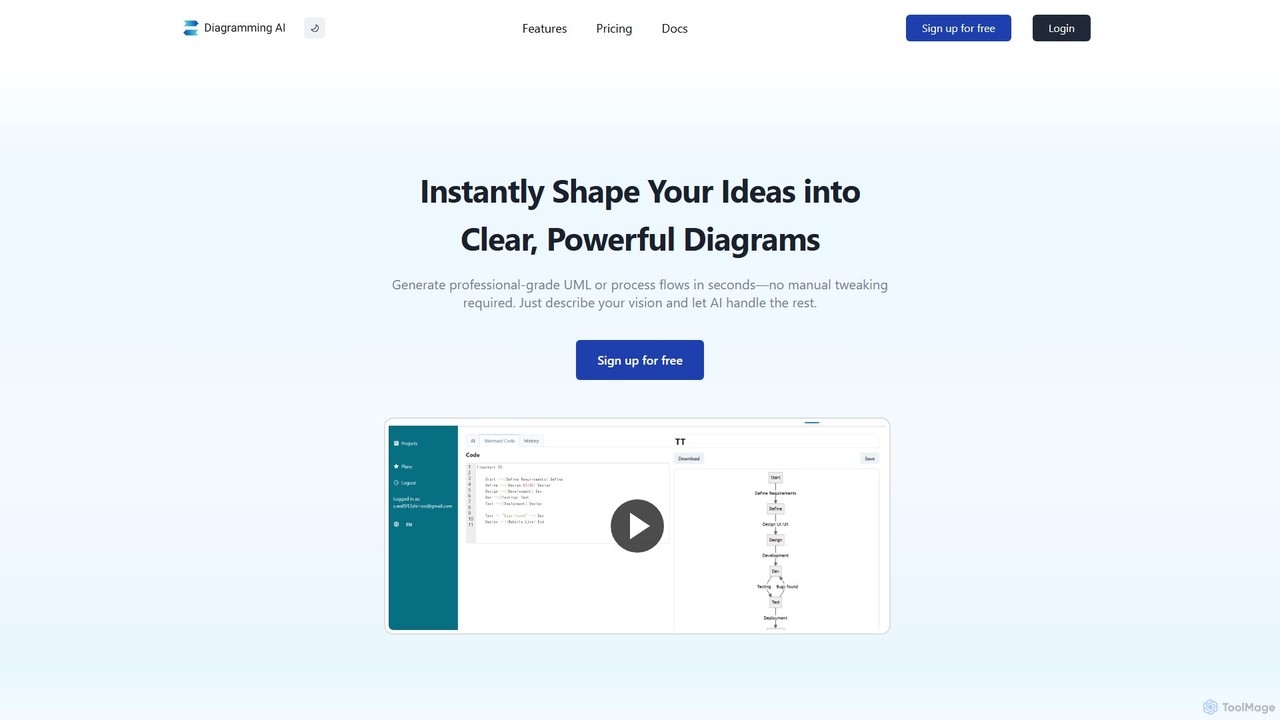
Diagramming AI
Diagramming AI is an advanced AI-powered platform that instantly generates and edits a wide range of diagrams from text, URLs, or images. It supports popular formats like Mermaid, PlantUML, and Graphviz, and features an intuitive AI chat for real-time modifications and a visual editor integration with Excalidraw for precise adjustments.
Visualization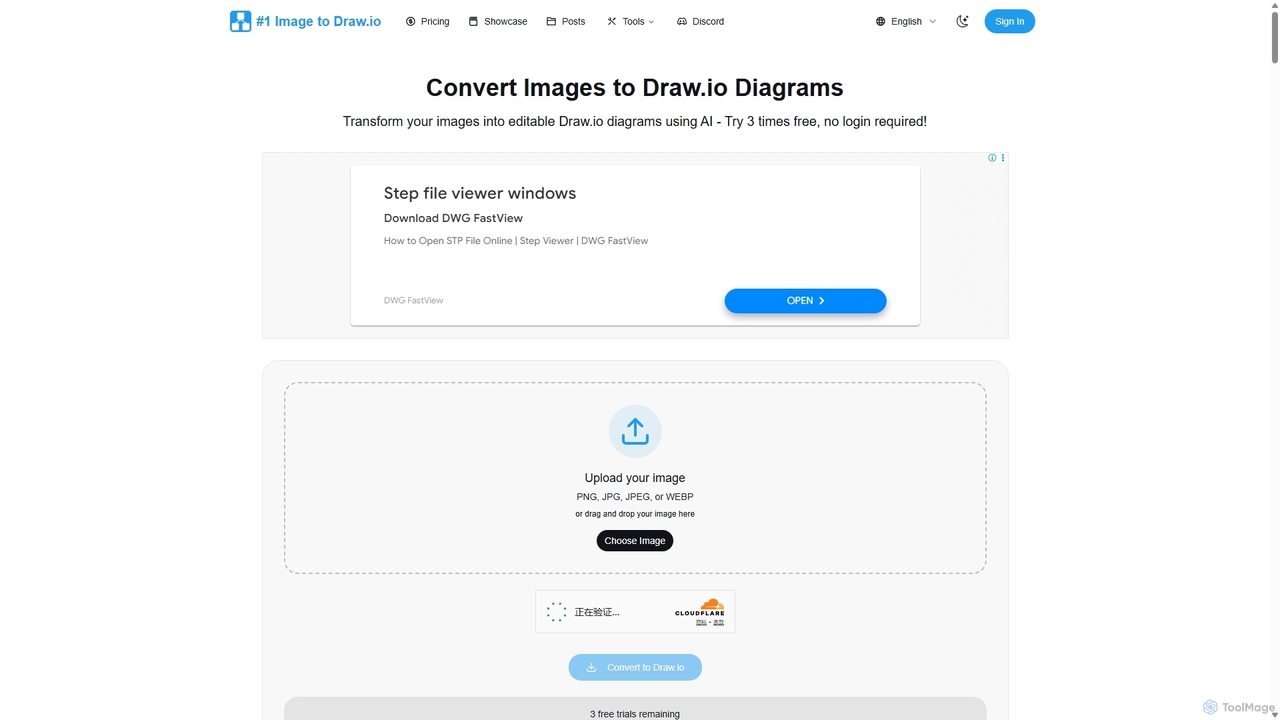
Imagetodrawio
An AI-powered tool that converts images of diagrams, such as screenshots, photos, and hand-drawn sketches, into fully editable Draw.io files. It helps users recover lost source files, digitize whiteboard sessions, and modernize legacy documentation in minutes, preserving shapes, text, and connections with high accuracy.
Automation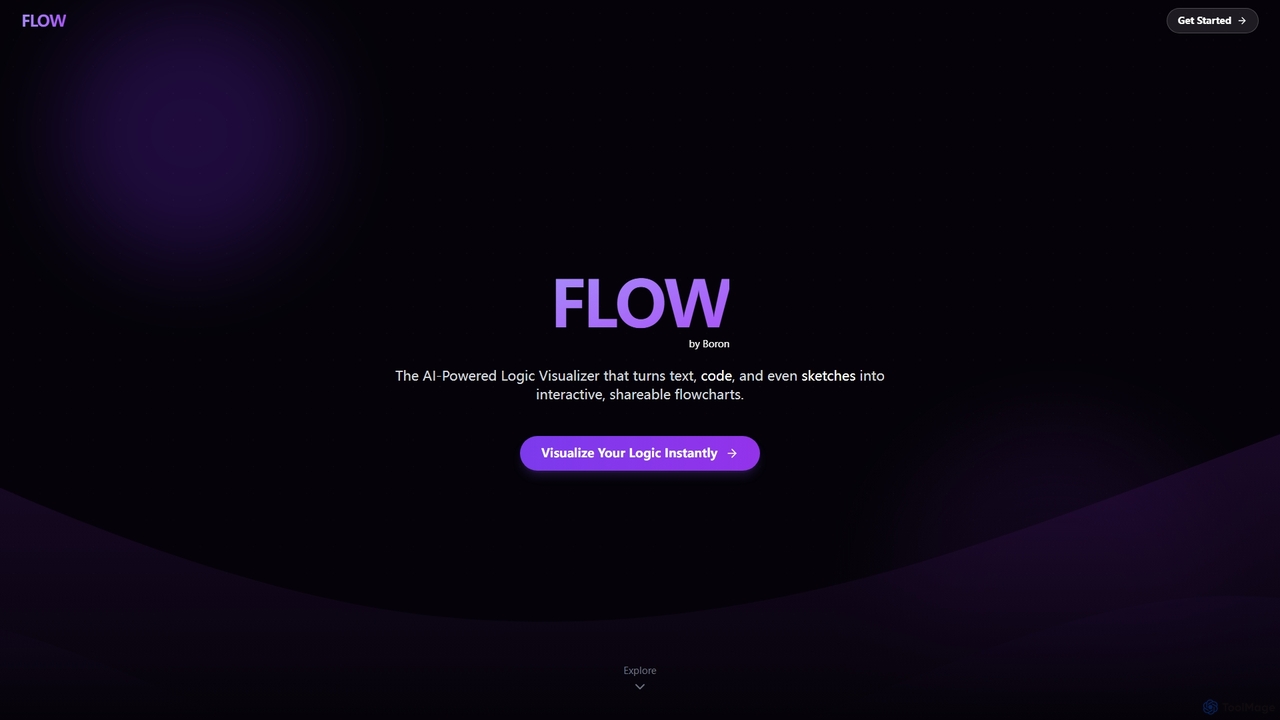
Boronflow
An AI-powered logic visualizer that instantly transforms text, code, and sketches into interactive, editable flowcharts. It supports real-time collaboration, code execution animation, and GitHub repository analysis.
Whiteboarding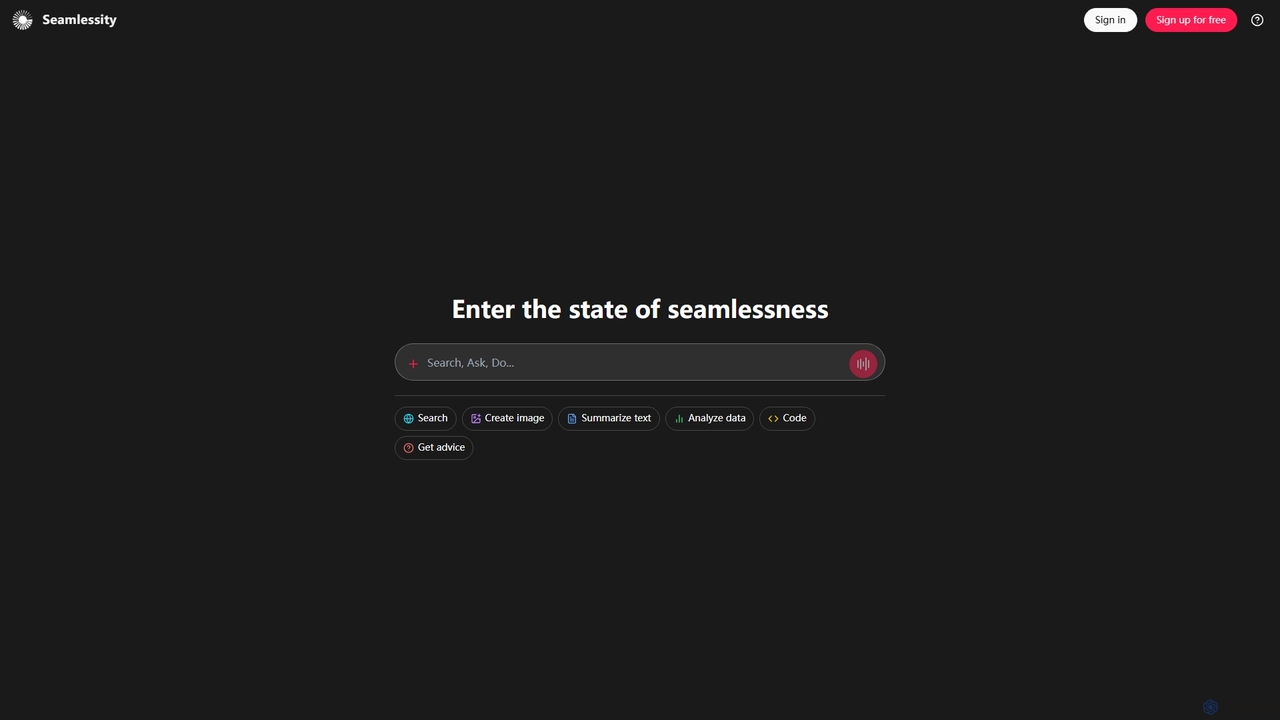
Seamlessity
Seamlessity is a versatile AI platform designed to streamline various tasks, offering functionalities such as image creation, text summarization, data analysis, code generation, and expert advice. It aims to provide a unified experience for users seeking efficiency across multiple domains, from creative content generation to complex data interpretation and development support.
Image GenerationDiagramGPT Categories
DiagramGPT Jobs
DiagramGPT Embed Widget
Copy this embed code to place the badge on your blog, article, or product site and send readers directly to this ToolMage detail page.

Related AI tools
Mermaid Online
Mermaid Online is an advanced web-based editor and AI-powered diagram generator that transforms text descriptions and Mermaid syntax into professional visual diagrams. It supports various diagram types, offers real-time preview, and flexible export options, streamlining documentation and system design workflows for individuals and teams.
Text To Diagram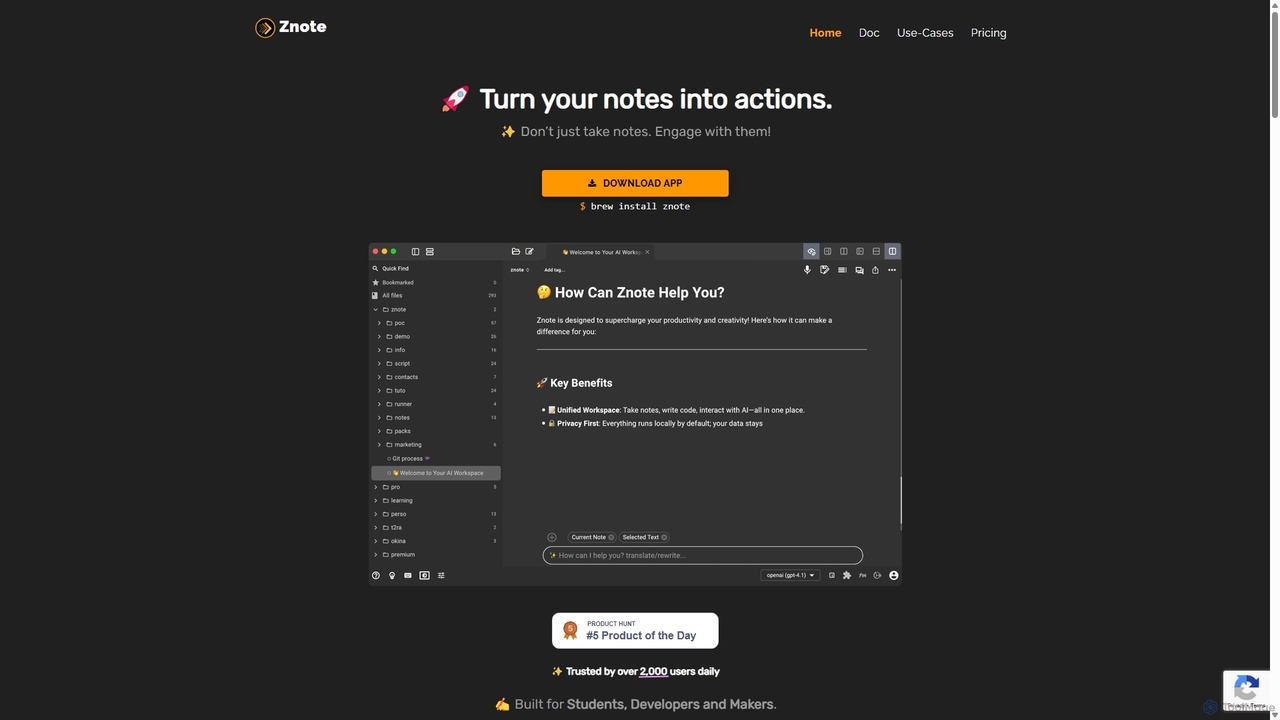
Znote
Znote is a powerful note-taking app that turns your notes into interactive, executable documents. It combines a rich Markdown editor with inline code execution (JS, Node.js, Bash), AI assistance, and data integrations, making it a versatile workspace for developers, analysts, and product teams to prototype, document, and automate workflows.
NotebooksImagetodrawio
An AI-powered tool that converts images of diagrams, such as screenshots, photos, and hand-drawn sketches, into fully editable Draw.io files. It helps users recover lost source files, digitize whiteboard sessions, and modernize legacy documentation in minutes, preserving shapes, text, and connections with high accuracy.
Automation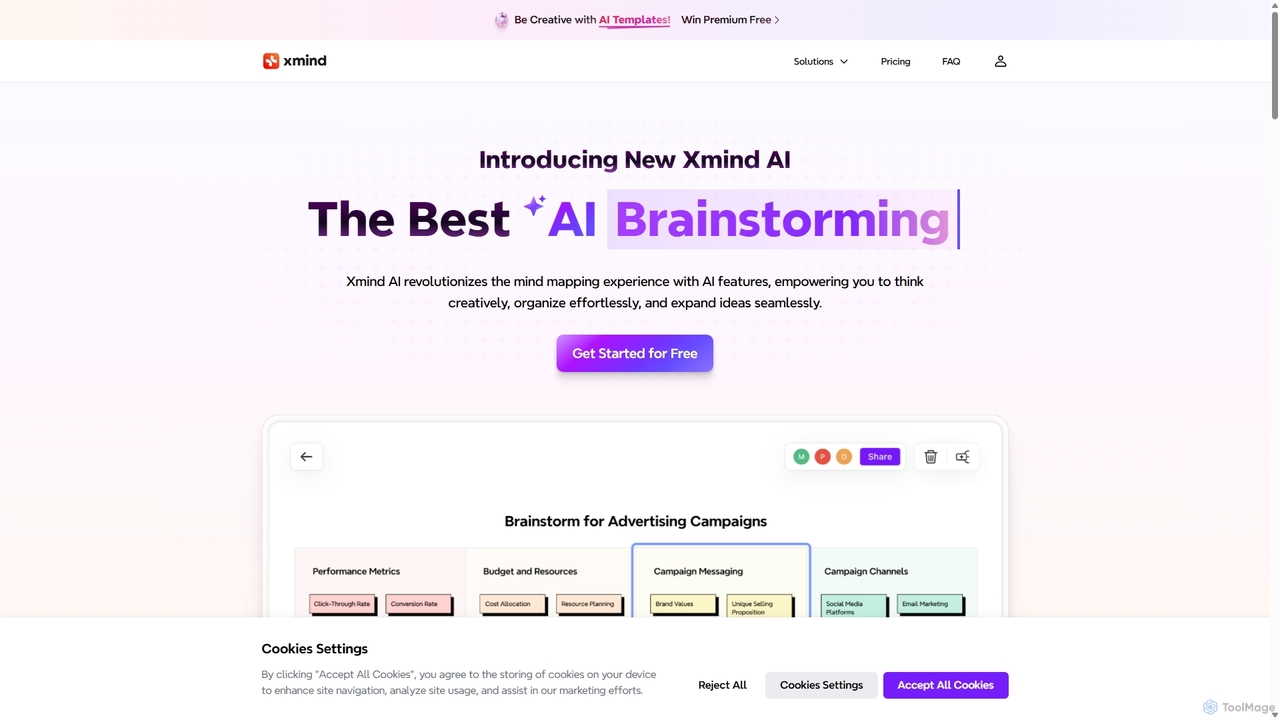
Xmind AI
Xmind AI is an advanced AI-powered mind mapping and brainstorming tool designed to enhance creativity and productivity. It helps users visualize thoughts, organize complex information, and collaborate with teams in real-time. With features like AI-driven idea generation, content summarization, and automated to-do lists, Xmind AI transforms abstract concepts into structured, actionable plans.
TeamworkBoronflow
An AI-powered logic visualizer that instantly transforms text, code, and sketches into interactive, editable flowcharts. It supports real-time collaboration, code execution animation, and GitHub repository analysis.
Whiteboarding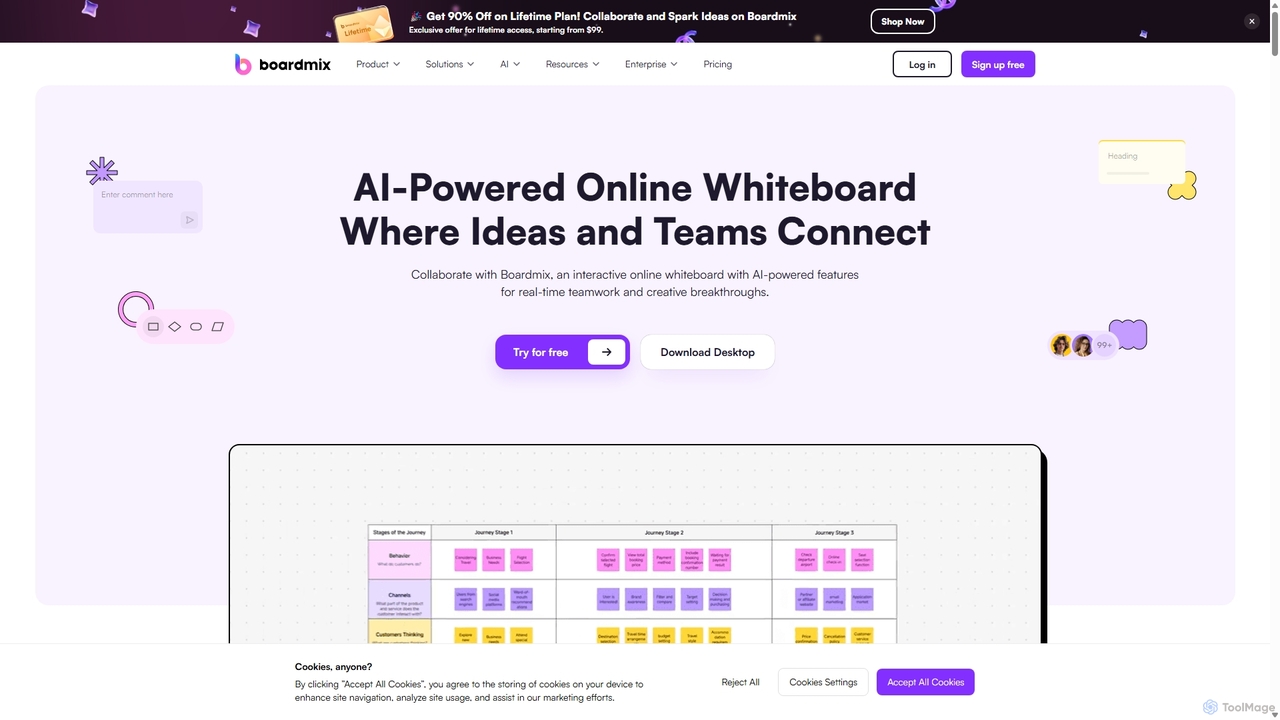
Boardmix
Boardmix is an AI-powered online collaborative whiteboard designed to connect ideas and teams. It integrates tools for mind mapping, diagramming, brainstorming, and project management into a single infinite canvas, facilitating real-time teamwork and creative breakthroughs for various professional teams.
Project Management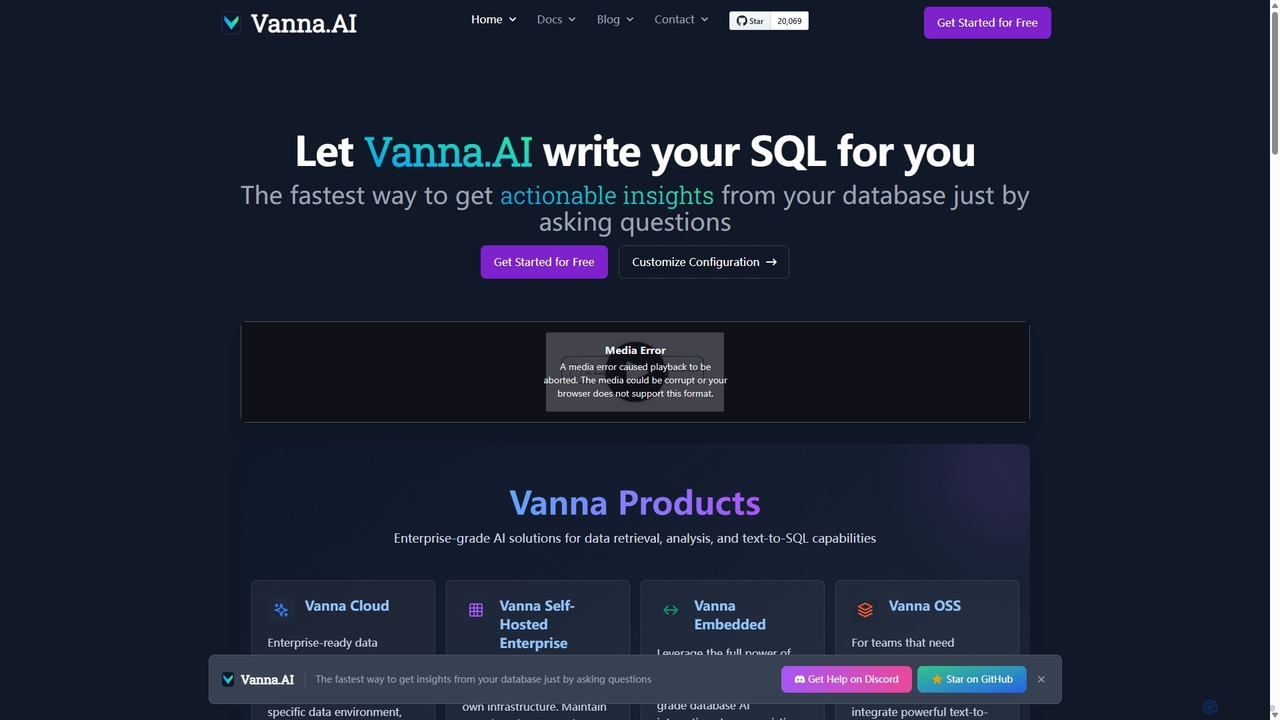
Vanna.AI
Vanna.AI is an open-source, personalized AI SQL agent that transforms natural language questions into accurate SQL queries. It uses a Retrieval-Augmented Generation (RAG) model trained on your specific database schema, documentation, and past queries to achieve high accuracy on complex datasets. It's designed for security, flexibility, and easy integration into any application, empowering both technical and non-technical users to gain insights from their data effortlessly.
Business IntelligenceDiagramming AI
Diagramming AI is an advanced AI-powered platform that instantly generates and edits a wide range of diagrams from text, URLs, or images. It supports popular formats like Mermaid, PlantUML, and Graphviz, and features an intuitive AI chat for real-time modifications and a visual editor integration with Excalidraw for precise adjustments.
Visualization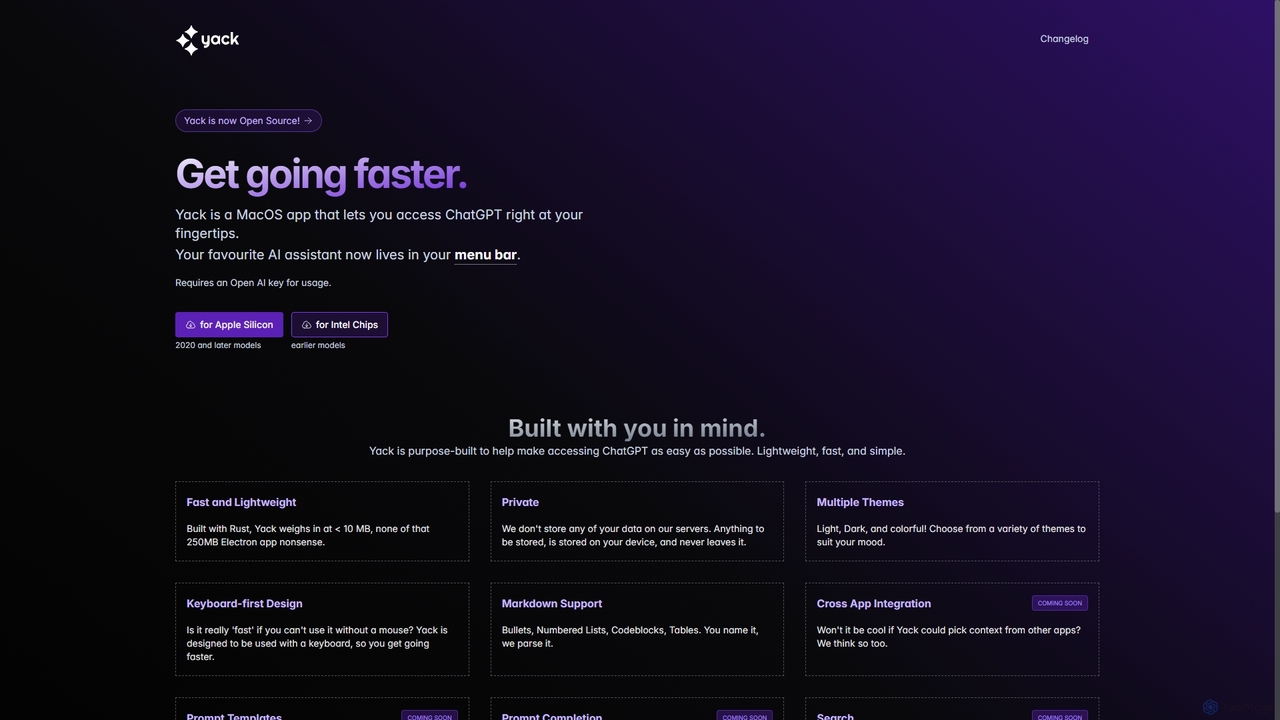
Yack
Yack is a lightweight, fast, and private open-source native macOS application that provides instant access to ChatGPT directly from your menu bar. Built with Rust, it's designed for efficiency with a keyboard-first approach, ensuring you can interact with AI without disrupting your workflow.
Api Client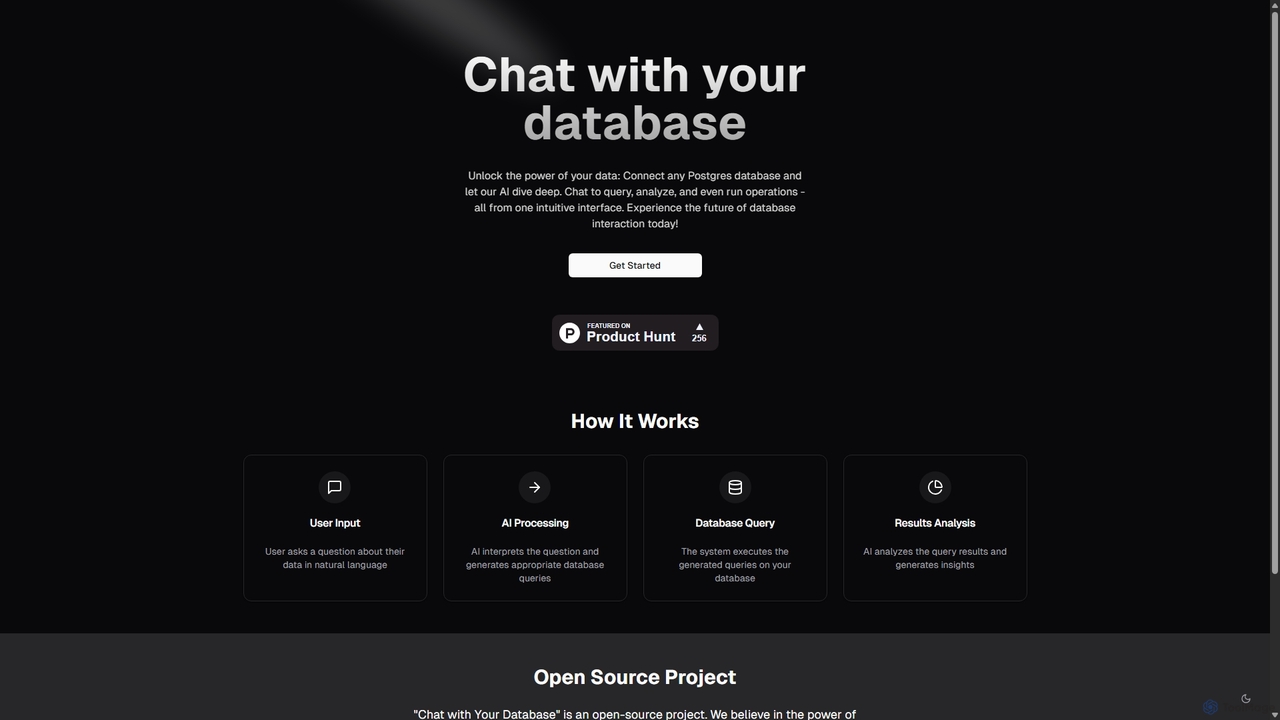
Chat With Your Database
An open-source AI tool that allows you to interact with your PostgreSQL database using natural language. Ask questions, get insights, and perform operations through a simple chat interface, eliminating the need for complex SQL queries.
Business Intelligence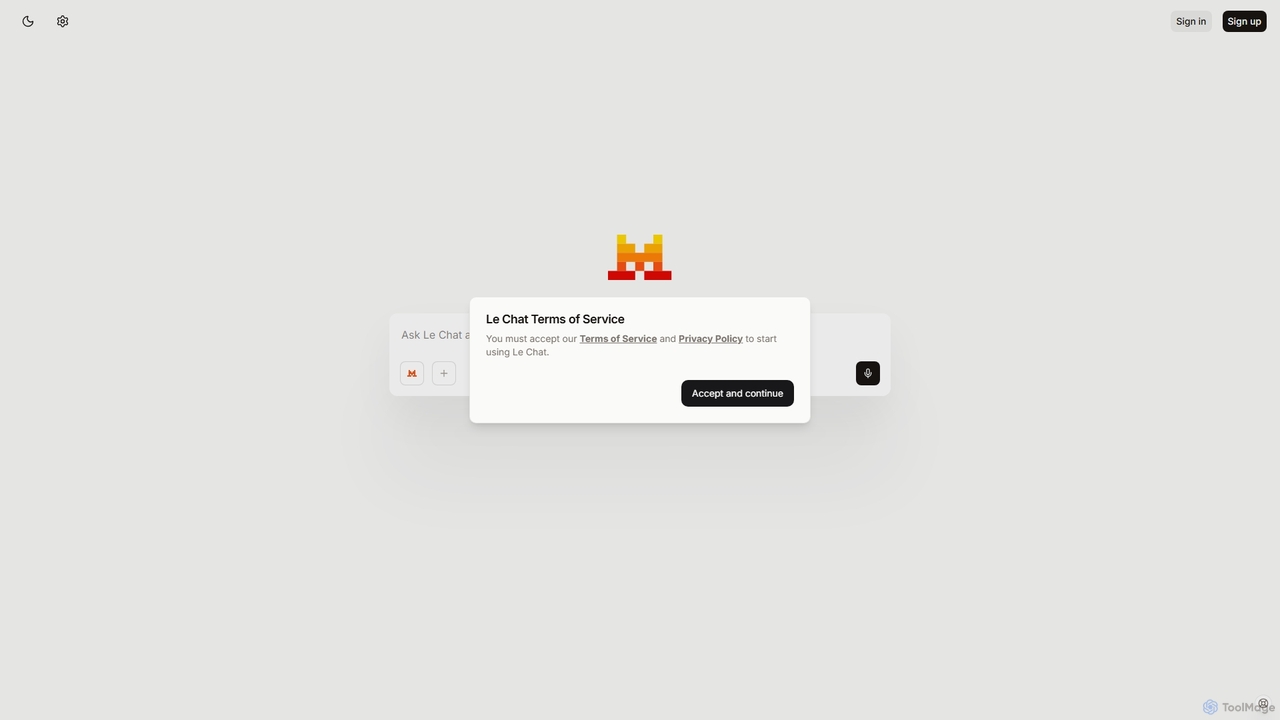
Le Chat
Le Chat is a powerful conversational AI assistant from Mistral AI, providing direct access to their cutting-edge language models. It excels at complex reasoning, code generation, and multilingual tasks. Le Chat offers a streamlined interface for users to brainstorm ideas, create content, and get instant answers, leveraging Mistral's high-performance and efficient AI technology for both personal and professional use.
Code Assistant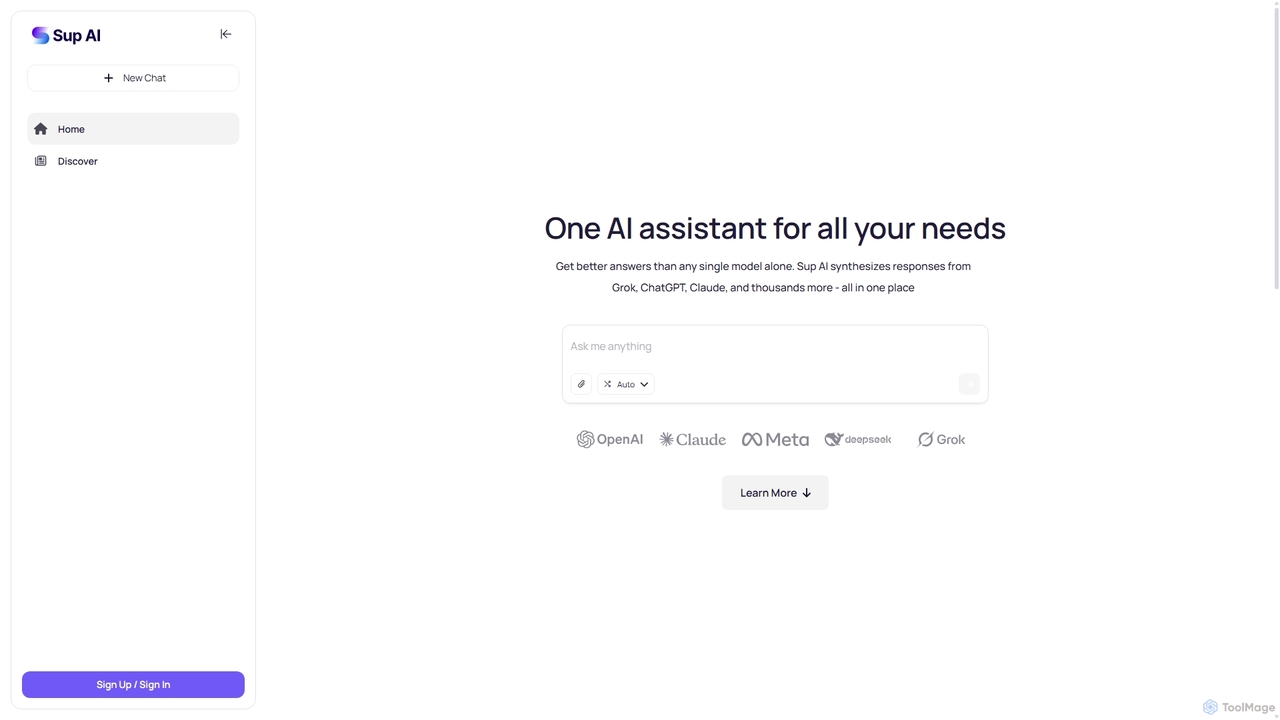
Sup AI
Sup AI is an advanced AI assistant that aggregates and synthesizes responses from multiple leading large language models like Grok, ChatGPT, and Claude. By intelligently routing queries to the best-suited models and combining their outputs, it delivers more accurate, comprehensive, and reliable answers than any single model can. It features a user-friendly interface for direct queries and a powerful API for developers, aiming to eliminate hallucinations and provide well-rounded, fact-checked insights for any need.
Api
MindmapAI
MindmapAI is an advanced AI-powered platform that transforms ideas, PDFs, YouTube videos, and web URLs into structured, visual mind maps. It automates information analysis and organization, enabling users to quickly grasp complex topics, brainstorm effectively, and collaborate with teams in real-time. Ideal for students, professionals, and creators looking to enhance productivity and clarity.
Project Management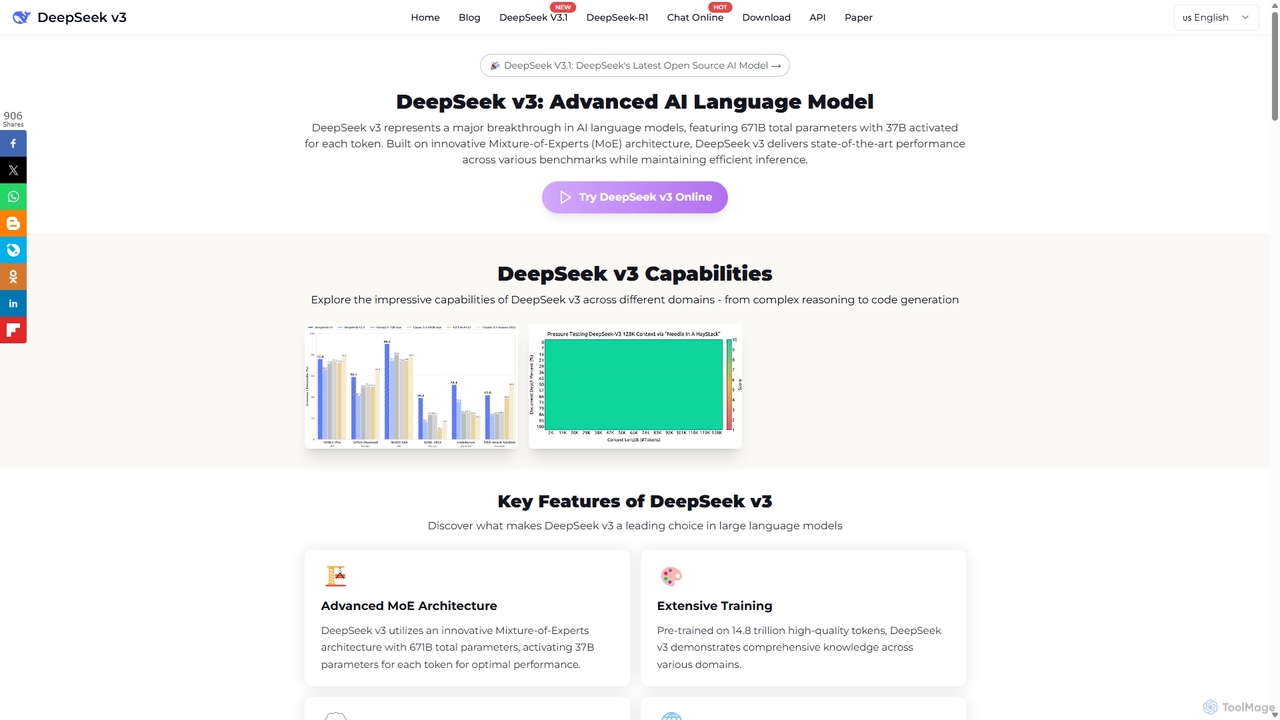
DeepSeek V3
DeepSeek V3 is a state-of-the-art, open-source large language model developed by DeepSeek AI. It excels in complex reasoning, coding, and multilingual tasks, featuring a massive 671B parameter Mixture-of-Experts architecture and a 128K context window. It offers high performance and efficiency, rivaling top proprietary models while being commercially usable under the MIT license.
Code Assistant
Lit.Codes Chat
A privacy-focused AI chat interface offering access to a wide range of advanced GPT models, including GPT-4o. It features end-to-end encrypted chat history and a convenient Chrome extension, making it a secure and versatile tool for developers, writers, and professionals seeking powerful AI assistance without compromising on data security.
Coding Assistant
DiagramGPT Comments (0)
Sign in to comment.
Sign inNo comments yet.