

Yack Overview
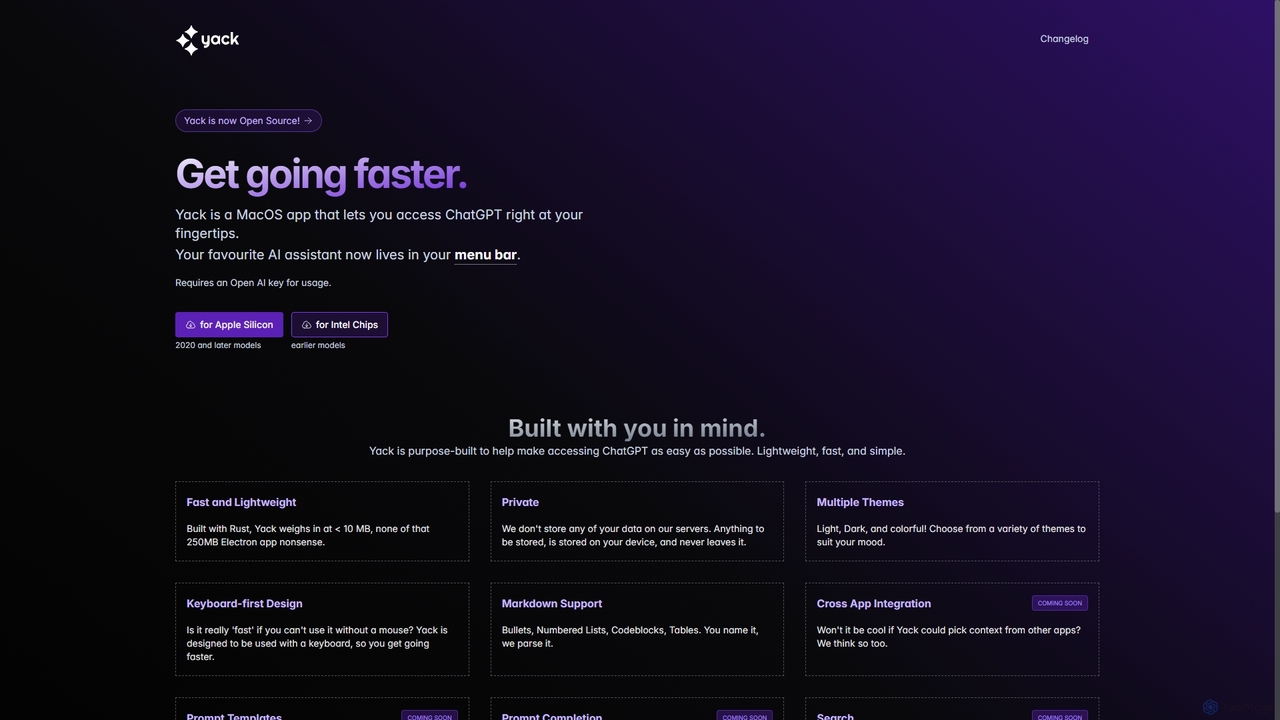
Yack is a purpose-built macOS application designed to make interacting with ChatGPT as seamless and efficient as possible. As a native app developed in Rust, Yack stands out for its incredible speed and minimal resource consumption, weighing in at less than 10MB. This makes it a stark contrast to heavier, Electron-based applications. It lives discreetly in your menu bar, providing immediate access to OpenAI's powerful language models with a simple click or keyboard shortcut.
Privacy is a cornerstone of Yack's philosophy. The application does not store any of your data on its servers. All conversations and your OpenAI API key are stored locally on your device, ensuring your information remains private and secure. This focus on local storage gives users complete control over their data.
The user experience is crafted for power users and anyone who values speed. Its keyboard-first design allows for rapid interaction without ever needing to reach for the mouse. Combined with full Markdown support, including tables, code blocks with syntax highlighting, and lists, Yack ensures that the AI's responses are not only useful but also well-formatted and easy to read.
How to use Yack
Getting started with Yack is straightforward:
- Download the appropriate version for your Mac (Apple Silicon or Intel) from the official website.
- Install the application and run it. The Yack icon will appear in your macOS menu bar.
- On the first launch, you'll be prompted to enter your OpenAI API key. You can manage this and other settings from the Settings page.
- Once configured, simply click the menu bar icon or use a global hotkey (if configured) to open the chat window.
- Type your prompt and press 'Enter' to send. Use 'Shift + Enter' to create a new line in your input.
- Navigate through your conversation history, search for past chats, and delete conversations using keyboard shortcuts like 'Cmd + Backspace'.
- Customize your experience by choosing from multiple themes, including Light, Dark, and Andromeda.
Core Features of Yack
- Menu Bar Access: Instantly access ChatGPT from anywhere in macOS without switching windows.
- Fast and Lightweight: Built with Rust for optimal performance and a tiny footprint (
- Privacy-Focused: All data, including API keys and chat history, is stored locally on your device.
- Keyboard-First Design: Optimized for keyboard shortcuts to speed up navigation, sending messages, and managing chats.
- Full Markdown Support: Renders lists, code blocks with syntax highlighting, tables, and more for clear, readable responses.
- Chat History and Search: Easily access and search through all your past conversations.
- Customizable Themes: Personalize the look and feel with Light, Dark, and other colorful themes.
- Open Source: The application is fully open-source, allowing for community contributions and full transparency.
- Window Management: The app window is draggable, resizable, and behaves like a standard app, allowing for side-by-side use.
Use Cases for Yack
Yack is a versatile tool for various professionals:
- Developers: Quickly debug code, generate boilerplate, understand complex algorithms, or write documentation without leaving their development environment.
- Writers and Content Creators: Brainstorm ideas, draft articles, overcome writer's block, rephrase sentences, and check grammar on the fly.
- Students and Researchers: Summarize long texts, explain complex concepts, translate languages, and get help with research questions instantly.
- Marketers and Managers: Draft emails, create social media posts, generate marketing copy, and analyze data trends with quick AI assistance.
Advantages of Yack
The primary advantage of Yack is its fusion of speed, privacy, and convenience. Unlike web-based interfaces, it eliminates the need to keep a browser tab open. Its native Rust build ensures it doesn't bog down your system. The commitment to local data storage is a critical feature for users handling sensitive information. Furthermore, being open-source provides an extra layer of trust and allows the community to contribute to its development. The keyboard-centric controls make it an exceptionally efficient tool for users who spend most of their day typing.
Pricing and Plans
Yack is a completely free and open-source application. There are no subscription fees or hidden costs to use the software itself. However, it requires you to use your own OpenAI API key. This means you are only billed by OpenAI for your actual usage of the GPT models, based on their pay-as-you-go pricing. This model provides maximum flexibility and ensures you only pay for what you use.
Traffic
Latest traffic
Status
Monthly traffic trend
- 2025-9: 745
- 2026-1: 1.6K
- 2026-2: 2.2K
- 2026-3: 5.2K
- 2026-4: 3.2K
- 2026-5: 2.2K
Geography
Top 5 countries / regions
- 🇵🇭Philippines48.6%
- 🇺🇸United States30.7%
- 🇨🇦Canada20.7%
Top keywords
| Keyword | Cost per click |
|---|---|
| yack | $0.00 |
Yack Alternatives
Shift
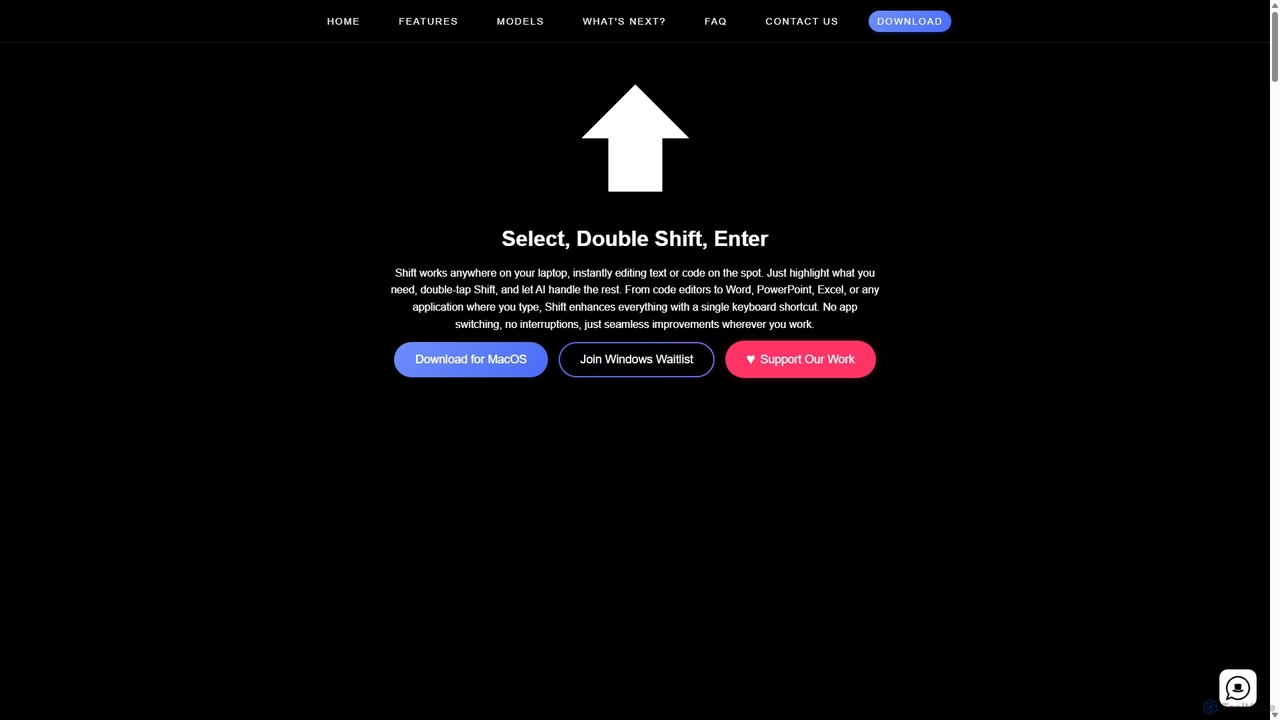
Shift is a system-wide AI assistant for macOS that enhances your workflow by allowing you to edit text and code anywhere with a simple keyboard shortcut. Just highlight text, double-tap Shift, and let the AI rewrite, debug, translate, or rephrase it instantly within any application.
Code Assistant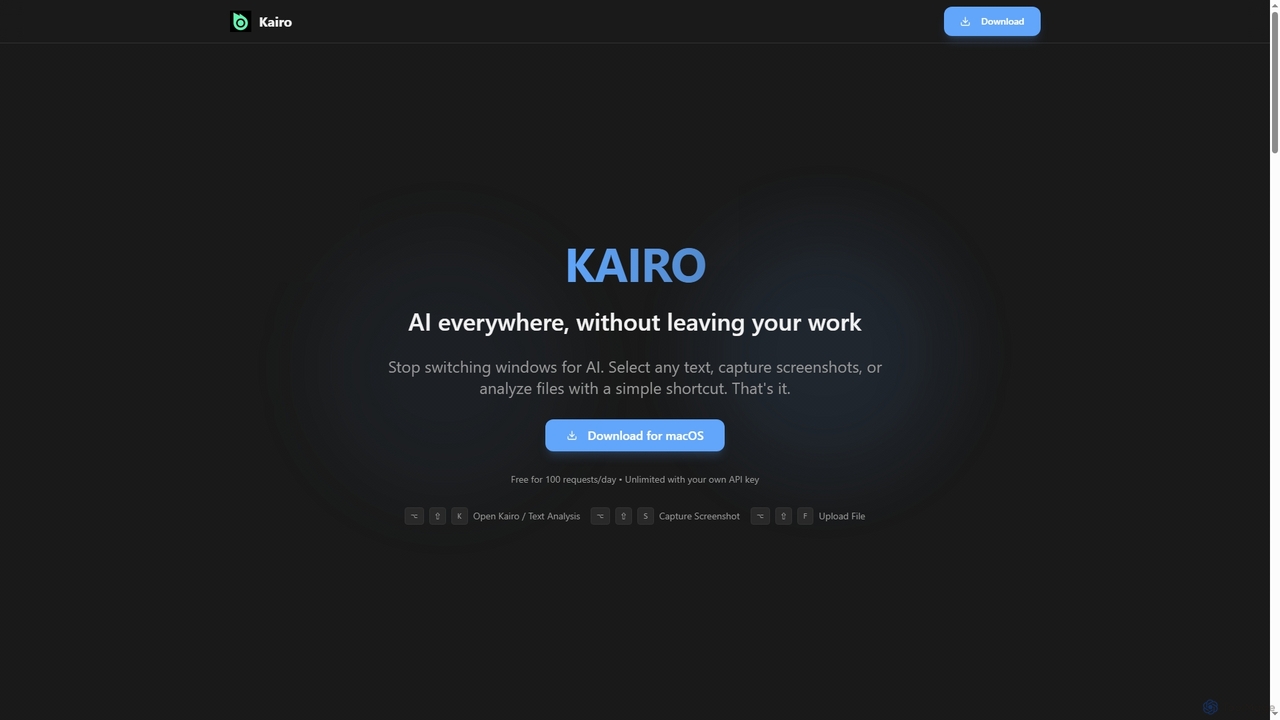
Kairo
Kairo is an AI-powered desktop assistant for macOS that integrates seamlessly into your workflow, eliminating the need to switch applications for AI tasks. It offers smart text transformation, visual analysis of screenshots, and deep analysis of files directly from any app using simple keyboard shortcuts.
Document Analysis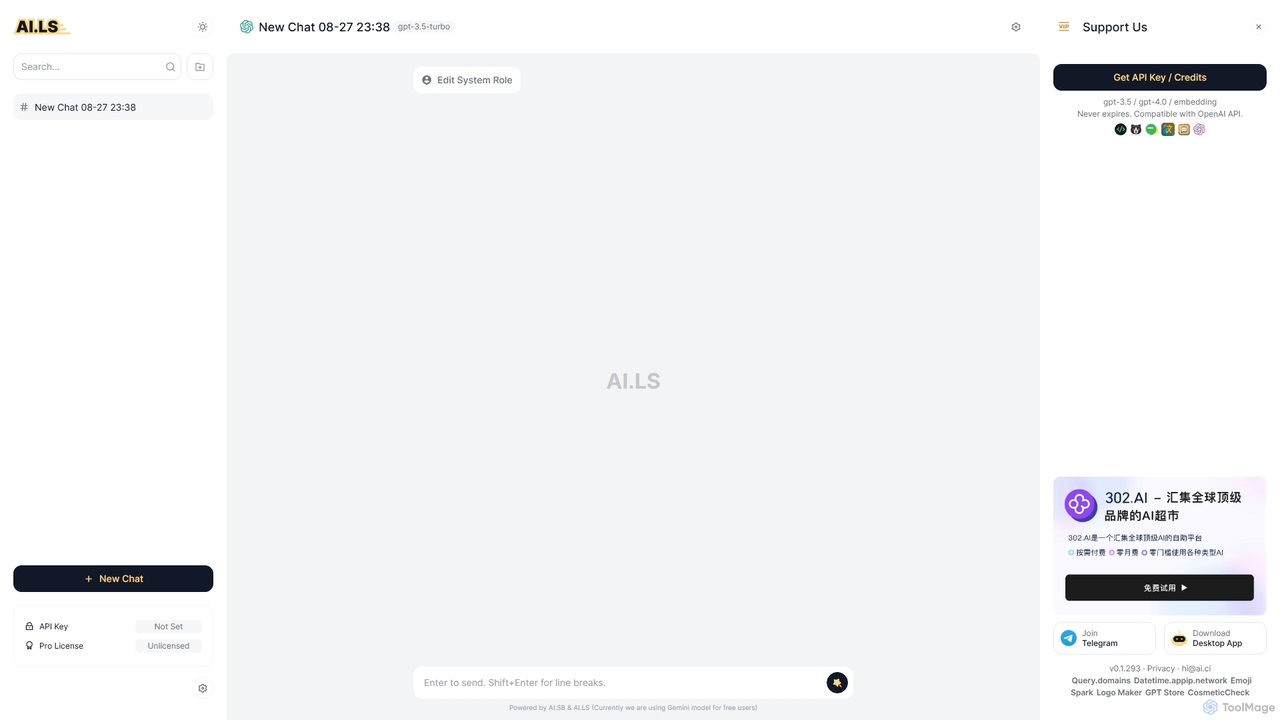
AI.LS
AI.LS is an elegant and powerful web-based user interface for interacting with advanced AI models like ChatGPT and Gemini. It serves as a superior alternative to standard chat interfaces, offering a free tier, advanced customization options, and support for using your own OpenAI API key for greater control and access.
Api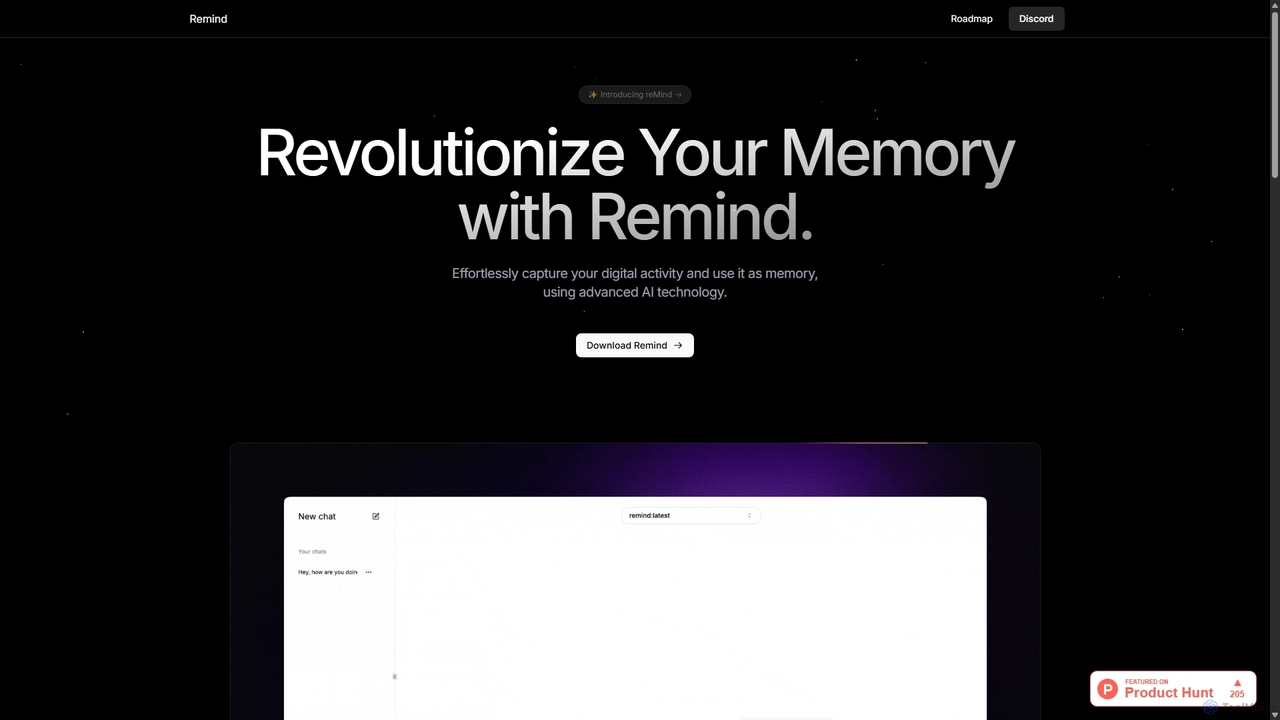
ReMind
reMind is an open-source, privacy-first AI tool that acts as your personal memory. It captures your digital activity locally, allowing you to search and recall anything you've seen or done on your computer using natural language. It runs entirely on your machine for maximum security.
Utilities
Thinkbuddy
Thinkbuddy is a native desktop AI client designed for fast, secure, and organized interaction with multiple AI models. It acts as a unified workspace, allowing you to switch between models like GPT-4o, Claude 3, and Llama 3, manage conversations in projects, and save prompts in a library for a streamlined workflow.
Code AssistantYack Categories
Yack Jobs
Yack Embed Widget
Copy this embed code to place the badge on your blog, article, or product site and send readers directly to this ToolMage detail page.

Related AI tools
Shift
Shift is a system-wide AI assistant for macOS that enhances your workflow by allowing you to edit text and code anywhere with a simple keyboard shortcut. Just highlight text, double-tap Shift, and let the AI rewrite, debug, translate, or rephrase it instantly within any application.
Code AssistantKairo
Kairo is an AI-powered desktop assistant for macOS that integrates seamlessly into your workflow, eliminating the need to switch applications for AI tasks. It offers smart text transformation, visual analysis of screenshots, and deep analysis of files directly from any app using simple keyboard shortcuts.
Document Analysis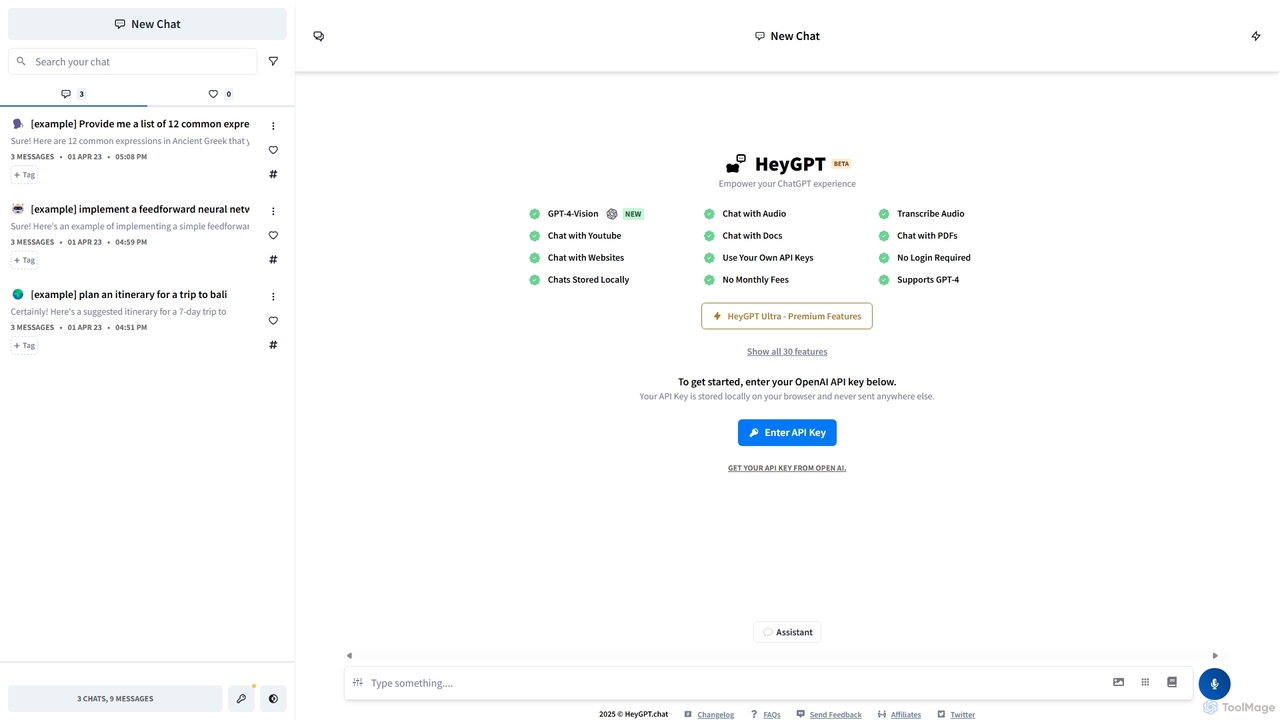
HeyGPT
HeyGPT is an advanced, privacy-focused web client for ChatGPT. It allows you to use your own OpenAI API key, keeping your conversations and data stored locally on your browser. It enhances the standard experience with features like chatting with PDFs, websites, YouTube videos, and audio files, all without requiring a login or a monthly subscription.
ApiReMind
reMind is an open-source, privacy-first AI tool that acts as your personal memory. It captures your digital activity locally, allowing you to search and recall anything you've seen or done on your computer using natural language. It runs entirely on your machine for maximum security.
Utilities
Iris
Iris is a seamless AI assistant for macOS, designed to integrate into your workflow. It provides instant access to top AI models like GPT-4o and Claude 3.5, allowing you to chat, capture your screen for context, and get answers without ever leaving your current application. With intuitive gestures and powerful shortcuts, Iris is there when you need it and invisible when you don't.
Coding Assistant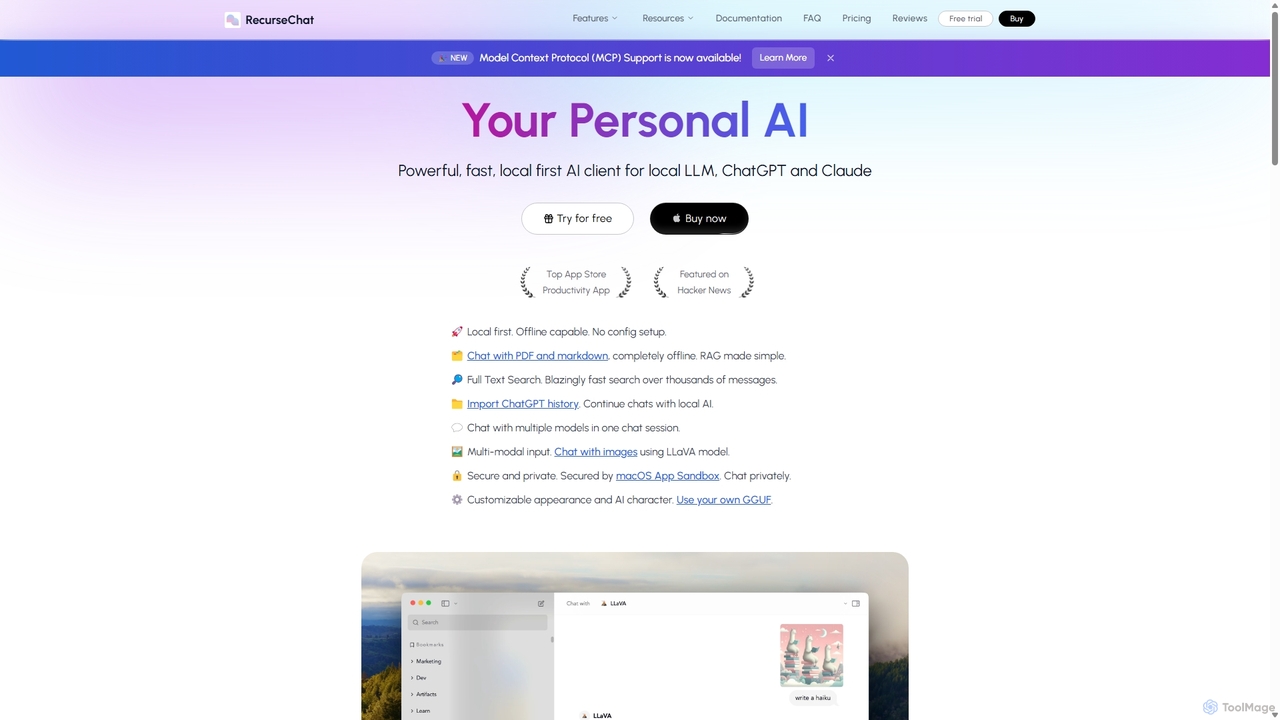
RecurseChat
RecurseChat is a powerful, privacy-focused AI client for macOS. It operates local-first, allowing you to chat with local LLMs, ChatGPT, and Claude, even offline. Interact with your PDFs and documents securely on your device using RAG technology. It features multi-modal input, full-text search, and extensive customization without requiring a subscription.
Llm Clients
Side Space
Side Space is a powerful AI assistant that integrates seamlessly into your desktop workflow. It operates from a convenient sidebar, providing instant access to AI-powered tools for writing, coding, and general productivity without ever leaving your current application. Enhance your efficiency with contextual actions on selected text and customizable commands.
Code AssistantAI.LS
AI.LS is an elegant and powerful web-based user interface for interacting with advanced AI models like ChatGPT and Gemini. It serves as a superior alternative to standard chat interfaces, offering a free tier, advanced customization options, and support for using your own OpenAI API key for greater control and access.
ApiThinkbuddy
Thinkbuddy is a native desktop AI client designed for fast, secure, and organized interaction with multiple AI models. It acts as a unified workspace, allowing you to switch between models like GPT-4o, Claude 3, and Llama 3, manage conversations in projects, and save prompts in a library for a streamlined workflow.
Code Assistant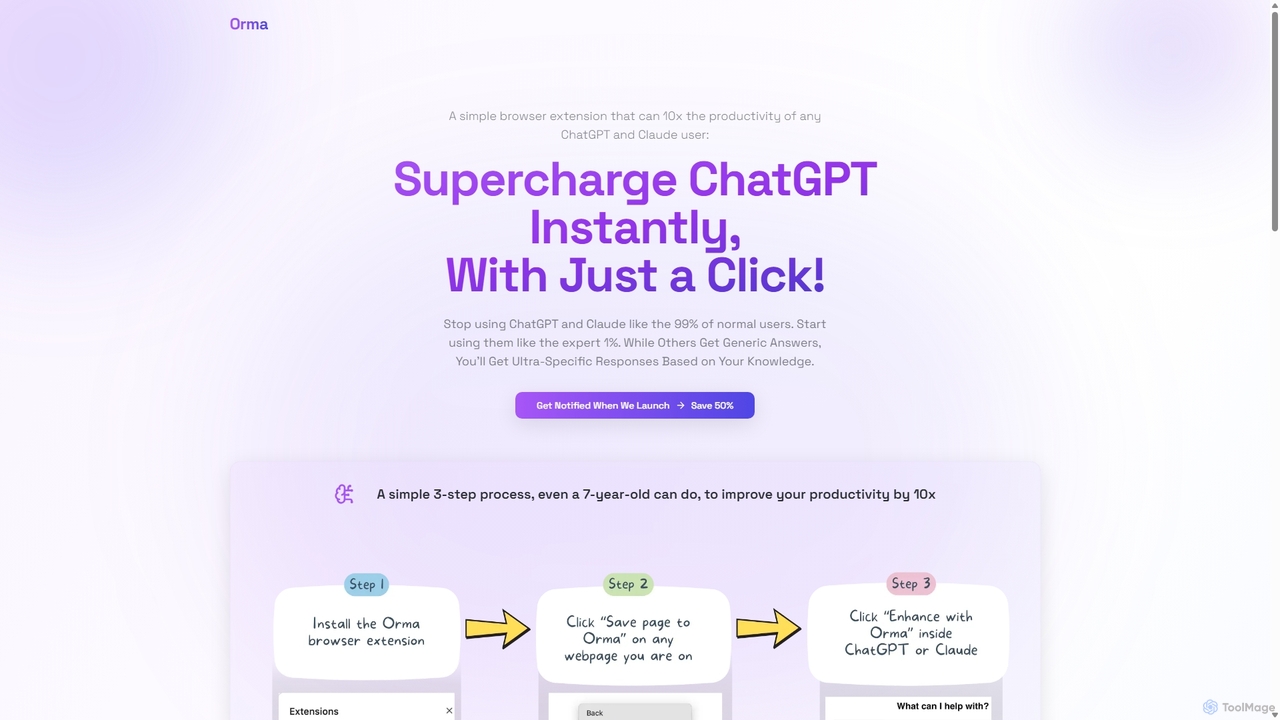
Orma
Orma is a browser extension that transforms your web browsing into a personal knowledge base, or 'digital memory layer'. It allows you to intelligently capture web content and seamlessly integrate it with AI models like ChatGPT and Claude. This turns generic AI responses into highly specific, personalized insights based on your own curated knowledge, boosting productivity by up to 10x.
Search Tools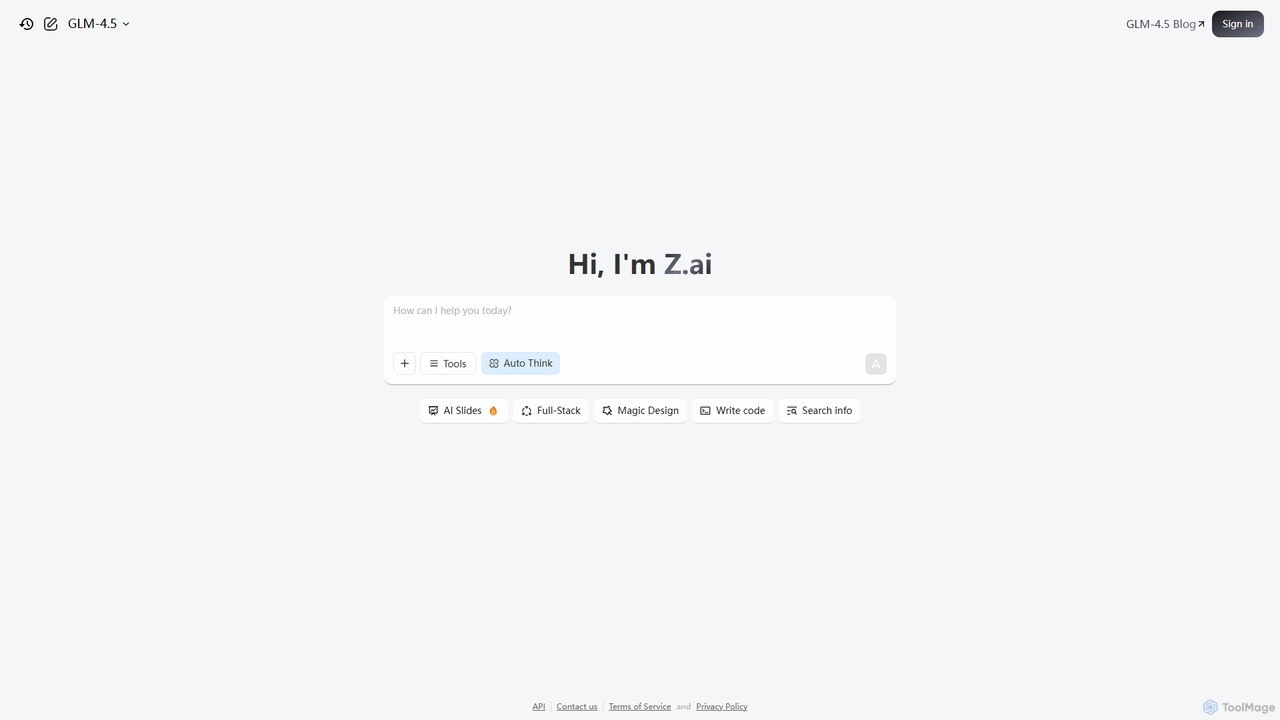
Z.ai
Z.ai is a powerful, free AI assistant powered by the advanced GLM-4.5 model. It's more than just a chatbot, offering a suite of integrated tools for coding, creating presentations, designing, and conducting research. Z.ai aims to be an all-in-one productivity platform, streamlining complex tasks through a simple conversational interface.
Code Assistant
Raycast
Raycast is a blazingly fast, extensible launcher for macOS that supercharges your productivity. It acts as a central command bar to control your tools, with integrated AI, an extensive extension store, and powerful built-in features like window management and clipboard history. It's designed to reduce context switching and keep you in the flow.
Personal Assistant
RewriteBar
RewriteBar is a native macOS menu bar app that acts as your personal AI writing assistant. It works seamlessly across all applications, allowing you to instantly correct grammar, change tone, translate text, summarize content, and more with a simple keyboard shortcut. It supports over 12 AI providers, including local models for ultimate privacy, offering a powerful and flexible writing enhancement experience.
Code Assistant
Omnipilot
Omnipilot is a system-wide AI copilot for macOS, designed to integrate seamlessly into any application. It provides contextual assistance, allowing you to generate text, write code, and automate tasks in any text field, boosting productivity by eliminating the need to switch between apps. Note: Omnipilot has been acquired by and merged into Highlight AI.
Coding Assistant
Google Gemini
Google Gemini is a powerful, multimodal AI assistant designed to enhance creativity and productivity. It can understand and process text, code, images, and video to help you write, plan, learn, and create. Integrated with Google's ecosystem, it offers features like advanced content generation, deep research, and seamless collaboration within Google apps.
Image Generator
Yack Comments (0)
Sign in to comment.
Sign inNo comments yet.