

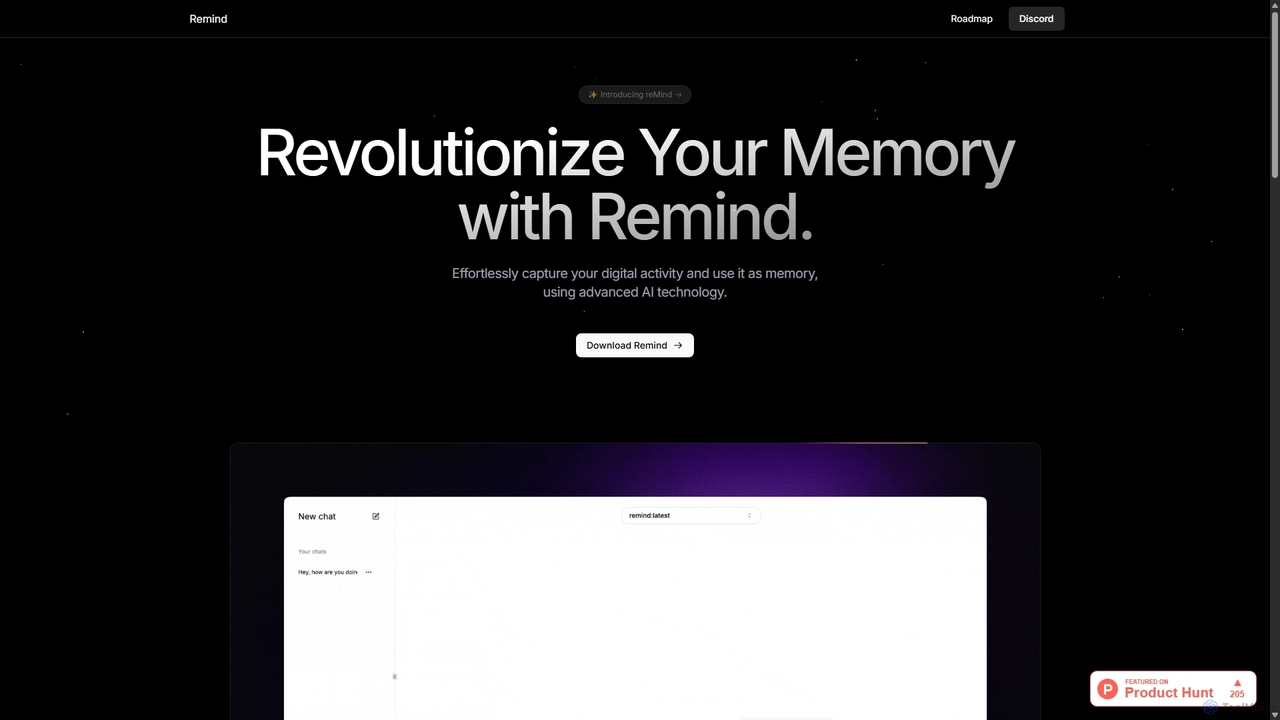
ReMind Overview
reMind is a revolutionary open-source application designed to give you a perfect memory of your digital life. In an era of information overload, reMind acts as a personal assistant, securely and privately capturing your on-screen activity. This creates a searchable, intelligent archive of everything you've seen and done on your computer. Unlike cloud-based alternatives, reMind prioritizes your privacy by processing and storing all data locally on your machine, ensuring that your sensitive information never leaves your control.
The tool leverages the power of local Large Language Models (LLMs) through platforms like Ollama. This means you can interact with your own history using simple, conversational questions. Whether you're trying to find a website you visited weeks ago, a specific line of code from a tutorial, or a detail from a past conversation, reMind allows you to query your past effortlessly. It's an empowering tool for anyone who wants to boost their productivity and offload the mental burden of remembering every digital interaction.
How to use reMind
Getting started with reMind is straightforward, especially for those familiar with local AI setups. The process is designed to give you full control over your data and the AI models you use:
- Install a Local LLM Runner: First, download and set up Ollama or a similar platform that allows you to run LLMs locally on your computer.
- Choose and Download an LLM: Select a multimodal LLM that fits your needs and hardware capabilities (e.g., Llama 3, Phi-3-vision). Download it through Ollama.
- Download reMind: Get the latest version of the reMind application from its official website or GitHub repository.
- Run and Configure: Launch reMind. It will run in the background, passively capturing your screen activity. You may need to point it to your local LLM endpoint during initial setup.
- Search Your Memory: Once it has captured some data, you can open the reMind interface and ask questions in natural language, such as "Show me the presentation I was working on yesterday afternoon" or "Find the article about AI ethics I read last week."
Core Features of reMind
- Local-First Data Capture: Automatically records your screen activity, including text and images, and stores it securely on your local device.
- Privacy by Design: No data is ever sent to the cloud. All processing and storage happen on your machine, guaranteeing complete privacy.
- Natural Language Search: Use conversational queries to find information from your past digital activities, just like asking a person.
- Open-Source and Customizable: The entire codebase is available on GitHub, allowing for full transparency, customization, and community contributions. You can tailor it to your specific workflow.
- LLM Flexibility: Integrates with local LLM runners like Ollama, giving you the freedom to choose the AI model that works best for you.
- Timeline View (Conceptual): Easily scroll back through a visual timeline of your activity to pinpoint specific moments in time.
Use Cases for reMind
reMind is a versatile tool for a wide range of professionals and individuals:
- Software Developers: Quickly find solutions, error messages, or code snippets from documentation or forums they've previously visited.
- Researchers and Students: Effortlessly recall information from academic papers, articles, and online resources without meticulous bookmarking.
- Writers and Content Creators: Locate sources, statistics, or inspirational content they've encountered during their research phase.
- Project Managers: Remember details from meeting notes, emails, or project management tools to keep track of decisions and progress.
- General Users: Find anything from a recipe viewed months ago to a specific message in a chat application, enhancing day-to-day digital life.
Advantages of reMind
The primary advantage of reMind is its commitment to user privacy and control. By operating entirely locally, it eliminates the risks associated with cloud-based services. Being open-source, it offers unparalleled transparency and customizability. It's also completely free, removing the barrier of subscription fees and making powerful AI memory enhancement accessible to everyone. This approach fosters a community of users and developers who can collectively improve and adapt the tool.
Pricing and Plans
reMind is 100% free and open-source. There are no subscription fees, hidden costs, or premium tiers. Users can download, use, and modify the software without any charge. The only associated cost is the user's own hardware required to run the application and the local LLMs effectively.
Traffic
Latest traffic
Status
Monthly traffic trend
- 2025-9: 868
- 2026-1: 1.1K
- 2026-2: 726
- 2026-3: 242
- 2026-4: 446
- 2026-5: 2.1K
Geography
Top 5 countries / regions
- 🇺🇸United States65.6%
- 🇮🇳India34.4%
Top keywords
| Keyword | Cost per click |
|---|---|
| memories ai | $3.79 |
| recall ai | $1.78 |
| remind | $0.77 |
| remind ai | $0.00 |
| remind it | $0.77 |
ReMind Alternatives
AnythingLLM
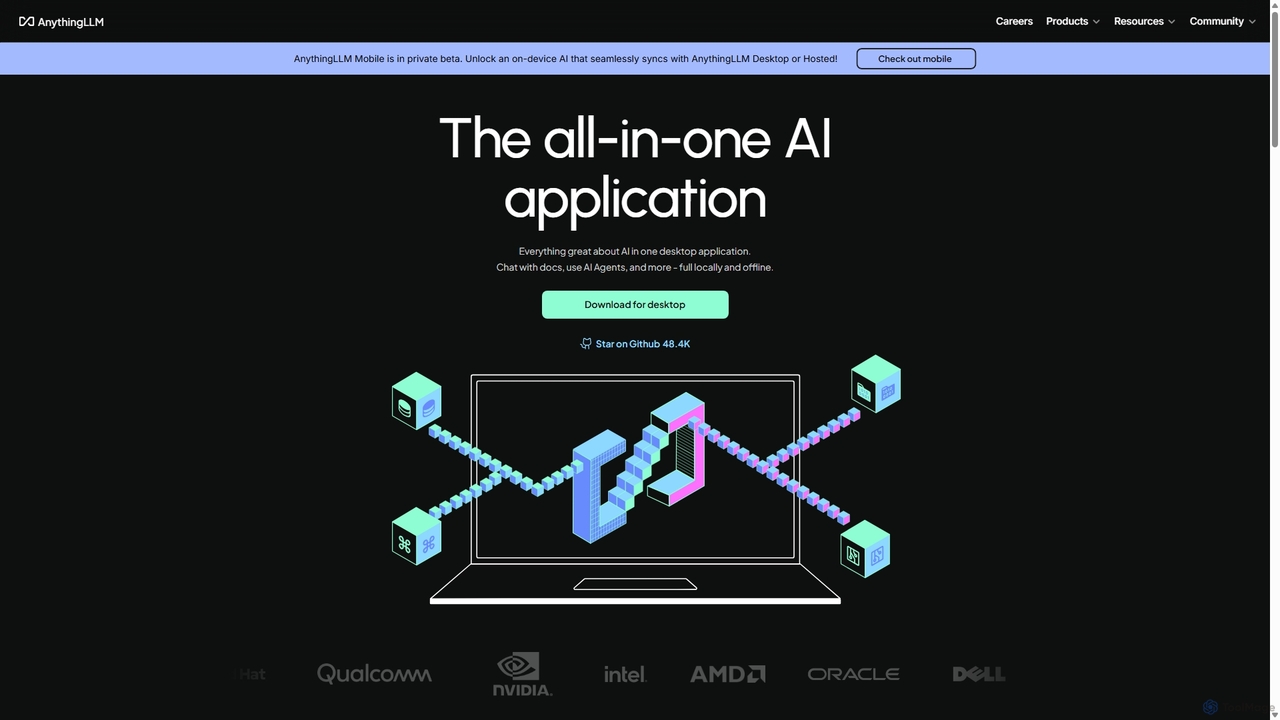
AnythingLLM is an open-source, all-in-one AI application that runs locally on your desktop or can be self-hosted. It allows you to create a private knowledge base from any document, chat with your data, and utilize powerful AI agents while ensuring complete data privacy and control.
Document Management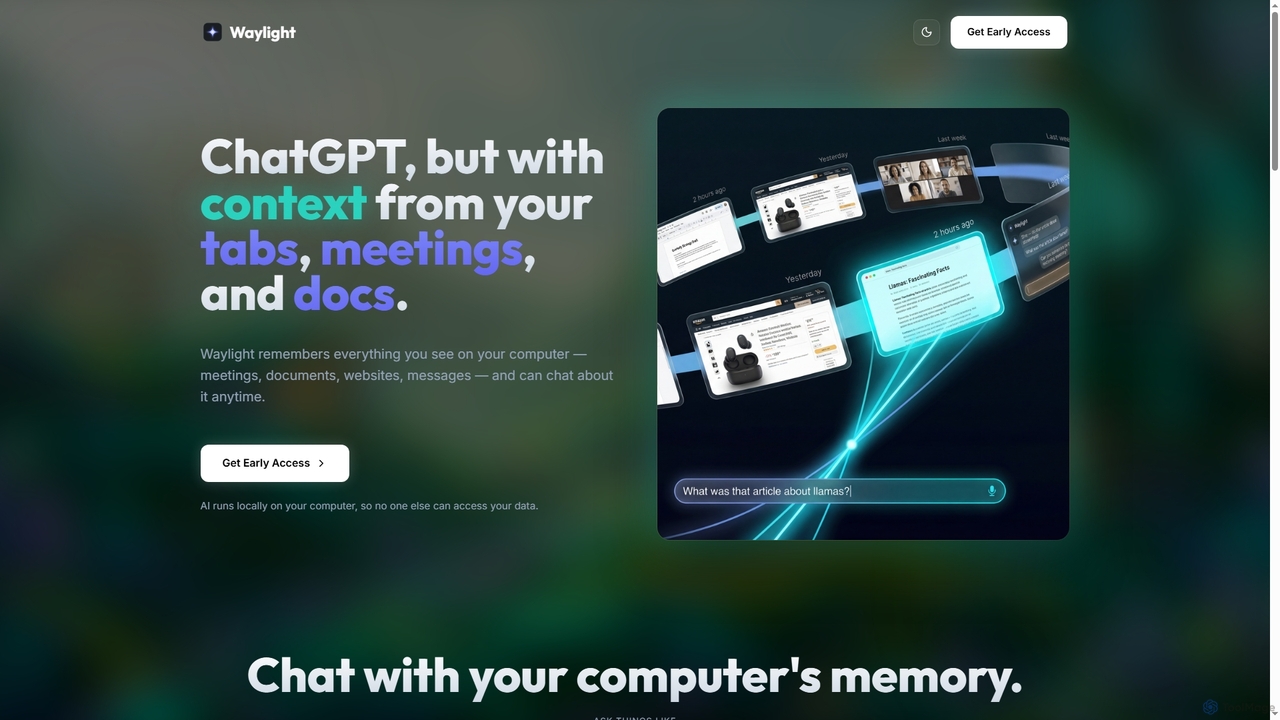
Waylight
Waylight is a privacy-first AI assistant that runs locally on your computer. It remembers everything you see—meetings, documents, and websites—creating a searchable memory you can chat with, without ever uploading your data to the cloud.
Desktop Assistant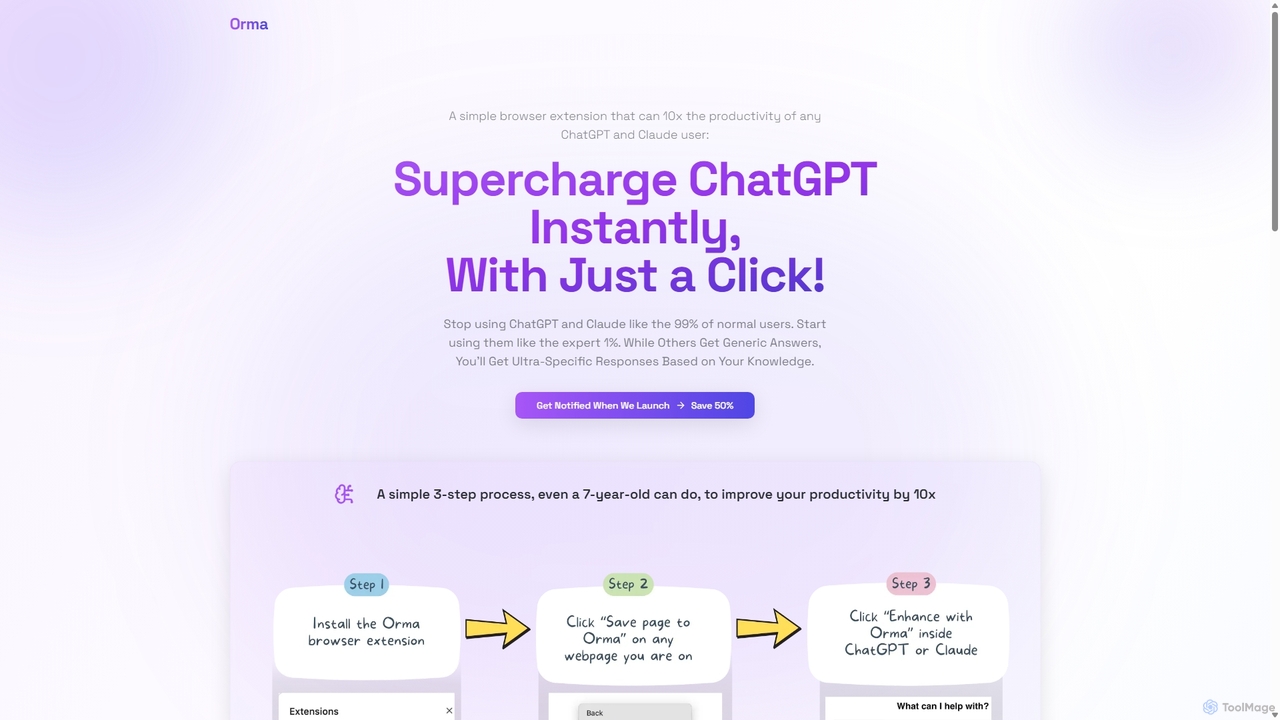
Orma
Orma is a browser extension that transforms your web browsing into a personal knowledge base, or 'digital memory layer'. It allows you to intelligently capture web content and seamlessly integrate it with AI models like ChatGPT and Claude. This turns generic AI responses into highly specific, personalized insights based on your own curated knowledge, boosting productivity by up to 10x.
Search Tools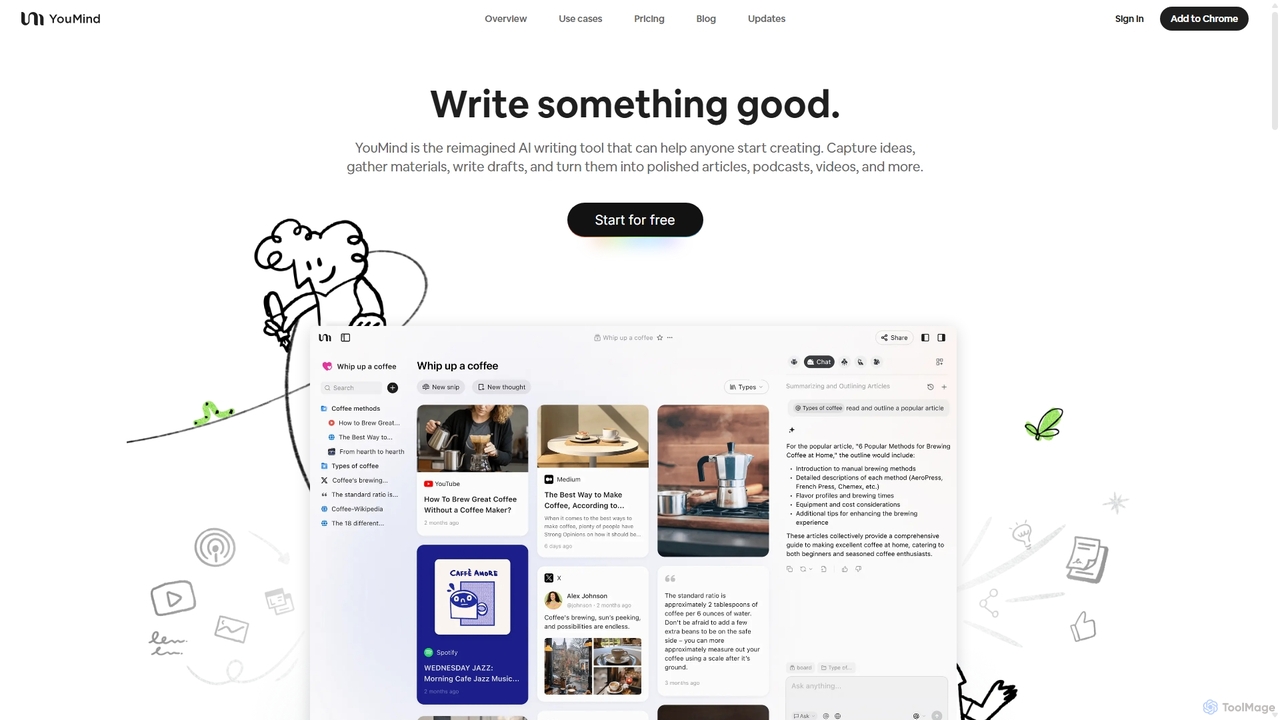
YouMind
YouMind is an AI-powered creation studio designed to streamline the entire content creation workflow. It integrates material collection from various sources like YouTube, podcasts, and articles into a unified workspace. Users can research, organize, and collaborate with top AI models to transform their ideas into polished articles, videos, and more, all within a single, project-based environment.
Knowledge Management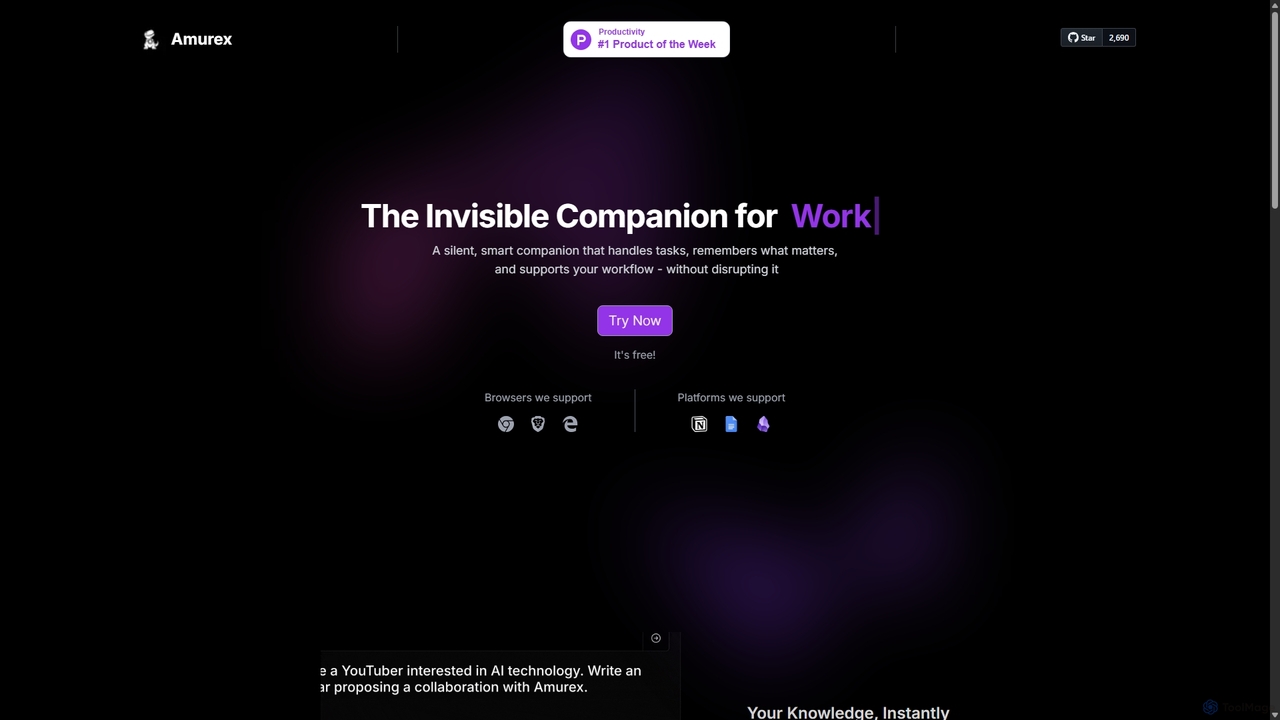
Amurex
Amurex is an open-source AI invisible companion that works silently in the background to streamline your workflow. It integrates with your existing apps like Notion, Google Drive, and Obsidian to create a searchable knowledge base, automates meeting transcriptions and summaries, and intelligently categorizes your inbox.
AutomationReMind Categories
ReMind Jobs
ReMind Embed Widget
Copy this embed code to place the badge on your blog, article, or product site and send readers directly to this ToolMage detail page.

Related AI tools
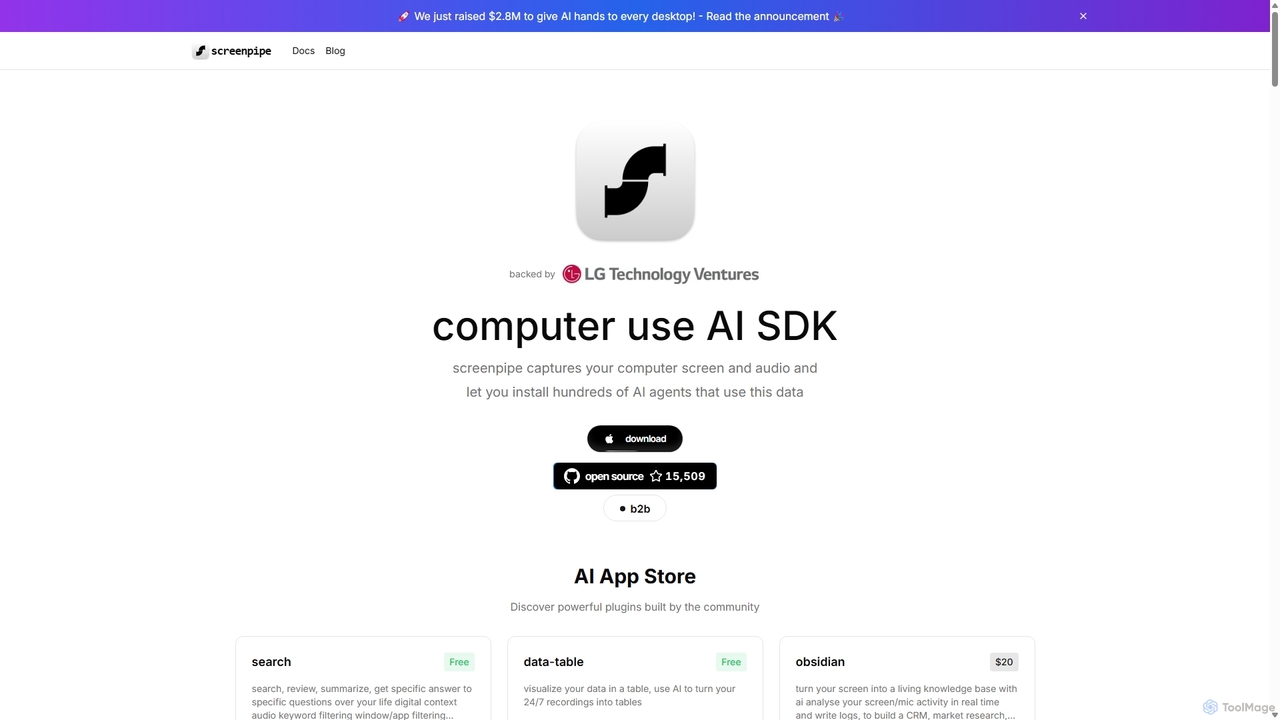
Screenpipe
Screenpipe is an open-source AI SDK that captures your computer's screen and audio 24/7, creating a local, private digital memory. It powers a rich ecosystem of AI agents that can search, summarize, and automate tasks based on your complete digital context, turning your computer usage into a powerful, personalized AI.
Personal Data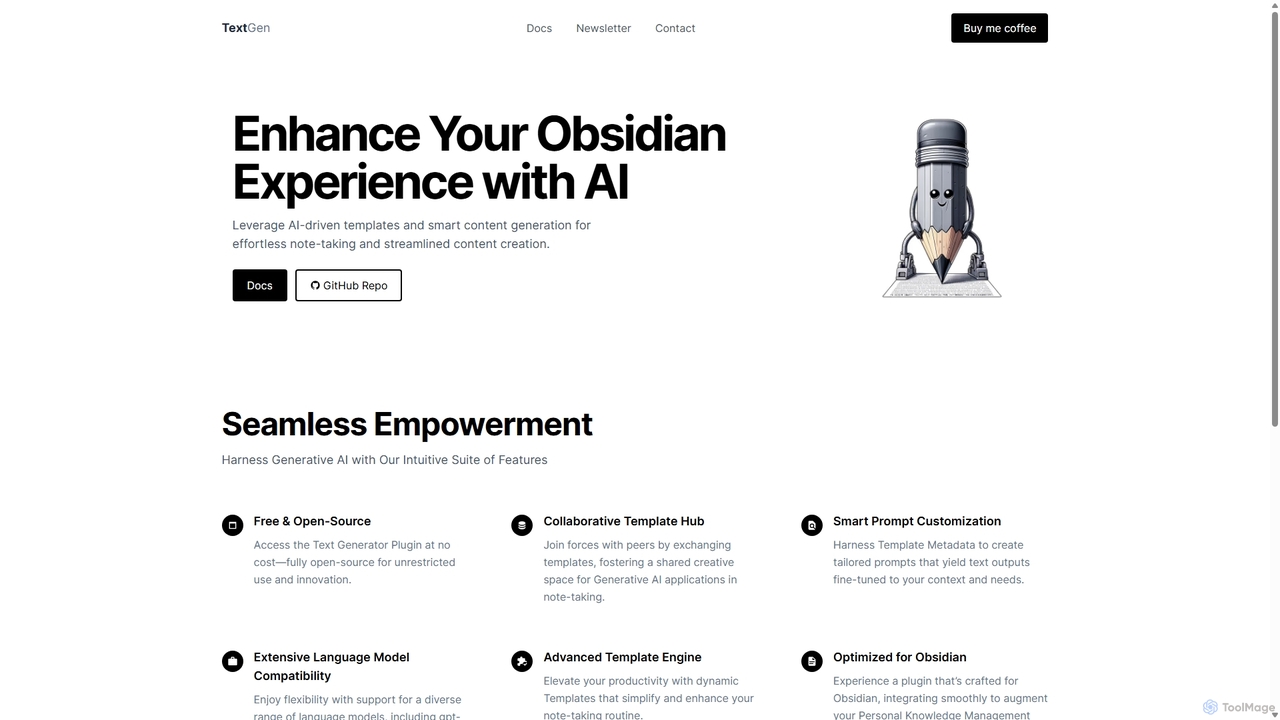
TextGen
TextGen is a free, open-source AI plugin for Obsidian that supercharges your note-taking and content creation. It integrates seamlessly with various large language models like GPT-4, Claude, and Llama, allowing you to generate, summarize, and transform text using customizable templates directly within your knowledge base.
Code Assistant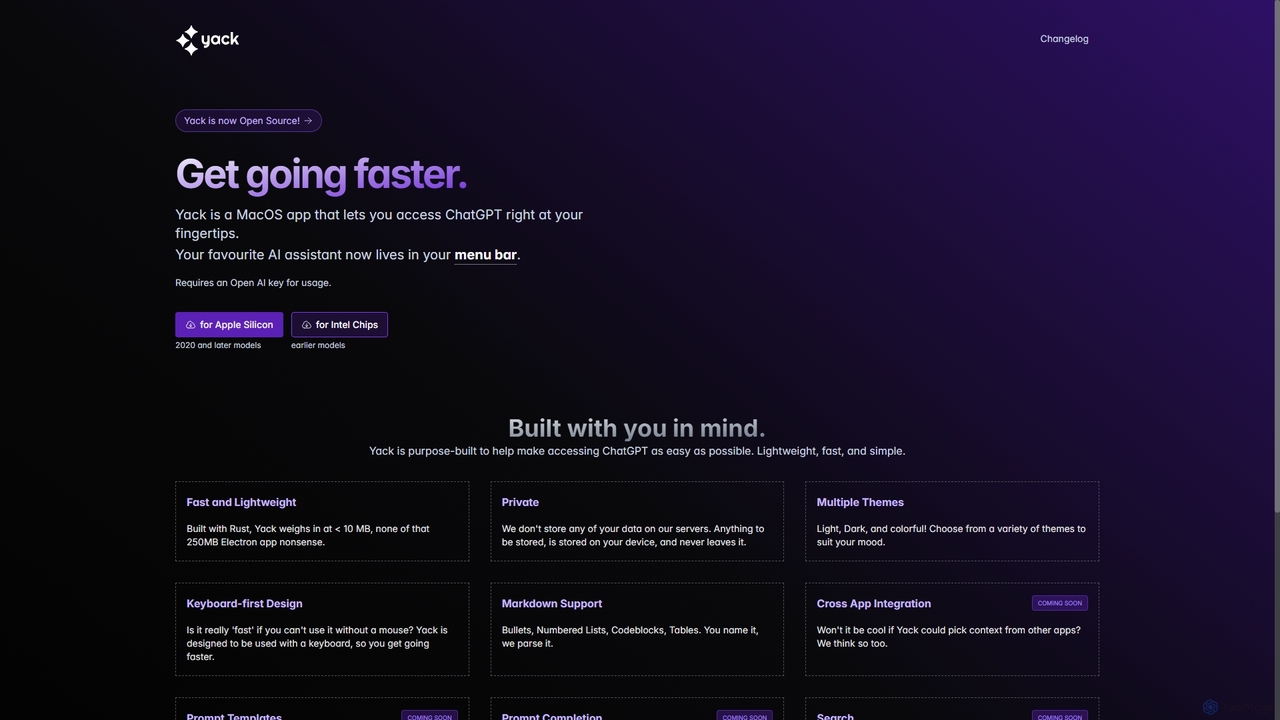
Yack
Yack is a lightweight, fast, and private open-source native macOS application that provides instant access to ChatGPT directly from your menu bar. Built with Rust, it's designed for efficiency with a keyboard-first approach, ensuring you can interact with AI without disrupting your workflow.
Api ClientWaylight
Waylight is a privacy-first AI assistant that runs locally on your computer. It remembers everything you see—meetings, documents, and websites—creating a searchable memory you can chat with, without ever uploading your data to the cloud.
Desktop AssistantAnythingLLM
AnythingLLM is an open-source, all-in-one AI application that runs locally on your desktop or can be self-hosted. It allows you to create a private knowledge base from any document, chat with your data, and utilize powerful AI agents while ensuring complete data privacy and control.
Document ManagementOrma
Orma is a browser extension that transforms your web browsing into a personal knowledge base, or 'digital memory layer'. It allows you to intelligently capture web content and seamlessly integrate it with AI models like ChatGPT and Claude. This turns generic AI responses into highly specific, personalized insights based on your own curated knowledge, boosting productivity by up to 10x.
Search Tools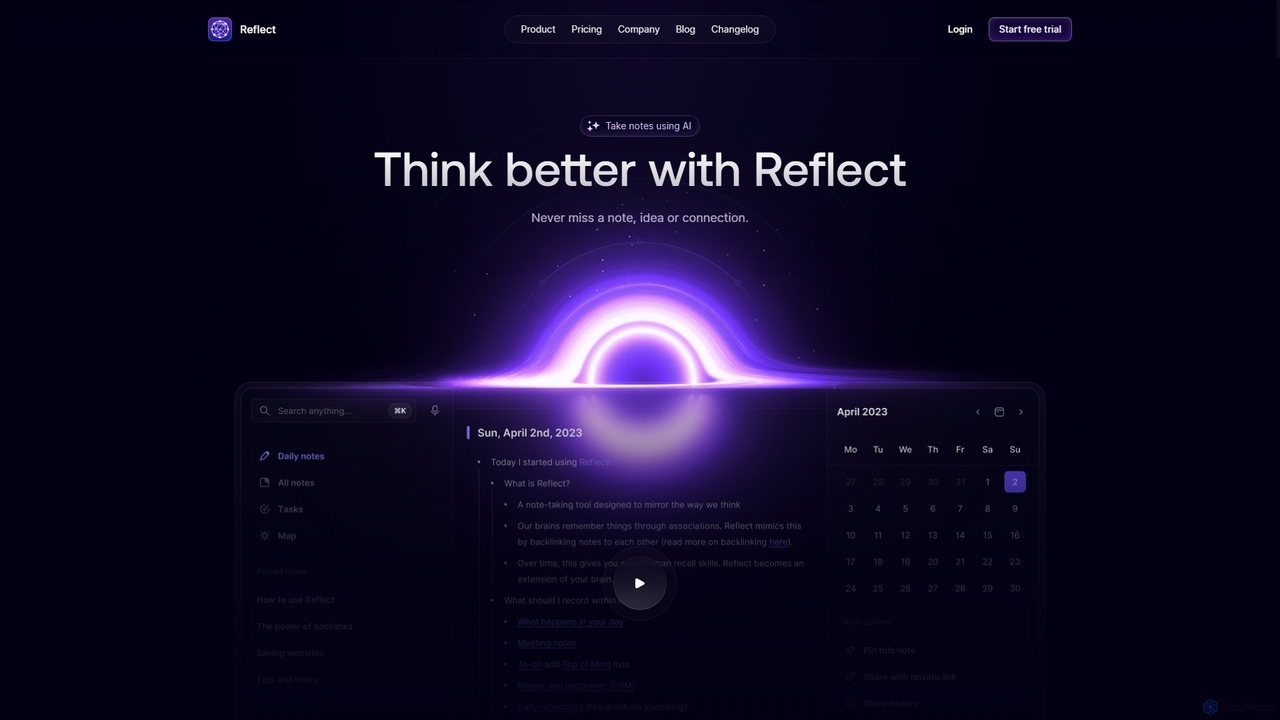
Reflect
Reflect is an AI-powered, networked note-taking app designed to help you think better. It acts as a 'second brain' by connecting your notes through backlinks, creating a graph of your ideas. With features like AI-driven transcription, summarization, end-to-end encryption, and seamless cross-device sync, it's built for speed, security, and frictionless thought capture.
Personal Assistant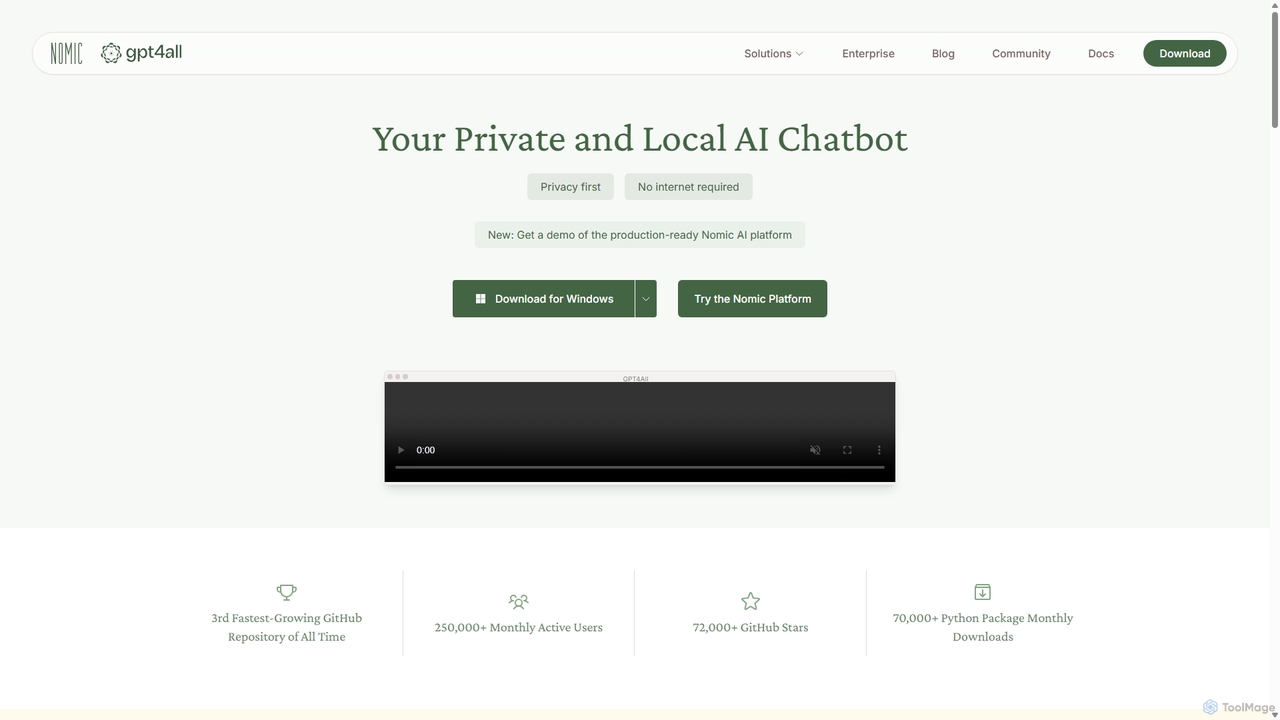
GPT4All
GPT4All is a free, open-source, and privacy-focused AI chatbot that runs powerful language models locally on your desktop. It works offline, ensuring your data never leaves your device, and allows you to chat with your own documents securely.
Machine LearningAmurex
Amurex is an open-source AI invisible companion that works silently in the background to streamline your workflow. It integrates with your existing apps like Notion, Google Drive, and Obsidian to create a searchable knowledge base, automates meeting transcriptions and summaries, and intelligently categorizes your inbox.
Automation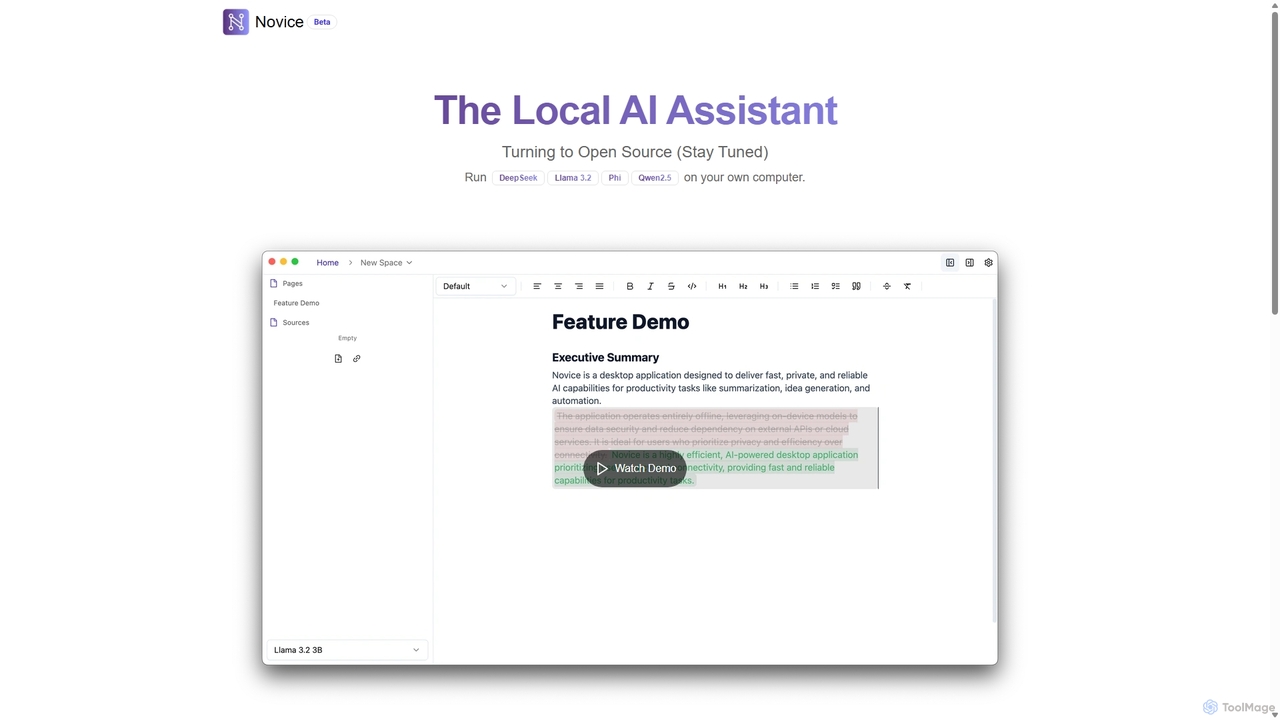
Novice
Novice is a local-first AI assistant that runs powerful language models like Llama 3.2 and Phi directly on your computer. It transforms your documents into a private, offline knowledge base, allowing you to analyze, summarize, and query information with complete data privacy. Every answer is backed by clear citations from your sources, ensuring accuracy and trust.
Local AiYouMind
YouMind is an AI-powered creation studio designed to streamline the entire content creation workflow. It integrates material collection from various sources like YouTube, podcasts, and articles into a unified workspace. Users can research, organize, and collaborate with top AI models to transform their ideas into polished articles, videos, and more, all within a single, project-based environment.
Knowledge Management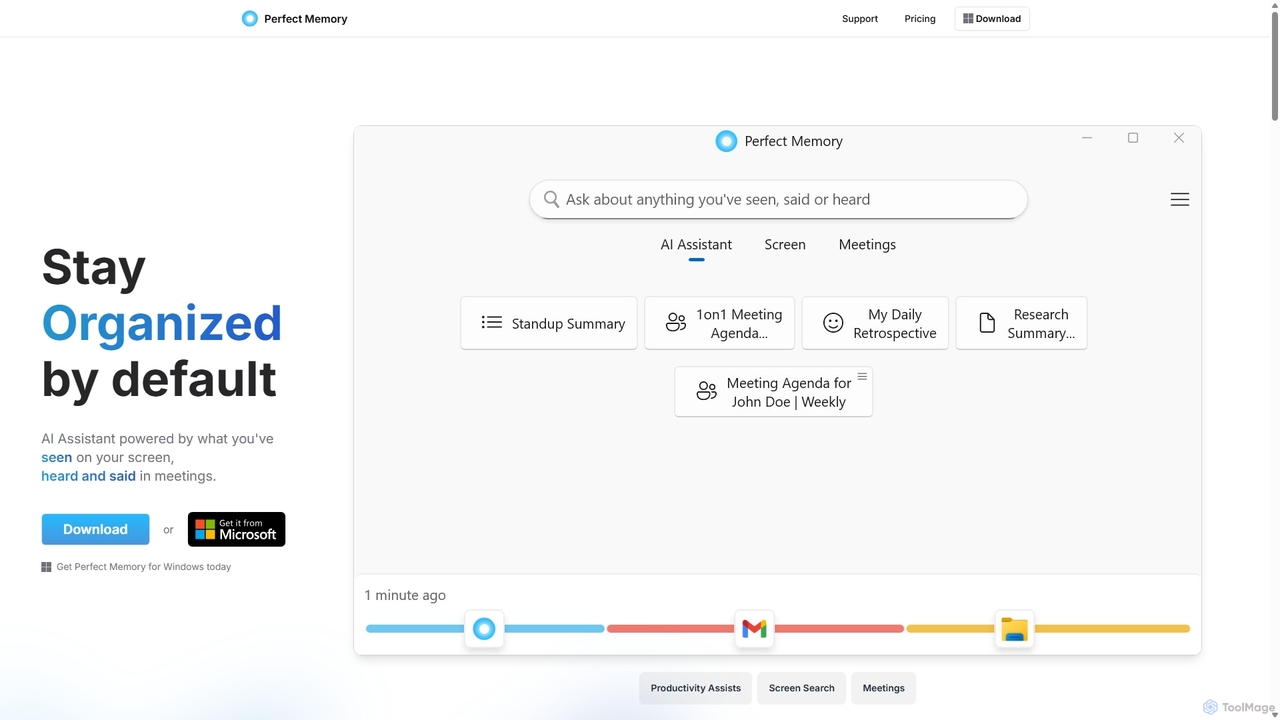
Perfect Memory AI
Perfect Memory AI is a privacy-focused productivity assistant that acts as your second brain. It records your screen activity and meetings, making everything you've seen or heard fully searchable. With a powerful AI assistant, it helps you recall information, summarize research, and prepare for meetings, all while keeping your data securely on your local device.
Local Processing
Bookmark
Bookmark is an AI-powered knowledge management platform that helps you save, organize, and rediscover digital content. It uses AI to automatically summarize articles, tag content, and enable powerful semantic search, transforming your collection of links into a personal knowledge base or a collaborative team hub.
Study Tools
Memoriq
Memoriq is a private, encrypted memory vault for AI conversations. It saves and organizes chats from platforms like ChatGPT, Claude, and Gemini into a searchable archive under your control.
Open Source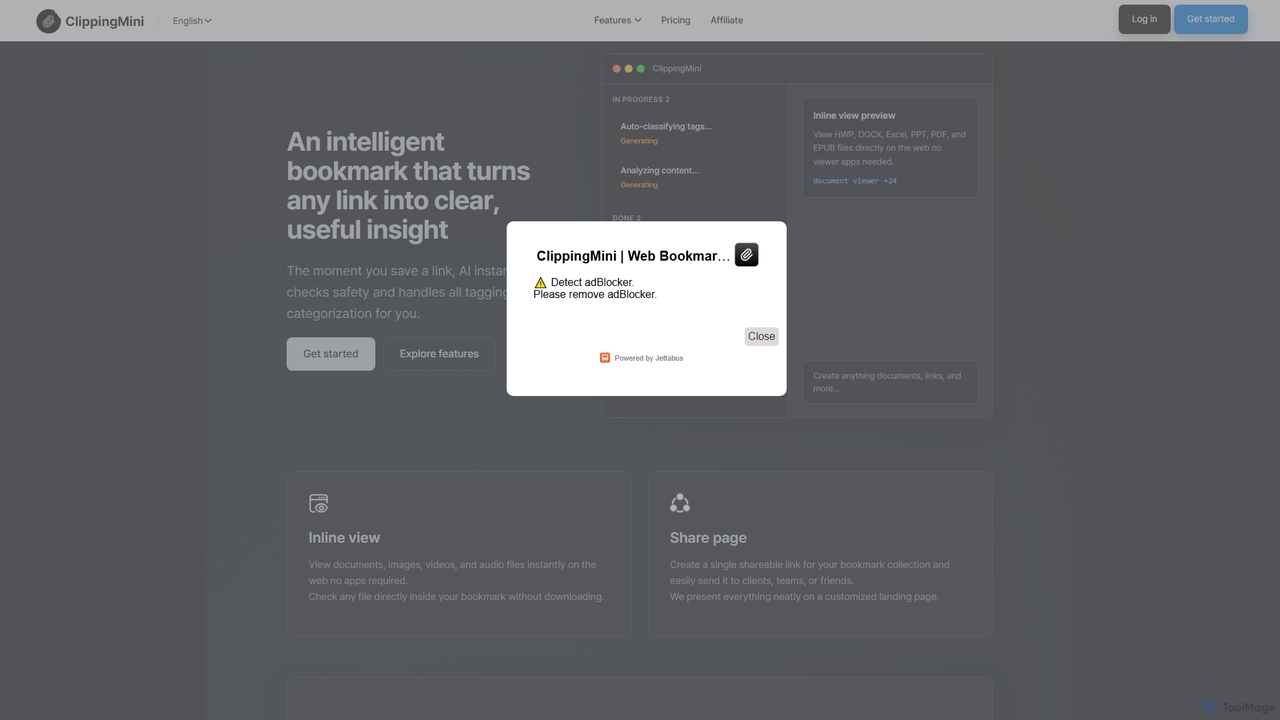
ClippingMini
ClippingMini is an intelligent bookmark manager that uses AI to automatically organize links into a searchable knowledge base. It instantly checks safety, adds tags, categorizes content, and allows inline previews of various file types without downloads.
Information Curation
ReMind Comments (0)
Sign in to comment.
Sign inNo comments yet.