ToolMage
Sign in

Best 8 Utilities AI tools for Developer Tools

Popular Utilities AI tools in Developer Tools include Prepostseo, ChatGPT Auto Refresh, AI Parabellum, Mighil, Split Prompt, ReMind, Smart Tools AI, and GPT Splitter, helping you work more efficiently.

ReMind
Free

ReMind

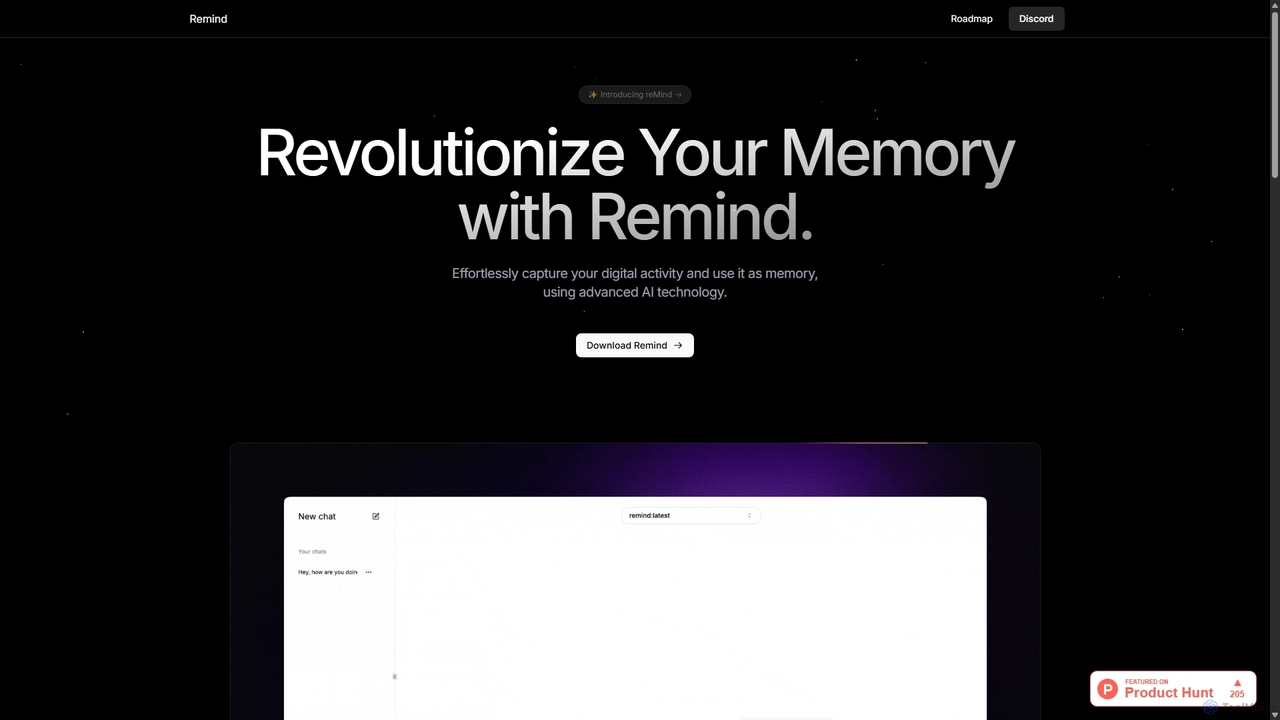
reMind is an open-source, privacy-first AI tool that acts as your personal memory. It captures your digital activity locally, allowing you to search and recall anything you've seen or done on your computer using natural language. It runs entirely on your machine for maximum security.

Utilities
Visits 5.5KFavorites 96Likes 91
Split Prompt
Free

Split Prompt

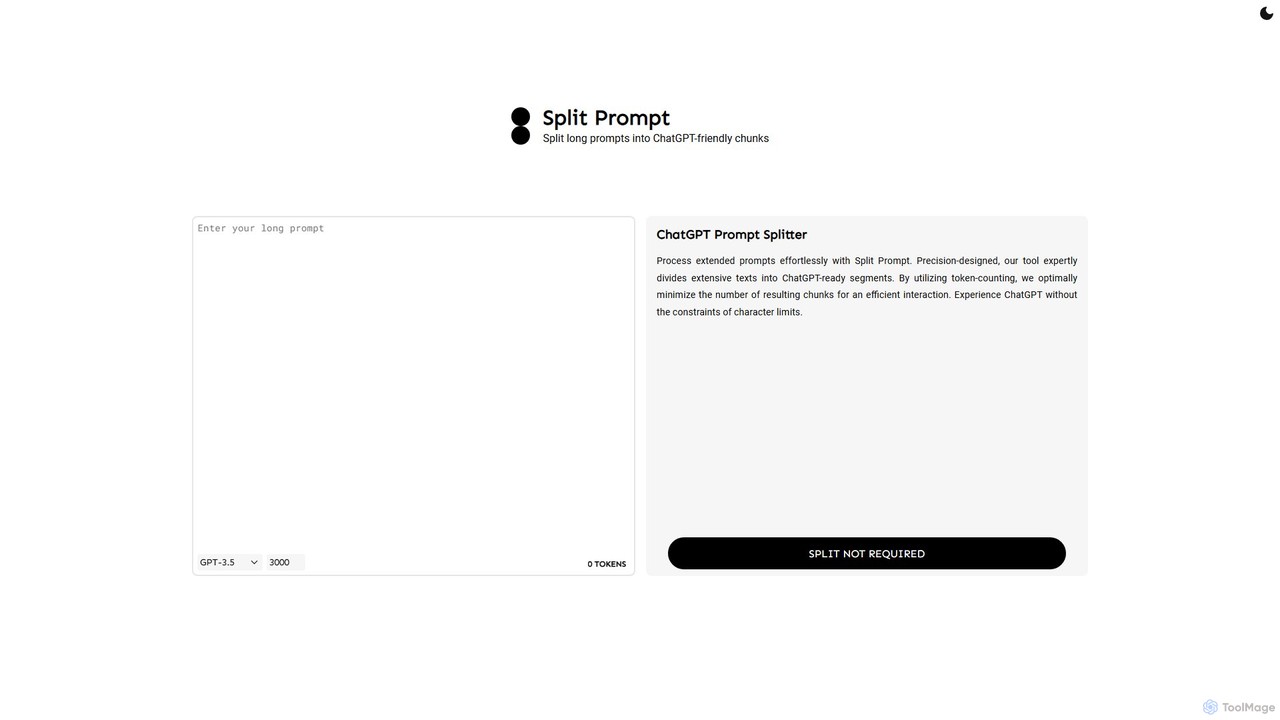
A free web tool that intelligently splits long text or prompts into smaller, manageable chunks optimized for ChatGPT and other LLMs. It uses token-counting to bypass character limits, ensuring efficient and seamless interaction with AI models.

Utilities
Visits 5.7KFavorites 129Likes 137
ChatGPT Auto Refresh
Free

ChatGPT Auto Refresh

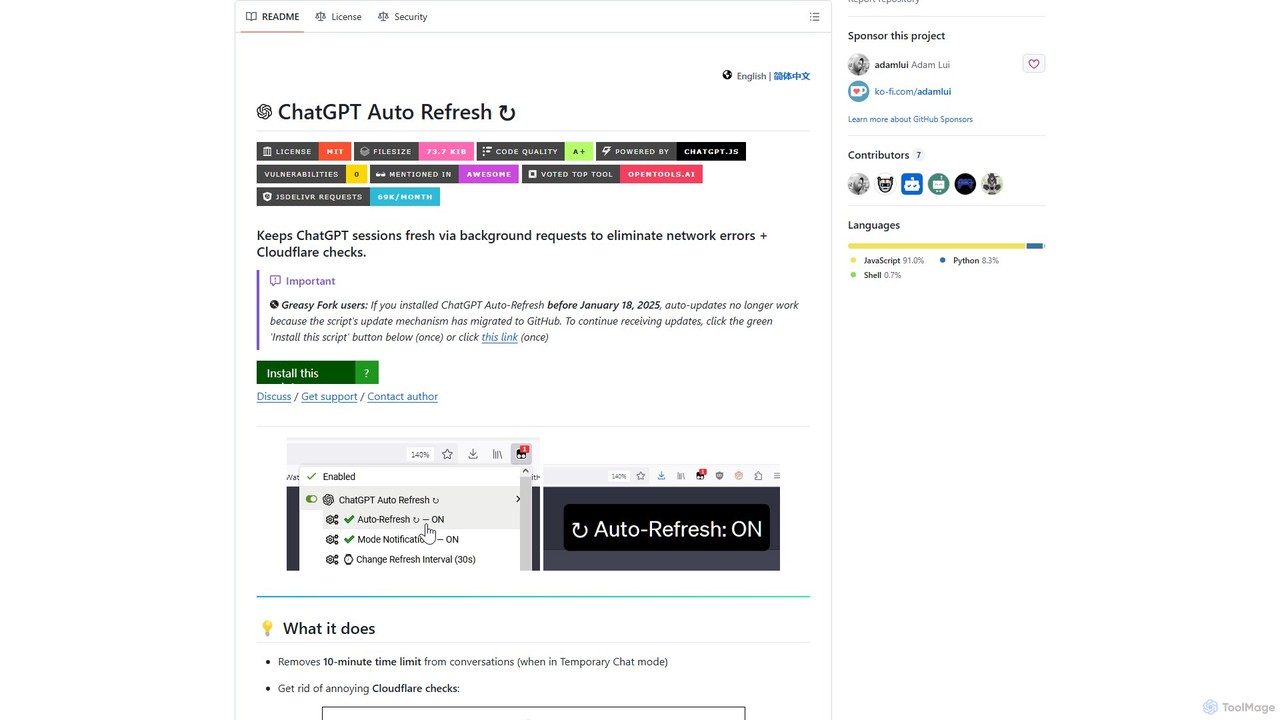
ChatGPT Auto Refresh is a free userscript that keeps your ChatGPT sessions active. It prevents timeouts, network errors, and annoying Cloudflare checks by automatically refreshing the session in the background, ensuring a smooth and uninterrupted chat experience.

Chat Assistant
Visits 56.3KFavorites 107Likes 107
Prepostseo
Freemium

Prepostseo

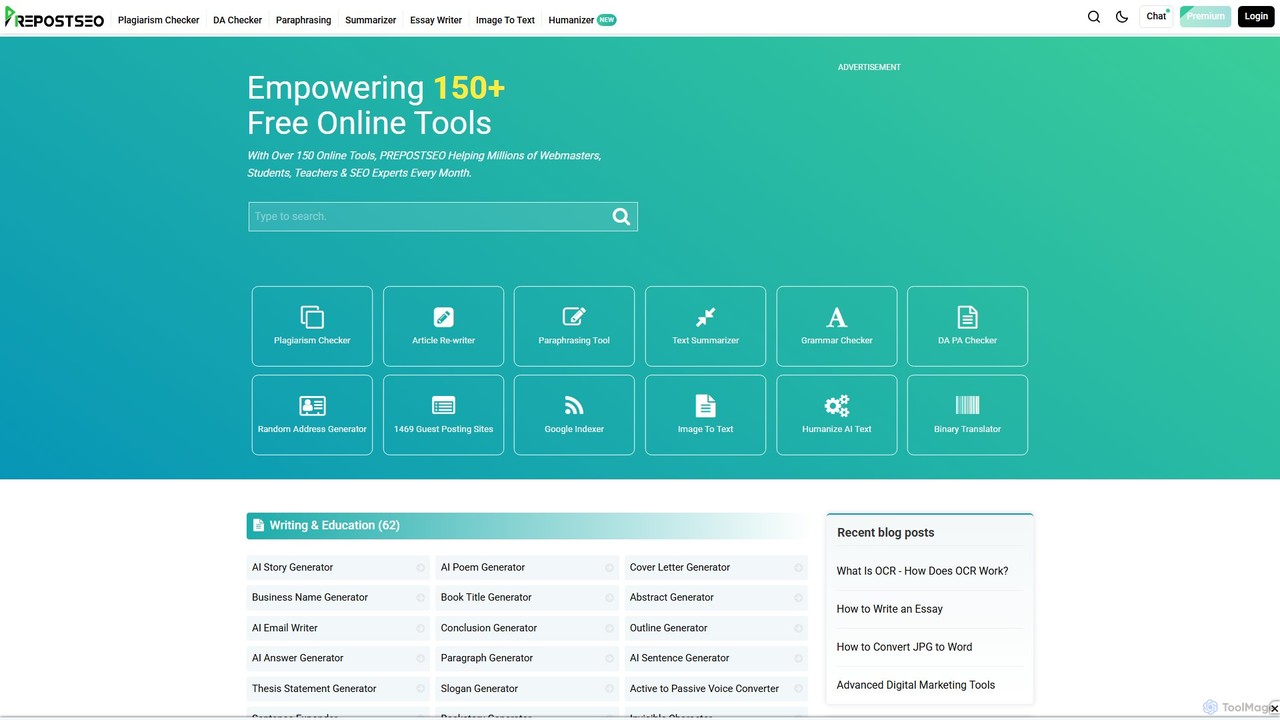
Prepostseo is a comprehensive suite of over 150 free online tools for students, webmasters, and SEO experts. It offers a wide range of utilities, including a powerful plagiarism checker, an AI-powered article rewriter, a grammar checker, and various SEO analysis tools. With its user-friendly interface and extensive features, Prepostseo aims to enhance productivity and improve content quality for millions of users worldwide.

Utilities
Visits 1.1MFavorites 87Likes 90
Mighil
Freemium

Mighil

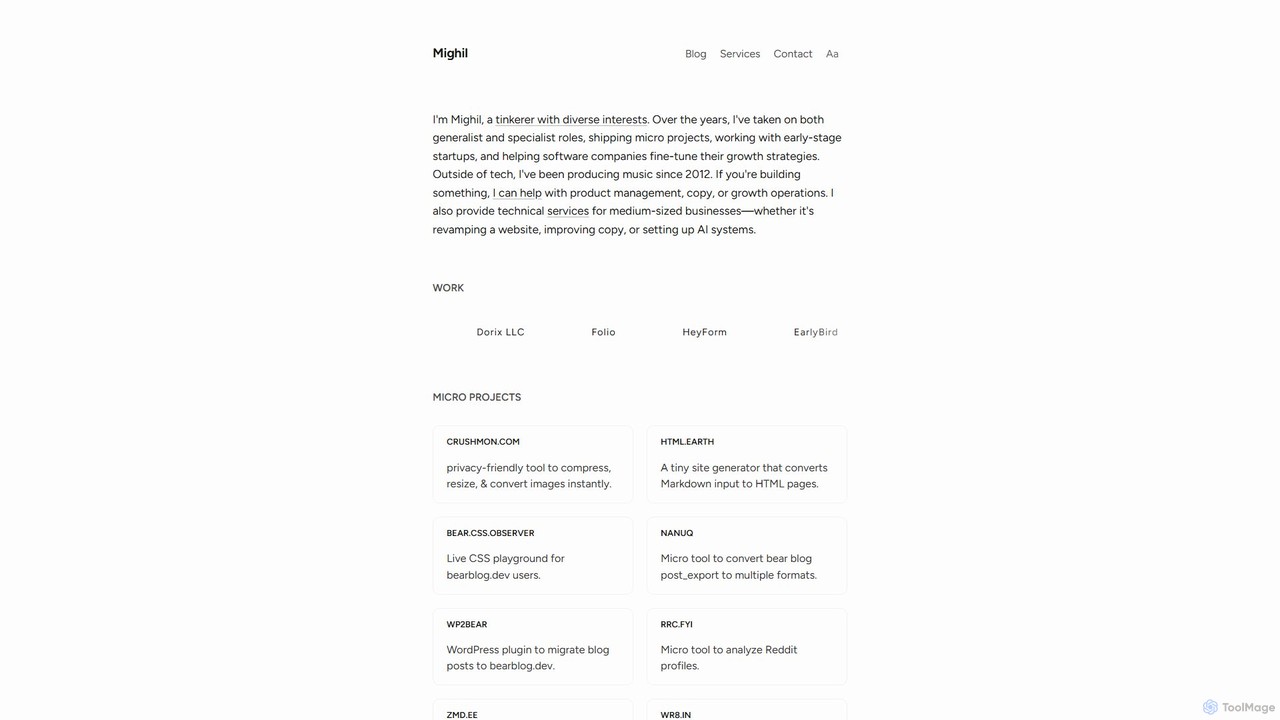
Mighil is a portfolio of AI-powered micro-tools and technical services created by developer Mighil. It features a diverse range of utilities, including an AI chatbot for Telegram/Discord, a Reddit profile analyzer, a generative art tool, and various developer utilities, alongside professional services for AI system integration and growth strategy.

Image Generation
Visits 7KFavorites 86Likes 92
AI Parabellum
Free

AI Parabellum

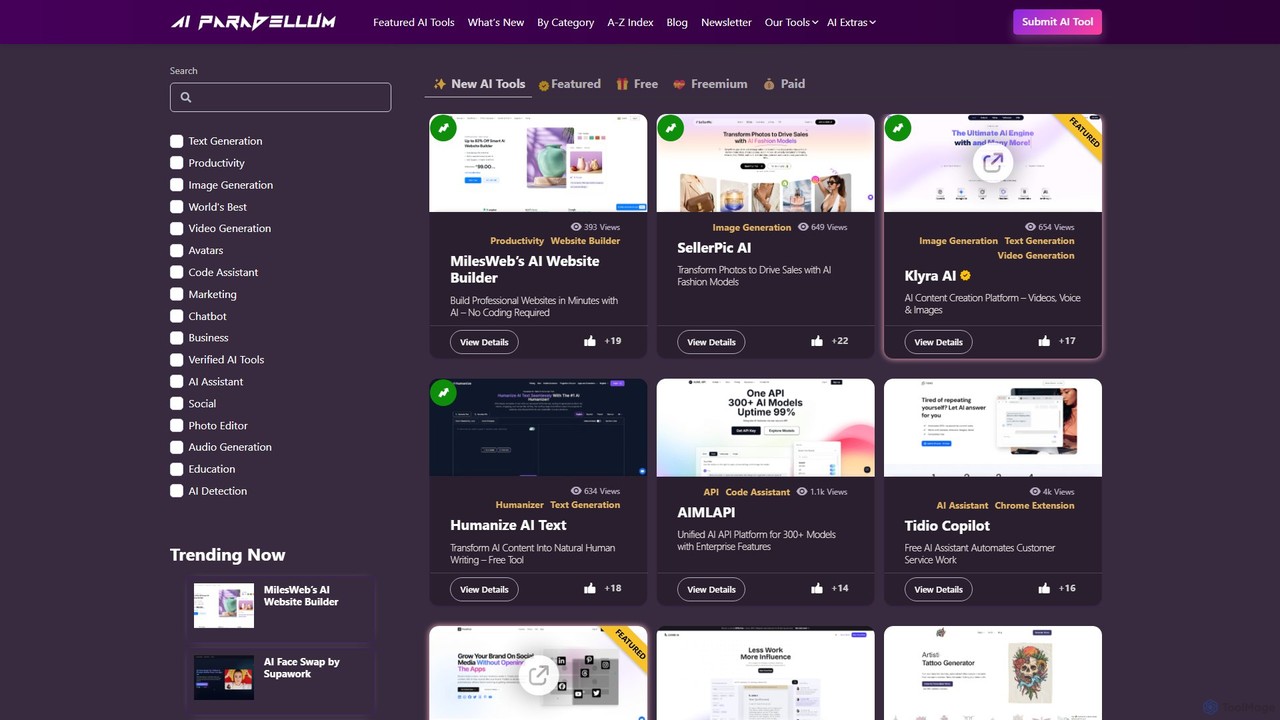
AI Parabellum is a comprehensive and expertly curated directory of AI tools designed to enhance productivity, creativity, and innovation. It provides a user-friendly platform for professionals to discover, compare, and access the best AI solutions across numerous categories. In addition to the directory, AI Parabellum offers a suite of its own free AI-powered utilities, such as prompt generators and content analysis tools, making it a one-stop resource for anyone looking to leverage artificial intelligence.

Utilities
Visits 22.3KFavorites 125Likes 113
Smart Tools AI
Freemium

Smart Tools AI

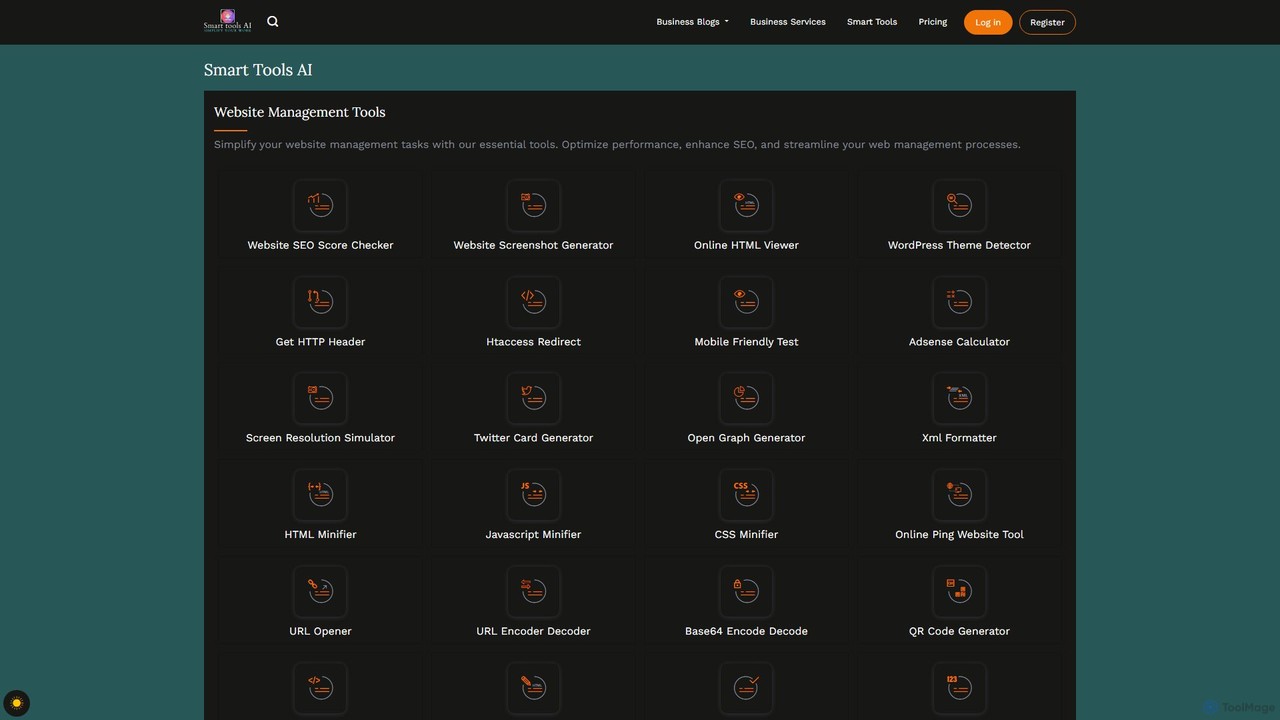
Smart Tools AI is a comprehensive online suite offering over 150 free and freemium tools. It's designed to streamline workflows for professionals, developers, and individuals by providing utilities for website management, SEO, image and PDF editing, text analysis, and development tasks, all in one accessible platform.

Writing Assistant
Visits 4.3KFavorites 130Likes 134
GPT Splitter
Free

GPT Splitter

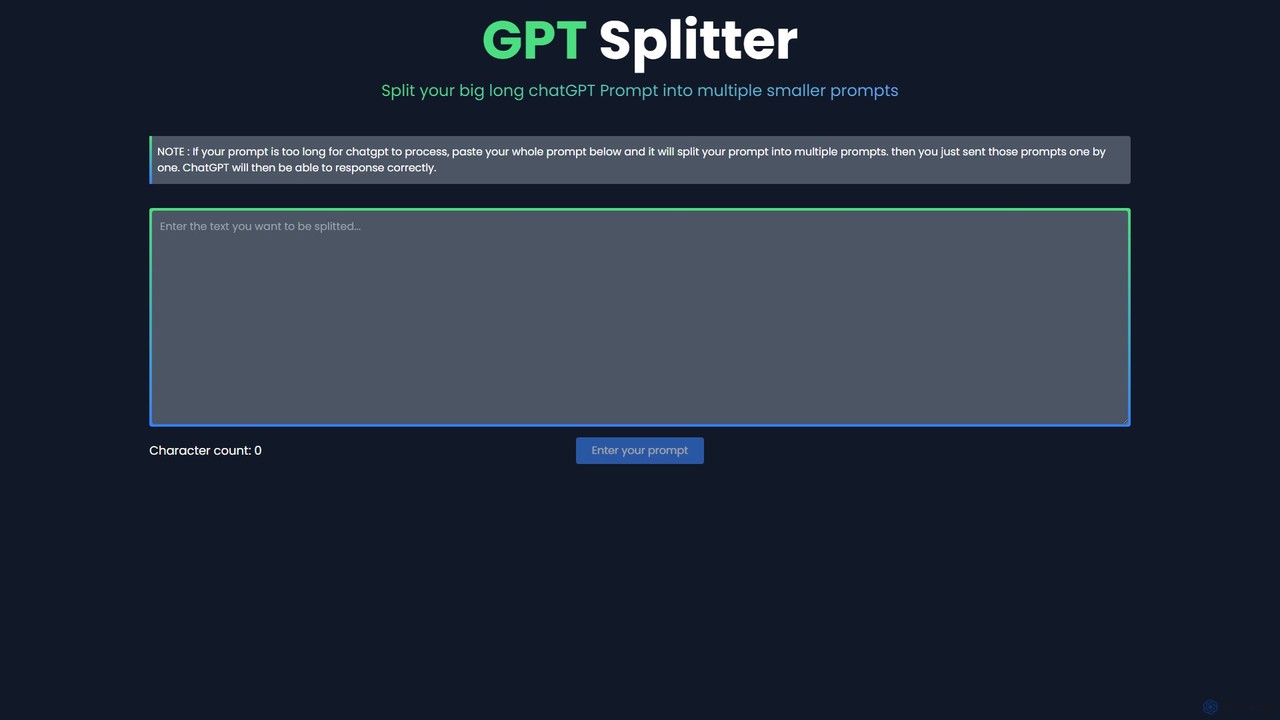
A free web-based tool that automatically splits long text or prompts into smaller, manageable chunks to overcome the character limits of large language models like ChatGPT, ensuring complete context and better AI responses.

Utilities
Visits 3.5KFavorites 112Likes 116

About Utilities

AI Utilities are specialized AI-powered tools designed to automate, optimize, and assist in common development, system administration, and data management tasks. These utilities leverage machine learning algorithms to analyze code, logs, data, and system metrics, providing intelligent insights and automating repetitive processes. They significantly enhance developer productivity, improve code quality, and streamline operational workflows within the broader context of developer tools.

Core Features

  • Code Assistance: Provides intelligent code completion, refactoring suggestions, and bug detection to accelerate development.
  • Automated Testing: Generates comprehensive test cases and identifies potential issues, improving software reliability.
  • Log & Anomaly Analysis: Monitors system logs for unusual patterns, enabling proactive identification of operational problems.
  • Data Transformation: Automates cleaning, formatting, and migration of data, ensuring data quality for various applications.
  • Resource Optimization: Analyzes infrastructure usage to suggest cost-effective scaling and allocation strategies.

Applicable Scenarios

Developers use AI Utilities for faster coding and debugging. DevOps engineers leverage them for proactive system monitoring and automated incident response. Data engineers apply these tools for efficient data preparation and pipeline management. System administrators benefit from optimized resource management and predictive maintenance, making complex tasks more manageable and efficient.

How to Choose

When selecting an AI Utility, evaluate its compatibility with your existing tech stack and development environment. Consider the specific problem it aims to solve, its performance, scalability, and the accuracy of its AI models. Assess the level of customization, security features, and the clarity of its documentation and community support to ensure seamless integration and long-term value.

Featured tool rankings

Utilities use cases

1

Automated Code Refactoring Suggestions

Software developers utilize AI utilities to analyze existing codebases, automatically identifying areas for optimization, suggesting more efficient algorithms, or recommending refactoring patterns. This helps improve code readability, maintainability, and performance, allowing developers to focus on new feature development rather than manual code cleanup.

2

Intelligent Log Anomaly Detection

DevOps teams deploy AI utilities to continuously monitor application and infrastructure logs in real-time. The AI learns normal system behavior and flags unusual patterns, such as sudden spikes in error rates or unexpected resource consumption, enabling rapid detection of potential outages or security breaches before they impact users.

3

Generating Comprehensive Unit Tests

QA engineers and developers employ AI utilities to automatically generate a wide range of unit test cases for new functions or modules. By analyzing the code's logic and potential edge cases, the AI creates robust tests, significantly reducing the manual effort required for test writing and increasing overall test coverage and software reliability.

4

Optimizing Cloud Infrastructure Costs

Cloud architects and system administrators use AI utilities to analyze historical cloud resource usage, identify idle or underutilized instances, and predict future demand. The utility then recommends optimal scaling adjustments, instance types, or shutdown schedules, leading to substantial cost savings on cloud computing expenses without compromising performance.

5

Automated Data Cleaning and Preprocessing

Data scientists and engineers leverage AI utilities to automate the tedious process of cleaning and preprocessing raw datasets. The AI can detect and correct missing values, standardize formats, remove duplicates, and identify outliers, transforming messy data into a clean, usable format much faster than manual methods, accelerating data analysis and model training.

6

Smart API Endpoint Testing and Validation

Backend developers integrate AI utilities into their CI/CD pipelines to automatically test and validate API endpoints. The AI can generate diverse request payloads, simulate various user scenarios, and verify responses against expected schemas, ensuring API stability, performance, and adherence to specifications across different versions and deployments.

Utilities FAQ

What are AI Utilities in the context of developer tools?

AI Utilities are specialized AI-powered tools designed to automate, optimize, and assist various tasks within software development, operations, and data management workflows. They leverage machine learning to enhance productivity, improve code quality, streamline infrastructure management, and automate repetitive processes for developers, DevOps, and data professionals, acting as intelligent assistants throughout the software development lifecycle.

How do I choose the right AI Utility for my development workflow?

When selecting an AI Utility, consider its integration capabilities with your existing development environment (IDEs, CI/CD pipelines), the specific problem it aims to solve (e.g., code optimization, log analysis, data processing), its performance and scalability, and security features for sensitive data. Evaluate the level of customization or fine-tuning it offers, along with the learning curve, documentation quality, and community support to ensure seamless adoption and long-term value.

What are the main benefits of using AI Utilities for developers?

AI Utilities offer several key benefits: they significantly boost developer productivity by automating repetitive tasks like code generation, testing, and debugging; they improve code quality through intelligent suggestions and anomaly detection; they optimize system performance and resource usage; and they enable faster problem diagnosis by analyzing complex data like logs. This allows developers to focus on more creative, complex problem-solving and innovation.

How do AI Utilities differ from general-purpose AI tools?

While general-purpose AI tools might offer broad AI capabilities, AI Utilities are specifically tailored for developer-centric tasks. They are designed to understand code structures, development workflows, and operational data (like logs or metrics). Their algorithms are often trained on code, system data, or specific development patterns, making them highly effective and specialized for enhancing the software development lifecycle, unlike broader AI applications that serve a wider range of non-technical users or tasks.

What common development tasks can AI Utilities automate or assist with?

AI Utilities can automate or assist with a wide range of development tasks. These include generating boilerplate code, suggesting code completions and refactorings, identifying potential bugs and security vulnerabilities, automating unit test generation, analyzing application logs for anomalies, optimizing database queries, managing cloud resource costs, and transforming data formats. They essentially act as intelligent assistants throughout the development and operations cycle, freeing up developers for higher-value work.