

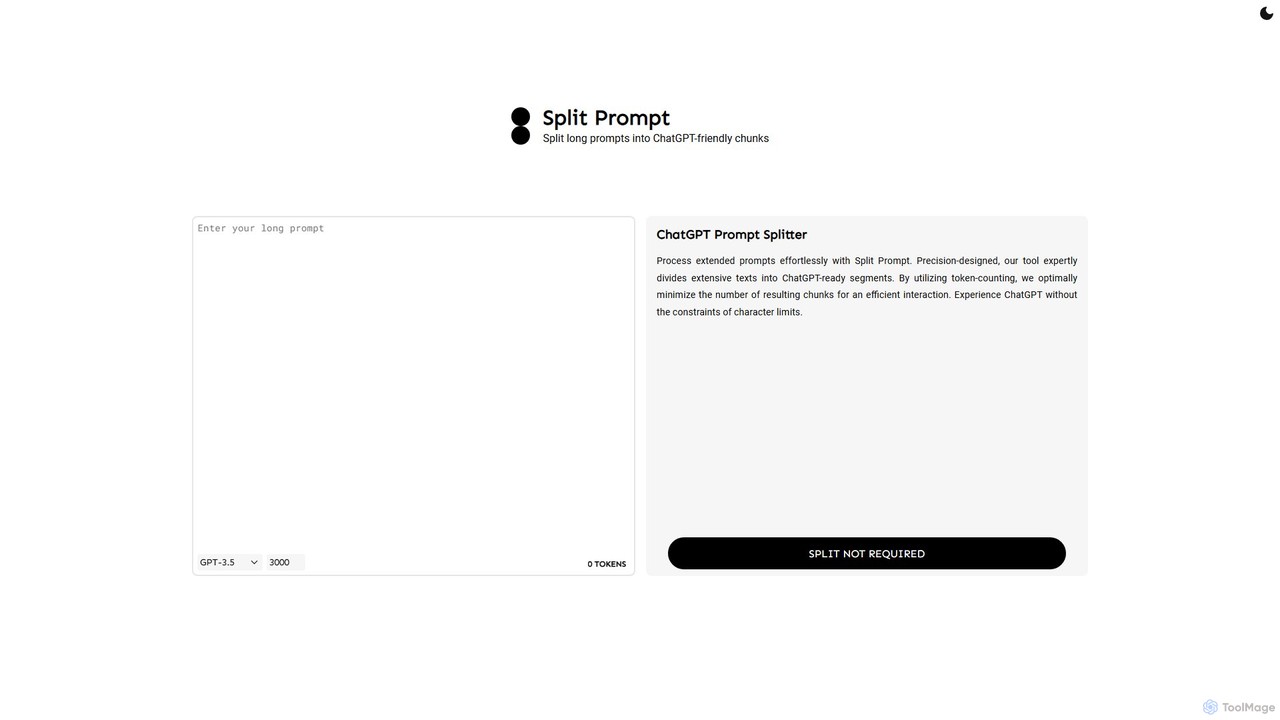
Split Prompt Overview
Split Prompt is a specialized, free-to-use web utility designed to solve one of the most common challenges when interacting with large language models (LLMs) like ChatGPT: the context window limit. Many users, from developers to writers, often need to process or analyze texts that are too long for a single prompt. Manually breaking down these documents is tedious, inefficient, and risks breaking the contextual flow. Split Prompt automates this process with precision and ease.
The tool expertly divides extensive texts, code blocks, or any long-form content into perfectly sized, ChatGPT-ready segments. By utilizing a sophisticated token-counting algorithm, it mirrors how LLMs process information, ensuring each chunk fits comfortably within the model's limits. This method is far superior to simple character counting, as it aligns directly with the operational mechanics of the AI. The primary goal of Split Prompt is to minimize the number of resulting chunks, which streamlines the conversation with the AI and helps maintain a coherent flow of information.
How to use Split Prompt
Using Split Prompt is designed to be an incredibly simple and straightforward process, requiring no sign-up or installation:
- Paste Your Text: Navigate to the Split Prompt website and paste your entire long text, document, or code into the main input field.
- Select Your Model (Optional): For enhanced precision, you can choose the target AI model (e.g., GPT-3.5, GPT-4). The tool will automatically adjust the chunk size based on the selected model's specific token limit.
- Click 'Split': Press the "Split Prompt" button to initiate the process. The tool will instantly analyze and divide your content.
- Copy and Paste Sequentially: Split Prompt will present your text in numbered chunks (e.g., 1/5, 2/5). Use the one-click "Copy" button for each chunk and paste them one by one into your chat with the LLM. This ensures the AI receives the full context in the correct order.
Core Features of Split Prompt
- Intelligent Token-Based Splitting: Instead of relying on inaccurate character counts, the tool uses precise tokenization, which is the same method LLMs use to understand text. This guarantees compatibility and prevents errors.
- Optimized Chunk Minimization: The algorithm is designed to use the maximum allowed token space in each chunk, thereby minimizing the total number of chunks required. This saves you time and makes the interaction with the AI more efficient.
- Context-Aware Splitting: The tool attempts to make splits at natural breakpoints in the text, such as at the end of paragraphs or sentences. This helps to preserve the logical structure and context of the original document.
- Support for Various Models: Users can select from presets for different popular LLMs, ensuring the output is perfectly tailored for their specific use case and the model's architecture.
- Simple, Clean User Interface: The tool is web-based, requires no registration, and features a clutter-free interface focused entirely on its core function.
- One-Click Copy-to-Clipboard: Each generated chunk comes with a convenient copy button, streamlining the workflow of transferring the content to the AI chat interface.
Use Cases for Split Prompt
Split Prompt is a versatile tool for a wide range of professionals and enthusiasts:
- Developers & Programmers: Submitting large codebases, files, or error logs for debugging, refactoring, or explanation without losing any part of the code.
- Writers & Content Creators: Feeding long articles, scripts, or book chapters to an LLM for summarization, feedback, style editing, or translation.
- Researchers & Academics: Analyzing lengthy research papers, academic articles, or historical documents by processing the full text for insights and summaries.
- Business Analysts: Inputting long meeting transcripts, business reports, or customer feedback logs to extract key points, sentiment, and action items.
- Students: Breaking down long textbook chapters or study materials to create summaries, flashcards, or answer specific questions.
Advantages of Split Prompt
The primary advantage of Split Prompt is its ability to seamlessly bridge the gap between long-form content and the fixed context windows of AI models. It enhances productivity by automating a manual and error-prone task. By ensuring the entire context is fed to the AI in a structured manner, it leads to more accurate, coherent, and useful responses from the model. Being a free and instantly accessible web tool, it lowers the barrier for anyone to leverage the full power of LLMs on extensive documents.
Pricing and Plans
Split Prompt is completely free to use. There are no subscription fees, hidden costs, or usage limitations. It is offered as a free utility to the AI community to help users enhance their productivity and overcome the technical constraints of current language models.
Traffic
Latest traffic
Status
Monthly traffic trend
- 2025-9: 1.3K
- 2026-1: 893
- 2026-2: 515
- 2026-3: 129
- 2026-4: 571
- 2026-5: 2.2K
Geography
Top 5 countries / regions
- 🇻🇳Vietnam41.5%
- 🇺🇸United States24.3%
- 🇵🇭Philippines15.7%
- 🇨🇦Canada10.8%
- 🇧🇷Brazil7.6%
Top keywords
| Keyword | Cost per click |
|---|---|
| chatgpt cutter | $0.00 |
| chatgpt prompt divider | $0.00 |
| chatgpt prompt splitter | $0.00 |
| gpt splitter | $0.00 |
| prompt splitter | $0.00 |
Split Prompt Alternatives
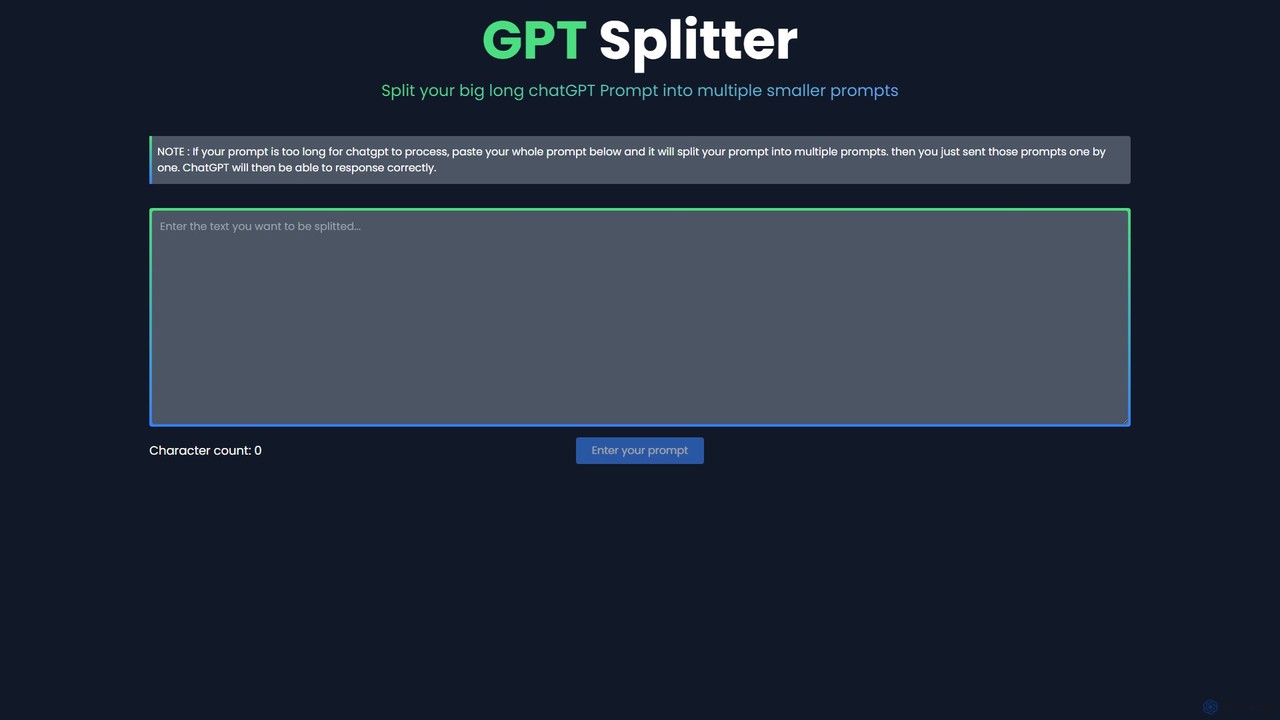
GPT Splitter
A free web-based tool that automatically splits long text or prompts into smaller, manageable chunks to overcome the character limits of large language models like ChatGPT, ensuring complete context and better AI responses.
Utilities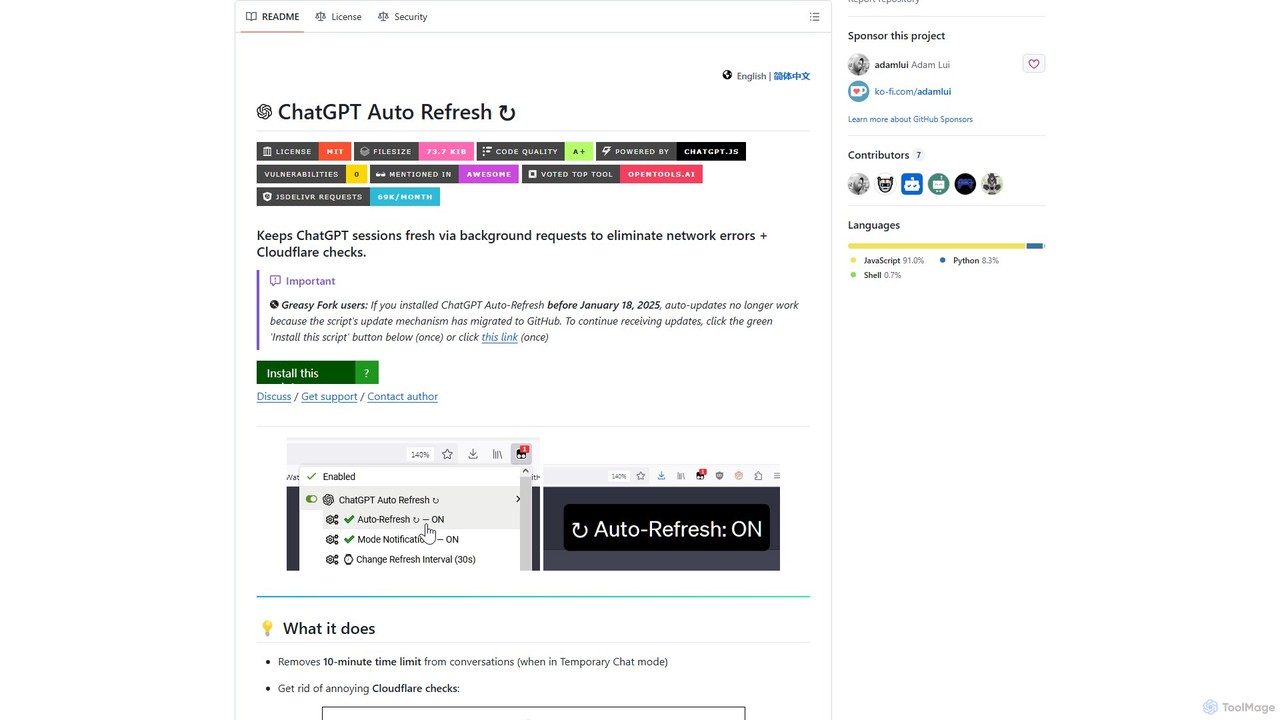
ChatGPT Auto Refresh
ChatGPT Auto Refresh is a free userscript that keeps your ChatGPT sessions active. It prevents timeouts, network errors, and annoying Cloudflare checks by automatically refreshing the session in the background, ensuring a smooth and uninterrupted chat experience.
Chat Assistant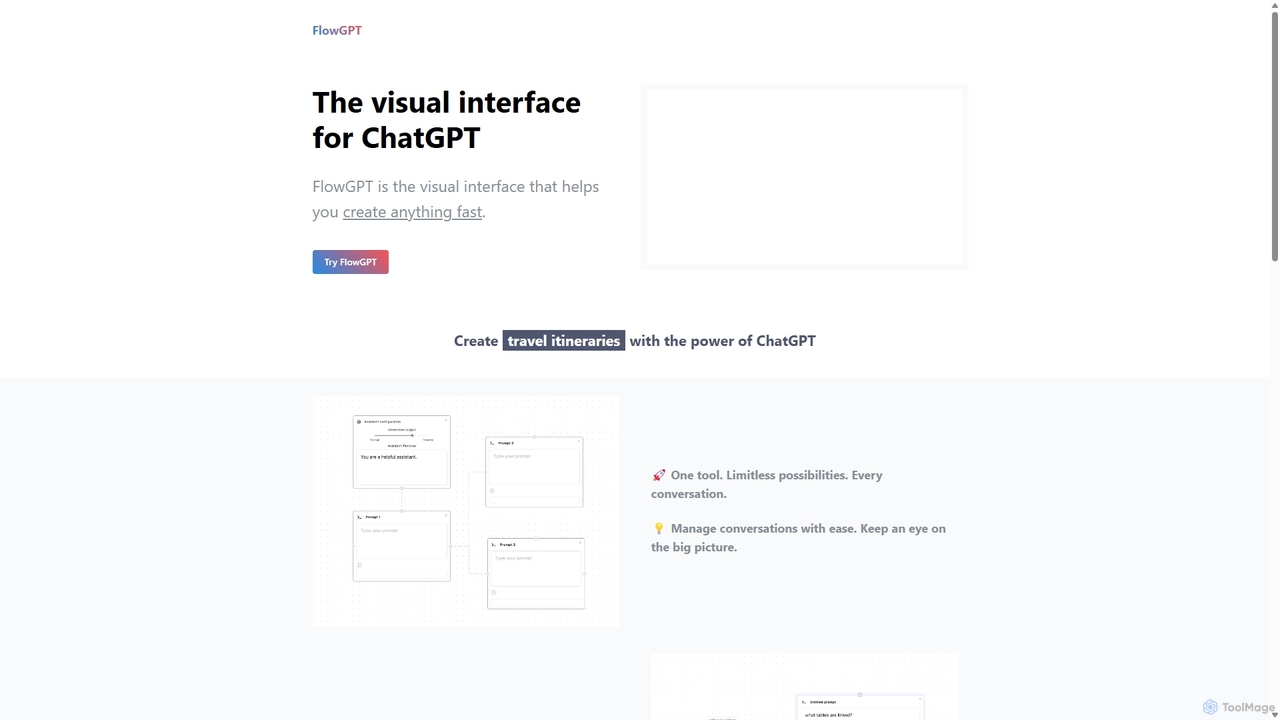
FlowGPT
FlowGPT is a visual interface for ChatGPT that allows users to create, manage, and visualize complex AI conversations using a node-based, flowchart-style canvas. It enhances prompt engineering, content creation, and data analysis by enabling multi-threaded dialogues, document uploads, and collaborative workflows. Ideal for marketers, writers, and developers looking to unlock the full potential of AI.
Workflow Automation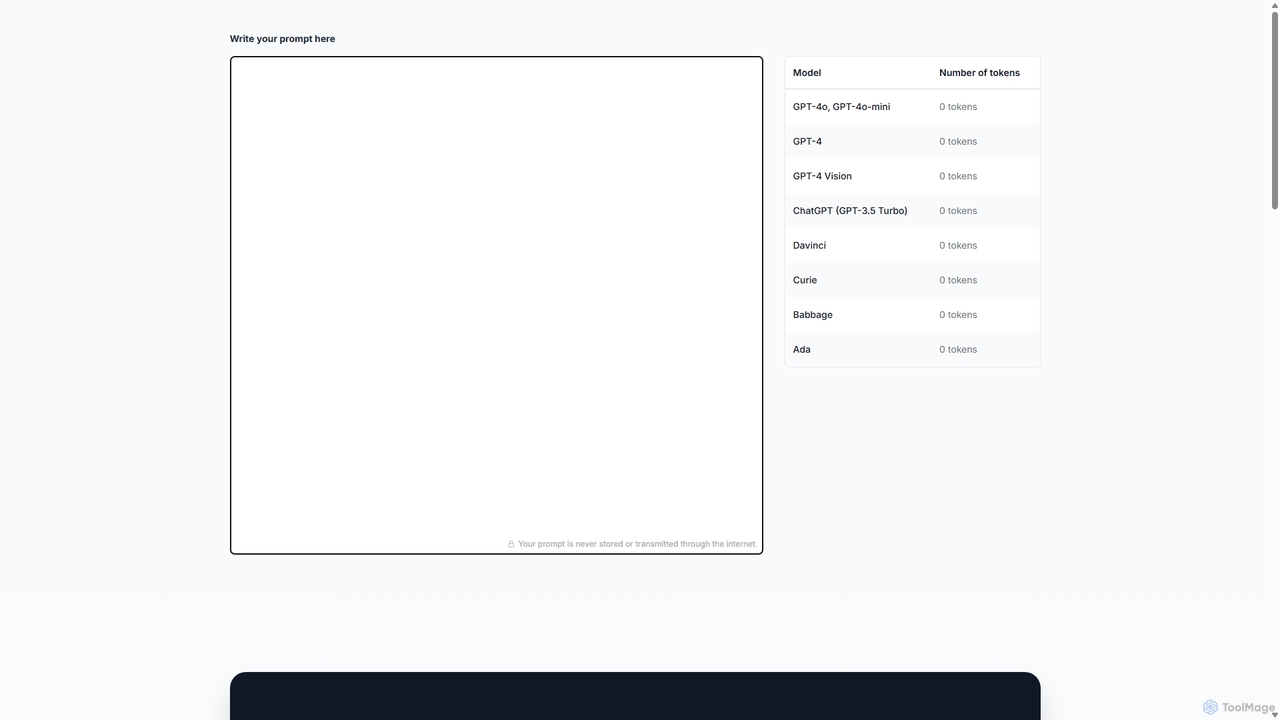
Prompttokencounter
A free, online tool for developers and prompt engineers to accurately count tokens for various OpenAI models like GPT-4o, GPT-4, and GPT-3.5. It helps manage prompt length to stay within model limits, control API costs, and optimize interactions with LLMs. The tool operates entirely in your browser, ensuring your prompts remain private and are never transmitted over the internet.
Text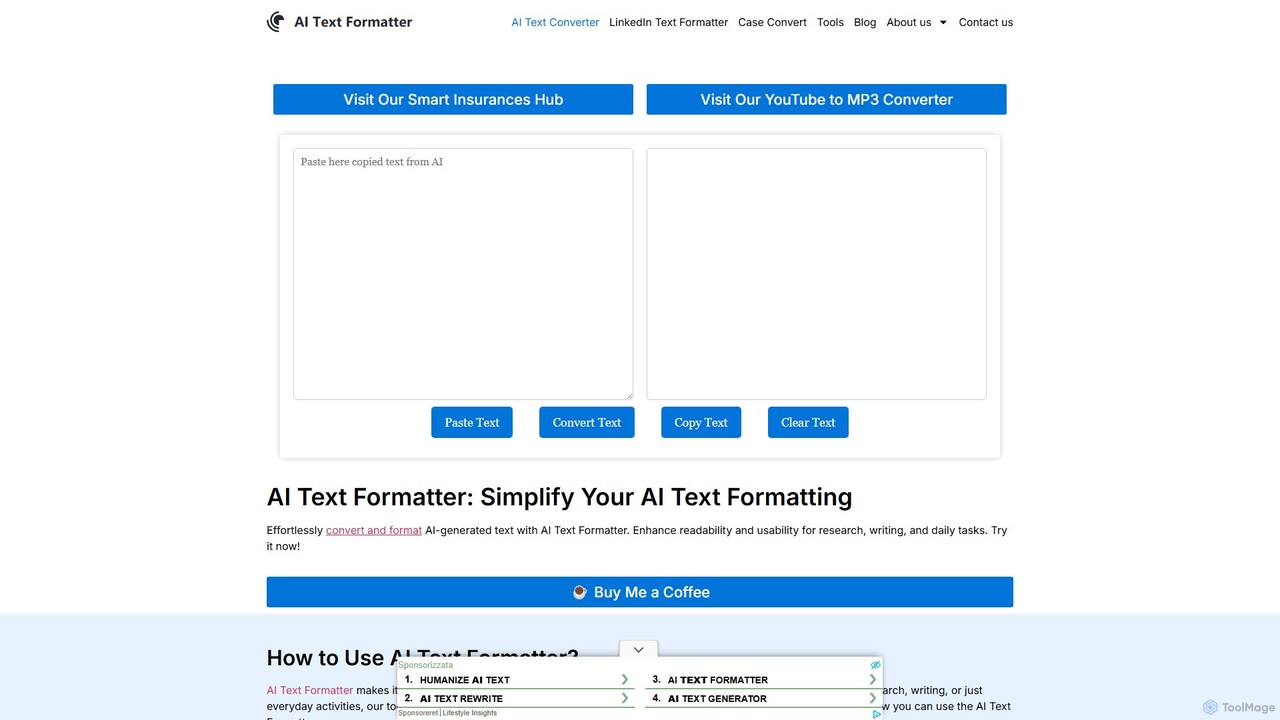
chatgpttextformatter
A free online tool designed to instantly clean and reformat text copied from AI chatbots like ChatGPT. It removes unwanted background colors, code block styling, and inconsistent spacing, providing clean, ready-to-use text for documents, emails, and presentations. Enhance your productivity by simplifying your AI-to-document workflow.
Text FormattingSplit Prompt Categories
Split Prompt Embed Widget
Copy this embed code to place the badge on your blog, article, or product site and send readers directly to this ToolMage detail page.

Related AI tools
GPT Splitter
A free web-based tool that automatically splits long text or prompts into smaller, manageable chunks to overcome the character limits of large language models like ChatGPT, ensuring complete context and better AI responses.
Utilities
AnyModel
AnyModel is an all-in-one platform that allows you to access, compare, and utilize over 50 of the world's leading AI models with a single account. Send prompts to multiple text and image models simultaneously, view results side-by-side, and gain AI-powered insights to enhance accuracy and creativity. Eliminate the need for multiple subscriptions and API keys, saving time and money while achieving superior results.
Model Playground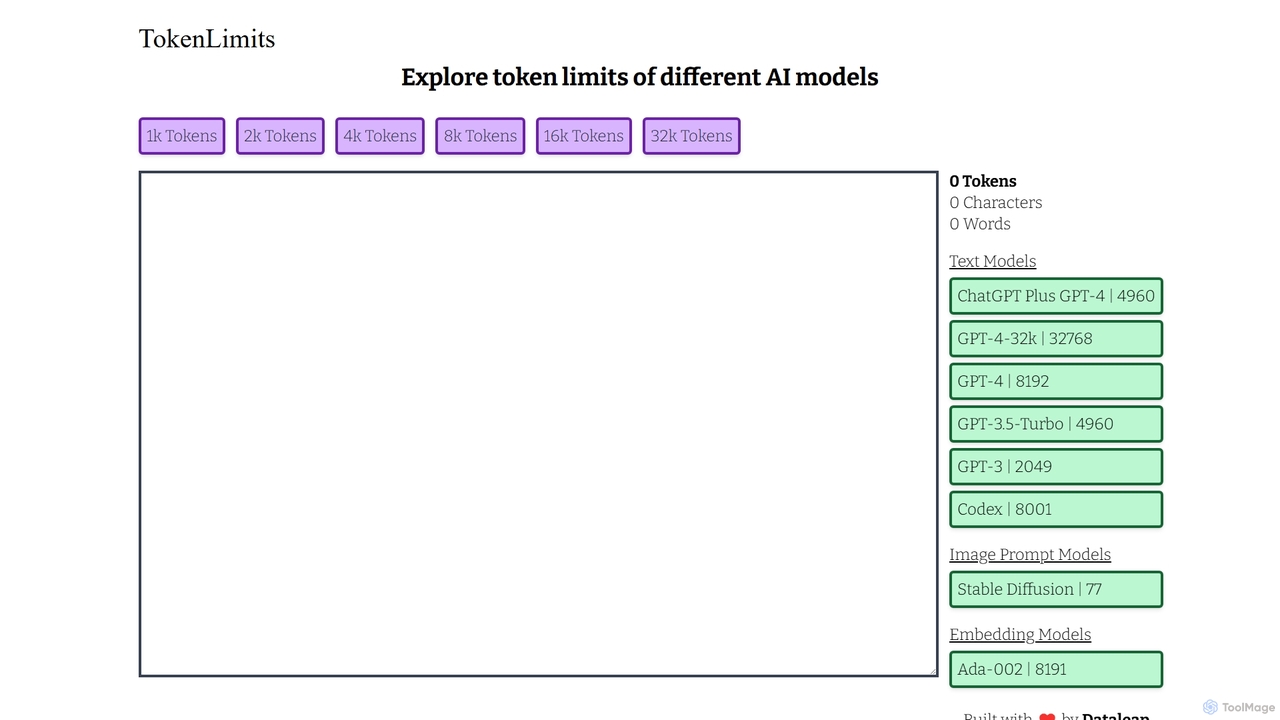
TokenLimits
A free, quick-reference web tool for developers, researchers, and AI enthusiasts to check the token limits of popular AI models. It provides a centralized, up-to-date database for text, image, and embedding models, simplifying workflow and development.
Api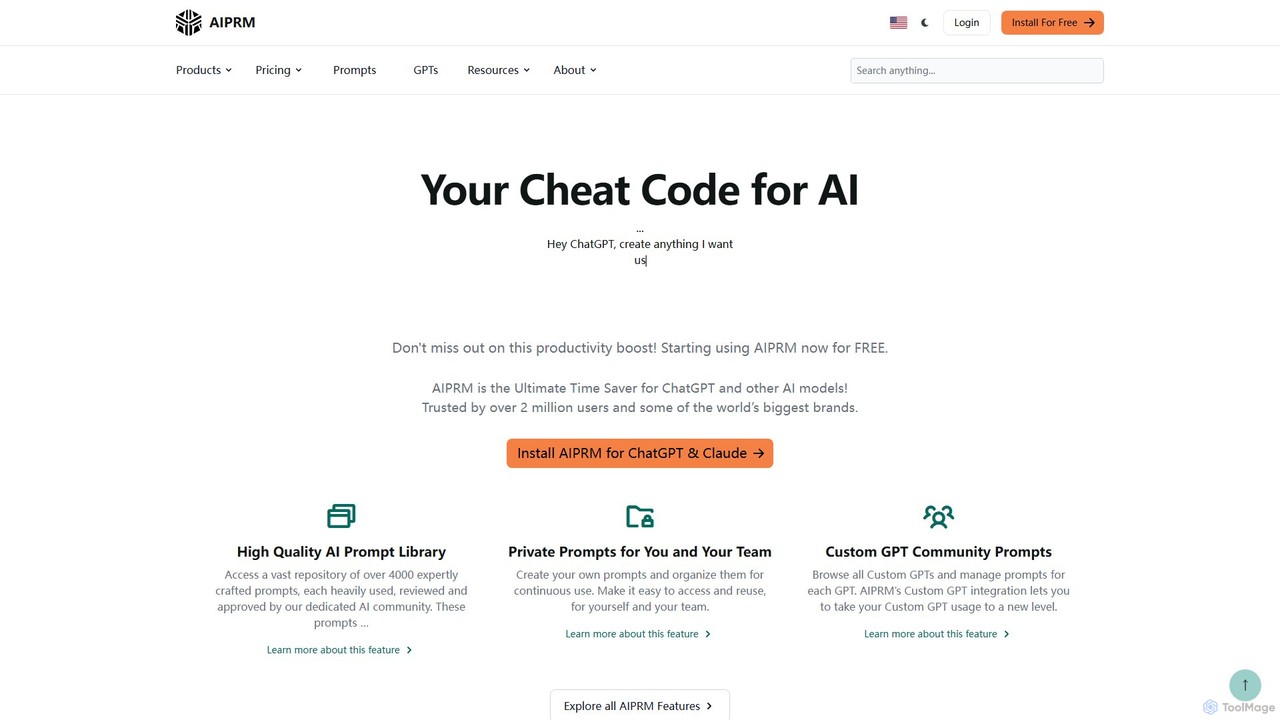
AIPRM
AIPRM is a browser extension for ChatGPT, Claude, and other AIs, offering a massive library of over 4,500 community-vetted prompts. It streamlines content creation, SEO, and marketing tasks by providing one-click access to expert-level prompts, custom prompt management for teams, and powerful productivity features. Boost your efficiency and unlock the full potential of generative AI without needing to be a prompt engineering expert.
Code Assistant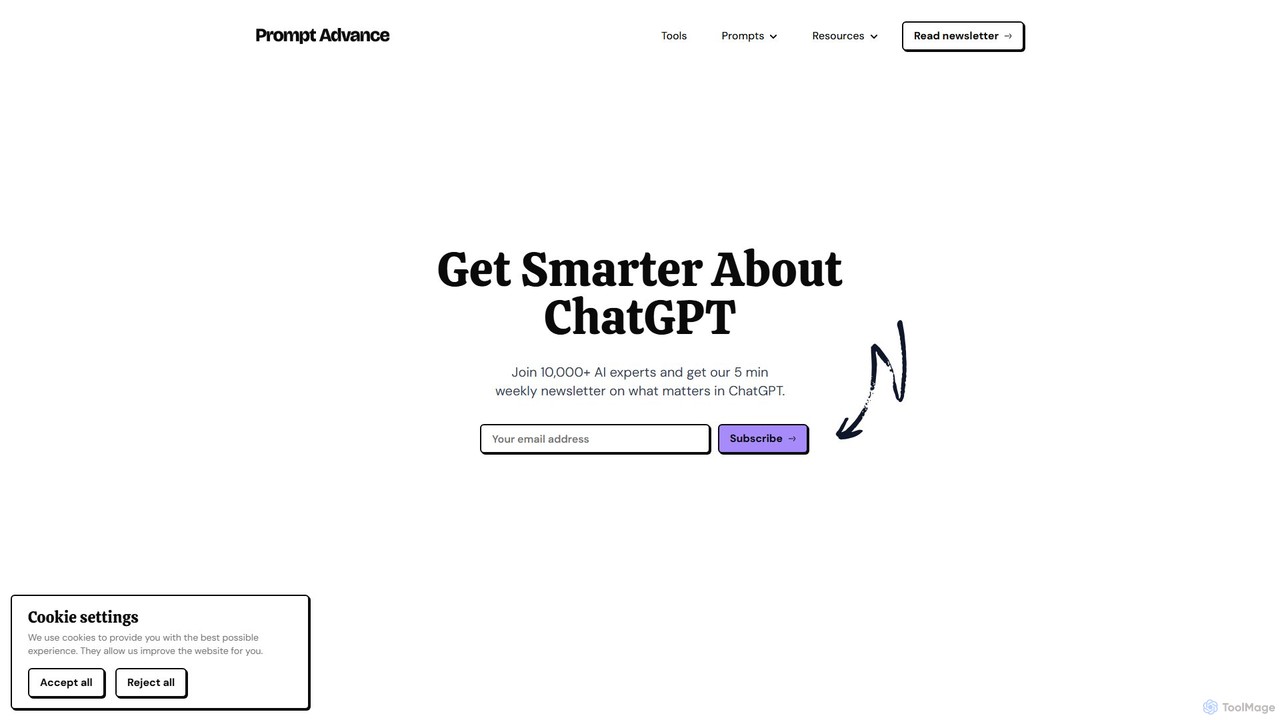
Prompt Advance
Prompt Advance is an educational platform dedicated to mastering ChatGPT. It offers a free weekly newsletter, an extensive blog with thousands of practical prompts, and a suite of free AI tools, including a prompt optimizer and generator. It's designed for professionals, students, and creators to enhance their productivity and creativity using AI.
Prompt Engineering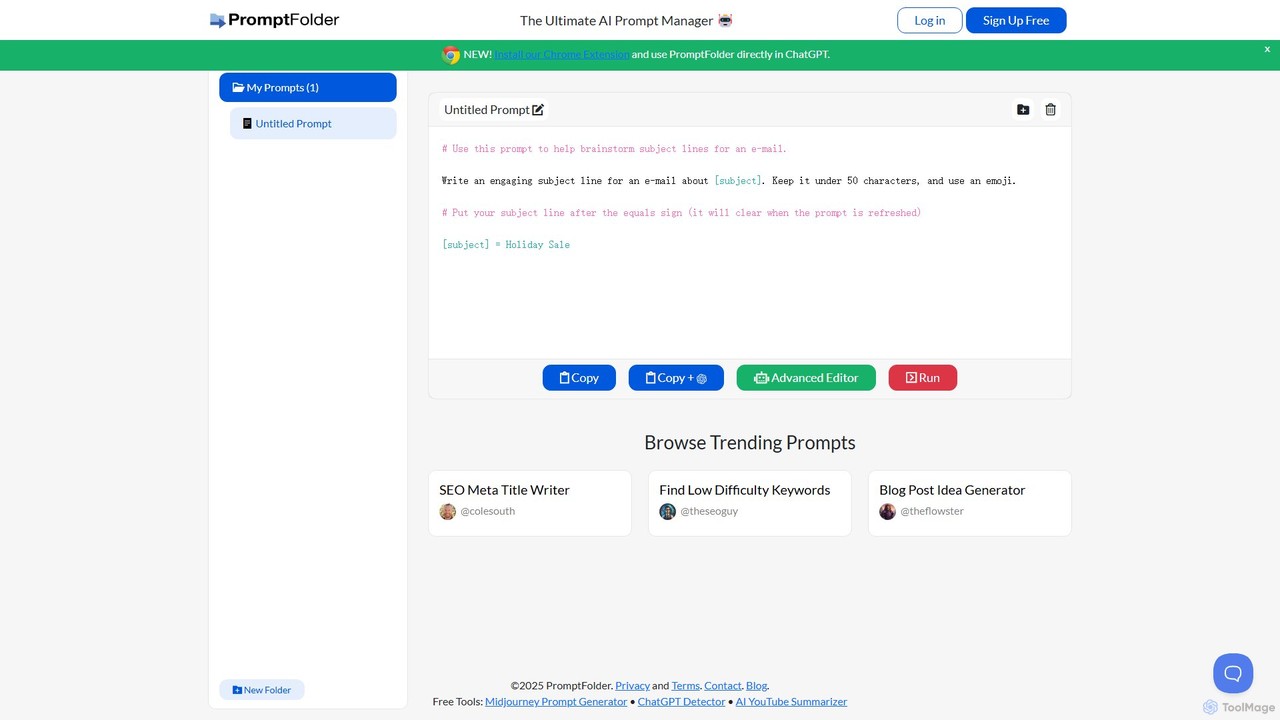
PromptFolder
PromptFolder is a powerful AI prompt manager for ChatGPT, Midjourney, and other AI tools. It allows you to save, organize, and reuse your best prompts with features like folders, variables, and a dedicated Midjourney prompt builder. With its Chrome extension, you can access your entire prompt library directly within the ChatGPT interface, streamlining your workflow and boosting productivity.
Image Generation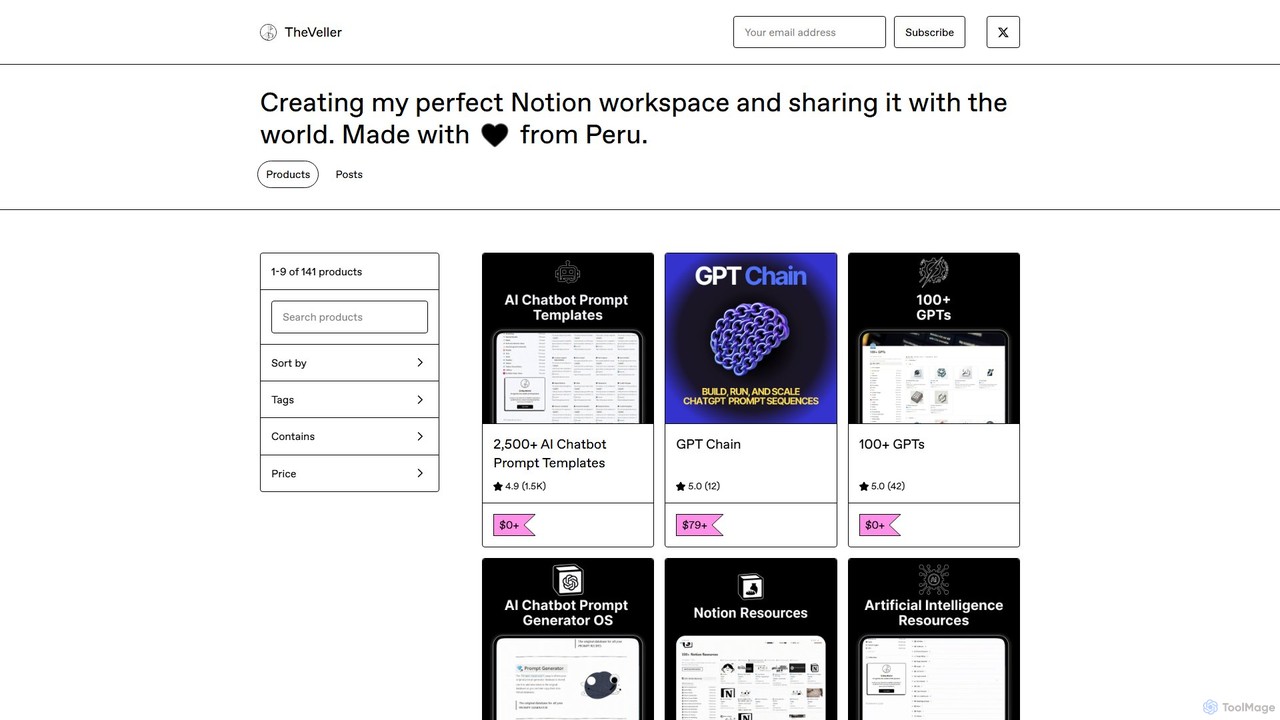
GPT Chain
GPT Chain is a powerful browser extension that transforms ChatGPT into a 24/7 automation engine. It allows you to build, run, and scale complex, multi-step workflows using an intuitive drag-and-drop visual builder. Automate repetitive prompting tasks, generate content at scale, and execute entire prompt sequences with a single click—all without writing code, connecting APIs, or incurring extra costs.
No Code
Cosmicup
Cosmicup is an all-in-one AI platform offering unlimited access to a wide array of advanced AI models like ChatGPT 5, Claude 4.5, Gemini 2.5, and Grok 4 through a single subscription. It streamlines workflows with features including multi-model interaction, code assistance, document analysis, real-time web search, deep research, and AI image generation, eliminating the need for multiple subscriptions.
Multimodal Ai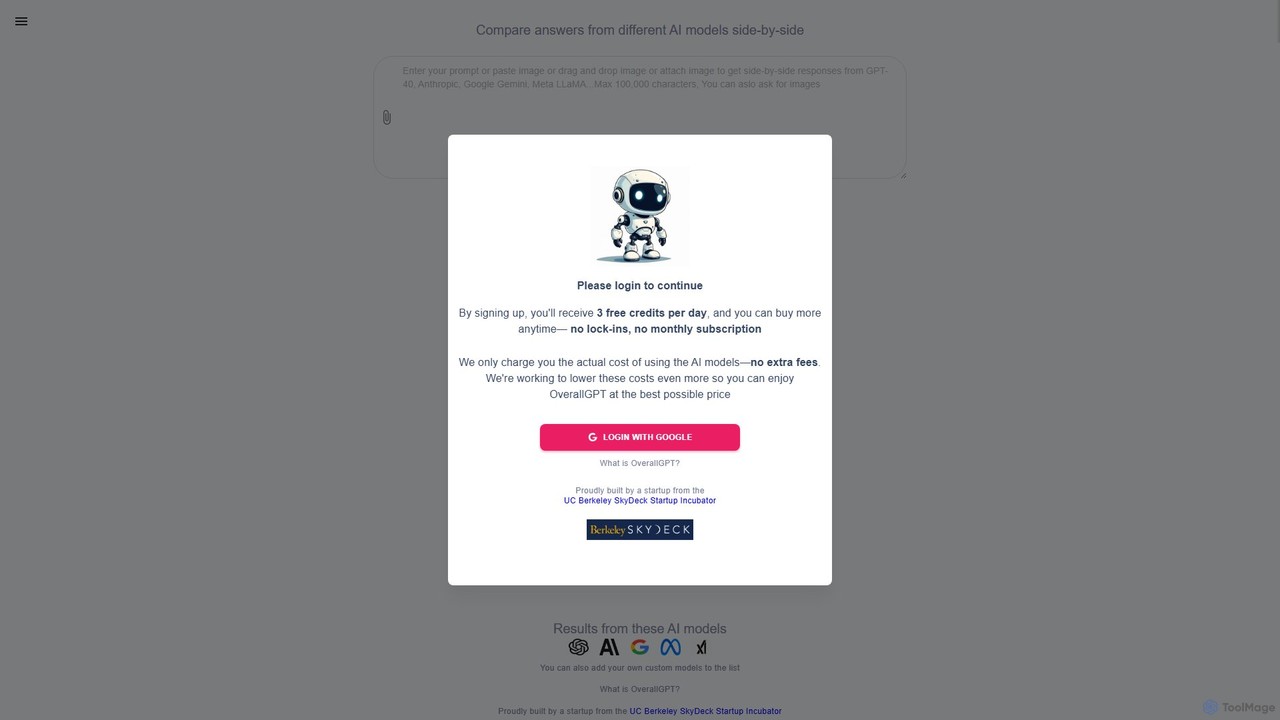
OverallGPT
OverallGPT is an innovative platform that allows you to compare responses from leading AI models like GPT-4, Claude, Gemini, and Llama side-by-side. It helps you understand their unique strengths and weaknesses, and even generates a synthesized 'Overall Answer' that combines the best aspects of each response, enabling you to make more informed decisions and enhance your productivity.
Model Evaluation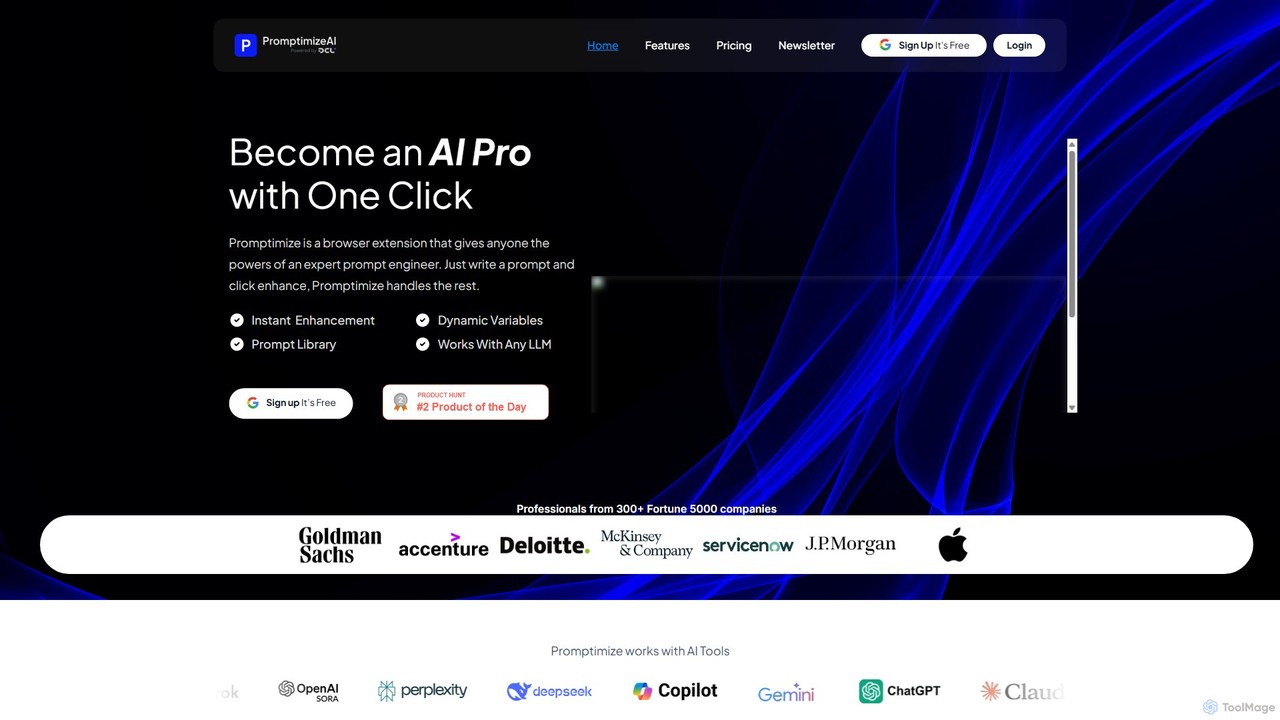
Promptimize AI
Promptimize AI is a browser extension that acts as a 'Grammarly for prompts.' It enhances your AI prompts with a single click, transforming simple queries into detailed, effective instructions for any LLM like ChatGPT, Gemini, or Claude. It helps users get better, more accurate, and on-brand AI-generated content, boosting productivity without needing expert prompt engineering skills.
Chrome Extensions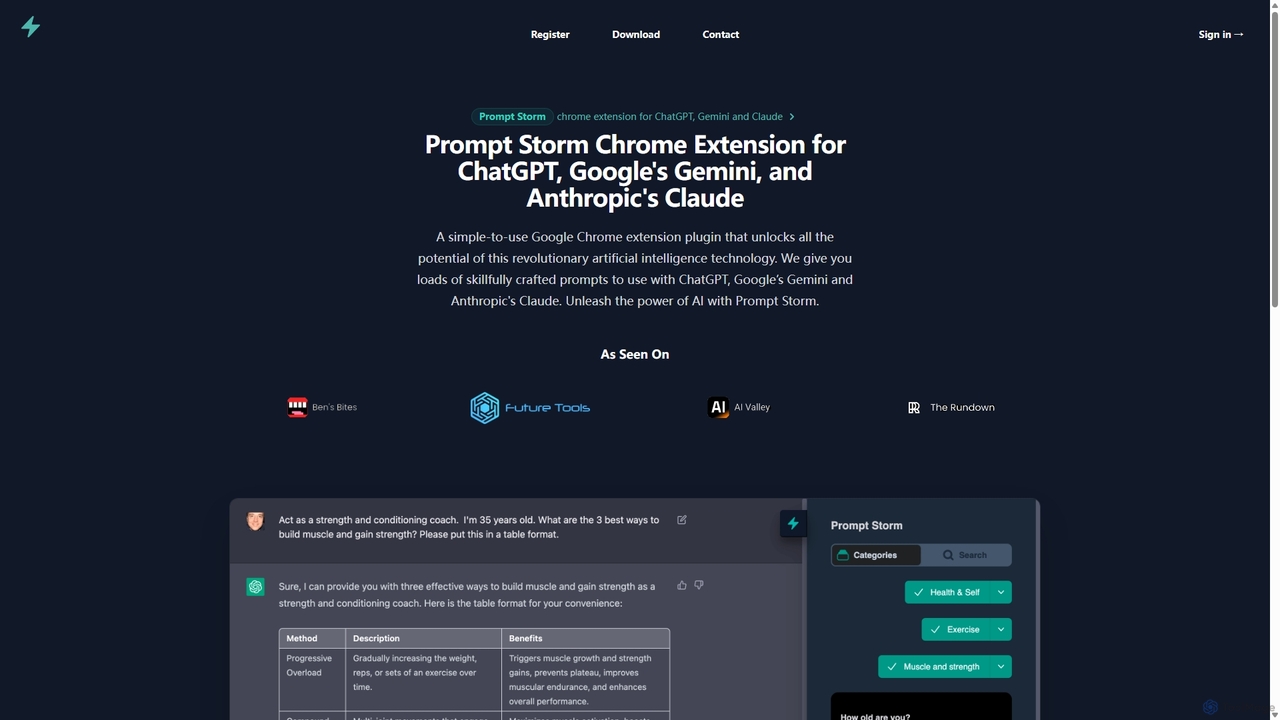
Prompt Storm
Prompt Storm is a powerful Chrome extension that enhances your interactions with ChatGPT, Google Gemini, and Anthropic's Claude. It provides a vast library of expertly crafted prompts, enabling users to unlock the full potential of AI for tasks like content creation, marketing, coding, and learning. Boost your productivity and get higher-quality AI responses with just a few clicks.
Code Generation
PromptifyPRO
PromptifyPRO is an advanced AI prompt engineering platform designed to help users create, test, and optimize prompts for various AI models like ChatGPT and Claude. It offers tools like pre-built templates, performance analytics, and collaboration features to unlock higher quality outputs, save time, and enhance creativity.
Code Generation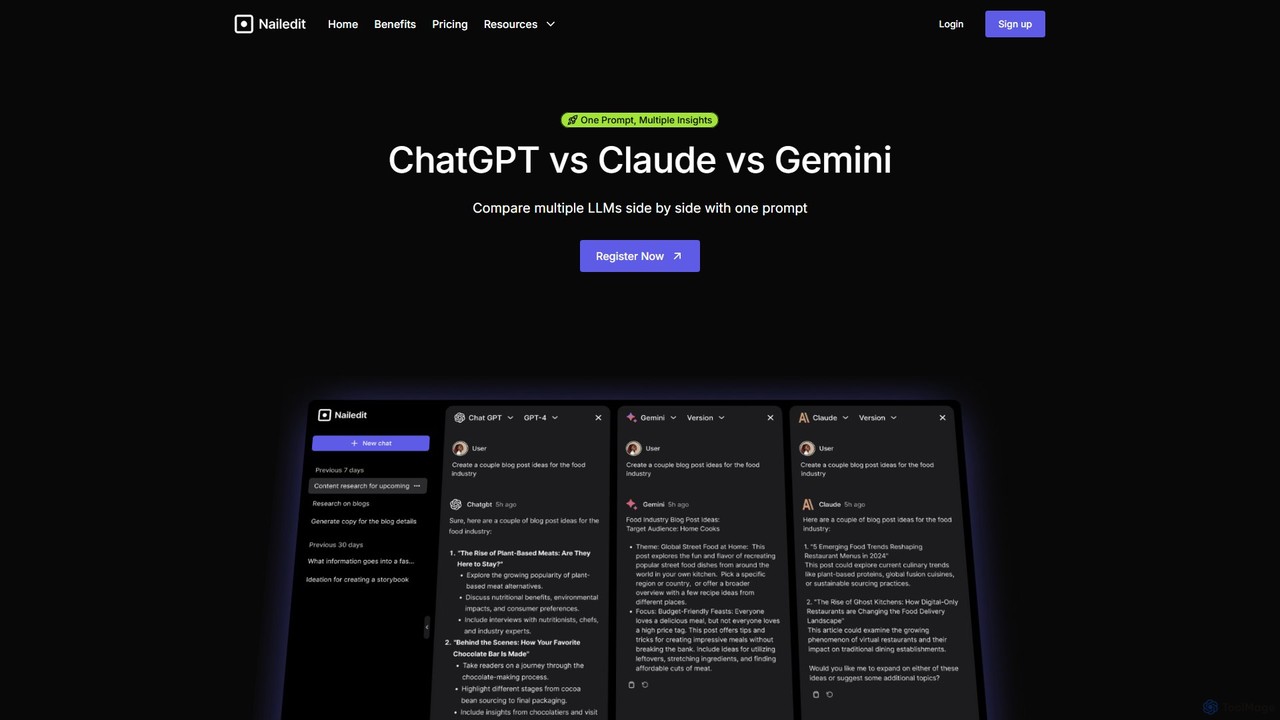
NailedIt
NailedIt is an AI productivity platform that allows you to instantly compare responses from leading LLMs like ChatGPT, Claude, and Gemini with a single prompt. Streamline your workflow, enhance content quality, and make informed decisions by viewing multiple AI outputs side-by-side in a unified interface.
Testing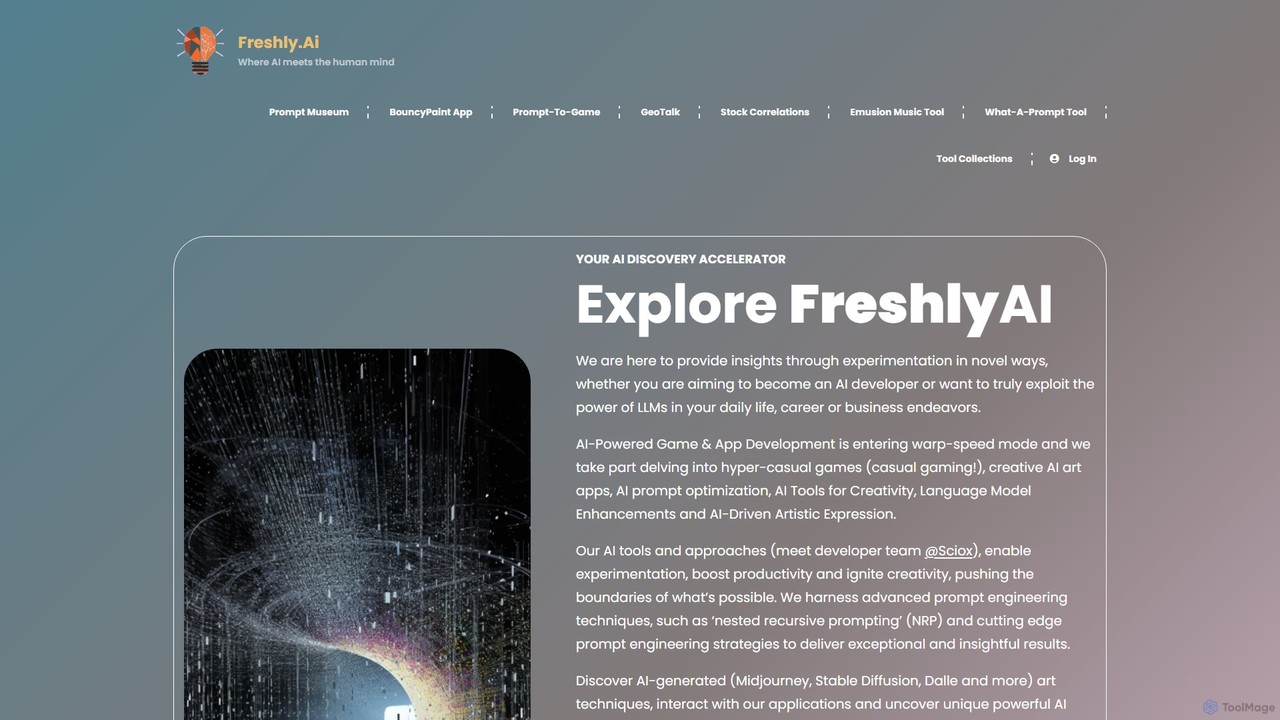
Freshly.ai
Freshly.ai is an AI discovery accelerator and learning hub specializing in advanced LLM prompt engineering. It offers a 'Prompt Museum' with expertly curated, NRP-optimized prompts, in-depth articles on AI techniques, and tools to enhance creativity and productivity for developers, professionals, and enthusiasts.
Prompt Engineering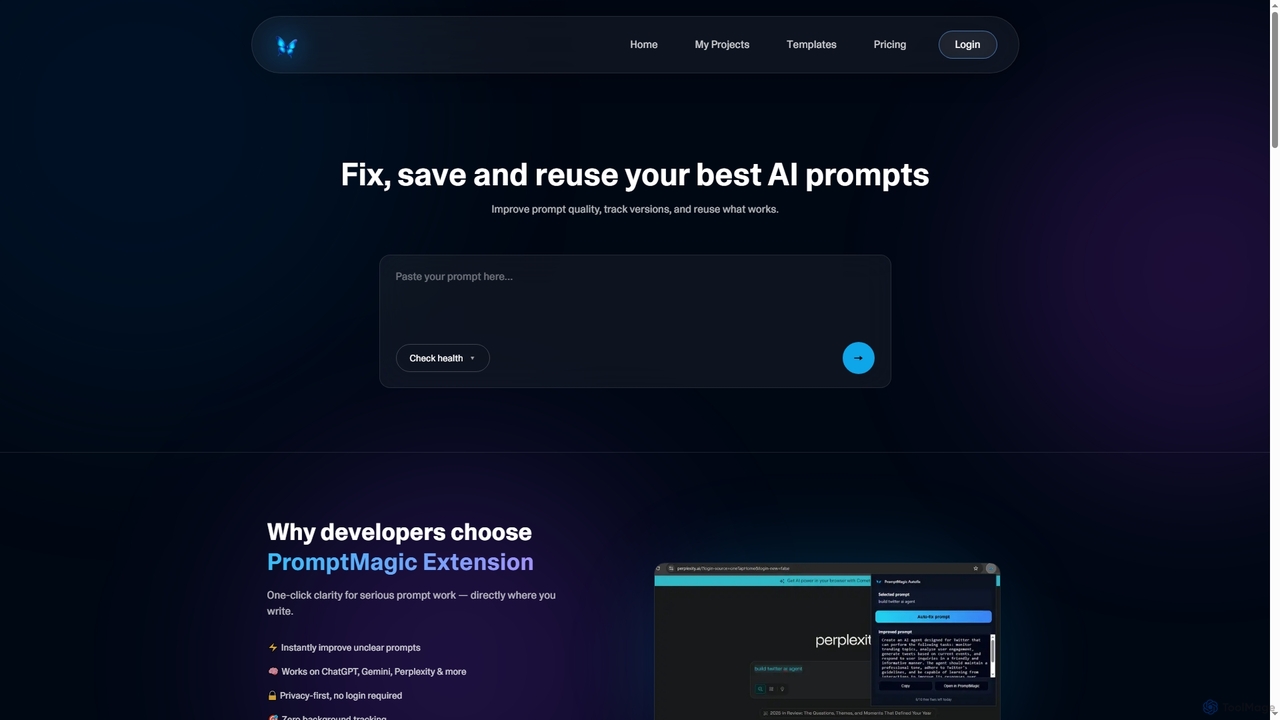
PromptMagic
PromptMagic is an AI tool and Chrome extension designed to help users write, optimize, save, and reuse high-quality AI prompts. It enhances clarity, tracks versions, and makes prompt engineering accessible across various AI models like ChatGPT, Gemini, and Claude.
Ai Development
Split Prompt Comments (0)
Sign in to comment.
Sign inNo comments yet.