

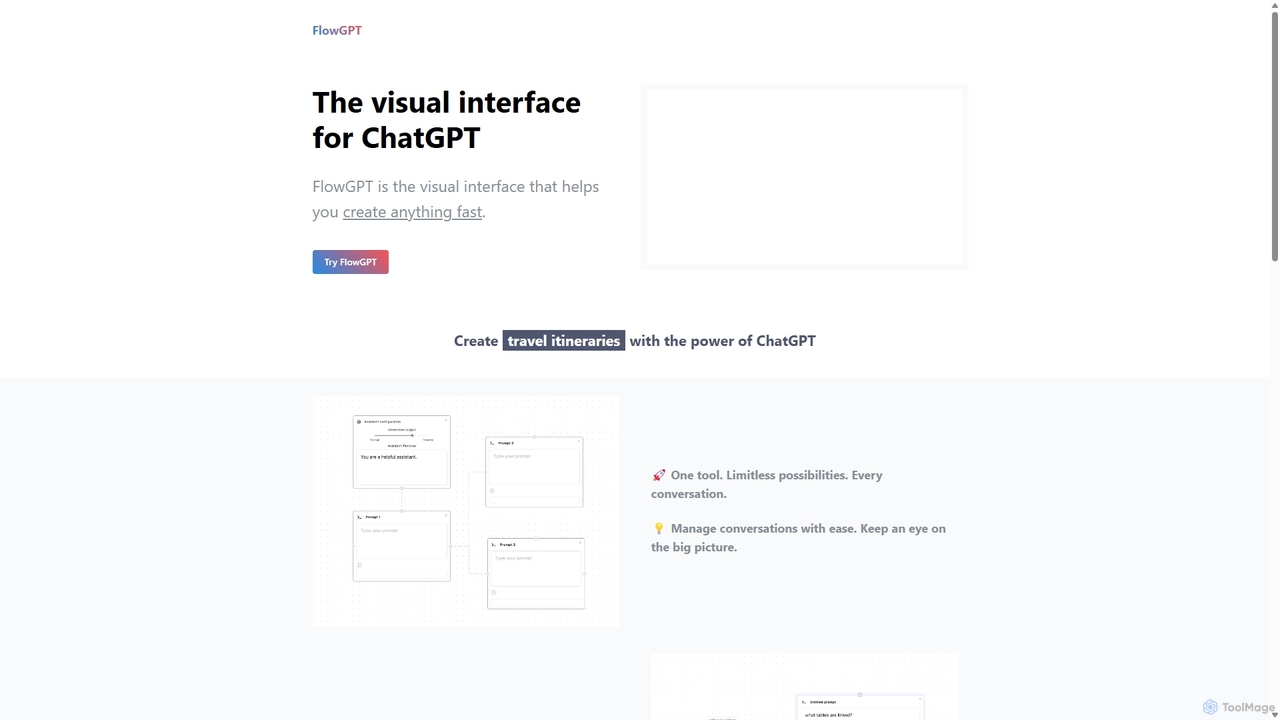
FlowGPT Overview
FlowGPT introduces a paradigm shift in how we interact with large language models like ChatGPT. Moving beyond the traditional linear chat interface, FlowGPT provides a dynamic, visual canvas where users can build, organize, and execute complex AI-powered workflows. This node-based system, resembling a flowchart or mind map, allows for unparalleled control over conversation flow, making it an indispensable tool for anyone serious about leveraging AI for creative and analytical tasks.
At its core, FlowGPT is designed to structure your thoughts and prompts. You can create intricate chains of logic, run parallel queries to compare different outputs, and manage multiple conversational threads simultaneously without losing context. This visual approach is not just about organization; it fundamentally enhances the creative process, enabling users to explore ideas more freely and systematically. Whether you're brainstorming a marketing campaign, outlining a novel, or debugging a complex query, FlowGPT provides the structure to do it effectively.
How to use FlowGPT
Getting started with FlowGPT is intuitive. Users begin by creating a 'Flow board,' which serves as their main canvas. On this board, you can add different nodes. A node can be a user prompt, an AI instruction, or an uploaded piece of context. You then connect these nodes with edges to define the sequence of operations. For instance, you can have one node that uploads a PDF document, another that asks the AI to summarize it, and a third that extracts key data points based on the summary. By running the flow, the AI processes the instructions sequentially, with the entire logic and output history visible on the canvas. This makes it easy to tweak, re-run, and perfect your prompts for optimal results.
Core Features of FlowGPT
- Visual Flow Canvas: An infinite, node-based canvas to map out and manage AI conversations, prompts, and workflows in a flowchart style.
- Document & Web Link Upload: Provide context to the AI by uploading your documents (PDF, docx, txt) or adding web links directly into your workflow.
- Advanced Prompt Chaining: Connect multiple prompts in sequence or in parallel to build complex, multi-step queries and creative processes.
- Conversation Management: Easily keep track of multiple lines of inquiry and complex project ideas without the confusion of a single chat thread.
- Pre-built Prompts & Assistants: Access a library of over 100 AI prompts and specialized assistants (e.g., Copywriter Assistant) to kickstart your projects.
- Collaboration Tools: The visual canvas facilitates teamwork, allowing multiple users to contribute to and refine AI workflows together.
Use Cases for FlowGPT
FlowGPT's versatility makes it suitable for a wide range of applications. Digital marketers can use it to brainstorm ad copy, develop content strategies, and create personalized email campaigns by visually mapping out customer journeys. Fiction writers and content creators can outline plots, develop characters through parallel dialogues, and overcome writer's block by exploring different narrative paths. Developers and researchers can use it to prototype application logic, analyze technical documents, and structure complex data queries, using the visual flow to understand the AI's reasoning process. It's also a powerful tool for students and educators to deconstruct complex topics and analyze academic papers.
Advantages of FlowGPT
The primary advantage of FlowGPT is its ability to transform abstract conversational chaos into structured, visual clarity. This leads to more sophisticated prompt engineering and higher-quality AI outputs. The 'Pay as you grow' pricing model offers excellent flexibility, eliminating the pressure of a monthly subscription and allowing users to pay only for what they use. By providing a holistic view of the entire conversation, it boosts productivity, fosters creativity, and makes complex AI interactions accessible to a broader audience.
Pricing and Plans
FlowGPT operates on a flexible 'Pay as you grow' model based on AI word credits. There is no mandatory monthly subscription.
- Free Plan: $0. Includes 20,000 AI words and 5 Flow boards. Perfect for trying out the platform's core features.
- ProLite Plan: $50 one-time payment. Includes 100,000 AI words and unlimited Flow boards. Ideal for users who need more capacity for their projects.
- Pro Plan: $200 one-time payment. Includes 1,000,000 AI words and unlimited Flow boards. Designed for professionals and teams with heavy usage needs.
All plans come with access to 100+ AI prompts, and future access to GPT-4 is planned.
Traffic
Latest traffic
Status
Monthly traffic trend
- 2025-9: 24.5K
- 2026-1: 21.1K
- 2026-2: 15.0K
- 2026-3: 25.1K
- 2026-4: 33.1K
- 2026-5: 24.0K
Geography
Top 5 countries / regions
- 🇺🇸United States24.1%
- 🇻🇳Vietnam22.4%
- 🇮🇳India22.1%
- 🇷🇺Russia15.8%
- 🇧🇷Brazil15.6%
FlowGPT Alternatives
Prompt Dress
Prompt Dress is a powerful browser extension designed to manage, organize, and quickly access all your AI prompts. It acts as a central library, eliminating scattered text files and streamlining your workflow with AI models. Ideal for marketers, developers, writers, and anyone who frequently uses AI.
Workflow Automation
RewriteBar
RewriteBar is a native macOS menu bar app that acts as your personal AI writing assistant. It works seamlessly across all applications, allowing you to instantly correct grammar, change tone, translate text, summarize content, and more with a simple keyboard shortcut. It supports over 12 AI providers, including local models for ultimate privacy, offering a powerful and flexible writing enhancement experience.
Code Assistant
Cosmicup
Cosmicup is an all-in-one AI platform offering unlimited access to a wide array of advanced AI models like ChatGPT 5, Claude 4.5, Gemini 2.5, and Grok 4 through a single subscription. It streamlines workflows with features including multi-model interaction, code assistance, document analysis, real-time web search, deep research, and AI image generation, eliminating the need for multiple subscriptions.
Multimodal Ai
PromptifyPRO
PromptifyPRO is an advanced AI prompt engineering platform designed to help users create, test, and optimize prompts for various AI models like ChatGPT and Claude. It offers tools like pre-built templates, performance analytics, and collaboration features to unlock higher quality outputs, save time, and enhance creativity.
Code Generation
Prompt.fun
Prompt.fun is a unique platform connecting users with professional prompt engineering experts. Save time and achieve superior AI-generated content by collaborating in real-time with specialists. Whether for art, writing, or code, get perfectly crafted prompts tailored to your specific needs and unlock the full potential of any AI tool.
LearningFlowGPT Categories
FlowGPT Jobs
FlowGPT Embed Widget
Copy this embed code to place the badge on your blog, article, or product site and send readers directly to this ToolMage detail page.

Related AI tools
Prompt Dress
Prompt Dress is a powerful browser extension designed to manage, organize, and quickly access all your AI prompts. It acts as a central library, eliminating scattered text files and streamlining your workflow with AI models. Ideal for marketers, developers, writers, and anyone who frequently uses AI.
Workflow AutomationCosmicup
Cosmicup is an all-in-one AI platform offering unlimited access to a wide array of advanced AI models like ChatGPT 5, Claude 4.5, Gemini 2.5, and Grok 4 through a single subscription. It streamlines workflows with features including multi-model interaction, code assistance, document analysis, real-time web search, deep research, and AI image generation, eliminating the need for multiple subscriptions.
Multimodal AiPromptifyPRO
PromptifyPRO is an advanced AI prompt engineering platform designed to help users create, test, and optimize prompts for various AI models like ChatGPT and Claude. It offers tools like pre-built templates, performance analytics, and collaboration features to unlock higher quality outputs, save time, and enhance creativity.
Code Generation
Jyek
Jyek is an AI agent platform that understands objectives, creates execution plans, uses tools, and delivers verifiable results for complex, multi-step tasks.
Automation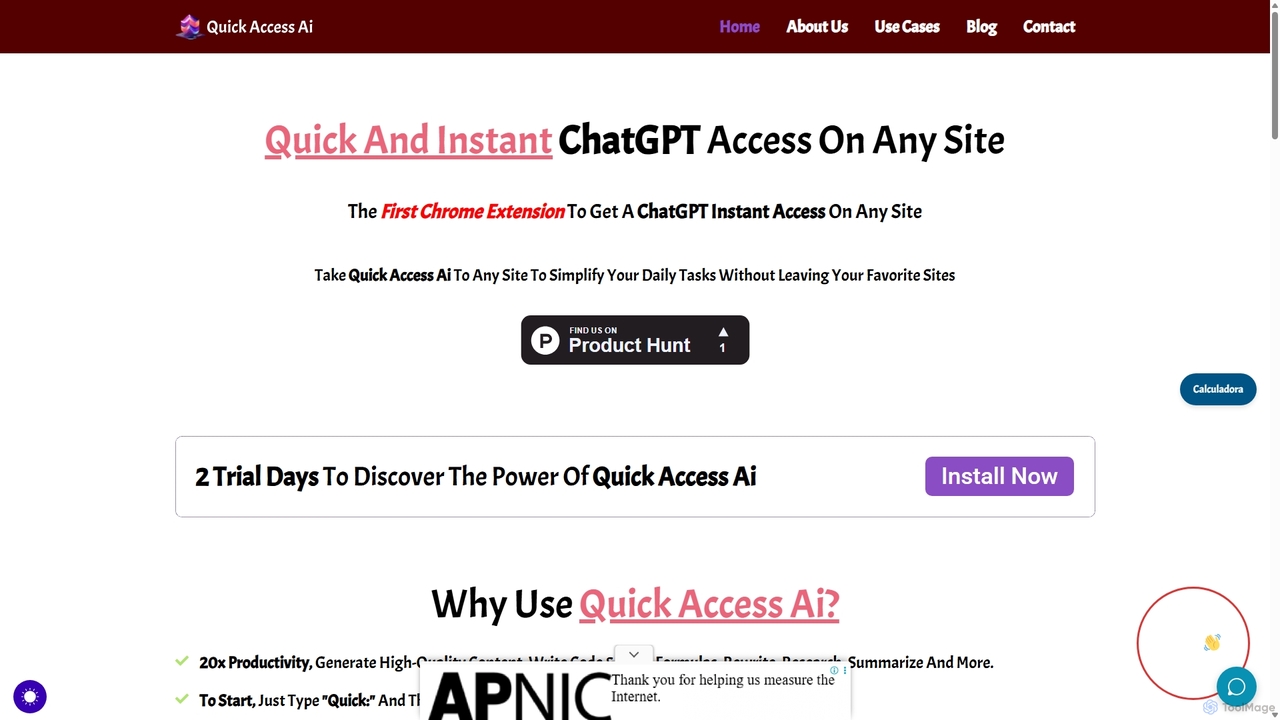
Quick Access Ai
Quick Access Ai is a Chrome extension that provides instant access to ChatGPT on any website. By simply typing a command, users can generate content, write code, summarize text, and perform research without switching tabs. It aims to boost productivity by integrating AI assistance directly into your existing workflow, making daily tasks faster and more efficient.
Code Assistant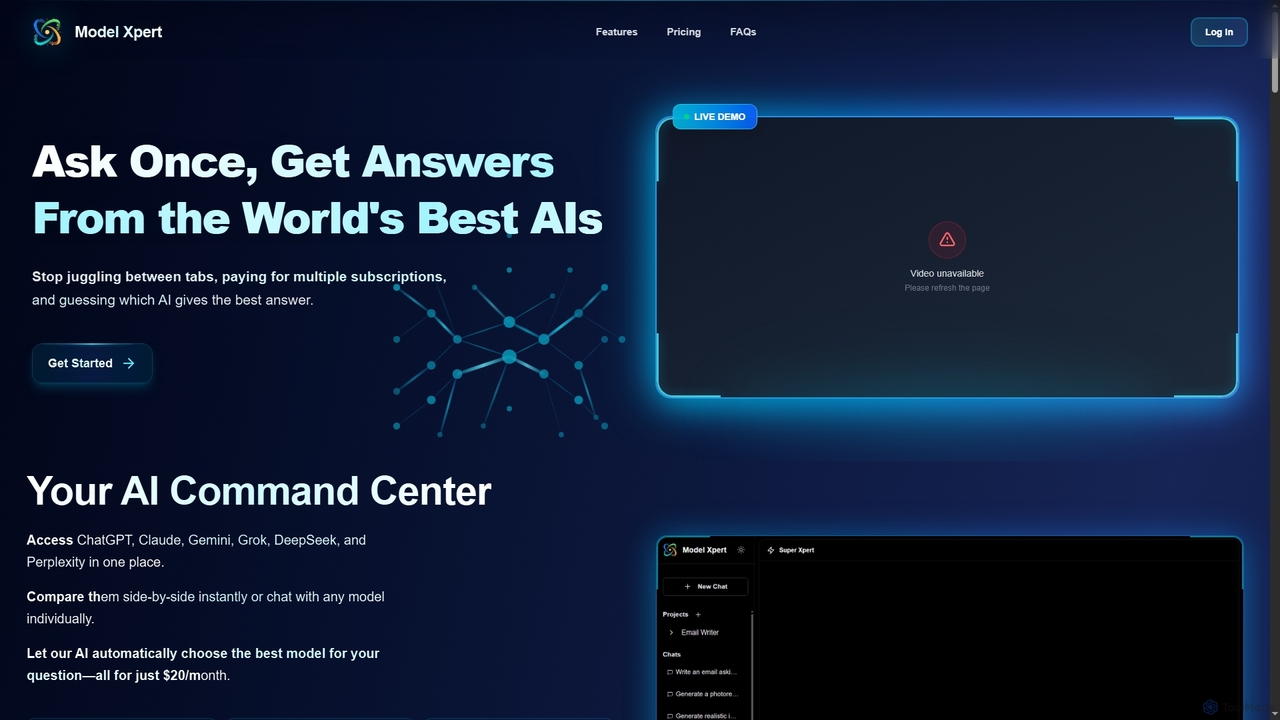
Model Xpert
Model Xpert provides unified access to the world's top AI models like ChatGPT, Claude, Gemini, Grok, DeepSeek, and Perplexity in one chat interface. It eliminates the need for multiple subscriptions and offers features like side-by-side comparison, intelligent auto-selection, prompt enhancement, and an AI image suite for maximum efficiency and cost savings.
Writing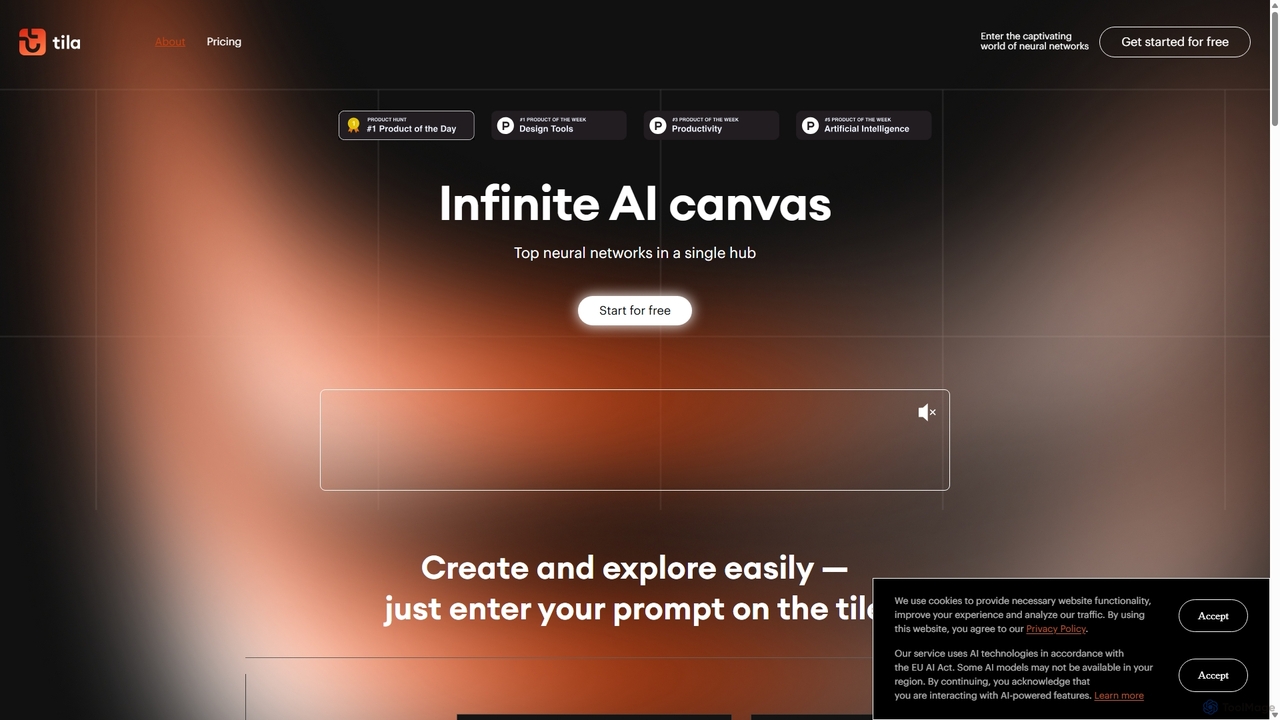
Tila
Tila is a multi-agent AI platform that combines workflow automation and content creation in a unified visual workspace. It offers an infinite canvas where users can connect various AI models like GPT-4o, Claude 3.5, and DALL-E 3 to generate text, images, videos, and audio. Its smart multi-agent technology automates complex tasks, from data analysis to app development, streamlining creative and productive workflows without needing multiple subscriptions.
Generative Ai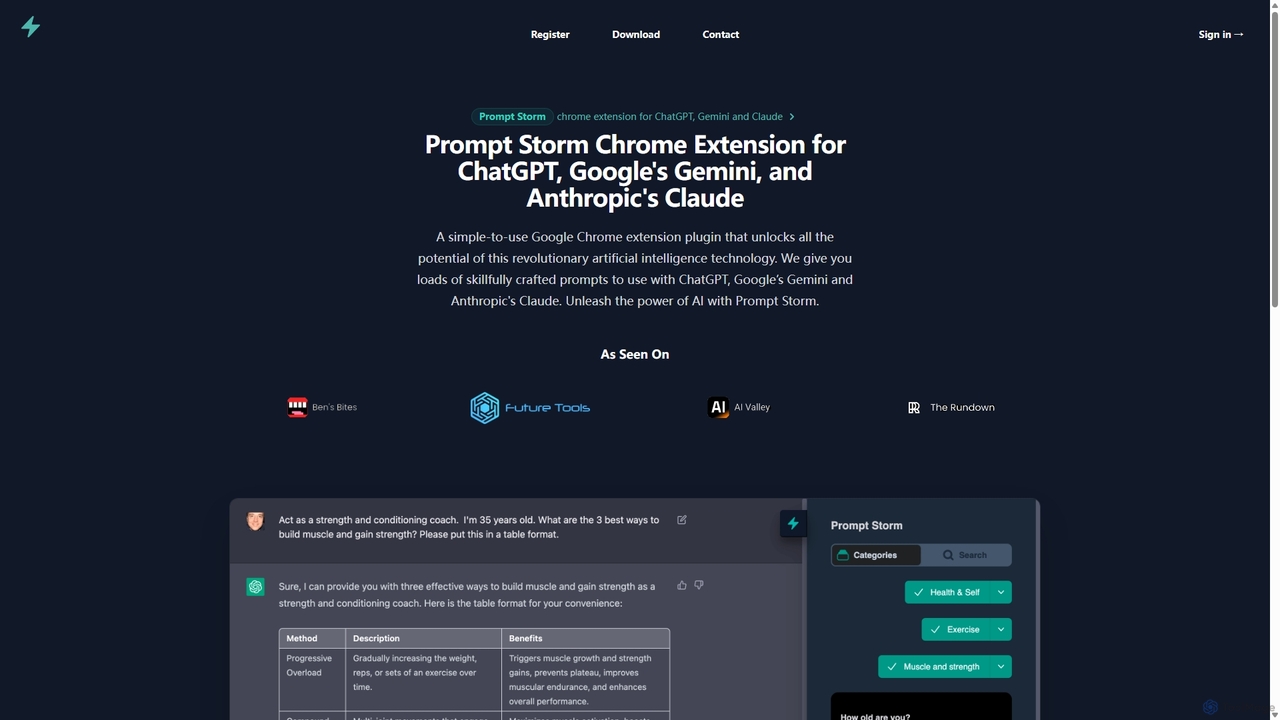
Prompt Storm
Prompt Storm is a powerful Chrome extension that enhances your interactions with ChatGPT, Google Gemini, and Anthropic's Claude. It provides a vast library of expertly crafted prompts, enabling users to unlock the full potential of AI for tasks like content creation, marketing, coding, and learning. Boost your productivity and get higher-quality AI responses with just a few clicks.
Code Generation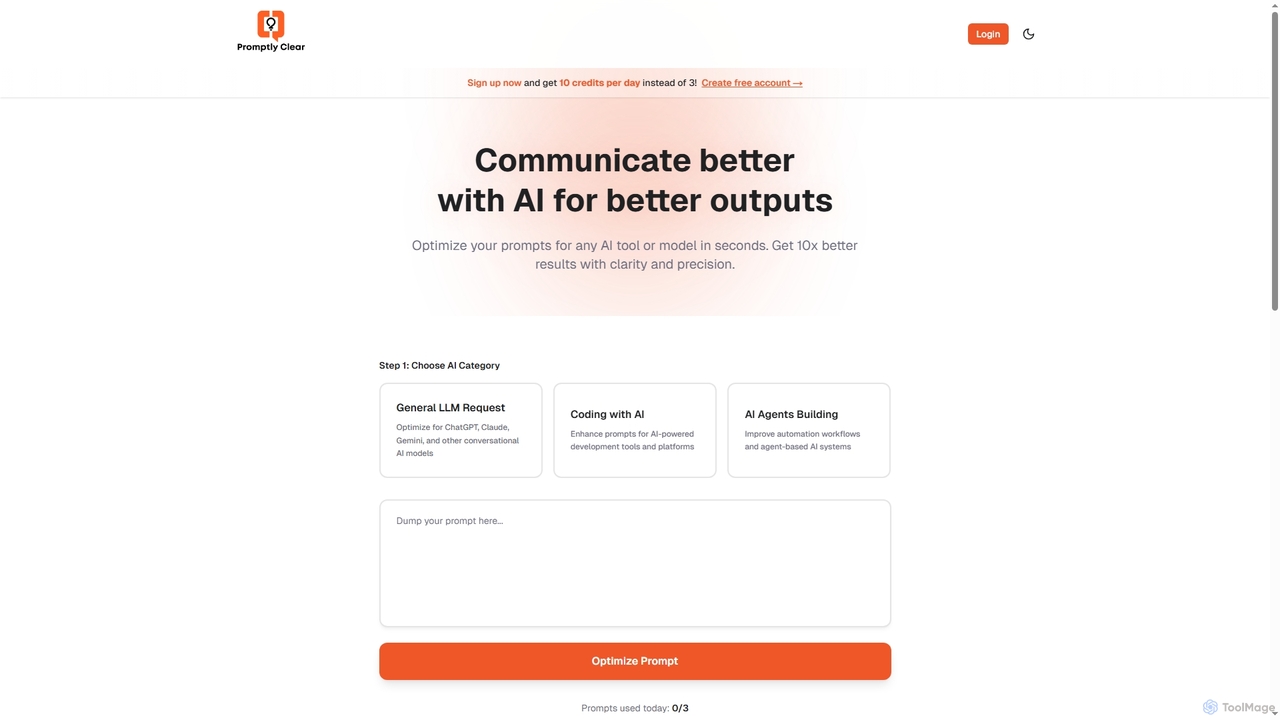
PromptlyClear
PromptlyClear is an AI prompt optimizer designed to refine user inputs for large language models like ChatGPT, Claude, and Gemini. It enhances clarity and precision, enabling users to achieve significantly better and more detailed AI outputs across various applications, from business research to coding.
Research Assistant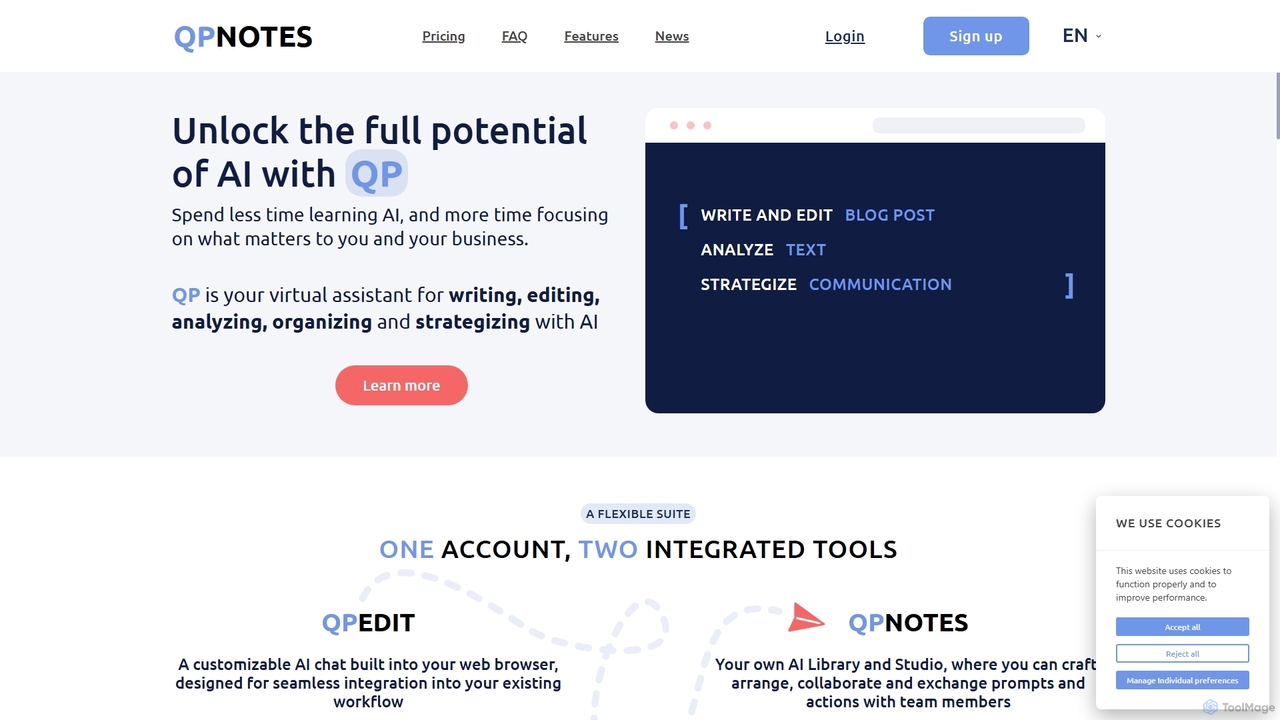
QPNOTES
QPNOTES is an all-in-one AI prompt management platform designed to save, organize, and share your AI prompts. It features QPNOTES, a central library, and QPEDIT, a browser extension, allowing users to switch between top AI models like ChatGPT, Claude, and Bard, streamlining workflows and enhancing productivity for individuals and teams.
Api Management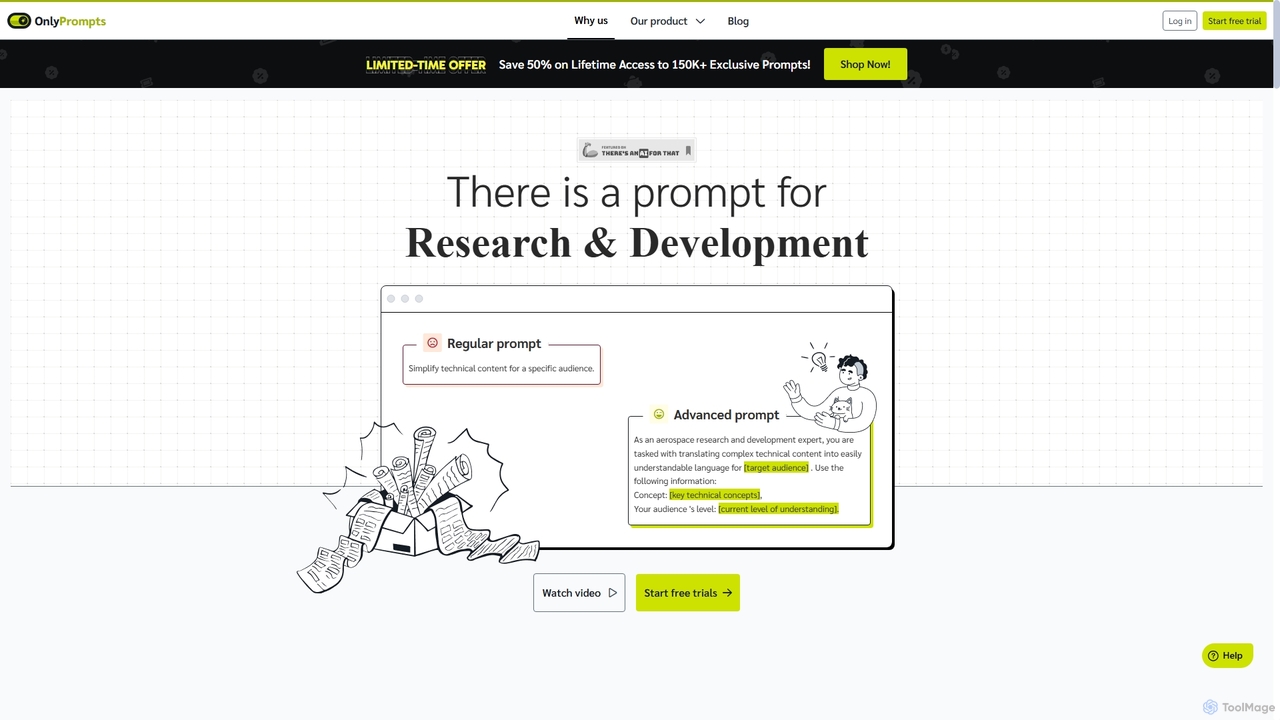
OnlyPrompts
OnlyPrompts is the ultimate AI prompt library, offering over 150,000 expertly crafted prompts for 37,000+ tasks. It features an integrated AI assistant compatible with GPT-4 and Claude 3, side-by-side prompt testing, and customizable templates. Designed for professionals in marketing, HR, finance, and more, it streamlines workflows, enhances productivity, and elevates the quality of AI-generated content.
Operations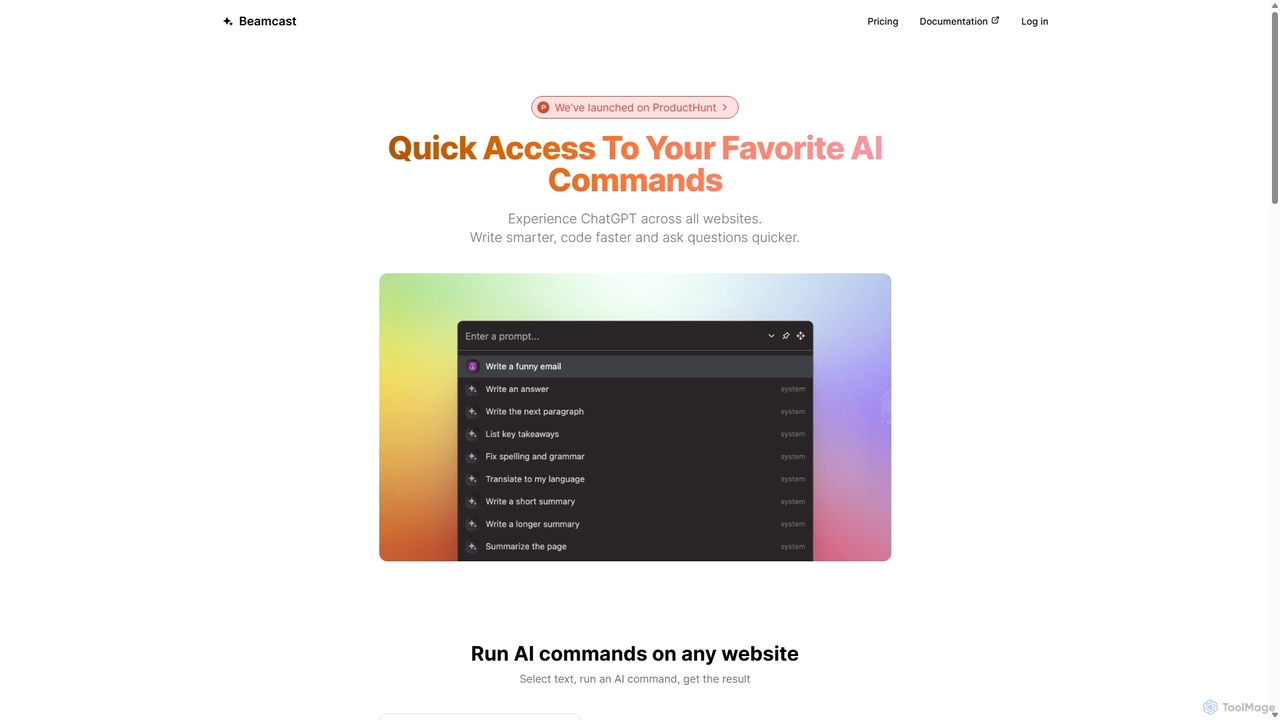
Beamcast
A browser extension that puts ChatGPT and Gemini at your fingertips. Select text on any website to run built-in or custom AI commands for writing, coding, and quick answers, streamlining your workflow and boosting productivity without ever leaving the page.
Search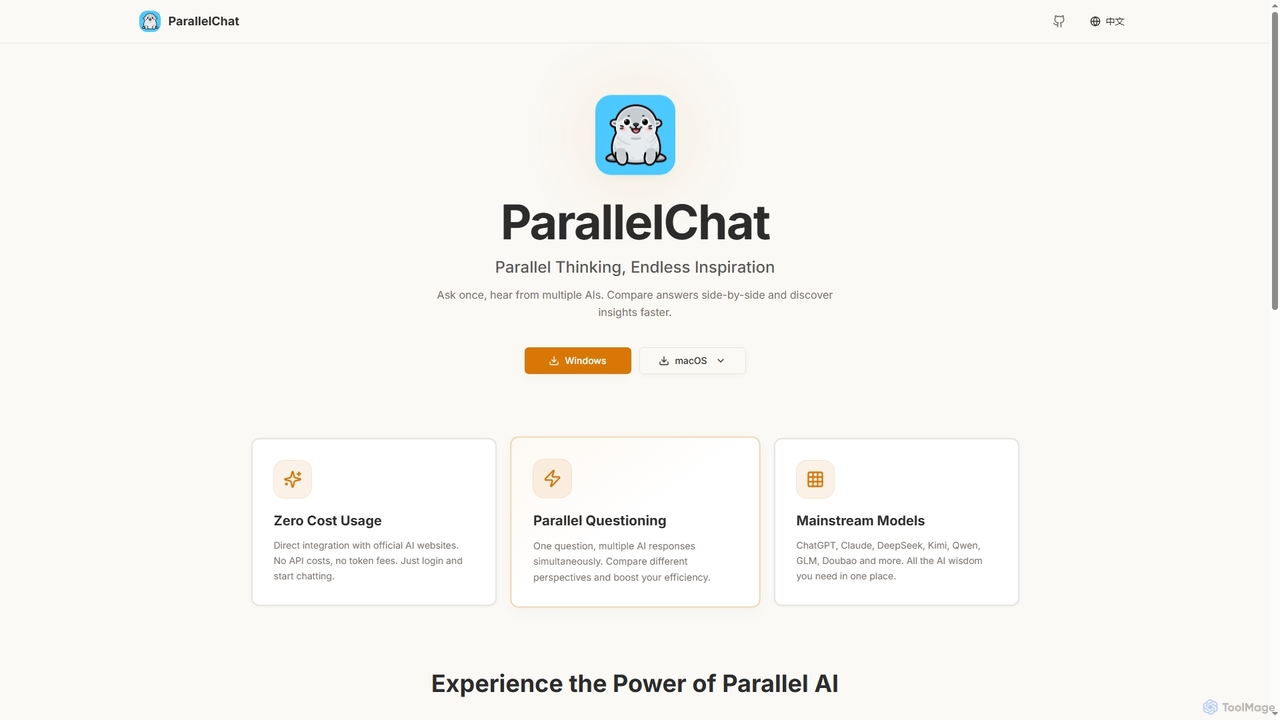
ParallelChat
ParallelChat is a desktop application for Windows and macOS that allows users to query multiple AI models simultaneously and compare their responses side-by-side. It integrates popular AIs like ChatGPT, Claude, and DeepSeek, offering diverse perspectives to boost efficiency and find better answers faster.
Writing Assistant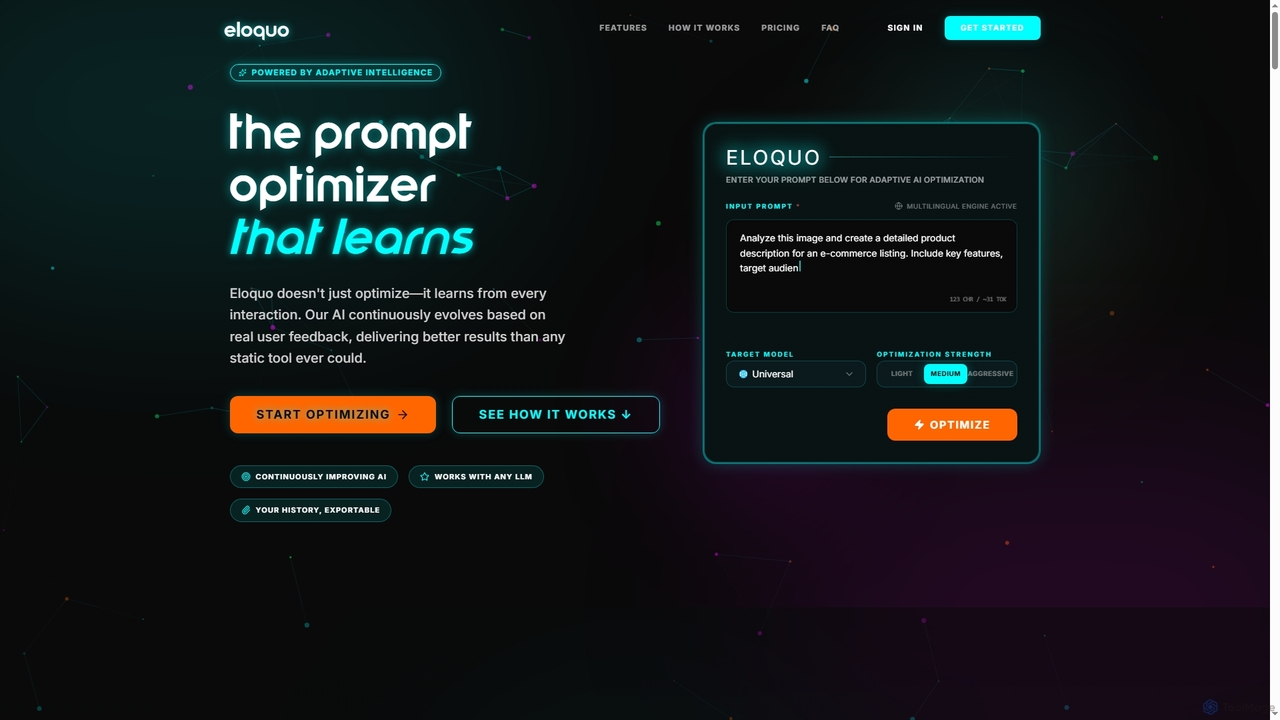
Eloquo
Eloquo is an adaptive AI prompt optimizer that continuously learns from user feedback to generate high-quality, production-ready prompts for ChatGPT, Claude, and Gemini. It streamlines AI interactions, ensuring consistent outputs and reducing iteration time for various professional applications.
Writing Assistant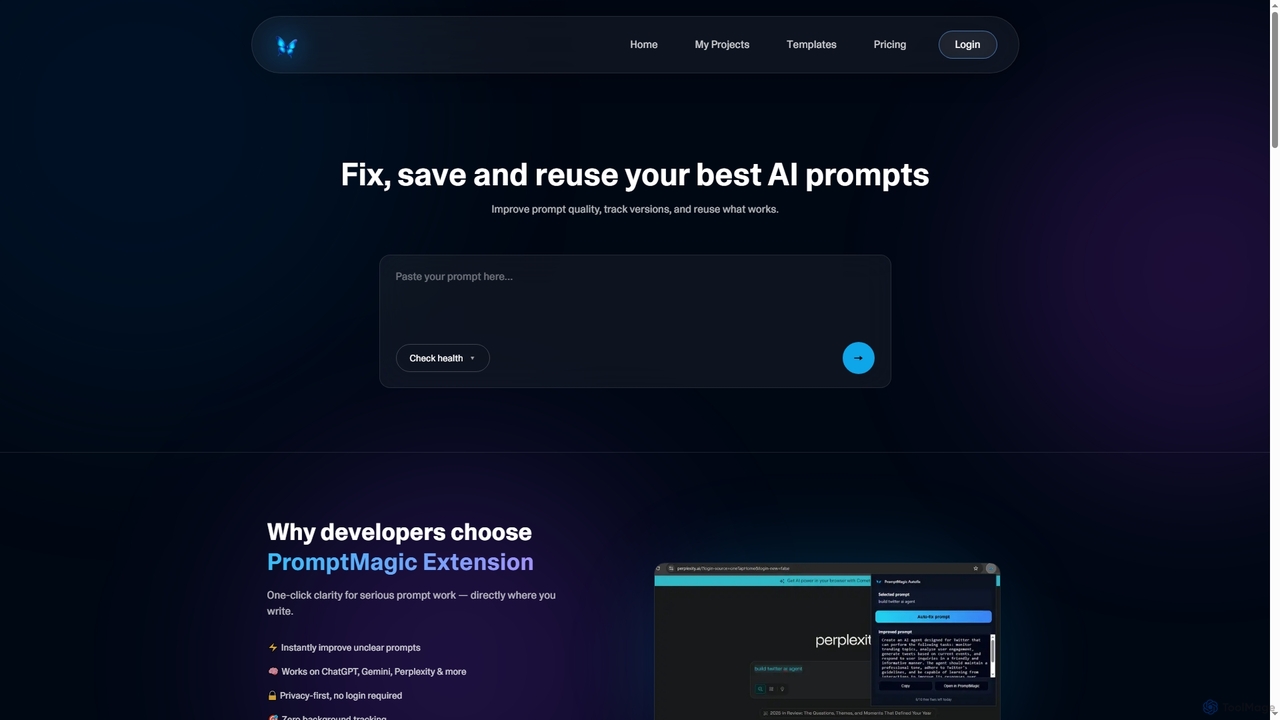
PromptMagic
PromptMagic is an AI tool and Chrome extension designed to help users write, optimize, save, and reuse high-quality AI prompts. It enhances clarity, tracks versions, and makes prompt engineering accessible across various AI models like ChatGPT, Gemini, and Claude.
Ai Development
FlowGPT Comments (0)
Sign in to comment.
Sign inNo comments yet.