

QPNOTES Overview
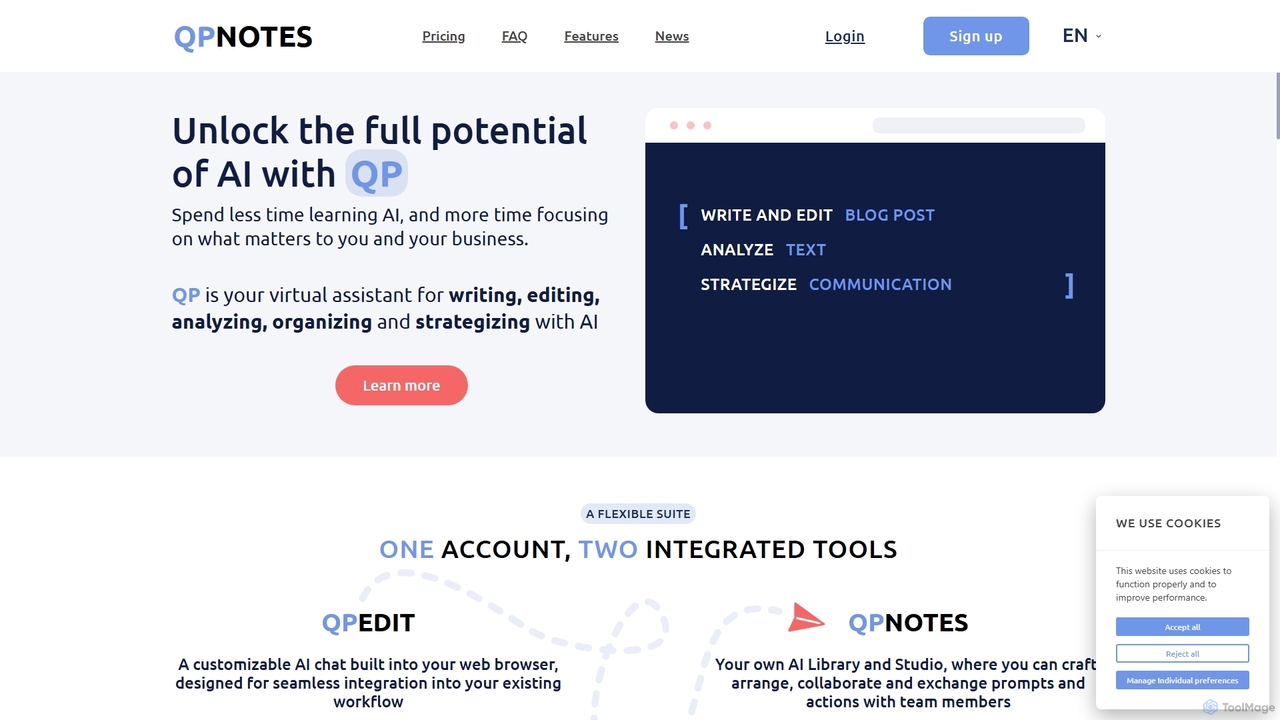
QPNOTES is a comprehensive AI virtual assistant designed to streamline how individuals and businesses interact with artificial intelligence. It serves as a centralized hub to create, edit, save, organize, and share AI prompts and complex actions, effectively replacing the need for multiple AI accounts. The platform is built around two integrated tools: QPNOTES, your personal AI library and studio, and QPEDIT, a customizable AI chat integrated into your web browser via a Chrome extension.
With QPNOTES, you can unlock the full potential of AI by spending less time learning different platforms and more time focusing on core tasks. It's designed for a wide range of users, from nonprofit directors and business owners to content creators and AI power users. The platform helps with writing, editing, analysis, organization, and strategy, making it a versatile tool for any workflow.
How to use QPNOTES
Getting started with QPNOTES is straightforward. First, users can sign up for a plan that suits their needs, including a free 'lite' version. After signing up, you can install the QPEDIT Chrome browser extension for seamless access to AI from anywhere on the web. Within the QPNOTES platform, you can start creating or importing your prompts. The intuitive interface allows you to organize these prompts into collections using categories, tags, and a powerful search function. For more complex tasks, the drag-and-drop interface lets you assemble multi-step AI actions. You can also collaborate by sharing prompts or entire collections with team members or browse the public library for inspiration from the community.
Core Features of QPNOTES
- All-in-One AI Model Access: Switch between top AI models like ChatGPT, Bard, and Claude within a single interface, without needing separate paid accounts (available on the Pro with AI plan).
- Centralized Prompt Library (QPNOTES): A dedicated space to store, refine, organize, and manage all your AI prompts. Features advanced organization with categories, tags, and folders.
- In-Browser AI Assistant (QPEDIT): A Chrome extension that brings AI capabilities directly into your workflow, allowing you to use your saved prompts on any webpage.
- Collaboration and Sharing: Share individual prompts or entire collections with team members, friends, or the public community to foster collaboration and knowledge exchange.
- Drag-and-Drop Interface: Easily build and execute complex, multi-step AI requests without writing any code.
- Extensive Public Library: Access a vast collection of custom-built AI instructions, actions, and prompts created by the QPNOTES community.
- Enterprise and Custom Solutions: Offers tailored solutions for organizations, including dedicated onboarding, custom-built AI functions, and centralized license management.
- Data Export: Back up your saved prompts by downloading them in CSV or table format for offline access and easy sharing.
Use Cases for QPNOTES
QPNOTES is versatile and caters to various professional needs. For nonprofit organizations, it streamlines writing grant applications, reports, and communication with supporters, saving valuable time. Content creators and marketers use it to draft and edit blog posts, social media content, newsletters, and press releases. Business owners and analysts leverage it for market research, competitive analysis, risk assessment, and strategizing. For educators and researchers, it's a powerful tool for drafting research papers and organizing complex information. AI power users can build and manage sophisticated, customized AI actions for tasks like data reformatting and strategic analysis.
Advantages of QPNOTES
The primary advantage of QPNOTES is its ability to centralize and simplify AI interactions. It boosts productivity by keeping all prompts organized and easily accessible. It is cost-effective, as the 'Pro with AI' plan consolidates multiple AI subscriptions into one affordable package. The platform enhances team collaboration by providing a shared space for prompt engineering. Its flexibility allows for deep customization, adapting to unique workflows with custom actions. Finally, its user-friendly design, including the drag-and-drop interface, makes powerful AI accessible even to non-technical users.
Pricing and Plans
QPNOTES offers a tiered pricing structure to suit different user needs:
- QPNOTESlite (Free): Includes storage for up to 150 private prompts, access to public collections, prompt downloads, and the QPEDIT Chrome Extension. Users can add their own API key.
- QPNOTESpro ($45/Year): Includes all 'lite' features plus unlimited storage, sharing with friends, and group collections.
- QPNOTESpro with AI ($160/Year): Includes all 'PRO' features plus an all-in-one subscription to top AI models and 1000 QP credits per month.
- QPNOTESpro for Organizations: Custom pricing plan that includes all PRO features plus dedicated onboarding, tailored AI functions, managed group collections, and central license management.
QPNOTES Alternatives
Prompt Dress
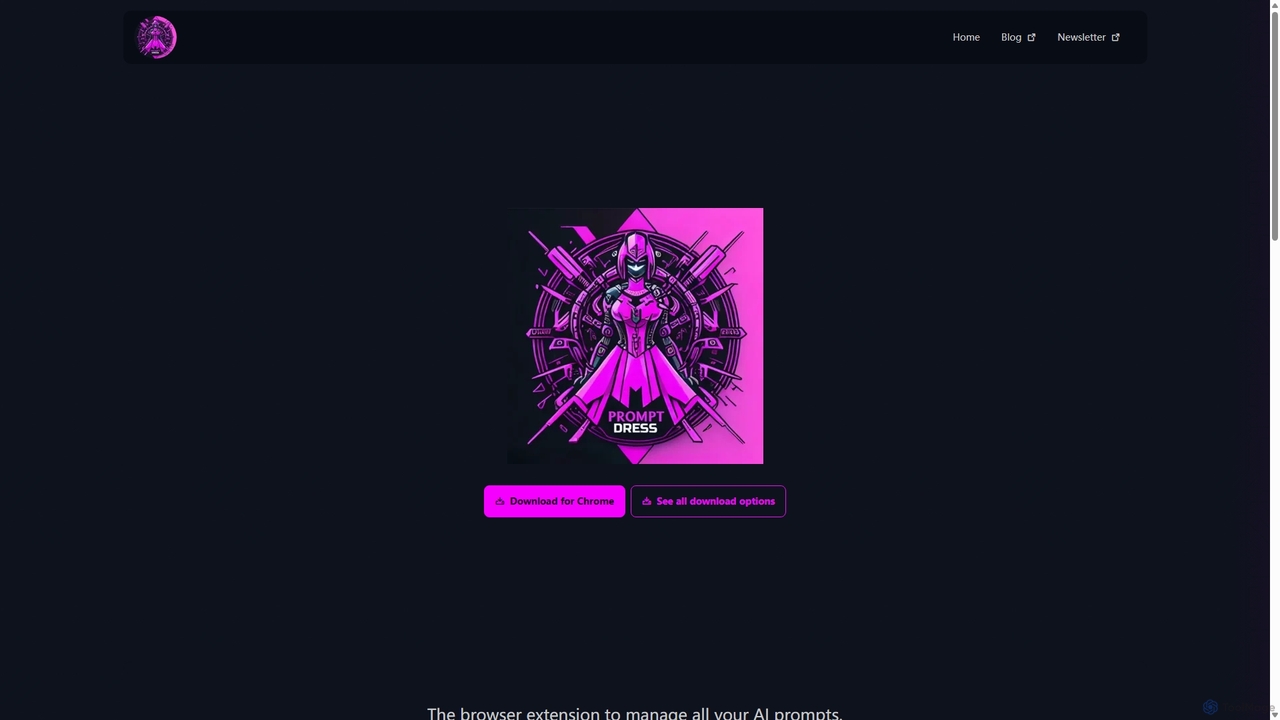
Prompt Dress is a powerful browser extension designed to manage, organize, and quickly access all your AI prompts. It acts as a central library, eliminating scattered text files and streamlining your workflow with AI models. Ideal for marketers, developers, writers, and anyone who frequently uses AI.
Workflow Automation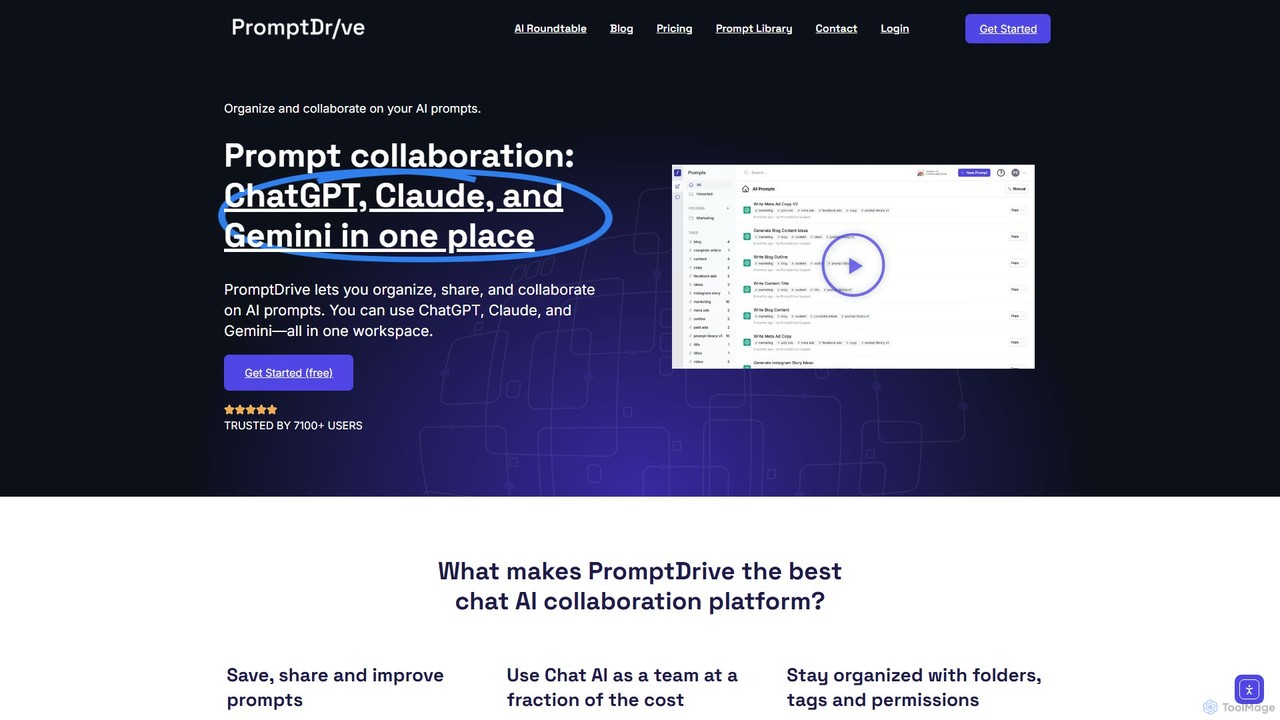
PromptDrive
PromptDrive is a collaborative AI platform that helps teams organize, share, and execute prompts for ChatGPT, Claude, and Gemini in a single workspace. It streamlines AI workflows, enhances team productivity, and ensures consistent quality in AI-generated content through features like shared folders, prompt variables, and a unified interface.
Api Management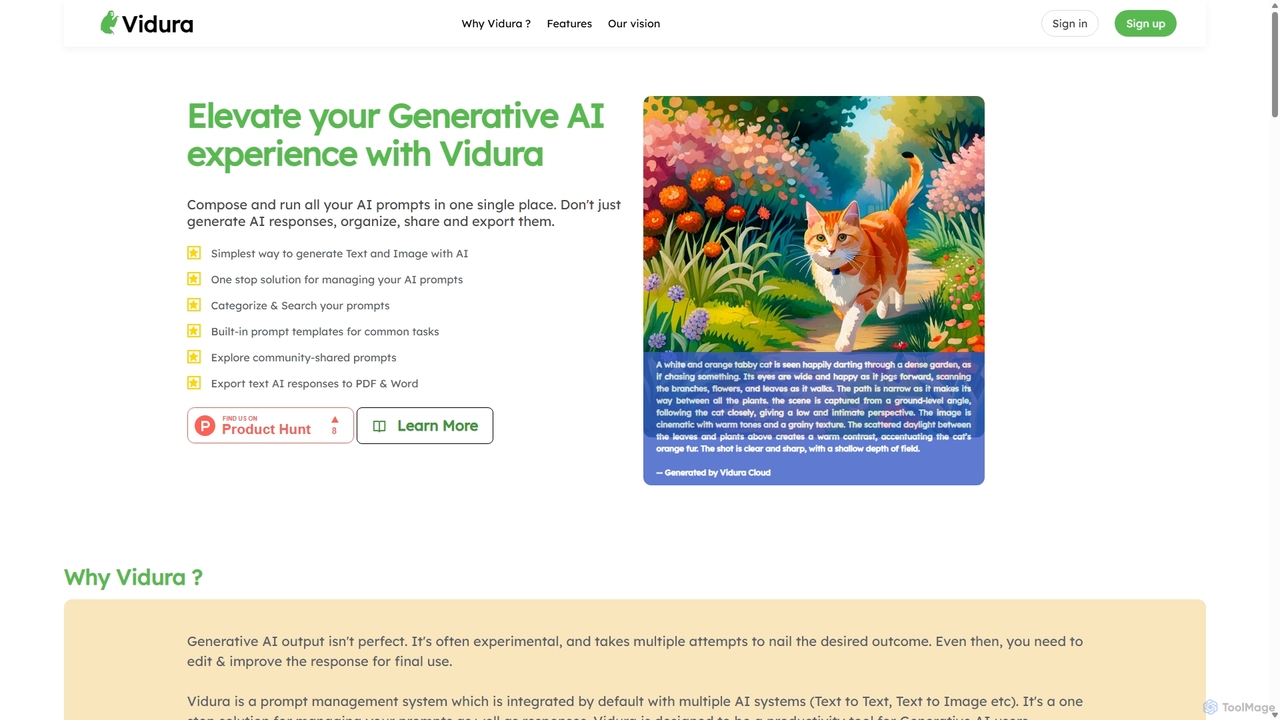
Vidura
Vidura is a powerful prompt manager for generative AI, designed to help individuals and teams organize, create, test, and share AI prompts efficiently. It provides a centralized library for text and image prompts, featuring dynamic templates, version history, and secure team collaboration tools to streamline your AI workflow and enhance content generation.
Prompt Engineering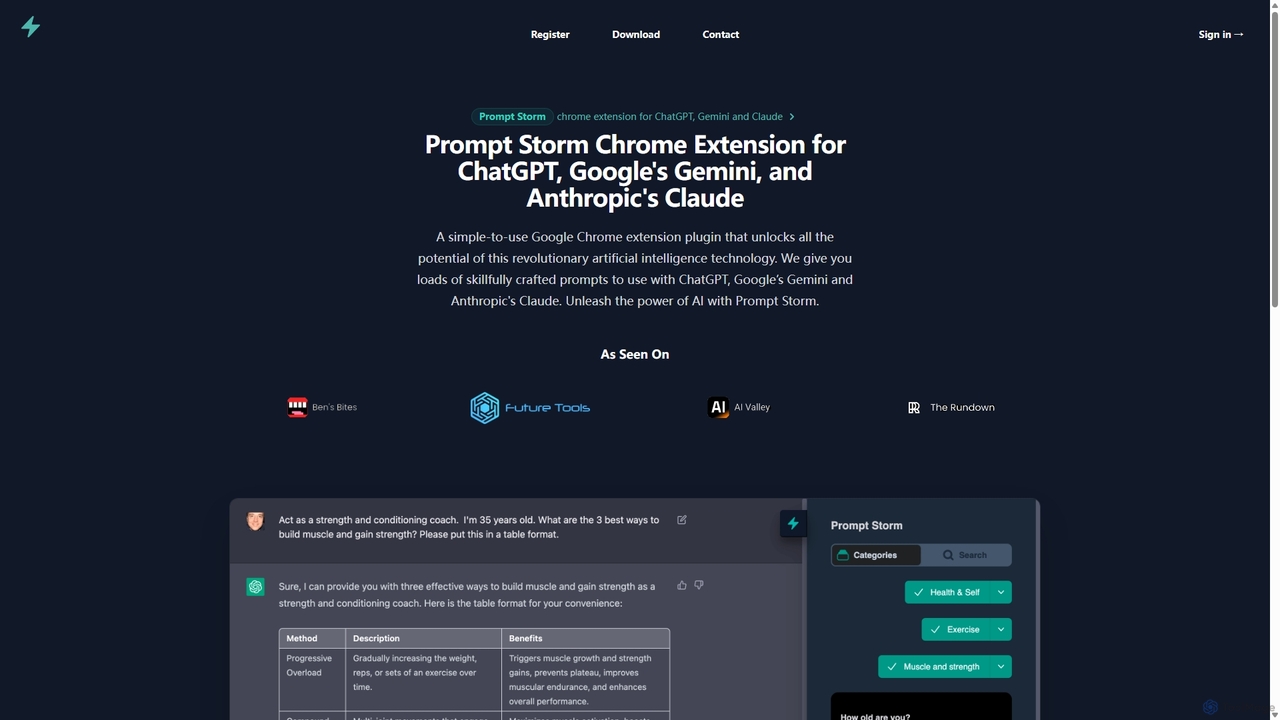
Prompt Storm
Prompt Storm is a powerful Chrome extension that enhances your interactions with ChatGPT, Google Gemini, and Anthropic's Claude. It provides a vast library of expertly crafted prompts, enabling users to unlock the full potential of AI for tasks like content creation, marketing, coding, and learning. Boost your productivity and get higher-quality AI responses with just a few clicks.
Code Generation
PromptifyPRO
PromptifyPRO is an advanced AI prompt engineering platform designed to help users create, test, and optimize prompts for various AI models like ChatGPT and Claude. It offers tools like pre-built templates, performance analytics, and collaboration features to unlock higher quality outputs, save time, and enhance creativity.
Code GenerationQPNOTES Categories
QPNOTES Jobs
QPNOTES Embed Widget
Copy this embed code to place the badge on your blog, article, or product site and send readers directly to this ToolMage detail page.

Related AI tools
Prompt Storm
Prompt Storm is a powerful Chrome extension that enhances your interactions with ChatGPT, Google Gemini, and Anthropic's Claude. It provides a vast library of expertly crafted prompts, enabling users to unlock the full potential of AI for tasks like content creation, marketing, coding, and learning. Boost your productivity and get higher-quality AI responses with just a few clicks.
Code GenerationPrompt Dress
Prompt Dress is a powerful browser extension designed to manage, organize, and quickly access all your AI prompts. It acts as a central library, eliminating scattered text files and streamlining your workflow with AI models. Ideal for marketers, developers, writers, and anyone who frequently uses AI.
Workflow AutomationPromptifyPRO
PromptifyPRO is an advanced AI prompt engineering platform designed to help users create, test, and optimize prompts for various AI models like ChatGPT and Claude. It offers tools like pre-built templates, performance analytics, and collaboration features to unlock higher quality outputs, save time, and enhance creativity.
Code Generation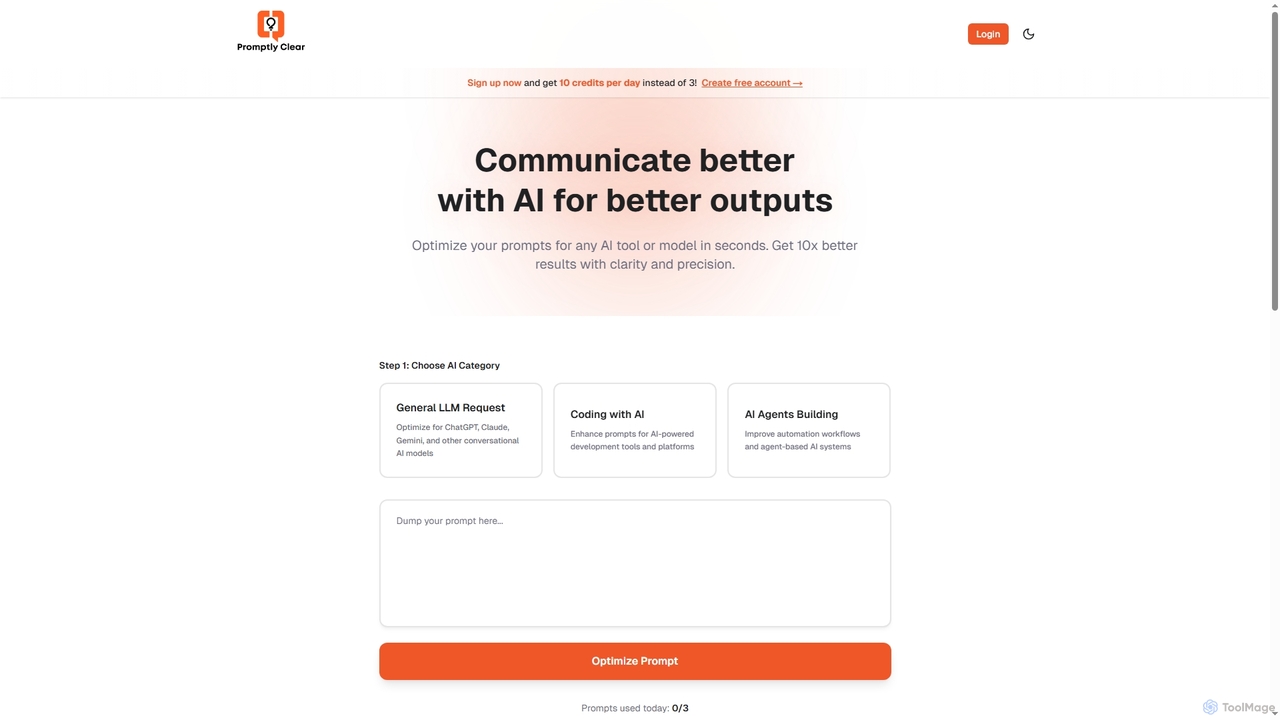
PromptlyClear
PromptlyClear is an AI prompt optimizer designed to refine user inputs for large language models like ChatGPT, Claude, and Gemini. It enhances clarity and precision, enabling users to achieve significantly better and more detailed AI outputs across various applications, from business research to coding.
Research Assistant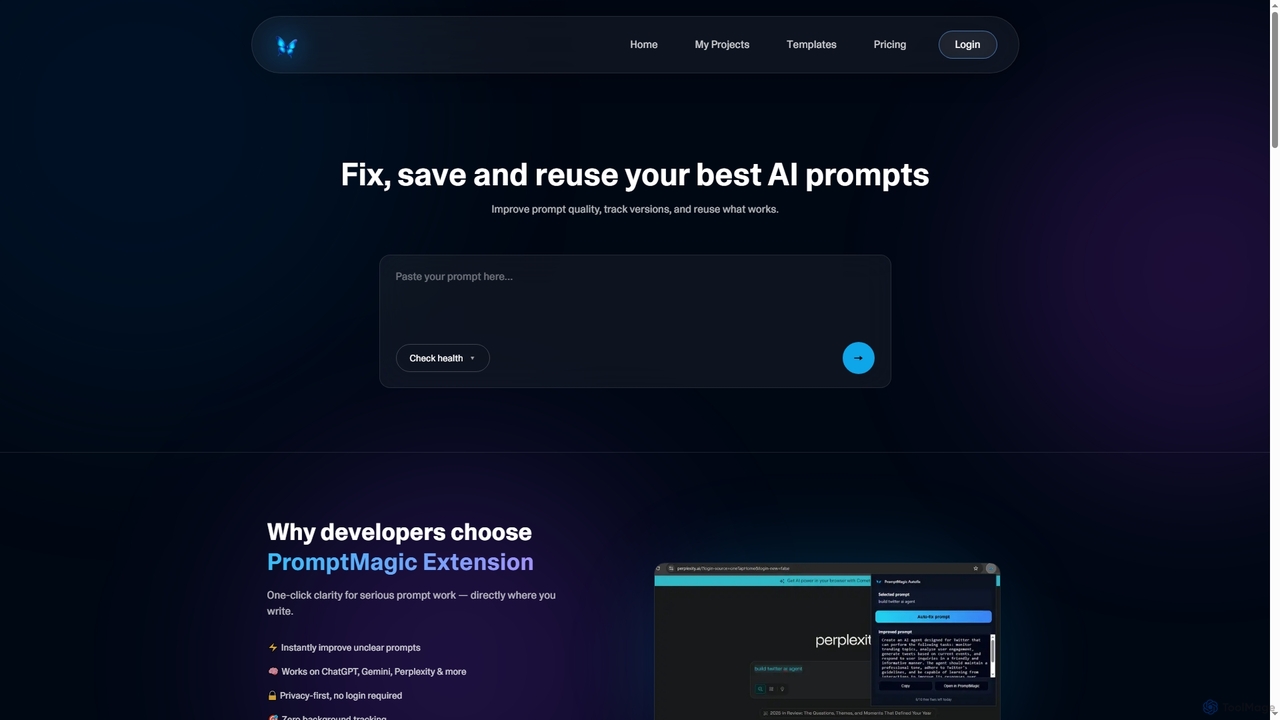
PromptMagic
PromptMagic is an AI tool and Chrome extension designed to help users write, optimize, save, and reuse high-quality AI prompts. It enhances clarity, tracks versions, and makes prompt engineering accessible across various AI models like ChatGPT, Gemini, and Claude.
Ai Development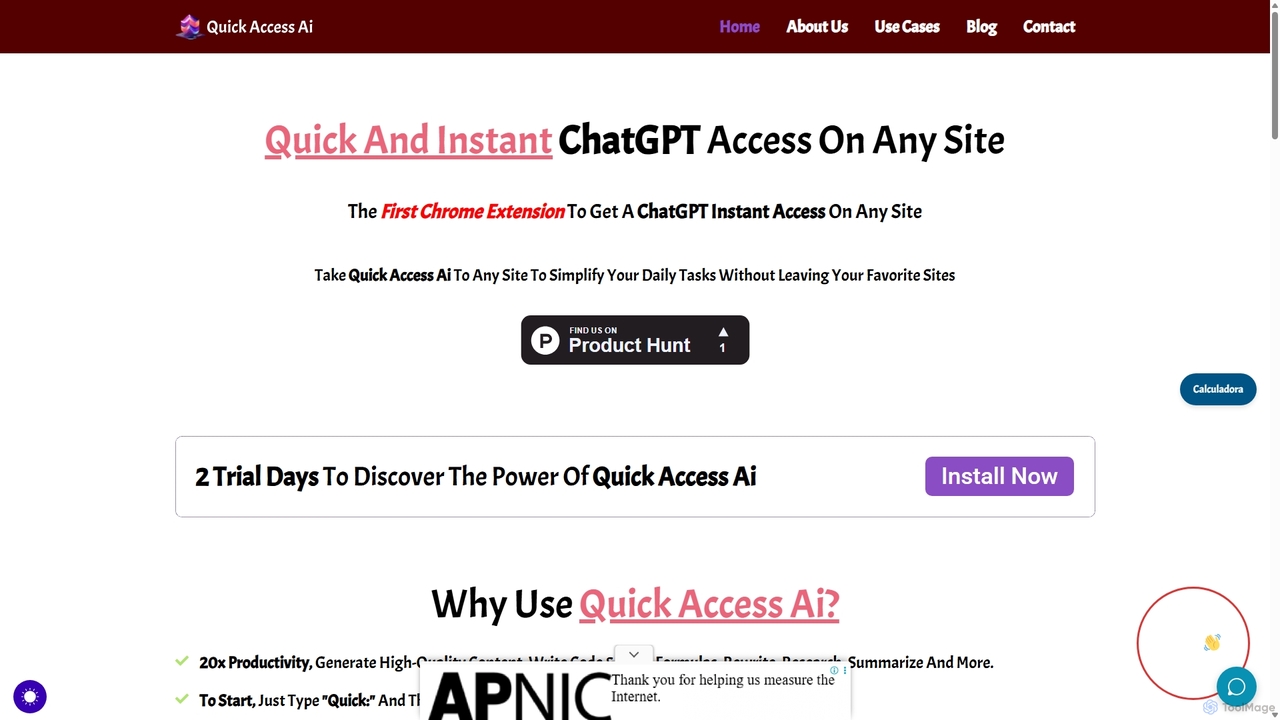
Quick Access Ai
Quick Access Ai is a Chrome extension that provides instant access to ChatGPT on any website. By simply typing a command, users can generate content, write code, summarize text, and perform research without switching tabs. It aims to boost productivity by integrating AI assistance directly into your existing workflow, making daily tasks faster and more efficient.
Code Assistant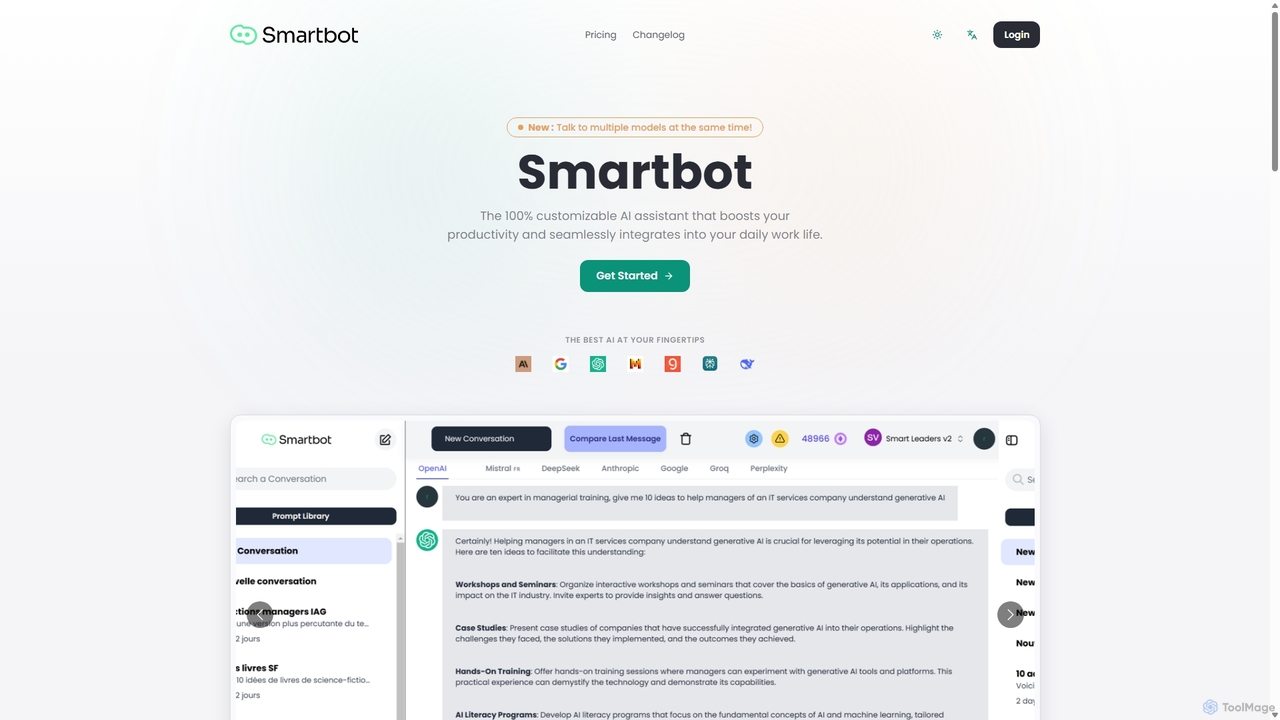
Smart Bot
Smart Bot is a highly customizable AI assistant that boosts productivity by integrating multiple top-tier AI models like ChatGPT, Claude, and Gemini into a single interface. It allows users to compare responses simultaneously, manage a shared library of custom prompts for team collaboration, and even visualize and test generated code. With features like image and file reading, it streamlines daily workflows for individuals and organizations.
Code Assistant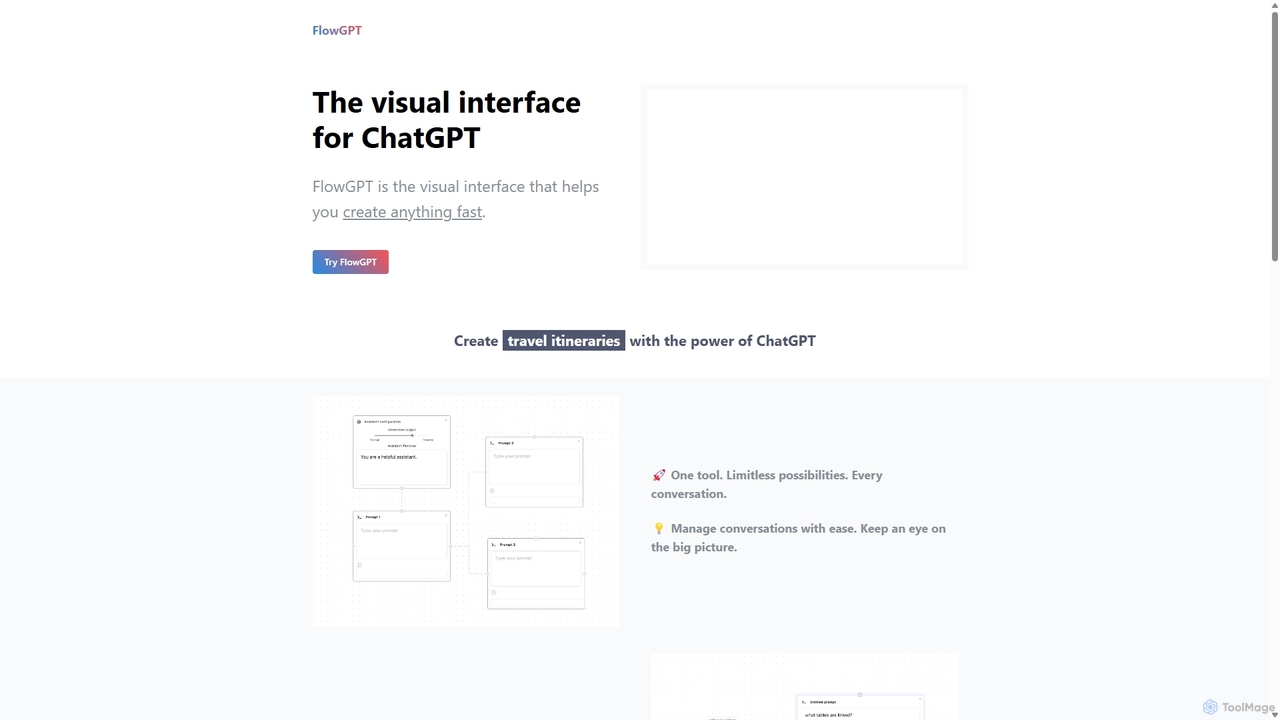
FlowGPT
FlowGPT is a visual interface for ChatGPT that allows users to create, manage, and visualize complex AI conversations using a node-based, flowchart-style canvas. It enhances prompt engineering, content creation, and data analysis by enabling multi-threaded dialogues, document uploads, and collaborative workflows. Ideal for marketers, writers, and developers looking to unlock the full potential of AI.
Workflow Automation
Cosmicup
Cosmicup is an all-in-one AI platform offering unlimited access to a wide array of advanced AI models like ChatGPT 5, Claude 4.5, Gemini 2.5, and Grok 4 through a single subscription. It streamlines workflows with features including multi-model interaction, code assistance, document analysis, real-time web search, deep research, and AI image generation, eliminating the need for multiple subscriptions.
Multimodal Ai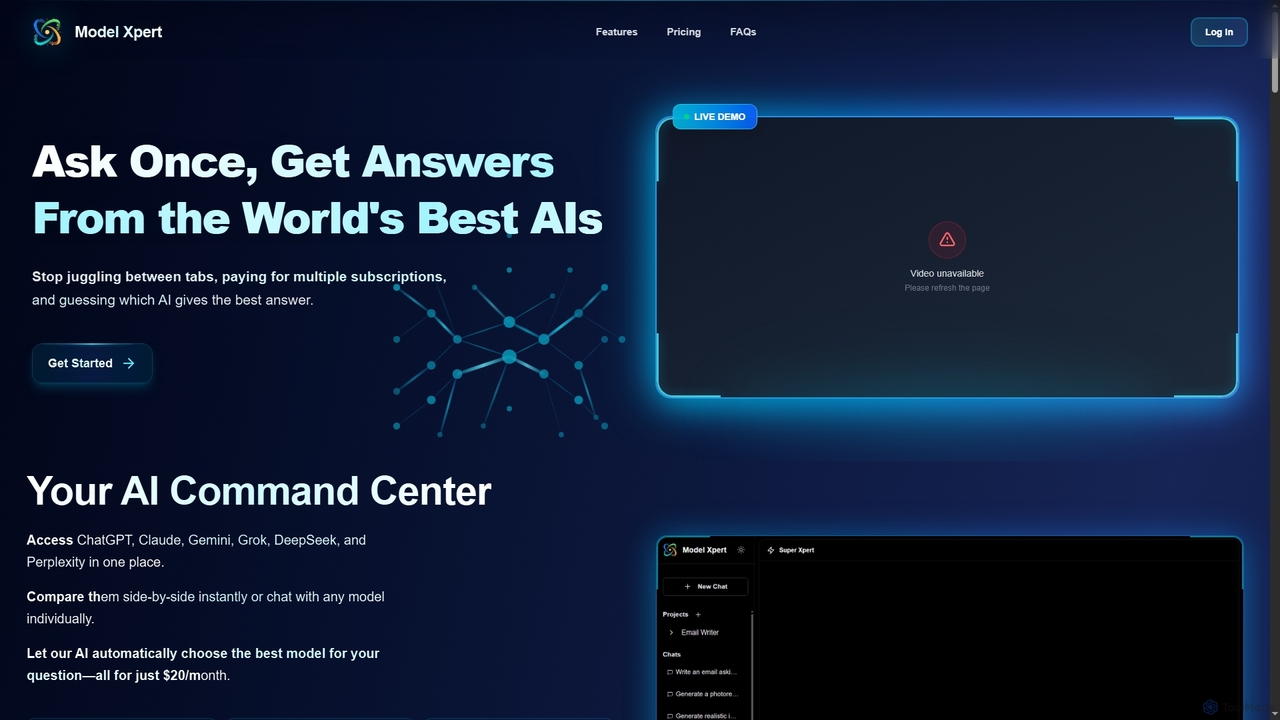
Model Xpert
Model Xpert provides unified access to the world's top AI models like ChatGPT, Claude, Gemini, Grok, DeepSeek, and Perplexity in one chat interface. It eliminates the need for multiple subscriptions and offers features like side-by-side comparison, intelligent auto-selection, prompt enhancement, and an AI image suite for maximum efficiency and cost savings.
Writing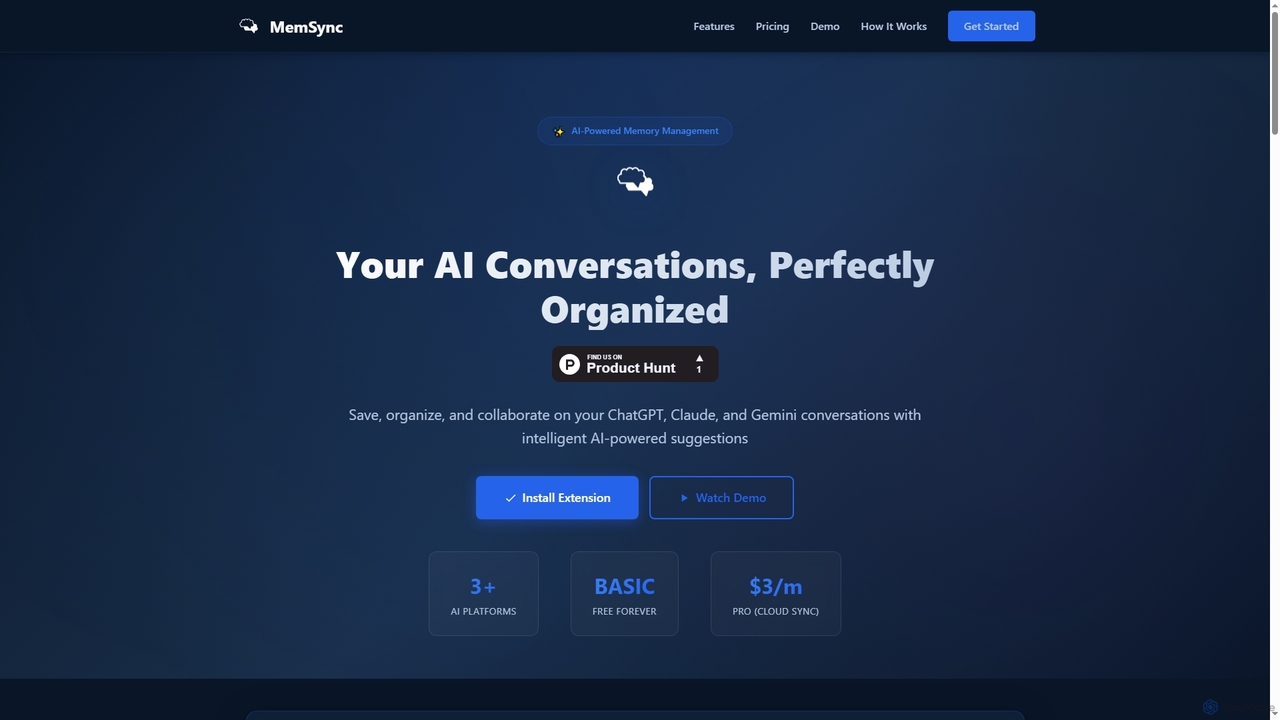
MemSync
MemSync is an AI-powered browser extension designed to effortlessly save, organize, and collaborate on your AI conversations from platforms like ChatGPT, Claude, and Gemini. It offers smart memory saving, AI-driven organization suggestions, and seamless cloud synchronization.
Conversation Tools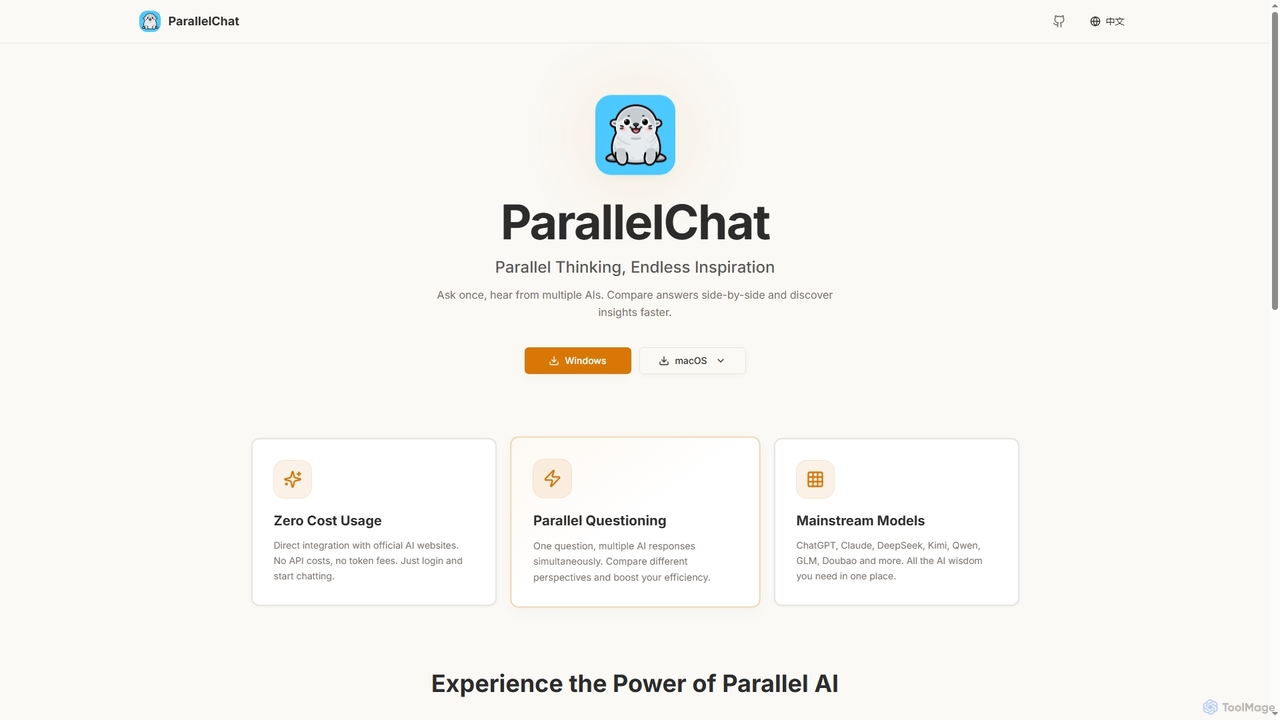
ParallelChat
ParallelChat is a desktop application for Windows and macOS that allows users to query multiple AI models simultaneously and compare their responses side-by-side. It integrates popular AIs like ChatGPT, Claude, and DeepSeek, offering diverse perspectives to boost efficiency and find better answers faster.
Writing Assistant
Hiperyon
Hiperyon is an AI tool that provides a unified contextual memory layer for multiple Large Language Models (LLMs) like ChatGPT, Claude, and Gemini. It enhances productivity by allowing users to switch between different AI models without losing context or repeating information, ensuring consistent and efficient interactions.
Context ManagementVidura
Vidura is a powerful prompt manager for generative AI, designed to help individuals and teams organize, create, test, and share AI prompts efficiently. It provides a centralized library for text and image prompts, featuring dynamic templates, version history, and secure team collaboration tools to streamline your AI workflow and enhance content generation.
Prompt Engineering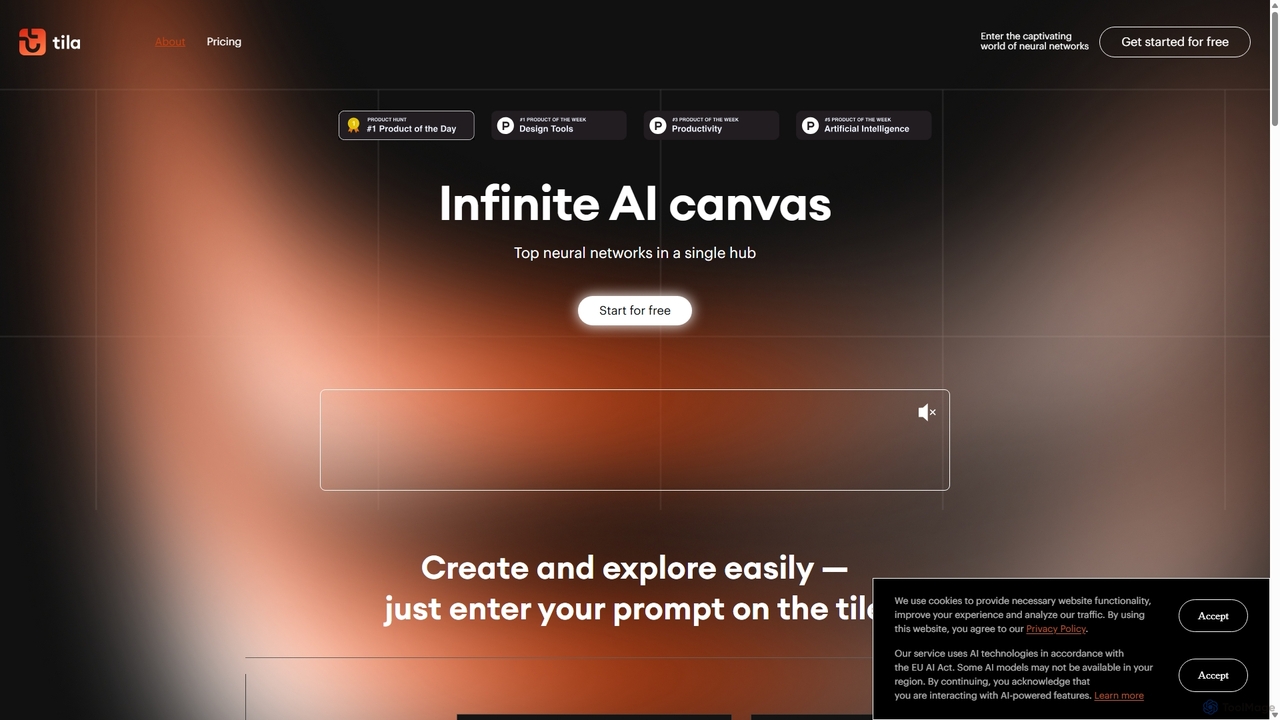
Tila
Tila is a multi-agent AI platform that combines workflow automation and content creation in a unified visual workspace. It offers an infinite canvas where users can connect various AI models like GPT-4o, Claude 3.5, and DALL-E 3 to generate text, images, videos, and audio. Its smart multi-agent technology automates complex tasks, from data analysis to app development, streamlining creative and productive workflows without needing multiple subscriptions.
Generative Ai
QPNOTES Comments (0)
Sign in to comment.
Sign inNo comments yet.