

Vidura Overview
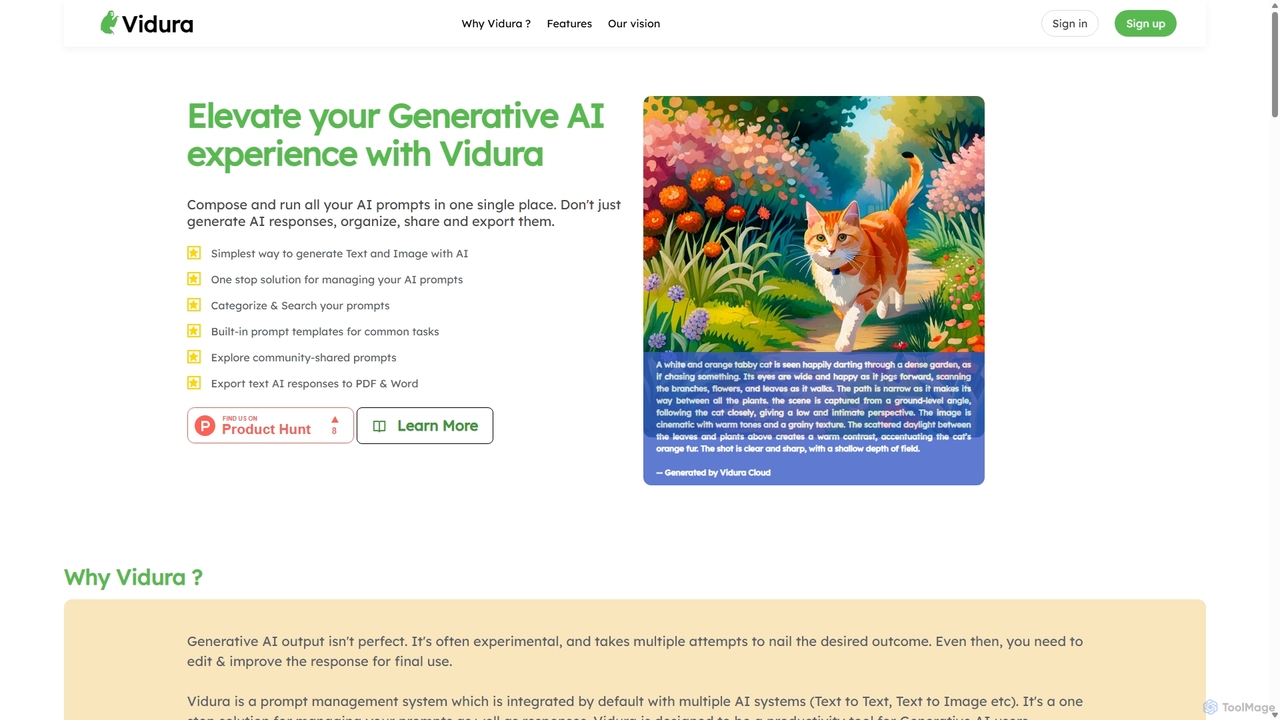
Vidura is a specialized platform designed as a comprehensive prompt manager for generative AI. It addresses the growing challenge of managing, optimizing, and collaborating on AI prompts, which are crucial for obtaining high-quality outputs from models like GPT, Midjourney, and others. By providing a centralized hub, Vidura transforms scattered, disorganized prompts into a structured, searchable, and reusable asset library for both individuals and teams. It aims to enhance productivity, ensure consistency in AI-generated content, and facilitate a more systematic approach to prompt engineering.
The platform supports both text and image prompts, allowing users to categorize their prompts for easy access, utilize templates for quick creation, and track the performance of different prompt versions over time. With features geared towards collaboration, Vidura enables teams to share their best prompts securely, fostering a collective intelligence and standardizing quality across an organization.
How to use Vidura
Using Vidura is a straightforward process designed to integrate seamlessly into your AI workflow:
- Sign Up and Set Up: Create an account on the Vidura platform. Start by creating categories to structure your prompt library based on projects, tasks, or AI models (e.g., 'Marketing Copy', 'Code Generation', 'Blog Illustrations').
- Create or Import Prompts: Begin populating your library. You can create new prompts from scratch using the intuitive editor. Leverage 'Quick Templates' for common tasks to get started faster. Add descriptive labels for better searchability.
- Use Dynamic Prompting: For prompts that require variable inputs (like a customer's name or a product feature), use the dynamic prompting feature. This allows you to reuse a single master prompt for multiple, customized generation tasks.
- Generate and Test: Select a prompt and run it to generate a response. Vidura allows you to control prompt characteristics to fine-tune the output. This step is crucial for testing and iteration.
- Review and Compare History: Access the 'Prompt Run History' to view and compare the outputs from different experiments. This feature is vital for prompt engineering, as it helps you understand how small changes in a prompt can affect the result.
- Collaborate and Share: For team use, create 'User Groups' and invite members. You can then share specific categories of prompts securely with your team, ensuring everyone is using the most effective and up-to-date versions.
- Discover Community Prompts: Explore the Vidura community dashboard to find innovative prompts shared by other users and see who is leading in prompt creation on the leaderboard.
Core Features of Vidura
- Prompt Categorization and Labeling: Effortlessly organize prompts into custom categories and add labels for contextual information and easy retrieval.
- Quick Templates: A library of pre-built prompt templates for common use cases to accelerate the prompt creation process.
- Dynamic Prompting: Create reusable prompts with variables that can be filled in to generate multiple unique outputs from a single template.
- Prompt Run History: A comprehensive log of all prompt executions, allowing for detailed comparison and auditing of generation experiments.
- Team Collaboration: Securely share prompt libraries with specific team members or groups, with controls over who can view or edit.
- Community Hub: A platform to discover, share, and learn from a wider community of prompt engineers and AI users.
- Multi-Modal Support: Manage prompts for both text-based and image-based generative AI models.
Use Cases for Vidura
Vidura is valuable for a wide range of professionals:
- Marketing Teams: To standardize prompts for creating ad copy, social media content, email campaigns, and SEO articles, ensuring brand voice consistency.
- Content Creators & Copywriters: To manage a personal library of high-performing prompts for brainstorming, drafting, and refining articles, scripts, and creative pieces.
- Software Developers: To store, share, and iterate on prompts for code generation, debugging, creating documentation, and explaining complex code snippets.
- Designers & Artists: To organize and experiment with complex prompts for AI image generators, keeping track of styles and parameters that yield the best results.
- Customer Support Teams: To build a library of standardized prompts for generating quick, accurate, and empathetic customer responses.
Advantages of Vidura
Vidura offers significant advantages over managing prompts in simple text files or spreadsheets:
- Increased Efficiency: A centralized library eliminates the need to search for prompts, saving valuable time.
- Improved Consistency: Teams can rely on a single source of truth for approved, high-quality prompts, leading to more consistent outputs.
- Enhanced Collaboration: Secure sharing and user groups make it easy to distribute knowledge and best practices across a team.
- Systematic Optimization: The history and comparison features enable a data-driven approach to prompt engineering, helping users refine prompts for optimal performance.
- Valuable Asset Management: Treats prompts as valuable intellectual property, providing a secure and organized system to manage them.
Pricing and Plans
While specific pricing details are not explicitly listed on the homepage, Vidura is expected to operate on a freemium model. This would likely include a free tier for individual users with core features and certain limitations, alongside paid premium plans for teams and enterprises. Paid tiers would offer advanced features such as unlimited prompt history, larger user groups, enhanced security, and priority support. For the most accurate and up-to-date information, please visit the official Vidura website.
Traffic
Latest traffic
Status
Monthly traffic trend
- 2025-9: 2.6K
- 2026-1: 2.7K
- 2026-2: 1.5K
- 2026-3: 2.9K
- 2026-4: 2.6K
- 2026-5: 3.3K
Geography
Top 5 countries / regions
- 🇺🇸United States35.1%
- 🇮🇳India34.8%
- 🇲🇾Malaysia11.6%
- 🇨🇮Côte d’Ivoire9.8%
- 🇧🇪Belgium8.7%
Vidura Alternatives
Prompt Dress
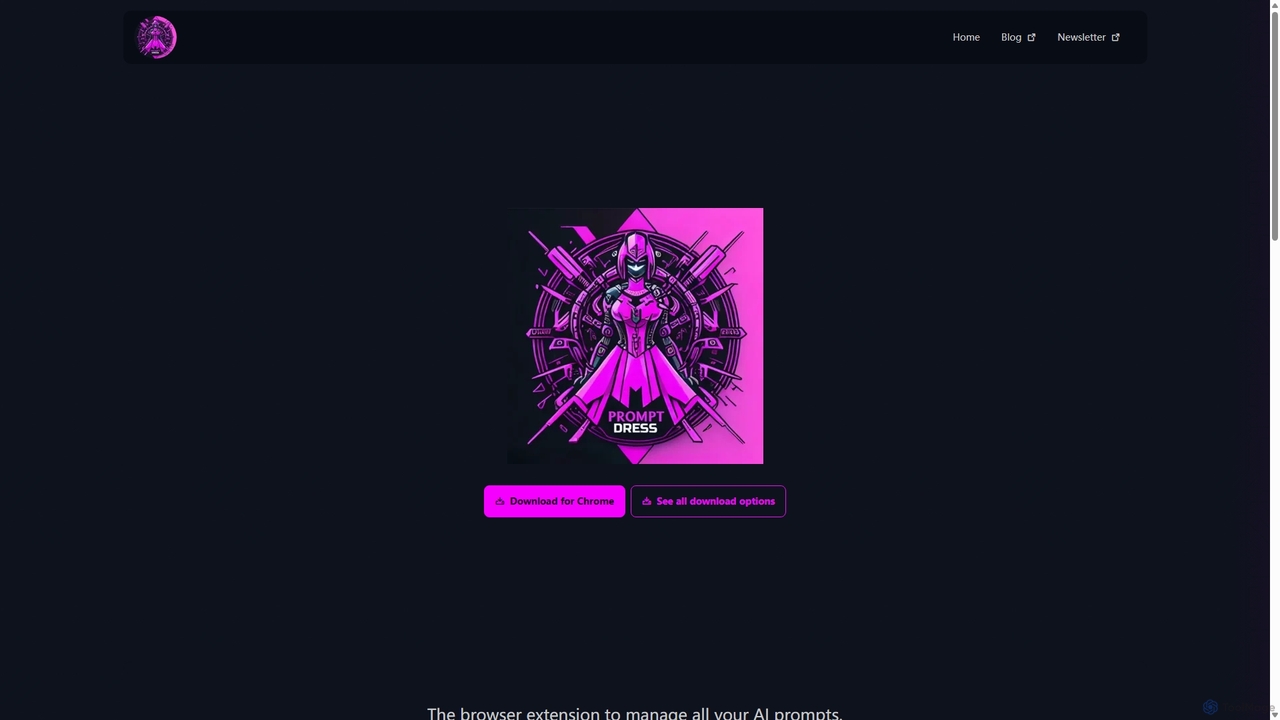
Prompt Dress is a powerful browser extension designed to manage, organize, and quickly access all your AI prompts. It acts as a central library, eliminating scattered text files and streamlining your workflow with AI models. Ideal for marketers, developers, writers, and anyone who frequently uses AI.
Workflow Automation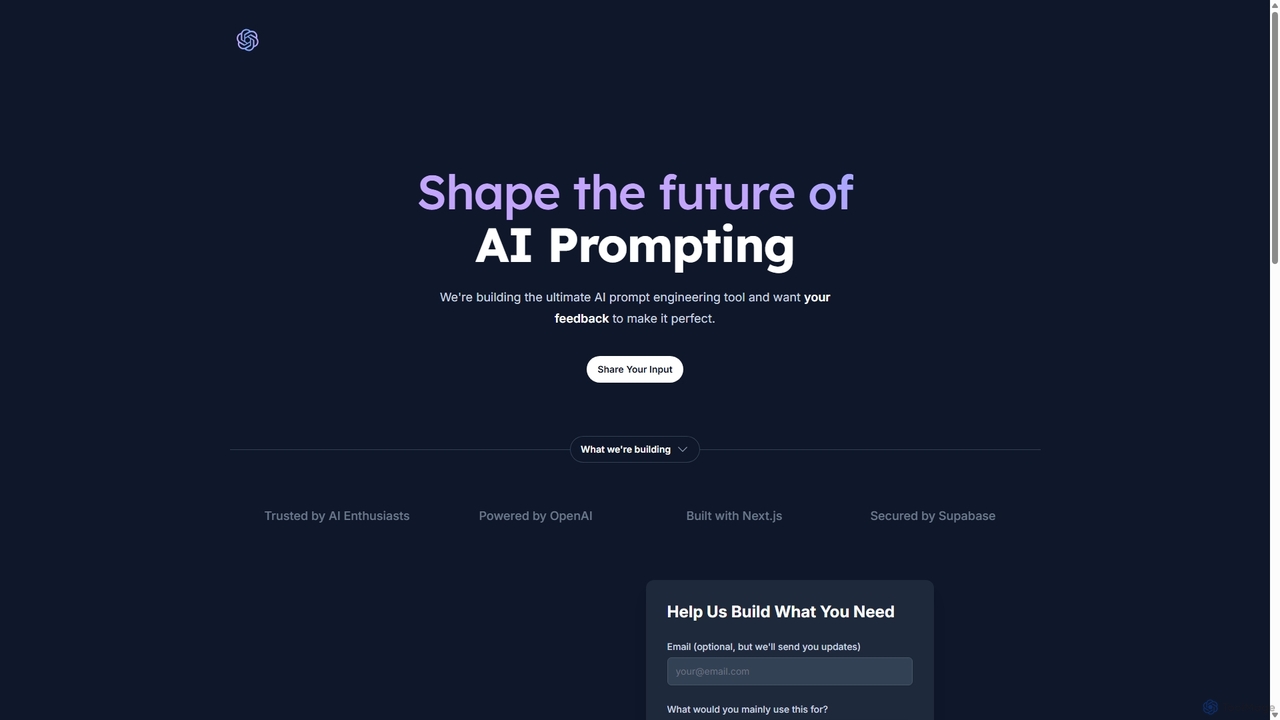
PromptifyPRO
PromptifyPRO is an advanced AI prompt engineering platform designed to help users create, test, and optimize prompts for various AI models like ChatGPT and Claude. It offers tools like pre-built templates, performance analytics, and collaboration features to unlock higher quality outputs, save time, and enhance creativity.
Code Generation
Prompt.cafe
Prompt.cafe is a curated collection of high-quality prompts and advanced tools designed for AI builders, developers, and creators. It simplifies the process of finding, customizing, and deploying effective prompts for various AI models, accelerating the development of AI-powered applications and content.
Image Generation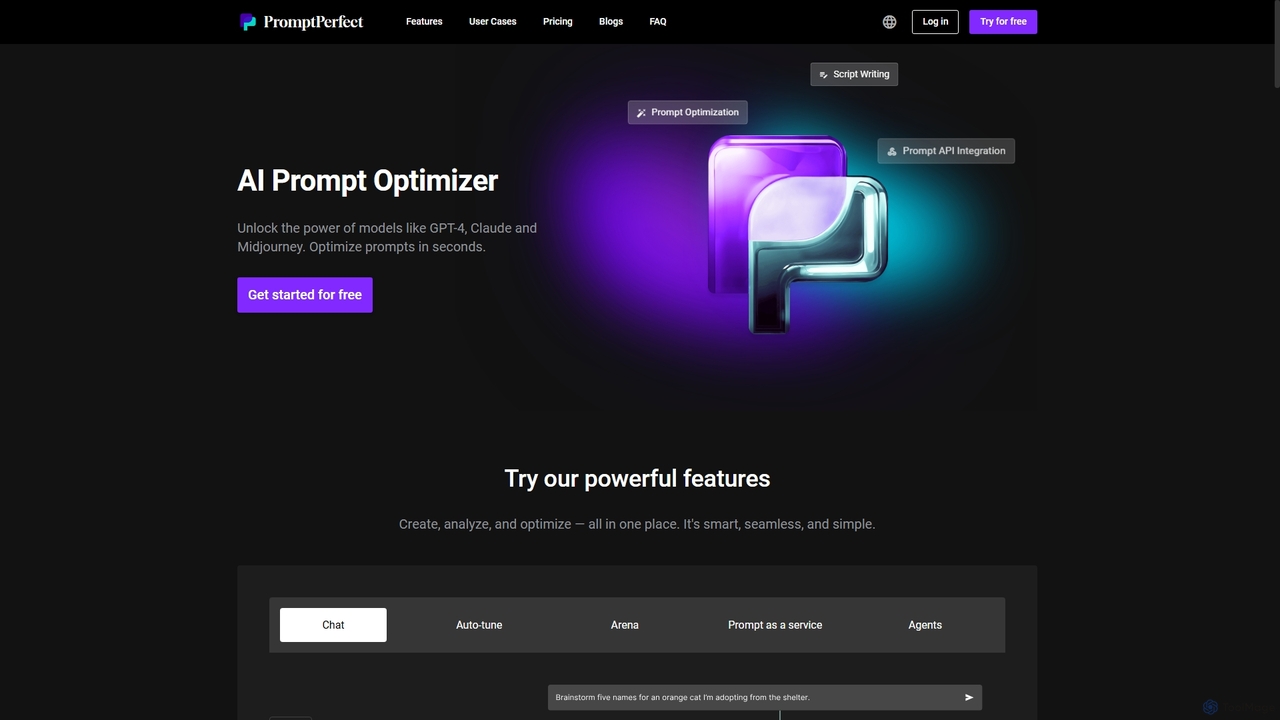
PromptPerfect
PromptPerfect is an advanced AI prompt engineering toolkit designed to help users create, optimize, and analyze prompts for large language and diffusion models like GPT-4, Claude, and Midjourney. It enhances the quality and relevance of AI-generated content, images, and code, saving time and effort for creators, marketers, and developers.
Image Generation
Promptsideas
A premier marketplace for high-quality AI prompts, connecting prompt engineers with creators, marketers, and developers. Discover, buy, and sell verified prompts for leading AI models like Midjourney, ChatGPT, DALL-E, and Stable Diffusion to streamline your creative and business workflows.
Image GenerationVidura Categories
Vidura Jobs
Vidura Embed Widget
Copy this embed code to place the badge on your blog, article, or product site and send readers directly to this ToolMage detail page.

Related AI tools
PromptifyPRO
PromptifyPRO is an advanced AI prompt engineering platform designed to help users create, test, and optimize prompts for various AI models like ChatGPT and Claude. It offers tools like pre-built templates, performance analytics, and collaboration features to unlock higher quality outputs, save time, and enhance creativity.
Code Generation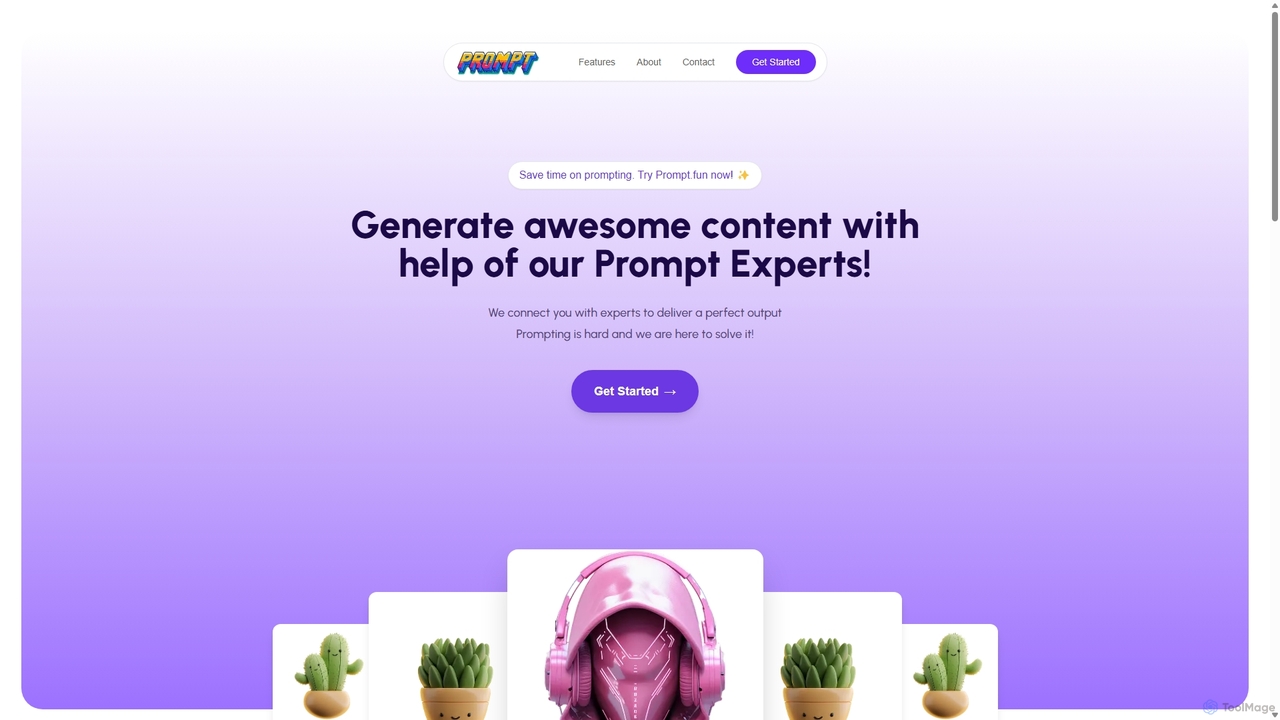
Prompt.fun
Prompt.fun is a unique platform connecting users with professional prompt engineering experts. Save time and achieve superior AI-generated content by collaborating in real-time with specialists. Whether for art, writing, or code, get perfectly crafted prompts tailored to your specific needs and unlock the full potential of any AI tool.
Learning
Jyek
Jyek is an AI agent platform that understands objectives, creates execution plans, uses tools, and delivers verifiable results for complex, multi-step tasks.
AutomationPrompt Dress
Prompt Dress is a powerful browser extension designed to manage, organize, and quickly access all your AI prompts. It acts as a central library, eliminating scattered text files and streamlining your workflow with AI models. Ideal for marketers, developers, writers, and anyone who frequently uses AI.
Workflow AutomationPrompt.cafe
Prompt.cafe is a curated collection of high-quality prompts and advanced tools designed for AI builders, developers, and creators. It simplifies the process of finding, customizing, and deploying effective prompts for various AI models, accelerating the development of AI-powered applications and content.
Image GenerationPromptsideas
A premier marketplace for high-quality AI prompts, connecting prompt engineers with creators, marketers, and developers. Discover, buy, and sell verified prompts for leading AI models like Midjourney, ChatGPT, DALL-E, and Stable Diffusion to streamline your creative and business workflows.
Image Generation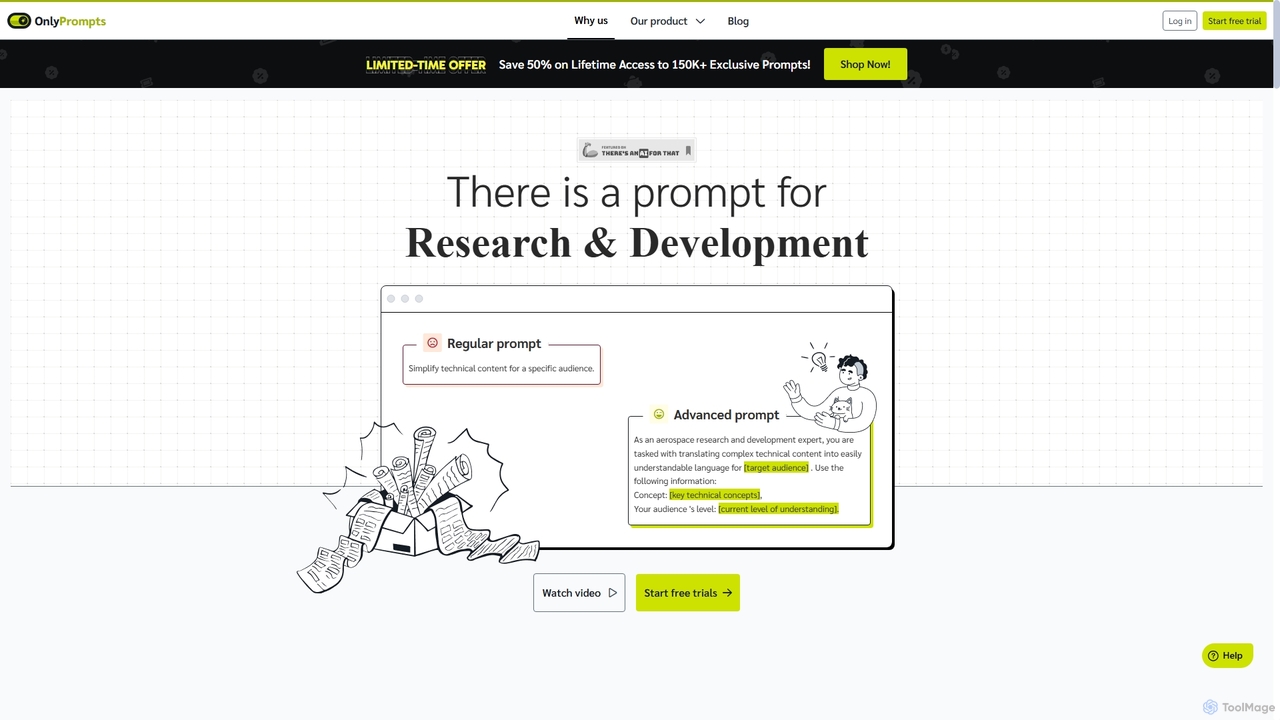
OnlyPrompts
OnlyPrompts is the ultimate AI prompt library, offering over 150,000 expertly crafted prompts for 37,000+ tasks. It features an integrated AI assistant compatible with GPT-4 and Claude 3, side-by-side prompt testing, and customizable templates. Designed for professionals in marketing, HR, finance, and more, it streamlines workflows, enhances productivity, and elevates the quality of AI-generated content.
OperationsPromptPerfect
PromptPerfect is an advanced AI prompt engineering toolkit designed to help users create, optimize, and analyze prompts for large language and diffusion models like GPT-4, Claude, and Midjourney. It enhances the quality and relevance of AI-generated content, images, and code, saving time and effort for creators, marketers, and developers.
Image Generation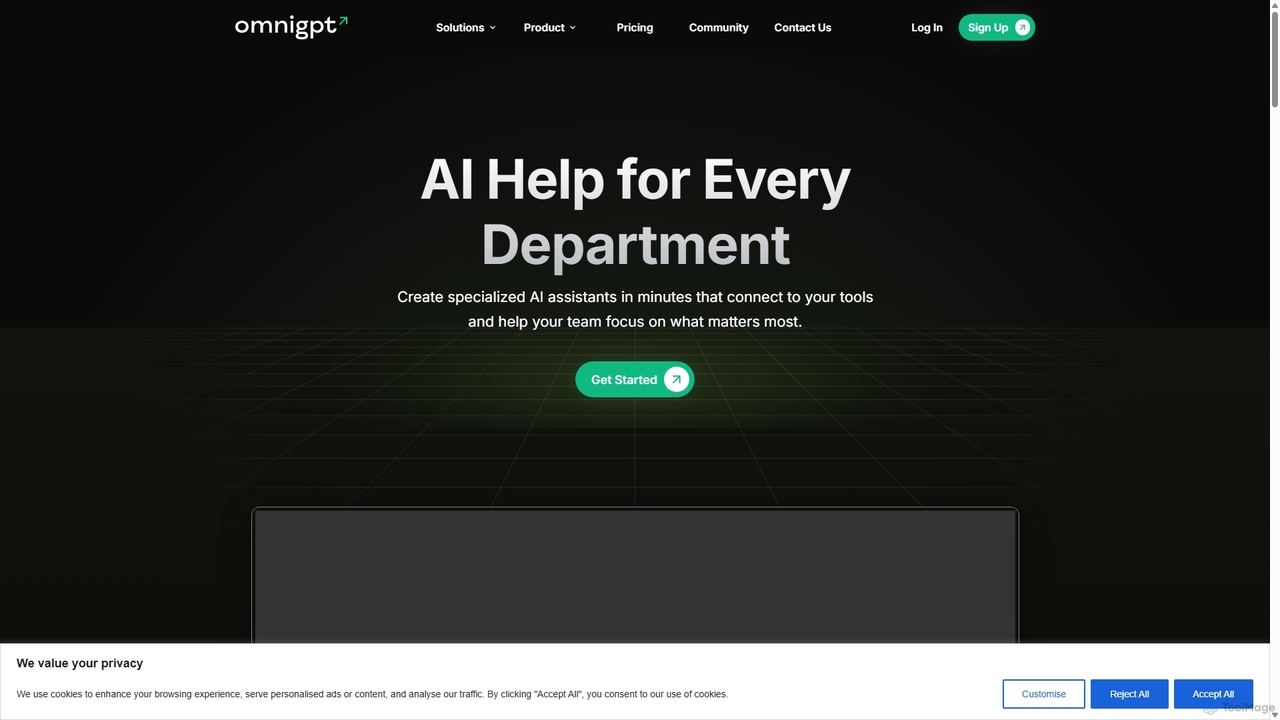
OmniGPT
OmniGPT is an all-in-one AI productivity platform that provides access to multiple leading AI models like GPT-4, Claude 3.5, and Llama 3 through a single subscription. Designed for individuals and teams, it enhances workflows with features such as document analysis, image generation, team collaboration, and seamless integrations with everyday tools like WhatsApp and Slack, offering a cost-effective alternative to multiple AI service subscriptions.
Code Assistant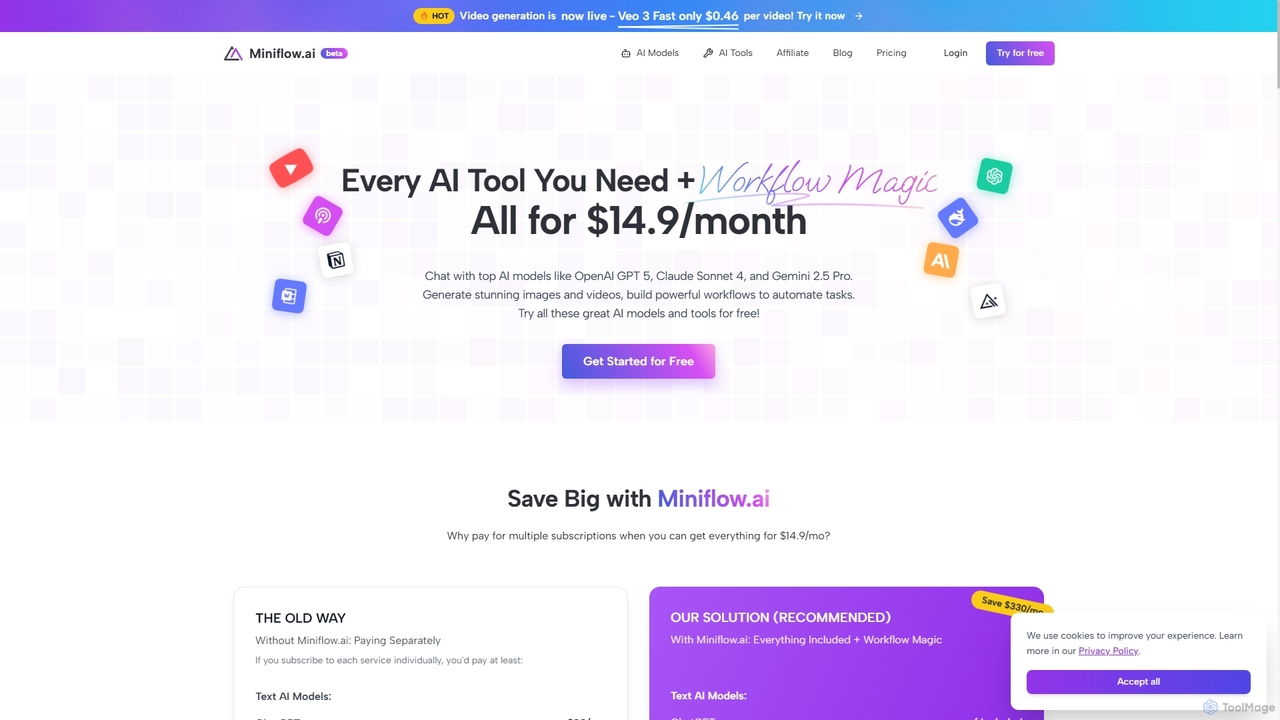
Miniflow.ai
Miniflow.ai is an all-in-one AI platform that consolidates top AI models for text, image, and video generation into a single subscription. It features a powerful no-code visual workflow builder, allowing users to chain multiple AI models and automate complex tasks, saving significant costs compared to individual subscriptions.
Ai Platform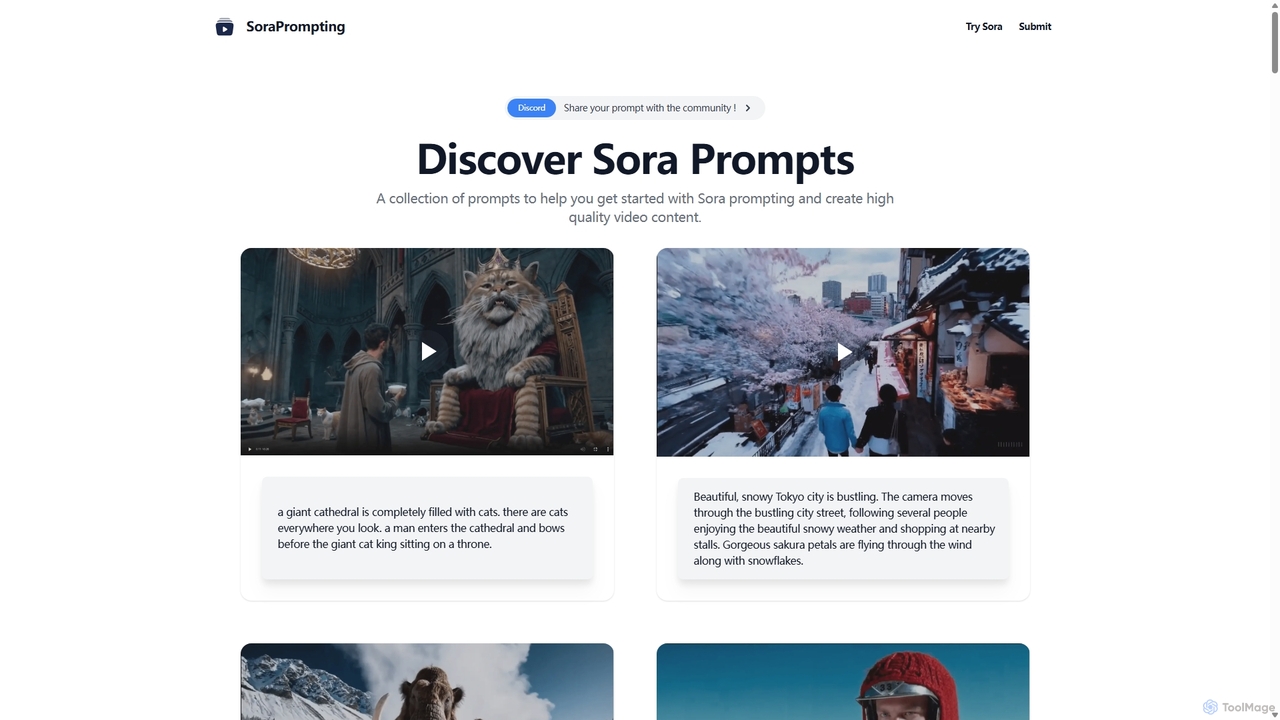
SoraPrompting
SoraPrompting is a community-driven platform offering a curated collection of high-quality prompts for OpenAI's Sora text-to-video model. It serves as an inspiration hub and resource for video content creators, filmmakers, and artists to master Sora prompting and generate stunning AI videos.
Prompting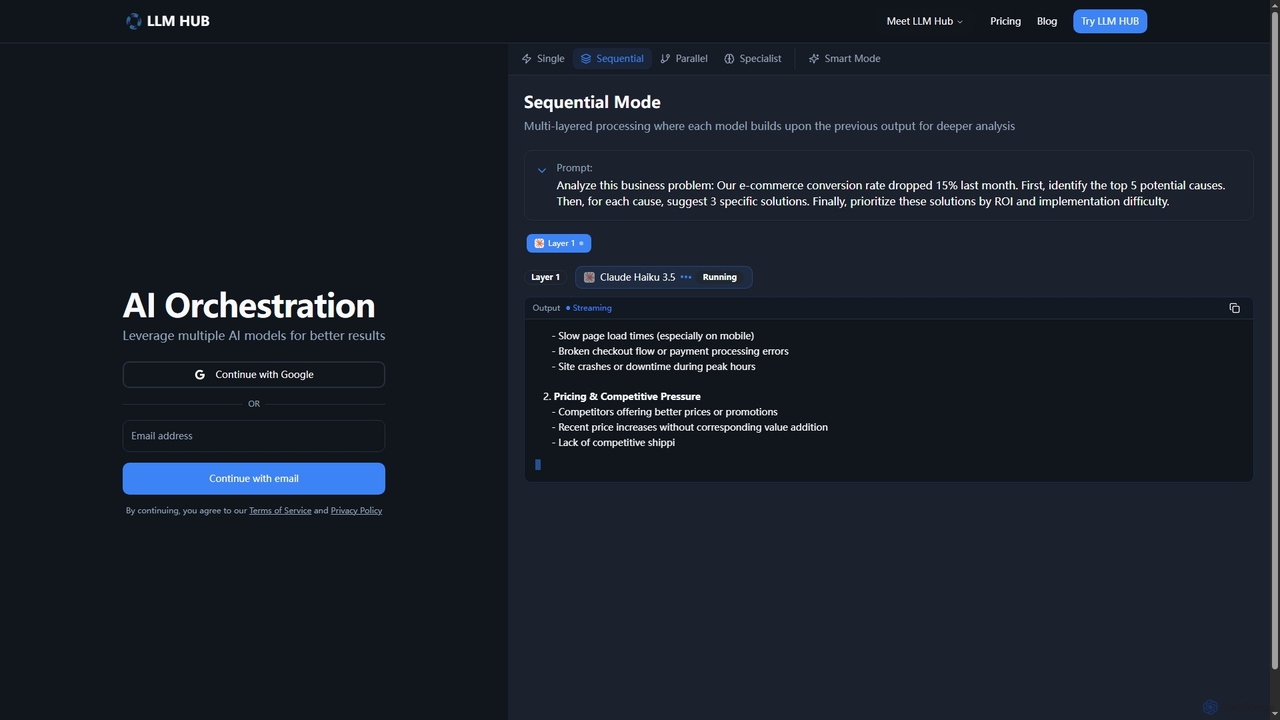
LLM Hub
LLM Hub is an advanced multi-model AI orchestration platform designed to leverage the power of 20+ large language models from 5 major vendors. It enables users to combine and chain various AI models through Sequential, Parallel, Specialist, and Smart (Auto-Routing) modes for deeper analysis and superior results on complex tasks.
Multi Model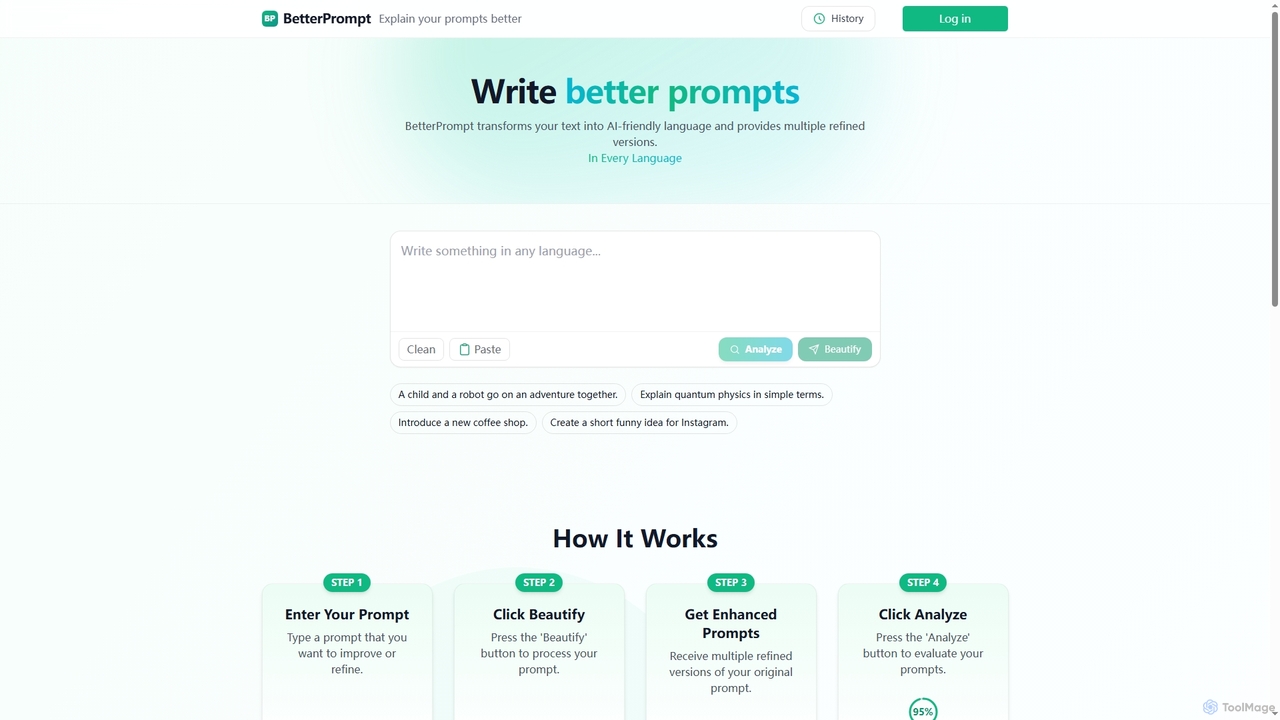
BetterPrompt
BetterPrompt is an AI tool designed to transform your raw text into clear, concise, and AI-friendly prompts. It provides multiple refined versions and analyzes their effectiveness, ensuring you get superior results from any AI model.
Text Generation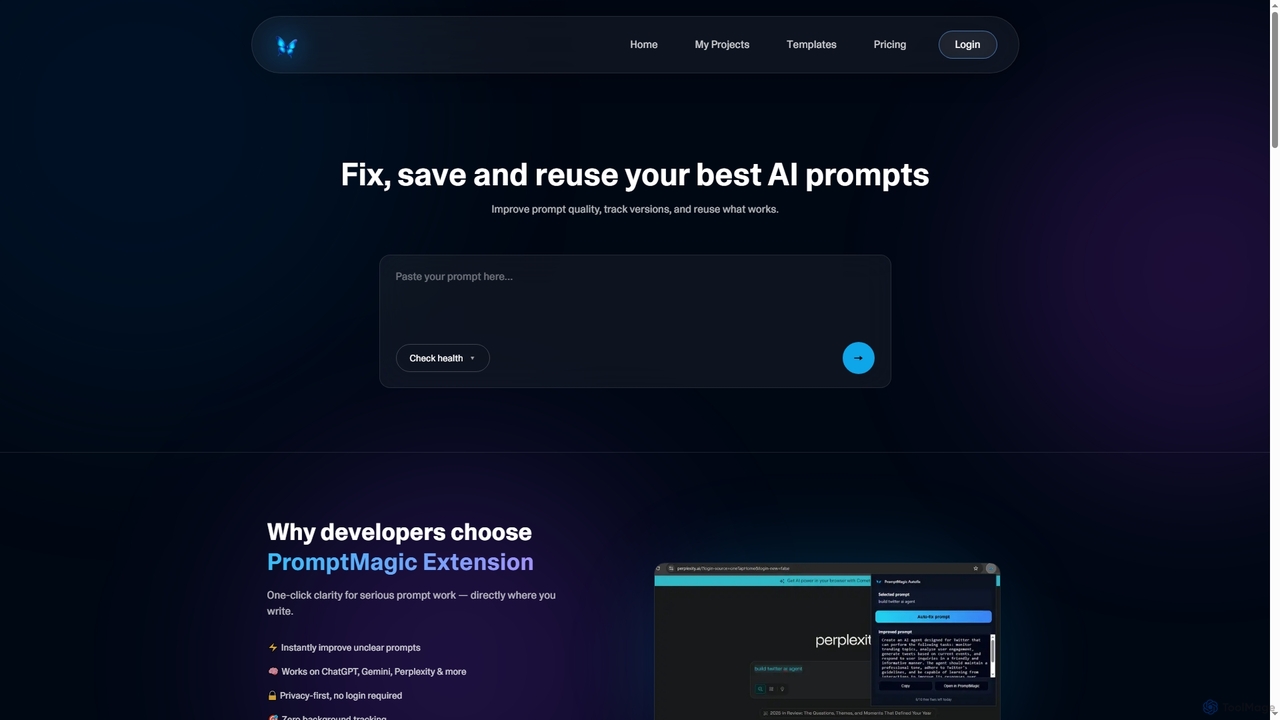
PromptMagic
PromptMagic is an AI tool and Chrome extension designed to help users write, optimize, save, and reuse high-quality AI prompts. It enhances clarity, tracks versions, and makes prompt engineering accessible across various AI models like ChatGPT, Gemini, and Claude.
Ai Development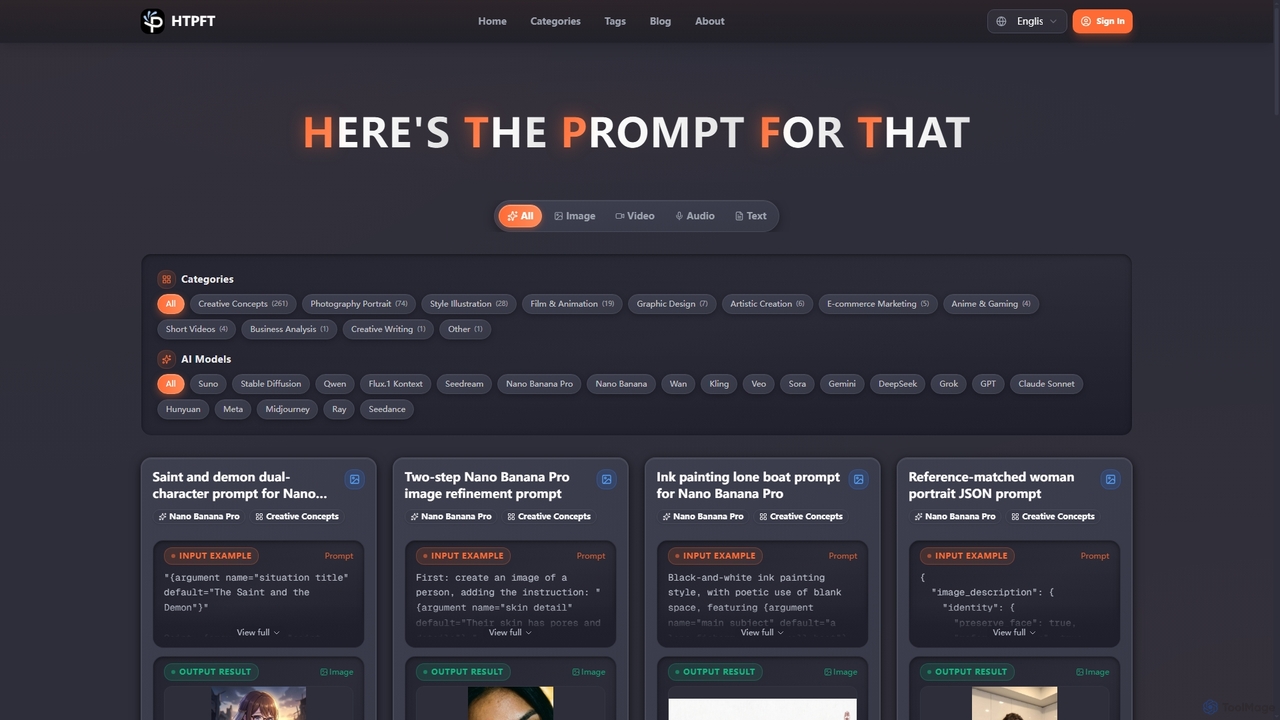
Heresthepromptforthat
Heresthepromptforthat (HTPFT) is a professional, free AI prompt library platform offering a vast collection of carefully curated prompts for various AI models like ChatGPT, Midjourney, and Stable Diffusion. It helps users, from beginners to professionals, unlock AI's full potential for content creation, visual design, business analysis, and more.
Digital Art Prompts
Vidura Comments (0)
Sign in to comment.
Sign inNo comments yet.