ToolMage
Sign in

Best 6 Knowledge Management AI tools for Team Collaboration

Popular Knowledge Management AI tools in Team Collaboration include Grain, Vidura, getindigo, Tingo.ai, ContextReply, and Code2.ai, helping you work more efficiently.

Vidura
Freemium

Vidura

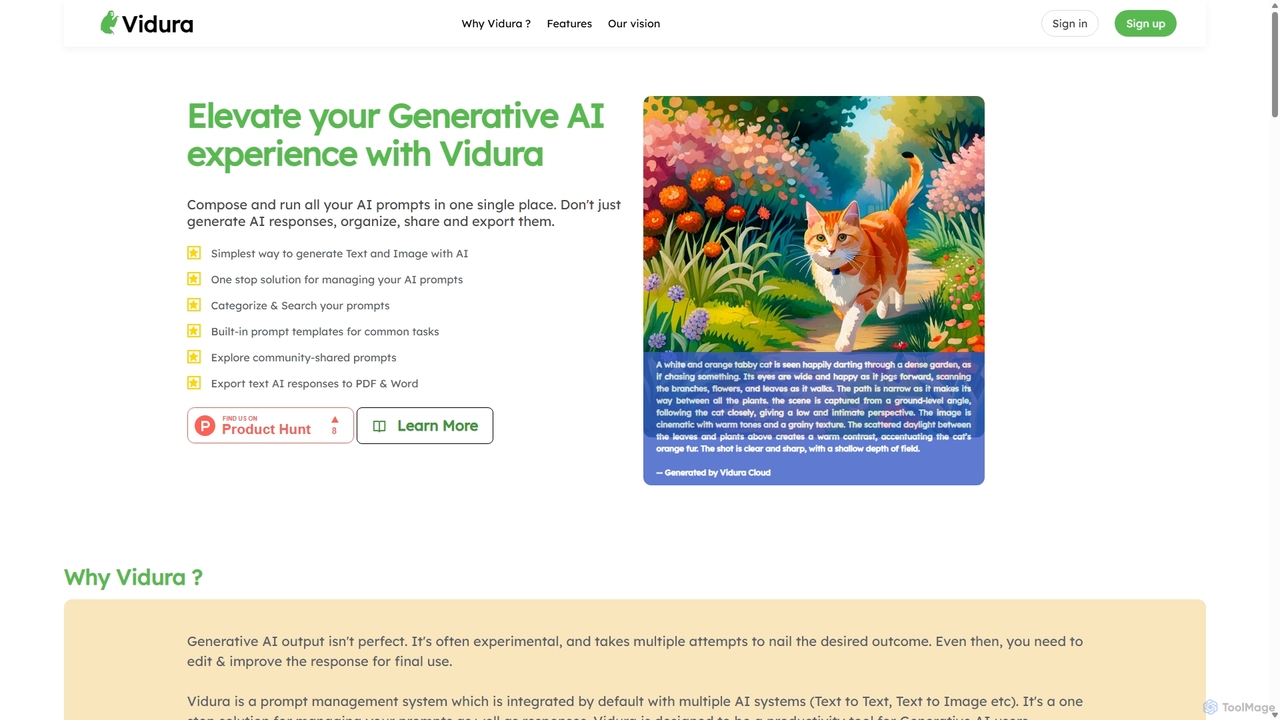
Vidura is a powerful prompt manager for generative AI, designed to help individuals and teams organize, create, test, and share AI prompts efficiently. It provides a centralized library for text and image prompts, featuring dynamic templates, version history, and secure team collaboration tools to streamline your AI workflow and enhance content generation.

Prompt Engineering
Visits 7.5KFavorites 134Likes 117
Tingo.ai
Freemium

Tingo.ai

Tingo.ai is an AI-powered productivity and workflow automation platform designed for modern teams. It integrates with your existing tools like Slack and Jira to automate meeting summaries, task management, and knowledge base creation, helping your team stay aligned and focus on what matters most.

Project Management
Visits 5.7KFavorites 106Likes 112
Grain
Freemium

Grain

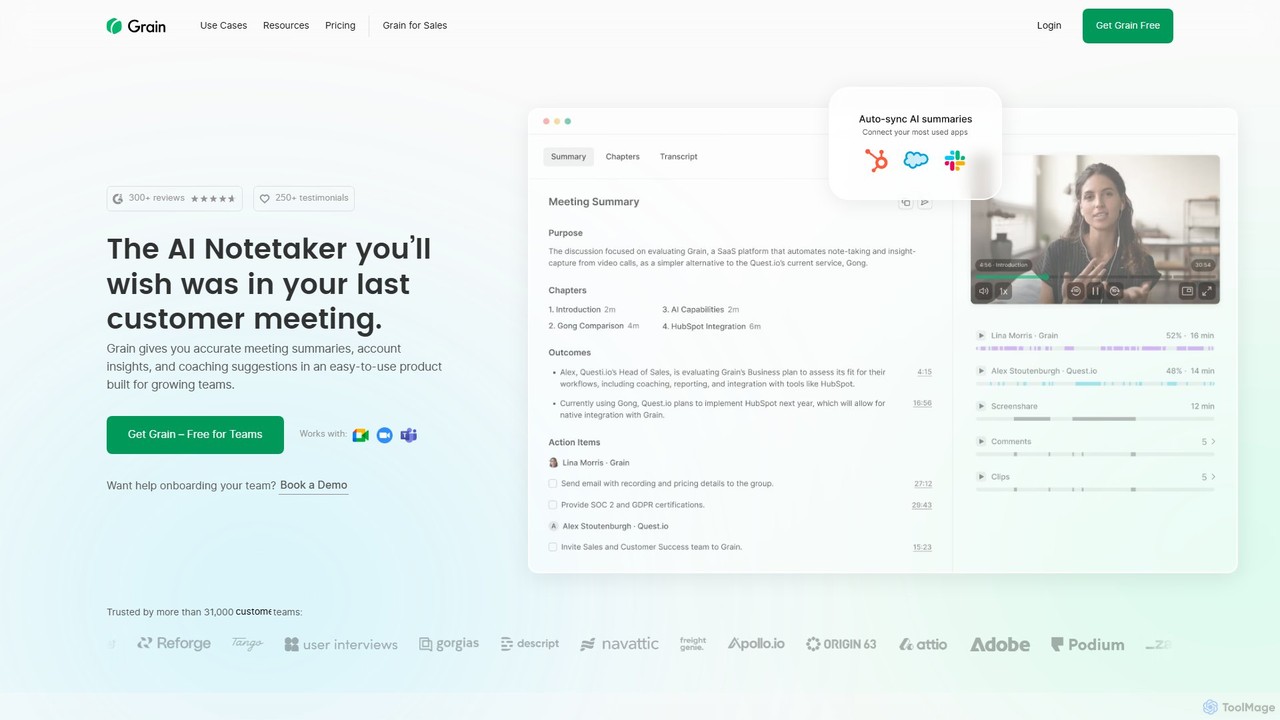
Grain is an AI-powered meeting notetaker designed for growing teams. It automatically records, transcribes, and summarizes video calls from platforms like Zoom, Google Meet, and Microsoft Teams. It helps sales, customer success, and product teams capture crucial insights, automate follow-ups, sync data to CRMs, and facilitate team coaching and collaboration, allowing everyone to stay focused during conversations.

Customer Feedback
Visits 193.5KFavorites 126Likes 137
Code2.ai
Paid

Code2.ai

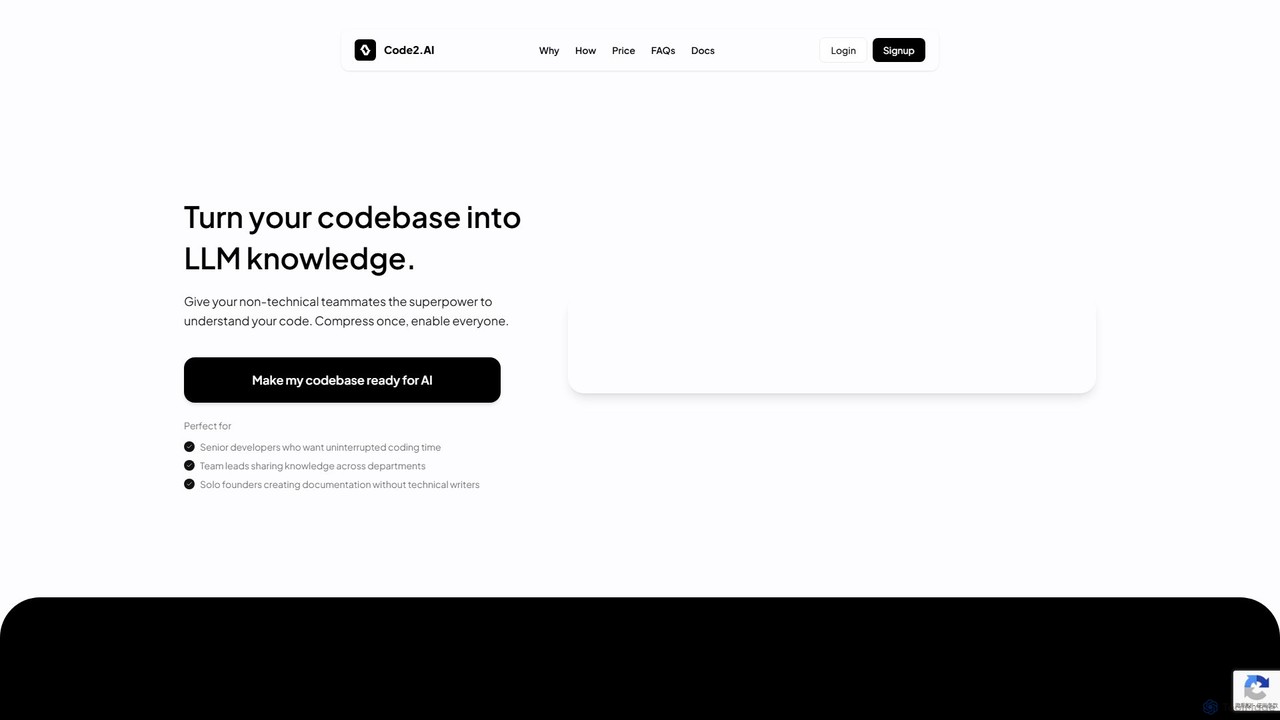
Code2.ai is a developer tool that transforms entire codebases into a compressed, AI-ready format. It enables both technical and non-technical team members to query the code using any LLM, receiving context-aware answers. By generating structured summaries and removing noise, it helps accelerate developer onboarding, reduce interruptions for senior engineers, and create accurate documentation, bridging the gap between complex code and team-wide understanding.

Code Assistant
Visits 4.2KFavorites 129Likes 119
ContextReply
Paid

ContextReply

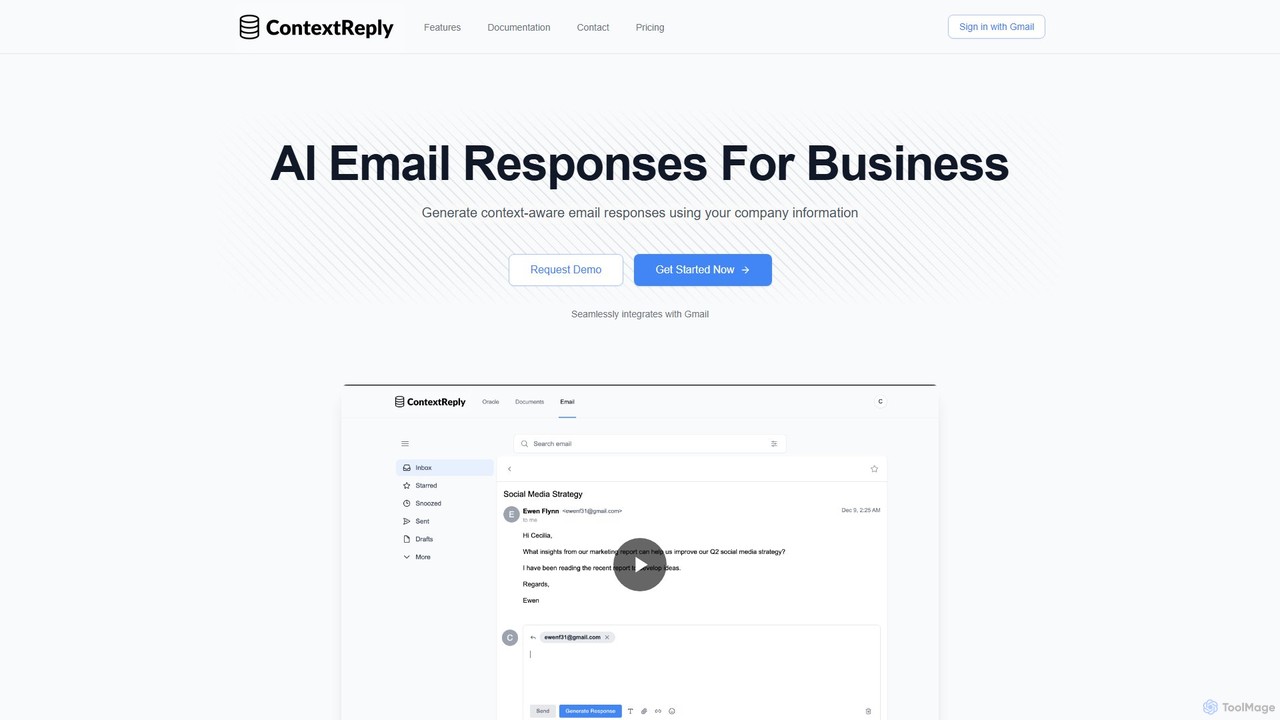
ContextReply is an AI-powered email generator for businesses that integrates directly with Gmail. It leverages your company's internal knowledge base and advanced RAG technology to create context-aware, accurate, and consistent email responses, reducing response times by up to 60% for sales, support, and engineering teams.

Response Automation
Visits 4.2KFavorites 114Likes 121
getindigo
Freemium

getindigo

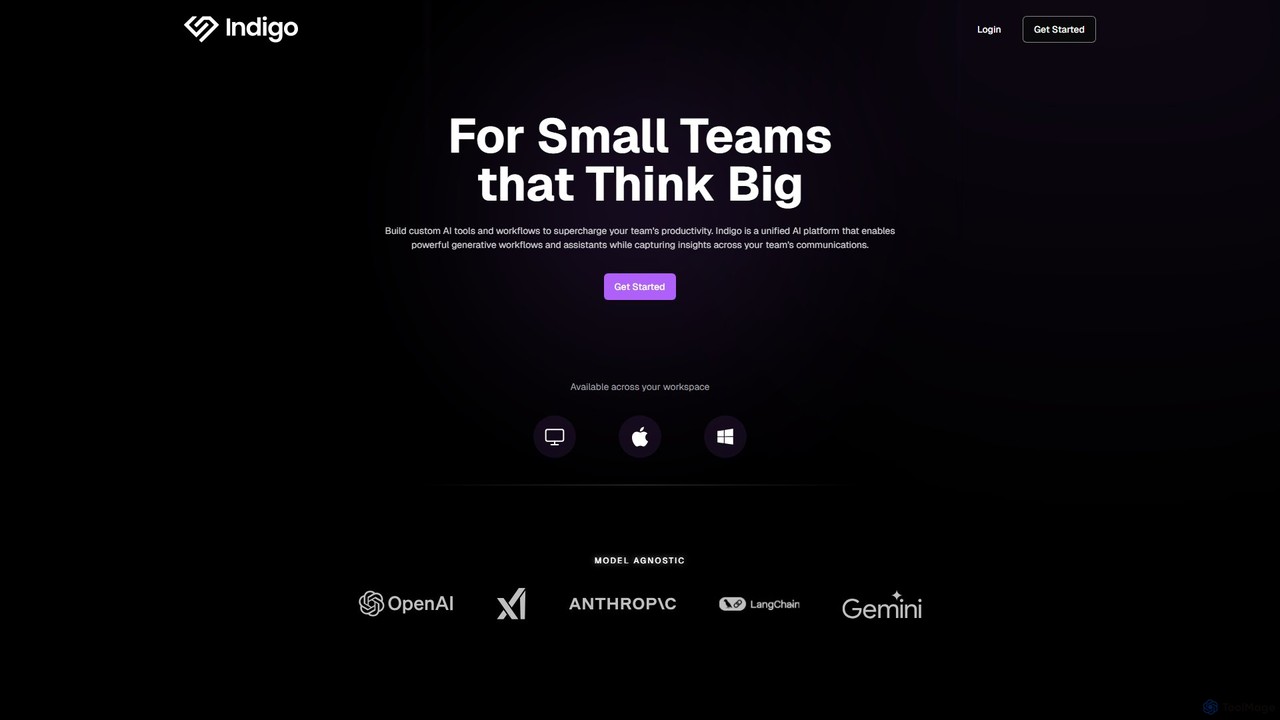
Indigo is a unified AI copilot platform designed for high-performance teams. It enables the creation of custom, no-code AI workflows and specialized assistants trained on your team's data. By integrating with your workspace, Indigo automates tasks, analyzes meetings, and turns scattered communications into a structured, searchable team memory, significantly boosting productivity and providing actionable insights.

No Code Platform
Visits 7.3KFavorites 142Likes 136

About Knowledge Management

Knowledge Management tools are AI-powered platforms designed to capture, organize, share, and retrieve an organization's collective information and expertise. These tools leverage advanced natural language processing and machine learning to transform unstructured data into accessible, actionable knowledge. They enhance team collaboration by centralizing information, reducing redundant efforts, and accelerating decision-making processes. Ultimately, AI-driven knowledge management fosters a smarter, more efficient work environment.

Core Features

  • Intelligent Content Ingestion: Automatically extracts, categorizes, and tags information from various sources like documents, chats, and emails.
  • Semantic Search & Retrieval: Enables users to find relevant information quickly using natural language queries, understanding context and intent.
  • Automated Knowledge Base Creation: Builds and maintains dynamic knowledge bases by identifying key information and suggesting new articles.
  • Expertise Location: Identifies internal subject matter experts based on their contributions and interactions within the knowledge system.
  • Version Control & Access Management: Ensures data integrity and security by tracking changes and controlling who can view or edit information.

Applicable Scenarios

Knowledge Management tools are crucial for organizations seeking to centralize institutional memory and improve information accessibility. They are widely adopted by customer support teams to provide consistent answers, by R&D departments for research consolidation, and by HR for onboarding new employees with comprehensive resources. These tools ensure that valuable insights and data are not lost, but rather leveraged across the entire organization.

How to Choose

When selecting an AI Knowledge Management tool, prioritize its integration capabilities with existing team collaboration platforms and data sources. Evaluate the accuracy and flexibility of its AI-powered search and categorization features. Consider scalability for future growth and the level of customization offered for different knowledge types. Finally, assess user-friendliness and the vendor's support for successful adoption.

Featured tool rankings

Knowledge Management use cases

1

Streamlining Customer Support Operations

Customer service teams can leverage AI Knowledge Management tools to centralize FAQs, troubleshooting guides, and product documentation. When a customer inquiry comes in, the AI assistant can instantly retrieve the most relevant answer from the knowledge base, empowering agents to provide quick, consistent, and accurate support. This reduces resolution times and improves customer satisfaction, while also training the AI to suggest answers for future queries.

2

Onboarding New Employees Efficiently

HR departments and team leads utilize Knowledge Management platforms to create comprehensive onboarding portals. New hires can independently access company policies, training materials, team structures, and best practices. AI-powered search helps them quickly find answers to common questions, reducing the burden on managers and accelerating the time-to-productivity for new team members.

3

Centralizing Project Documentation and Learnings

Project teams across various industries use these tools to store and organize all project-related documents, meeting notes, design specifications, and post-mortem analyses. AI automatically tags and categorizes content, making it easy for current and future team members to search for specific information, understand project history, and apply past learnings to new initiatives, preventing knowledge silos.

4

Facilitating Internal Research and Development

R&D teams in tech or science sectors employ AI Knowledge Management to consolidate research papers, experimental data, patent information, and internal reports. The AI's semantic search capabilities allow researchers to quickly discover existing work, identify relevant experts, and avoid duplicating efforts, thereby accelerating innovation cycles and fostering cross-functional knowledge sharing.

5

Enhancing Sales Enablement with Product Information

Sales teams benefit from a centralized, AI-driven knowledge base containing up-to-date product specifications, pricing, competitor analyses, and sales playbooks. Sales representatives can rapidly access accurate information during client calls or proposal creation, ensuring they are always well-informed and can address client questions effectively, leading to higher conversion rates.

6

Building an Organizational Memory for Best Practices

Companies use Knowledge Management tools to capture and codify best practices, operational procedures, and institutional wisdom from experienced employees. As employees retire or move on, their valuable insights are preserved and made searchable for the entire organization. This ensures business continuity, facilitates continuous learning, and maintains a robust organizational memory.

Knowledge Management FAQ

What are AI Knowledge Management tools?

AI Knowledge Management tools are software solutions that use artificial intelligence to help organizations capture, organize, store, retrieve, and share information and expertise more effectively. They go beyond traditional document management by employing NLP and machine learning to understand content, automate categorization, and provide intelligent search capabilities, making knowledge more accessible and actionable for teams.

How do AI Knowledge Management tools differ from traditional document management systems?

Traditional document management systems primarily focus on storing and versioning files. AI Knowledge Management tools, however, leverage AI to understand the content within documents, automatically tag and categorize it, and enable semantic search based on meaning rather than just keywords. This allows for more intelligent retrieval, automated knowledge base creation, and proactive knowledge suggestions, significantly enhancing discoverability and utility.

What are the core benefits of implementing AI Knowledge Management?

Implementing AI Knowledge Management offers several key benefits. It improves information accessibility and retrieval speed, reduces redundant work by centralizing knowledge, enhances decision-making through better insights, and accelerates employee onboarding and training. Ultimately, it fosters a culture of continuous learning and innovation, leading to increased productivity and efficiency across the organization.

Who typically uses AI Knowledge Management tools?

AI Knowledge Management tools are used by a wide range of professionals and teams. This includes customer support agents for quick answers, HR departments for onboarding, project managers for documentation, R&D teams for research consolidation, and sales teams for product information. Essentially, any team or organization that relies heavily on shared information and collective expertise can benefit.

What should I consider when choosing an AI Knowledge Management platform?

When choosing a platform, consider its AI capabilities for content ingestion, categorization, and semantic search accuracy. Evaluate its integration potential with your existing tech stack (CRM, communication tools). Look for robust security features, scalability, and user-friendly interfaces for both content creators and consumers. Finally, assess the vendor's support and the total cost of ownership.