Team Collaboration Best in category 1 results Asynchronous Communication AI Tool

Popular AI tools in the Asynchronous Communication field of Team Collaboration include tldv, etc., helping you quickly improve efficiency.

tldv

tldv

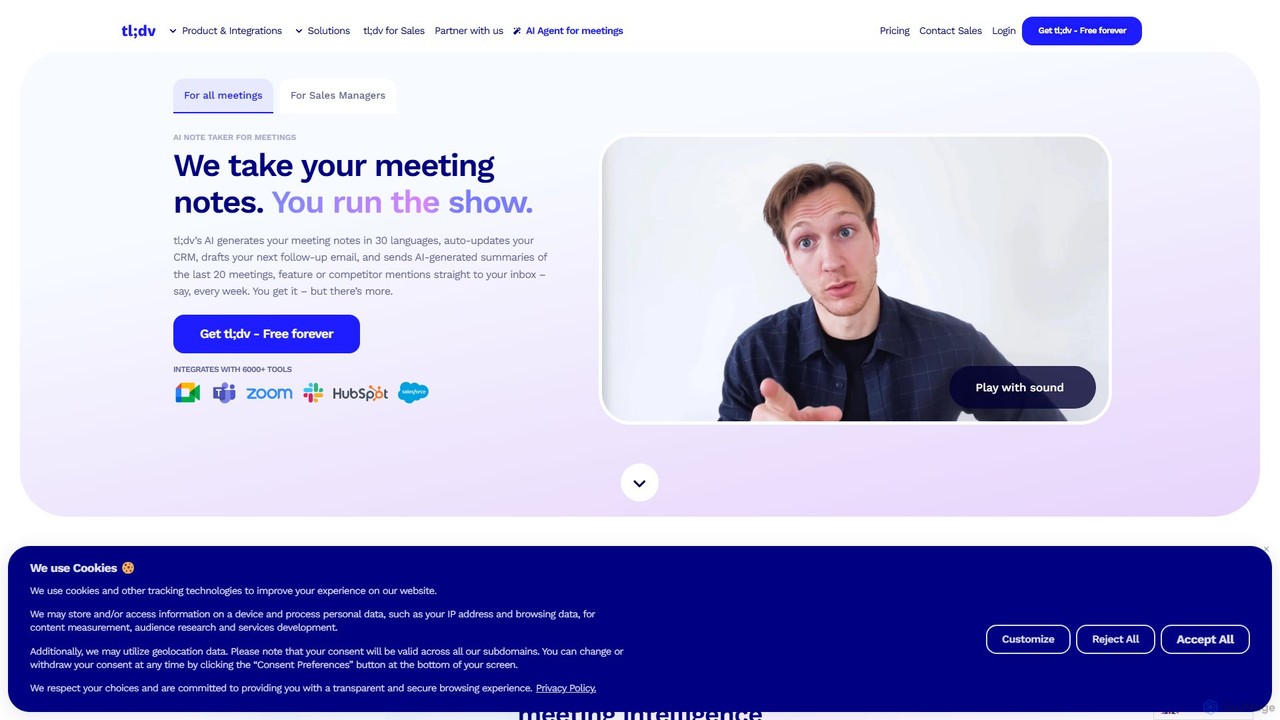
tldv is an AI meeting assistant for Zoom, Google Meet, and MS Teams. It automatically records, transcribes, summarizes, …

1.6M

About Asynchronous Communication

Asynchronous Communication tools are platforms that enable team collaboration without requiring simultaneous presence or immediate responses. These tools utilize features like threaded conversations, video messaging, and shared inboxes to create a persistent, organized record of communication. This approach empowers distributed teams across different time zones to work effectively, reducing meeting fatigue and fostering more thoughtful, well-documented contributions. Unlike real-time chat, they prioritize deep work and flexible schedules over constant availability.

Core Features

  • Threaded Conversations: Organizes discussions by topic or task, keeping context clear and preventing information from getting lost in a single stream.
  • Video & Voice Messaging: Allows users to record and share updates, feedback, or explanations, adding personal nuance without a live meeting.
  • Shared Inboxes & Channels: Centralizes communication for specific projects, departments, or topics, ensuring the right people see the right information.
  • Integration with Calendars & Task Managers: Connects conversations to actionable items and schedules, turning discussions into trackable work.
  • Searchable Archives: Creates a permanent and easily searchable knowledge base of all past conversations and decisions.

Use Cases

These tools are particularly valuable for global companies with employees in multiple time zones, remote-first organizations promoting flexible work hours, and project teams that require detailed documentation of decisions. Roles like software developers, marketers, and project managers use them to manage complex projects, provide detailed feedback, and maintain alignment without constant interruptions.

How to Choose

When selecting an Asynchronous Communication tool, consider the depth of its threading capabilities—good threading is crucial. Evaluate its integration ecosystem to ensure it connects with your existing workflow tools (e.g., Jira, Trello, Google Calendar). Assess the quality of its video and voice messaging features, and consider the user interface's simplicity to ensure team adoption. Finally, review the pricing model based on your team size and feature requirements.

Asynchronous CommunicationUse Cases

1

Managing Cross-Time-Zone Project Handovers

A software development team with members in San Francisco, Berlin, and Tokyo uses an asynchronous tool for daily handovers. At the end of their day, the Berlin developer records a short video message summarizing progress, highlighting blockers, and outlining next steps. They post this in the project's channel with links to code commits. The San Francisco team starts their day with a complete, contextual update, eliminating the need for an early-morning sync meeting and ensuring a seamless 24-hour development cycle.

2

Conducting In-Depth Design and Code Reviews

A product design team uses threaded conversations to conduct a detailed review of a new user interface. The lead designer posts mockups, and team members leave feedback directly on specific elements within the thread. This allows for focused, contextual discussions without a lengthy meeting. Developers can later join the same thread to ask clarifying questions about implementation, creating a single, searchable record of the entire feedback and decision-making process from design to code.

3

Onboarding New Remote Employees

An HR manager creates a dedicated onboarding channel for a new hire. This channel contains a series of scheduled messages with introductory videos from team leads, links to essential documents, and initial tasks. The new employee can go through the materials at their own pace and ask questions in the thread for each topic. This creates a less overwhelming experience than a full day of video calls and provides a permanent resource they can refer back to.

4

Centralizing Client Communication and Approvals

A marketing agency uses a shared channel with their client to manage a campaign. All communication, file sharing, and feedback rounds happen within this single space. Instead of searching through long email chains, the client can see the latest design version and the entire history of comments in one thread. Approvals are clearly marked, creating an unambiguous record of all decisions and reducing miscommunication between the agency and the client.

5

Documenting Key Company-Wide Decisions

A leadership team discusses a potential change in company strategy in a private, asynchronous channel. Each leader contributes their thoughts and data over several days, allowing for deep reflection and well-researched arguments. The final decision, along with the reasoning behind it, is summarized and posted. This thread becomes the official, searchable record of the decision, ensuring transparency and providing valuable context for future reference, far more effective than meeting minutes that often lack detail.

6

Replacing Internal Status Update Meetings

Instead of a weekly 1-hour status meeting, a marketing team adopts an asynchronous check-in process. Every Monday morning, each team member posts a short update in a dedicated channel, outlining their priorities for the week and any potential blockers. Team members can read and comment on these updates at their convenience. This practice saves the entire team dozens of hours per month, eliminates scheduling conflicts, and creates a written record of weekly progress that is easily accessible to leadership.

Asynchronous CommunicationFrequently Asked Questions