Team Collaboration Best in category 1 results Note Taking AI Tool

Popular AI tools in the Note Taking field of Team Collaboration include MeetMinutes, etc., helping you quickly improve efficiency.

MeetMinutes

MeetMinutes

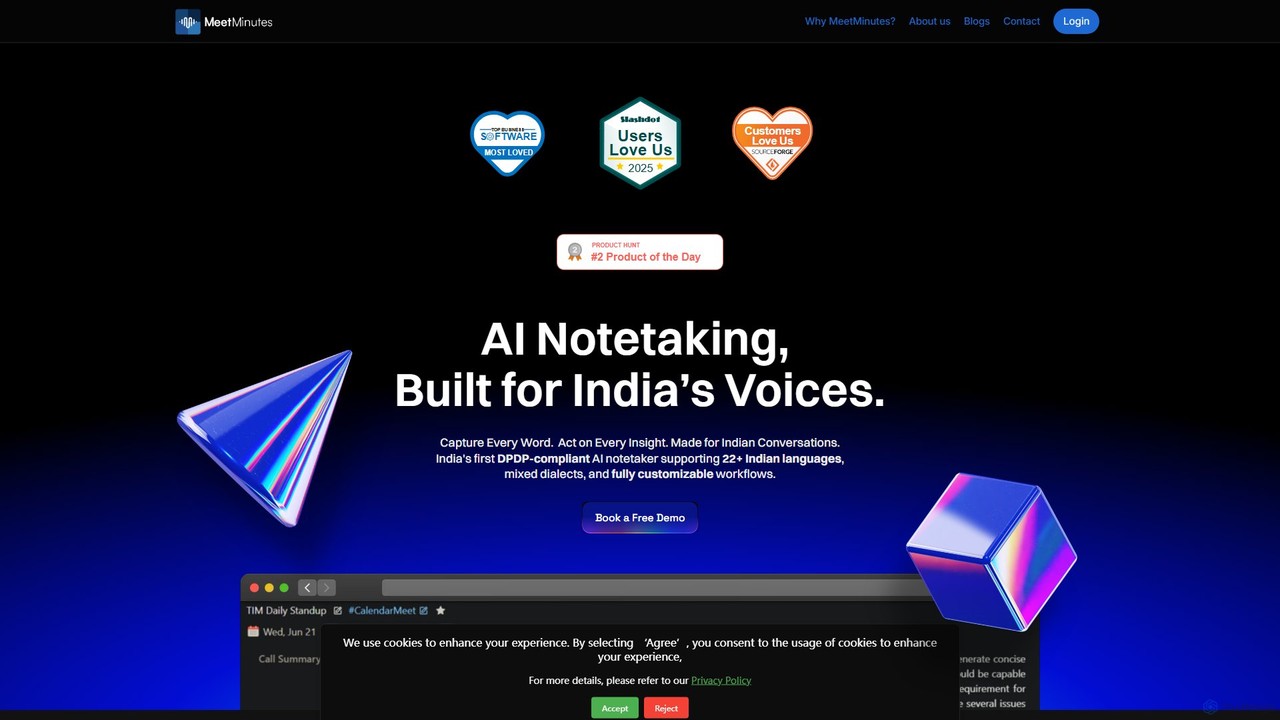
MeetMinutes is an AI-powered meeting assistant designed for Indian voices. It automatically transcribes, summarizes, and analyzes meetings from …

13.1K

About Note Taking

AI Note Taking tools are applications that use artificial intelligence to capture, organize, and synthesize information. They leverage technologies like Natural Language Processing (NLP) to automatically transcribe audio, summarize long texts, and identify key concepts. This transforms unstructured notes from meetings, lectures, or research into a structured, searchable knowledge base. As a key component of team collaboration, these tools ensure that insights are captured accurately and made accessible to the entire team, automating administrative work and fostering a shared understanding.

Core Features

  • Automated Transcription & Summarization: Converts spoken words from meetings or lectures into text and generates concise summaries.
  • Semantic Search: Allows users to search for ideas and concepts by meaning, not just exact keywords.
  • Action Item Detection: Automatically identifies and extracts tasks, deadlines, and decisions from notes.
  • Knowledge Graph Linking: Connects related notes and ideas to visualize relationships and build a comprehensive knowledge base.
  • Real-time Collaborative Editing: Enables multiple users to work on the same note simultaneously with AI-powered suggestions.

Use Cases

These tools are widely used in corporate environments for meeting management, by research teams for data synthesis, and by students for lecture capture. Project managers use them to track decisions and action items, while content creators use them to organize research and brainstorming sessions. They are integral to any workflow that involves converting conversations and raw information into structured knowledge.

How to Choose

When selecting an AI Note Taking tool, consider the accuracy of its transcription and summarization features. Evaluate its integration capabilities with your existing calendar, project management, and communication tools. Assess the power of its search and organization functions, as well as the platform's security policies for handling sensitive information. Finally, consider the user interface and collaborative features to ensure it fits your team's workflow.

Note TakingUse Cases

1

Automate Meeting Minutes and Action Items

For a project manager leading daily stand-ups and weekly syncs, manually taking notes and assigning tasks is time-consuming. By using an AI Note Taking tool connected to their calendar, the meeting audio is automatically recorded and transcribed in real-time. After the meeting, the AI generates a concise summary highlighting key decisions and identifies action items with suggested assignees. This reduces administrative overhead by over 80%, ensures no task is missed, and provides a searchable record of all discussions for the entire team.

2

Build a Centralized Team Knowledge Base

A growing team struggles with knowledge silos, where crucial information from client calls, internal training, and project discussions is scattered across individual notes. By adopting a collaborative AI Note Taking platform, all notes are stored in a central, searchable repository. The AI's semantic search allows new members to find information on past projects by asking natural language questions like 'What were the key challenges in the Q3 campaign?'. The knowledge graph feature visually connects related topics, helping everyone understand how different pieces of information relate, accelerating onboarding and decision-making.

3

Synthesize User Research and Feedback

A UX research team conducts dozens of user interviews to gather product feedback. Instead of manually re-listening to hours of recordings, they upload the audio files to an AI Note Taking tool. The platform transcribes each interview and allows researchers to tag key themes like 'usability issues' or 'feature requests'. The AI can then synthesize insights across all interviews, generating a summary of the most common feedback points. This enables the team to quickly identify patterns and prioritize product improvements without spending weeks on manual analysis.

4

Enhance Academic Research and Writing

A graduate student is working on a literature review, dealing with hundreds of academic papers. Using an AI Note Taking tool, they can clip web articles, upload PDFs, and save highlights. The AI helps by summarizing lengthy papers and suggesting connections between different sources that the student might have missed. When it's time to write, they can use the semantic search to ask 'What are the main arguments against this theory?' and instantly pull up all relevant notes and quotes. This transforms the research process from manual organization to an interactive dialogue with their knowledge base.

5

Streamline Client Onboarding and Communication

An account manager at a marketing agency needs to keep track of all client communications, from initial discovery calls to weekly check-ins. They use an AI Note Taking tool to record and transcribe every call. The notes are automatically shared in a collaborative space with the client. The AI summary provides a quick recap for both parties, and action items are clearly listed. This creates a transparent, single source of truth for the project, reducing misunderstandings and eliminating the need for lengthy follow-up emails. The client feels more involved and confident in the project's progress.

6

Organize Personal Knowledge and Creative Projects

A content creator uses an AI Note Taking app as a 'second brain' to capture ideas, article snippets, and inspiration on the go. When planning a new video, they can search for a concept like 'productivity hacks' and the AI will surface all related notes, including a transcribed podcast segment they saved months ago and a highlighted quote from an ebook. The tool's ability to connect disparate pieces of information helps them form new ideas and create more in-depth content. It acts as an intelligent partner in the creative process, turning a chaotic collection of notes into a structured well of ideas.

Note TakingFrequently Asked Questions