ToolMage
Sign in

Best 3 Documentation AI tools for Team Collaboration

Popular Documentation AI tools in Team Collaboration include Komodo, Savvy, and Slite, helping you work more efficiently.

Savvy
Freemium

Savvy

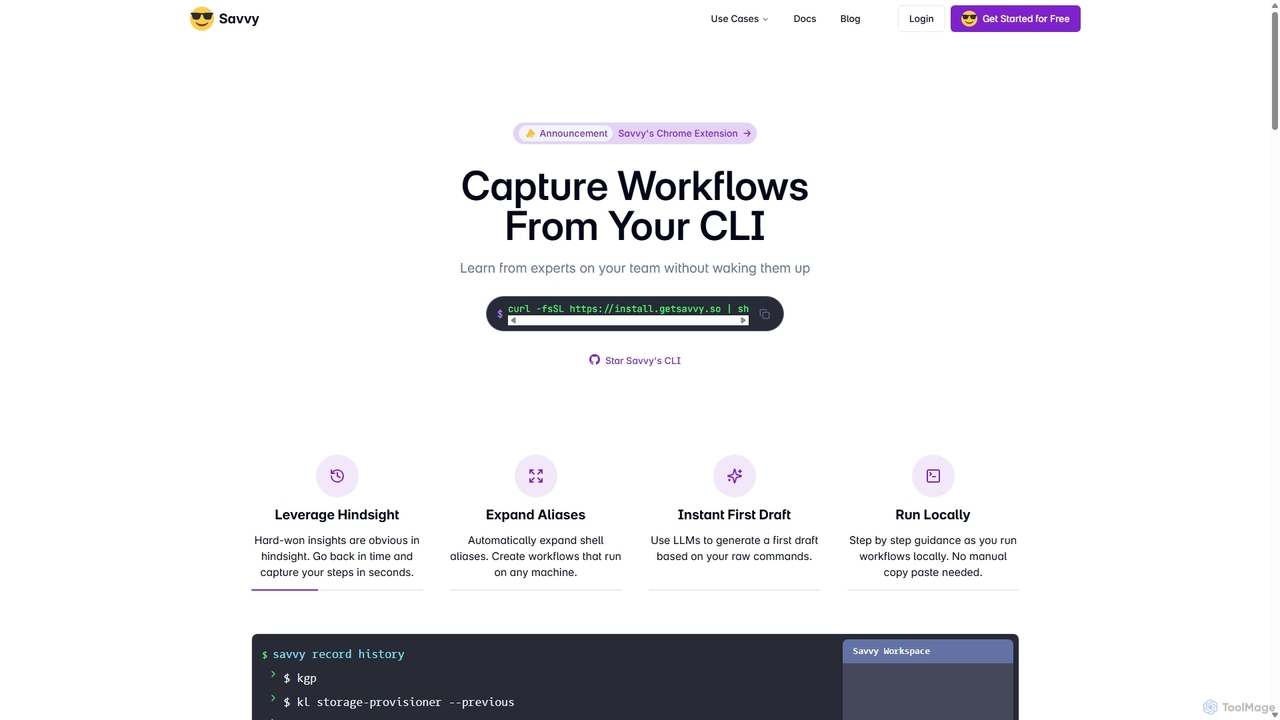
Savvy is an AI-powered tool for developers that captures Command Line Interface (CLI) actions to create shareable, step-by-step workflows. It helps teams document tribal knowledge, accelerate new hire onboarding, and resolve incidents faster by turning complex command sequences into easy-to-follow guides. With features like sensitive data redaction and AI-generated documentation, Savvy enhances productivity and collaboration for technical teams.

Command Line
Visits 6.8KFavorites 118Likes 118
Slite
Freemium

Slite

Slite is an AI-powered knowledge base and team collaboration tool. It serves as a single source of truth, helping teams organize their documents, share knowledge, and make decisions asynchronously. Its core AI feature, 'Ask', allows users to find answers from across the entire workspace using natural language questions, making information instantly accessible.

Internal Communication
Visits 3.7KFavorites 122Likes 111
Komodo
Freemium

Komodo

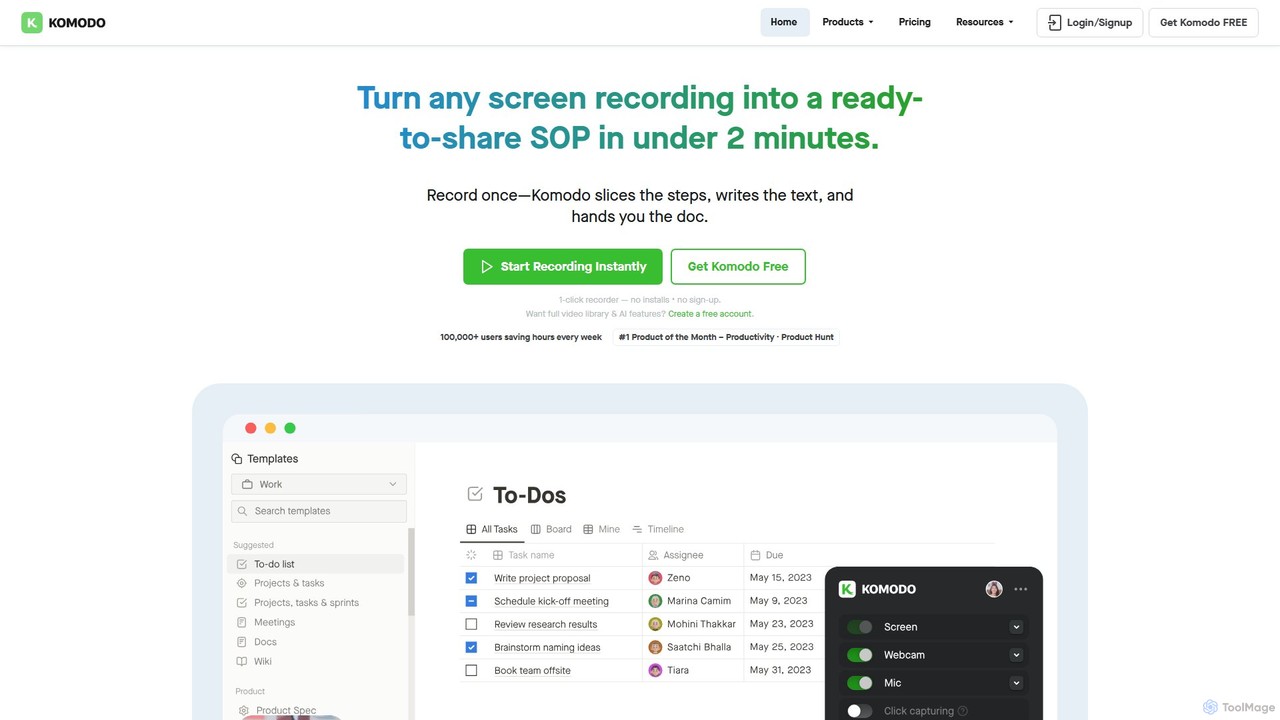
Komodo is an AI-powered screen recorder and knowledge base that automatically transforms screen recordings into step-by-step SOPs, guides, and training documents. It also records meetings, generates AI summaries and action items, and provides a searchable video library, consolidating multiple tools into one platform for enhanced team productivity and collaboration.

Knowledge Management
Visits 113.2KFavorites 78Likes 97

About Documentation

AI Documentation tools are platforms that use artificial intelligence to automate the creation, organization, and maintenance of knowledge bases. These tools analyze various sources like code, text, or video to automatically generate structured and searchable documents. This significantly reduces the manual effort required for writing and updating technical manuals, internal wikis, and user guides, ensuring information is always accurate and accessible. They are a specialized component of team collaboration, focusing on intelligent knowledge management.

Core Features

  • Automated Content Generation: Automatically creates documentation from source code, API specifications, or video tutorials.
  • Semantic Search: Enables users to find information using natural language questions, understanding context beyond keywords.
  • Content Summarization: Condenses long documents, meeting transcripts, or support tickets into concise summaries.
  • Automated Updates & Syncing: Keeps documentation synchronized with changes in connected sources like code repositories.
  • Multi-Format Ingestion: Processes information from diverse formats including text, code, audio, and video to build a comprehensive knowledge base.

Use Cases

These tools are particularly valuable for software development teams for generating API docs, customer support teams for building help centers, and product managers for creating user guides. Any organization with complex information that needs to be kept current and easily searchable can benefit, such as in engineering, compliance, or HR onboarding.

How to Choose

When selecting an AI Documentation tool, consider its integration capabilities, especially with code repositories like GitHub or communication platforms like Slack. Evaluate the accuracy of its content generation and semantic search. Also, assess the range of supported input formats and the tool's features for collaboration and version control to ensure it fits your team's workflow.

Featured tool rankings

Documentation use cases

1

Automate API Documentation for Developers

A software development team connects their GitHub repository to an AI documentation tool. The tool continuously scans the codebase for changes to API endpoints, parameters, and response structures. It automatically generates and updates a comprehensive API reference guide, complete with code examples in multiple languages. This eliminates the tedious task of manual documentation, ensures accuracy, and allows developers to focus on coding, reducing documentation time by up to 80%.

2

Create a Searchable Internal Knowledge Base

An HR department uploads hundreds of documents, including company policies, onboarding guides, and benefit details, into an AI documentation platform. The tool processes and indexes all content. Now, employees can ask questions like "what is our remote work policy?" in a search bar and receive a direct, synthesized answer compiled from multiple official sources, instead of having to read through lengthy PDFs. This improves information accessibility and reduces repetitive queries to the HR team.

3

Generate User Manuals from Product Demos

A product manager records a 10-minute video demonstrating a new software feature. They upload the video to an AI documentation tool. The AI transcribes the audio, identifies key actions and steps, captures relevant screenshots from the video, and drafts a step-by-step user guide. The product manager then only needs to review and refine the generated text, transforming a video asset into a structured written manual in minutes, not hours.

4

Build a Customer Support Wiki from Tickets

A customer support team integrates their ticketing system (e.g., Zendesk) with an AI documentation tool. The AI analyzes thousands of past support conversations to identify the most common customer issues and their successful resolutions. It then automatically drafts FAQ articles and troubleshooting guides based on this data. This proactive approach helps build a comprehensive help center that deflects common tickets, freeing up support agents to handle more complex inquiries.

5

Standardize Project Onboarding Documents

A project manager uses an AI tool to create consistent onboarding materials for new team members. They input various project resources, such as the initial brief, meeting transcripts from Slack and Zoom, and key decision documents. The tool synthesizes this scattered information into a single, structured onboarding guide that covers project goals, timelines, key stakeholders, and technical context. This ensures every new member gets the same comprehensive overview, accelerating their ramp-up time.

6

Maintain Compliance and SOP Documentation

A compliance officer in a regulated industry uses an AI tool to manage Standard Operating Procedures (SOPs). They upload regulatory guidelines and internal process documents. The AI helps structure this information into clear, version-controlled SOPs. Furthermore, the tool can automatically flag sections that may be outdated or conflict with new regulations, and its semantic search allows auditors to quickly find specific procedural information, simplifying compliance checks and internal training.

Documentation FAQ

What are AI Documentation tools?

AI Documentation tools are software platforms designed to automate the process of creating, organizing, and searching for information within a company's knowledge base. Unlike traditional text editors, they use artificial intelligence, particularly natural language processing (NLP), to analyze unstructured content like code, videos, or conversations and transform it into structured, easy-to-navigate documents. Their primary goal is to reduce manual documentation work and make information instantly accessible.

How do AI Documentation tools differ from wikis like Confluence or Notion?

The key difference is automation. Traditional wikis like Confluence or Notion are platforms for manual content creation and organization; users must write and structure everything themselves. AI Documentation tools automate this process. They can ingest raw information from various sources (code, meetings, tickets) and automatically generate structured articles, summaries, and guides. They also offer superior search capabilities, using AI to understand the intent behind a query rather than just matching keywords.

What are the key features to look for in an AI Documentation tool?

When choosing an AI Documentation tool, look for these key features:

  • Integrations: It should connect seamlessly with your existing tools, such as GitHub, Jira, Slack, and Zendesk, to automatically pull in information.
  • Content Generation Quality: The accuracy and clarity of the automatically generated documents are crucial. Evaluate how well it handles your specific content types (e.g., code, technical language).
  • Semantic Search Accuracy: Test its ability to understand natural language questions and provide relevant, direct answers.
  • Supported Formats: Ensure it can process the types of source material your team uses, including text, code, video, and audio.
  • Collaboration and Versioning: Look for features that allow teams to edit, comment on, and track changes to the documentation.
Who benefits most from using AI Documentation tools?

While many roles can benefit, AI Documentation tools are particularly valuable for:

  • Software Development Teams: To automate the generation and maintenance of API documentation and technical specifications, keeping docs in sync with code.
  • Customer Support Teams: To build and maintain comprehensive help centers and internal knowledge bases from support tickets and agent knowledge.
  • Product Managers: To quickly create user guides, release notes, and onboarding materials from various sources like videos and project briefs.
  • Large Enterprises: To manage vast and complex internal knowledge, making it easily searchable and ensuring consistency across departments.
How does AI help keep documentation up-to-date?

AI keeps documentation current primarily through automated synchronization and monitoring. For technical documentation, tools can integrate with code repositories like GitHub and automatically update API references or code examples whenever the source code changes. For other types of content, AI can monitor connected data sources (like a CRM or project management tool) and flag documentation that may be outdated or inconsistent with new information. This proactive approach helps solve one of the biggest challenges in knowledge management: stale documentation.