ToolMage
Sign in

Best 5 Communication AI tools for Team Collaboration

Popular Communication AI tools in Team Collaboration include Shortwave, Perfect Wiki, Question Base, Empy, and Feta, helping you work more efficiently.

Perfect Wiki
Freemium

Perfect Wiki

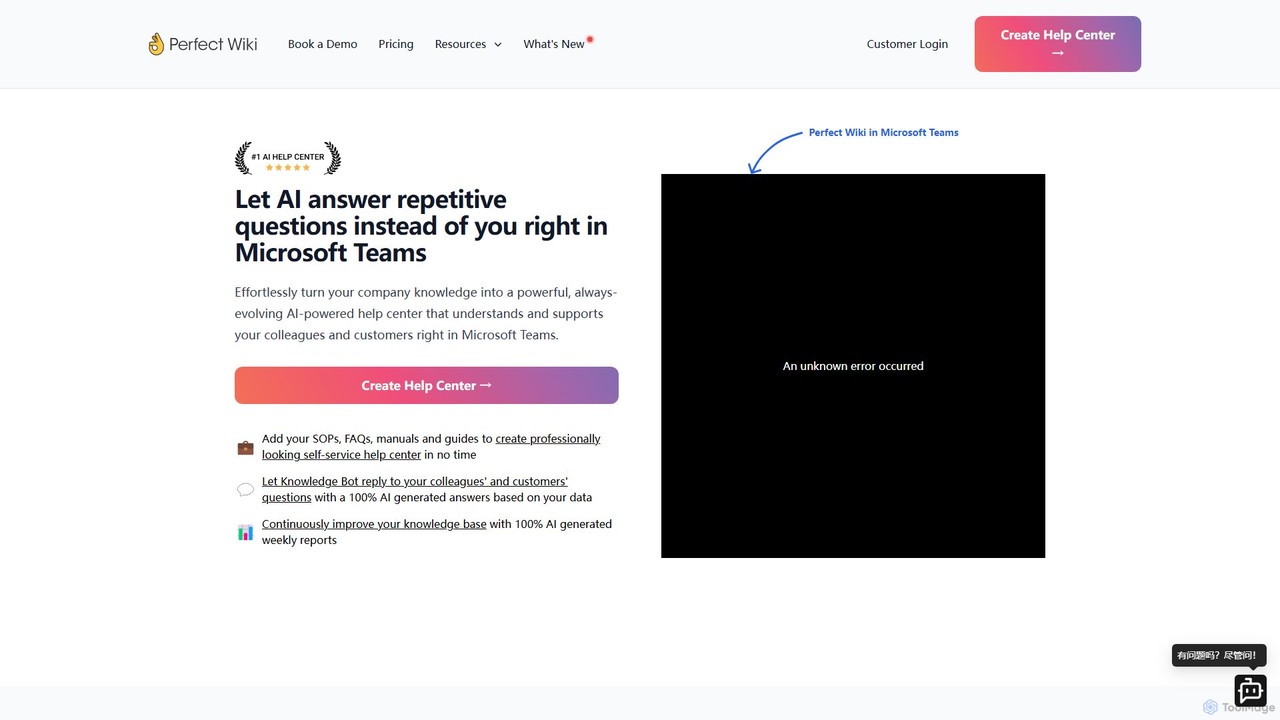
Perfect Wiki is an AI-powered knowledge base integrated directly into Microsoft Teams. It transforms your company's SOPs, FAQs, and manuals into a self-service help center, allowing an AI bot to instantly answer repetitive questions from colleagues and customers, boosting team productivity and centralizing knowledge.

Internal Tools
Visits 15.2KFavorites 112Likes 131
Shortwave
Freemium

Shortwave

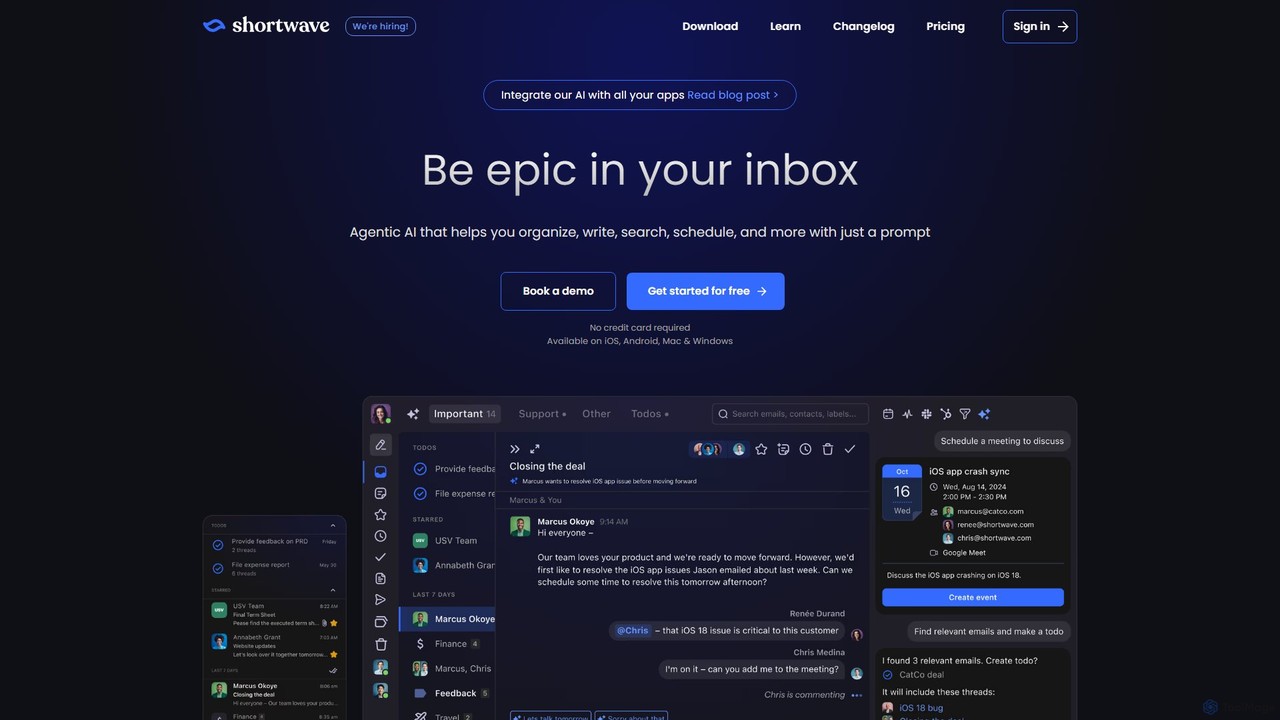
Shortwave is an AI-powered email client designed to supercharge your productivity and team collaboration. It acts as an intelligent assistant for your inbox, helping you organize, write, search, and automate email workflows. By learning your unique writing style and prioritizing important messages, Shortwave transforms your cluttered inbox into an organized workspace, helping you and your team achieve more with less effort.

Writing
Visits 234.3KFavorites 132Likes 126
Empy
Freemium

Empy

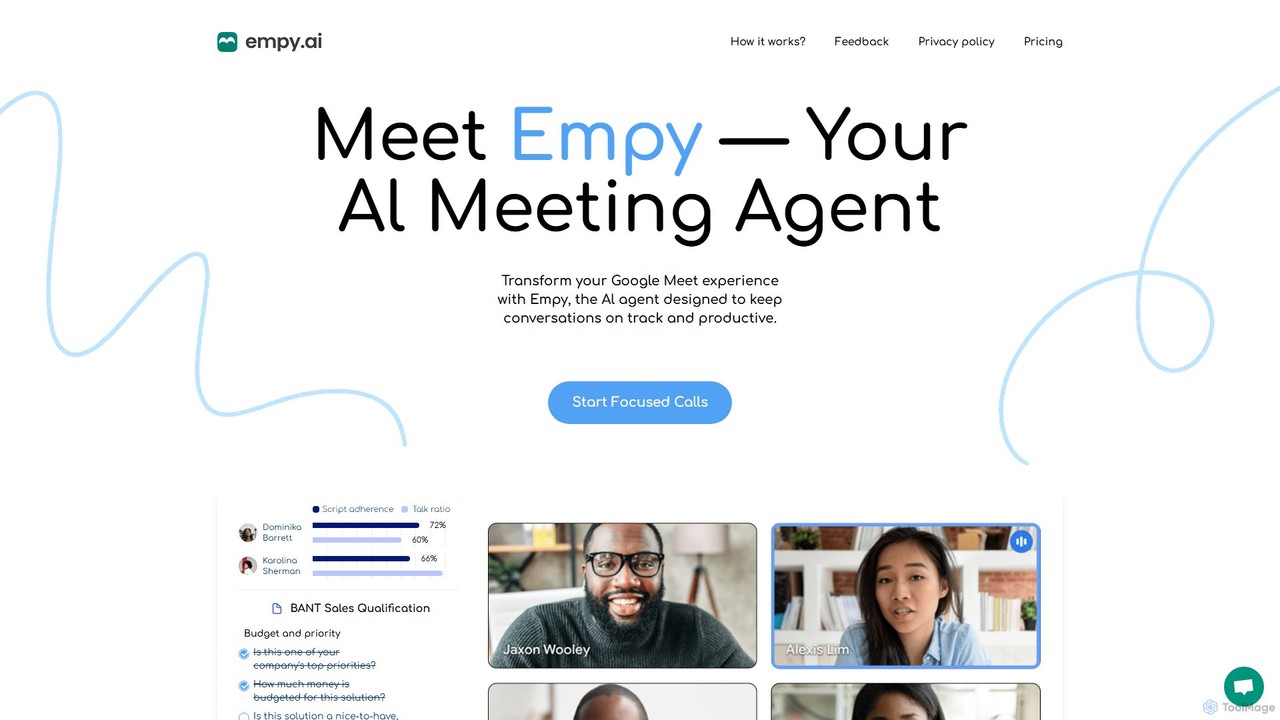
Empy is an AI meeting agent for Google Meet designed to enhance productivity and focus. It keeps conversations on track with live agendas, monitors script adherence and talk ratios, provides real-time alerts for off-topic discussions, and offers personalized support for users with ADHD or dyslexia.

Meeting Assistant
Visits 4.6KFavorites 157Likes 122
Question Base
Freemium

Question Base

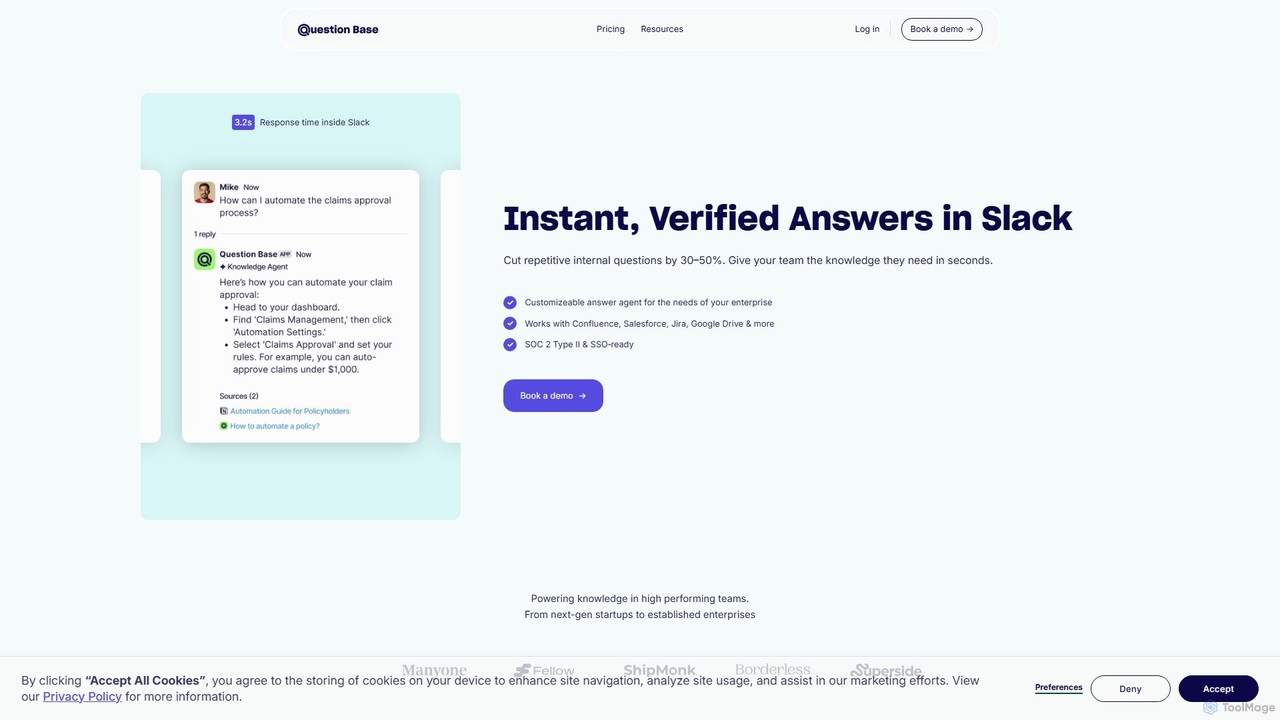
Question Base is an AI-powered knowledge base built directly into Slack. It intelligently captures expert answers from conversations, automatically responds to repetitive employee questions, and centralizes company knowledge from various sources like Notion and Google Docs.

Internal Helpdesk
Visits 8.6KFavorites 135Likes 138
Feta
Freemium

Feta

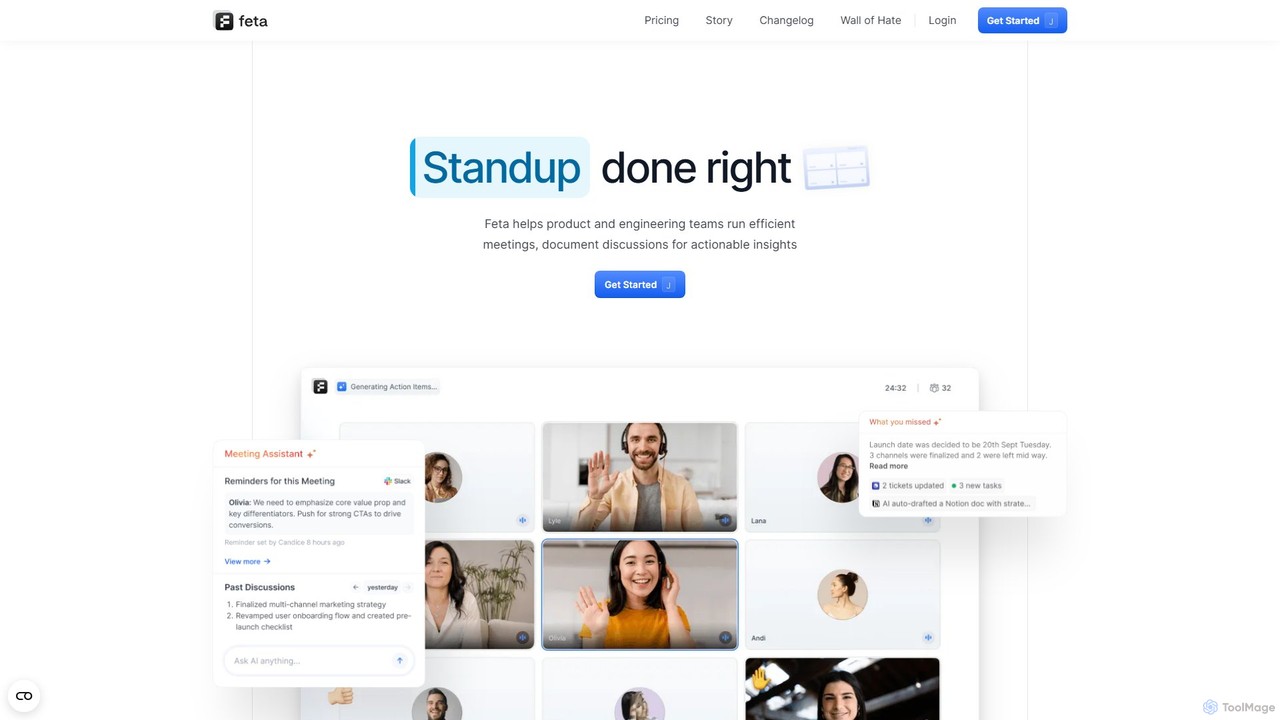
Feta is an AI-powered meeting assistant designed to enhance agile team meetings like stand-ups, retrospectives, and syncs. It automates recording, transcription, summarization, and action item generation, integrating seamlessly with project management tools like Jira and Linear to boost productivity and accountability.

Task Management
Visits 4.5KFavorites 130Likes 122

About Communication

AI Communication tools are a specialized category of software designed to enhance team interactions through artificial intelligence, operating as a key component within team collaboration frameworks. These tools leverage Natural Language Processing (NLP) to automate tasks like transcription, summarization, and real-time translation. This enables teams to overcome language barriers, maintain accurate records of discussions, and quickly extract key insights from conversations. Ultimately, they foster clearer, more inclusive, and efficient communication within any collaborative environment.

Core Features

  • Automated Transcription & Summarization: Instantly converts audio and video conversations into searchable text and generates concise summaries with key takeaways.
  • Real-Time Translation: Breaks down language barriers in multinational teams by instantly translating messages, subtitles, and documents.
  • Sentiment & Tone Analysis: Provides objective insights into the emotional tone of written communication, helping teams improve interaction quality.
  • Action Item Detection: Intelligently identifies tasks, decisions, and follow-up points from meeting transcripts and chat logs to ensure accountability.

Applicable Scenarios

These tools are particularly valuable for global enterprises with distributed teams, remote-first companies aiming to improve asynchronous communication, and customer-facing teams analyzing interaction quality. For example, a project manager can use an AI meeting assistant to automatically generate minutes, while a global marketing team can use real-time translation in their chat platform to collaborate seamlessly.

Selection Criteria

When choosing an AI Communication tool, prioritize its integration capabilities with your existing platforms (e.g., Slack, Microsoft Teams, Zoom). Evaluate the accuracy of its core functions like transcription and translation for your specific industry's jargon. Also, assess its security protocols for handling sensitive data and compare pricing models, which often vary based on user count or feature tiers.

Communication use cases

1

Automate Meeting Minutes and Action Items

For project managers and team leads, manually taking notes and tracking tasks from meetings is time-consuming and prone to error. An AI Communication tool integrated with a video conferencing platform can automatically transcribe the entire conversation in real-time. After the meeting, it generates a concise summary highlighting key decisions and automatically identifies and lists all action items with assigned owners and deadlines. This process saves hours of administrative work per week and ensures no critical task is overlooked, improving overall project accountability.

2

Facilitate Multilingual Team Collaboration

Global teams often struggle with language barriers, leading to misunderstandings and exclusion. An AI communication tool with real-time translation can be integrated into chat platforms like Slack or Microsoft Teams. When a team member from Japan posts a message in Japanese, the tool instantly displays a translation in English, Spanish, or any other required language for other team members. This fosters a more inclusive environment where everyone can participate fully in their native language, accelerating decision-making and strengthening team cohesion across different regions.

3

Analyze Customer Support Conversations for Quality

A customer support manager needs to ensure consistent service quality across their team. Instead of manually reviewing a small sample of calls or chats, an AI Communication tool can analyze 100% of interactions. It automatically transcribes calls and then uses sentiment analysis to flag conversations with negative customer sentiment. The tool can also identify if agents are following scripts, using empathetic language, and successfully resolving issues. This provides managers with data-driven insights to deliver targeted coaching and improve overall team performance and customer satisfaction.

4

Improve Asynchronous Communication for Remote Teams

For remote teams working across different time zones, asynchronous communication is essential. A team member starting their day can be faced with hundreds of messages in a chat channel. Instead of reading through everything, they can use an AI tool to generate a summary of the channel's activity overnight. The summary highlights key discussions, decisions made, and any direct mentions or questions for them. This allows team members to catch up in minutes rather than hours, stay informed, and respond to priorities efficiently, maintaining productivity without needing to be online simultaneously.

5

Enhance Sales Call Coaching and Performance

A sales manager wants to provide personalized coaching to their team but lacks the time to join every call. By using an AI communication tool, all sales calls are automatically recorded, transcribed, and analyzed. The AI can identify key moments, such as when a prospect raises an objection or when the salesperson successfully presents the value proposition. It can also score calls based on talk-to-listen ratios and keyword usage. Managers can then quickly review these insights to provide targeted, data-backed feedback, helping reps refine their pitch and close more deals.

6

Streamline Internal Knowledge Sharing

Important decisions and knowledge are often trapped within individual meetings or chat threads. A knowledge manager can use an AI communication tool to create a centralized, searchable knowledge base from team conversations. The tool automatically transcribes all project meetings and technical discussions. Team members can then search across all past conversations using keywords to find specific information, such as the rationale behind a decision or a solution to a technical problem. This turns transient conversations into durable, accessible organizational assets, reducing repetitive questions and accelerating onboarding for new hires.

Communication FAQ

What are AI Communication tools?

AI Communication tools are applications that use artificial intelligence, particularly Natural Language Processing (NLP), to enhance and automate aspects of team communication. Unlike standard chat or video apps, they provide an intelligence layer that can transcribe speech, summarize long discussions, translate languages in real-time, and analyze conversational sentiment. Their primary goal is to make communication more efficient, accessible, and insightful within a collaborative setting.

How to choose the right AI Communication tool for my team?

Choosing the right tool depends on your team's specific needs. Consider the following factors:

  • Integration: Does it seamlessly connect with your existing tools like Slack, Zoom, or Google Workspace? Poor integration can create more work.
  • Core Function Accuracy: Test the accuracy of its key features. If you have a global team, evaluate its translation quality. If you need meeting notes, check its transcription and summarization precision.
  • Security and Privacy: Since these tools process sensitive conversations, ensure they have robust security measures and clear data privacy policies.
  • Use Case Alignment: Select a tool that excels at your primary use case, whether it's for sales call analysis, multilingual support, or automated meeting documentation.
What's the difference between AI Communication tools and standard chat apps like Slack?

The primary difference is the intelligence layer. Standard chat apps like Slack or Microsoft Teams are the platforms for communication—they provide the channels, direct messaging, and file sharing. AI Communication tools are often integrations or applications that work on top of these platforms. They don't replace the chat app; they enhance it by adding capabilities like automated meeting summaries, real-time translation within a channel, or sentiment analysis of team messages. In essence, chat apps are the venue, while AI tools are the smart assistants working within that venue.

What are the key features of AI Communication tools?

While features vary, most leading AI Communication tools offer a combination of the following:

  • Automated Transcription: Converting spoken words from meetings or calls into written text.
  • AI-Generated Summaries: Creating concise overviews of long conversations, highlighting key points and decisions.
  • Real-Time Translation: Translating text or speech from one language to another instantly.
  • Action Item Detection: Identifying tasks and follow-ups mentioned in conversations.
  • Sentiment Analysis: Gauging the emotional tone (positive, negative, neutral) of written text.
Who can benefit most from using AI Communication tools?

While many can benefit, certain groups find these tools particularly impactful:

  • Global and Distributed Teams: Real-time translation and asynchronous summaries bridge geographical and time-zone gaps.
  • Remote-First Companies: Tools that summarize chat channels and meetings are essential for keeping everyone aligned without constant real-time presence.
  • Project Managers: Automated action item tracking and meeting minutes save significant administrative time and improve accountability.
  • Sales and Customer Support Teams: Call transcription and sentiment analysis provide invaluable data for coaching, quality assurance, and understanding customer needs.