Business Best in category 22 results Internal Tools AI Tool

Popular AI tools in the Internal Tools field of Business include Base44、Retool、Softr、Creao、Appsmith、Refine、NocoBase、DronaHQ、NoCode、Jet Admin, etc., helping you quickly improve efficiency.

NocoBase

NocoBase

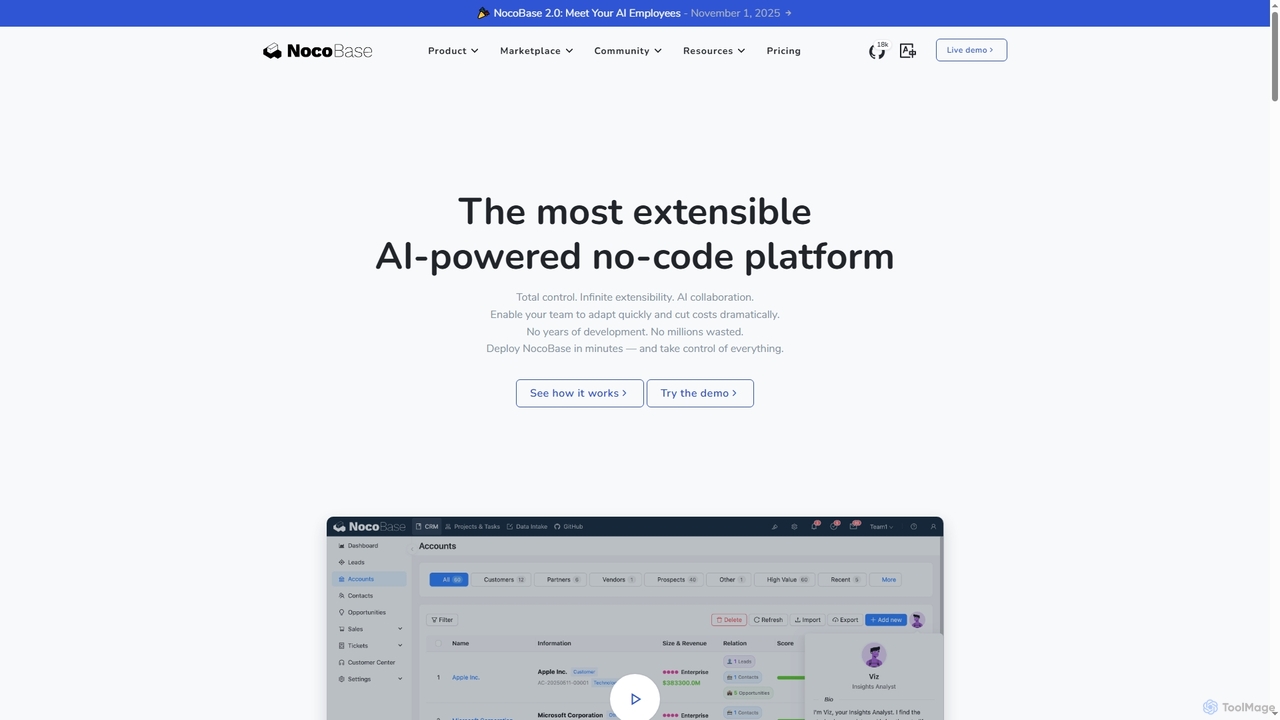
NocoBase is an open-source, self-hosted no-code and low-code development platform. It empowers users to build custom business applications …

214.2K
Creao

Creao

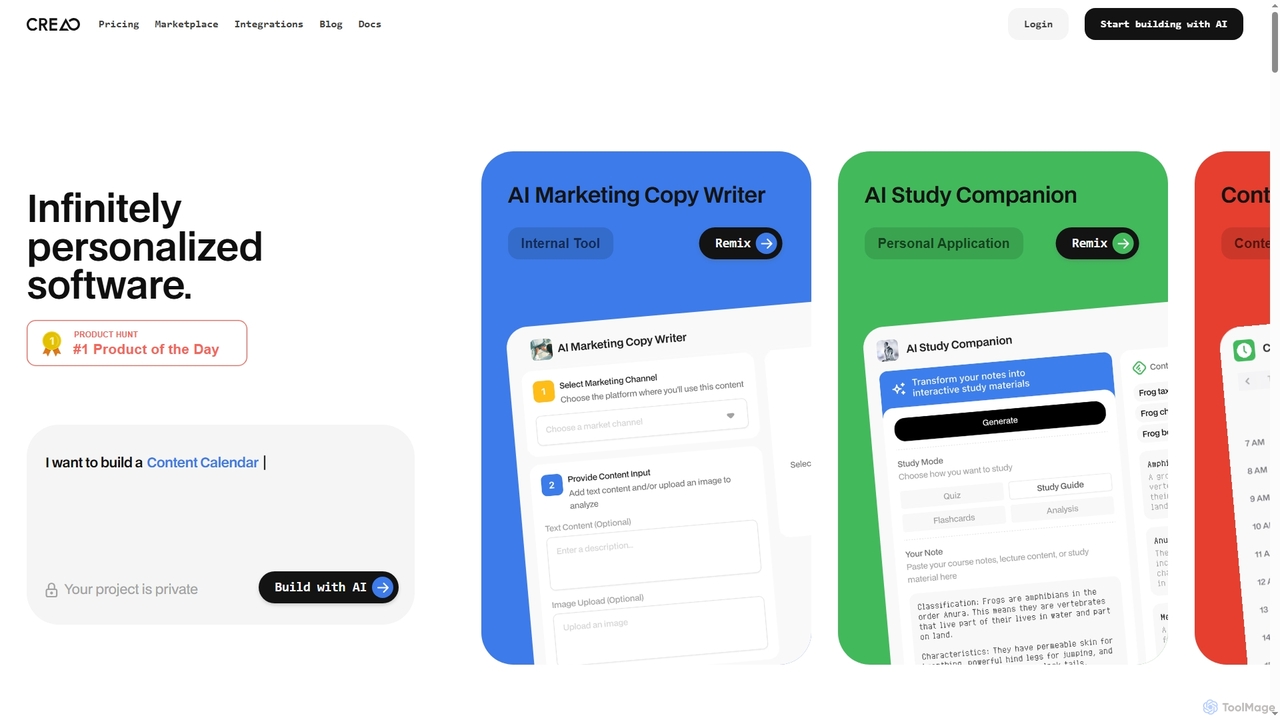
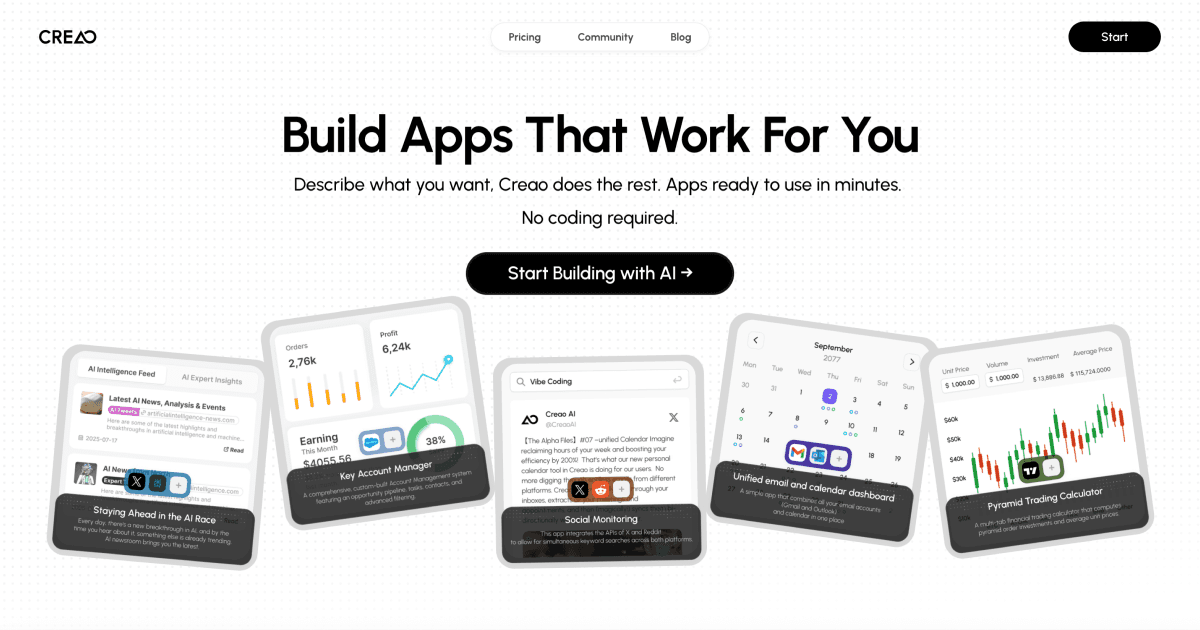
Creao is an AI-native app builder that allows users to create full-stack applications using simple natural language. It …

492.0K
ToolJet

ToolJet

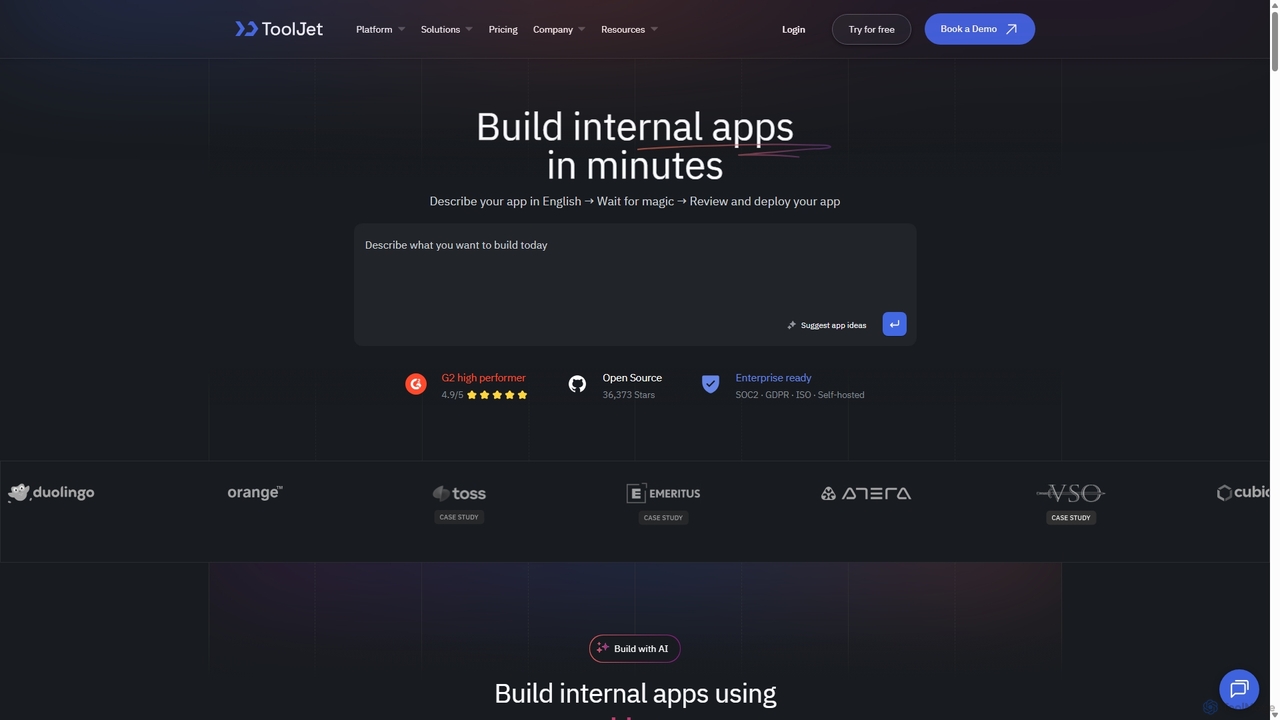
ToolJet is an AI-native, open-source low-code platform for developers to build and deploy internal tools rapidly. It integrates …

5.3K
Rebolt

Rebolt

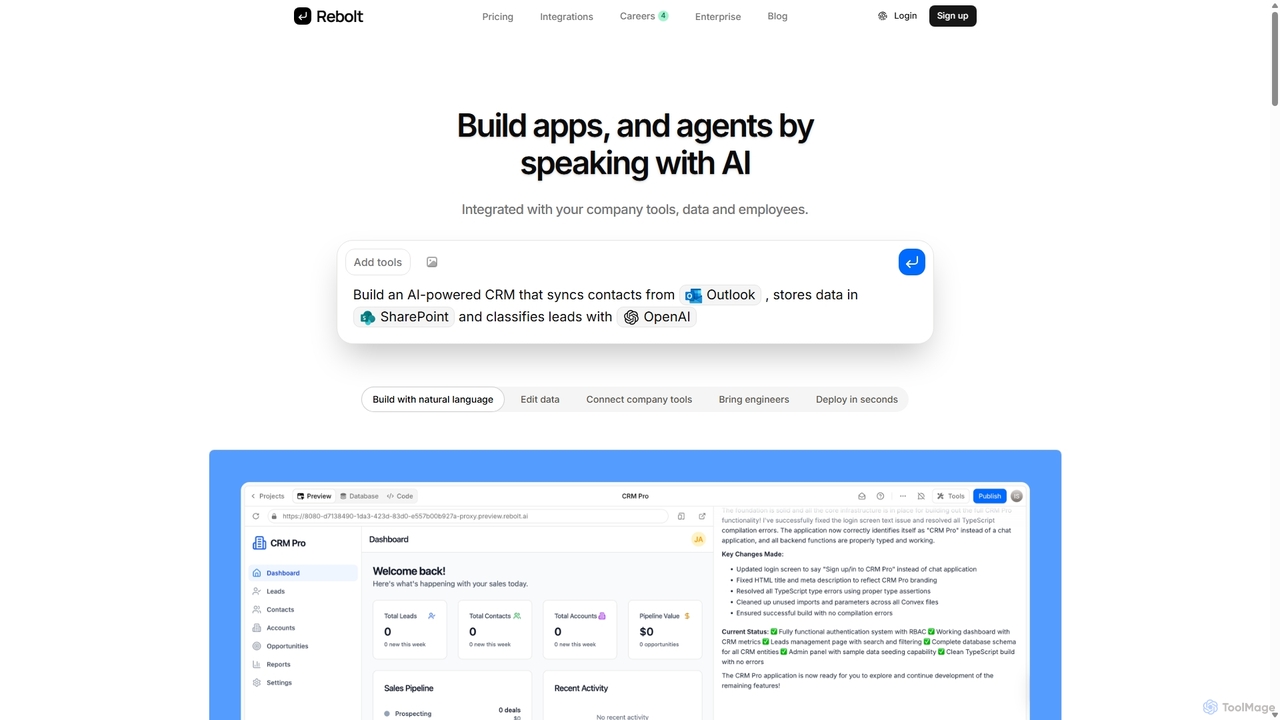
Rebolt is a no-code platform that empowers users to build AI-powered applications, workflows, and agents using natural language. …

14.3K
Dokko

Dokko

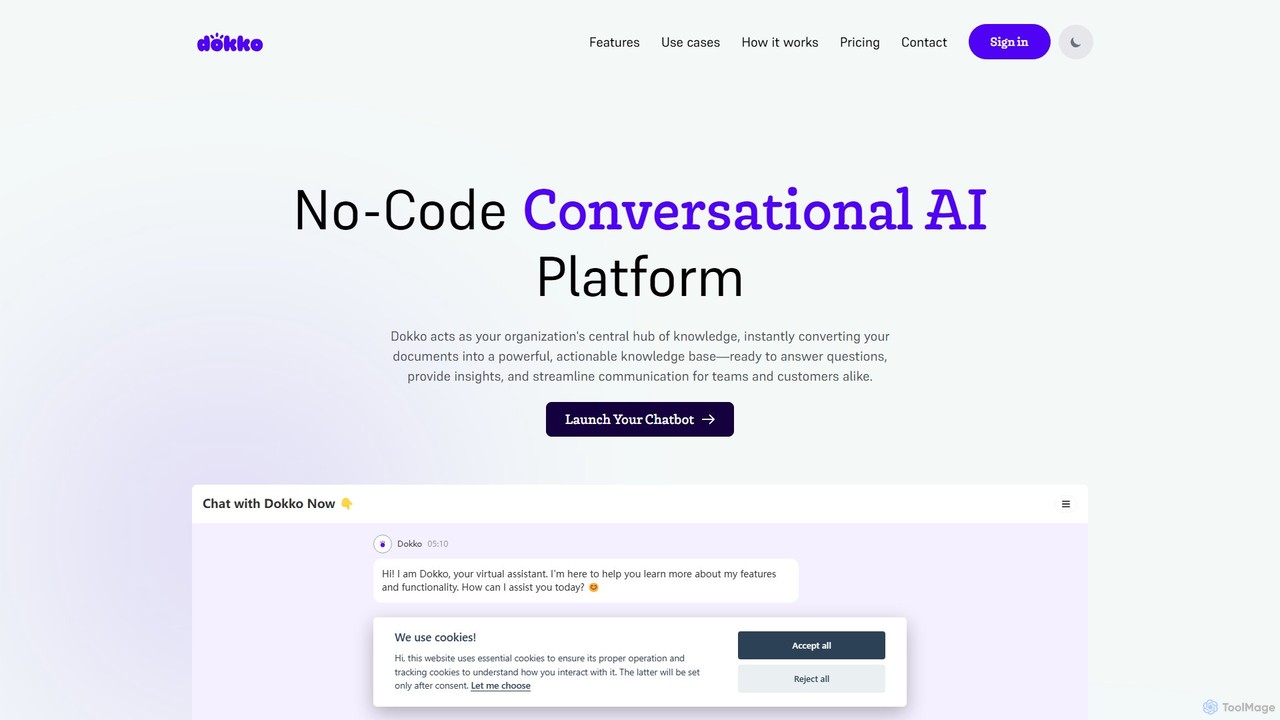
Dokko is a no-code conversational AI platform that transforms your documents into a powerful, interactive knowledge base. Instantly …

3.4K
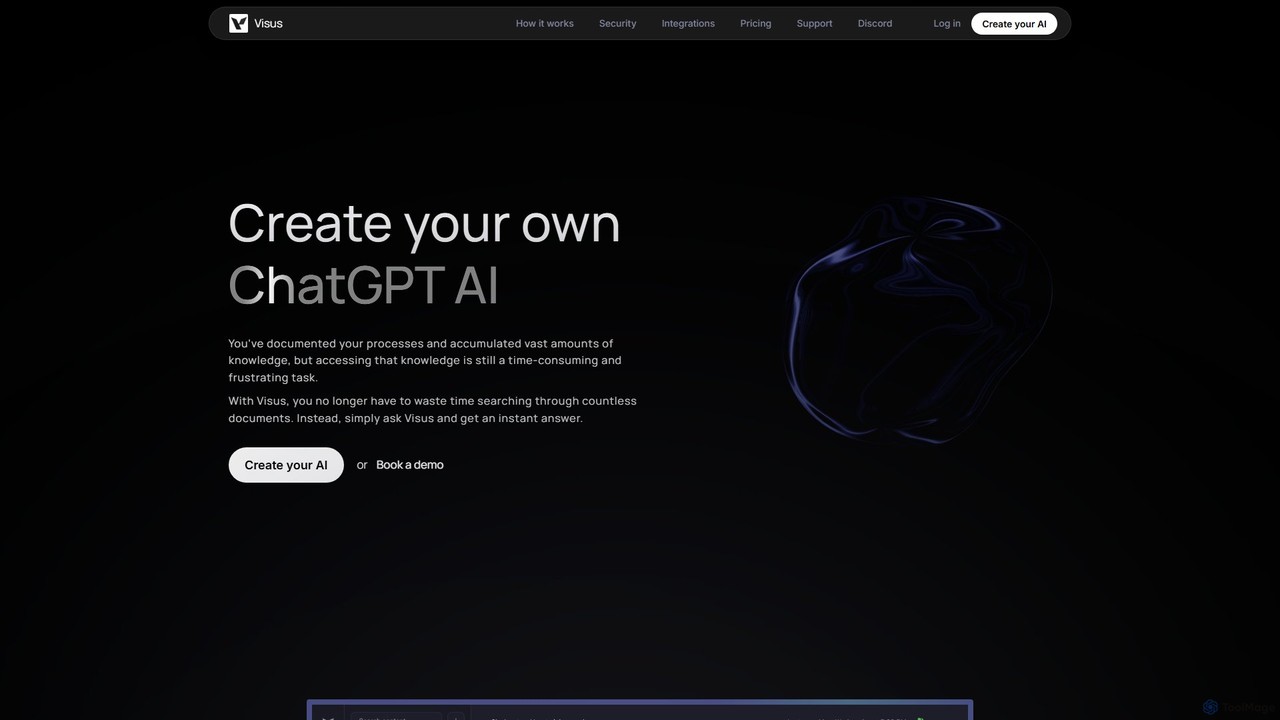
Visus

Visus

Visus allows you to build a custom AI chatbot, like your own ChatGPT, trained on your specific documents. …

3.2K
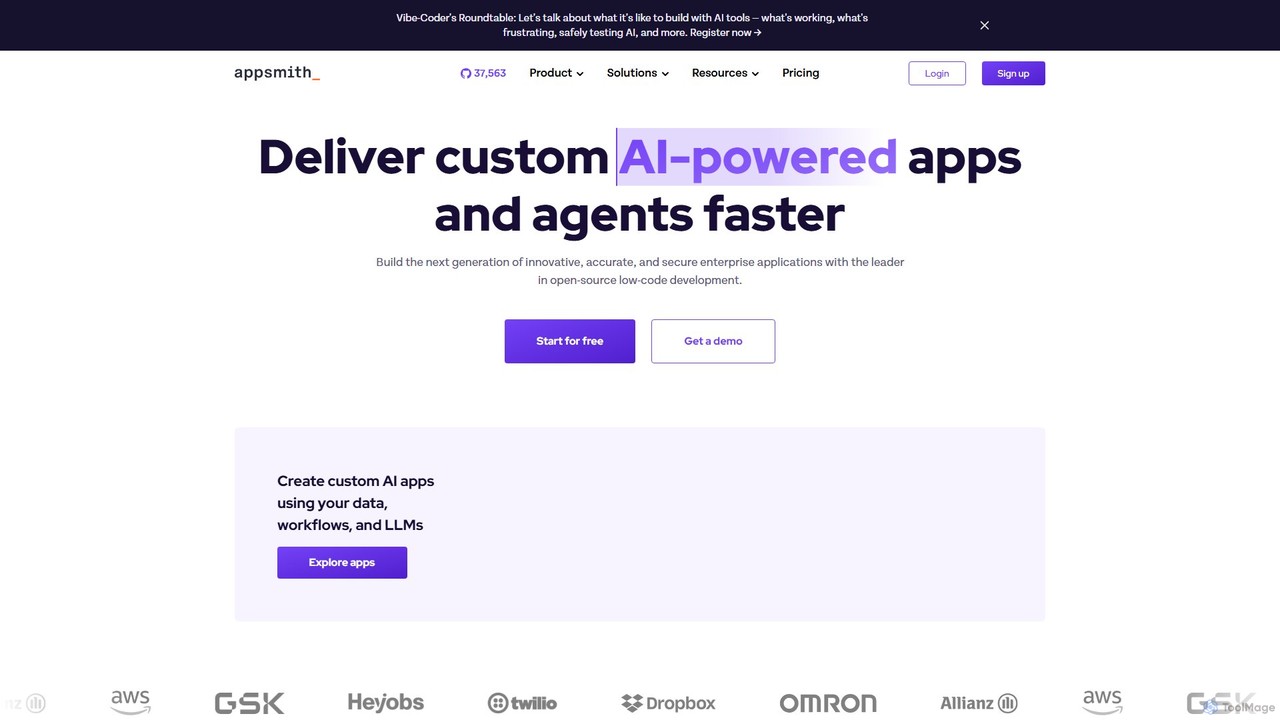
Appsmith

Appsmith

Appsmith is an open-source, low-code platform designed for developers to build, ship, and maintain internal tools, dashboards, and …

338.3K
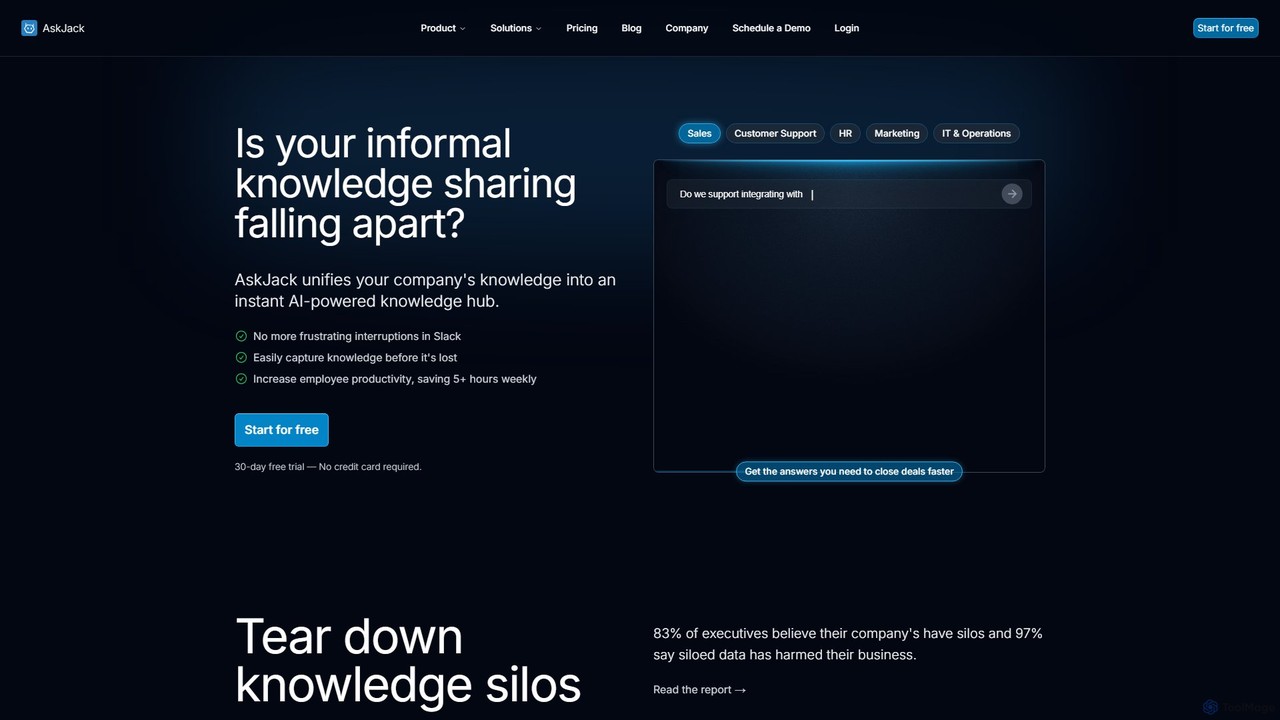
AskJack

AskJack

AskJack is an AI-powered knowledge hub that unifies your company's scattered information into a single, searchable platform. By …

2.9K
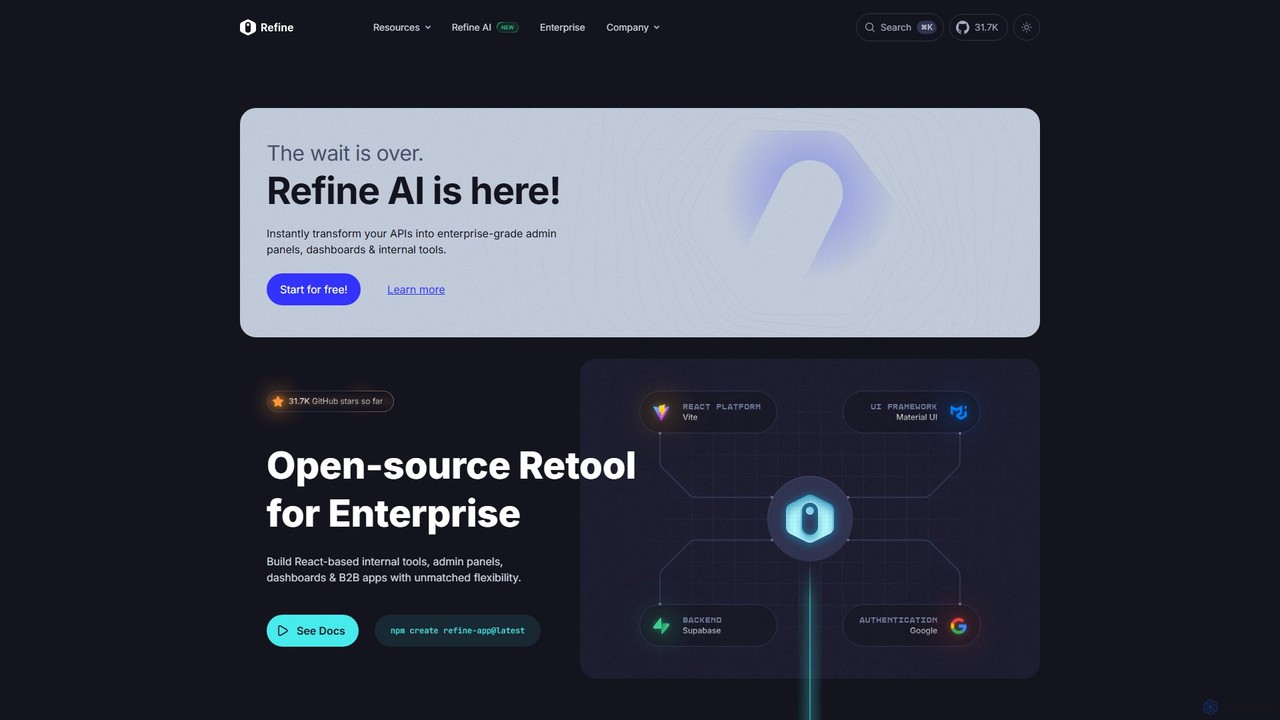
Refine

Refine

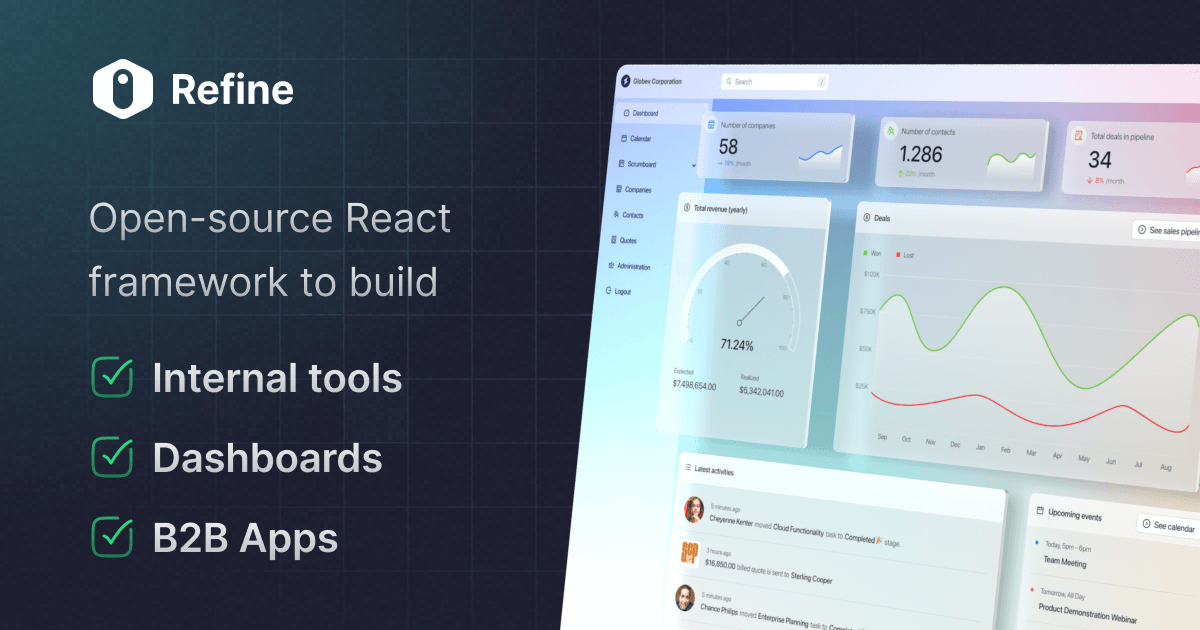
Refine is an open-source, React-based framework for rapidly building enterprise-grade internal tools, admin panels, dashboards, and B2B applications. …

278.5K
Jet Admin

Jet Admin

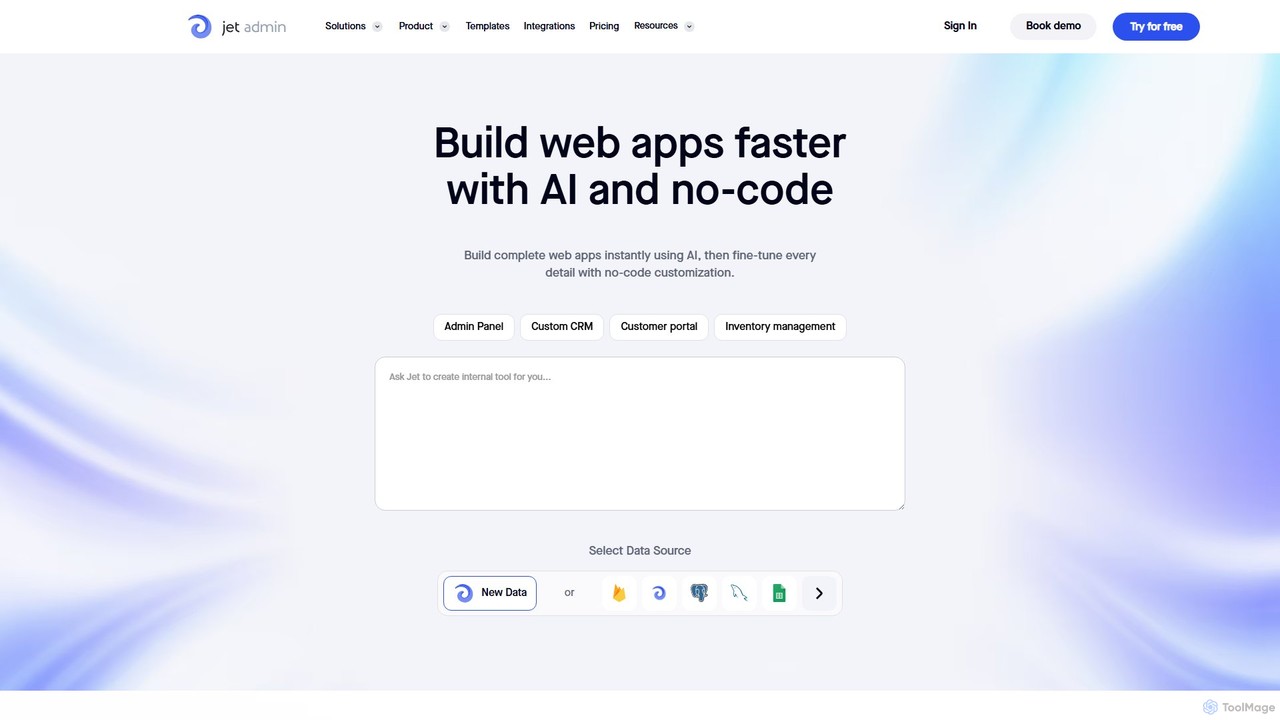
Jet Admin is an AI-powered no-code/low-code platform for building custom business applications like admin panels, CRMs, and customer …

45.3K
Perfect Wiki

Perfect Wiki

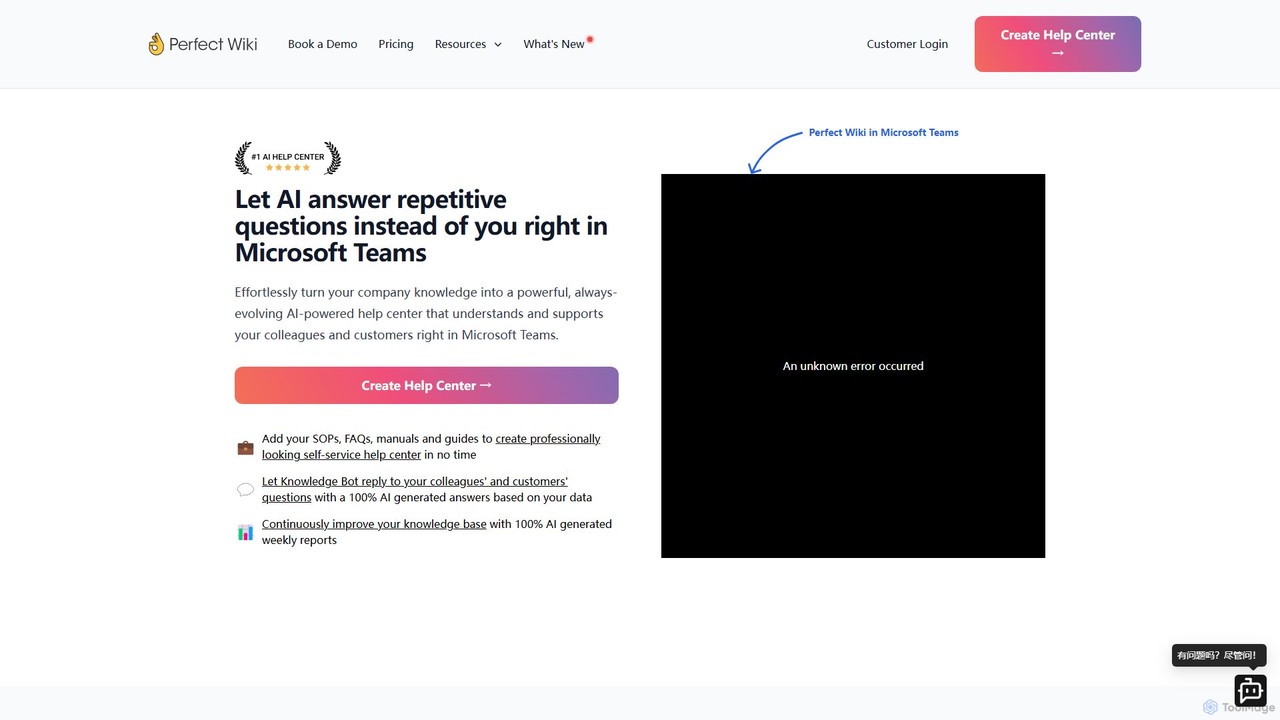
Perfect Wiki is an AI-powered knowledge base integrated directly into Microsoft Teams. It transforms your company's SOPs, FAQs, …

14.2K
Retool

Retool

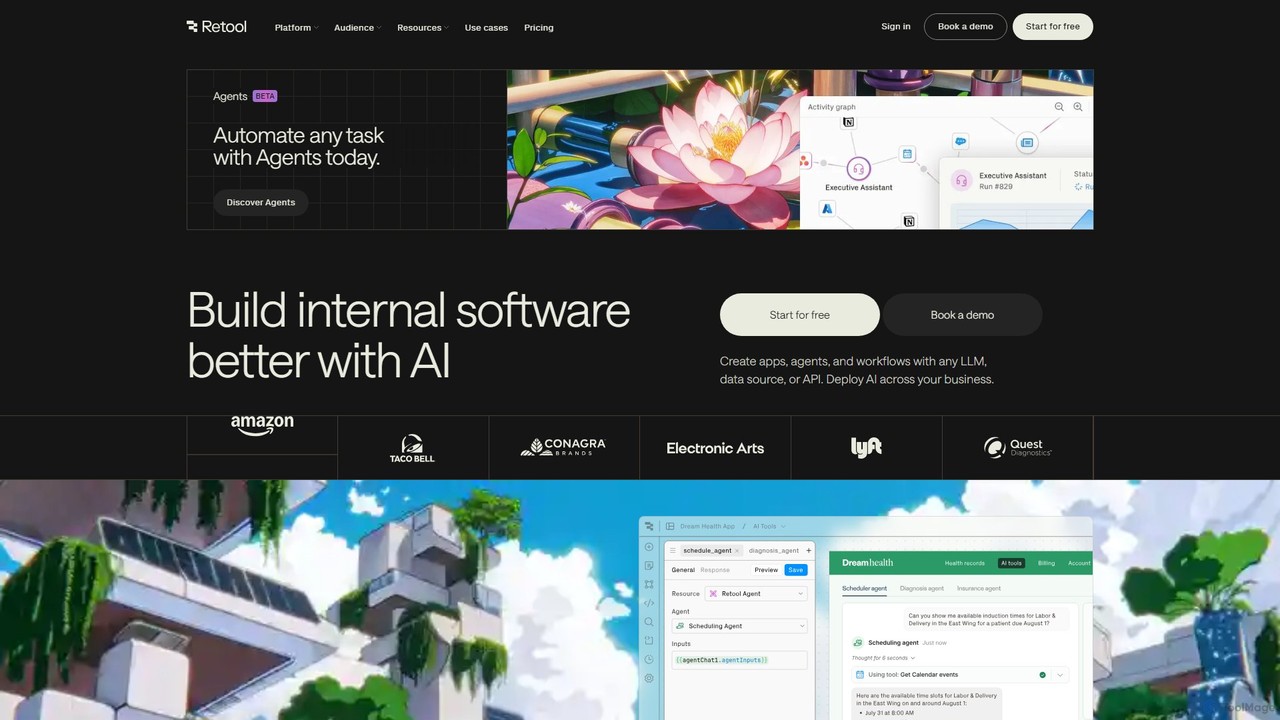
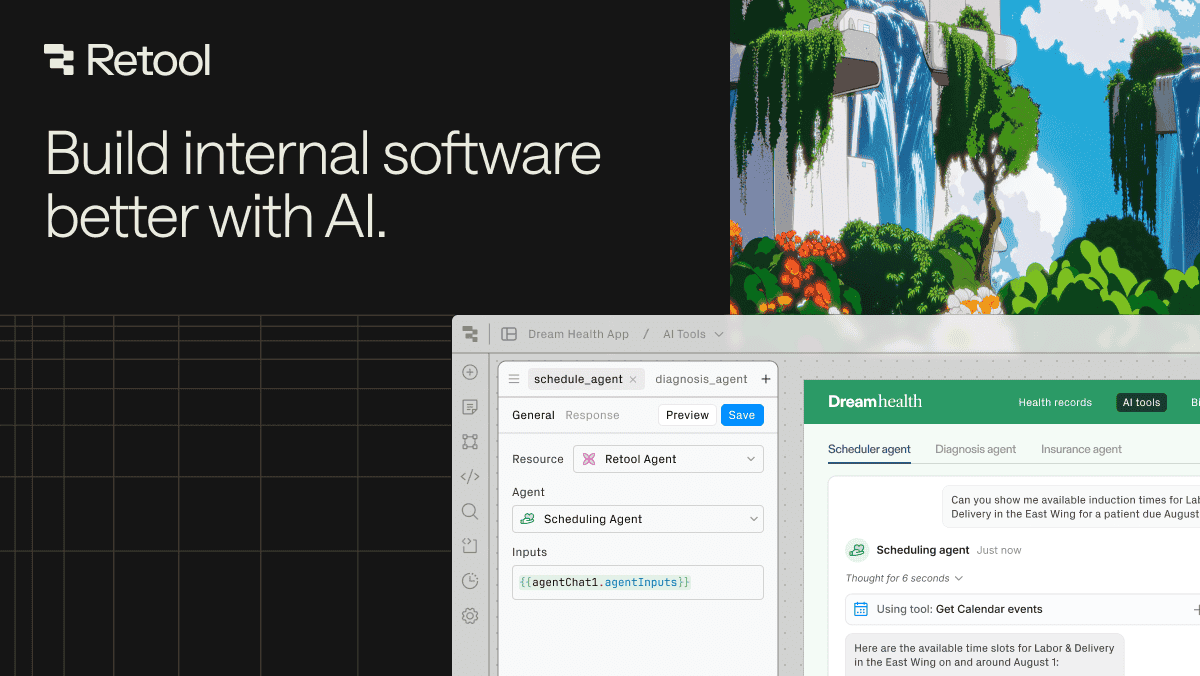
Retool is an AI-powered development platform for building internal software, applications, and automated workflows with exceptional speed. It …

1.8M
Flowscript

Flowscript

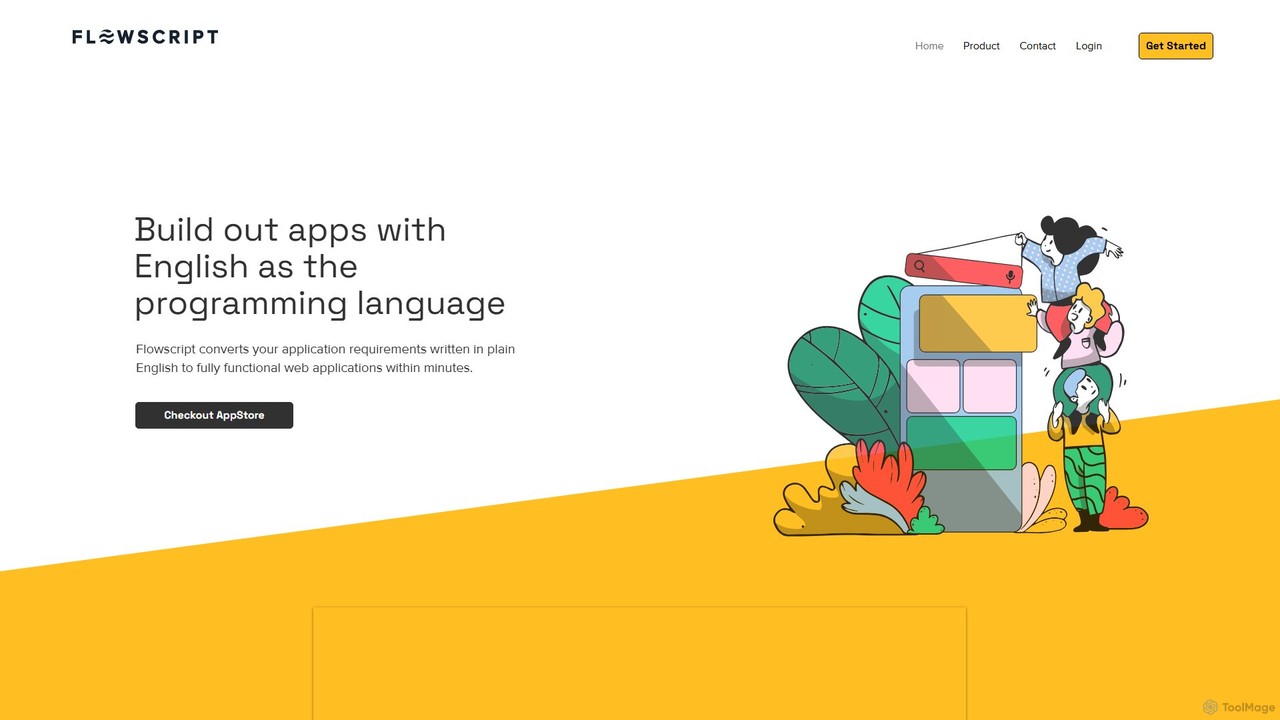
Flowscript is a revolutionary no-code platform that transforms plain English into fully functional web applications. Its AI-powered engine …

2.8K
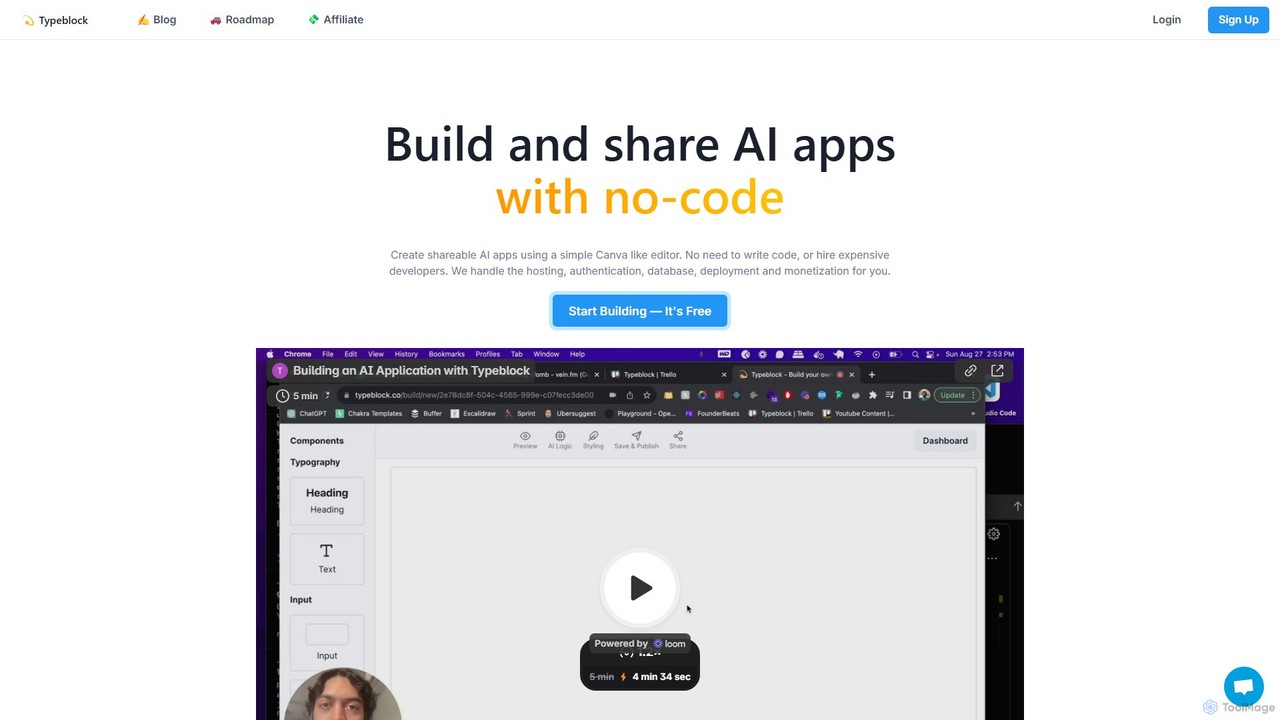
Typeblock

Typeblock

Typeblock is an intuitive no-code platform that allows users to build and share custom AI applications. Using a …

2.8K
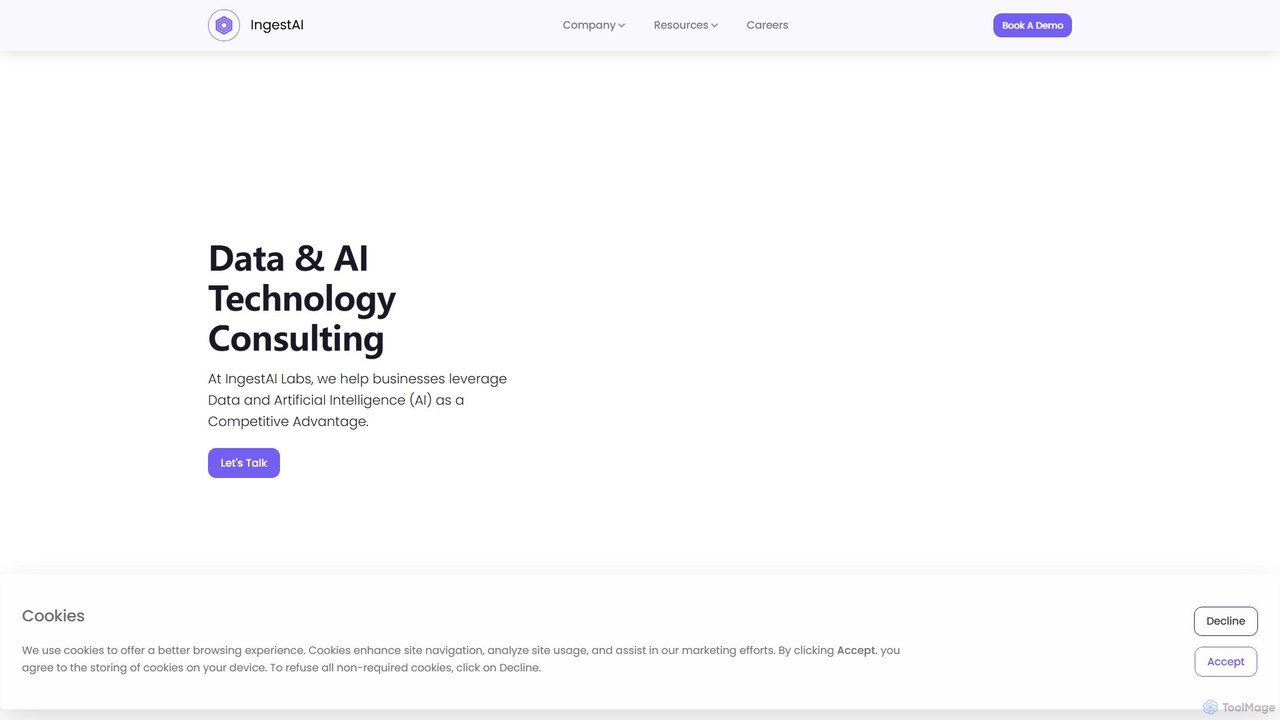
IngestAI

IngestAI

IngestAI is a no-code AI platform for businesses to build custom AI applications, chatbots, and internal tools trained …

4.8K
Sutro

Sutro

Sutro is an AI-powered application builder that transforms natural language prompts into secure, custom software in minutes. Designed …

5.9K
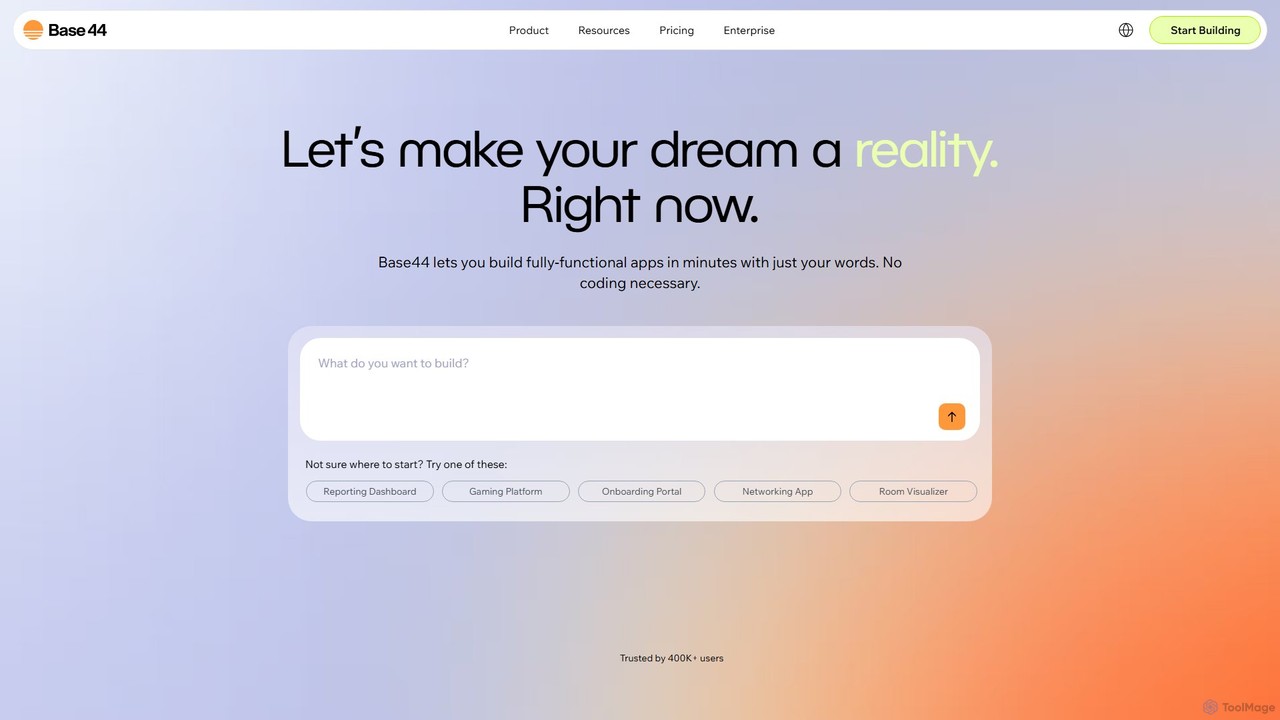
Base44

Base44

Base44 is an AI-powered, no-code platform that enables users to build fully-functional web applications in minutes using natural …

14.8M
Abstra

Abstra

Abstra is a Python-native low-code platform that empowers developers to build interactive web applications, internal tools, and automated …

10.0K
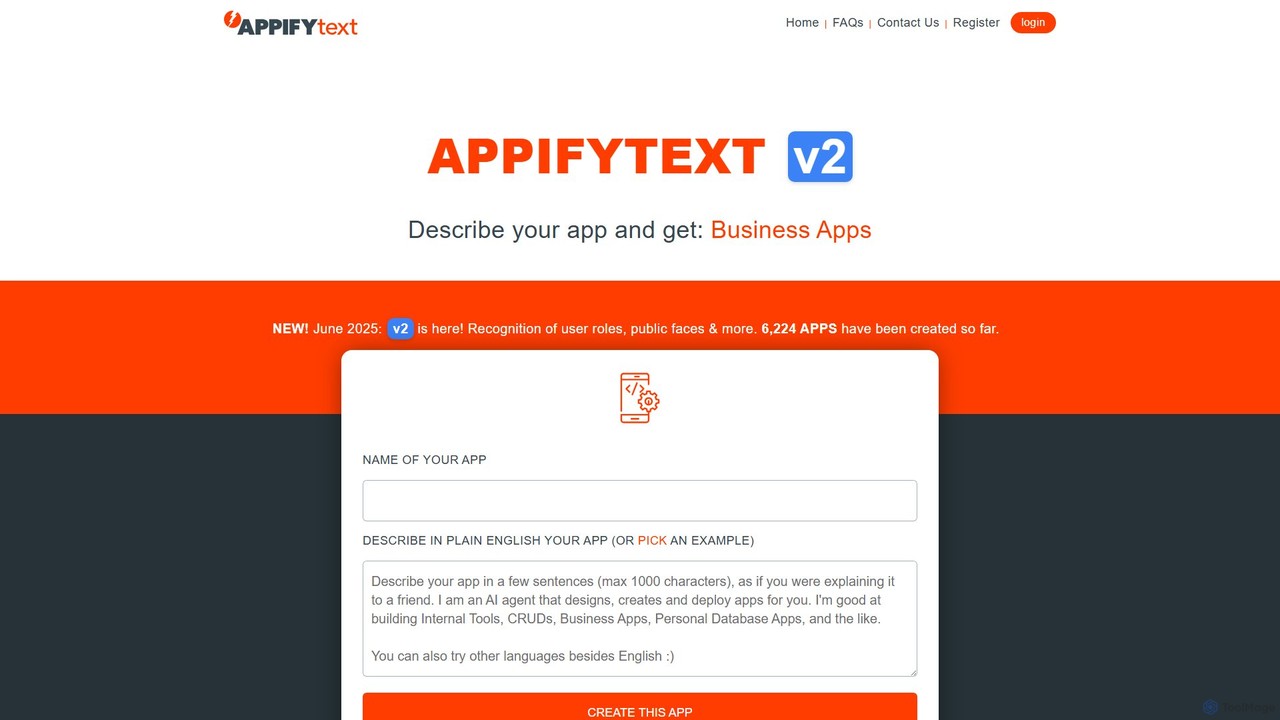
AppifyText.ai

AppifyText.ai

AppifyText.ai is an AI-powered platform that transforms plain English descriptions into functional, responsive web applications. It specializes in …

3.3K
Softr

Softr

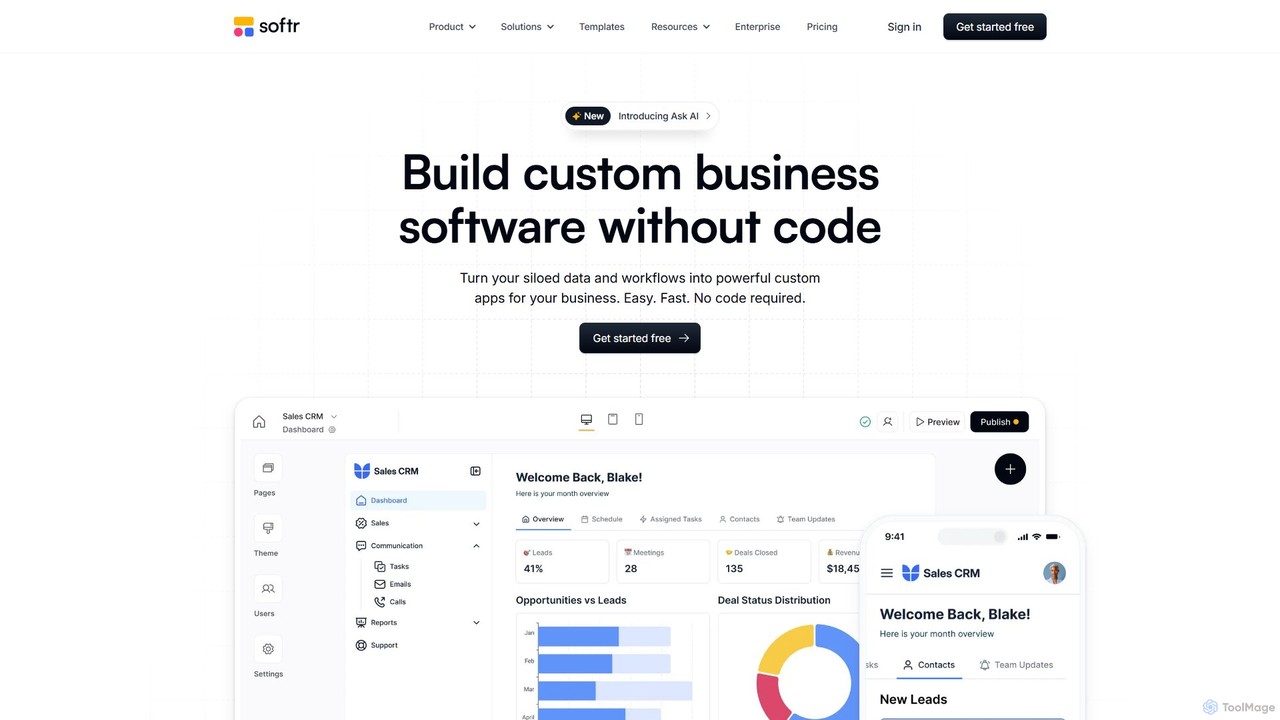
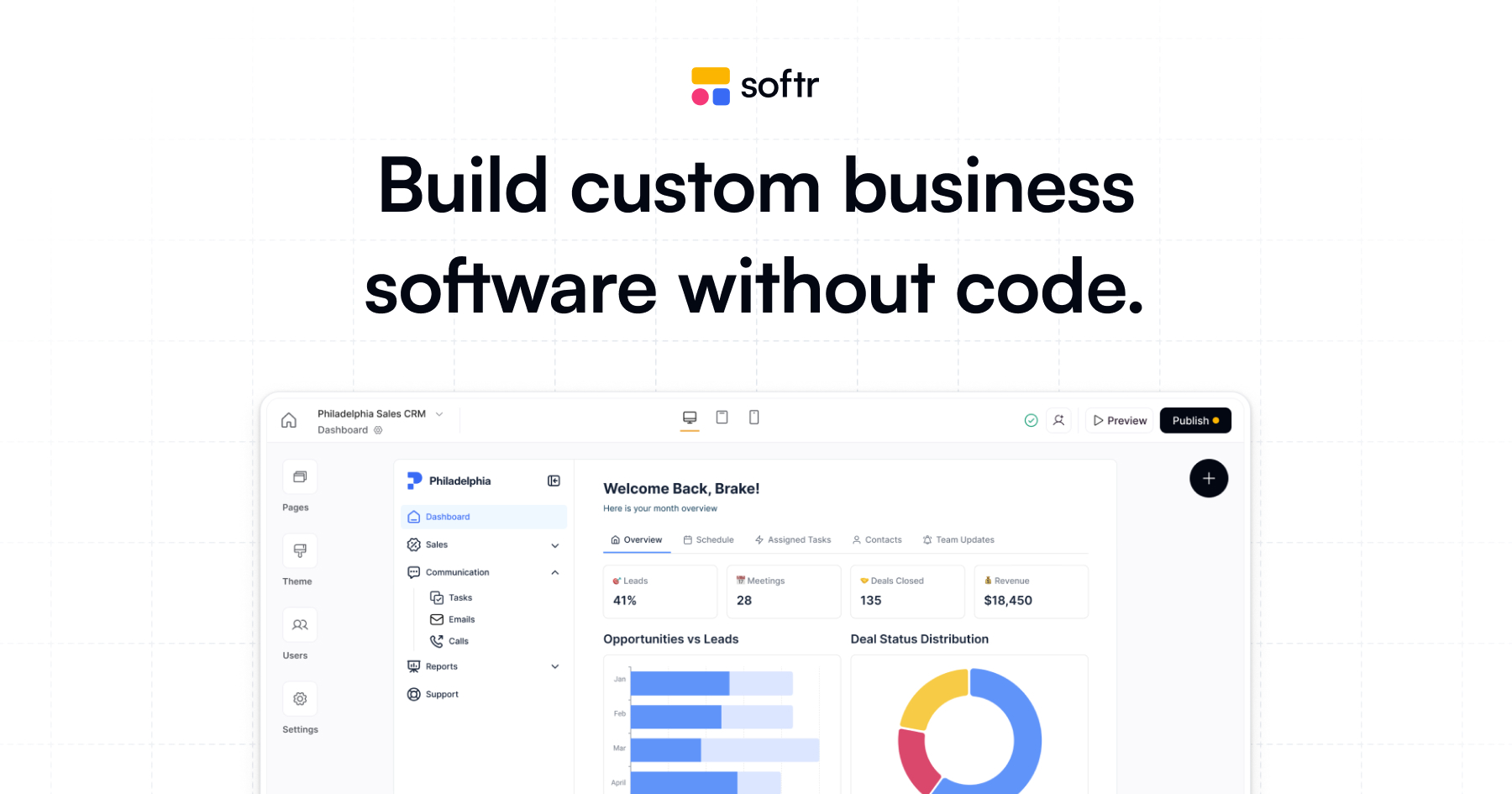
Softr is a leading no-code platform that empowers users to build custom business applications, client portals, and internal …

789.2K
NoCode

NoCode

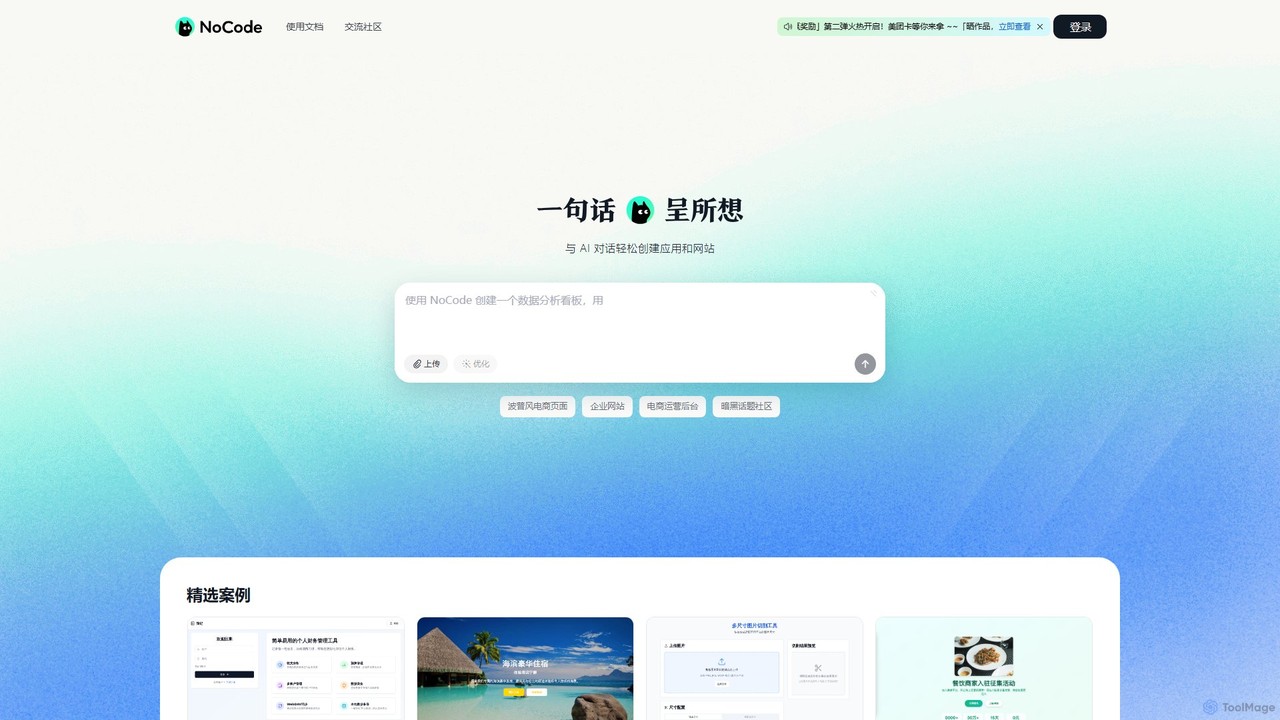
NoCode is an AI-powered, conversational no-code platform that allows users to build websites, applications, and internal tools simply …

47.6K
DronaHQ

DronaHQ

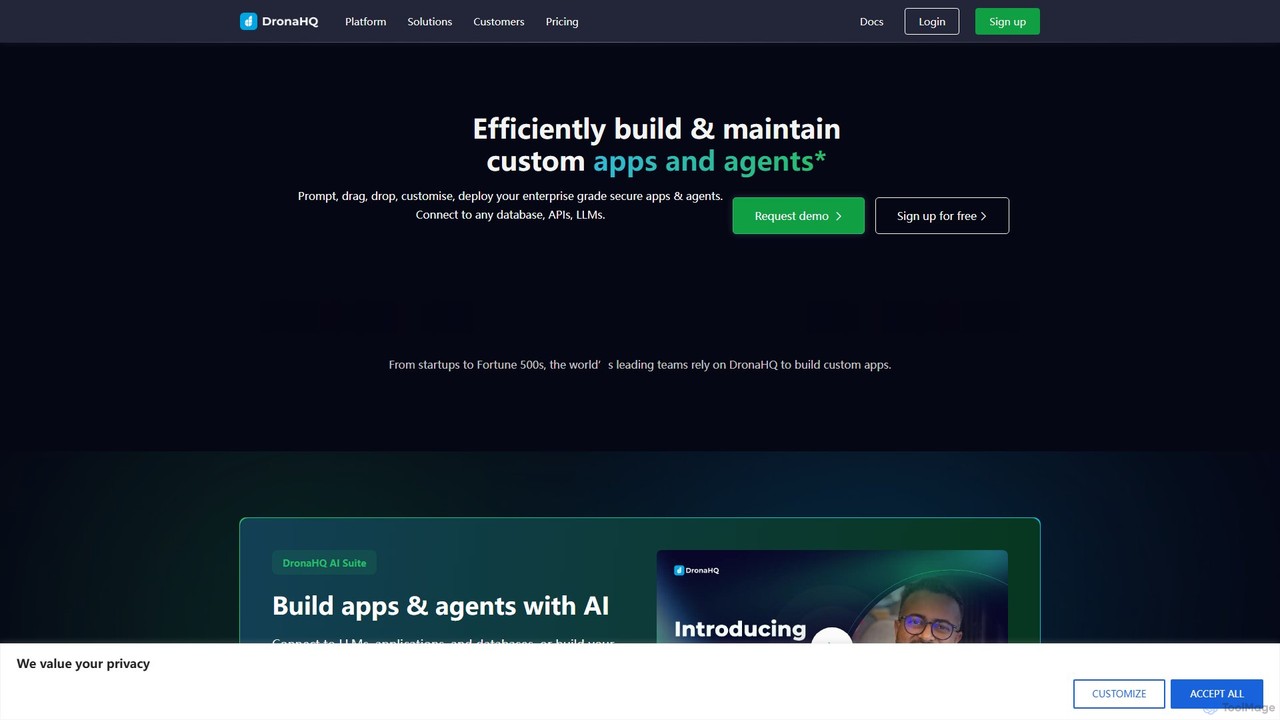
DronaHQ is a low-code AI platform designed for building custom internal applications, AI agents, and automated workflows with …

47.6K

About Internal Tools

AI Internal Tools are custom applications designed to streamline and automate a company's internal operations. Leveraging low-code or no-code platforms, these tools connect to various internal data sources like databases and APIs to create tailored workflows. They empower teams to solve unique business challenges, enhance productivity, and build secure, bespoke software without extensive development resources. This approach allows for the rapid deployment of solutions for specific departmental needs.

Core Features

  • Custom Workflow Automation: Design and deploy automated processes for tasks like approvals, data entry, and notifications.
  • Internal Data Integration: Securely connect to and interact with company databases, APIs, and third-party services.
  • Interactive UI Builder: Construct custom dashboards, forms, and admin panels for employees to interact with data and processes.
  • AI-Powered Search & Analysis: Embed AI capabilities to search internal knowledge bases or analyze business data for insights.
  • Role-Based Access Control: Manage user permissions to ensure employees only access relevant data and functionalities.

Use Cases

These tools are widely used by operations, IT, HR, and finance teams. For example, an operations team can build a custom inventory management system, while an HR department can create an automated employee onboarding portal. They are ideal for replacing manual processes, spreadsheets, or legacy systems with modern, efficient applications.

How to Choose

When selecting an AI Internal Tool builder, evaluate its integration capabilities with your existing software stack. Consider the platform's ease of use—whether it's truly no-code or requires some technical skill. Also, assess its security features, data privacy compliance, and pricing model to ensure it aligns with your company's scale and budget.

Internal ToolsUse Cases

1

Automate HR Employee Onboarding Process

An HR manager can use an internal tool builder to create a comprehensive onboarding application. This tool automates task assignments for IT (equipment setup), Finance (payroll), and managers (training schedule). New hires receive a personalized portal to submit documents, complete forms, and track their progress. The AI component can power a chatbot to answer common policy questions, reducing the HR team's manual workload and ensuring a consistent, efficient onboarding experience for every new employee.

2

Build a Custom Sales Lead Management Tool

A sales operations team can build a custom tool to aggregate leads from multiple sources like web forms, emails, and internal databases into a single, unified view. The application can automatically assign leads to sales reps based on territory or workload. An AI feature could analyze lead data to score their quality and predict the likelihood of conversion, helping the sales team prioritize their efforts on the most promising prospects and improving overall sales efficiency.

3

Create an AI-Powered Internal Knowledge Base

Any department can build a smart internal wiki or knowledge base. Employees can ask questions in natural language (e.g., 'What is our remote work policy?') and an AI model, connected to company documents like PDFs and Google Docs, provides instant, accurate answers with source citations. This centralizes information, reduces repetitive questions to senior staff, and empowers employees to find the information they need to perform their jobs effectively and independently.

4

Develop an IT Support Ticket Automation System

An IT department can create an internal tool for managing support tickets. Employees submit requests through a simple form. The system can use AI to categorize the ticket (e.g., hardware, software, access request) and route it to the correct IT specialist automatically. For common issues, the tool can suggest knowledge base articles or trigger automated resolution scripts, freeing up IT staff to focus on more complex problems and reducing resolution times for employees.

5

Streamline Financial Expense Approval Workflows

A finance team can build an application to manage employee expense reports. Employees upload receipts, and the tool uses AI-powered OCR to automatically extract data like vendor, date, and amount. The system then routes the report through a multi-step approval chain based on pre-defined rules (e.g., amounts over $500 require director approval). This automates a tedious manual process, reduces errors, ensures policy compliance, and accelerates reimbursement times.

6

Construct a Marketing Asset Management Dashboard

Marketing teams can create a central dashboard to manage all their digital assets like images, videos, and campaign documents. The tool can connect to cloud storage (e.g., Google Drive, Dropbox) and use AI-powered tagging to automatically categorize assets based on their content. This makes it easy for team members to search for and find the right asset quickly, track asset usage across campaigns, and ensure brand consistency without relying on complex, expensive Digital Asset Management (DAM) software.

Internal ToolsFrequently Asked Questions