
Retool Overview
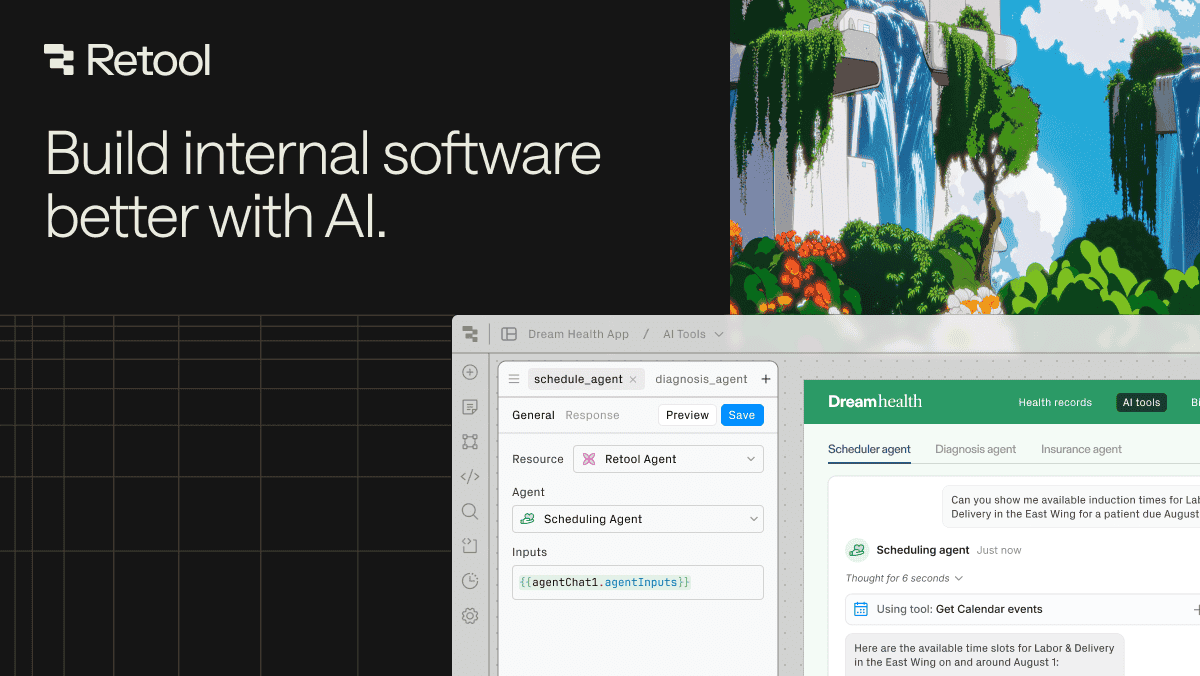
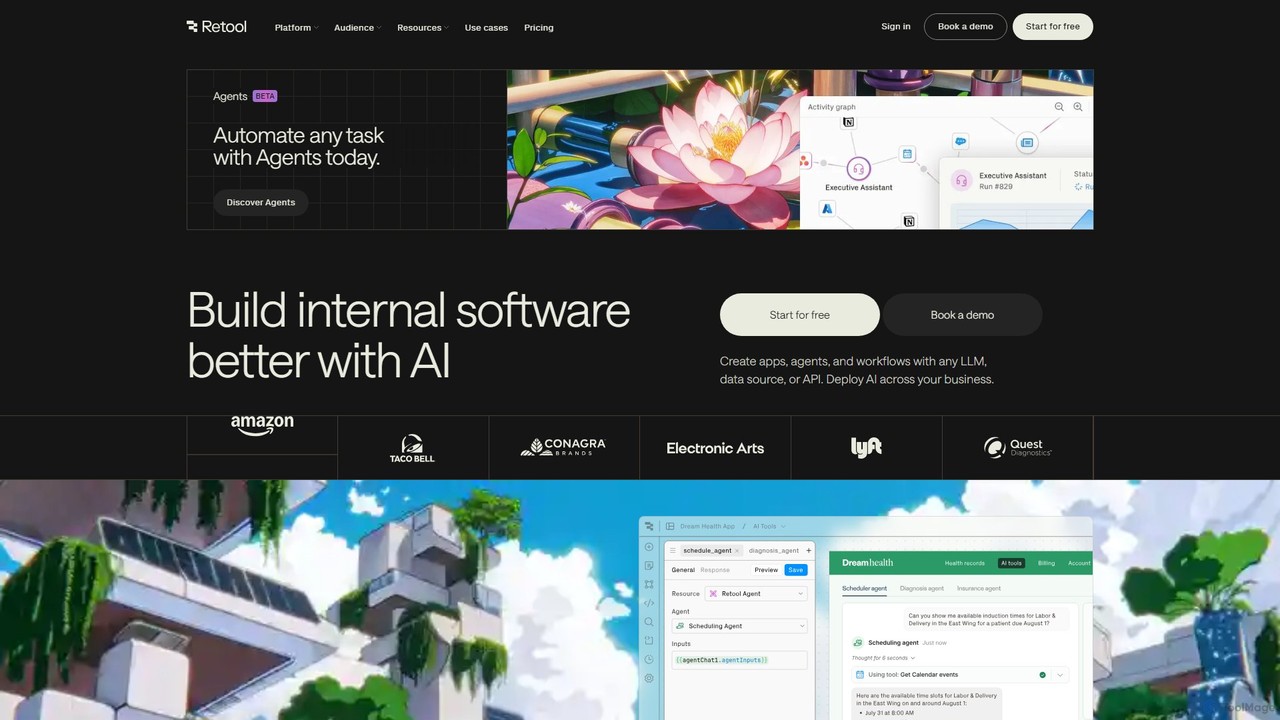
Retool is a comprehensive development platform designed to accelerate the creation of internal software. It provides a powerful environment where businesses can build custom applications, automate complex workflows, and deploy AI-powered agents to handle repetitive tasks. By connecting to any database, API, or large language model (LLM), Retool serves as a versatile application layer for various business functions, including data teams, operations, and customer support. The platform is trusted by over 10,000 companies, from startups to Fortune 500 enterprises, to streamline processes, enhance productivity, and drive business impact.
The core philosophy of Retool is to eliminate boilerplate code and abstract away the complexities of software development, allowing builders to focus on the unique logic that differentiates their business. It offers a flexible and composable approach, combining a drag-and-drop canvas, a full-featured code editor, and natural language inputs to translate ideas into functional software. This hybrid model caters to both speed and power, enabling rapid prototyping and sophisticated customization.
How to use Retool
Using Retool involves a straightforward, multi-faceted process that adapts to the user's preferred building style:
- Connect to Data Sources: The first step is to connect Retool to your existing data and tools. This can be any SQL or NoSQL database, a REST or GraphQL API, or any custom data source. Retool provides seamless integration to ensure your apps have access to the data they need.
- Build the Interface: You can build the user interface in three primary ways. Use the Visual Builder with its drag-and-drop canvas to quickly assemble pre-built components like tables, forms, and charts. For more complex needs, use the Code Editor to write custom JavaScript, CSS, or React components. Alternatively, leverage the Natural Language feature (in early access) to describe the desired app, and Retool will generate the components and logic.
- Create Logic and Automation: Define the application's behavior by writing queries (e.g., SQL, JavaScript) to read and write data. For automation, use Retool Workflows to orchestrate multi-step processes triggered by schedules or webhooks.
- Integrate AI: Deploy Retool Agents, which are AI-powered digital workers, to automate critical processes like customer support ticket triage, data analysis, or sales outreach. You can integrate with any LLM to add intelligent features to your applications.
- Deploy and Secure: Share your applications with internal or external users with granular permissions and enterprise-grade security. Retool integrates with standard developer workflows like Git for version control and CI/CD, and can be deployed in Retool's secure cloud or self-hosted in your own VPC for maximum control.
Core Features of Retool
- AI Agents: Deploy autonomous AI workers to automate complex, multi-step tasks and workflows, priced transparently by the hour.
- Visual App Builder: A drag-and-drop canvas with over 100 pre-built components to quickly build web and mobile application UIs.
- Code-First Environment: A powerful IDE to write custom JavaScript, connect to APIs, and insert custom code anywhere, offering unlimited flexibility.
- Retool Workflows: A tool for building, scheduling, and monitoring backend automations and cron jobs that connect to your data sources.
- Retool Database: A built-in PostgreSQL database to store, edit, and manage data directly within the platform, perfect for getting started quickly.
- Broad Connectivity: Native integrations with dozens of databases and APIs, plus the ability to connect to any REST, GraphQL, or gRPC API.
- Enterprise-Grade Security: Features like granular access controls, audit logs, SAML/OpenID SSO, and on-premise deployment options to meet strict compliance requirements.
- Mobile App Development: Build native iOS and Android applications that can work offline and utilize device-specific features.
Use Cases for Retool
Retool is versatile enough to support a wide range of internal tool needs across different departments:
- Operations Teams: Build inventory management systems, HR onboarding workflows, order fulfillment dashboards, and other custom tools to streamline core business processes.
- Data & Analytics Teams: Create interactive dashboards for business intelligence, admin panels for database management, data quality monitoring systems, and tools for tracking experiments.
- Customer Support Teams: Develop applications for triaging support tickets, managing customer information (a custom CRM), processing refunds, and tracking common issues to reduce engineering bottlenecks.
- AI & LLM Applications: Build content moderation tools, document processing workflows, custom AI agents for research, and monitors for LLM performance. For example, ClickUp automated hundreds of weekly hours with custom AI tools, and Descript built over 50 AI apps to automate manual work.
Advantages of Retool
Retool offers significant advantages over building internal tools from scratch or using limited off-the-shelf software:
- Development Speed: Companies report building tools up to 10-20x faster, saving thousands of engineering hours and millions of dollars.
- Flexibility and Power: The platform uniquely combines low-code ease-of-use with the full power of programming, ensuring no limitations on what can be built.
- Cost-Effective AI: The hourly pricing for AI Agents provides a transparent and predictable cost structure that aligns with business value, making AI automation more accessible.
- Centralized and Secure: All internal tools can be built, managed, and secured within a single platform, with robust permissioning and compliance features.
- Empowers Non-Engineers: While built for developers, its accessibility allows technical business users (e.g., those who know SQL) to build or modify tools, freeing up engineering resources.
Pricing and Plans
Retool offers a flexible, freemium pricing model that scales with business needs, available in both cloud-hosted and self-hosted versions.
- Free Plan: Ideal for individuals and small teams starting out. Includes unlimited web & mobile apps for up to 5 users, 500 workflow runs/month, and 20 free Agent hours/month.
- Team Plan ($10/standard user/month): For growing teams. Increases workflow runs to 5,000/month and allows for more than 5 users.
- Business Plan ($50/standard user/month): For teams needing more control. Adds audit logging, rich permission controls, portals for external users, and unlimited environments.
- Enterprise Plan (Custom Pricing): For large organizations with advanced security and compliance needs. Includes SAML/OpenID SSO, source control, dedicated support, and volume discounts.
Pricing is differentiated between Standard Users (who can build/edit) and End Users (who only use apps), making it cost-effective to roll out tools to the entire organization. Retool Agents are priced separately by the hour, with rates varying by the capability of the chosen AI model.
Traffic
Latest traffic
Status
Monthly traffic trend
- 2025-9: 1.9M
- 2026-1: 1.9M
- 2026-2: 1.7M
- 2026-3: 2.1M
- 2026-4: 1.8M
- 2026-5: 1.6M
Geography
Top 5 countries / regions
- 🇺🇸United States59.0%
- 🇮🇳India16.3%
- 🇬🇧United Kingdom8.6%
- 🇫🇷France8.5%
- 🇦🇺Australia7.7%
Traffic sources
| Source type | Percentage |
|---|---|
Direct | 90.8% |
Referral | 5.5% |
Email | 3.7% |
Top keywords
| Keyword | Cost per click |
|---|---|
| framer | $1.56 |
| replit | $2.09 |
| retool | $4.08 |
| retool careers | $2.75 |
| tavily | $3.08 |
Retool Videos on YouTube





Retool Alternatives
Appsmith
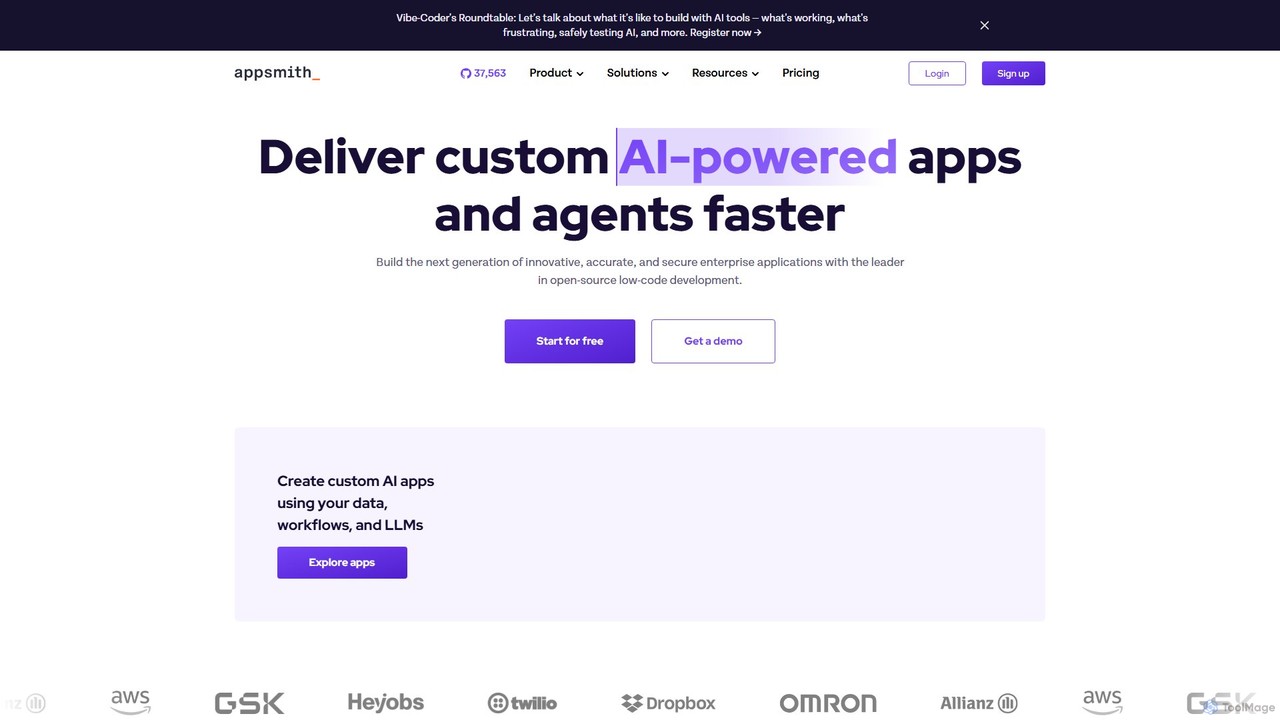
Appsmith is an open-source, low-code platform designed for developers to build, ship, and maintain internal tools, dashboards, and AI-powered applications rapidly. It connects to any data source, allows UI building via drag-and-drop or natural language, and offers full customization with JavaScript, empowering teams to create secure, scalable enterprise-grade applications with unprecedented speed.
Internal Tools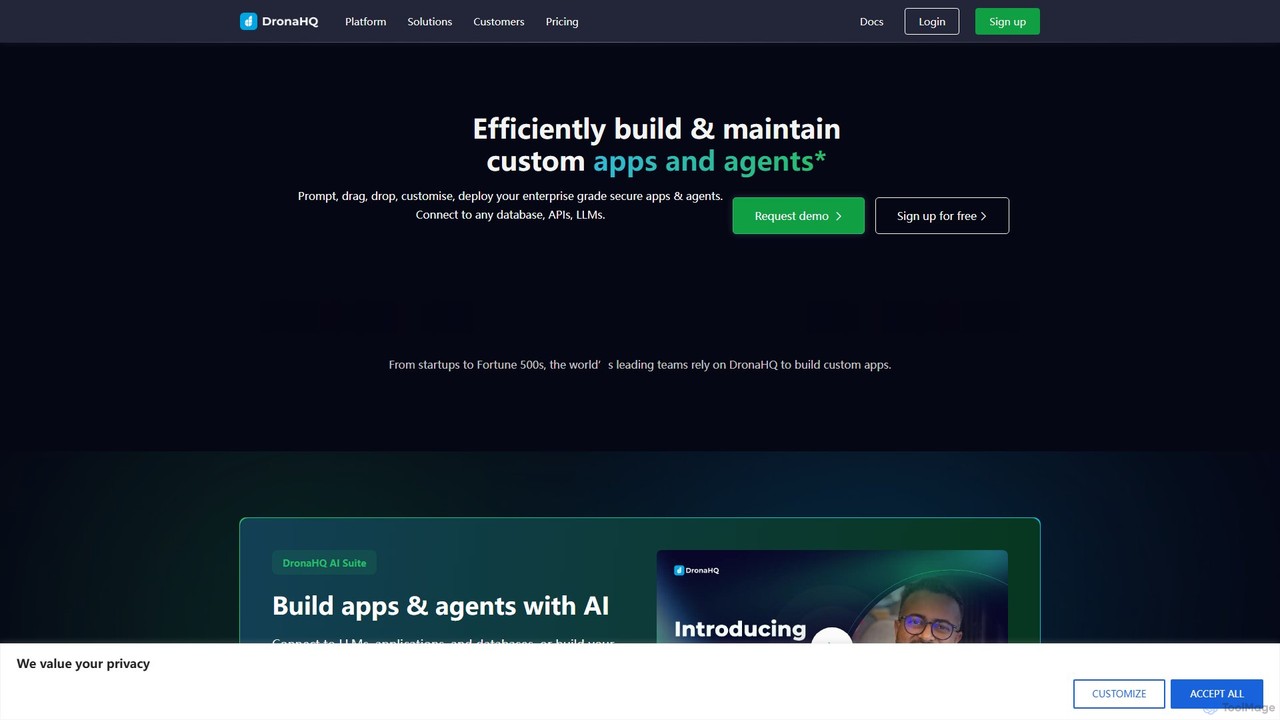
DronaHQ
DronaHQ is a low-code AI platform designed for building custom internal applications, AI agents, and automated workflows with high efficiency. It empowers developers and businesses to connect to any database, API, or LLM, using a visual drag-and-drop interface and AI-assisted development to create and deploy secure, enterprise-grade tools 10x faster.
Ai App Builders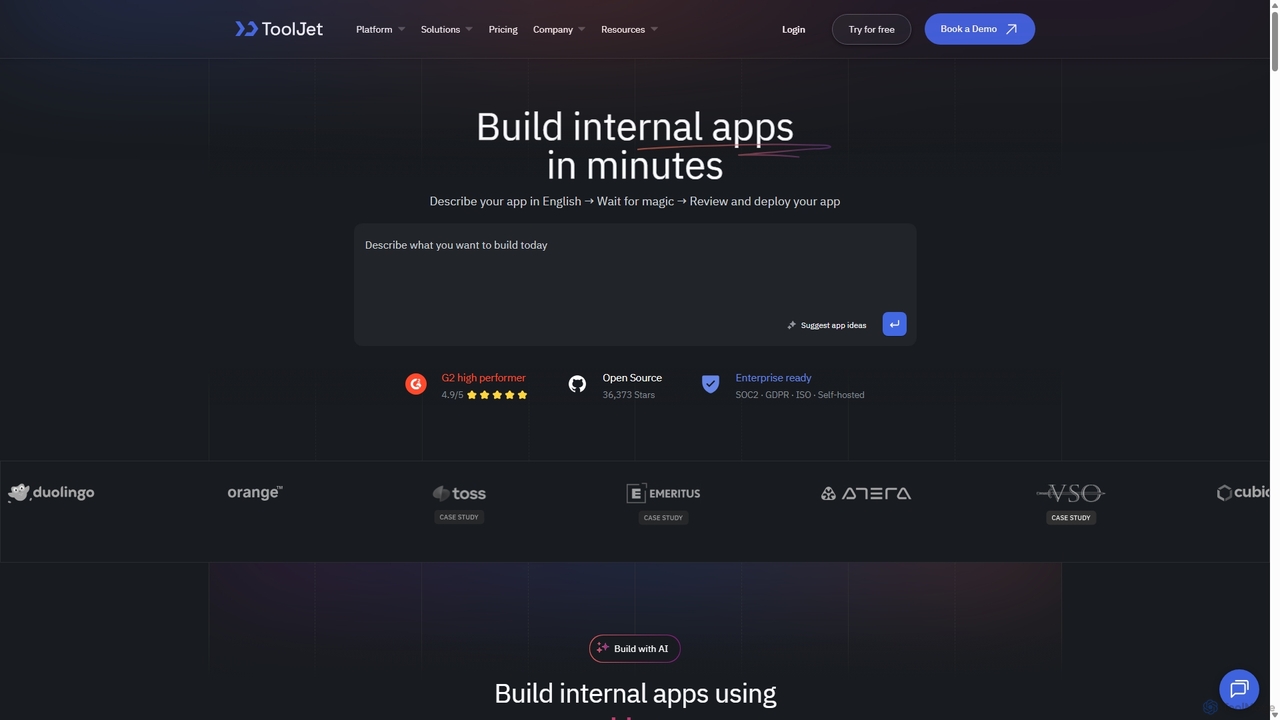
ToolJet
ToolJet is an AI-native, open-source low-code platform for developers to build and deploy internal tools rapidly. It integrates with numerous datasources, APIs, and AI models, allowing users to create complex applications using natural language prompts, a visual builder, and custom code.
Internal Tools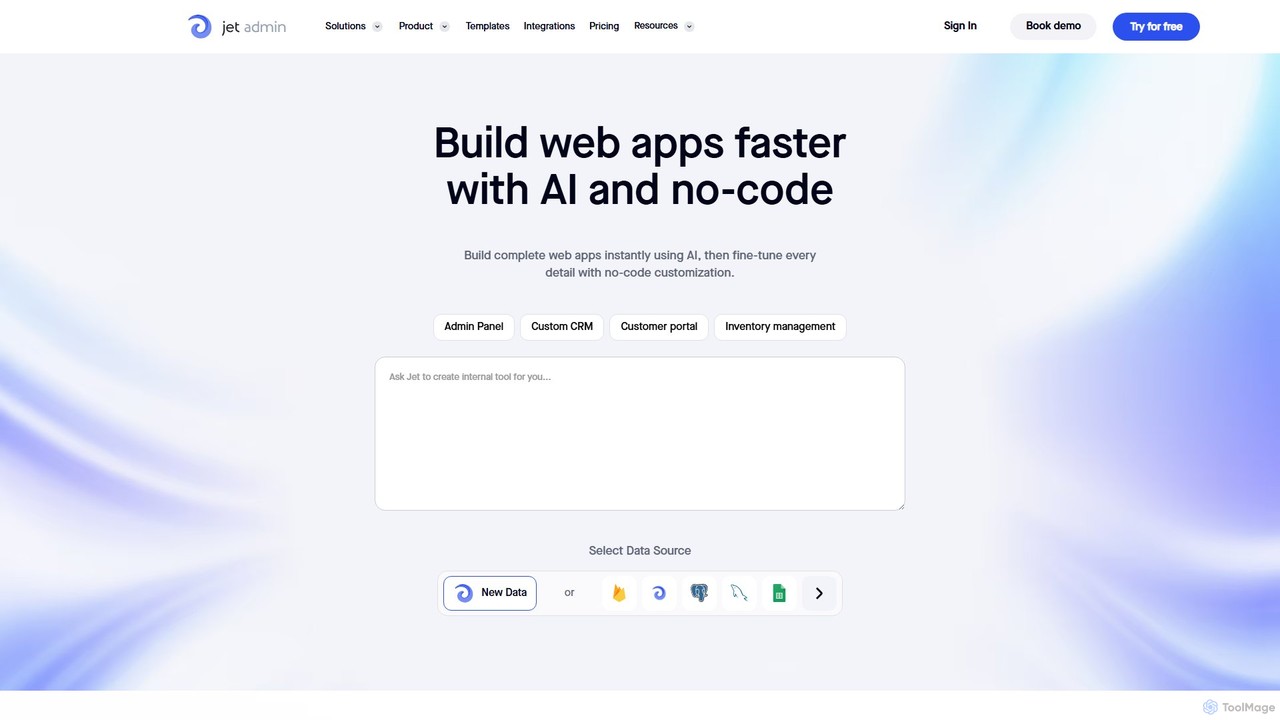
Jet Admin
Jet Admin is an AI-powered no-code/low-code platform for building custom business applications like admin panels, CRMs, and customer portals. It enables users to connect to any data source, automate complex workflows, and design pixel-perfect user interfaces without extensive coding, significantly accelerating internal tool development.
Internal Tools
Abstra
Abstra is a Python-native low-code platform that empowers developers to build interactive web applications, internal tools, and automated workflows with remarkable speed. By writing simple Python scripts, you can create forms, dashboards, and scheduled jobs, abstracting away the complexities of frontend development and deployment. It's the fastest way for Python developers to ship business applications.
Internal ToolsRetool Categories
Retool Embed Widget
Copy this embed code to place the badge on your blog, article, or product site and send readers directly to this ToolMage detail page.

Related AI tools
Jet Admin
Jet Admin is an AI-powered no-code/low-code platform for building custom business applications like admin panels, CRMs, and customer portals. It enables users to connect to any data source, automate complex workflows, and design pixel-perfect user interfaces without extensive coding, significantly accelerating internal tool development.
Internal ToolsAbstra
Abstra is a Python-native low-code platform that empowers developers to build interactive web applications, internal tools, and automated workflows with remarkable speed. By writing simple Python scripts, you can create forms, dashboards, and scheduled jobs, abstracting away the complexities of frontend development and deployment. It's the fastest way for Python developers to ship business applications.
Internal ToolsAppsmith
Appsmith is an open-source, low-code platform designed for developers to build, ship, and maintain internal tools, dashboards, and AI-powered applications rapidly. It connects to any data source, allows UI building via drag-and-drop or natural language, and offers full customization with JavaScript, empowering teams to create secure, scalable enterprise-grade applications with unprecedented speed.
Internal ToolsDronaHQ
DronaHQ is a low-code AI platform designed for building custom internal applications, AI agents, and automated workflows with high efficiency. It empowers developers and businesses to connect to any database, API, or LLM, using a visual drag-and-drop interface and AI-assisted development to create and deploy secure, enterprise-grade tools 10x faster.
Ai App Builders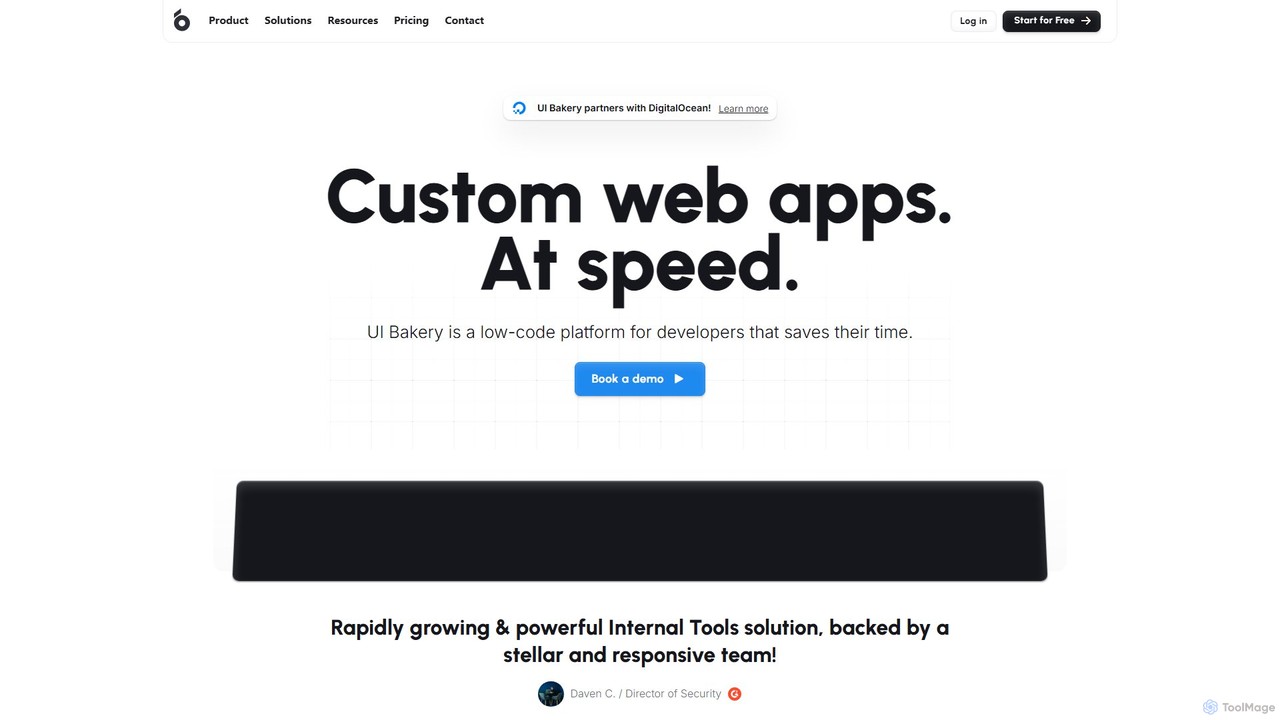
UI Bakery
UI Bakery is a developer-focused low-code platform for rapidly building internal tools, admin panels, and customer portals. It features a drag-and-drop UI builder, extensive data integrations, AI-powered app generation, and robust Git version control to accelerate the entire development lifecycle.
Crm
Blaze
Blaze is a powerful all-in-one no-code platform for building custom web applications, internal tools, and customer portals. It empowers both non-technical and technical users to create complex, secure, and scalable software with a drag-and-drop interface, seamless API integration, and built-in AI capabilities. Blaze is particularly strong in regulated industries like healthcare, offering SOC 2 Type 2 and HIPAA compliance.
Crm
SuperGrowthAI
SuperGrowthAI is a comprehensive AI platform providing tools and managed infrastructure to build, deploy, and scale AI applications with minimal overhead. It offers ready-to-use solutions like SuperFlow for workflow automation, SuperConvo for intelligent chatbots, and SuperEngage for personalized user engagement, enabling rapid development from idea to production.
ChatbotsToolJet
ToolJet is an AI-native, open-source low-code platform for developers to build and deploy internal tools rapidly. It integrates with numerous datasources, APIs, and AI models, allowing users to create complex applications using natural language prompts, a visual builder, and custom code.
Internal Tools
Tabidoo
Tabidoo is a powerful low-code/no-code platform that allows you to build custom business applications and databases without programming. Easily manage data, automate workflows, and create solutions for CRM, project management, HR, and more. It's a flexible, scalable, and user-friendly alternative to complex software and scattered spreadsheets.
Crm
Dify
Dify is an open-source, low-code AI development platform for building and operating production-ready generative AI applications. It enables the creation of AI agents and workflows powered by RAG pipelines, extensive model support, and full observability, simplifying the entire development lifecycle from idea to deployment.
Ai Agent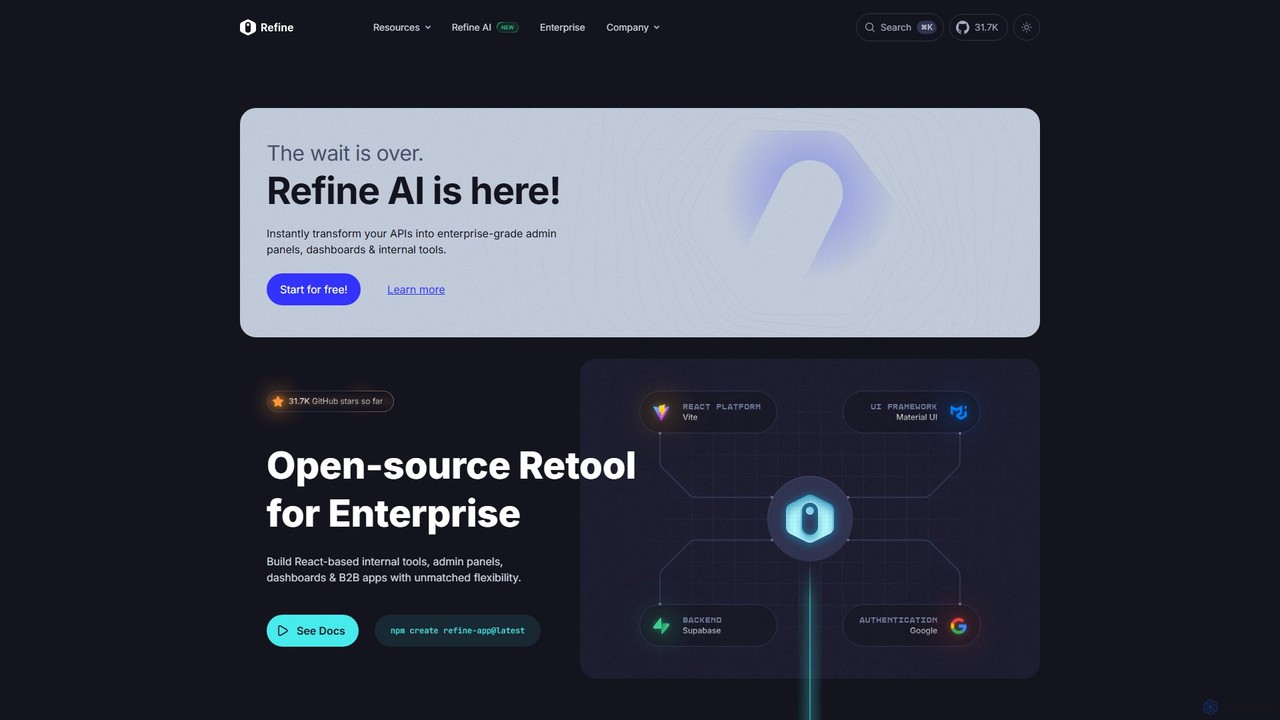
Refine
Refine is an open-source, React-based framework for rapidly building enterprise-grade internal tools, admin panels, dashboards, and B2B applications. It combines the speed of low-code solutions with the flexibility of full-code development, featuring an AI-powered generator to instantly create applications from APIs.
Internal Tools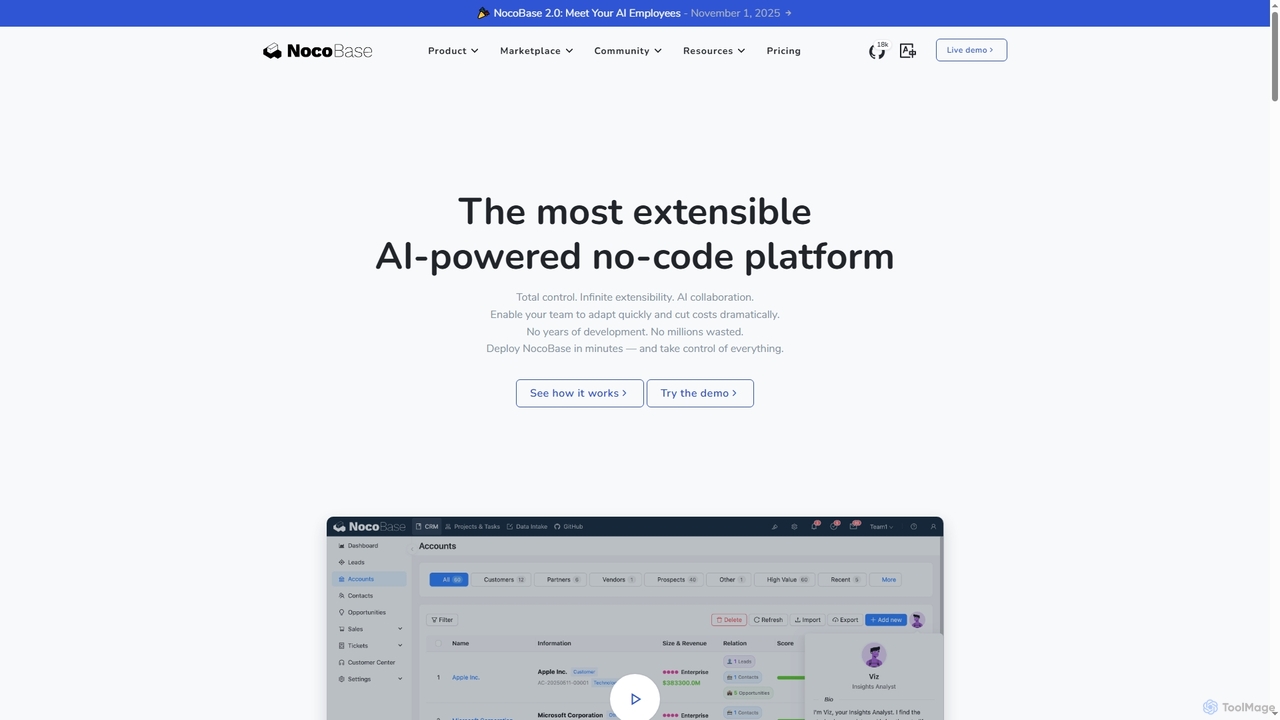
NocoBase
NocoBase is an open-source, self-hosted no-code and low-code development platform. It empowers users to build custom business applications like CRMs and internal tools with high flexibility, granular permissions, and automated workflows, ensuring data security through on-premises deployment.
Internal Tools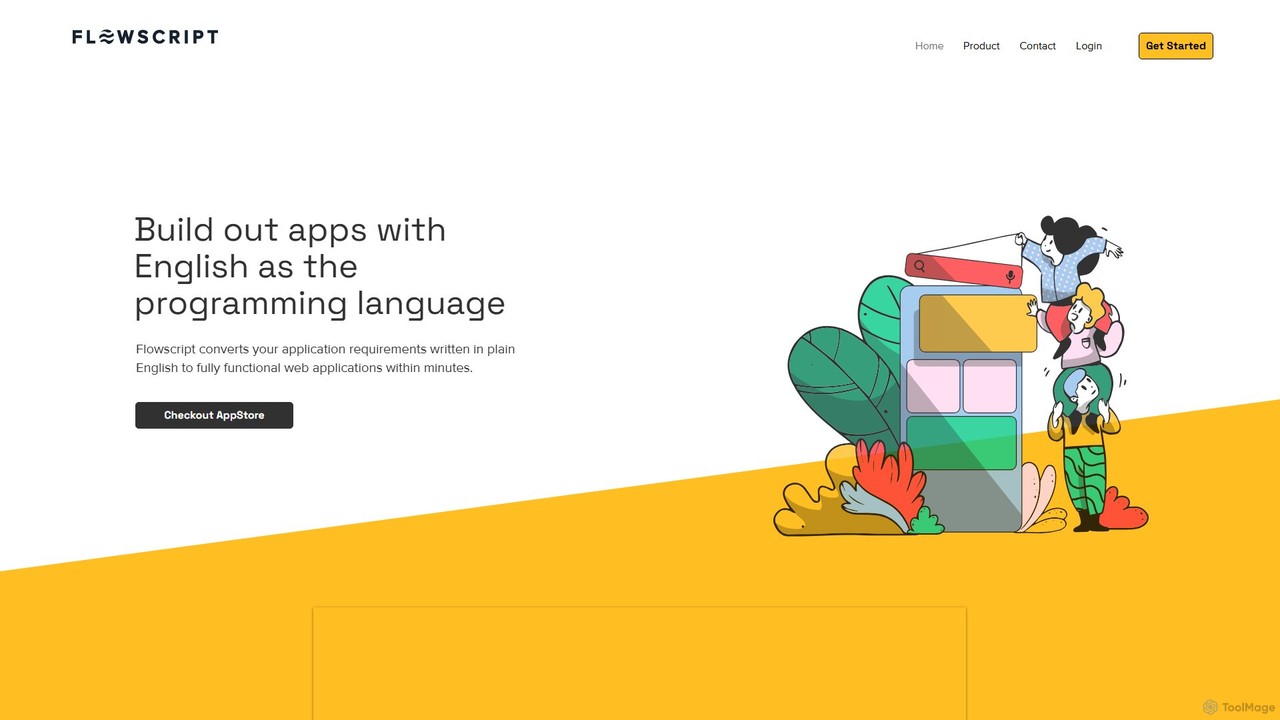
Flowscript
Flowscript is a revolutionary no-code platform that transforms plain English into fully functional web applications. Its AI-powered engine interprets your requirements to build apps with complex workflows, robust data management, and security rules in minutes. This empowers anyone, regardless of technical skill, to become a developer, streamlining processes and bringing ideas to life at the speed of thought.
Internal Tools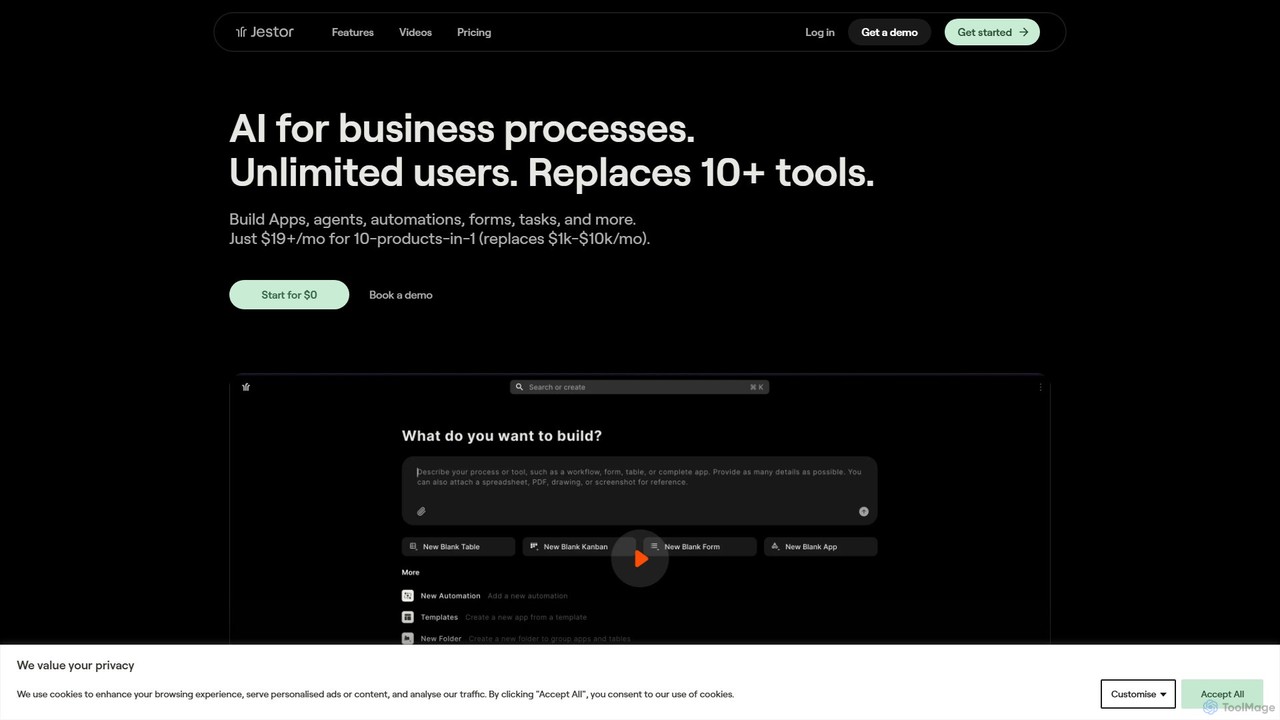
jestor
jestor is an AI-powered, no-code/low-code platform for building internal tools and automating business processes. It enables users to create applications from text, manage data in a relational database, and visualize performance with real-time dashboards, consolidating multiple business functions into a single, integrated system.
Crm
Jyek
Jyek is an AI agent platform that understands objectives, creates execution plans, uses tools, and delivers verifiable results for complex, multi-step tasks.
Automation
Retool Comments (0)
Sign in to comment.
Sign inNo comments yet.