
Perfect Wiki Overview
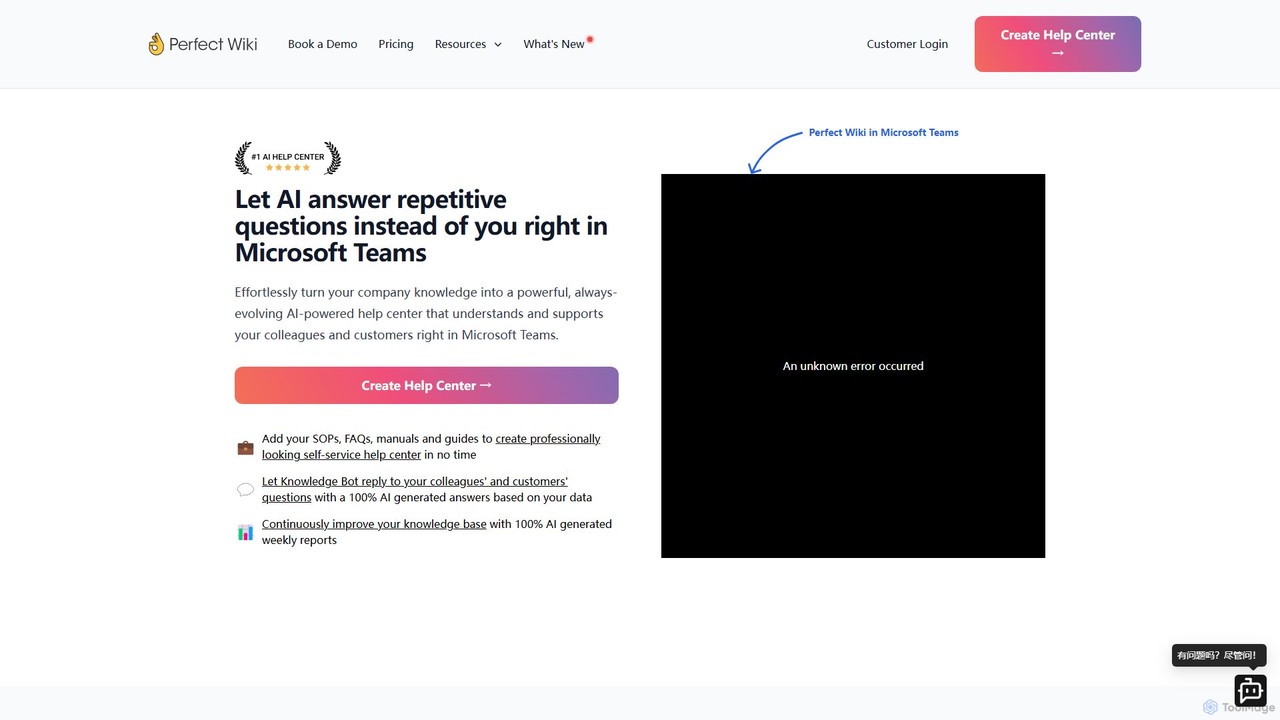
Perfect Wiki is a powerful knowledge management solution designed to operate seamlessly within the Microsoft Teams environment. It addresses the limitations of the native Teams wiki by offering a sophisticated, AI-driven platform for creating, managing, and sharing company knowledge. The core mission of Perfect Wiki is to let an AI-powered bot handle repetitive questions, freeing up valuable time for employees to focus on more critical tasks. It turns scattered documents like Standard Operating Procedures (SOPs), FAQs, manuals, and guides into a centralized, always-evolving, and easily accessible help center for both internal teams and external customers.
Endorsed by Microsoft and highly-rated in the Teams app store, Perfect Wiki is built for modern, remote-first teams. It provides an intuitive interface that simplifies content creation and organization, making it a superior alternative to tools like OneNote, SharePoint, or even Confluence for teams deeply integrated with the Microsoft ecosystem. The platform ensures that all company knowledge is not only stored but also actively used and continuously improved through intelligent features.
How to use Perfect Wiki
Getting started with Perfect Wiki is a straightforward process designed for quick adoption within any organization:
- Integration with Microsoft Teams: Add the Perfect Wiki app directly from the Microsoft Teams store. You can pin it as a tab in any team channel or personal chat for immediate access.
- Create Your Knowledge Base: Start by creating one or more knowledge bases, for example, one for HR, one for IT, and another for customer-facing FAQs. You can import existing content from the old Microsoft Teams wiki, Word documents, or other sources to populate it quickly.
- Populate with Content: Use the intuitive editor to create and format articles. You can add text, images, videos, tables, diagrams, and embed content. The AI Editor Assistant can help you refine and structure your writing.
- Activate the AI Knowledge Bot: Once your knowledge base is populated, the AI Knowledge Bot is ready to work. Pin the bot in relevant channels. Team members or customers can then ask questions in natural language, and the bot will provide instant, AI-generated answers based on the information in your wiki. It even provides links to the source articles for further reading.
- Integrate with SharePoint: You can embed individual Perfect Wiki pages or entire help centers directly into your SharePoint sites, creating a unified knowledge hub across the Microsoft 365 suite.
- Analyze and Improve: Use the 100% AI-generated weekly reports to understand how your knowledge base is being used. These reports highlight the most viewed pages, popular search queries, and questions the bot couldn't answer, providing clear insights on what content to add or update.
Core Features of Perfect Wiki
- AI Knowledge Bot: Automatically answers user questions in multiple languages, 24/7, based on your knowledge base content. It understands natural language and provides direct answers within Teams.
- Seamless Microsoft Teams Integration: Works entirely inside MS Teams, eliminating context switching. Users can view, create, and edit content without leaving their primary communication tool.
- AI-Powered Weekly Reports: Delivers actionable insights into content performance, user engagement, and knowledge gaps, helping you continuously improve your help center.
- Rich Content Editor & AI Assistant: An intuitive editor supports rich media, tables, and more. The AI Editor Assistant helps improve clarity and consistency of your documentation.
- Advanced Access Control: Set granular permissions per knowledge base or even per individual page, ensuring the right people have access to the right information.
- Content Management: Features include version history to track changes, page locking to prevent unintentional edits, and a powerful search function that finds information instantly.
- SharePoint Integration: Effortlessly embed your Perfect Wiki content into SharePoint pages to extend your knowledge base's reach.
- Security and Compliance: GDPR compliant with servers in the EU and USA, end-to-end encryption, and automatic daily backups stored for up to 60 days.
Use Cases for Perfect Wiki
Perfect Wiki is versatile and can be adapted for various business needs:
- Internal Knowledge Base: Centralize company policies, SOPs, and internal guides for departments like HR, IT, and Operations.
- Employee Onboarding: New hires can use the AI bot to get instant answers to common questions, streamlining their integration into the company.
- Customer Support Help Center: Create a public-facing FAQ or help center to allow customers to self-serve, reducing the number of support tickets.
- IT Support Wiki: Document troubleshooting steps, software guides, and IT procedures for employees to resolve common tech issues independently.
- Project Documentation: Teams can collaborate on project plans, meeting notes, and technical specifications in a structured and searchable format.
Advantages of Perfect Wiki
Perfect Wiki offers significant advantages over traditional knowledge management systems. Its deep integration with MS Teams means information is available right where conversations happen, boosting productivity. The AI bot drastically reduces the time employees spend answering repetitive questions. The platform is praised for its user-friendly interface, making it easy for anyone to contribute without a steep learning curve. Compared to competitors, it offers a fair and transparent pricing model, excellent customer support, and robust security features, making it a reliable choice for businesses of all sizes.
Pricing and Plans
Perfect Wiki offers a 14-day free trial and several paid plans to suit different team sizes and needs. All prices are billed annually.
- Publisher Plan: $390/year. Includes 2 Knowledge Bases, 5 Editors, 250 Readers, AI Knowledge Bot, and AI Editor Assistant.
- Pro Plan (Most Popular): $790/year. Includes 3 Knowledge Bases, 20 Editors, 350 Readers, AI Knowledge Bot with customizations, and Advanced Editing Features.
- Premium Plan: $2390/year. Includes 7 Knowledge Bases, 50 Editors, 500 Readers, Page Verification, Full white-labeling, Scheduled Backups, and Priority Email Support.
- Custom/Enterprise Plan: Available upon request. Offers unlimited users, custom limits, payment by invoice, and custom contracts.
Traffic
Latest traffic
Status
Monthly traffic trend
- 2025-9: 16.3K
- 2026-1: 31.3K
- 2026-2: 19.4K
- 2026-3: 13.3K
- 2026-4: 11.4K
- 2026-5: 10.6K
Geography
Top 5 countries / regions
- 🇺🇸United States49.5%
- 🇬🇧United Kingdom22.1%
- 🇩🇪Germany11.9%
- 🇨🇦Canada8.6%
- 🇮🇳India7.7%
Traffic sources
| Source type | Percentage |
|---|---|
Email | 57.0% |
Referral | 29.8% |
Direct | 13.3% |
Top keywords
| Keyword | Cost per click |
|---|---|
| best wiki | $0.00 |
| one note ricerca non trova | $0.00 |
| perfect wiki | $7.08 |
| perfectwiki | $0.00 |
| perfect wiki kosten | $0.00 |
Perfect Wiki Videos on YouTube

Perfect Wiki Alternatives
Archbee
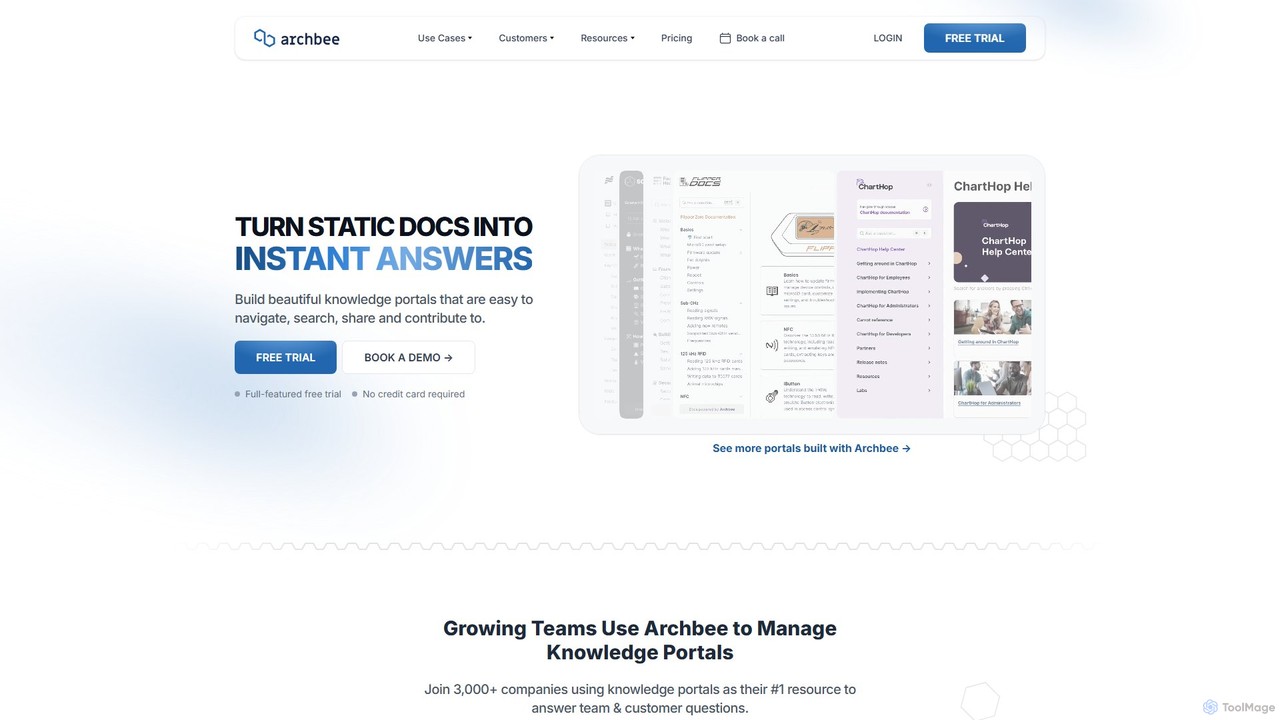
Archbee is an AI-powered knowledge portal platform designed for teams and customers. It transforms static documentation into interactive, searchable knowledge bases, enabling instant answers to questions. It's ideal for creating product docs, API documentation, internal wikis, and customer help centers with powerful collaboration and content management features.
Help Center
Nexdocs
Nexdocs is an AI-powered platform that transforms scattered information into intelligent, searchable knowledge bases. It generates comprehensive documentation, FAQs, and chat experiences from documents or URLs, designed for SaaS companies, customer support, and internal teams.
Help Center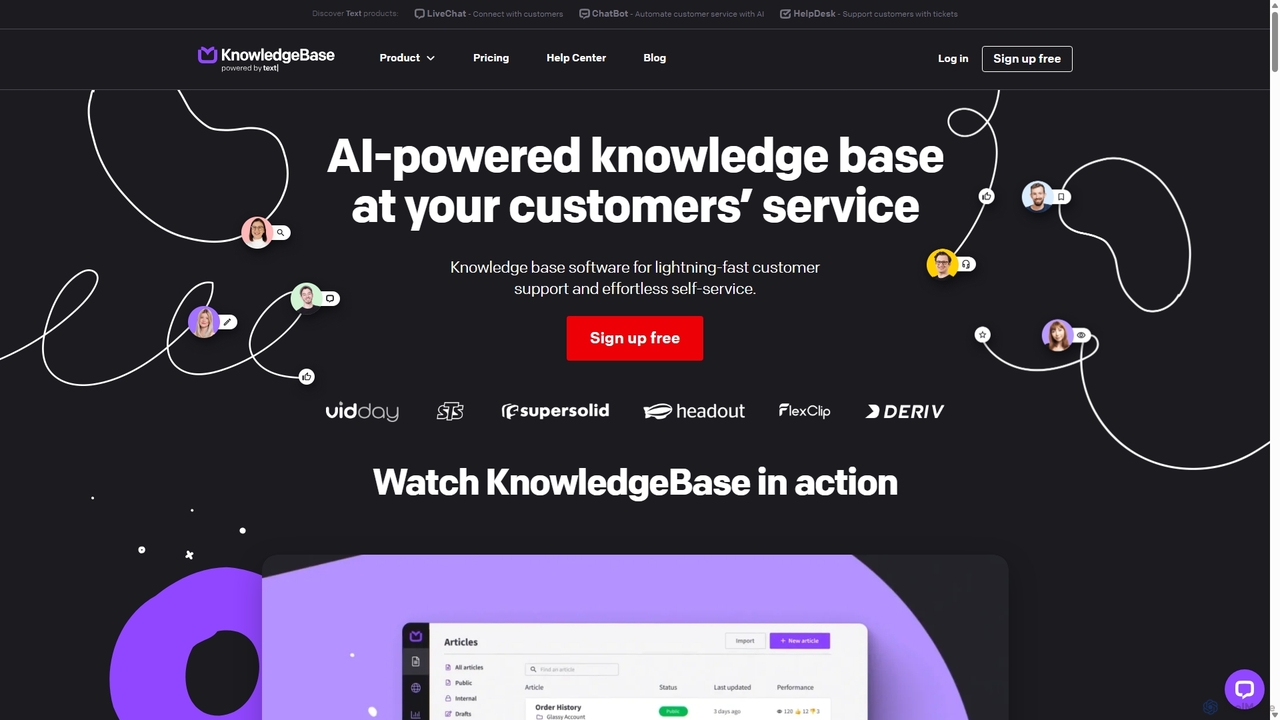
KnowledgeBase
KnowledgeBase is an AI-powered software for creating and managing both external customer help centers and internal knowledge bases. It empowers businesses to offer 24/7 self-service support, reduce agent workload, and ensure consistent information delivery. Key features include AI article generation, intelligent search, and seamless integrations with support tools like LiveChat.
Help Center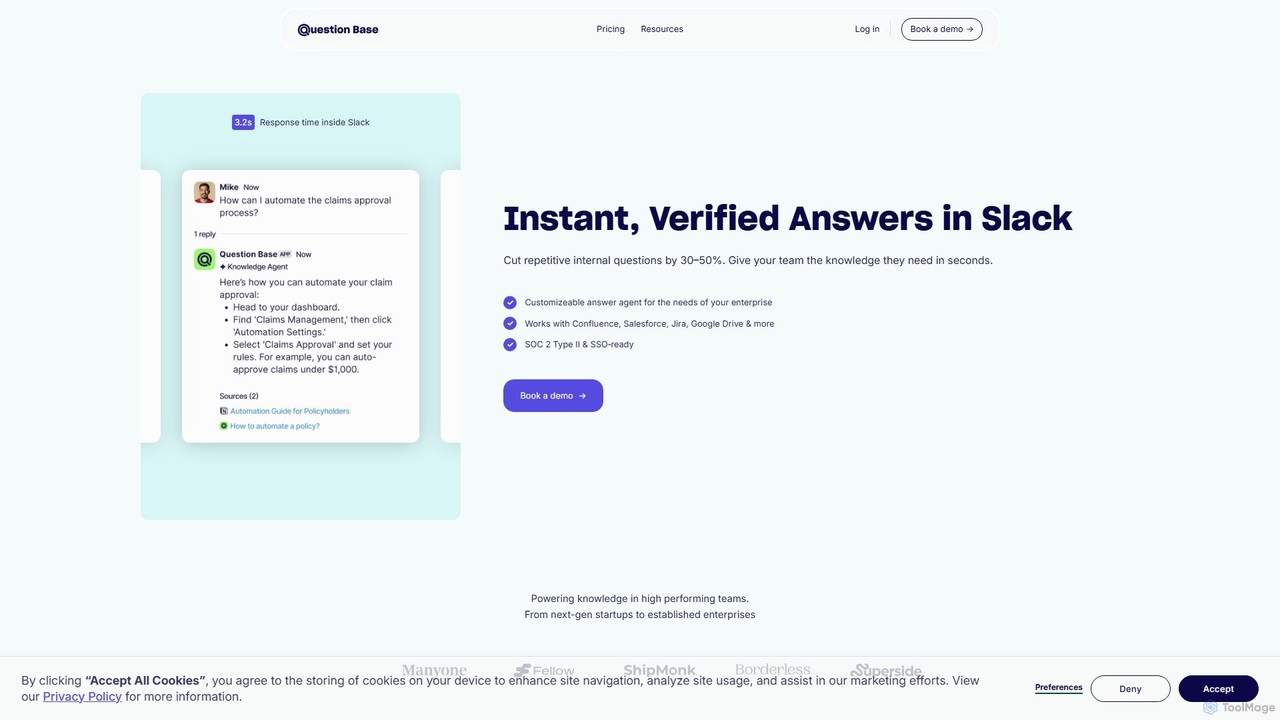
Question Base
Question Base is an AI-powered knowledge base built directly into Slack. It intelligently captures expert answers from conversations, automatically responds to repetitive employee questions, and centralizes company knowledge from various sources like Notion and Google Docs.
Internal Helpdesk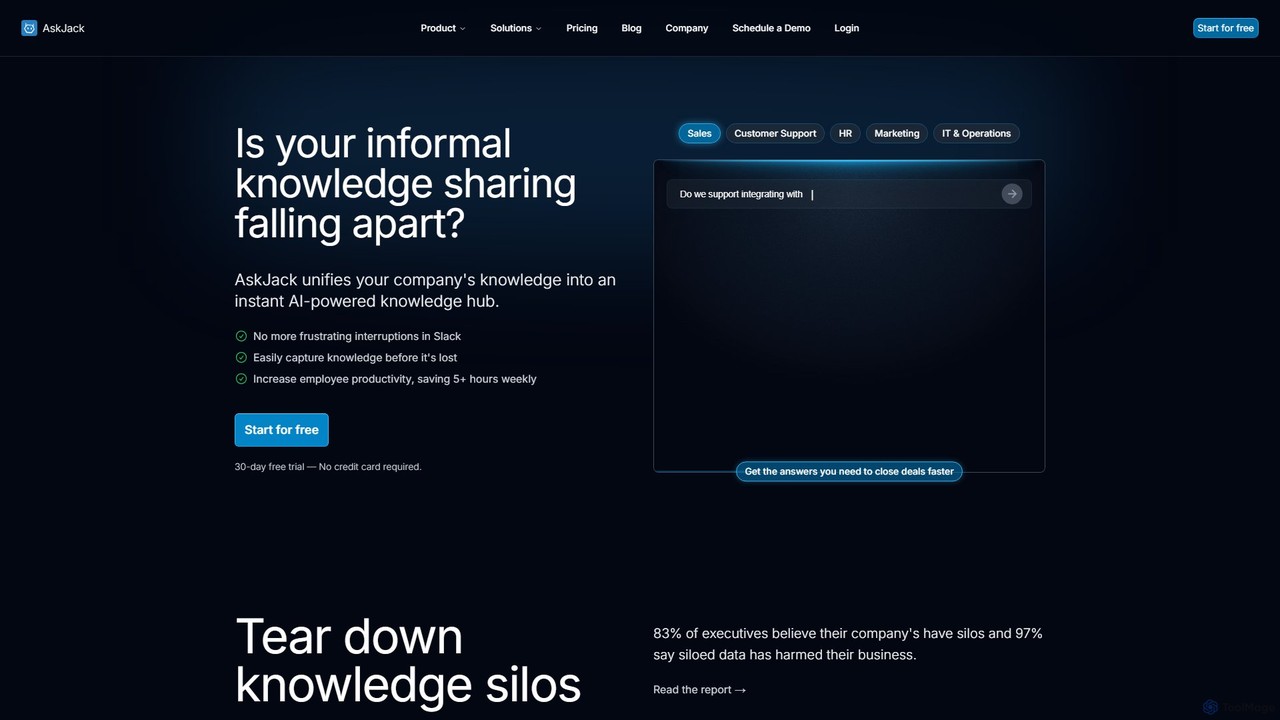
AskJack
AskJack is an AI-powered knowledge hub that unifies your company's scattered information into a single, searchable platform. By integrating with tools like Slack, Google Drive, and Notion, it provides instant, accurate answers to employee questions. This breaks down knowledge silos, boosts productivity by saving hours of search time weekly, and ensures your team has the information they need, right when they need it.
Internal ToolsPerfect Wiki Categories
Perfect Wiki Embed Widget
Copy this embed code to place the badge on your blog, article, or product site and send readers directly to this ToolMage detail page.

Related AI tools
Helpjuice
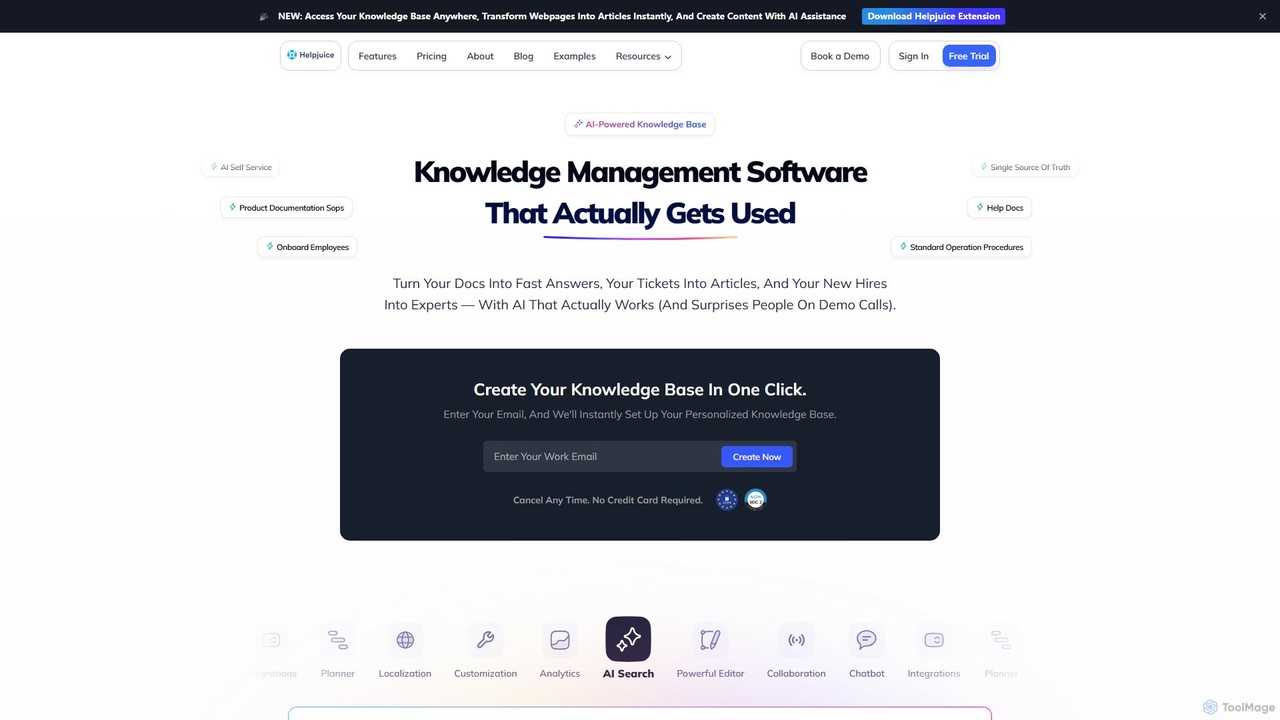
Helpjuice is an AI-powered knowledge base software designed to streamline customer support and internal documentation. It helps teams create a centralized, searchable source of truth, reducing repetitive questions, speeding up employee onboarding, and enabling 24/7 customer self-service with a powerful AI search and chatbot.
Knowledge BaseArchbee
Archbee is an AI-powered knowledge portal platform designed for teams and customers. It transforms static documentation into interactive, searchable knowledge bases, enabling instant answers to questions. It's ideal for creating product docs, API documentation, internal wikis, and customer help centers with powerful collaboration and content management features.
Help CenterNexdocs
Nexdocs is an AI-powered platform that transforms scattered information into intelligent, searchable knowledge bases. It generates comprehensive documentation, FAQs, and chat experiences from documents or URLs, designed for SaaS companies, customer support, and internal teams.
Help Center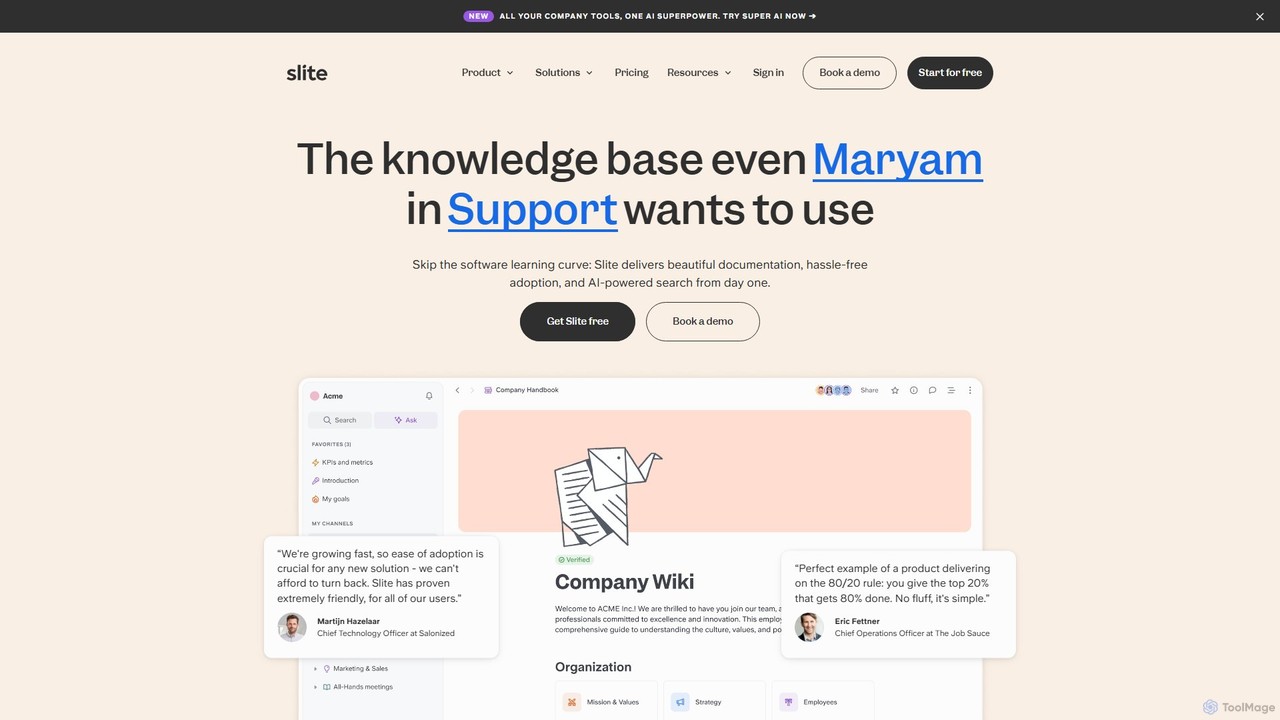
Slite
Slite is an AI-powered knowledge base designed for modern teams. It simplifies documentation, centralizes company knowledge, and provides instant, trustworthy answers through its smart search. Built for high adoption, Slite ensures your team can easily create, manage, and find the information they need, eliminating repetitive questions and information silos.
Team Management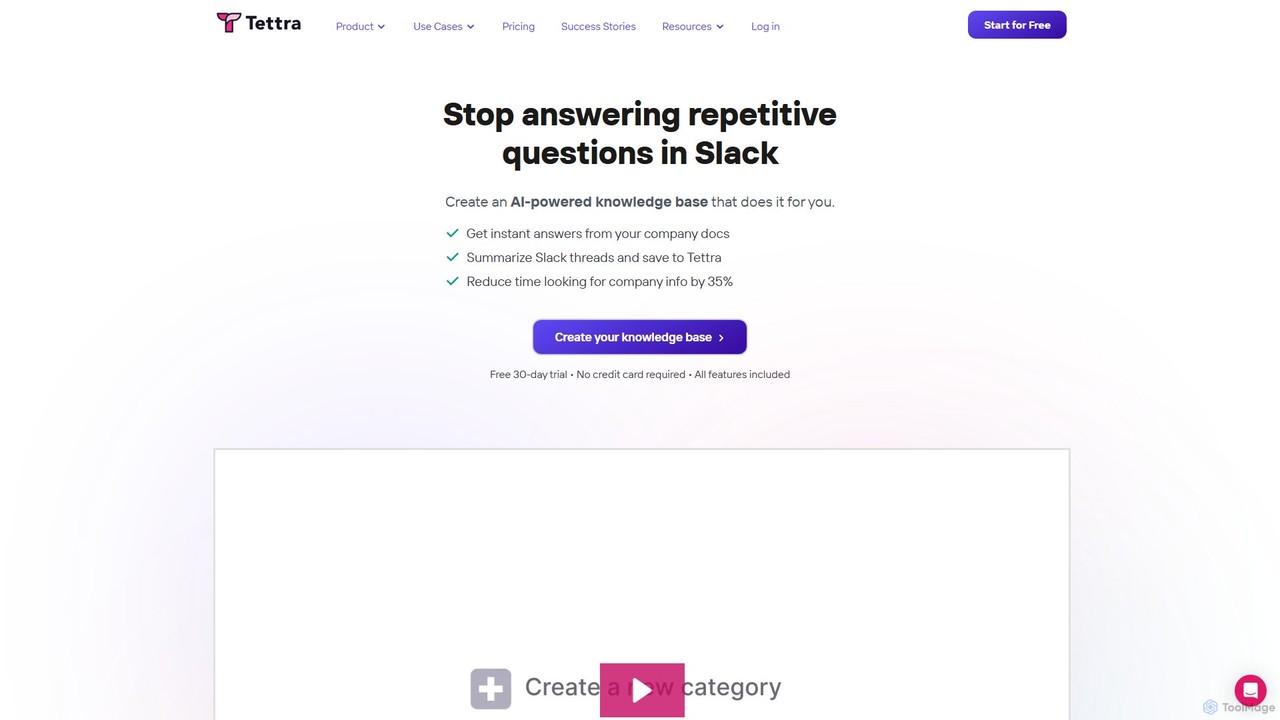
Tettra
Tettra is an AI-powered internal knowledge base and management system designed to centralize your team's knowledge. It uses an AI assistant, Kai, to instantly answer questions in Slack and Tettra, reducing repetitive queries and improving productivity. It's ideal for support teams, agencies, and entire companies looking to organize scattered information into a single source of truth.
Customer Support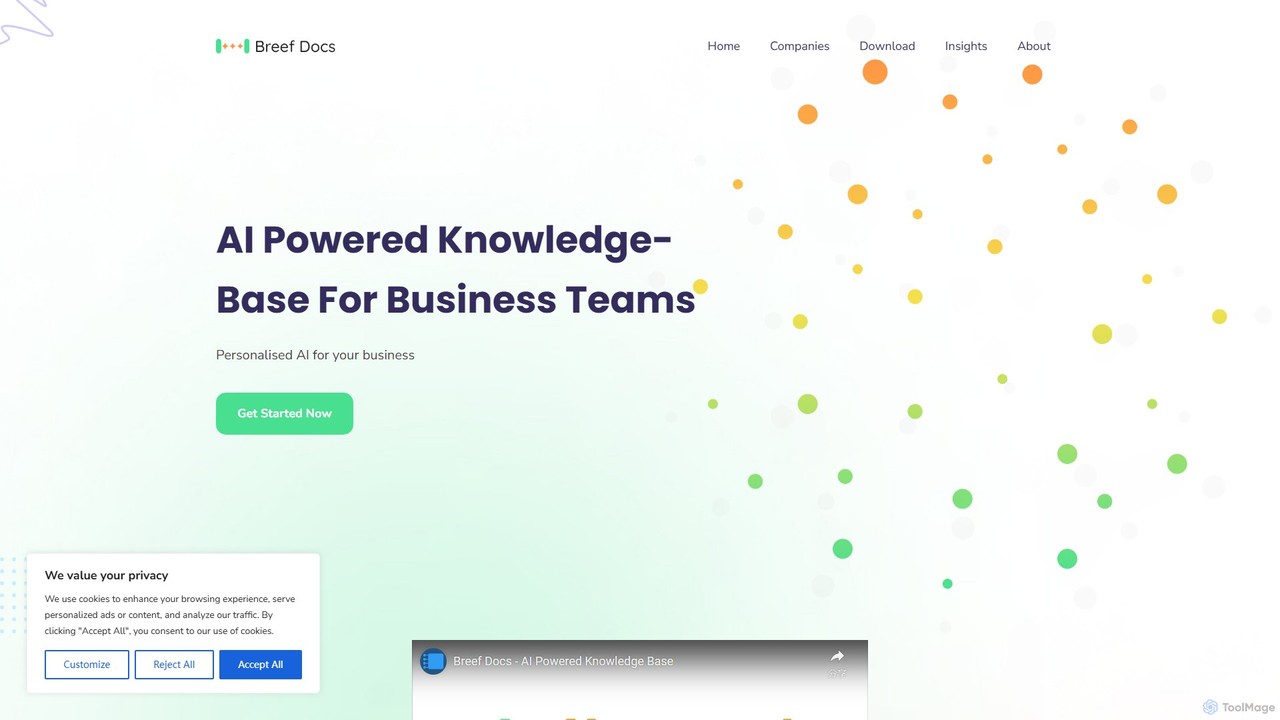
breefdocs
Breefdocs is an AI-powered knowledge base platform designed for teams and companies. It centralizes all your internal documentation, enabling team members to get instant, accurate answers to their questions through natural language search. This boosts productivity by eliminating information silos and reducing repetitive inquiries.
Collaboration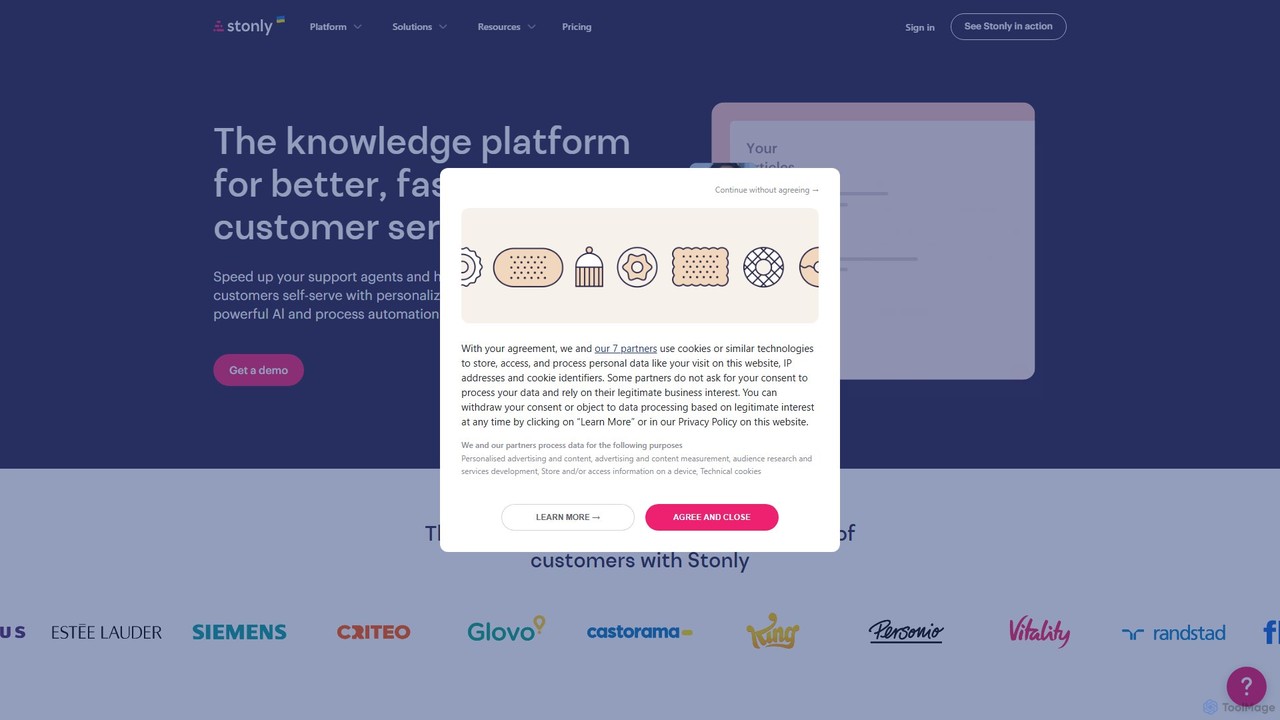
Stonly
Stonly is an AI-powered knowledge platform designed for customer service. It helps businesses create interactive guides, knowledge bases, and AI-driven answers to enhance customer self-service, reduce support tickets, and accelerate agent training. By delivering personalized and contextual knowledge, Stonly improves resolution times and overall customer satisfaction.
Customer Onboarding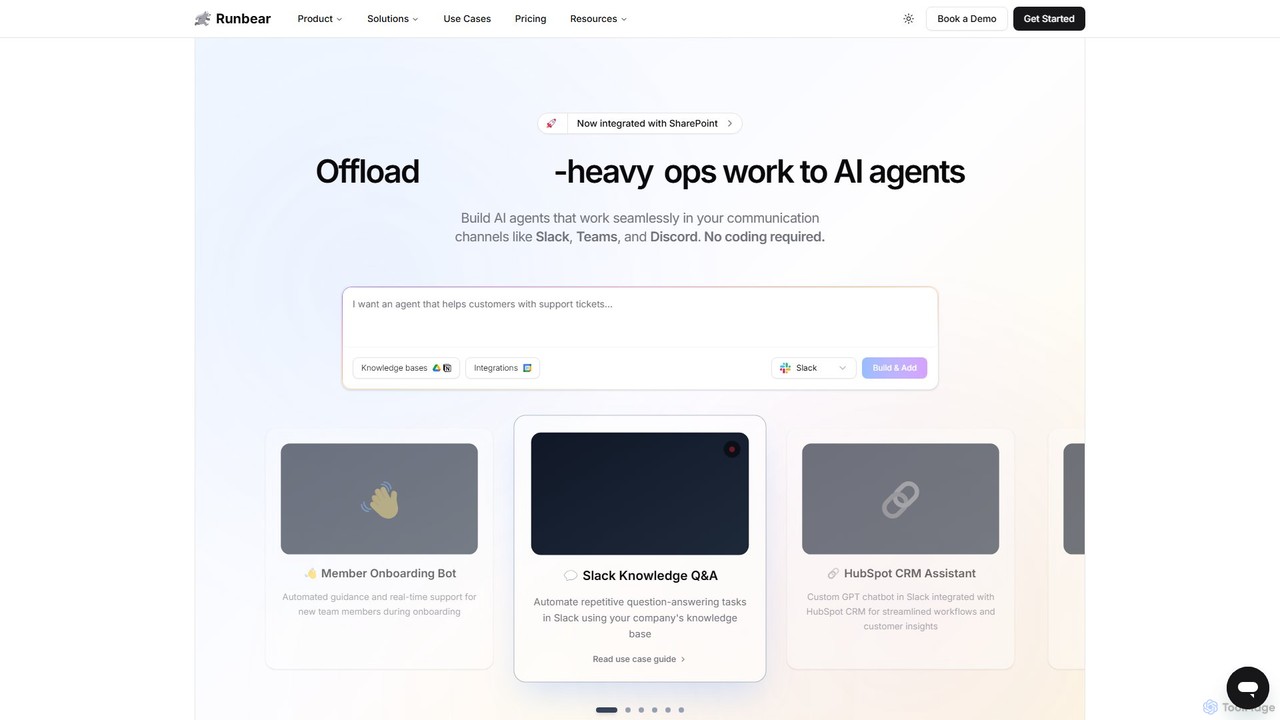
Runbear
Runbear is a no-code platform for building and deploying custom AI agents directly into your team's communication tools like Slack, Microsoft Teams, and Discord. Automate repetitive tasks, answer questions from your knowledge base, and streamline workflows by creating specialized AI teammates that integrate with thousands of apps, all without writing a single line of code.
No Code Builder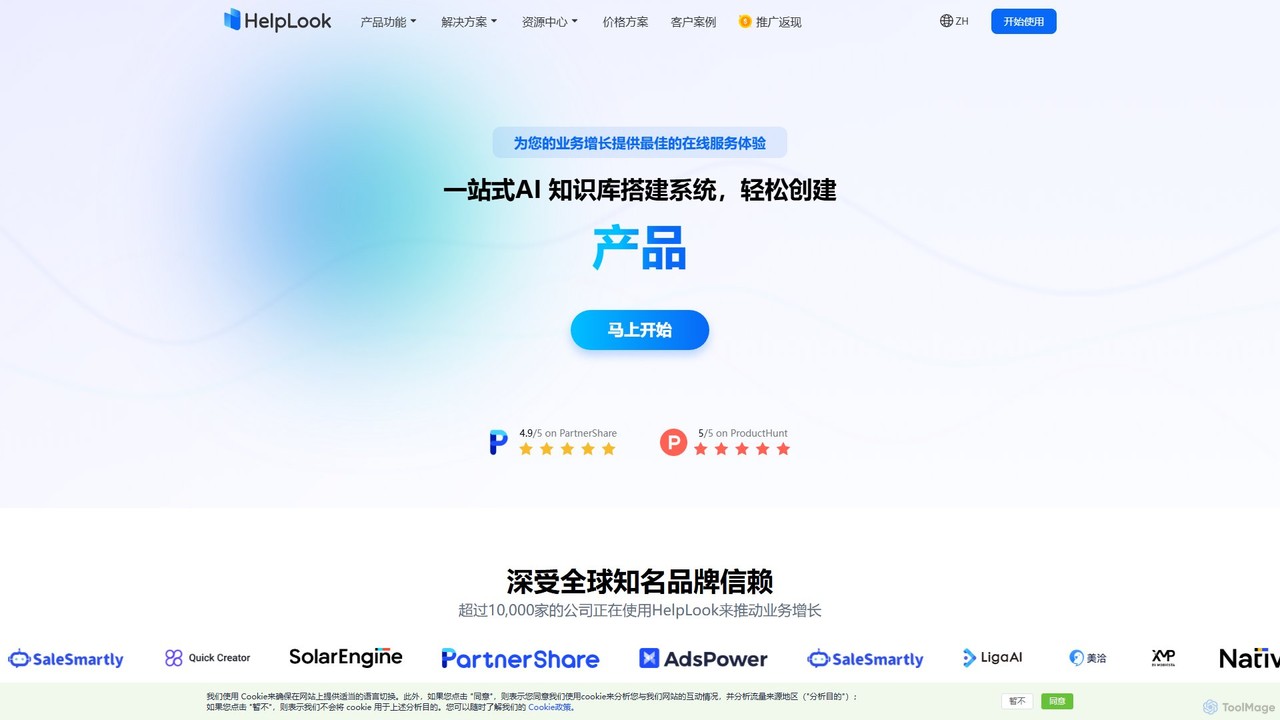
HelpLook
HelpLook is an all-in-one AI-powered platform for creating and managing knowledge bases, help centers, and FAQs. It combines a no-code website builder with an intelligent AI chatbot to provide instant, accurate answers from your content, enhancing customer self-service, improving team collaboration, and boosting SEO.
Knowledge Base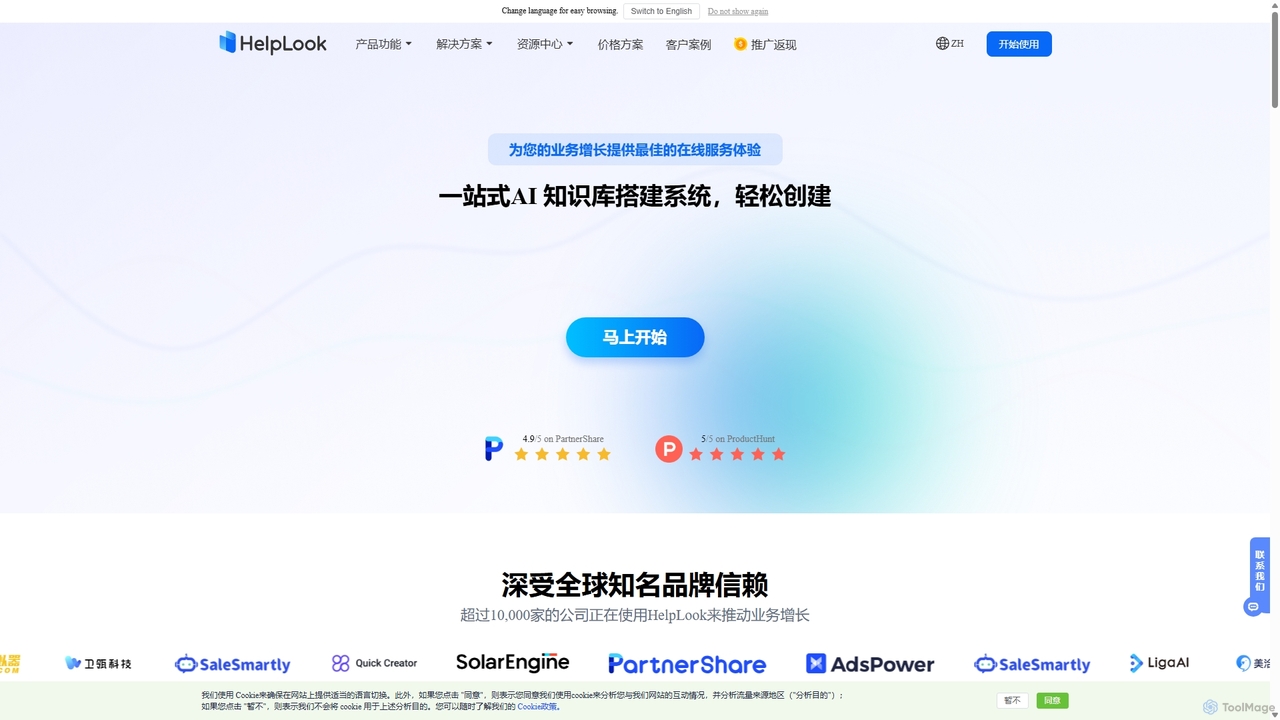
HelpLook
HelpLook is an all-in-one, no-code AI platform for building intelligent knowledge bases, help centers, and product documentation. It integrates a powerful AI chatbot to automate customer support, reduce service costs, and enhance user self-service experiences, trusted by over 10,000 companies worldwide.
Chatbot Builder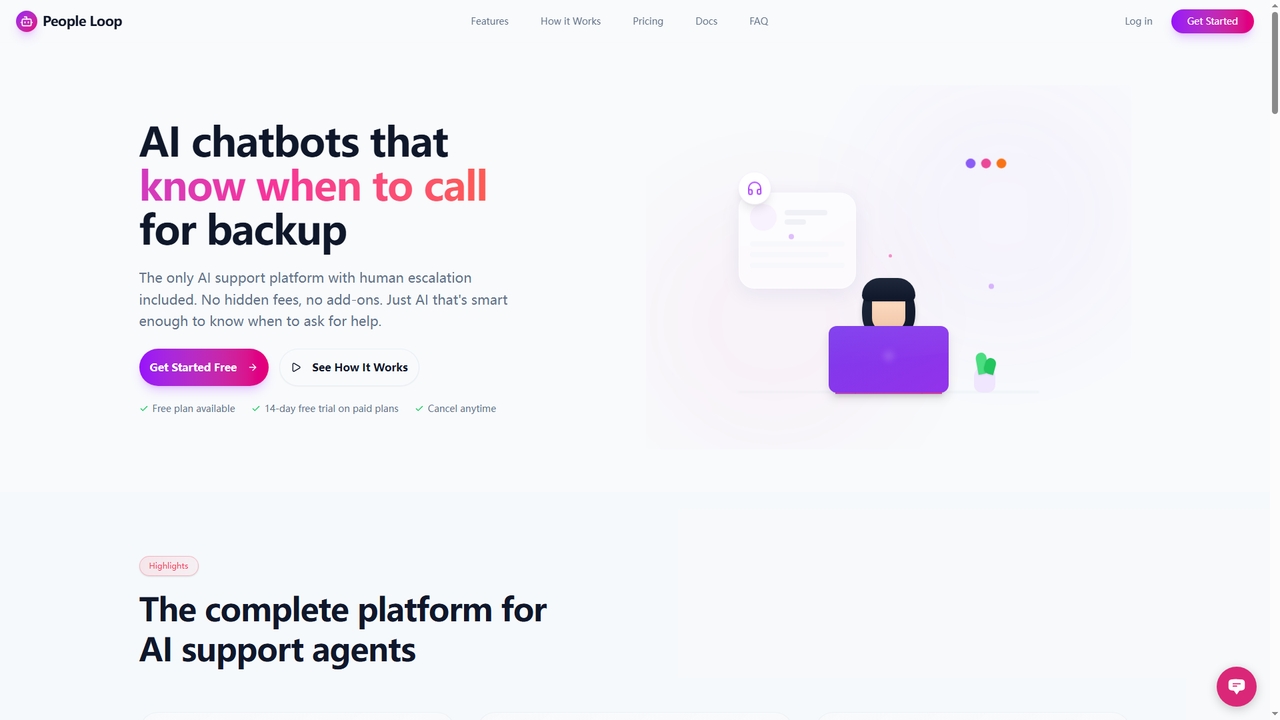
People Loop
People Loop is a comprehensive AI support platform featuring chatbots smart enough to escalate complex issues to humans. It automates customer support, internal knowledge retrieval, lead generation, and data analysis. With built-in human handoff, seamless integrations, and a focus on security, it's designed for businesses to deploy conversational AI agents without technical expertise.
Automation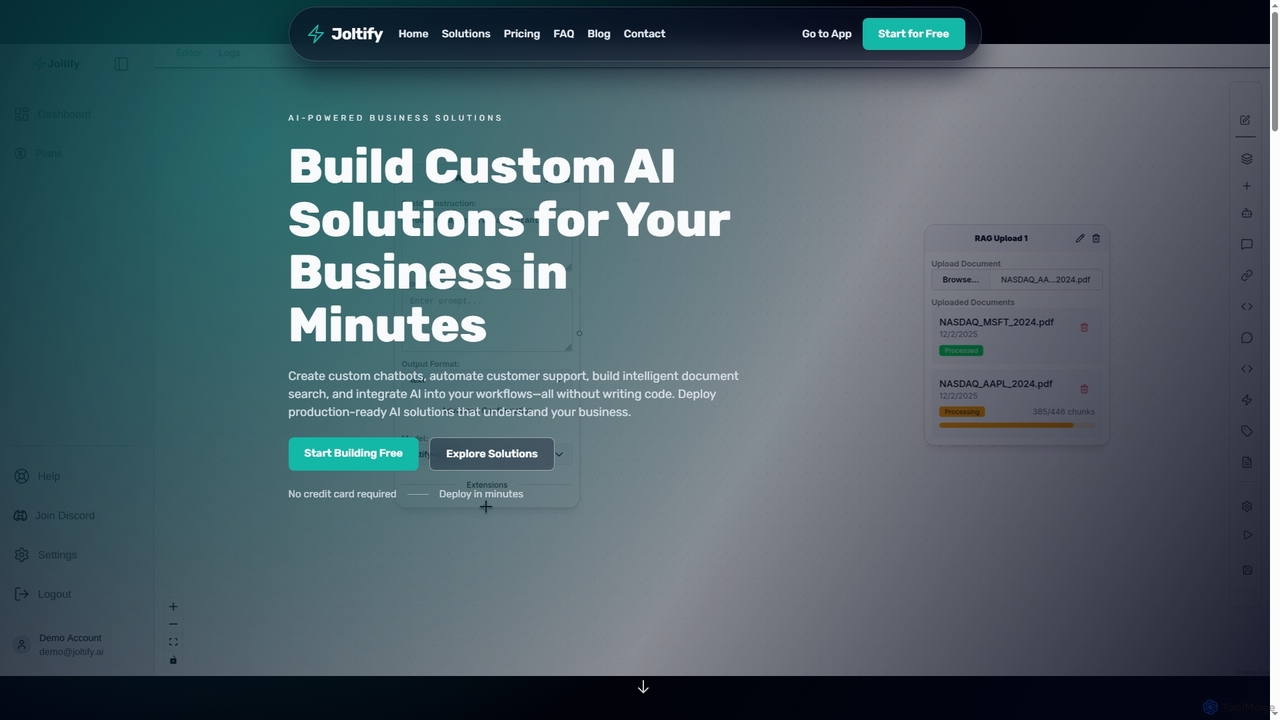
Joltify
Joltify is an AI workflow automation platform that empowers businesses to create custom chatbots, intelligent document search, and automate tasks like support ticket routing and data processing using AI. It's a no-code solution designed to enhance customer experience and streamline internal operations efficiently.
3DKnowledgeBase
KnowledgeBase is an AI-powered software for creating and managing both external customer help centers and internal knowledge bases. It empowers businesses to offer 24/7 self-service support, reduce agent workload, and ensure consistent information delivery. Key features include AI article generation, intelligent search, and seamless integrations with support tools like LiveChat.
Help CenterQuestion Base
Question Base is an AI-powered knowledge base built directly into Slack. It intelligently captures expert answers from conversations, automatically responds to repetitive employee questions, and centralizes company knowledge from various sources like Notion and Google Docs.
Internal HelpdeskAskJack
AskJack is an AI-powered knowledge hub that unifies your company's scattered information into a single, searchable platform. By integrating with tools like Slack, Google Drive, and Notion, it provides instant, accurate answers to employee questions. This breaks down knowledge silos, boosts productivity by saving hours of search time weekly, and ensures your team has the information they need, right when they need it.
Internal Tools
Perfect Wiki Comments (0)
Sign in to comment.
Sign inNo comments yet.