

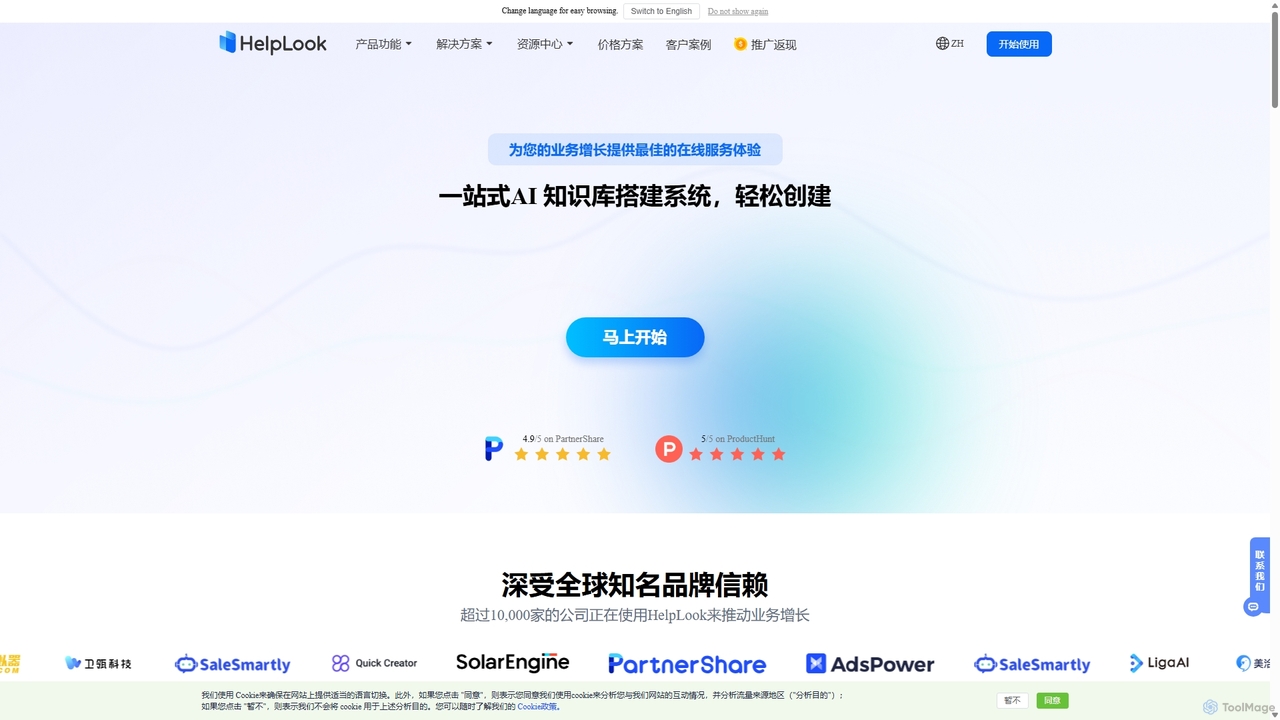
HelpLook Overview
HelpLook is a comprehensive, AI-driven system designed to streamline the creation and management of online knowledge bases. It empowers businesses to build professional help centers, detailed product manuals, internal knowledge repositories, and corporate blogs without any coding knowledge. By combining an advanced knowledge management system with an intelligent AI Q&A bot, HelpLook provides a dual-core solution that effectively manages corporate knowledge assets while significantly reducing the burden on manual customer support.
How to use HelpLook
Getting started with HelpLook is a straightforward process designed for efficiency:
- Create Your Knowledge Base: Sign up and initiate a new knowledge base project. The platform is entirely web-based, requiring no software installation.
- Add and Edit Content: Utilize the intuitive WYSIWYG (What You See Is What You See Is What You Get) editor, which also supports Markdown for power users. You can easily insert images, videos, and rich text, with all changes saved in real-time.
- Organize Information: Structure your content using categories and tags to create a logical and easily navigable hierarchy for your users.
- Customize Your Portal: Personalize the look and feel of your knowledge base portal to match your brand identity. Set up a custom domain to provide a seamless user experience.
- Train the AI: Upload your existing documentation to train the HelpLook AI. The AI will learn from your content to provide accurate and instant answers to user queries.
- Deploy and Integrate: Embed the knowledge base or the AI ChatBot into your website, app, or mini-program using a simple JavaScript snippet or an AI token. You can configure the portal to be public or private with specific access permissions.
- Analyze and Optimize: Leverage the built-in data analytics dashboard to monitor user search behavior, article performance, and overall knowledge base usage. Use these insights to continuously improve your content and user experience.
Core Features of HelpLook
- HelpLook AI: An intelligent core that powers an AI Q&A bot, AI-driven search, and an AI knowledge base. It can be easily integrated into any site to provide instant, 24/7 support and reduce customer service costs.
- WYSIWYG & Markdown Editor: A user-friendly editor that supports rich text, images, and videos, along with full Markdown compatibility. It includes keyboard shortcuts and real-time collaboration features to boost editing efficiency.
- Team Collaboration & Permission Management: Seamlessly integrates with organizational management systems like Tencent WeCom to sync team structures. Granular permission settings allow for efficient collaboration on content creation and management.
- Customizable Website Portal & Widget: Create a branded, public, or private portal with a custom domain. A versatile website widget allows for easy integration of the help center or AI chatbot directly into your web pages.
- Data Analytics: Gain deep insights from real-time analytical reports on user engagement, search queries, and content effectiveness. This data helps in optimizing your knowledge base for better user satisfaction.
- Third-Party Integrations: Easily connect HelpLook with your existing websites, applications, and mini-programs, ensuring your knowledge is accessible across all channels.
- Enterprise-Grade Security: HelpLook is ISO/IEC 27001 certified, ensuring top-tier information security. It uses TLS for data transmission encryption and maintains regular backups for data resilience.
Use Cases for HelpLook
HelpLook is versatile and caters to various business needs across different industries such as SaaS, Legal, Healthcare, Finance, and Education.
- Public Help Centers: Create comprehensive FAQ pages and help centers to empower customers to find answers on their own, reducing support tickets.
- eCommerce Product Manuals: Provide detailed, easy-to-navigate online manuals for your products, improving the post-purchase customer experience.
- Internal Knowledge Bases: Build a centralized repository for internal company knowledge, SOPs, and training materials to improve employee onboarding and productivity.
- Corporate Blogs: Use the powerful editor to publish and manage a professional blog to engage with your audience and establish thought leadership.
Advantages of HelpLook
HelpLook offers a significant competitive edge by transforming how businesses manage knowledge and support customers. It has been shown to resolve 91% of issues without human intervention, reduce customer interaction time by 50%, and improve service decision-making. The platform's no-code nature makes it accessible to everyone, while its powerful AI capabilities deliver a sophisticated, automated support experience that boosts both efficiency and sales.
Pricing and Plans
HelpLook operates on a freemium model, making it accessible for businesses of all sizes. It offers a free plan to get started, with paid plans starting from ¥99 per month, providing more advanced features and capabilities as your business grows.
HelpLook Alternatives

Siedesk
Siedesk is an AI-powered platform for creating and managing knowledge bases, FAQ pages, and help centers. It utilizes GPT technology to assist in writing clear and concise articles, improving both customer satisfaction and internal team efficiency. The tool allows for extensive customization, custom domain integration, and performance tracking to optimize support content. It's designed for businesses of all sizes to streamline their customer and internal support processes, reducing repetitive inquiries and providing instant, high-quality answers.
Knowledge Base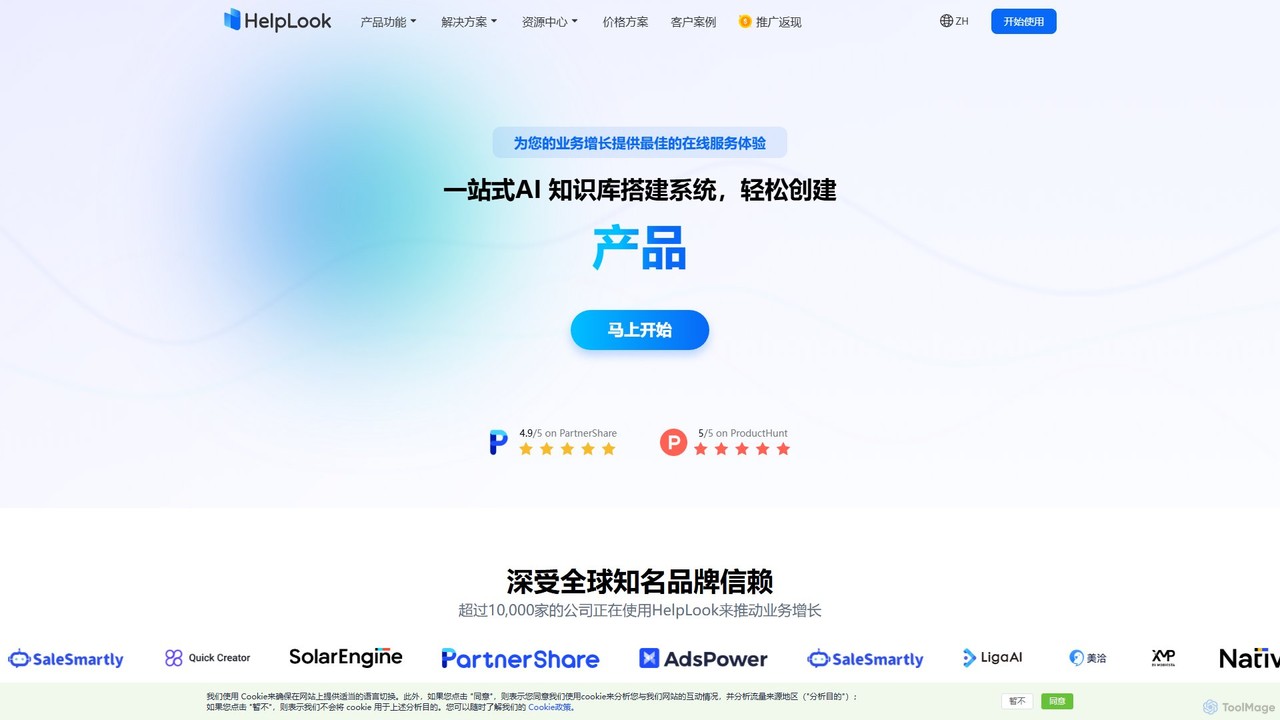
HelpLook
HelpLook is an all-in-one AI-powered platform for creating and managing knowledge bases, help centers, and FAQs. It combines a no-code website builder with an intelligent AI chatbot to provide instant, accurate answers from your content, enhancing customer self-service, improving team collaboration, and boosting SEO.
Knowledge Base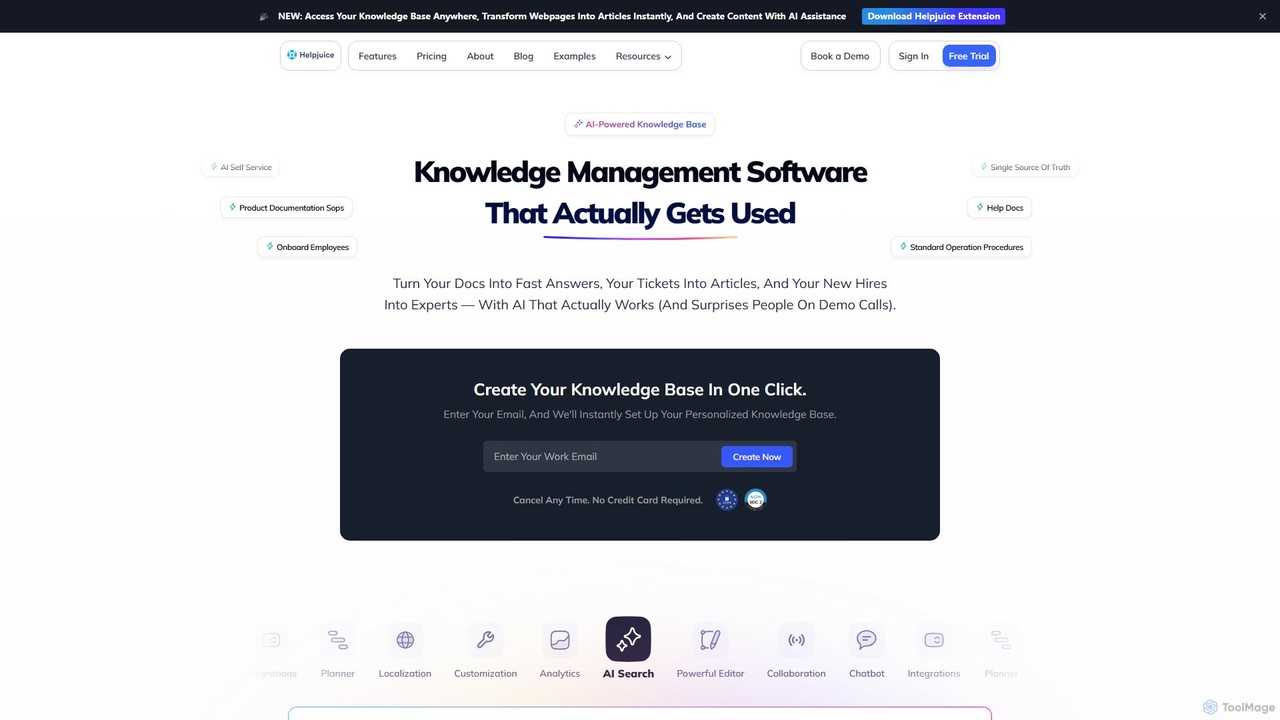
Helpjuice
Helpjuice is an AI-powered knowledge base software designed to streamline customer support and internal documentation. It helps teams create a centralized, searchable source of truth, reducing repetitive questions, speeding up employee onboarding, and enabling 24/7 customer self-service with a powerful AI search and chatbot.
Knowledge Base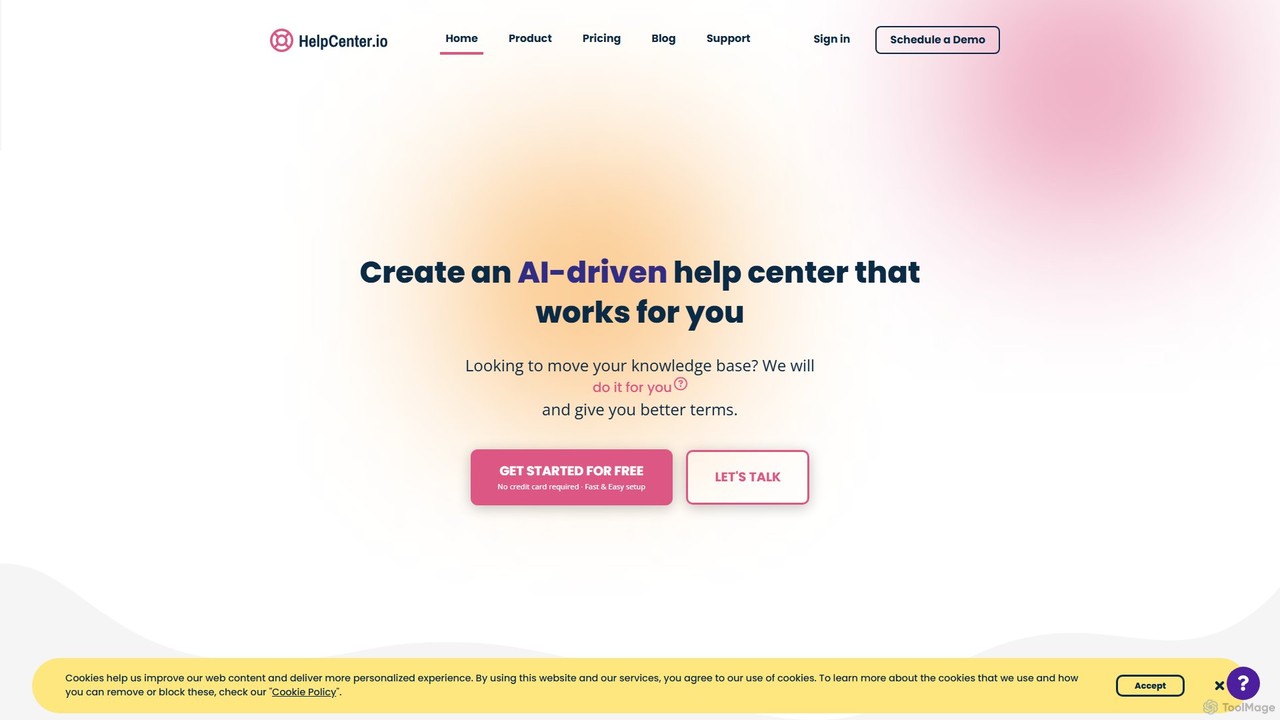
HelpCenter.io
HelpCenter.io is an AI-powered platform for creating and managing professional, multi-language knowledge bases and help centers. It enables businesses to reduce support costs, empower customers with self-service options, and streamline team collaboration. Key features include a smart AI widget, an intuitive article editor, and extensive customization options to match your brand.
Customer Relationship Management
Dubble
Dubble is an AI-powered Chrome extension that automatically creates step-by-step guides, tutorials, and documentation. It records your on-screen actions, instantly generating written instructions, annotated screenshots, and videos. This tool is designed to eliminate the tedious process of manual documentation, saving teams significant time on employee onboarding, customer support, and process training.
Knowledge BaseHelpLook Categories
HelpLook Jobs
HelpLook Embed Widget
Copy this embed code to place the badge on your blog, article, or product site and send readers directly to this ToolMage detail page.

Related AI tools
Nexdocs
Nexdocs is an AI-powered platform that transforms scattered information into intelligent, searchable knowledge bases. It generates comprehensive documentation, FAQs, and chat experiences from documents or URLs, designed for SaaS companies, customer support, and internal teams.
Help Center
Chatolia
Chatolia is a no-code platform for building and deploying intelligent AI chatbots. Train agents on your own content, such as documents and URLs, and embed them on any website in minutes. It offers access to various AI models like GPT-4, Claude, and Gemini, with features for multi-agent workspaces and team collaboration. Ideal for creating AI-powered customer support agents.
Chatbot
Bot The Builder
A no-code AI chatbot builder that allows businesses to create and deploy intelligent chatbots trained on their own website content in minutes. Automate customer support, generate leads, and gain insights without any coding skills.
Chatbot
Web2Chat
Web2Chat is an all-in-one, AI-powered customer communication platform designed for startups. It integrates live chat, a shared inbox, a ticketing system, a knowledge base, and CRM features to streamline customer support, enhance engagement, and drive growth.
Customer Service
WebWhiz
WebWhiz is an AI-powered platform that transforms your website content into an intelligent, interactive chatbot in just a few clicks. It automatically crawls your site to build a custom knowledge base, allowing you to provide instant, accurate answers to visitor questions 24/7. This enhances user engagement, automates customer support, and helps convert visitors into customers without any coding required.
Chatbots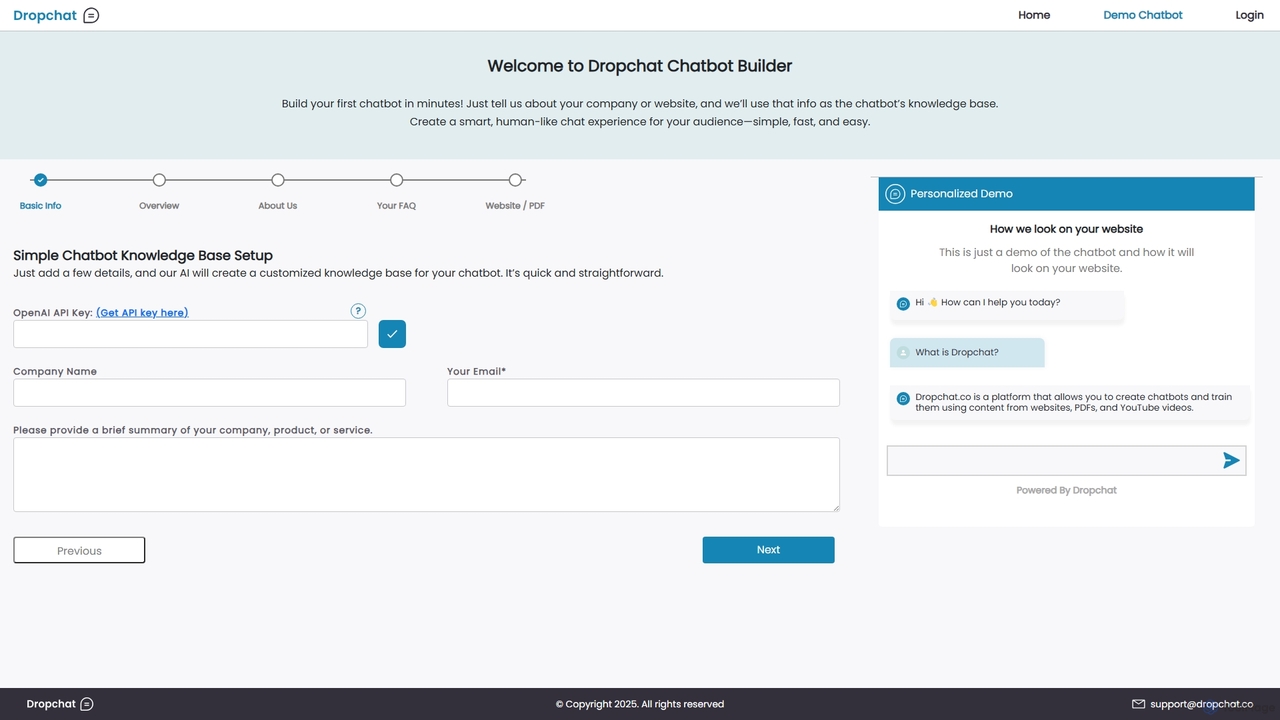
Dropchat
Dropchat is an AI-powered platform that allows you to build custom chatbots in minutes. Train your chatbot using your own data, such as websites, PDFs, and YouTube videos, to provide instant customer support, generate leads, and enhance user engagement without any coding knowledge.
Chatbots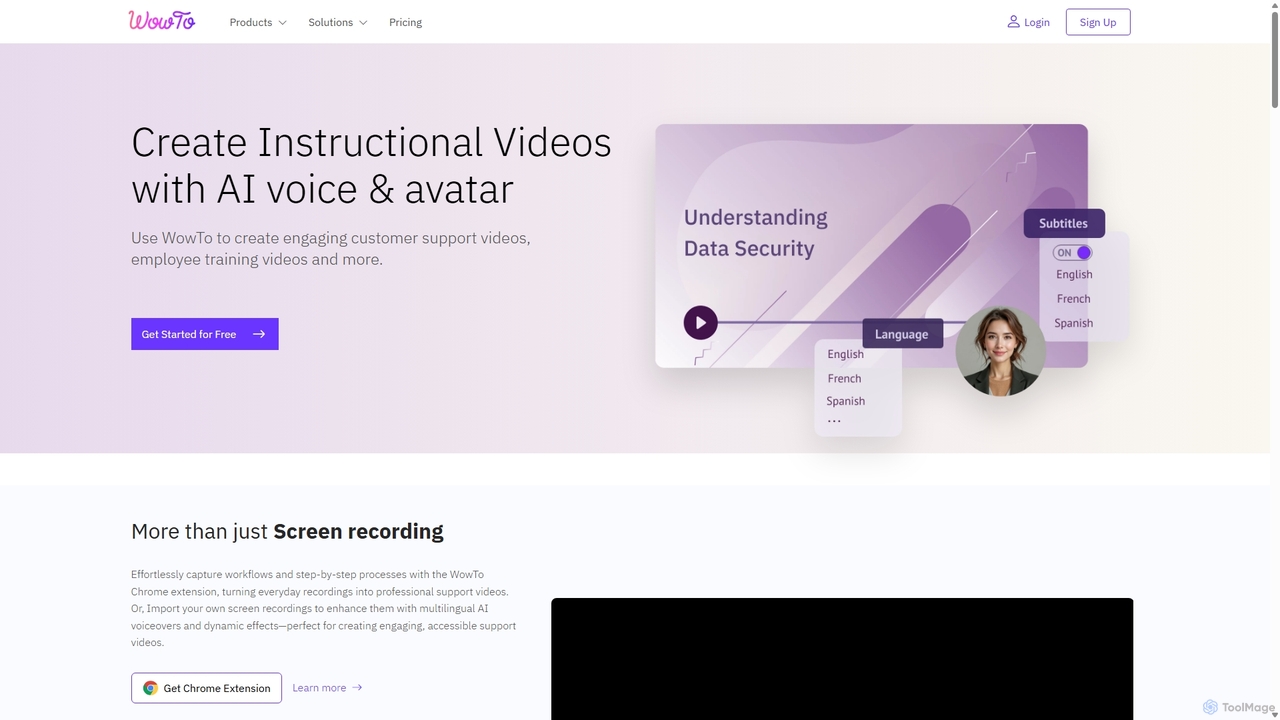
WowTo
WowTo is an AI-powered platform designed to create professional how-to, support, and training videos in minutes. It transforms screen recordings, text, or existing presentations into engaging, multilingual videos with AI voiceovers, helping businesses reduce support tickets and improve user onboarding.
Help Desk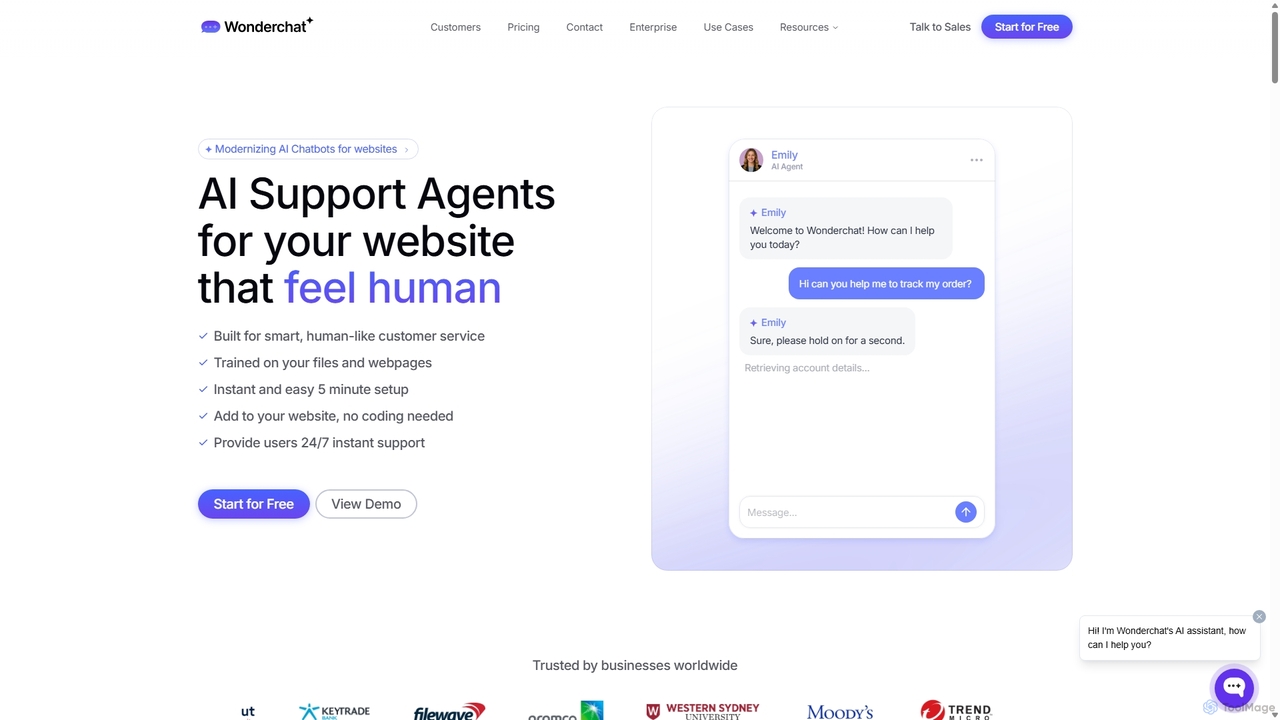
Wonderchat
Wonderchat is a no-code AI chatbot builder that allows businesses to create custom ChatGPT-like agents for their websites. Trained on your own data, such as files and webpages, it provides 24/7 instant, human-like customer support, automates complex workflows, and offers detailed analytics to improve user engagement and reduce support queries.
ChatbotsHelpLook
HelpLook is an all-in-one AI-powered platform for creating and managing knowledge bases, help centers, and FAQs. It combines a no-code website builder with an intelligent AI chatbot to provide instant, accurate answers from your content, enhancing customer self-service, improving team collaboration, and boosting SEO.
Knowledge Base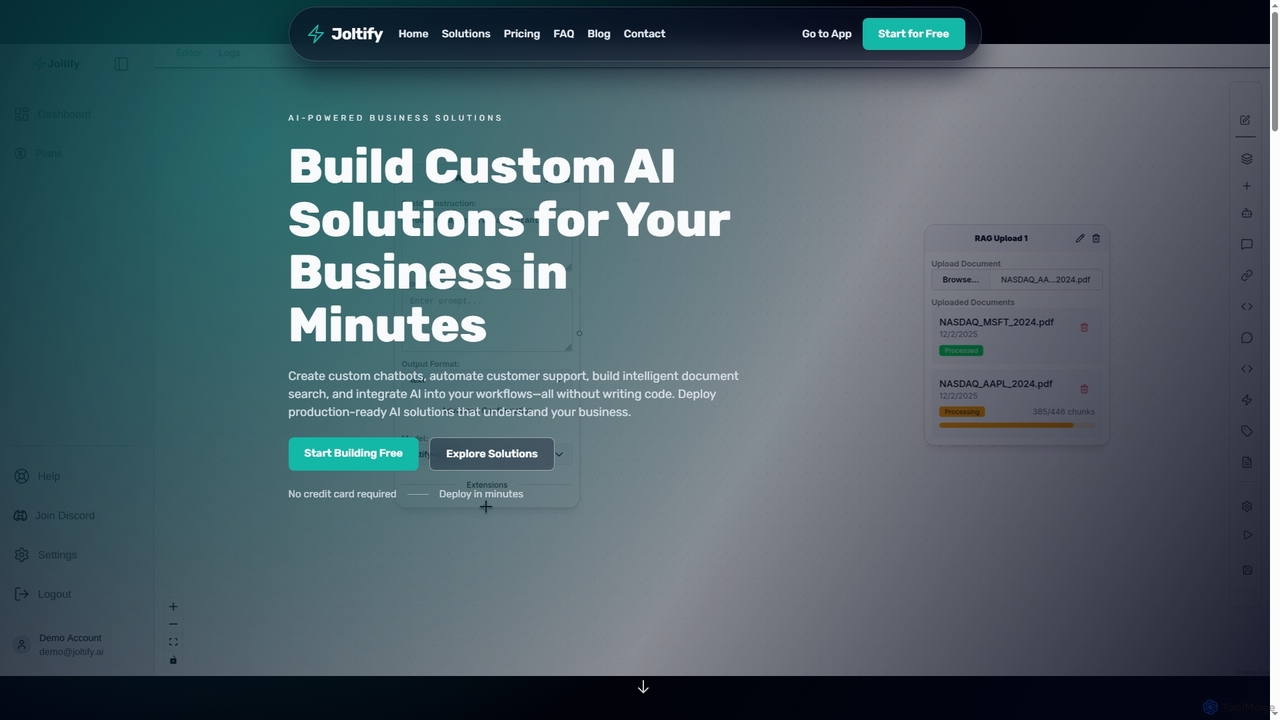
Joltify
Joltify is an AI workflow automation platform that empowers businesses to create custom chatbots, intelligent document search, and automate tasks like support ticket routing and data processing using AI. It's a no-code solution designed to enhance customer experience and streamline internal operations efficiently.
3D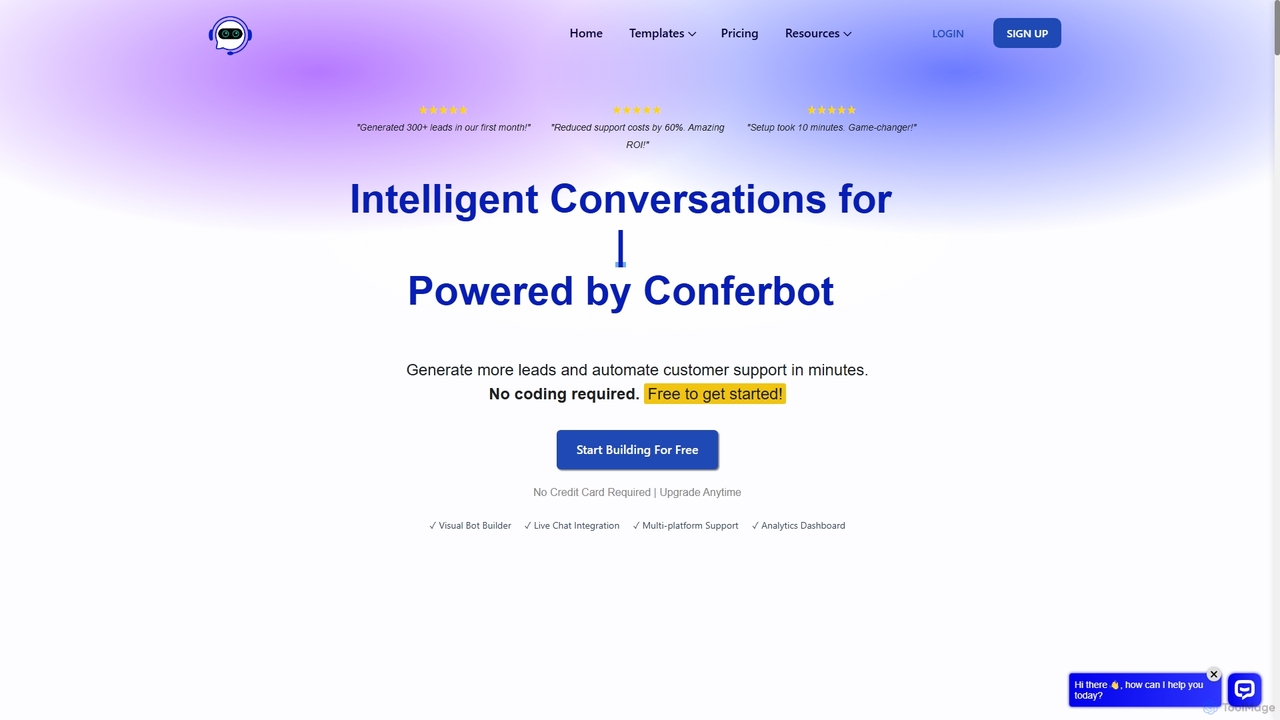
Conferbot
Conferbot is a no-code AI chatbot platform that empowers businesses to generate more leads and automate customer support. Featuring a visual drag-and-drop builder, OpenAI integration, and over 100 templates, it allows users to create and deploy intelligent chatbots in minutes on any website or platform. It's designed to increase conversions, reduce support costs, and provide actionable analytics without any coding knowledge.
Chatbots
Jyek
Jyek is an AI agent platform that understands objectives, creates execution plans, uses tools, and delivers verifiable results for complex, multi-step tasks.
Automation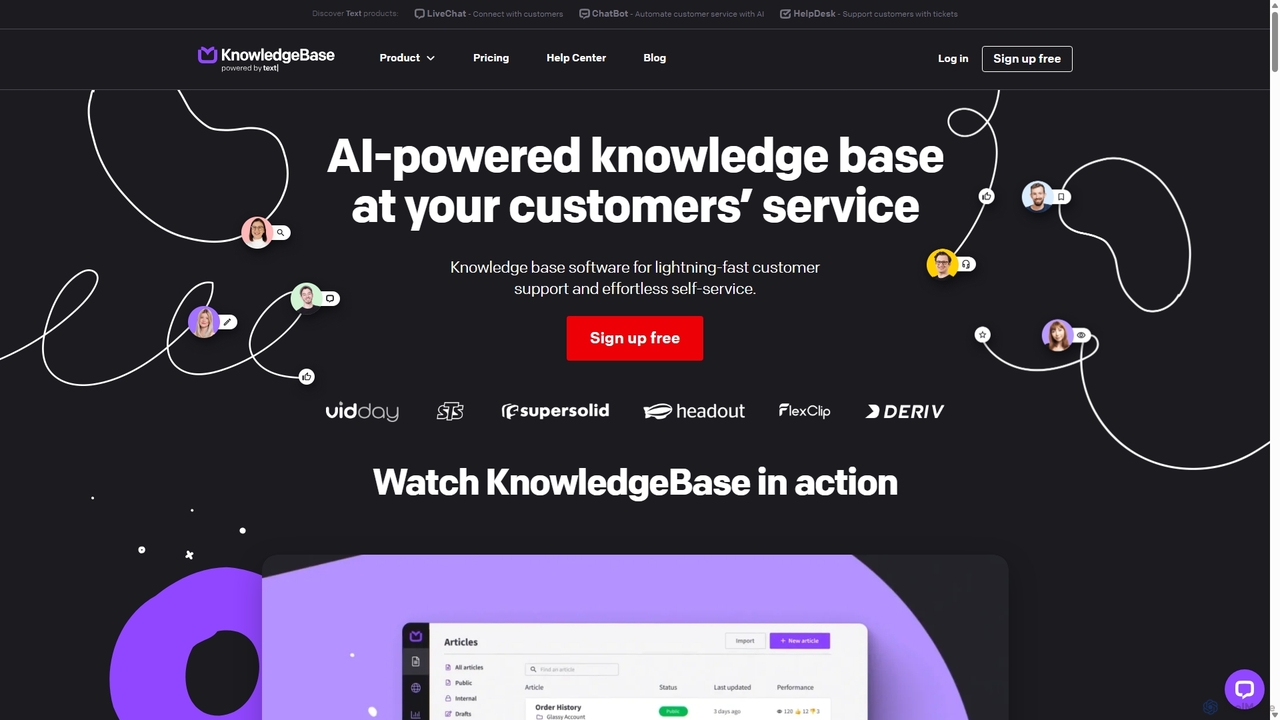
KnowledgeBase
KnowledgeBase is an AI-powered software for creating and managing both external customer help centers and internal knowledge bases. It empowers businesses to offer 24/7 self-service support, reduce agent workload, and ensure consistent information delivery. Key features include AI article generation, intelligent search, and seamless integrations with support tools like LiveChat.
Help Center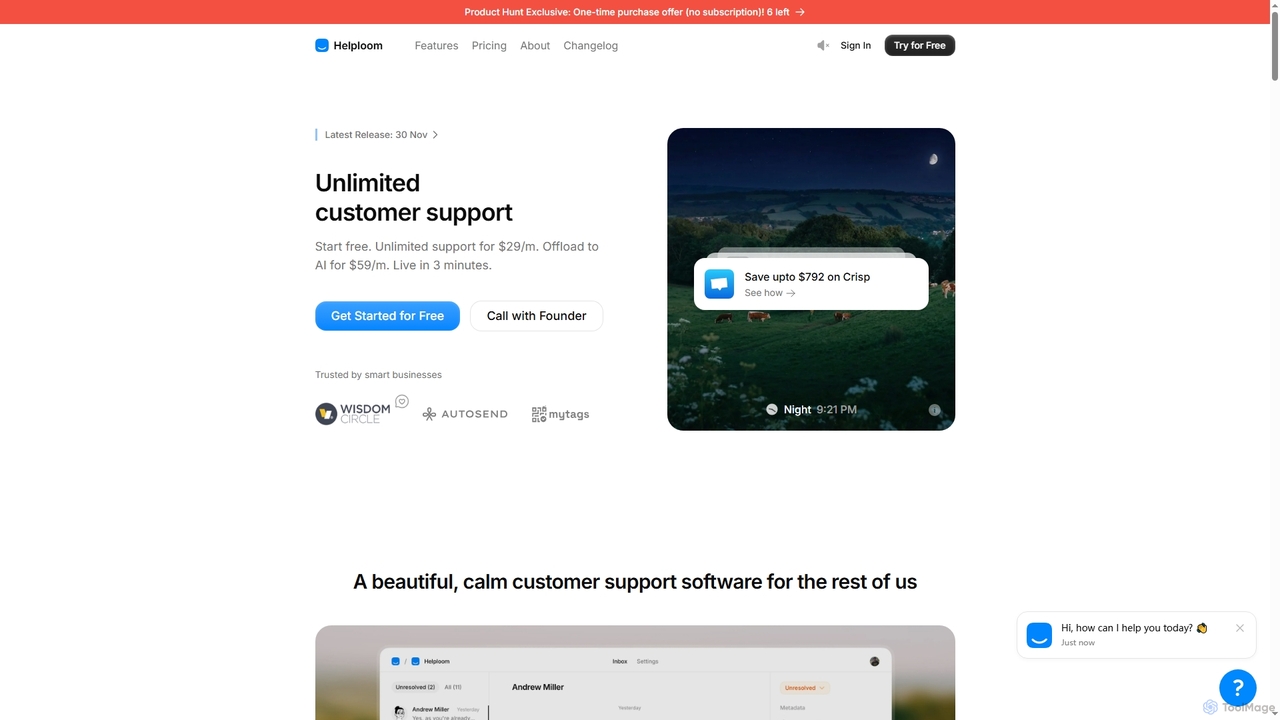
Helploom
Helploom is an affordable, user-friendly customer support software designed to streamline real-time customer interactions. It combines live chat, a comprehensive knowledge base, and an AI agent to provide instant, multilingual support, helping businesses boost conversions and improve user satisfaction without complex setups or per-agent pricing.
Help Desk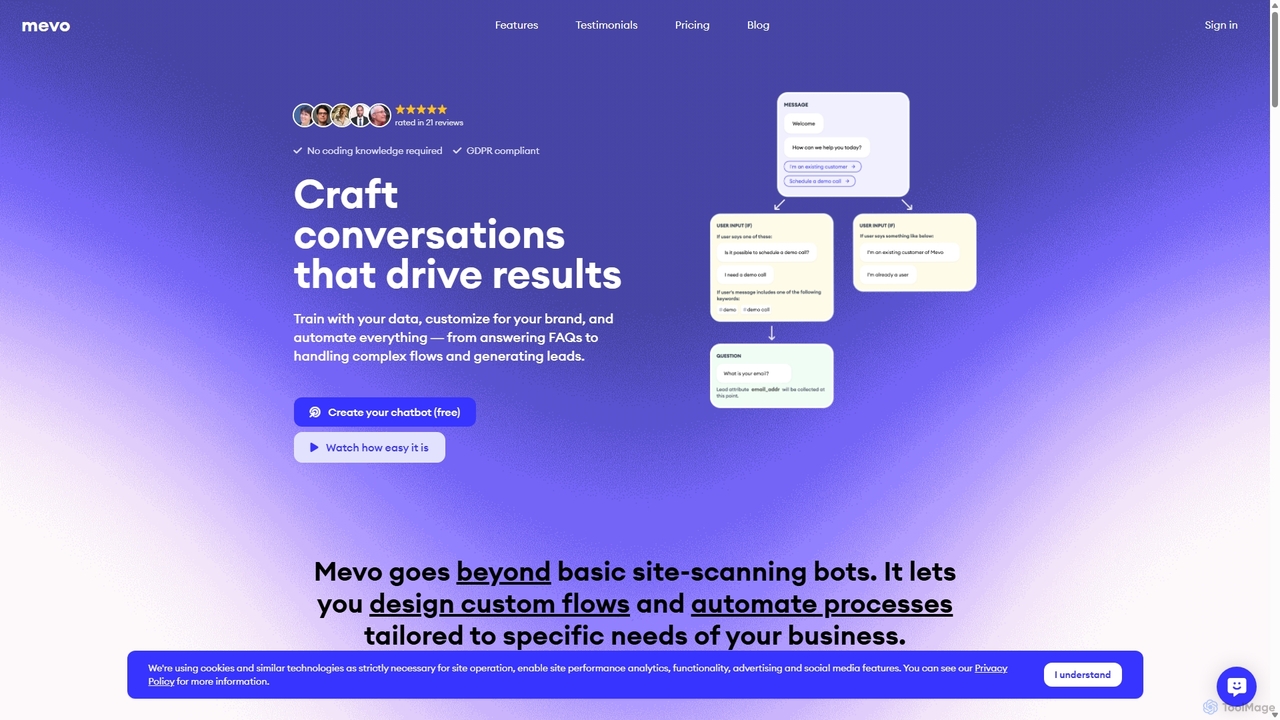
Mevo
Mevo is a no-code AI platform that allows you to create custom, ChatGPT-like chatbots for your website. Train the chatbot with your own data, design automated conversation flows, and customize its appearance to match your brand. It's designed to automate customer support, generate leads, and streamline business processes without any technical skills.
Chatbots
HelpLook Comments (0)
Sign in to comment.
Sign inNo comments yet.