

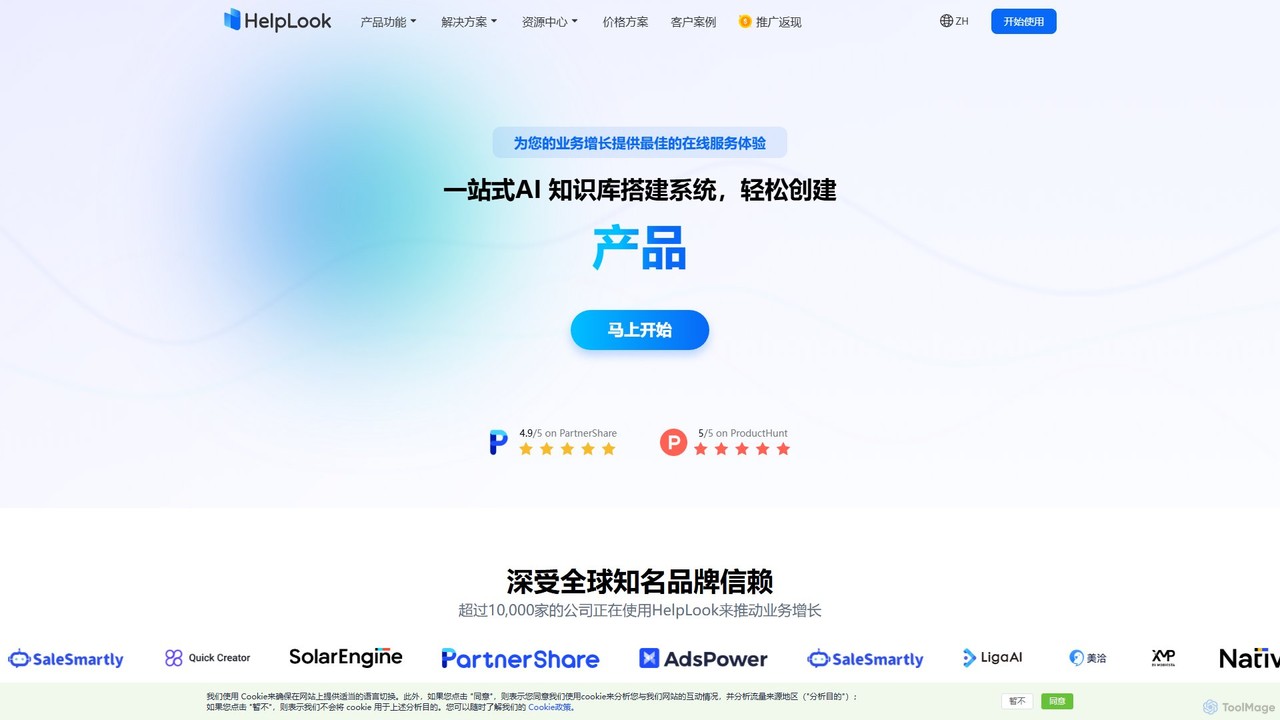
HelpLook Overview
HelpLook is a comprehensive, one-stop AI knowledge base construction system designed to empower businesses of all sizes. It enables the effortless creation of professional help centers, FAQ pages, internal knowledge bases, and enterprise blogs without requiring any coding skills. At its core, HelpLook features a powerful dual-engine system: an advanced enterprise knowledge base platform and an intelligent AI question-answering robot. This combination allows businesses to effectively manage their knowledge assets while providing a superior self-service experience for customers, significantly reducing the workload on manual support teams.
Trusted by over 10,000 companies worldwide, HelpLook is built to drive business growth by transforming product and business knowledge into an accessible online resource. The platform's AI, powered by models like GPT, scans all your documented knowledge to deliver summarized, accurate answers in seconds, turning lengthy articles into concise, actionable information for users.
How to use HelpLook
Getting started with HelpLook is a straightforward, intuitive process:
- Sign Up and Create Your Site: Begin with a free plan to explore the basic features. Set up your knowledge base site in just a few clicks.
- Add and Organize Content: Use the versatile editor, which supports both rich text (WYSIWYG) and Markdown, to create articles. You can easily insert images and videos. Organize your content using a hierarchical category and tag system for easy navigation.
- Customize Your Knowledge Base: Tailor the appearance of your site to match your brand. Choose from various templates, set custom brand colors and logos, and use a custom domain for a professional look (available on paid plans).
- Activate and Integrate the AI Chatbot: Enable the HelpLook AI to automatically index your public content. Embed the AI chatbot as a widget on your website, app, or other third-party applications to provide 24/7 automated support.
- Collaborate with Your Team: Invite team members to collaborate on content creation and management. Set specific roles and permissions to control access and maintain content quality.
- Analyze and Optimize: Leverage the built-in data analytics dashboard to monitor user search behavior, identify popular articles, and gather feedback. Use these insights to continuously improve your knowledge base and service quality.
Core Features of HelpLook
- AI-Powered Search & Chatbot: Integrates with advanced AI models (like GPT-3.5/4.0) to provide instant, natural language answers from your knowledge base content, reducing support tickets by up to 91%.
- No-Code WYSIWYG & Markdown Editor: An intuitive, easy-to-use editor that supports rich media, real-time saving, and collaborative editing, making content creation efficient for everyone.
- Team Collaboration & Permission Management: Supports multi-user collaboration with role-based access control. It can be integrated with systems like Tencent WeCom and DingTalk to sync organizational structures.
- Visual Data Analytics: Provides real-time reports on user search queries, article performance, and customer feedback, enabling data-driven decisions to optimize content strategy.
- Third-Party Integrations: Seamlessly embed your HelpLook knowledge base or AI chatbot into your website, application, or mini-programs to meet users where they are.
- SEO Optimization Tools: Built-in features to create SEO-friendly enterprise blogs, with automatic sitemap generation and TDK optimization to improve search engine rankings and drive organic traffic.
- High-Level Security: ISO/IEC 27001 certified, ensuring data security with TLS encryption, regular backups, and disaster recovery plans.
- Customization and Branding: Offers extensive customization options, including custom domains, themes, CSS/HTML editing, and the ability to use your own OpenAI/Azure API keys for the chatbot.
Use Cases for HelpLook
HelpLook is versatile and can be adapted for various business needs:
- Customer Self-Service Portals: Create a public-facing help center or FAQ page where customers can quickly find answers to their questions without contacting support.
- Internal Knowledge Bases: Build a centralized repository of company information, processes, and training materials for employees, improving internal efficiency and knowledge sharing. *Enterprise Blogs: Launch a professional, SEO-friendly blog to publish industry insights, company news, and product updates, establishing brand authority and attracting new customers.
- Product Documentation: Develop comprehensive and easy-to-navigate documentation for your products or services, helping users get the most out of your offerings.
Advantages of HelpLook
HelpLook provides a competitive edge through several key advantages:
- Reduced Operational Costs: By automating responses to common queries, it significantly reduces the need for manual customer support, leading to lower costs and allowing your team to focus on more complex issues.
- Enhanced Customer Experience: Provides instant, 24/7 support, improving customer satisfaction and loyalty.
- Increased Efficiency: The no-code platform and streamlined workflows enable teams to create and manage content quickly and collaboratively.
- Data-Driven Strategy: In-depth analytics offer valuable insights into customer needs and content effectiveness, allowing for continuous improvement.
- Scalability: With flexible plans and robust infrastructure, HelpLook grows with your business, from a small startup to a large enterprise.
Pricing and Plans
HelpLook offers a flexible and transparent freemium pricing model to suit teams of all sizes. Plans can be billed monthly or annually (with a 15% discount).
- Free Plan (¥0): Ideal for trying out basic features. Includes 1 team member, up to 100 articles, 200MB storage, and a limited number of site visits and AI queries.
- Standard Plan (¥99/month): For individuals and small projects. Includes 1 team member, unlimited articles, 2GB storage, higher usage limits, and SEO settings.
- Business Plan (¥199/month): Recommended for small to medium-sized teams. Includes 5 team members, 10GB storage, custom domain support, data analytics, and multi-language capabilities.
- Enterprise Plan (¥499/month): For large organizations with advanced needs. Includes 10 team members, unlimited storage and visits, higher AI query limits, advanced security features (SSO, watermarks), full API access, and a dedicated account manager.
Additional services like AI query packs and text translation can be purchased as add-ons.
Traffic
Latest traffic
Status
Monthly traffic trend
- 2025-9: 37.9K
- 2026-1: 28.7K
- 2026-2: 19.7K
- 2026-3: 23.2K
- 2026-4: 32.4K
- 2026-5: 11.8K
Geography
Top 5 countries / regions
- 🇨🇳China64.9%
- 🇺🇸United States14.0%
- 🇯🇵Japan13.1%
- 🇻🇳Vietnam4.3%
- 🇮🇹Italy3.7%
Traffic sources
| Source type | Percentage |
|---|---|
Direct | 75.9% |
Referral | 24.1% |
Top keywords
| Keyword | Cost per click |
|---|---|
| helplook | $0.00 |
| helplook login | $0.00 |
| helplook企业版 | $0.00 |
| how to use garden pro trail camera | $0.00 |
| 金融机构编码规范 jr/t 0124-2014 | $0.00 |
HelpLook Alternatives
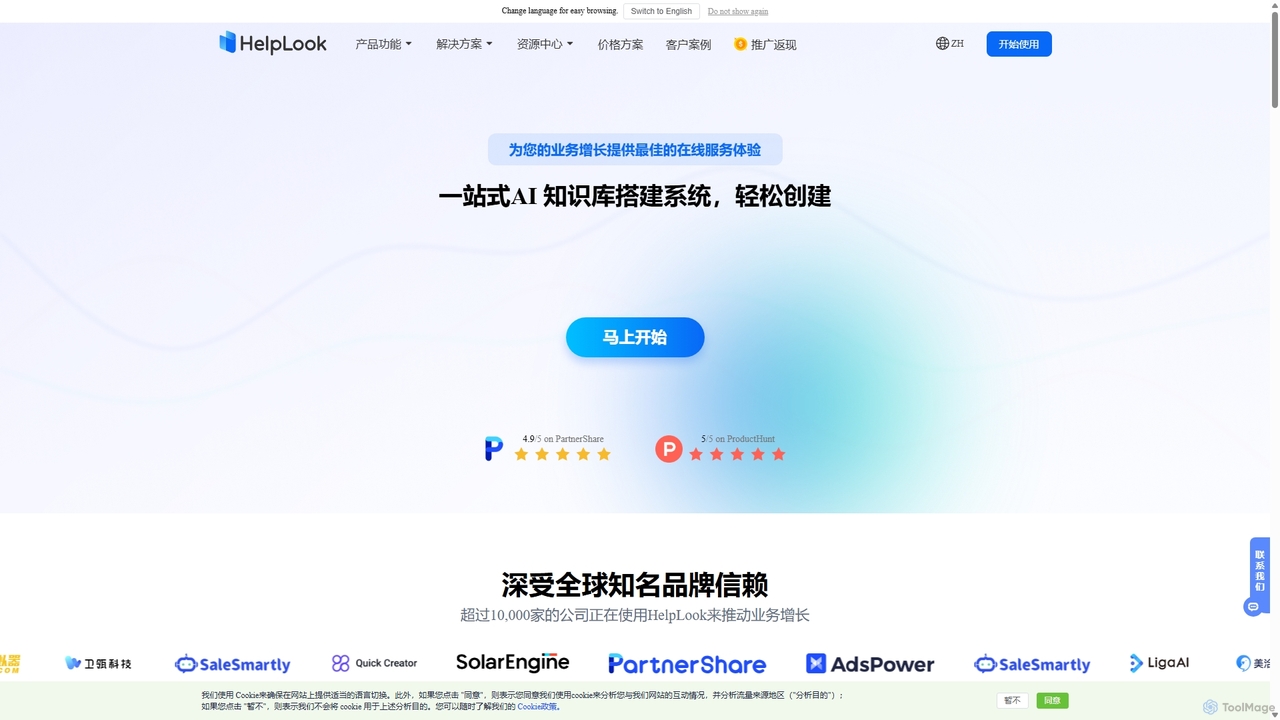
HelpLook
HelpLook is an all-in-one, no-code AI platform for building intelligent knowledge bases, help centers, and product documentation. It integrates a powerful AI chatbot to automate customer support, reduce service costs, and enhance user self-service experiences, trusted by over 10,000 companies worldwide.
Chatbot Builder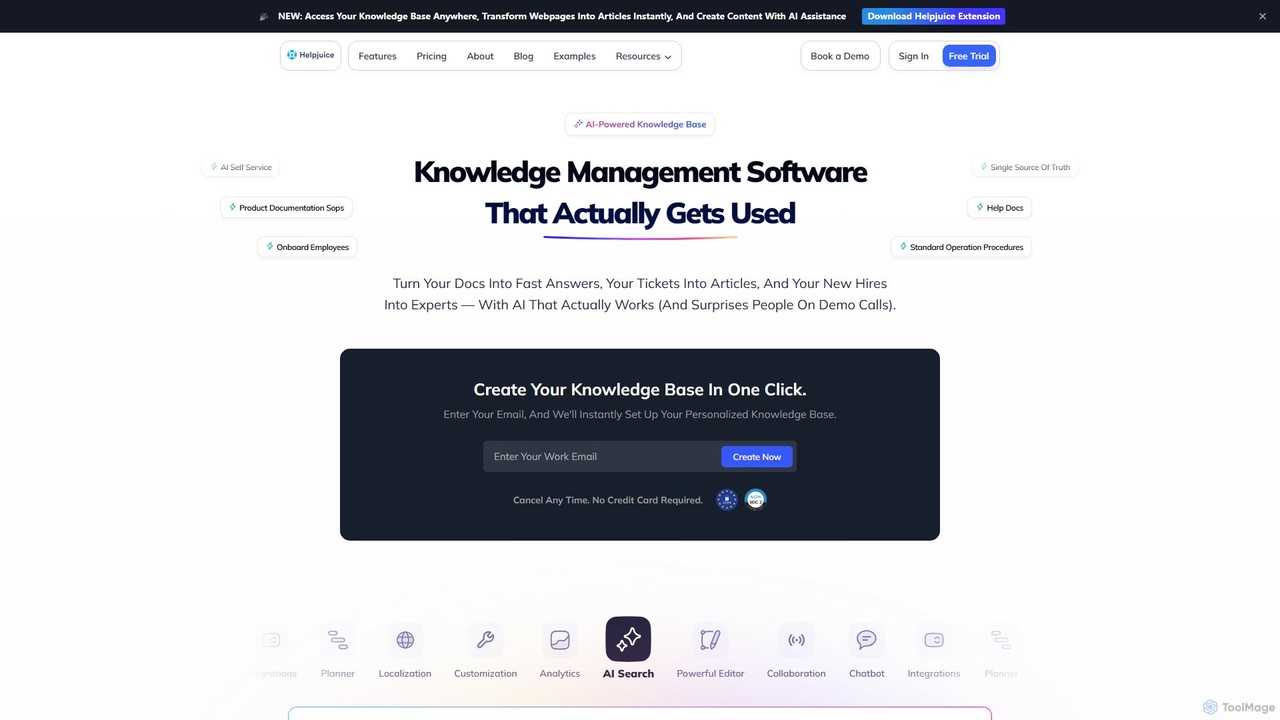
Helpjuice
Helpjuice is an AI-powered knowledge base software designed to streamline customer support and internal documentation. It helps teams create a centralized, searchable source of truth, reducing repetitive questions, speeding up employee onboarding, and enabling 24/7 customer self-service with a powerful AI search and chatbot.
Knowledge Base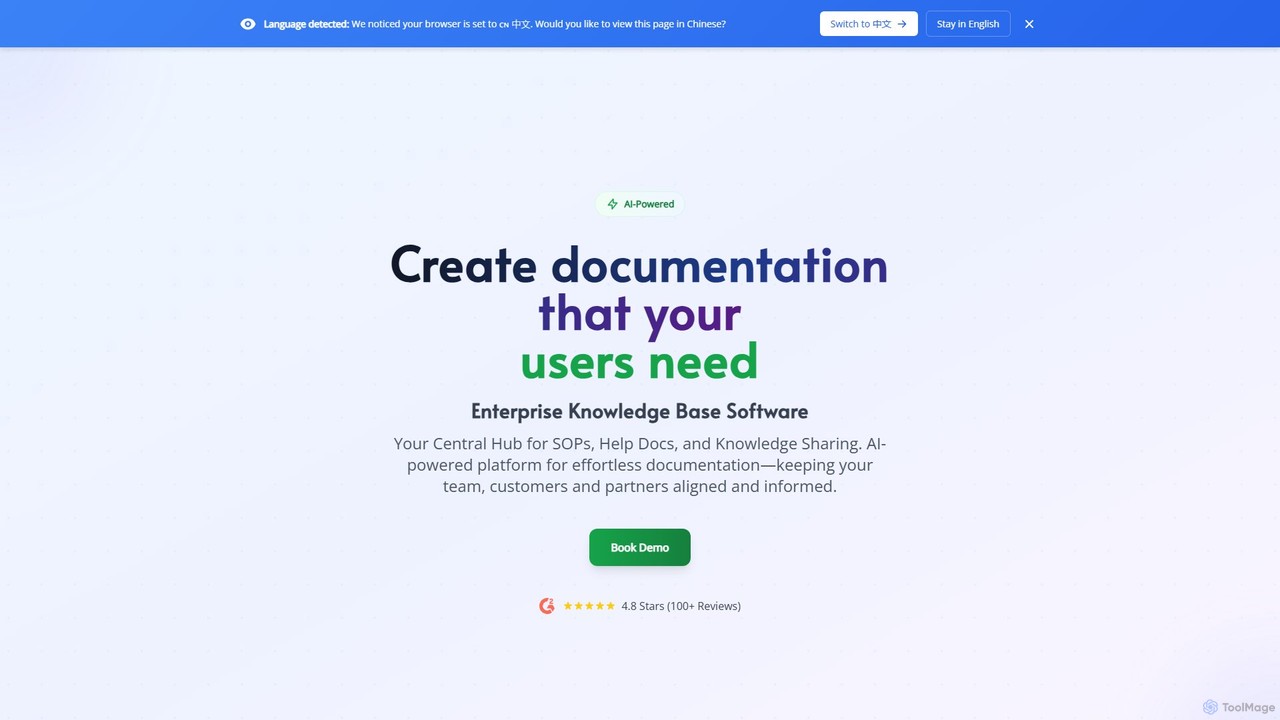
Docsie
Docsie is an AI-powered documentation and knowledge base platform designed to help teams create, manage, and deliver technical content efficiently. It streamlines the creation of user manuals, SOPs, and product documentation, featuring AI writing assistants, collaborative editing, version control, and an integrated AI chatbot to reduce support tickets and improve user self-service.
Collaboration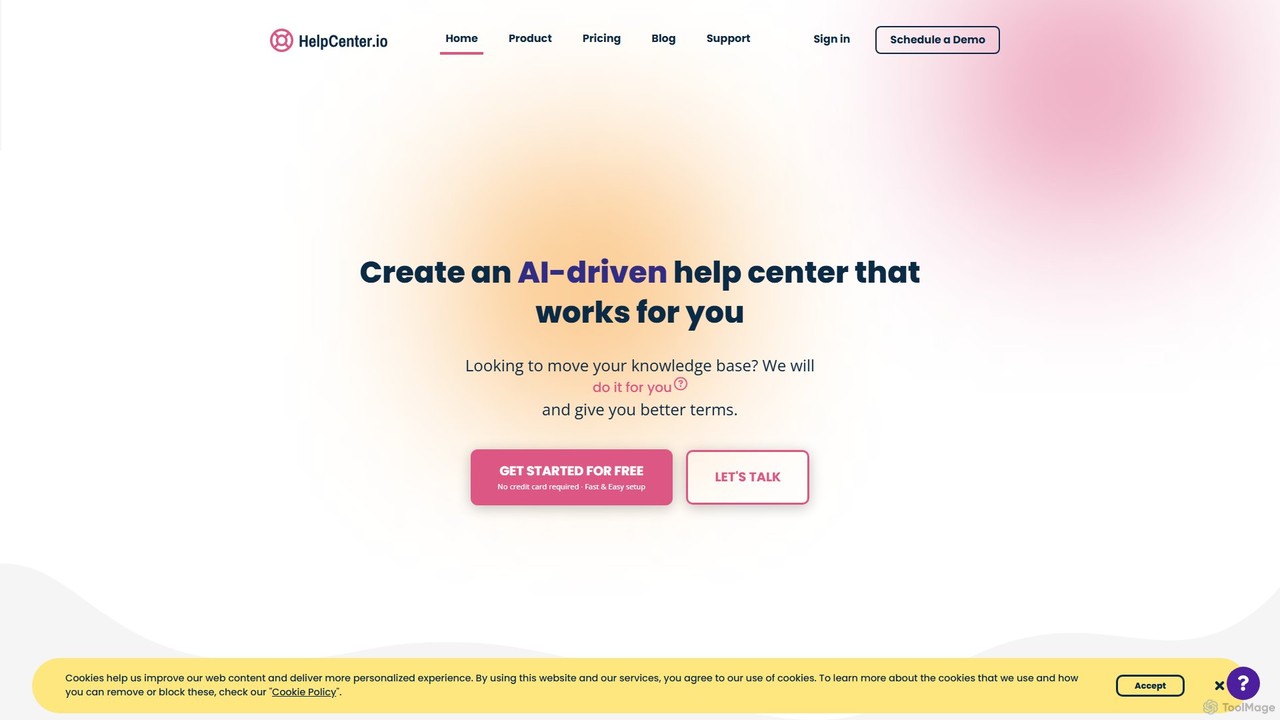
HelpCenter.io
HelpCenter.io is an AI-powered platform for creating and managing professional, multi-language knowledge bases and help centers. It enables businesses to reduce support costs, empower customers with self-service options, and streamline team collaboration. Key features include a smart AI widget, an intuitive article editor, and extensive customization options to match your brand.
Customer Relationship Management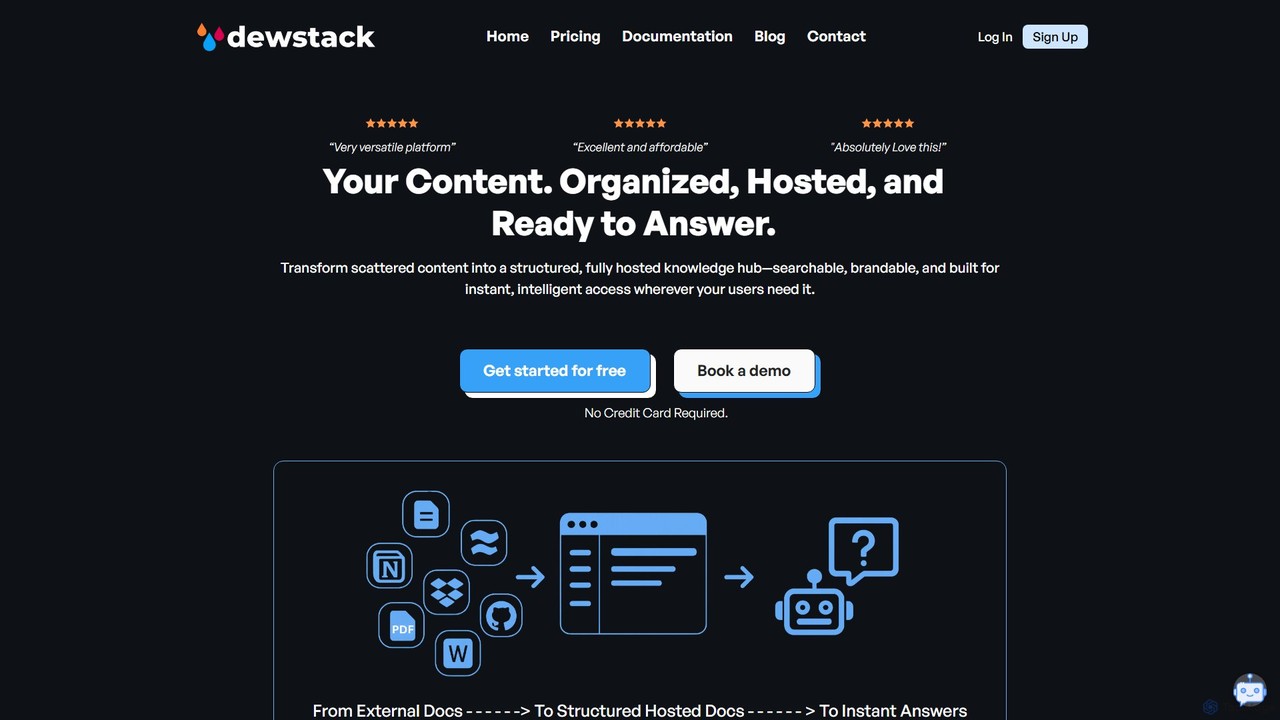
Dewstack
Dewstack is an AI-powered platform for creating, managing, and enhancing user documentation, knowledge bases, and FAQs. It features SmartDocs, an AI assistant that provides a Q&A chatbot, and Page Assist for content optimization, translation, and summarization. Ideal for businesses, startups, and freelancers, it streamlines documentation creation, offers custom domain hosting, and improves user support with instant, AI-driven answers.
Knowledge BaseHelpLook Categories
HelpLook Embed Widget
Copy this embed code to place the badge on your blog, article, or product site and send readers directly to this ToolMage detail page.

Related AI tools
HelpLook
HelpLook is an all-in-one, no-code AI platform for building intelligent knowledge bases, help centers, and product documentation. It integrates a powerful AI chatbot to automate customer support, reduce service costs, and enhance user self-service experiences, trusted by over 10,000 companies worldwide.
Chatbot Builder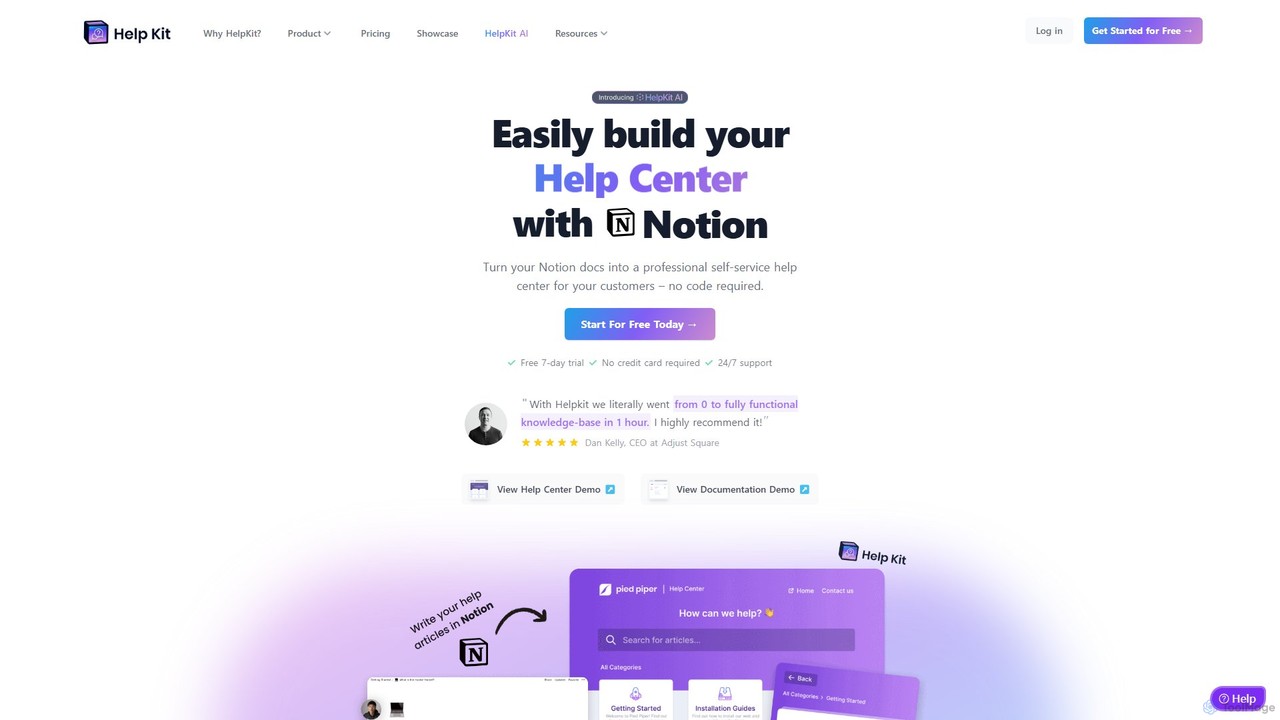
HelpKit
HelpKit is a no-code platform that transforms your Notion documents into a professional, fast, and SEO-optimized knowledge base, help center, or documentation site. It helps reduce support tickets by enabling customers to find answers themselves, 24/7.
Help Desk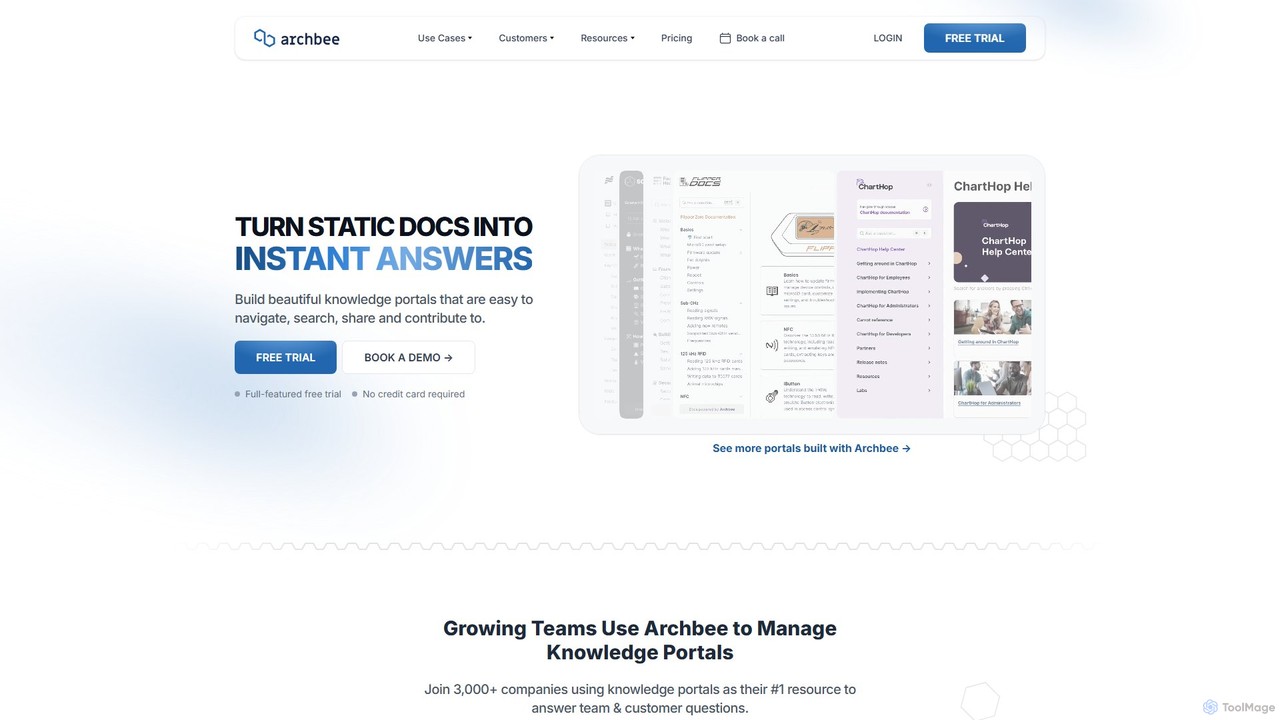
Archbee
Archbee is an AI-powered knowledge portal platform designed for teams and customers. It transforms static documentation into interactive, searchable knowledge bases, enabling instant answers to questions. It's ideal for creating product docs, API documentation, internal wikis, and customer help centers with powerful collaboration and content management features.
Help CenterHelpjuice
Helpjuice is an AI-powered knowledge base software designed to streamline customer support and internal documentation. It helps teams create a centralized, searchable source of truth, reducing repetitive questions, speeding up employee onboarding, and enabling 24/7 customer self-service with a powerful AI search and chatbot.
Knowledge BaseDocsie
Docsie is an AI-powered documentation and knowledge base platform designed to help teams create, manage, and deliver technical content efficiently. It streamlines the creation of user manuals, SOPs, and product documentation, featuring AI writing assistants, collaborative editing, version control, and an integrated AI chatbot to reduce support tickets and improve user self-service.
Collaboration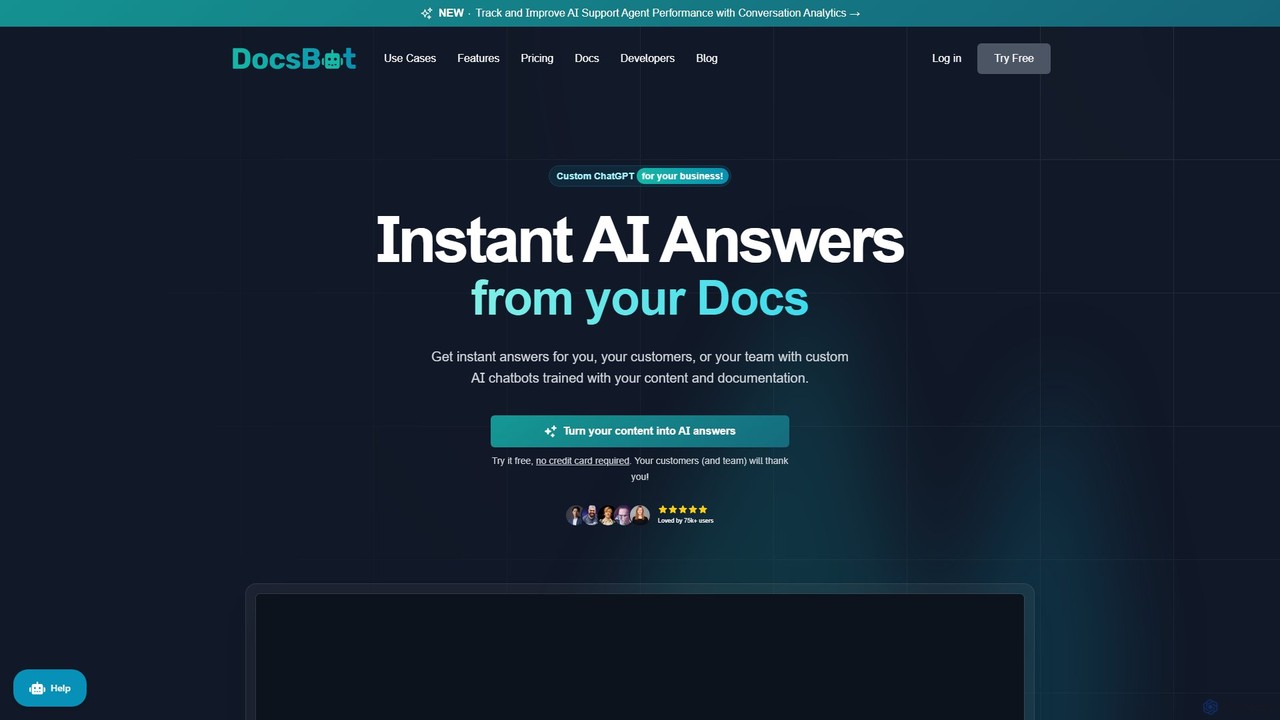
DocsBot
DocsBot is an AI-powered platform that allows businesses to create custom chatbots trained on their own documentation and content. It provides instant, accurate answers for customers and employees, automating support, improving internal knowledge access, and accelerating research without any coding.
Chatbot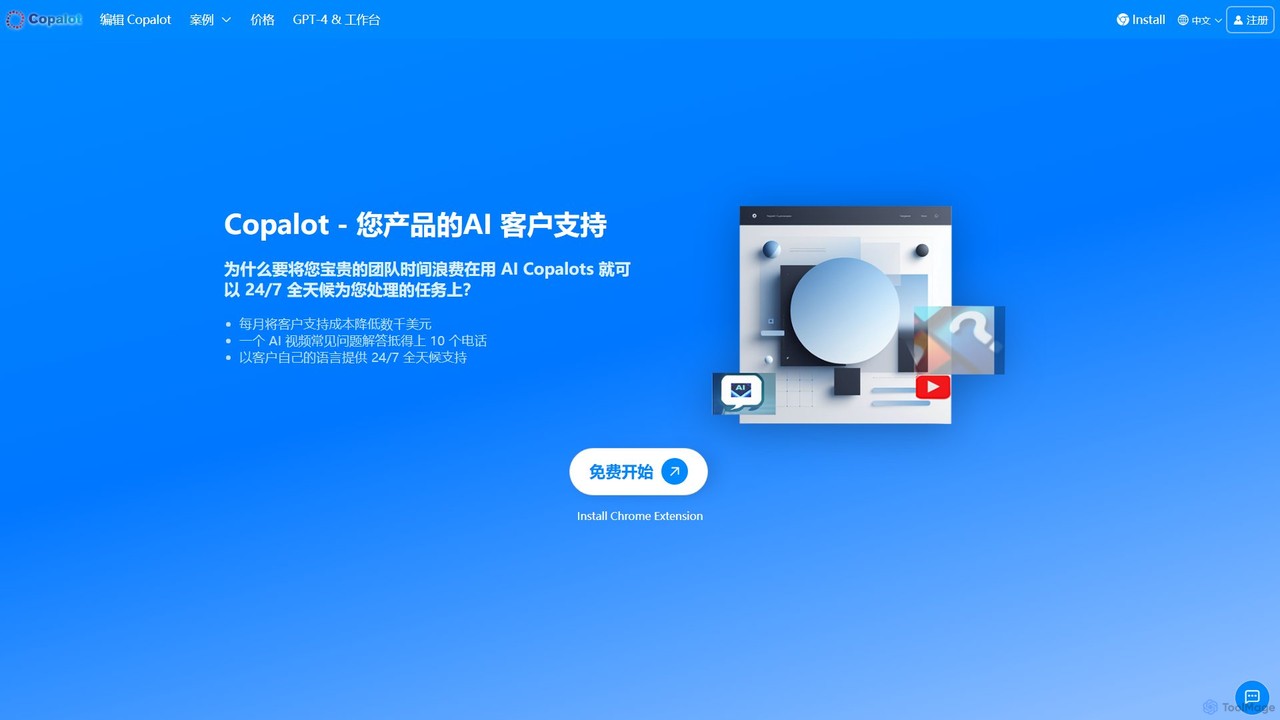
Copalot
Copalot is an AI-powered platform that creates intelligent customer support chatbots from your existing content. Simply upload product manuals, documents, or provide a website URL to generate an AI assistant that provides 24/7 support. It features a seamless human-AI collaboration model, allowing agents to take over conversations when needed, significantly reducing support costs and improving customer satisfaction.
Chatbot
Jyek
Jyek is an AI agent platform that understands objectives, creates execution plans, uses tools, and delivers verifiable results for complex, multi-step tasks.
Automation
Visspot
Visspot is a no-code AI platform that transforms various content types—including links, images, documents, and videos—into an intelligent, interactive knowledge base. Ask questions in natural language and get instant, accurate answers from your own data, streamlining information access and team collaboration.
Document ManagementHelpCenter.io
HelpCenter.io is an AI-powered platform for creating and managing professional, multi-language knowledge bases and help centers. It enables businesses to reduce support costs, empower customers with self-service options, and streamline team collaboration. Key features include a smart AI widget, an intuitive article editor, and extensive customization options to match your brand.
Customer Relationship Management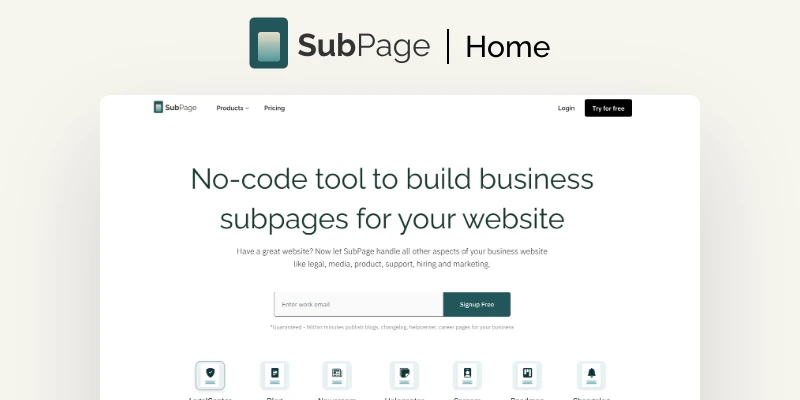
SubPage
SubPage is a no-code, AI-powered platform that allows you to seamlessly add essential subpages like blogs, help centers, career portals, and public roadmaps to any existing website. It integrates with any site builder (Wix, Webflow, WordPress, etc.) and is designed for non-technical users to create, publish, and manage content while maintaining brand consistency.
Knowledge Base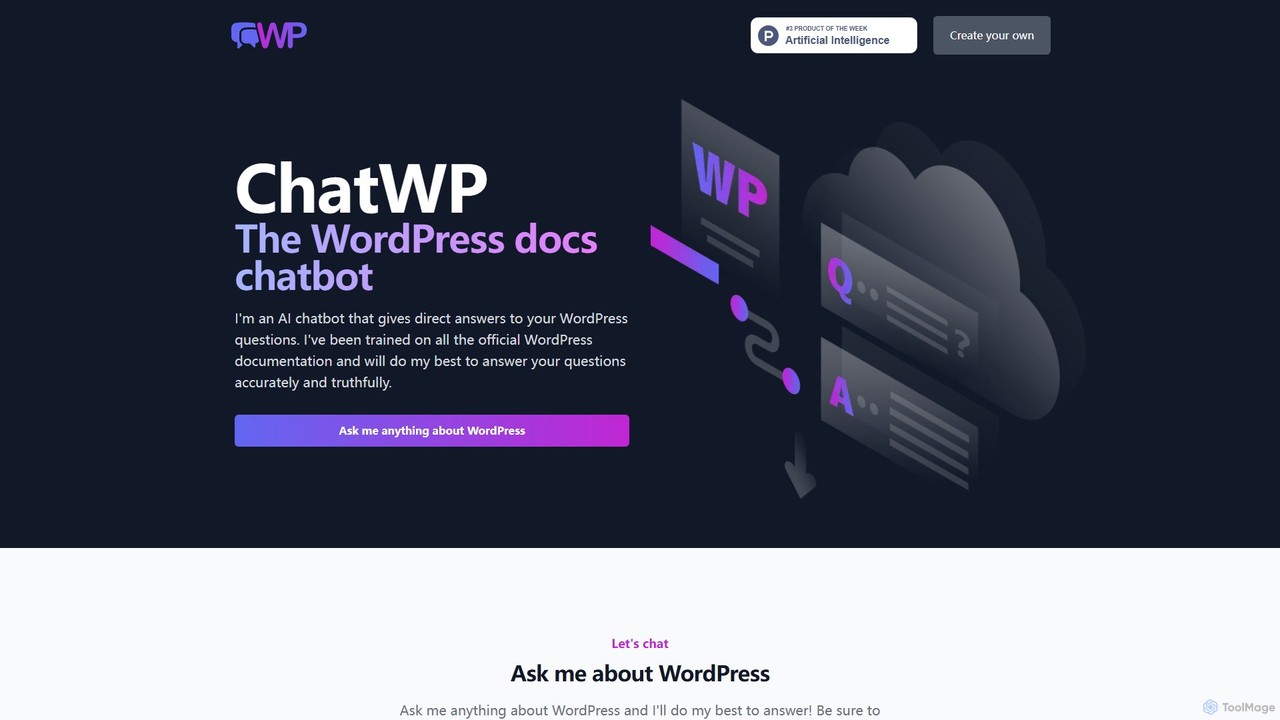
ChatWP
ChatWP is a specialized AI chatbot designed to provide instant, accurate answers to all your WordPress questions. Trained exclusively on the official WordPress.org documentation, it serves as an intelligent assistant for developers, content creators, and site administrators. Simply ask your question in natural language to receive direct answers, code examples, and step-by-step guides, streamlining your workflow and problem-solving process.
Knowledge Base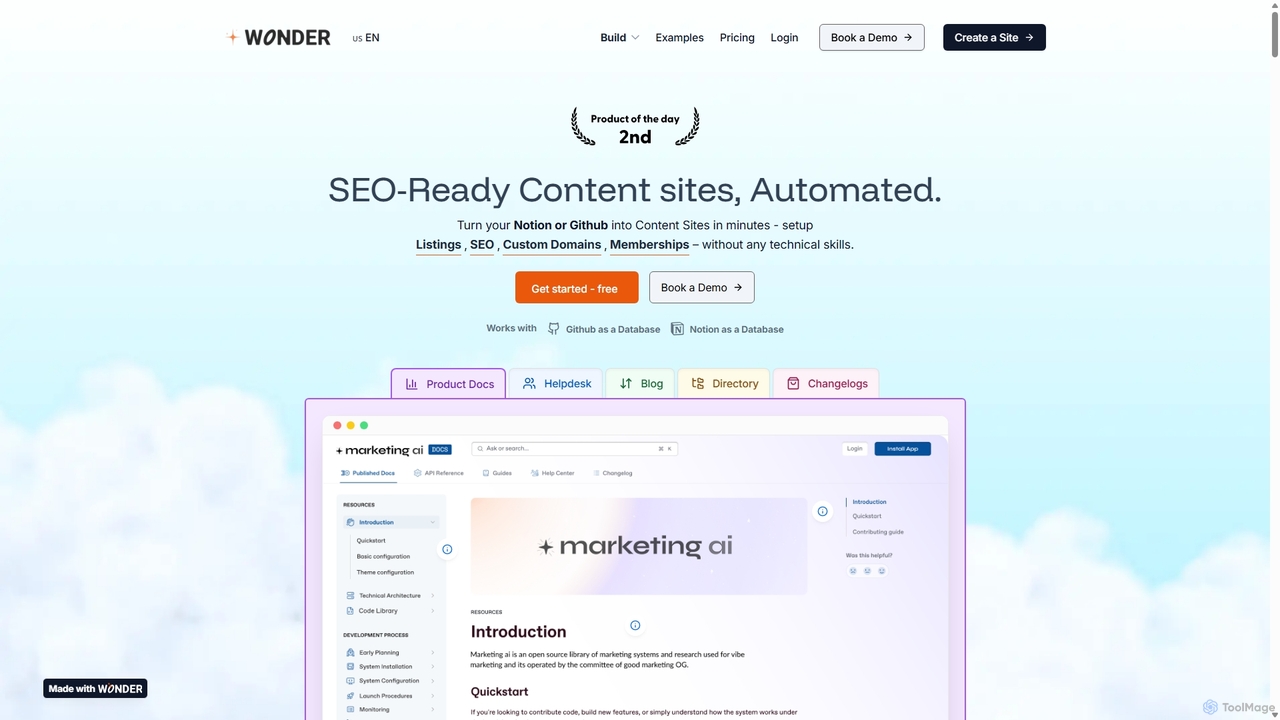
Wondersites
Wondersites is a no-code platform that transforms your Notion or Github databases into fully functional, SEO-ready websites in minutes. Build blogs, helpdesks, directories, and marketplaces without any technical skills. It features AI-powered site creation, built-in analytics, membership paywalls, and seamless integrations.
Content Management
Berri
Berri is a no-code platform that allows you to build custom AI chatbots trained on your own data. Instantly transform your documents, websites, and knowledge bases into an interactive, conversational AI assistant to enhance customer support, generate leads, or streamline internal knowledge sharing.
Chatbot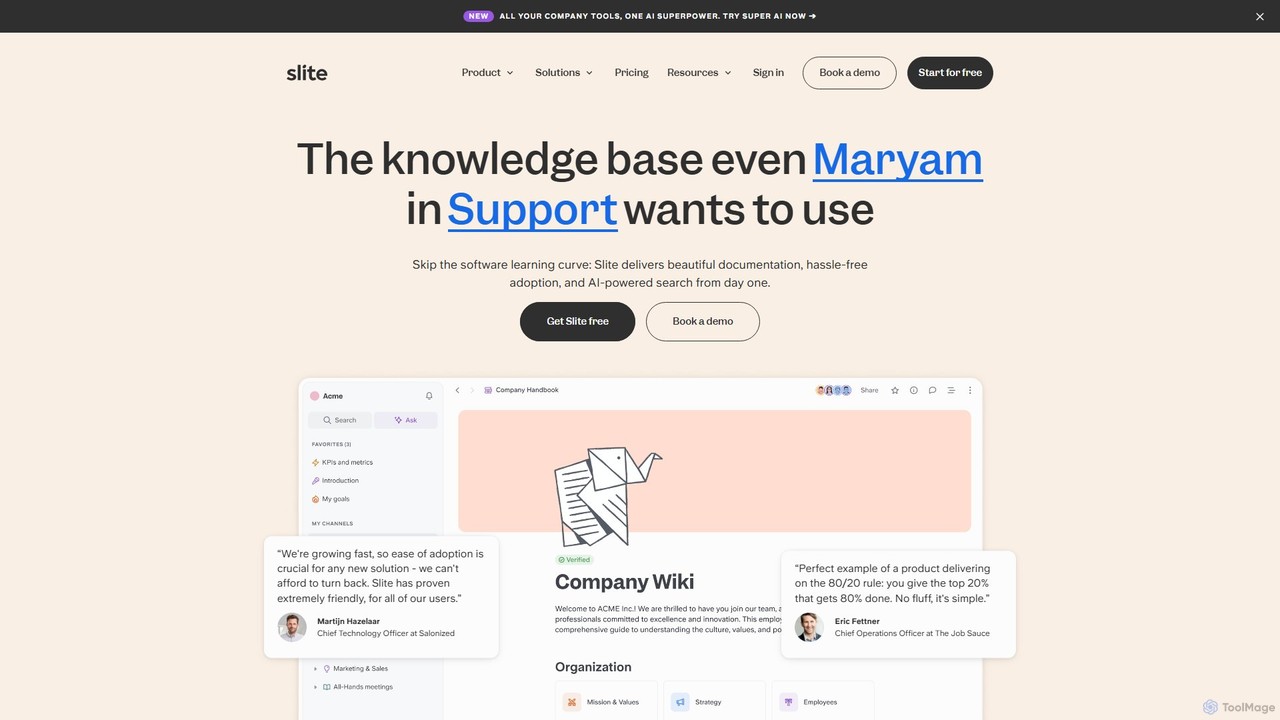
Slite
Slite is an AI-powered knowledge base designed for modern teams. It simplifies documentation, centralizes company knowledge, and provides instant, trustworthy answers through its smart search. Built for high adoption, Slite ensures your team can easily create, manage, and find the information they need, eliminating repetitive questions and information silos.
Team Management
HelpLook Comments (0)
Sign in to comment.
Sign inNo comments yet.