ToolMage
Sign in

Best 4 Help Center AI tools for Customer Support

Popular Help Center AI tools in Customer Support include Archbee, KnowledgeBase, Perfect Wiki, and Nexdocs, helping you work more efficiently.

Nexdocs
Freemium

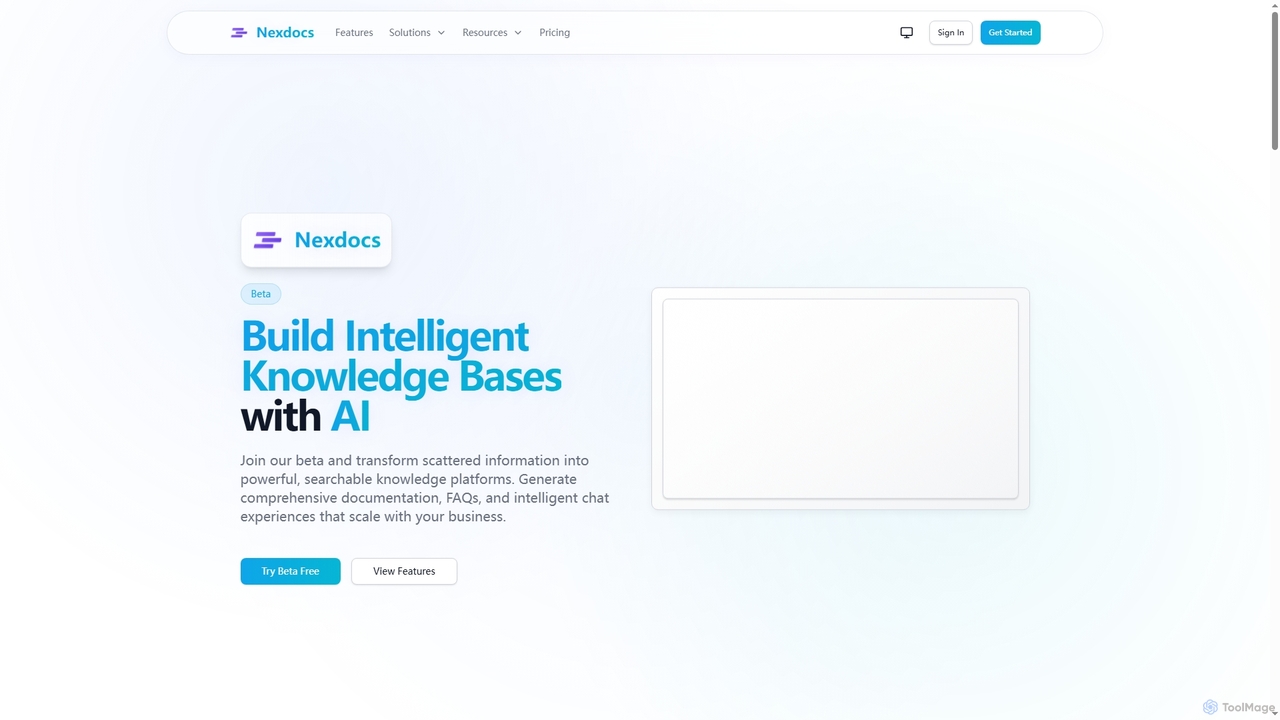
Nexdocs

Nexdocs is an AI-powered platform that transforms scattered information into intelligent, searchable knowledge bases. It generates comprehensive documentation, FAQs, and chat experiences from documents or URLs, designed for SaaS companies, customer support, and internal teams.

Help Center
Visits 5.4KFavorites 122Likes 128
KnowledgeBase
Paid

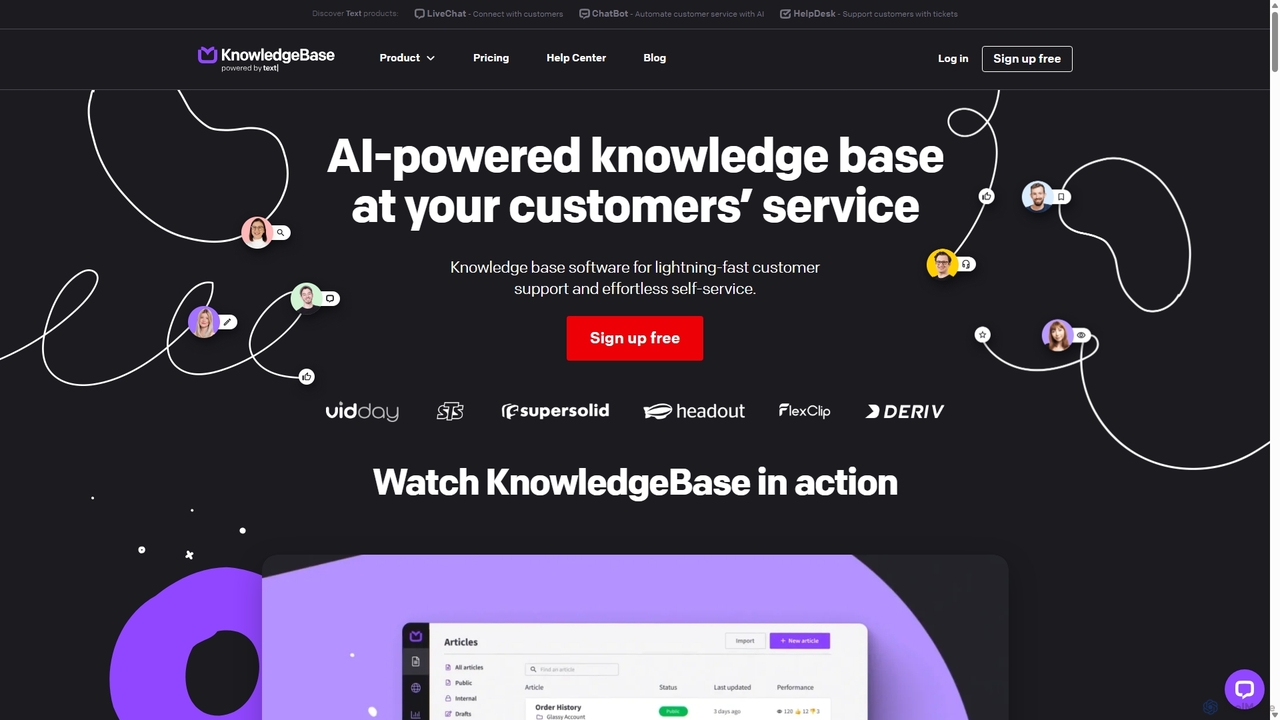
KnowledgeBase

KnowledgeBase is an AI-powered software for creating and managing both external customer help centers and internal knowledge bases. It empowers businesses to offer 24/7 self-service support, reduce agent workload, and ensure consistent information delivery. Key features include AI article generation, intelligent search, and seamless integrations with support tools like LiveChat.

Help Center
Visits 29.6KFavorites 129Likes 120
Archbee
Freemium

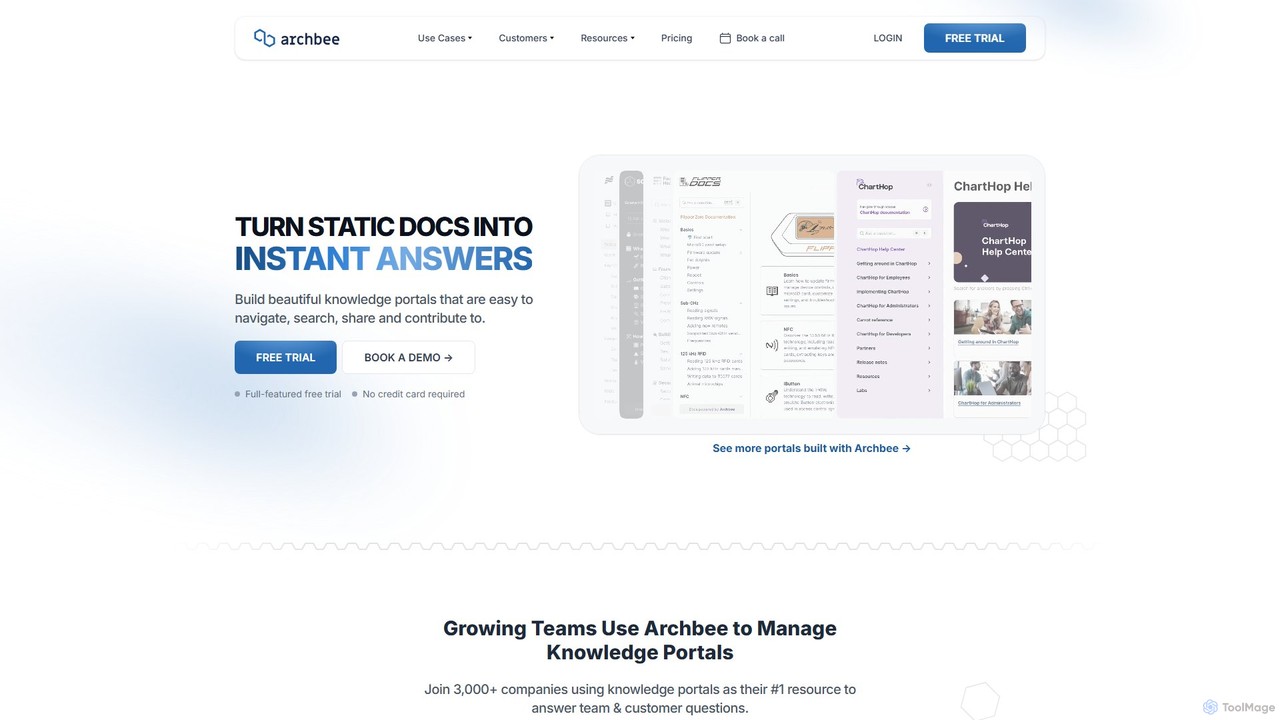
Archbee

Archbee is an AI-powered knowledge portal platform designed for teams and customers. It transforms static documentation into interactive, searchable knowledge bases, enabling instant answers to questions. It's ideal for creating product docs, API documentation, internal wikis, and customer help centers with powerful collaboration and content management features.

Help Center
Visits 40.4KFavorites 139Likes 135
Perfect Wiki
Freemium

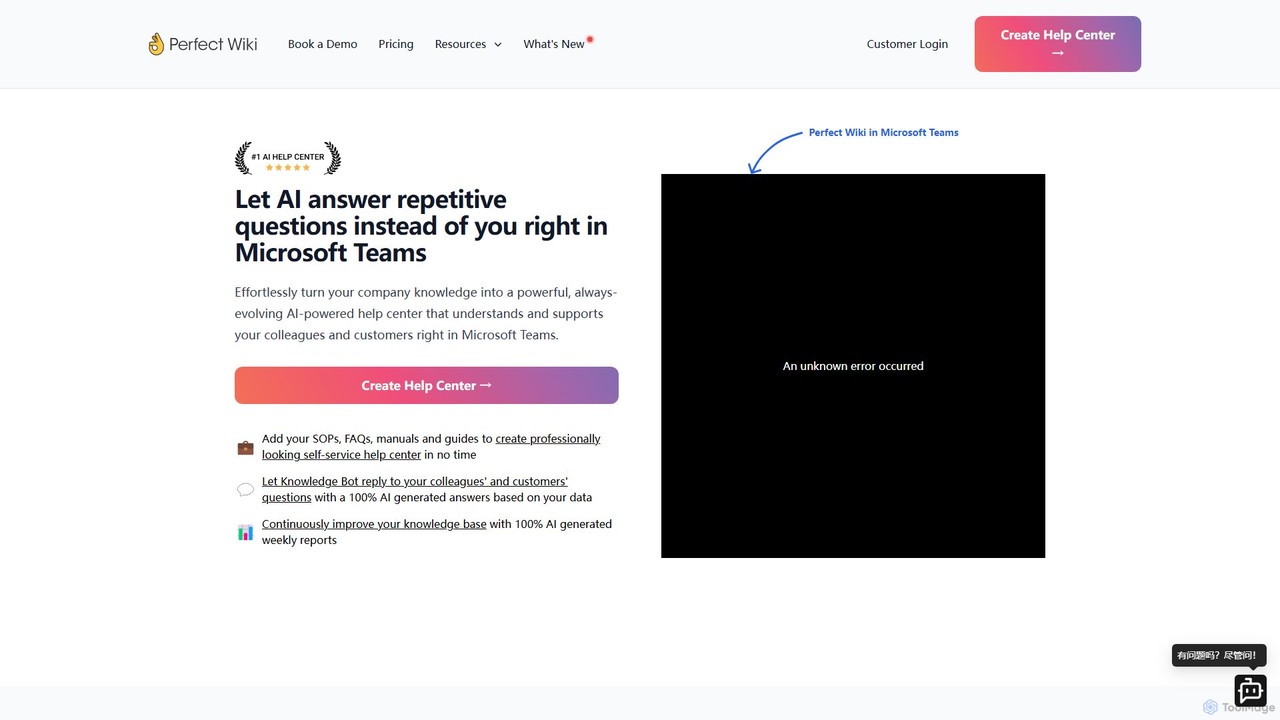
Perfect Wiki

Perfect Wiki is an AI-powered knowledge base integrated directly into Microsoft Teams. It transforms your company's SOPs, FAQs, and manuals into a self-service help center, allowing an AI bot to instantly answer repetitive questions from colleagues and customers, boosting team productivity and centralizing knowledge.

Internal Tools
Visits 15.8KFavorites 122Likes 138

About Help Center

AI-powered Help Center tools are specialized platforms designed to create, manage, and optimize self-service knowledge bases and documentation for customer support. Leveraging artificial intelligence, these tools enhance content discoverability and relevance, enabling users to quickly find answers to their questions independently. They significantly reduce the volume of direct support inquiries by providing intelligent, always-available resources.

Core Features

  • AI-Assisted Content Creation: Generates, drafts, and refines articles, FAQs, and guides based on existing data or prompts.
  • Intelligent Search & Discovery: Utilizes natural language processing (NLP) to understand user queries and deliver highly relevant answers from the knowledge base.
  • Content Optimization & Gap Analysis: Identifies missing information, outdated articles, and areas for improvement based on user search patterns and feedback.
  • Multilingual Support: Automatically translates and manages help content across various languages to serve a global audience.

Applicable Scenarios

Ideal for businesses with extensive product lines, complex services, or a large global customer base seeking to scale their support operations efficiently. Companies aiming to empower customers with instant, accurate self-service options and reduce agent workload will benefit greatly.

How to Choose

When selecting an AI Help Center tool, evaluate its AI capabilities for content generation and search accuracy, ease of content management, integration with existing CRM or support systems, and robust analytics for performance tracking. Consider scalability and multilingual support for future growth.

Help Center use cases

1

Automating FAQ Creation for Product Launches

A product manager uses an AI Help Center tool to rapidly generate comprehensive FAQs and troubleshooting guides for a new software release. By feeding in product specifications and common user questions, the AI drafts initial content, saving weeks of manual writing and ensuring immediate customer access to information upon launch.

2

Enhancing Self-Service for SaaS Users

A SaaS company leverages its AI Help Center to provide instant solutions for common user queries. When a user encounters an issue, the intelligent search function quickly directs them to relevant articles, reducing support ticket volume by 30% and improving user satisfaction through immediate problem resolution.

3

Optimizing Internal Employee Knowledge Base

An HR department utilizes an AI Help Center to manage an internal knowledge base for employees. The AI helps organize policies, benefits information, and IT troubleshooting guides, making it easier for employees to find answers independently, thereby streamlining HR operations and reducing direct inquiries.

4

Providing Multilingual Support for Global Customers

A global e-commerce business deploys an AI Help Center to offer consistent support across different regions. The tool automatically translates and localizes help articles into multiple languages, ensuring that customers worldwide receive accurate and culturally relevant assistance without needing dedicated multilingual support teams.

5

Identifying Content Gaps from User Search Data

A support team analyzes AI Help Center analytics to discover what customers are searching for but not finding. The AI highlights popular but unanswered queries, prompting the team to create new articles or update existing ones, thereby continuously improving the knowledge base's comprehensiveness and relevance.

6

Delivering Personalized Help Article Recommendations

An online service provider integrates its AI Help Center with user profiles to offer personalized support. Based on a user's subscription plan, past interactions, or product usage, the AI proactively recommends relevant help articles, guiding them to solutions before they even formulate a specific query, enhancing proactive support.

Help Center FAQ

What are AI Help Center tools?

AI Help Center tools are platforms that use artificial intelligence to create, manage, and optimize self-service support content like FAQs, articles, and guides. They leverage NLP for intelligent search, AI-assisted content generation, and analytics to empower customers to find answers independently, reducing the need for direct agent interaction and improving overall support efficiency.

How to choose the best AI Help Center tool?

When selecting an AI Help Center tool, prioritize its AI capabilities for smart search and content generation, ease of use for content managers, and integration options with your existing CRM or support systems. Also, consider scalability, multilingual support, robust analytics for performance insights, and the vendor's commitment to ongoing AI model improvements to ensure long-term value.

What are the main benefits of using an AI Help Center?

The primary benefits include significantly reducing support ticket volume by enabling self-service, improving customer satisfaction through instant access to accurate information, and lowering operational costs. AI Help Centers also ensure content consistency, provide valuable insights into customer needs, and free up support agents to focus on more complex issues, enhancing overall team productivity.

How do AI Help Centers differ from traditional knowledge bases?

Traditional knowledge bases are static repositories of information, relying on keyword matching for search. AI Help Centers, however, use advanced NLP to understand user intent, offering semantic search and personalized content recommendations. They also feature AI-assisted content creation, automated content optimization based on usage data, and proactive identification of content gaps, making them dynamic and intelligent.

What's involved in implementing an AI Help Center?

Implementation typically involves migrating existing content, configuring AI search parameters, and training the AI model with your specific data. It also requires defining content governance, integrating with other support tools, and setting up analytics dashboards. Ongoing tasks include regular content updates, monitoring AI performance, and refining the system based on user feedback and new data to ensure optimal effectiveness.