reply4me
reply4me is an AI-powered assistant that automates personalized replies for emails, social media, and messages. It analyzes incoming …
reply4me is an AI-powered assistant that automates personalized replies for emails, social media, and messages. It analyzes incoming text to generate context-aware, tone-appropriate responses, saving you hours and boosting communication efficiency.
WhatsGPT
WhatsGPT integrates a powerful AI assistant directly into your WhatsApp and Telegram, allowing you to chat with a …
WhatsGPT integrates a powerful AI assistant directly into your WhatsApp and Telegram, allowing you to chat with a GPT-powered bot. Get instant answers, generate text, translate languages, and boost your productivity without ever leaving your favorite messaging app. It's your personal AI companion, always available in your pocket.
Inboxly
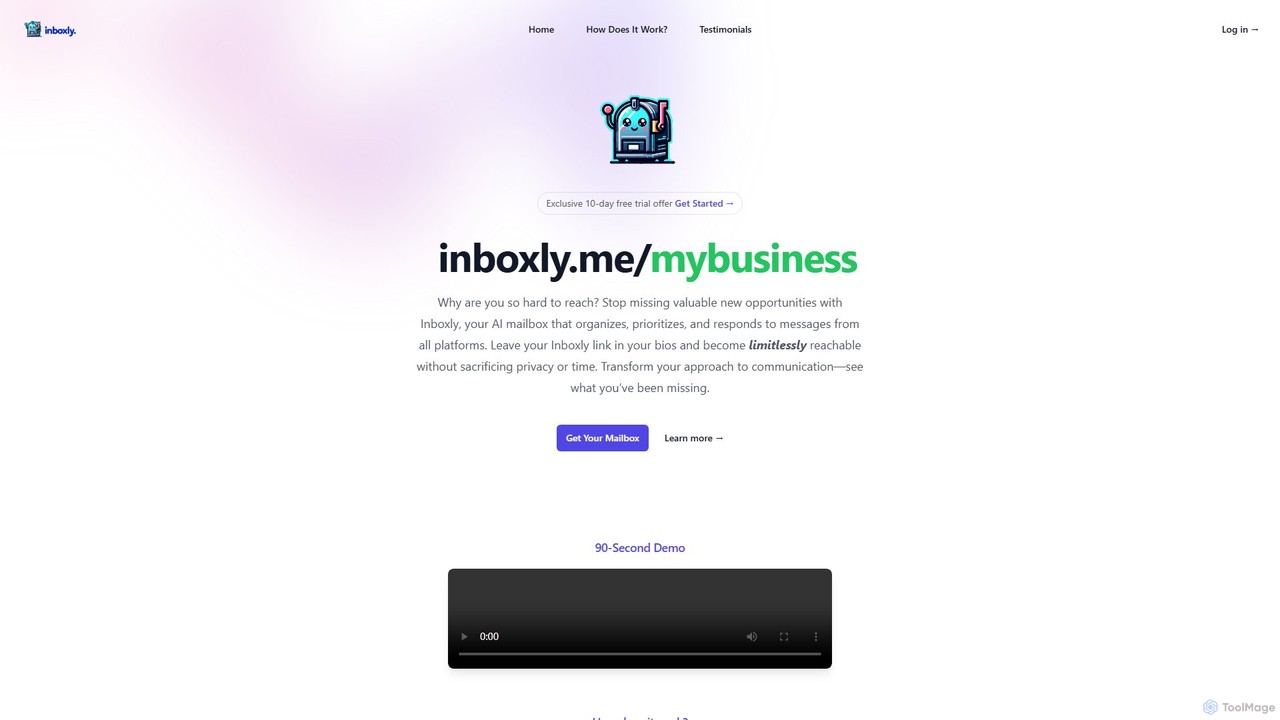
Inboxly is an AI-powered mailbox that unifies messages from all your platforms into a single, smart inbox. It …
Inboxly is an AI-powered mailbox that unifies messages from all your platforms into a single, smart inbox. It uses an AI assistant to organize, prioritize, and automate responses, helping you manage communications efficiently and never miss a valuable opportunity. Share a single public link to stay reachable without sacrificing privacy.
About Automated Response
Automated Response tools are a class of AI-powered applications designed to instantly generate and deliver replies to user inquiries across various digital channels. These systems leverage Natural Language Processing (NLP) and machine learning algorithms, or predefined rule-based logic, to understand query intent and provide relevant, contextual answers without human intervention. Their primary value lies in significantly improving response times, ensuring 24/7 customer availability, and efficiently managing high volumes of repetitive questions. As a key component of modern customer support, they act as the first line of interaction, resolving common issues and freeing up human agents for more complex tasks.
Core Features
- Intent Recognition: Accurately identifies the user's goal or question from their natural language input.
- Multi-Channel Deployment: Operates seamlessly across platforms like email, live chat, social media, and messaging apps.
- Workflow Automation: Integrates with CRM and helpdesk systems to create tickets, update user data, or trigger specific actions.
- Dynamic Personalization: Customizes responses using user data, such as name, order history, or previous interactions.
- Sentiment Analysis: Gauges the user's emotional tone to prioritize urgent issues or escalate frustrated customers to a human agent.
Applicable Scenarios
These tools are widely used in e-commerce to handle order status queries, in SaaS for initial technical support and user onboarding, and in HR departments to answer common employee questions about policies or benefits. Any business with a high volume of predictable customer inquiries can benefit from automating its initial response layer.
How to Choose
When selecting an Automated Response tool, consider its integration capabilities with your existing software stack (e.g., Salesforce, Zendesk). Evaluate the sophistication of its AI—whether it's simple keyword matching or advanced NLP. Also, assess the range of supported channels, the level of customization available for response flows, and the quality of its analytics for monitoring performance.
Automated ResponseUse Cases
24/7 E-commerce Order Status Inquiries
An e-commerce store manager uses an automated response tool integrated with their Shopify store. When a customer asks, 'Where is my order?' via the website chat widget at 2 AM, the system automatically retrieves the order status and tracking number from Shopify's API. It then provides an instant, accurate response with a tracking link, resolving the query without waking up a support agent. This ensures immediate customer satisfaction and reduces the morning backlog of support tickets by over 40%.
Automated Social Media Comment Responses
A social media manager for a major brand schedules a product launch post on Instagram. They configure an automated response tool to reply to common questions in the comments, such as 'How much does it cost?' or 'When will it be available in Europe?'. The tool instantly posts public replies with pre-approved information and can also automatically hide comments containing spam or offensive language. This maintains a positive comment section and provides quick answers to potential customers, improving engagement and freeing the manager to focus on broader strategy.
Initial IT Helpdesk Triage and Password Resets
An IT support team at a large corporation implements an automated response system within their Microsoft Teams support channel. When an employee reports an issue, the system first asks a series of diagnostic questions to classify the ticket (e.g., 'Is this related to hardware or software?'). For common requests like 'I forgot my password,' it automatically triggers a secure password reset workflow, guiding the user through the process. This resolves over 30% of incoming tickets instantly, allowing the IT specialists to focus on complex system outages and hardware failures.
Website Lead Qualification for Sales Teams
A B2B software company's marketing team uses an automated response chatbot on their pricing page. When a visitor lands on the page, the bot initiates a conversation, asking qualifying questions like 'What is your company size?' and 'What is your primary use case?'. Based on the answers, the bot can provide a link to a relevant case study, offer a demo signup link, or, for high-value prospects (e.g., companies with over 500 employees), instantly connect them to a live sales representative. This automates the top of the sales funnel, ensuring sales reps only spend time on qualified leads.
Automated Email Follow-ups After Support Interactions
A customer success team at a SaaS company sets up an automated email response system linked to their helpdesk. Twenty-four hours after a support ticket is marked as 'resolved,' the system automatically sends a personalized follow-up email to the customer. The email asks if the solution worked and provides a link to a satisfaction survey. If the customer replies that the issue persists, the system automatically re-opens the ticket and notifies the original agent. This proactive follow-up improves customer satisfaction and helps identify recurring issues without manual effort.
SaaS Product Onboarding Guidance
A product manager for a new project management tool implements an in-app automated response system. When a new user signs up, the system proactively sends messages highlighting key features, such as 'Here's how you create your first task.' It also answers common initial questions like 'How do I invite my team?'. If a user types a question the bot doesn't understand, it seamlessly offers to create a support ticket. This guided onboarding helps users reach their 'aha!' moment faster, increasing activation rates and reducing early-stage customer churn.