ToolMage
Sign in

Best 89 Email Assistant for Productivity

Popular Email Assistant in Productivity include reply4me, Fyxer, GPT Workspace, WriteMail.ai, SaneBox, Serif, Jace AI, MailMaestro, Flowrite, and Duet Mail, helping you work more efficiently.

Penguin Maily
Freemium

Penguin Maily

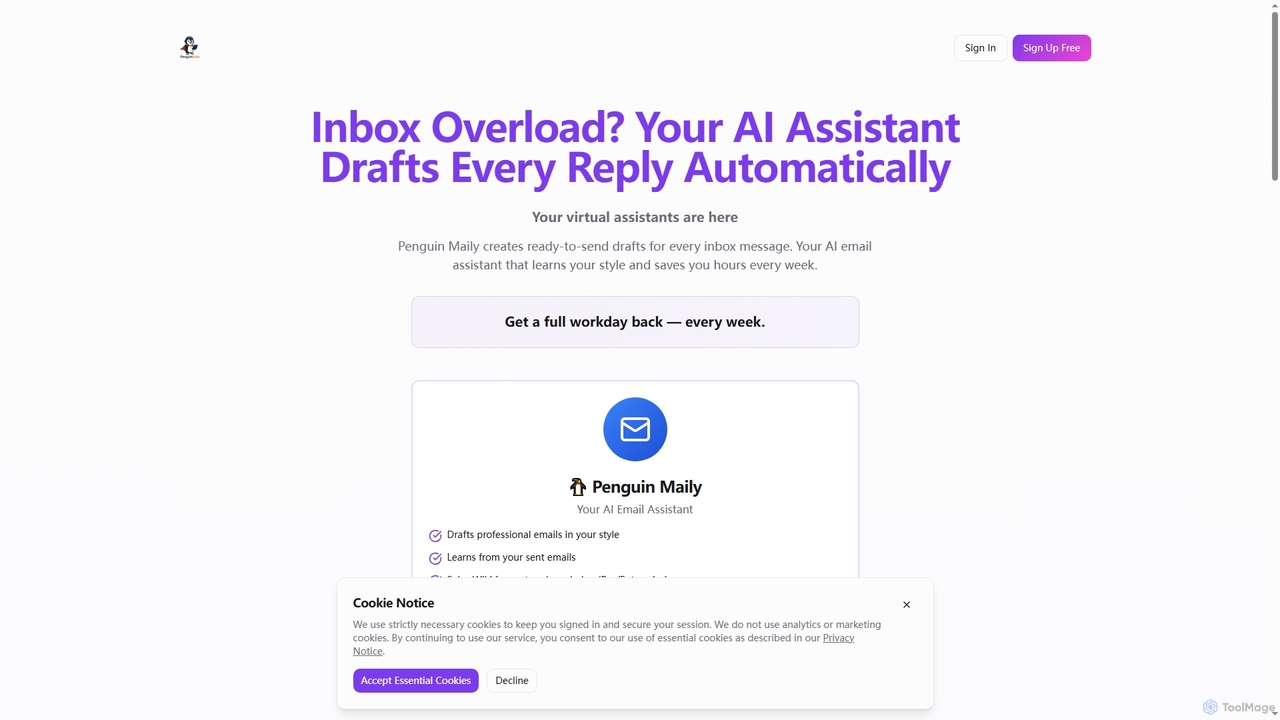
Penguin Maily is an AI-powered email assistant designed to streamline communication, generate professional email drafts in seconds, and learn your unique writing style. It helps individuals and teams save significant time weekly by automating routine email responses and enhancing productivity.

Sales Automation
Visits 6.5KFavorites 151Likes 143
Extra Thursday
Freemium

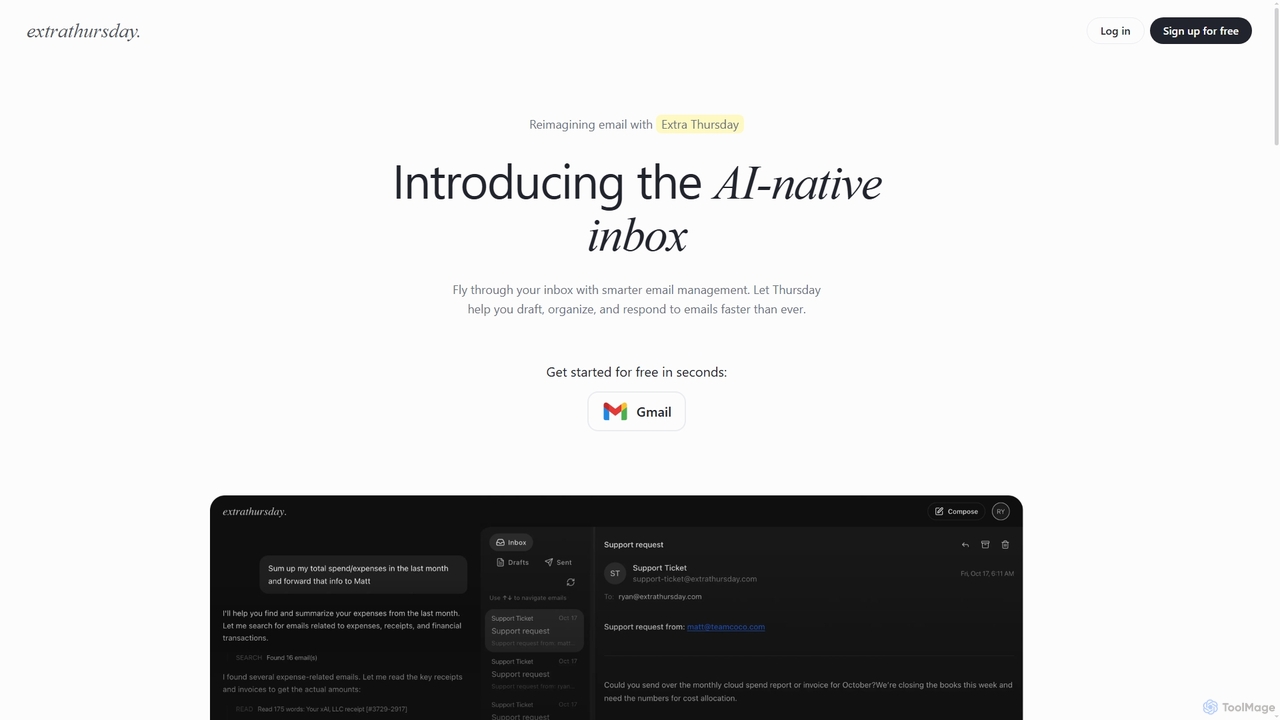
Extra Thursday

Extra Thursday is an AI-native email assistant designed to revolutionize your Gmail inbox. It helps you draft responses, organize emails, and extract key insights automatically, allowing you to manage thousands of emails in minutes and significantly boost your productivity.

Email Management
Visits 6.9KFavorites 112Likes 122
Inboxdigest
Free

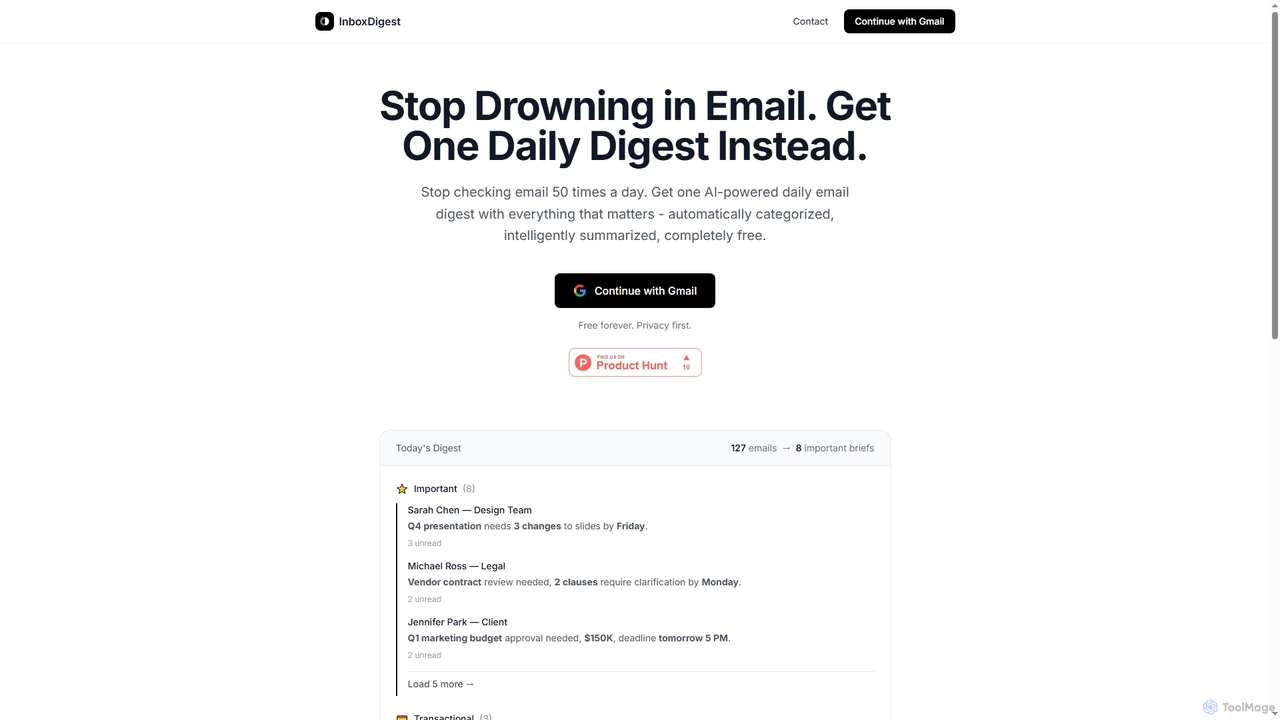
Inboxdigest

InboxDigest is a free AI tool that transforms your cluttered Gmail inbox into a single, daily email digest. It automatically categorizes and summarizes your emails into concise one-line briefs, helping you save hours and focus on what truly matters without constantly checking your inbox.

Email Management
Visits 6.5KFavorites 153Likes 141
Supamail
Paid

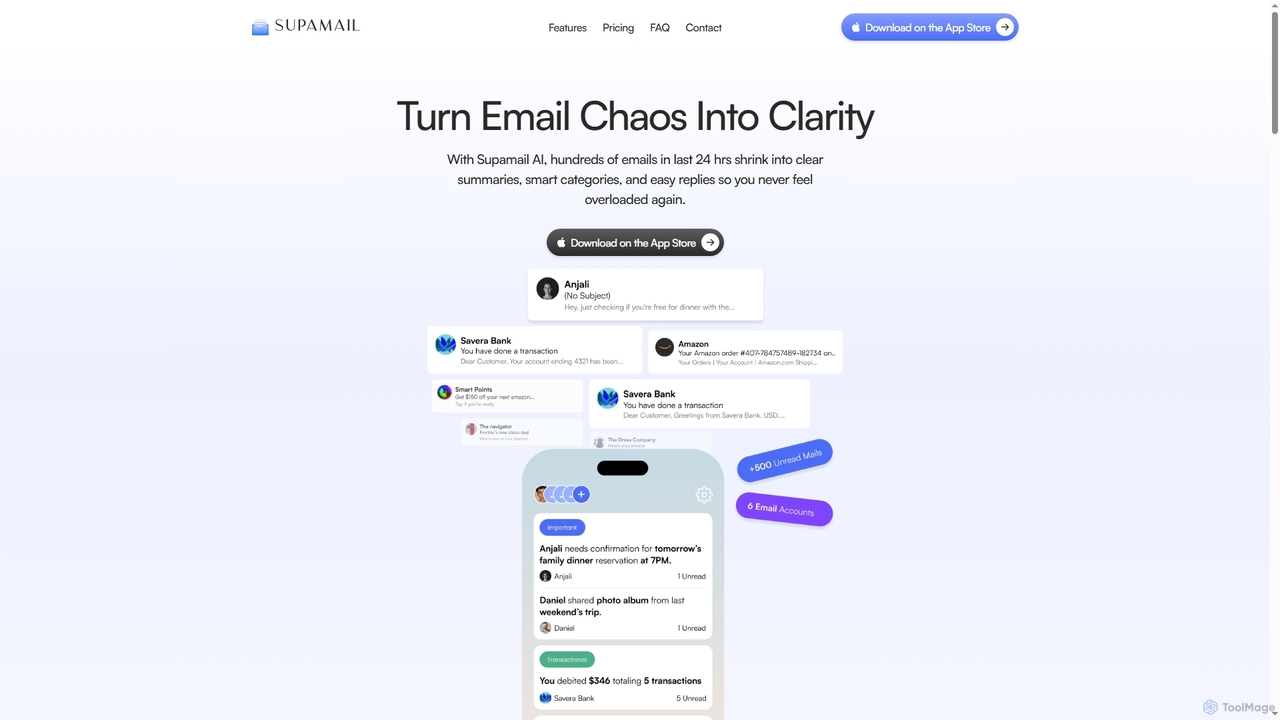
Supamail

Supamail is an AI-powered email assistant for Gmail designed to declutter your inbox. It groups emails, creates one-line summaries, automatically categorizes messages into Important, Transactional, or Promotional, and enables one-click replies, helping you save time and focus on what truly matters.

Summarizer
Visits 6.4KFavorites 147Likes 137
Jace AI
Paid

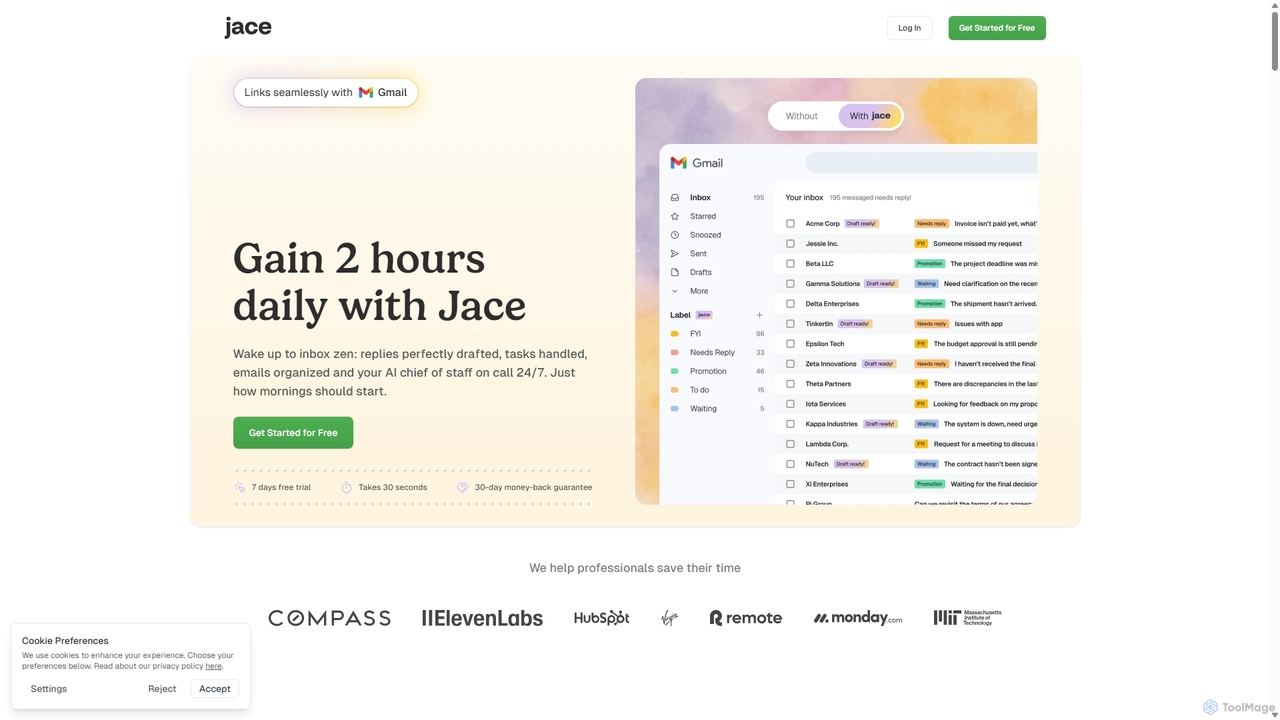
Jace AI

Jace AI is an intelligent 24/7 email assistant that automates your inbox. It seamlessly integrates with Gmail to draft replies, organize emails with AI labels, and handle tasks automatically. By analyzing context from attachments, calendars, and Slack, Jace saves professionals hours daily, allowing them to focus on what truly matters.

Workflow Management
Visits 82.9KFavorites 135Likes 122
Legendary Email
Free

Legendary Email

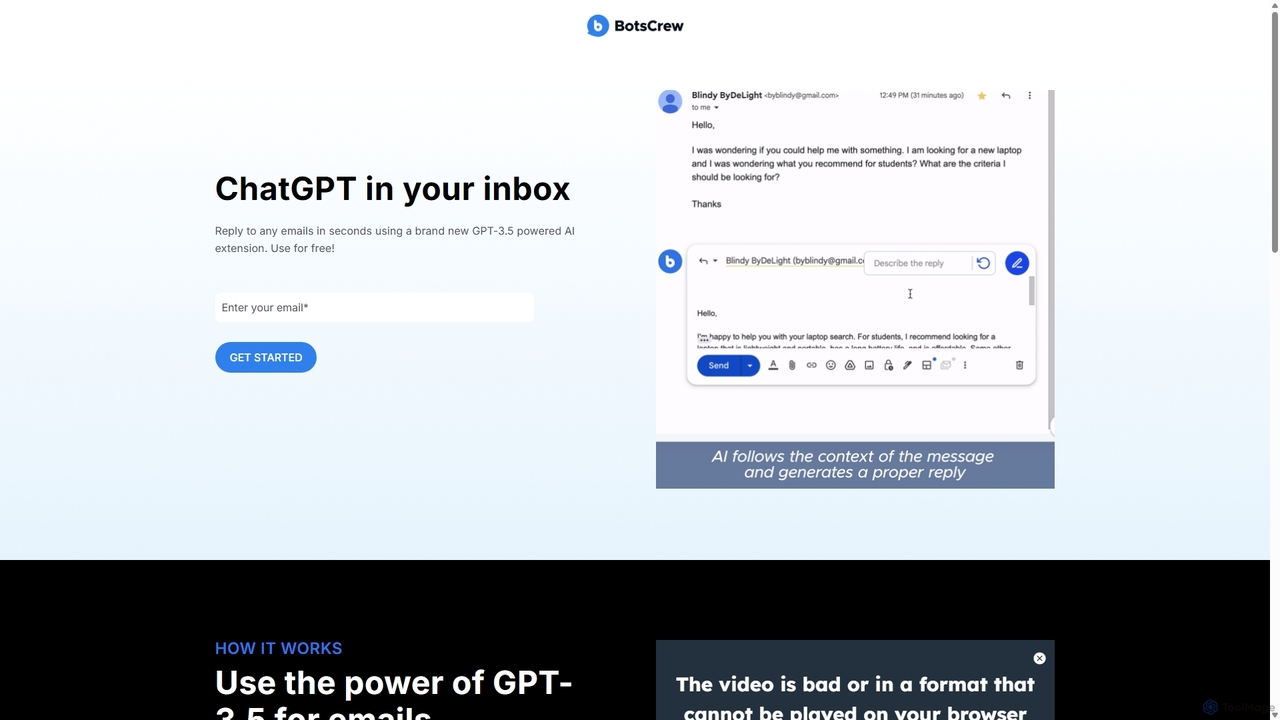
Legendary Email is a free, GPT-3.5 powered browser extension that integrates directly into your inbox, CRM, or ticketing system. It analyzes email context to instantly draft professional, relevant replies. Ideal for sales, customer support, and anyone looking to enhance email productivity and communication quality.

Help Desk
Visits 6.3KFavorites 134Likes 147
Ellie
Freemium

Ellie

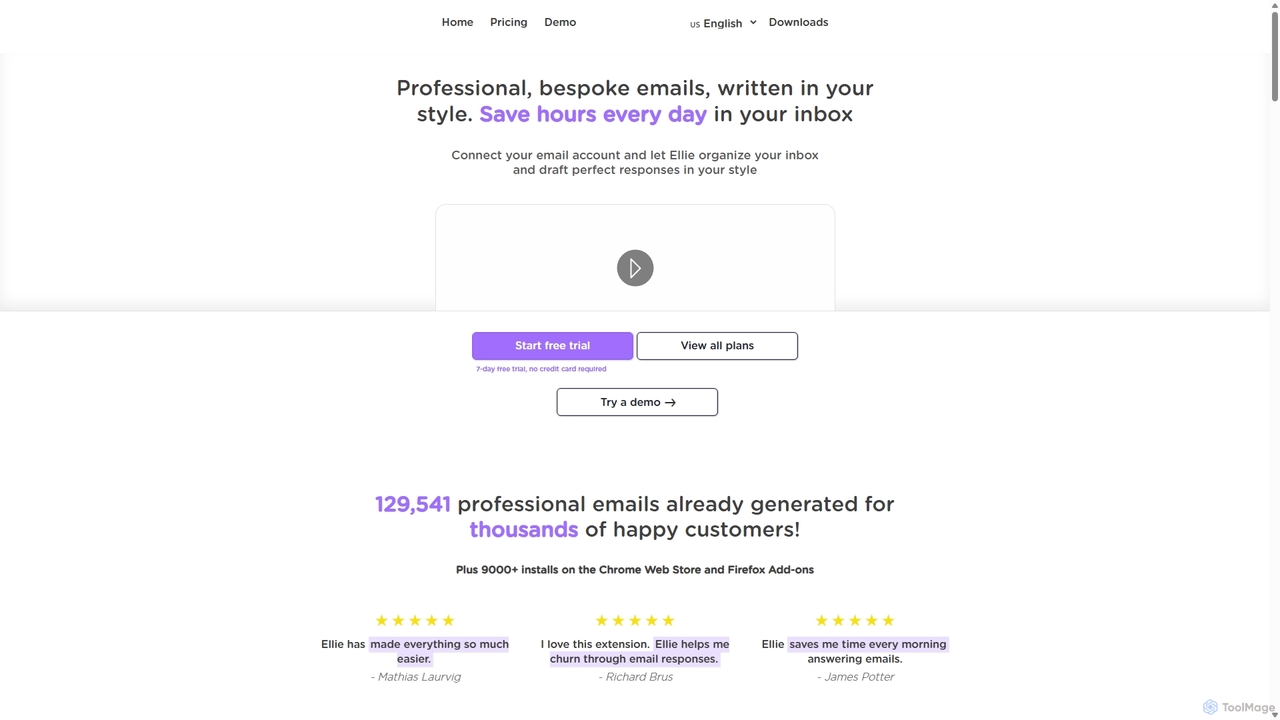
Ellie is an AI email assistant that learns your writing style to draft professional, personalized email replies. It integrates with your inbox via a browser extension, understands context, and supports multiple languages to save you hours every day.

Customer Support
Visits 6.4KFavorites 116Likes 111
VoiceType
Freemium

VoiceType

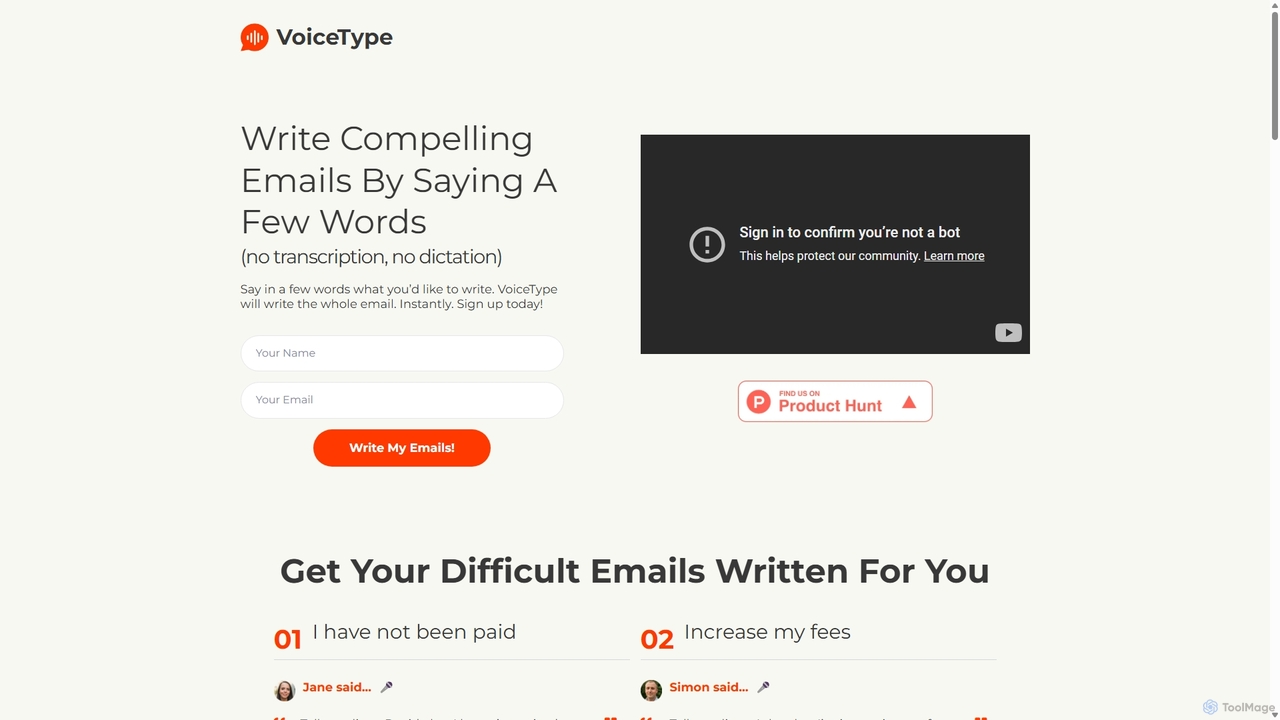
VoiceType is an AI-powered Chrome extension for Gmail that transforms short voice prompts into fully composed, professional emails. Instead of dictation, you simply explain the intent of your message, and VoiceType drafts a polished, grammatically correct email instantly. It's designed to save time, improve communication quality, and assist users with writing difficulties like dyslexia.

Assistive Technology
Visits 9KFavorites 111Likes 135
Ai Mailer
Free

Ai Mailer

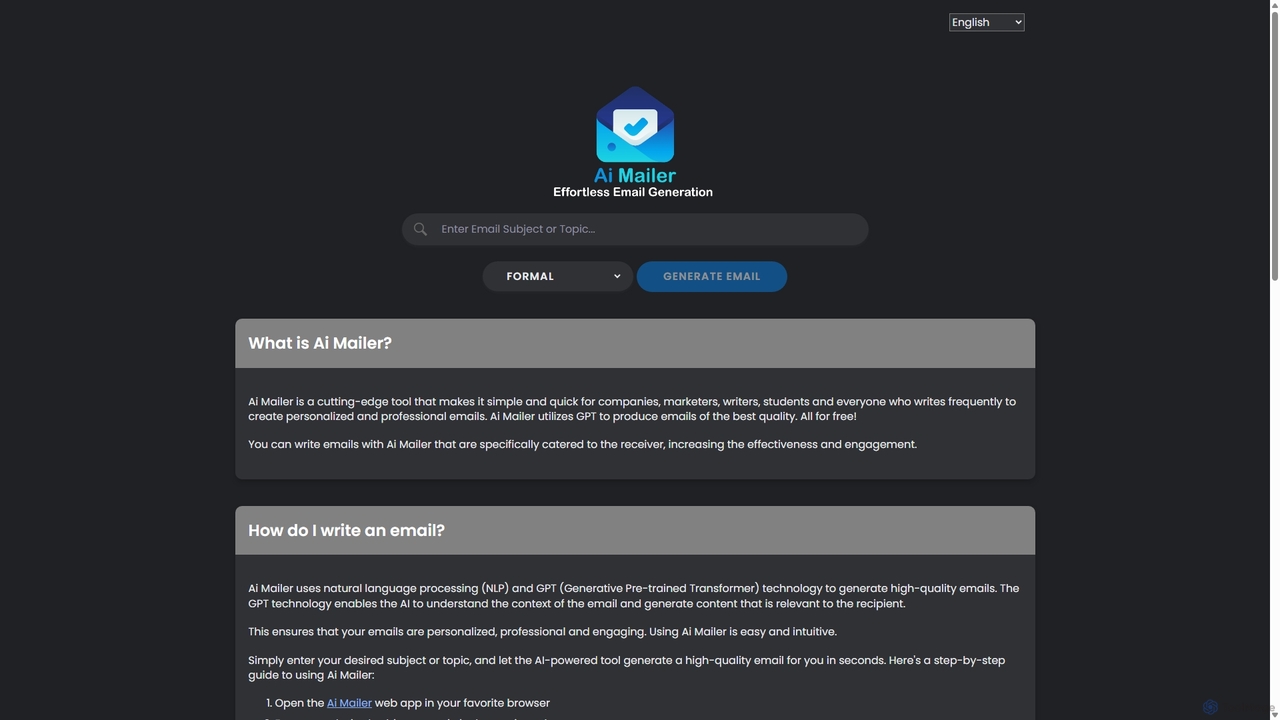
Ai Mailer is a free, AI-powered tool that leverages ChatGPT to effortlessly generate high-quality, professional emails. Simply provide a topic and select from various tones to create personalized, engaging content in seconds. Ideal for businesses, students, and anyone looking to save time and enhance their email communication.

Email Marketing
Visits 6.6KFavorites 170Likes 147
Auto Gmail
Freemium

Auto Gmail

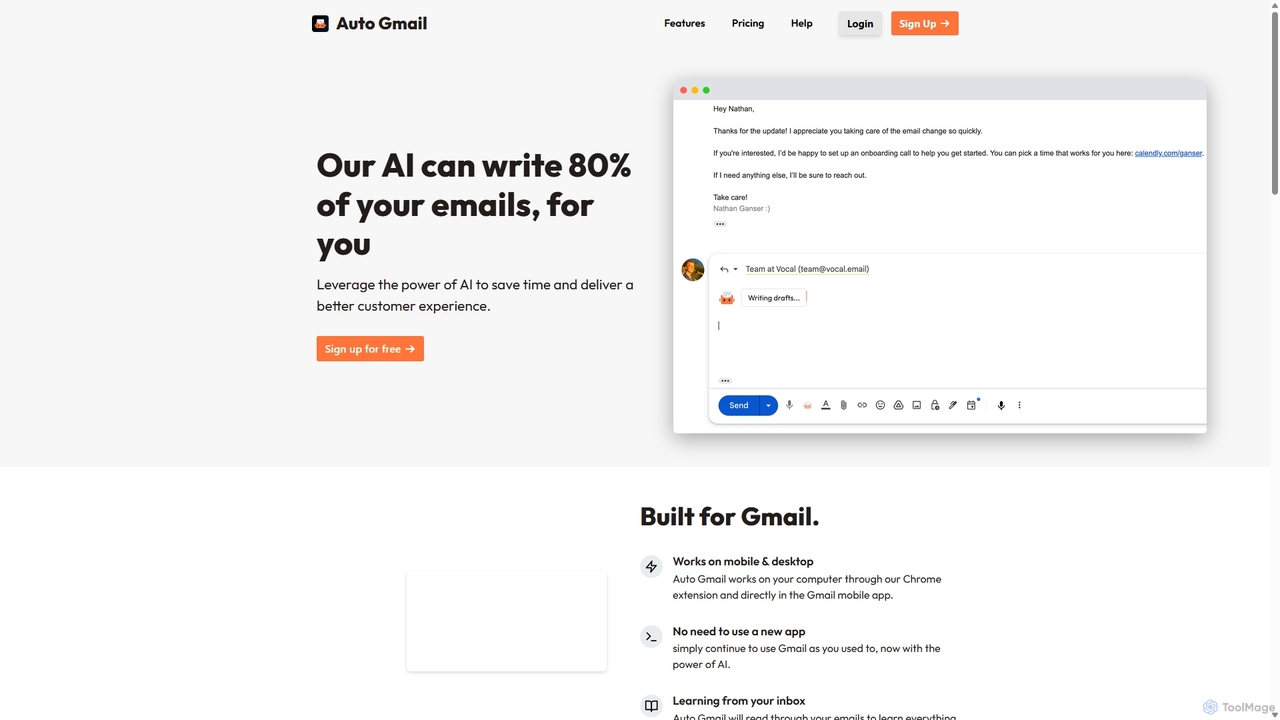
Auto Gmail is an AI-powered assistant for Gmail that learns your writing style to automatically draft email replies. It integrates seamlessly into your inbox via a Chrome extension, aiming to write 80% of your emails, saving you time and enhancing customer communication.

Email Management
Visits 10.2KFavorites 143Likes 129
Heyy
Freemium

Heyy

Heyy is an AI-powered email assistant and outreach platform designed to streamline your communication. It helps you write personalized emails, automate follow-ups, and analyze campaign performance to boost engagement and save time.

Email Marketing
Visits 6.6KFavorites 137Likes 143
Amurex
Free

Amurex

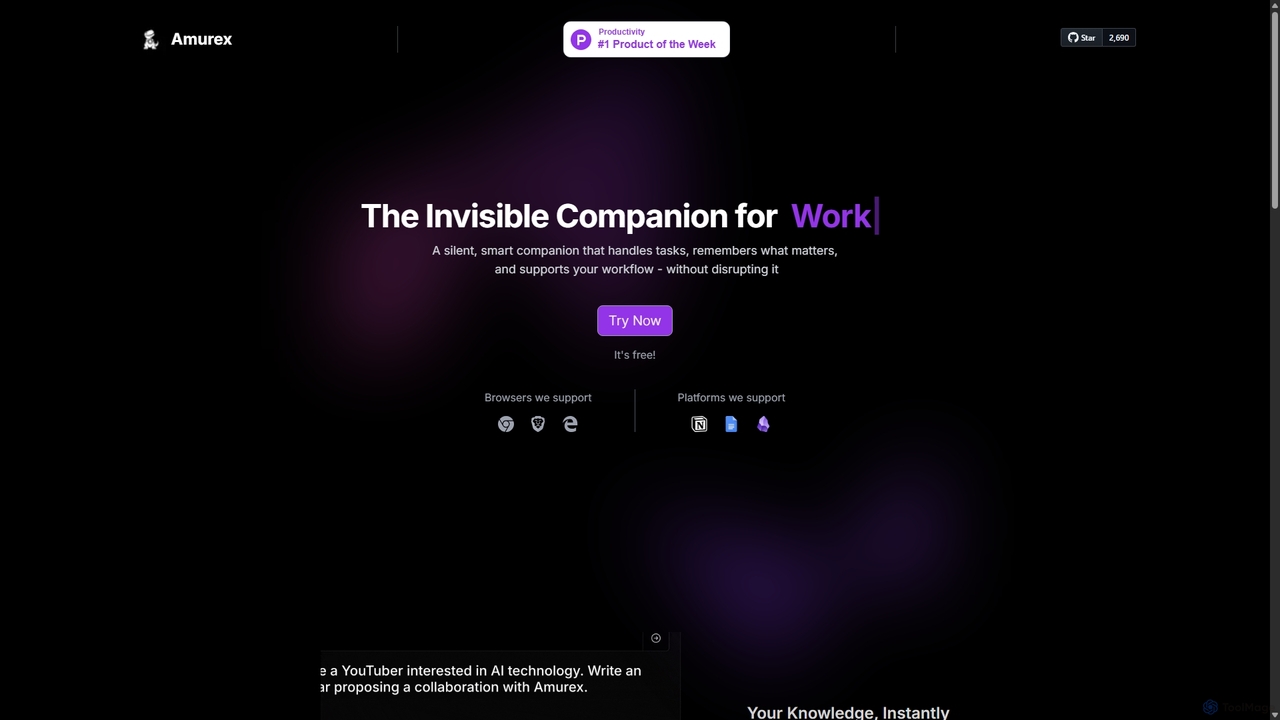
Amurex is an open-source AI invisible companion that works silently in the background to streamline your workflow. It integrates with your existing apps like Notion, Google Drive, and Obsidian to create a searchable knowledge base, automates meeting transcriptions and summaries, and intelligently categorizes your inbox.

Automation
Visits 9.9KFavorites 137Likes 140
Oh-heck
Freemium

Oh-heck

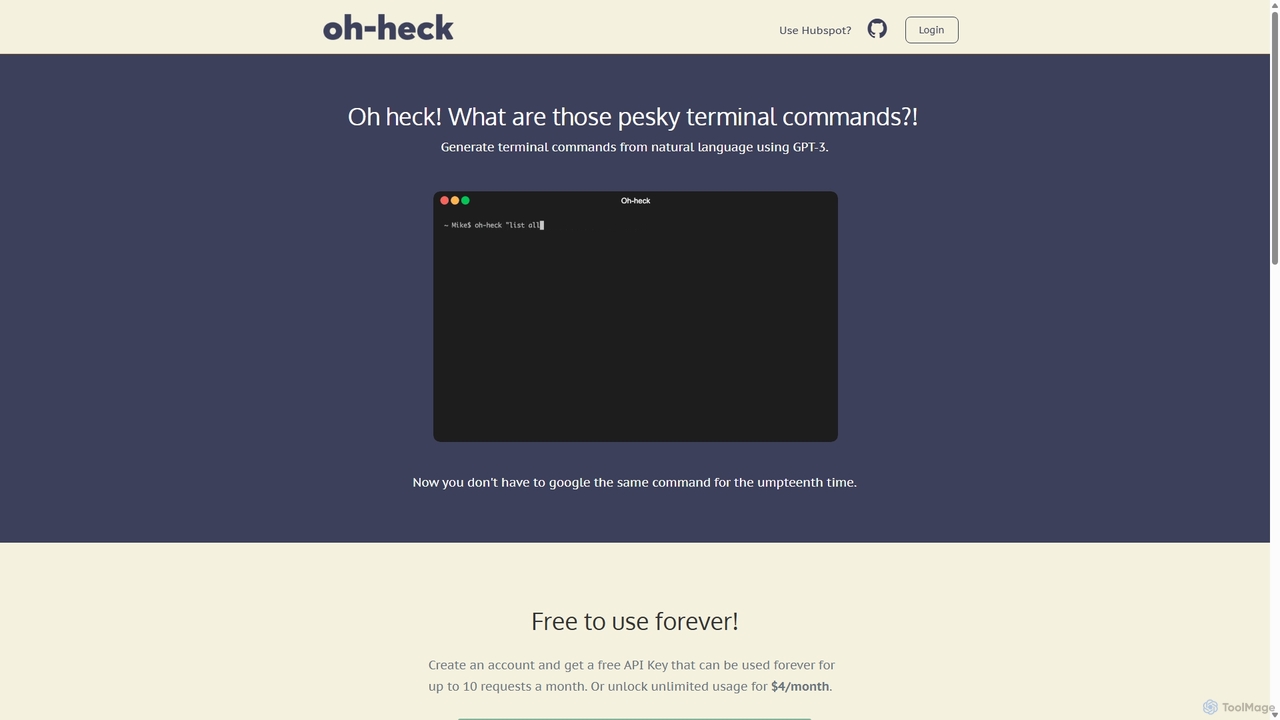
Oh-heck is a suite of AI-powered productivity tools that convert natural language into terminal commands and generate professional emails directly within your CRM. Powered by GPT-3, it's designed to save time for developers, sales teams, and support agents by simplifying complex and repetitive tasks.

Command Line
Visits 6.4KFavorites 107Likes 107
GPT Workspace
Freemium

GPT Workspace

GPT Workspace integrates AI-powered features directly into Google Workspace applications like Docs, Sheets, Slides, and Gmail. It enhances productivity by automating content creation, data analysis, email drafting, and document editing, allowing users to leverage the power of models like GPT-4o seamlessly within their existing workflow.

Document Management
Visits 278.9KFavorites 128Likes 135
Serif
Freemium

Serif

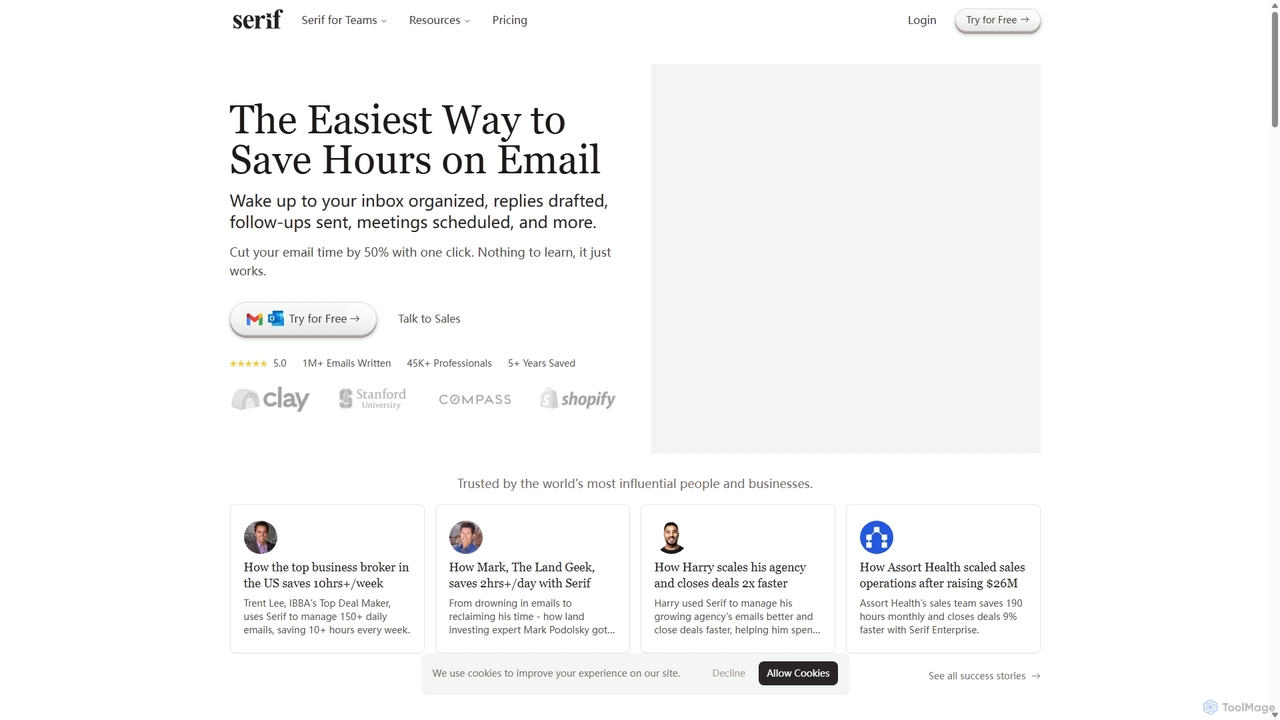
Serif is an AI executive assistant designed to save you hours on email. It automatically organizes your inbox, drafts personalized replies, sends follow-ups, and schedules meetings. Integrating seamlessly with Gmail and Outlook, Serif learns your communication style to act as your virtual assistant, boosting productivity and response times without a complex setup.

Virtual Assistant
Visits 95.4KFavorites 123Likes 121
Zero
Freemium

Zero

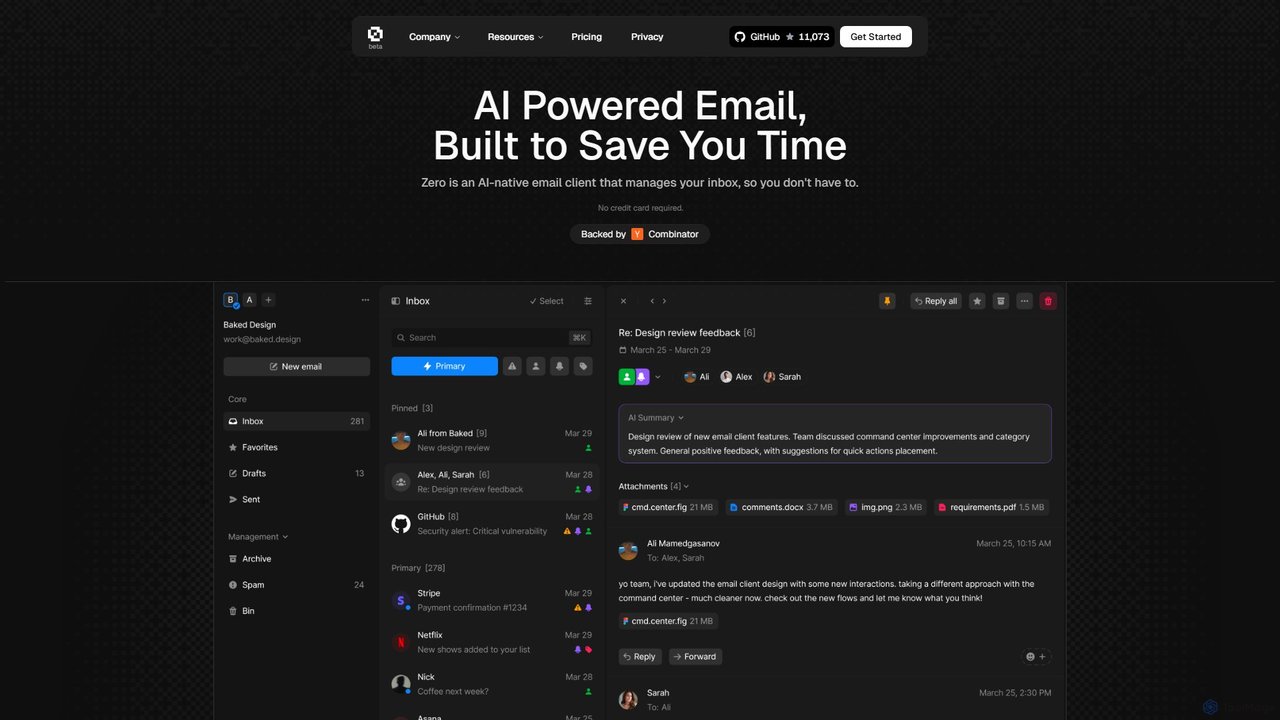
Zero is an AI-native email client designed to save you time. It automatically manages your inbox by summarizing threads, drafting replies, and extracting action items, allowing you to process emails at lightning speed with a keyboard-first interface.

Personal Assistant
Visits 42.9KFavorites 158Likes 135
Chatgpt Services
Freemium

Chatgpt Services

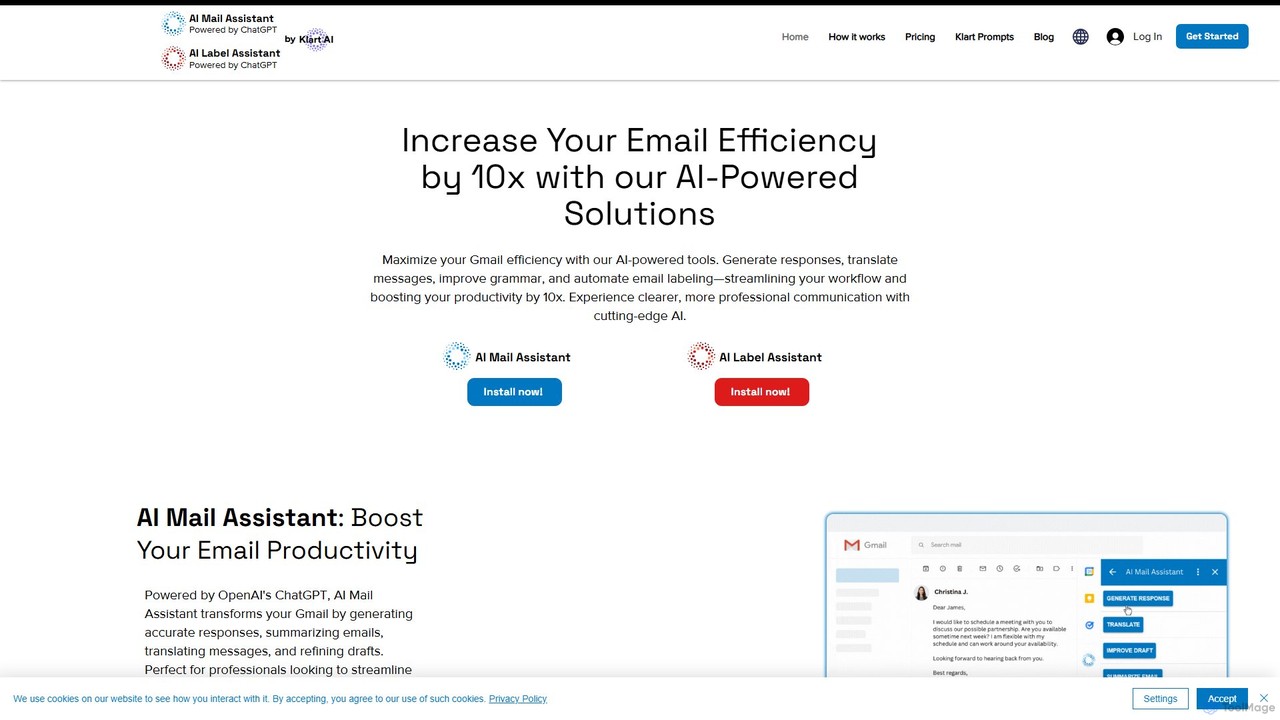
Chatgpt Services offers a suite of AI-powered Gmail add-ons, including AI Mail Assistant and AI Label Assistant. Powered by GPT-4o, it boosts your email productivity by generating smart responses, summarizing threads, translating messages in 13 languages, improving grammar, and automating email labeling and organization. Streamline your workflow and enhance communication directly within Gmail.

Translation
Visits 6.5KFavorites 121Likes 127
Clara

Clara

Clara is an AI-powered virtual employee that automates meeting scheduling. Simply Cc Clara in an email, and it will handle all the back-and-forth communication using natural language to find the perfect time, follow up with participants, and send calendar invites. This allows you to focus on more important work by eliminating the tedious task of coordinating schedules.

Virtual Assistant
Visits 20.1KFavorites 133Likes 144
MailAgent.ai
Freemium

MailAgent.ai

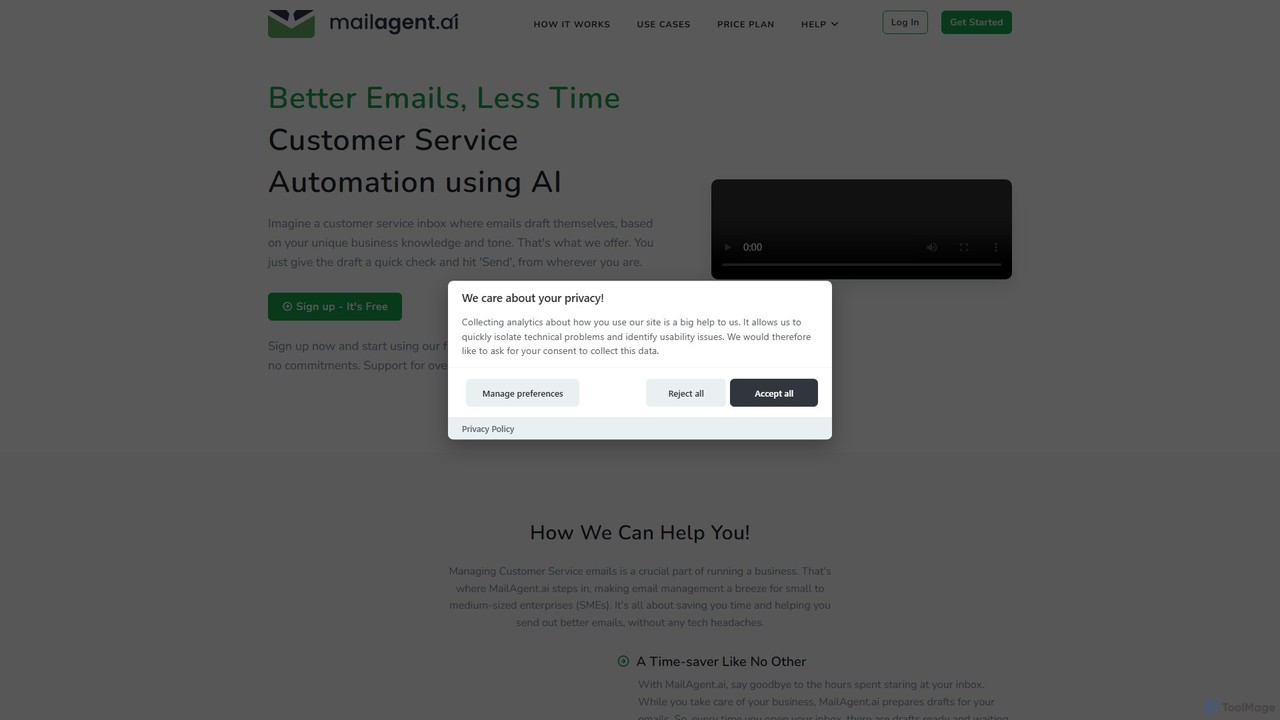
MailAgent.ai is an AI-powered email automation tool designed to enhance customer service for small and medium-sized businesses. It automatically drafts intelligent, context-aware replies to customer inquiries, supporting over 95 languages to break down communication barriers and improve response times.

Email Automation
Visits 6.5KFavorites 121Likes 109
EmailWhisperer
Freemium

EmailWhisperer

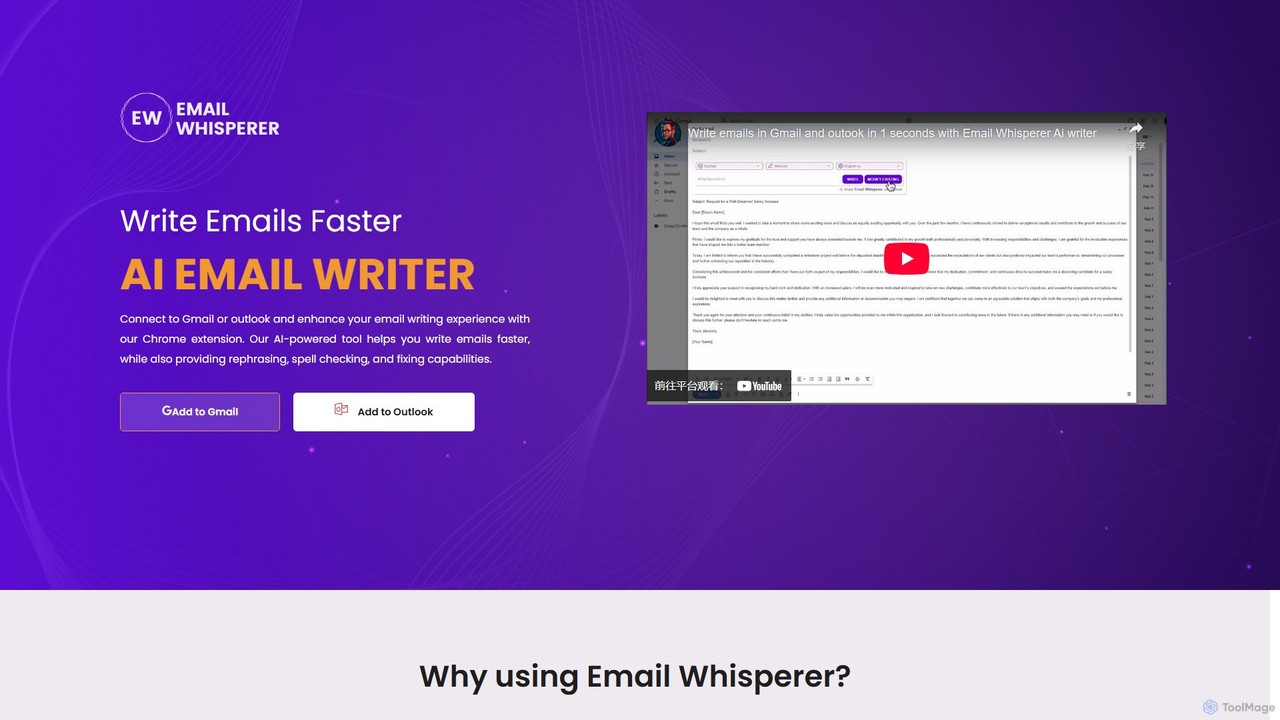
EmailWhisperer is an AI-powered Chrome extension for Gmail and Outlook that helps you write emails faster. It offers features like rephrasing, spell-checking, tone adjustment, and AI training to personalize your communication and improve productivity.

Email Marketing
Visits 7.4KFavorites 156Likes 159
Jelled.ai
Paid

Jelled.ai

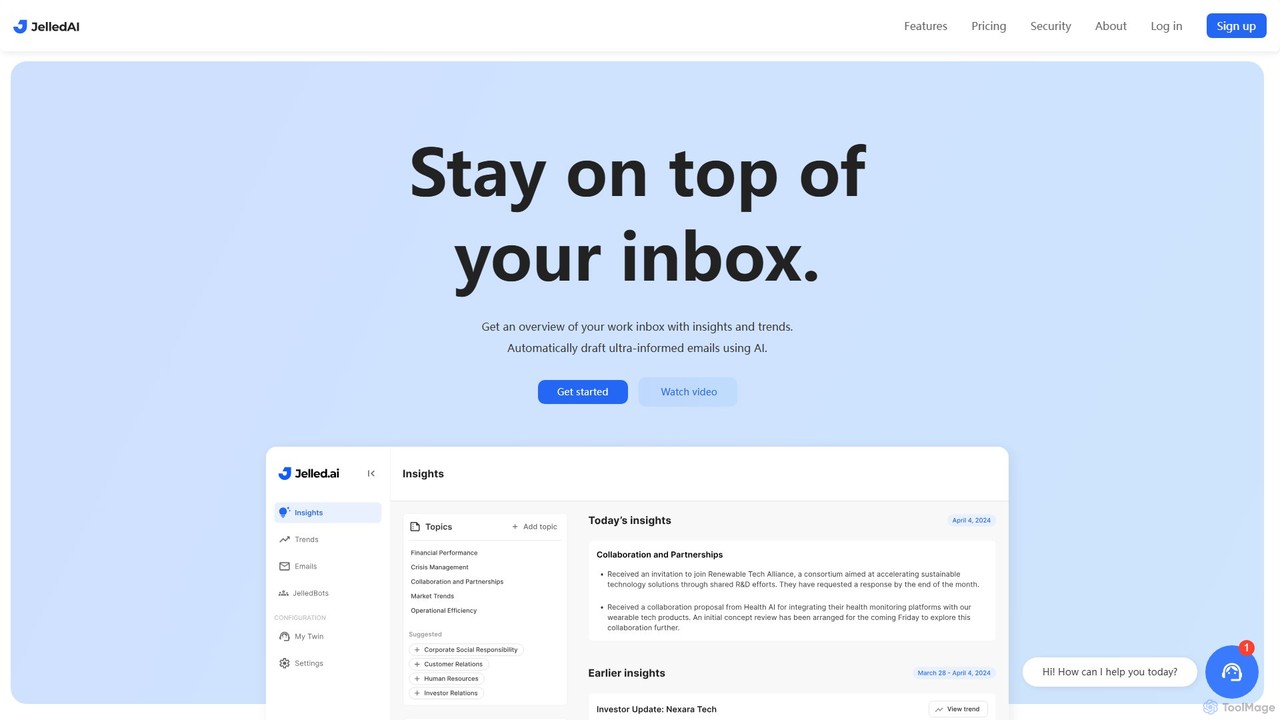
Jelled.ai is an AI-powered digital twin that revolutionizes workplace communication. It integrates with Gmail and Slack to provide contextual insights, detect trends, and automatically draft informed email responses in your unique voice. Stay on top of your inbox, filter out noise, and preserve your professional knowledge effortlessly.

Inbox Management
Visits 7.2KFavorites 98Likes 96
Remail
Freemium

Remail

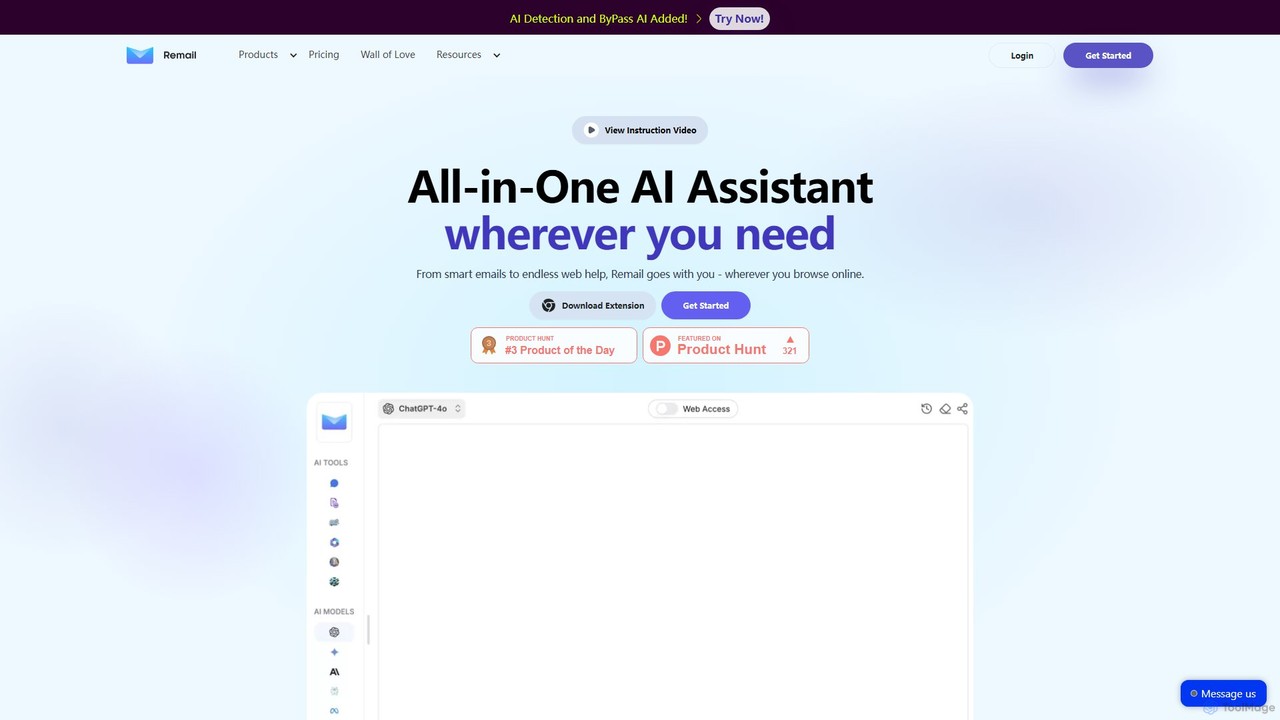
Remail is an all-in-one AI assistant and Chrome extension designed to boost productivity. It helps you write and reply to emails 10x faster, summarize web pages, chat with documents and YouTube videos, generate content, and much more, directly within your browser.

Chrome Extensions
Visits 8.2KFavorites 129Likes 134
friday_email
Freemium

friday_email

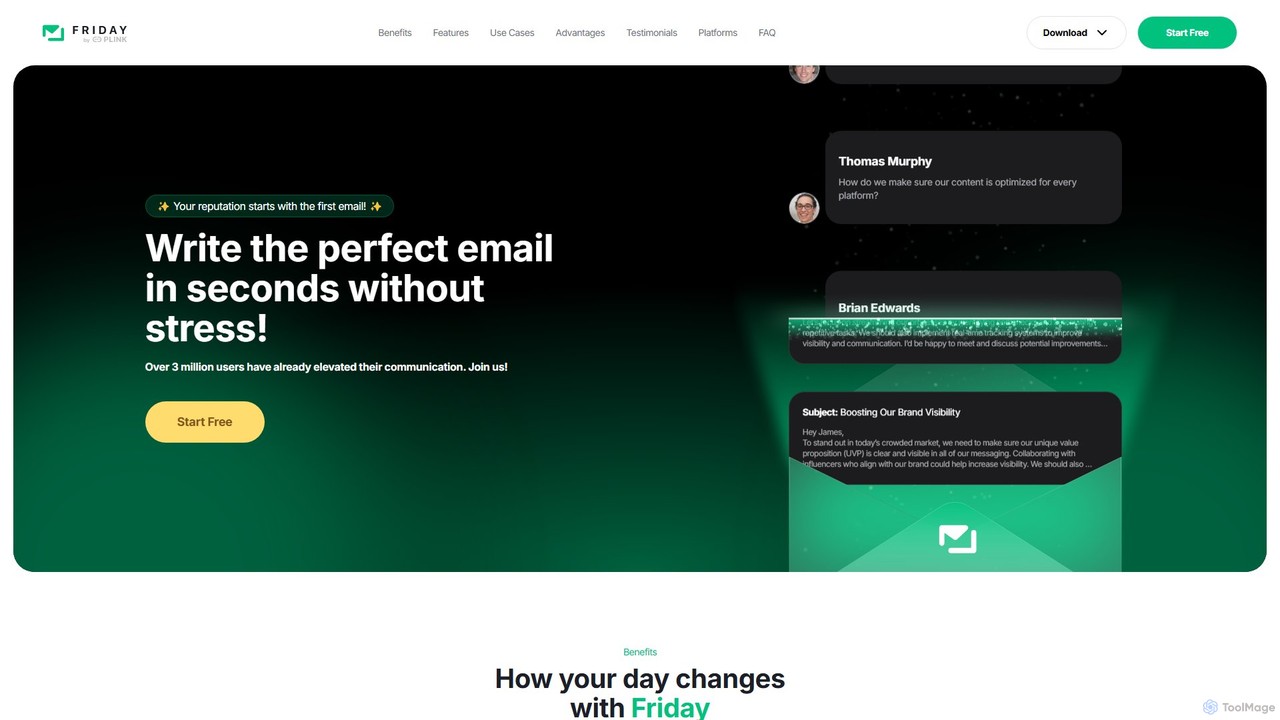
Friday is an AI-powered email writer designed to help users craft professional, stress-free emails in seconds. With over 3 million users, it offers features like instant email generation from keywords, real-time grammar checks, tone adjustment, and personalized style learning. Available on web, mobile, and as a browser extension, Friday streamlines communication for various professionals, saving time, boosting productivity, and ensuring every email is polished and effective.

Email Marketing
Visits 52.2KFavorites 126Likes 146
ReplyAI
Freemium

ReplyAI

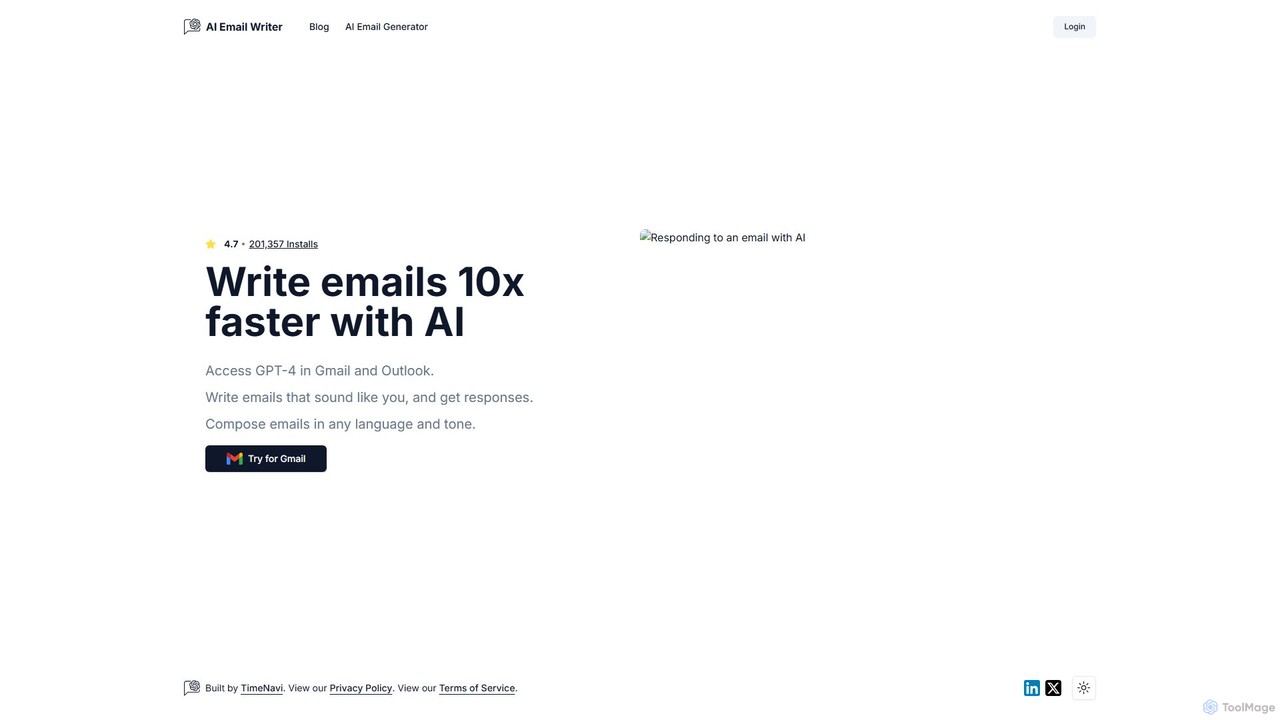
ReplyAI is an AI-powered email writer that integrates with Gmail and Outlook to help you write emails 10x faster. Powered by GPT-4, it generates high-quality drafts, suggests contextual replies, and adapts to your personal writing style. Compose professional emails in multiple languages and tones, saving time and improving communication efficiency for sales, customer support, and daily correspondence.

Email Marketing
Visits 8.2KFavorites 113Likes 103

About Email Assistant

AI Email Assistants are tools designed to automate and enhance email communication using artificial intelligence. They leverage natural language processing (NLP) to draft emails, generate replies, summarize long threads, and manage your inbox. This helps users save significant time, improve the quality and consistency of their responses, and focus on more critical tasks. Unlike basic grammar checkers, these assistants understand context and intent to provide more comprehensive support within the productivity workflow.

Core Features

  • AI-Powered Drafting: Generate complete emails from simple prompts or keywords, saving time on initial composition.
  • Contextual Reply Generation: Suggest relevant and well-phrased replies based on the content of the incoming email.
  • Email Summarization: Condense lengthy email chains into concise summaries, highlighting key points and action items.
  • Tone and Style Adjustment: Refine the tone of your drafts to be more professional, casual, persuasive, or empathetic as needed.
  • Smart Inbox Management: Automatically categorize, prioritize, and even archive emails based on their content and sender.

Use Cases

Email Assistants are widely used by sales teams to automate outreach and follow-ups, customer support agents to speed up ticket resolution, and executives to manage high-volume inboxes. They are also valuable for marketing professionals crafting campaigns and non-native English speakers seeking to improve their professional communication.

How to Choose

When selecting an AI Email Assistant, consider its integration capabilities with your current email client (e.g., Gmail, Outlook). Evaluate the specific features you need, such as advanced drafting versus automated inbox organization. Also, review the tool's data privacy and security policies, language support, and pricing model to find the best fit for your workflow.

Featured tool rankings

Email Assistant use cases

1

Automating Sales Outreach and Follow-ups

A sales development representative (SDR) uses an AI Email Assistant to streamline their outreach process. Instead of manually writing each email, the SDR provides the assistant with a prompt including the prospect's name, company, and a key value proposition. The tool generates a personalized, professional cold email. Furthermore, the assistant can be configured to automatically send a sequence of follow-up emails at set intervals if no reply is received, ensuring consistent engagement without manual effort and increasing the chances of securing a meeting.

2

Accelerating Customer Support Responses

A customer support agent deals with a high volume of similar inquiries daily. By using an AI Email Assistant integrated with their helpdesk software, they can instantly generate accurate and empathetic responses. When a ticket arrives, the AI analyzes the customer's query and suggests a complete draft reply based on templates and knowledge base articles. The agent can quickly review, make minor edits if needed, and send the response. This reduces the average response time from minutes to seconds, improving customer satisfaction and allowing the agent to focus on more complex issues.

3

Managing Executive-Level Inbox Overload

An executive assistant manages the inbox of a CEO who receives hundreds of emails daily. Using an AI Email Assistant, the assistant can quickly triage the inbox. The tool automatically summarizes long email threads, allowing the assistant to grasp the context without reading everything. It also prioritizes emails based on sender and content, flagging urgent messages. For emails that require the CEO's response, the assistant uses the AI to draft concise, professional replies for the CEO to review and approve. This system transforms a chaotic inbox into a manageable communication hub, saving hours of administrative work.

4

Crafting Marketing Campaign Emails

A marketing manager is tasked with creating a new email campaign to announce a product launch. Using an AI Email Assistant, they can brainstorm and generate multiple variations of subject lines to A/B test for the best open rates. The manager provides a brief outline of the email's content, and the AI expands it into compelling, persuasive copy. It can also adjust the tone to match the brand's voice. This process significantly speeds up content creation, allowing the marketing team to launch campaigns faster and focus on strategy and performance analysis rather than copywriting.

5

Improving Communication for Non-Native Speakers

A professional who is a non-native English speaker needs to communicate with international clients daily. They use an AI Email Assistant to ensure their emails are grammatically correct, fluent, and culturally appropriate. After writing a draft in their own words, they use the tool's 'refine' or 'rephrase' feature. The AI corrects any errors and suggests more natural-sounding sentence structures, helping them convey their message clearly and professionally. This not only improves the quality of their communication but also serves as a learning tool, boosting their confidence in business writing.

6

Extracting Action Items from Meeting Follow-ups

After a project meeting, a project manager receives a long summary email with various discussion points. Instead of manually reading through to find tasks, they forward the email to their AI Email Assistant. The tool analyzes the text and automatically extracts all action items, deadlines, and responsible individuals, presenting them in a clear, itemized list. The manager can then directly copy this list into their project management software. This process saves valuable time, reduces the risk of missing critical tasks, and ensures that all team members are aligned on their responsibilities.

Email Assistant FAQ

What is an AI Email Assistant?

An AI Email Assistant is a software tool that uses artificial intelligence, particularly natural language processing (NLP), to help you manage and write emails more efficiently. Unlike a simple spell checker, it understands the context of your conversations. Its core functions include drafting emails from prompts, suggesting replies, summarizing long threads, and adjusting the tone of your writing. The primary goal is to reduce the time spent on email, improve communication quality, and automate repetitive tasks within your inbox, making it a powerful productivity tool.

How is an AI Email Assistant different from a grammar checker?

The primary difference lies in their scope and intelligence. A grammar checker, like Grammarly, focuses on the mechanics of writing: spelling, grammar, punctuation, and style. Its goal is to make your existing text correct and clear.

An AI Email Assistant does much more. It's a content generation and workflow automation tool. It can:

  • Create content: Write an entire email from a short prompt.
  • Understand context: Suggest replies based on the email you received.
  • Summarize information: Condense a 20-email thread into a few bullet points.
  • Automate actions: Triage your inbox or schedule follow-ups.
In short, a grammar checker refines what you write, while an AI Email Assistant helps you write, reply, understand, and manage your email workload.

How to choose the right AI Email Assistant?

Choosing the right tool depends on your specific needs. Consider these factors:

  • Integration: Does it work seamlessly with your email client (Gmail, Outlook, etc.) and other tools you use, like your CRM or project management software?
  • Core Features: What is your primary goal? Do you need help drafting emails from scratch, summarizing threads, or automating entire outreach sequences? Match the tool's strengths to your needs.
  • User Interface: Is the tool intuitive and easy to use? A complicated interface can defeat the purpose of saving time.
  • Security and Privacy: How does the tool handle your data? Look for clear privacy policies, especially if you handle sensitive information.
  • Pricing: Evaluate the cost against the features offered. Some tools have free tiers for basic use, while others are subscription-based for advanced features.
Are AI Email Assistants secure to use with sensitive information?

Security is a critical consideration. Reputable AI Email Assistants use strong encryption for data both in transit and at rest. Many are designed with enterprise-grade security standards. However, policies can vary significantly between providers. Before using a tool, it is essential to review its privacy policy and terms of service. Look for information on how your data is stored, who has access to it, and whether it is used for training their AI models. For handling highly confidential information, choose a provider that offers end-to-end encryption or on-premise deployment options.

Who can benefit most from an AI Email Assistant?

While anyone can benefit, certain roles see a particularly high return on investment. These include:

  • Sales Professionals: For automating outreach, personalizing follow-ups at scale, and responding to leads faster.
  • Customer Support Agents: To quickly answer common questions, maintain a consistent tone, and reduce ticket resolution times.
  • Executives and Managers: To manage high email volume, summarize long discussions, and quickly draft delegation or response emails.
  • Marketing Professionals: For brainstorming campaign ideas, writing copy for newsletters, and creating A/B test variations.
  • Non-Native Speakers: To improve the clarity, professionalism, and grammatical accuracy of their business communications.