Automation Best in category 5 results Workflow Management AI Tool

Popular AI tools in the Workflow Management field of Automation include Jace AI、getemil、MailWizard、easyfill、SkimAI, etc., helping you quickly improve efficiency.

Jace AI

Jace AI

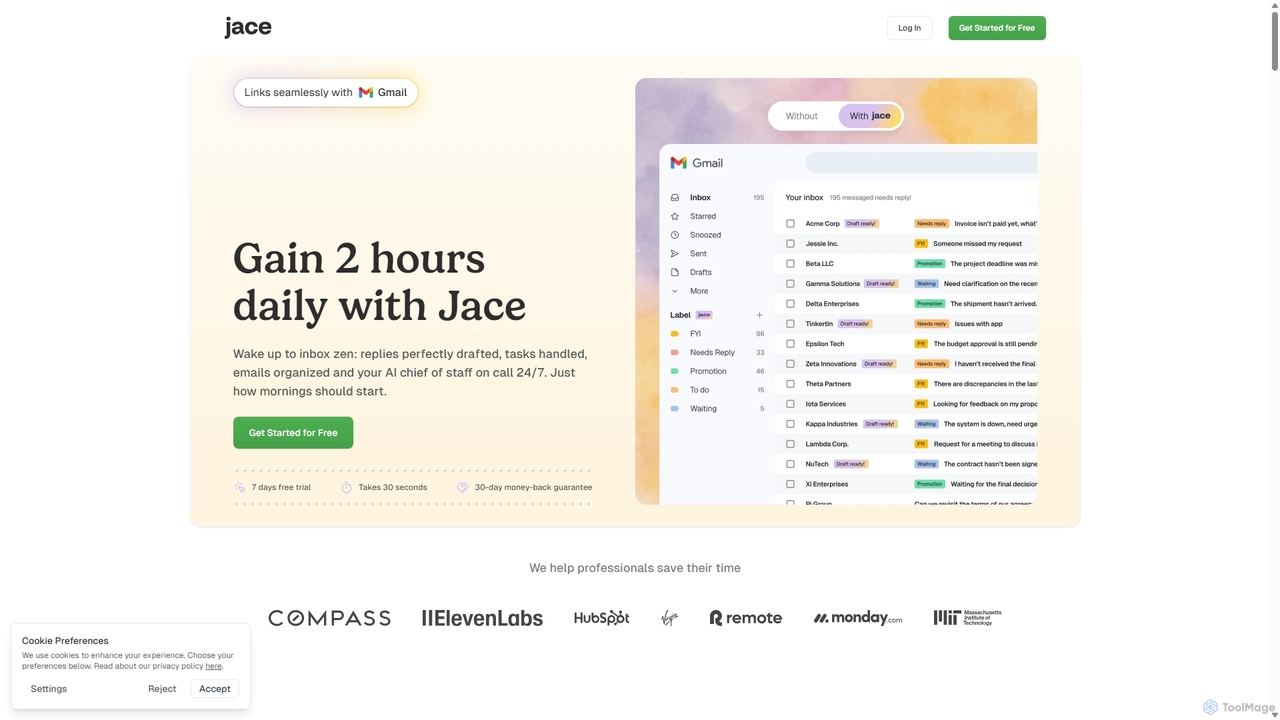
Jace AI is an intelligent 24/7 email assistant that automates your inbox. It seamlessly integrates with Gmail to …

78.2K
easyfill

easyfill

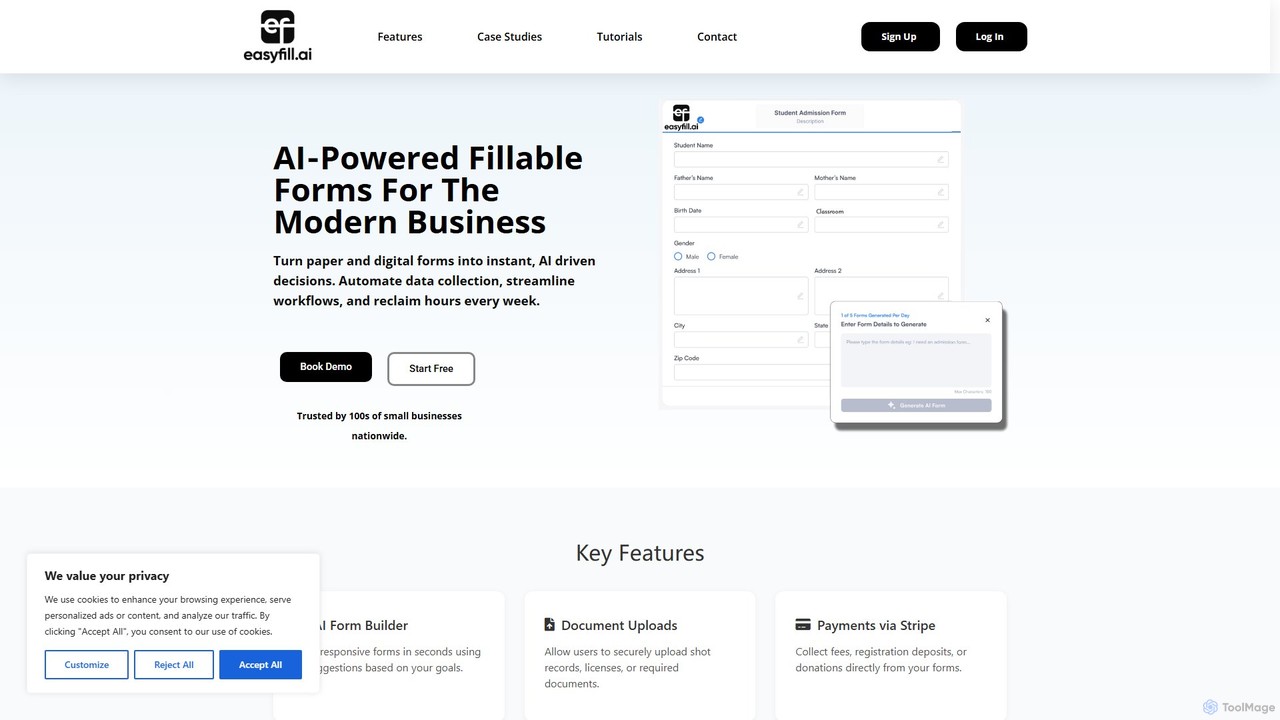
easyfill is an AI-powered form builder that transforms data collection for modern businesses. It allows you to convert …

3.6K
getemil

getemil

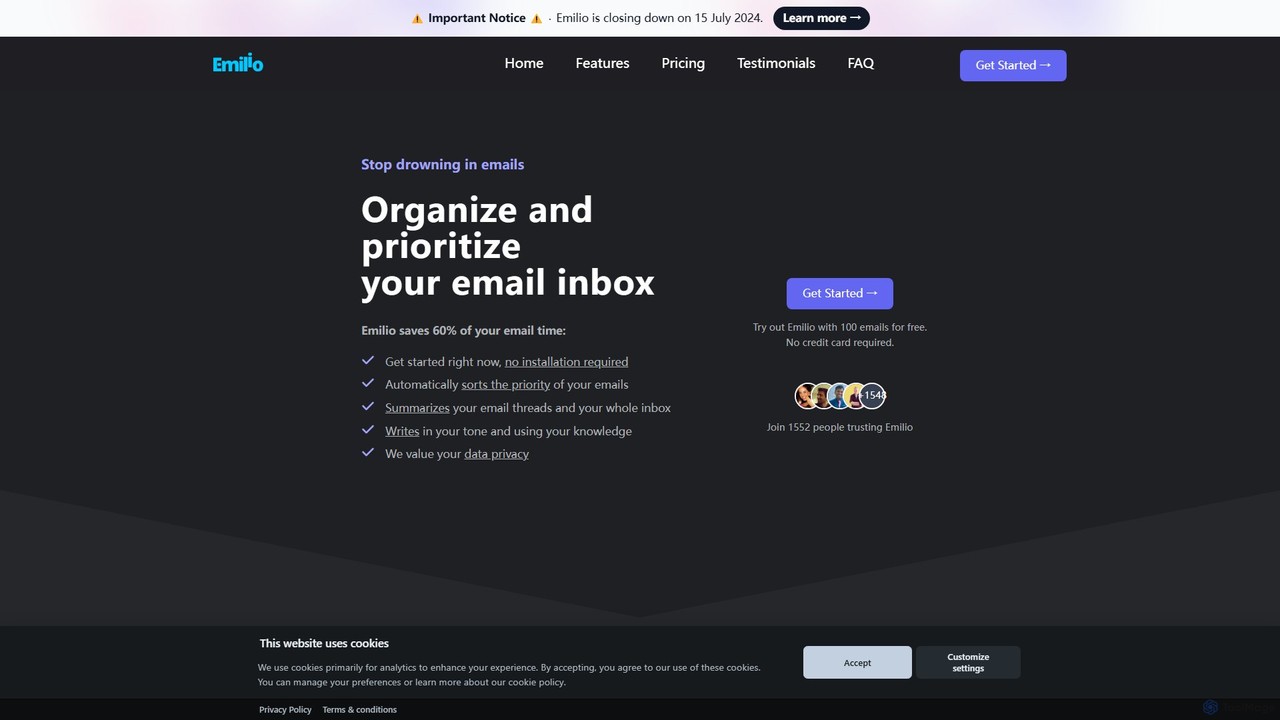
Emilio is an AI email assistant that intelligently organizes your Gmail inbox. It automatically prioritizes, labels, and summarizes …

5.8K
SkimAI

SkimAI

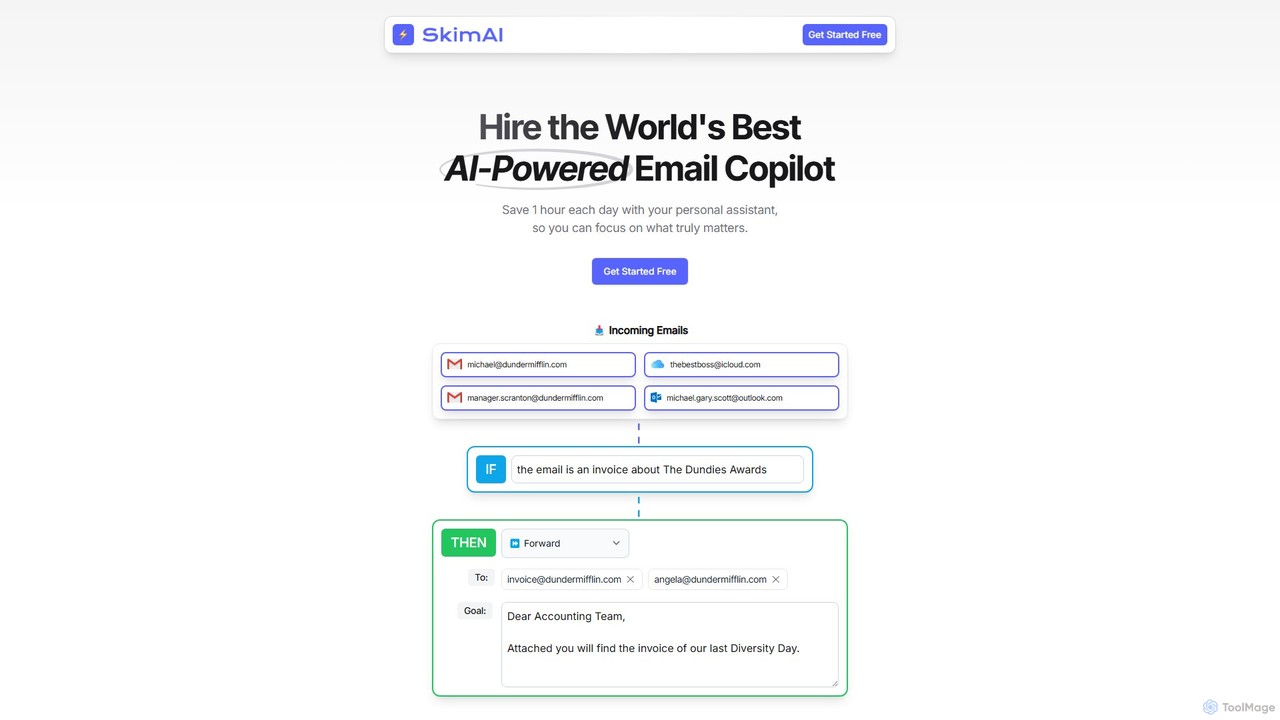
SkimAI is an AI-powered email copilot that automates your inbox to boost productivity. It intelligently categorizes emails, drafts …

2.7K
MailWizard

MailWizard

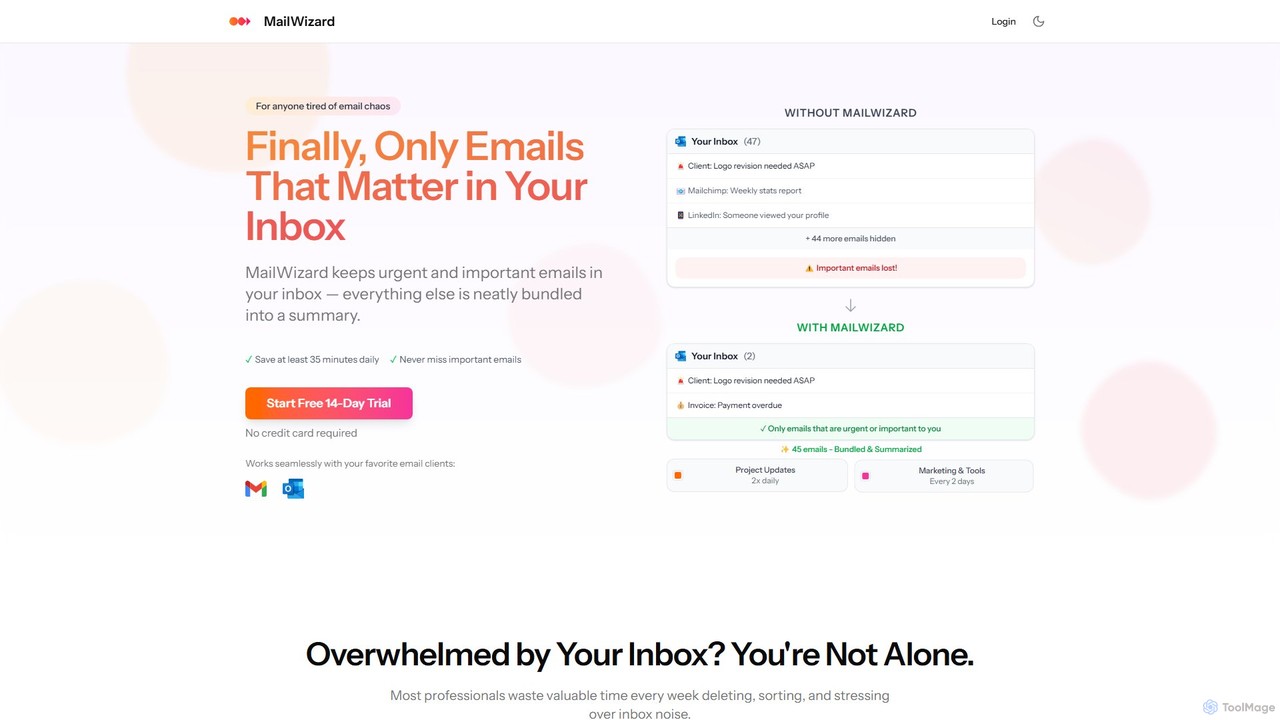
MailWizard is an AI-powered email assistant that transforms your inbox experience. It intelligently filters out noise, bundles non-urgent …

3.7K

About Workflow Management

AI Workflow Management tools are platforms designed to orchestrate, automate, and optimize complex, multi-step business processes. Unlike simple task automation, these tools manage the entire sequence of operations, coordinating tasks between humans and various software systems. They provide a structured framework for defining business logic, handling approvals, and tracking progress from start to finish. This approach ensures consistency, reduces manual errors, and offers clear visibility into operational efficiency.

Core Features

  • Visual Workflow Designer: Build complex workflows using a drag-and-drop interface, defining steps, conditions, and dependencies without code.
  • Task Assignment & Routing: Automatically assign tasks to the right people or systems based on predefined rules, roles, or data.
  • Conditional Logic: Implement if/then branches and parallel processing to handle various scenarios within a single workflow.
  • Third-Party Integrations: Connect seamlessly with a wide range of applications (CRMs, ERPs, communication tools) to create a unified process.
  • Monitoring & Analytics: Track the real-time status of workflows, identify bottlenecks, and generate reports on performance metrics.

Use Cases

These tools are invaluable for operations-heavy departments like HR, finance, marketing, and IT. Common applications include standardizing employee onboarding processes, managing multi-stage content approval pipelines, automating accounts payable procedures, and orchestrating IT support ticket escalations. Any process that involves multiple steps, people, and systems can be significantly improved.

How to Choose

When selecting a tool, evaluate its integration capabilities to ensure it connects with your existing software stack. Consider the complexity of the workflow builder—whether it suits non-technical users (no-code) or requires development resources (low-code). Also, assess its scalability, user role and permission management, and the depth of its analytics and reporting features to match your business needs.

Workflow ManagementUse Cases

1

Automating the Marketing Content Approval Pipeline

A marketing manager needs to ensure all content, from blog posts to social media updates, goes through a standardized review process involving a writer, editor, and legal team before publication. Using a workflow management tool, they design a visual pipeline. When a writer submits a draft, a task is automatically created for the editor. Once the editor approves, it moves to the legal team for compliance checks. Final approval triggers a notification to the social media manager to schedule the post. This automates handoffs, eliminates email chains, and reduces the approval cycle time by over 50%.

2

Streamlining New Employee Onboarding

An HR department handles numerous tasks for each new hire, including sending offer letters, initiating background checks, provisioning IT equipment, and scheduling orientation. A workflow management tool can automate this entire sequence. When a candidate is marked as 'hired' in the HR system, the workflow triggers automatically. It sends the contract for e-signature, creates a ticket for the IT team to set up accounts and hardware, and adds the new hire to the orientation calendar. This ensures no steps are missed, provides a consistent experience for new employees, and frees up HR staff from manual coordination.

3

Managing IT Support Ticket Escalation

An IT helpdesk receives hundreds of support tickets daily. A workflow management tool helps automate the routing and escalation process. When a new ticket is created, the system uses AI to analyze its content and categorize it (e.g., 'hardware issue', 'software bug'). Based on the category and priority level, it's assigned to a Tier 1 support agent. If the agent cannot resolve it within a set time or manually escalates it, the workflow automatically reassigns the ticket to a specialized Tier 2 engineer and notifies the team lead. This ensures tickets are handled by the right experts promptly, improving resolution times and user satisfaction.

4

Automating Accounts Payable Invoice Processing

A finance team manually processes hundreds of vendor invoices each month, which is time-consuming and prone to error. By implementing a workflow management system, the process becomes automated. Invoices received via email are automatically parsed by an AI model to extract key data like vendor name, amount, and due date. The system then routes the invoice to the appropriate department head for approval based on predefined rules. Once approved, it's sent to the finance manager for final review and scheduled for payment in the accounting software. This reduces manual data entry, speeds up payment cycles, and creates a clear audit trail for every invoice.

5

Orchestrating a Software Release (CI/CD) Pipeline

A DevOps team needs to manage a complex software release process that includes code compilation, automated testing, security scanning, and deployment to multiple environments (staging, production). A workflow management tool can act as the central orchestrator. A new code commit to the repository triggers the workflow. It initiates the build process, then runs a series of automated tests in parallel. If all tests pass, it proceeds to a security scan. A successful scan requires manual approval from a senior engineer before the workflow deploys the update to the staging server. This provides full visibility and control over the release cycle, ensuring quality and compliance standards are met.

6

Managing Client Project Intake and Kickoff

A creative agency needs a standardized process for onboarding new clients. Using a workflow management tool, they create an intake form on their website. When a potential client fills it out, a new project is created in the system. The workflow automatically assigns a project manager, creates a client folder in cloud storage, and sends a welcome email with a link to schedule a kickoff meeting. After the meeting, the project manager updates the project status, which triggers tasks for the design and content teams. This ensures a smooth and professional onboarding experience and that all necessary initial steps are completed consistently for every project.

Workflow ManagementFrequently Asked Questions