Automation Best in category 1 results Email Parsing AI Tool

Popular AI tools in the Email Parsing field of Automation include JobShinobi, etc., helping you quickly improve efficiency.

JobShinobi

JobShinobi

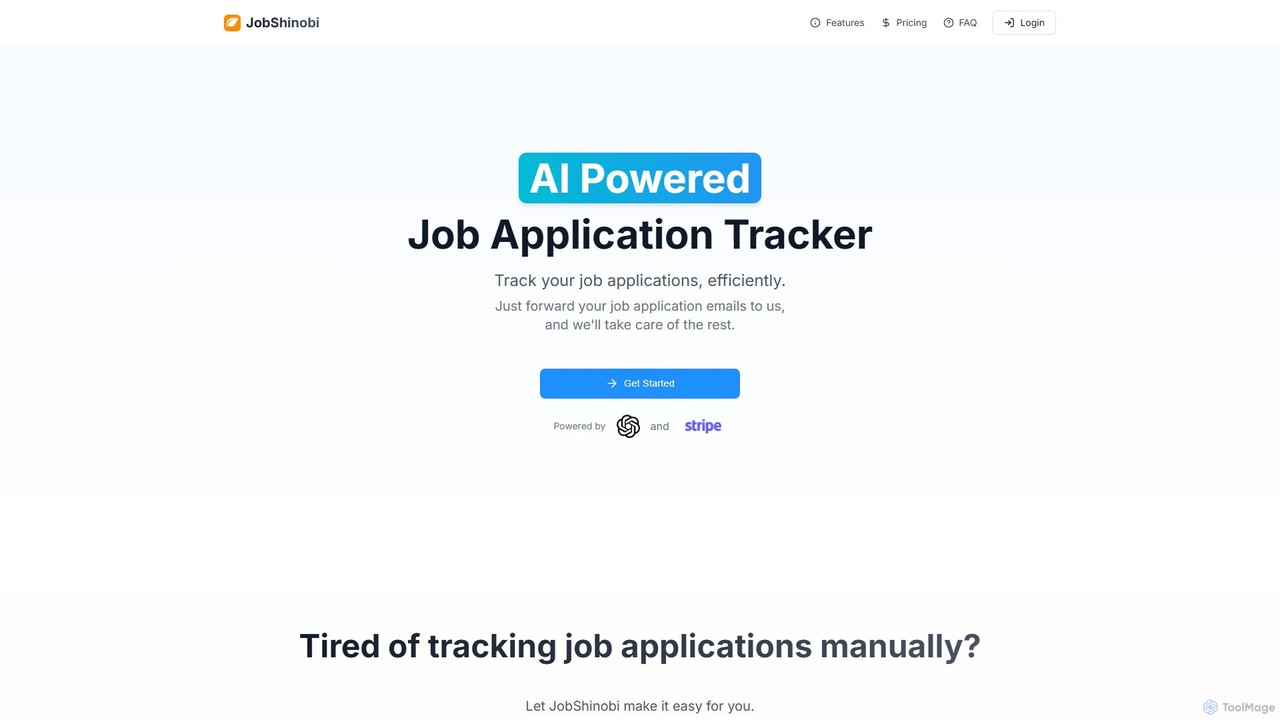
JobShinobi is an AI-powered job application tracker that automates and simplifies your job search. By forwarding your application …

8.4K

About Email Parsing

Email Parsing tools are a specialized category of automation software designed to automatically extract structured data from unstructured emails. These tools utilize AI, including Natural Language Processing (NLP) and pattern recognition, to identify and pull specific information like order numbers, contact details, or invoice amounts from email bodies and attachments. This process transforms raw, incoming email content into organized, actionable data, eliminating the need for manual data entry. By automating this extraction, businesses can significantly accelerate workflows such as lead management, order fulfillment, and customer support.

Core Features

  • AI-Powered Data Extraction: Automatically identifies and extracts key information from email text and attachments without predefined templates.
  • Attachment Parsing: Scans and pulls data from various file formats like PDF, DOCX, XLSX, and CSV attached to emails.
  • Data Structuring & Formatting: Converts extracted unstructured text into structured formats such as JSON, XML, or CSV for easy integration.
  • Workflow Integration: Sends parsed data directly to other business applications like CRMs, ERPs, or databases via APIs, webhooks, or platforms like Zapier.

Use Cases

Email Parsing is widely used in industries that handle high volumes of standardized emails. For example, e-commerce companies use it to process order confirmations, logistics firms to track shipping notices, and finance departments to automate accounts payable by extracting data from invoices. It is also valuable for sales teams to capture leads from contact form submissions and for support teams to create tickets from customer inquiries.

How to Choose

When selecting an Email Parsing tool, consider its extraction accuracy and its ability to handle various email layouts. Evaluate its integration capabilities to ensure it connects with your existing software stack (e.g., Salesforce, QuickBooks). Also, check the range of supported attachment formats and consider the tool's scalability and pricing model, whether it's based on the number of emails processed or a flat subscription fee.

Email ParsingUse Cases

1

Automate Order Processing for E-commerce

An e-commerce operations manager receives hundreds of order confirmation emails daily from various sales channels. Manually entering this data into the inventory and shipping system is slow and prone to errors. By implementing an Email Parsing tool, they can automatically extract key details such as Order ID, Customer Name, Shipping Address, and SKU for each product. This structured data is then instantly pushed to their warehouse management system, triggering the fulfillment process within minutes instead of hours and reducing data entry errors by over 95%.

2

Capture Leads from Website Contact Forms

A marketing team uses a website contact form to generate leads, but all submissions arrive as emails in a shared inbox. This requires a team member to manually copy and paste the prospect's name, email, company, and message into their CRM. An Email Parsing tool automates this by monitoring the inbox, extracting the relevant fields from each new form submission email, and using an API to create a new lead record in Salesforce automatically. This ensures immediate lead assignment and follow-up, increasing conversion rates.

3

Extract Invoice Data for Accounts Payable

An accounts payable department processes hundreds of vendor invoices received as PDF attachments each month. Each invoice must be opened, and details like Invoice Number, Due Date, and Total Amount manually entered into accounting software. An Email Parsing tool with OCR capabilities can automate this entire workflow. It scans incoming emails, identifies PDF attachments, extracts the required data fields from the invoice image, and then populates a new bill in QuickBooks or another ERP system, ready for approval. This reduces processing time per invoice from minutes to seconds.

4

Create Support Tickets from Customer Emails

A customer support team manages a high volume of inquiries through a generic support email address. Without automation, agents must manually read each email, categorize the issue, and create a ticket in their helpdesk system like Zendesk. An Email Parsing tool can be configured to monitor this inbox, identify the sender's email address, extract the subject line as the ticket title, and use the email body as the issue description. It can even categorize tickets based on keywords (e.g., 'billing', 'technical issue'), ensuring they are routed to the correct agent automatically and improving response times.

5

Manage Real Estate Inquiries from Portals

A real estate agency receives dozens of inquiries daily from various property portals like Zillow and Realtor.com. Each portal sends an email with a different format, making it difficult to consolidate leads. An AI-powered Email Parser can be trained to understand these different layouts. It extracts the prospect's name, phone number, email, and the specific property they are interested in. This data is then used to automatically create a contact and a deal in their real estate CRM, assigning it to the listing agent for immediate follow-up, preventing leads from falling through the cracks.

6

Parse Food Delivery Orders for Restaurants

A restaurant partners with multiple food delivery services like Uber Eats and DoorDash, each sending order confirmation emails in a unique format. Staff must manually monitor the inbox and re-enter order details into the kitchen's Point of Sale (POS) system. An Email Parsing tool can be set up to watch for new order emails from these platforms. It automatically extracts customer details, ordered items, quantities, and special instructions, then sends this structured data directly to the Kitchen Display System (KDS) or POS, ensuring orders are processed quickly and accurately without manual intervention.

Email ParsingFrequently Asked Questions