
Automation Best in category 1 results Business Process Automation AI Tool

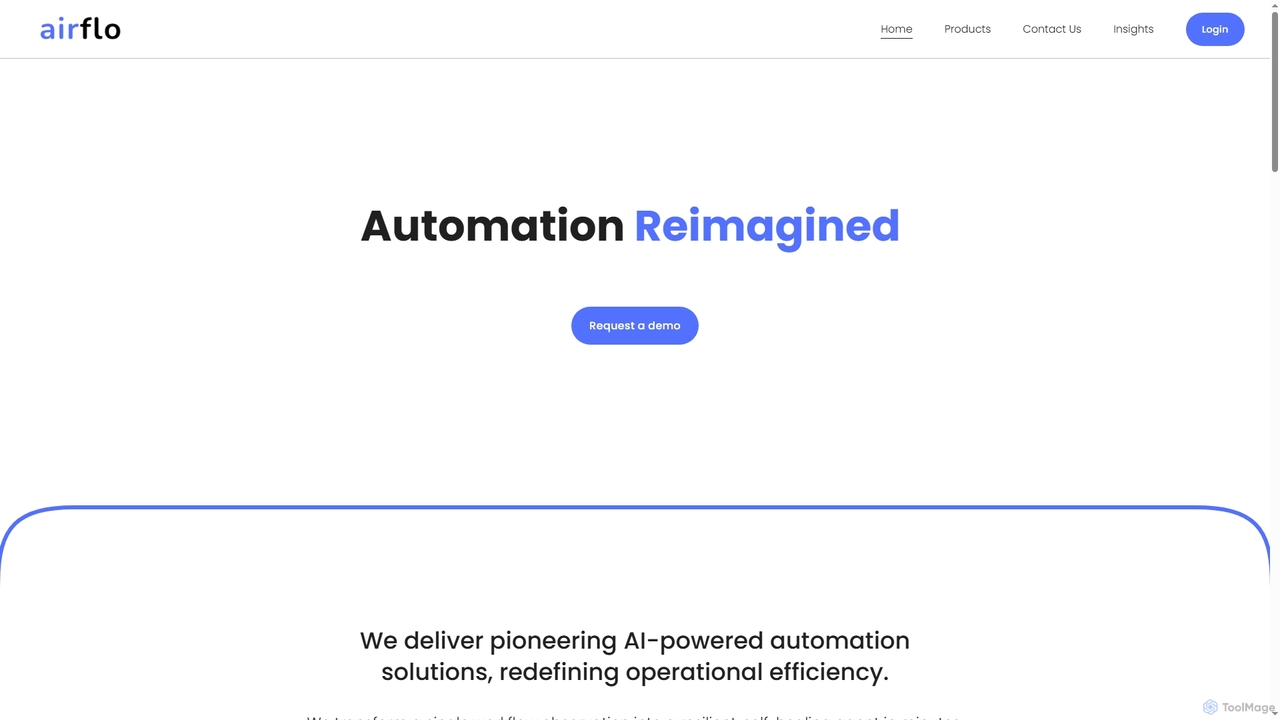
Popular AI tools in the Business Process Automation field of Automation include Airflo, etc., helping you quickly improve efficiency.

Airflo

Airflo

Airflo is a pioneering AI-powered automation platform that transforms single workflow observations into resilient, self-healing agents in minutes. …

5.0K

About Business Process Automation

Business Process Automation (BPA) tools are AI-powered solutions designed to streamline and automate repetitive, rule-based tasks across various business functions. Leveraging technologies like Robotic Process Automation (RPA) and intelligent workflow orchestration, these tools enhance operational efficiency, reduce manual errors, and accelerate task completion. They are crucial for organizations seeking to optimize resource allocation and improve overall productivity by digitizing and automating routine operations.

Core Features

  • Workflow Orchestration: Automate the sequencing and execution of tasks across different systems and departments.
  • Intelligent Document Processing: Extract, classify, and process data from unstructured documents using AI.
  • Robotic Process Automation (RPA): Mimic human interactions with digital systems to automate repetitive desktop tasks.
  • Decision Automation: Use AI to make rule-based decisions, such as approving invoices or routing customer queries.
  • Integration Capabilities: Seamlessly connect with existing enterprise systems like ERP, CRM, and HR platforms.

Applicable Scenarios

Businesses across finance, HR, customer service, and supply chain leverage BPA tools to transform their operations. For instance, finance departments automate invoice processing and reconciliation, while HR teams streamline onboarding and payroll. Customer service centers use BPA to automate ticket routing and initial query responses, freeing agents for complex issues.

How to Choose

When selecting a Business Process Automation tool, consider its integration capabilities with your existing IT infrastructure, the scalability to handle growing process volumes, and the ease of use for non-technical staff. Evaluate the vendor's support and the tool's ability to handle both structured and unstructured data, ensuring it aligns with your specific automation needs and compliance requirements.

Business Process AutomationUse Cases

1

Automating Invoice Processing in Finance

Finance departments can use Business Process Automation tools to automatically extract data from incoming invoices, validate it against purchase orders, and initiate payment workflows. This reduces manual data entry, minimizes errors, and accelerates the entire accounts payable cycle, ensuring timely payments and better cash flow management. It significantly cuts down the time spent on repetitive administrative tasks.

2

Automate Invoice Processing and Reconciliation

Finance teams use BPA to automatically extract data from incoming invoices, validate it against purchase orders and contracts, and then initiate payment workflows. This process significantly reduces manual data entry, minimizes errors, and accelerates the entire accounts payable cycle, allowing finance professionals to focus on strategic financial analysis rather than repetitive administrative tasks.

3

Streamlining Employee Onboarding with Automation

HR teams leverage BPA to automate the multi-step employee onboarding process. This includes automatically sending welcome emails, setting up IT accounts, assigning training modules, and collecting necessary documentation. This ensures a consistent and efficient experience for new hires, reduces administrative burden on HR staff, and accelerates the time-to-productivity for new employees by ensuring all initial steps are completed promptly.

4

Streamline Employee Onboarding and Offboarding

HR departments deploy BPA to automate the entire employee lifecycle, from sending welcome emails, collecting new hire documents, and setting up system access to managing payroll and benefits. For offboarding, it ensures timely access revocation and document archiving. This automation ensures compliance, reduces administrative burden, and provides a consistent experience for employees.

5

Automated Customer Service Inquiry Routing

Customer service centers deploy BPA to intelligently route incoming customer inquiries based on keywords, sentiment, or customer history. AI-powered automation can categorize tickets, assign them to the most appropriate agent or department, and even provide automated responses to common questions. This significantly improves response times, reduces agent workload, and enhances overall customer satisfaction by ensuring queries are handled efficiently.

6

Enhance Customer Service Ticket Routing and Response

Customer support centers utilize BPA to analyze incoming support tickets, classify them based on urgency, topic, and customer history, and automatically route them to the most appropriate agent or department. BPA can also automate initial responses to common queries, providing instant solutions and freeing up agents to handle more complex or sensitive customer issues, significantly improving response times and customer satisfaction.

7

Automating Sales Lead Qualification and Nurturing

Sales teams utilize Business Process Automation to qualify leads more efficiently. Tools can automatically score leads based on engagement data, update CRM records, and trigger personalized email sequences or follow-up tasks for sales representatives. This ensures high-potential leads receive prompt attention, streamlines the sales funnel, and ultimately improves conversion rates by focusing efforts on the most promising prospects.

8

Optimize Supply Chain Order Fulfillment

Logistics and supply chain managers implement BPA to automate various stages of order fulfillment, including order entry, inventory checks, fraud detection, and shipping notifications. This ensures faster and more accurate processing from warehouse to customer, reduces manual errors in order management, and provides real-time visibility into the supply chain, leading to improved operational efficiency and customer satisfaction.

9

Optimizing Supply Chain Order Fulfillment

In logistics and supply chain management, BPA automates the order-to-delivery process. This involves automatically verifying stock levels, generating shipping labels, updating inventory systems, and notifying customers of order status changes. This leads to faster fulfillment, reduced manual errors, and improved operational transparency, ensuring a smoother and more reliable supply chain from order placement to final delivery.

10

Automate Data Entry and Migration

Businesses facing large volumes of data transfer or entry from legacy systems to new platforms use BPA tools to automatically extract, transform, and load data. This minimizes manual effort, reduces the risk of human error during data migration, and ensures data consistency across different systems, accelerating digital transformation initiatives and improving data governance.

11

Automating IT Incident Management Workflows

IT operations teams use BPA to automate the initial steps of incident management. When a system alert is triggered, the automation tool can automatically create a ticket, gather diagnostic information, notify the relevant team, and even attempt basic troubleshooting steps. This accelerates resolution times, minimizes system downtime, and ensures a consistent response to IT issues, improving overall service reliability.

12

Automate Compliance Reporting and Audits

Legal and compliance departments leverage BPA to automatically gather data from various systems, generate compliance reports, and flag potential discrepancies or non-compliance issues. This automation ensures adherence to regulatory standards with less manual oversight, reduces the time and cost associated with audits, and provides a clear audit trail, enhancing overall governance and risk management.

Business Process AutomationFrequently Asked Questions