

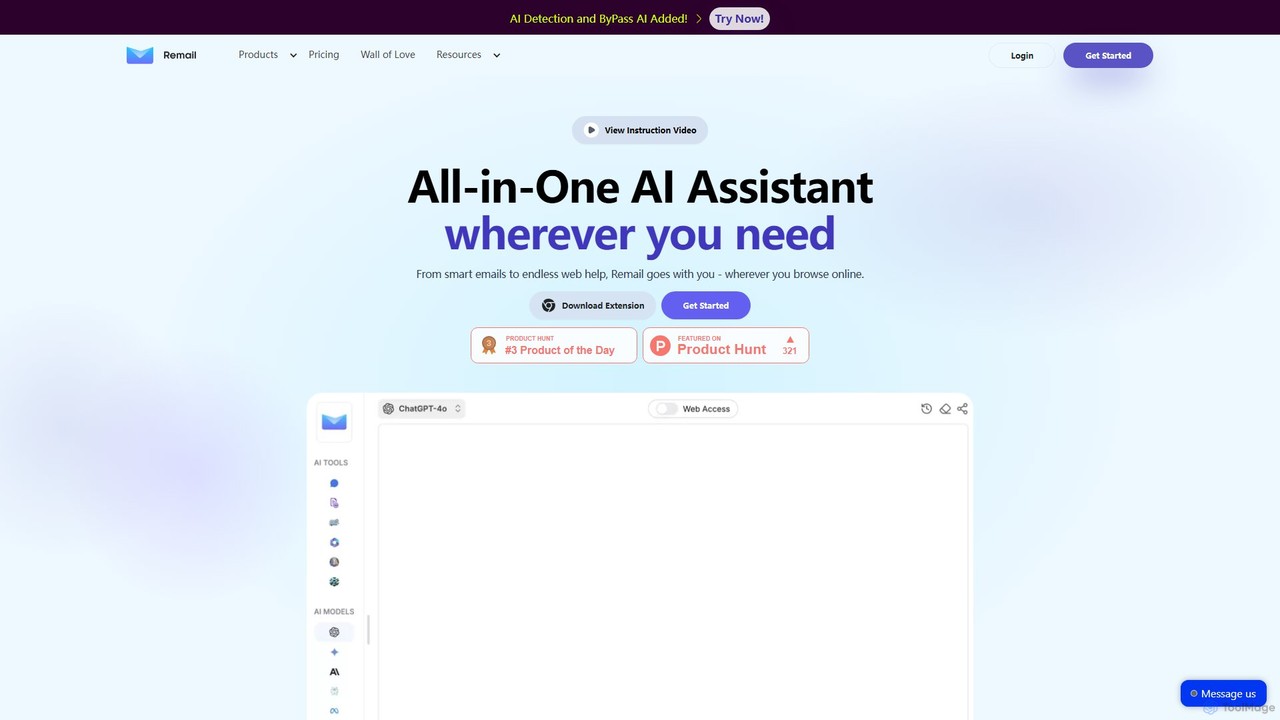
Remail Overview
Remail is a versatile, all-in-one AI assistant integrated as a Chrome extension, designed to be your indispensable partner across the web. It aims to revolutionize your daily digital tasks, from managing your inbox to conducting in-depth research. Powered by advanced AI models like the ChatGPT API, Remail provides a seamless and intelligent experience, making you more efficient and productive, regardless of your profession.
The core strength of Remail lies in its email assistance. It can analyze the context of an incoming email and draft appropriate replies in seconds, whether you need a positive, negative, formal, or friendly tone. You can also compose new emails from scratch by providing a few keywords or a short summary, and Remail will generate multiple well-written drafts for you to choose from. This feature supports multiple languages and can even leverage your own knowledge base (like FAQs or PDFs) for highly personalized responses.
Beyond email, Remail extends its capabilities to your entire browsing experience. With a simple shortcut (Cmd+M or Ctrl+M), you can access a powerful AI Chat sidebar on any webpage. This allows you to ask questions, brainstorm ideas, or get instant help without switching tabs. The Smart Toolbar feature lets you select any text on a page to instantly translate, summarize, or explain it, making it an invaluable tool for researchers, students, and professionals who deal with large volumes of information.
How to use Remail
Getting started with Remail is straightforward. First, you need to install the Remail Chrome extension from the Chrome Web Store. Once installed, it integrates seamlessly into your browser. You can activate the AI assistant using the keyboard shortcut Cmd+M (on Mac) or Ctrl+M (on Windows) to open the chat sidebar on any webpage. When reading an article or a document, simply highlight a piece of text, and a smart toolbar will appear, offering options to explain, translate, or summarize the selection. Inside Gmail, Remail automatically appears, providing options to generate replies or compose new emails based on your instructions.
Core Features of Remail
- AI Email Assistant: Drafts and replies to emails 10x faster. Analyzes email context to suggest responses in various tones and languages. Can be customized with a personal knowledge base.
- AI Sidebar & Chat: Access a powerful AI chat assistant on any webpage with a single click or shortcut for instant help and brainstorming.
- Smart Toolbar: Select any text on the web to instantly explain, translate, or summarize it, streamlining research and reading.
- AI Reader (Chat with Documents): Chat with PDFs, YouTube videos, and webpages to quickly extract key information, get summaries, and ask specific questions about the content.
- AI Writer & Content Creation: Generate high-quality content for various needs, including marketing copy, social media posts (LinkedIn), and carousels, using over 20 templates.
- AI Market Intelligence: Automates in-depth search tasks, summarizes competitor activities, and provides analysis of market trends.
- Learning Companion: Create flashcards and notes from web content, PDFs, or YouTube videos to enhance learning and information retention.
- AI Art Generator: Create unique images from text descriptions directly within the assistant.
Use Cases for Remail
Remail is designed for a wide range of users. Professionals and Entrepreneurs can manage their overflowing inboxes efficiently, saving hours each week. Marketers can use the AI Writer to quickly generate ad copy, blog ideas, and social media posts. Researchers and Analysts can leverage the AI Reader and Smart Toolbar to quickly digest long reports, academic papers, and competitor analyses. Customer Service teams can provide faster, more consistent responses by using email templates and knowledge base integration. Students can use it as a learning companion to summarize lectures, understand complex topics, and create study materials.
Advantages of Remail
The primary advantage of Remail is its integration and versatility. It's not just an email tool; it's a comprehensive AI assistant that lives in your browser, available wherever you work. This eliminates the need for multiple separate tools. Its ability to use a personal knowledge base for email replies offers a level of personalization that generic AI writers lack. The tool is trusted by over 210,000 users and boasts a high rating on the Chrome Store, indicating its reliability and effectiveness. The inclusion of features like market intelligence and an AI art generator makes it a uniquely powerful all-in-one solution.
Pricing and Plans
Remail operates on a freemium model. New users can get started with a 7-day free trial to experience the full range of premium features. After the trial, users can choose to continue with a limited free plan or upgrade to a paid subscription to unlock advanced capabilities, higher usage limits, and premium features like custom knowledge bases and advanced AI models. For the most current and detailed pricing information, it is recommended to visit the official Remail website.
Traffic
Latest traffic
Status
Monthly traffic trend
- 2025-9: 3.3K
- 2026-1: 2.5K
- 2026-2: 2.6K
- 2026-3: 3.3K
- 2026-4: 2.0K
- 2026-5: 1.9K
Geography
Top 5 countries / regions
- 🇺🇸United States52.3%
- 🇮🇳India47.8%
Top keywords
| Keyword | Cost per click |
|---|---|
| mail free re | $0.00 |
| nily ai | $0.00 |
| remail | $2.26 |
| remailer | $0.00 |
| remail services like remail service online | $0.00 |
Remail Alternatives

Compose AI
Compose AI is an AI-powered writing assistant and Chrome extension that accelerates your writing process. It offers intelligent autocompletion, text generation, and rephrasing capabilities across all your favorite sites, from emails to documents. By learning your personal writing style, it helps you write faster and more effectively, saving up to 40% of your time.
Chrome Extensions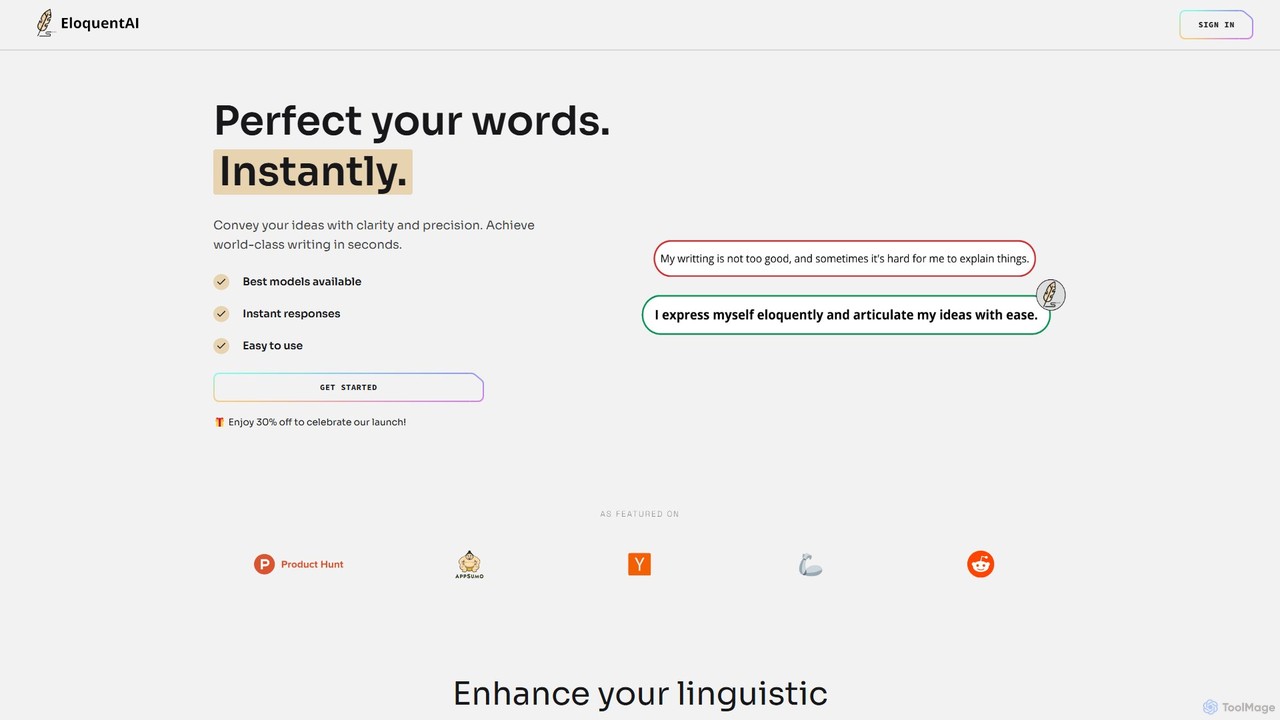
EloquentAI
EloquentAI is an AI-powered Chrome extension that instantly enhances your writing. It helps you convey ideas with clarity and precision by offering features like text enhancement, tone and length adjustment, summarization, translation, and custom prompts, all powered by leading models like GPT-4o and Llama 3.
Chrome Extensions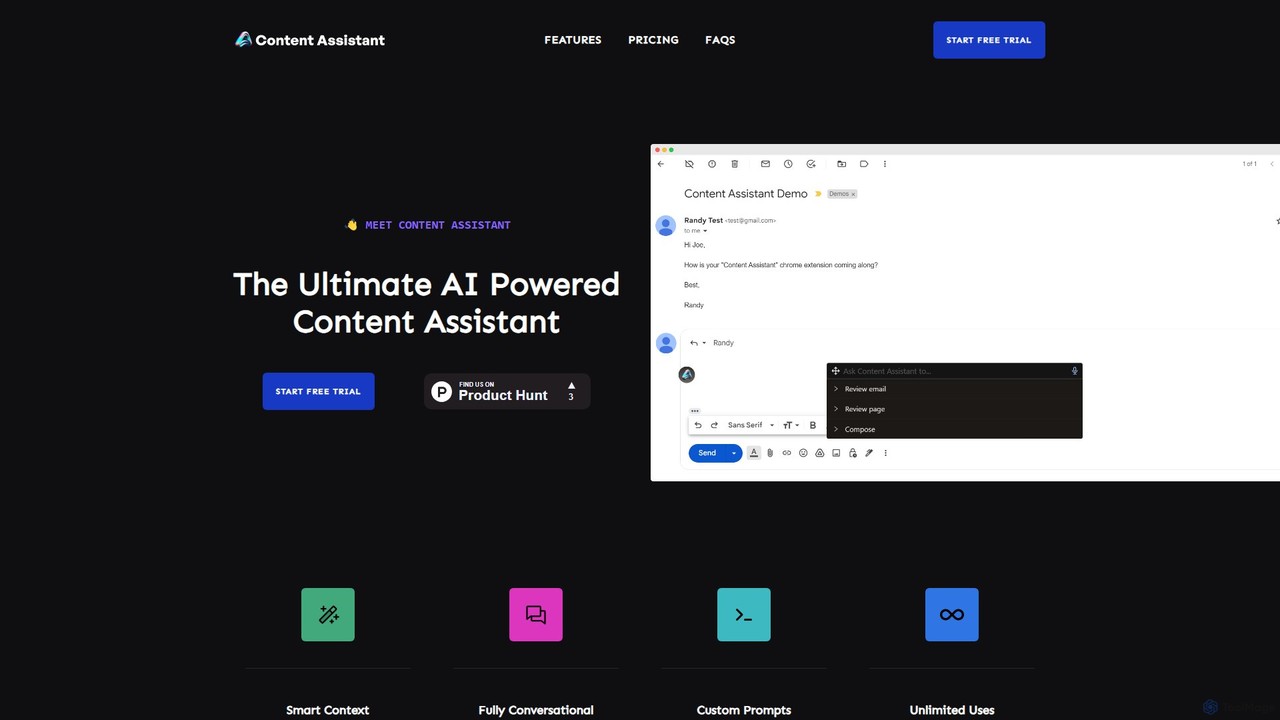
Content Assistant
A powerful AI browser extension that acts as your co-pilot for all content tasks. It intelligently uses page context to help you write, edit, summarize, translate, and reply to emails directly within your browser, boosting productivity and enhancing your workflow.
Chrome Extensions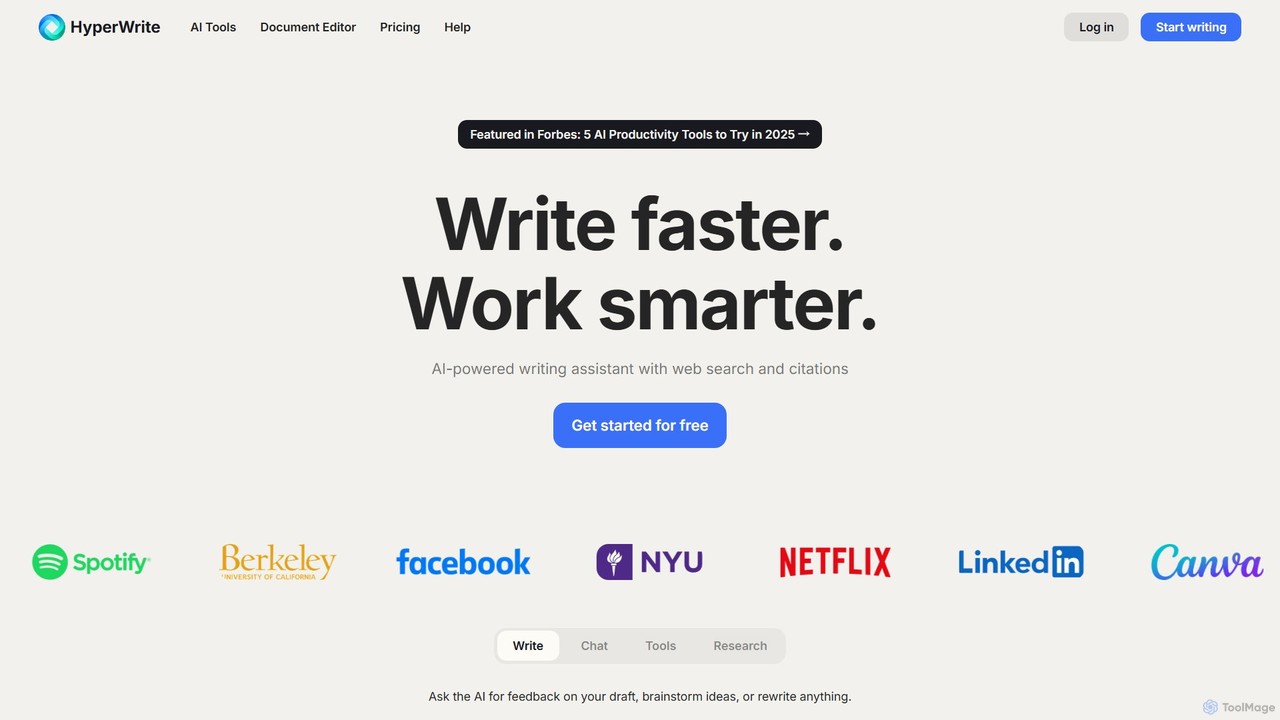
HyperWrite
HyperWrite is an advanced AI writing assistant designed to enhance productivity for students, marketers, and professionals. It offers hundreds of tools for writing, research, summarization, and content creation. Key features include real-time academic research with citations, customizable 'Personas' to match your writing style, and a seamless Chrome extension for workflow integration.
Research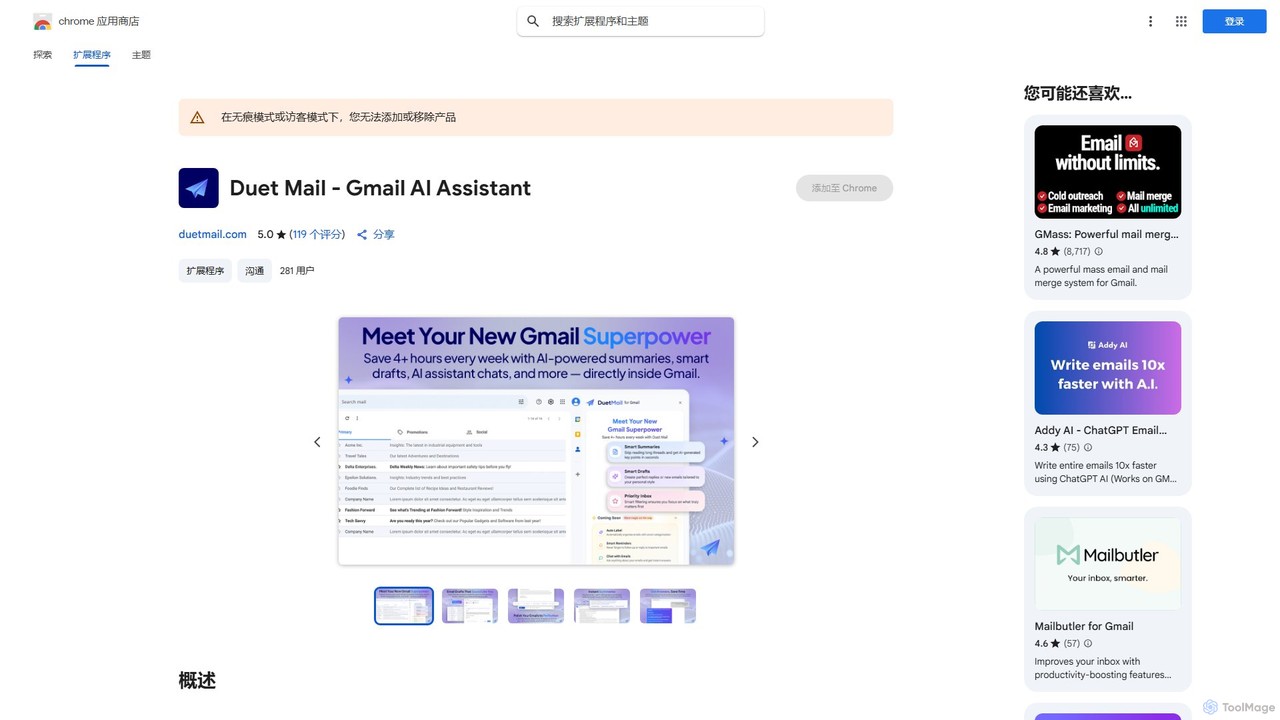
Duet Mail
Duet Mail is an AI-powered Gmail assistant that supercharges your inbox. It helps you draft emails in your personal style, provides instant summaries of long threads, sets smart follow-up reminders, and categorizes important messages. Save hours each week and reclaim control over your email.
Chrome ExtensionsRemail Categories
Remail Embed Widget
Copy this embed code to place the badge on your blog, article, or product site and send readers directly to this ToolMage detail page.

Related AI tools
HyperWrite
HyperWrite is an advanced AI writing assistant designed to enhance productivity for students, marketers, and professionals. It offers hundreds of tools for writing, research, summarization, and content creation. Key features include real-time academic research with citations, customizable 'Personas' to match your writing style, and a seamless Chrome extension for workflow integration.
Research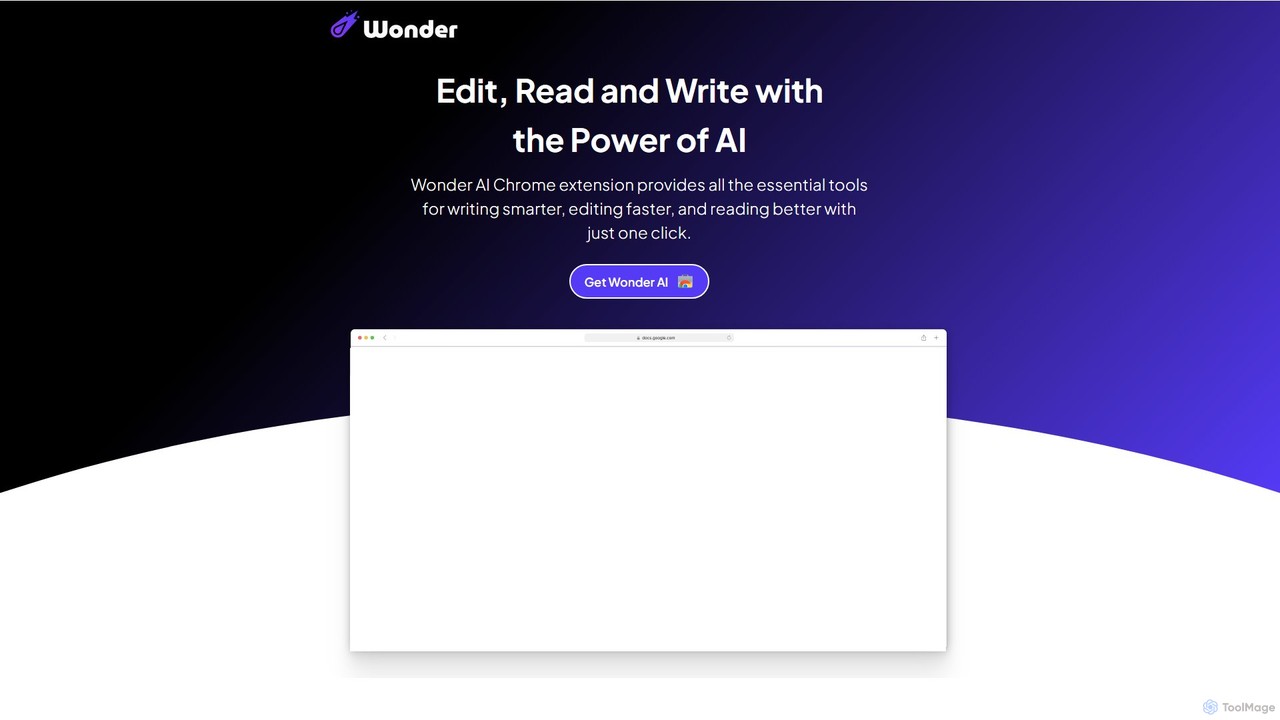
Wonder AI
Wonder AI is a powerful Chrome extension that enhances your writing, editing, and reading. It integrates directly into your browser, offering one-click tools to rewrite text, check grammar, summarize articles, explain complex concepts, and translate content, boosting your daily productivity and communication skills.
Chrome Extensions
Chippy
Chippy is a smart ChatGPT-powered Chrome extension that acts as your AI assistant across the web. Seamlessly summarize articles, translate text, research topics, and draft emails without ever leaving your current tab. It offers context-aware answers by focusing on the page you're viewing, overcoming ChatGPT's knowledge limitations. With a generous free tier and a focus on user privacy, Chippy enhances your browsing productivity by putting the power of AI at your fingertips.
Search Assistant
SMARTBIRD
SMARTBIRD is an AI-powered Chrome extension designed to accelerate your writing tasks. It acts as a personal assistant, drafting high-quality emails, social media posts, and messages in seconds. By integrating directly with platforms like Gmail, LinkedIn, and WhatsApp, it helps you communicate more effectively and save significant time.
Email AssistantCompose AI
Compose AI is an AI-powered writing assistant and Chrome extension that accelerates your writing process. It offers intelligent autocompletion, text generation, and rephrasing capabilities across all your favorite sites, from emails to documents. By learning your personal writing style, it helps you write faster and more effectively, saving up to 40% of your time.
Chrome ExtensionsEloquentAI
EloquentAI is an AI-powered Chrome extension that instantly enhances your writing. It helps you convey ideas with clarity and precision by offering features like text enhancement, tone and length adjustment, summarization, translation, and custom prompts, all powered by leading models like GPT-4o and Llama 3.
Chrome ExtensionsContent Assistant
A powerful AI browser extension that acts as your co-pilot for all content tasks. It intelligently uses page context to help you write, edit, summarize, translate, and reply to emails directly within your browser, boosting productivity and enhancing your workflow.
Chrome Extensions
Pointer AI
Pointer AI is a powerful Chrome extension that integrates ChatGPT-like capabilities directly into Google Docs. It streamlines your writing and editing process by allowing the AI to make changes directly in your document, eliminating the tedious copy-pasting and reformatting. Watch as it types out suggestions for you to approve, preserving your original document styling.
Chrome Extensions
InsertChatGPT
InsertChatGPT is a powerful browser extension that seamlessly integrates OpenAI's ChatGPT into your daily workflow. Get instant AI assistance for writing emails, summarizing text, and creating content directly on any website, boosting your productivity and creativity without switching tabs.
Chat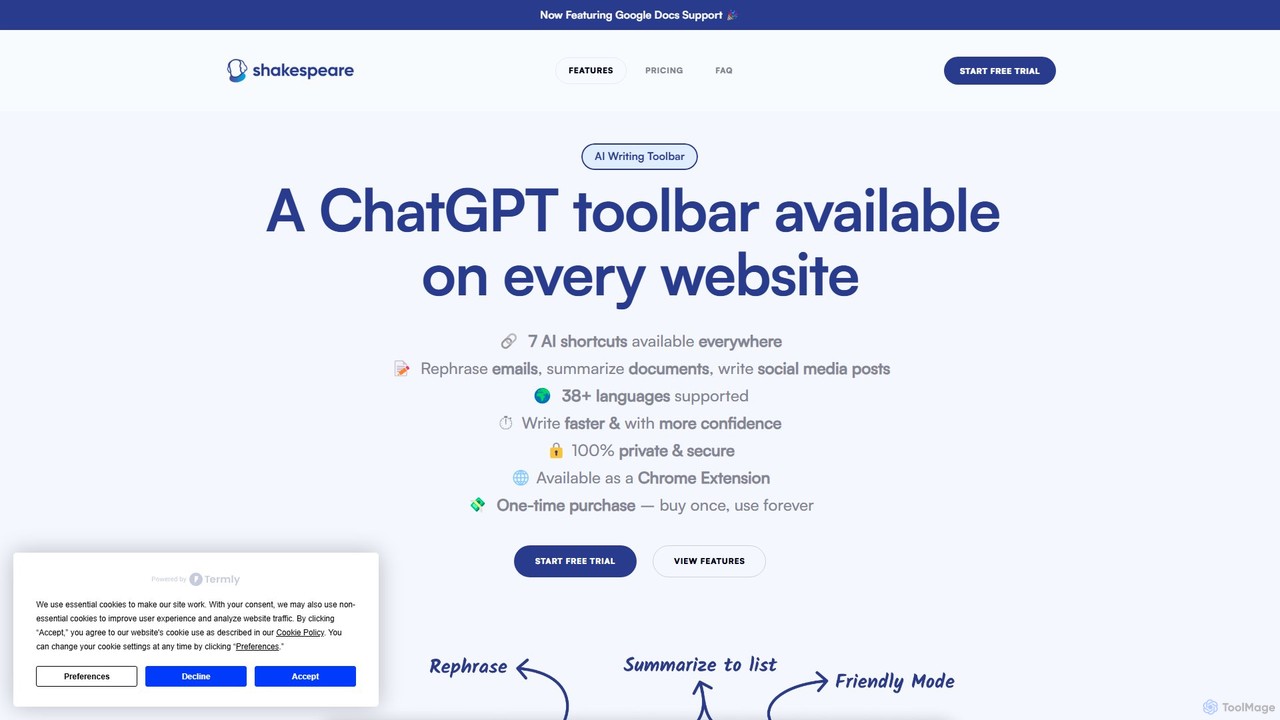
Shakespeare Toolbar
Shakespeare Toolbar is a ChatGPT-powered Chrome extension that integrates AI writing assistance directly into your browser. Work seamlessly on any website, including Google Docs, to rephrase, summarize, simplify text, and generate content without switching tabs. It's designed for writers, marketers, and professionals to enhance productivity and communication.
Chrome Extensions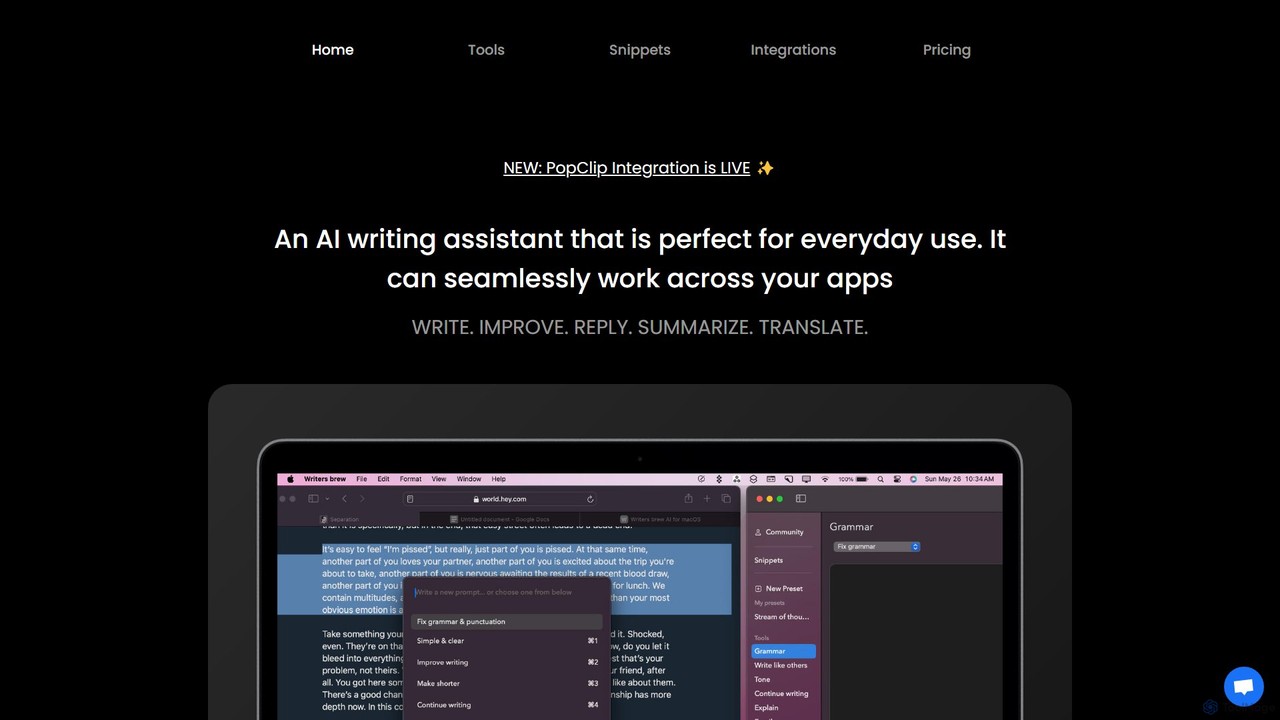
Writers brew
Writers brew is a native AI writing assistant for macOS that integrates seamlessly across all applications. It helps you write, improve, summarize, translate, and reply to text anywhere with a simple keyboard shortcut, also featuring text snippets, OCR, and other productivity utilities.
Macos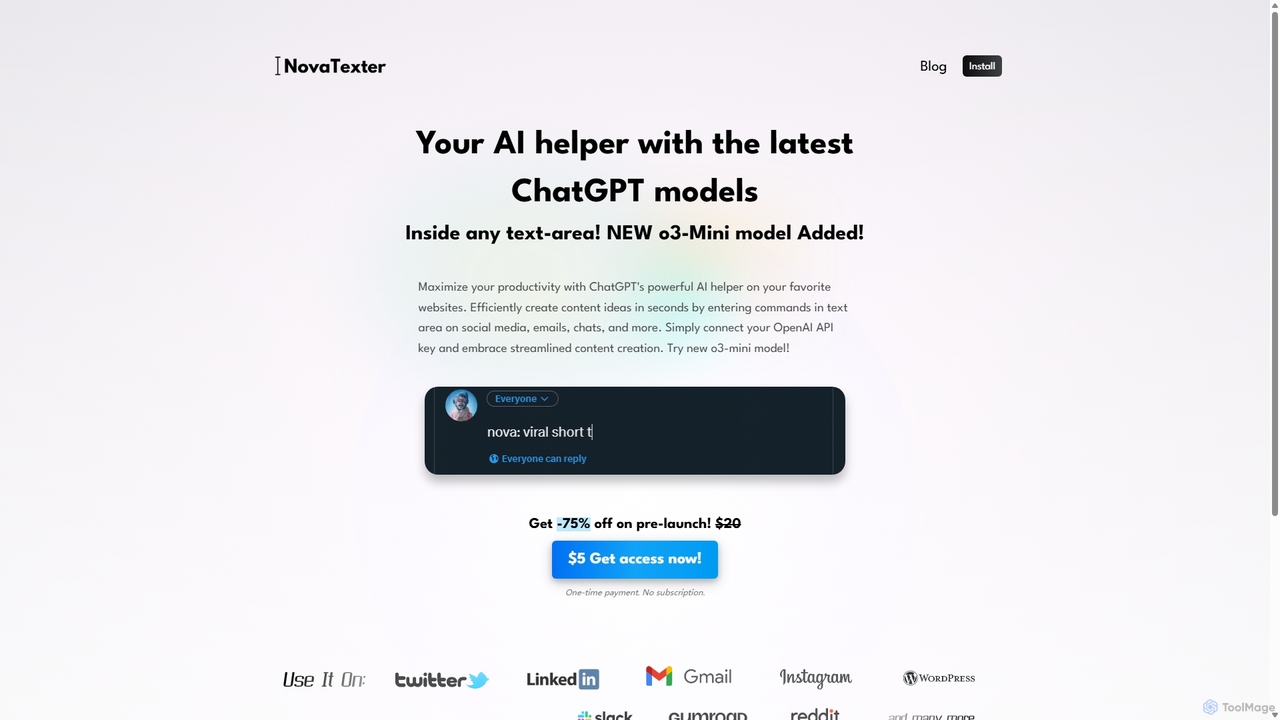
NovaTexter
NovaTexter is an AI-powered browser extension that integrates ChatGPT models directly into your workflow. It allows you to generate content, ideas, and responses on any website by simply typing commands in a text area. Connect your OpenAI API key for a seamless, productive content creation experience with a single one-time payment.
Chrome Extensions
chrome_ai
An all-in-one AI assistant integrated into your Chrome browser. Summarize web pages and YouTube videos, enhance your writing, explain complex topics, and chat with advanced AI models without leaving your current tab. Boost your productivity with seamless AI power.
Chrome Extensions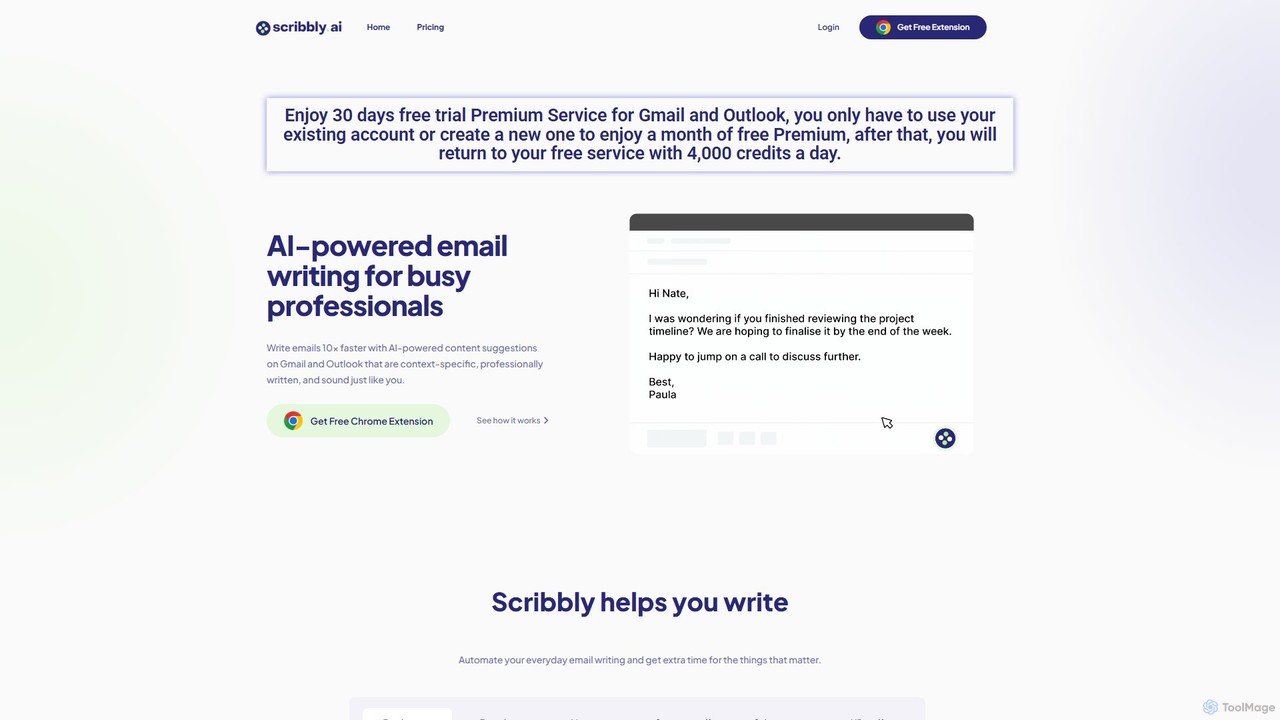
Scribbly
Scribbly is an AI-powered email writing assistant designed for busy professionals. It integrates with Gmail and Outlook via a Chrome extension, helping you write emails 10x faster. Get context-specific content suggestions, maintain a professional tone, and even mimic your personal writing style to streamline your communication and boost productivity.
Sales
tinyai.id
tinyai.id is a simple, all-in-one AI content creation platform designed for speed and ease of use. It offers a suite of tools for writing, social media management, text summarization, and more, making it ideal for marketers, bloggers, students, and small businesses looking to boost their productivity.
Assistant
Remail Comments (0)
Sign in to comment.
Sign inNo comments yet.