

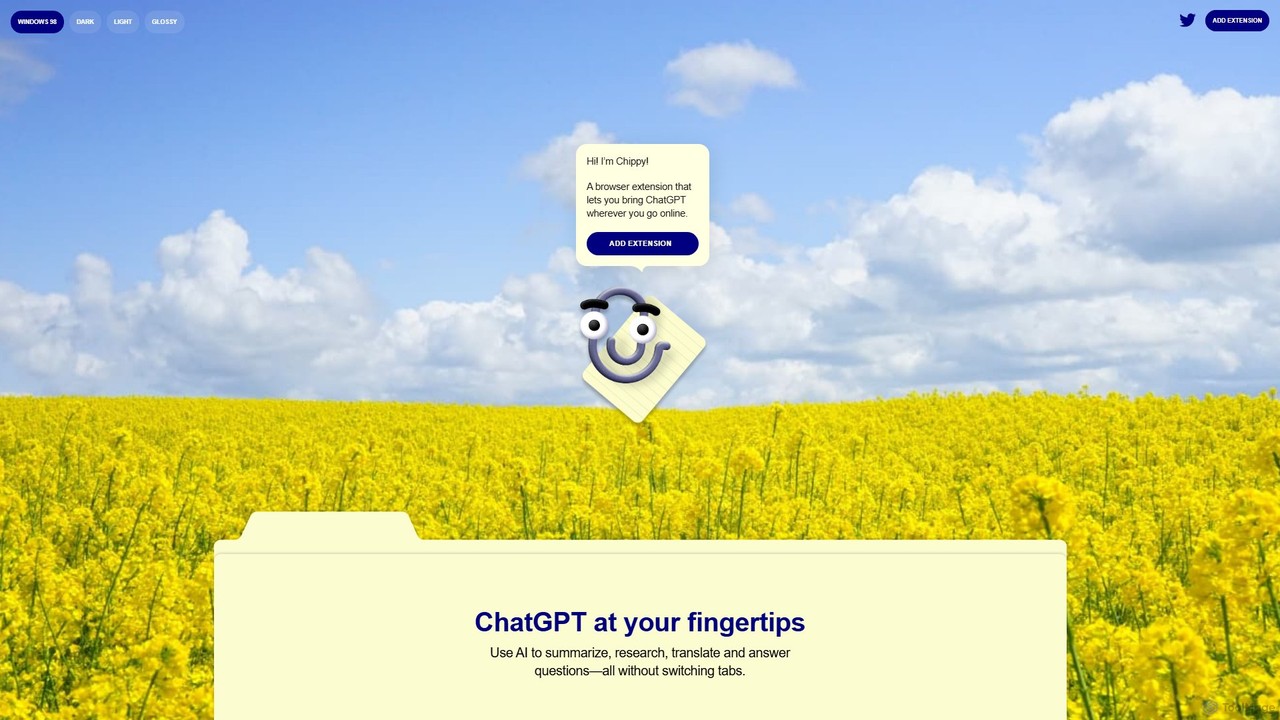
Chippy Overview
Chippy is a revolutionary browser extension designed to integrate the power of ChatGPT directly into your daily web browsing experience. It acts as an intelligent, context-aware companion, ready to assist you with a wide range of tasks without the need to switch tabs or copy-paste text. Whether you're a student, a professional, or just a curious mind, Chippy streamlines your workflow, making information gathering, content creation, and communication more efficient and intuitive. It's your personal AI assistant, available on any webpage you visit.
How to use Chippy
Getting started with Chippy is simple and takes only a minute:
- Installation: Navigate to the Chrome Web Store and search for "Chippy". Click "Add to Chrome" to install the extension.
- Activation: Once installed, pin the Chippy icon to your browser's toolbar for easy access.
- Interacting with Chippy: There are two primary ways to use Chippy. You can either highlight any text on a webpage and a Chippy prompt will appear, or you can click the extension icon to open its interface and type your query directly.
- Contextual Search: For questions related to the content on your current page, use the "Focused search" feature. This tells Chippy to analyze the text on the page to provide answers, which is perfect for summarizing articles or getting information beyond ChatGPT's 2021 knowledge cutoff.
- Upgrading for Power Users: To unlock unlimited queries and the advanced capabilities of GPT-4, simply open Chippy, go to the "Settings" menu, and add your personal OpenAI API key.
Core Features of Chippy
- Seamless In-Browser AI: Get answers, summaries, and translations instantly in a sidebar or pop-up without disrupting your browsing flow.
- Context-Aware Analysis: Select text or use the "Focused search" to have Chippy understand the context of the current webpage, providing highly relevant and accurate responses.
- Versatile Task Handling: Effortlessly summarize long articles, translate foreign languages, explain complex concepts, research topics, and even get help drafting replies to emails or comments.
- Intelligent Prompt Suggestions: Chippy helps you get started with suggested prompts and offers relevant follow-up questions to help you dig deeper into a topic.
- Email Assistant: When you're in your webmail client, Chippy can help you compose professional and well-written emails in seconds, saving you valuable time.
- Privacy by Design: Your conversations and OpenAI API key are stored locally in your browser. Chippy does not track your browsing history and requires no user account, ensuring your data remains private.
- Bring Your Own Key (BYOK) Model: The freemium model is supplemented by the ability for users to add their own OpenAI API key, granting access to GPT-4 and paying only for what they use directly through OpenAI.
Use Cases for Chippy
Chippy is a versatile tool for a wide range of users:
- For Students and Researchers: Instantly summarize dense academic papers, define technical terms on the fly, gather and synthesize information from multiple sources for an essay, and get explanations of complex theories directly on the page.
- For Professionals: Quickly get the gist of long business reports or news articles. Draft professional and polite email responses in seconds. Translate communications from international clients or partners without leaving your inbox.
- For Content Creators and Writers: Overcome writer's block by generating ideas based on your current reading. Rephrase sentences for better clarity or tone. Fact-check information quickly using the focused search feature.
- For Everyday Users: Get a quick summary of a product review before buying. Translate a recipe from a foreign blog. Ask questions about a news event while reading the article and get immediate, context-based answers.
Advantages of Chippy
- Massive Productivity Boost: Drastically reduces the time spent switching between tabs, copying text, and manually searching for information.
- Enhanced Learning and Comprehension: Makes it easier to understand complex topics by providing instant explanations and summaries.
- Cost-Effective Power: The generous free plan is perfect for casual use, while the BYOK model for power users is often more affordable than fixed monthly subscriptions from other tools.
- Unwavering Commitment to Privacy: With no account requirement and local data storage, you can use Chippy with the confidence that your information is secure.
- Intuitive and Accessible: The extension is incredibly easy to install and use, with a clean interface and straightforward functionality.
Pricing and Plans
Chippy offers a simple and transparent pricing structure:
- Free Plan: Chippy is free to use and includes 20 queries per day using the GPT-3.5 model. This is ideal for most daily browsing and assistance tasks.
- Pro (BYOK) Plan: For users who need more power, Chippy offers an upgrade path. By adding your own OpenAI API key in the settings, you can unlock unlimited queries and access the more powerful GPT-4 model. With this model, you are not billed by Chippy; instead, your usage is billed directly by OpenAI at their standard API rates, giving you full control over your costs.
Traffic
Latest traffic
Status
Monthly traffic trend
- 2025-9: 2.3K
- 2026-1: 1.2K
- 2026-2: 984
- 2026-3: 1.4K
- 2026-4: 1.2K
- 2026-5: 1.3K
Geography
Top 5 countries / regions
- 🇳🇦Namibia100.0%
Chippy Alternatives
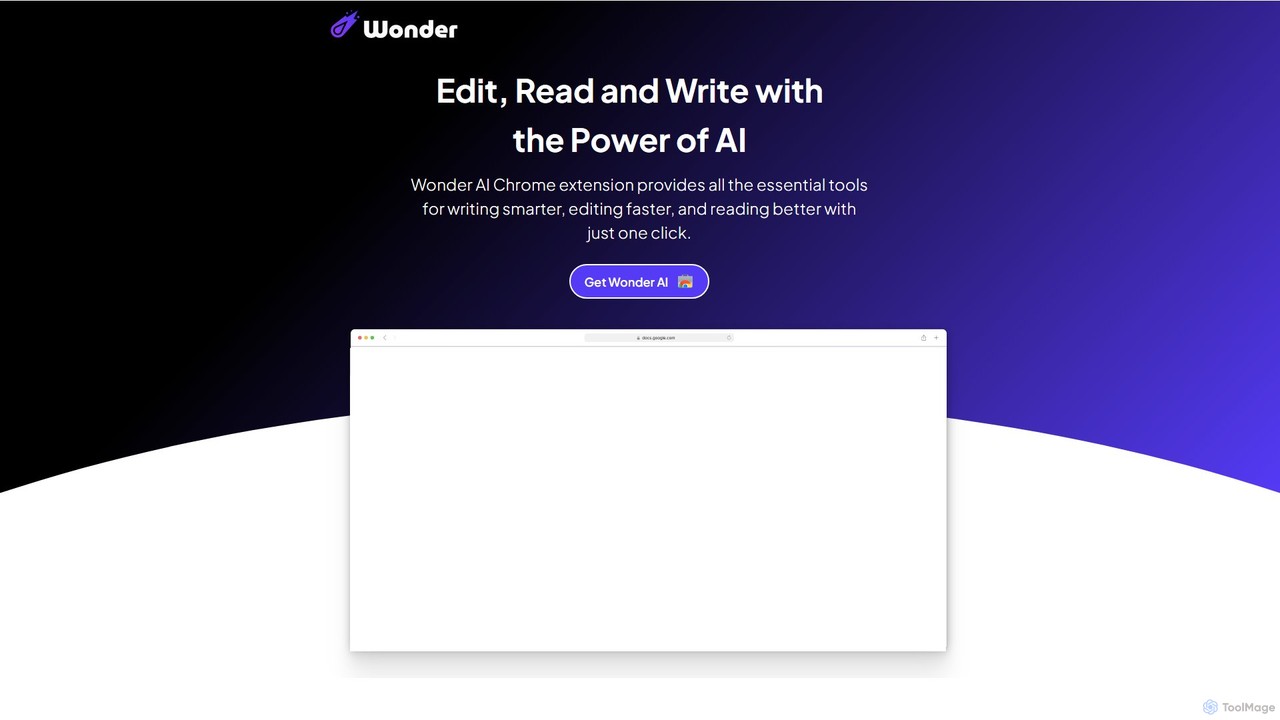
Wonder AI
Wonder AI is a powerful Chrome extension that enhances your writing, editing, and reading. It integrates directly into your browser, offering one-click tools to rewrite text, check grammar, summarize articles, explain complex concepts, and translate content, boosting your daily productivity and communication skills.
Chrome Extensions
Copilotly
Copilotly is a personal AI copilot designed to enhance productivity and creativity across your digital workflow. It integrates seamlessly into your browser and favorite websites like Gmail, Twitter, and LinkedIn, providing contextual assistance, content generation, and strategic guidance. From drafting professional emails to brainstorming social media content and accessing expert advice from specialized AI personas like doctors and lawyers, Copilotly acts as your all-in-one digital assistant to help you achieve more, effortlessly.
Search Assistant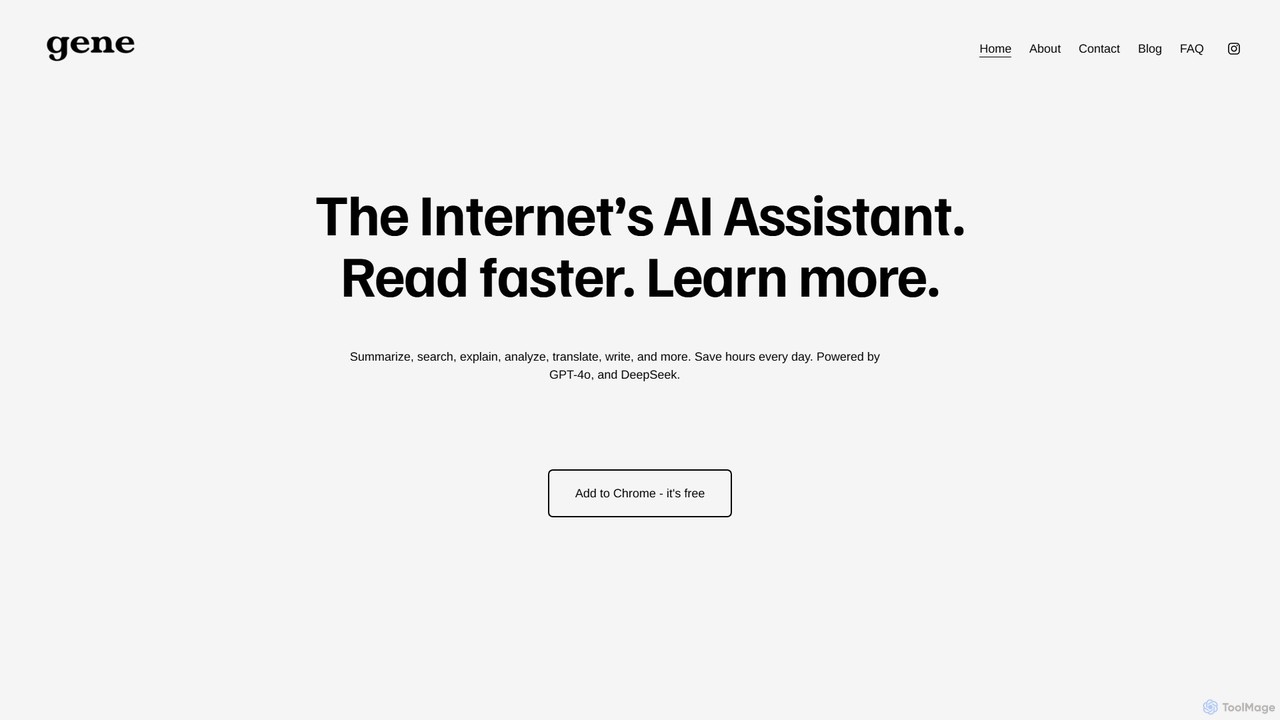
Ask Gene
Ask Gene is a free AI-powered Chrome extension that acts as your personal internet assistant. Powered by GPT-4o and DeepSeek, it allows you to summarize webpages and PDFs, chat with AI without leaving your tab, explain complex text, translate, and assist with writing, all seamlessly integrated into your browser.
Research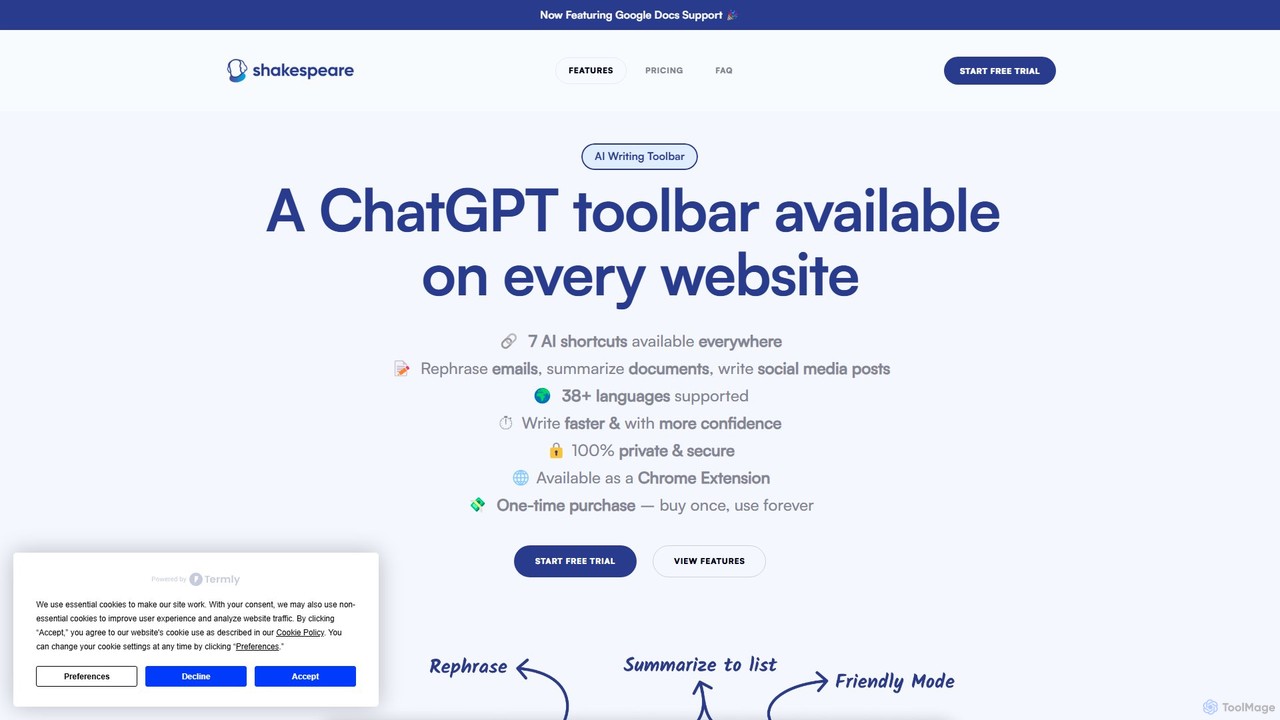
Shakespeare Toolbar
Shakespeare Toolbar is a ChatGPT-powered Chrome extension that integrates AI writing assistance directly into your browser. Work seamlessly on any website, including Google Docs, to rephrase, summarize, simplify text, and generate content without switching tabs. It's designed for writers, marketers, and professionals to enhance productivity and communication.
Chrome Extensions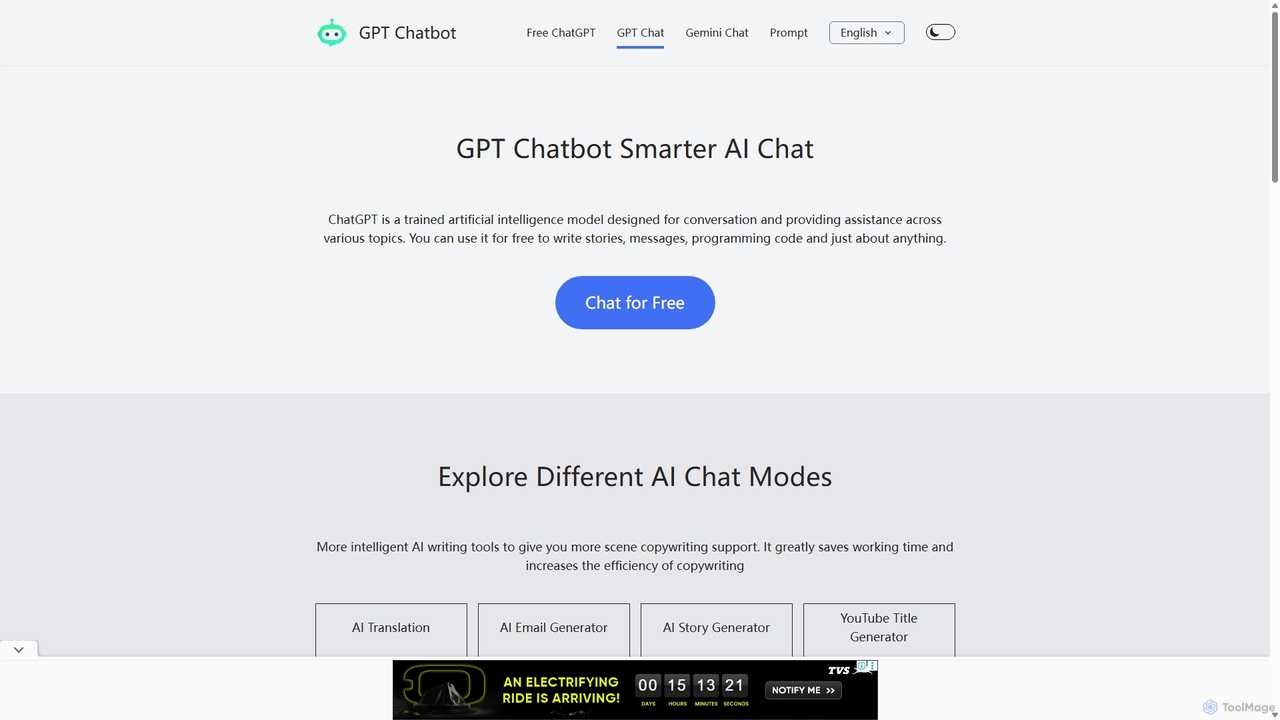
Chat GPT Online
Chat GPT Online is a free-to-use AI chatbot platform powered by advanced language models. It provides a seamless conversational experience for answering questions, generating text, writing code, and more. The platform includes specialized tools like an AI translator, email generator, story creator, and YouTube title generator, making it a versatile assistant for students, writers, developers, and marketers without any cost or registration.
Generative AiChippy Categories
Chippy Embed Widget
Copy this embed code to place the badge on your blog, article, or product site and send readers directly to this ToolMage detail page.

Related AI tools
Voilà
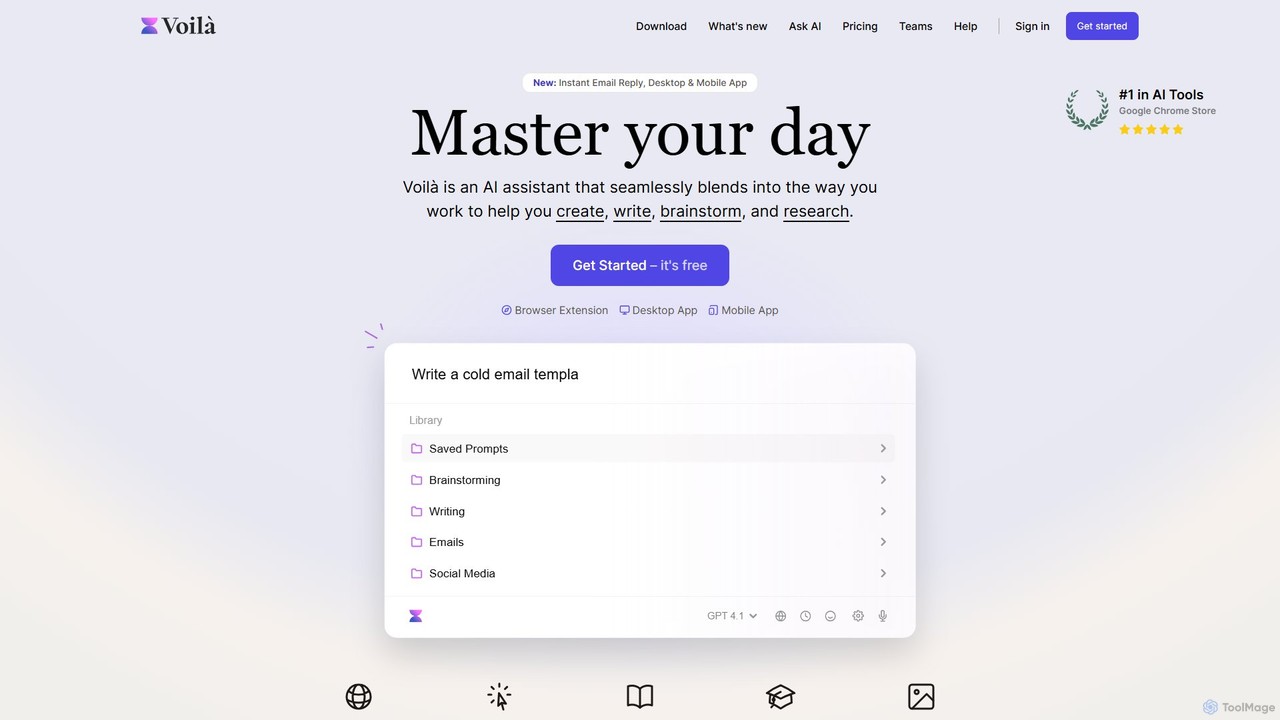
Voilà is an all-in-one AI assistant designed to maximize productivity. It functions as a browser extension, desktop, and mobile app, seamlessly integrating into your workflow to help with writing, brainstorming, research, and content creation. It works on any website or app, understanding the context to provide relevant assistance.
Content Creation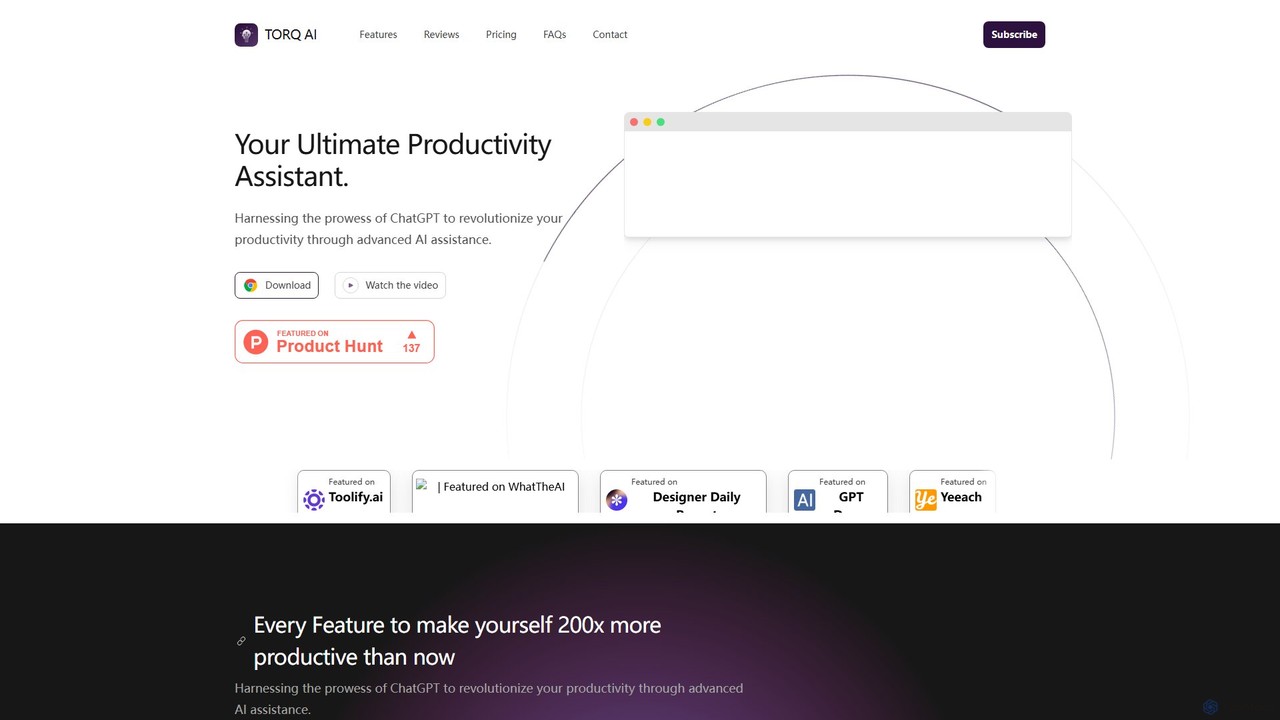
Torq
Torq is an AI-powered Chrome extension that supercharges your productivity. Leveraging ChatGPT, it offers one-click email generation, instant text summarization and translation, and integrates AI responses directly into your Google search results, streamlining your daily workflow.
Browser Extension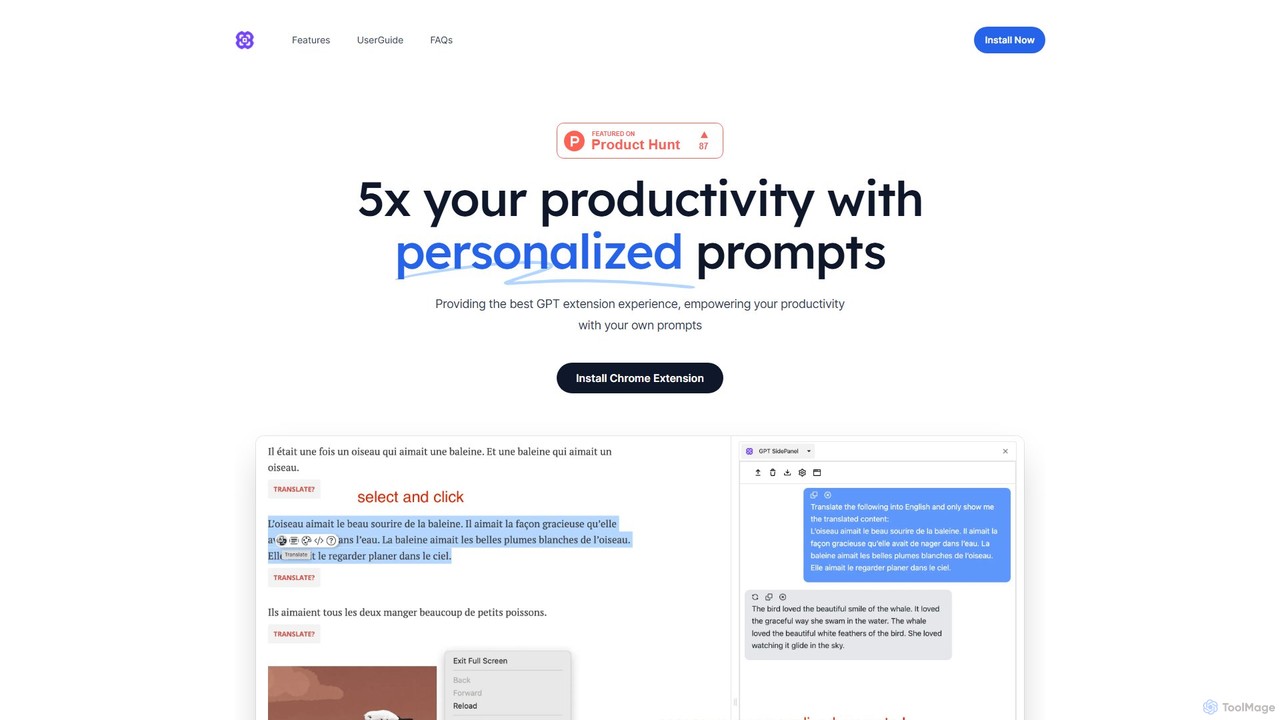
GPTSidePanel
GPTSidePanel is a powerful AI browser extension that integrates a GPT-powered sidebar into your browsing experience. Boost your productivity by summarizing articles, translating text, polishing writing, and using custom prompts directly on any webpage. Eliminate tab-switching and keep your workflow seamless with this intuitive AI assistant.
Browser ExtensionAsk Gene
Ask Gene is a free AI-powered Chrome extension that acts as your personal internet assistant. Powered by GPT-4o and DeepSeek, it allows you to summarize webpages and PDFs, chat with AI without leaving your tab, explain complex text, translate, and assist with writing, all seamlessly integrated into your browser.
ResearchShakespeare Toolbar
Shakespeare Toolbar is a ChatGPT-powered Chrome extension that integrates AI writing assistance directly into your browser. Work seamlessly on any website, including Google Docs, to rephrase, summarize, simplify text, and generate content without switching tabs. It's designed for writers, marketers, and professionals to enhance productivity and communication.
Chrome Extensions
chrome_ai
An all-in-one AI assistant integrated into your Chrome browser. Summarize web pages and YouTube videos, enhance your writing, explain complex topics, and chat with advanced AI models without leaving your current tab. Boost your productivity with seamless AI power.
Chrome Extensions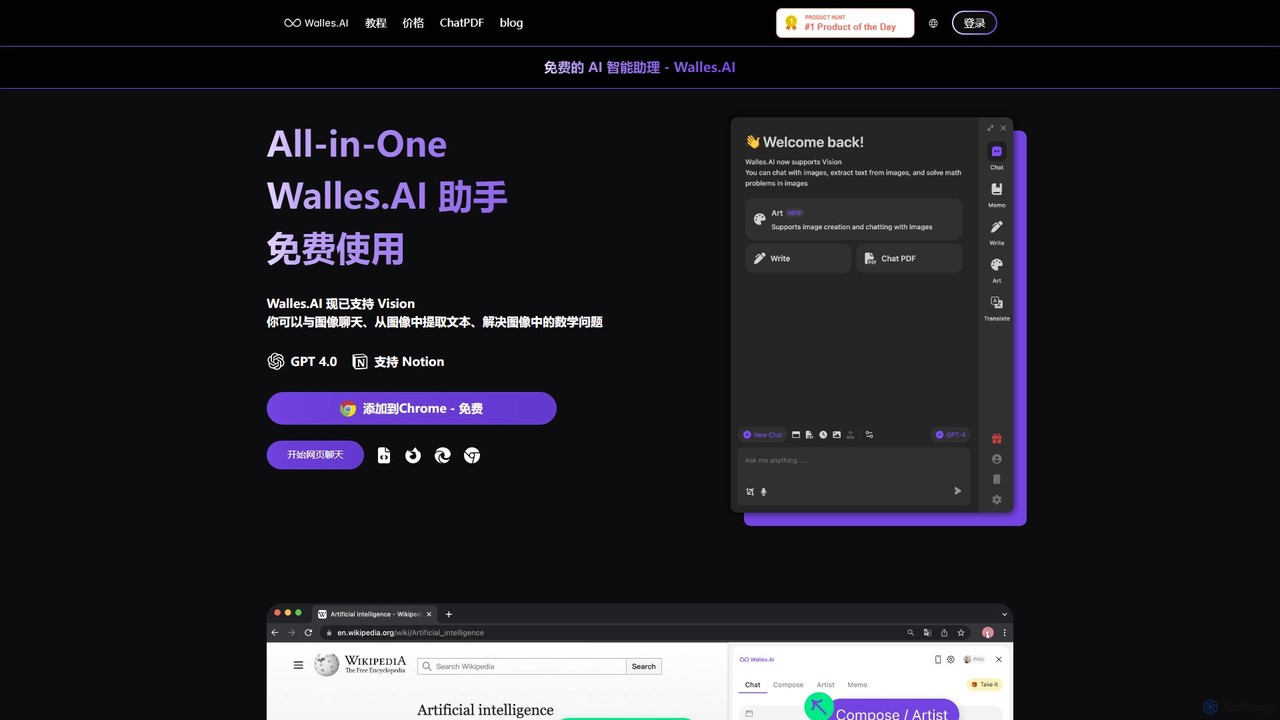
Walles.AI
Walles.AI is an all-in-one AI assistant integrated as a Chrome extension. Powered by GPT-4, it allows you to chat with webpages, PDFs, YouTube videos, and even images. Boost your productivity with instant summarization, translation, text analysis, and seamless integration with Notion.
Study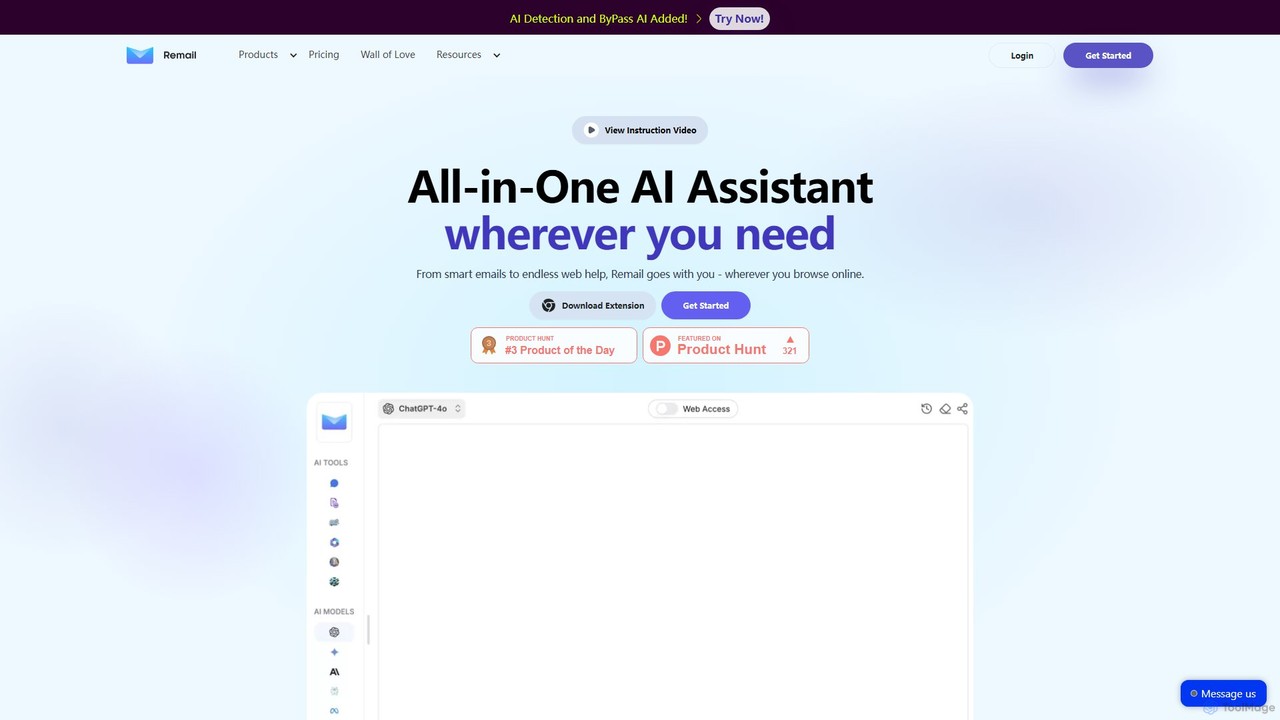
Remail
Remail is an all-in-one AI assistant and Chrome extension designed to boost productivity. It helps you write and reply to emails 10x faster, summarize web pages, chat with documents and YouTube videos, generate content, and much more, directly within your browser.
Chrome Extensions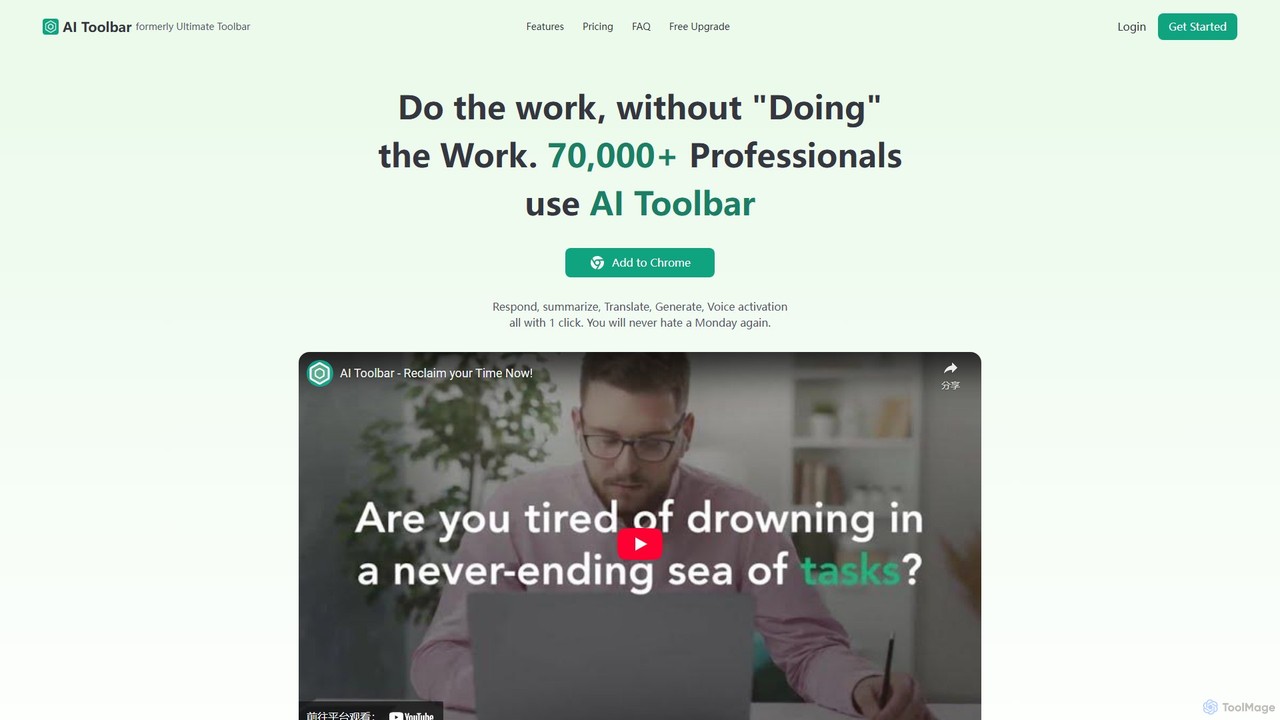
AI Toolbar
AI Toolbar is a powerful Chrome extension that acts as your personal virtual assistant. It integrates AI directly into your browser, allowing you to respond to emails, summarize and translate text, generate content, and use voice commands on any webpage with a single click. Trusted by over 70,000 professionals, it's designed to dramatically boost your productivity and streamline your workflow.
Paraphraser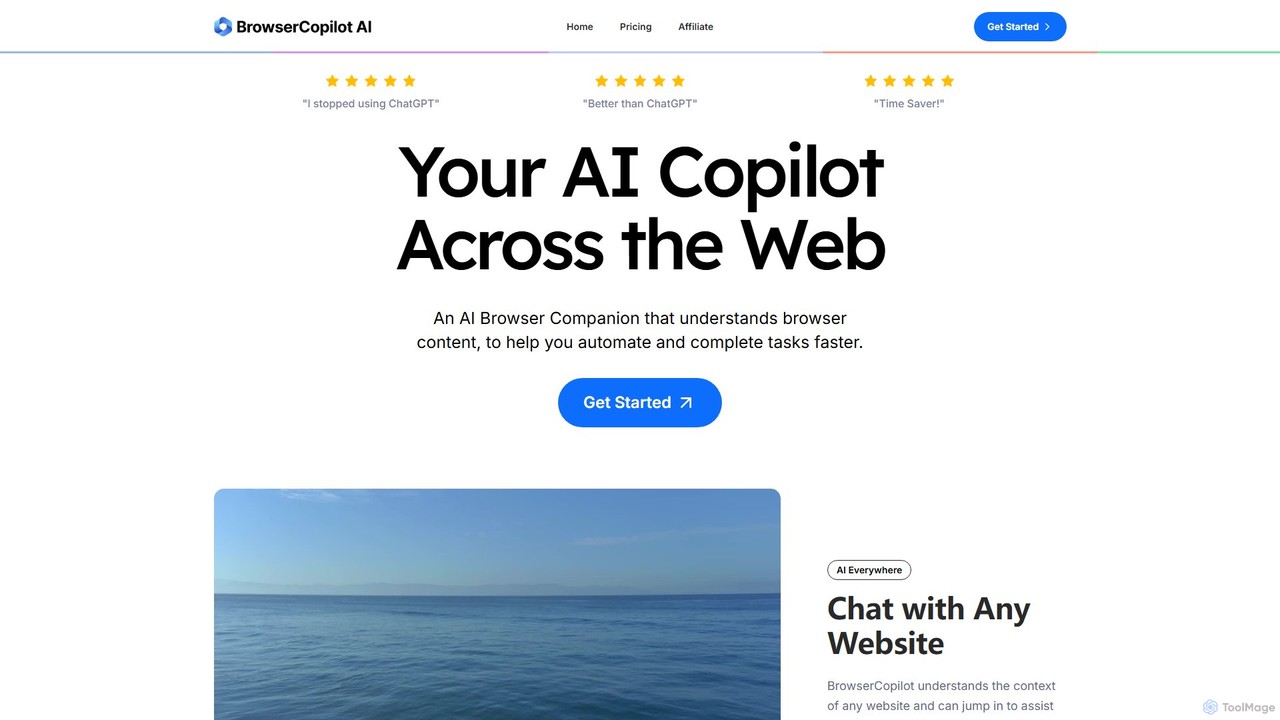
BrowserCopilot
BrowserCopilot is an AI-powered browser extension that acts as your personal copilot across the web. It understands the context of any webpage, helping you to read, write, research, and automate tasks faster without switching tabs. It integrates multiple leading AI models like GPT-4o and Claude 3.7.
Automation
Merlin AI
Merlin is an all-in-one AI assistant, available as a browser extension and app, that integrates top AI models like GPT-4, Claude 3, and Gemini. It allows you to research, write, summarize content, generate images, and code with a single click on any website, streamlining your workflow and boosting productivity without switching tabs.
Chrome Extensions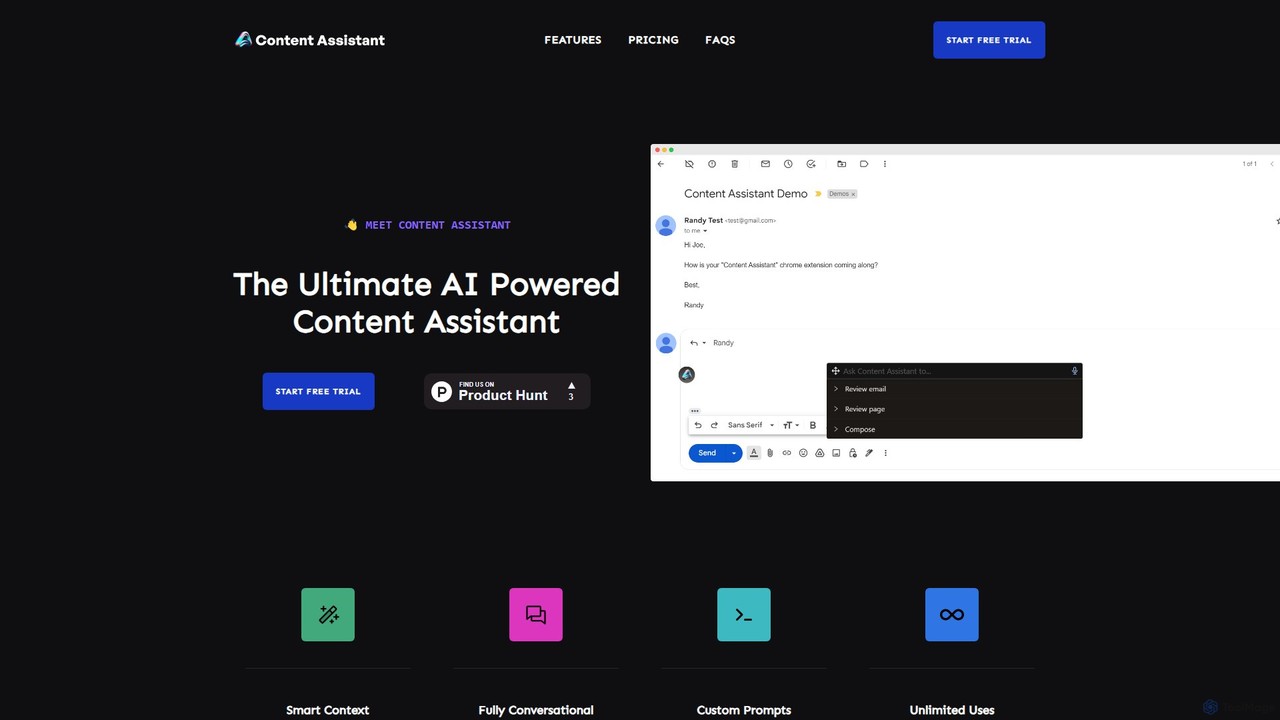
Content Assistant
A powerful AI browser extension that acts as your co-pilot for all content tasks. It intelligently uses page context to help you write, edit, summarize, translate, and reply to emails directly within your browser, boosting productivity and enhancing your workflow.
Chrome ExtensionsWonder AI
Wonder AI is a powerful Chrome extension that enhances your writing, editing, and reading. It integrates directly into your browser, offering one-click tools to rewrite text, check grammar, summarize articles, explain complex concepts, and translate content, boosting your daily productivity and communication skills.
Chrome Extensions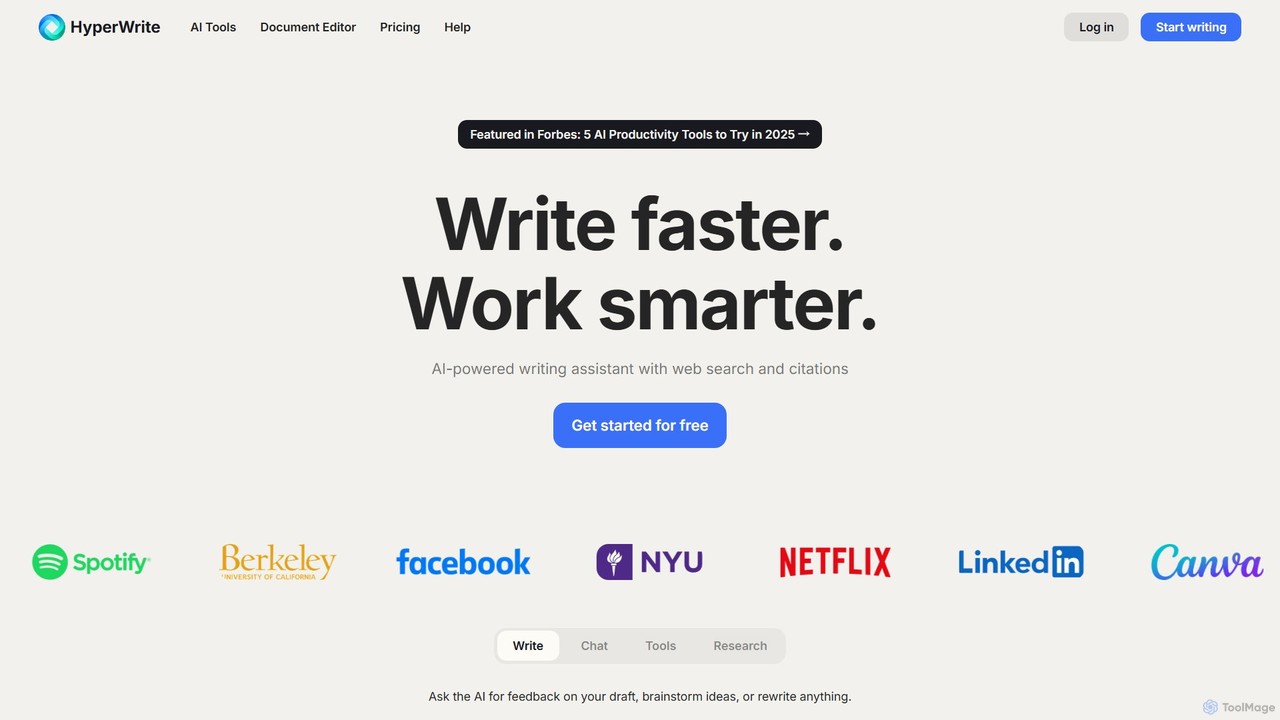
HyperWrite
HyperWrite is an advanced AI writing assistant designed to enhance productivity for students, marketers, and professionals. It offers hundreds of tools for writing, research, summarization, and content creation. Key features include real-time academic research with citations, customizable 'Personas' to match your writing style, and a seamless Chrome extension for workflow integration.
Research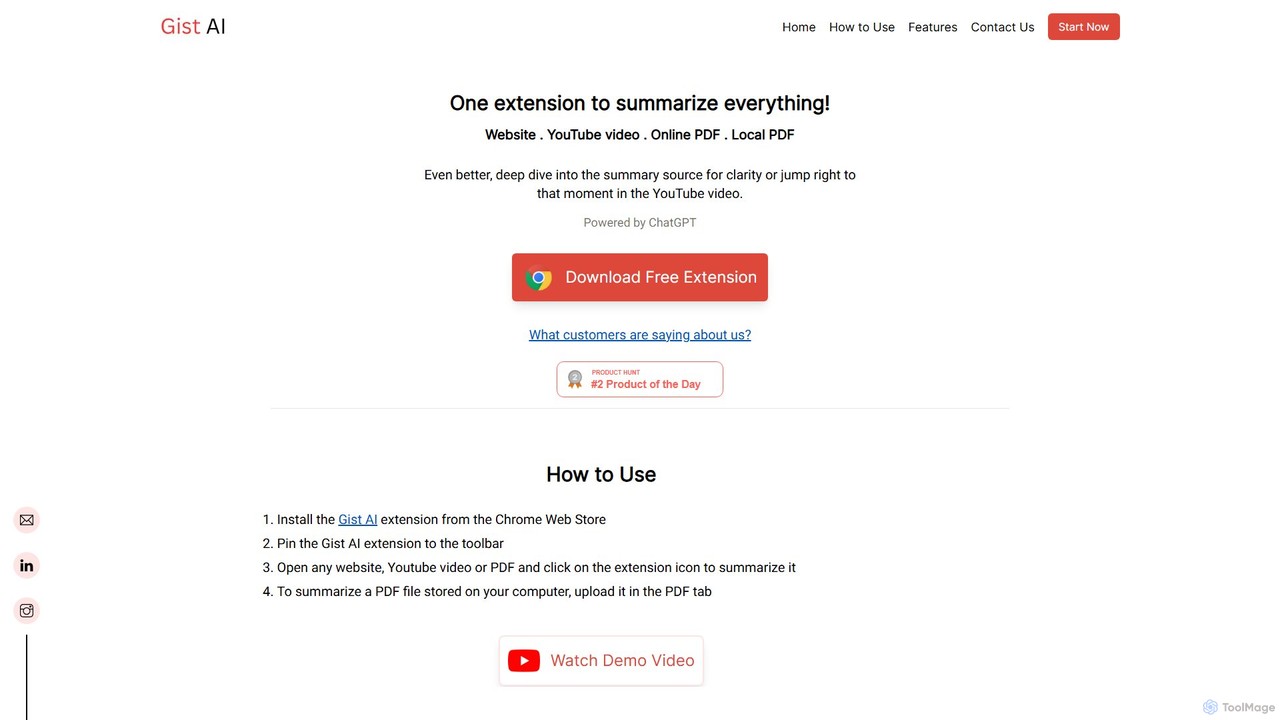
Gist AI
Gist AI is a free, ChatGPT-powered Chrome extension that instantly summarizes websites, YouTube videos, and both online and local PDFs. It helps you save time, improve comprehension, and quickly access the most important information from long-form content with a single click.
Chrome Extensions
Chippy Comments (0)
Sign in to comment.
Sign inNo comments yet.