

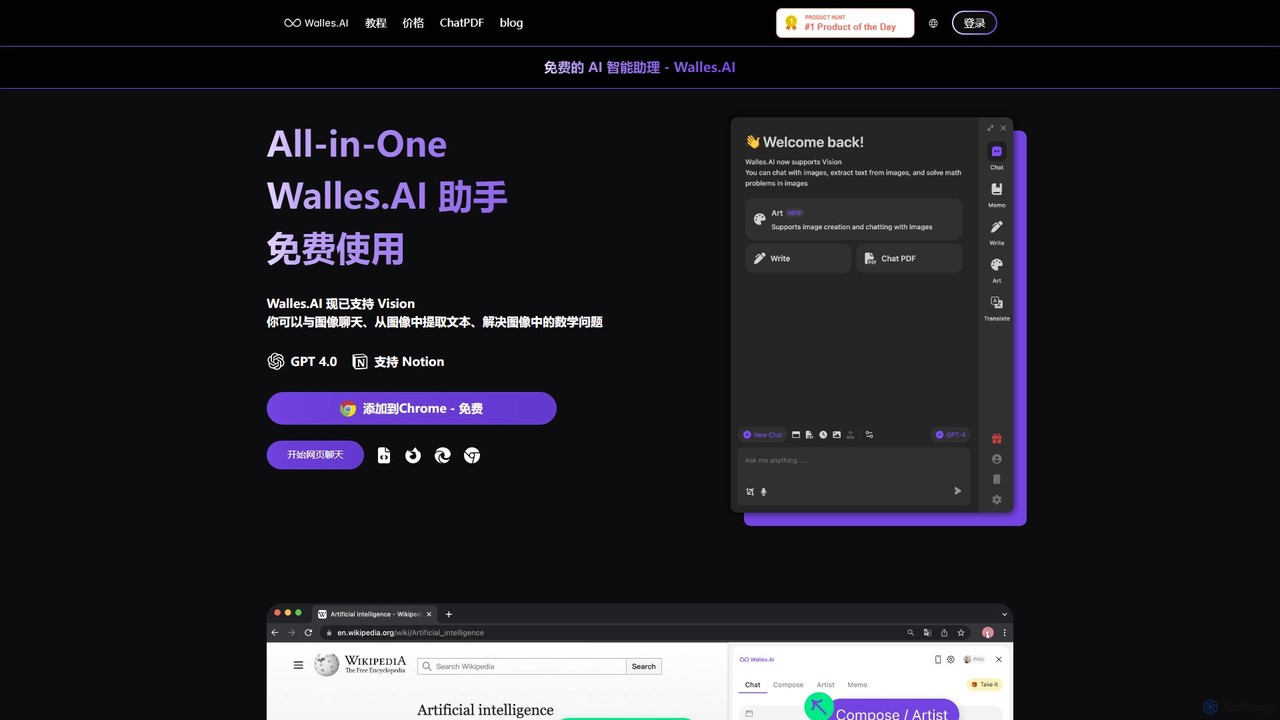
Walles.AI Overview
Walles.AI is a versatile and powerful AI-powered assistant designed to be your ultimate browser companion. Integrated as a seamless Chrome extension, it brings the intelligence of models like GPT-4 and GPT-3.5 directly into your daily workflow, transforming how you interact with online content. Walles.AI acts as an all-in-one solution, eliminating the need for multiple separate tools by allowing you to converse with webpages, PDF documents, YouTube videos, and images without ever leaving your current tab.
With its intuitive sidebar interface, Walles.AI is always ready to assist. Whether you're a student trying to digest dense academic papers, a professional analyzing market reports, or a curious learner exploring new topics, Walles.AI streamlines information consumption. Its recently added Vision capabilities even allow you to upload images to extract text, solve mathematical problems, or simply discuss the visual content, making it a truly multi-modal assistant.
How to use Walles.AI
Getting started with Walles.AI is straightforward:
- Installation: Add the Walles.AI extension to your Chrome browser from the Chrome Web Store for free.
- Activate the Sidebar: Once installed, click the Walles.AI icon or use a keyboard shortcut to open the assistant sidebar on any webpage.
- Interact with Content:
- Webpages: While on any site, ask the sidebar to summarize the article, explain complex concepts, or find specific information.
- PDFs: Use the ChatPDF feature to upload a PDF document and start a conversation with it. Ask questions, request summaries of sections, or extract key data points.
- YouTube Videos: Open a YouTube video and use Walles.AI to generate a concise summary and a time-stamped outline, saving you from watching the entire video.
- Text Selection: Highlight any text on a page to trigger a context menu. From there, you can instantly translate, summarize, or rephrase the selected content.
- Image Chat: Upload an image to the assistant to ask questions about it, extract text, or get help with visual problems.
- Export to Notion: Keep your insights organized by exporting your chat history and important notes directly to your Notion workspace with a single click.
Core Features of Walles.AI
- All-in-One AI Assistant: Combines the functionality of a web page chatbot, PDF reader, YouTube summarizer, and image analyzer into a single extension.
- GPT-4 & Vision Support: Leverages the power of OpenAI's advanced models, including GPT-4 for nuanced conversations and Vision for image-based interactions.
- Interactive Chat with Sources: Engage in dynamic conversations with webpages, local or online PDFs, and YouTube videos to extract information efficiently.
- Instant Text Processing: Select any text on-the-fly to explain, translate, or summarize it without disrupting your browsing flow.
- YouTube Video Summarizer: Quickly generates summaries and key takeaway outlines for YouTube videos, helping you grasp content in minutes.
- Seamless Notion Integration: Effortlessly save and organize your conversations, research, and notes by exporting them directly to Notion.
- Intuitive Sidebar Interface: A non-intrusive sidebar provides constant access to AI assistance without needing to switch tabs, keeping you focused.
Use Cases for Walles.AI
Walles.AI is designed for a wide range of users:
- Students and Researchers: Quickly digest academic papers, summarize long articles, and get outlines of educational videos to accelerate research and learning.
- Content Creators and Marketers: Brainstorm ideas, rephrase sentences for clarity, and gather information from various sources without leaving their primary workspace.
- Professionals and Analysts: Analyze business reports in PDF format, get key insights from industry news, and draft emails or presentations based on web content.
- Everyday Users: Plan trips, manage personal finances by analyzing online articles, learn new skills, and get quick answers to any question that arises while browsing.
Advantages of Walles.AI
Walles.AI stands out as a superior productivity tool due to its integrated nature and powerful features. Its main advantage is consolidating multiple AI functions into one accessible Chrome extension, which enhances workflow efficiency and reduces context switching. By supporting interactions with text, PDFs, videos, and images, it offers unparalleled versatility. Furthermore, it is positioned as an affordable yet powerful alternative to other standalone AI services, providing access to GPT-4 and a robust free plan, making advanced AI accessible to everyone.
Pricing and Plans
Walles.AI operates on a freemium model, ensuring that core features are accessible to everyone for free.
- Free Plan: This plan is ideal for casual users. It includes access to the AI assistant with GPT-3.5, a limited number of GPT-4 queries, and access to all core features like webpage chat, PDF interaction, and YouTube summarization, subject to daily or monthly usage limits.
- Pro Plan: For power users and professionals, a paid Pro plan is available. This typically offers significantly more (or unlimited) GPT-4 queries, higher usage limits for all features, support for larger file uploads, priority customer support, and access to new beta features. For the most current and detailed pricing information, please visit the official Walles.AI website.
Traffic
Latest traffic
Status
Monthly traffic trend
- 2025-9: 23.7K
- 2026-1: 14.1K
- 2026-2: 14.5K
- 2026-3: 11.2K
- 2026-4: 14.5K
- 2026-5: 15.7K
Geography
Top 5 countries / regions
- 🇨🇳China44.7%
- 🇷🇺Russia19.6%
- 🇺🇿Uzbekistan15.6%
- 🇫🇷France11.0%
- 🇺🇸United States9.1%
Traffic sources
| Source type | Percentage |
|---|---|
Direct | 89.9% |
Referral | 10.1% |
Top keywords
| Keyword | Cost per click |
|---|---|
| llmwise | $0.00 |
| restart wazuh indexer and manager and more | $0.00 |
| wale ia | $0.00 |
| walles | $0.00 |
| walles ai | $0.00 |
Walles.AI Alternatives

Merlin AI
Merlin is an all-in-one AI assistant, available as a browser extension and app, that integrates top AI models like GPT-4, Claude 3, and Gemini. It allows you to research, write, summarize content, generate images, and code with a single click on any website, streamlining your workflow and boosting productivity without switching tabs.
Chrome Extensions
getmerlin
getmerlin is a versatile AI assistant powered by top models like GPT-4o and Claude 3.5. Available as a browser extension and app, it integrates seamlessly into your workflow to summarize content, draft emails, generate text and images, and enhance research on any website. It acts as an all-in-one productivity tool, saving time and money by consolidating multiple AI services into a single subscription.
Chrome Extensions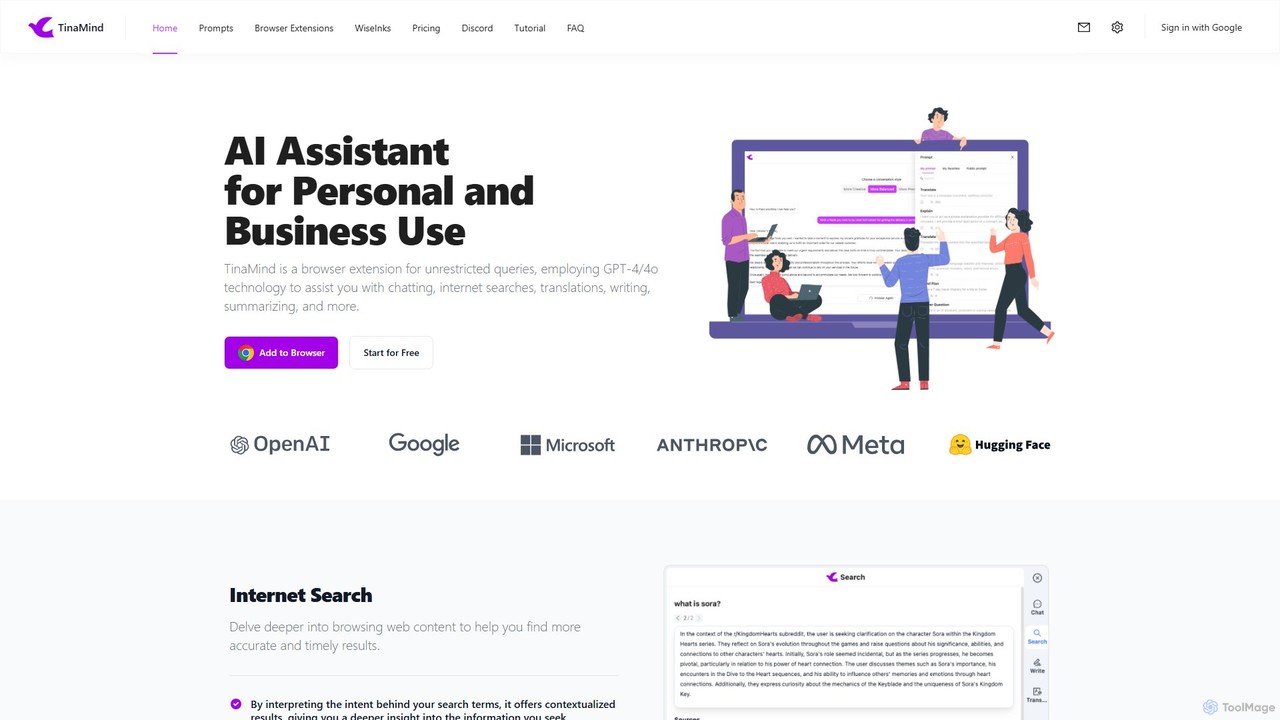
TinaMind
TinaMind is an AI-powered browser extension that enhances your productivity with GPT-4/4o. It acts as an all-in-one assistant for intelligent web search, document and YouTube summarization, content writing, high-quality translation, and efficient prompt management. Seamlessly integrated into your browser, it streamlines your workflow for both personal and business use.
Browser Extension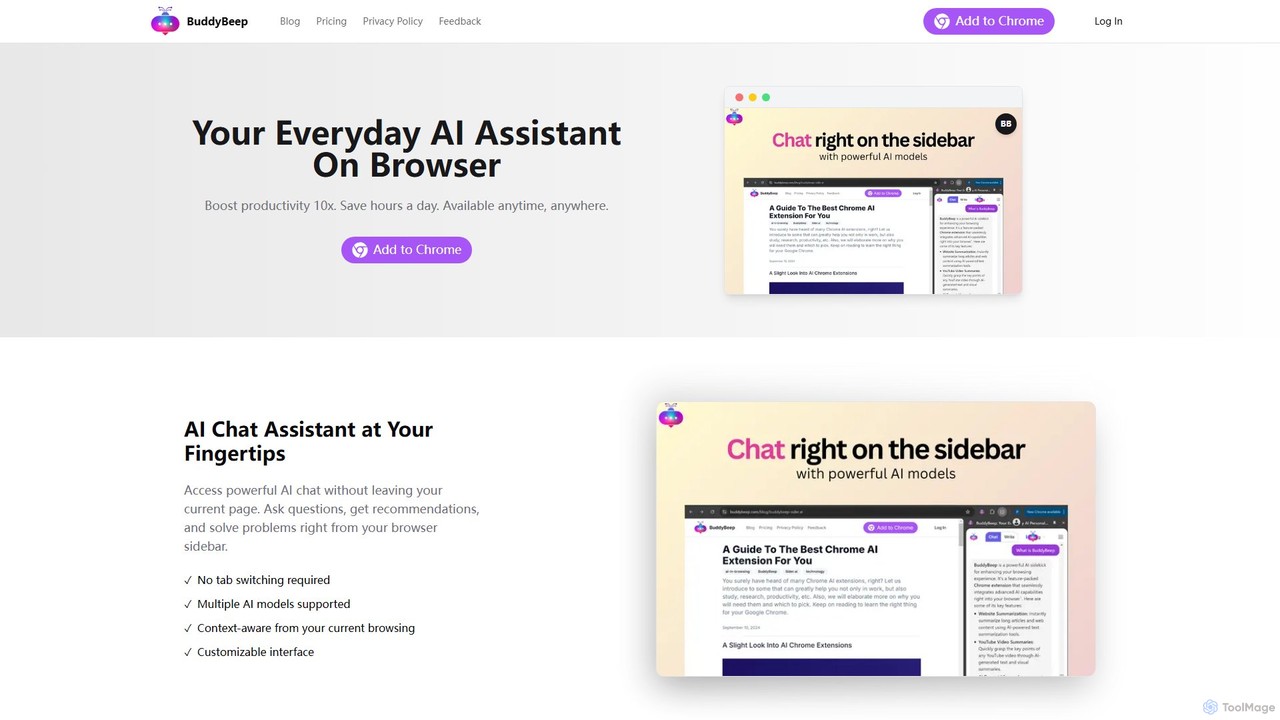
BuddyBeep
BuddyBeep is an AI-powered Chrome extension that acts as your personal browsing assistant. It boosts productivity by offering an in-page AI chat, one-click summarization for articles and YouTube videos, and a smart knowledge repository to build your "second brain". Capture, organize, and retrieve information effortlessly without switching tabs, transforming your browsing into a more efficient and insightful experience.
Browser Extension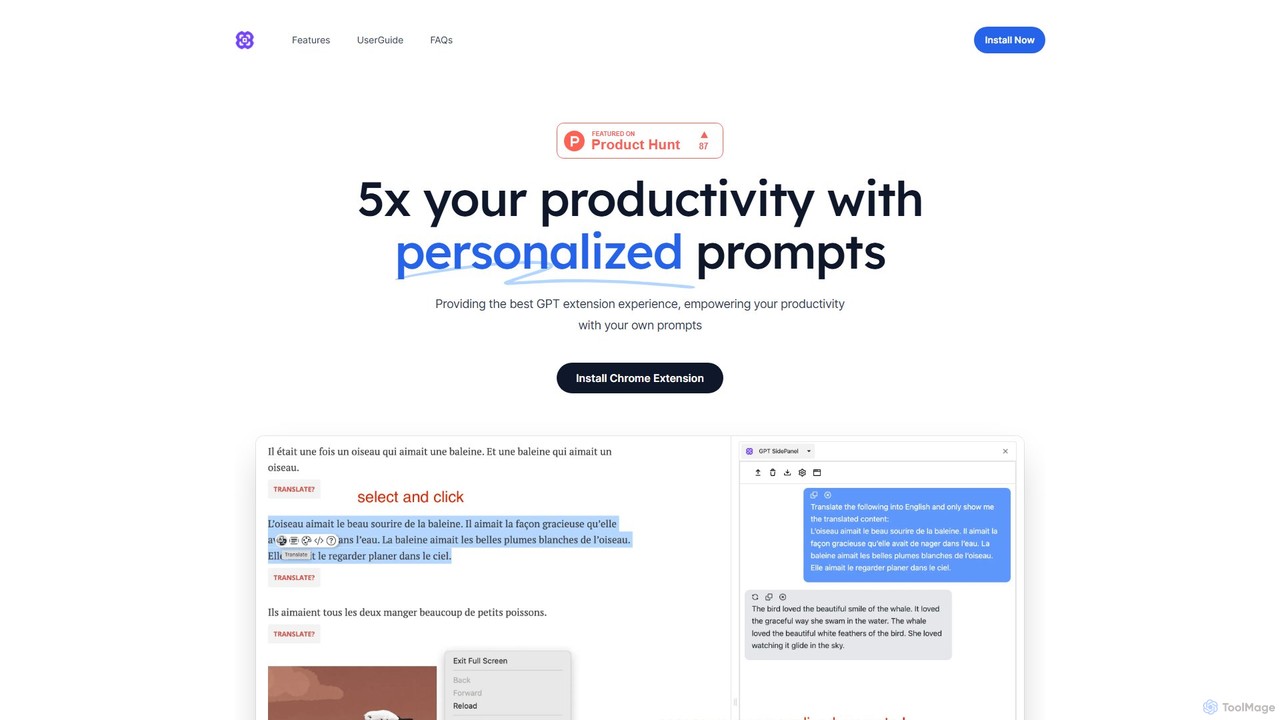
GPTSidePanel
GPTSidePanel is a powerful AI browser extension that integrates a GPT-powered sidebar into your browsing experience. Boost your productivity by summarizing articles, translating text, polishing writing, and using custom prompts directly on any webpage. Eliminate tab-switching and keep your workflow seamless with this intuitive AI assistant.
Browser ExtensionWalles.AI Categories
Walles.AI Embed Widget
Copy this embed code to place the badge on your blog, article, or product site and send readers directly to this ToolMage detail page.

Related AI tools
Merlin AI
Merlin is an all-in-one AI assistant, available as a browser extension and app, that integrates top AI models like GPT-4, Claude 3, and Gemini. It allows you to research, write, summarize content, generate images, and code with a single click on any website, streamlining your workflow and boosting productivity without switching tabs.
Chrome Extensions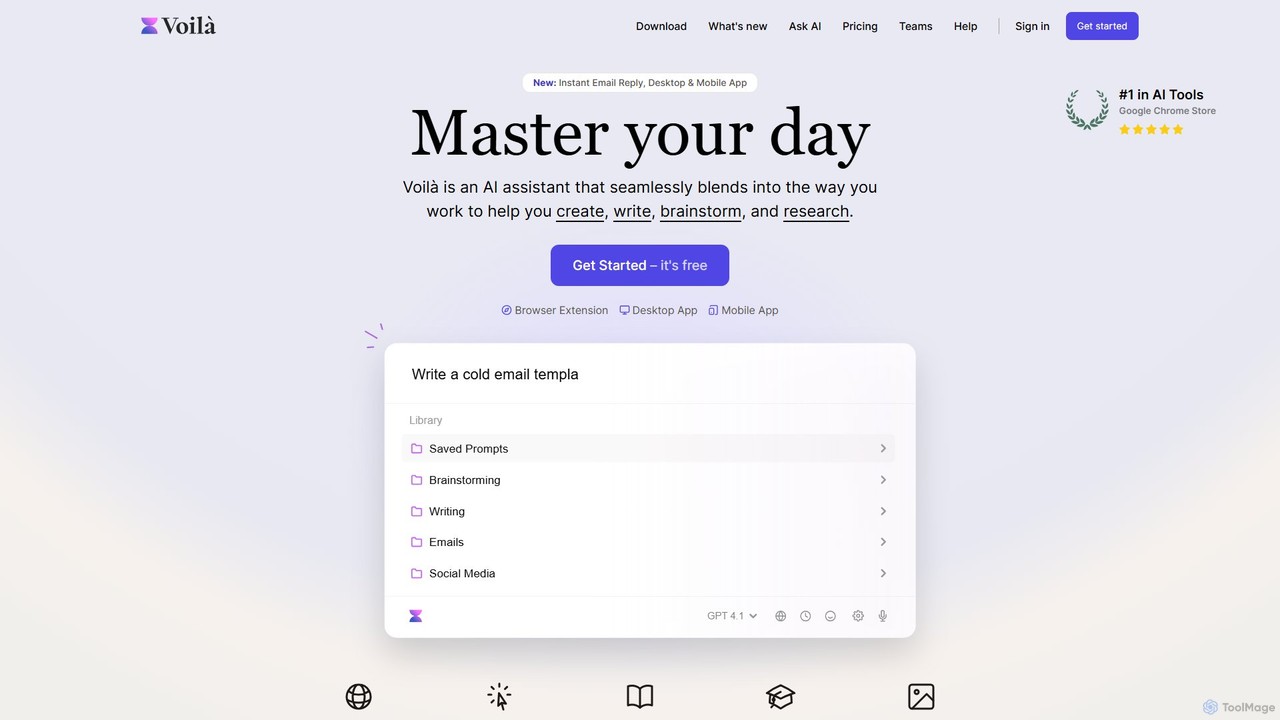
Voilà
Voilà is an all-in-one AI assistant designed to maximize productivity. It functions as a browser extension, desktop, and mobile app, seamlessly integrating into your workflow to help with writing, brainstorming, research, and content creation. It works on any website or app, understanding the context to provide relevant assistance.
Content Creation
chrome_ai
An all-in-one AI assistant integrated into your Chrome browser. Summarize web pages and YouTube videos, enhance your writing, explain complex topics, and chat with advanced AI models without leaving your current tab. Boost your productivity with seamless AI power.
Chrome Extensions
Sider
Sider is an all-in-one AI assistant integrated as a browser sidebar and cross-platform app. It combines chat with models like GPT-4 and Claude 3.5, a powerful "Deep Research" agent, a personal knowledge base called "Wisebase," and a suite of tools for summarizing, translating, writing, and image editing to enhance productivity and learning.
Assistant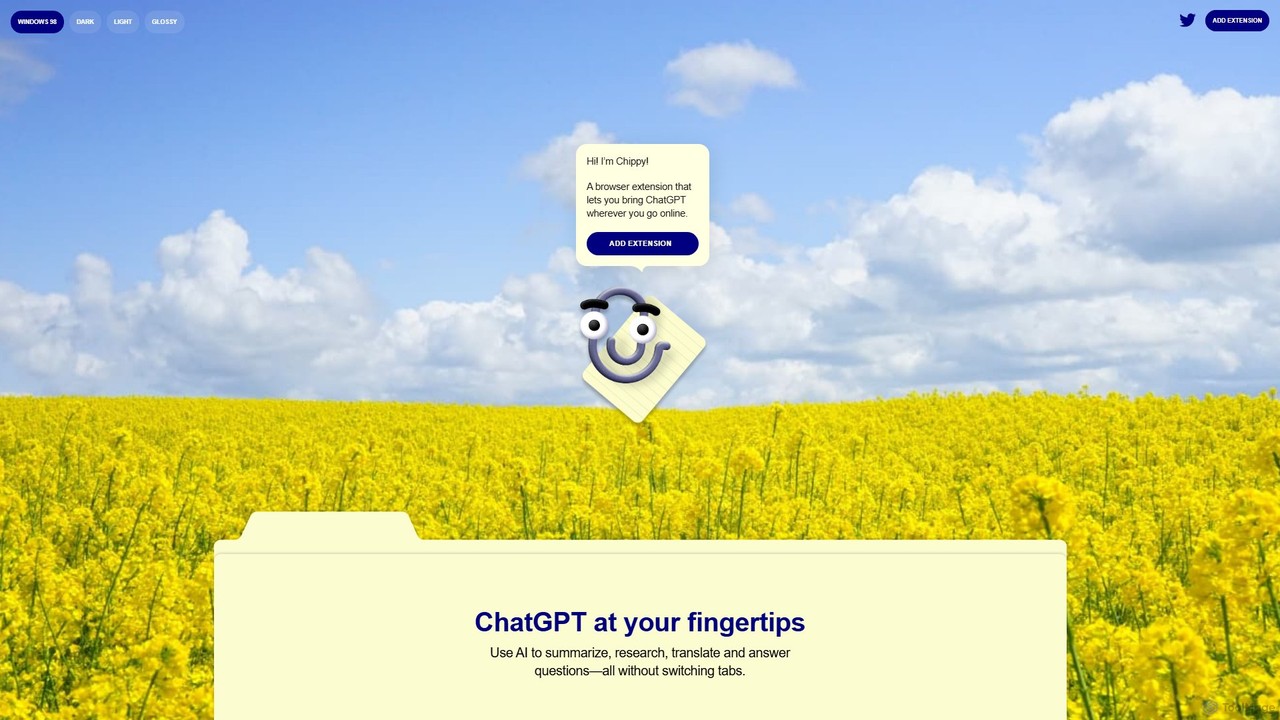
Chippy
Chippy is a smart ChatGPT-powered Chrome extension that acts as your AI assistant across the web. Seamlessly summarize articles, translate text, research topics, and draft emails without ever leaving your current tab. It offers context-aware answers by focusing on the page you're viewing, overcoming ChatGPT's knowledge limitations. With a generous free tier and a focus on user privacy, Chippy enhances your browsing productivity by putting the power of AI at your fingertips.
Search Assistantgetmerlin
getmerlin is a versatile AI assistant powered by top models like GPT-4o and Claude 3.5. Available as a browser extension and app, it integrates seamlessly into your workflow to summarize content, draft emails, generate text and images, and enhance research on any website. It acts as an all-in-one productivity tool, saving time and money by consolidating multiple AI services into a single subscription.
Chrome ExtensionsTinaMind
TinaMind is an AI-powered browser extension that enhances your productivity with GPT-4/4o. It acts as an all-in-one assistant for intelligent web search, document and YouTube summarization, content writing, high-quality translation, and efficient prompt management. Seamlessly integrated into your browser, it streamlines your workflow for both personal and business use.
Browser ExtensionBuddyBeep
BuddyBeep is an AI-powered Chrome extension that acts as your personal browsing assistant. It boosts productivity by offering an in-page AI chat, one-click summarization for articles and YouTube videos, and a smart knowledge repository to build your "second brain". Capture, organize, and retrieve information effortlessly without switching tabs, transforming your browsing into a more efficient and insightful experience.
Browser ExtensionGPTSidePanel
GPTSidePanel is a powerful AI browser extension that integrates a GPT-powered sidebar into your browsing experience. Boost your productivity by summarizing articles, translating text, polishing writing, and using custom prompts directly on any webpage. Eliminate tab-switching and keep your workflow seamless with this intuitive AI assistant.
Browser Extension
Sider
Sider is a powerful AI copilot integrated into your browser sidebar. It brings ChatGPT, GPT-4, Claude 3, and Gemini to any webpage, allowing you to seamlessly summarize content, enhance your writing, explain complex topics, and chat with documents or videos. It streamlines your workflow by eliminating the need to switch between tabs, boosting your overall productivity and creativity.
Learning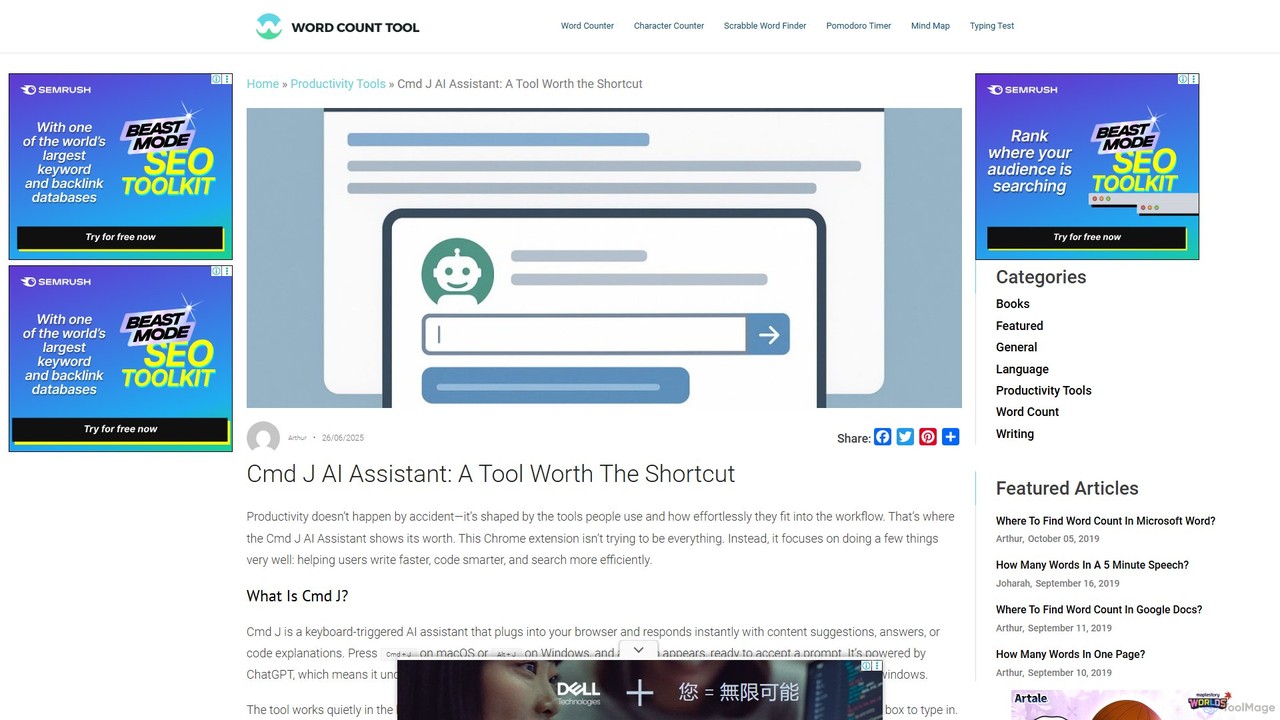
Cmd J AI Assistant
Cmd J is a keyboard-activated AI assistant, available as a Chrome extension, designed to boost productivity. Powered by ChatGPT, it provides instant help with writing, coding, and research directly in your browser. Simply press a shortcut (Cmd+J or Alt+J) to summon the AI, eliminating the need to switch tabs or open new applications, and seamlessly integrating into any workflow.
Chrome Extensions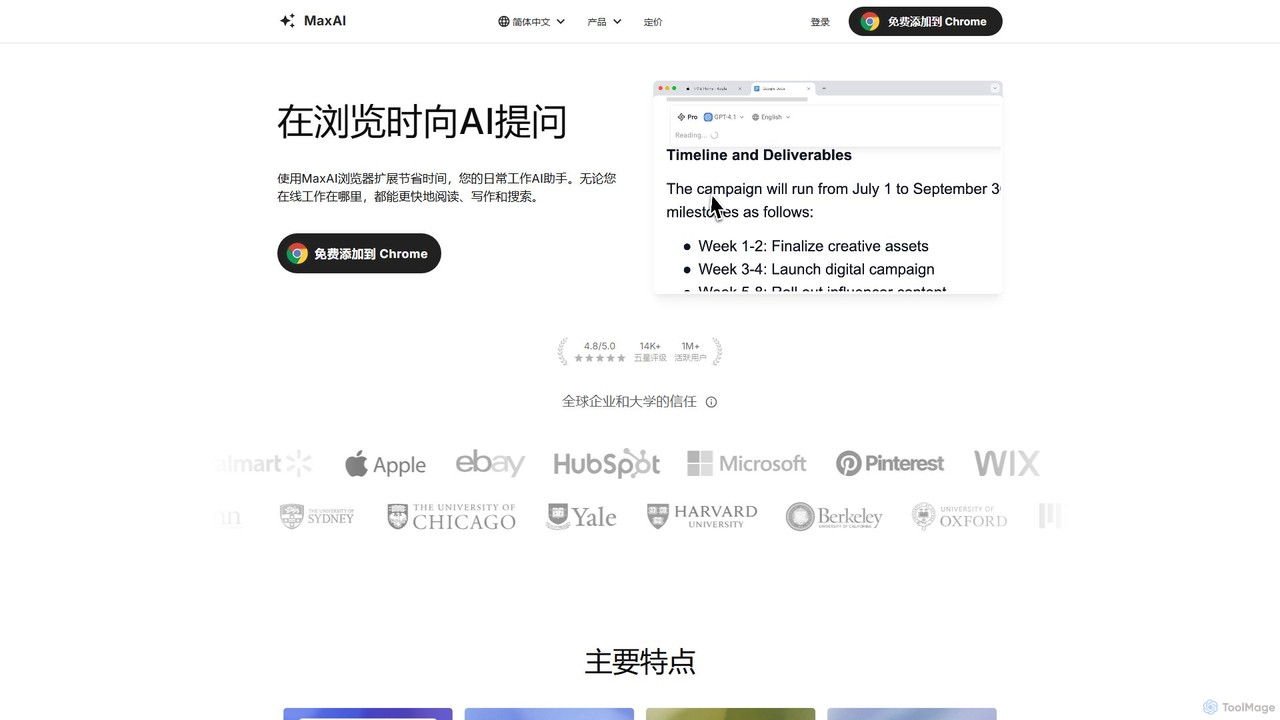
MaxAI
MaxAI is a powerful browser extension that acts as your all-in-one AI assistant. It integrates top AI models like GPT-4o and Claude 3.5 directly into your browser, allowing you to read, write, and research faster. Summarize web pages, improve your writing, translate text, and generate content with a single click, boosting your productivity across all your online activities.
Chrome Extensions
Ask Gene
Ask Gene is a free AI-powered Chrome extension that acts as your personal internet assistant. Powered by GPT-4o and DeepSeek, it allows you to summarize webpages and PDFs, chat with AI without leaving your tab, explain complex text, translate, and assist with writing, all seamlessly integrated into your browser.
Research
AI Toolbar
AI Toolbar is a powerful Chrome extension that acts as your personal virtual assistant. It integrates AI directly into your browser, allowing you to respond to emails, summarize and translate text, generate content, and use voice commands on any webpage with a single click. Trusted by over 70,000 professionals, it's designed to dramatically boost your productivity and streamline your workflow.
Paraphraser
askone.ai
askone.ai is an AI-powered browser extension that seamlessly integrates Large Language Models (LLMs) into your web browsing. It acts as a versatile assistant, allowing you to instantly summarize articles, extract keywords, translate text, generate questions, and engage in contextual chats directly on any webpage. With flexible options to use your own API keys or its unified service, askone.ai enhances productivity and comprehension by putting the power of AI at your fingertips.
Research
Walles.AI Comments (0)
Sign in to comment.
Sign inNo comments yet.