

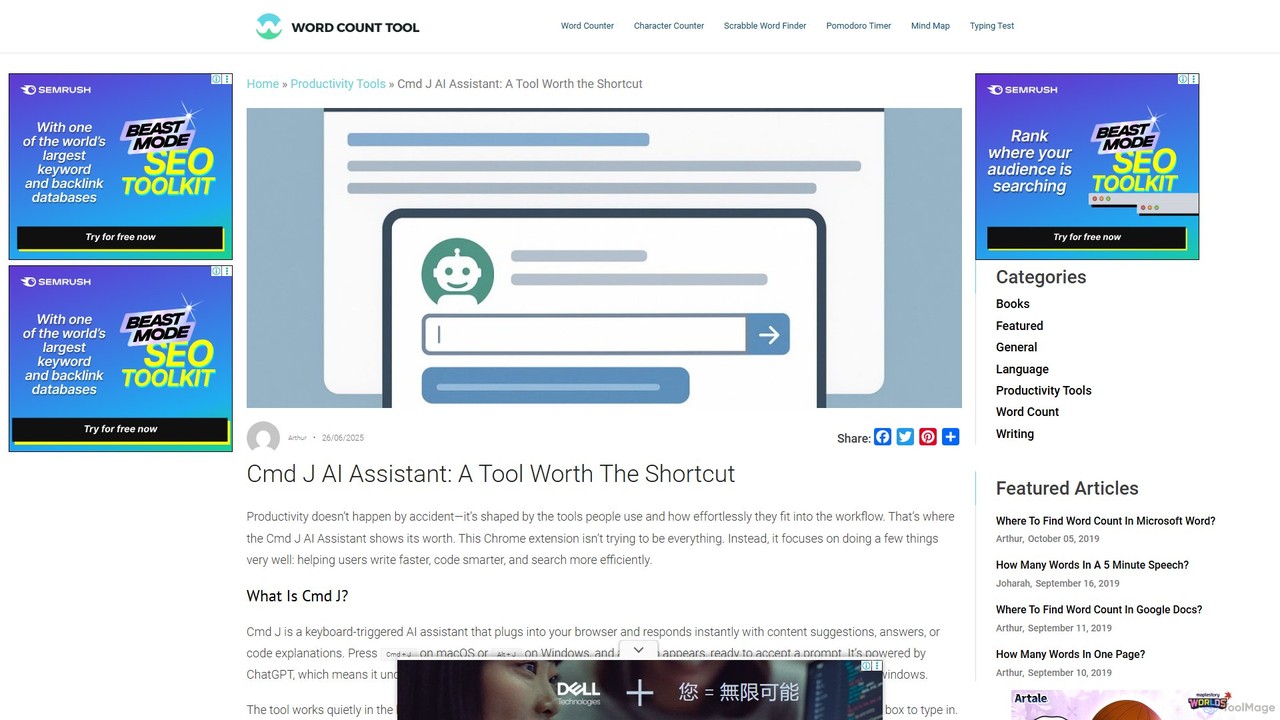
Cmd J AI Assistant Overview
Cmd J AI Assistant is a powerful and intuitive productivity tool designed to integrate seamlessly into your daily workflow. As a Chrome extension, it puts the power of an advanced AI, driven by ChatGPT, just a keyboard shortcut away. This tool is built for speed and efficiency, focusing on helping users write faster, code smarter, and research more effectively without ever leaving their current browser tab. It avoids the clutter of complex dashboards and steep learning curves, offering a minimalist popup interface that appears only when you need it.
The core philosophy of Cmd J is to remove friction from common digital tasks. Whether you're a writer battling a block, a developer debugging a complex piece of code, or a researcher trying to distill information quickly, Cmd J acts as an on-demand copilot. It understands natural language prompts and delivers context-aware responses, from generating creative text to explaining intricate code snippets.
How to use Cmd J AI Assistant
Using Cmd J is designed to be effortless and intuitive, blending directly into your existing habits. Once the Chrome extension is installed, you can activate it from any tab in your browser. Simply press the keyboard shortcut — Cmd + J on macOS or Alt + J on Windows. A clean, minimalist popup will appear, ready for your prompt. Type your request, such as "Rewrite this sentence to sound more professional," "Explain this Python function," or "Summarize the main points of the article on this page." Press Enter, and the AI will generate a response in seconds. You can then copy the response and use it wherever you need it, closing the popup to return to your work without interruption.
Core Features of Cmd J AI Assistant
- Keyboard-First Interface: Instantly access the AI assistant with a simple shortcut (Cmd+J or Alt+J), keeping your hands on the keyboard and your mind on the task.
- Context-Aware Assistance: The AI understands the context of your request, whether you need help with writing, coding, or summarizing information. It adapts its responses to the specific task.
- Seamless Chrome Integration: Works as a lightweight Chrome extension, allowing you to use it on any website or web app without switching tabs or opening a separate program.
- Powered by ChatGPT: Leverages the advanced natural language processing capabilities of ChatGPT to provide high-quality, relevant, and coherent responses.
- Minimalist and Non-Intrusive: The popup interface is designed to be unobtrusive, appearing only when summoned and disappearing when you're done, ensuring your workflow remains uninterrupted.
- Versatile Functionality: Capable of a wide range of tasks, including drafting emails, writing articles, generating code, debugging, explaining concepts, and summarizing text.
Use Cases for Cmd J AI Assistant
Cmd J is a versatile tool that caters to a wide range of professionals:
- Writers and Content Creators: Overcome writer's block by generating ideas, draft articles, create social media posts from longer content, rephrase sentences for better clarity, and check grammar and tone.
- Developers and Engineers: Debug code snippets directly in the browser, generate boilerplate code for functions or components, get explanations for unfamiliar code, and refactor code for better syntax and readability.
- Researchers and Students: Quickly summarize long articles or research papers, ask complex questions and get direct answers, and simplify technical concepts for better understanding.
- Marketers and Sales Professionals: Draft compelling product descriptions, write persuasive email copy, and create variations of calls-to-action (CTAs).
Advantages of Cmd J AI Assistant
The primary advantage of Cmd J is its focus on workflow integration and speed. Unlike built-in AI tools within specific applications (like Google Docs or Notion), Cmd J is platform-agnostic and works across your entire browser. This means you have a consistent AI assistant whether you're in your CMS, a project management tool, or a web-based IDE. Its simplicity is another key strength; by avoiding feature bloat, it delivers fast, relevant results without adding complexity to your toolset. It's a tool that enhances your existing workflow rather than forcing you to adopt a new one.
Pricing and Plans
Cmd J AI Assistant operates on a freemium model to cater to different user needs.
- Free Plan: This plan is ideal for casual users. It offers access to the core features but comes with certain limitations, such as a cap on the number of prompts per day and potentially slower response times during peak usage.
- Premium Plan: Aimed at professionals, developers, and frequent content creators, the premium plan removes all usage caps, provides priority processing for faster responses, and may include access to new features first. This ensures a consistent and reliable experience, especially for users who rely on the tool for their daily work.
Traffic
Latest traffic
Status
Monthly traffic trend
- 2026-1: 105.8K
- 2026-2: 76.1K
- 2026-3: 69.0K
- 2026-4: 74.3K
- 2026-5: 58.4K
Geography
Top 5 countries / regions
- 🇺🇸United States38.2%
- 🇮🇪Ireland22.7%
- 🇬🇧United Kingdom18.1%
- 🇦🇺Australia10.6%
- 🇳🇬Nigeria10.4%
Traffic sources
| Source type | Percentage |
|---|---|
Direct | 91.6% |
Referral | 4.8% |
Email | 3.5% |
Top keywords
| Keyword | Cost per click |
|---|---|
| word count | $0.20 |
| wordcount | $0.23 |
| word counter | $0.19 |
| wordcounter | $0.29 |
| word count tool | $0.37 |
Cmd J AI Assistant Alternatives
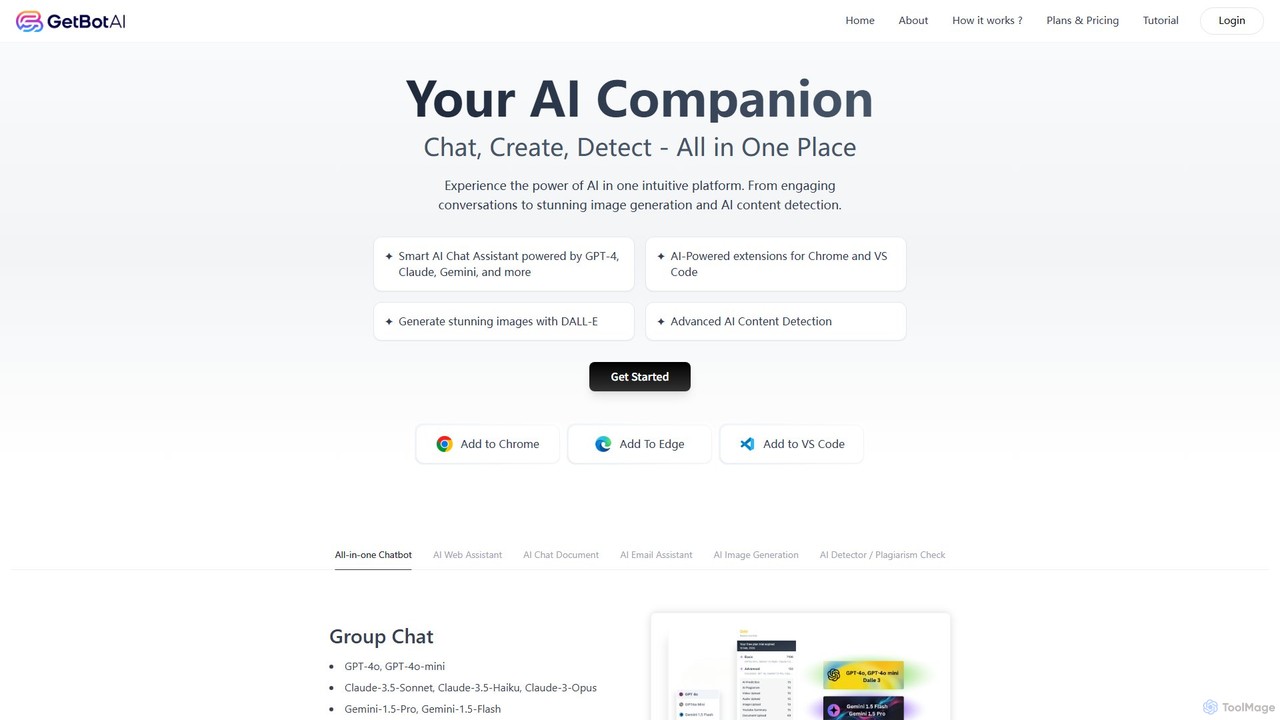
GetBot
GetBot is an all-in-one AI assistant that integrates GPT-4o, Claude 3.5, and Gemini 1.5 into your workflow. As a browser and VS Code extension, it offers AI chat, text-to-image generation, web page and YouTube summarization, AI content detection, and a powerful writing assistant. It streamlines tasks by bringing diverse AI capabilities directly into your browser and code editor, boosting productivity for writers, developers, and general users.
Chrome Extensions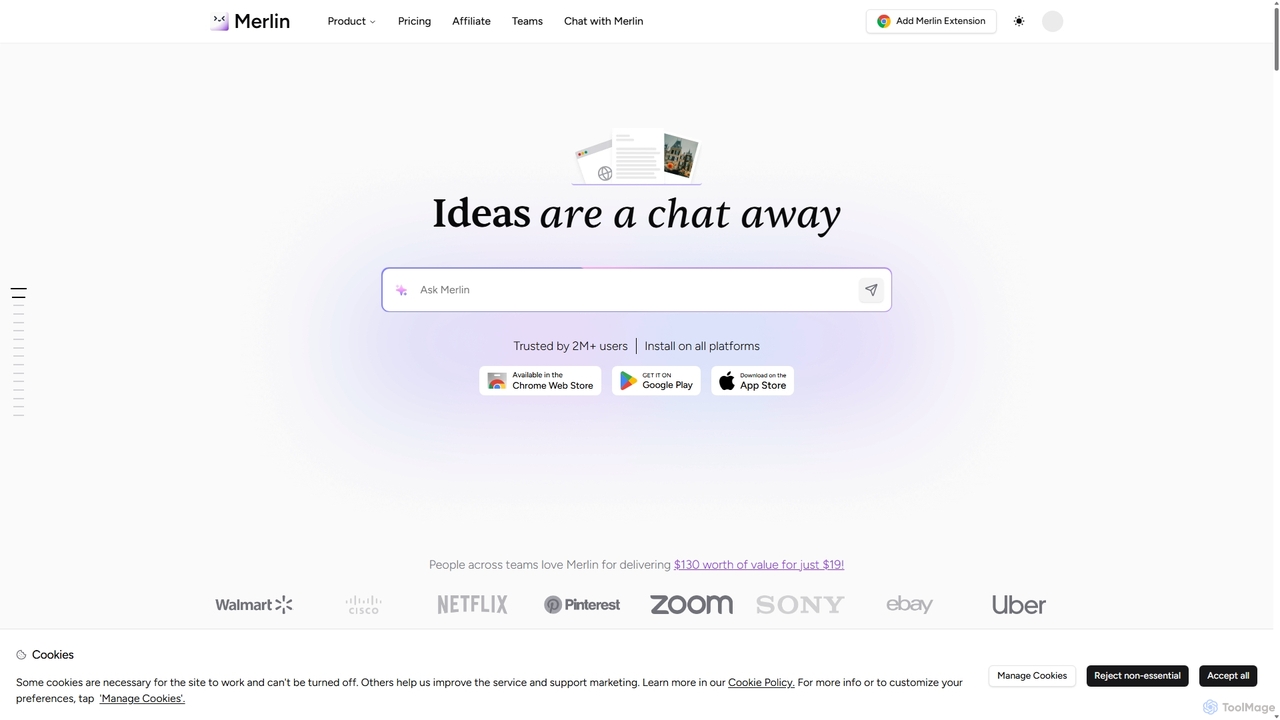
Merlin AI
Merlin is an all-in-one AI assistant, available as a browser extension and app, that integrates top AI models like GPT-4, Claude 3, and Gemini. It allows you to research, write, summarize content, generate images, and code with a single click on any website, streamlining your workflow and boosting productivity without switching tabs.
Chrome Extensions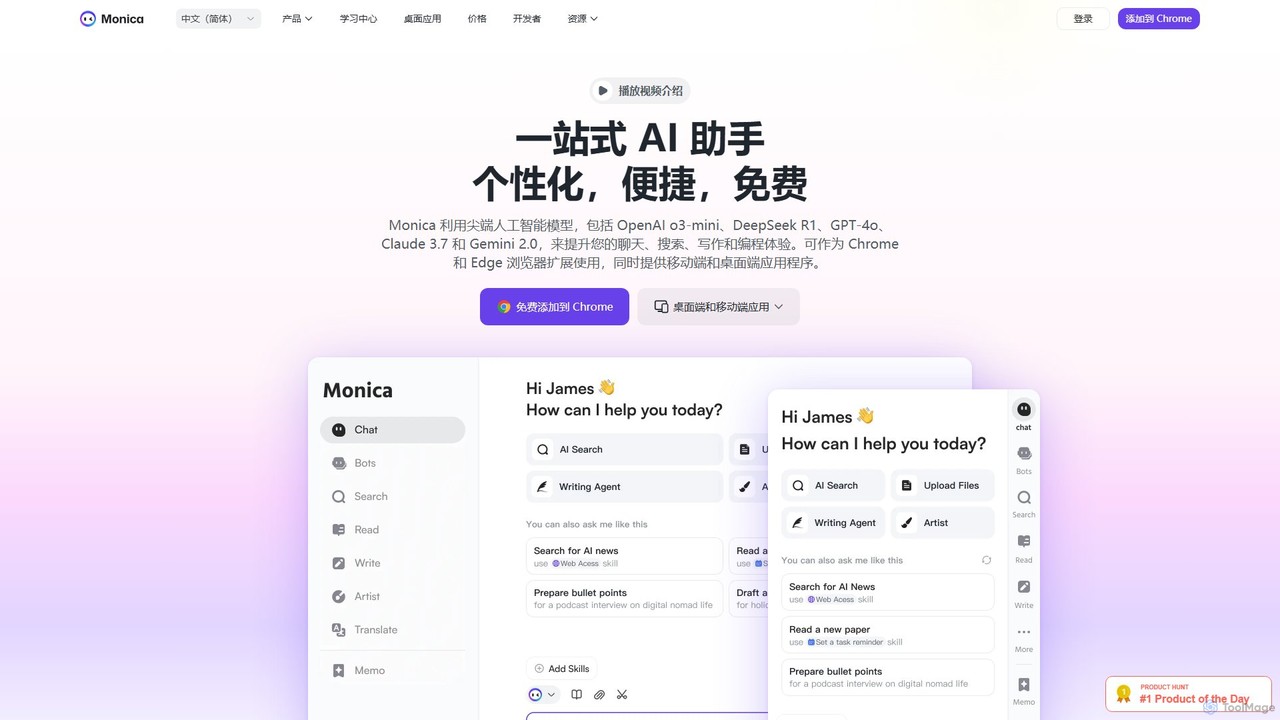
Monica
Monica is an all-in-one AI assistant powered by leading models like GPT-4o, Claude 3.7, and Gemini 1.5. It integrates seamlessly into your workflow as a browser extension, desktop, and mobile app, offering features for chat, search, writing, translation, and image creation to boost productivity.
Chrome Extensions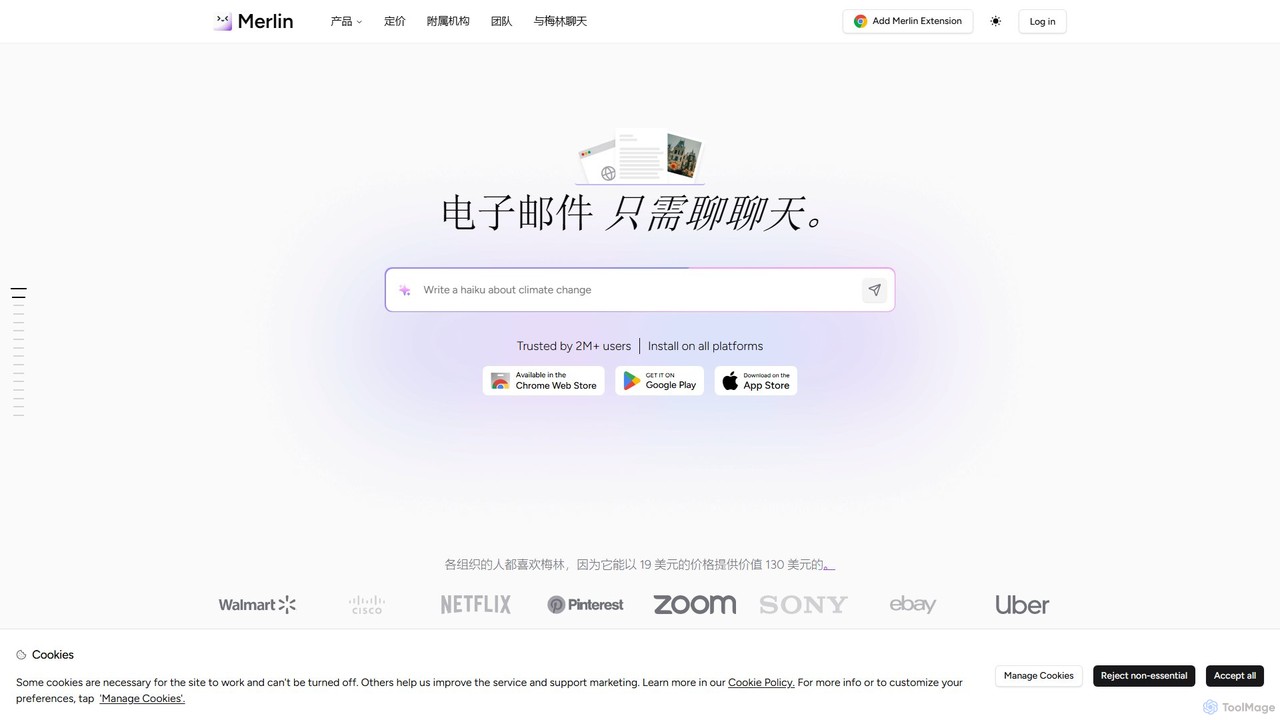
getmerlin
getmerlin is a versatile AI assistant powered by top models like GPT-4o and Claude 3.5. Available as a browser extension and app, it integrates seamlessly into your workflow to summarize content, draft emails, generate text and images, and enhance research on any website. It acts as an all-in-one productivity tool, saving time and money by consolidating multiple AI services into a single subscription.
Chrome Extensions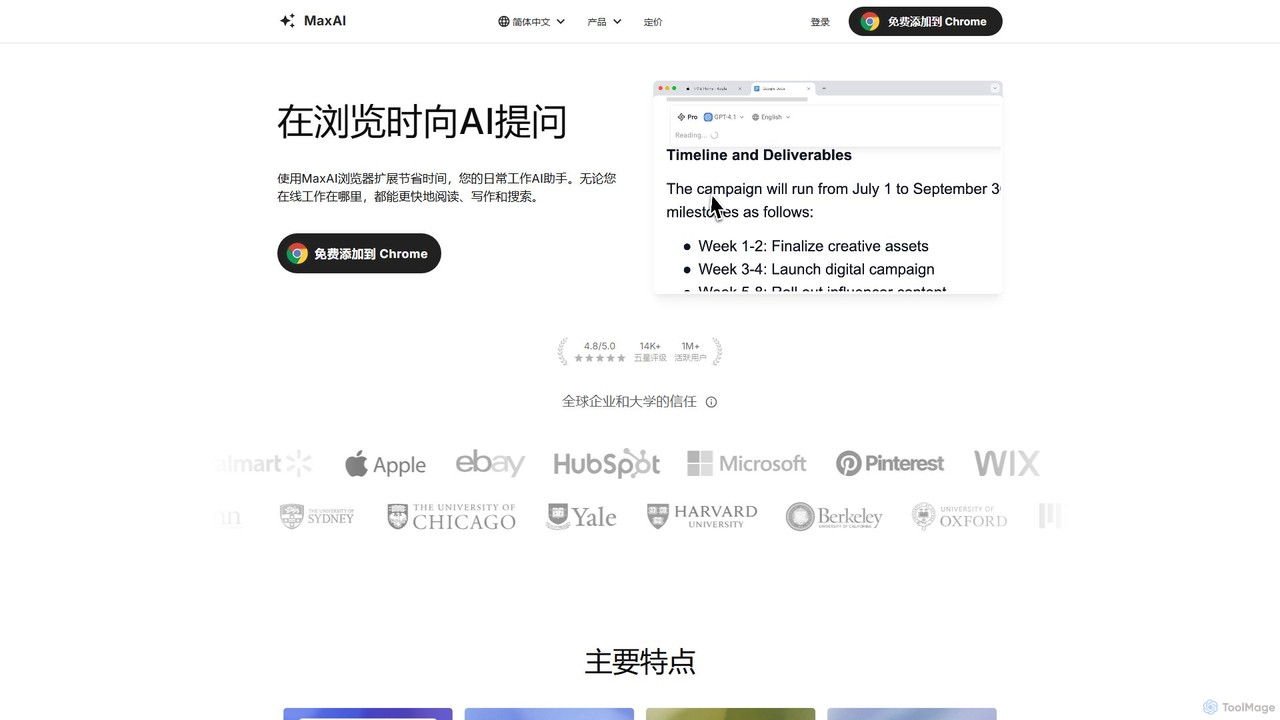
MaxAI
MaxAI is a powerful browser extension that acts as your all-in-one AI assistant. It integrates top AI models like GPT-4o and Claude 3.5 directly into your browser, allowing you to read, write, and research faster. Summarize web pages, improve your writing, translate text, and generate content with a single click, boosting your productivity across all your online activities.
Chrome ExtensionsCmd J AI Assistant Categories
Cmd J AI Assistant Embed Widget
Copy this embed code to place the badge on your blog, article, or product site and send readers directly to this ToolMage detail page.

Related AI tools
Merlin AI
Merlin is an all-in-one AI assistant, available as a browser extension and app, that integrates top AI models like GPT-4, Claude 3, and Gemini. It allows you to research, write, summarize content, generate images, and code with a single click on any website, streamlining your workflow and boosting productivity without switching tabs.
Chrome Extensions
Cici
Cici is an intelligent AI assistant designed to enhance your productivity and creativity. It helps with writing, research, coding, and brainstorming through a versatile conversational interface. Seamlessly integrate Cici into your workflow to get instant answers, generate high-quality content, and automate repetitive tasks.
Code Assistant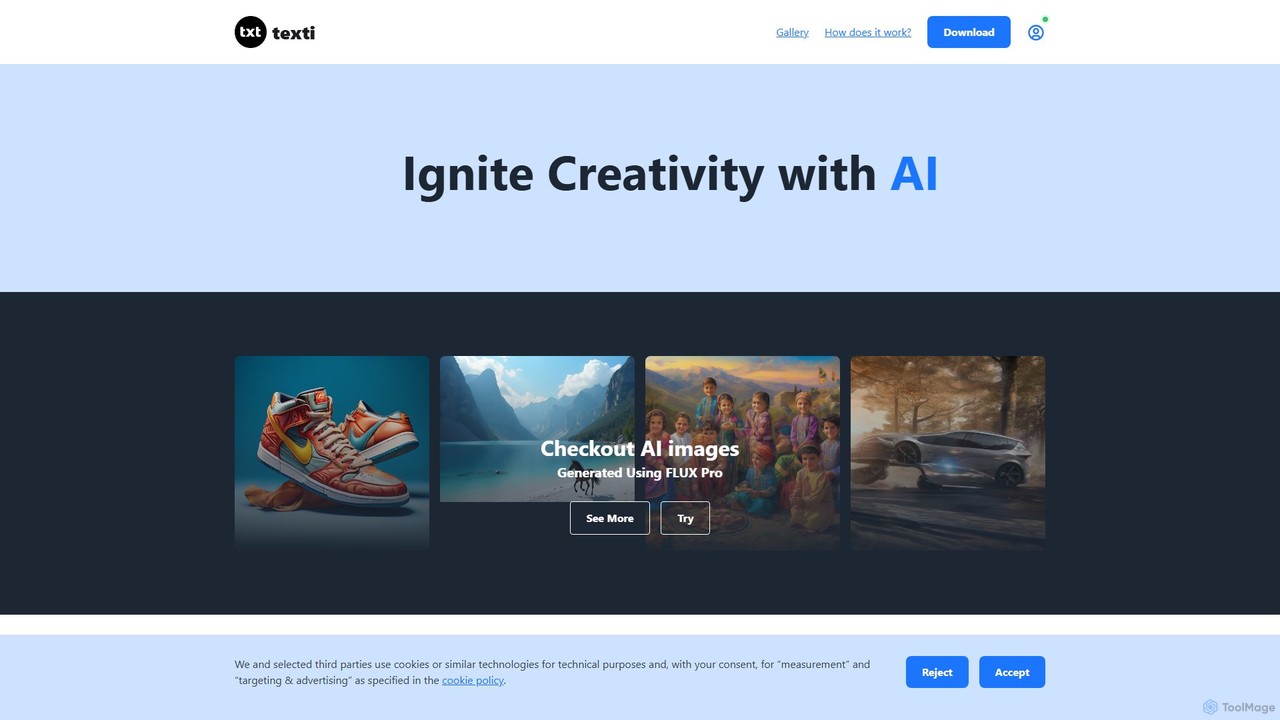
texti.app
texti.app is a versatile AI assistant designed to enhance creativity and productivity. It functions as a multi-purpose chatbot, capable of generating text, brainstorming ideas, answering questions, correcting emails, and even creating AI images. Accessible via a web browser and a convenient Chrome extension, it serves a global audience with extensive multilingual support.
Research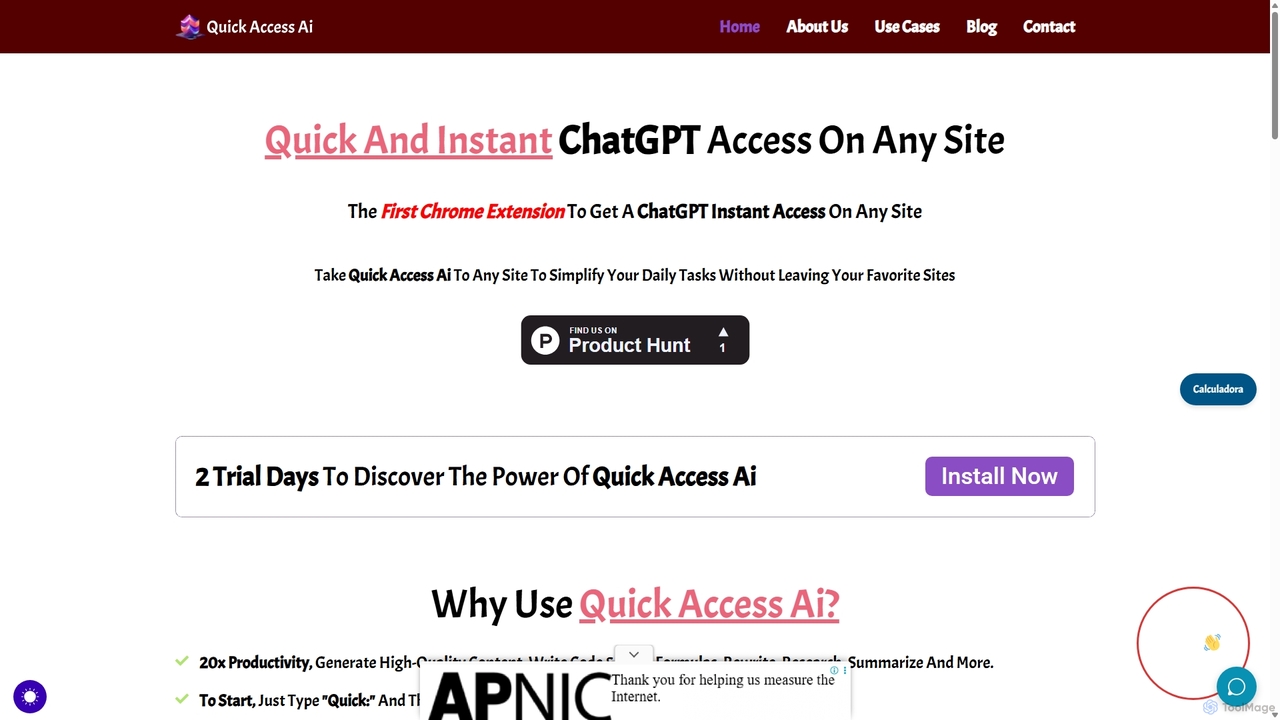
Quick Access Ai
Quick Access Ai is a Chrome extension that provides instant access to ChatGPT on any website. By simply typing a command, users can generate content, write code, summarize text, and perform research without switching tabs. It aims to boost productivity by integrating AI assistance directly into your existing workflow, making daily tasks faster and more efficient.
Code Assistant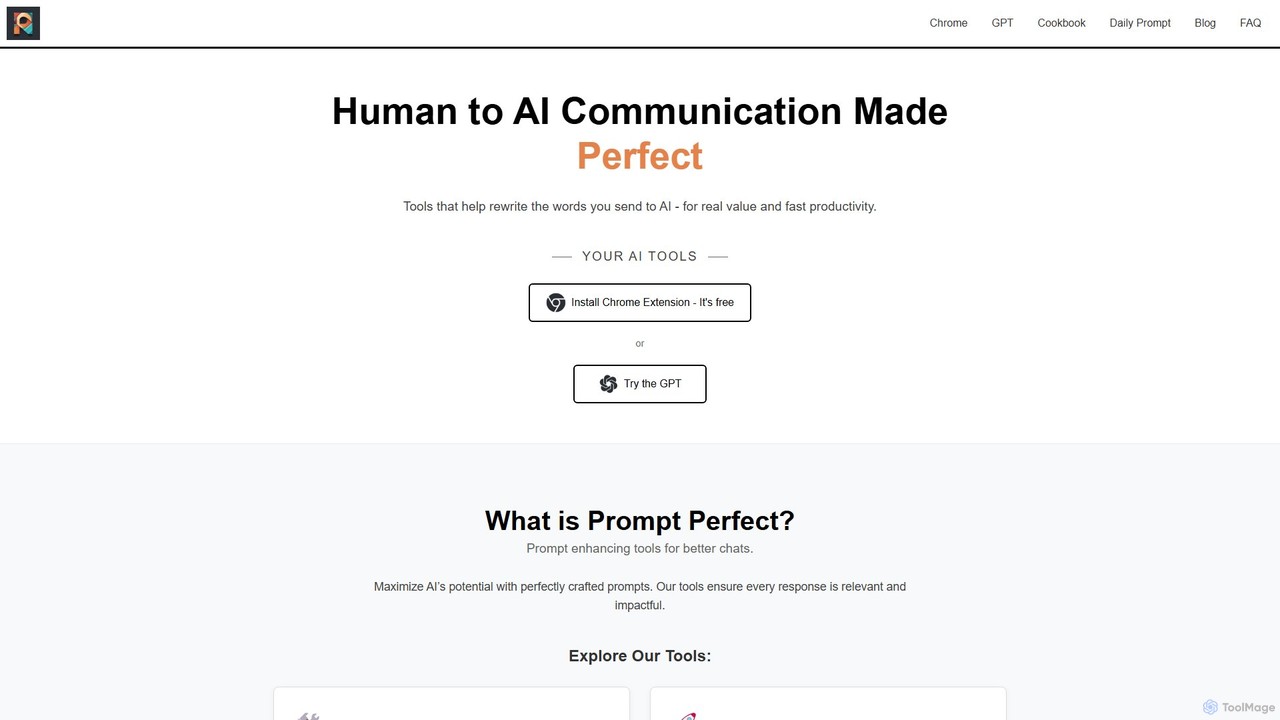
Prompt Perfect
Prompt Perfect is an AI-powered suite, featuring a Chrome Extension and a GPT, designed to optimize your prompts for superior results across major AI platforms like ChatGPT, Gemini, and Claude. It refines, enhances, and manages your prompts to unlock more precise, creative, and effective AI-generated content, boosting productivity for writers, researchers, and professionals.
Research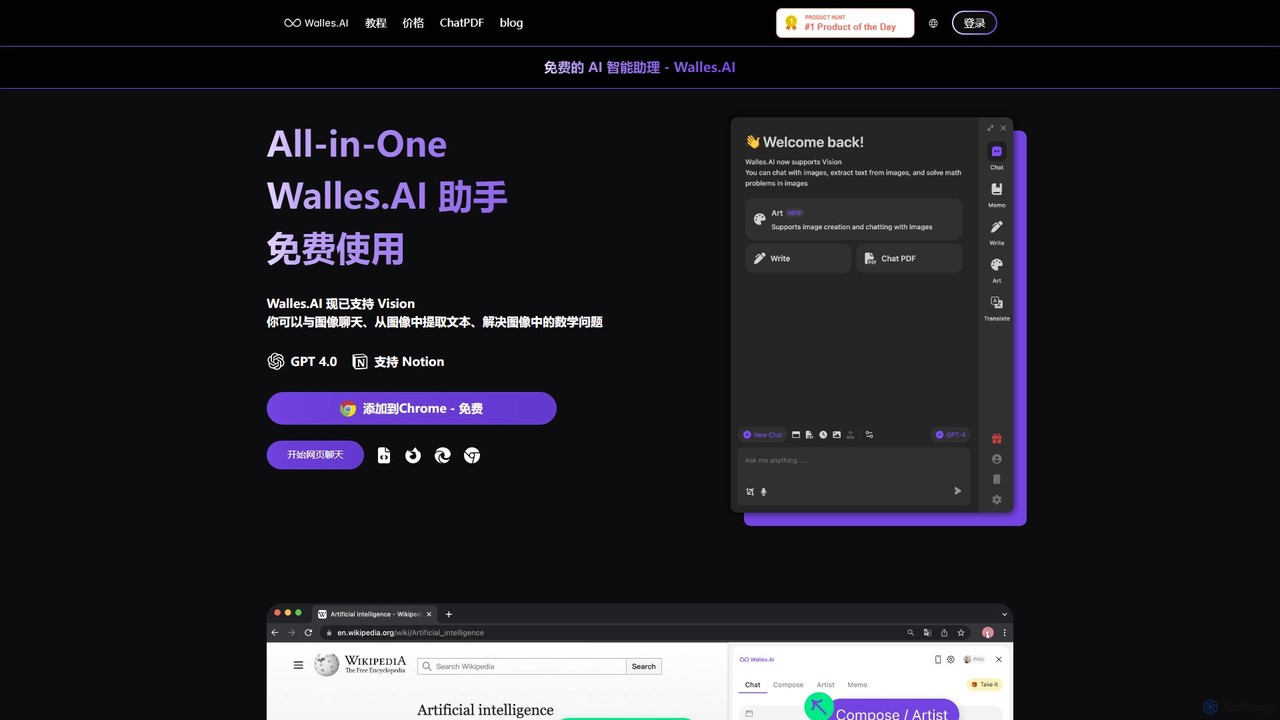
Walles.AI
Walles.AI is an all-in-one AI assistant integrated as a Chrome extension. Powered by GPT-4, it allows you to chat with webpages, PDFs, YouTube videos, and even images. Boost your productivity with instant summarization, translation, text analysis, and seamless integration with Notion.
Study
Cosmicup
Cosmicup is an all-in-one AI platform offering unlimited access to a wide array of advanced AI models like ChatGPT 5, Claude 4.5, Gemini 2.5, and Grok 4 through a single subscription. It streamlines workflows with features including multi-model interaction, code assistance, document analysis, real-time web search, deep research, and AI image generation, eliminating the need for multiple subscriptions.
Multimodal Ai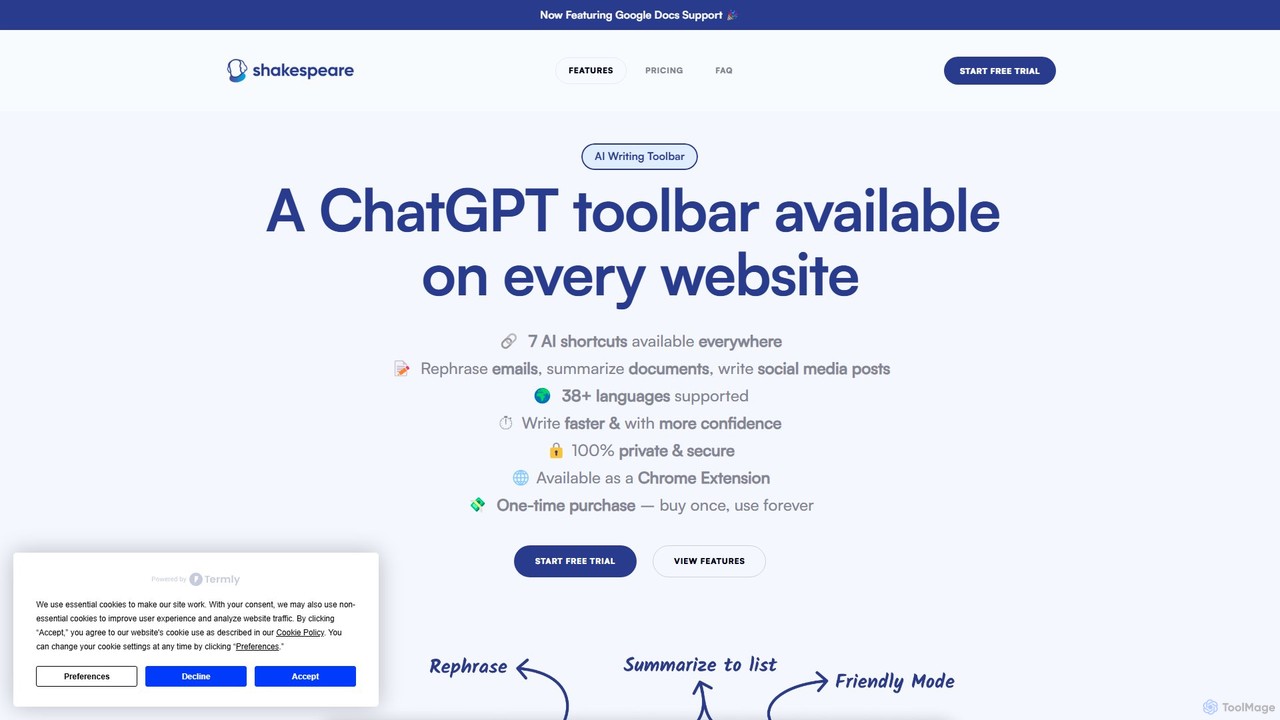
Shakespeare Toolbar
Shakespeare Toolbar is a ChatGPT-powered Chrome extension that integrates AI writing assistance directly into your browser. Work seamlessly on any website, including Google Docs, to rephrase, summarize, simplify text, and generate content without switching tabs. It's designed for writers, marketers, and professionals to enhance productivity and communication.
Chrome Extensions
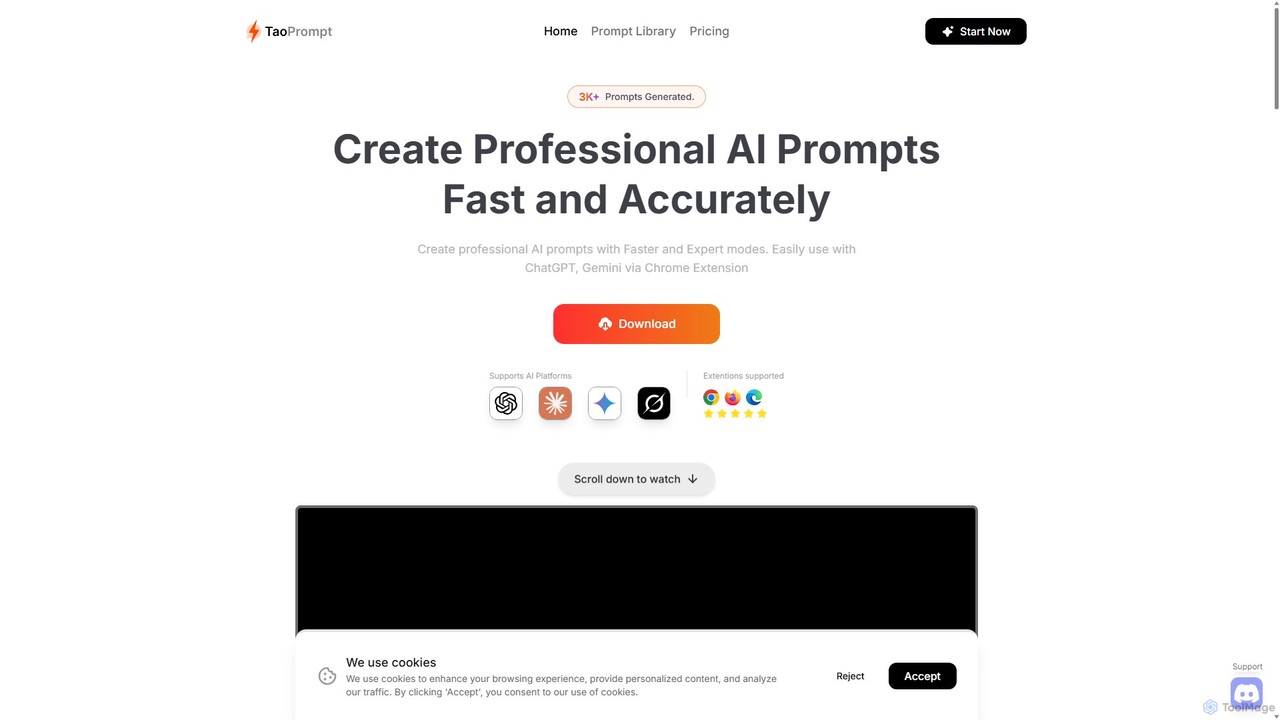
TaoPrompt
An AI-powered tool that helps users create professional, high-quality prompts for major AI chatbots. It simplifies prompt engineering, allowing anyone to generate optimized requests to turn AI into a domain expert, saving time and improving accuracy.
Code AssistantMonica
Monica is an all-in-one AI assistant powered by leading models like GPT-4o, Claude 3.7, and Gemini 1.5. It integrates seamlessly into your workflow as a browser extension, desktop, and mobile app, offering features for chat, search, writing, translation, and image creation to boost productivity.
Chrome Extensionsgetmerlin
getmerlin is a versatile AI assistant powered by top models like GPT-4o and Claude 3.5. Available as a browser extension and app, it integrates seamlessly into your workflow to summarize content, draft emails, generate text and images, and enhance research on any website. It acts as an all-in-one productivity tool, saving time and money by consolidating multiple AI services into a single subscription.
Chrome ExtensionsMaxAI
MaxAI is a powerful browser extension that acts as your all-in-one AI assistant. It integrates top AI models like GPT-4o and Claude 3.5 directly into your browser, allowing you to read, write, and research faster. Summarize web pages, improve your writing, translate text, and generate content with a single click, boosting your productivity across all your online activities.
Chrome Extensions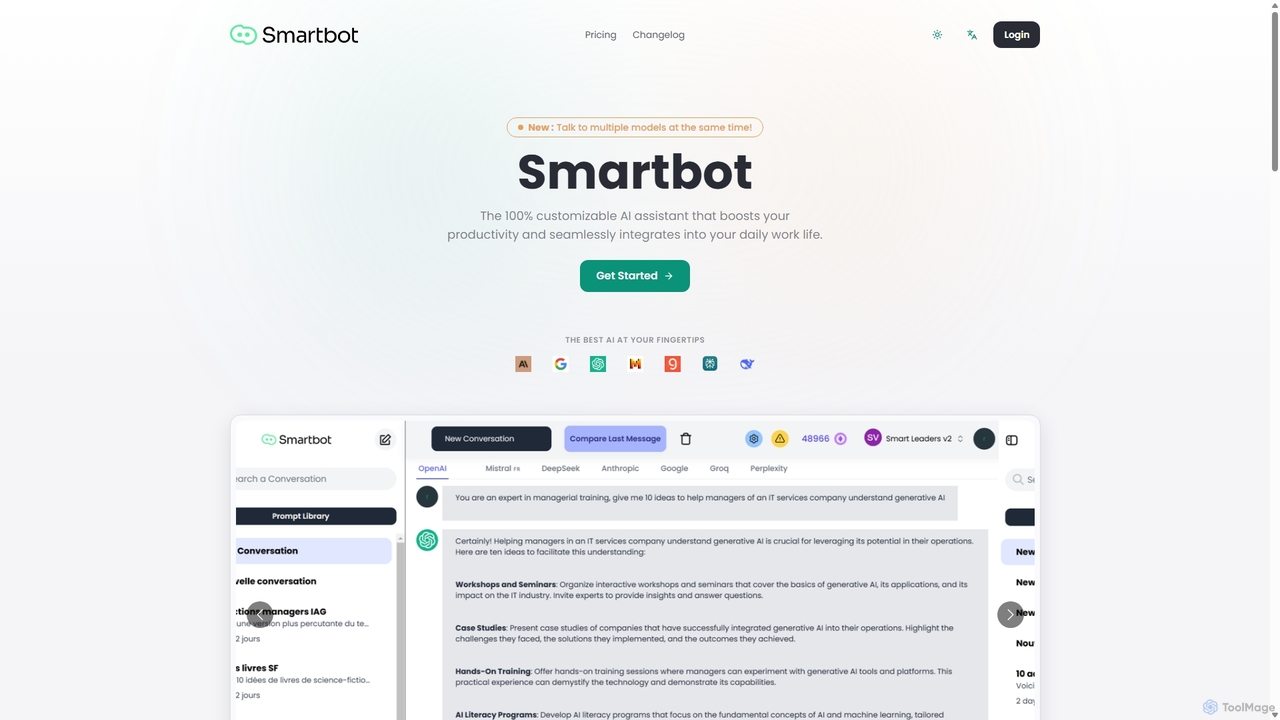
Smart Bot
Smart Bot is a highly customizable AI assistant that boosts productivity by integrating multiple top-tier AI models like ChatGPT, Claude, and Gemini into a single interface. It allows users to compare responses simultaneously, manage a shared library of custom prompts for team collaboration, and even visualize and test generated code. With features like image and file reading, it streamlines daily workflows for individuals and organizations.
Code Assistant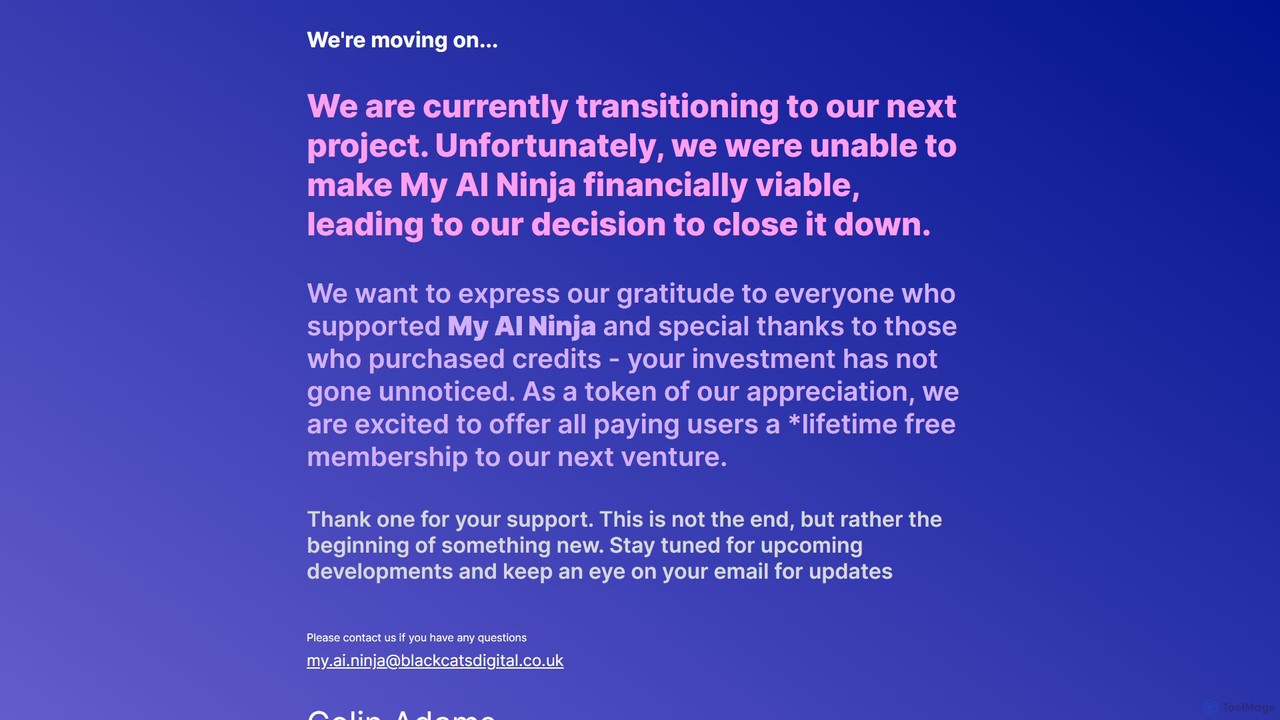
My AI Ninja
My AI Ninja is an all-in-one AI-powered productivity platform designed to streamline workflows for creators, developers, and marketers. It acts as a versatile digital assistant, automating tasks like content creation, code generation, and image design to boost efficiency and creativity.
Code Assistant
Cmd J AI Assistant Comments (0)
Sign in to comment.
Sign inNo comments yet.