

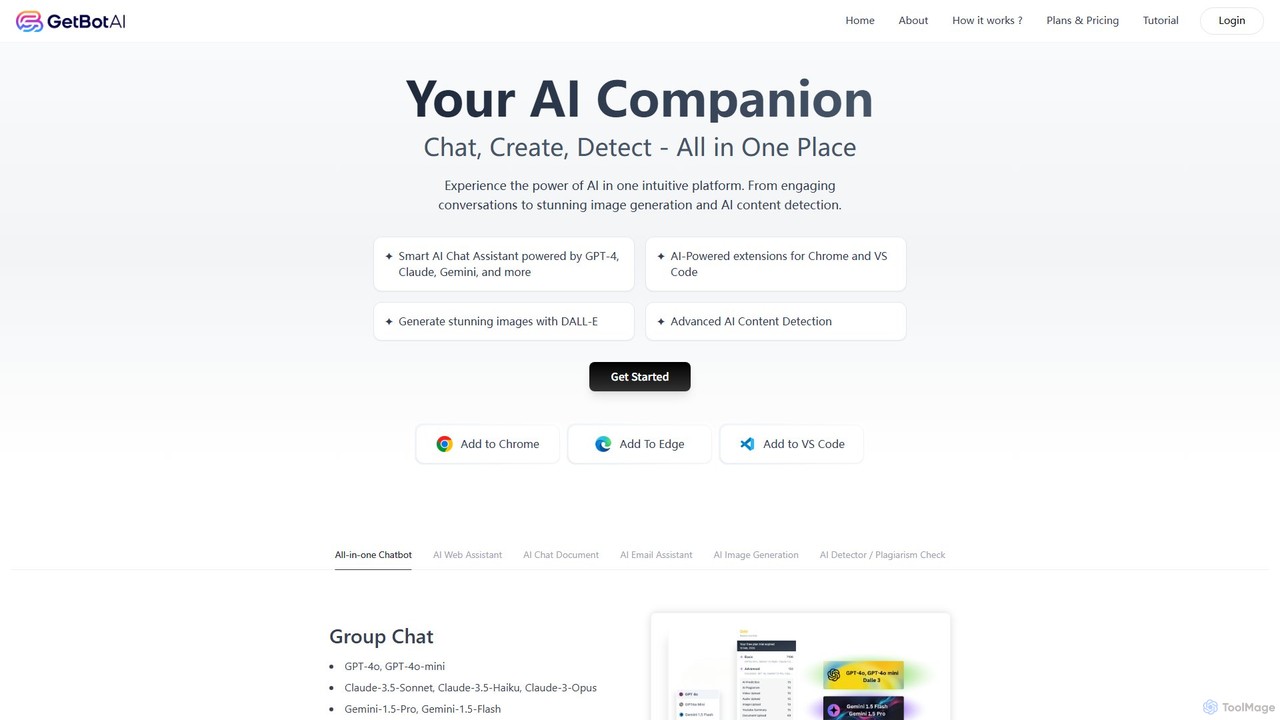
GetBot Overview
GetBot is a comprehensive AI companion designed to be your all-in-one solution for a wide range of digital tasks. It functions as a powerful browser extension for Chrome and Edge, as well as an integration for VS Code, placing the world's most advanced AI models at your fingertips. By providing seamless access to leading models like GPT-4o, Claude 3.5 Sonnet, and Gemini 1.5 Pro, GetBot ensures you are always equipped with the best tool for the job. Whether you need to engage in intelligent conversations, generate stunning visuals, detect AI-written content, or get assistance with your writing and coding, GetBot integrates these functions directly into your existing workflow, eliminating the need to juggle multiple applications and websites.
The platform is built on the principles of efficiency and cutting-edge technology. It prioritizes fast response times and a user-friendly interface, allowing for effortless navigation between its various features. From summarizing lengthy YouTube videos in seconds to enhancing your search engine results with concise, accurate answers, GetBot is engineered to save you time and enhance your productivity across the board.
How to use GetBot
Getting started with GetBot is a straightforward process designed for immediate productivity:
- Installation: Search for "GetBotAI" in the Chrome Web Store or Microsoft Edge Add-ons store and add it to your browser. For developers, a dedicated extension is also available in the Visual Studio Code Marketplace.
- Activation: Once installed, pin the GetBot icon to your browser's toolbar for easy access. Click the icon to open the sidebar interface.
- Sign-Up: Create a free account to begin using the service. This will give you access to the core features with a daily usage limit.
- Usage: You can interact with GetBot in several ways. Open the sidebar on any webpage to chat with the AI, ask questions, or use prompt templates. Alternatively, highlight any text on a page to activate the Smart Actions menu, which allows you to translate, rephrase, summarize, or explain the selected content. The extension also automatically enhances search engine results and provides summarization options on YouTube video pages.
Please note that for technical reasons, GetBot does not function on blank new tabs, internal browser pages (like settings or history), or its own website.
Core Features of GetBot
- Multi-Model AI Chat: Access a diverse range of top-tier language models, including OpenAI's GPT-4o, Anthropic's Claude 3.5 series, and Google's Gemini 1.5 series, all from a single chat interface.
- AI Web Assistant: Enhances your browsing experience by providing summaries for web pages and YouTube videos, and augmenting search results with direct, AI-powered answers.
- AI Image Generator: Create unique, high-quality images from simple text descriptions using advanced models like DALL-E 3 and Stable Diffusion. Perfect for presentations, social media, or creative projects.
- AI Content Detector & Plagiarism Check: Analyze text to determine if it was generated by AI, providing a useful tool for educators, editors, and content managers to ensure authenticity.
- Document AI (PDF Reader): Upload PDF files and interact with them through chat. Ask questions about the document, request summaries of specific sections, or extract key information effortlessly.
- AI Writing Assistant: Improve your writing with features like the ChatGPT Writer for Gmail, which helps draft and refine emails. Access over 500 prompt templates for various tasks, from marketing copy to academic writing.
- Developer Integration: A dedicated VS Code extension brings AI-powered coding assistance directly into the development environment, helping to write, debug, and optimize code.
- Smart Actions Menu: Highlight any text on a webpage to instantly access a context menu for quick actions like translating, rephrasing, or explaining the content.
Use Cases for GetBot
GetBot is a versatile tool that caters to a wide variety of users:
- Students and Researchers: Quickly summarize academic papers and long YouTube lectures. Use the AI chat to understand complex concepts and leverage the plagiarism checker to ensure academic integrity.
- Content Creators and Marketers: Generate blog post ideas, write compelling marketing copy, and create unique visuals with the AI image generator. Rephrase content for different social media platforms using the Smart Actions menu.
- Developers: Accelerate the coding process with the VS Code extension. Get help with boilerplate code, debug complex functions, and learn new programming concepts without leaving the editor.
- Business Professionals: Draft professional emails in seconds with the Gmail assistant. Summarize reports and articles to stay informed quickly. Use the group chat feature to collaborate with the AI on team projects.
- General Users: Enhance daily browsing by getting quick answers on search pages. Translate foreign websites, look up definitions, or simply explore creative ideas with the AI chat and image generator.
Advantages of GetBot
The primary advantage of GetBot is its all-in-one, integrated approach. By combining multiple AI functionalities into a single, accessible extension, it offers unparalleled convenience. Users benefit from having access to the best AI models from different providers without needing separate subscriptions. This multi-model capability ensures that you can always choose the most suitable AI for any given task. Its seamless integration into browsers and VS Code means it enhances your workflow without disrupting it, making you more efficient and productive in your daily digital life.
Pricing and Plans
GetBot operates on a freemium model. Users can start with a Free Plan that provides access to the core features but comes with a daily usage limit. This is an excellent way to experience the tool's capabilities. During periods of high traffic, free users may experience slower response times or intermittent server errors. For unrestricted access and advanced features, users can upgrade to a Paid Plan. The premium subscription removes daily limits, ensures priority server access for faster and more reliable performance, and unlocks the full potential of all integrated AI models and tools. Specific details about the pricing tiers can be found on the official GetBot website.
Traffic
Latest traffic
Status
Monthly traffic trend
- 2025-9: 1.5K
- 2026-1: 1.5K
- 2026-2: 1.1K
- 2026-3: 2.3K
- 2026-4: 3.7K
- 2026-5: 2.5K
Geography
Top 5 countries / regions
- 🇺🇸United States100.0%
Top keywords
| Keyword | Cost per click |
|---|---|
| ai bot | $1.99 |
| ai for predicition | $0.00 |
| ai group chat free | $0.00 |
| free online evotachat gpt | $0.00 |
| get ai | $0.00 |
GetBot Alternatives
Cmd J AI Assistant
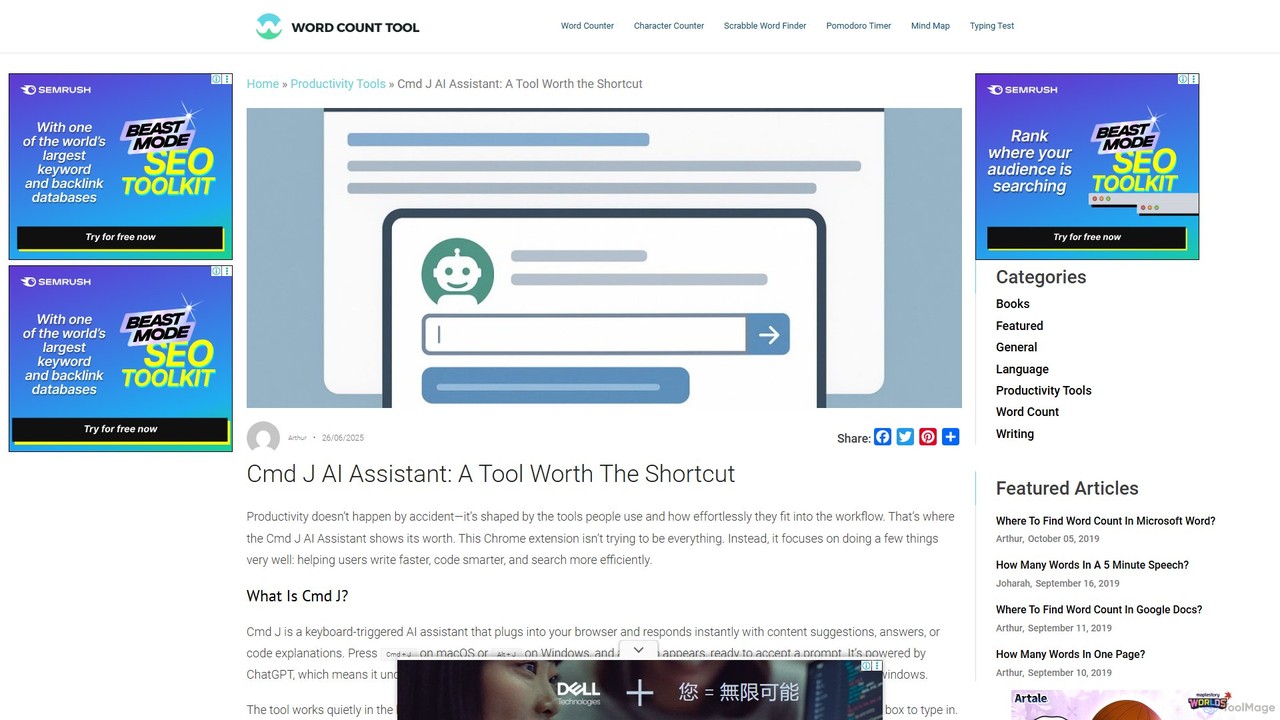
Cmd J is a keyboard-activated AI assistant, available as a Chrome extension, designed to boost productivity. Powered by ChatGPT, it provides instant help with writing, coding, and research directly in your browser. Simply press a shortcut (Cmd+J or Alt+J) to summon the AI, eliminating the need to switch tabs or open new applications, and seamlessly integrating into any workflow.
Chrome Extensions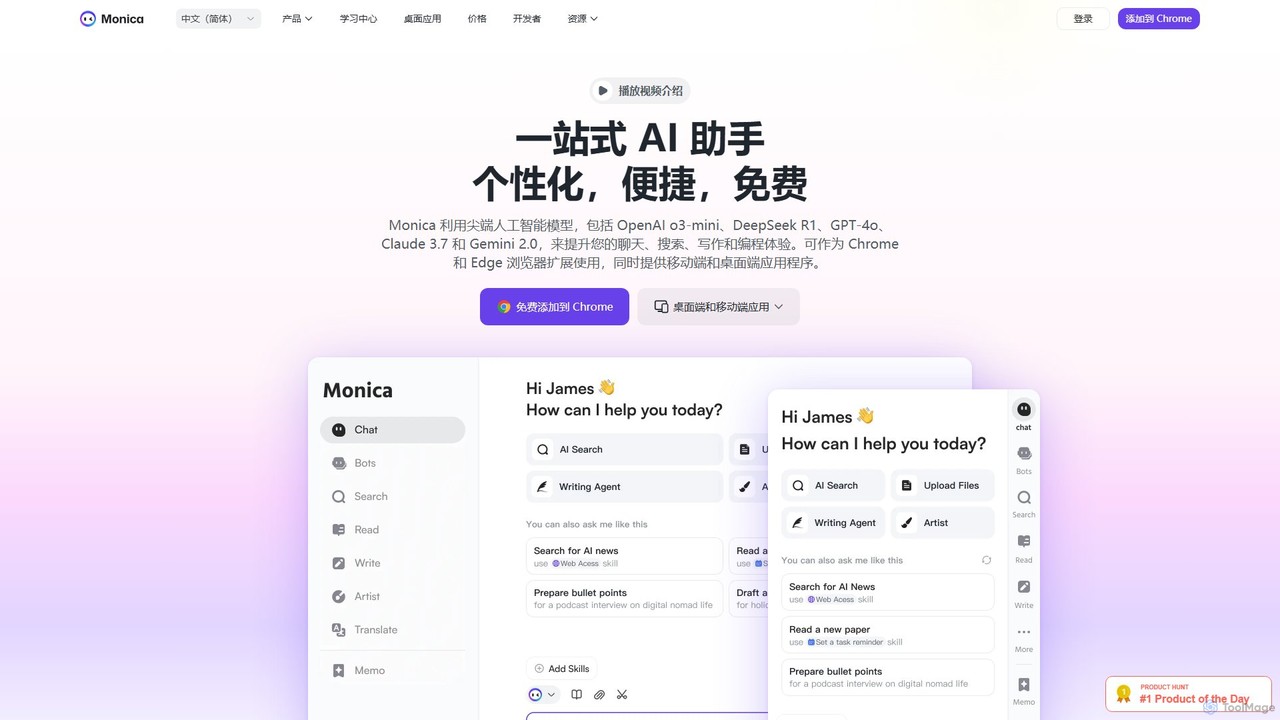
Monica
Monica is an all-in-one AI assistant powered by leading models like GPT-4o, Claude 3.7, and Gemini 1.5. It integrates seamlessly into your workflow as a browser extension, desktop, and mobile app, offering features for chat, search, writing, translation, and image creation to boost productivity.
Chrome Extensions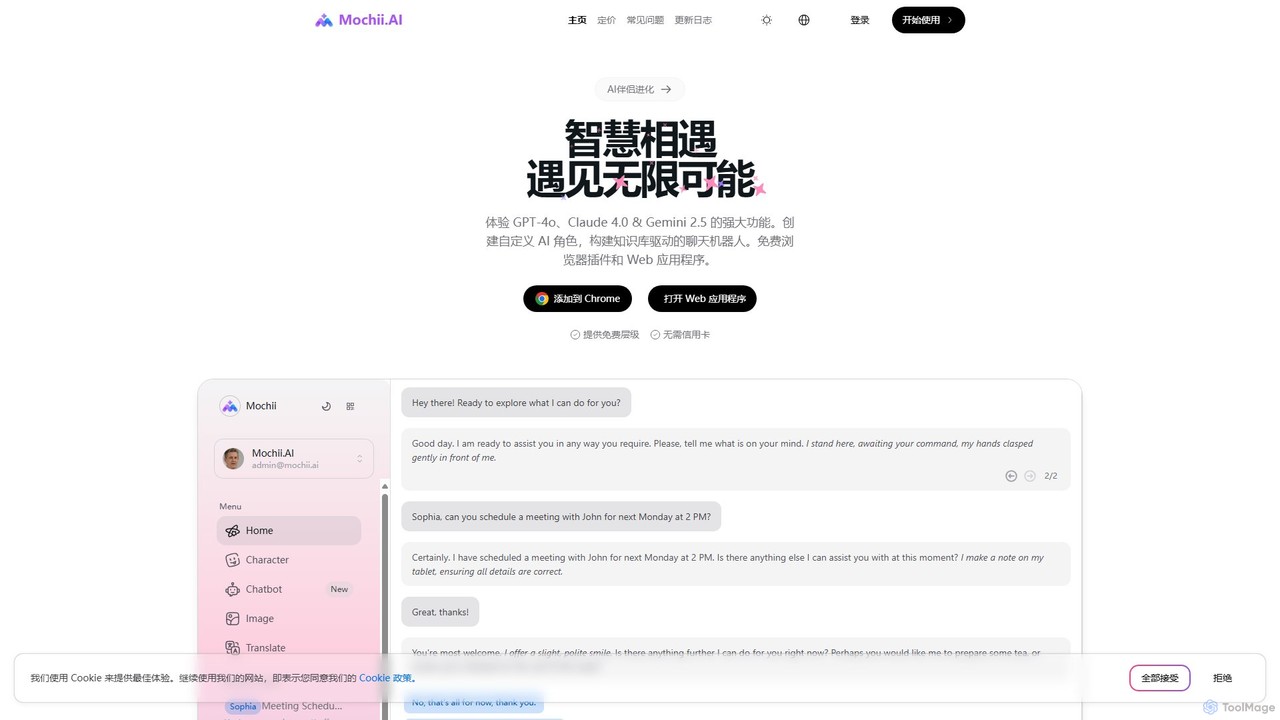
Mochii
Mochii is an all-in-one AI assistant that integrates leading models like GPT-4o, Claude, and Gemini into a seamless browser extension and web app. It enhances productivity by offering features like document analysis, web browsing, AI chatbot building, and customizable AI roles. A generous free tier provides access to advanced AI capabilities for everyone.
Productivity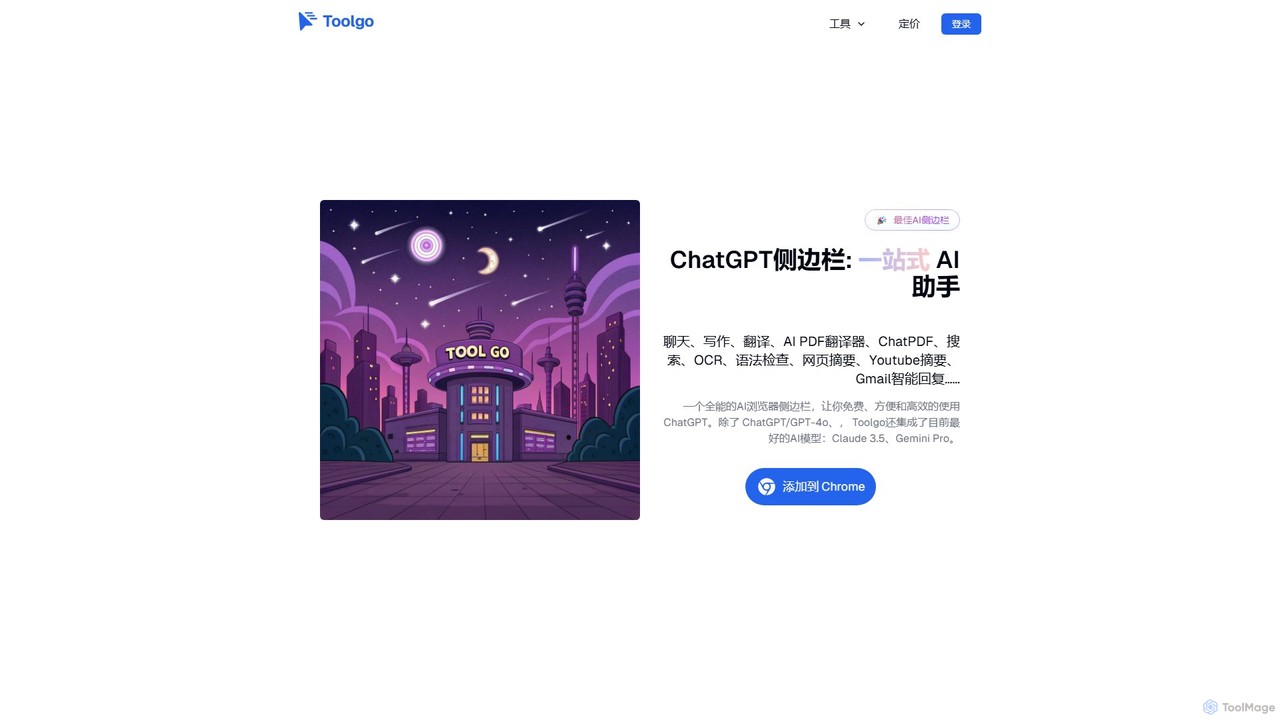
Toolgo
Toolgo is a powerful all-in-one AI sidebar for your browser. It integrates leading AI models like GPT-4o and Claude 3.5 to offer a suite of productivity tools. Chat with AI, translate PDFs instantly, summarize YouTube videos, check grammar, and get smart replies for Gmail, all without leaving your current tab. It's designed to make your work, study, and daily life more efficient and intelligent.
Chrome Extensions
getmerlin
getmerlin is a versatile AI assistant powered by top models like GPT-4o and Claude 3.5. Available as a browser extension and app, it integrates seamlessly into your workflow to summarize content, draft emails, generate text and images, and enhance research on any website. It acts as an all-in-one productivity tool, saving time and money by consolidating multiple AI services into a single subscription.
Chrome ExtensionsGetBot Categories
GetBot Embed Widget
Copy this embed code to place the badge on your blog, article, or product site and send readers directly to this ToolMage detail page.

Related AI tools
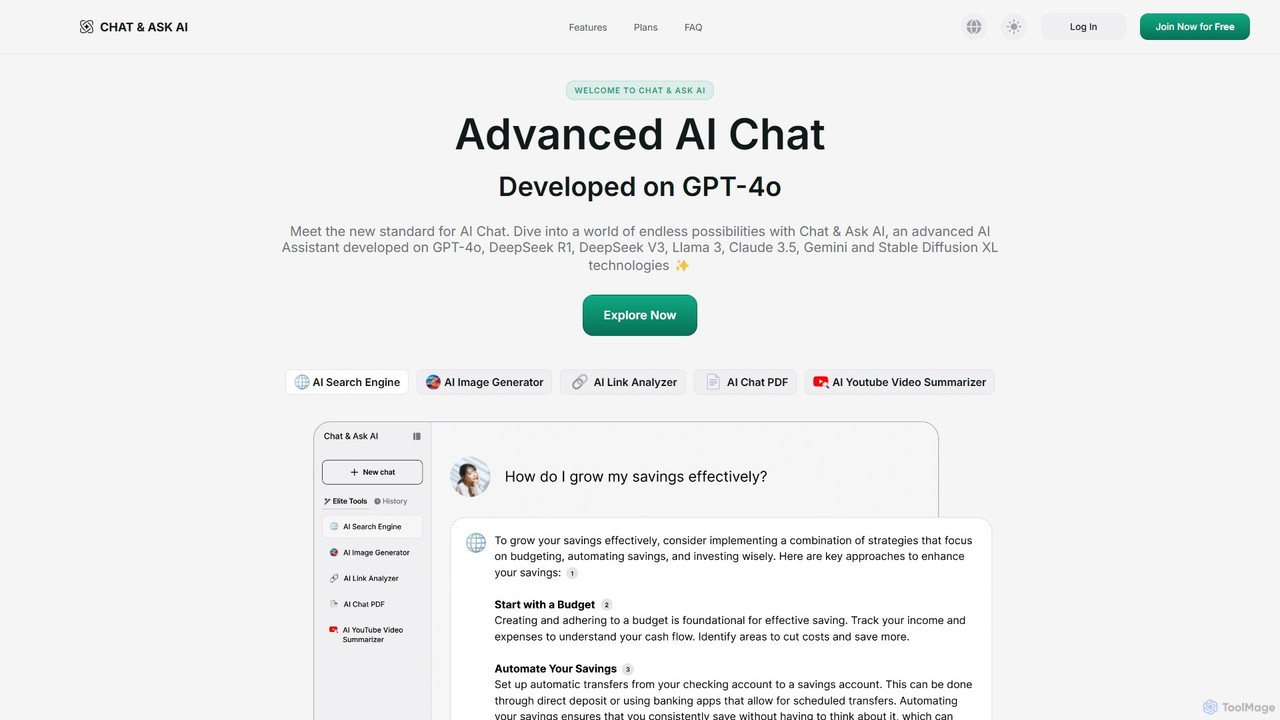
askaichat
askaichat is an all-in-one AI assistant powered by leading models like GPT-4o, Claude 3.5, and Llama 3. It integrates advanced AI chat with powerful tools for image generation, PDF and video summarization, web link analysis, and real-time search. It's designed to boost productivity and creativity for writers, researchers, and professionals by providing a single, versatile platform for diverse tasks.
Image Generator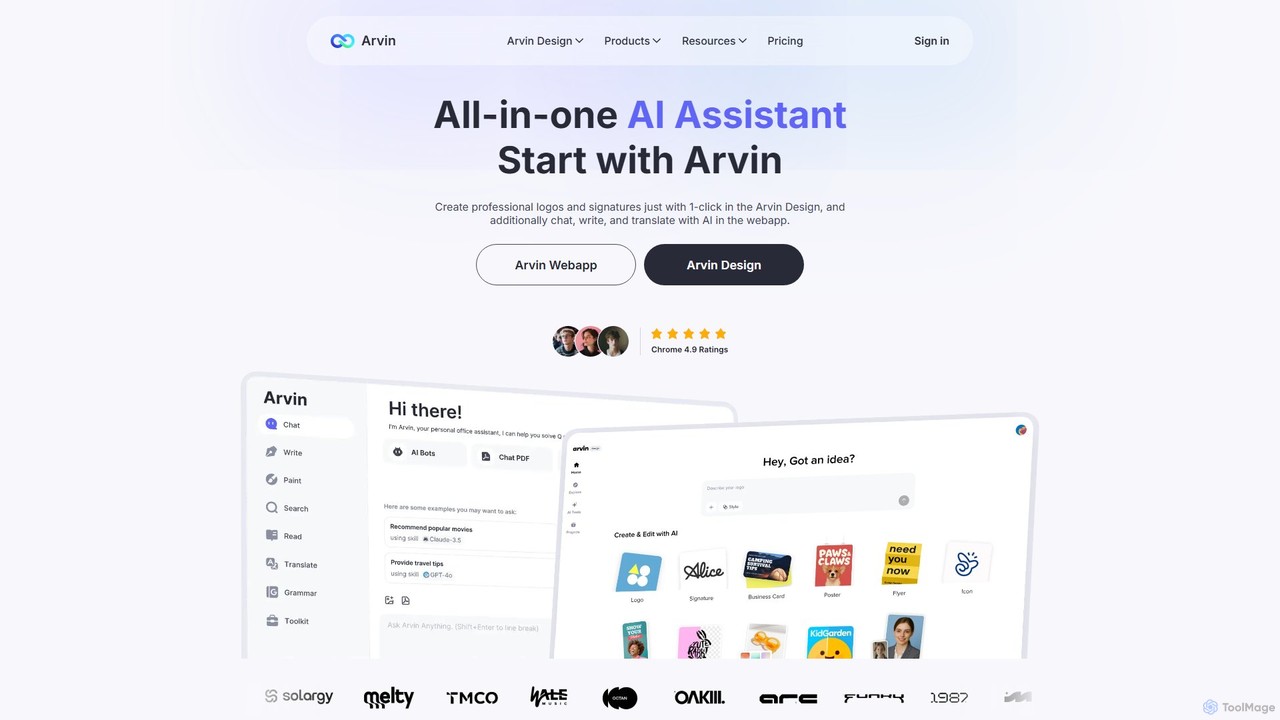
arvin
Arvin is an all-in-one AI assistant, available as a web app and Chrome extension. Powered by advanced models like GPT-4o and Claude 3.5, it integrates AI chat, a powerful writing assistant, a versatile design suite for logos and images, and productivity tools for summarizing web content, PDFs, and YouTube videos.
Chrome ExtensionsMonica
Monica is an all-in-one AI assistant powered by leading models like GPT-4o, Claude 3.7, and Gemini 1.5. It integrates seamlessly into your workflow as a browser extension, desktop, and mobile app, offering features for chat, search, writing, translation, and image creation to boost productivity.
Chrome ExtensionsMochii
Mochii is an all-in-one AI assistant that integrates leading models like GPT-4o, Claude, and Gemini into a seamless browser extension and web app. It enhances productivity by offering features like document analysis, web browsing, AI chatbot building, and customizable AI roles. A generous free tier provides access to advanced AI capabilities for everyone.
ProductivityToolgo
Toolgo is a powerful all-in-one AI sidebar for your browser. It integrates leading AI models like GPT-4o and Claude 3.5 to offer a suite of productivity tools. Chat with AI, translate PDFs instantly, summarize YouTube videos, check grammar, and get smart replies for Gmail, all without leaving your current tab. It's designed to make your work, study, and daily life more efficient and intelligent.
Chrome Extensions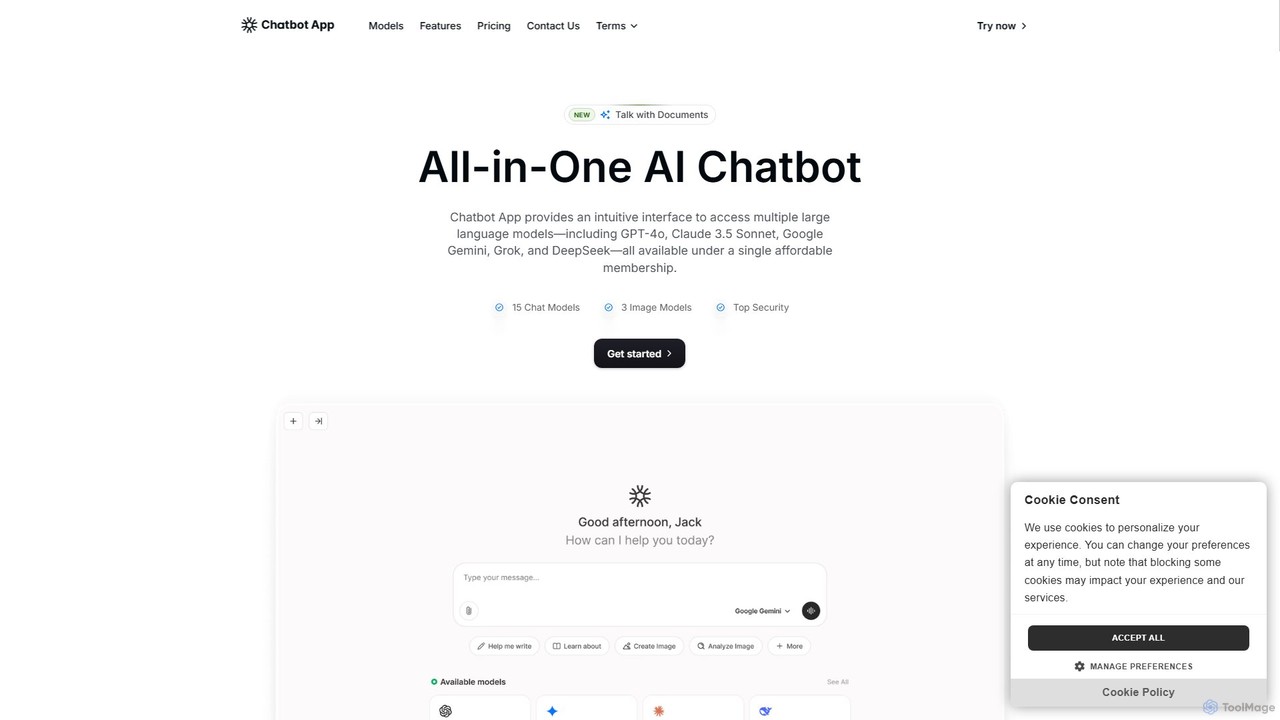
Chatbot App
An all-in-one AI platform providing access to over 10 leading AI models like GPT-4o, Claude 3.5, and Gemini in a single interface. It enables users to chat, generate content, create images, and analyze documents, streamlining workflows and significantly reducing costs compared to separate subscriptions. Ideal for professionals in marketing, content creation, and development.
Ai Chat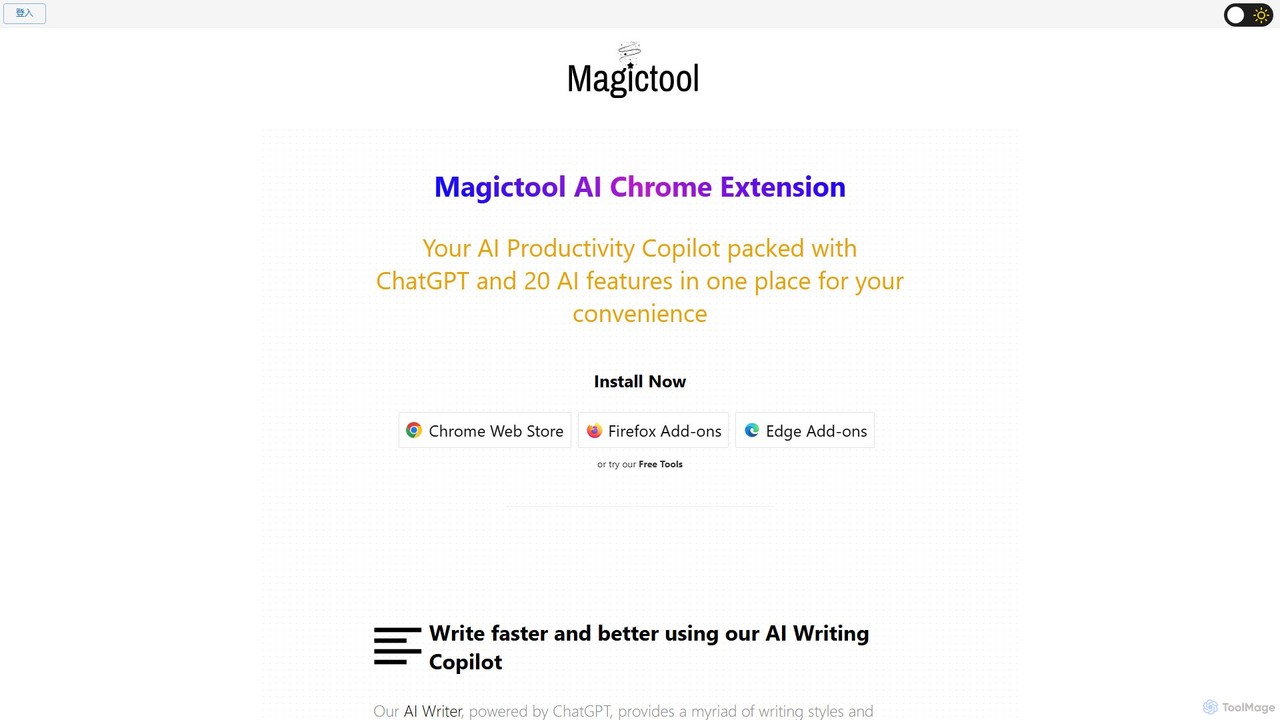
Magic Tool AI
Magic Tool AI is an all-in-one productivity browser extension that integrates ChatGPT and over 20 AI features. It acts as your personal copilot, helping you write better and faster, summarize YouTube videos and articles, chat with PDFs, scrape web data, generate images, and much more, all within your browser.
Browser Extension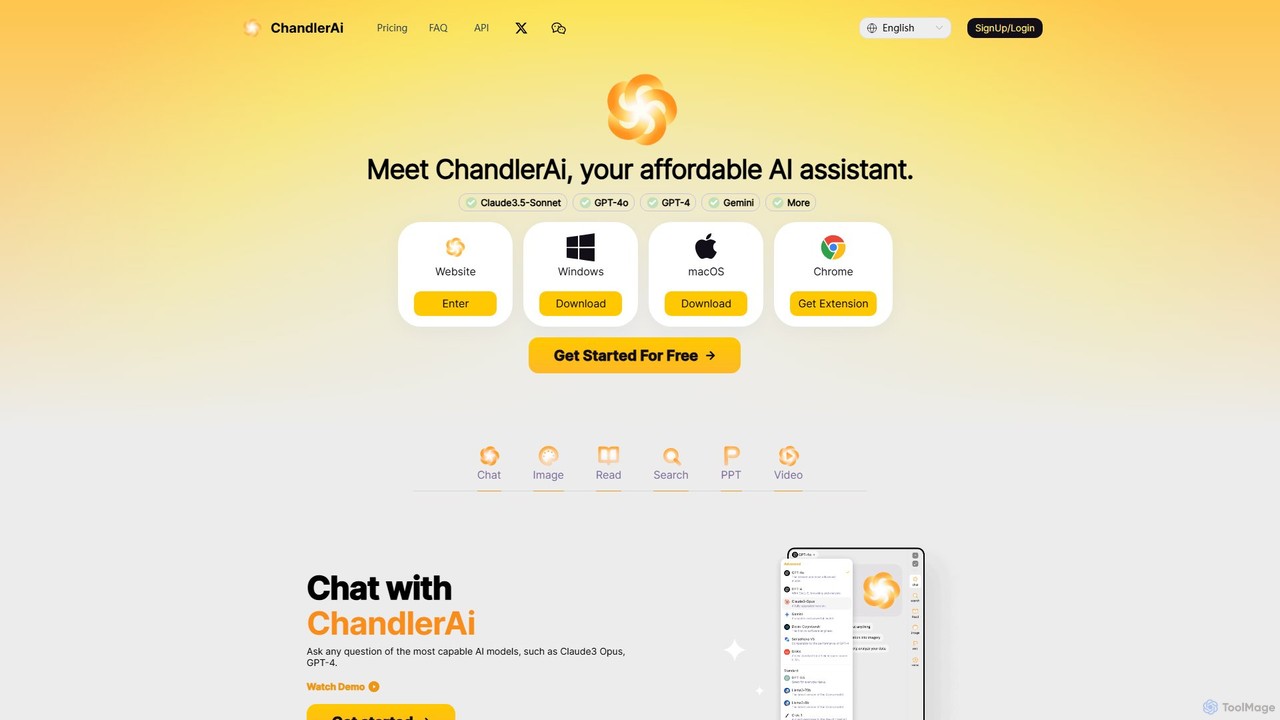
ChandlerAi
ChandlerAi is an affordable, all-in-one AI assistant that integrates leading models like Claude 3.5-Sonnet, GPT-4o, and Gemini. It offers a comprehensive suite of tools for chat, image and video generation, file analysis, real-time web search, and PPT creation, all accessible through a single, cost-effective subscription.
Image Generator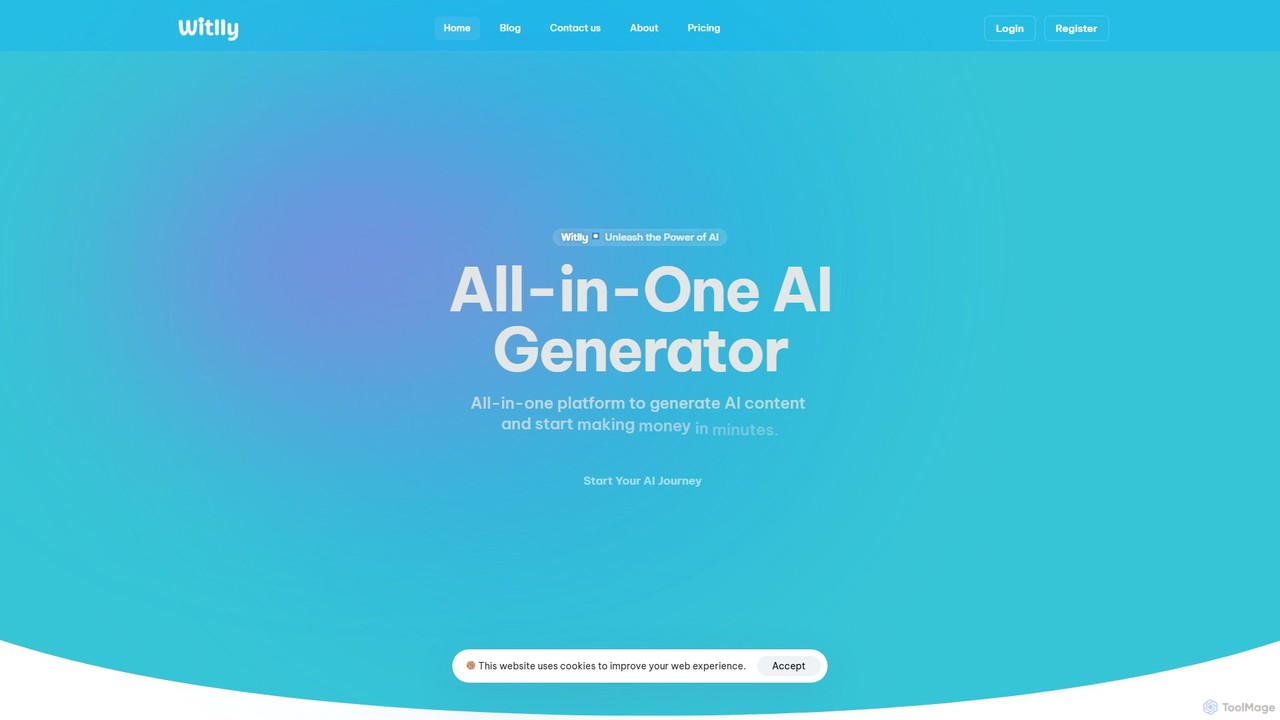
witlly
witlly is an all-in-one AI platform designed to boost productivity and creativity. It integrates a suite of powerful tools, including an AI writer, image generator, code assistant, chatbot, file chat, voiceover, and speech-to-text, all powered by leading models like GPT-4o and Gemini. It's built for marketers, developers, designers, and entrepreneurs to streamline their workflows and generate high-quality content effortlessly.
Image Generationgetmerlin
getmerlin is a versatile AI assistant powered by top models like GPT-4o and Claude 3.5. Available as a browser extension and app, it integrates seamlessly into your workflow to summarize content, draft emails, generate text and images, and enhance research on any website. It acts as an all-in-one productivity tool, saving time and money by consolidating multiple AI services into a single subscription.
Chrome Extensions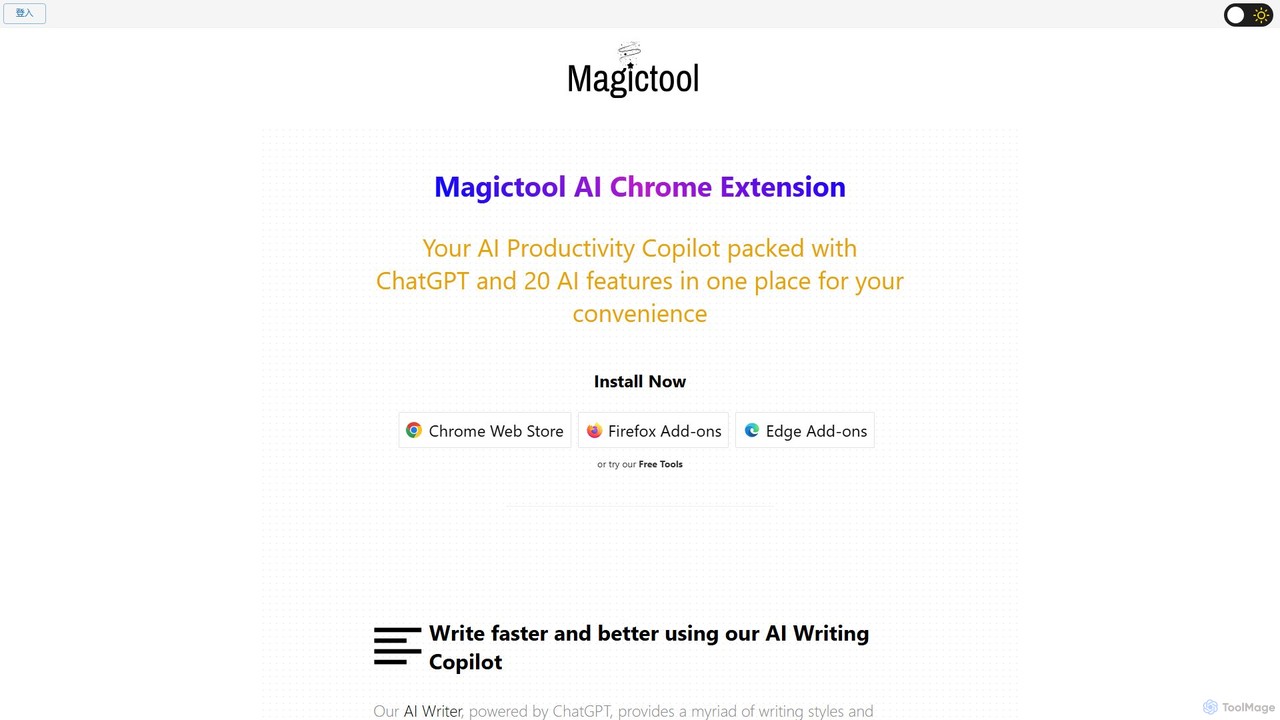
Magictool AI
Magictool AI is an all-in-one productivity hub integrated into a browser extension. It packs over 20 AI features, including a ChatGPT-powered writer, YouTube video summarizer, PDF chat, data scraper, and AI image generator. It's designed to streamline your workflow, enhance your writing, and boost your research capabilities directly within your browser.
Chrome Extensions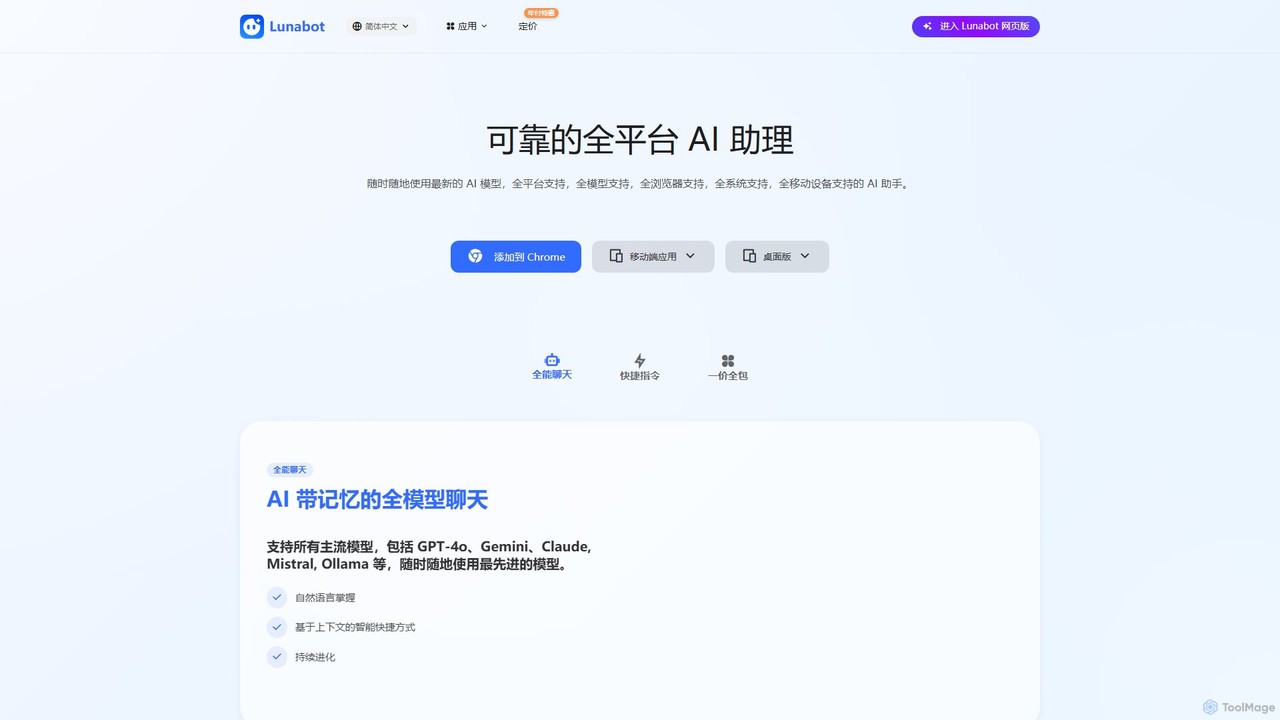
Lunabot
Lunabot is a versatile, all-in-one AI assistant that works across all your devices. It integrates leading AI models like GPT-4o, Gemini, and Claude into a seamless experience on your browser, desktop, and mobile. Boost your productivity with features like document chat, AI image generation, voice interaction, and customizable shortcut commands, all from a single, budget-friendly platform.
Chat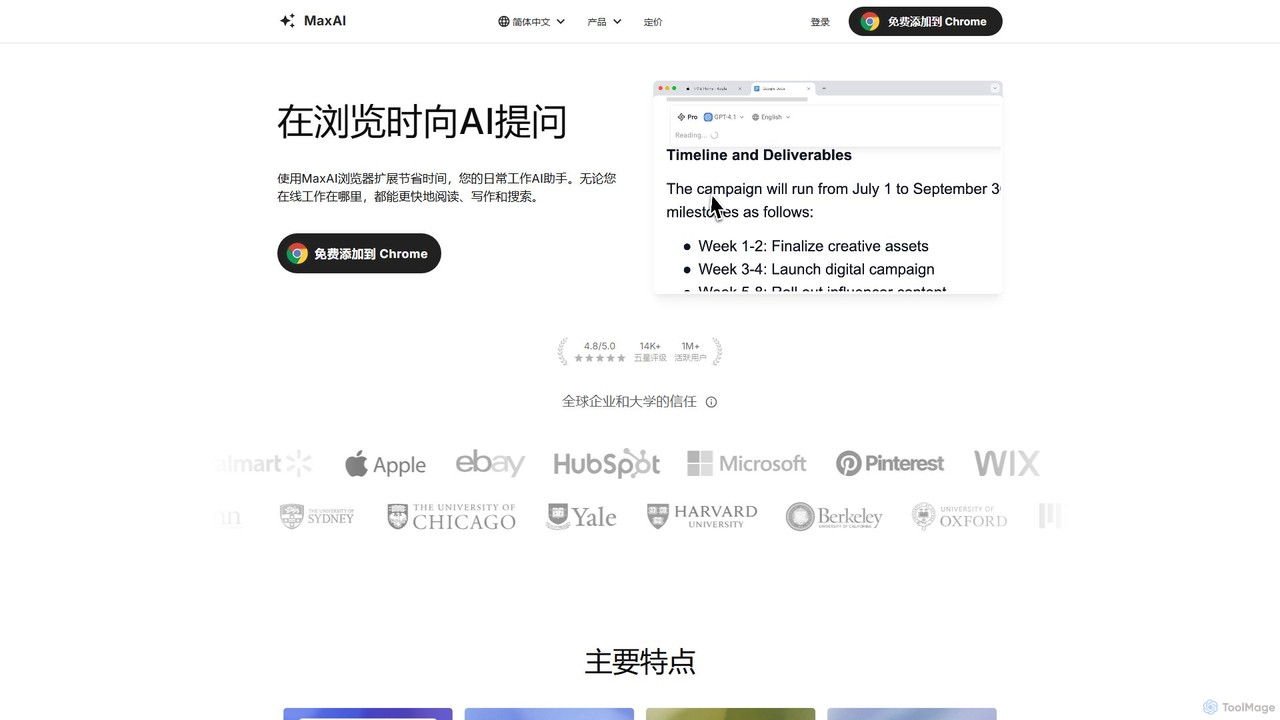
MaxAI
MaxAI is a powerful browser extension that acts as your all-in-one AI assistant. It integrates top AI models like GPT-4o and Claude 3.5 directly into your browser, allowing you to read, write, and research faster. Summarize web pages, improve your writing, translate text, and generate content with a single click, boosting your productivity across all your online activities.
Chrome Extensions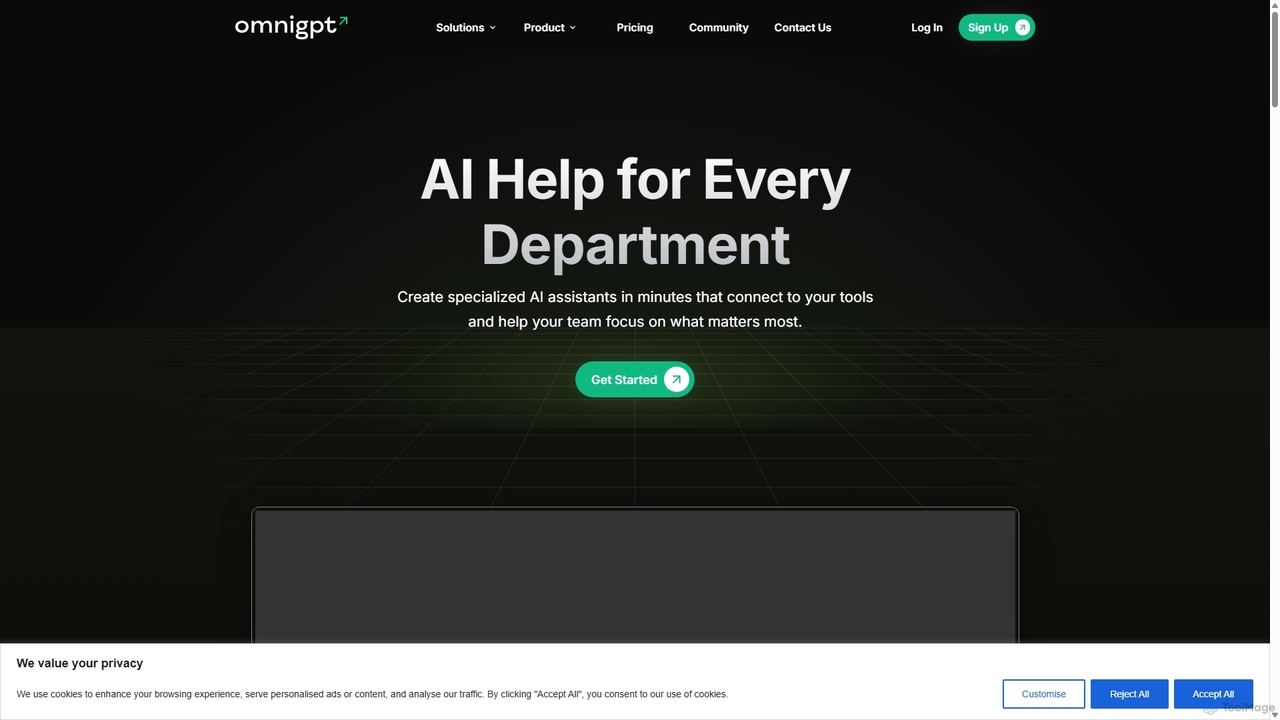
OmniGPT
OmniGPT is an all-in-one AI productivity platform that provides access to multiple leading AI models like GPT-4, Claude 3.5, and Llama 3 through a single subscription. Designed for individuals and teams, it enhances workflows with features such as document analysis, image generation, team collaboration, and seamless integrations with everyday tools like WhatsApp and Slack, offering a cost-effective alternative to multiple AI service subscriptions.
Code Assistant
chrome_ai
An all-in-one AI assistant integrated into your Chrome browser. Summarize web pages and YouTube videos, enhance your writing, explain complex topics, and chat with advanced AI models without leaving your current tab. Boost your productivity with seamless AI power.
Chrome Extensions
GetBot Comments (0)
Sign in to comment.
Sign inNo comments yet.