
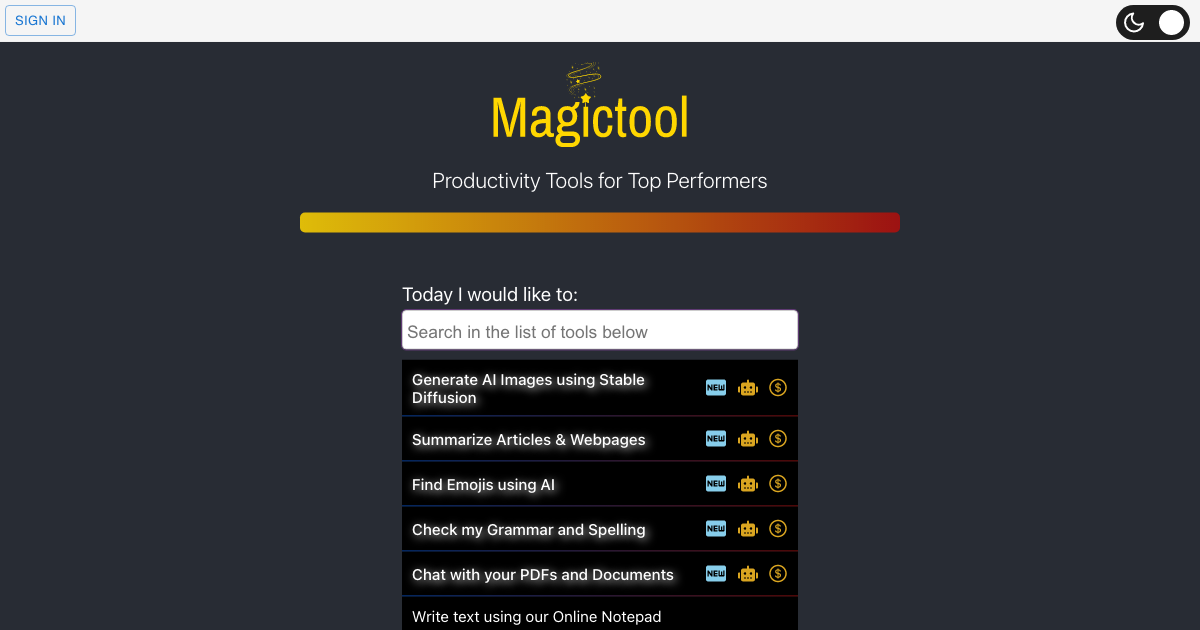
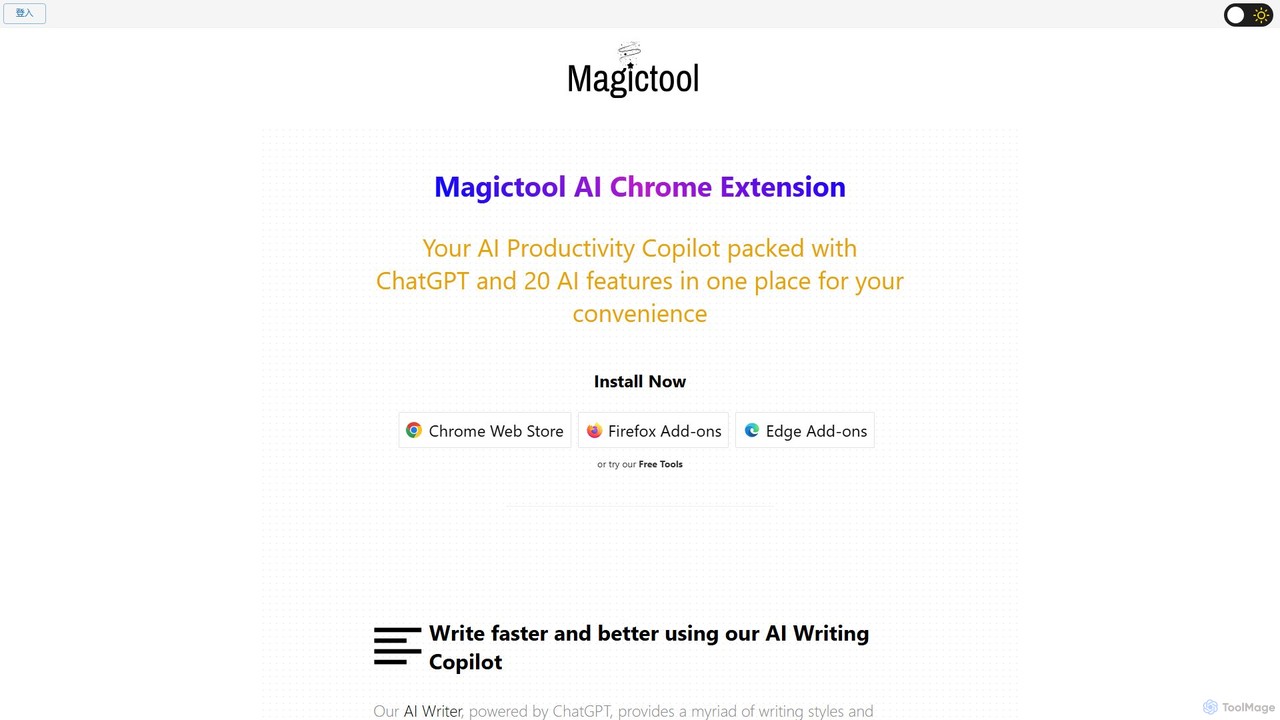
Magictool AI Overview
Magictool AI is a comprehensive AI-powered productivity copilot designed to be your ultimate assistant directly within your web browser. Available as an extension for Chrome, Firefox, and Edge, it consolidates over 20 powerful AI functionalities into a single, convenient hub. This eliminates the need to switch between multiple tabs or applications, streamlining your entire workflow. Whether you are a student, a professional, a writer, or a researcher, Magictool AI provides the tools you need to work faster and smarter.
The core of Magictool AI is its seamless integration with your browsing experience. By simply highlighting text on any webpage, you can access a context menu of AI actions. This includes improving writing, checking grammar, summarizing content, translating languages, and much more. The extension also features a dedicated panel for interacting with ChatGPT and GPT-4, chatting with PDF documents, and generating AI images from text prompts using Stable Diffusion.
How to use Magictool AI
Getting started with Magictool AI is straightforward:
- Installation: Install the Magictool AI extension from the Chrome Web Store, Firefox Add-ons, or Edge Add-ons.
- AI Writing Copilot: Select any text on a webpage. A Magictool AI icon will appear. Click it to open a menu with options like 'Improve Text', 'Summarize', 'Translate', 'Check Grammar', or 'Paraphrase'.
- Chat & Summarize: Click the extension icon in your browser's toolbar to open the main panel. Here you can chat with ChatGPT/GPT-4, summarize the current webpage, or summarize YouTube videos.
- PDF Interaction: Open a local or online PDF file in your browser. Use the extension's panel to start a chat with the document, asking questions and getting quick summaries.
- Data Scraping: On any webpage, open the extension and navigate to the data scraping feature. You can either manually select the elements you want to extract or use AI to automatically identify and scrape relevant data.
- Free Online Tools: Visit the Magictool AI website to access a suite of free tools, including an image generator, online notepad, and various text/data converters without needing to install the extension.
Core Features of Magictool AI
- AI Writing Copilot: Powered by ChatGPT, it helps you write, paraphrase, summarize, continue writing, check grammar, simplify language, and change the tone of your text.
- Content Summarization: Instantly summarize articles, webpages, and even the transcripts and comments of YouTube videos.
- YouTube AI Dubbing: Watch YouTube videos dubbed in over 50 different languages (Paid Feature).
- ChatGPT & GPT-4 Access: Directly interact with ChatGPT and the more advanced GPT-4 model for complex queries and content generation (GPT-4 is a paid feature).
- AI Image Generation: Create unique images from text descriptions using advanced Stable Diffusion models.
- PDF Chat & Summarizer: Upload or open a PDF to chat with its content, ask specific questions, and get concise summaries.
- Data Scraping & Extraction: A powerful tool to extract data from any webpage, with both manual selection and AI-driven automatic extraction modes.
- Magic Editor & Shortcut: An AI-powered notepad with all AI features at your fingertips, plus a shortcut to invoke ChatGPT from any text field.
- Reader Mode: View webpages in a clean, clutter-free format by removing ads, sidebars, and pop-ups for focused reading.
- Utility Tools: Includes a dark mode for any site, a timer, a to-do list, and a suite of developer tools for data conversion and formatting.
Use Cases for Magictool AI
For Students: Quickly summarize long research papers and articles. Chat with PDF textbooks to find answers for homework. Check grammar and improve the clarity of essays and reports.
For Content Creators & Marketers: Generate blog post ideas, write engaging social media copy, and paraphrase existing content to create unique versions. Add relevant emojis automatically to enhance engagement.
For Professionals: Draft professional emails and reports quickly. Summarize meeting transcripts or lengthy business documents. Scrape contact information or market data from websites for analysis.
For Researchers: Effortlessly extract data from multiple web sources. Summarize academic papers and YouTube lectures to speed up the research process.
Advantages of Magictool AI
The primary advantage of Magictool AI is its all-in-one nature. It integrates a vast array of AI tools into a single browser extension, saving you time and money. The seamless contextual integration means the AI is there when you need it, without disrupting your flow. It supports major browsers and offers a generous free tier, making powerful AI accessible to everyone. The ability to create custom prompts allows for a highly personalized and efficient workflow.
Pricing and Plans
Magictool AI operates on a freemium model:
- Free Plan: Offers access to many core features, including the AI writer, article summarizer, and grammar checker, with a daily usage limit (e.g., 3,000 AI words per day). Access to free online tools is also included.
- Pro & Pro+ Plans: These are paid subscription plans that offer higher or unlimited usage, access to premium features like GPT-4, AI Video Dubbing, advanced data scraping, and priority support.
For the most current and detailed pricing information, please visit the official Magictool AI website.
Traffic
Latest traffic
Status
Monthly traffic trend
- 2026-1: 179.4K
- 2026-2: 99.7K
- 2026-3: 119.9K
- 2026-4: 125.3K
- 2026-5: 112.9K
Geography
Top 5 countries / regions
- 🇲🇽Mexico31.5%
- 🇰🇷South Korea18.8%
- 🇪🇸Spain17.6%
- 🇵🇪Peru16.1%
- 🇨🇳China15.9%
Traffic sources
| Source type | Percentage |
|---|---|
Direct | 81.6% |
Referral | 16.6% |
Email | 1.8% |
Top keywords
| Keyword | Cost per click |
|---|---|
| hex string to binary | $0.00 |
| portapapeles online | $0.00 |
| буфер обмена онлайн | $0.00 |
| перевод кода в текст | $0.00 |
| 有什么插件可以网页当作记事本保存ai提示词 | $0.00 |
Magictool AI Alternatives
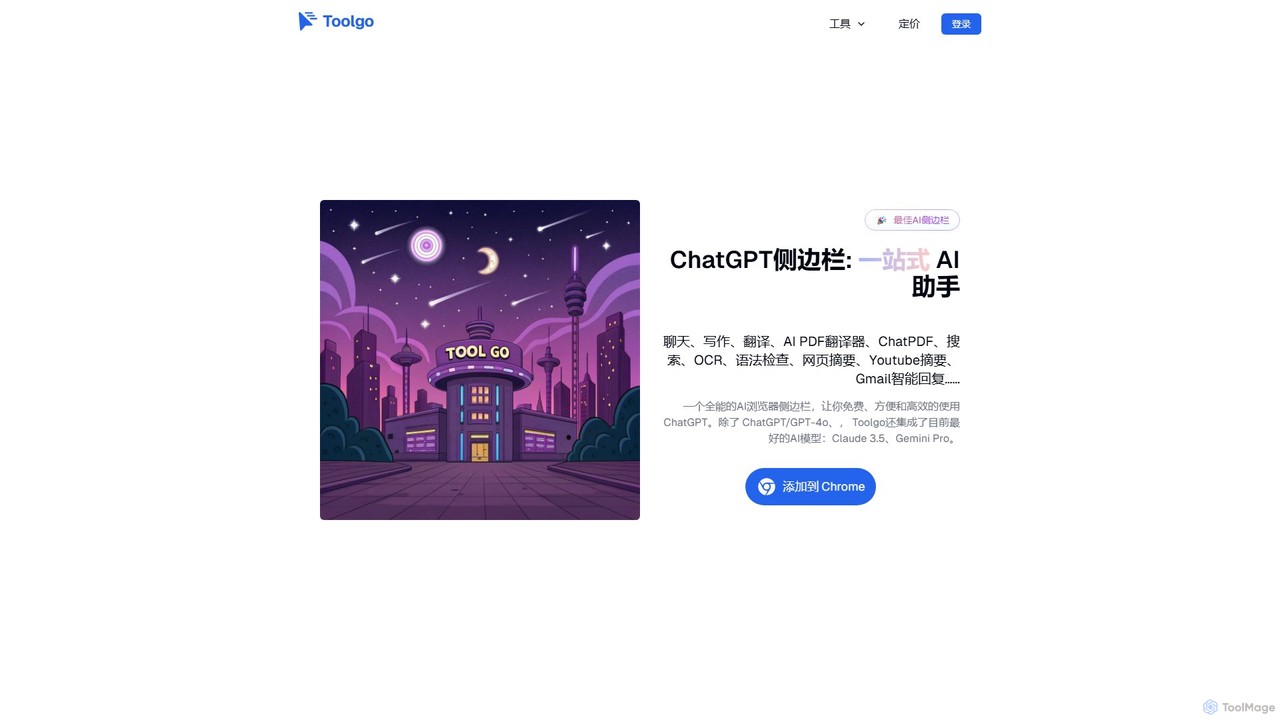
Toolgo
Toolgo is a powerful all-in-one AI sidebar for your browser. It integrates leading AI models like GPT-4o and Claude 3.5 to offer a suite of productivity tools. Chat with AI, translate PDFs instantly, summarize YouTube videos, check grammar, and get smart replies for Gmail, all without leaving your current tab. It's designed to make your work, study, and daily life more efficient and intelligent.
Chrome Extensions
chrome_ai
An all-in-one AI assistant integrated into your Chrome browser. Summarize web pages and YouTube videos, enhance your writing, explain complex topics, and chat with advanced AI models without leaving your current tab. Boost your productivity with seamless AI power.
Chrome Extensions
Merlin AI
Merlin AI is an all-in-one browser extension powered by ChatGPT and other advanced models like Claude. It acts as your personal AI assistant, seamlessly integrating into your workflow to help with writing, summarizing, coding, and more, directly on any website.
Chrome Extensions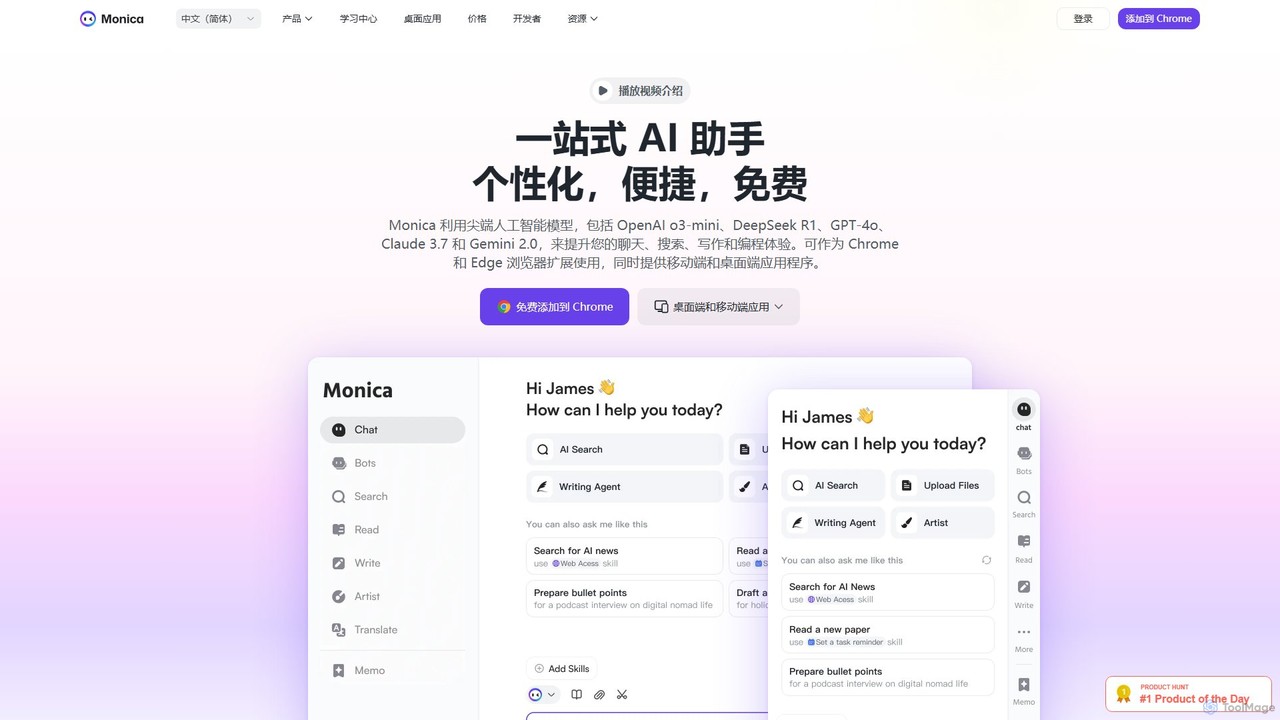
Monica
Monica is an all-in-one AI assistant powered by leading models like GPT-4o, Claude 3.7, and Gemini 1.5. It integrates seamlessly into your workflow as a browser extension, desktop, and mobile app, offering features for chat, search, writing, translation, and image creation to boost productivity.
Chrome Extensions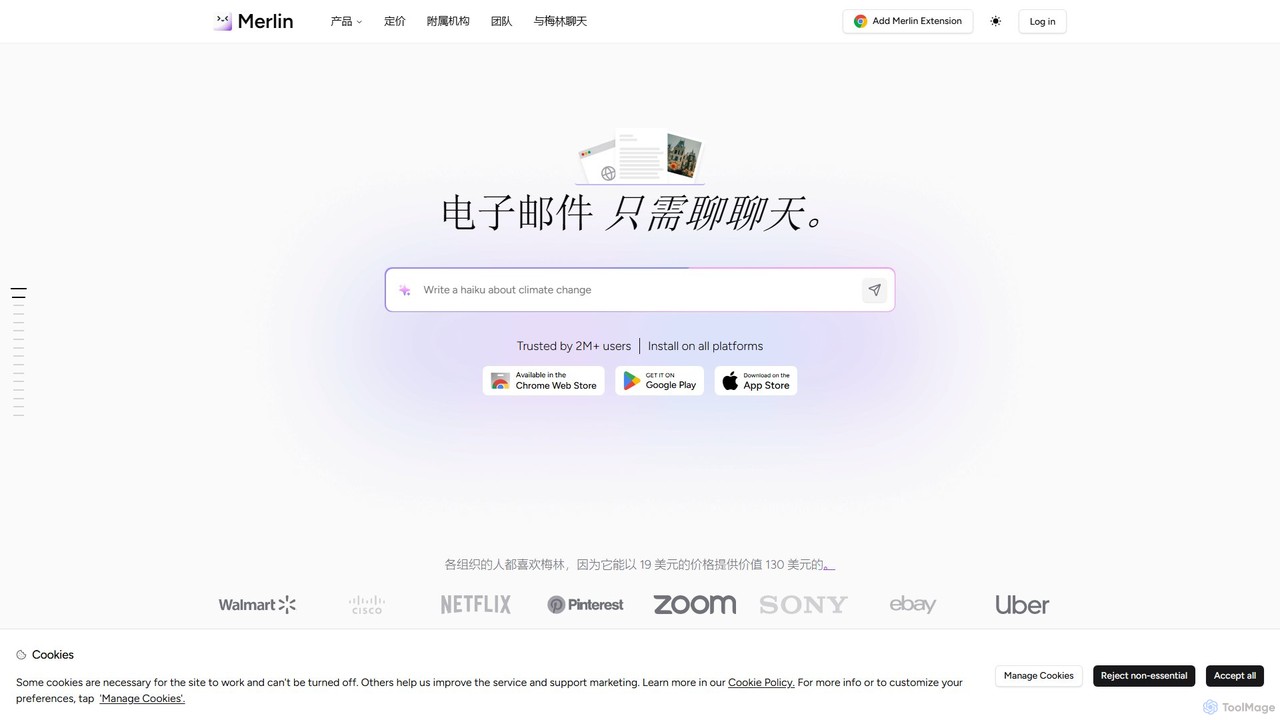
getmerlin
getmerlin is a versatile AI assistant powered by top models like GPT-4o and Claude 3.5. Available as a browser extension and app, it integrates seamlessly into your workflow to summarize content, draft emails, generate text and images, and enhance research on any website. It acts as an all-in-one productivity tool, saving time and money by consolidating multiple AI services into a single subscription.
Chrome ExtensionsMagictool AI Categories
Magictool AI Embed Widget
Copy this embed code to place the badge on your blog, article, or product site and send readers directly to this ToolMage detail page.

Related AI tools
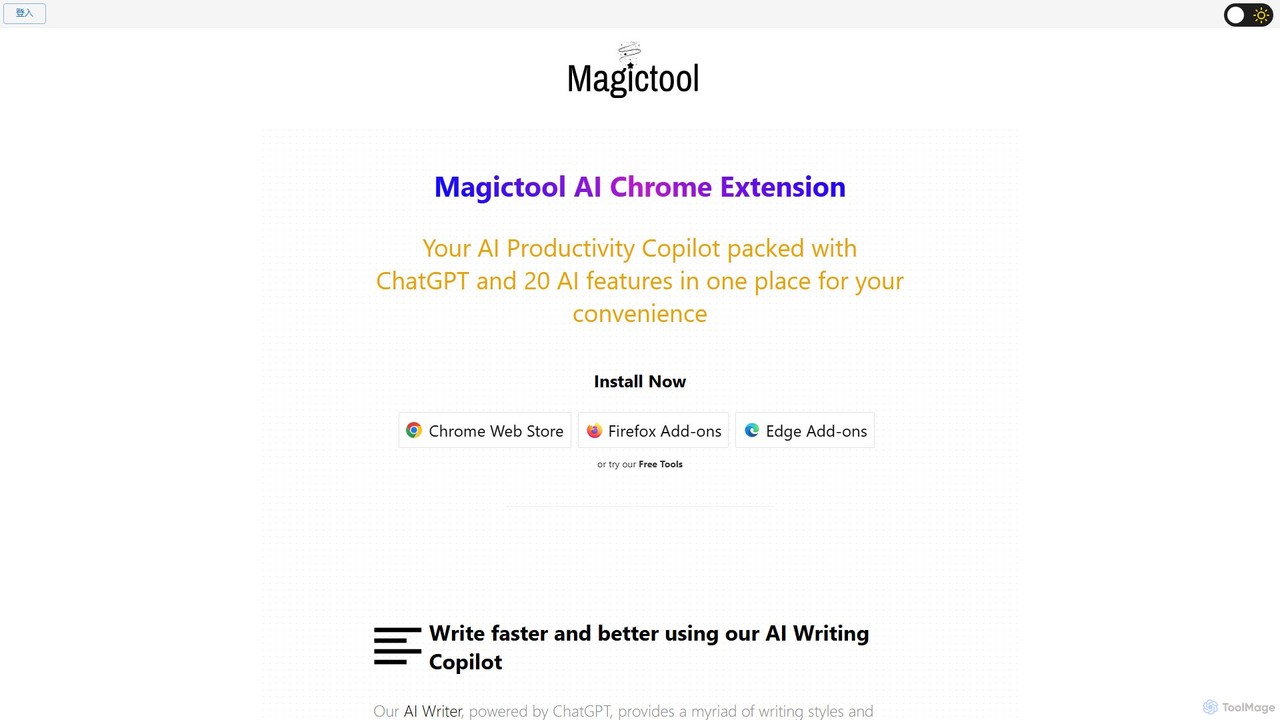
Magic Tool AI
Magic Tool AI is an all-in-one productivity browser extension that integrates ChatGPT and over 20 AI features. It acts as your personal copilot, helping you write better and faster, summarize YouTube videos and articles, chat with PDFs, scrape web data, generate images, and much more, all within your browser.
Browser Extension
InsertChatGPT
InsertChatGPT is a powerful browser extension that seamlessly integrates OpenAI's ChatGPT into your daily workflow. Get instant AI assistance for writing emails, summarizing text, and creating content directly on any website, boosting your productivity and creativity without switching tabs.
Chat
Sider
Sider is a powerful AI copilot integrated into your browser sidebar. It brings ChatGPT, GPT-4, Claude 3, and Gemini to any webpage, allowing you to seamlessly summarize content, enhance your writing, explain complex topics, and chat with documents or videos. It streamlines your workflow by eliminating the need to switch between tabs, boosting your overall productivity and creativity.
LearningToolgo
Toolgo is a powerful all-in-one AI sidebar for your browser. It integrates leading AI models like GPT-4o and Claude 3.5 to offer a suite of productivity tools. Chat with AI, translate PDFs instantly, summarize YouTube videos, check grammar, and get smart replies for Gmail, all without leaving your current tab. It's designed to make your work, study, and daily life more efficient and intelligent.
Chrome Extensionschrome_ai
An all-in-one AI assistant integrated into your Chrome browser. Summarize web pages and YouTube videos, enhance your writing, explain complex topics, and chat with advanced AI models without leaving your current tab. Boost your productivity with seamless AI power.
Chrome ExtensionsMerlin AI
Merlin AI is an all-in-one browser extension powered by ChatGPT and other advanced models like Claude. It acts as your personal AI assistant, seamlessly integrating into your workflow to help with writing, summarizing, coding, and more, directly on any website.
Chrome Extensions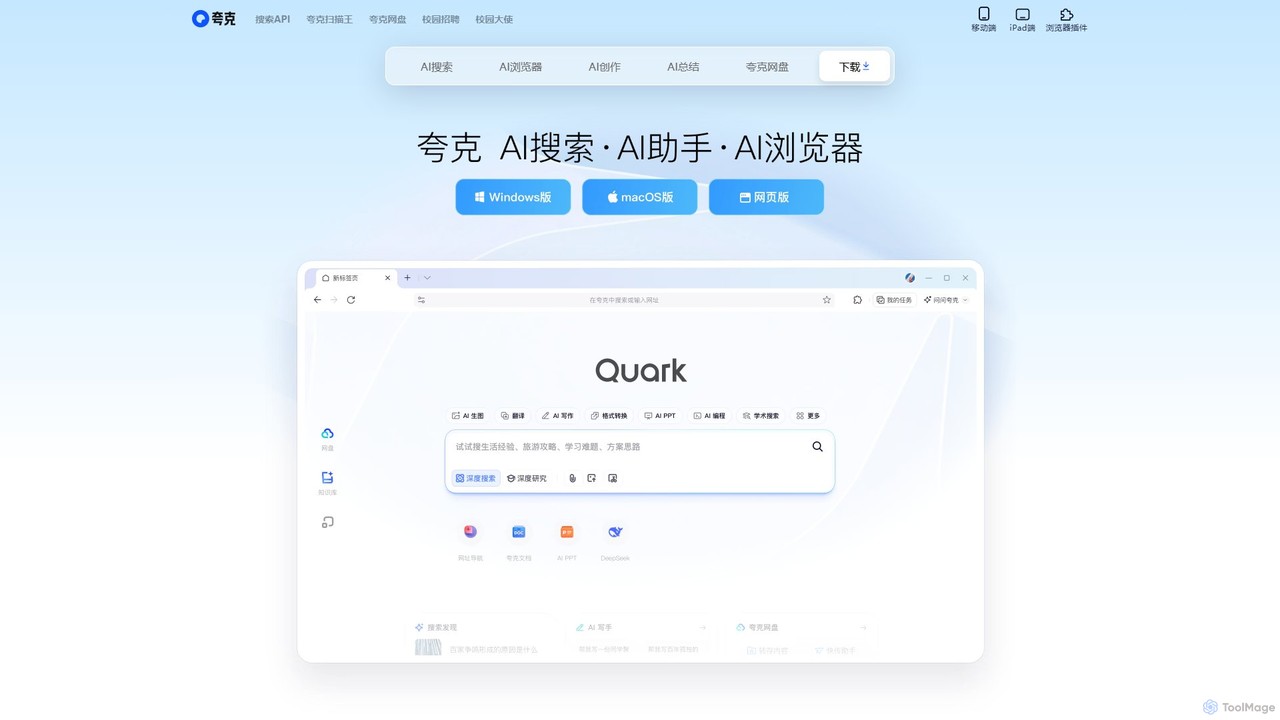
Quark
Quark is an all-in-one AI-powered suite from Alibaba, integrating a smart search engine, a fast browser, a massive cloud drive, and a suite of creative tools. It's designed to boost productivity for students and professionals with features like AI summarization, content generation, and seamless multi-device synchronization.
File Management
Pointer AI
Pointer AI is a powerful Chrome extension that integrates ChatGPT-like capabilities directly into Google Docs. It streamlines your writing and editing process by allowing the AI to make changes directly in your document, eliminating the tedious copy-pasting and reformatting. Watch as it types out suggestions for you to approve, preserving your original document styling.
Chrome Extensions
Jyek
Jyek is an AI agent platform that understands objectives, creates execution plans, uses tools, and delivers verifiable results for complex, multi-step tasks.
Automation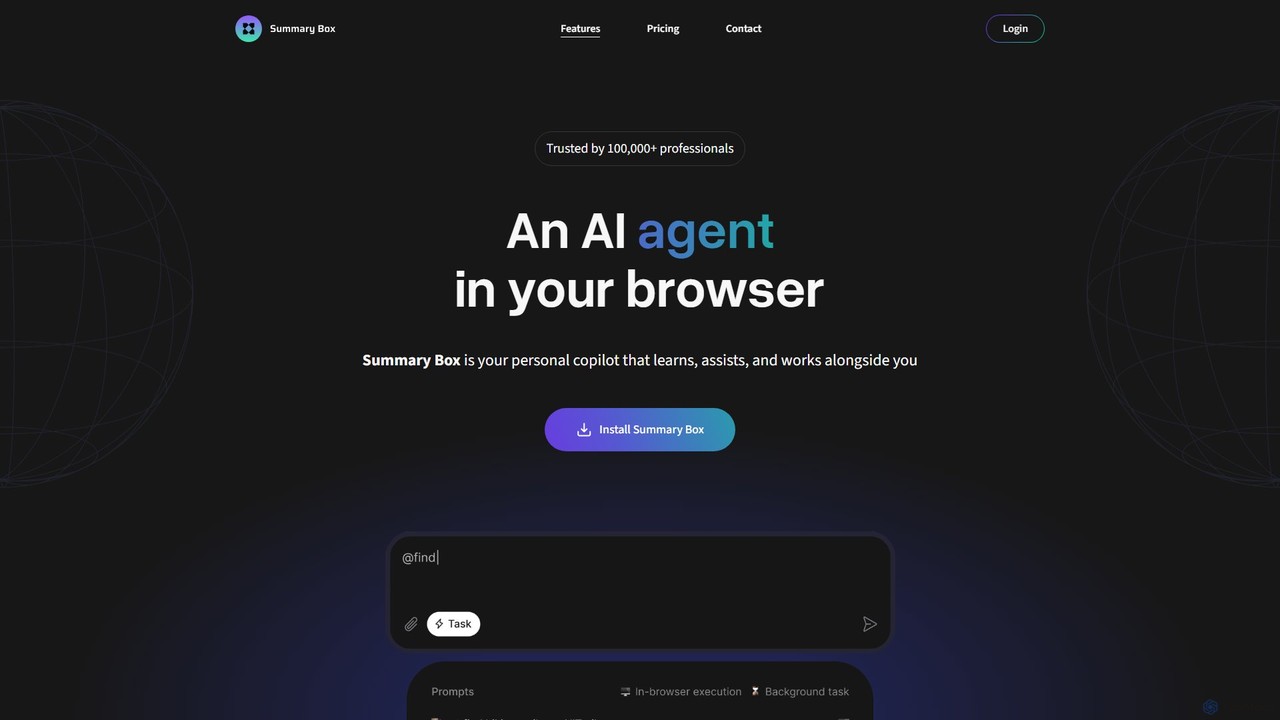
Summary Box
Summary Box is an AI-powered browser extension that acts as your personal copilot for the web. It generates high-quality, abstractive summaries of articles, PDFs, Google Docs, YouTube videos, and even audio. It's designed to save you time, enhance comprehension, and boost productivity by distilling long content into concise, key points.
Chrome Extensions
Checkget
Checkget is a smart assistant browser extension for ChatGPT, enabling users to access AI capabilities on any website with a simple keyboard shortcut (Cmd/Alt+K). It streamlines workflows by eliminating the need to switch tabs, offering context-aware assistance for tasks like writing, summarizing, translating, and code explanation.
Code Assistant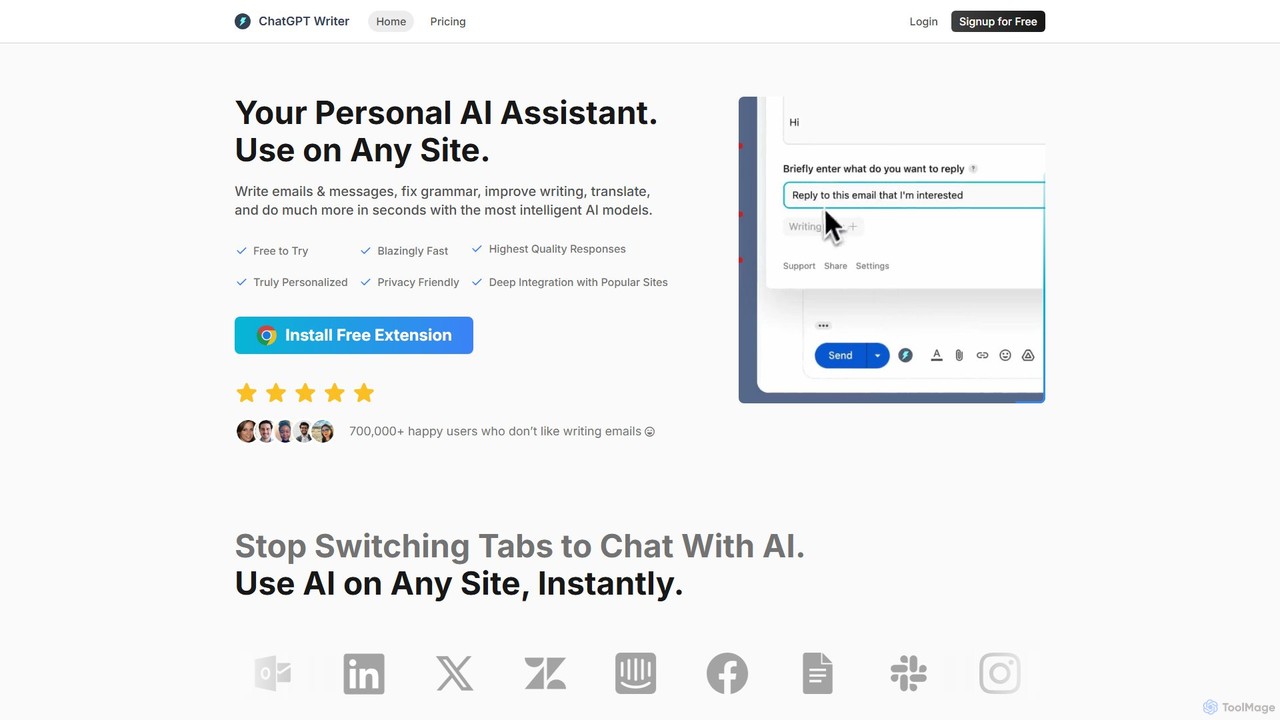
ChatGPT Writer
ChatGPT Writer is a powerful AI browser extension that integrates seamlessly into any website. Powered by models like GPT-4.1, Claude, and Gemini, it helps you write emails, fix grammar, translate text, summarize content, and more, directly within your workflow, eliminating the need to switch tabs.
Chrome Extensions
Share by ChatGPT
Share by ChatGPT is a powerful browser extension that leverages ChatGPT to instantly summarize any webpage. It's designed for content creators, marketers, and busy professionals who need to quickly grasp and share key information. With one click, generate concise, accurate summaries ready for posting on social media platforms, saving you valuable time and effort in your content curation workflow.
Chrome Extensions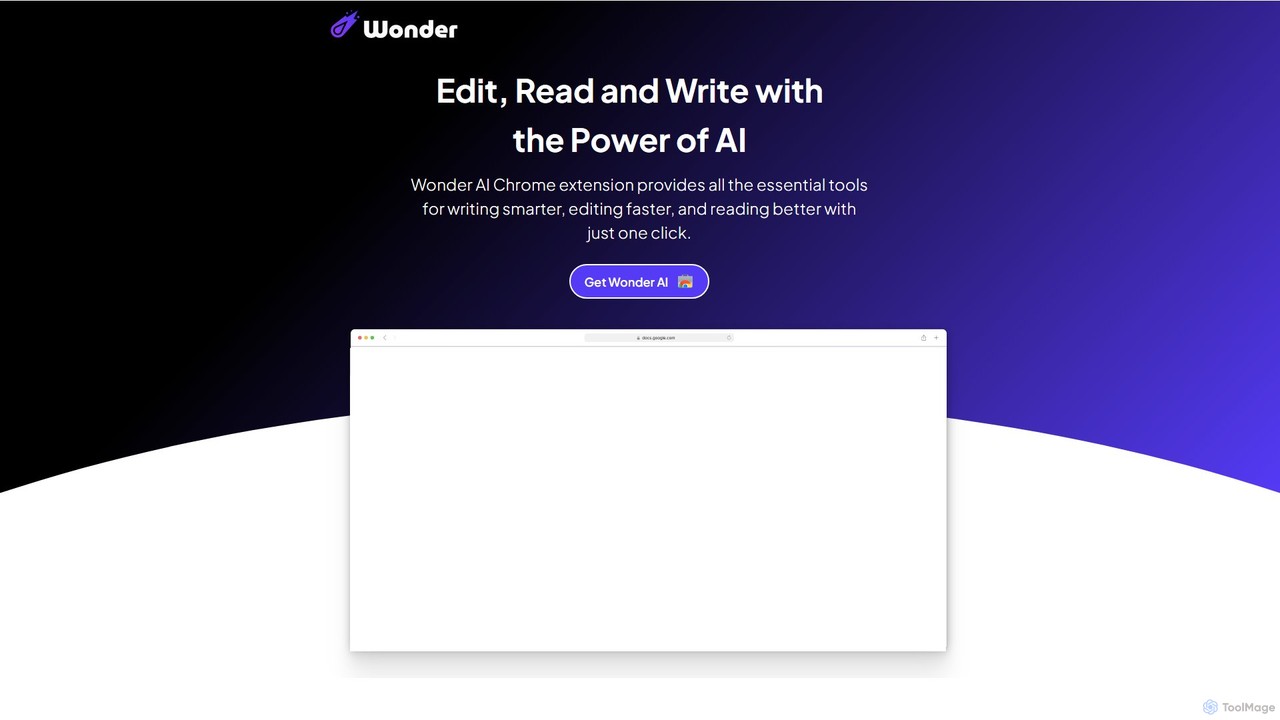
Wonder AI
Wonder AI is a powerful Chrome extension that enhances your writing, editing, and reading. It integrates directly into your browser, offering one-click tools to rewrite text, check grammar, summarize articles, explain complex concepts, and translate content, boosting your daily productivity and communication skills.
Chrome Extensions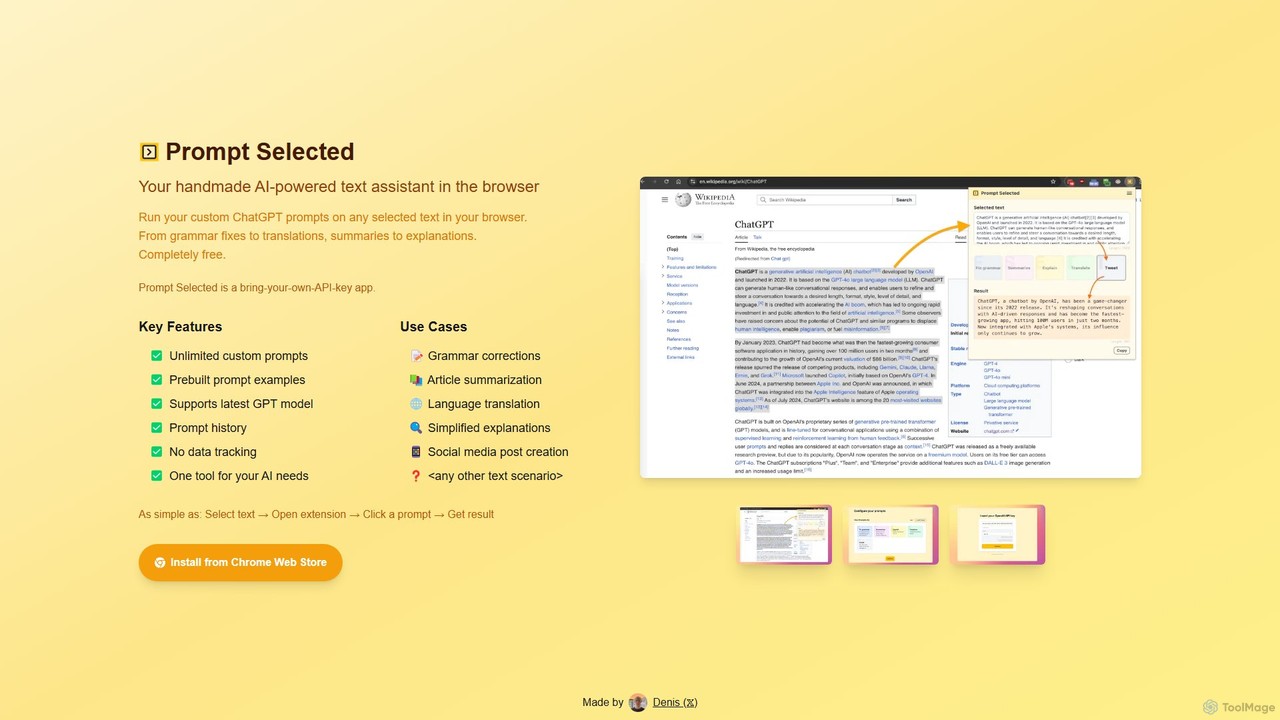
Prompt Selected
A free, privacy-focused Chrome extension that acts as your personal AI text assistant. Run unlimited custom ChatGPT prompts on any selected text directly in your browser for tasks like summarization, translation, and grammar correction using your own API key.
Prompt Engineering
Magictool AI Comments (0)
Sign in to comment.
Sign inNo comments yet.