


SnapGPT AI Overview
SnapGPT AI is a revolutionary browser extension designed to serve as your personal AI co-pilot for the web. It seamlessly integrates the advanced power of generative AI, like GPT models, directly into your browser, eliminating the need to constantly switch between tabs to access AI assistance. Whether you're a student conducting research, a professional drafting emails, or a writer creating content, SnapGPT AI is built to enhance your productivity and streamline your digital interactions. By bringing AI capabilities to your fingertips on any website, it transforms how you read, write, and learn online.
How to use SnapGPT AI
Getting started with SnapGPT AI is incredibly simple and designed for immediate use:
- Installation: Install the SnapGPT AI extension from your browser's official web store (e.g., Chrome Web Store, Firefox Add-ons).
- Pin to Toolbar: For easy access, pin the SnapGPT AI icon to your browser's toolbar.
- Activate: Select any text on a webpage you're visiting.
- Context Menu: Right-click on the selected text to open the context menu. You will see the SnapGPT AI options.
- Choose an Action: Select from a list of predefined actions such as 'Summarize', 'Explain', 'Rewrite', 'Translate', or 'Check Grammar'. You can also use a custom prompt.
- Get Instant Results: The AI-generated response will appear in a clean, non-intrusive overlay or pop-up window, allowing you to use the information without leaving your current page.
Core Features of SnapGPT AI
- Context-Aware Assistance: Simply select text on any site and right-click to access a full suite of AI tools.
- One-Click Summarization: Instantly condense long articles, reports, and research papers into concise, easy-to-digest summaries.
- Advanced Rewriting & Paraphrasing: Improve the clarity, tone, and style of your writing. Effortlessly rephrase sentences or entire paragraphs to avoid plagiarism or simply to find better wording.
- Versatile Content Generation: Draft emails, social media posts, blog ideas, and other written content directly within the webpage you are on.
- Multi-Language Translation: Select text and instantly translate it into dozens of languages, breaking down language barriers in real-time.
- Code Explanation & Generation: For developers, SnapGPT AI can explain complex code snippets on platforms like GitHub or Stack Overflow, and even generate boilerplate code from natural language descriptions.
- Customizable Prompts: Save your most-used prompts for quick, repeatable actions, tailoring the AI's assistance to your specific needs.
Use Cases for SnapGPT AI
SnapGPT AI is a versatile tool for a wide range of users:
- Students & Researchers: Quickly summarize academic papers, explain difficult concepts, and paraphrase information for research notes, saving hours of study time.
- Content Creators & Marketers: Brainstorm blog post ideas, generate engaging social media captions, rewrite ad copy for different platforms, and check for grammatical errors on the fly.
- Professionals & Business Users: Draft professional and polite emails, summarize lengthy business reports or news articles, and prepare talking points for meetings.
- Developers: Understand unfamiliar code from online tutorials or forums, debug by asking the AI for potential issues, and generate routine code snippets.
- Casual Users: Get quick explanations of unfamiliar terms, translate foreign-language comments, or rewrite a personal message to sound more articulate.
Advantages of SnapGPT AI
The primary advantage of SnapGPT AI is its seamless integration into the user's existing workflow. By eliminating context switching, it significantly boosts productivity and focus. Its intuitive interface makes powerful AI accessible to everyone, regardless of technical skill. The tool's versatility means you have a summarizer, writer, translator, and coding assistant all in one, making it an indispensable part of your digital toolkit.
Pricing and Plans
SnapGPT AI operates on a freemium model to make AI accessible to everyone:
- Free Plan: Perfect for casual users, offering a limited number of AI queries per day and access to standard features.
- Pro Plan: Designed for power users and professionals, this plan offers unlimited queries, access to more advanced AI models (like GPT-4), faster response times, and priority support.
- Team Plan: Ideal for businesses and educational institutions, providing all Pro features along with centralized billing, user management, and collaborative tools.
For the most current pricing details, please visit the official SnapGPT AI website.
SnapGPT AI Alternatives

getmax.ai
getmax.ai is an AI-powered browser extension that acts as your copilot for the web. It seamlessly integrates into your workflow, allowing you to summarize content, write emails, generate articles, and get instant answers from advanced AI models like GPT-4 and Claude, all without leaving your current tab.
Research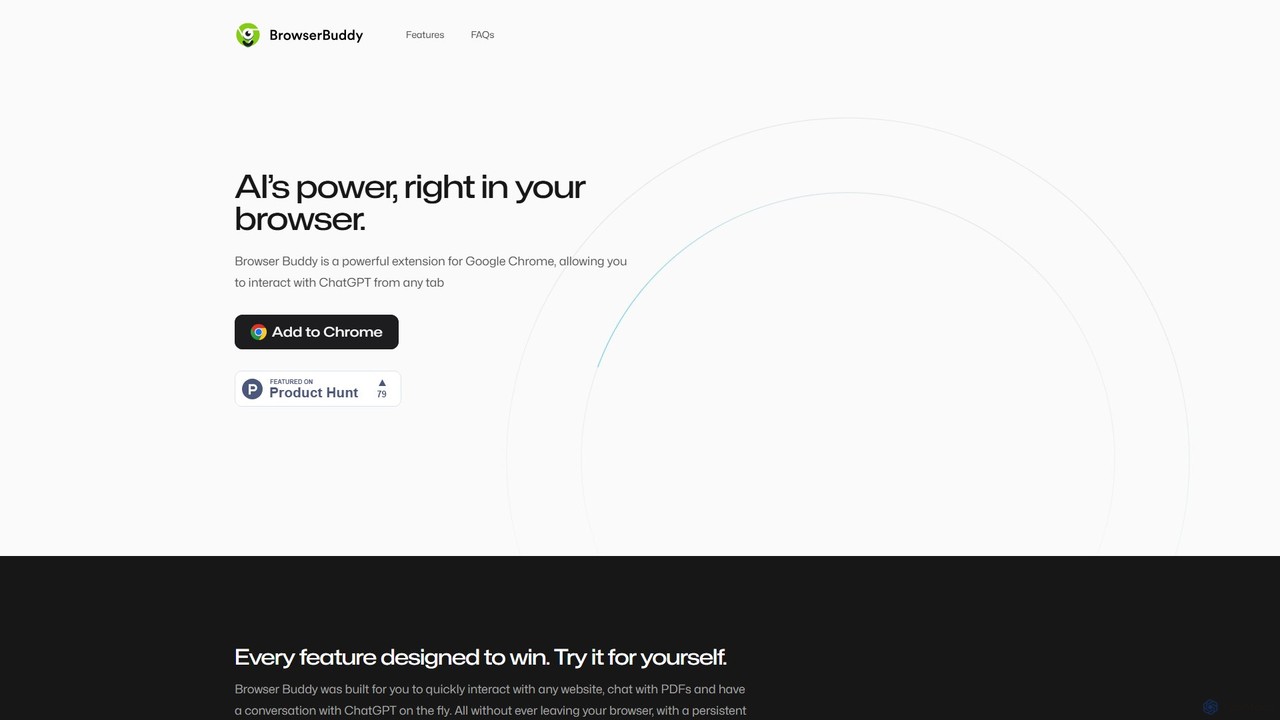
Browser Buddy
Browser Buddy is a powerful Chrome extension that integrates ChatGPT directly into your browser. It acts as a persistent AI sidebar, allowing you to chat with websites and PDFs, access your conversation history, and leverage AI's power on any tab. Enhance your productivity with contextual interactions, all while ensuring your data remains private and stored locally.
Research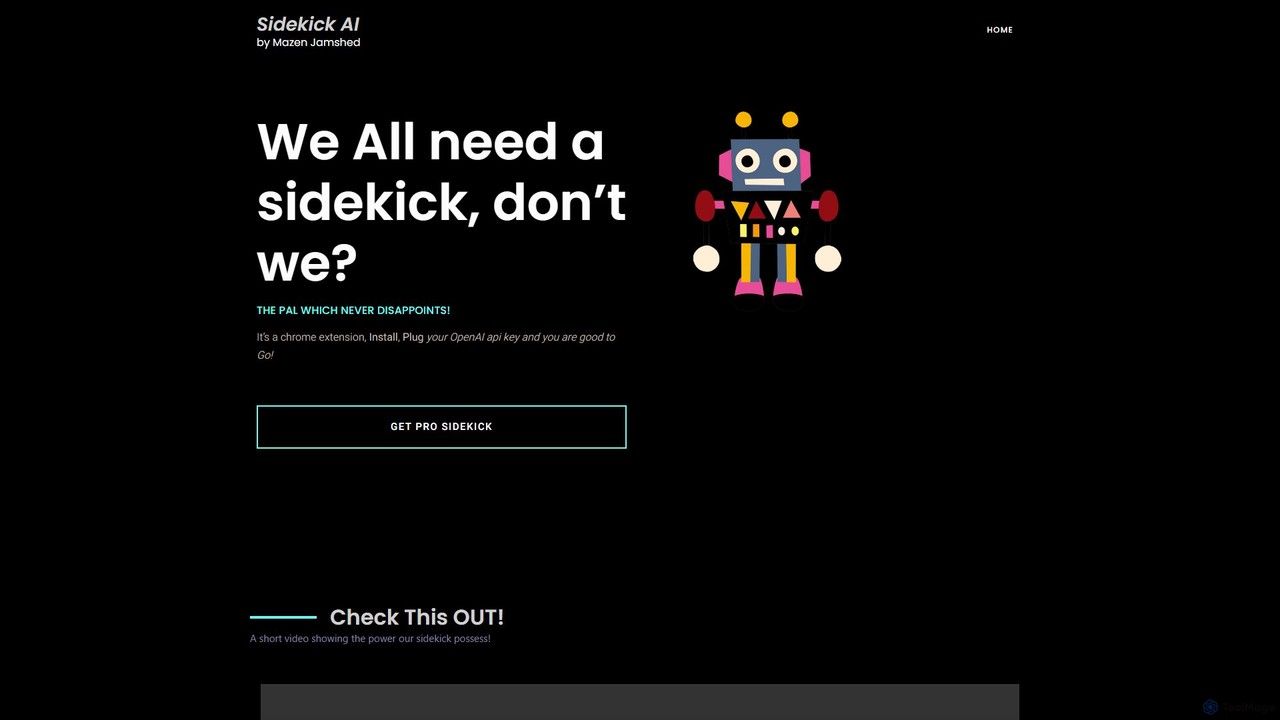
SideKick AI
SideKick AI is a powerful Chrome extension that integrates OpenAI's capabilities directly into your browser. Use simple commands to generate, rewrite, and improve text in any input field, streamlining your workflow and boosting productivity without ever leaving your current tab.
Text Generation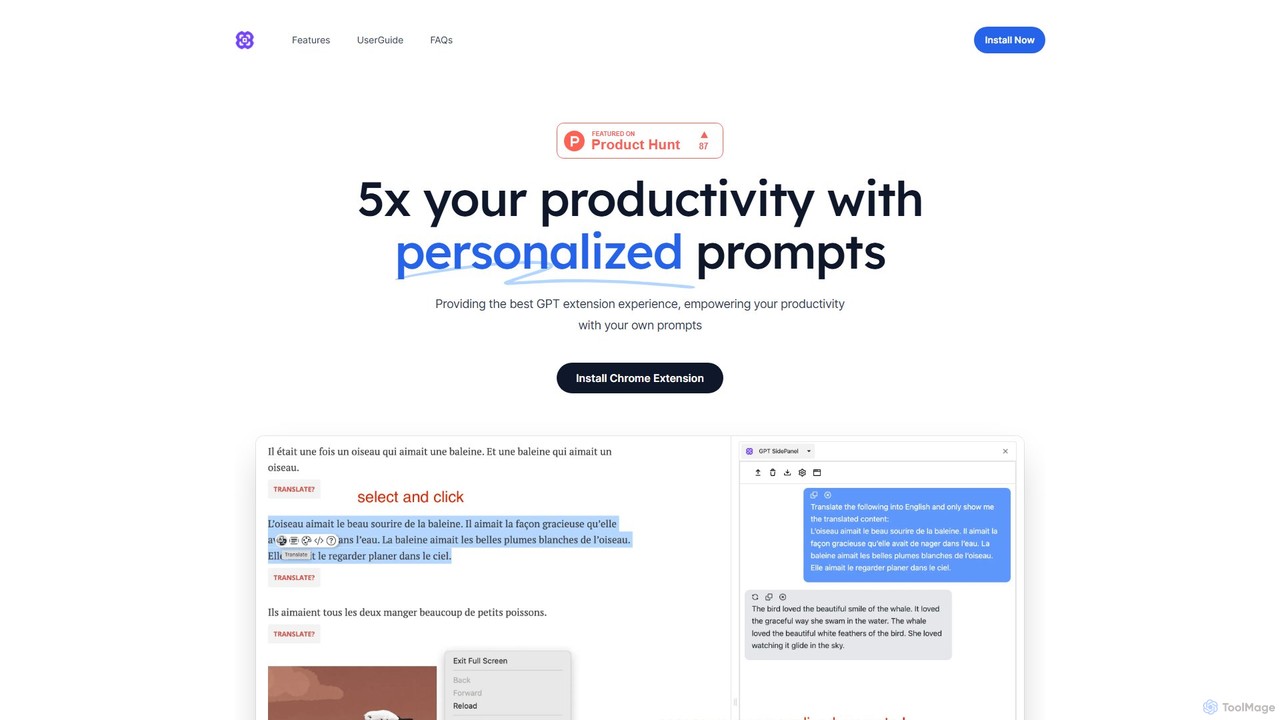
GPTSidePanel
GPTSidePanel is a powerful AI browser extension that integrates a GPT-powered sidebar into your browsing experience. Boost your productivity by summarizing articles, translating text, polishing writing, and using custom prompts directly on any webpage. Eliminate tab-switching and keep your workflow seamless with this intuitive AI assistant.
Browser Extension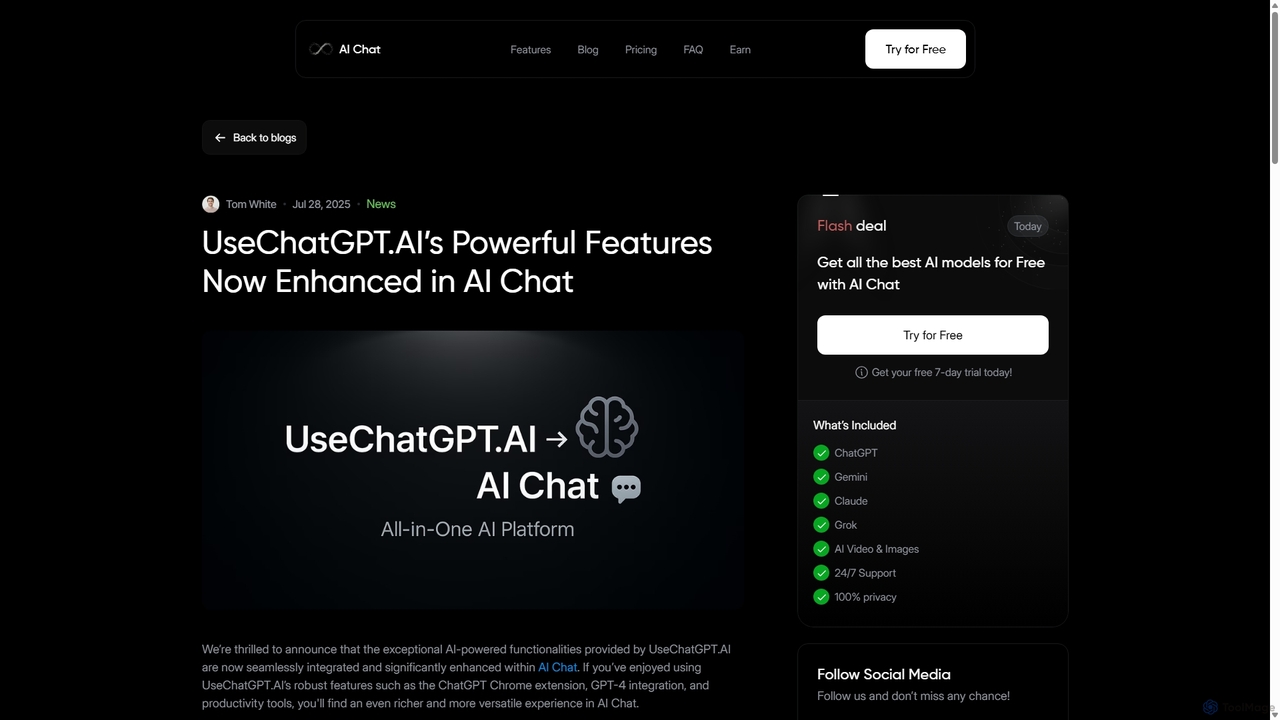
UseChatGPT.AI
UseChatGPT.AI is a powerful free Chrome extension that integrates GPT-4 directly into your browser. It enhances productivity by allowing you to instantly write, rewrite, summarize, translate, and explain text on any website without switching tabs. Its features are now enhanced within the new AI Chat platform.
ResearchSnapGPT AI Categories
SnapGPT AI Embed Widget
Copy this embed code to place the badge on your blog, article, or product site and send readers directly to this ToolMage detail page.

Related AI tools
getmax.ai
getmax.ai is an AI-powered browser extension that acts as your copilot for the web. It seamlessly integrates into your workflow, allowing you to summarize content, write emails, generate articles, and get instant answers from advanced AI models like GPT-4 and Claude, all without leaving your current tab.
ResearchSideKick AI
SideKick AI is a powerful Chrome extension that integrates OpenAI's capabilities directly into your browser. Use simple commands to generate, rewrite, and improve text in any input field, streamlining your workflow and boosting productivity without ever leaving your current tab.
Text GenerationGPTSidePanel
GPTSidePanel is a powerful AI browser extension that integrates a GPT-powered sidebar into your browsing experience. Boost your productivity by summarizing articles, translating text, polishing writing, and using custom prompts directly on any webpage. Eliminate tab-switching and keep your workflow seamless with this intuitive AI assistant.
Browser Extension
chrome_ai
An all-in-one AI assistant integrated into your Chrome browser. Summarize web pages and YouTube videos, enhance your writing, explain complex topics, and chat with advanced AI models without leaving your current tab. Boost your productivity with seamless AI power.
Chrome Extensions
sentelo
Sentelo is a free, AI-powered browser extension designed as your ultimate learning and writing copilot. It helps you read, write, and learn faster across any website, PDF, or document by providing powerful functions for summarizing, elaborating, rephrasing, and coding assistance.
Code Assistant
unijump
UniJump is a free, open-source browser extension that provides quick access to ChatGPT on any website. Improve your writing, get instant answers, and boost productivity without switching tabs. No sign-up required, ensuring a secure and seamless AI experience.
Research Assistant
getmerlin
getmerlin is a versatile AI assistant powered by top models like GPT-4o and Claude 3.5. Available as a browser extension and app, it integrates seamlessly into your workflow to summarize content, draft emails, generate text and images, and enhance research on any website. It acts as an all-in-one productivity tool, saving time and money by consolidating multiple AI services into a single subscription.
Chrome Extensions
Voilà
Voilà is an all-in-one AI assistant designed to maximize productivity. It functions as a browser extension, desktop, and mobile app, seamlessly integrating into your workflow to help with writing, brainstorming, research, and content creation. It works on any website or app, understanding the context to provide relevant assistance.
Content Creation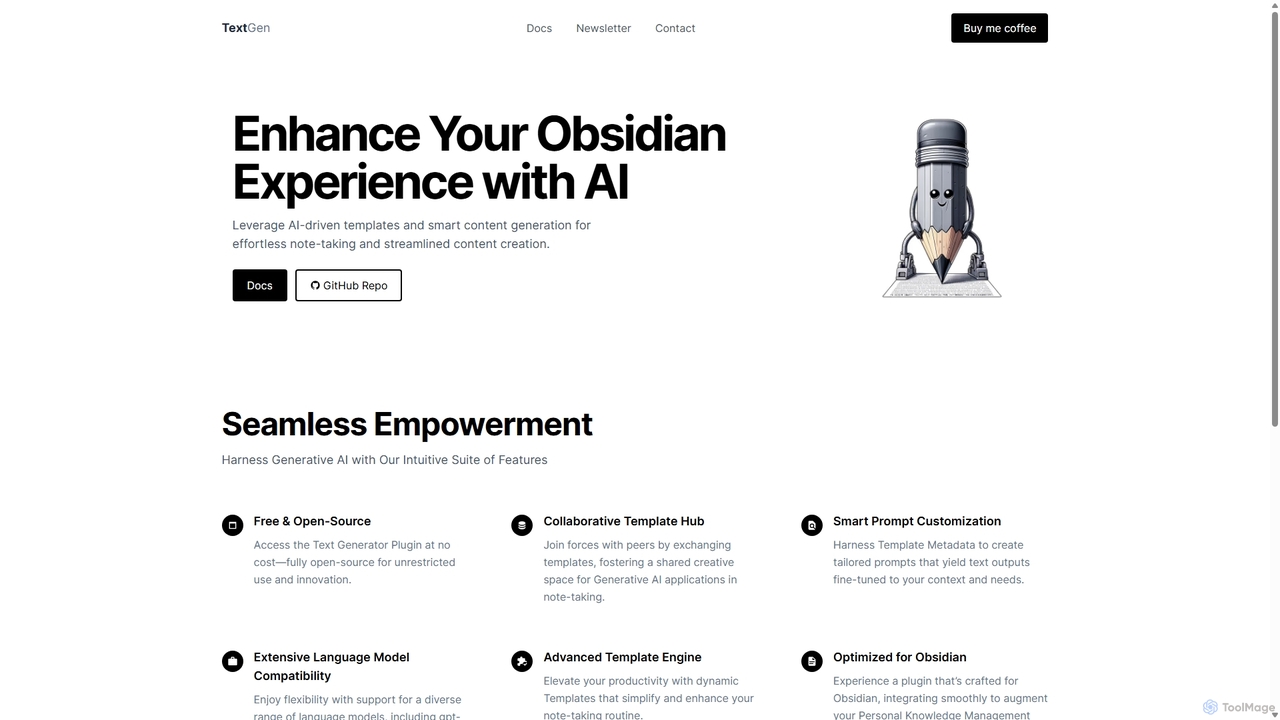
TextGen
TextGen is a free, open-source AI plugin for Obsidian that supercharges your note-taking and content creation. It integrates seamlessly with various large language models like GPT-4, Claude, and Llama, allowing you to generate, summarize, and transform text using customizable templates directly within your knowledge base.
Code Assistant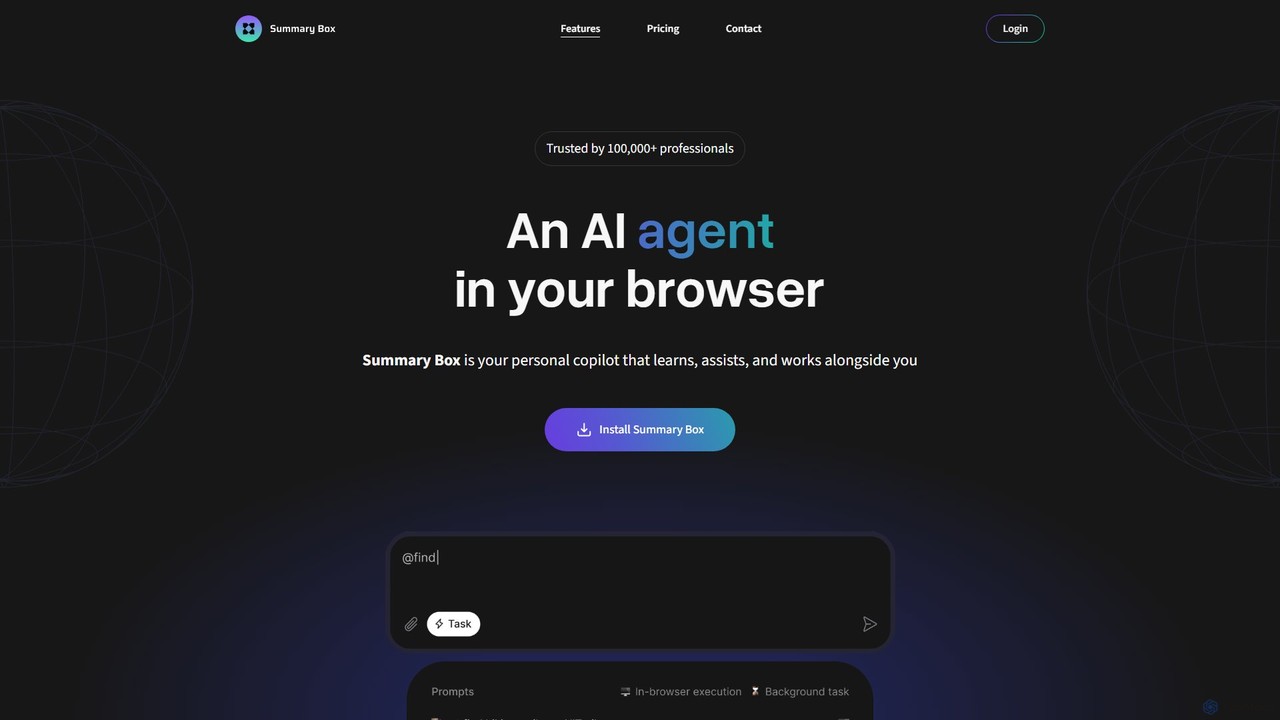
Summary Box
Summary Box is an AI-powered browser extension that acts as your personal copilot for the web. It generates high-quality, abstractive summaries of articles, PDFs, Google Docs, YouTube videos, and even audio. It's designed to save you time, enhance comprehension, and boost productivity by distilling long content into concise, key points.
Chrome Extensions
Viinyx
Viinyx is an all-in-one AI browser assistant designed to supercharge your productivity. Integrated directly into your browser, it helps you write faster, read smarter, and research more efficiently. Summarize articles and videos, compose emails, and get contextual AI help on any webpage.
Summarizer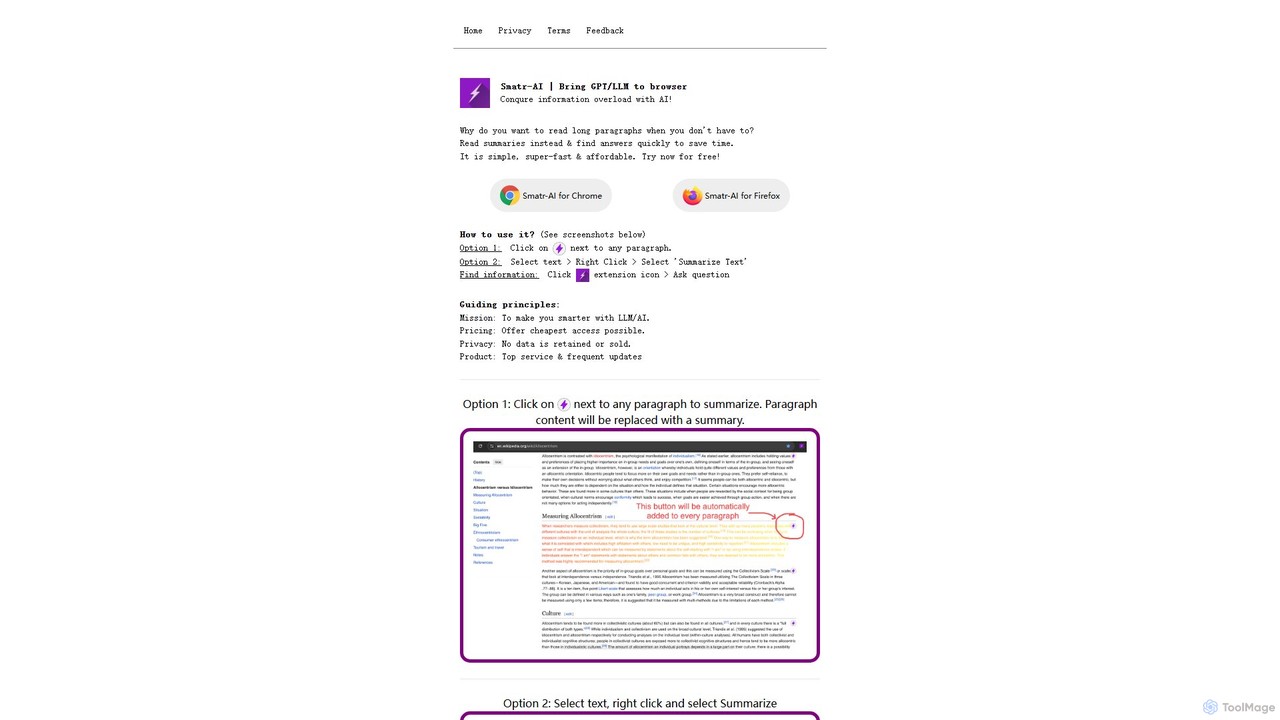
Smatr-AI
Smatr-AI is a browser extension for Chrome and Firefox that uses GPT/LLM technology to summarize web pages and text. It helps users quickly understand long articles, find answers within the text, and overcome information overload, boosting reading productivity.
Summarizer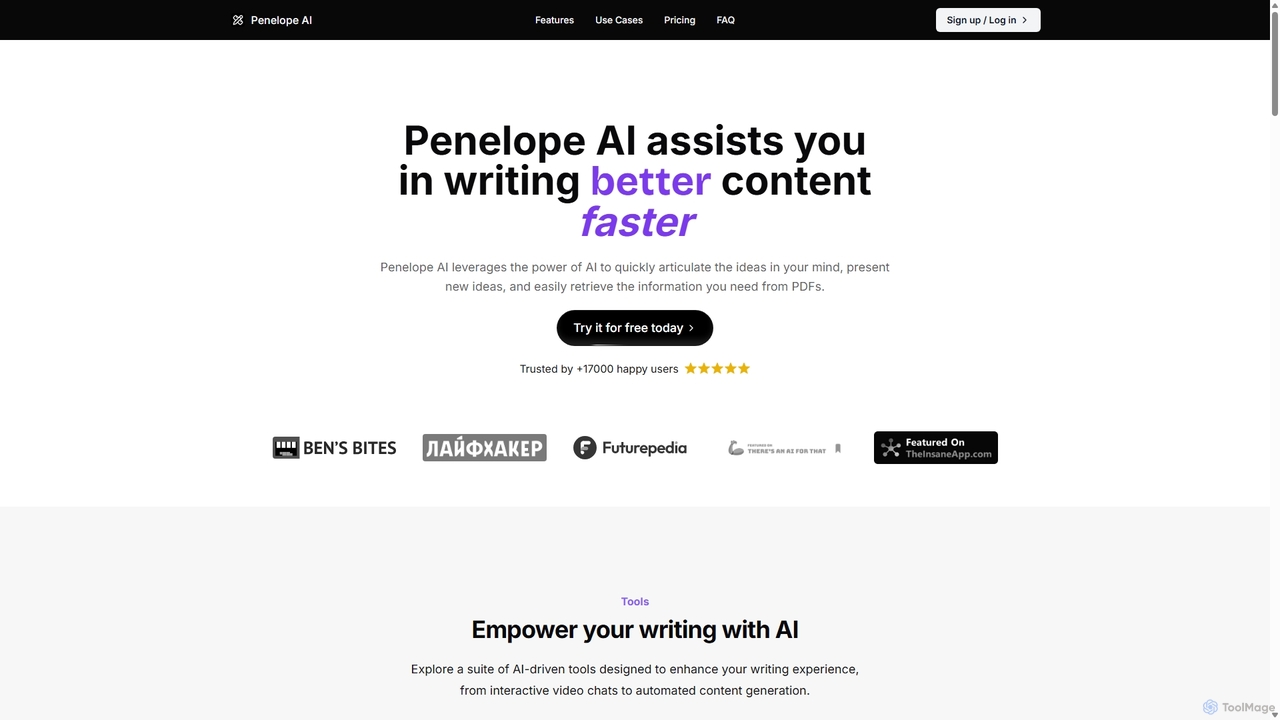
Penelope AI
Penelope AI is an advanced AI writing assistant designed to help you write better content faster. It features intelligent autocomplete, PDF interaction, paraphrasing, and summarizing tools to streamline your writing process for essays, blogs, research, and more.
Research
Sider
Sider is an all-in-one AI assistant integrated as a browser sidebar and cross-platform app. It combines chat with models like GPT-4 and Claude 3.5, a powerful "Deep Research" agent, a personal knowledge base called "Wisebase," and a suite of tools for summarizing, translating, writing, and image editing to enhance productivity and learning.
Assistant
InsertChatGPT
InsertChatGPT is a powerful browser extension that seamlessly integrates OpenAI's ChatGPT into your daily workflow. Get instant AI assistance for writing emails, summarizing text, and creating content directly on any website, boosting your productivity and creativity without switching tabs.
Chat
SnapGPT AI Comments (0)
Sign in to comment.
Sign inNo comments yet.