

TextGen Overview
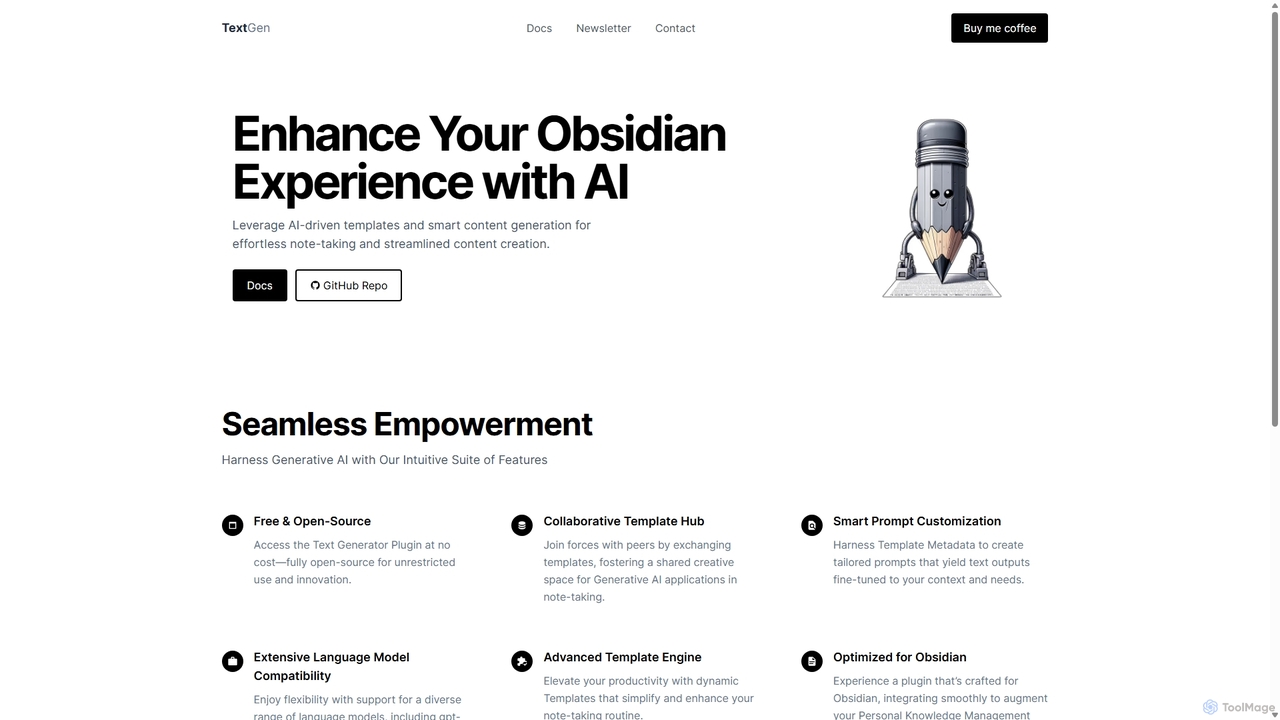
TextGen is a powerful, open-source plugin designed to deeply integrate generative AI into the Obsidian note-taking environment. It acts as a bridge between your personal knowledge base and the world's most advanced language models, transforming Obsidian into an intelligent workspace. By leveraging AI-driven templates and smart content generation, TextGen streamlines content creation, automates tedious tasks, and enhances your ability to think and create, all without ever leaving your notes.
The core philosophy of TextGen is flexibility and user empowerment. It is not tied to a single AI provider; instead, it offers extensive compatibility with a wide range of models, including OpenAI's GPT-4 Turbo, Anthropic's Claude, Google's Bard (Gemini), and open-source models like Llama. This allows users to choose the best model for their specific needs, balancing performance, cost, and privacy.
How to use TextGen
Getting started with TextGen is straightforward for any Obsidian user. The process involves installation, configuration, and execution within your vault:
- Installation: Navigate to the 'Community Plugins' section in Obsidian's settings. Search for "TextGen" and install it directly from the community store. Once installed, enable the plugin.
- API Key Configuration: To connect TextGen to an AI model, you need an API key from a supported provider (e.g., OpenAI, Anthropic). Obtain your key from their respective websites. In the TextGen plugin settings within Obsidian, enter your API key and select your preferred model from the dropdown list.
- Using Templates: The power of TextGen lies in its template system. You can create your own templates or use pre-built ones from the community. A template is essentially a structured prompt. For example, you could create a template to "Summarize the selected text into three bullet points."
- Content Generation: To use a template, simply select a piece of text in your note, open the Obsidian command palette (Ctrl/Cmd + P), search for TextGen, and choose the desired template. TextGen will send the text and your prompt to the configured AI model and insert the generated content directly into your note.
- Customization: Explore the advanced features by using template metadata to create highly tailored, context-aware prompts that yield outputs perfectly fine-tuned to your needs.
Core Features of TextGen
- Extensive Language Model Compatibility: Enjoy the freedom to choose. TextGen supports a diverse range of models, including gpt-4-1106-preview, gpt-3.5-instruct, Claude, Bard, and Llama, ensuring you can always use the best tool for the job.
- Advanced Template Engine: Go beyond simple prompts. Create dynamic templates that use variables, context from your notes, and specific instructions to automate complex writing and thinking tasks, significantly boosting your productivity.
- Seamless Obsidian Integration: Built from the ground up for Obsidian, TextGen feels like a native part of the application. It integrates smoothly with your workflow, augmenting your Personal Knowledge Management (PKM) practices without disruption.
- Collaborative Template Hub: Join a vibrant community of users. Share your custom templates and discover new ones created by others, fostering a shared space for innovation in AI-powered note-taking.
- Free & Open-Source: TextGen is completely free to use and its code is fully open-source. This guarantees transparency, allows for community contributions, and ensures unrestricted use and innovation.
Use Cases for TextGen
TextGen is a versatile tool that can be adapted to numerous workflows:
- For Students & Researchers: Quickly summarize dense academic papers, explain complex concepts in simple terms, generate study questions from lecture notes, and rephrase paragraphs to avoid plagiarism.
- For Content Creators & Writers: Brainstorm blog post ideas, generate outlines from a single headline, draft entire sections of articles, overcome writer's block by generating continuation text, and rewrite content for different tones or audiences.
- For Developers: Generate boilerplate code, explain complex code snippets in natural language, write documentation for functions, and debug code by asking the AI to find potential errors.
- For Professionals: Draft professional emails, summarize long meeting transcripts into actionable items, prepare reports by synthesizing information from multiple notes, and generate creative marketing copy.
Advantages of TextGen
Integrating TextGen into your Obsidian workflow offers significant benefits:
- Centralized Workflow: Keep all your thinking, research, and writing in one place. By bringing AI capabilities directly into Obsidian, you eliminate the need to constantly switch between applications, maintaining your focus and flow state.
- Enhanced Productivity: Automate repetitive and time-consuming tasks like summarizing, rephrasing, and formatting. This frees up your mental energy to focus on higher-level creative and critical thinking.
- Unparalleled Customization: The powerful template engine and multi-model support give you complete control over how you use AI. You can tailor the tool to your exact needs, creating a personalized AI assistant.
- Cost-Effective: As a free and open-source plugin, there are no subscription fees for TextGen itself. You only incur costs based on your usage of the third-party AI model APIs, which you can control.
- Community-Driven: Being open-source means the tool is constantly evolving with contributions from its community, ensuring it stays up-to-date with the latest advancements in AI.
Pricing and Plans
TextGen is completely free to install and use. It is an open-source project driven by the community. There are no subscription fees, premium versions, or hidden charges for the plugin itself. Users are only responsible for the costs associated with the API usage of the third-party language models they choose to connect (e.g., OpenAI, Anthropic). These costs are billed directly by the respective AI provider. The project also accepts voluntary donations through a "Buy me a coffee" link to support its development.
Traffic
Latest traffic
Status
Monthly traffic trend
- 2025-9: 6.2K
- 2026-1: 4.5K
- 2026-2: 5.1K
- 2026-3: 6.0K
- 2026-4: 4.6K
- 2026-5: 6.6K
Geography
Top 5 countries / regions
- 🇮🇳India38.2%
- 🇯🇵Japan21.9%
- 🇺🇸United States19.1%
- 🇷🇺Russia12.4%
- 🇨🇦Canada8.3%
Top keywords
| Keyword | Cost per click |
|---|---|
| obsidian ai text generator | $0.00 |
| openai_access_token | $0.00 |
| texteg | $0.00 |
| textgen | $0.00 |
| text generator templates | $0.00 |
TextGen Videos on YouTube

BiJonic AI Builds
TextGen Alternatives

Reflect
Reflect is an AI-powered, networked note-taking app designed to help you think better. It acts as a 'second brain' by connecting your notes through backlinks, creating a graph of your ideas. With features like AI-driven transcription, summarization, end-to-end encryption, and seamless cross-device sync, it's built for speed, security, and frictionless thought capture.
Personal Assistant
Thinkbuddy
Thinkbuddy is a native desktop AI client designed for fast, secure, and organized interaction with multiple AI models. It acts as a unified workspace, allowing you to switch between models like GPT-4o, Claude 3, and Llama 3, manage conversations in projects, and save prompts in a library for a streamlined workflow.
Code Assistant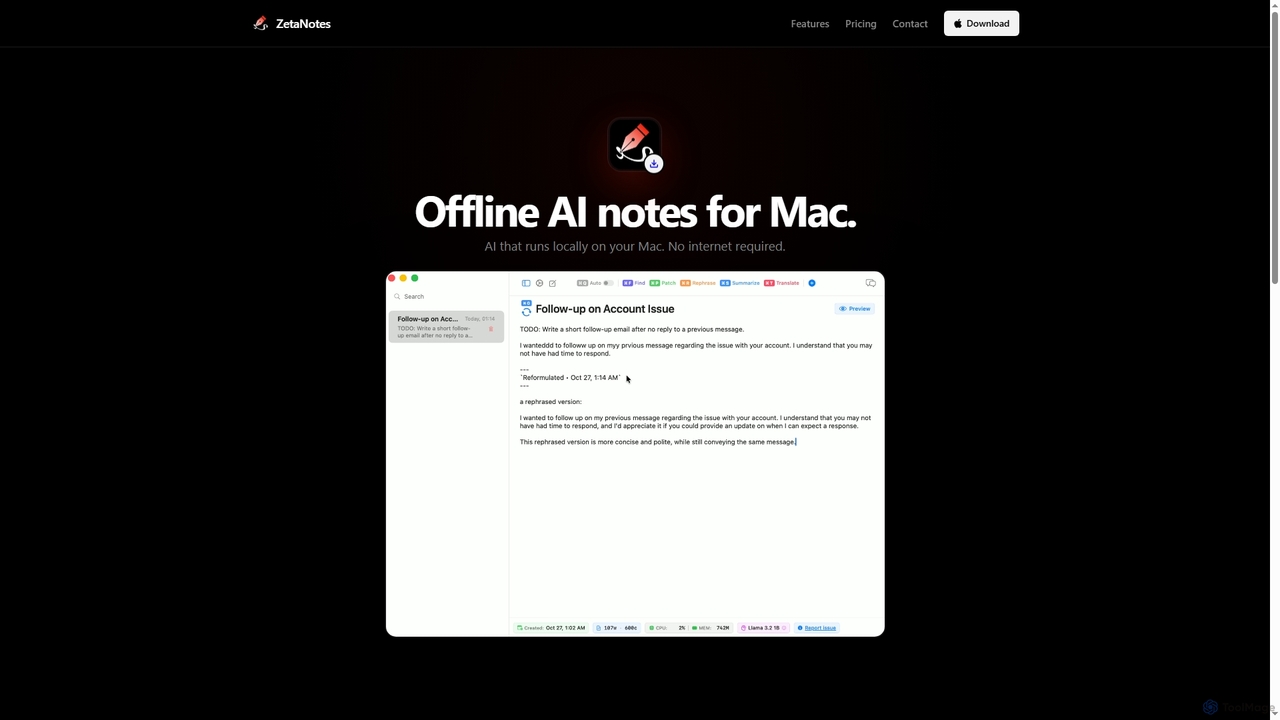
Zetanotes
Zetanotes is a privacy-focused, offline AI note-taking application for Mac. It runs AI models locally on your device, requiring no internet connection for core features, ensuring your data remains private. Optimized for Apple Silicon with Metal GPU acceleration.
Mac
Google Gemini
Google Gemini is a powerful, multimodal AI assistant designed to enhance creativity and productivity. It can understand and process text, code, images, and video to help you write, plan, learn, and create. Integrated with Google's ecosystem, it offers features like advanced content generation, deep research, and seamless collaboration within Google apps.
Image Generator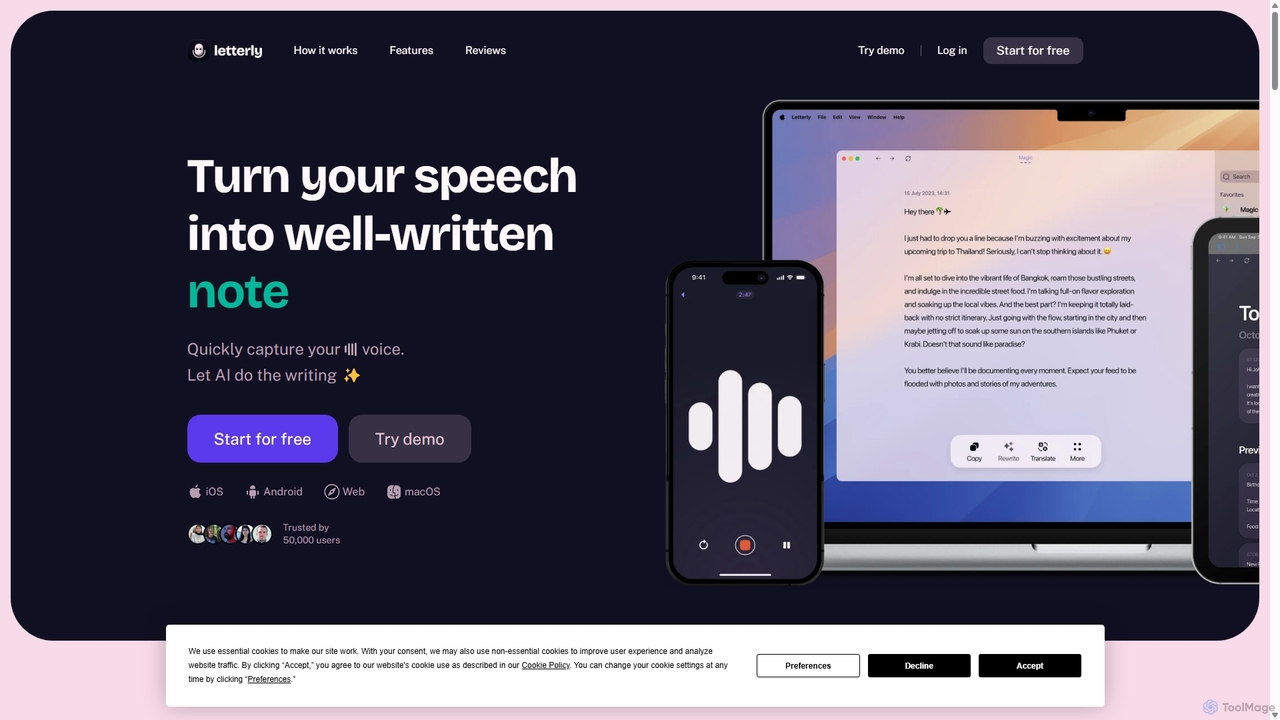
Letterly
Letterly is an AI-powered mobile and desktop app that transforms your spoken words into clear, well-written text. It's more than just transcription; it uses AI to structure, rewrite, and format your voice notes into ready-to-use emails, social media posts, journal entries, to-do lists, and more, supporting over 90 languages.
TranscriptionTextGen Categories
TextGen Jobs
TextGen Embed Widget
Copy this embed code to place the badge on your blog, article, or product site and send readers directly to this ToolMage detail page.

Related AI tools
Reflect
Reflect is an AI-powered, networked note-taking app designed to help you think better. It acts as a 'second brain' by connecting your notes through backlinks, creating a graph of your ideas. With features like AI-driven transcription, summarization, end-to-end encryption, and seamless cross-device sync, it's built for speed, security, and frictionless thought capture.
Personal Assistant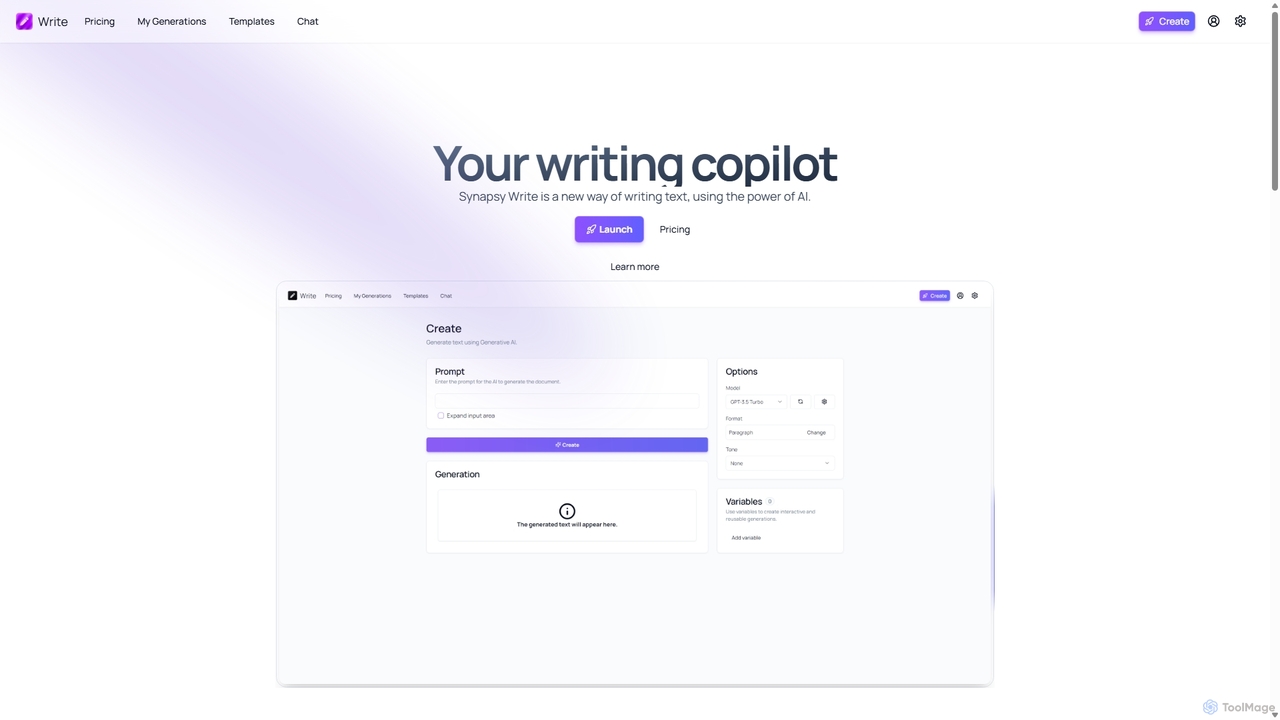
Synapsy Write
Synapsy Write is an open-source AI writing copilot designed to enhance productivity and creativity. It supports multiple advanced AI models like GPT-4o and Claude 3.5, offering versatile text generation, an integrated editor, advanced controls with variables, and specialized tools for creating essays, tables, and in-depth text analysis.
Academic Writing
Sider
Sider is a powerful AI copilot integrated into your browser sidebar. It brings ChatGPT, GPT-4, Claude 3, and Gemini to any webpage, allowing you to seamlessly summarize content, enhance your writing, explain complex topics, and chat with documents or videos. It streamlines your workflow by eliminating the need to switch between tabs, boosting your overall productivity and creativity.
Learning
Merlin AI
Merlin is an all-in-one AI assistant, available as a browser extension and app, that integrates top AI models like GPT-4, Claude 3, and Gemini. It allows you to research, write, summarize content, generate images, and code with a single click on any website, streamlining your workflow and boosting productivity without switching tabs.
Chrome Extensions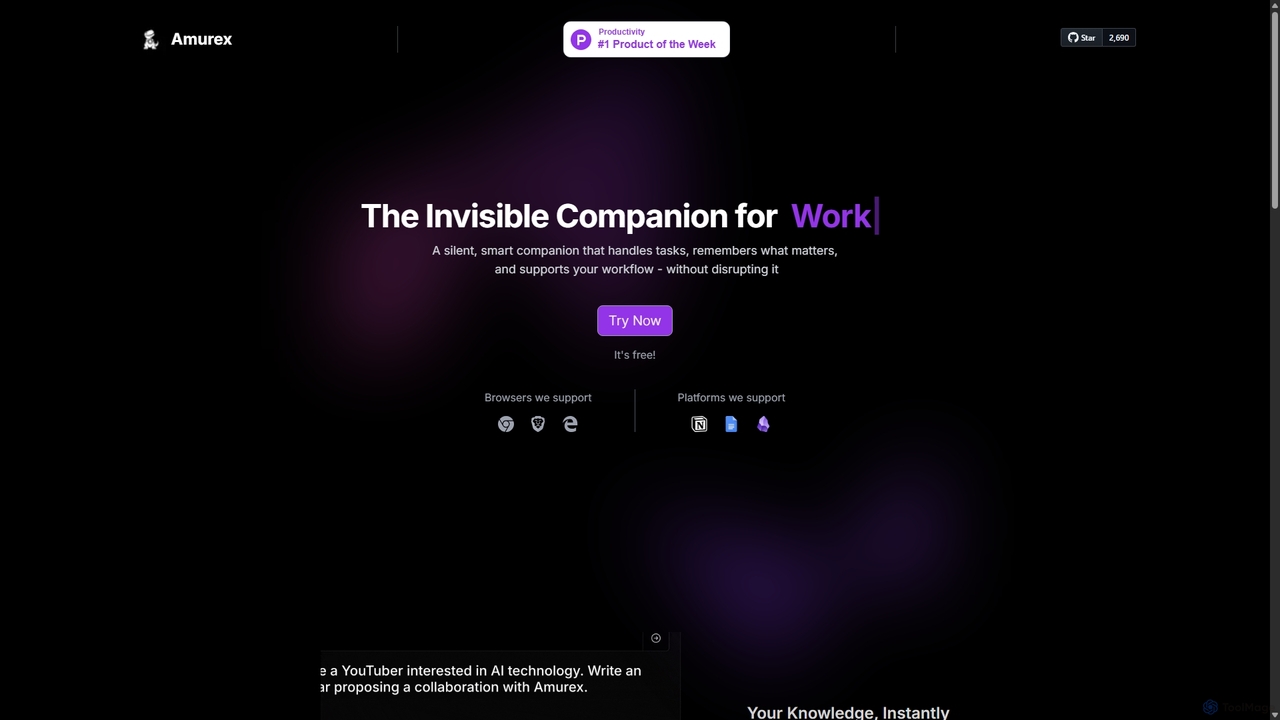
Amurex
Amurex is an open-source AI invisible companion that works silently in the background to streamline your workflow. It integrates with your existing apps like Notion, Google Drive, and Obsidian to create a searchable knowledge base, automates meeting transcriptions and summaries, and intelligently categorizes your inbox.
Automation
YouMind
YouMind is an AI-powered creation studio designed to streamline the entire content creation workflow. It integrates material collection from various sources like YouTube, podcasts, and articles into a unified workspace. Users can research, organize, and collaborate with top AI models to transform their ideas into polished articles, videos, and more, all within a single, project-based environment.
Knowledge Management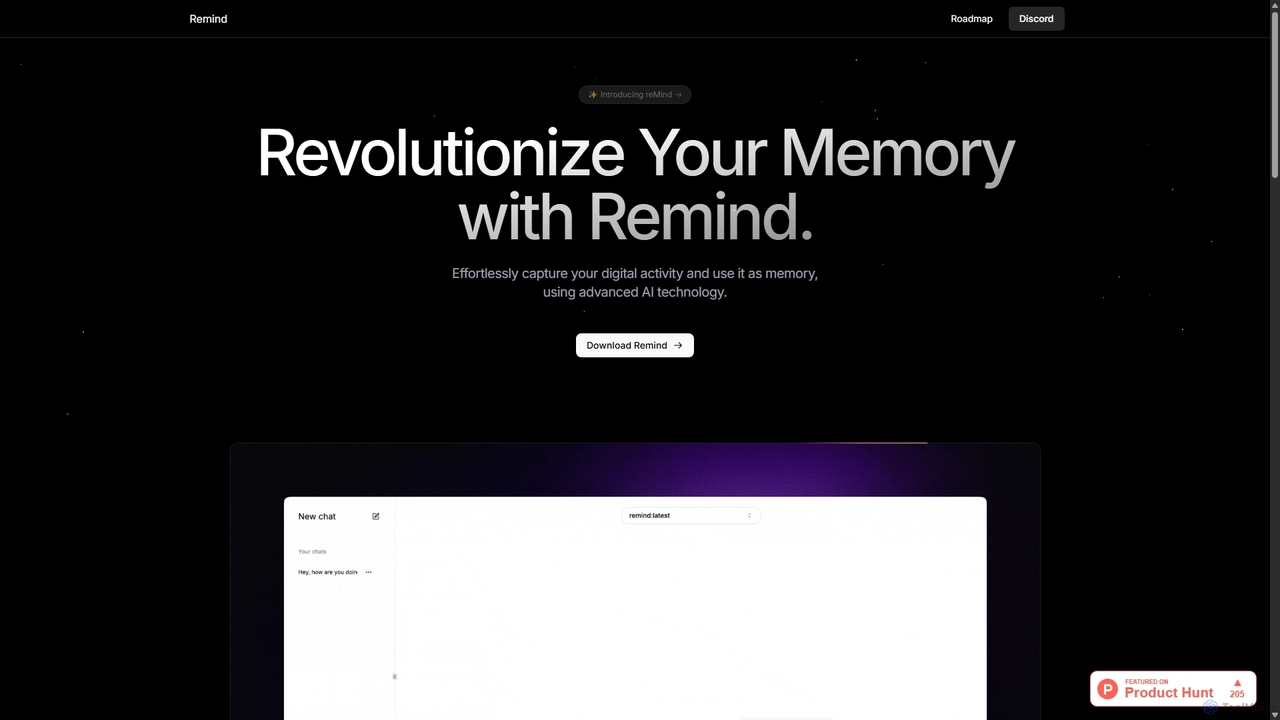
ReMind
reMind is an open-source, privacy-first AI tool that acts as your personal memory. It captures your digital activity locally, allowing you to search and recall anything you've seen or done on your computer using natural language. It runs entirely on your machine for maximum security.
Utilities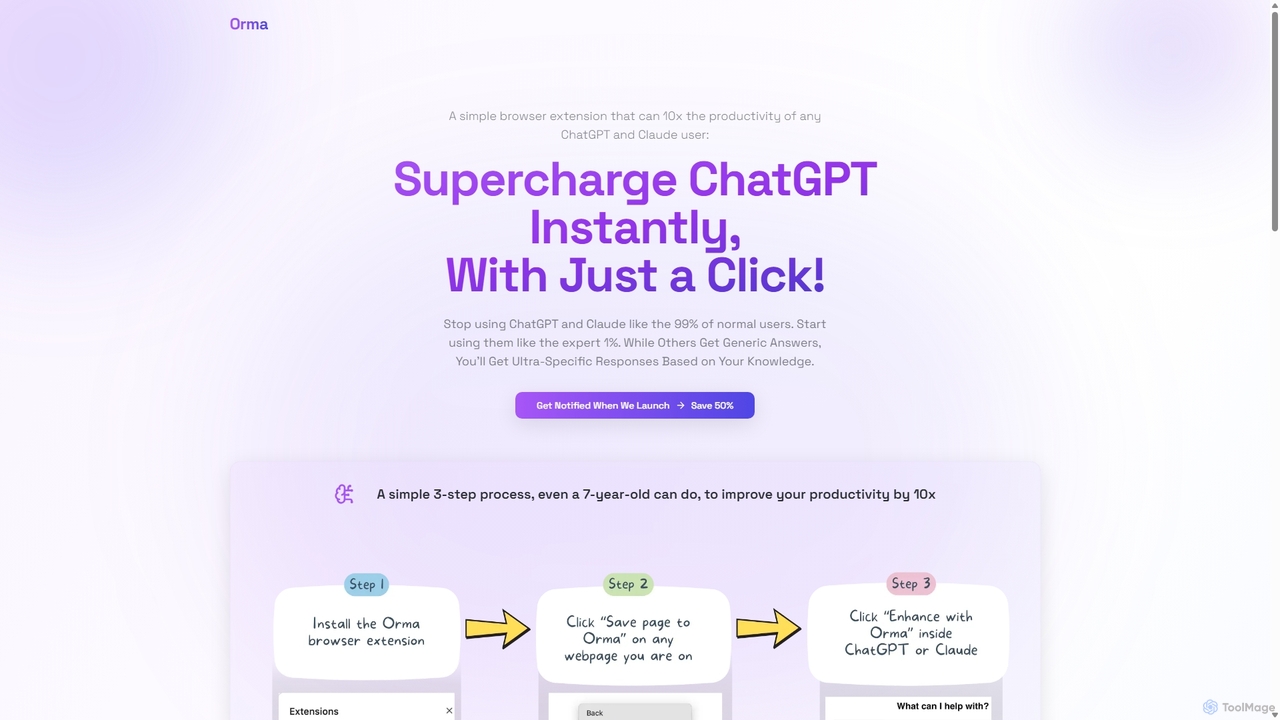
Orma
Orma is a browser extension that transforms your web browsing into a personal knowledge base, or 'digital memory layer'. It allows you to intelligently capture web content and seamlessly integrate it with AI models like ChatGPT and Claude. This turns generic AI responses into highly specific, personalized insights based on your own curated knowledge, boosting productivity by up to 10x.
Search ToolsThinkbuddy
Thinkbuddy is a native desktop AI client designed for fast, secure, and organized interaction with multiple AI models. It acts as a unified workspace, allowing you to switch between models like GPT-4o, Claude 3, and Llama 3, manage conversations in projects, and save prompts in a library for a streamlined workflow.
Code AssistantZetanotes
Zetanotes is a privacy-focused, offline AI note-taking application for Mac. It runs AI models locally on your device, requiring no internet connection for core features, ensuring your data remains private. Optimized for Apple Silicon with Metal GPU acceleration.
Mac
RewriteBar
RewriteBar is a native macOS menu bar app that acts as your personal AI writing assistant. It works seamlessly across all applications, allowing you to instantly correct grammar, change tone, translate text, summarize content, and more with a simple keyboard shortcut. It supports over 12 AI providers, including local models for ultimate privacy, offering a powerful and flexible writing enhancement experience.
Code Assistant
Omnipilot
Omnipilot is a system-wide AI copilot for macOS, designed to integrate seamlessly into any application. It provides contextual assistance, allowing you to generate text, write code, and automate tasks in any text field, boosting productivity by eliminating the need to switch between apps. Note: Omnipilot has been acquired by and merged into Highlight AI.
Coding Assistant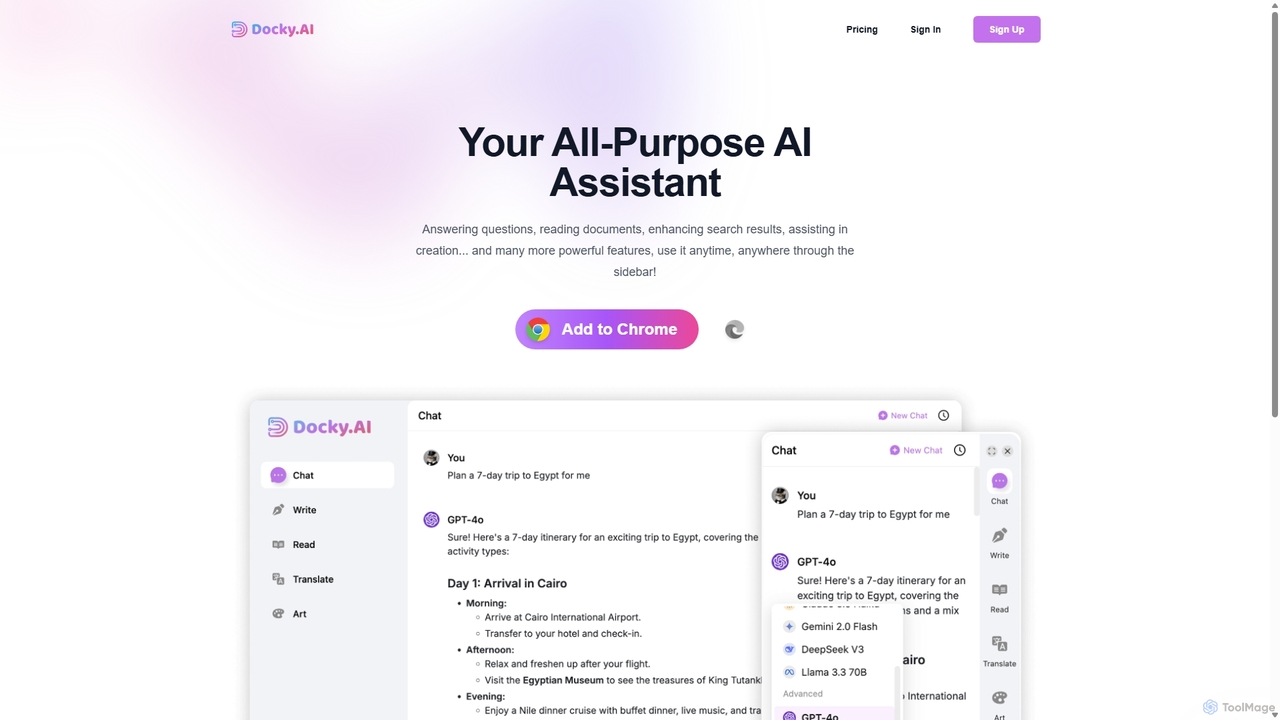
Docky.AI
Docky.AI is a powerful all-in-one AI sidebar for your browser. It integrates leading models like GPT-4, Claude, and DALL-E, allowing you to enhance search results, read documents, assist with writing, and generate content seamlessly on any webpage. Boost your productivity without ever switching tabs.
Search Assistant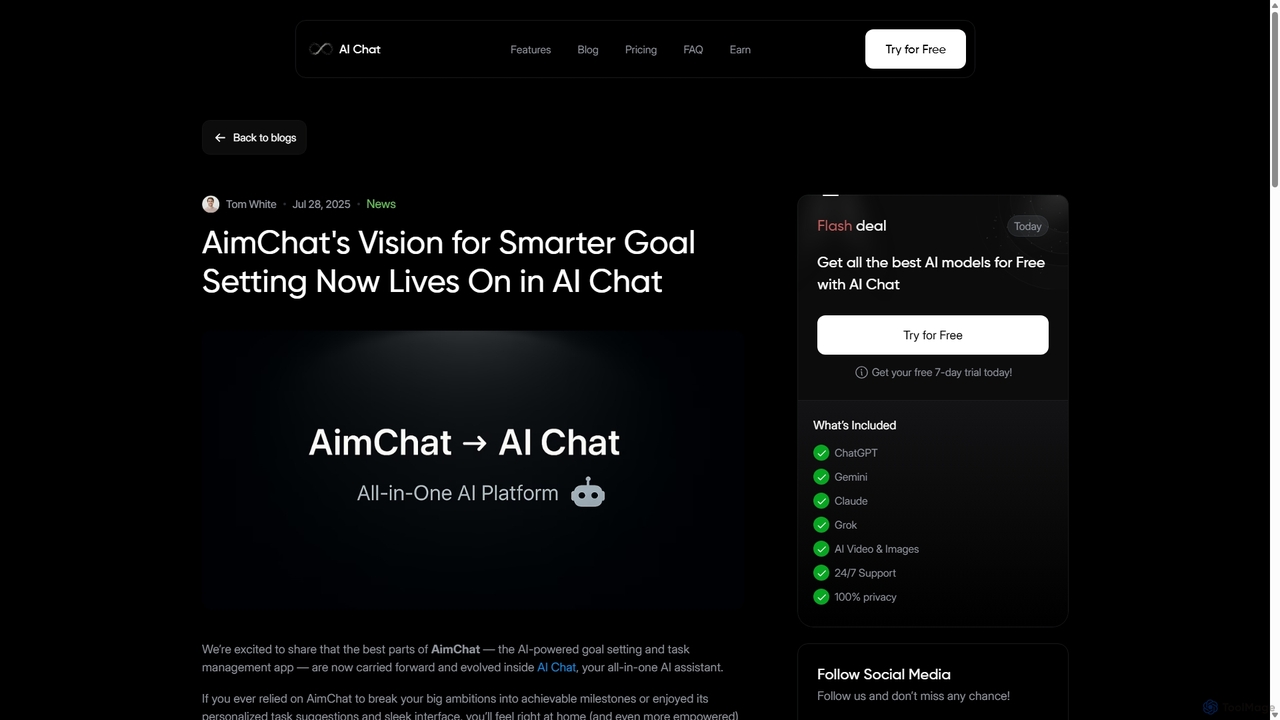
AI Chat
AI Chat is an all-in-one AI assistant that integrates top models like ChatGPT, Claude, and Gemini into a single platform. Evolving from the goal-setting app AimChat, it combines advanced conversational AI with powerful task management, research, and content creation tools to streamline your workflow and help you achieve your ambitions.
Assistant
TextGen Comments (0)
Sign in to comment.
Sign inNo comments yet.