General Best in category 1 results Search Assistant AI Tool

Popular AI tools in the Search Assistant field of General include Docky.AI, etc., helping you quickly improve efficiency.

Docky.AI

Docky.AI

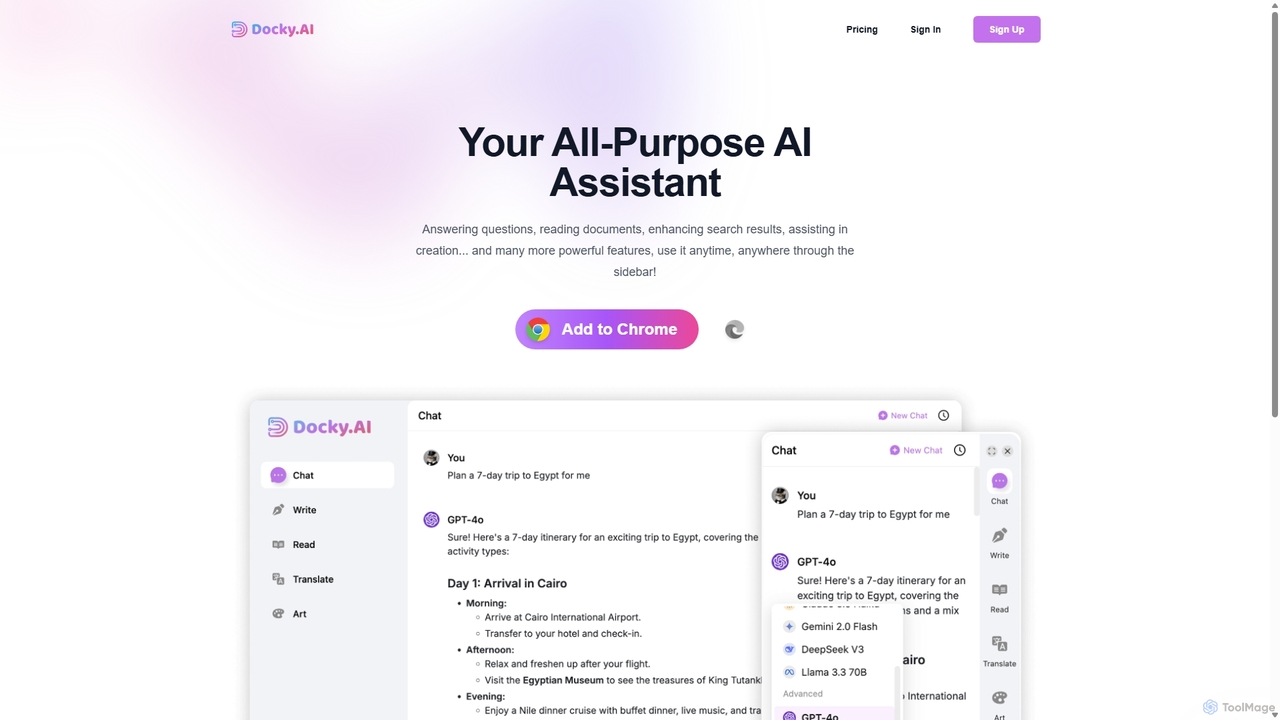
Docky.AI is a powerful all-in-one AI sidebar for your browser. It integrates leading models like GPT-4, Claude, and …

3.6K

About Search Assistant

Search Assistant tools are a new generation of search engines that use AI to provide direct, synthesized answers to complex questions. They leverage large language models to understand natural language queries, scan multiple online sources, and consolidate information into a single, coherent summary. This approach saves users significant time by eliminating the need to manually open, compare, and synthesize information from numerous links. Unlike traditional search engines that return a list of results, AI Search Assistants deliver conversational responses, complete with citations for verification.

Core Features

  • Natural Language Understanding: Interprets complex, conversational questions instead of just keywords.
  • Information Synthesis: Aggregates and summarizes data from various web pages into a unified answer.
  • Conversational Follow-ups: Allows users to ask clarifying questions to refine search results within the same context.
  • Source Citation: Provides links to the original sources of information, ensuring transparency and enabling fact-checking.
  • Multi-Format Answers: Delivers responses in various formats, including text summaries, lists, tables, and code snippets.

Use Cases

These tools are particularly valuable for researchers, students, content creators, and analysts who need to quickly gather and understand information on complex topics. They are also ideal for developers troubleshooting technical issues or anyone seeking a direct, comprehensive answer without navigating multiple websites.

How to Choose

When selecting a Search Assistant, consider the accuracy and reliability of its information synthesis. Evaluate the quality of its source citations and its ability to maintain context in follow-up questions. Also, assess its speed, user interface, and any privacy policies regarding your search data. Some assistants may specialize in academic, technical, or general knowledge domains.

Search AssistantUse Cases

1

Accelerating Academic Research

A university student is writing a thesis on quantum computing. Instead of sifting through dozens of academic papers and articles from traditional search engines, they use an AI Search Assistant. They ask, 'Summarize the key differences between quantum annealing and gate-based quantum computers, citing major research papers from the last three years.' The assistant provides a concise summary, highlights the core distinctions, and lists direct links to the cited papers. This allows the student to quickly grasp the foundational concepts and identify primary sources for in-depth reading, reducing preliminary research time by hours.

2

Efficient Market Trend Analysis

A marketing analyst needs to prepare a report on emerging trends in the sustainable packaging industry. Using a Search Assistant, they input the query, 'What are the latest innovations in biodegradable packaging materials in Europe, and which companies are leading this space?' The AI synthesizes information from industry news sites, company press releases, and market research blogs. It delivers a summary outlining new materials like seaweed-based plastics, key players, and recent funding rounds. This provides the analyst with a comprehensive overview in minutes, a task that would have otherwise required hours of manual browsing and data compilation.

3

Solving Complex Technical Problems

A software developer encounters a cryptic error message in a new programming framework. A standard search provides fragmented solutions across forums, documentation, and blog posts. By using an AI Search Assistant, they can ask, 'How to resolve error code X in framework Y when using a Z database connection?' The assistant scans technical forums like Stack Overflow, official documentation, and GitHub issue threads. It then synthesizes a step-by-step troubleshooting guide, explains the likely causes of the error, and provides relevant code snippets from trusted sources, consolidating the best advice into a single, actionable answer.

4

Streamlining Content Creation and Fact-Checking

A content writer is drafting an article about the health benefits of the Mediterranean diet. They need accurate statistics and facts from reliable sources. They ask the Search Assistant, 'List five evidence-based health benefits of the Mediterranean diet with citations from medical journals.' The tool quickly returns a bulleted list detailing benefits like improved heart health and reduced risk of certain diseases, each point linked to a study on PubMed or a reputable health organization's website. This process allows the writer to incorporate verified information efficiently and maintain a high standard of accuracy without spending hours on manual verification.

5

Comprehensive Travel Planning

Someone is planning a 7-day family trip to Kyoto, Japan. They ask their Search Assistant, 'Create a 7-day itinerary for a family with two young children in Kyoto, focusing on cultural sites that are stroller-friendly and including kid-friendly restaurant suggestions near each location.' The AI processes this multi-faceted query, pulling information from travel blogs, official tourism sites, and restaurant reviews. It generates a day-by-day plan that includes accessible temples, parks, and interactive museums, along with nearby dining options that welcome children. This synthesized plan is far more useful than a simple list of 'top 10 things to do,' providing a practical, ready-to-use guide.

6

Getting Direct Answers for Everyday Questions

A home cook wants to understand the difference between baking soda and baking powder. Instead of reading multiple culinary blogs that might offer conflicting or incomplete information, they ask a Search Assistant, 'What is the chemical difference between baking soda and baking powder, and when should I use each one in baking?' The assistant provides a direct answer explaining that baking powder is a complete leavening agent containing both an acid and a base (baking soda), while baking soda requires an external acid to react. It concludes with a simple rule of thumb: use baking powder in recipes without an acidic ingredient, and baking soda in recipes that have one, like buttermilk or lemon juice.

Search AssistantFrequently Asked Questions